A Conservator Headshot at the Marble at Dawn
Nine photos of you in one setting
How your model is created from your photos
Every pack on Narcis, made with your face
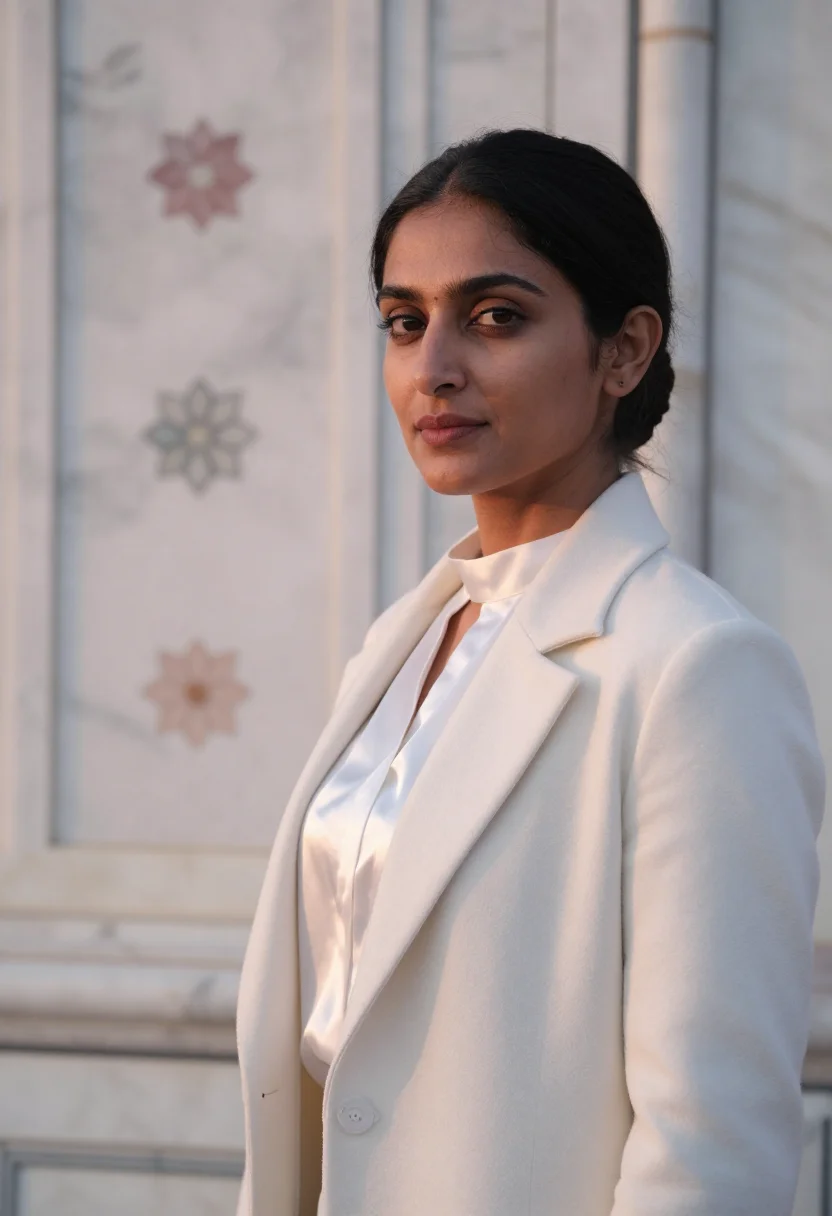
Nine photographs of you in one setting: one pack of the Narcis catalogue.
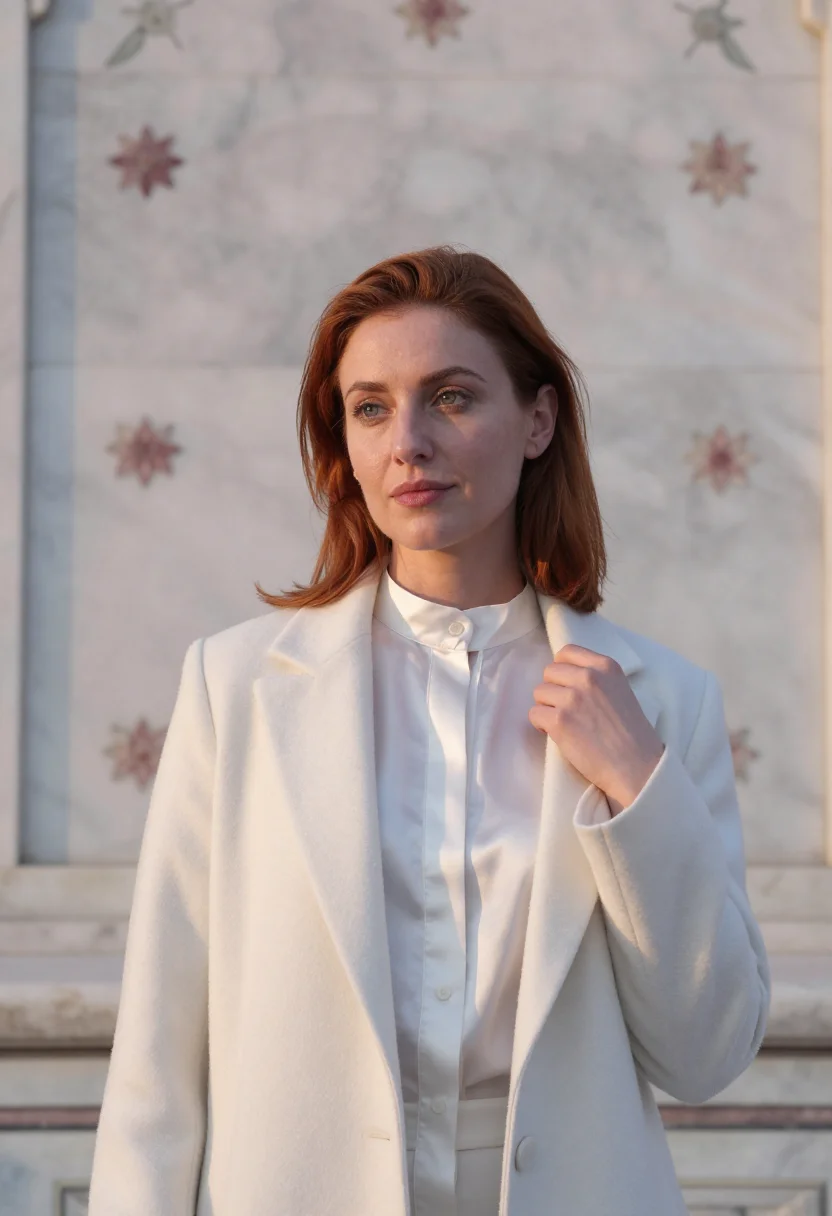
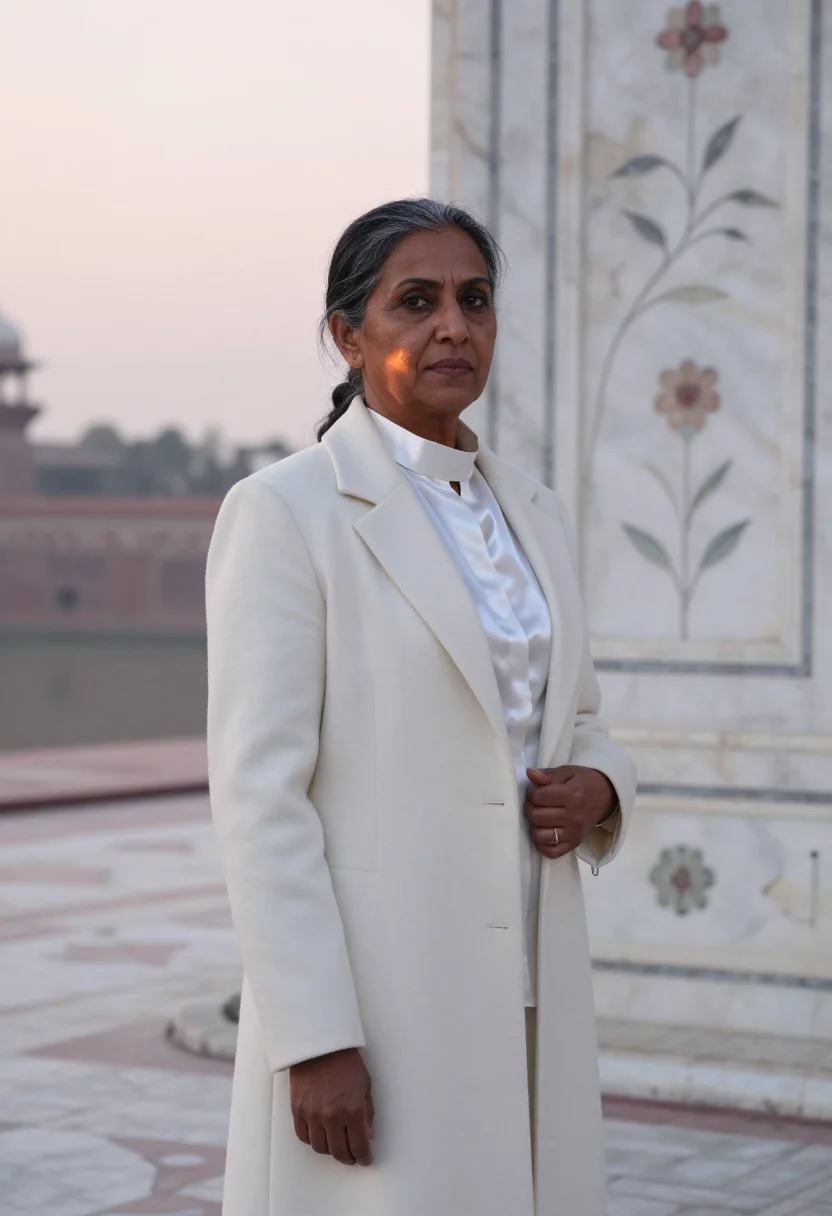
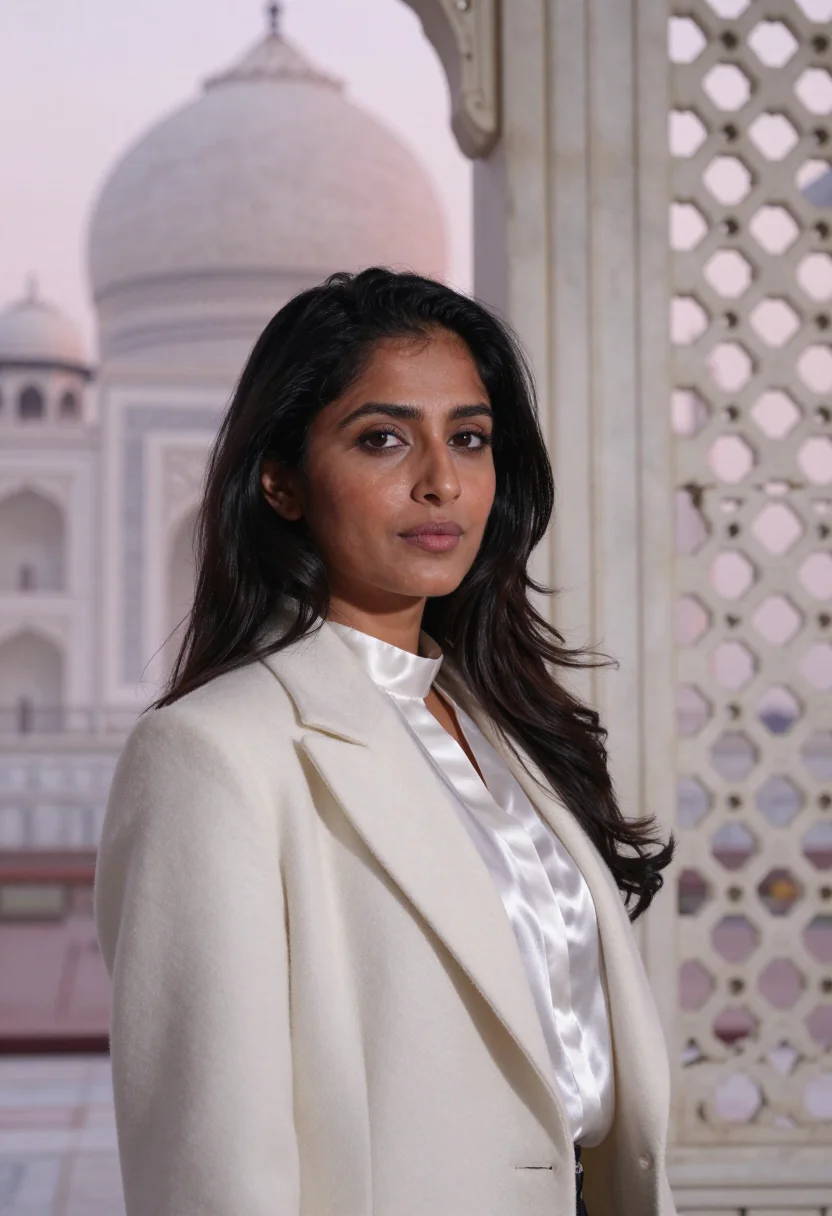
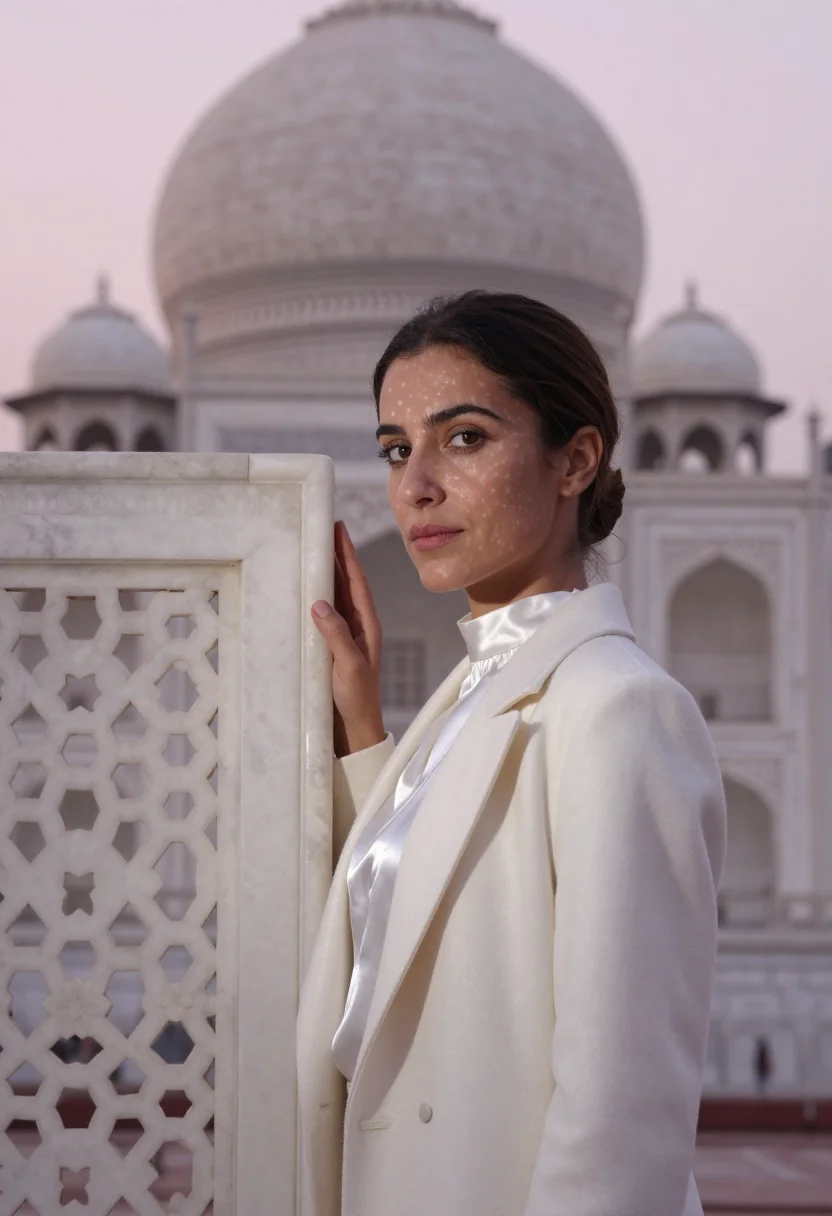
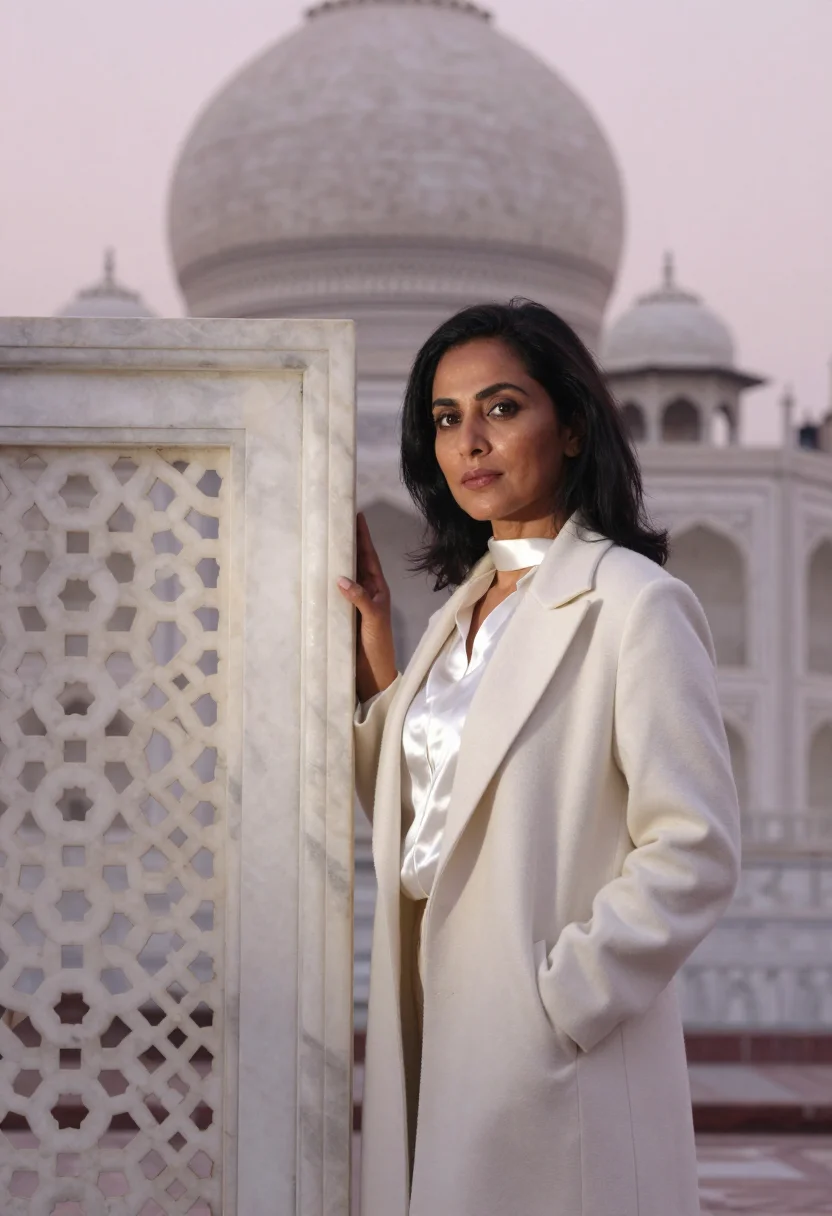
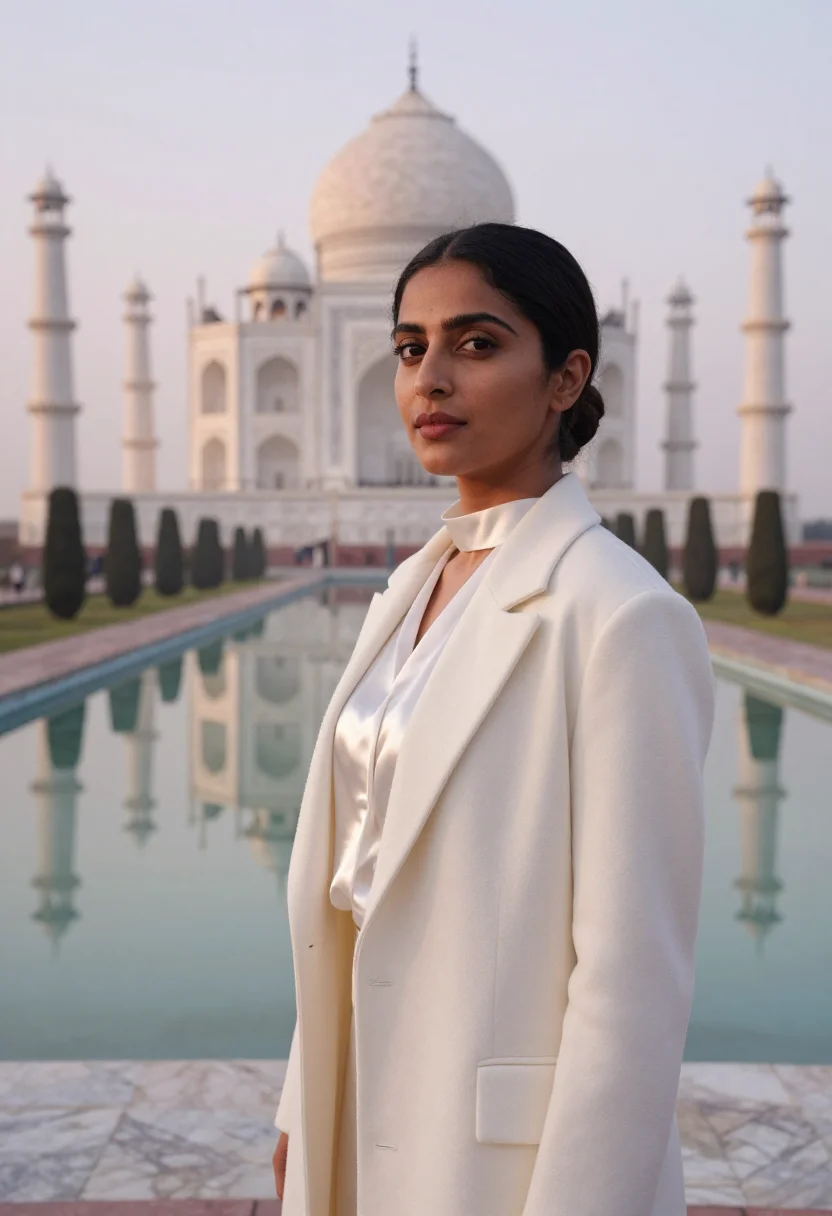
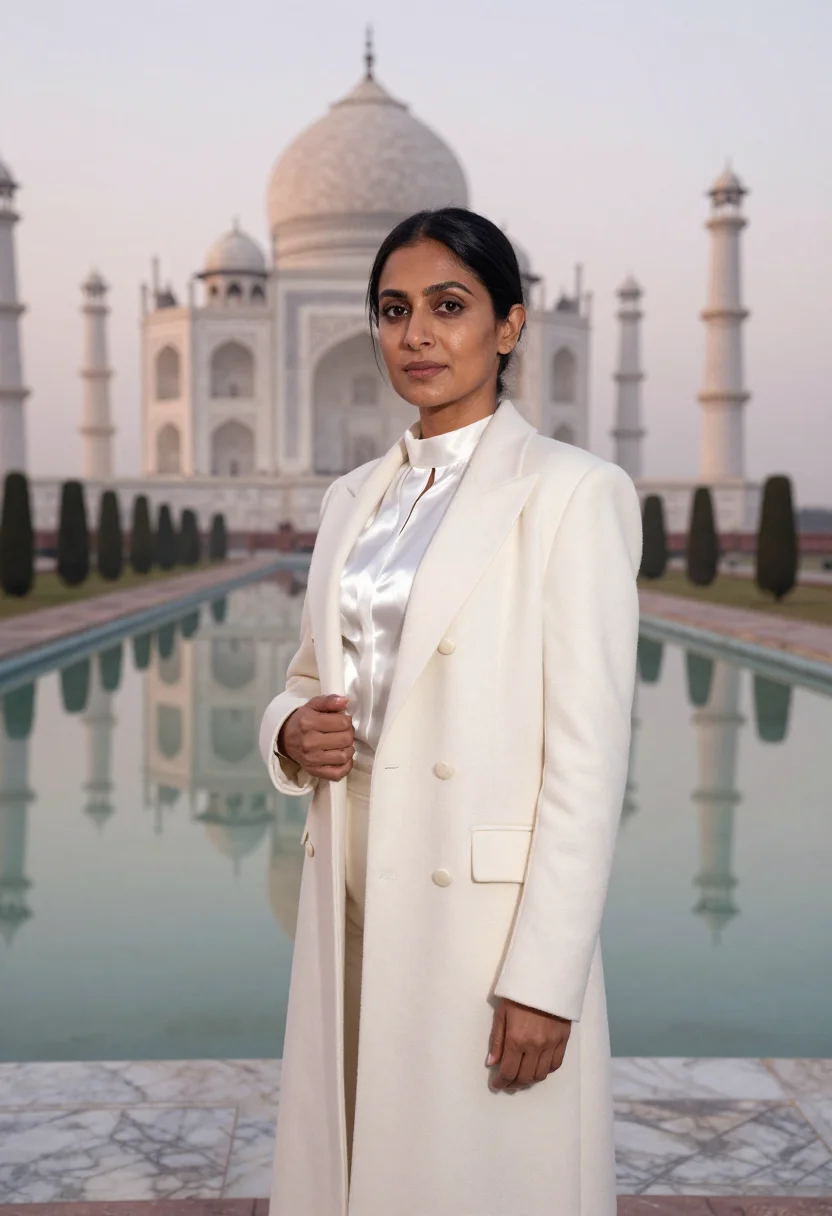
Nine photographs of you in a agra marble conservator white dawn setting, in portrait format. The nine vary in crop, expression and light, so there are real choices, not nine identical files.
/agra-marble-conservator-white-dawn · professional · 3 scenes
A Conservator Headshot at the Marble at Dawn
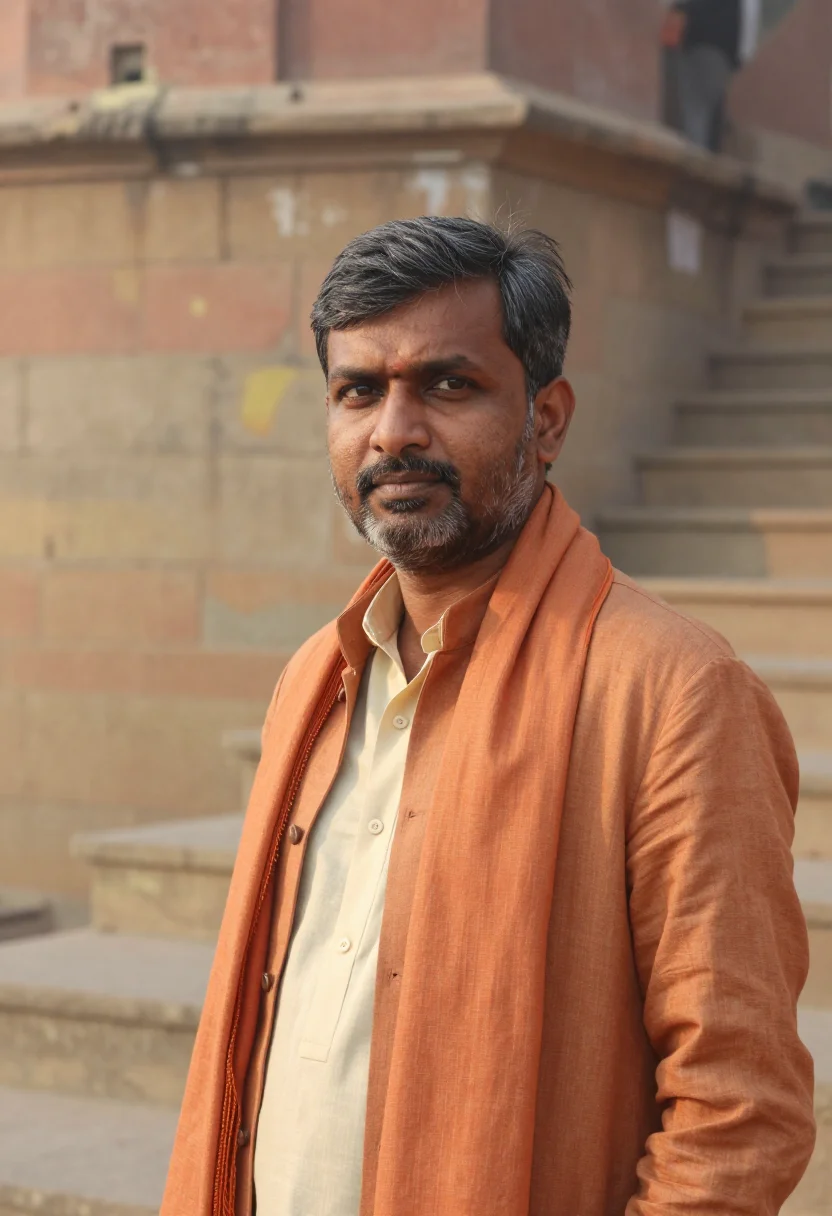
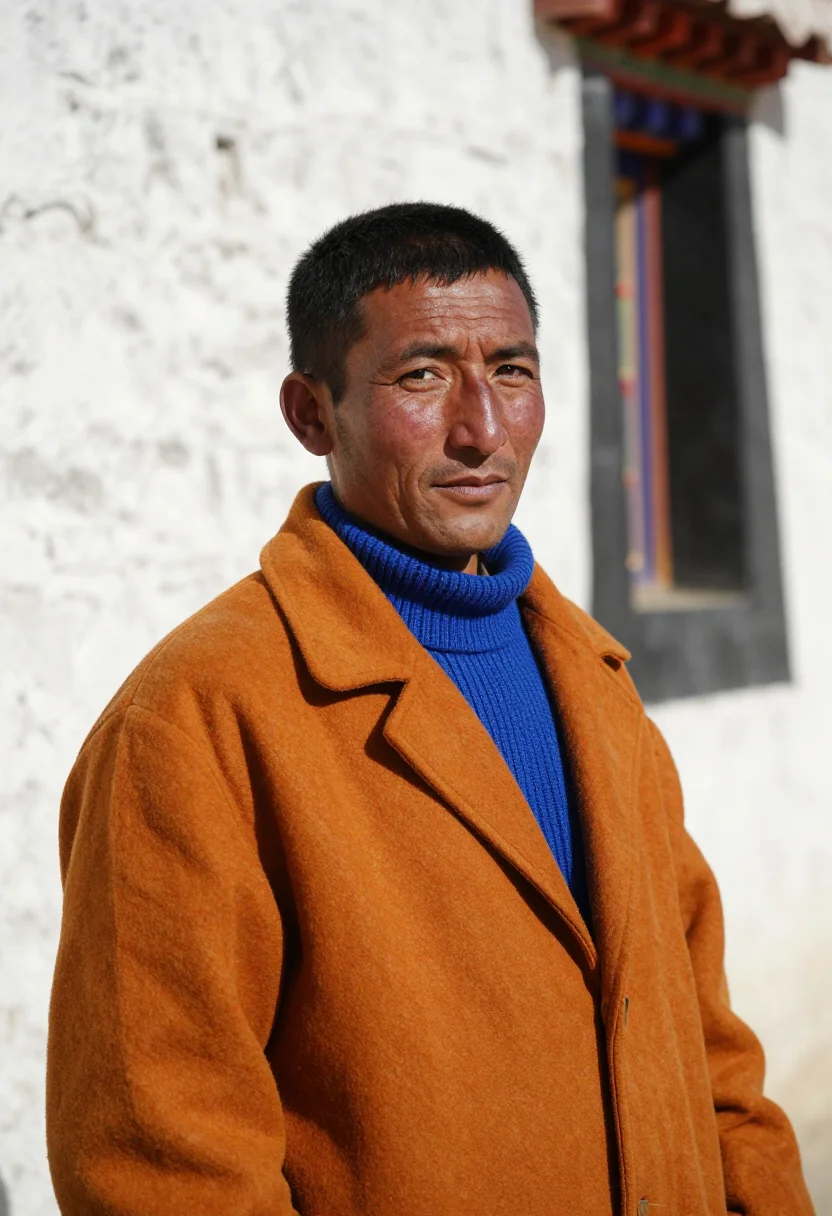
More professionals of the north
one model wears them all →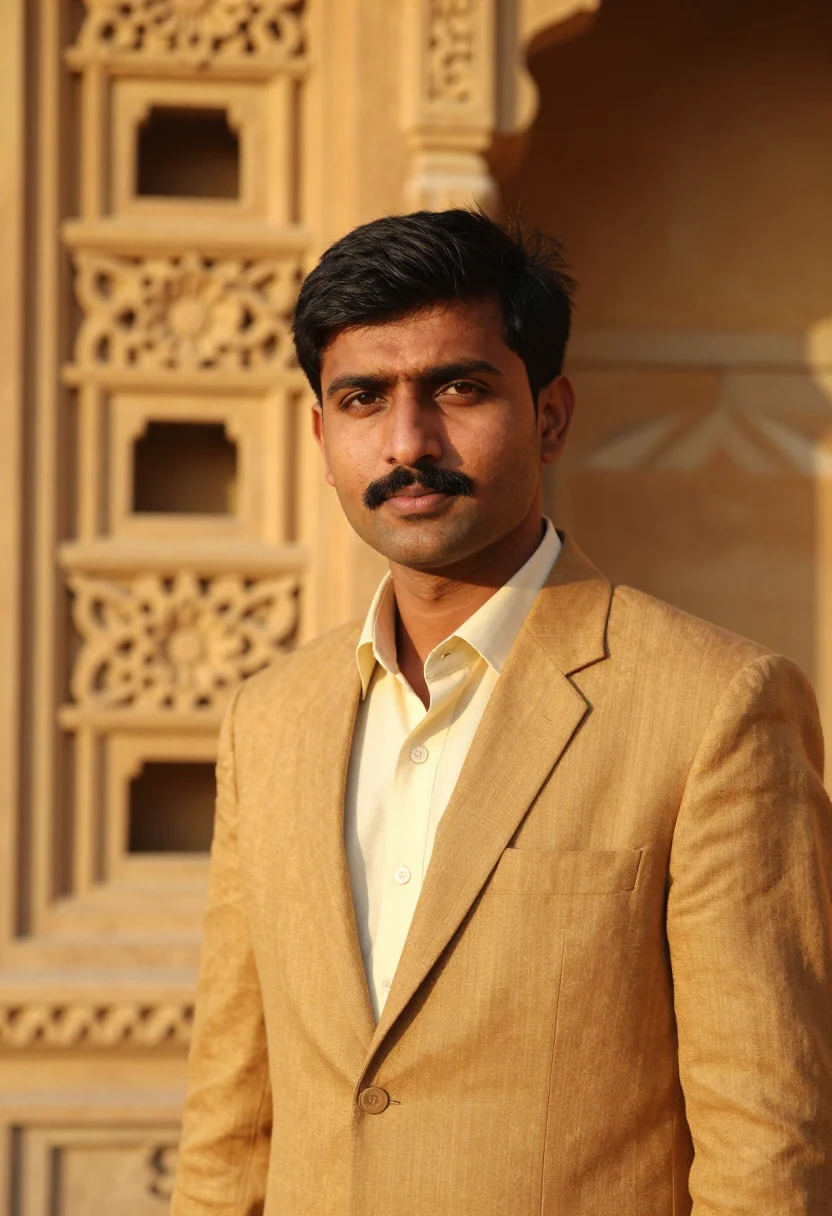
all 9 photos in this pack ↓

How it works
Three steps.
1
Add your photos
Add photos of yourself. We check each one when you add it.
2
We create your model
We create your AI model from your photos. Your photos are ready in a few hours.
3
Every pack, with your face
This pack and every other pack on Narcis can then be made with your face, and single photos too.
The Marble at Dawn register
At dawn the white marble mausoleum on the river at Agra takes the sky's pink-grey before the sun lifts it to white. Four minarets stand about it, flowers of semi-precious stone are inlaid in the marble, a long pool reflects it, and a red sandstone gate frames it, with no crowd yet. The pack dresses the conservator in the hour's marble: a white silk blouse under a pale pearl wool coat, every value from pink-grey to pure white.
She stands before the marble's grain with an inlaid flower soft behind her, rests a hand on a pale stone balustrade, and stands where the dome and minarets rise behind her over the pool. The light is soft pink-grey dawn light, with a catchlight in each eye. The pack is composed to the stone, never to the postcard.
What comes out is photographic: nine photos of you, three in each of three settings, in the look of the white marble mausoleum of Agra at dawn. The place and the wardrobe are borrowed as a setting; the photos are portraits of you, not pictures taken there.
How to photograph yourself for a conservator headshot
Better source photos make better portraits. An ordinary phone photo is enough, and a few habits sharpen the likeness.
- Even, soft lightStand near a window with daylight on your face. Avoid overhead bulbs and phone flash, which flatten a face.
- Front or three-quarter angleCamera at eye level, facing it or turned slightly. No shot from below, no stretched arm.
- Face fully clearHair off the face, no sunglasses and no filters. A clear, front-facing phone photo is the best starting point.
- A quiet, attentive lookA conservator's portrait should read as someone who studies surfaces for hours. A quiet, attentive expression in your source photo carries over best.
- A plain background is fineDo not worry about your own backdrop. The pack replaces it entirely.
Frequently asked questions
- Is this a real photo taken at the Agra mausoleum?
- No. It is a portrait of you set in the look of the white marble mausoleum of Agra at dawn. It is not a picture taken there.
- Will it look like a real photograph?
- Yes. Every photo is photoreal: a real-looking photograph of you in the look of the white marble mausoleum of Agra at dawn, not a painting or a cartoon.
- Is it right for conservators and museum professionals?
- Yes. It suits conservators, curators, archivists and gallery staff, for an institution's staff page, a project credit or a conference bio.
- Why so much pale pearl?
- Dawn marble is pink-grey before it is white. Silk and wool in those values keep the portrait quiet, as the hour is.
- Is this pack for women?
- The wardrobe and styling are cut for women, so the pack reads that way. Other packs on Narcis suit other looks.
- Will the photos look like me?
- Every photo looks like you, well photographed. If one is nearly right, say what to change, in your own words.
- Do I have to write a prompt?
- No. There is nothing to write: you pick a pack, and it is ready in seconds.
- How many photos of myself do I add?
- Between six and twenty, from different days and in different light, with your face clear. We check each one when you add it.
- What happens to the photos I add?
- They are used only to create your model, on our own servers in the European Union. They are not shared and not sold.
When this pack fits
- A conservator headshot for an institution's staff page
- A heritage professional headshot for a project credit
- A museum professional headshot for a conference bio
- An author photo for a book on art and stone
- A profile picture in dawn white
- A framed print in pearl and pink-grey
- A gift for someone who loves marble
About narcis
Most AI photo tools put every pose, job, era, and style in one giant catalog. The photos all look like every other AI photo on the internet — a glaze over a stock face. Narcis goes the other way. One job: photos of you that look like photographs. You add at least 6 photos of yourself, and we create your AI model from them. Your photos are ready in a few hours, and we email you when they are. Then this pack and every other pack on Narcis can be made with your face. Each pack is curated against real references — paintings, photographers, places — and tested on real faces before it goes live. Built and run by one small team, on our own servers.
All images are AI-generated. By using this service, you confirm you are 18+, that any face photo you upload is your own or used with explicit consent. Full Terms