An Alpe d Huez Photoshoot at Dutch Corner
Nine photos of you in one setting
How your model is created from your photos
Every pack on Narcis, made with your face
Nine photographs of you in one setting: one pack of the Narcis catalogue.
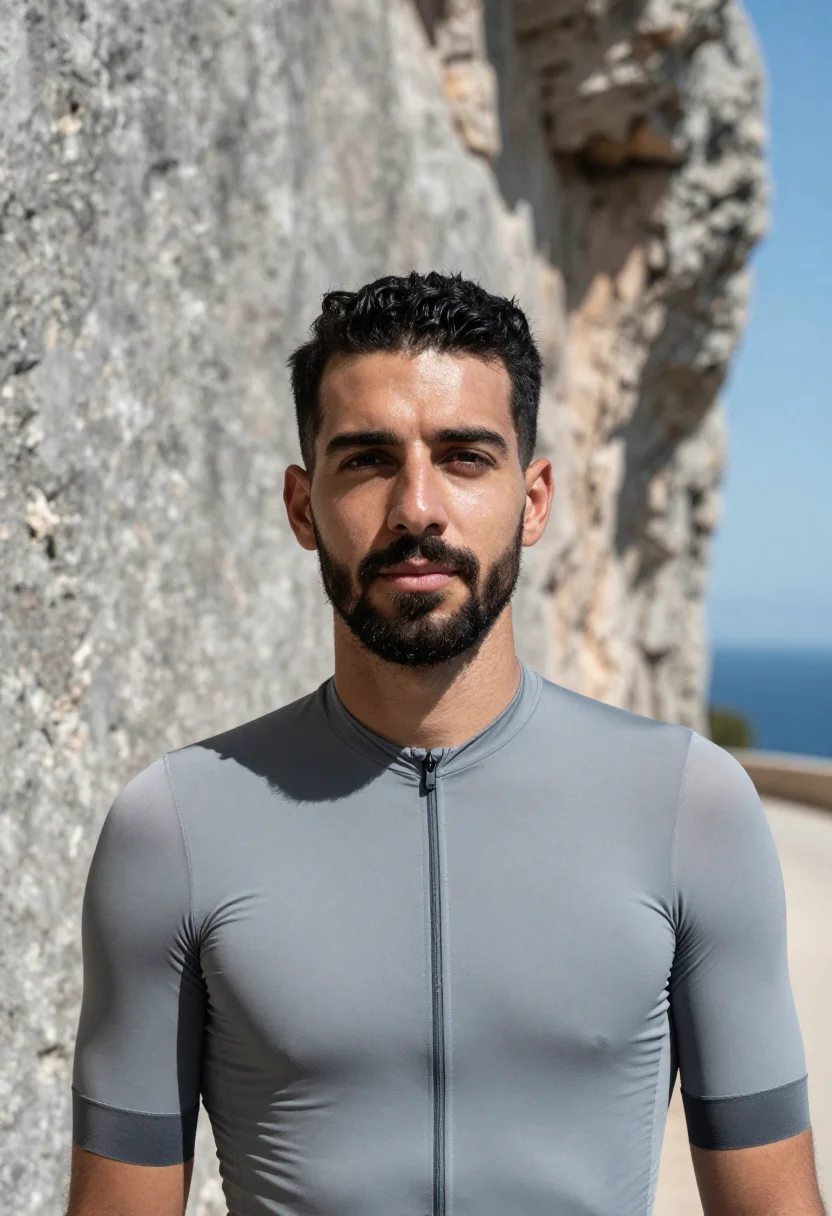
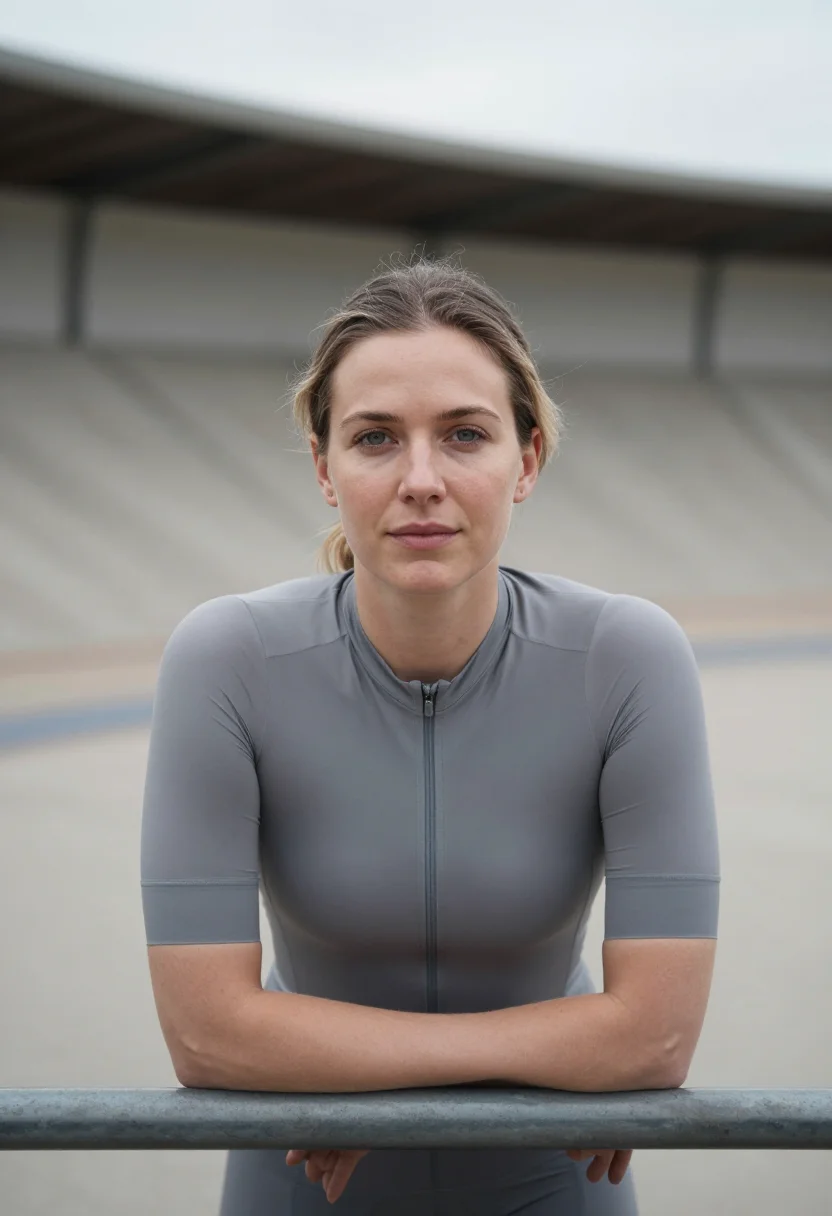
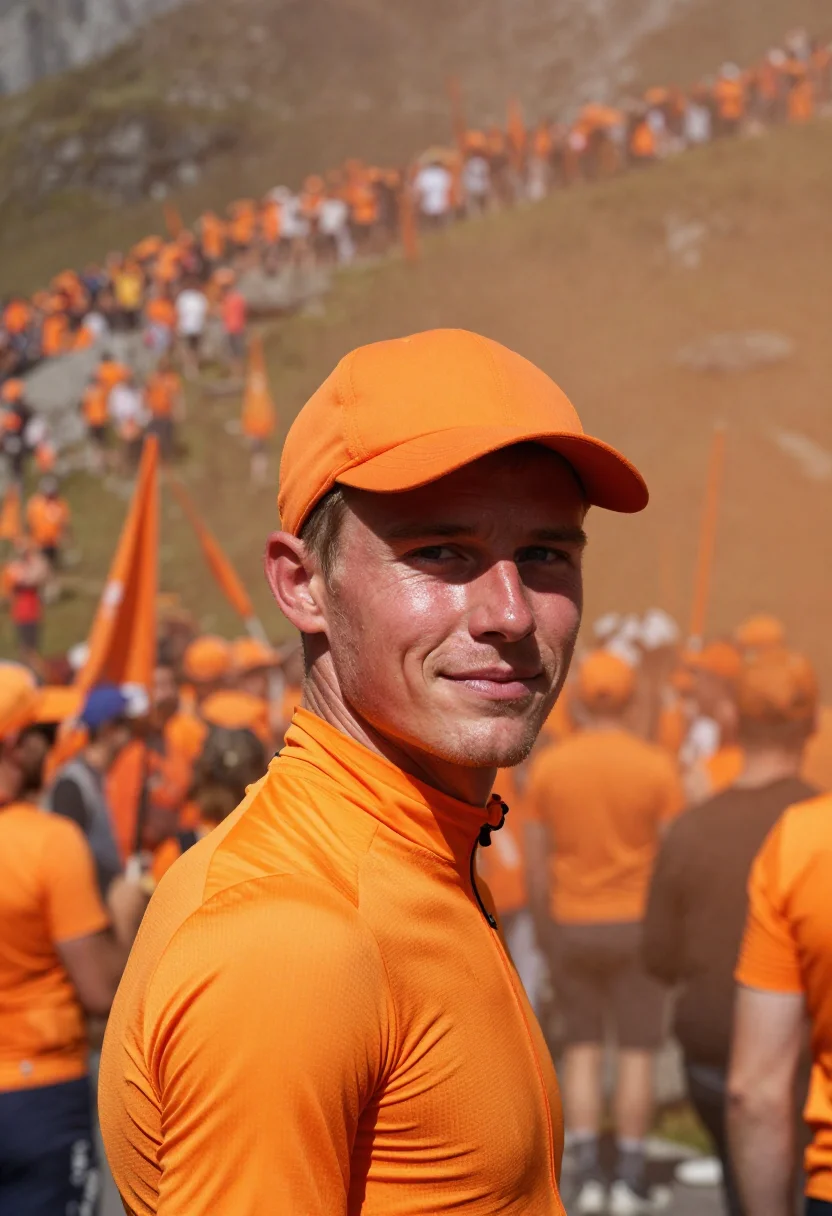
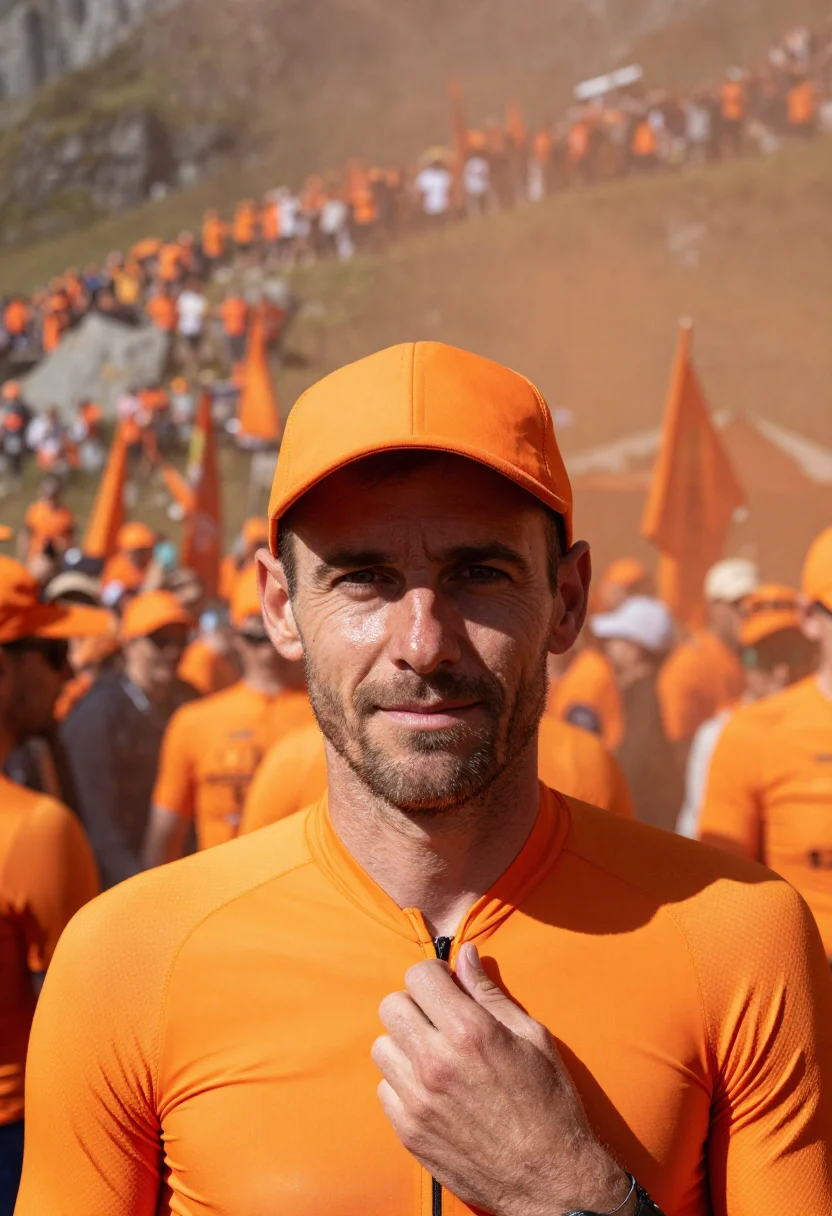
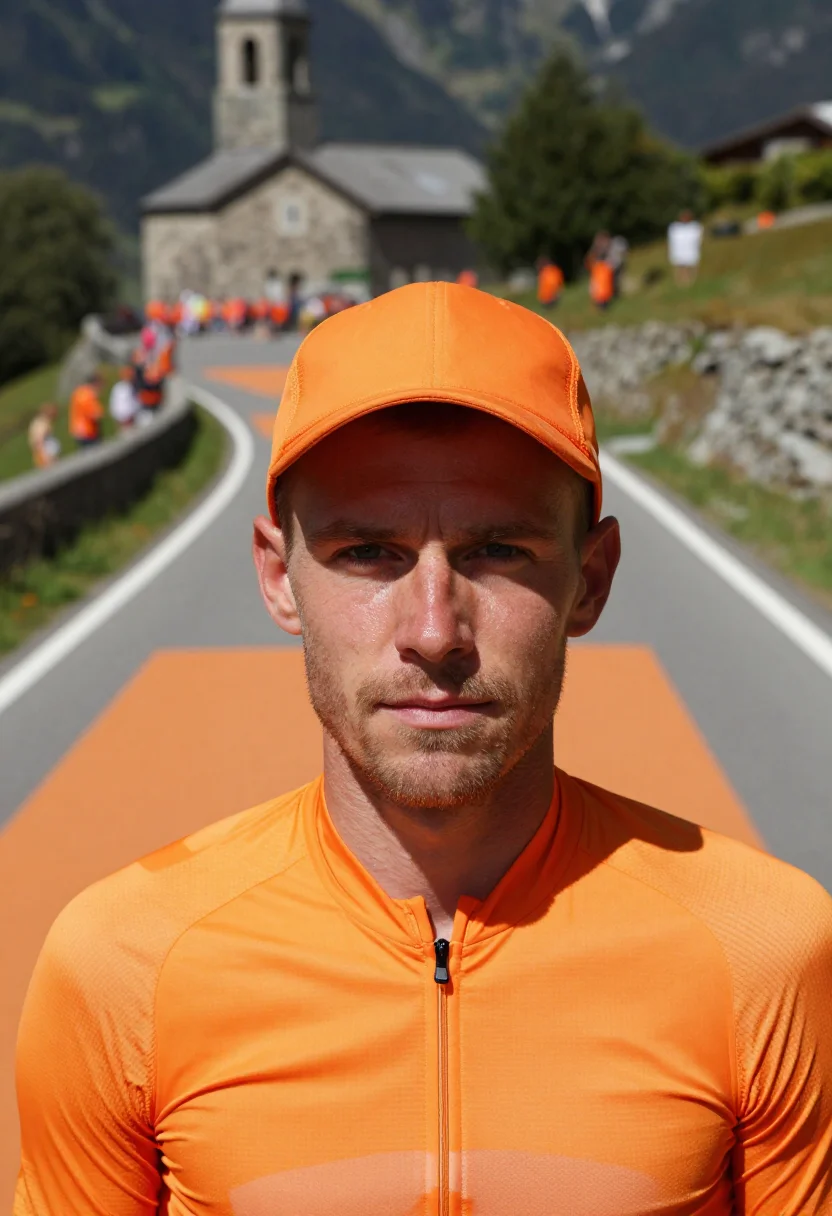
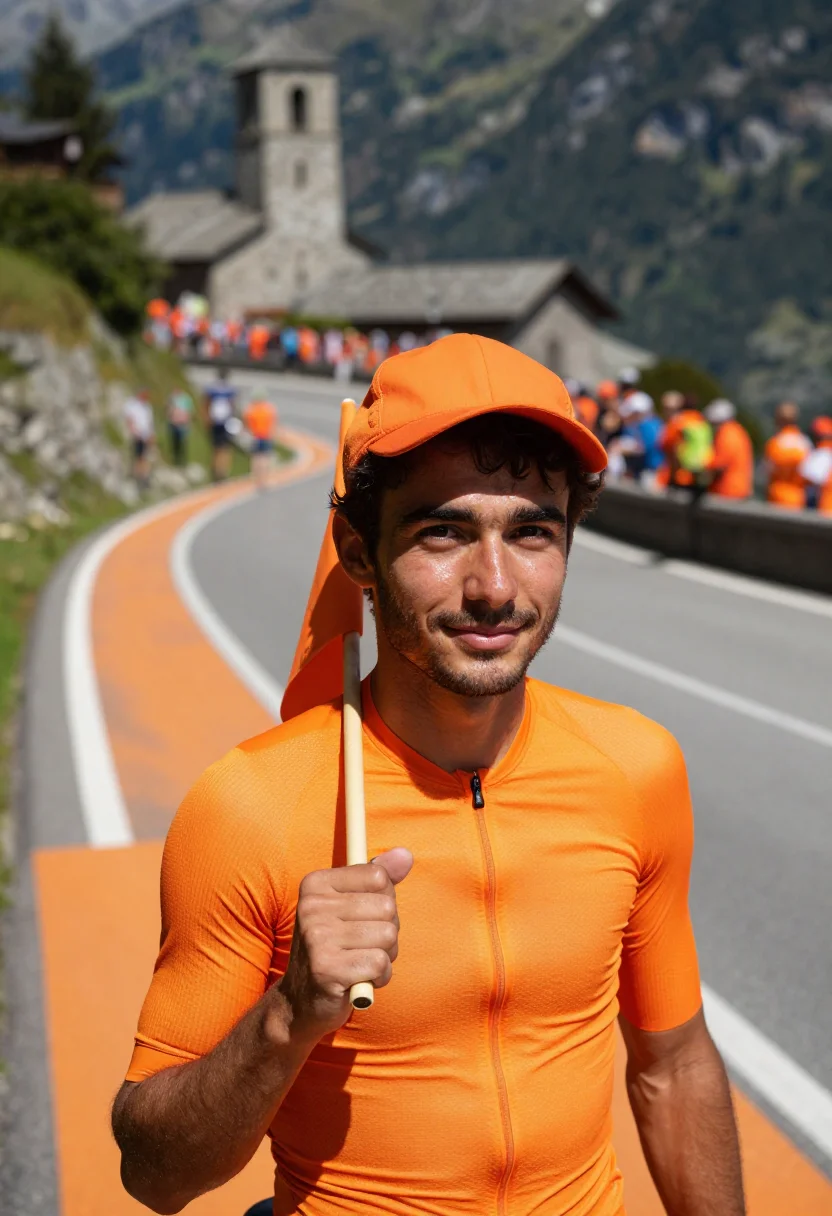
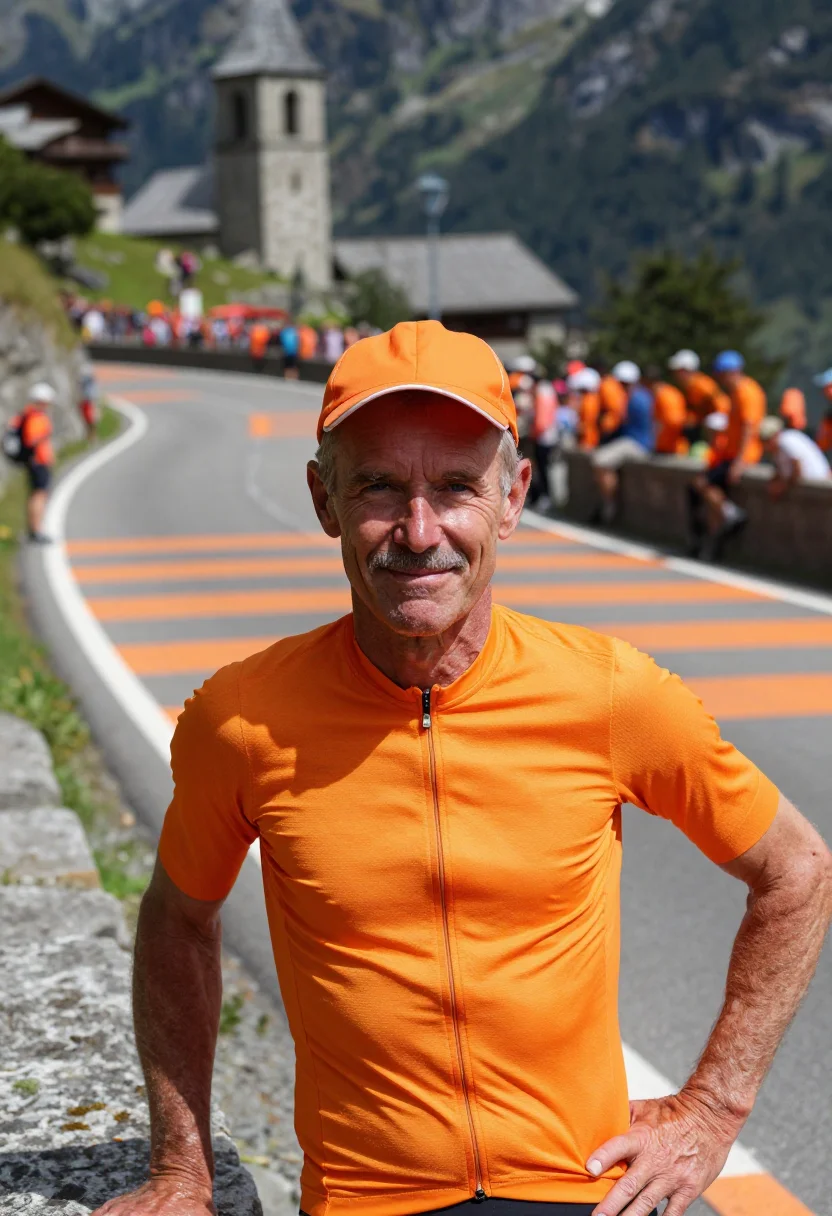
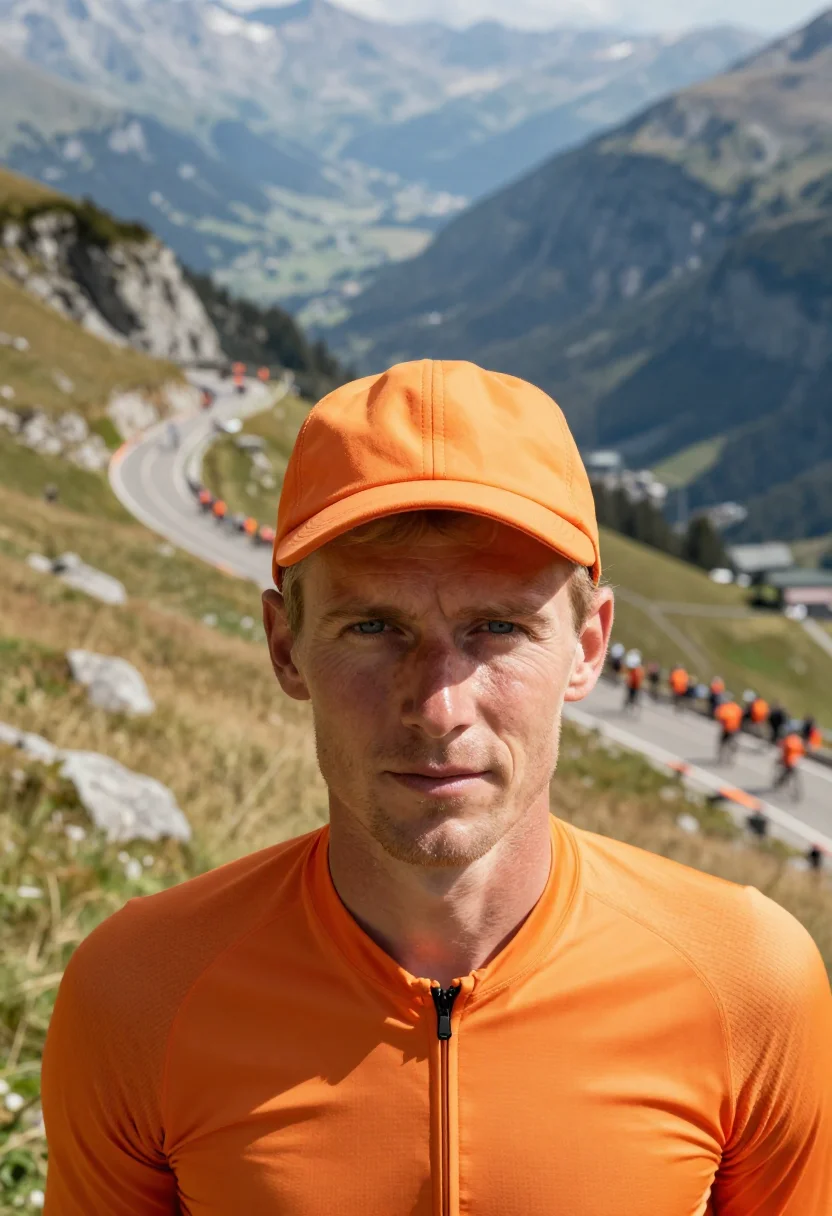
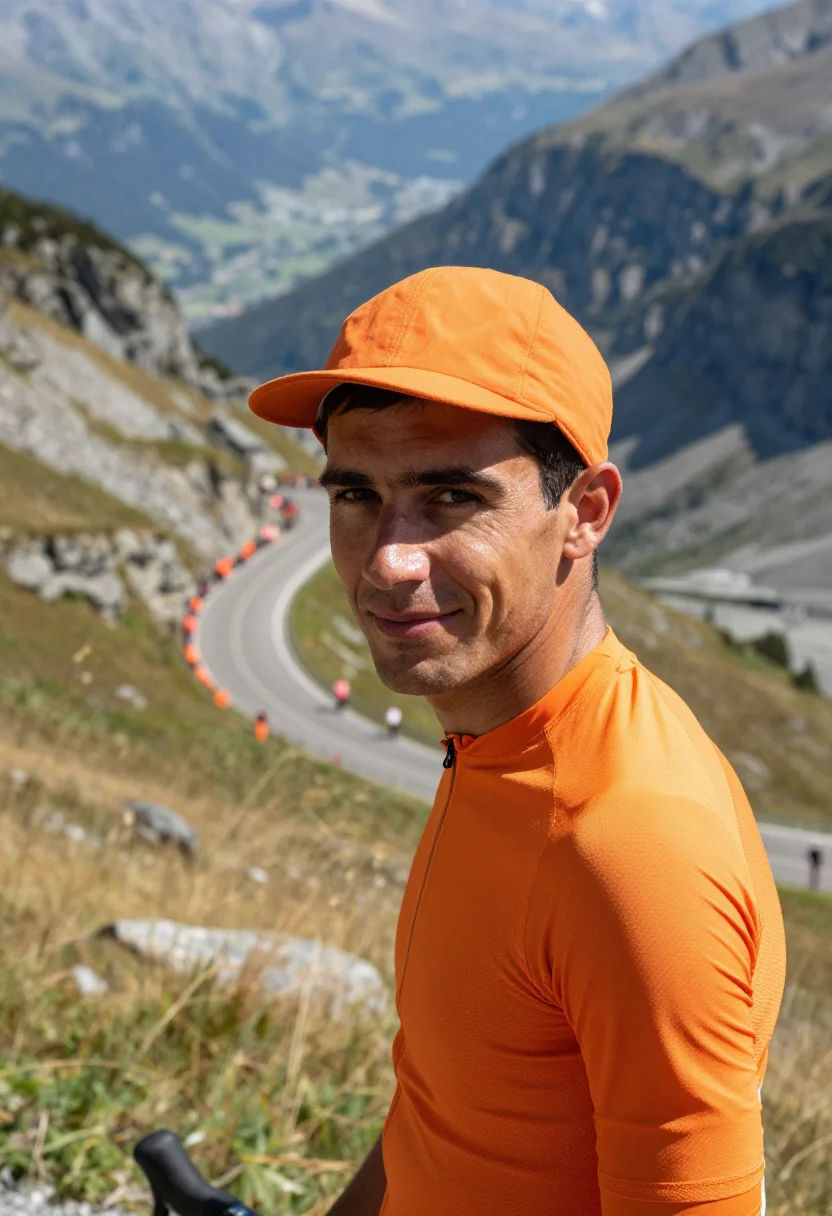
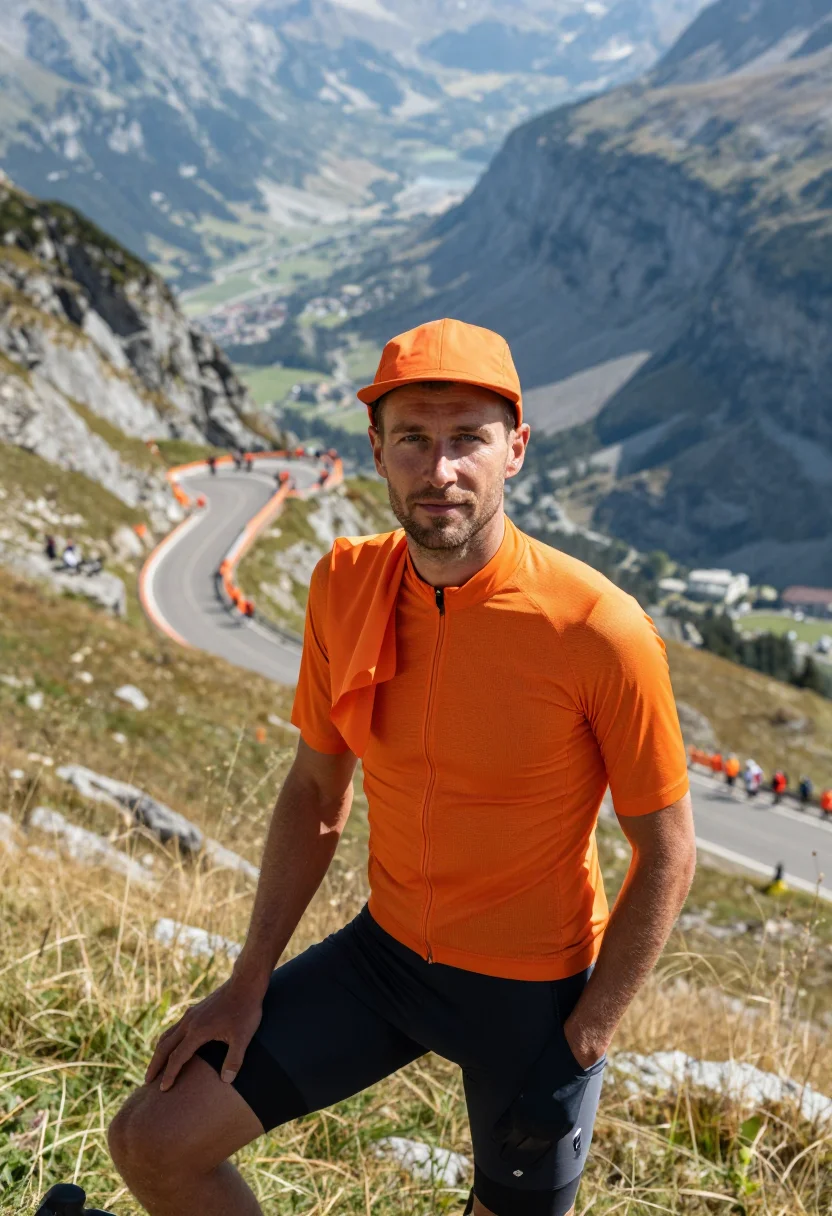
Nine photographs of you in a alpe d huez dutch corner orange setting, in portrait format. The nine vary in crop, expression and light, so there are real choices, not nine identical files.
/alpe-d-huez-dutch-corner-orange · photo · 3 scenes
An Alpe d Huez Photoshoot at Dutch Corner
no account · ~15s · try it on with one selfie
More of the sporting world
one model wears them all →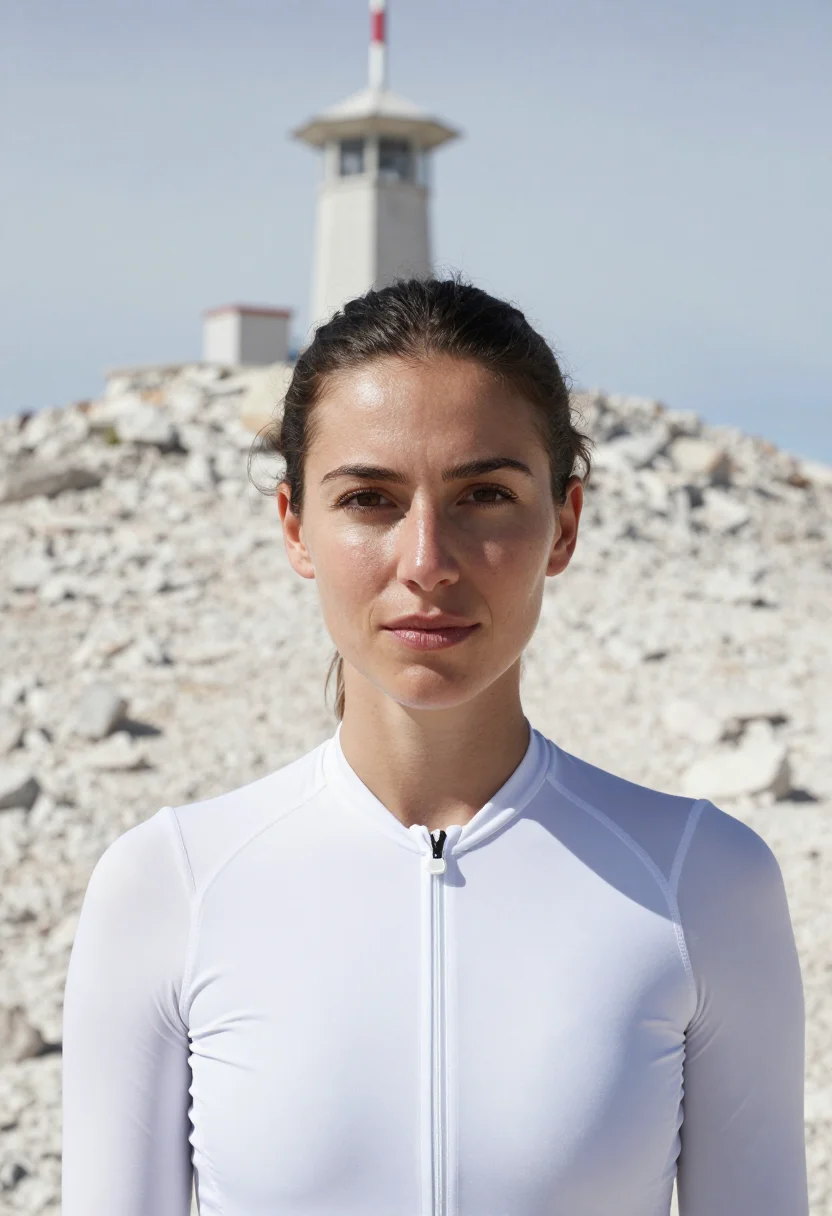
all 9 photos in this pack ↓
How it works
Three steps.
1
Add your photos
Add photos of yourself. We check each one when you add it.
2
We create your model
We create your AI model from your photos. Your photos are ready in a few hours.
3
Every pack, with your face
This pack and every other pack on Narcis can then be made with your face, and single photos too.
The Alpe d'Huez register
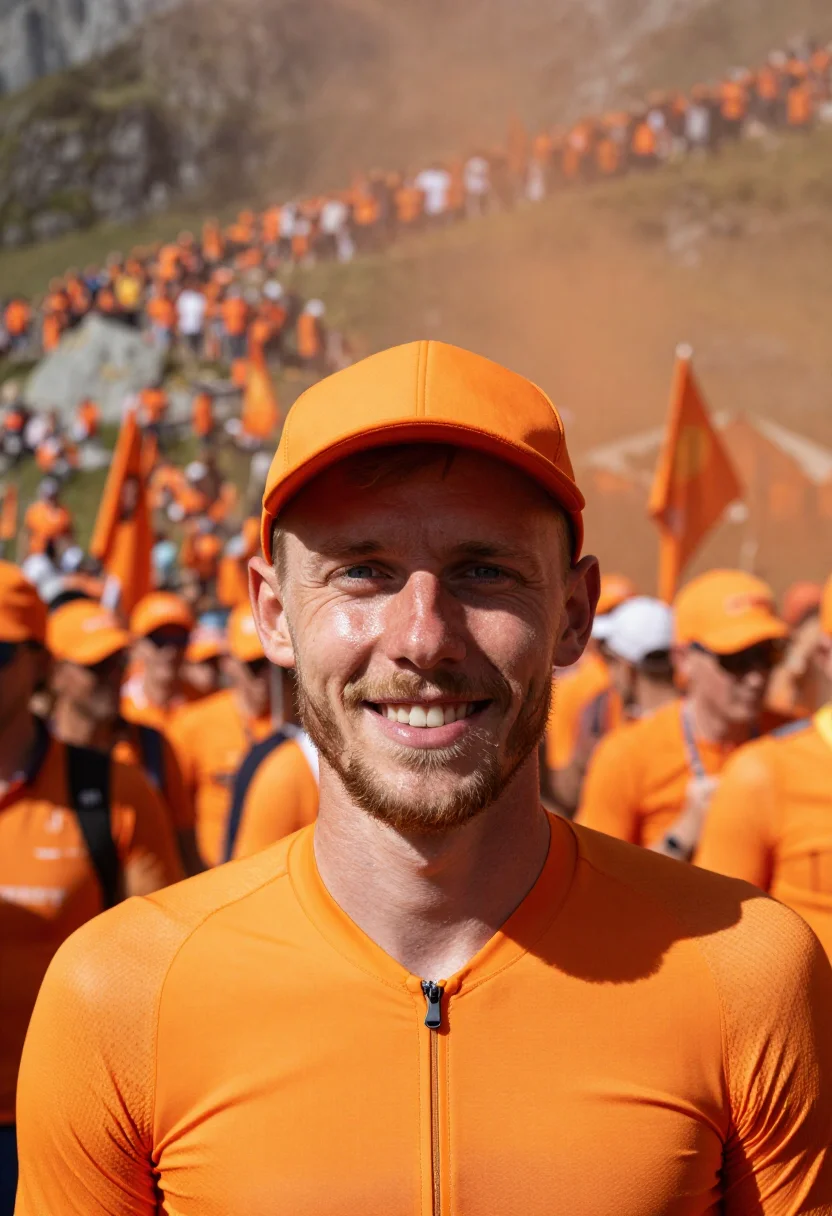
Dutch Corner is the seventh hairpin of the climb to Alpe d'Huez, and on race day the whole hillside turns orange: shirts, flags, wigs, caravans and the name of a rider painted on the tarmac. The pack puts the fan inside that colour. The jersey is orange, the crowd behind is orange and the road is orange, so one hue holds the picture, and the rock of the mountain is the only thing allowed to be grey. It is an orange outfit portrait for cycling.
He stands with the orange soft behind him, stands chest-up at the road's edge over the painted tarmac, and stands half-length on the hillside with the valley dropping away. The light is bright alpine light. The mood is the noise and good humour of the most crowded corner in cycling.
What comes out is photographic: nine photos of you, three in each of three settings, in the look of Alpe d'Huez. The place and the wardrobe are borrowed as a setting; the photos are portraits of you, not pictures taken there.
How to photograph yourself for a alpe d huez photoshoot
Better source photos make better portraits. An ordinary phone photo is enough, and a few habits sharpen the likeness.
- Even, soft lightStand near a window with daylight on your face. Avoid overhead bulbs and phone flash, which flatten a face.
- Front or three-quarter angleCamera at eye level, facing it or turned slightly. No shot from below, no stretched arm.
- Face fully clearHair off the face, no sunglasses and no filters. A clear, front-facing phone photo is the best starting point.
- A relaxed, natural lookThis portrait reads as cheerful and loud, a fan among friends. A natural expression in your source photo carries over best.
- A plain background is fineDo not worry about your own backdrop. The pack replaces it entirely.
Frequently asked questions
- Is this a real photo taken at Alpe d'Huez?
- No. It is a portrait of you set in the look of Dutch Corner on race day. It is not a picture taken there.
- Will it look like a real photograph?
- Yes. Every photo is photoreal: a real-looking photograph of you in the look of Alpe d'Huez, not a painting or a cartoon.
- Is it right for fans of any country?
- Yes. The orange is the Dutch fans' colour, and anyone who loves the race can wear it. The wardrobe is cut for men.
- Will the photos look like me?
- Every photo looks like you, well photographed. If one is nearly right, say what to change, in your own words.
- Do I have to write a prompt?
- No. There is nothing to write: you pick a pack, and it is ready in seconds.
- How many photos of myself do I add?
- Between six and twenty, from different days and in different light, with your face clear. We check each one when you add it.
- What happens to the photos I add?
- They are used only to create your model, on our own servers in the European Union. They are not shared and not sold.
When this pack fits
- An Alpe d'Huez photoshoot for a cycling trip album
- A Dutch Corner orange portrait for a profile picture
- An orange outfit portrait for a cycling club page
- A card or invitation for a race-watching party
- A framed print in orange
- A gift for a cycling fan who has stood on the climb
- A orange outfit portrait cycling for a travel page or a card
About narcis
Most AI photo tools put every pose, job, era, and style in one giant catalog. The photos all look like every other AI photo on the internet — a glaze over a stock face. Narcis goes the other way. One job: photos of you that look like photographs. You add at least 6 photos of yourself, and we create your AI model from them. Your photos are ready in a few hours, and we email you when they are. Then this pack and every other pack on Narcis can be made with your face. Each pack is curated against real references — paintings, photographers, places — and tested on real faces before it goes live. Built and run by one small team, on our own servers.
All images are AI-generated. By using this service, you confirm you are 18+, that any face photo you upload is your own or used with explicit consent. Full Terms