An Amsterdam Photoshoot, Canal House Style
Nine photos of you in one setting
How your model is created from your photos
Every pack on Narcis, made with your face
Nine photographs of you in one setting: one pack of the Narcis catalogue.
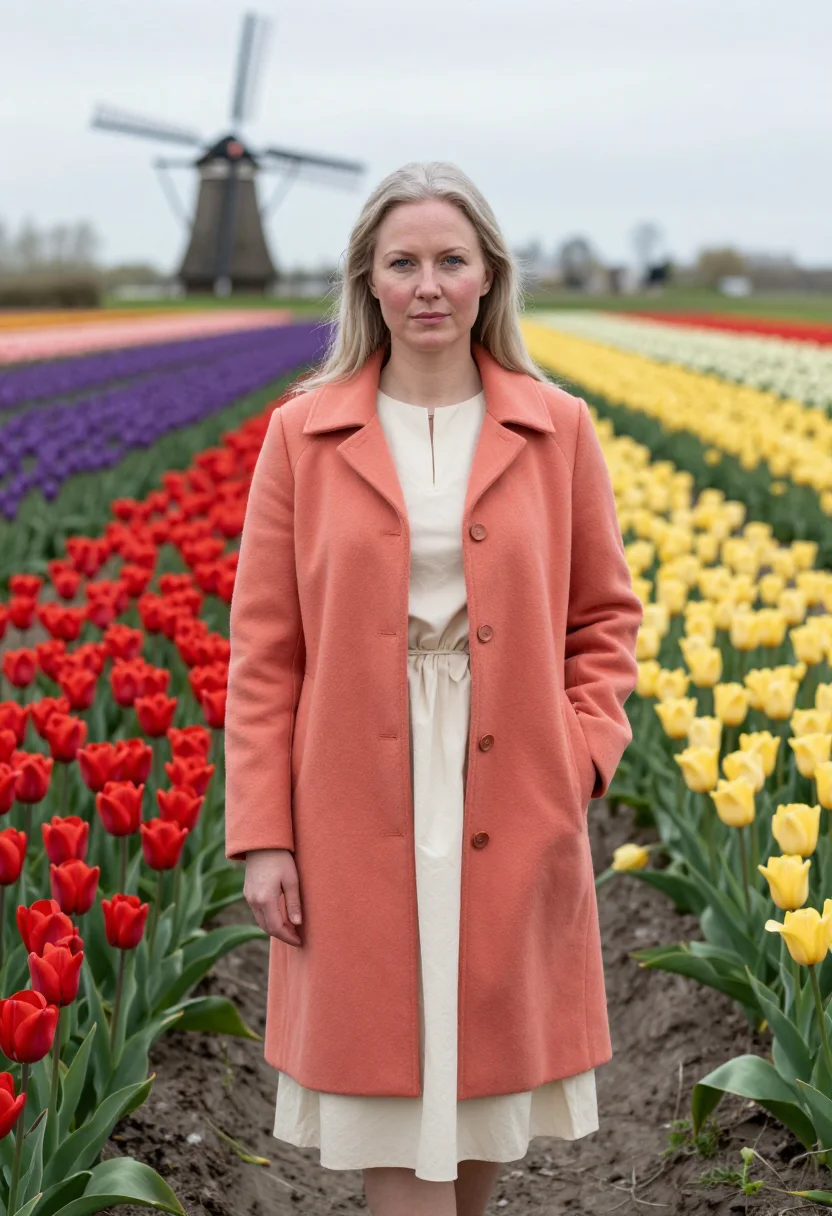
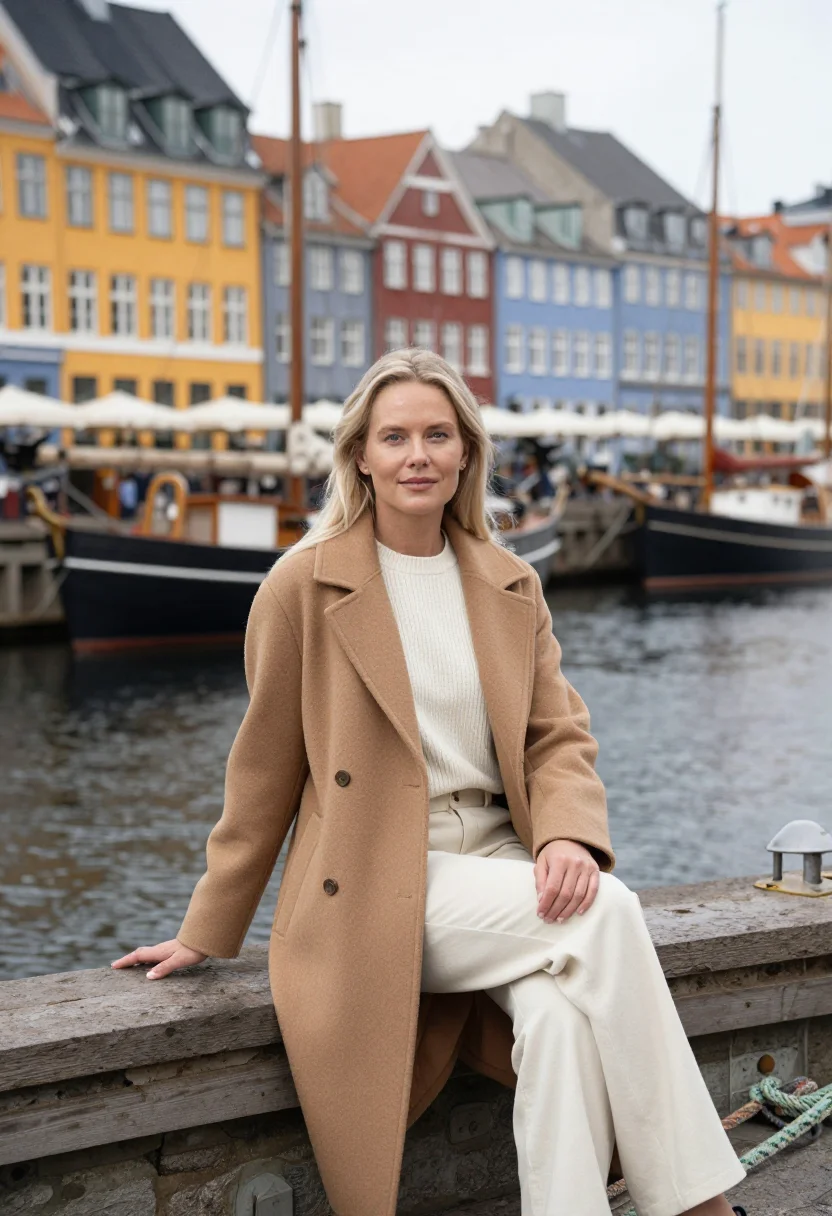
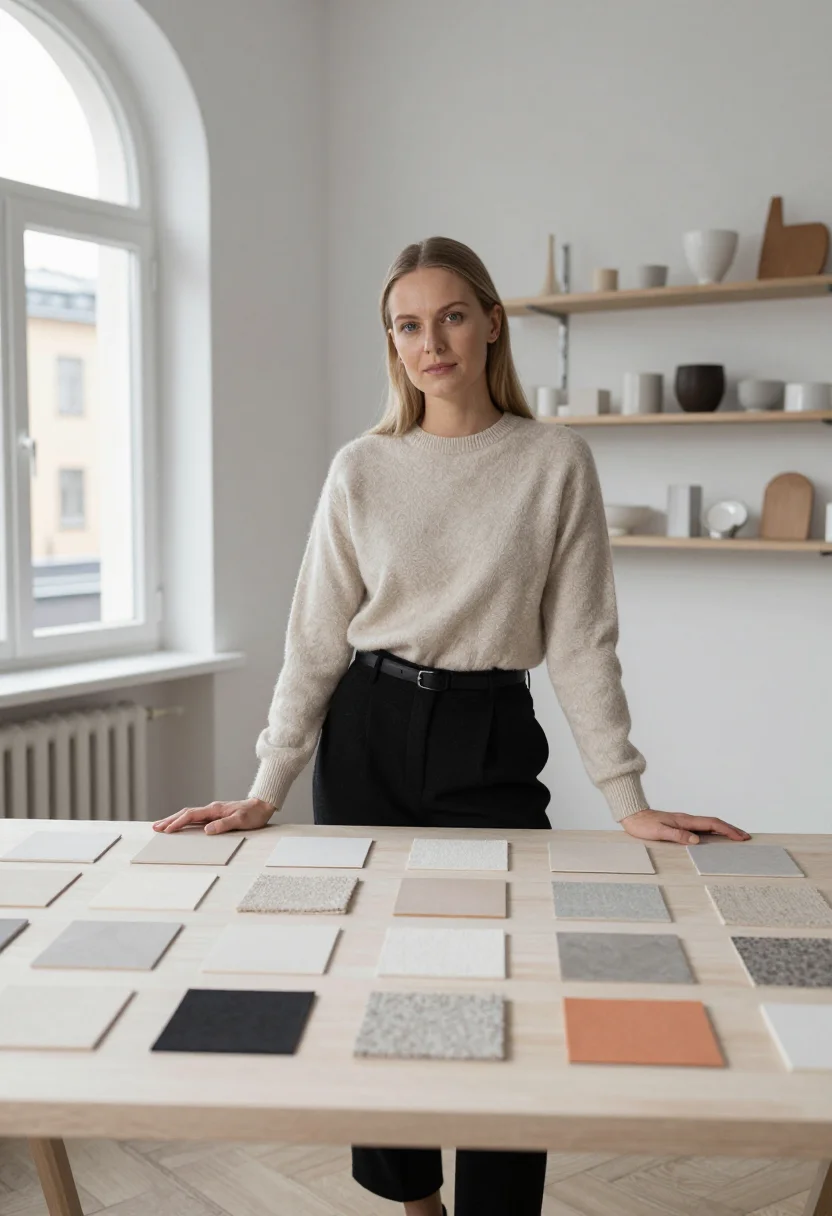
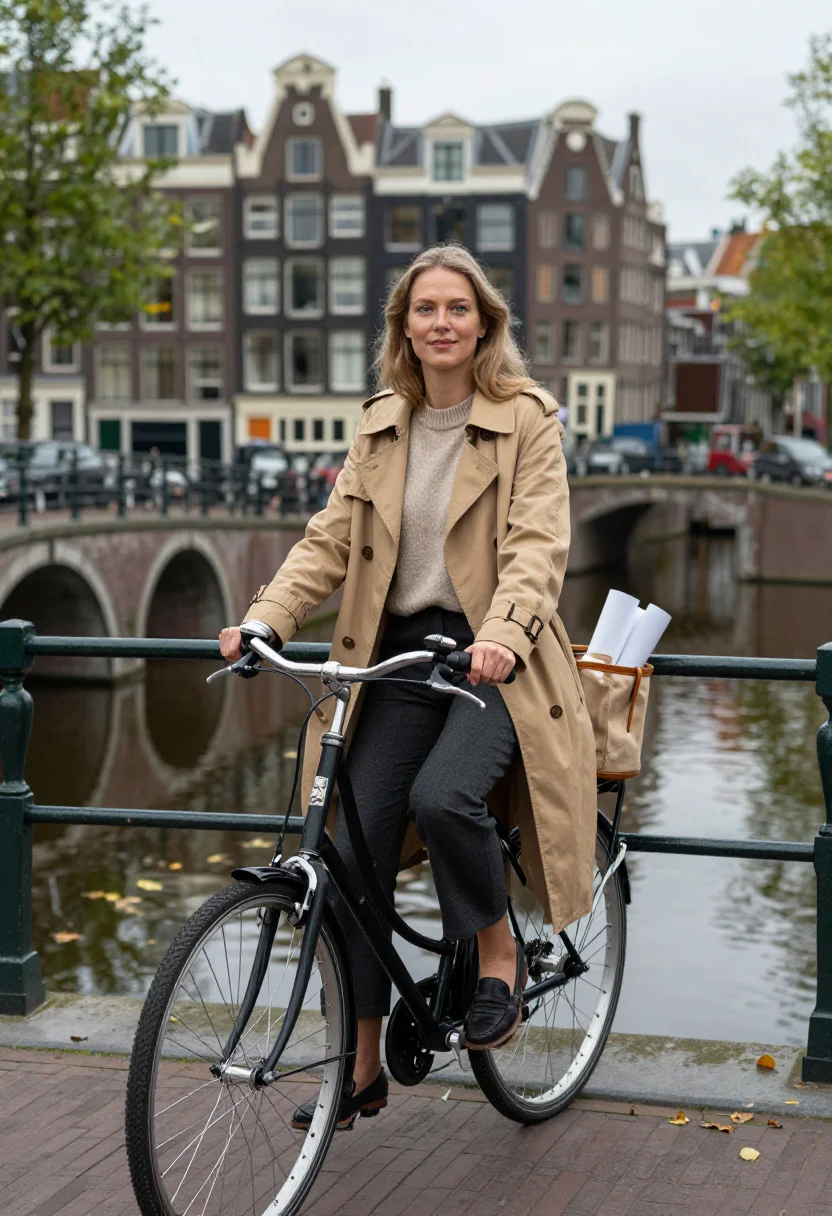
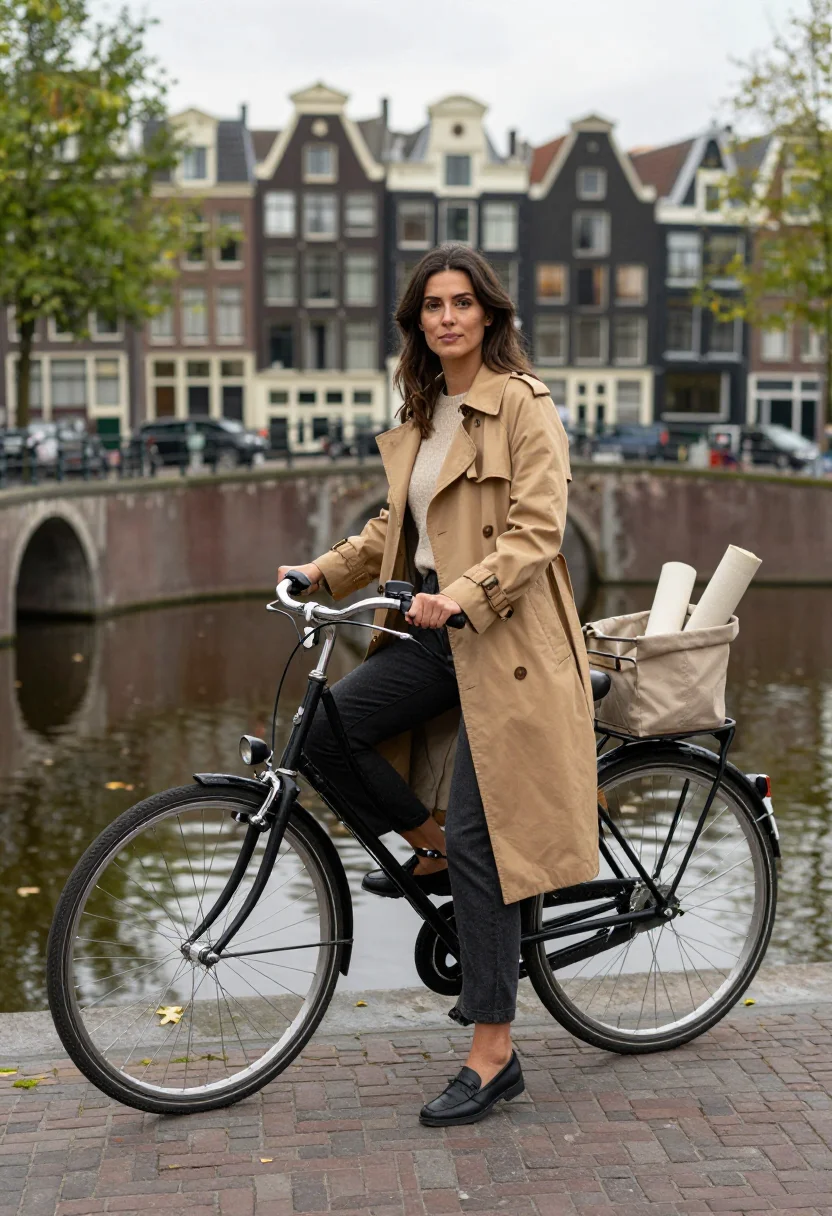
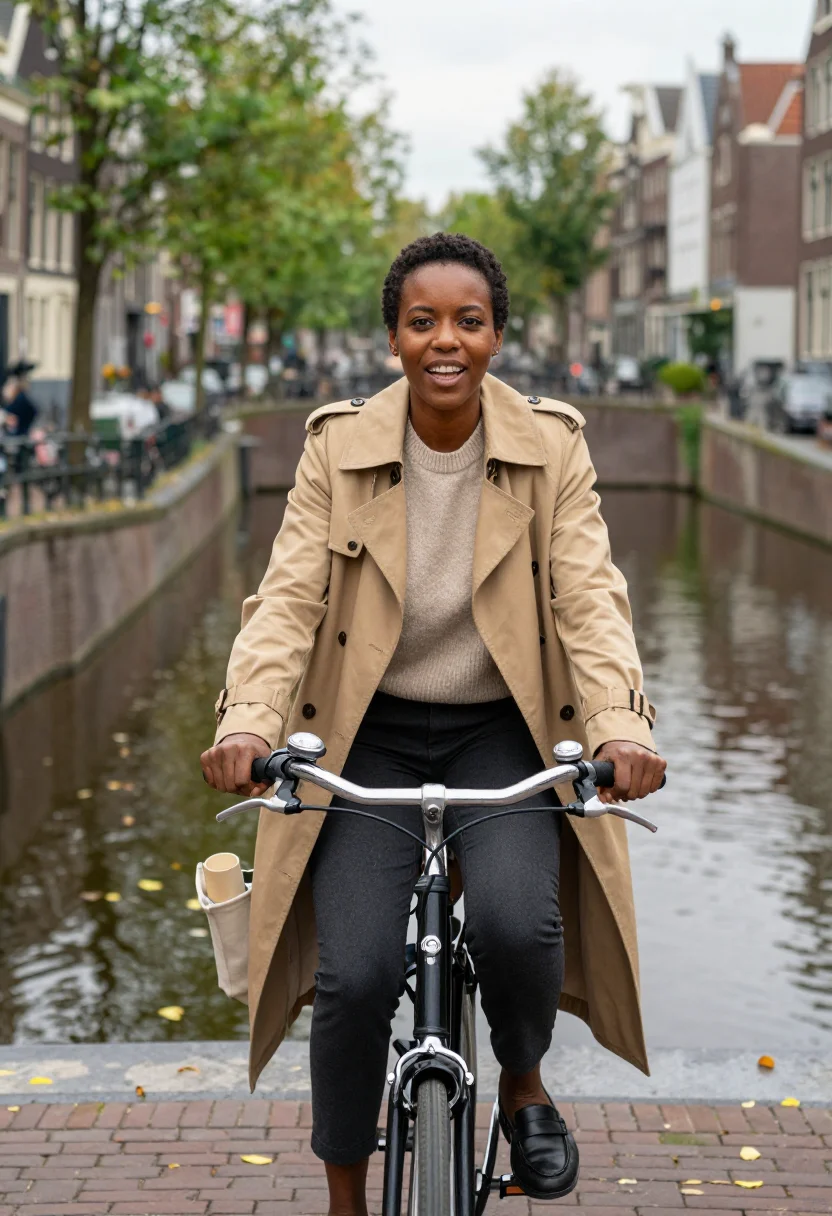
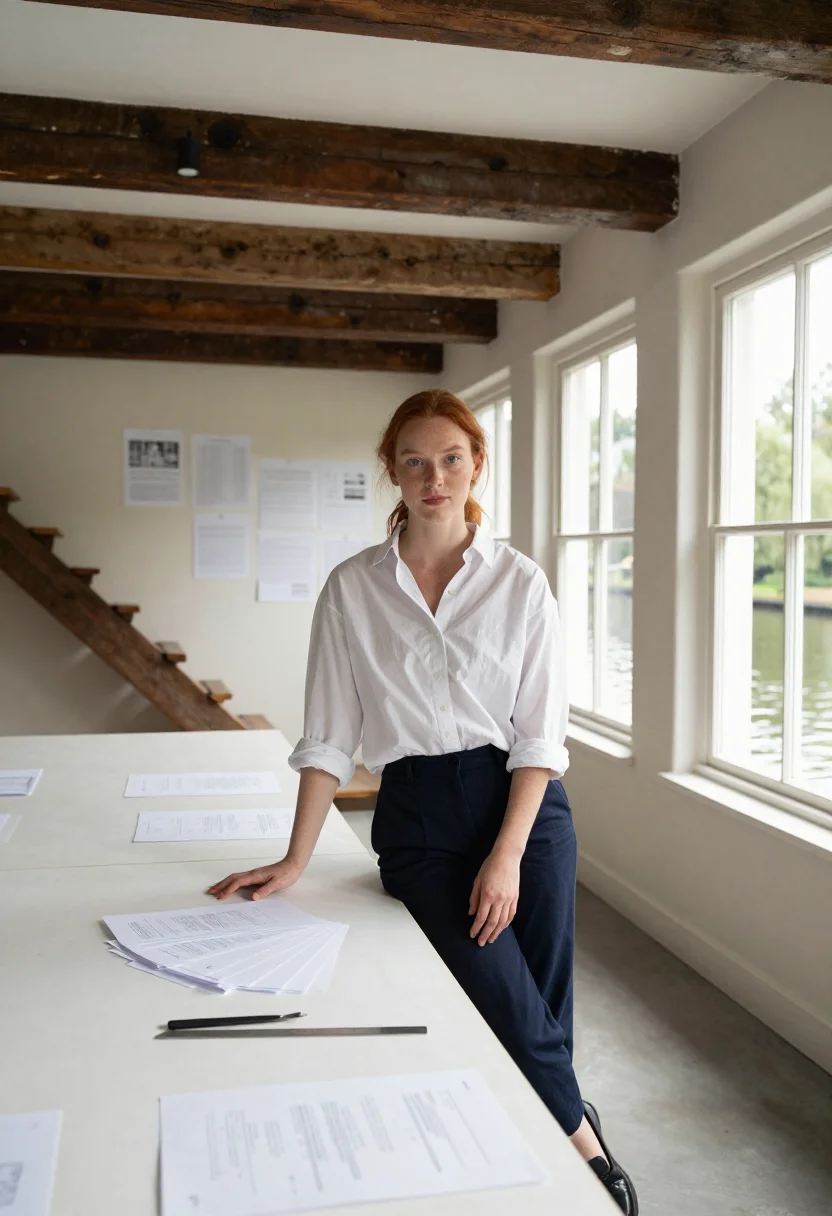
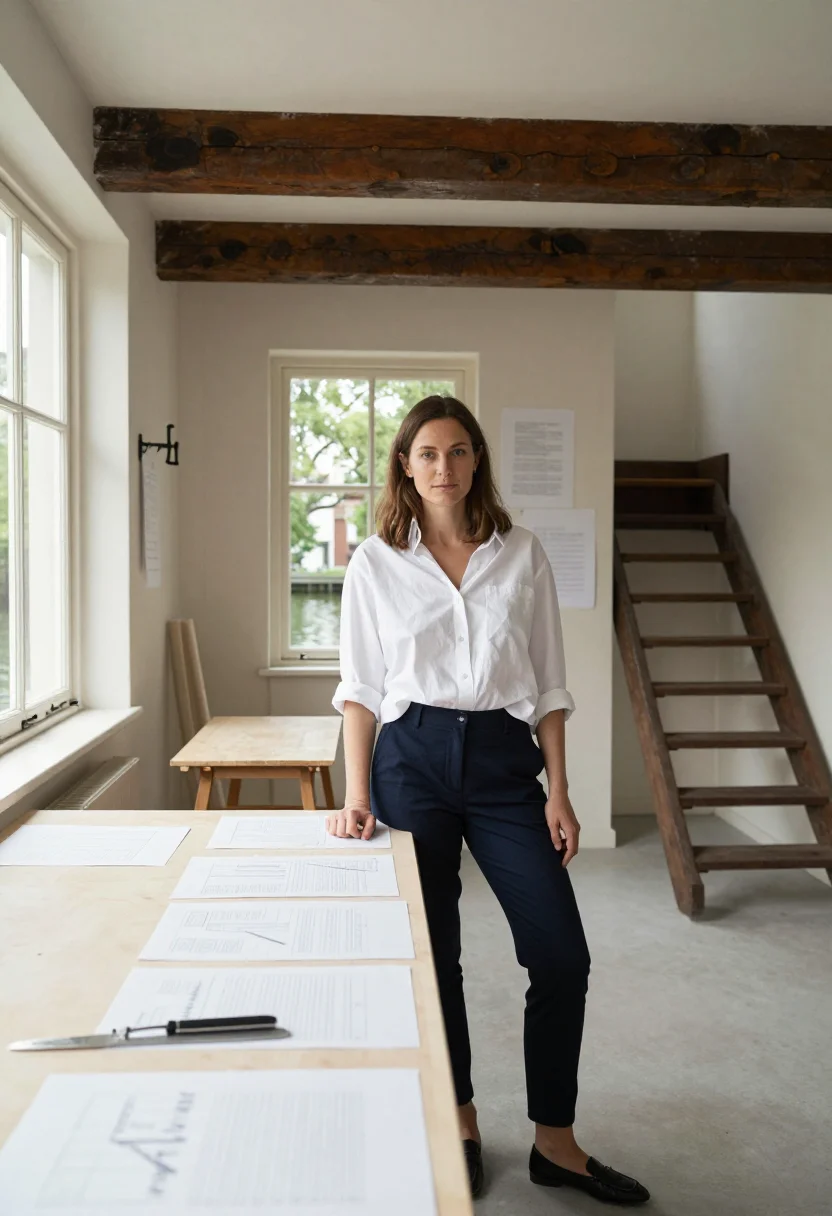
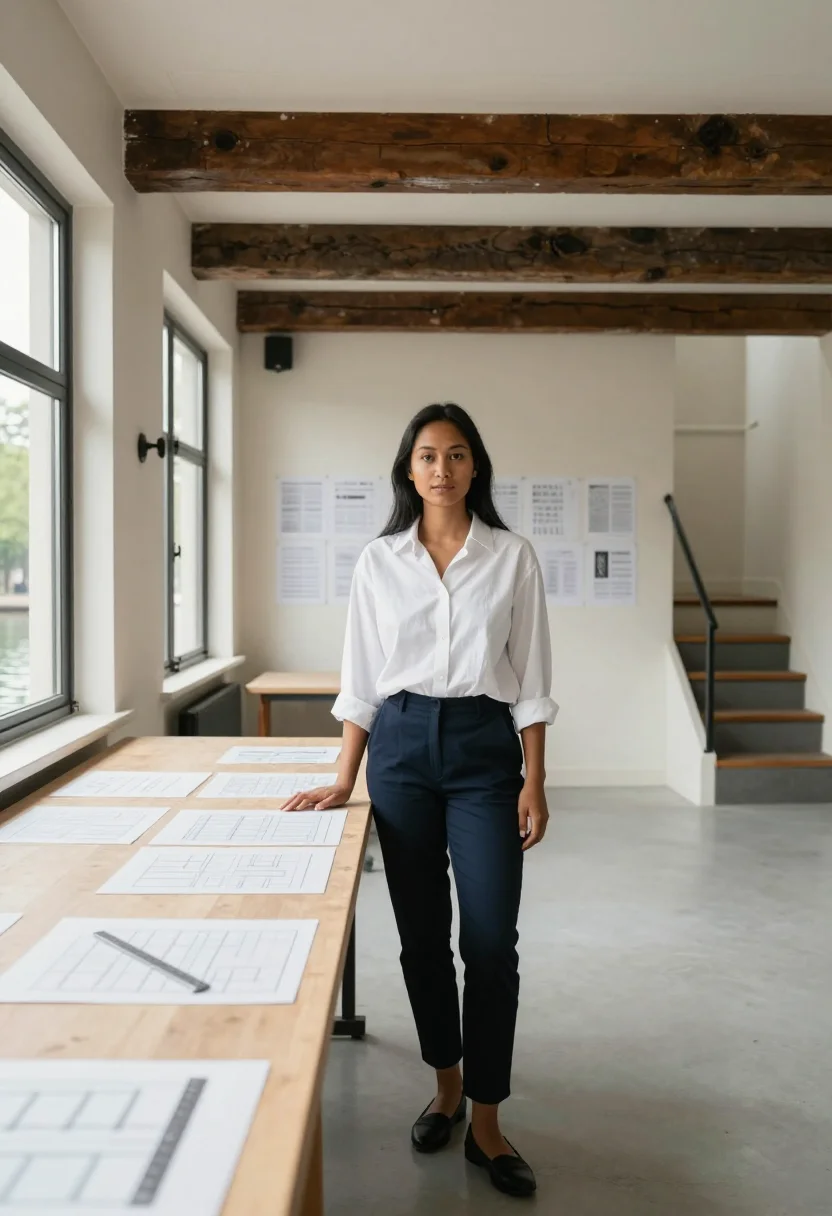
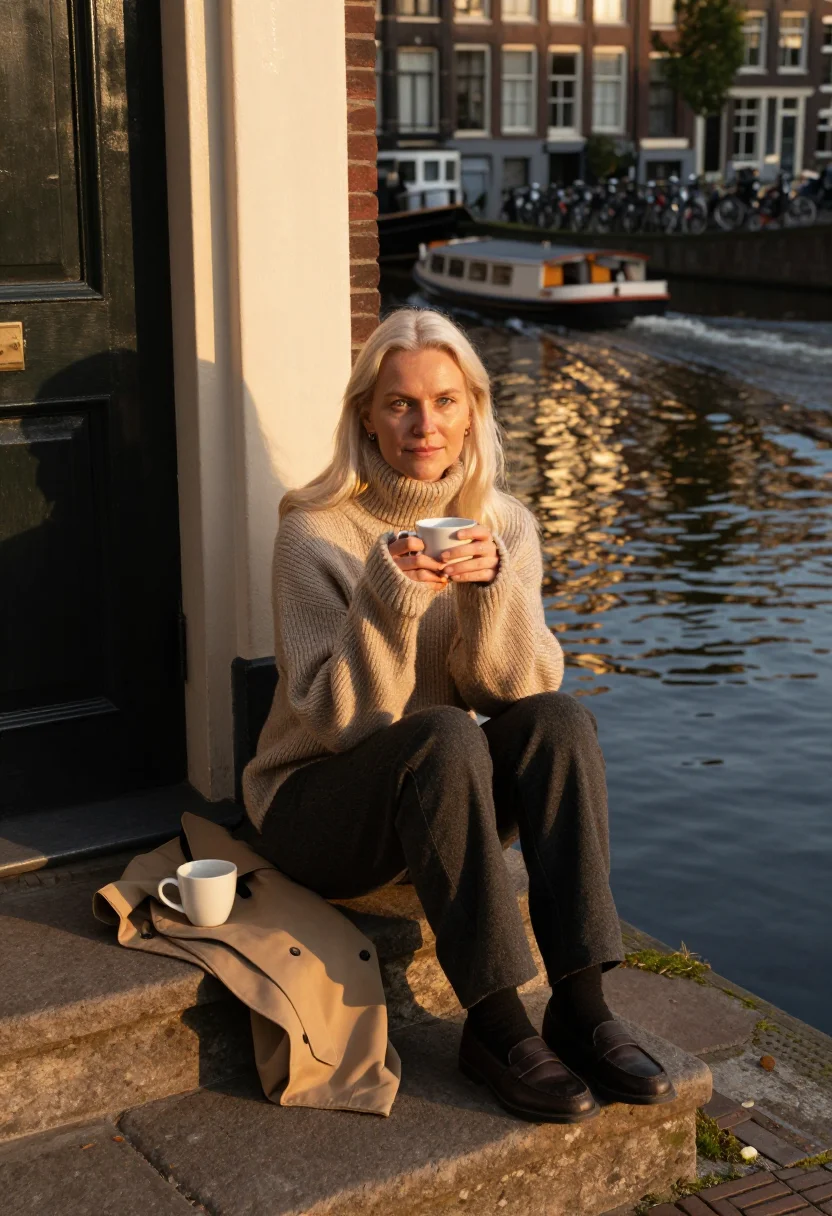
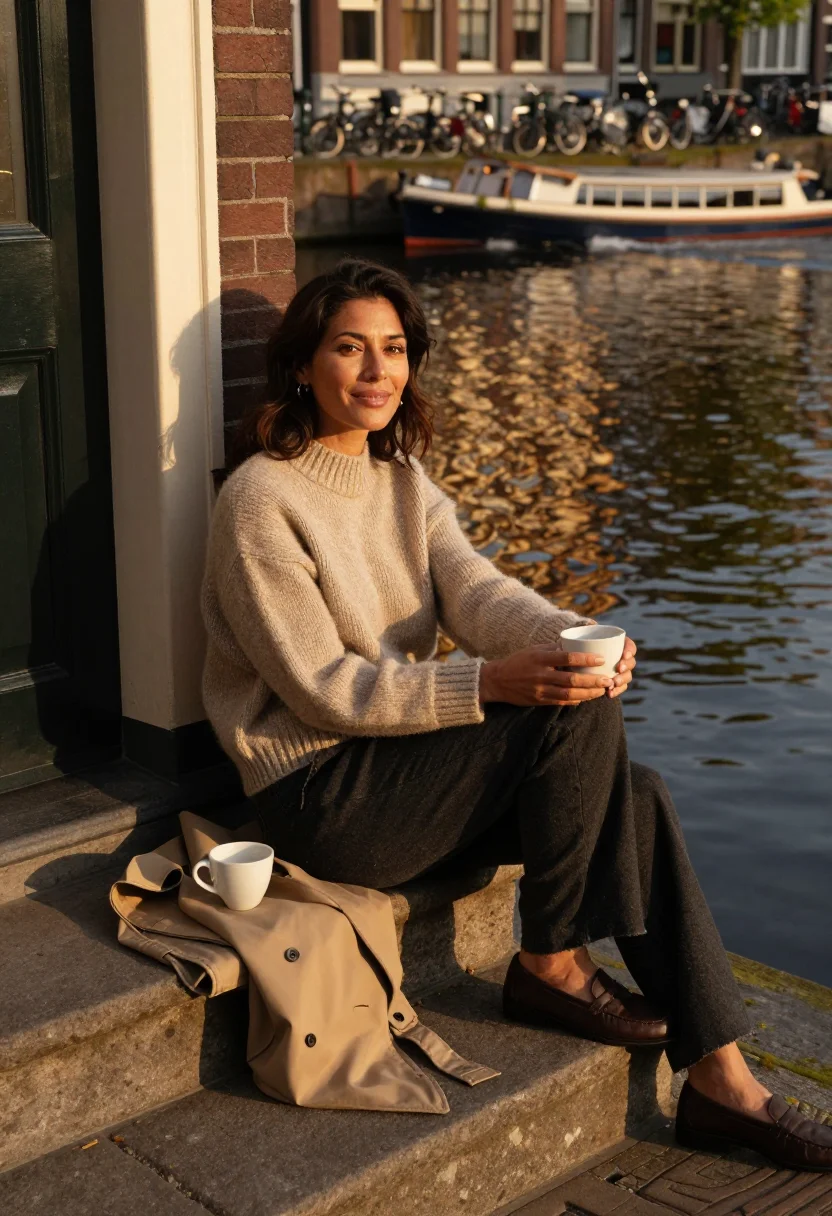
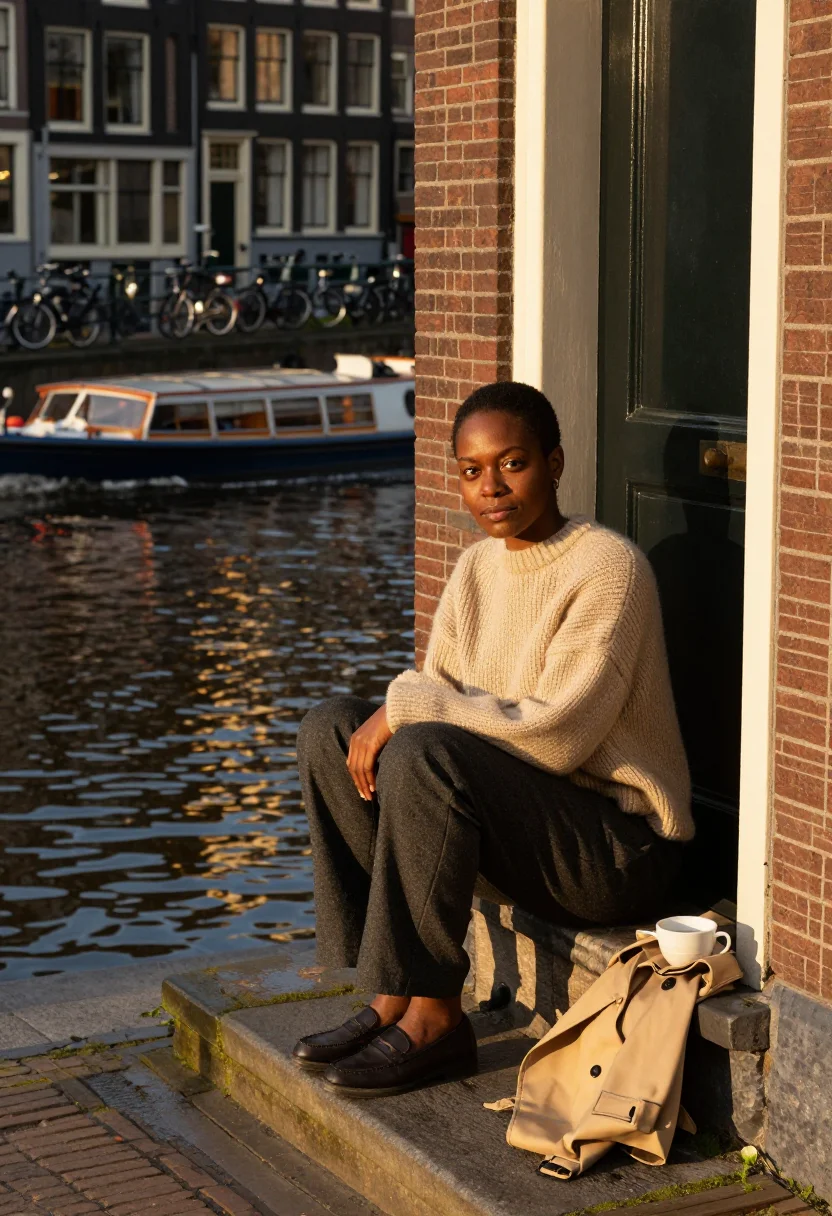
Nine photographs of you, styled on a humpbacked canal bridge, inside a timber-beamed canal-house studio, and on a canalside stone stoop, for social, portfolio, and gift use, in portrait format. The nine vary in crop, expression and light, so there are real choices, not nine identical files.
/amsterdam-canal-office · professional · 3 scenes
An Amsterdam Photoshoot, Canal House Style
6–20 photos of yourself · we email you when your model is ready
Working on the water
one model wears them all →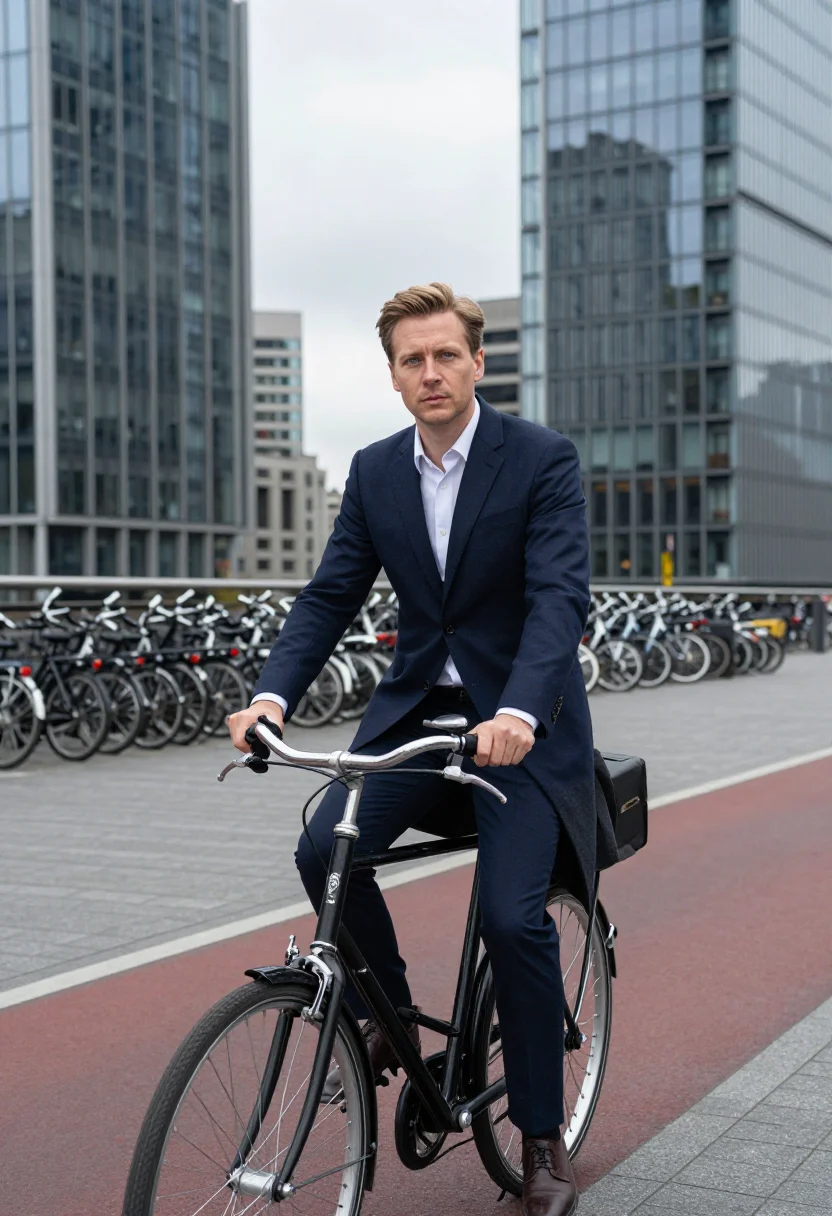
all 9 photos in this pack ↓
How it works
Three steps.
1
Add your photos
Add photos of yourself. We check each one when you add it.
2
We create your model
We create your AI model from your photos. Your photos are ready in a few hours.
3
Every pack, with your face
This pack and every other pack on Narcis can then be made with your face, and single photos too.
The Amsterdam canal-house photoshoot register
Amsterdam's creative economy climbs steep stairs behind seventeenth-century gables: rope-beam ceilings, tall sash windows doubling the water's light, a bike over the bridge as the commute. This pack renders Herengracht calm with a design studio's pulse — clean Scandinavian-adjacent layers, cycled in, in brick brown, canal green, gable cream and bike black.
The set moves through the canal house's own rhythm: cycling across a humpbacked bridge on a black Dutch bike with gabled facades reflecting behind, standing under massive old timber beams arranging printed layouts, and sitting on the office's stone stoop at the water's edge in amber light. Three real Amsterdam rituals, not a rented backdrop.
What the pack renders is a photograph — photoreal, a real-looking portrait of you on the bridge and in the canal house, not a painting or an illustration. Honest note: this is a portrait of you composited into Amsterdam, not a photo taken there; it holds up as a favorite shot or a portfolio image, and claiming it as an actual work trip is a different use.
The wardrobe carries the register throughout — a trench over a knit and straight trousers on the bike, a white shirt tucked loose at the worktable, knit sleeves over the hands by the stoop — the workday dissolving into the canal's pace.
How to photograph yourself for an Amsterdam photoshoot
Better source photos make better portraits.
- Even, soft lightStand near a window with indirect daylight on your face. Avoid overhead bulbs and phone flash — both flatten the face and are the usual reason an AI portrait misses your likeness.
- Front or three-quarter angleCamera at eye level, facing it or turned slightly to three-quarter. No selfie-stick uplook, no shot from below.
- Face fully clearHair off the forehead and no sunglasses. A clear, front-facing photo is the best photo for an AI portrait — it gives the model the most of you to work with.
- A bright, practical expressionThe Dutch-creative register is bright and unfussy — a genuine, easy look reads truer than a posed smile against the canal's still water.
- Plain background is fineDon't worry about your own backdrop — the canal house replaces it. A plain wall behind you just helps the model focus on your face.
Frequently asked questions
- Will it actually look like Amsterdam, and like a real photo?
- Yes on both. A humpbacked canal bridge, a timber-beamed canal house, and a stone stoop at golden hour come back detailed and recognizable, and the output is photoreal: a real-looking photograph of you in Amsterdam, not a painting or a cartoon.
- Is it honest to post this as if I actually shot it there?
- The honest answer: this is a genuine portrait of you, styled in Amsterdam — not a photo you physically took there. Post it as a favorite shot or a portrait you love and it's completely fair game. Passing it off as a real work trip is a different use.
- Which Amsterdam spots does it cover?
- The three that define the canal-house studio register: a humpbacked bridge, a timber-beamed office, and a canalside stoop. Nine portraits, three per spot.
- How is this different from booking a real Amsterdam photographer?
- A real canal-house shoot means a flight, a studio booking, and a photographer's day rate. This gives you the same bridge, the same beams, the same stoop, whenever you like.
- Can I use it for a portfolio or personal branding?
- Yes — the clean, practical styling reads as a working creative's portrait, exactly what a design portfolio or personal-branding profile wants.
- Can men use this pack?
- The sample and styling are built for women, so it reads feminine throughout.
- Will the photos look like me?
- Every photo looks like you, well photographed. If one is nearly right, say what to change, in your own words.
- Do I have to write a prompt?
- No. There is nothing to write: you pick a pack, and it is ready in seconds.
- How many photos of myself do I add?
- Between six and twenty, from different days and in different light, with your face clear. We check each one when you add it.
- What happens to the photos I add?
- They are used only to create your model, on our own servers in the European Union. They are not shared and not sold.
When the Amsterdam canal-house pack fits
- For an Instagram or social feed that's always wanted the canal-bridge shot
- For a design or creative portfolio profile photo
- For a profile picture with Amsterdam's bright, practical confidence in it
- For a portrait gift — a new studio, a relocation, a design milestone
- For a phone or desktop wallpaper you actually enjoy looking at
- For a print or framed portrait, the canal house without the studio booking
- For anyone who's tried to shoot a canal bridge without a passing boat in frame
- For a dating profile with a bright, well-lit Amsterdam shot
- For a freelance designer or creative director's author photo
- For anyone relocating to Amsterdam who wants the arrival photo
About narcis
Most AI photo tools put every pose, job, era, and style in one giant catalog. The photos all look like every other AI photo on the internet — a glaze over a stock face. Narcis goes the other way. One job: photos of you that look like photographs. You add at least 6 photos of yourself, and we create your AI model from them. Your photos are ready in a few hours, and we email you when they are. Then this pack and every other pack on Narcis can be made with your face. Each pack is curated against real references — paintings, photographers, places — and tested on real faces before it goes live. Built and run by one small team, on our own servers.
All images are AI-generated. By using this service, you confirm you are 18+, that any face photo you upload is your own or used with explicit consent. Full Terms