An Andaman Photoshoot on Radhanagar Beach
Nine photos of you in one setting
How your model is created from your photos
Every pack on Narcis, made with your face
Nine photographs of you in one setting: one pack of the Narcis catalogue.
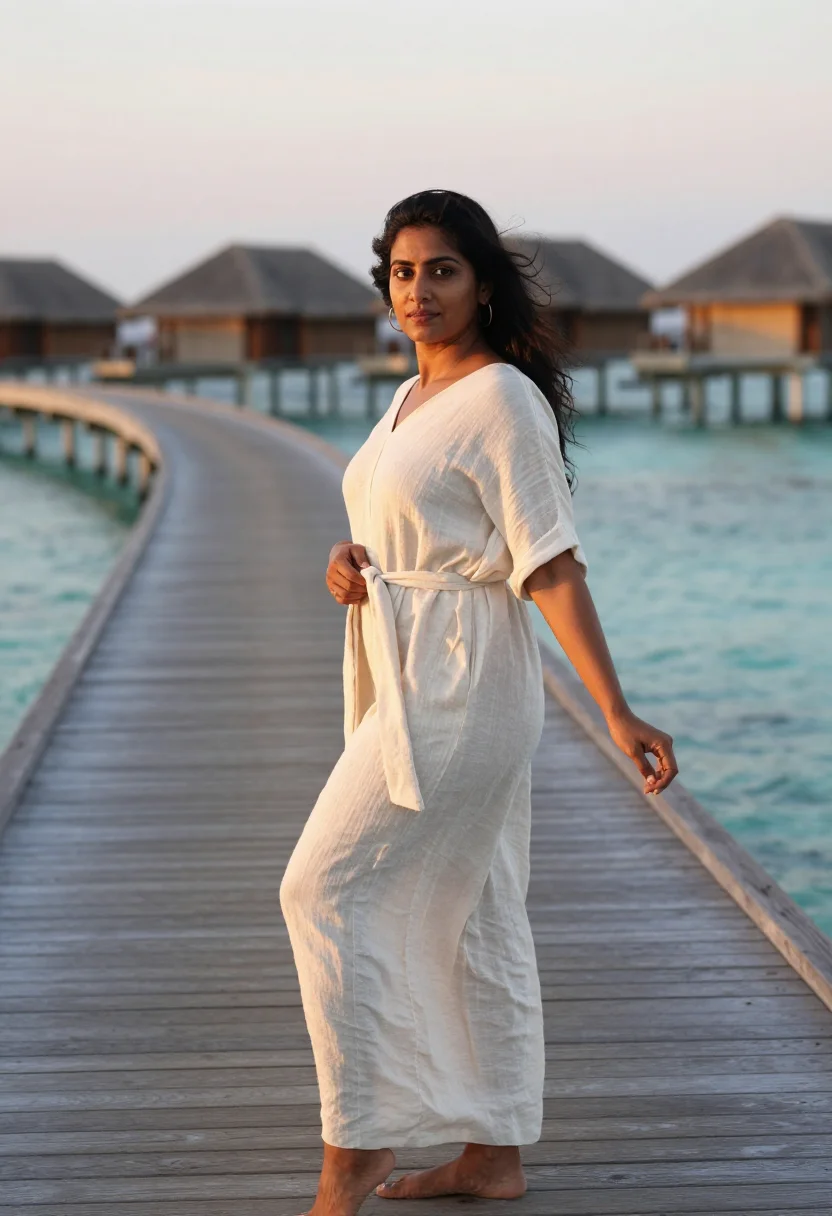
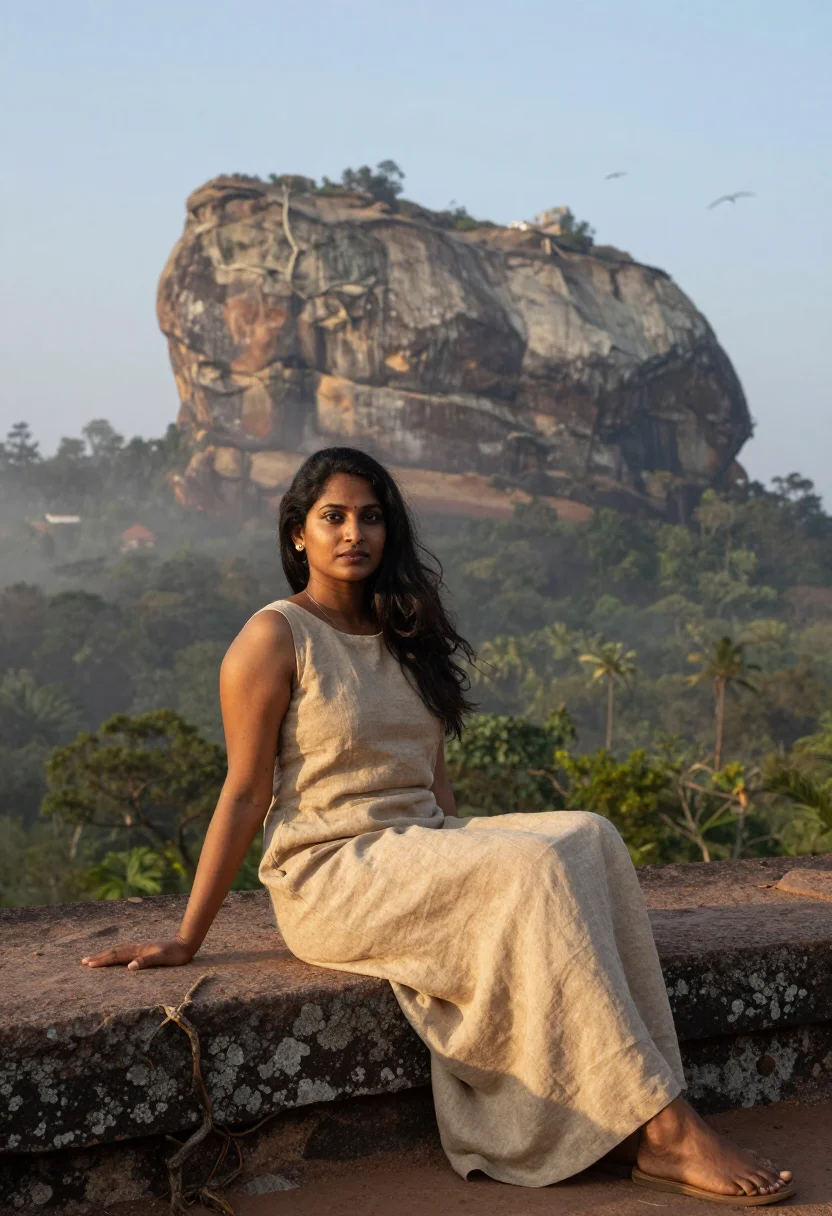
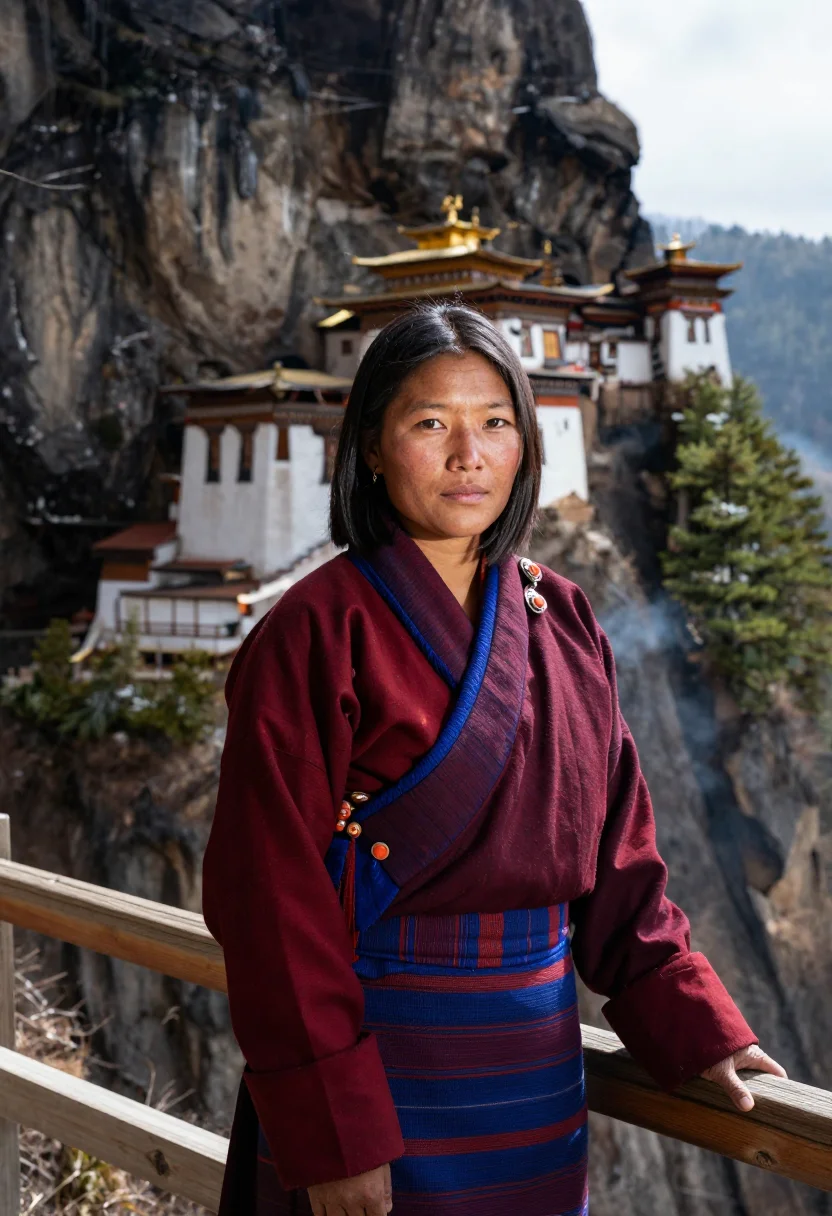
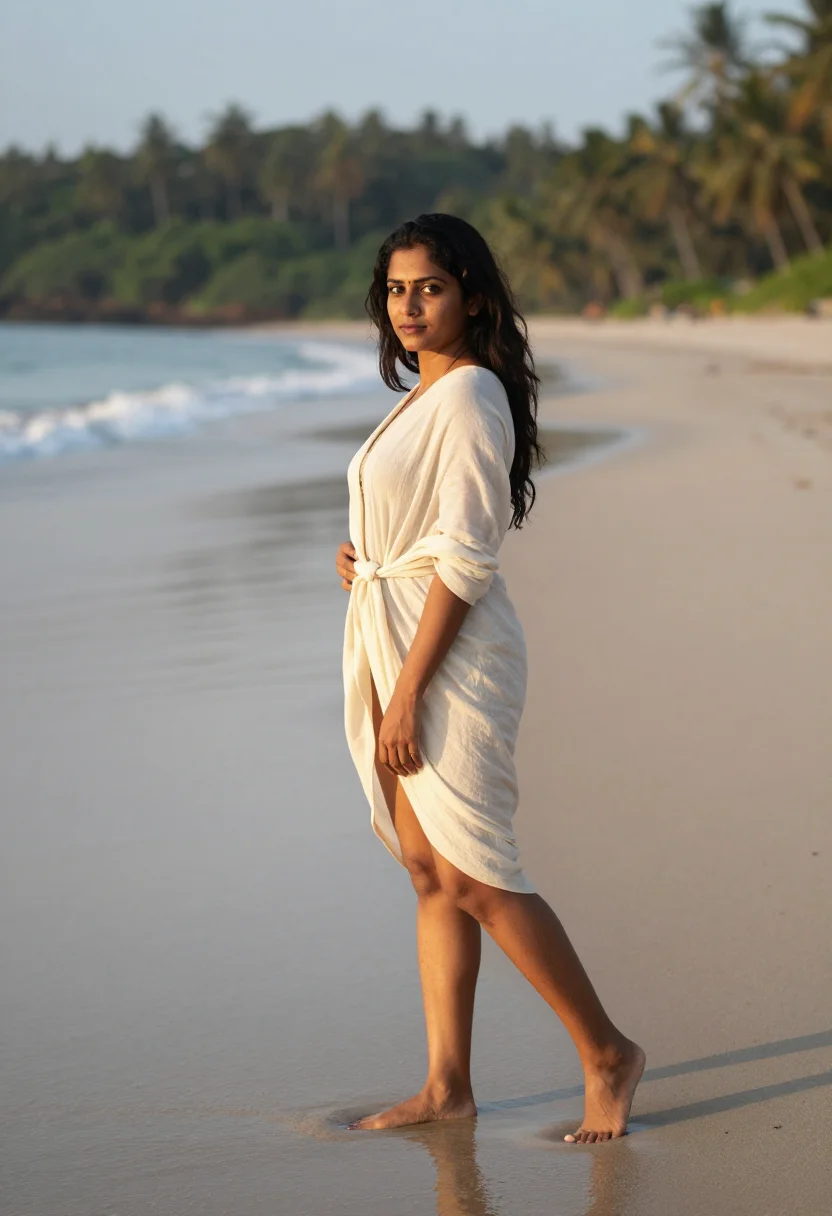
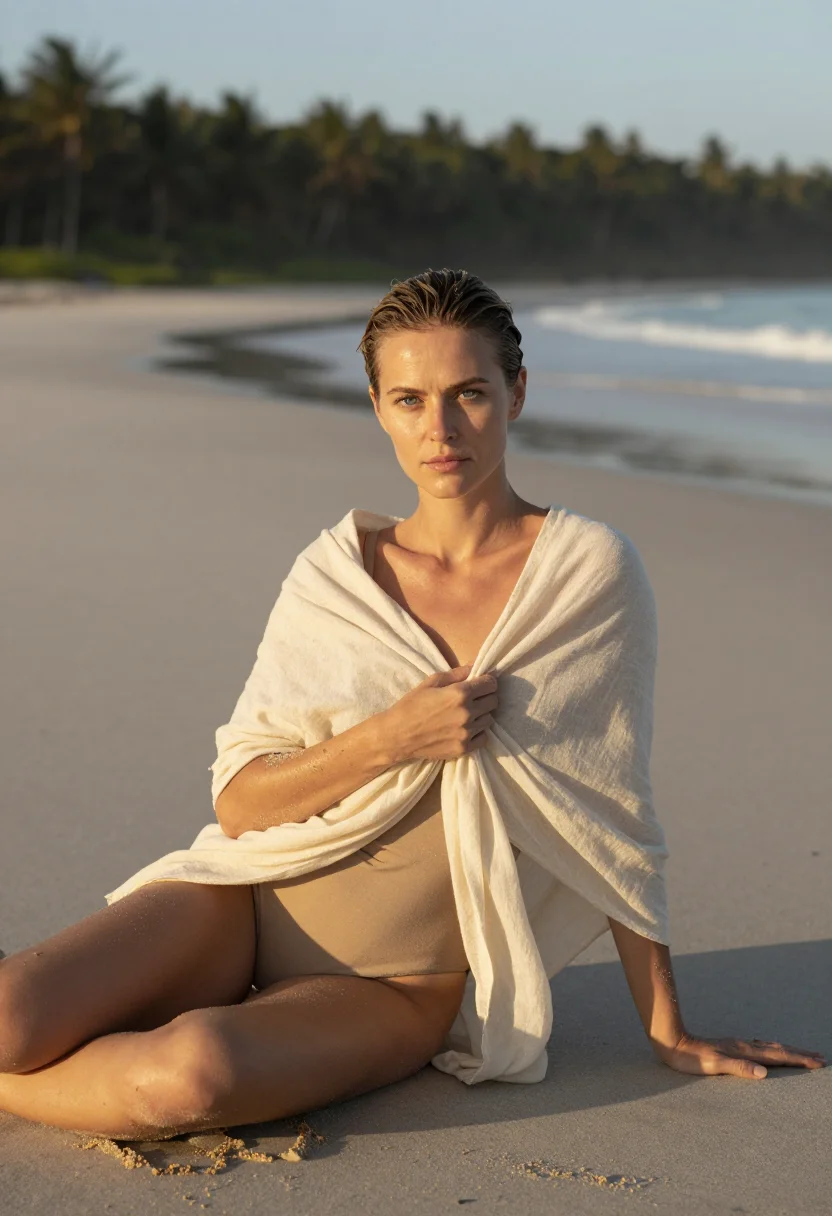
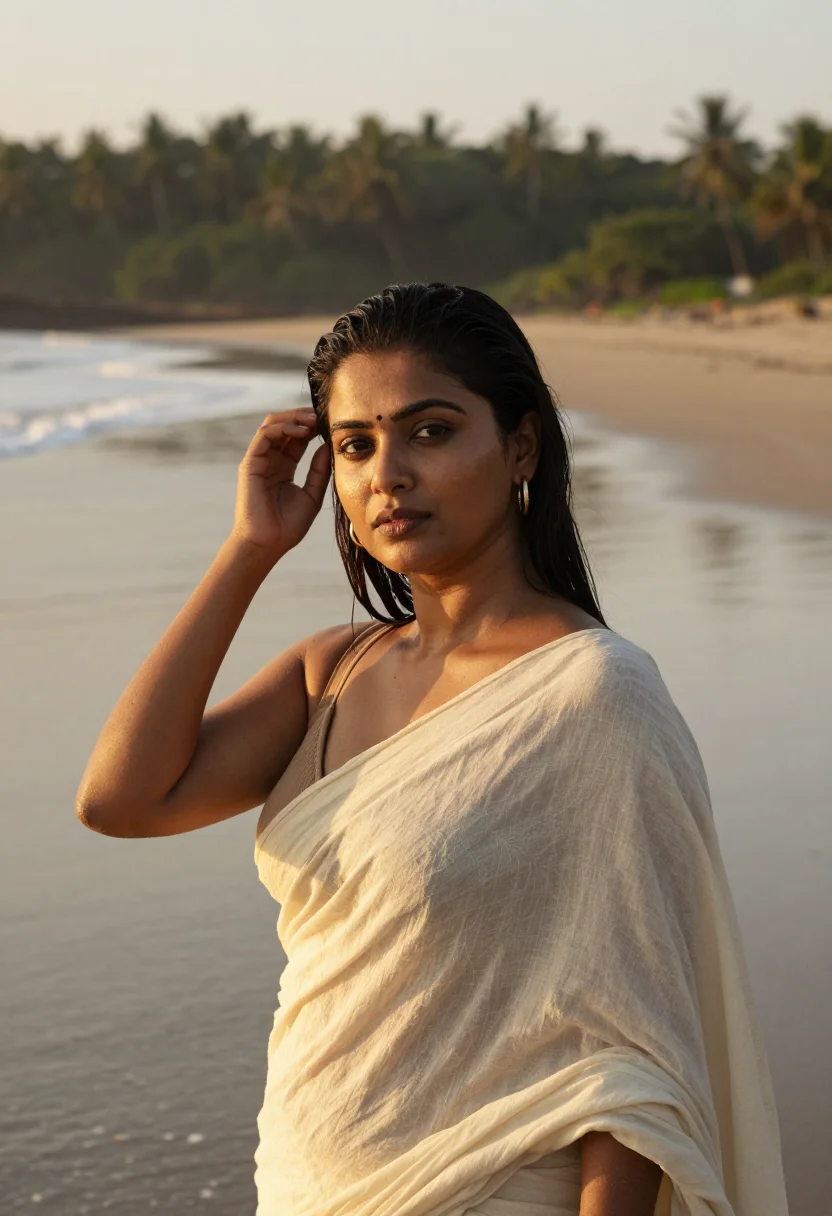
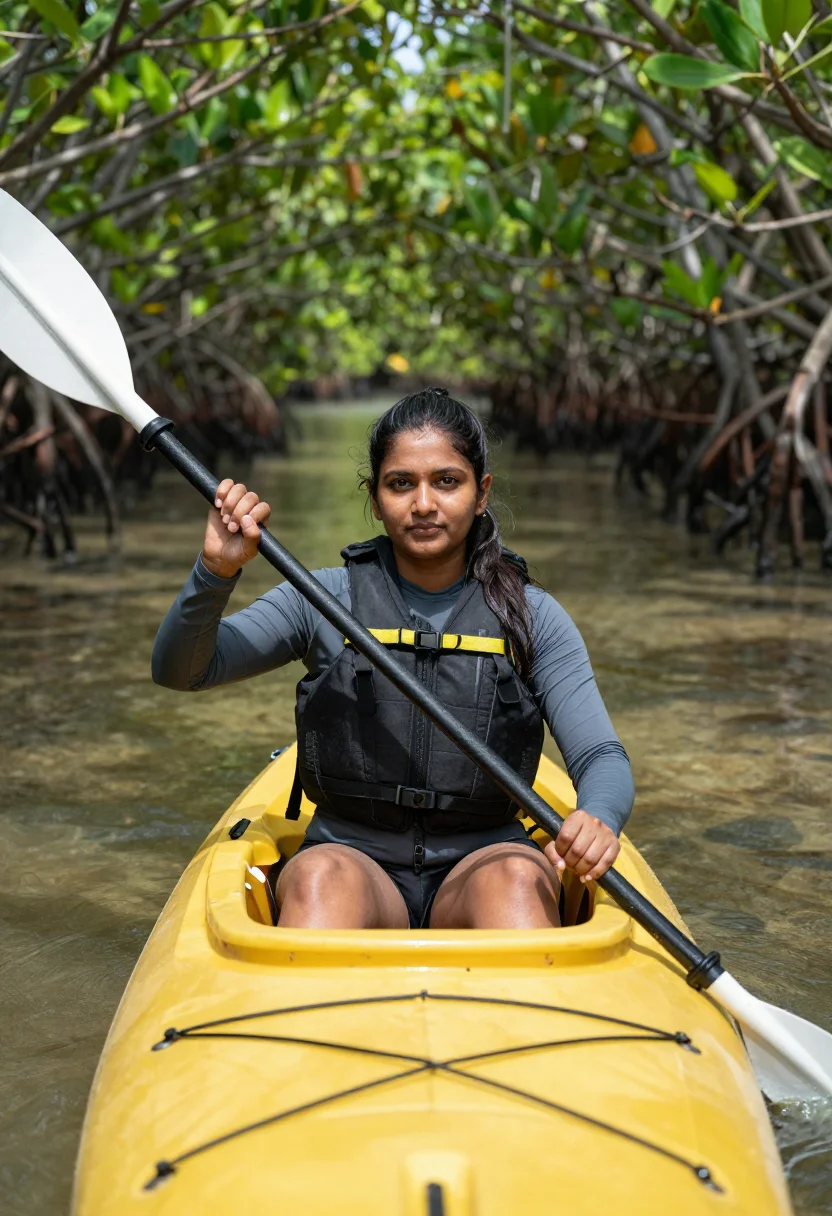
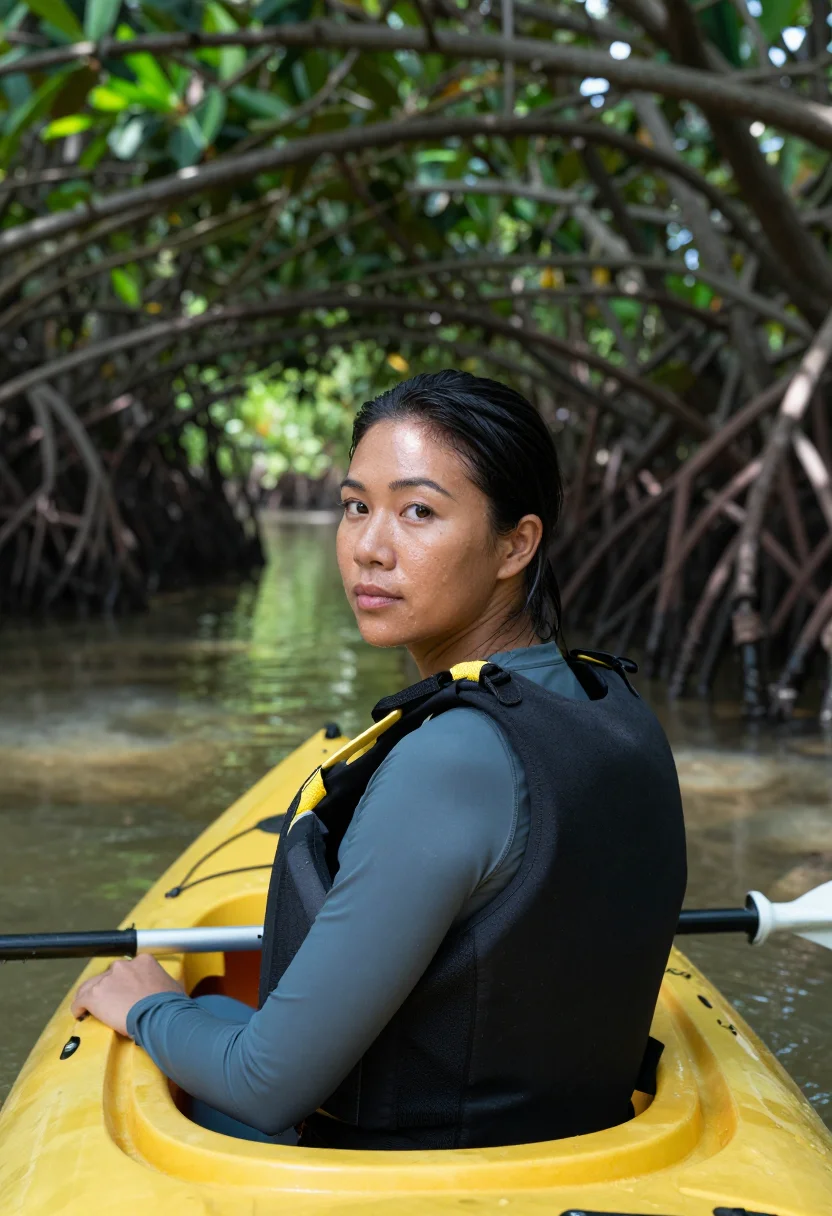
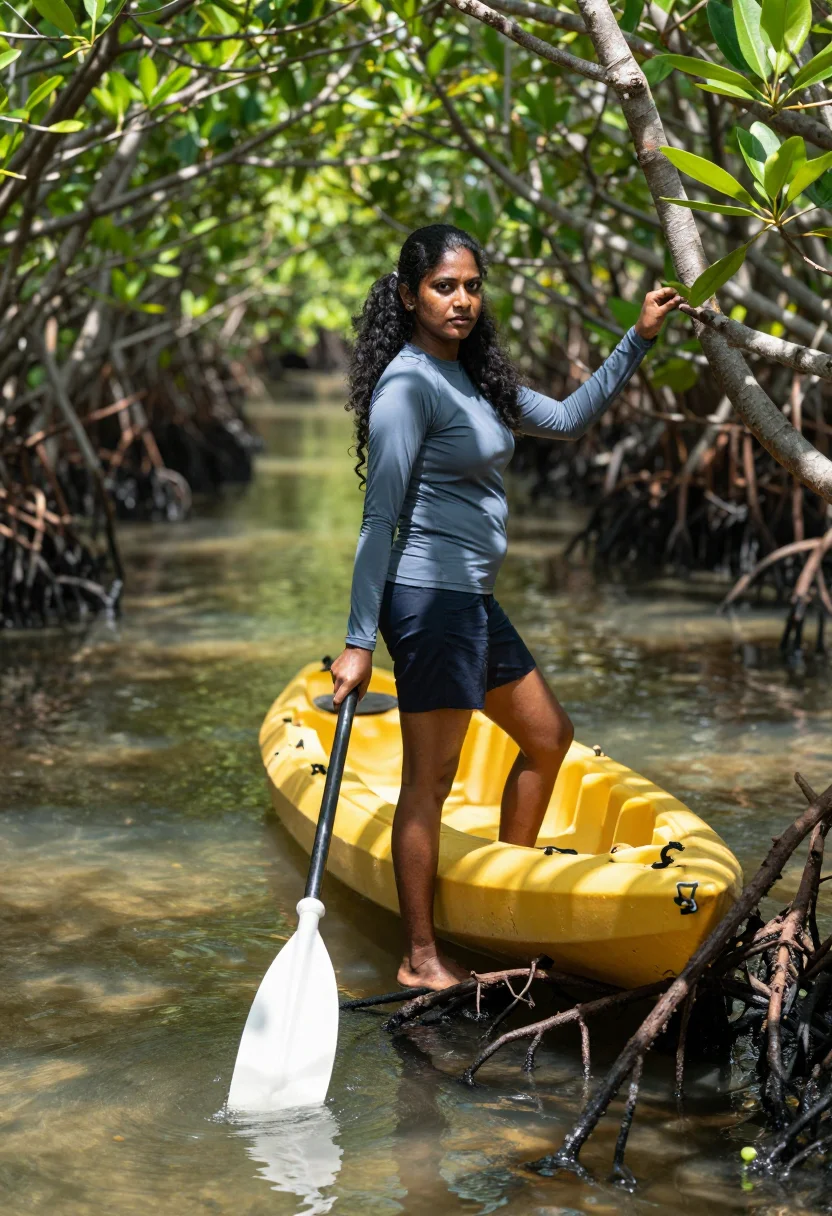
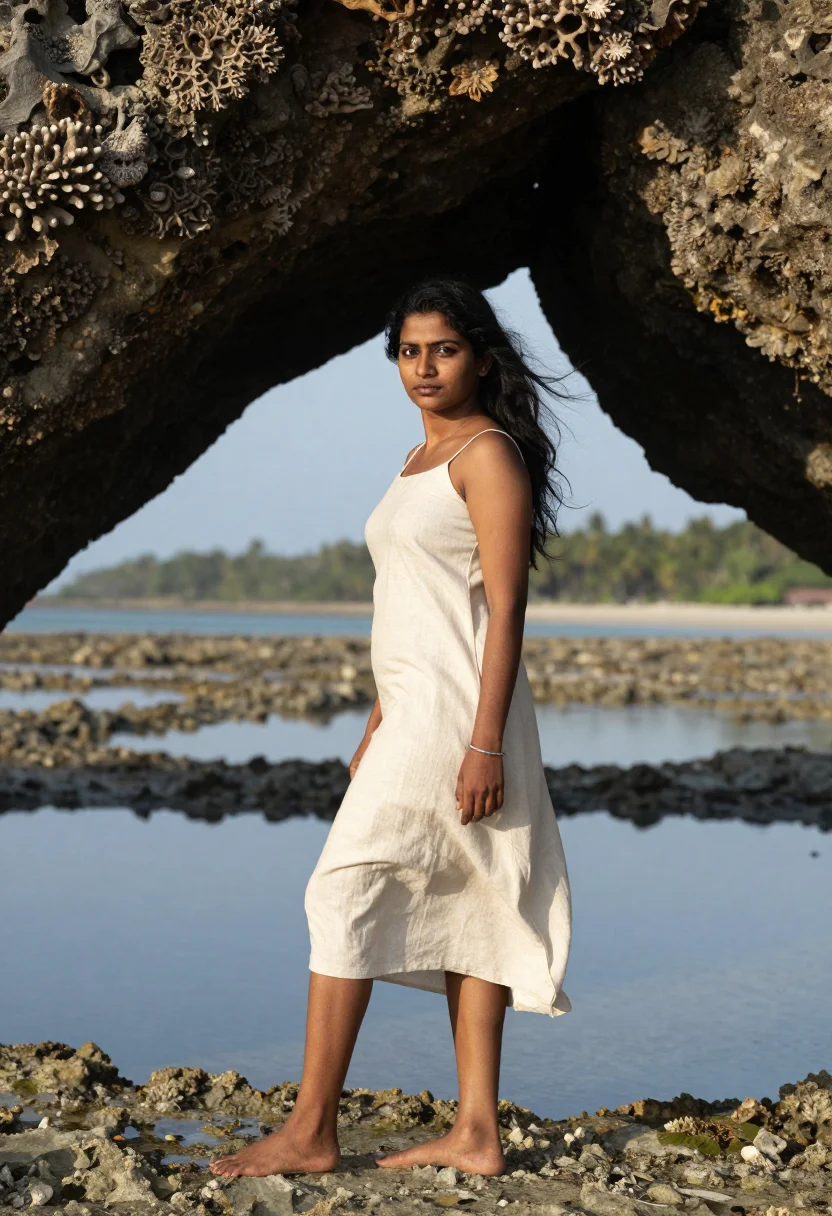
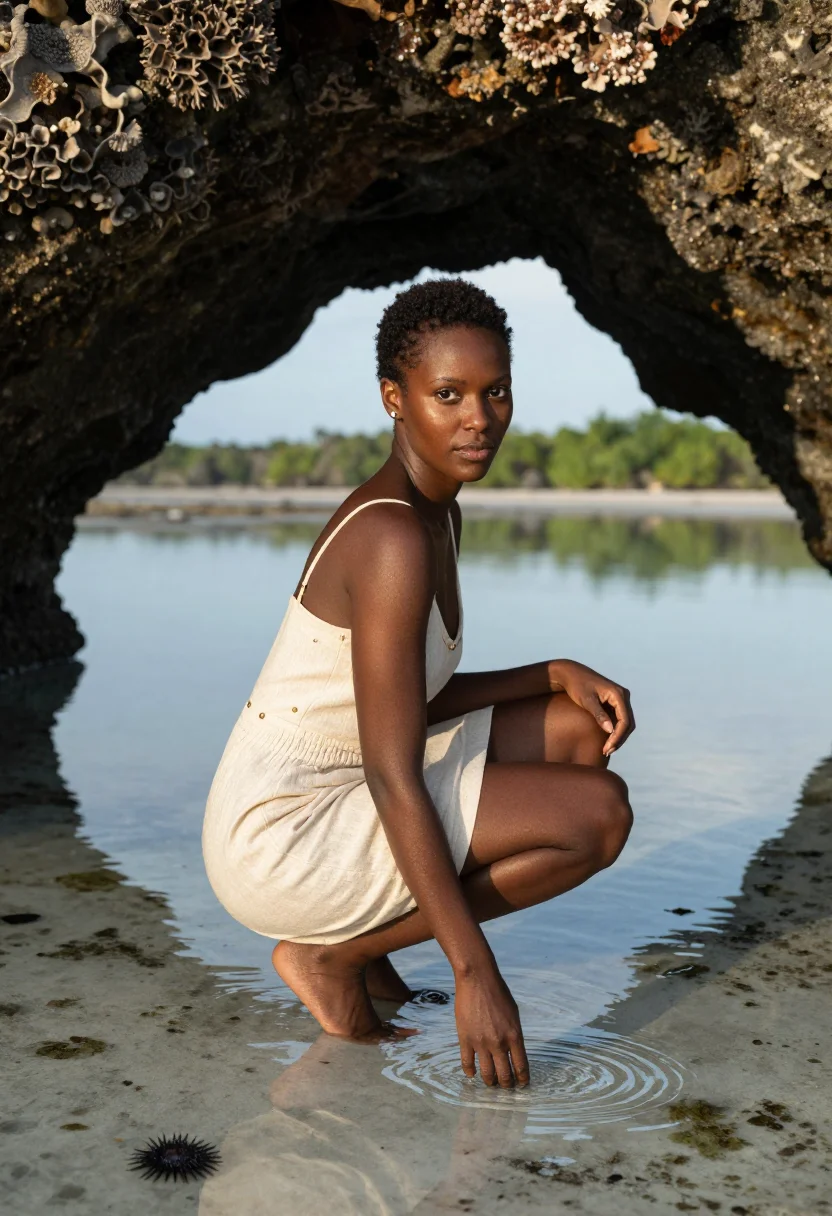
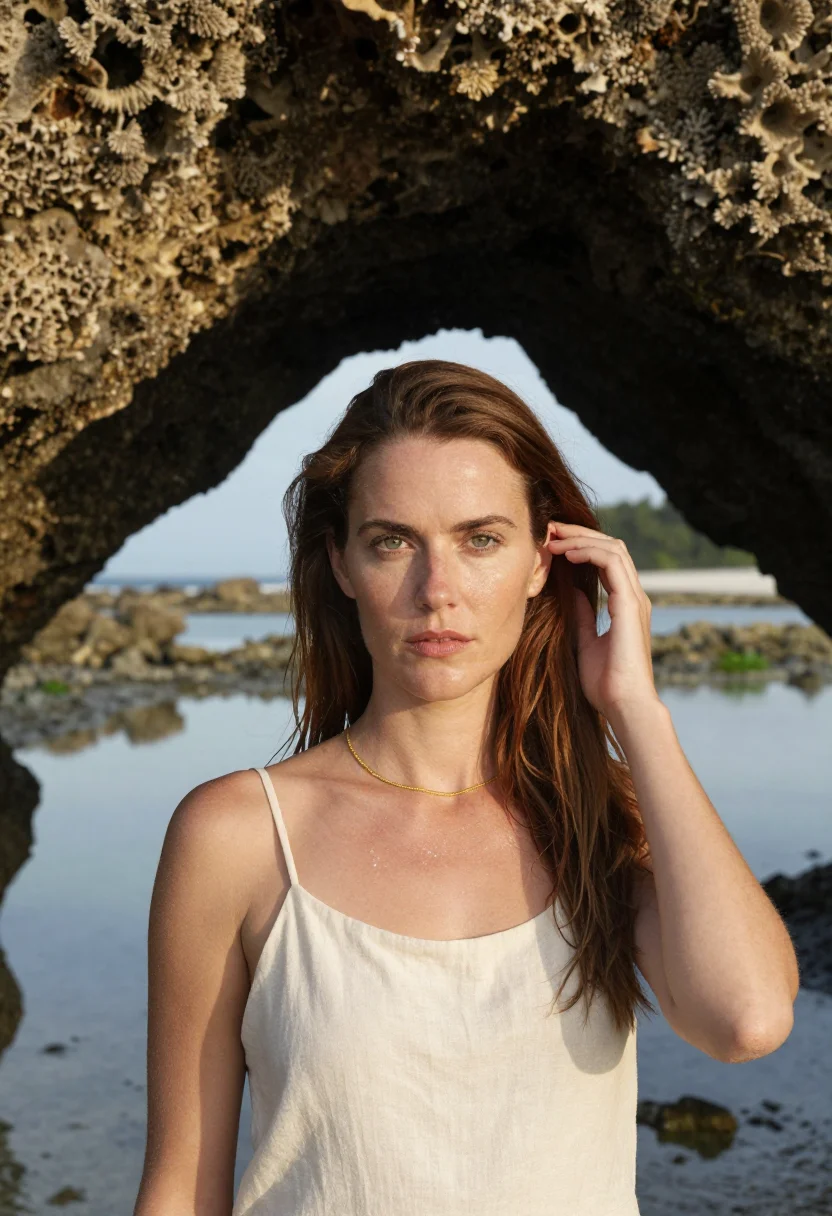
Nine photographs of you, styled on Radhanagar Beach, in a mangrove kayak channel, and at a natural coral bridge, in portrait format. The nine vary in crop, expression and light, so there are real choices, not nine identical files.
/andaman · lifestyle · 3 scenes
An Andaman Photoshoot on Radhanagar Beach
no account · ~15s · try it on with one selfie
More island turquoise
one model wears them all →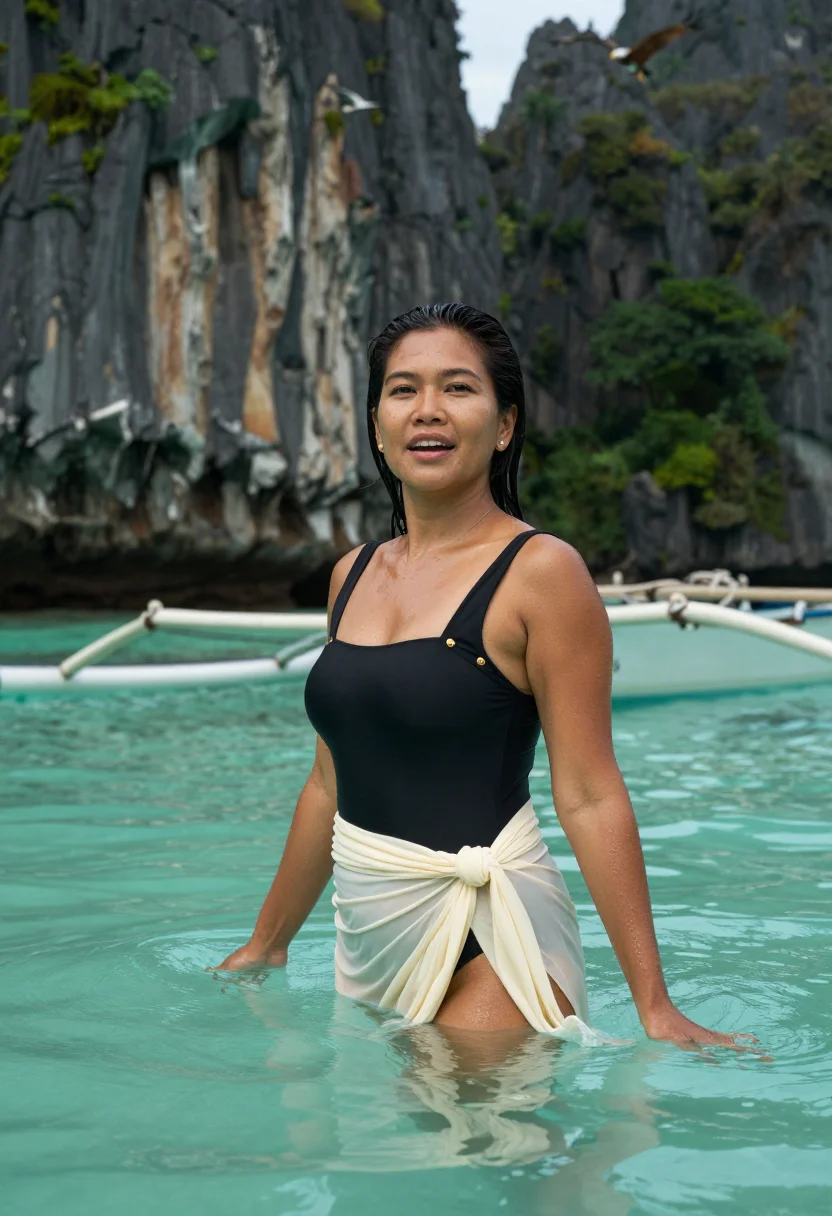
all 9 photos in this pack ↓
How it works
Three steps.
1
Add your photos
Add photos of yourself. We check each one when you add it.
2
We create your model
We create your AI model from your photos. Your photos are ready in a few hours.
3
Every pack, with your face
This pack and every other pack on Narcis can then be made with your face, and single photos too.
The Andaman photoshoot register
The Andaman Islands sit far enough from mainland India, out in the Bay of Bengal, that the water runs a clarity most Indian beaches can't match — white sand, turquoise shallows, and mangrove channels that read closer to Southeast Asia than the subcontinent. This pack renders that specific tropical register as a portrait: relaxed, sun-warmed, the visual language of an island getaway rather than a city sightseeing trip.
The nine portraits move through three defining sights. Radhanagar Beach, its wide white-sand curve regularly ranked among Asia's best. A mangrove channel, kayaking through still, shaded water between root systems. And a natural coral bridge, an exposed reef formation left bare at low tide.
Dress leans resort-casual throughout — light fabrics, breezy silhouettes suited to genuine tropical heat. The frame stays photoreal: a real-looking photograph of you in the Andamans, not an illustration, the specific turquoise-and-white palette carried into every shot.
Honest note: this is an AI-generated portrait styled in the Andaman Islands, not a photo taken on an actual island trip — no flight, no inter-island ferry required. Treat it as the island getaway photo without the travel time.
How to photograph yourself for an Andaman photoshoot
Better source photos make better portraits.
- Even, soft lightStand near a window with indirect daylight on your face. Avoid overhead bulbs and phone flash.
- Front or three-quarter angleCamera at eye level, facing it or turned slightly to three-quarter.
- Face fully clearHair off the face where possible, no sunglasses.
- A relaxed, sun-warmed expressionThis register is easy island calm — a natural half-smile reads truer against turquoise water than a stiff studio face.
- Plain background is fineThe island replaces your own backdrop. A plain wall behind you just helps the model focus on your face.
Frequently asked questions
- Will it actually look like the Andaman Islands, and like a real photo?
- Yes on both. Radhanagar Beach, the mangrove kayak channel, and the coral bridge all come back recognisable, and the output is photoreal — a real-looking photograph of you there, not an illustration.
- Which sights does it cover?
- Three: Radhanagar Beach, a mangrove kayak channel, and a natural coral bridge. Nine portraits, three per setting.
- Do I need to have actually visited the Andamans?
- No. Many people use this for a trip they're planning — the islands take a flight plus an inter-island ferry to reach, so a lot of interest never turns into an actual booking.
- How is this different from a real Andaman trip photo?
- A real photo means the flight, the ferry transfers between islands, and someone else holding the camera. This gives you the same turquoise water, whenever you like.
- Will the photos look like me?
- Every photo looks like you, well photographed. If one is nearly right, say what to change, in your own words.
- Do I have to write a prompt?
- No. There is nothing to write: you pick a pack, and it is ready in seconds.
- How many photos of myself do I add?
- Between six and twenty, from different days and in different light, with your face clear. We check each one when you add it.
- What happens to the photos I add?
- They are used only to create your model, on our own servers in the European Union. They are not shared and not sold.
When the Andaman pack fits
- A keepsake for an Andaman Islands trip you're planning
- A relaxed, tropical profile picture with real turquoise water
- A print for a beach-house or coastal-styled home
- A gift for someone who loves island travel
- A summer-holiday mood photo without the travel dates
- A desktop or phone wallpaper with genuine tropical color
- A family archive photo alongside an actual visit
- A card or memento for a beach-loving friend
About narcis
Most AI photo tools put every pose, job, era, and style in one giant catalog. The photos all look like every other AI photo on the internet — a glaze over a stock face. Narcis goes the other way. One job: photos of you that look like photographs. You add at least 6 photos of yourself, and we create your AI model from them. Your photos are ready in a few hours, and we email you when they are. Then this pack and every other pack on Narcis can be made with your face. Each pack is curated against real references — paintings, photographers, places — and tested on real faces before it goes live. Built and run by one small team, on our own servers.
All images are AI-generated. By using this service, you confirm you are 18+, that any face photo you upload is your own or used with explicit consent. Full Terms