AI Bengali Generator — Nine Photos, From Your Own Model
See Your Free Preview in Seconds, Before You Pay
Nine Bengali from One Photo, From Your Own Model
Studio-Quality Results Without a Studio Visit
Narcis generates a free preview of your bengali from one uploaded photo. The preview streams in seconds. Train your model — 12 to 20 photos — and the full pack of nine, plus every other pack and the portrait studio, renders from it at about ten seconds a portrait. We email you the moment it is ready.
The pack is nine professional bengali rendered in portrait aspect ratio (2:3) — the shape LinkedIn banners, CVs, and print profiles actually use. Each image shows varied crops, expressions, and light angles so you have real choices, not nine identical files.
Photos are processed on European servers. We use your photo to generate your headshots; we do not share it with third parties.
/bengali · photo · 3 scenes
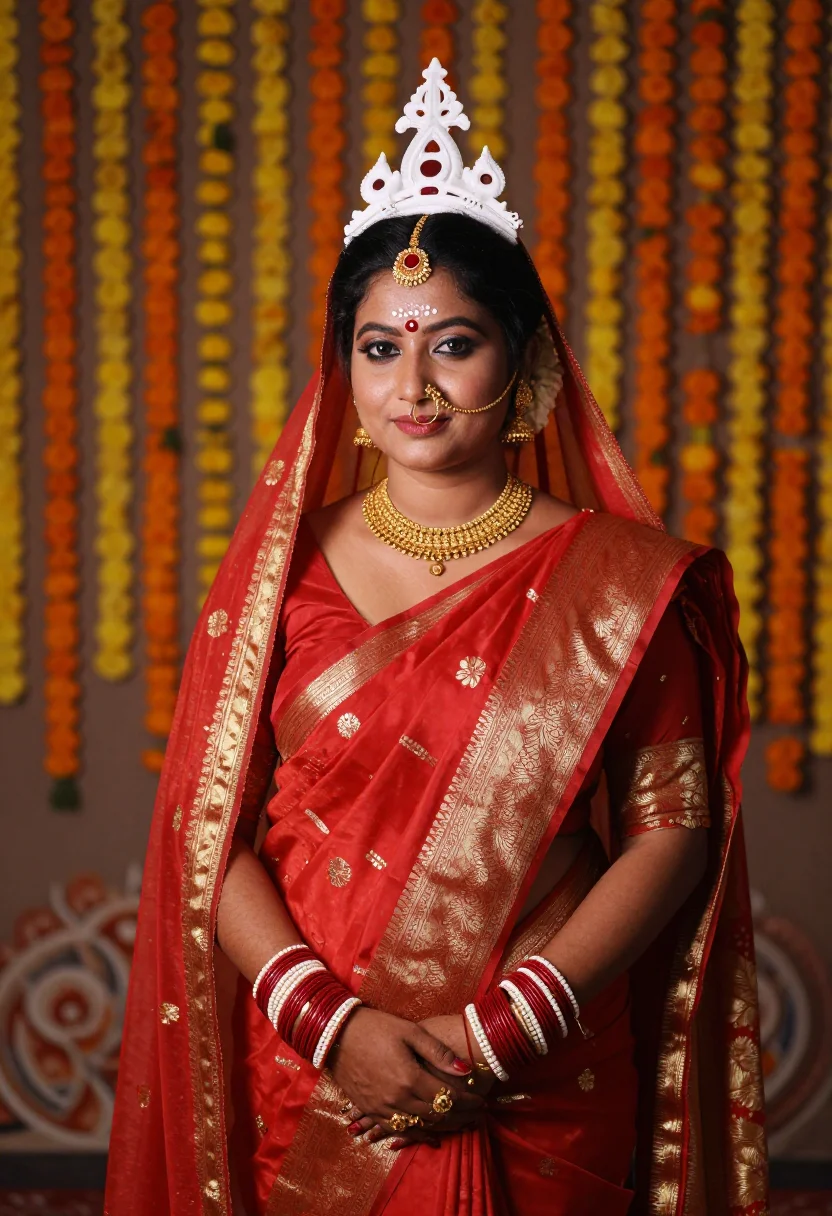
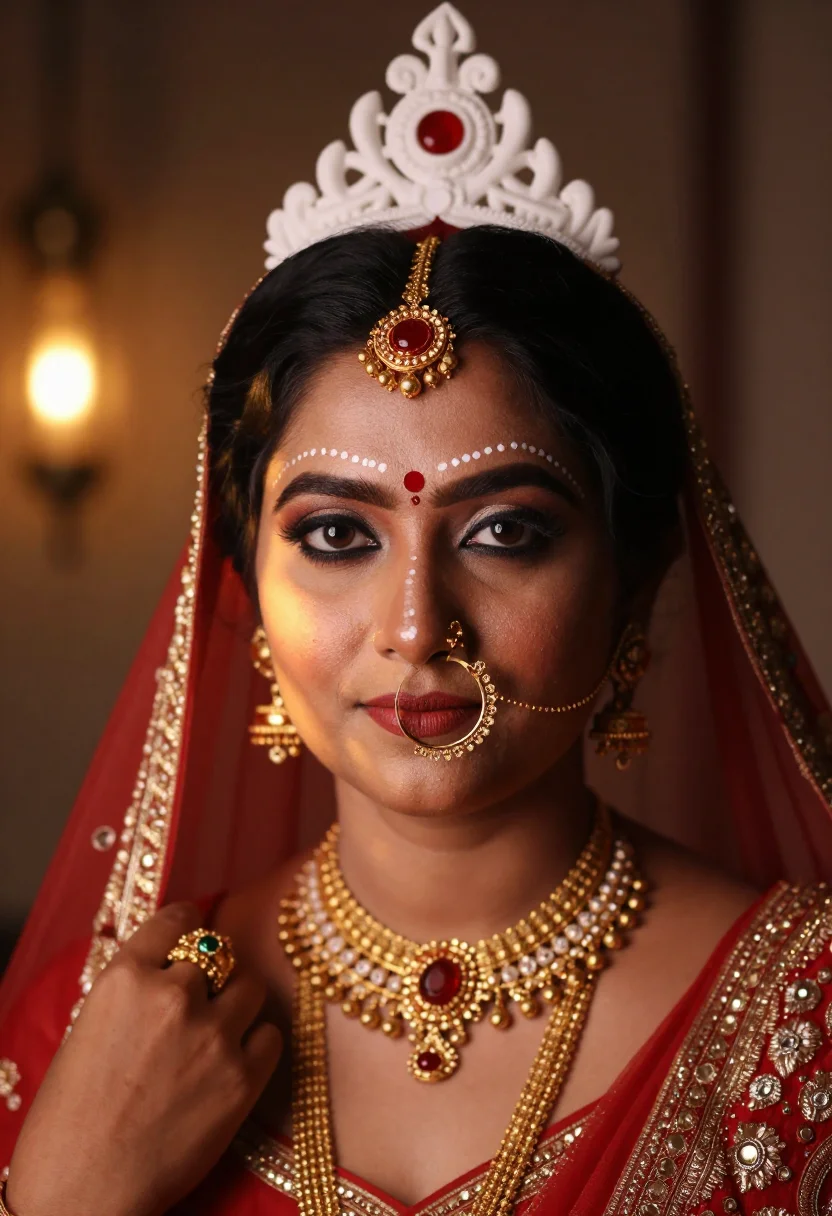
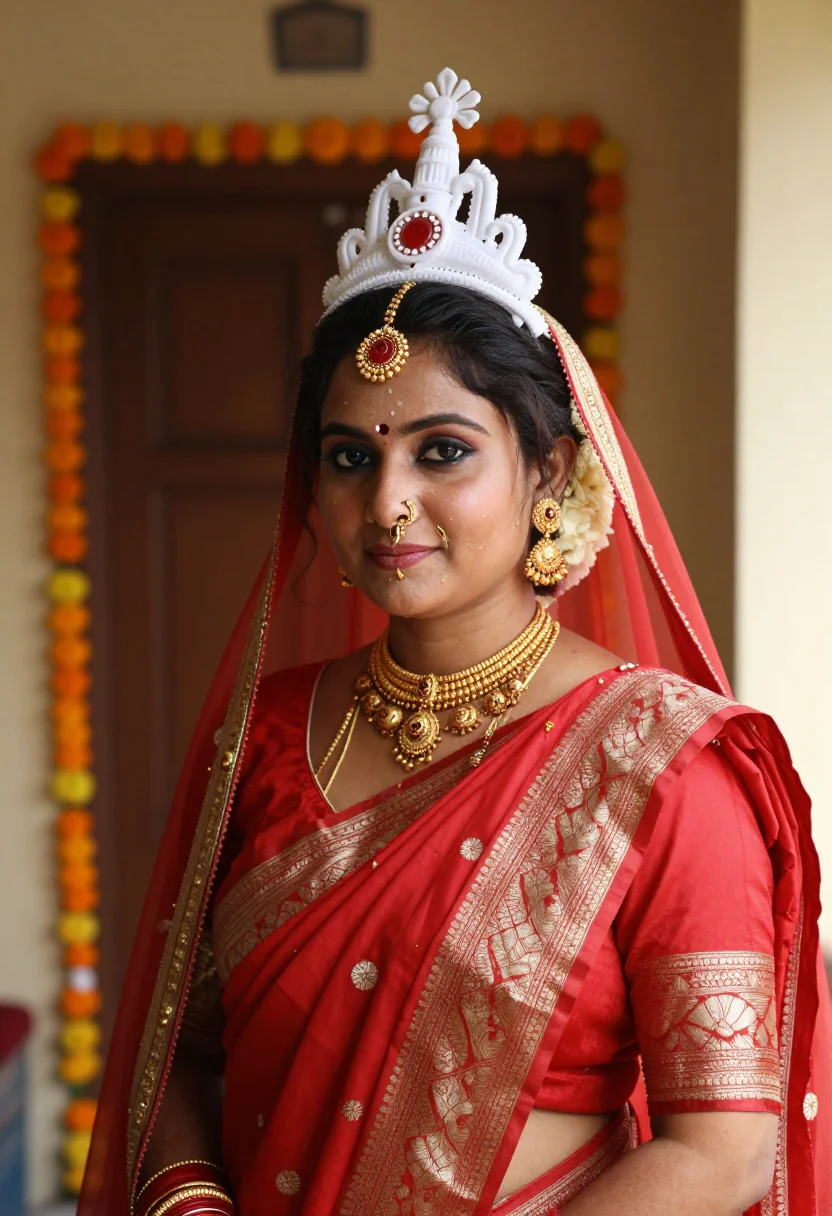
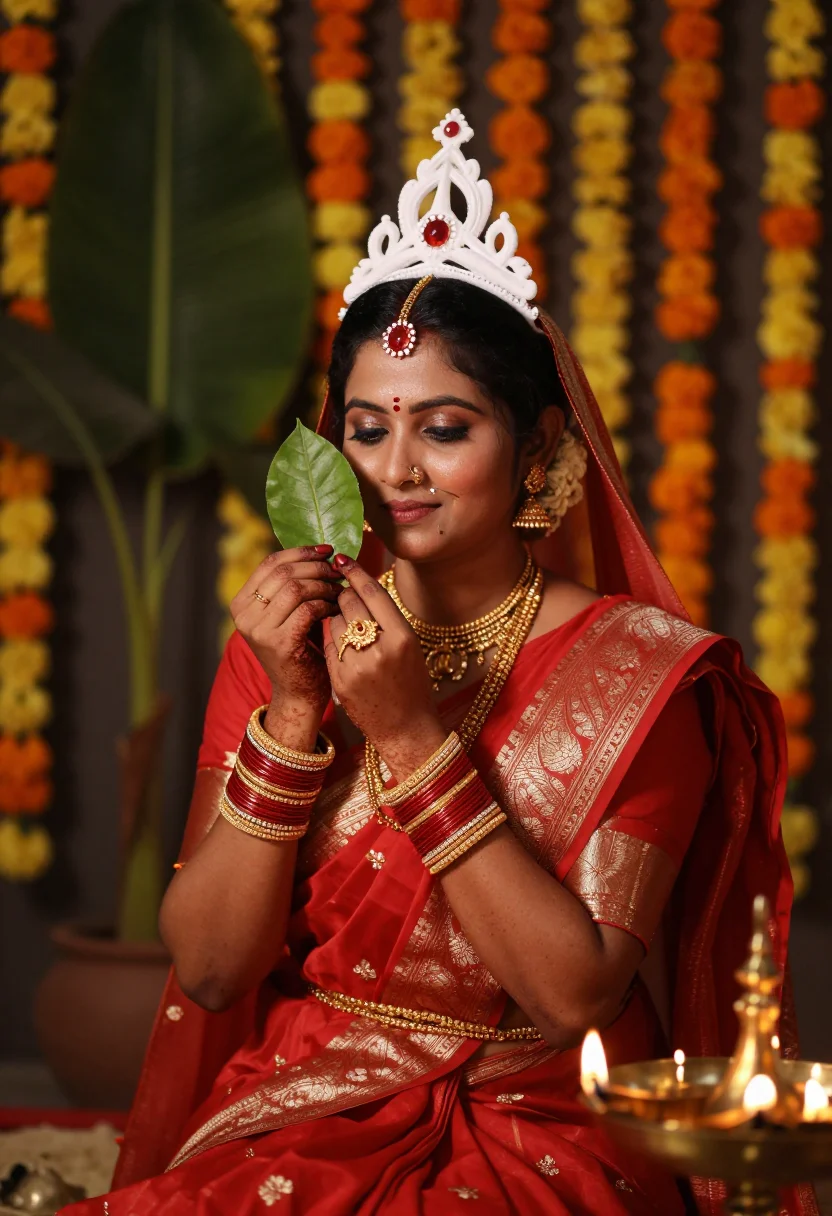
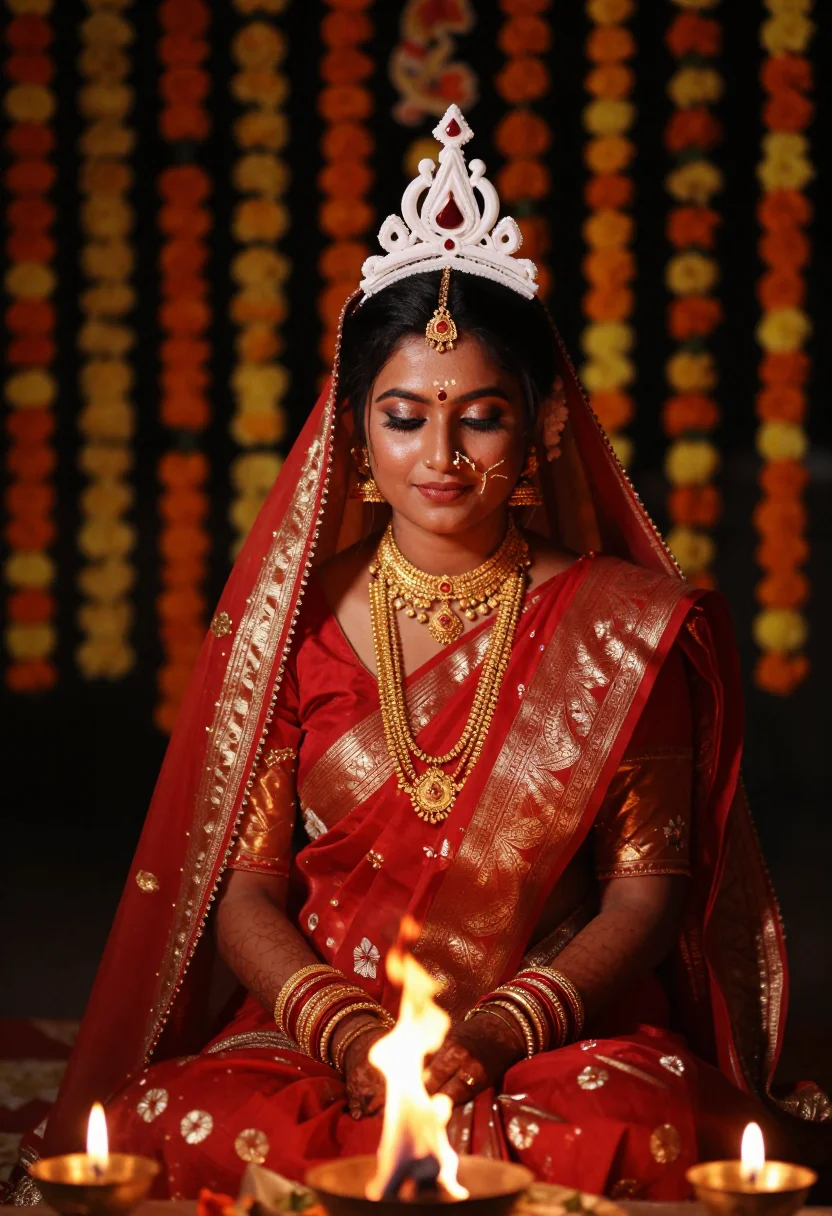
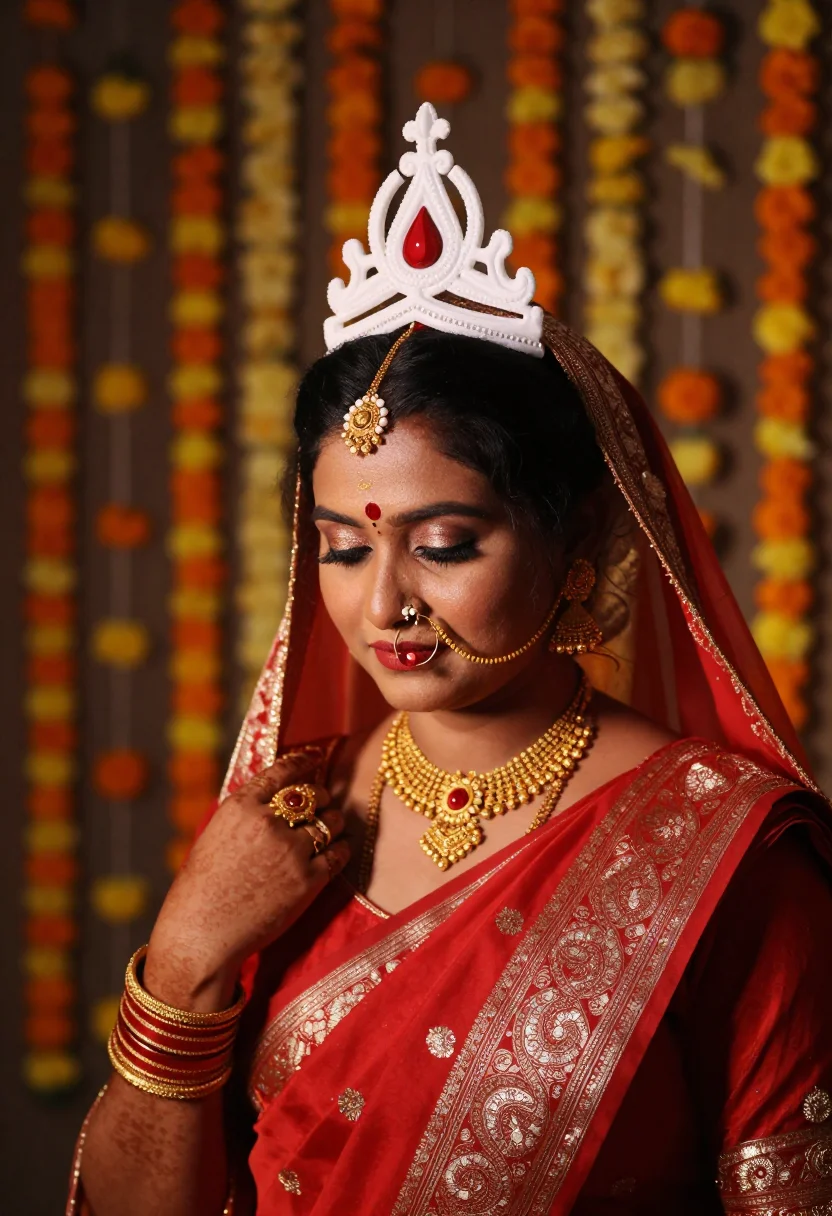
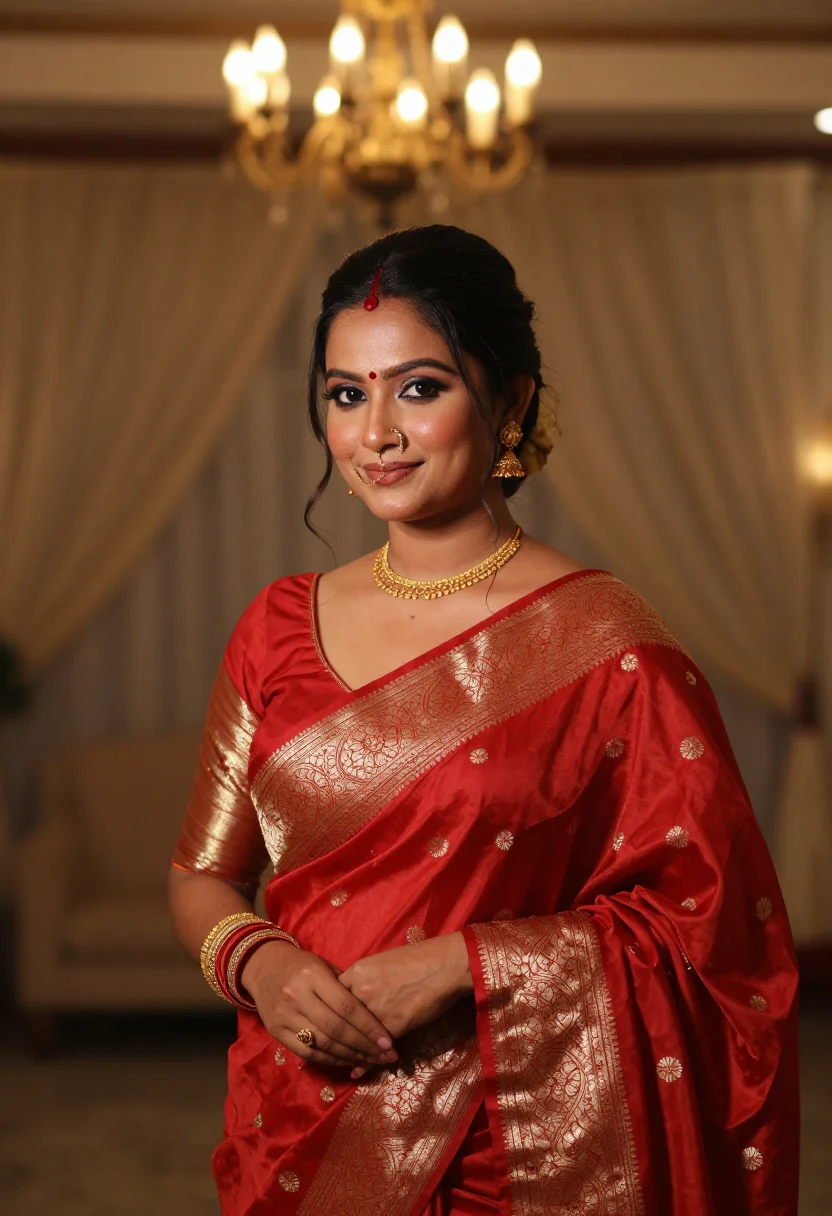
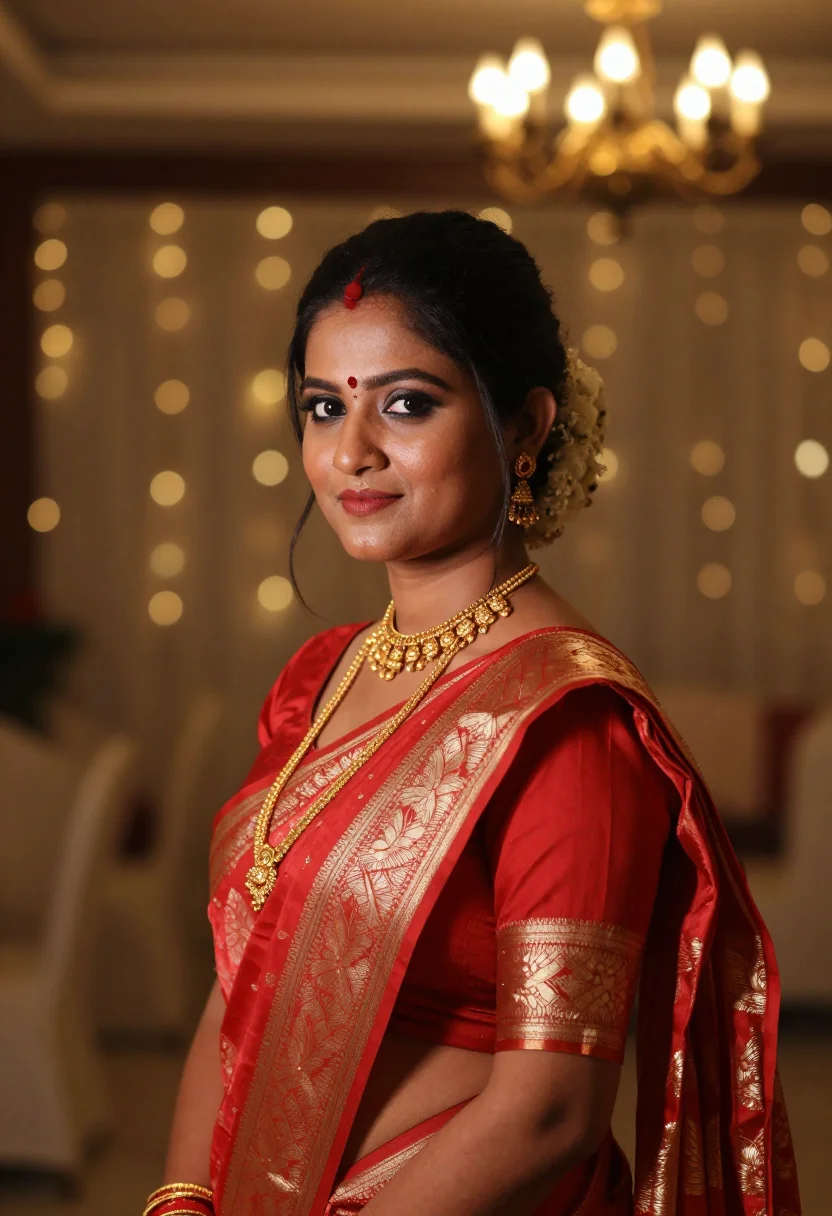
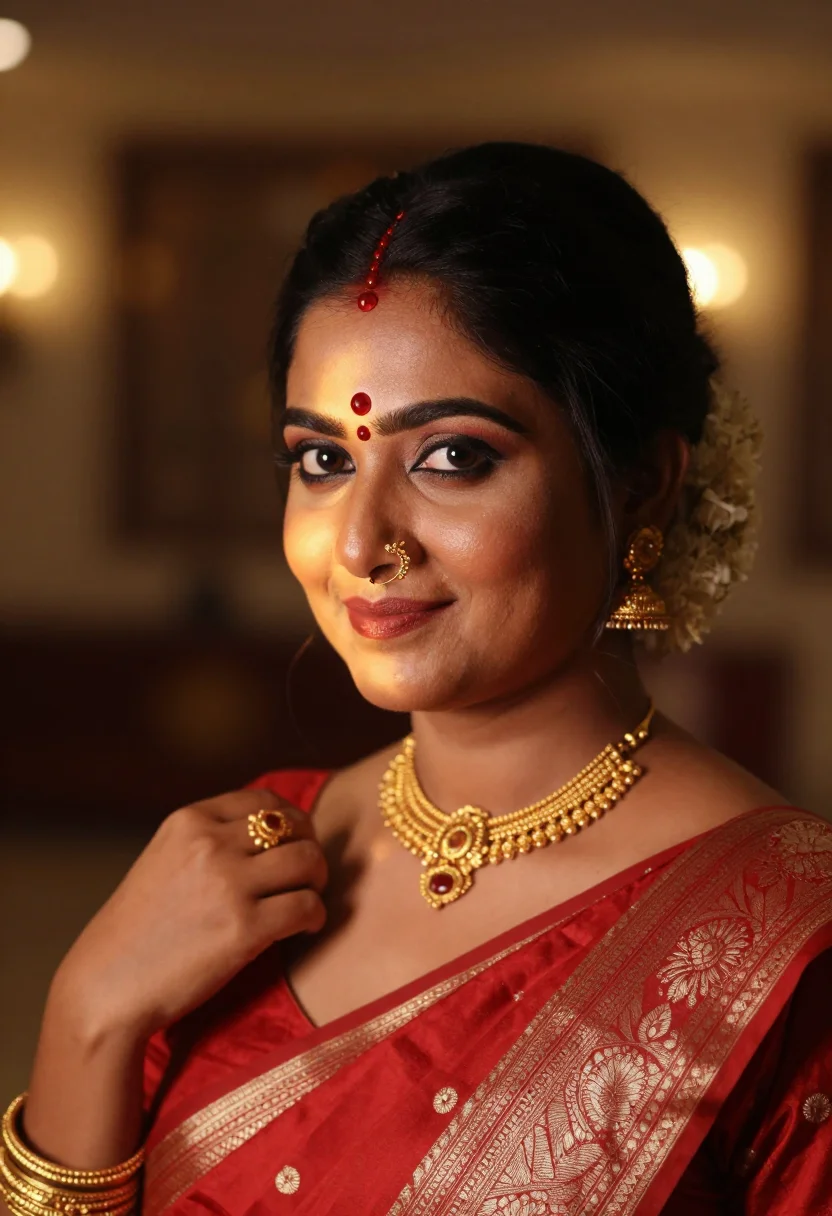
Bengali Bridal Portraits in Red Benarasi and Shakha Pola
no account · ~15s · the first shot is free
More like this
one model wears them all →
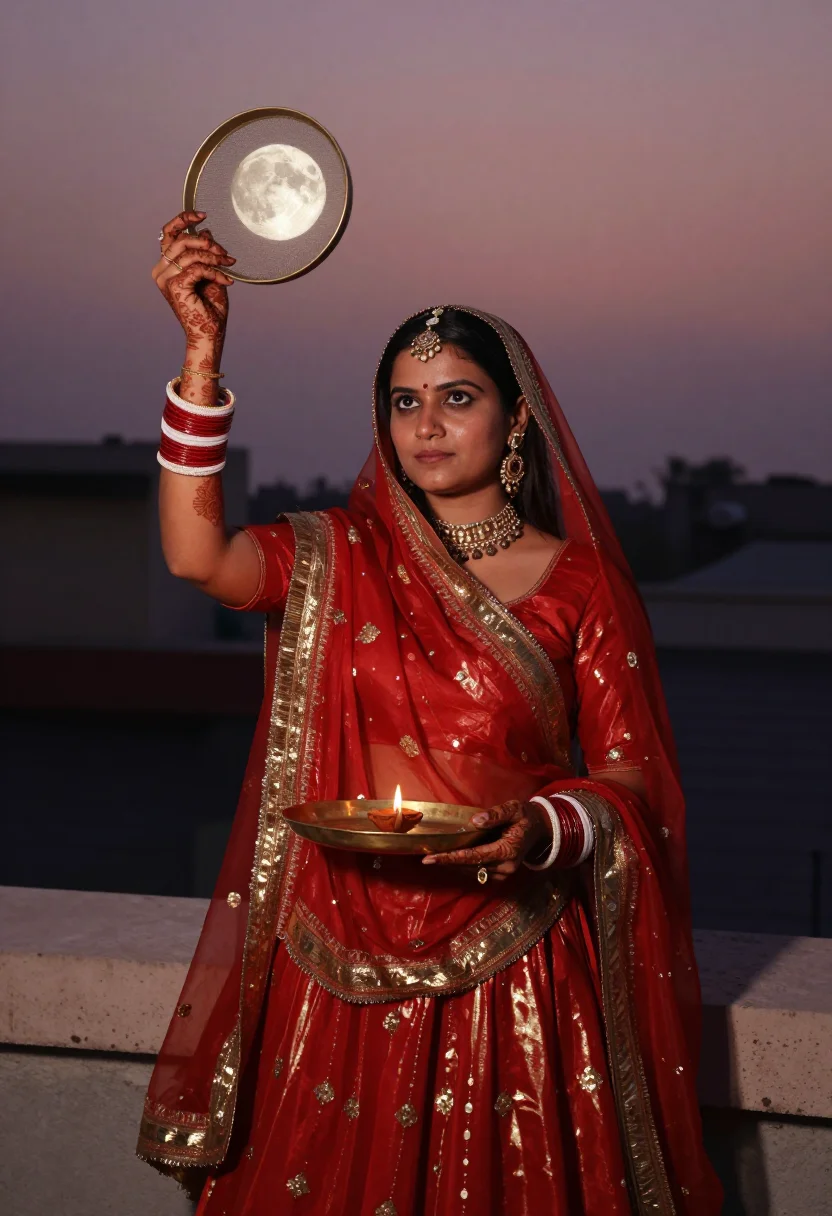
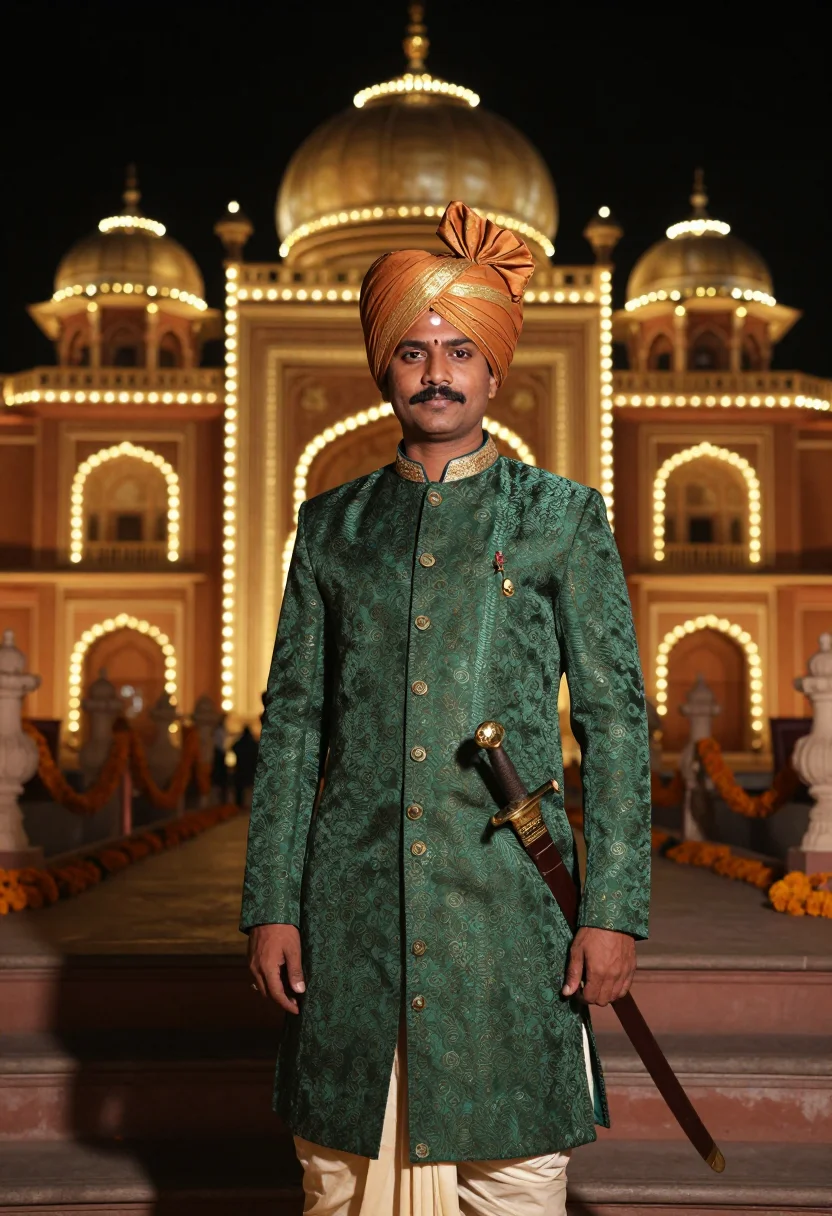
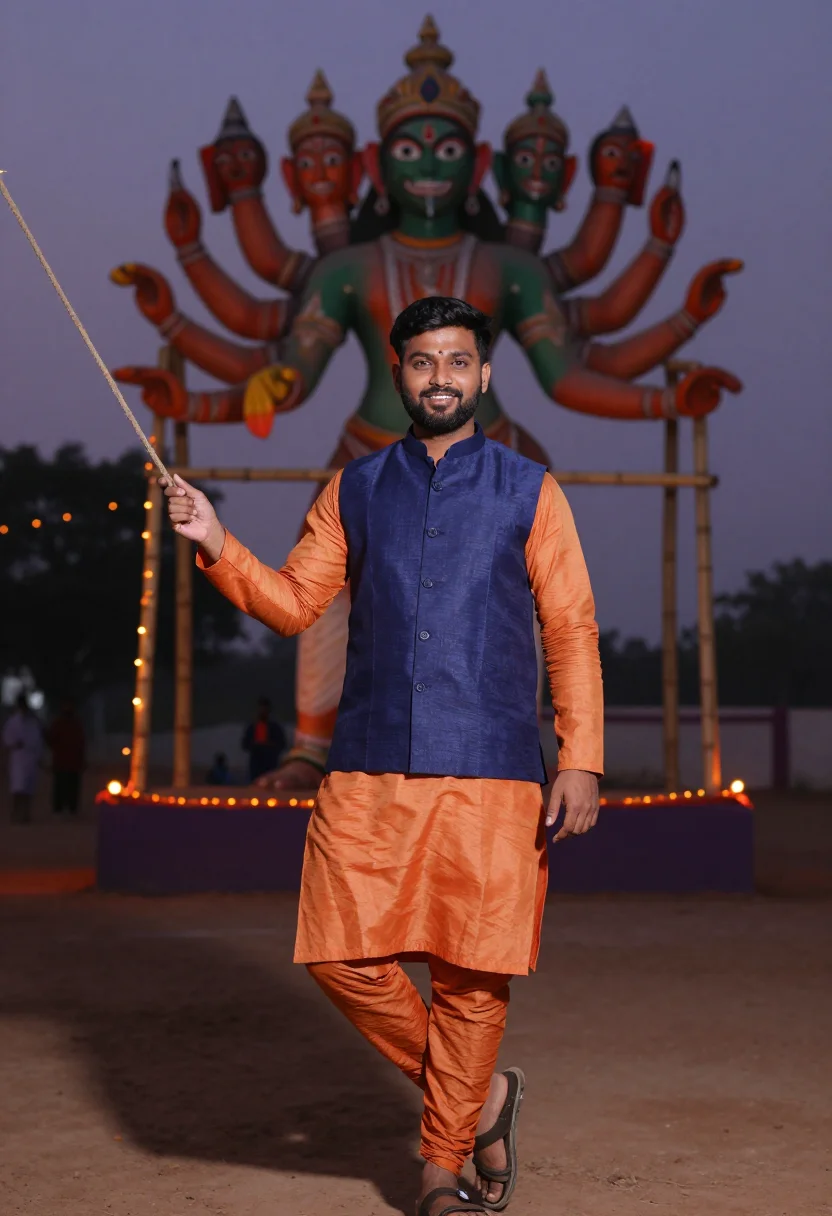
all 9 looks — from one photo ↓
How it works
Three steps. Upload, preview, deliver.
1
Upload 1 to 5 selfies
One is enough. More angles sharpen the likeness.
2
See a free preview
One sample shot in seconds, so you know the likeness works before you pay.
3
Buy and train your model
€4,99 one-time. Buy it, then train your model — 12–20 photos — and we email you the moment your model is ready — your nine are waiting when you come back. After that, every portrait — this pack, every other pack, the Studio — renders in about ten seconds.
The red Benarasi bride register
The Bengali bride is built around one unmistakable palette: deep red against white and gold. A red Benarasi silk saree heavy with zari, the white-and-red shakha pola stacked on both wrists — shakha carved from real conch shell, pola dyed coral — sindoor traced into the parting, and a shola-pith mukut catching the light the same way the groom's own topor does. This pack puts you in that frame. Three looks carry it: a red-and-gold Benarasi in a marigold-strewn mandap under brass diyas, a deeper maroon Benarasi with the mukut and full jewellery in a Kolkata heritage courtyard, and a jewellery-forward close that brings the shakha pola, the sindoor and the mukut right up to the lens. Each look is shot three ways — pose, crop, angle — so the nine portraits read like a real wedding gallery rather than the same photo nine times.
These are photographs, not paintings. The output is photoreal: your face and your features, dressed and lit like a bridal editorial — the Benarasi zari catching real light, the shakha pola bright against red silk, the mukut's white pith sharp against dark hair, marigold and brass soft behind you. It borrows the register of a Bengali wedding shoot, the drape of the saree and the grammar of the light; it does not turn you into a cartoon, a painting, or a costume. The closer your upload sits to a clear, front-on photo, the sharper the likeness comes back.
How to photograph yourself for Bengali bridal portraits
Good input, good portrait. The pack forgives an imperfect photo — the free preview shows you the result in seconds — but four small things sharpen it.
- Soft, even lightFace a window with indirect daylight on you. Skip the overhead bulb and the hard noon sun — both flatten the face and fight the soft modelling the pack is built around.
- Front or three-quarter, at eye levelHold the camera level with your eyes. No selfie up-angle, no looking down — the bridal register wants you square to the lens.
- Hair and hairline visibleThe mukut sits at your hairline and the sindoor traces the parting. Hair pulled back a little lets the pack place both cleanly instead of guessing.
- Plain wall, everyday faceLet the pack build the mandap, the marigold and the bridal styling. A clean backdrop and a natural, lightly-made-up face mean the whole likeness budget goes to you.
Frequently asked questions
- What's the difference between the free preview and the paid pack?
- The preview is one Bengali bridal portrait built from your photo, shown live in seconds — you judge the likeness before paying anything. The paid pack is nine portraits: three looks (mandap red-and-gold, heritage-courtyard maroon, a jewellery-forward close), three angles each. €4,99. Buy it, add 12–20 photos to train your model — and we email you the moment your model is ready — your nine are waiting when you come back. After that, every portrait — this pack, every other pack, the Studio — renders in about ten seconds.
- Will it actually look like me?
- That's the whole job. Upload one clear, front-facing photo and the pack keeps your face, your features, your skin and hair — then dresses them in the Benarasi saree and the Bengali bridal gold. The free preview shows you exactly how close the likeness is before you spend a cent.
- Is this a genuine Bengali bridal look or a costume filter?
- It's built to read as a bridal editorial, not a fancy-dress photo — a real red Benarasi with zari work, the shakha pola in shell-white and coral, sindoor at the parting, a shola-pith mukut. It borrows the register of a Bengali wedding shoot; it doesn't claim to copy one specific weaver's saree. What you get looks like a portrait a wedding photographer would take, not a sticker pasted over your selfie.
- How is this different from Midjourney or a free AI photo app?
- Midjourney will paint you a gorgeous bride in red Benarasi — just not you; it invents a face. The free face-swap apps keep your face but render it plastic, the zari smeared and the shakha pola melting into the wrist. This pack does one narrow job well: your real likeness, in a real Benarasi saree, photoreal, nine ways.
- Can I use these on my wedding website or save-the-date?
- Yes. The portraits are yours to post, print, and send — wedding site, save-the-date, the family group chat, the relatives who want a preview of the look.
- Do I need several photos, or is one enough?
- One clear, front-facing photo is enough. A couple of extra angles nudge the likeness a little closer, but the free preview tells you whether your single photo already does the job.
- Can I choose the shade of red?
- You get all nine portraits, and the three looks span the range Bengali brides actually weigh — bright red-and-gold, deeper maroon, and a jewellery-forward close. Rather than picking one and hoping, you see the whole spread and decide what suits you.
- What happens to the photo I upload?
- Your preview photo is processed on European servers. If you train your model, those 12–20 photos are used only to train it — nothing else — and are deleted the moment you delete your model. Nothing is sold or shared with third parties.
- My only good photo is a casual selfie. Will that work?
- The free preview tells you in seconds whether the likeness lands. If it doesn't, the prep tips above are the fastest fix — usually it's lighting. One clear photo beats five blurry ones.
- Can I print these for the wedding album?
- Yes — the pack delivers at a resolution that holds up in print, not just on a phone screen. Frame one, drop the rest into the album, or send high-res files to family who couldn't make the fitting.
When the Bengali bride pack fits
- Save-the-dates and wedding websites — your red Benarasi portrait ready weeks before the first saree fitting.
- Trying the mukut and full bridal jewellery before the actual wedding-day styling session.
- The bride-to-be who wants to see her Bengali look once, in private, before the wedding week starts.
- Engagement and pre-wedding shoots when the budget went to the venue and the photographer is next year's problem.
- Diaspora Bengali brides picturing the wedding back home from a flat in London, Dubai, or the Bay Area.
- A gift for the bride — the sister, the best friend — who would never book the shoot herself.
- Trying red-and-gold against deeper maroon before you settle on one Benarasi for the day.
- A print-and-frame keepsake in the classic red-and-white register, without a full photographer sitting.
- A preview for family group chats before the actual bou-bhaat or reception portraits.
About narcis
Most AI portrait tools ship every pose, profession, era, and aesthetic in one giant catalog. The output looks like every other AI photo on the internet — a glaze over a stock face. Narcis goes the other way. One tool, one job: turn photos of you into portraits worth keeping. Drop a selfie and your free preview streams in seconds — a quick sketch: close, not you yet. For portraits that are truly you, train your own model on 12 to 20 photos; it trains in the background, and we email you when it is ready. Train once, render everywhere — this pack, every other pack, and the Studio all come out of that one model, about ten seconds a portrait, and it stays yours to retrain or delete. Each pack is hand-curated against actual references — paintings, photographers, registers — and tested on real faces before it ships. See a free preview before you pay, not after. Packs are one-time — no subscription to buy one; Studio, the unlimited composer, is optional at €12/month and every pack includes 30 days of it. No template generator. Built and run by one team, on our own infrastructure.
All images are AI-generated. By using this service, you confirm you are 18+, that any face photo you upload is your own or used with explicit consent. Full Terms