AI Brighton Seafront Shelter January Turquoise Generator — Free Preview, Then Train Your Model
See a Free Preview in Seconds, Before You Commit
Train Your Model Once, Render Brighton Seafront Shelter January Turquoise in About Ten Seconds
Studio-Quality Results Without a Studio Visit
Narcis generates a free preview of your brighton seafront shelter january turquoise from one uploaded photo. The preview streams in seconds — a quick sketch, close but not you yet. If you like it, train your model once — 12 to 20 photos, we email you when it's ready — and the full pack of nine is €9,99, rendered from your model in about ten seconds a portrait. No signup before the preview, and no waiting for an email until you choose to train.
The pack is nine professional brighton seafront shelter january turquoise rendered in portrait aspect ratio (2:3) — the shape LinkedIn banners, CVs, and print profiles actually use. Each image shows varied crops, expressions, and light angles so you have real choices, not nine identical files.
Photos are processed on European servers. We use your photo to generate your headshots; we do not share it with third parties.
/brighton-seafront-shelter-january-turquoise · photo · 3 scenes
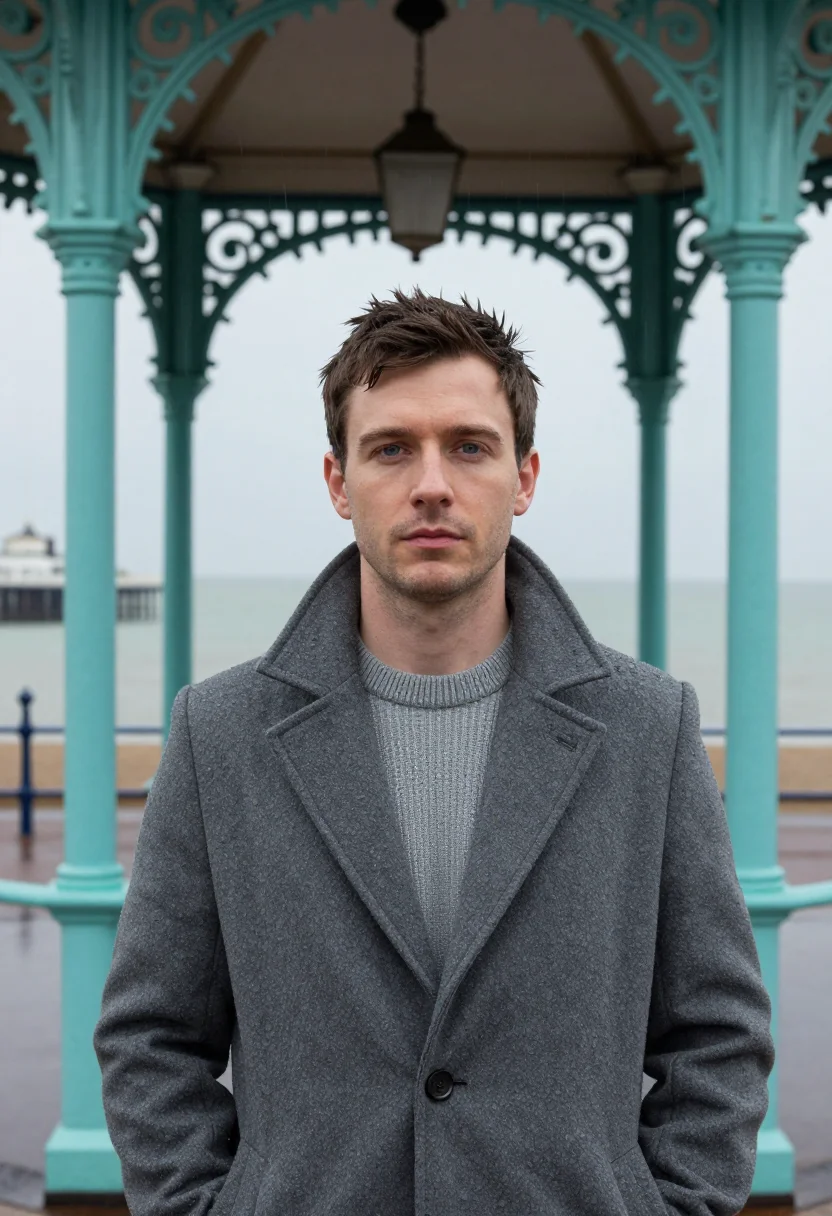
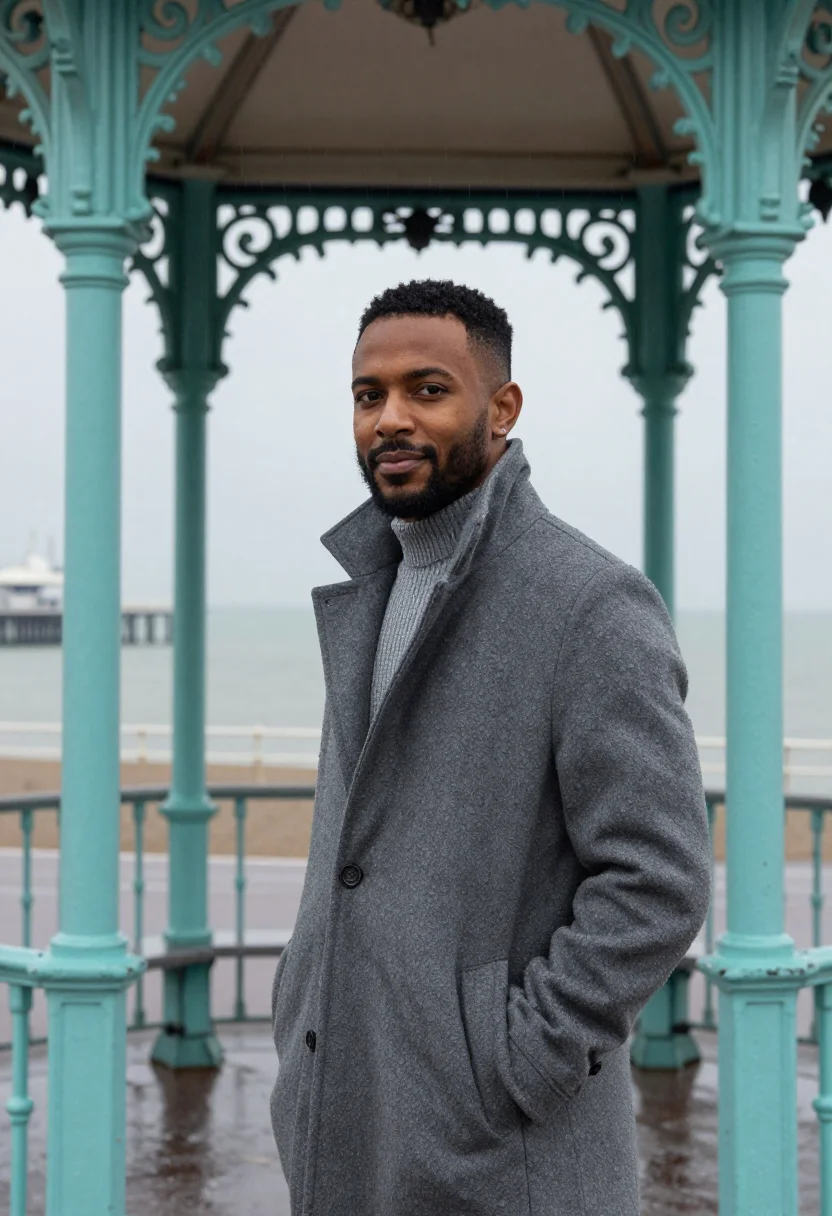
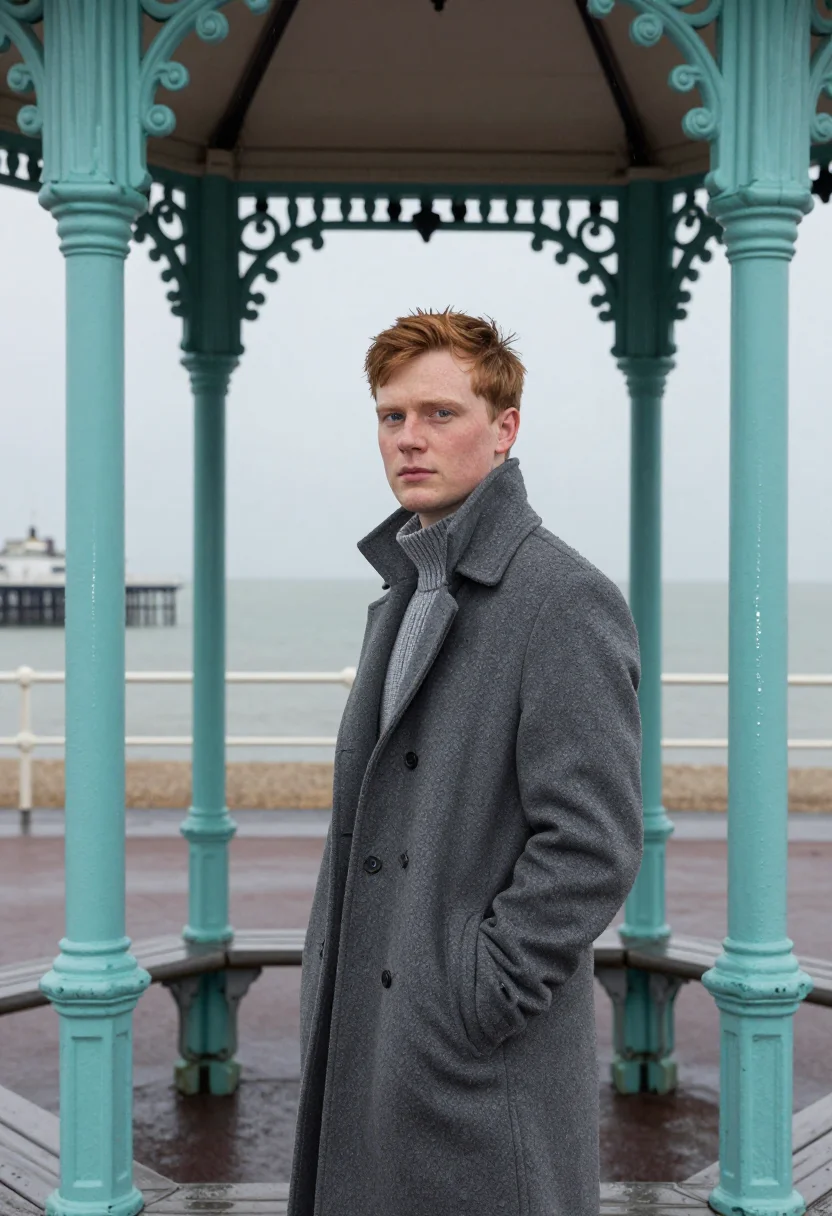
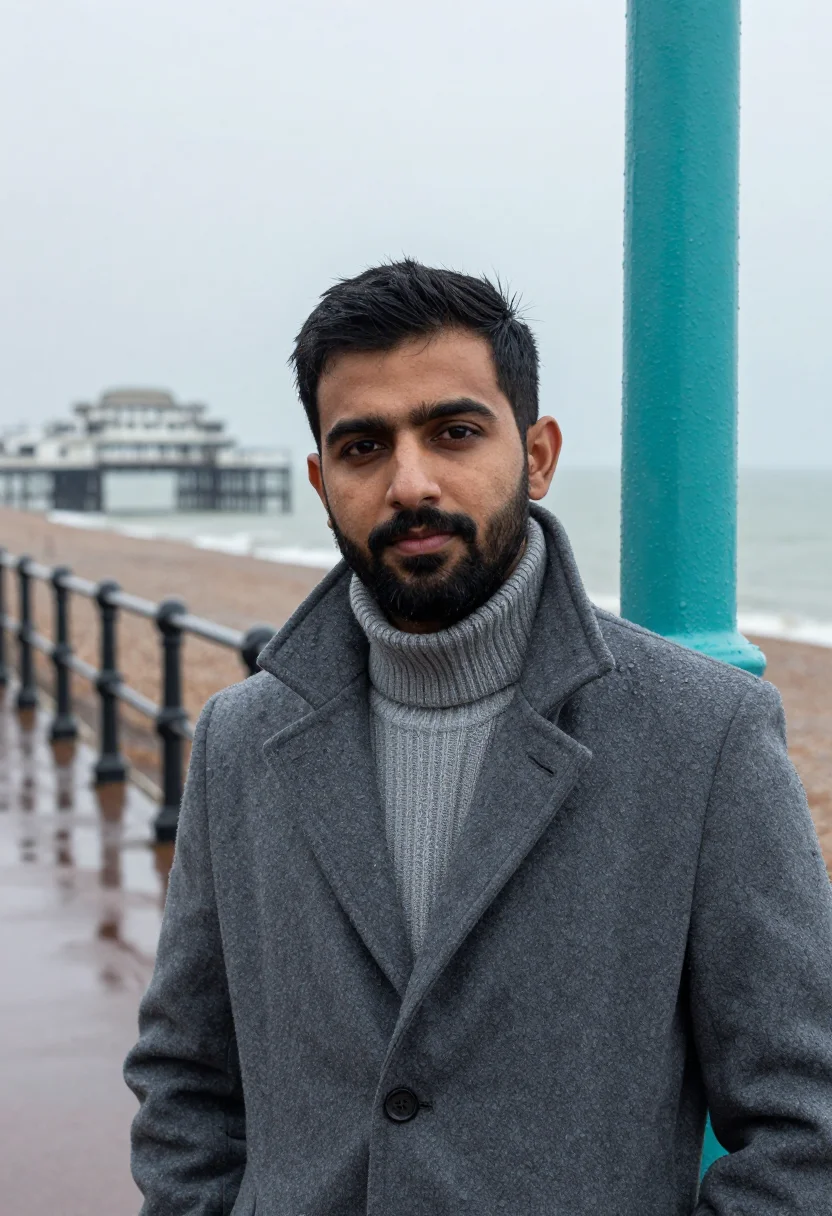
A Brighton Seafront Photoshoot in the Shelter
More of the winter-sea portrait
one model wears them all →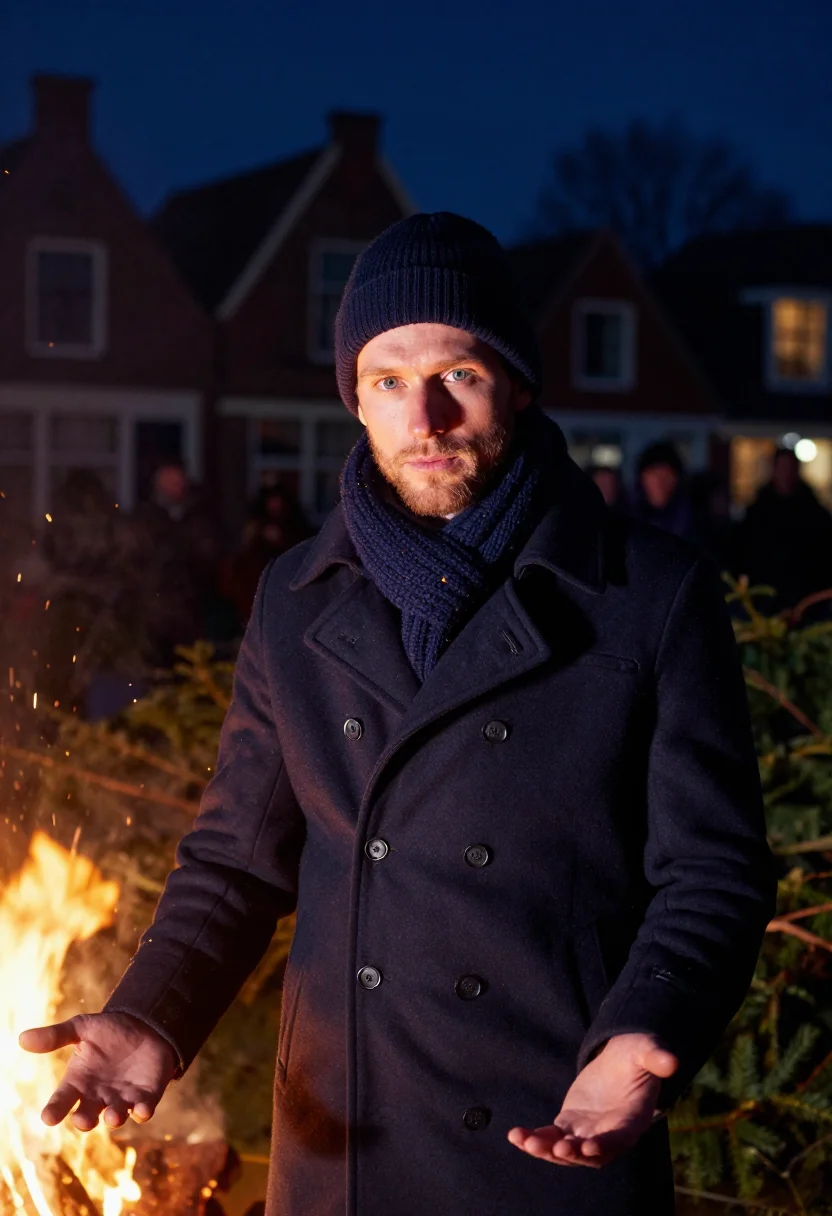
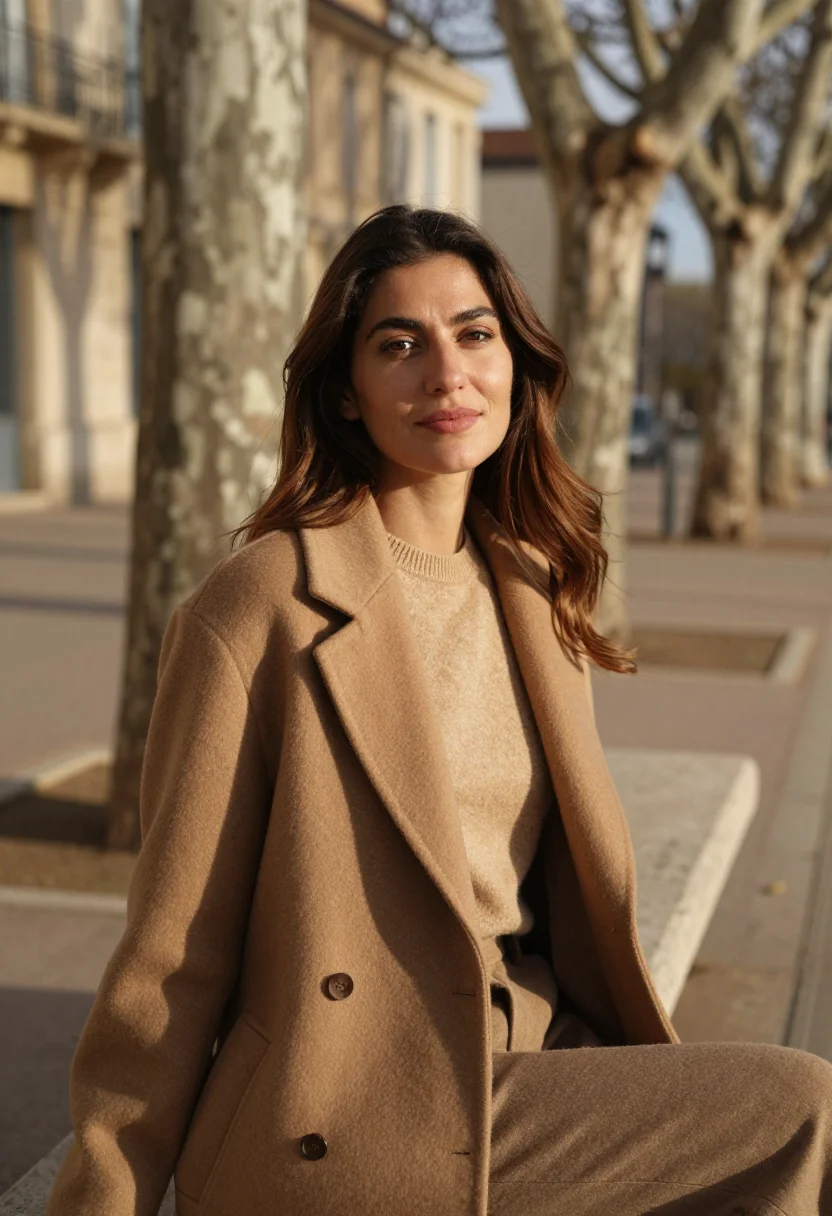
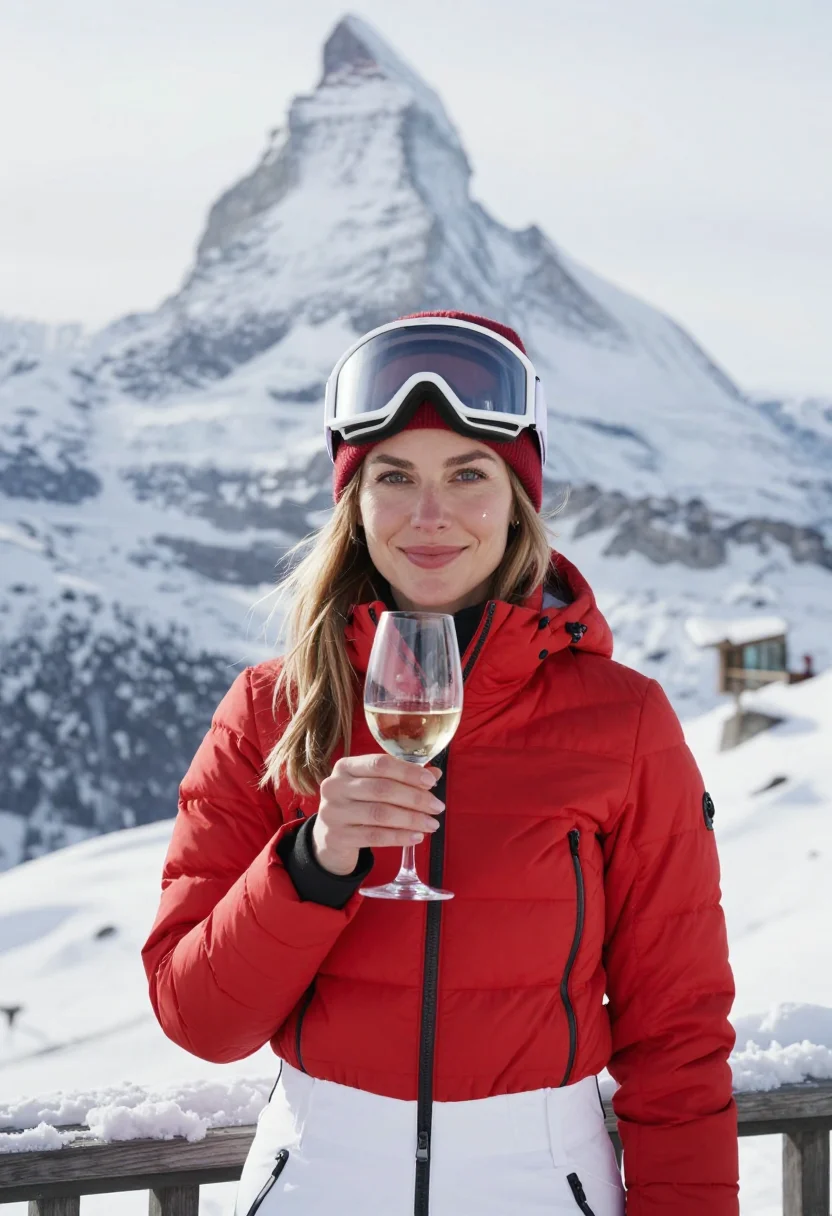
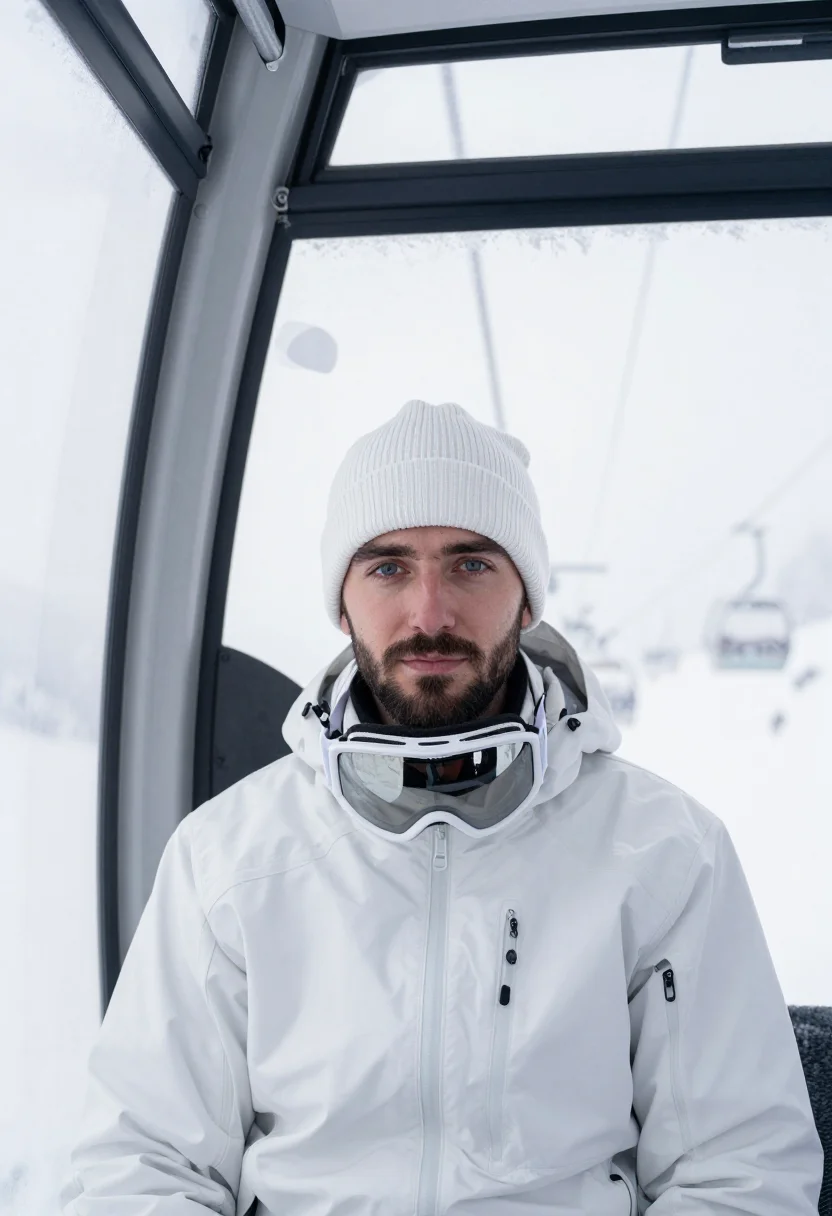
all 9 looks — from one photo ↓
How it works
Three steps. Upload, preview, deliver.
1
Upload 1 to 5 selfies
One is enough for the free preview. More angles sharpen the likeness.
2
See a free preview
A quick sketch of your likeness streams in seconds — close, not you yet, before you pay.
3
Train your model, then unlock 9
€9,99 one-time. Train your model once — 12 to 20 photos, we email you when it's ready — and all nine render in about ten seconds each. Every future pack and Studio portrait render the same way, no repeat training.
The Brighton shelter register
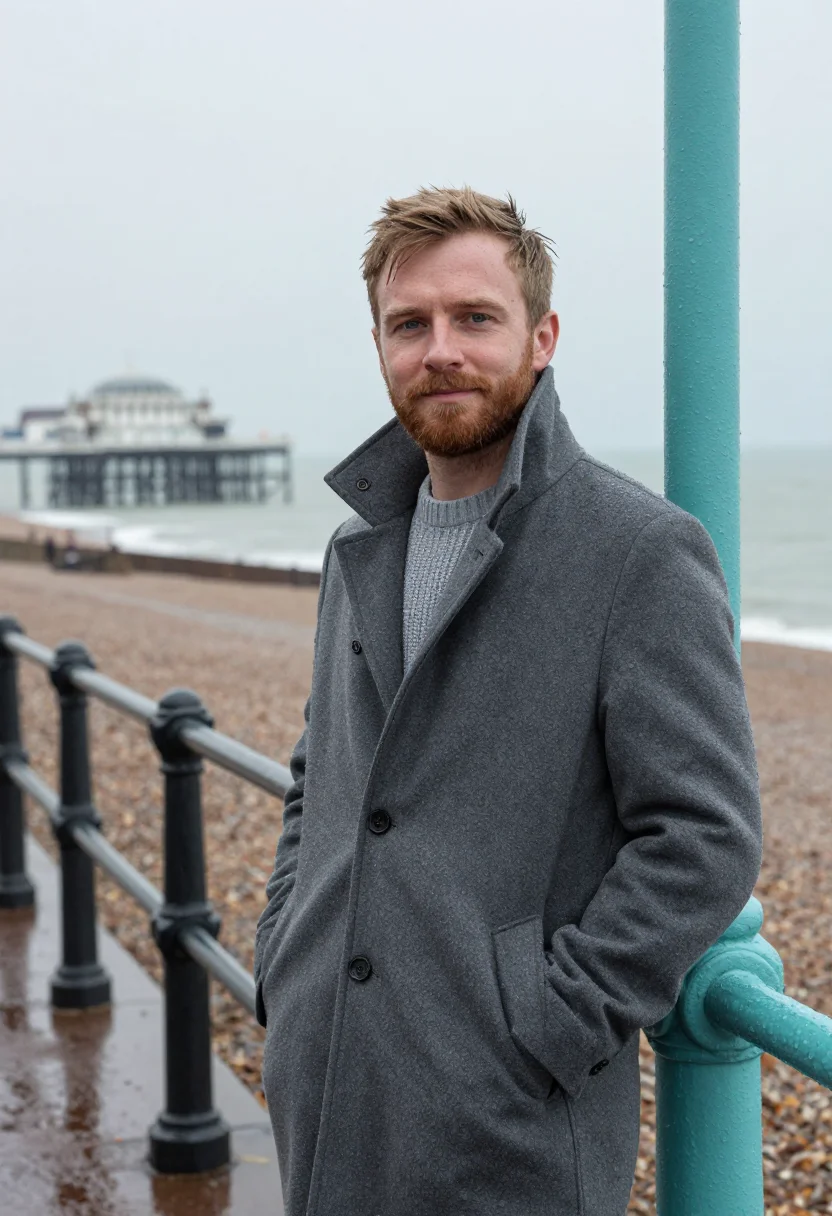
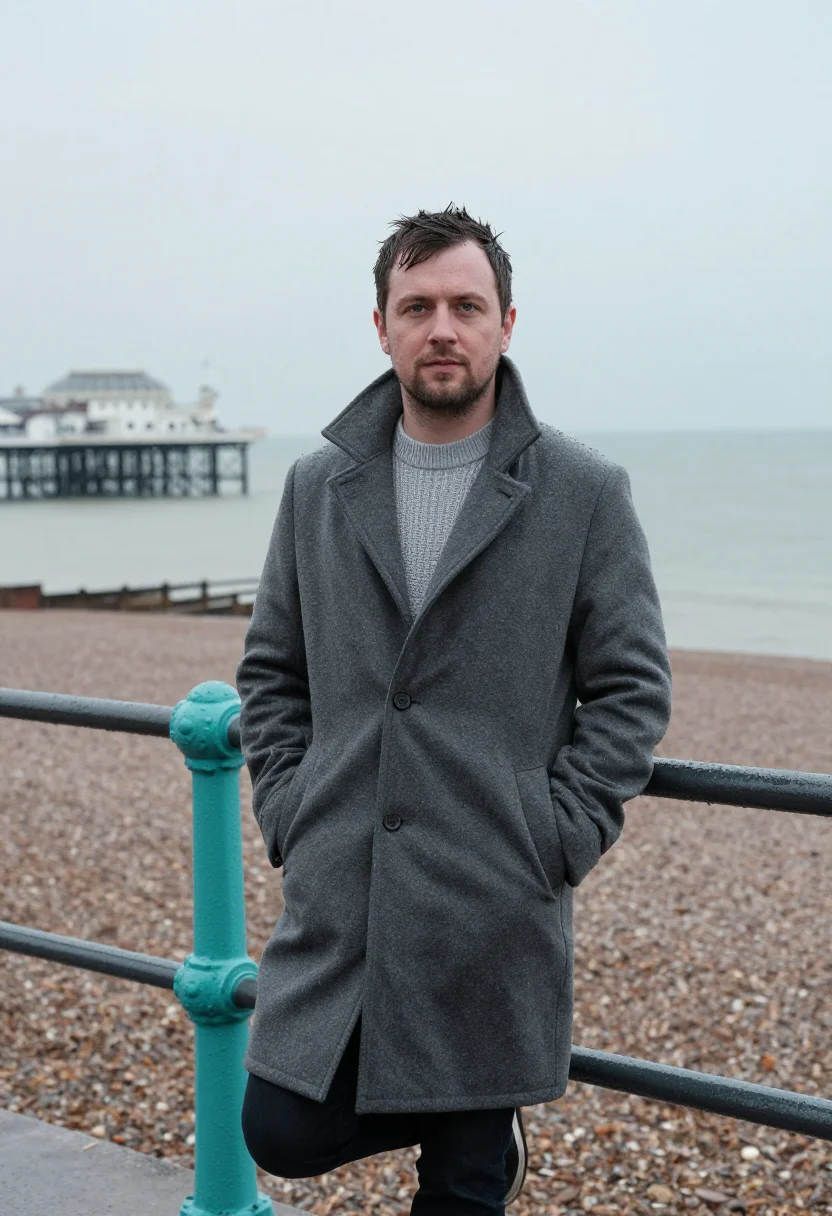
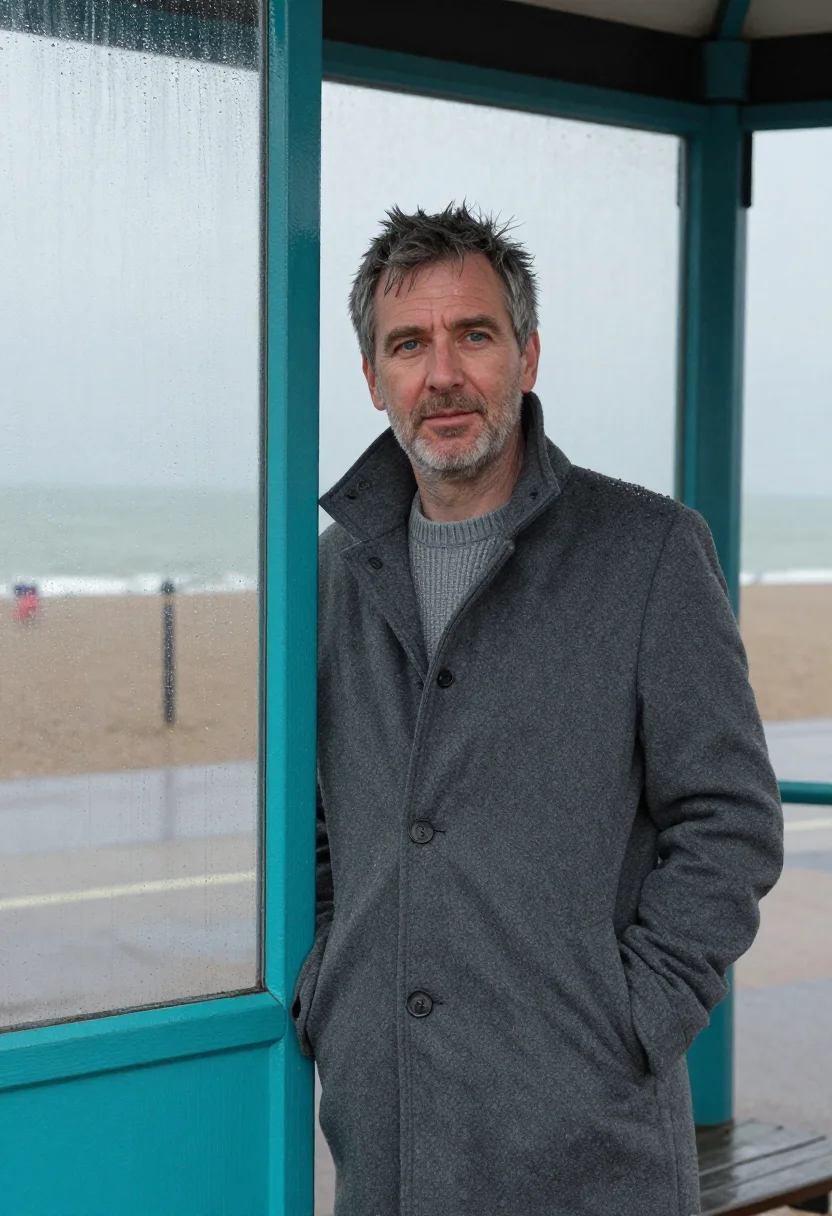
Brighton's seafront in January rain empties out fast, and what's left standing is the row of turquoise iron shelters, the pier's ribs held to a flat grey value, and a sea that's given up trying to be blue. This pack works that specific weather — collar up, hands in pockets, the promenade to yourself.
This is an accent pack, not a full camaïeu: the sea, the sky, the coat, and the promenade are all held down to a narrow grey range, and against that ground exactly one colour survives — the shelter's painted turquoise iron. It's the only hue in the frame, and it does its work simply by being the one thing the rain hasn't dulled.
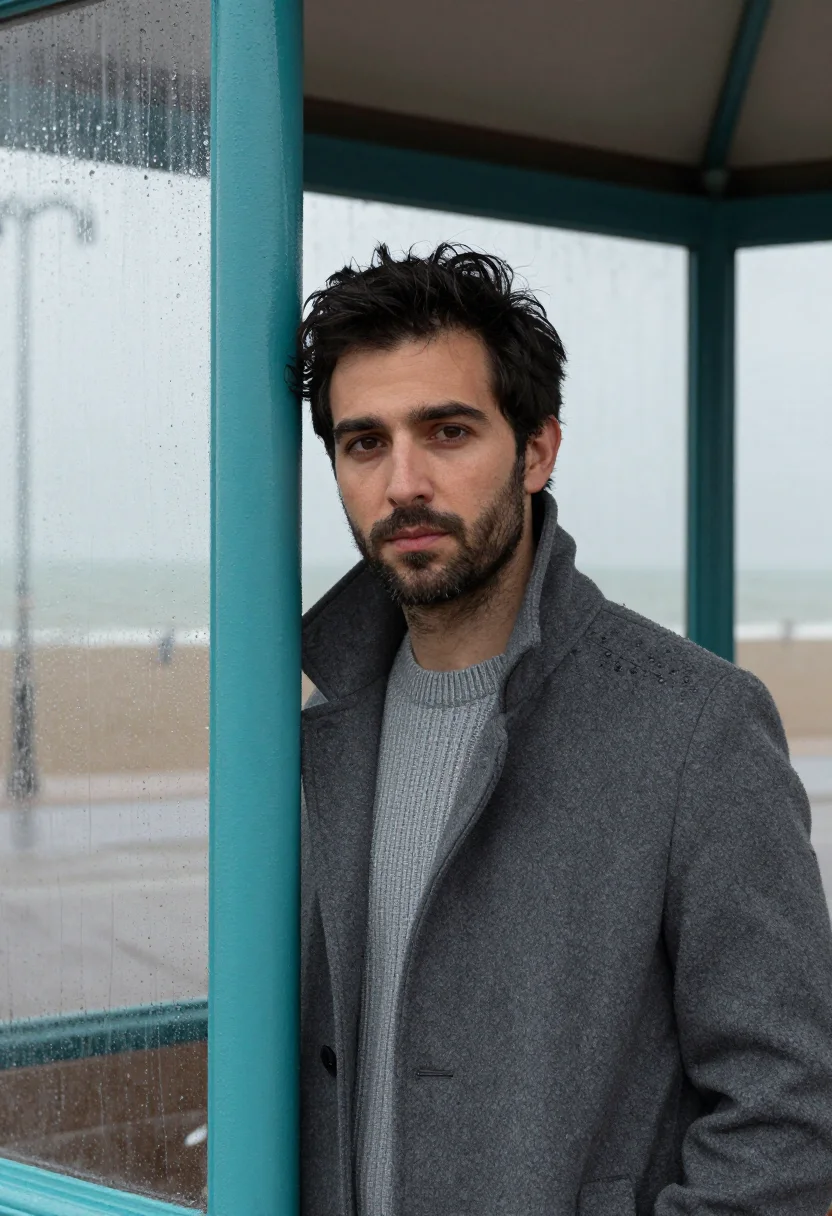
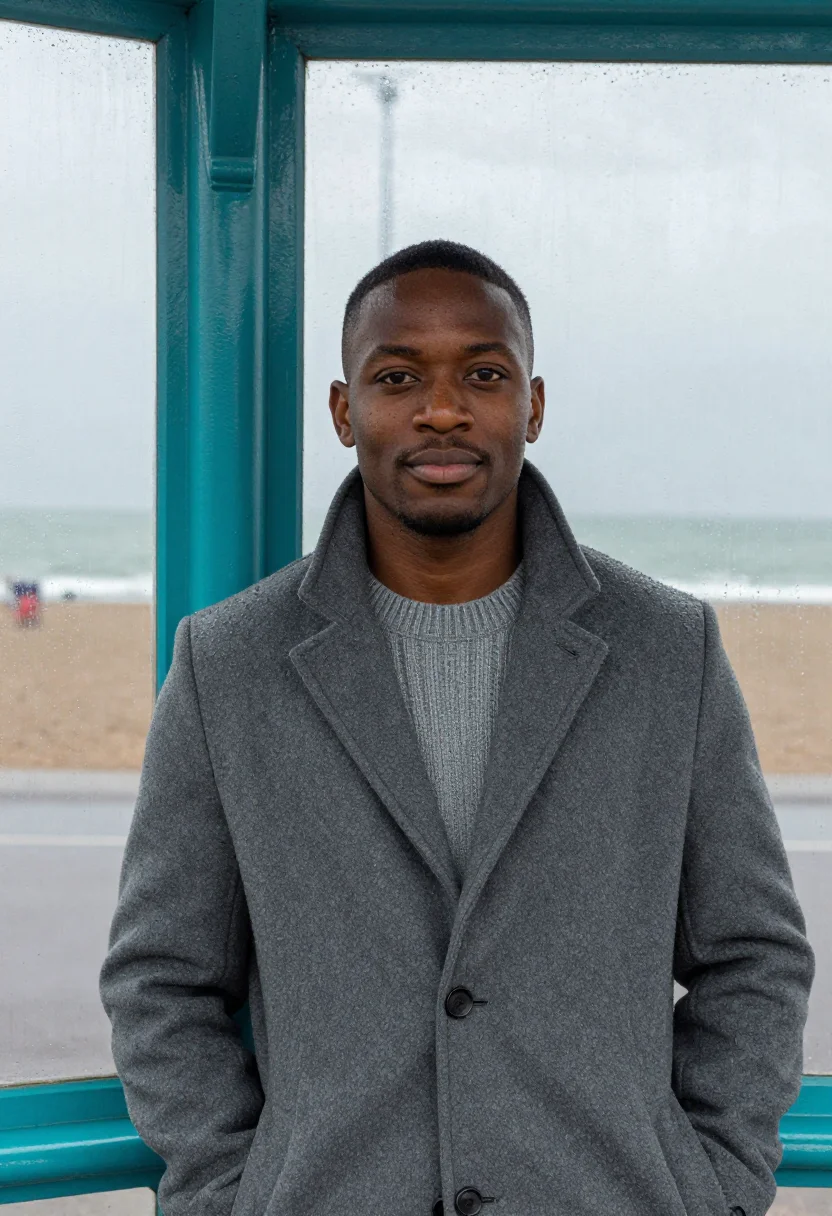
Three looks keep to that single note: inside the shelter with the turquoise framing the shot and the sea flat grey beyond, at the promenade rail with the rain in the coat and one turquoise post at the frame's edge, and half-length at the shelter's rain-streaked glass with a turquoise mullion beside the face. The grey stays constant; only the turquoise moves through the frame.
What comes back is a real-looking photograph of your own face, generated from the selfie you upload, standing in Brighton's actual seafront weather. The shelters and the sea are real; the portrait is a costume version of a January walk there, not a claim you made the trip.
How to photograph yourself for a Brighton seafront photoshoot
The AI needs a clear, well-lit read on your face to place it convincingly in flat, sea-reflected winter light — a few minutes with your phone is enough.
- Even, soft lightA window or an overcast sky matches the flat, diffused light off the sea. Avoid a single warm lamp or direct sun.
- Front or three-quarter angleA straight-on or slightly turned face works best. Avoid a full profile or a chin-down angle that hides your features.
- Face fully clearNo hood pulled forward, no sunglasses, hair off the eyes. The AI needs the whole face to build a convincing likeness.
- A composed expressionA calm, held expression suits the mood better than a big grin — this is a quiet, weathered-in walk, not a beach-day photo.
- Plain background is fineAny evenly lit indoor spot works for the selfie — the AI replaces the setting entirely with the shelter and the sea, so you don't need to shoot outdoors or in the rain.
Frequently asked questions
- Will it actually look like a real photograph?
- Yes — the output is built to read as an actual photograph taken on Brighton's seafront, not an illustration. The rain on the glass, the flat grey sea, and the shelter's painted iron are rendered as a real camera would catch them.
- Do I need to have actually been to Brighton for this to work?
- No. You upload one selfie from anywhere, and the AI builds the shelter, the sea, and the grey coat around your face — no trip to the coast required.
- What's the difference between the free preview and the full pack?
- The free preview generates one portrait so you can check your face in the register first. The full pack delivers nine portraits across all three looks.
- How is this different from a generic AI photo filter?
- A generic filter or a tool like Lensa restyles a photo you already have. This builds a new scene — the shelter, the sea, the grey light — around your likeness, rather than applying a cool-toned preset to your existing background.
- I'm a woman — can I use this pack?
- This pack's styling (the coat, the collar up, the way the turquoise is framed) is built for men. A women's version of a seafront portrait would be a different pack's register.
- What if my source photo isn't great?
- A slightly imperfect photo works fine as long as your face is clearly visible and evenly lit — see the prep tips above. Deep shadow, sunglasses, or a face turned far from the camera will hurt the result more than photo quality alone.
- Can I use it for a dating profile or as a gift?
- Yes — a dating profile photo, a print, or a gift are exactly the intended uses. It isn't licensed for commercial resale or advertising use.
- What happens to the photo I upload?
- Your photo is processed on European servers and isn't shared with third parties. It's used only to generate your portraits.
- Why January specifically, and why turquoise?
- January empties the seafront and flattens the sea and sky to grey, which is exactly what lets the shelters' turquoise iron read as the one surviving colour — a summer shot wouldn't produce the same contrast.
- Does the coat need to match one I actually own?
- No — the wardrobe is generated by the AI. You don't need to own or wear a grey wool coat for your source selfie.
When the Brighton shelter pack fits
- A dating profile photo with real seaside atmosphere, not a studio headshot
- A profile picture for Hinge, Bumble, or a matchmaking site
- An Instagram or Threads post with a moody British-coast feel
- A wall print in grey and turquoise for a coastal-styled room
- A gift for someone with Brighton or south-coast roots
- A phone wallpaper with a rainy, cool-toned mood
- A keepsake photo tied to a seaside trip or a wished-for one
- A vision-board image built around solitude, weather, or a coastal reset
- A print for a winter card sent to friends and family
About narcis
Most AI portrait tools ship every pose, profession, era, and aesthetic in one giant catalog. The output looks like every other AI photo on the internet — a glaze over a stock face. Narcis goes the other way. One tool, one job: turn photos of you into portraits worth keeping. Drop a selfie and your free preview streams in seconds — a quick sketch: close, not you yet. For portraits that are truly you, train your own model on 12 to 20 photos; it trains in the background, and we email you when it is ready. Train once, render everywhere — this pack, every other pack, and the Studio all come out of that one model, about ten seconds a portrait, and it stays yours to retrain or delete. Each pack is hand-curated against actual references — paintings, photographers, registers — and tested on real faces before it ships. See a free preview before you pay, not after. Packs are one-time — no subscription to buy one; Studio, the unlimited composer, is optional at €12/month and every pack includes 30 days of it. No template generator. Built and run by one team, on our own infrastructure.
All images are AI-generated. By using this service, you confirm you are 18+, that any face photo you upload is your own or used with explicit consent. Full Terms