A Capucine Photoshoot
Nine photos of you in one setting
How your model is created from your photos
Every pack on Narcis, made with your face
Nine photographs of you in one setting: one pack of the Narcis catalogue.
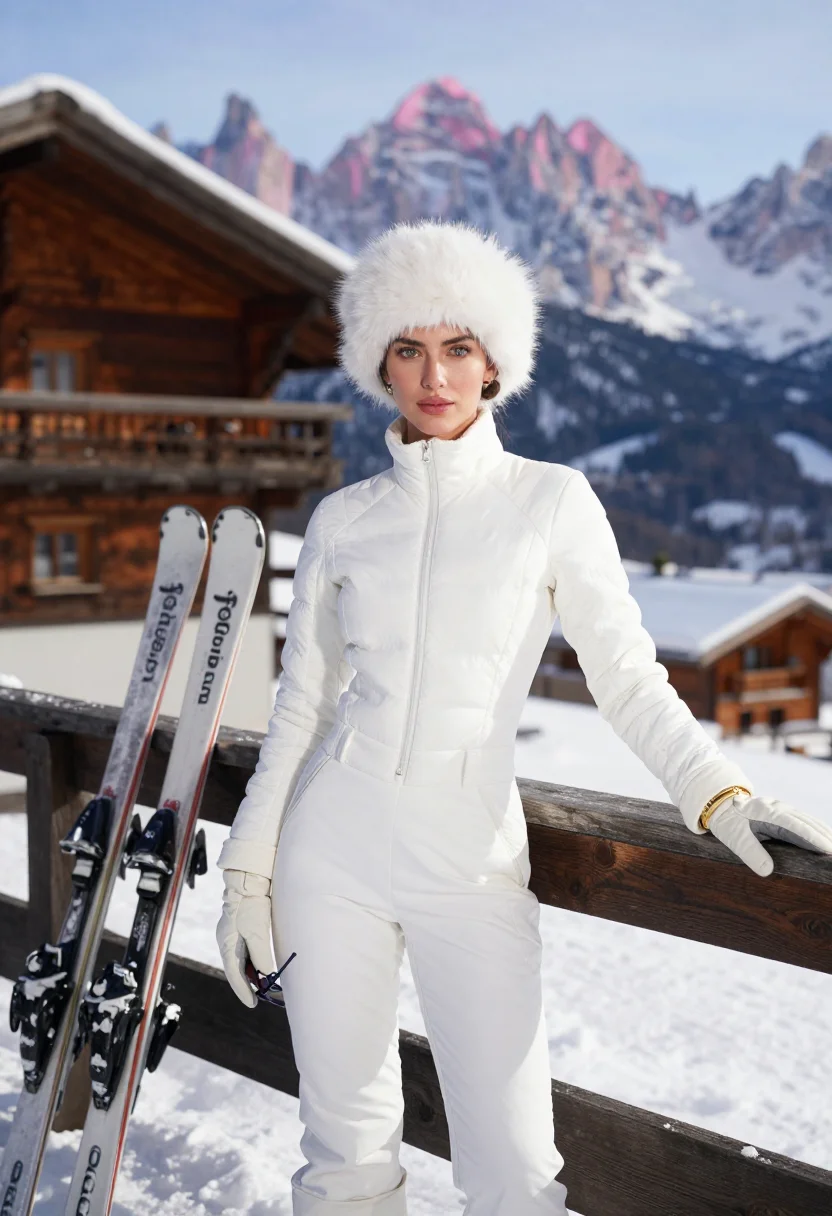
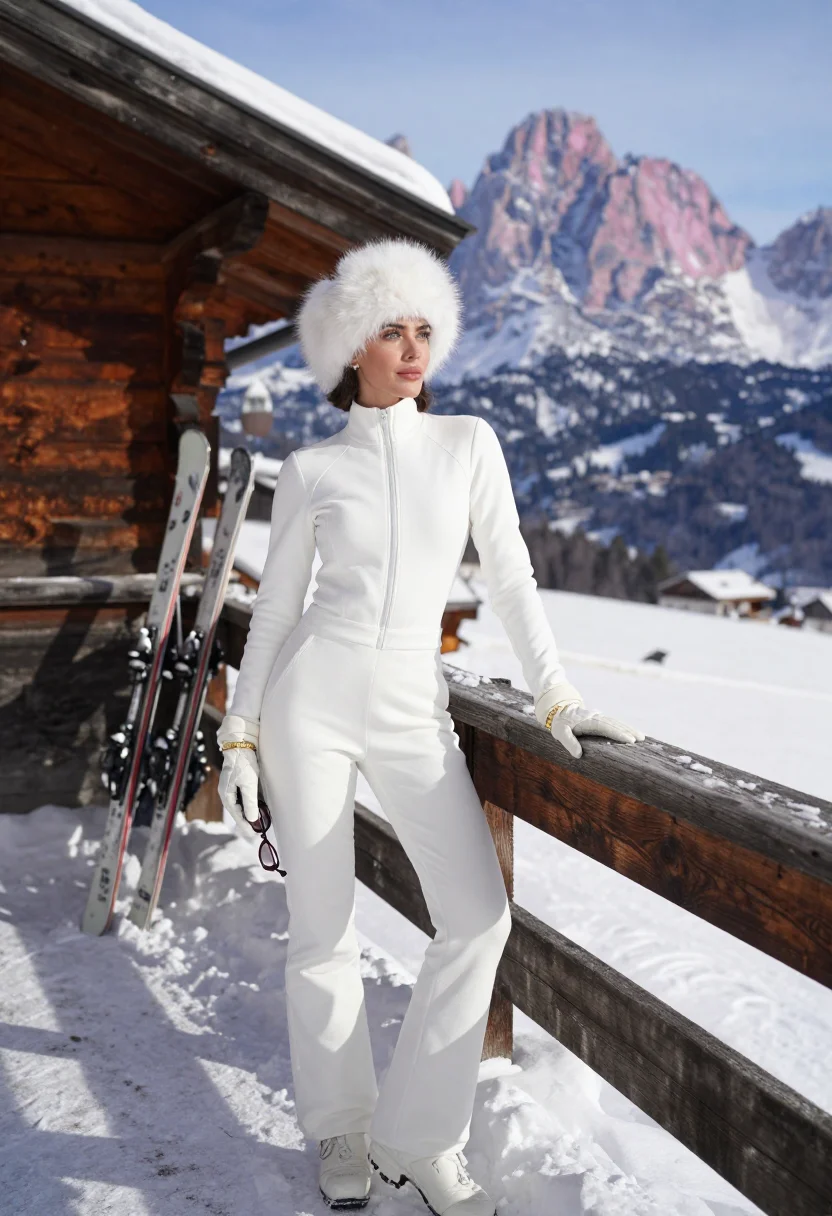
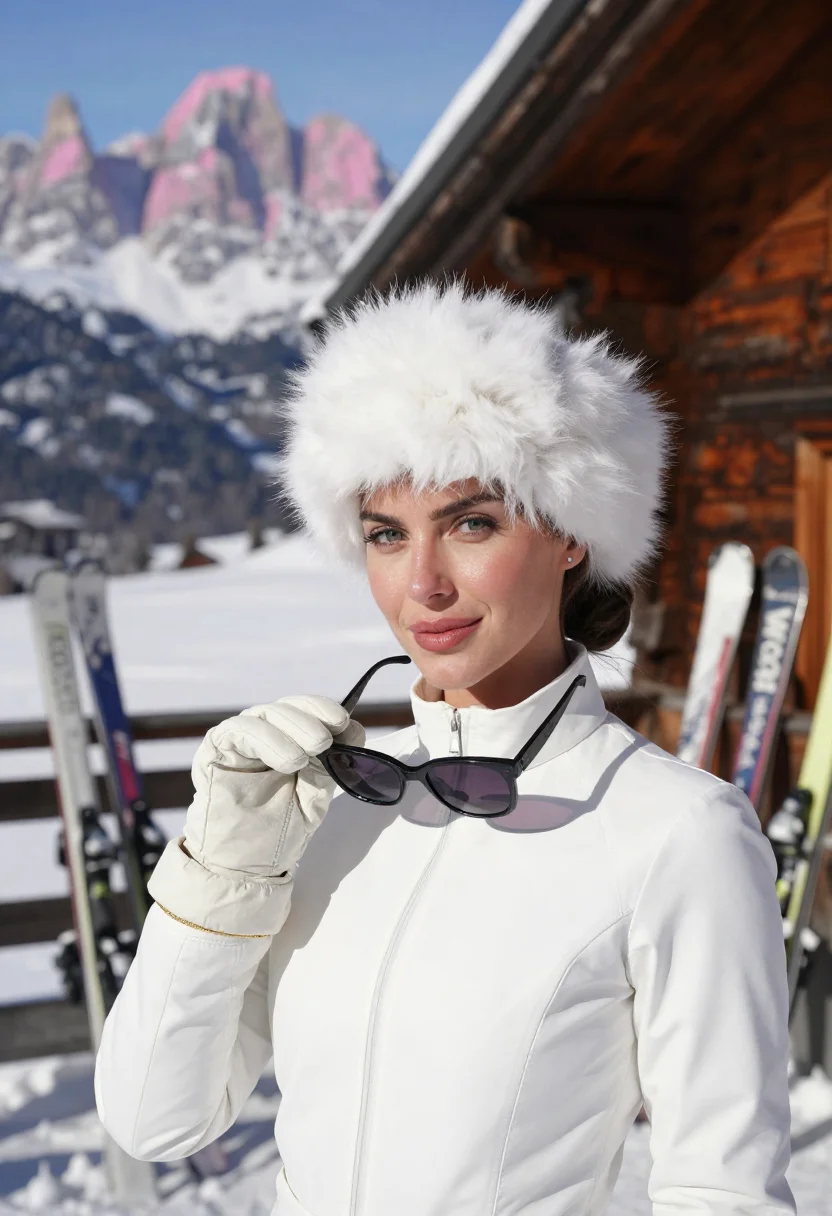
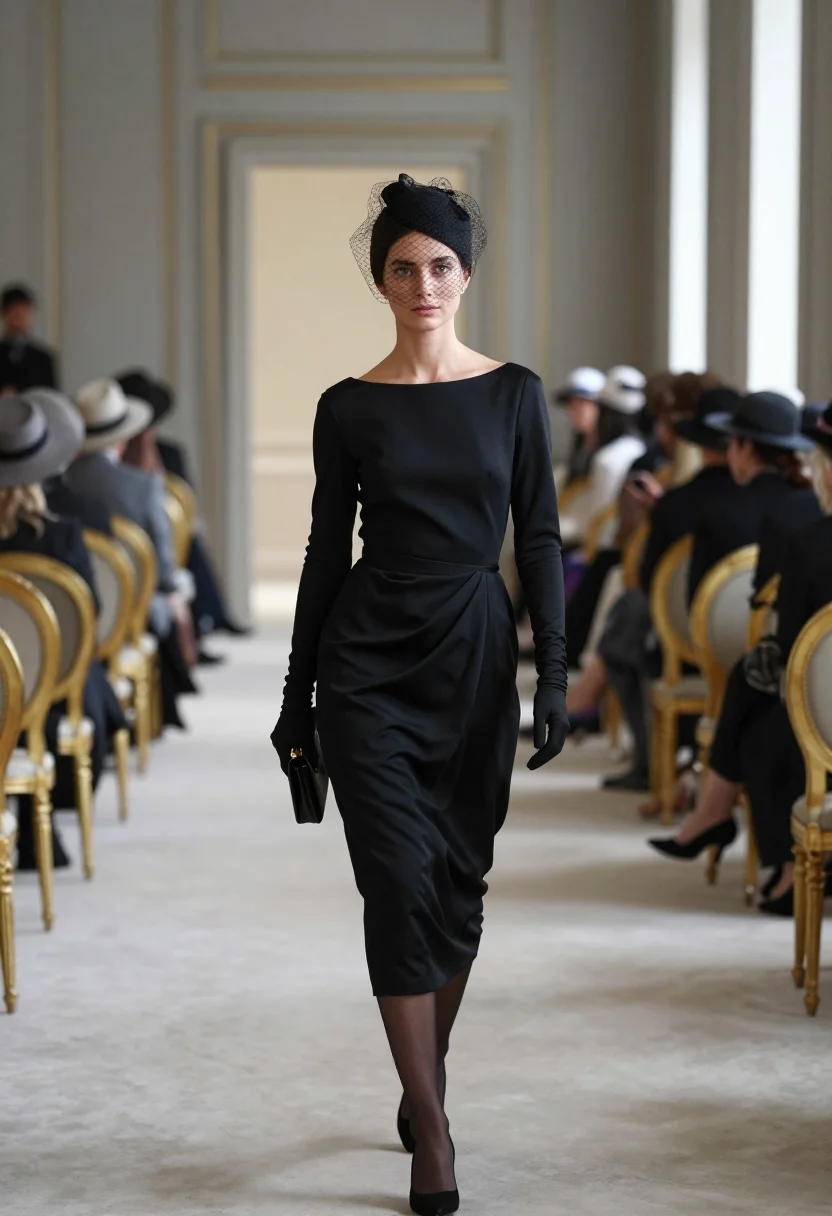
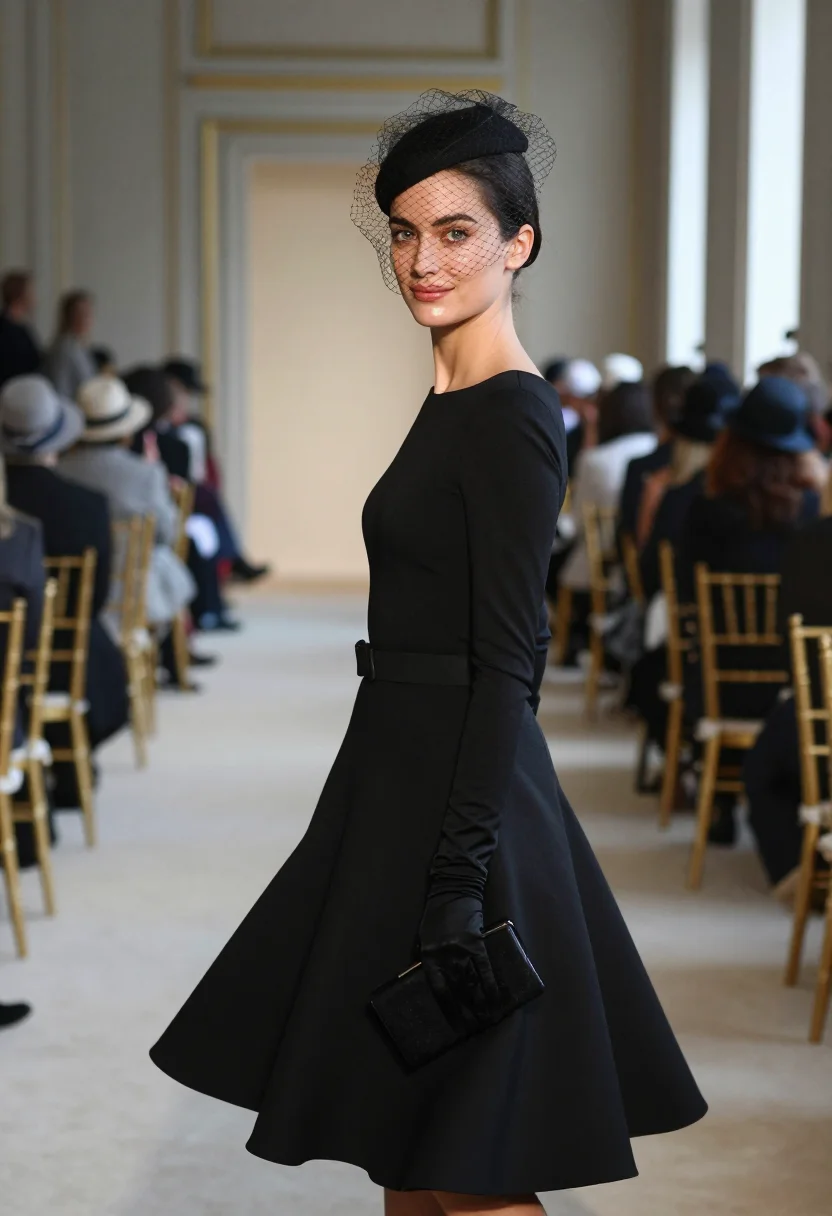
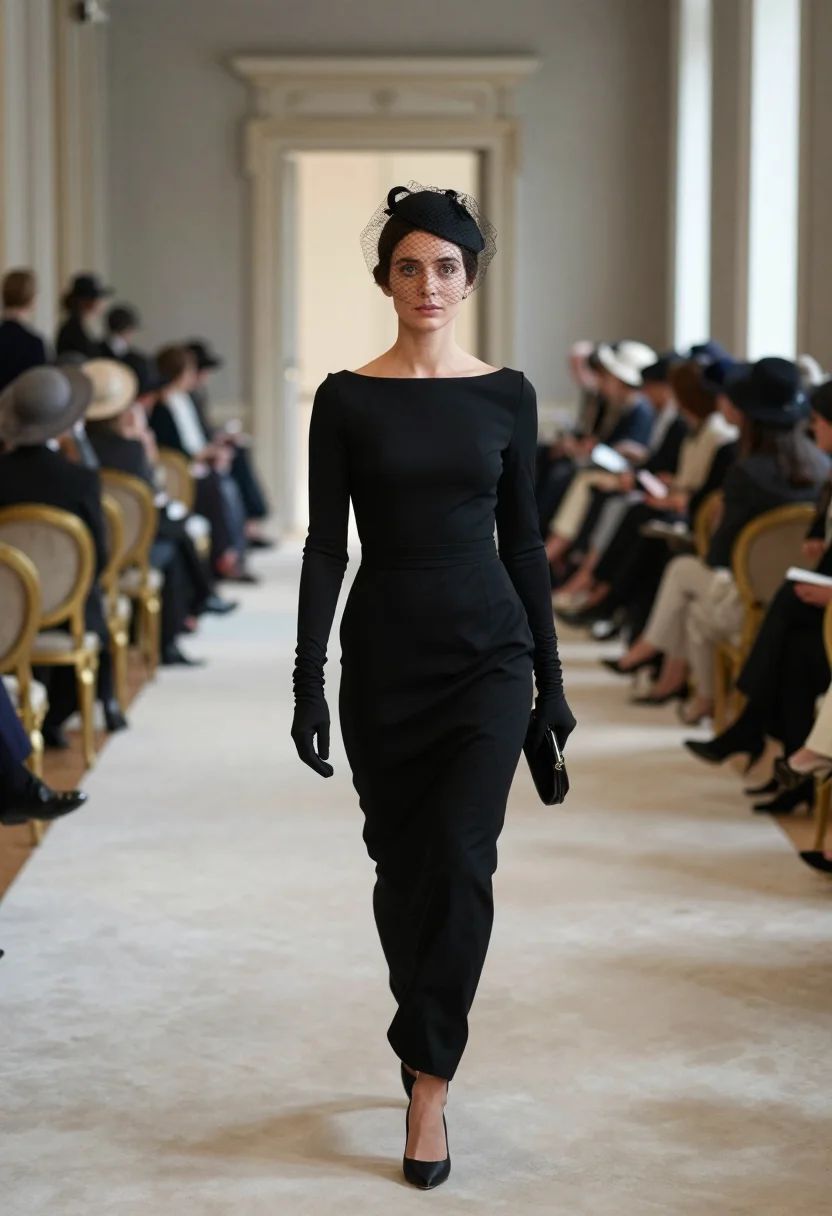
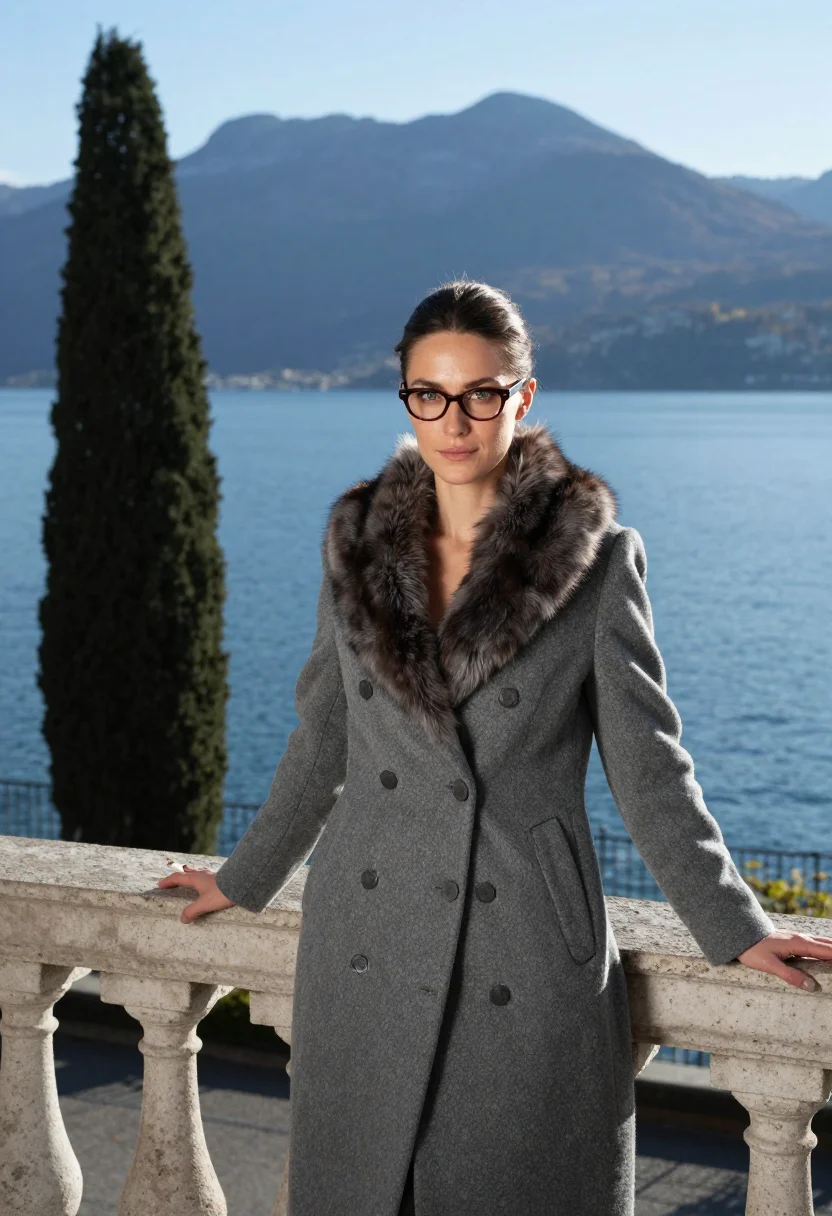
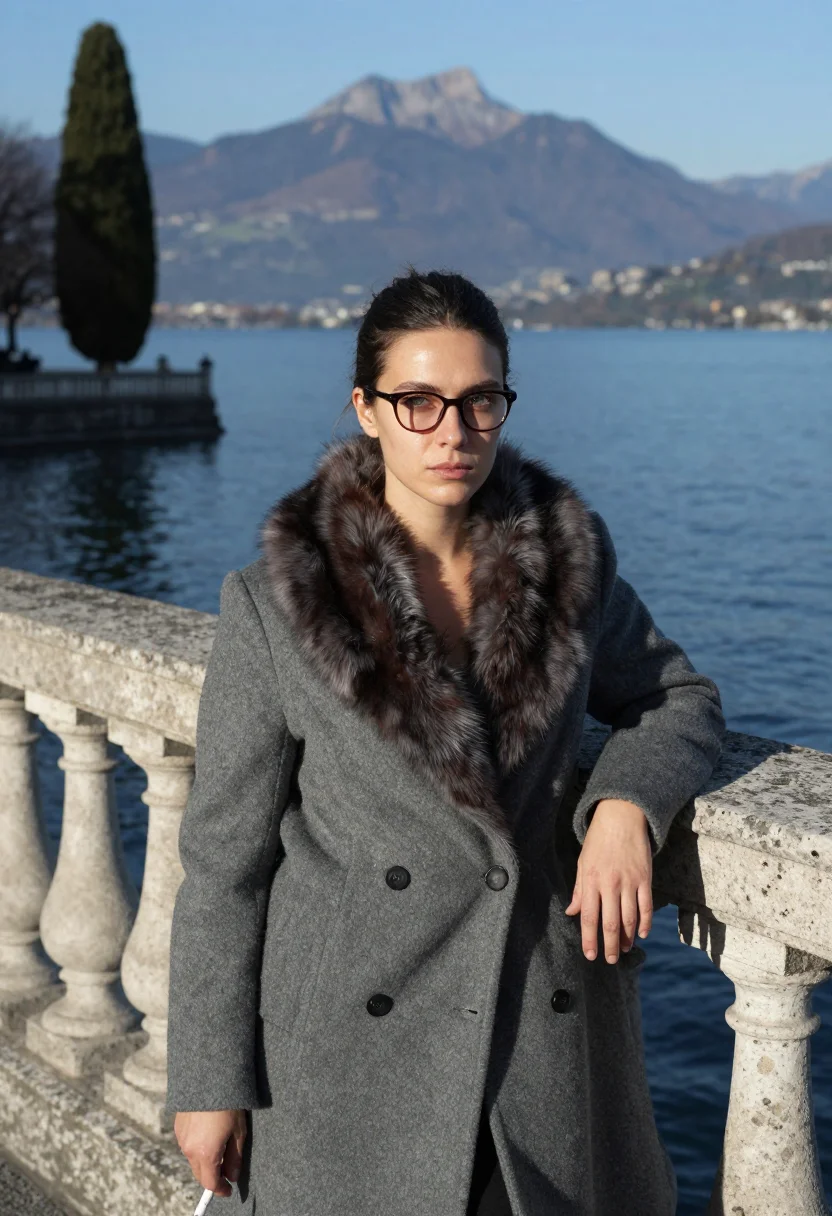
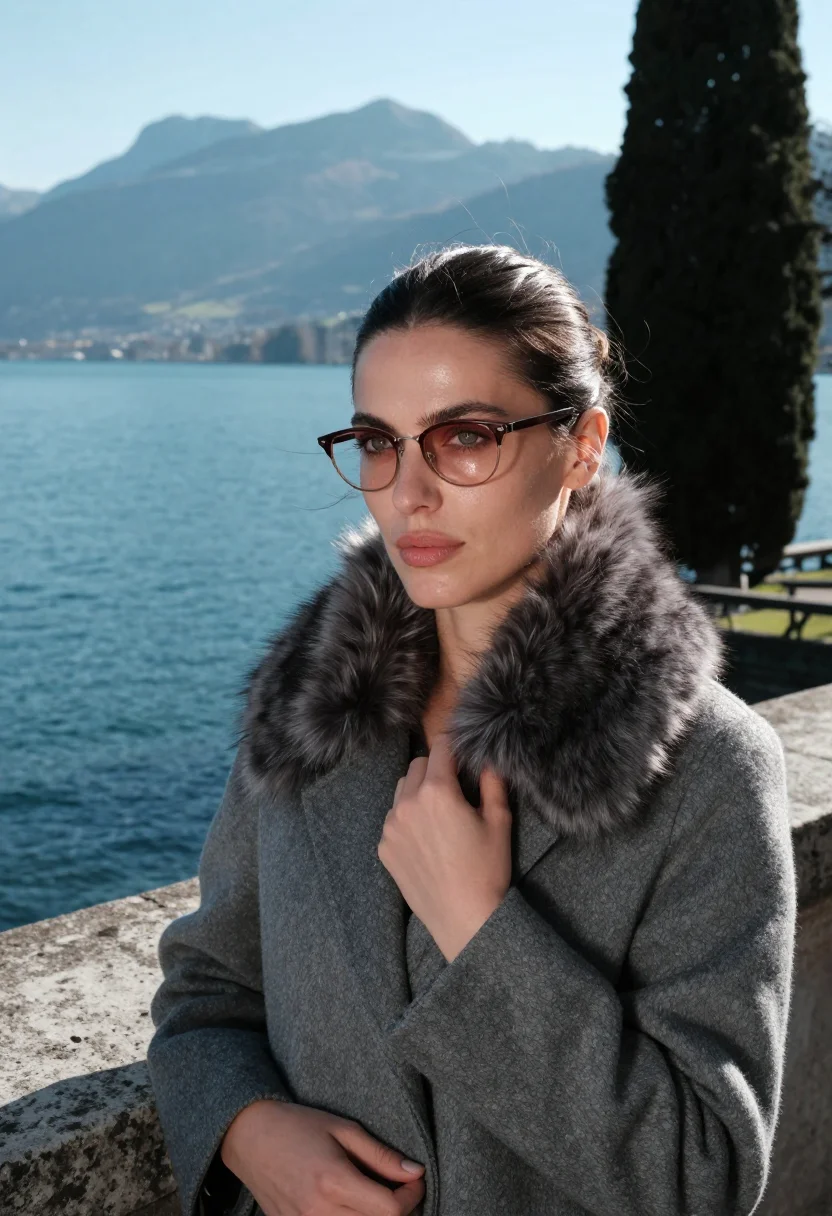
Nine photographs of you, styled after the Capucine register — a white ski suit with a white fur hat at a snowy Cortina terrace before the Dolomites, a Givenchy black cocktail dress with a small veiled hat at a runway in a grey Paris salon, a grey wool coat with a fur collar at a Lausanne lakeside terrace before the Alps, in portrait format. The nine vary in crop, expression and light, so there are real choices, not nine identical files.
/capucine · lifestyle · 3 scenes
A Capucine Photoshoot
no account · ~15s · try it on with one selfie
More icons of Muses and models
one model wears them all →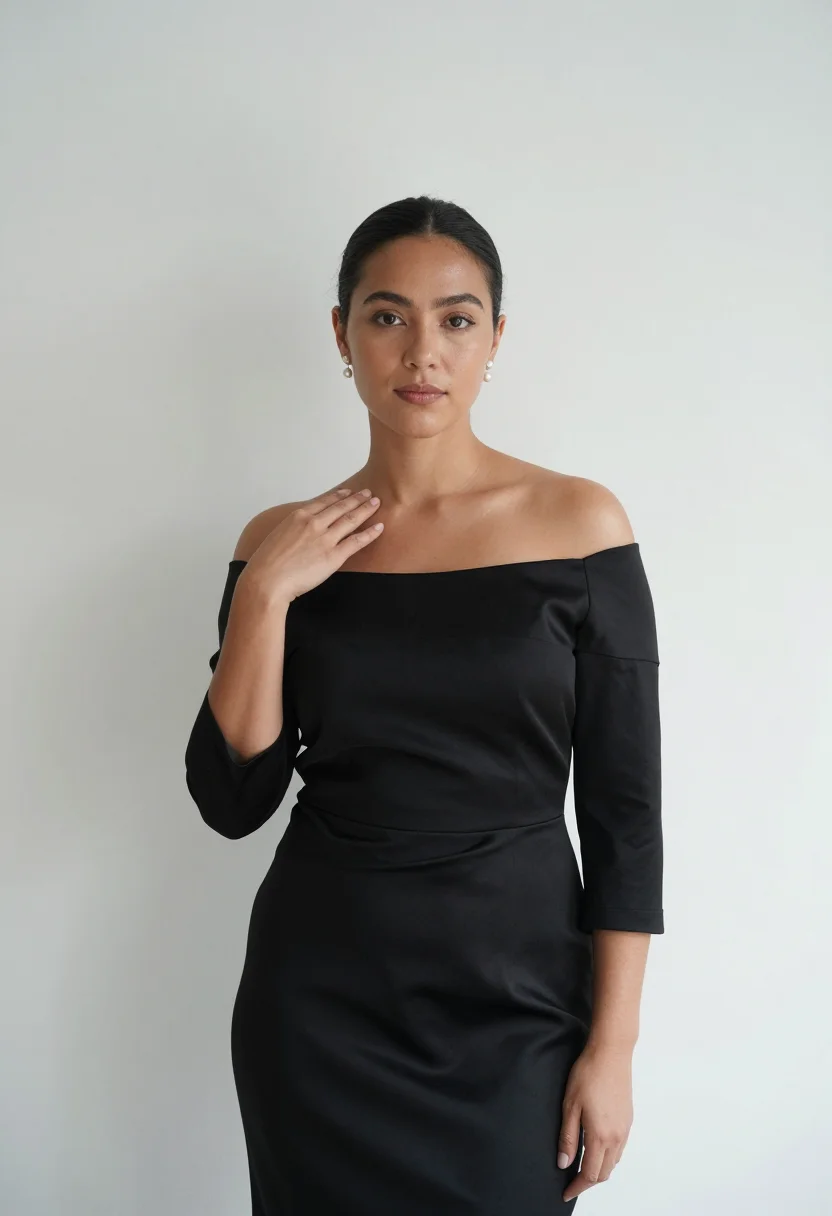
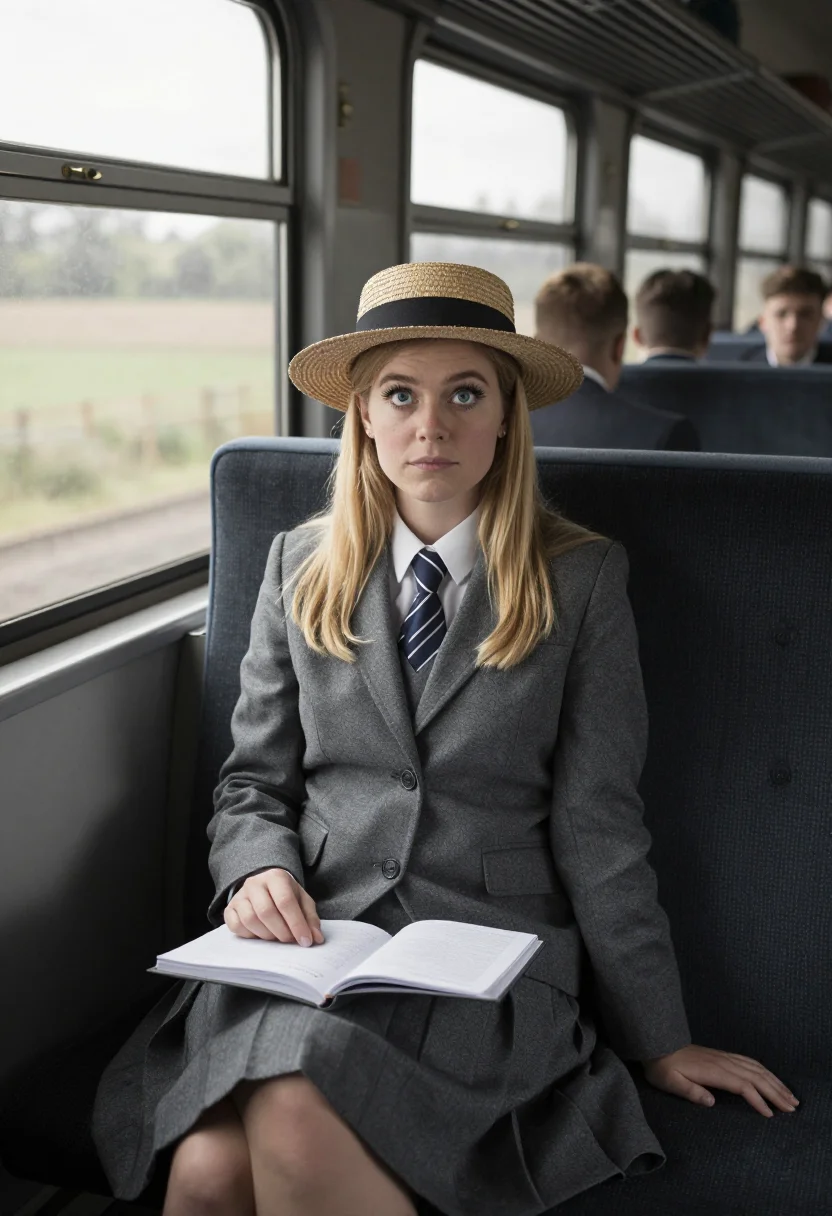
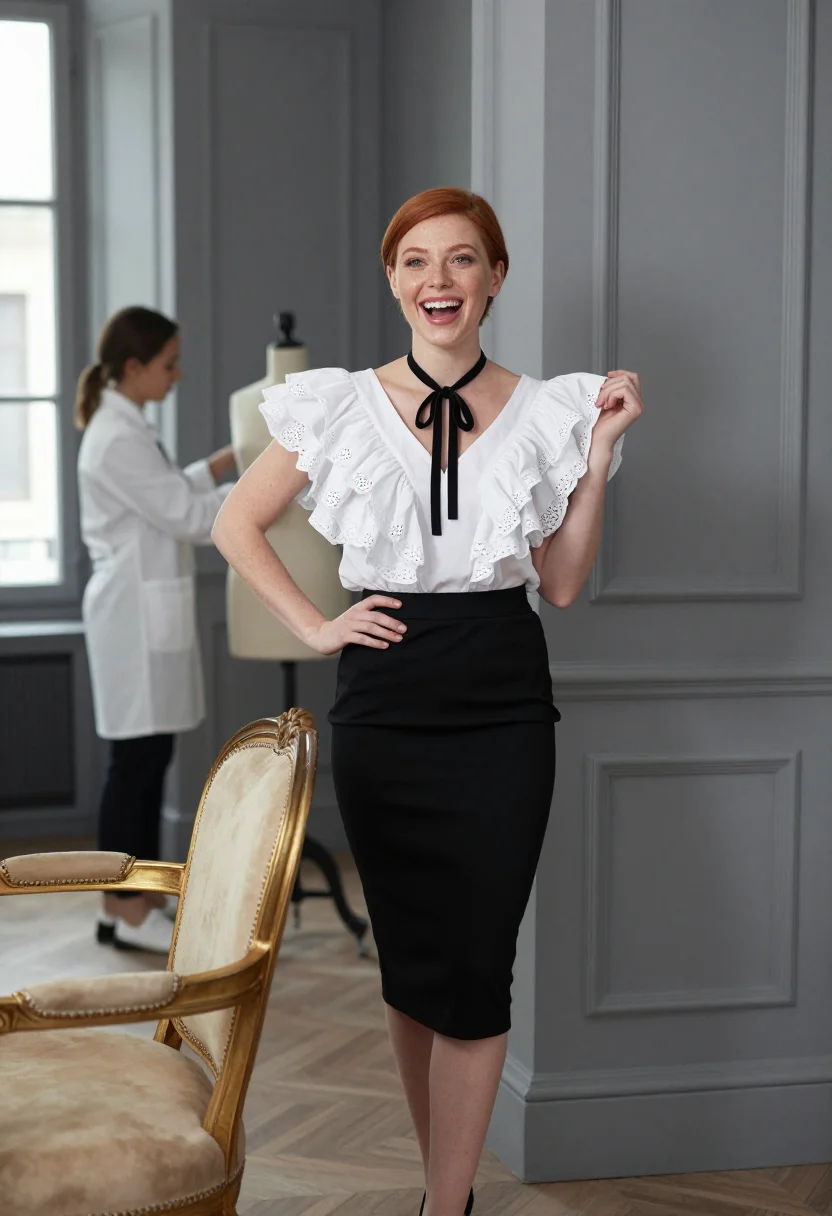
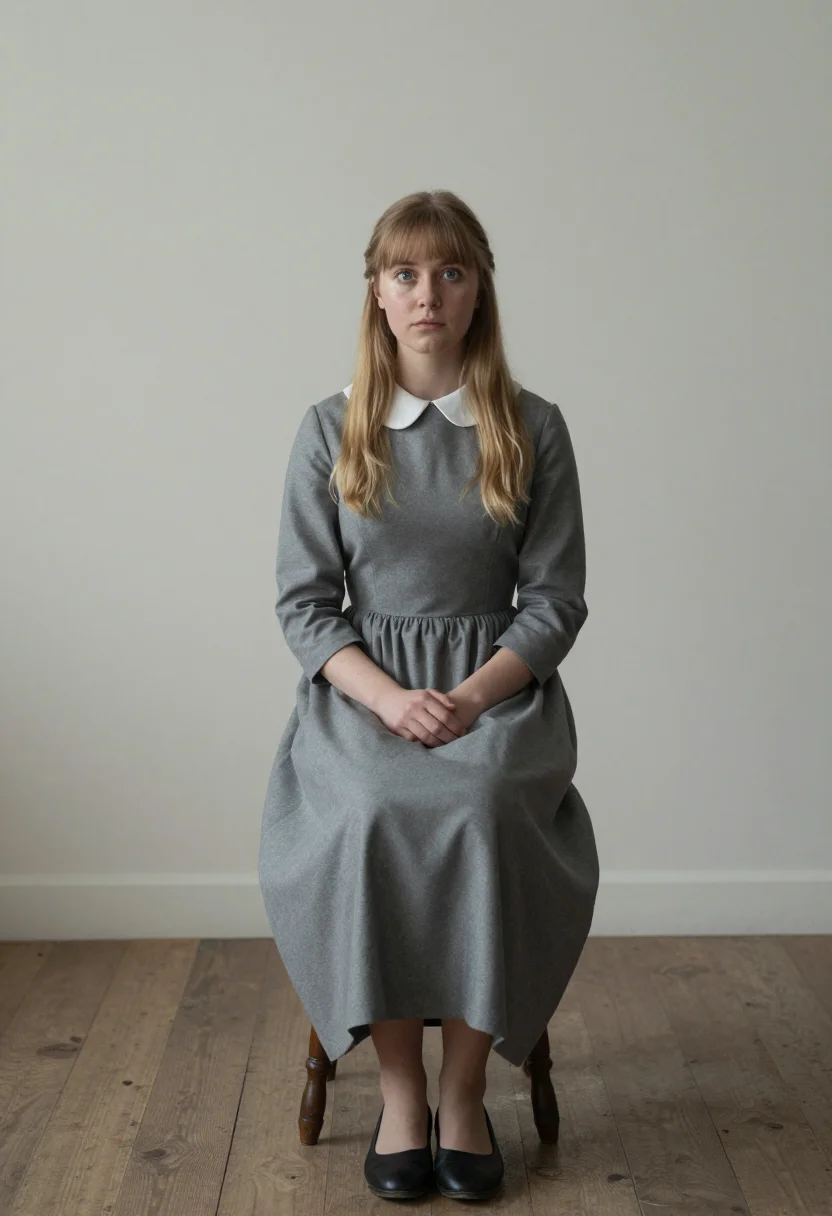
all 9 photos in this pack ↓
How it works
Three steps.
1
Add your photos
Add photos of yourself. We check each one when you add it.
2
We create your model
We create your AI model from your photos. Your photos are ready in a few hours.
3
Every pack, with your face
This pack and every other pack on Narcis can then be made with your face, and single photos too.
The Capucine register
This pack is one of Icônes' documented-shoot series — fashion icons and the photographs that made them — the Capucine pack draws on The Pink Panther's 1963 Cortina sitting, then the Givenchy fifties Paris runway, and a Lausanne lakeside terrace after. The value is the most elegant French face of her decade, in the two lights that shot it.
Photographically the register is Early-sixties Technirama against fifties Givenchy black-and-white — bright blue-shadowed snow light on a white ski suit, soft salon daylight on a black cocktail dress, clear Swiss light on a grey wool coat. The dark hair is in a chignon throughout; the palette runs Cortina white, Givenchy black, Lausanne blue.
Three takes carry the pack: a white ski suit with a white fur hat at a snowy Cortina terrace before the Dolomites, a Givenchy black cocktail dress with a small veiled hat at a runway in a grey Paris salon, and a grey wool coat with a fur collar at a Lausanne lakeside terrace before the Alps — three genuine facets of the Capucine register, not one dress in three rooms.
The output is photoreal — a real-looking photograph of you in that world, not a painting or a film still lifted wholesale. It's a costume portrait; it isn't a depiction of Capucine herself, and it doesn't claim to be.
How to photograph yourself for a Capucine photoshoot
Better source photos make better portraits.
- Even, soft lightStand near a window with indirect daylight on your face. The pack builds its own studio or location light on top — a flat, well-lit selfie gives it the clearest face to work from.
- Front or three-quarter angleCamera at eye level, facing it or turned slightly to three-quarter. No selfie-stick uplook, no shot from below.
- Face fully clearHair off the face, no hats, sunglasses, or filters in the source photo. A clear, front-facing photo is the best input for an AI portrait.
- A composed expressionThe Capucine register favors cool and amused, poised, serene and sad over a big grin — a calm expression in your source photo blends more naturally into the period frames.
- Plain background is fineDon't worry about your own backdrop — the pack's three settings replace it entirely. A plain wall behind you just helps the model focus on your face.
Frequently asked questions
- Will it actually look like a real photograph?
- Yes. The output is photoreal — a period-accurate photograph, not a painting or an illustration — built from documented details of the Capucine register: a white ski suit with a white fur hat, a Givenchy black cocktail dress with a small veiled hat, and the settings that carried them.
- Is this a real photo of Capucine, or of me?
- It's a portrait of you. The pack borrows Capucine's documented wardrobe and settings as a costume and visual reference; every frame is a portrait of you and doesn't depict Capucine herself.
- Can men use this pack?
- The styling and sample set are built for women — a white ski suit with a white fur hat and a Givenchy black cocktail dress with a small veiled hat among them — so it reads feminine.
- Can I use this as a profile picture or on a dating app?
- Yes — it's a striking, well-composed portrait that reads well on either. Used honestly, as a stylised AI photoshoot rather than a claim of a real vintage shoot, it works well on any profile.
- Can I use it for a themed party invitation or gift?
- Personal use like this is fine — an invitation, a themed photoshoot, a keepsake print. It isn't licensed for commercial resale.
- Do I need actual period clothes for this to work?
- You don't need any of it in real life; that's what the photoshoot supplies.
- Will the photos look like me?
- Every photo looks like you, well photographed. If one is nearly right, say what to change, in your own words.
- Do I have to write a prompt?
- No. There is nothing to write: you pick a pack, and it is ready in seconds.
- How many photos of myself do I add?
- Between six and twenty, from different days and in different light, with your face clear. We check each one when you add it.
- What happens to the photos I add?
- They are used only to create your model, on our own servers in the European Union. They are not shared and not sold.
When the Capucine pack fits
- For an Instagram or social feed chasing Capucine-era glamour with a real documented reference behind it
- For a profile picture with vintage, cinematic energy
- For a wall print or framed portrait in a classic-icon register
- For a gift for anyone who reveres Capucine
- For a themed party or photoshoot invitation
- For a dating profile photo that reads striking without reading costume-store
- For a phone or desktop wallpaper with real period color in it
- For a vision board built around Capucine's style
- For a keepsake print for a film or fashion-obsessed friend
- For anyone who has studied Capucine's pictures more closely than they'll admit
About narcis
Most AI photo tools put every pose, job, era, and style in one giant catalog. The photos all look like every other AI photo on the internet — a glaze over a stock face. Narcis goes the other way. One job: photos of you that look like photographs. You add at least 6 photos of yourself, and we create your AI model from them. Your photos are ready in a few hours, and we email you when they are. Then this pack and every other pack on Narcis can be made with your face. Each pack is curated against real references — paintings, photographers, places — and tested on real faces before it goes live. Built and run by one small team, on our own servers.
All images are AI-generated. By using this service, you confirm you are 18+, that any face photo you upload is your own or used with explicit consent. Full Terms