A Melbourne Tech Headshot in a Cremorne Lane
Nine photos of you in one setting
How your model is created from your photos
Every pack on Narcis, made with your face
Nine photographs of you in one setting: one pack of the Narcis catalogue.
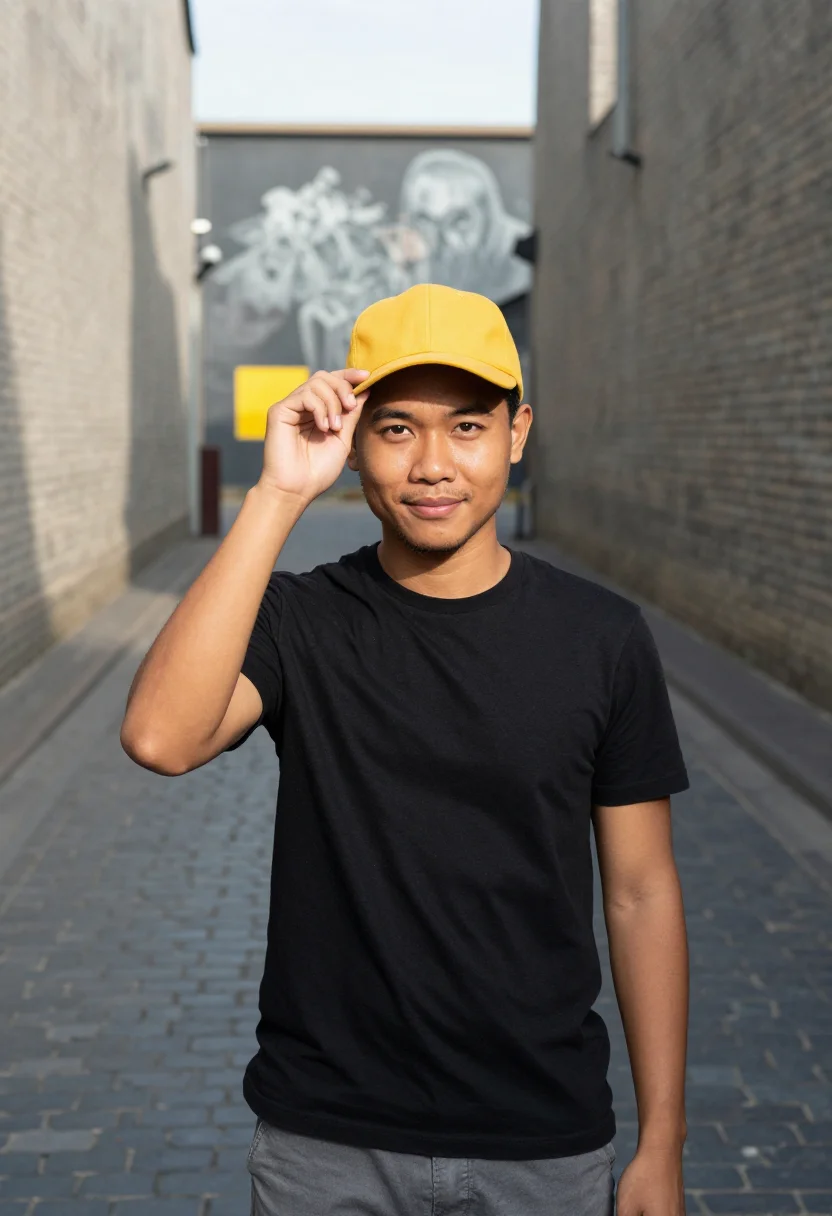
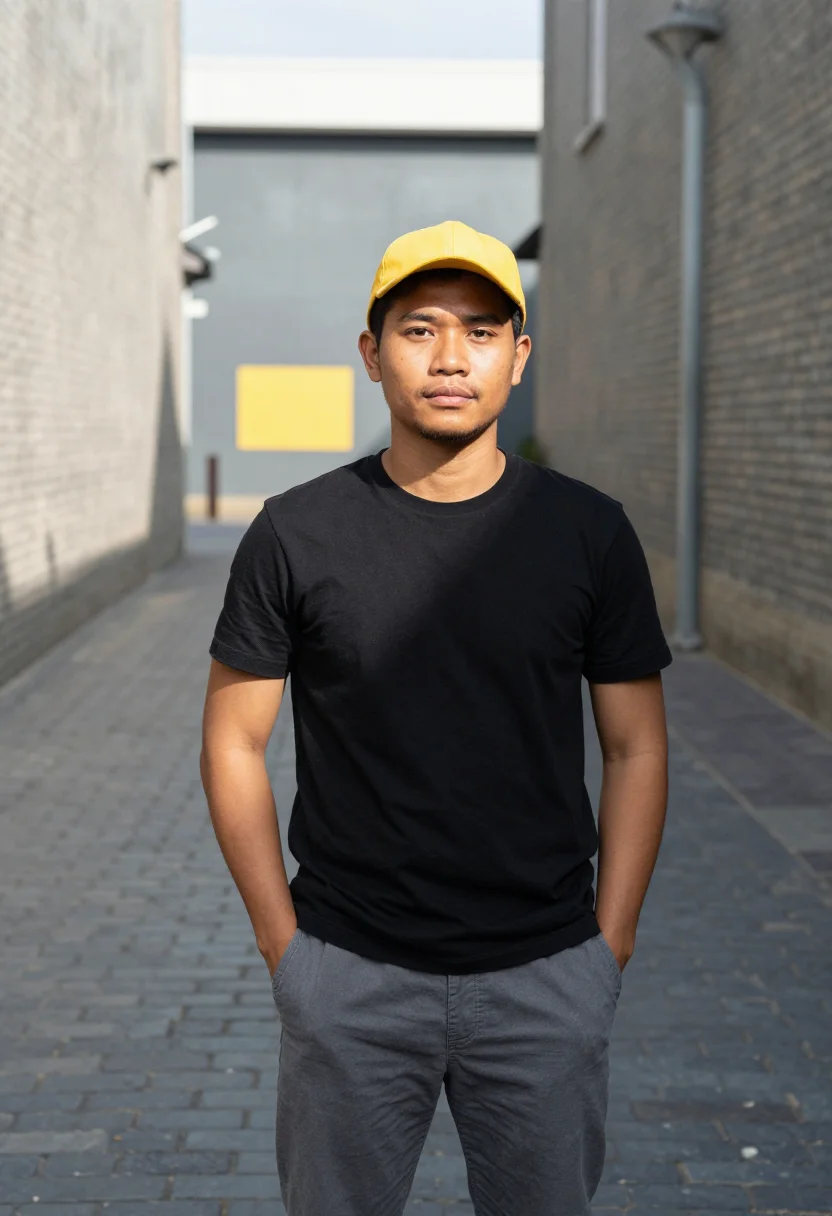
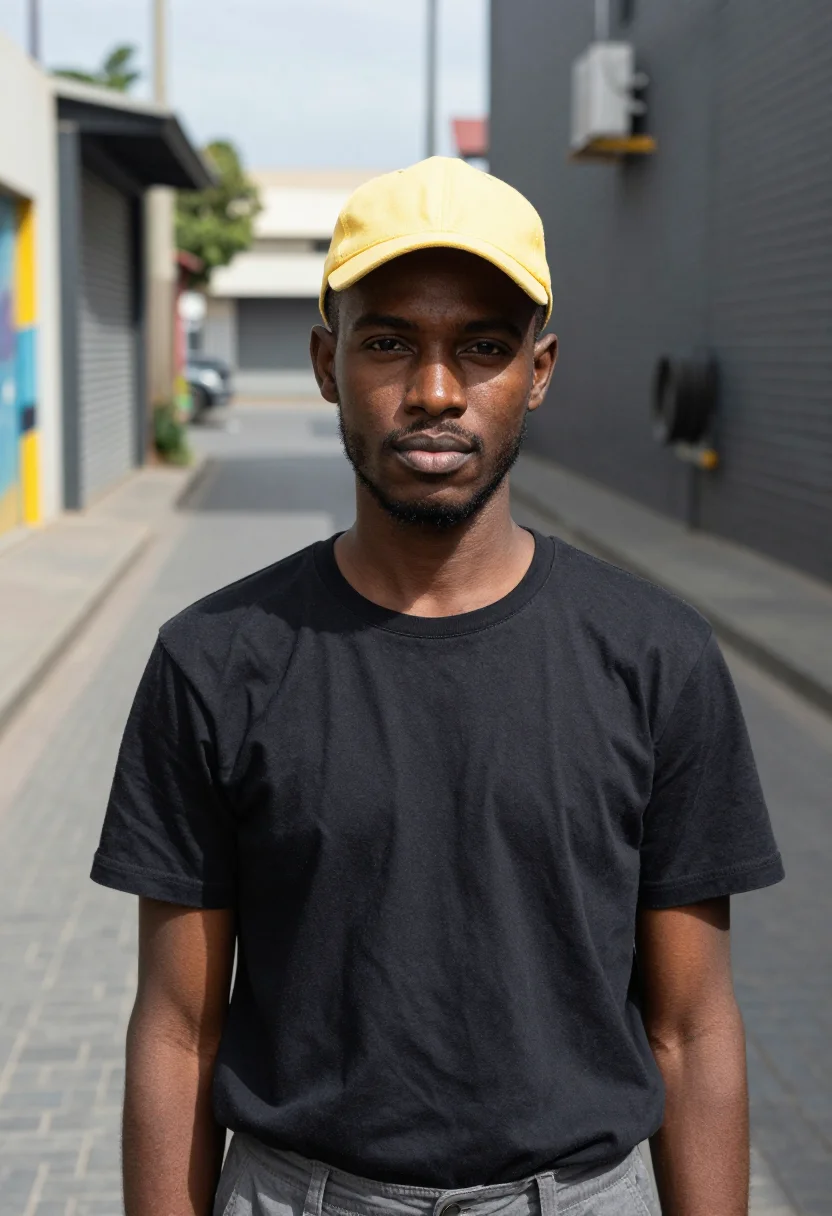
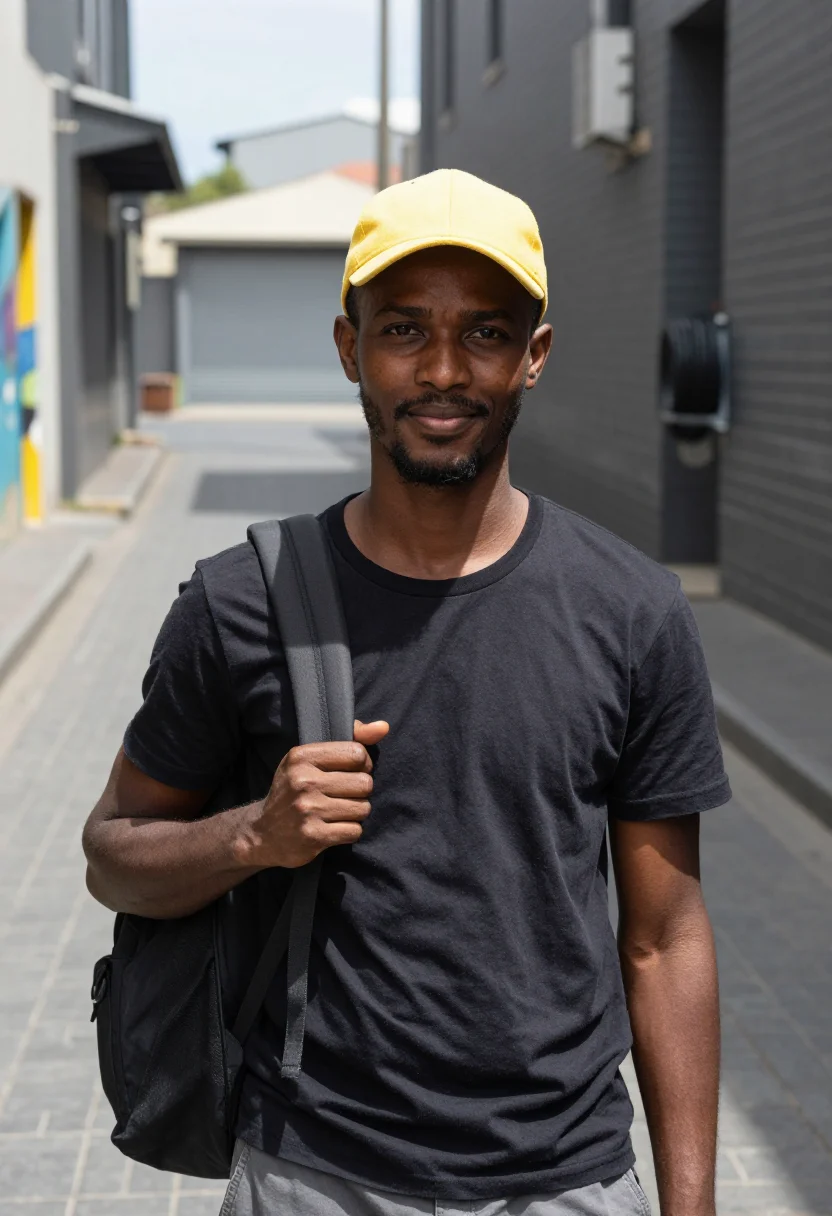
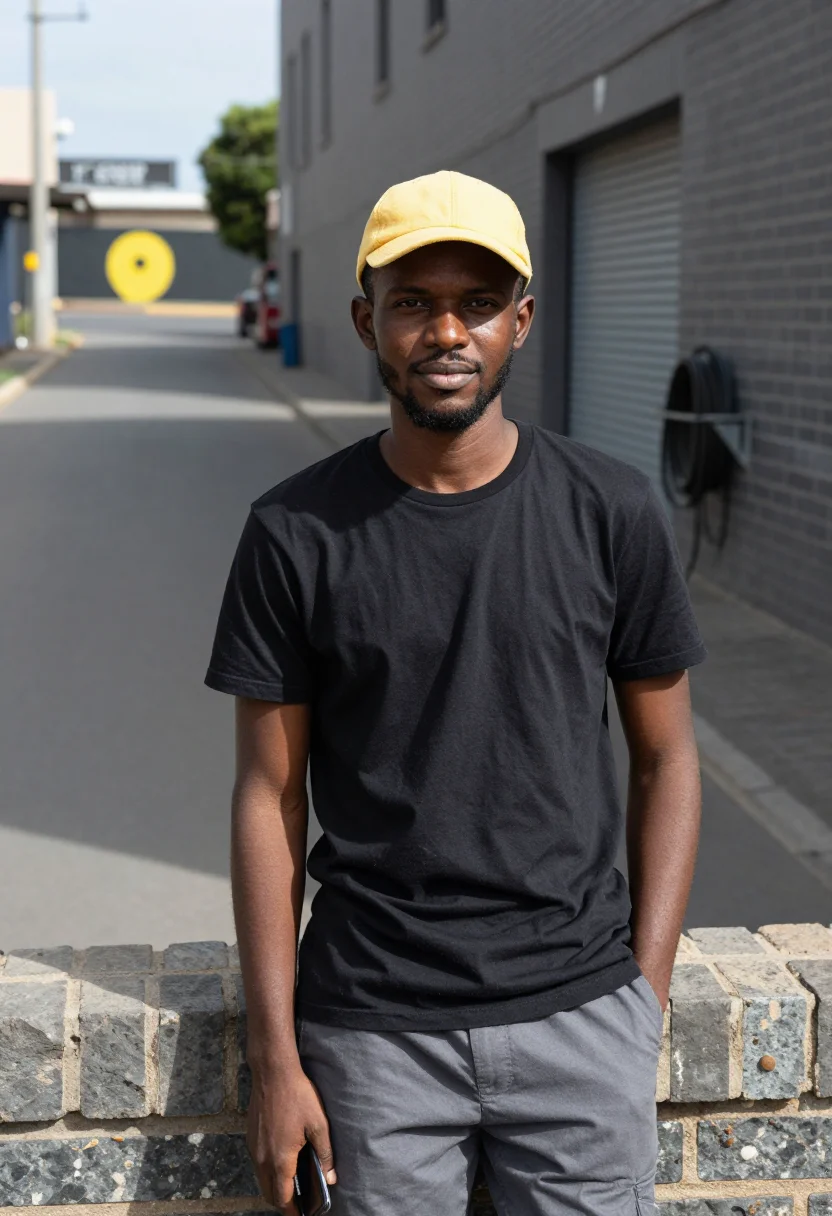
A cremorne backend lane yellow photoshoot. Nine photographs of you, in portrait format. The nine vary in crop, expression and light, so there are real choices, not nine identical files.
/cremorne-backend-lane-yellow · professional · 3 scenes
A Melbourne Tech Headshot in a Cremorne Lane
6–20 photos of yourself · we email you when your model is ready
More of tech in the southern summer
one model wears them all →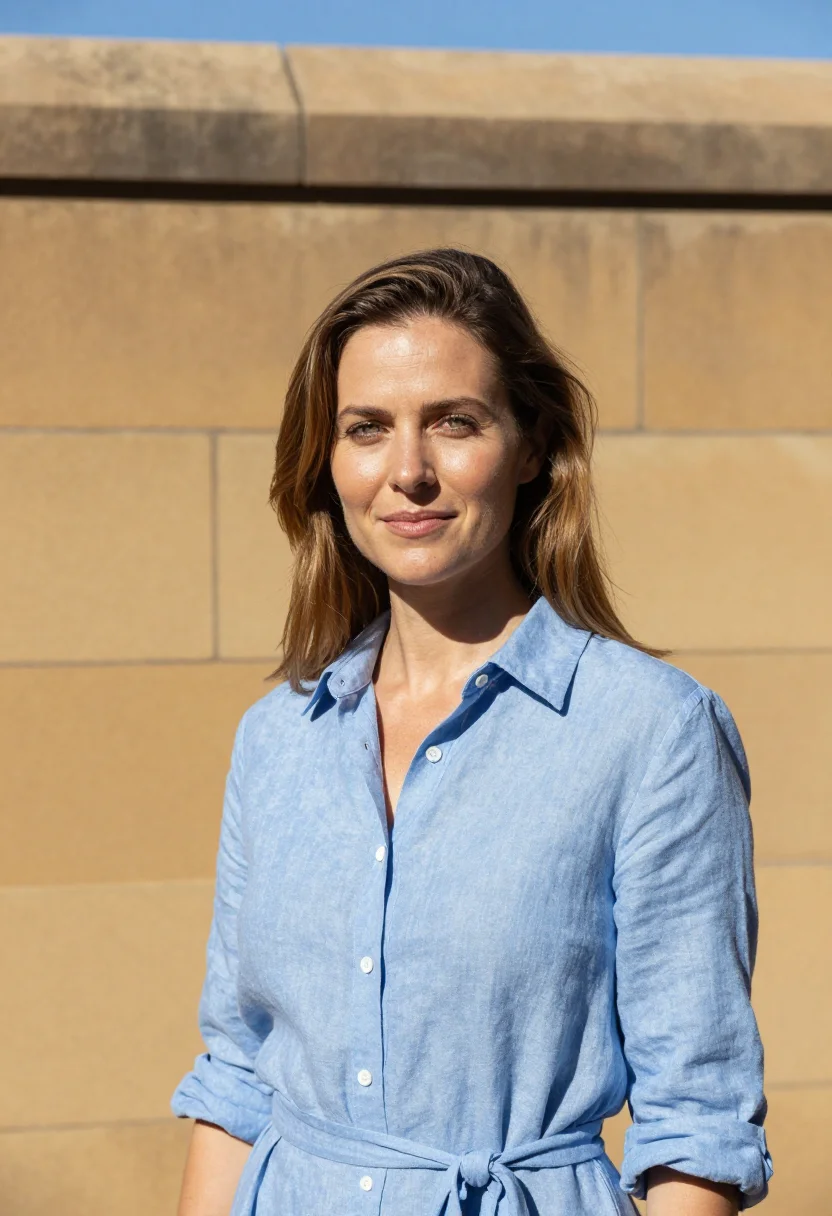
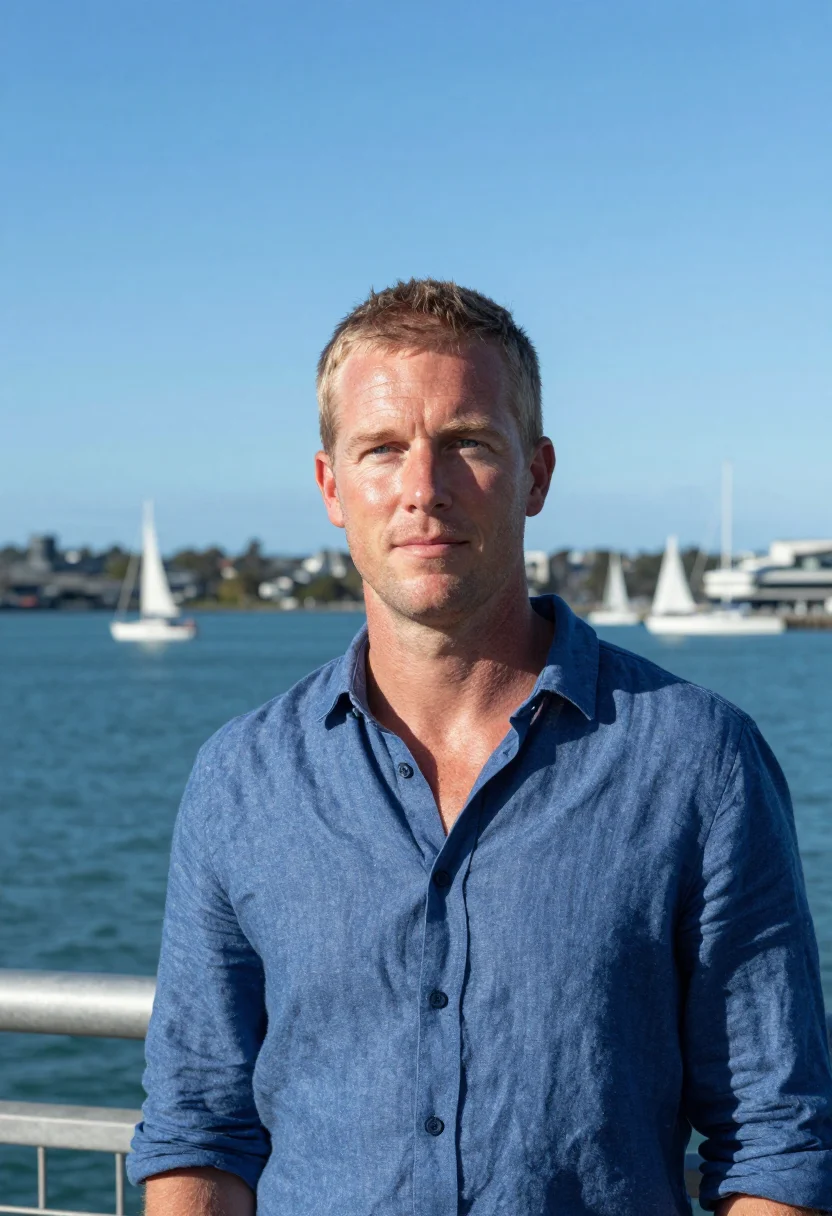
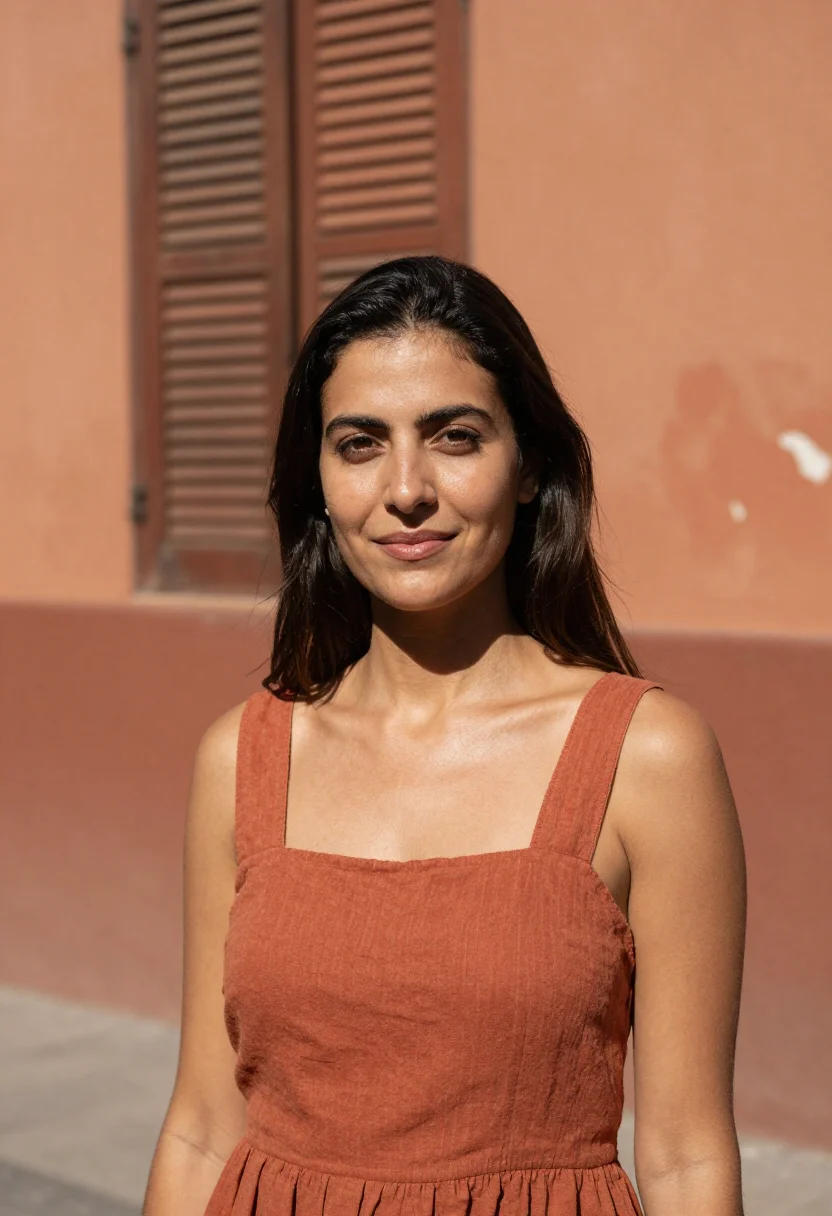
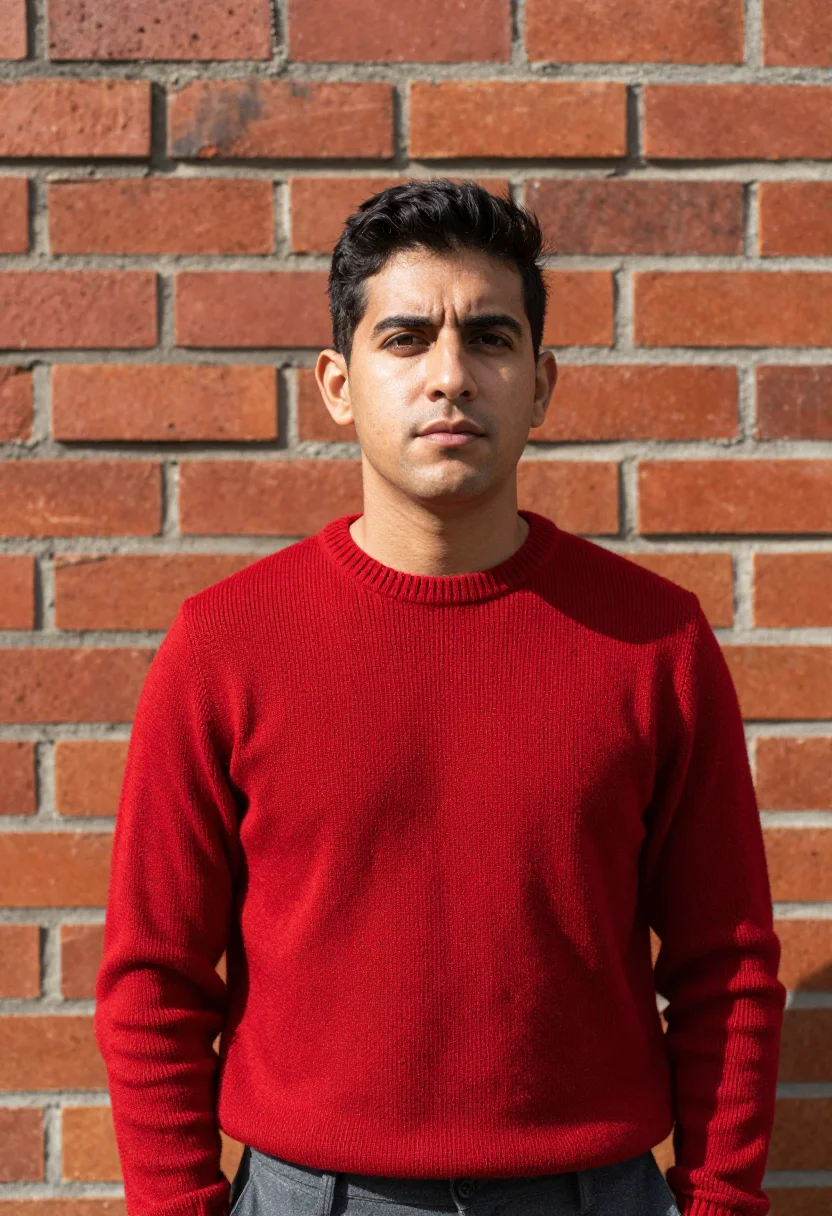
all 9 photos in this pack ↓
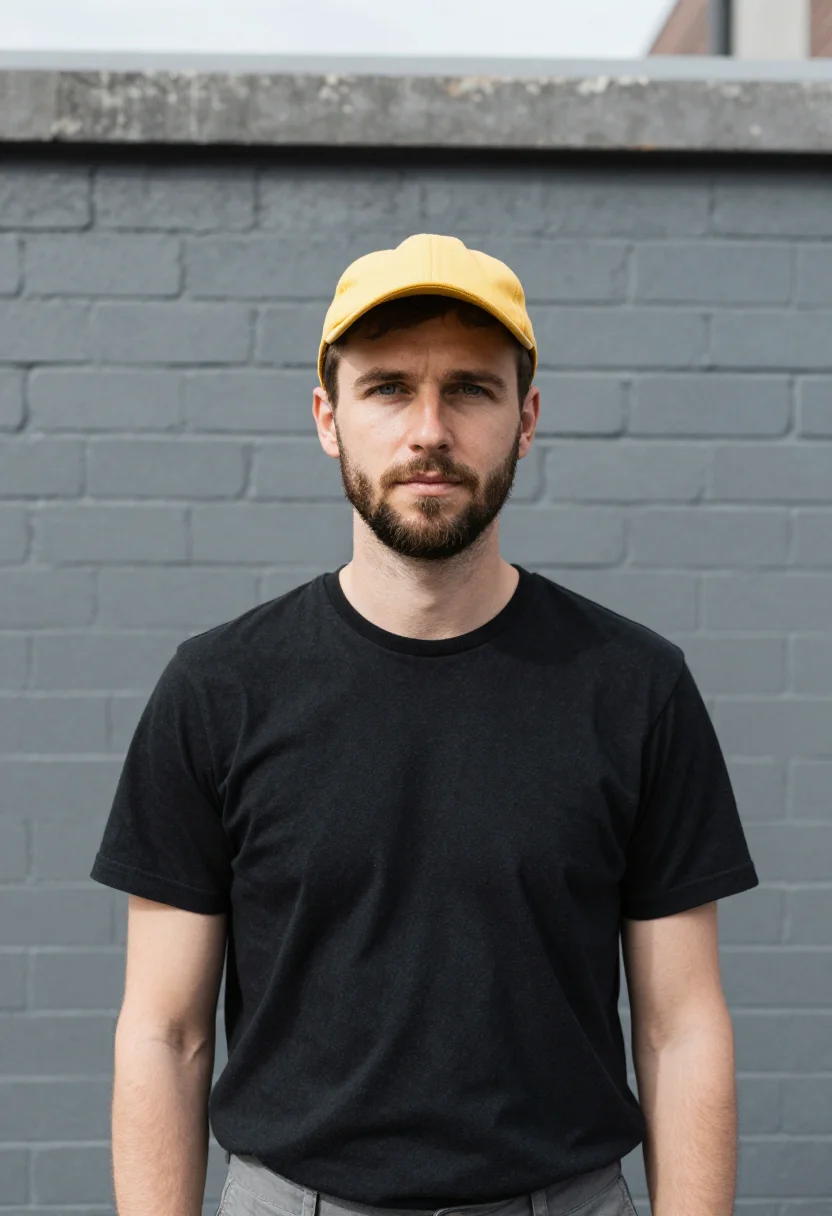
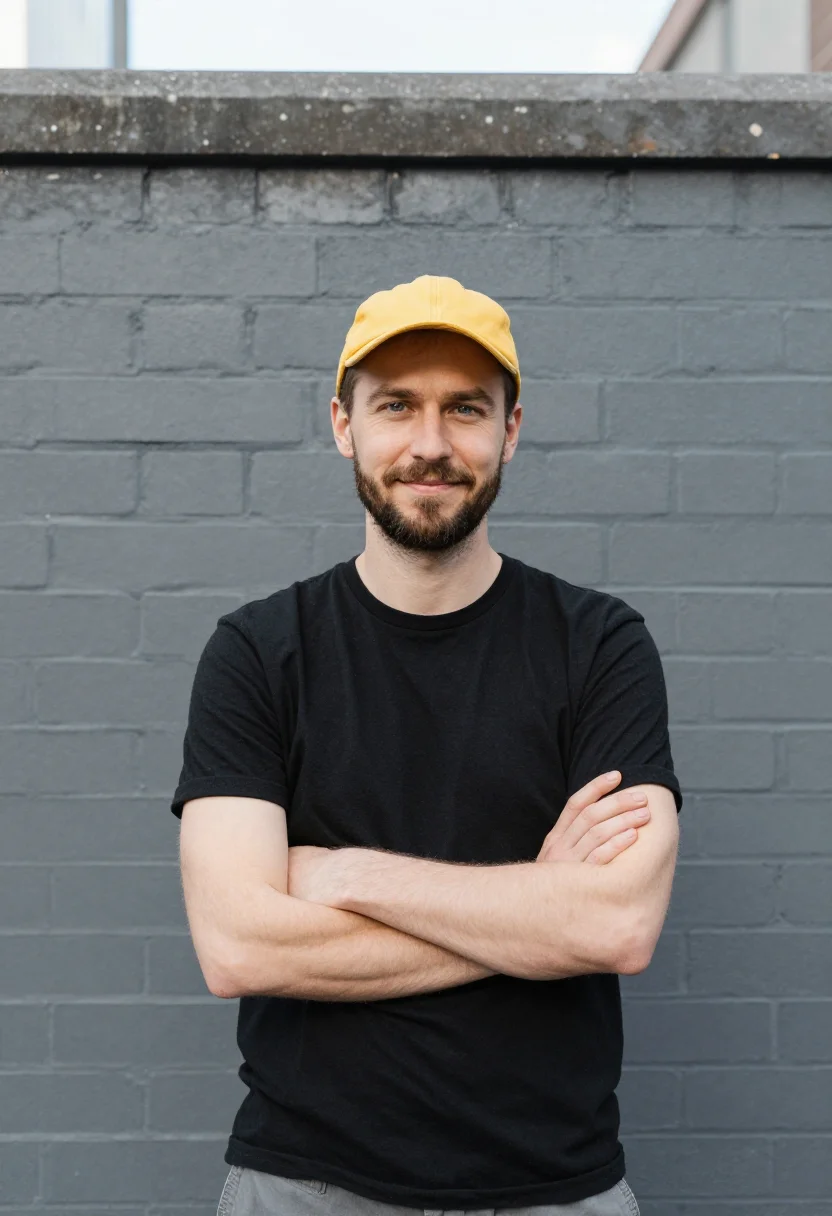
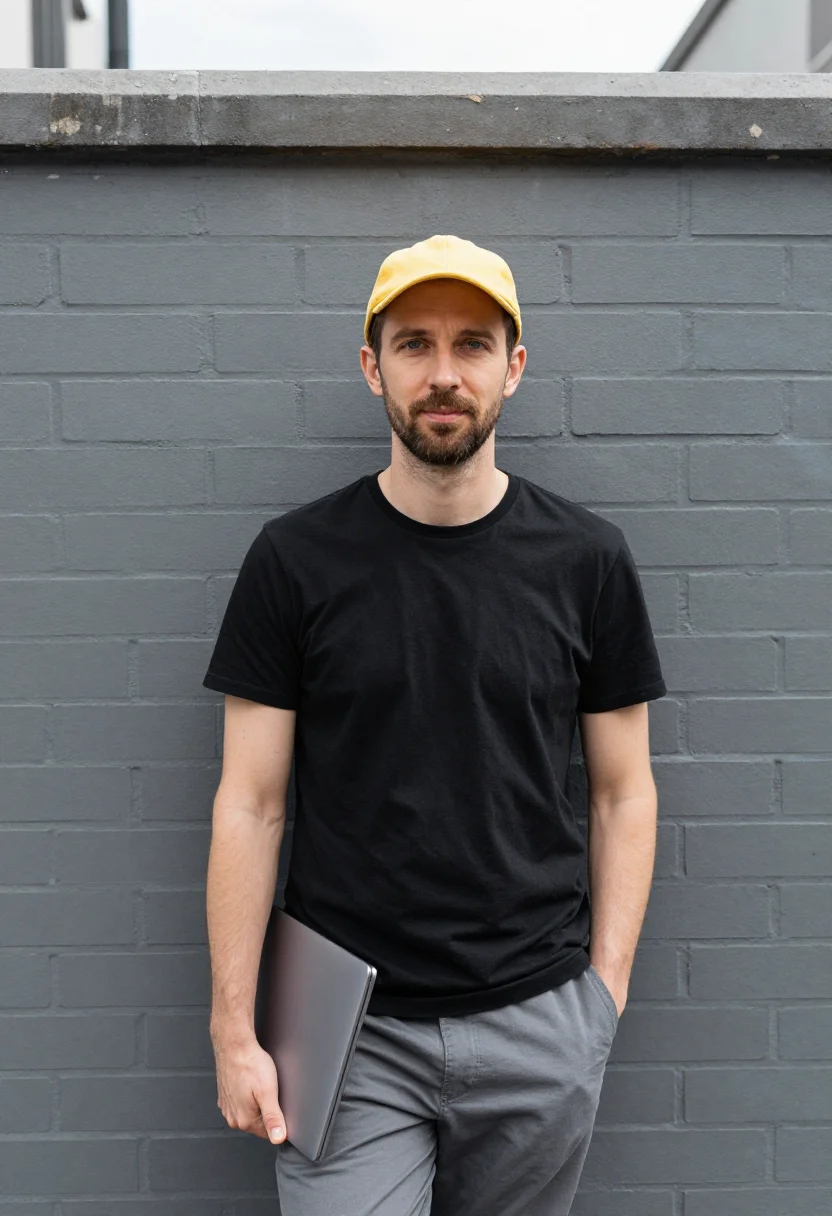
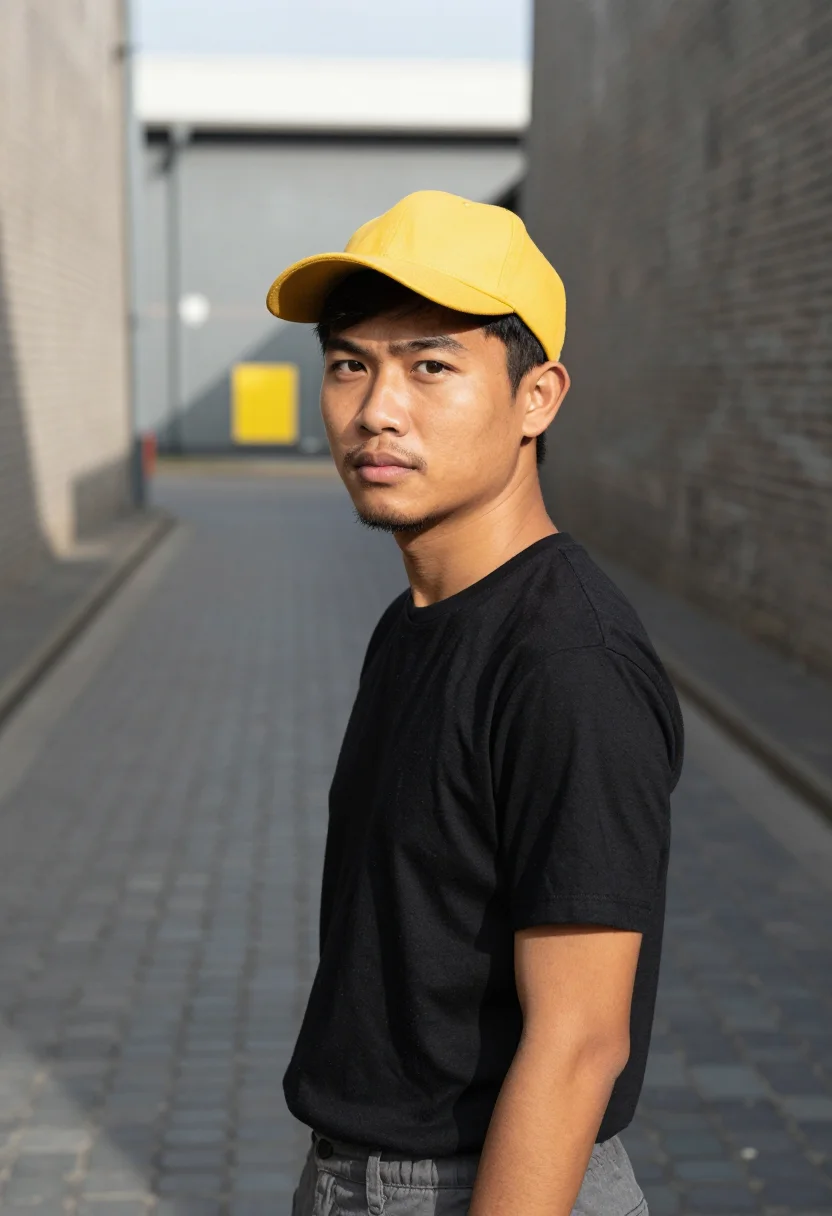
How it works
Three steps.
1
Add your photos
Add photos of yourself. We check each one when you add it.
2
We create your model
We create your AI model from your photos. Your photos are ready in a few hours.
3
Every pack, with your face
This pack and every other pack on Narcis can then be made with your face, and single photos too.
The Cremorne lane register
Cremorne in a Lane draws on Melbourne's Cremorne in January — grey bluestone lanes, grey brick, a black T-shirt, and one yellow. It's the backend engineer's portrait for the company: the lane's greys named, the yellow worn once.
The register holds to a disciplined accent scheme: bluestone, brick, sky and black cotton carry the neutrals, and the yellow appears exactly twice — the cap and a mural's edge — against a grey brick wall in hard sun, in the bluestone lane with brick either side, and half-length at the lane's mouth as the grey recedes.
The output is photoreal: a professional headshot, not a real shoot in a real Cremorne laneway. The cap, the bluestone and the yellow are the pack's studio, built around your face.
How to photograph yourself for the Cremorne headshot
A few things sharpen it before the scene goes on.
- Even, soft lightFace a window with indirect daylight. Avoid harsh overhead light or direct sun.
- Eye-level, front or three-quarterHold the camera at eye level. No selfie-stick uplook, no shot from below.
- Face fully clearHair off the face, no hats, no sunglasses, no filters — the AI needs a clear read of your features.
- A composed, professional expressionA level, confident look reads better in a corporate headshot than a big grin.
- Plain background is fineThe pack replaces your backdrop with bluestone lanes and one yellow accent — a plain wall behind you is all it needs.
Frequently asked questions
- Will this look like an actual backend engineer headshot, not a costume shot?
- Yes — the register is a real corporate headshot: a black T-shirt, a yellow cotton cap, and Melbourne's bluestone lanes as the backdrop. It reads like a company profile photo, not a themed portrait.
- Is there a women's version of this pack?
- This pack is styled for men. Surry Hills in January and several other packs in this collection carry the same Australian tech-headshot register for women.
- Can I use this for LinkedIn or my company profile?
- Yes — it's built for exactly that: a LinkedIn photo, a team page headshot, a conference bio photo.
- Can I use it if I don't work in Melbourne or in backend?
- Yes — the laneway and the title are the pack's register, not a requirement. Any developer, or anyone who wants a bluestone-lane headshot, can use it.
- Will the photos look like me?
- Every photo looks like you, well photographed. If one is nearly right, say what to change, in your own words.
- Do I have to write a prompt?
- No. There is nothing to write: you pick a pack, and it is ready in seconds.
- How many photos of myself do I add?
- Between six and twenty, from different days and in different light, with your face clear. We check each one when you add it.
- What happens to the photos I add?
- They are used only to create your model, on our own servers in the European Union. They are not shared and not sold.
When the Cremorne headshot fits
- A LinkedIn profile photo that reads like a real tech-company headshot
- A company team page or 'About us' portrait
- A conference speaker bio photo
- A GitHub or personal site profile photo
- A resume photo for an engineering role
- A Slack or internal-tools avatar
- A press-kit photo for a product launch
- A networking-event badge photo
About narcis
Most AI photo tools put every pose, job, era, and style in one giant catalog. The photos all look like every other AI photo on the internet — a glaze over a stock face. Narcis goes the other way. One job: photos of you that look like photographs. You add at least 6 photos of yourself, and we create your AI model from them. Your photos are ready in a few hours, and we email you when they are. Then this pack and every other pack on Narcis can be made with your face. Each pack is curated against real references — paintings, photographers, places — and tested on real faces before it goes live. Built and run by one small team, on our own servers.
All images are AI-generated. By using this service, you confirm you are 18+, that any face photo you upload is your own or used with explicit consent. Full Terms