Men's Diwali Portraits
Nine photos of you in one setting
How your model is created from your photos
Every pack on Narcis, made with your face
Nine photographs of you in one setting: one pack of the Narcis catalogue.
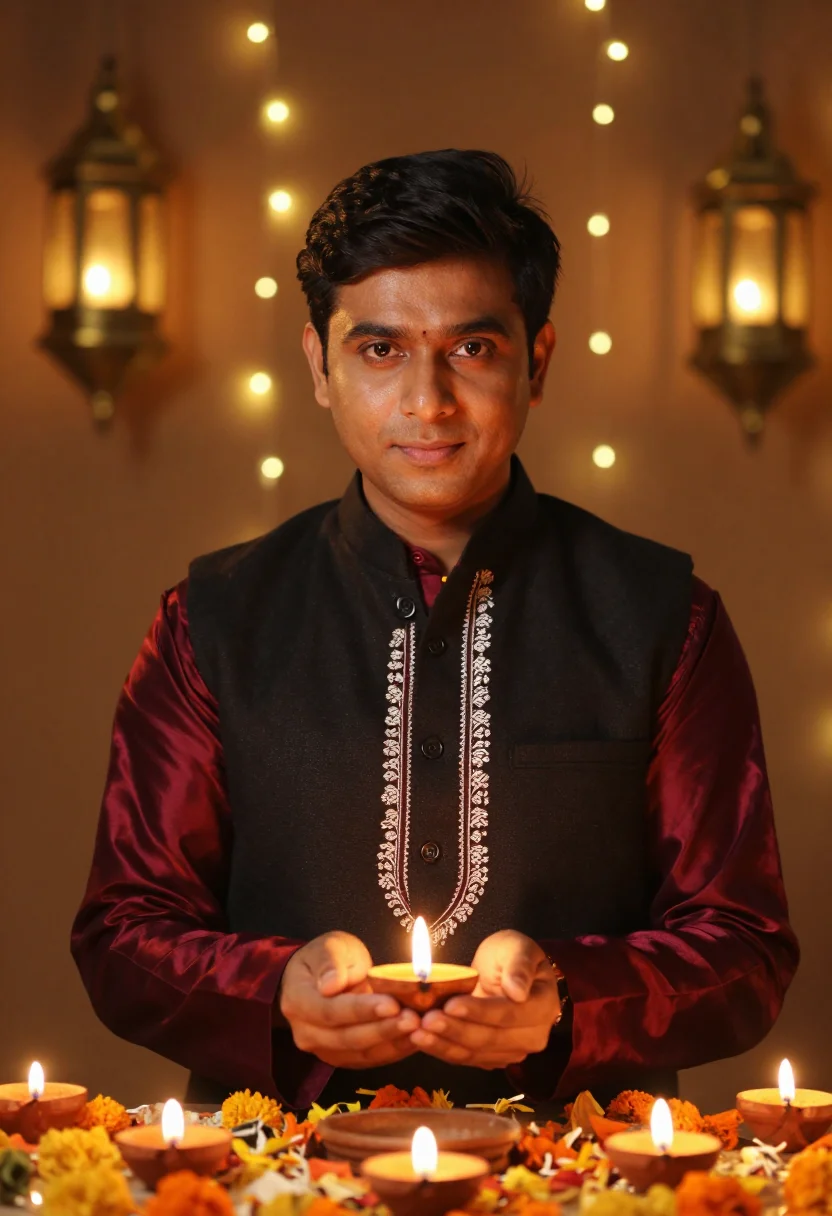
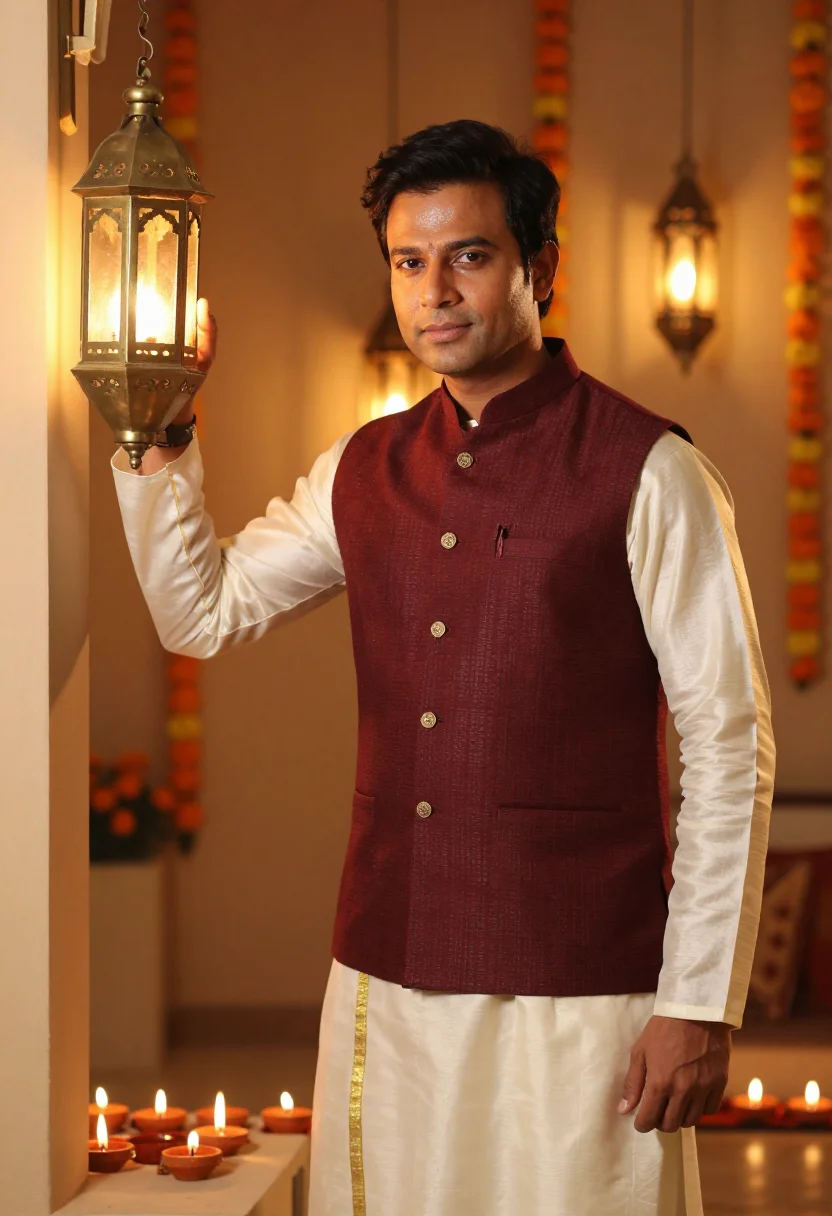
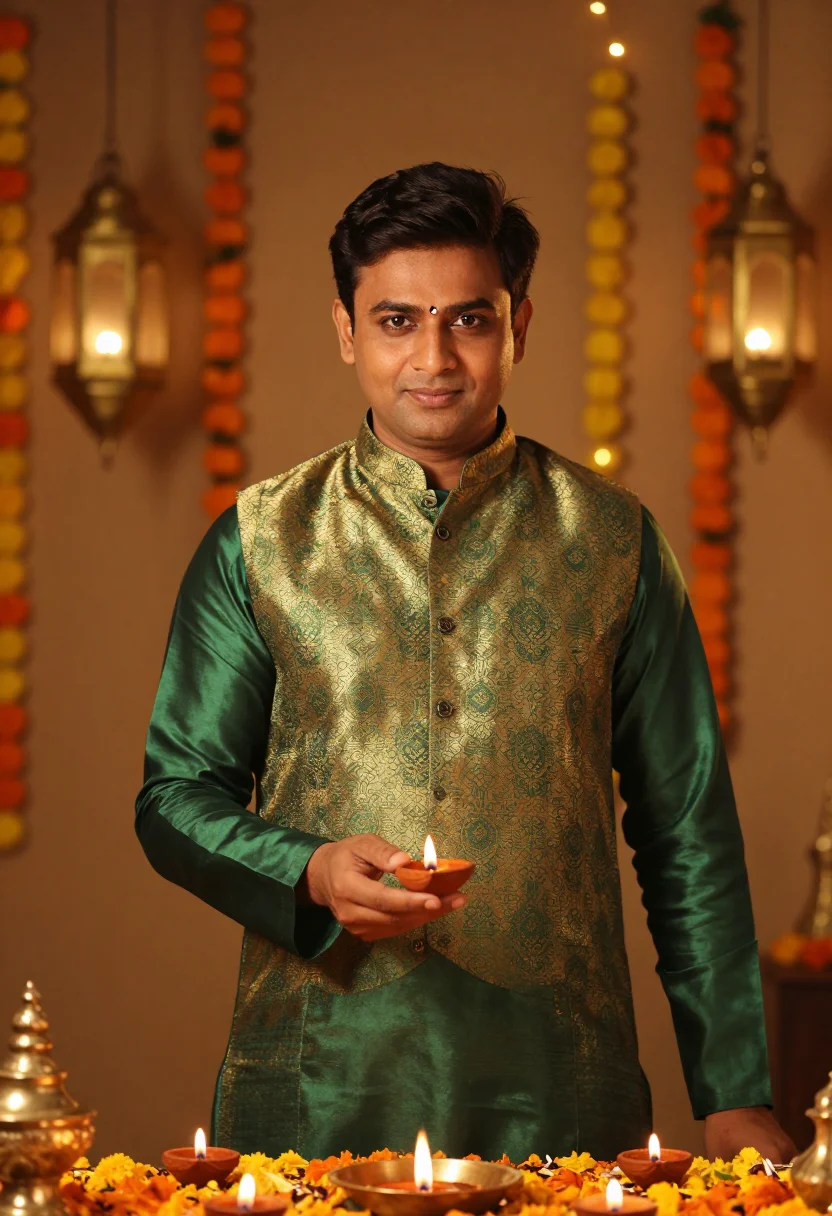
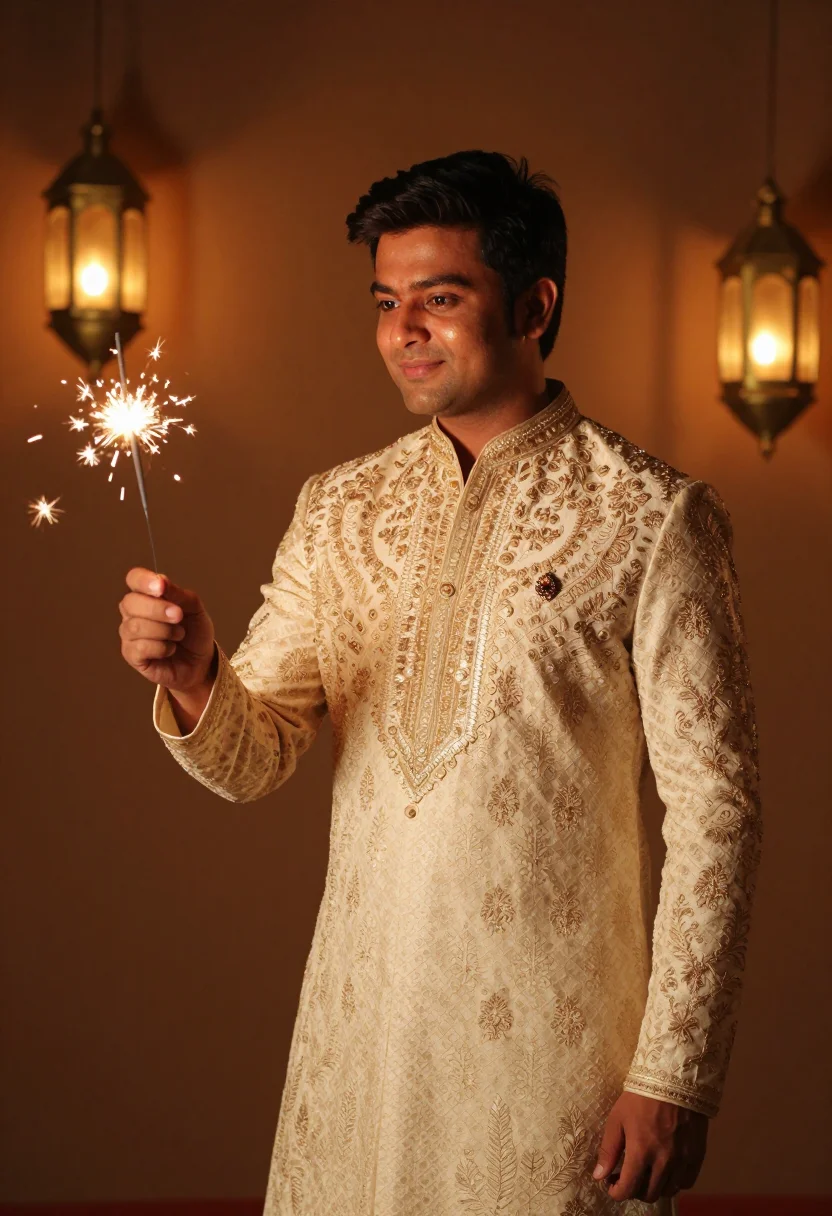
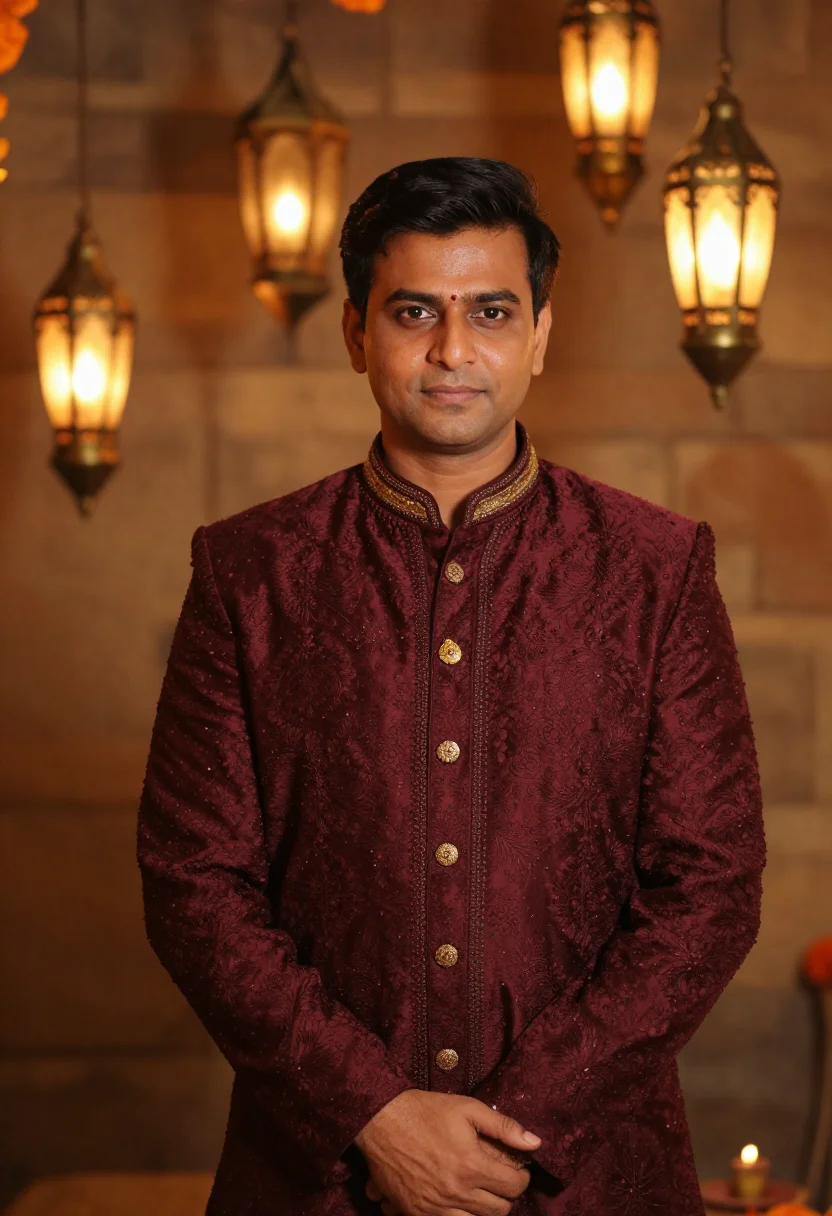
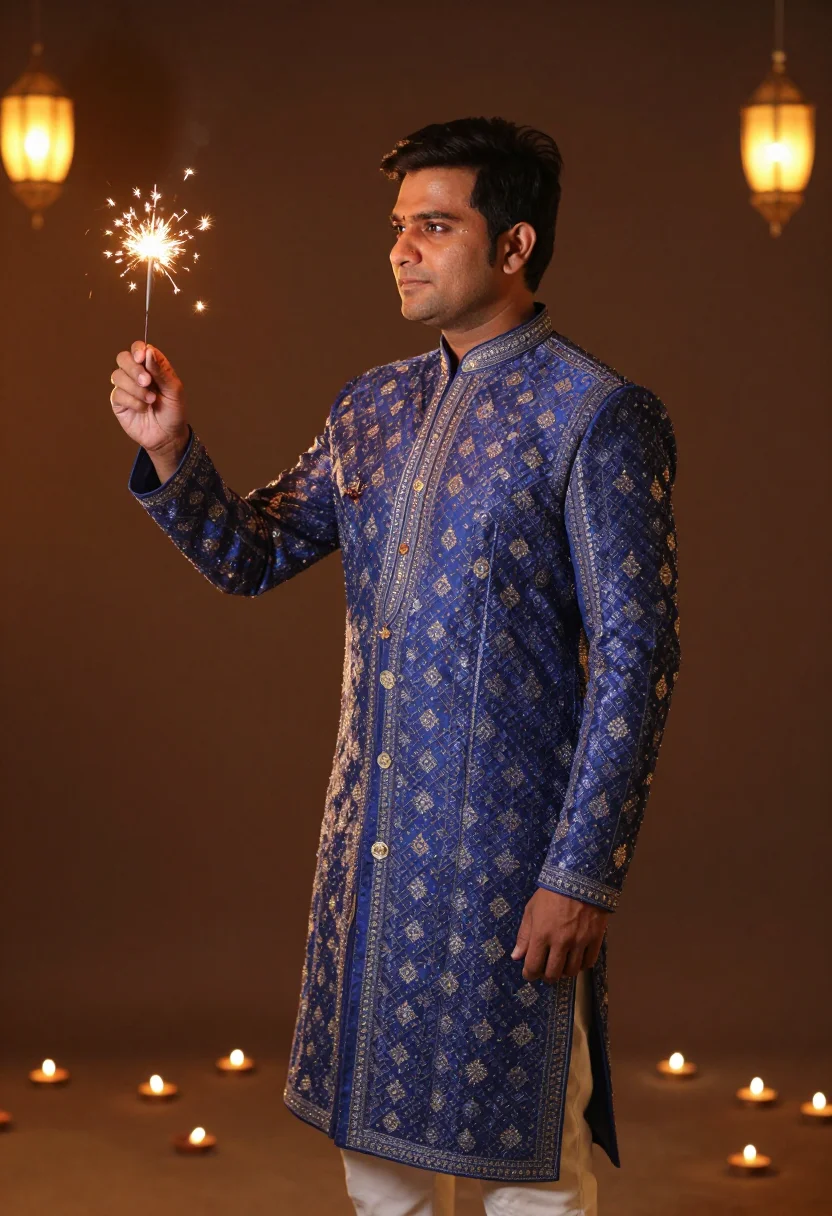
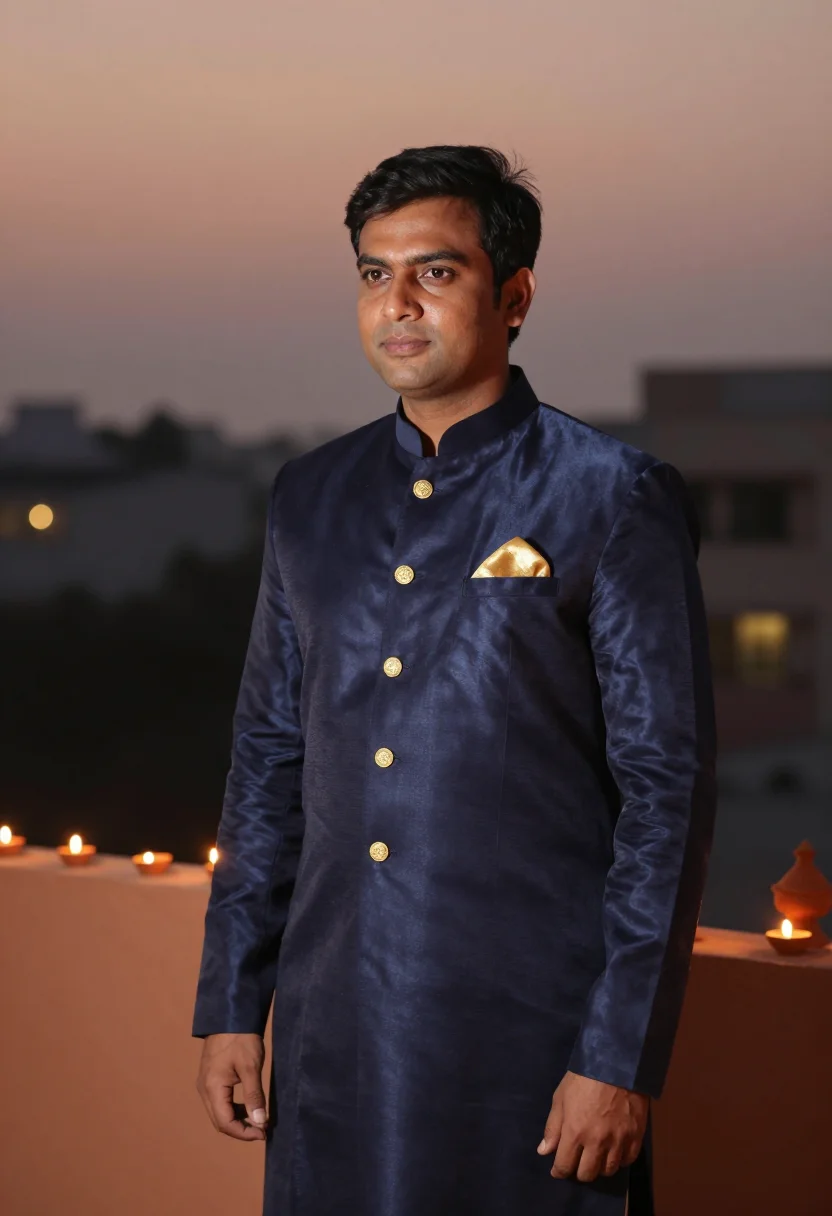
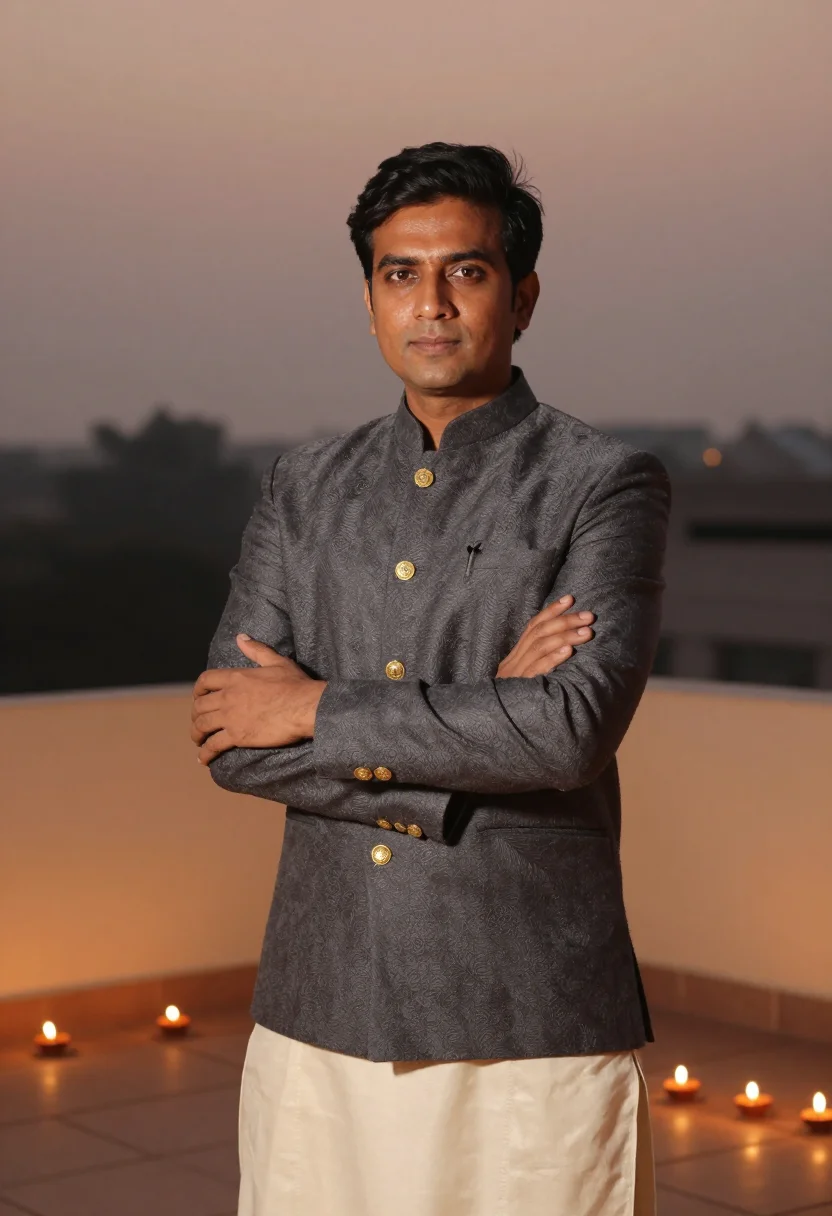
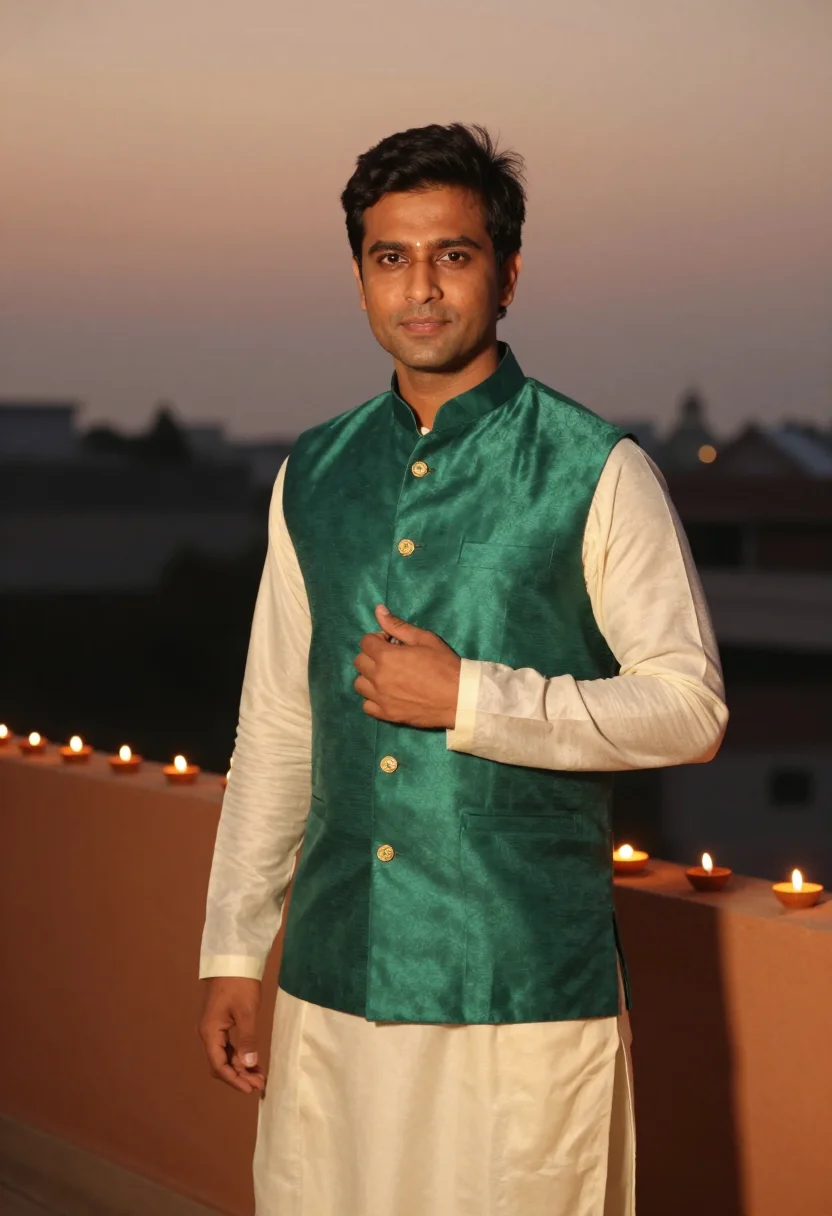
A full festive Diwali AI photoshoot: a silk kurta and Nehru waistcoat among lit diyas and marigolds. Nine photographs of you, in portrait format. The nine vary in crop, expression and light, so there are real choices, not nine identical files.
/diwali-men · photo · 3 scenes
Men's Diwali Portraits
6–20 photos of yourself · we email you when your model is ready
More like this
one model wears them all →
all 9 photos in this pack ↓
How it works
Three steps.
1
Add your photos
Add photos of yourself. We check each one when you add it.
2
We create your model
We create your AI model from your photos. Your photos are ready in a few hours.
3
Every pack, with your face
This pack and every other pack on Narcis can then be made with your face, and single photos too.
The men's Diwali register
Diwali is the one night the men dress as carefully as the house gets lit. This pack puts you in that frame. Three looks carry it: a lustrous silk kurta under a black Nehru-collar waistcoat among lit clay diyas and scattered marigold petals; an embroidered sherwani with a jewelled chest brooch under hanging lanterns and the spit of a sparkler; an Indo-Western bandhgala or emerald bundi waistcoat over a kurta on a diya-lined terrace at dusk. Each look comes in three takes — different colourways, poses and crops — so the nine portraits read like a real Diwali evening rather than the same photo nine times.
These are photographs, not paintings. The output is photoreal: your face and your features, dressed and lit like a festive shoot — warm light rising off the diyas, the silk catching it, the gold embroidery raised and legible, the brass lanterns soft behind you. It borrows the grammar of a Diwali night, the cut of the kurta and the colour of the light; it does not turn you into a cartoon, a costume, or a filter.
How to photograph yourself for Diwali portraits
Good input, good festive look.
- Soft, even lightFace a window with indirect daylight on you. Skip the overhead bulb and the hard noon sun — both flatten the face and kill the warm modelling the pack is built around.
- Front or three-quarter, at eye levelHold the camera level with your eyes. No selfie up-angle, no looking down — the festive portrait register wants you square to the lens.
- Plain wall behind youLet the pack build the diyas, the marigolds and the lanterns. A clean backdrop means the whole likeness budget goes to your face.
- Match the grooming to the dayClean-shaven, stubble, or full beard — the pack keeps your facial hair, so upload the version of you that will actually light the diya.
Frequently asked questions
- Is this a real festive look or a costume filter?
- It's built to read as a festival shoot, not a party costume — real garment construction, raised gold embroidery, the warm glow of actual diyas and lanterns. It borrows the register of a Diwali evening; the kurta is a real garment, not a cartoon costume. What you get looks like a portrait a photographer would take on the night.
- Can I use these for my profile picture and festive cards?
- Yes. The portraits are yours to post, print, and send — your Diwali display picture, the greeting card, the family group chat, the parents who want to see how you dressed.
- Can I choose the outfit or the colours?
- You get all nine, and the three looks are built to span what men actually wear for Diwali — a silk kurta with a Nehru waistcoat, an embroidered sherwani, an Indo-Western bandhgala — in colourways from deep burgundy to ivory-and-gold to forest-green. Rather than picking one and hoping, you see the whole spread and decide what suits you.
- I have a full beard — or none at all. Does that work?
- Either works. The pack preserves your facial hair rather than inventing its own, so a clean-shaven look stays clean-shaven and a full beard stays a full beard.
- Will the photos look like me?
- Every photo looks like you, well photographed. If one is nearly right, say what to change, in your own words.
- Do I have to write a prompt?
- No. There is nothing to write: you pick a pack, and it is ready in seconds.
- How many photos of myself do I add?
- Between six and twenty, from different days and in different light, with your face clear. We check each one when you add it.
- What happens to the photos I add?
- They are used only to create your model, on our own servers in the European Union. They are not shared and not sold.
When the Diwali pack fits
- A Diwali display picture for WhatsApp, Instagram, or the family group chat — festive without booking a studio.
- Diwali and festive-season greeting cards, sent to family near and far.
- The diaspora man marking Diwali from a flat in London, Toronto, or Dubai, far from the family terrace.
- Trying festive colourways — deep burgundy, ivory-and-gold, forest-green, navy bandhgala — before you commit at the tailor.
- A gift for the brother, father, or friend who never takes a good photo of himself but loves the festival.
- A festive portrait worth printing and framing — the once-a-year photo where you actually dressed up.
About narcis
Most AI photo tools put every pose, job, era, and style in one giant catalog. The photos all look like every other AI photo on the internet — a glaze over a stock face. Narcis goes the other way. One job: photos of you that look like photographs. You add at least 6 photos of yourself, and we create your AI model from them. Your photos are ready in a few hours, and we email you when they are. Then this pack and every other pack on Narcis can be made with your face. Each pack is curated against real references — paintings, photographers, places — and tested on real faces before it goes live. Built and run by one small team, on our own servers.
All images are AI-generated. By using this service, you confirm you are 18+, that any face photo you upload is your own or used with explicit consent. Full Terms