Doctor Headshots
Nine photos of you in one setting
How your model is created from your photos
Every pack on Narcis, made with your face
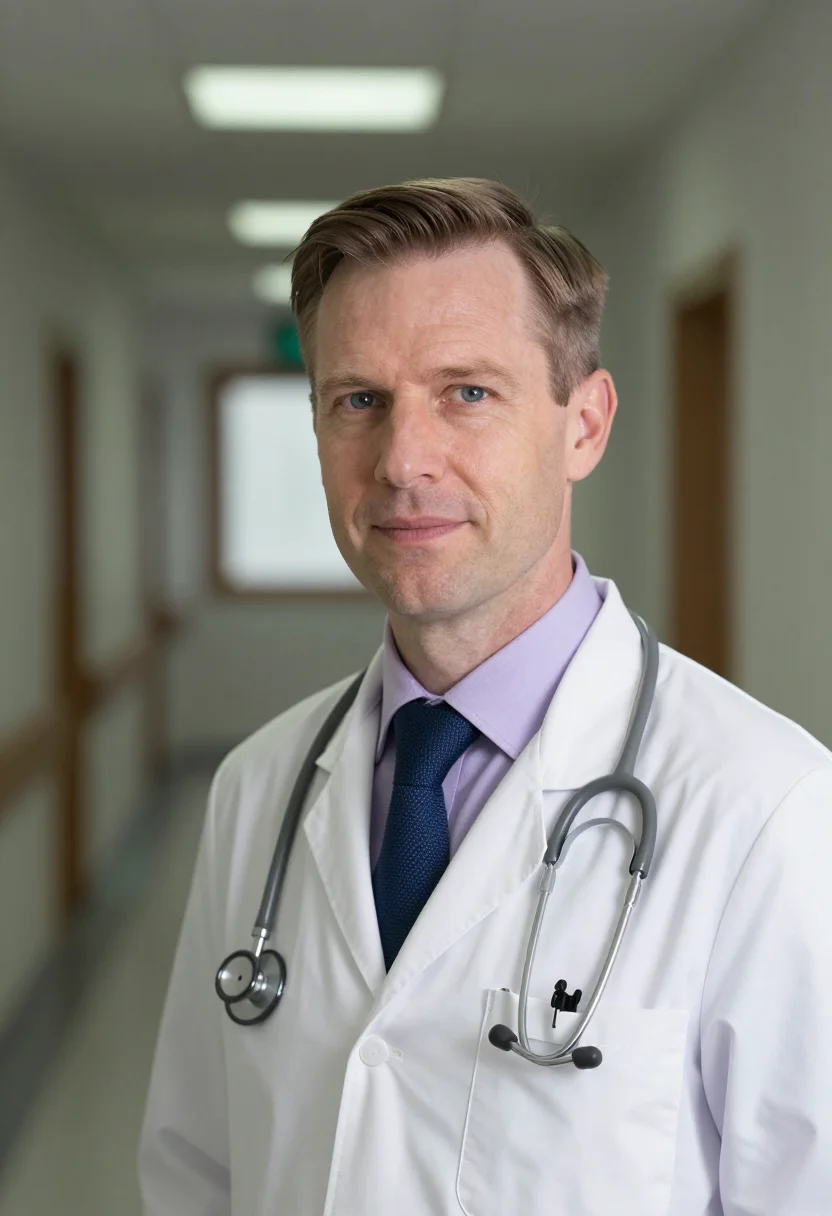
Nine photographs of you in one setting: one pack of the Narcis catalogue.
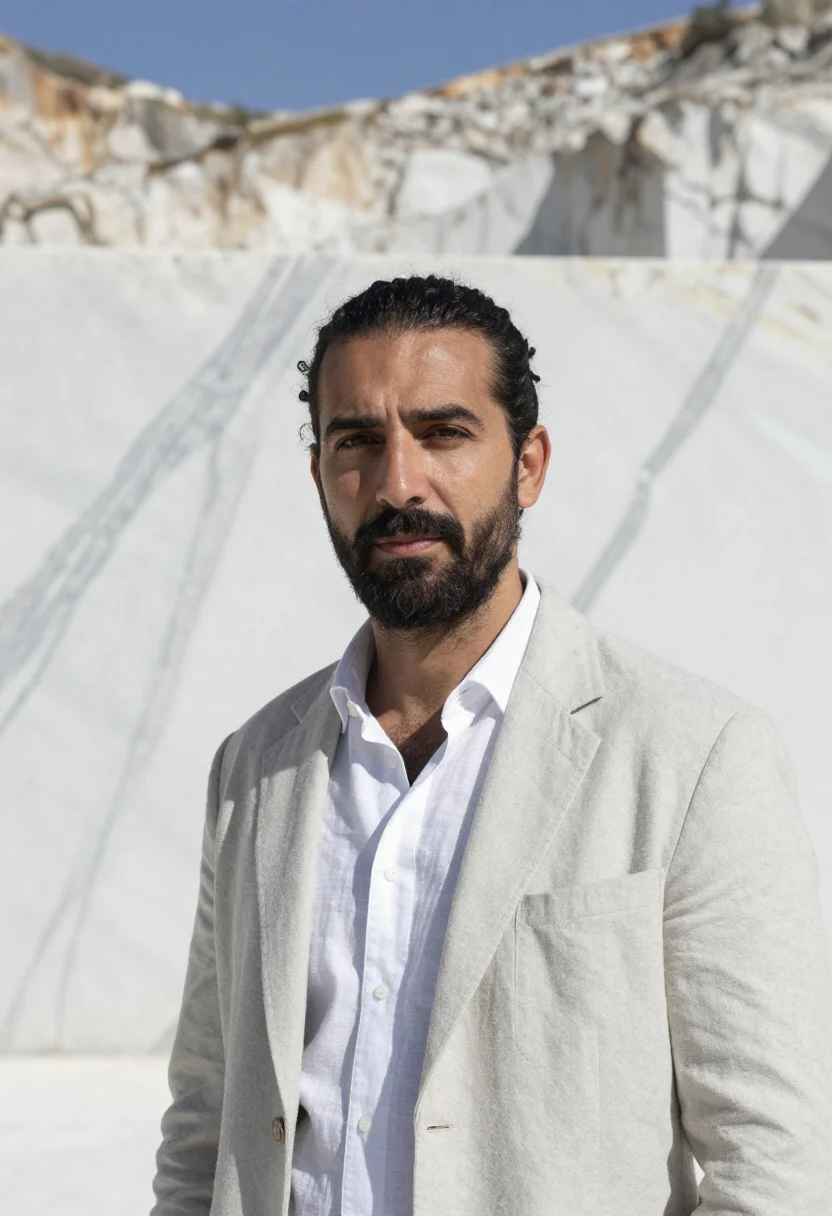
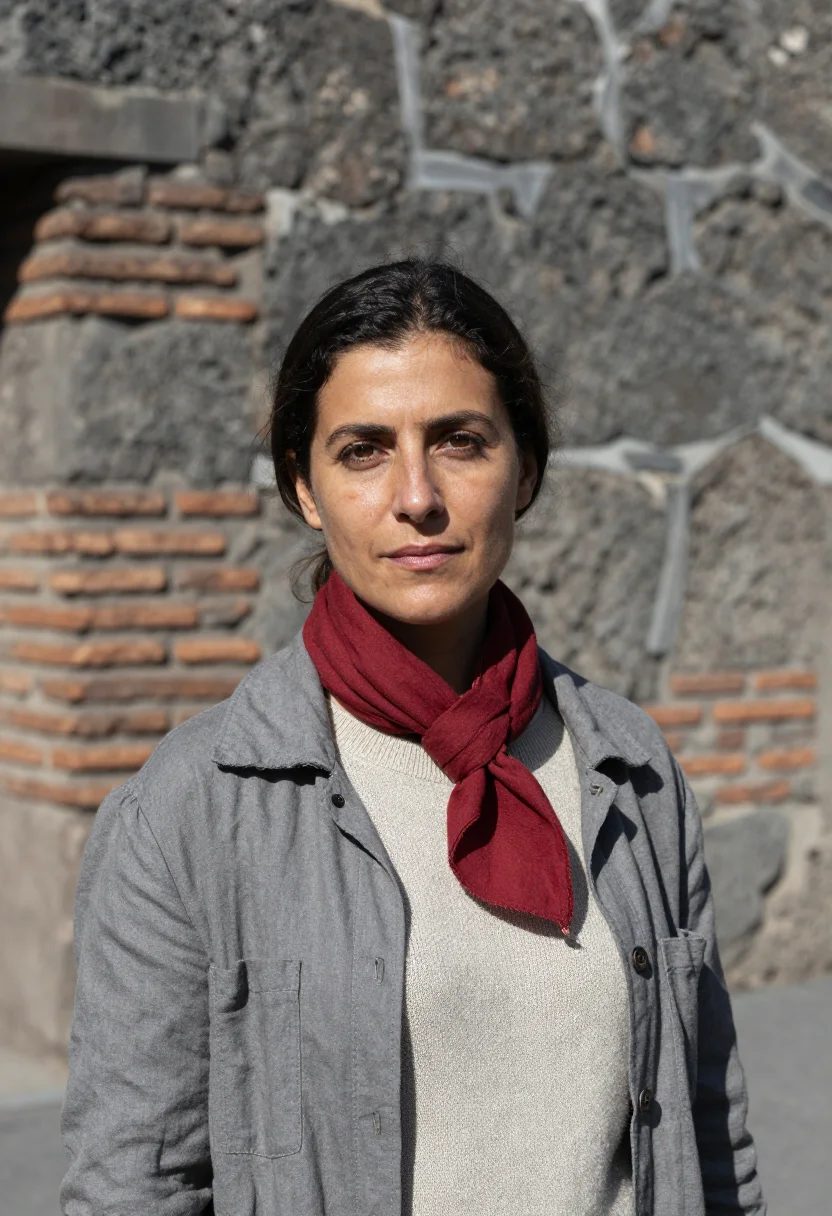
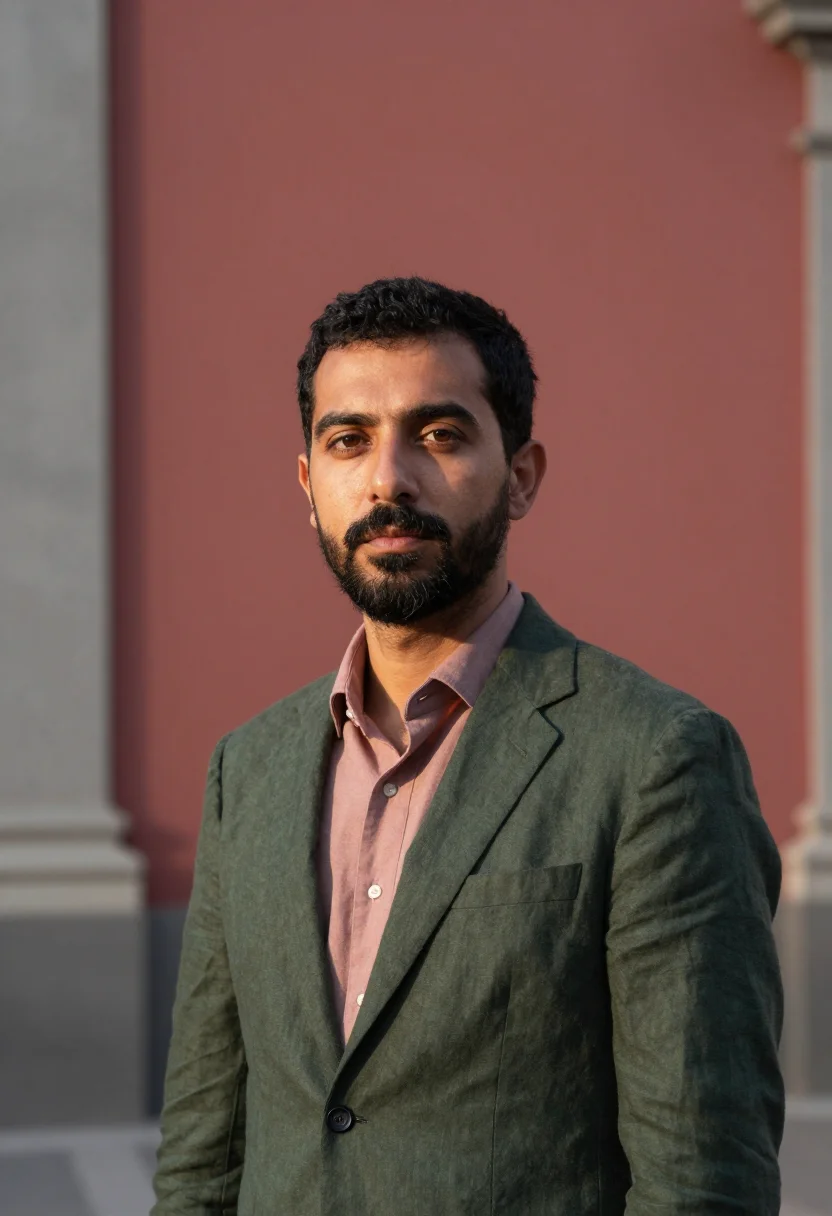
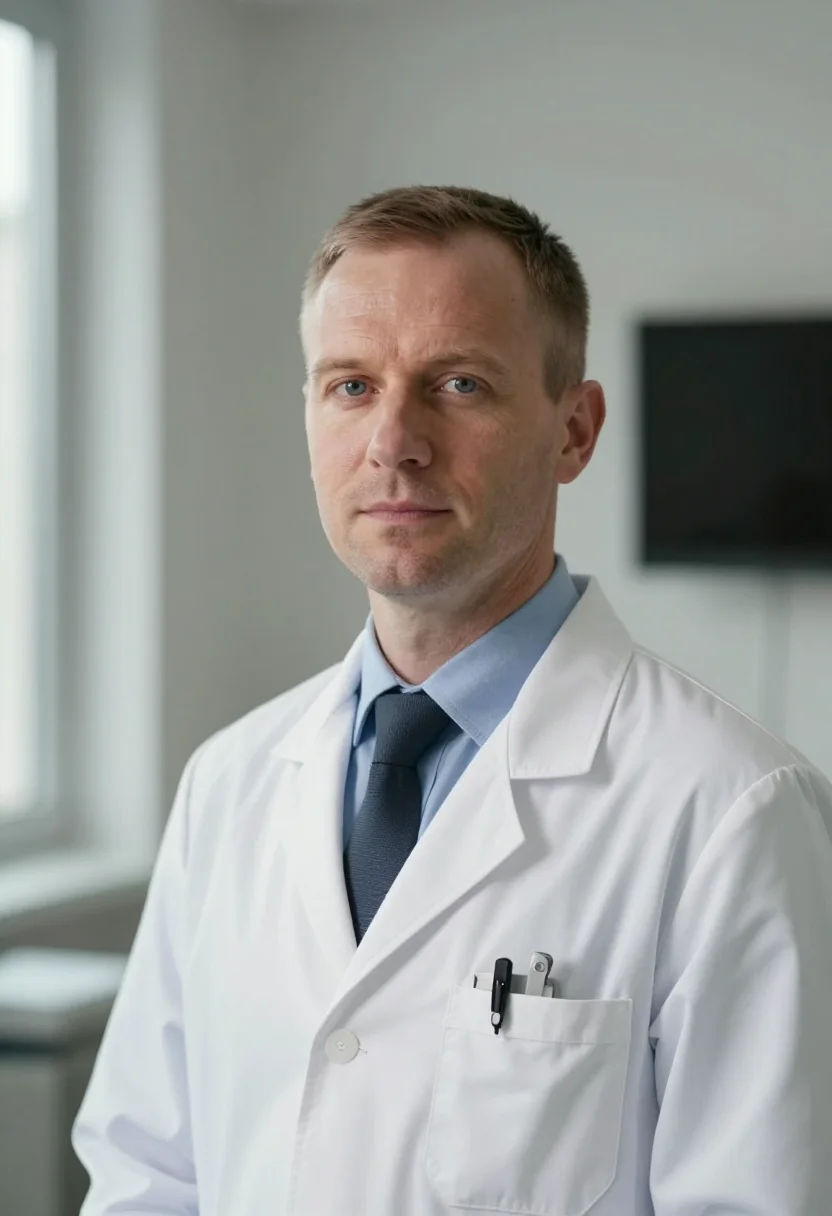
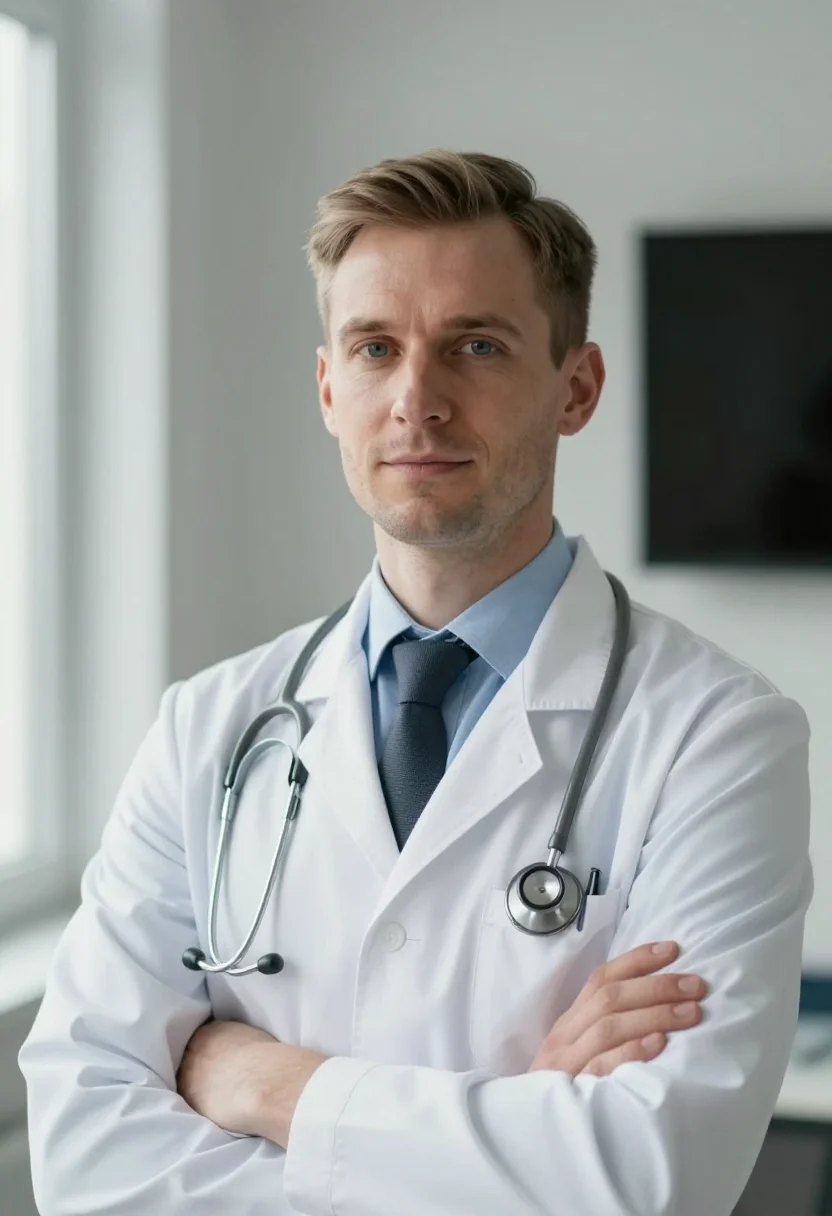
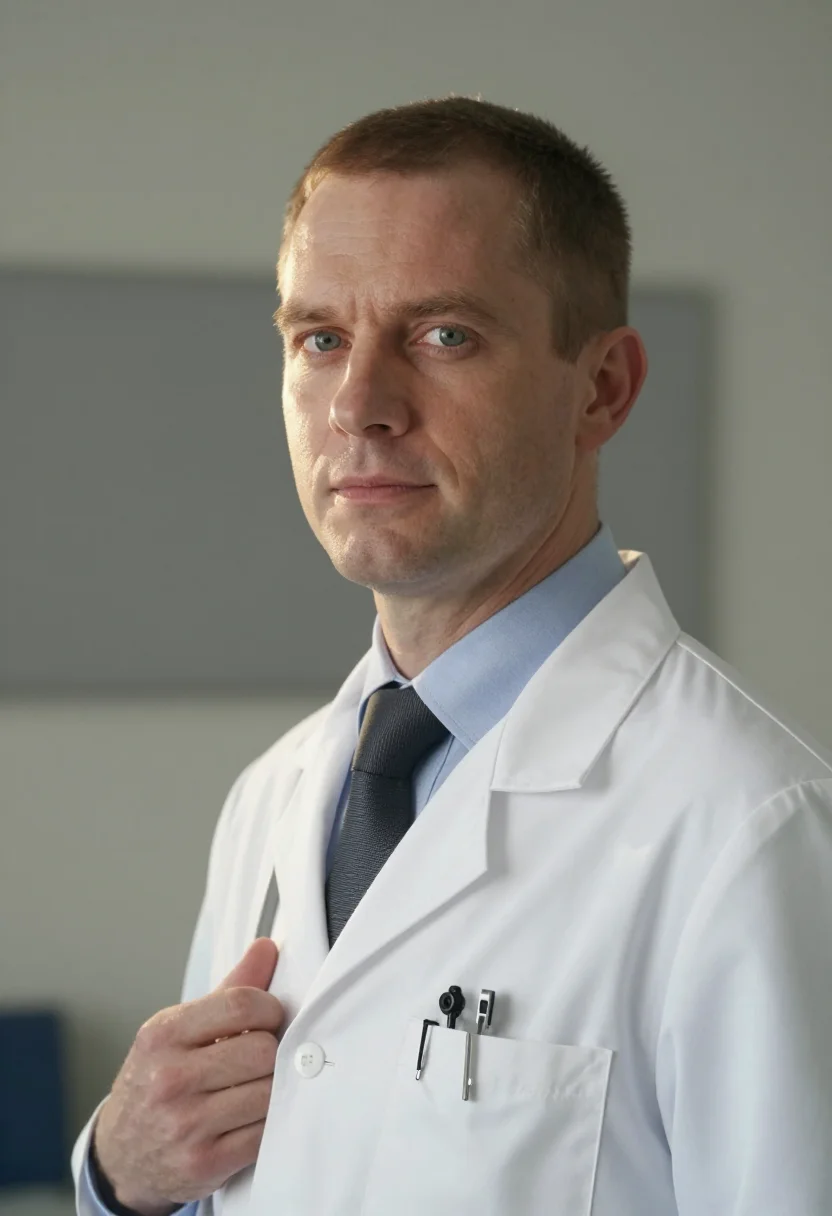
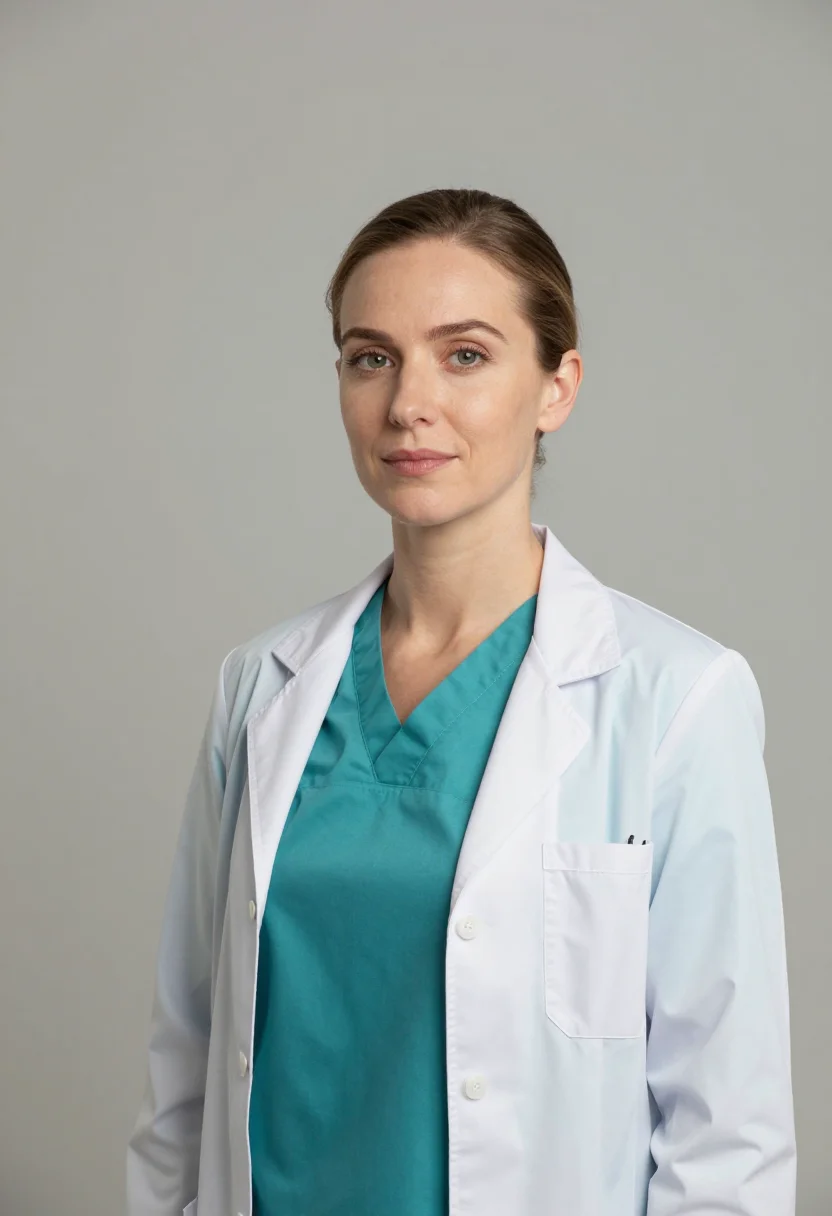
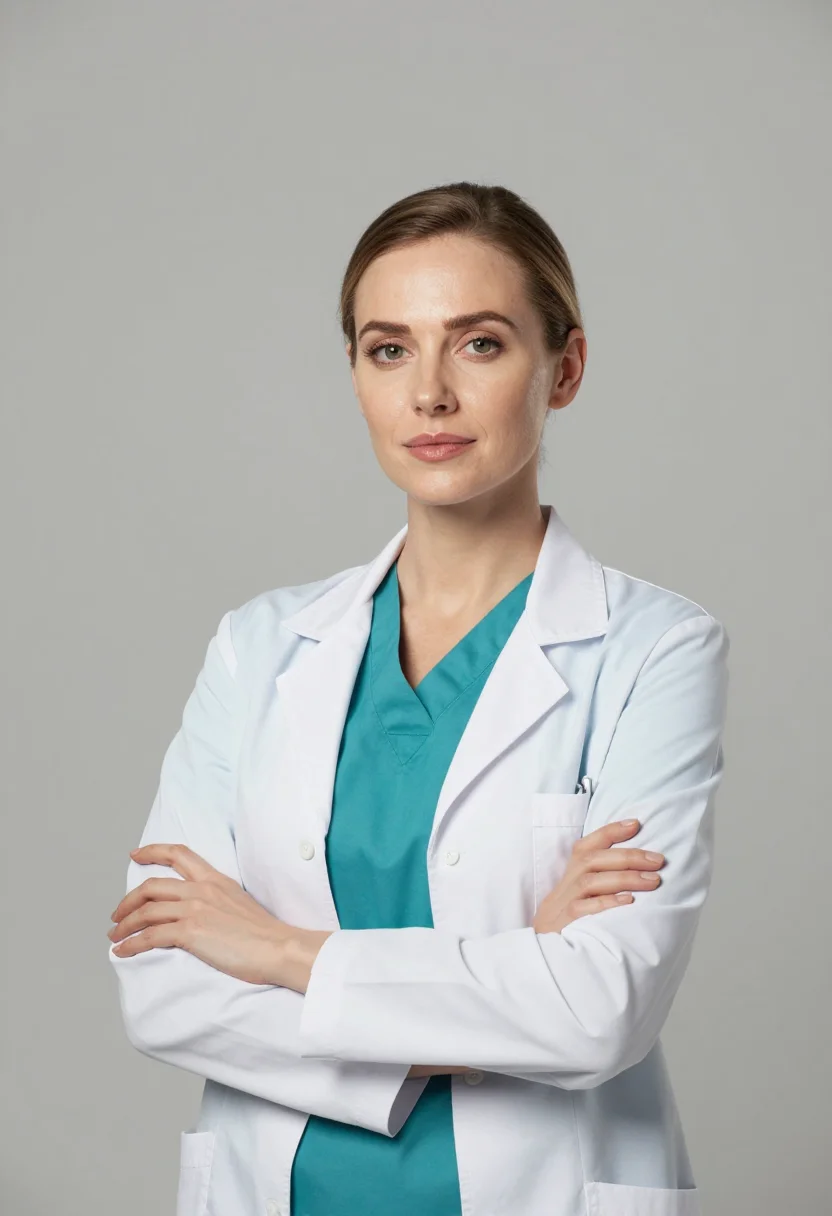
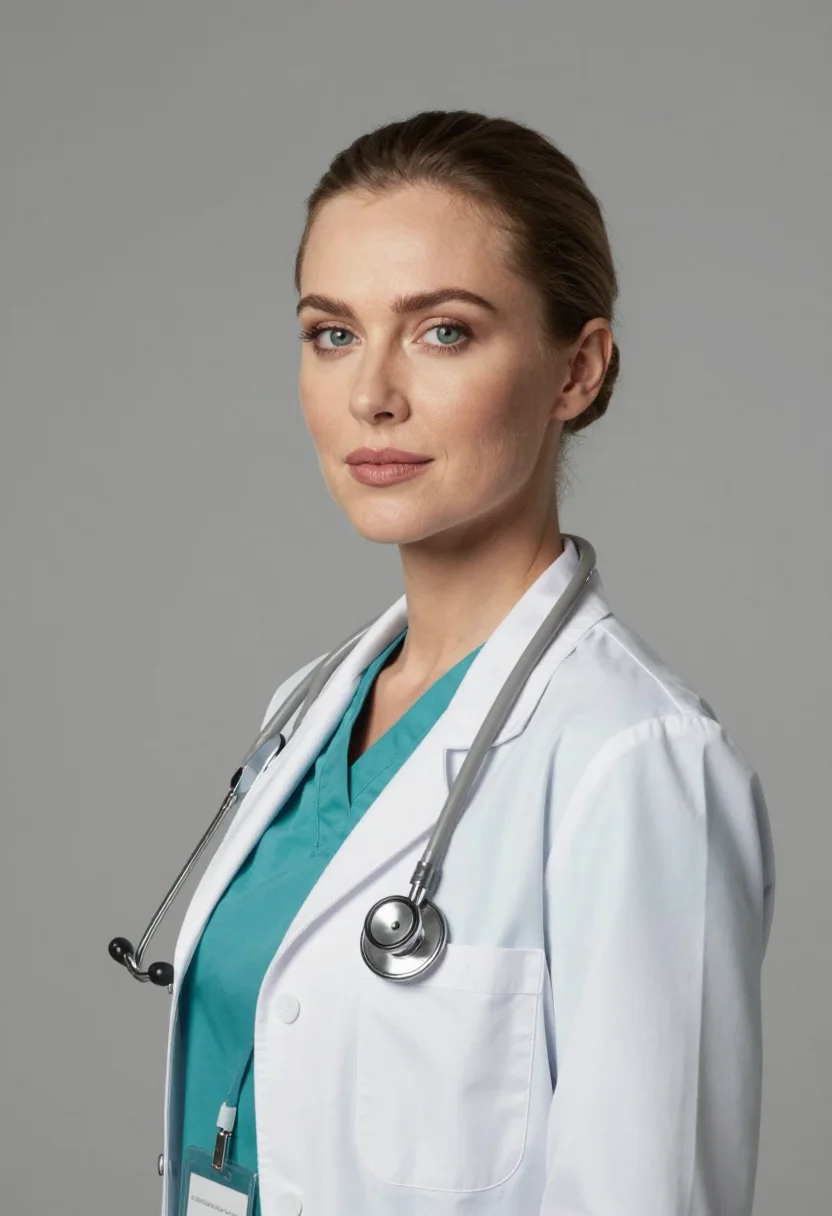
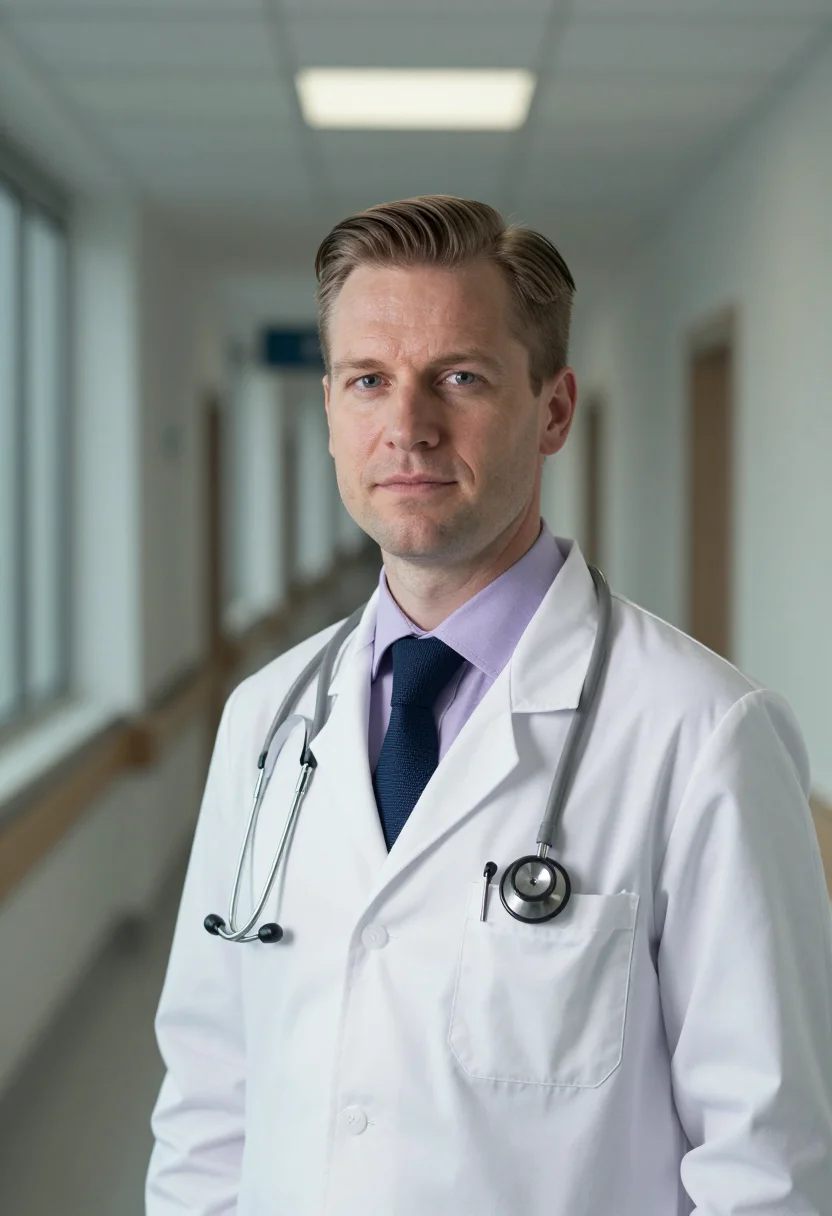
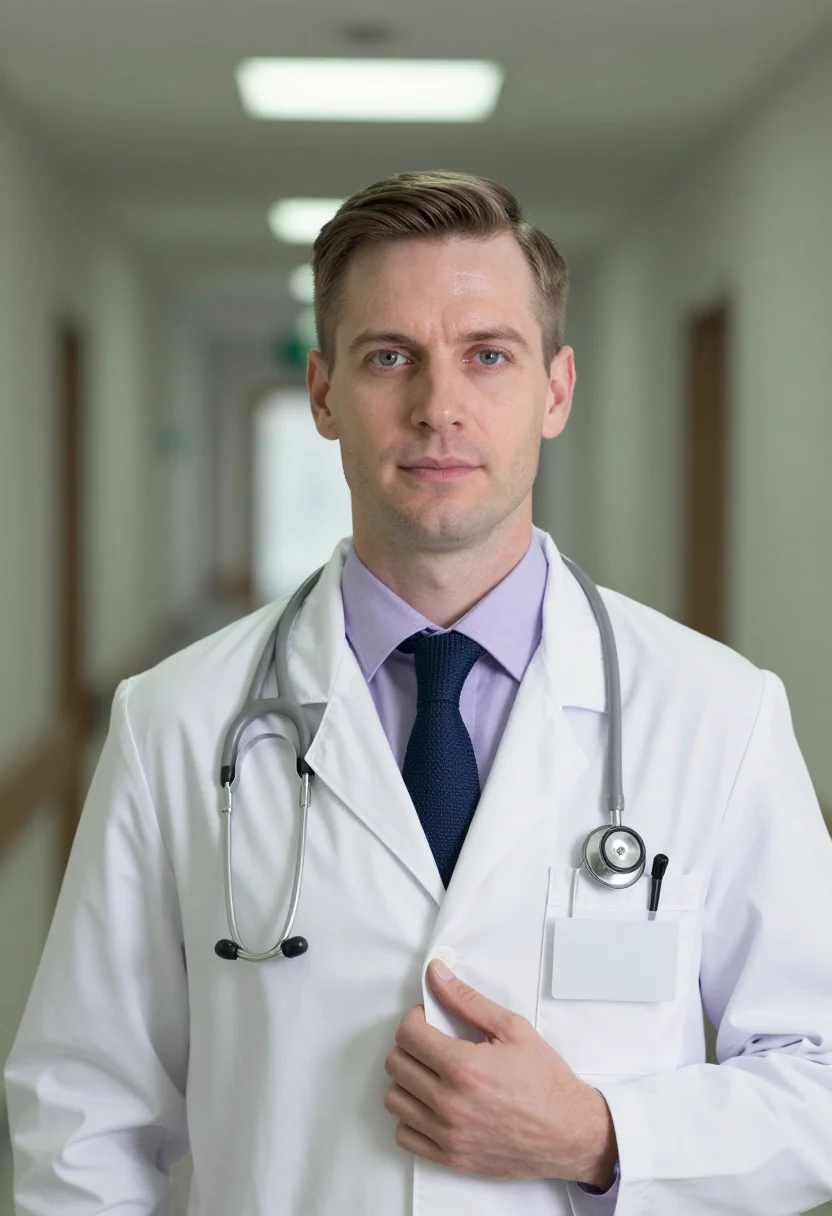
Nine photographs of you in studio lighting, for LinkedIn, resumes and other professional profiles, in portrait format. The nine vary in crop, expression and light, so there are real choices, not nine identical files.
/doctor-headshots · professional · 3 scenes
Doctor Headshots
6–20 photos of yourself · we email you when your model is ready
More like this
one model wears them all →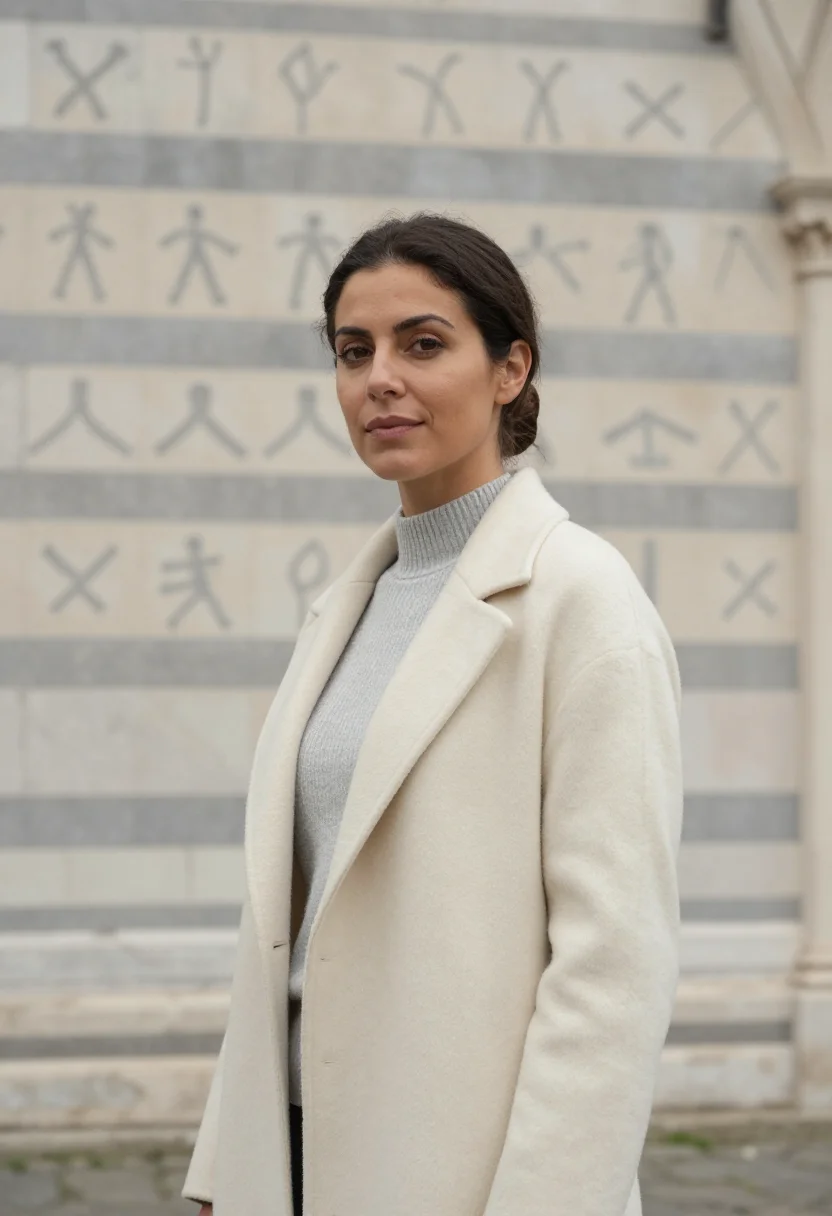
all 9 photos in this pack ↓
How it works
Three steps.
1
Add your photos
Add photos of yourself. We check each one when you add it.
2
We create your model
We create your AI model from your photos. Your photos are ready in a few hours.
3
Every pack, with your face
This pack and every other pack on Narcis can then be made with your face, and single photos too.
The doctor headshot register
A medical headshot has one job before a patient, a credentialing committee, or a residency program reads a single word: it has to read as trustworthy. That is not warmth for its own sake and not clinical coldness either — it is the particular register a good doctor's portrait carries. Clean light, a composed and open expression, attire that signals the profession at a glance: a white coat, scrubs, smart-professional dress. The Doctor Headshots pack stages three of these registers — a defocused clinic exam room, a clean medical-editorial frame on a neutral ground, and a modern hospital corridor in soft bokeh — each lit to keep the face the subject and the setting the context.
The output is photorealistic. This is a photograph of you, generated by Z-Image — not a painting, not an illustration, not an obviously synthetic render. Technically the pack works in the grammar of a professional medical shoot: a broad soft key from one side that models the face with a gentle gradient, a clean mid-key balance that keeps skin alive and shadows controlled rather than harsh, and a defocused medical environment that separates the face cleanly. Badges, lanyards, monitors, and signage are kept plain and out of focus on purpose — no garbled lettering, nothing that competes with the face. The palette stays soft and clinical: white, scrub blue or teal, warm skin, cool grey.
How to photograph yourself for a doctor headshot
A few things in your source photo make the result sharper.
- Even, soft light on your faceStand beside a window with indirect daylight. Avoid overhead fluorescents and phone flash — both flatten the face and fight the clean clinical lighting the pack stages.
- Front or three-quarter angle, at eye levelNo selfie-stick uplook, no overhead. The pack frames you half-length and turned three-quarter; an extreme angle works against that composition.
- Plain wall behind youA white or soft-coloured wall. The AI replaces the backdrop with the clinic, editorial, or corridor register — a busy background makes it harder to isolate your face.
- A calm, open expressionA small natural smile or a composed, approachable look. The register is trustworthy and warm, not stern.
- Upload 2 to 5 photos if you have themOne clear front-facing photo is enough. More varied angles sharpen the likeness — upload them together and the pack uses all of them.
Frequently asked questions
- Is the output photorealistic, or does it look AI-generated or painted?
- Photorealistic. The output is a photograph of you, generated by Z-Image — not painted, not illustrated, not obviously synthetic. The pack stages you in a white coat, scrubs, or smart-professional attire with clean medical lighting and a defocused clinic, editorial, or hospital-corridor background.
- Can I use this for my ERAS or residency application photo?
- Yes — that is one of the strongest fits. The pack produces a clean, professional, front-facing portrait in the register a residency program expects: white coat or smart-professional dress, neutral or defocused clinical background, composed expression. Confirm the current ERAS photo size and format requirements on the official application before you submit; the pack delivers full-resolution portrait-ratio images you can crop to spec.
- Will it render readable text on badges, monitors, or signage?
- No — by design. Badges and lanyards are kept plain and unmarked, monitors and screens stay blank or defocused, and any signage is out of focus. There is no garbled lettering baked into the background to compete with your face.
- I'm a nurse, dentist, PA, or other clinician — does this still work?
- Yes. The clean-clinical register fits any healthcare professional who needs a trustworthy staff photo. The white-coat and scrubs looks read across medicine, dentistry, nursing, and allied health; the clean editorial register is the most profession-neutral of the three.
- Can I use these commercially — on a clinic website or hospital directory?
- Yes. The output is yours, delivered full-resolution with no watermark or logo. Use it on a practice website, a hospital staff page, a directory listing, a CV, or an application. See the terms for the full scope.
- Will the photos look like me?
- Every photo looks like you, well photographed. If one is nearly right, say what to change, in your own words.
- Do I have to write a prompt?
- No. There is nothing to write: you pick a pack, and it is ready in seconds.
- How many photos of myself do I add?
- Between six and twenty, from different days and in different light, with your face clear. We check each one when you add it.
- What happens to the photos I add?
- They are used only to create your model, on our own servers in the European Union. They are not shared and not sold.
When the Doctor Headshots pack fits
- For a hospital or clinic staff profile, physician directory listing, or 'find a doctor' page
- For an ERAS residency-application headshot — a clean, professional photo when you need one fast and a studio sitting does not fit the timeline
- For a medical-school, residency, or fellowship application photo
- For a LinkedIn or Doximity profile photo that reads as a practising physician rather than a casual snapshot
- For a nurse, physician assistant, dentist, pharmacist, or other clinician staff photo in the same clean-clinical register
- For a private-practice website, telemedicine profile, or appointment-booking page
- For a hospital press release, conference speaker bio, or medical-society directory
- For a CV, grant application, or journal author photo in correct portrait ratio
- For updating a headshot that is years out of date without scheduling a studio session
About narcis
Most AI photo tools put every pose, job, era, and style in one giant catalog. The photos all look like every other AI photo on the internet — a glaze over a stock face. Narcis goes the other way. One job: photos of you that look like photographs. You add at least 6 photos of yourself, and we create your AI model from them. Your photos are ready in a few hours, and we email you when they are. Then this pack and every other pack on Narcis can be made with your face. Each pack is curated against real references — paintings, photographers, places — and tested on real faces before it goes live. Built and run by one small team, on our own servers.
All images are AI-generated. By using this service, you confirm you are 18+, that any face photo you upload is your own or used with explicit consent. Full Terms