A Florence Photoshoot at the Duomo
Nine photos of you in one setting
How your model is created from your photos
Every pack on Narcis, made with your face
Nine photographs of you in one setting: one pack of the Narcis catalogue.
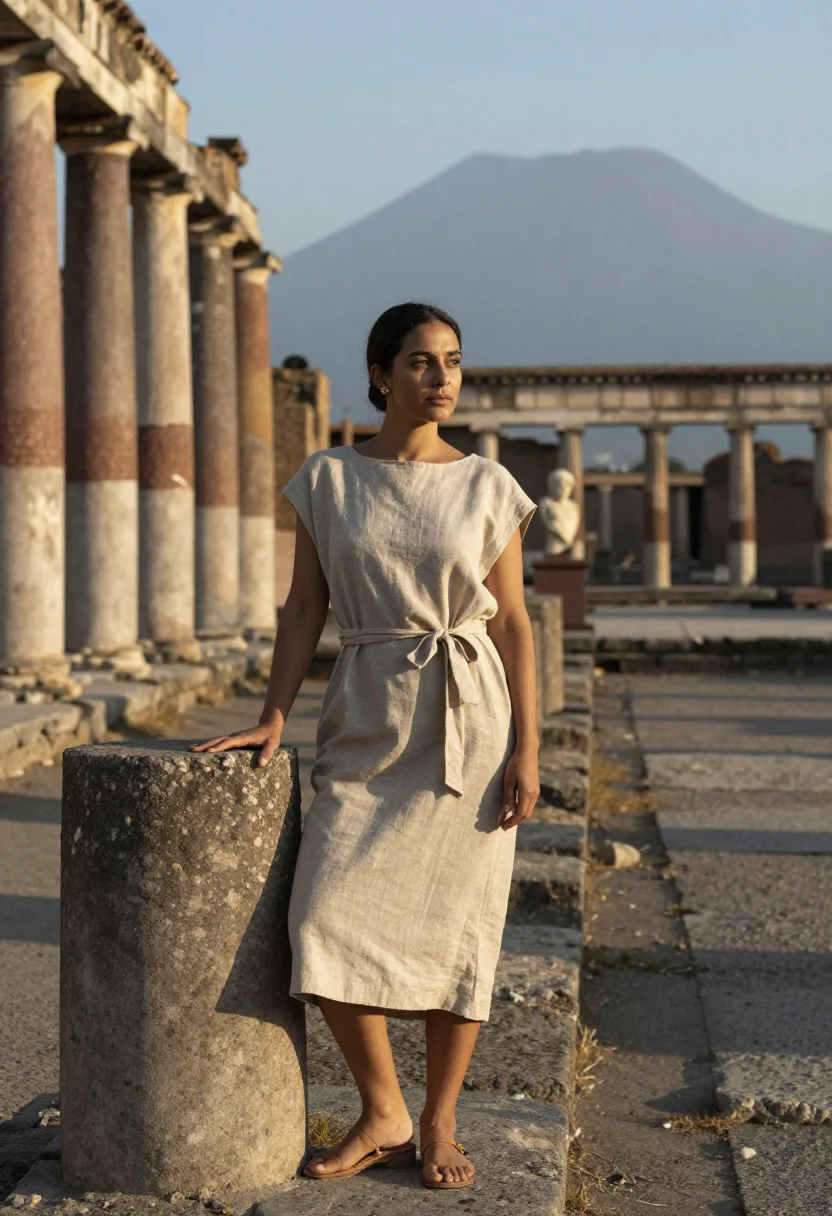
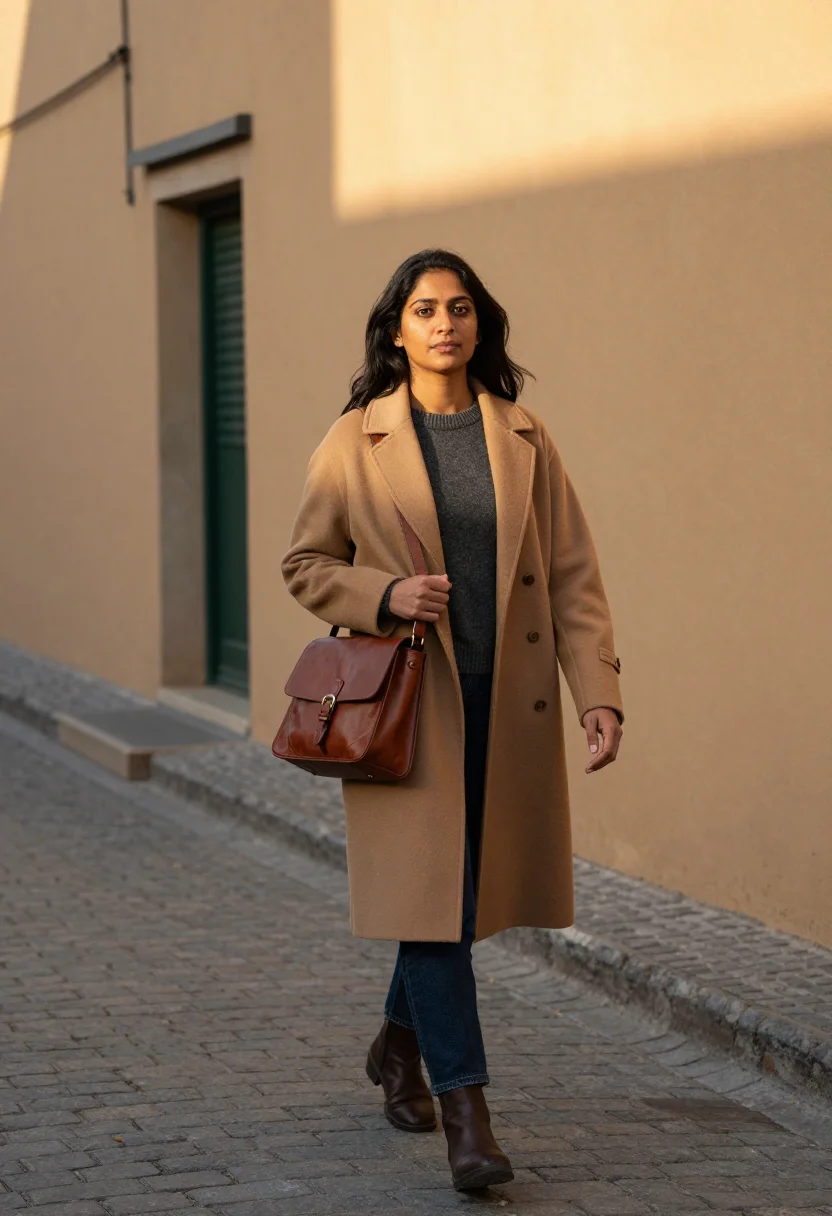
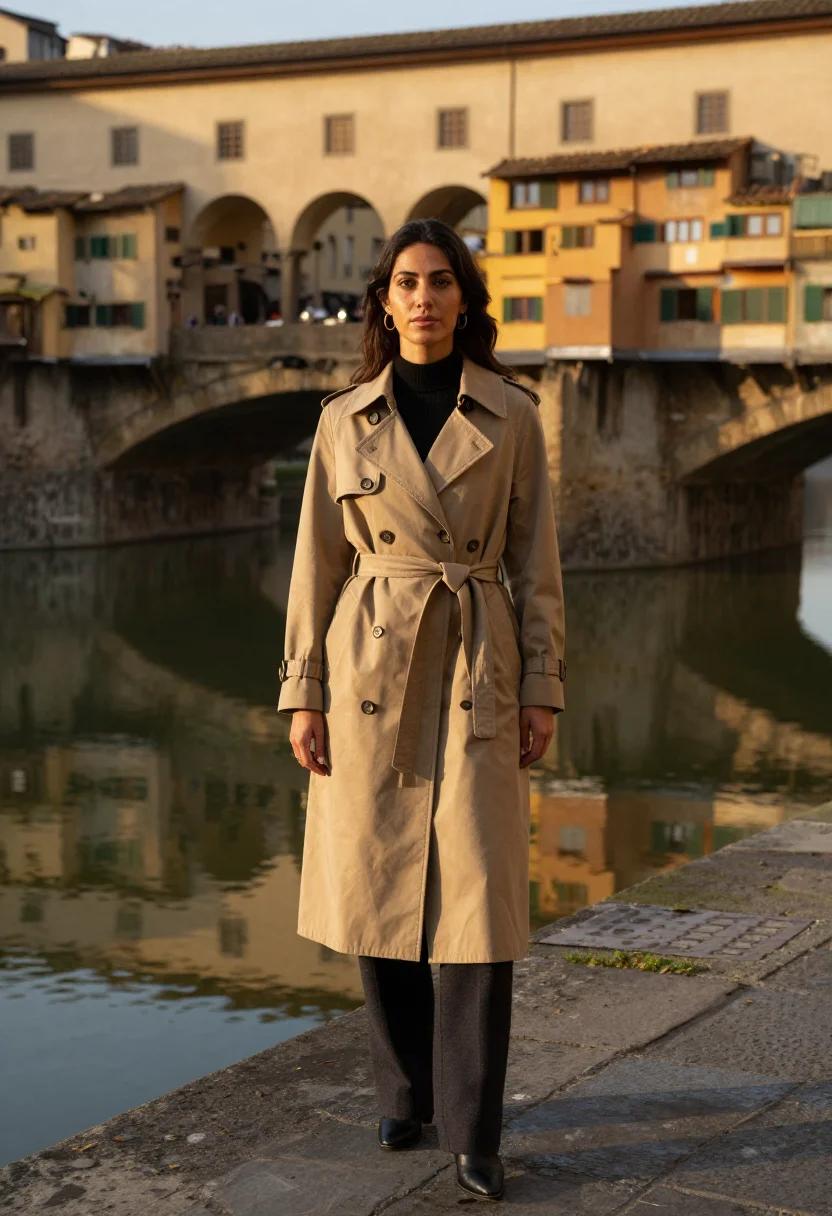
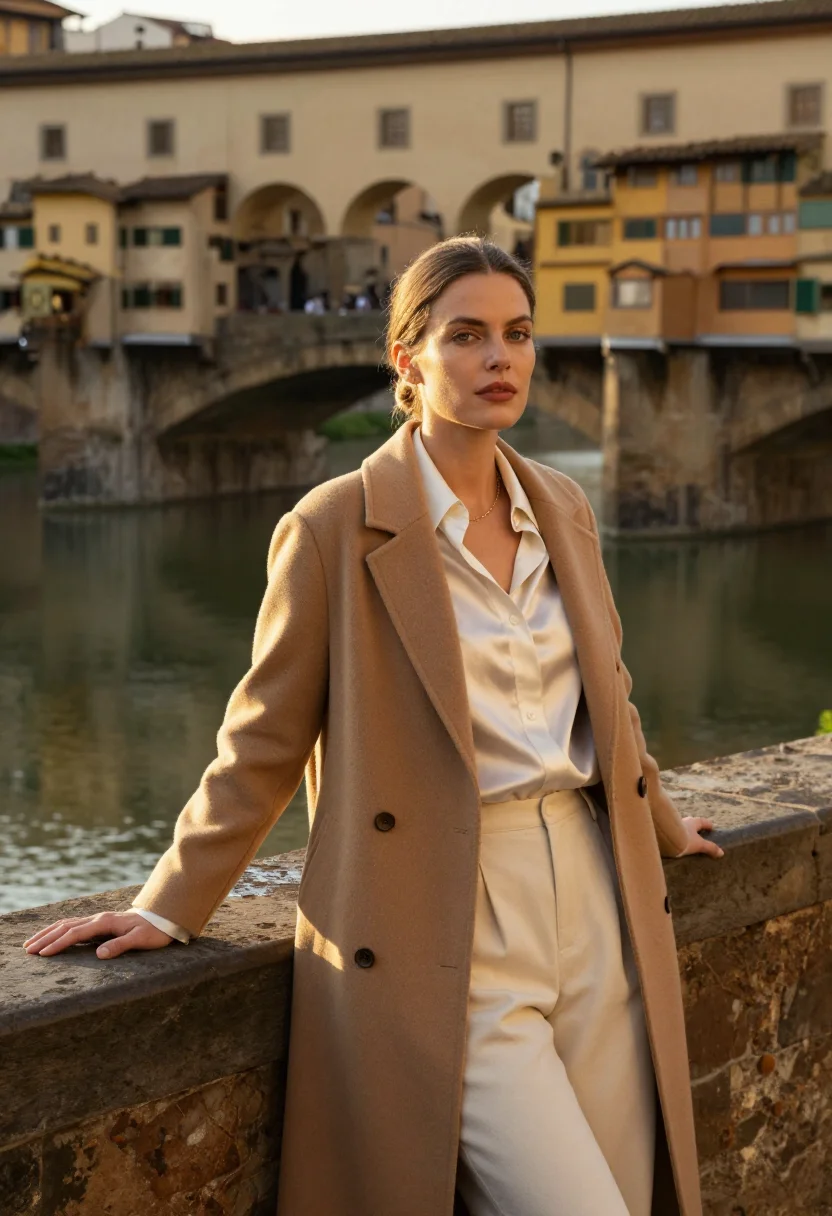
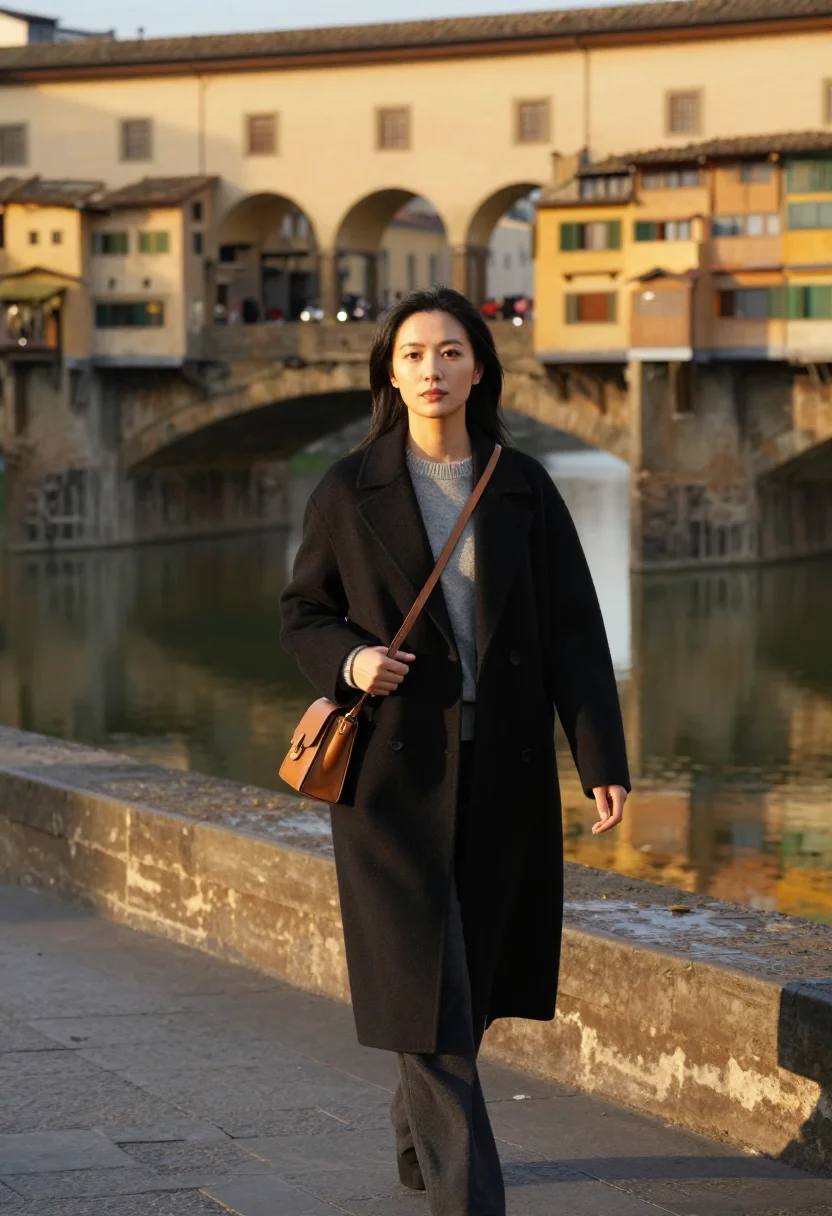
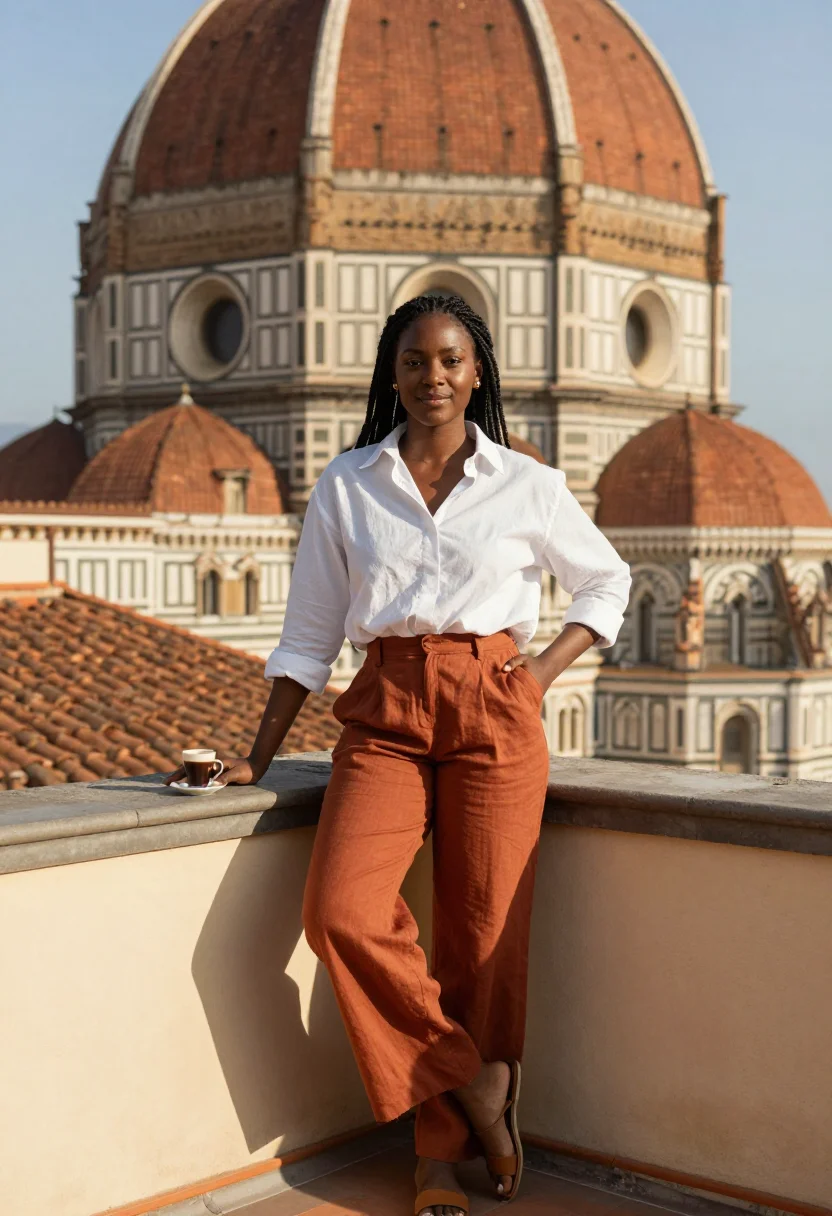
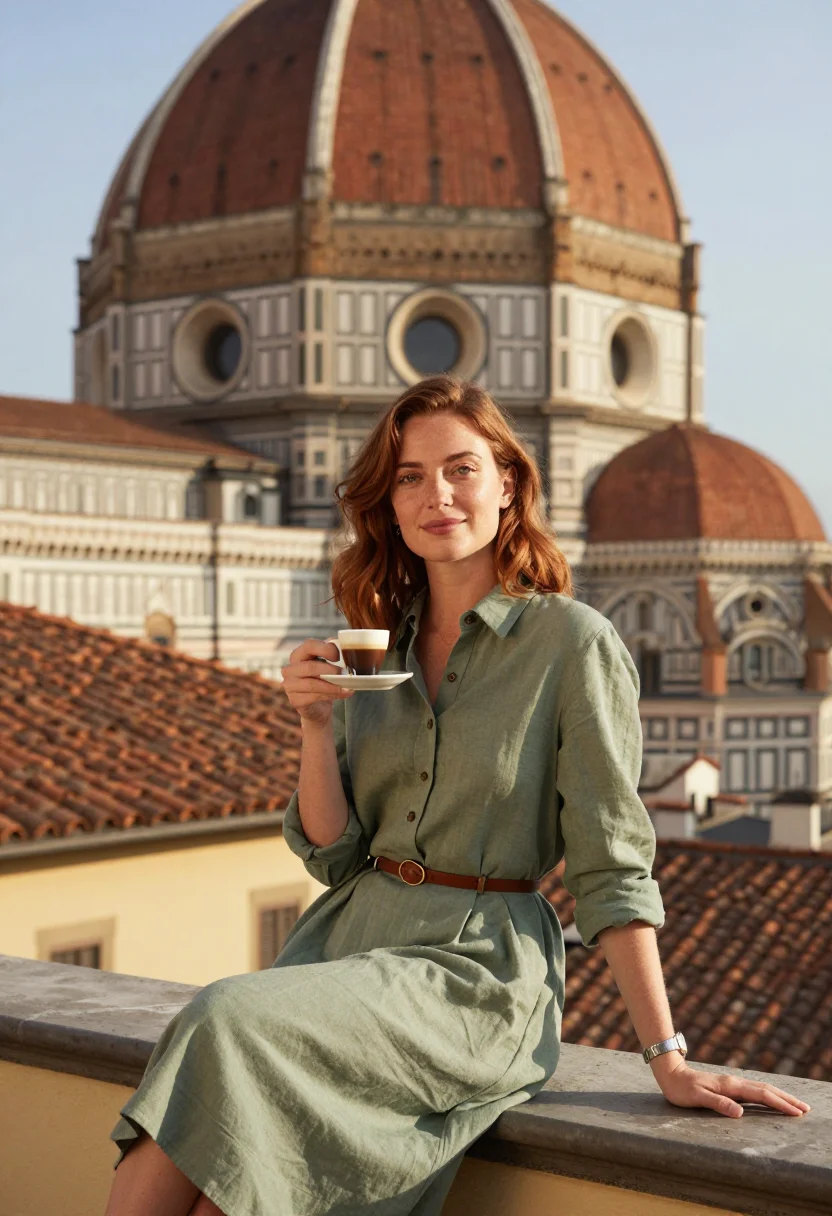
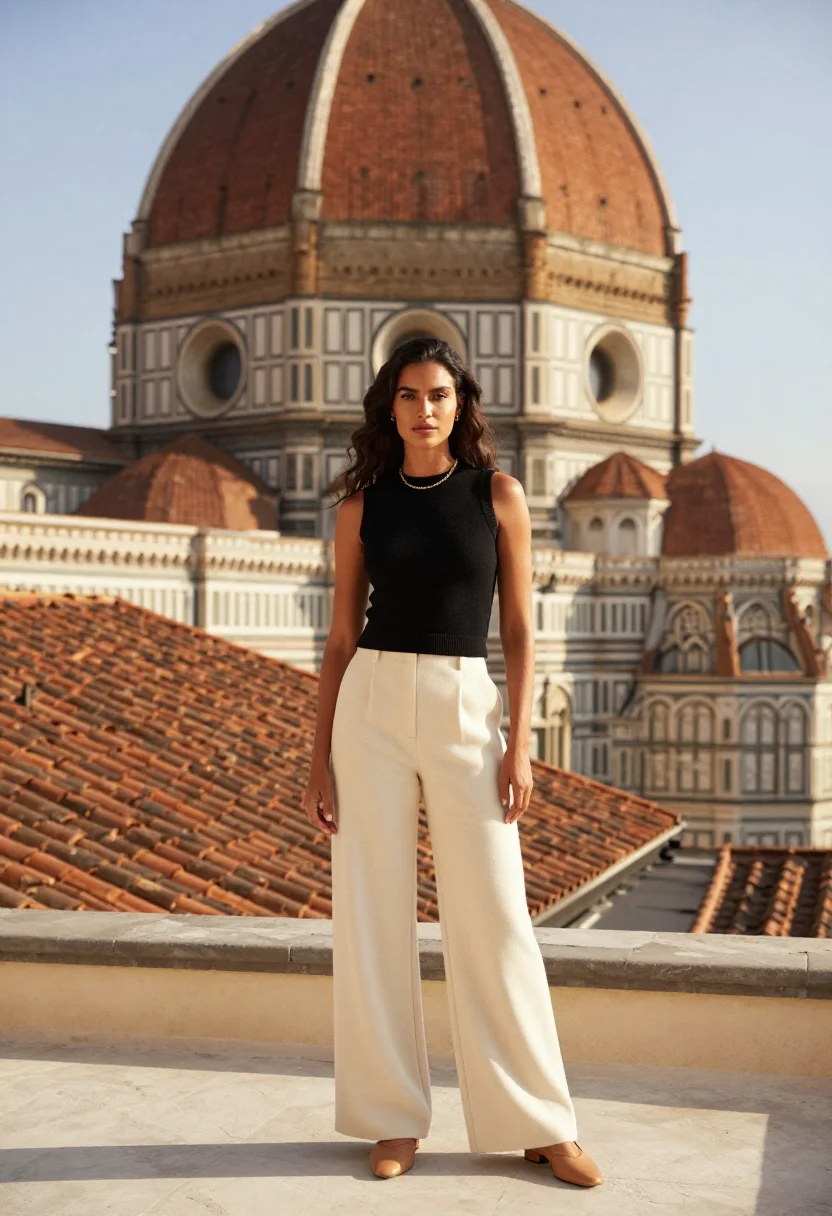
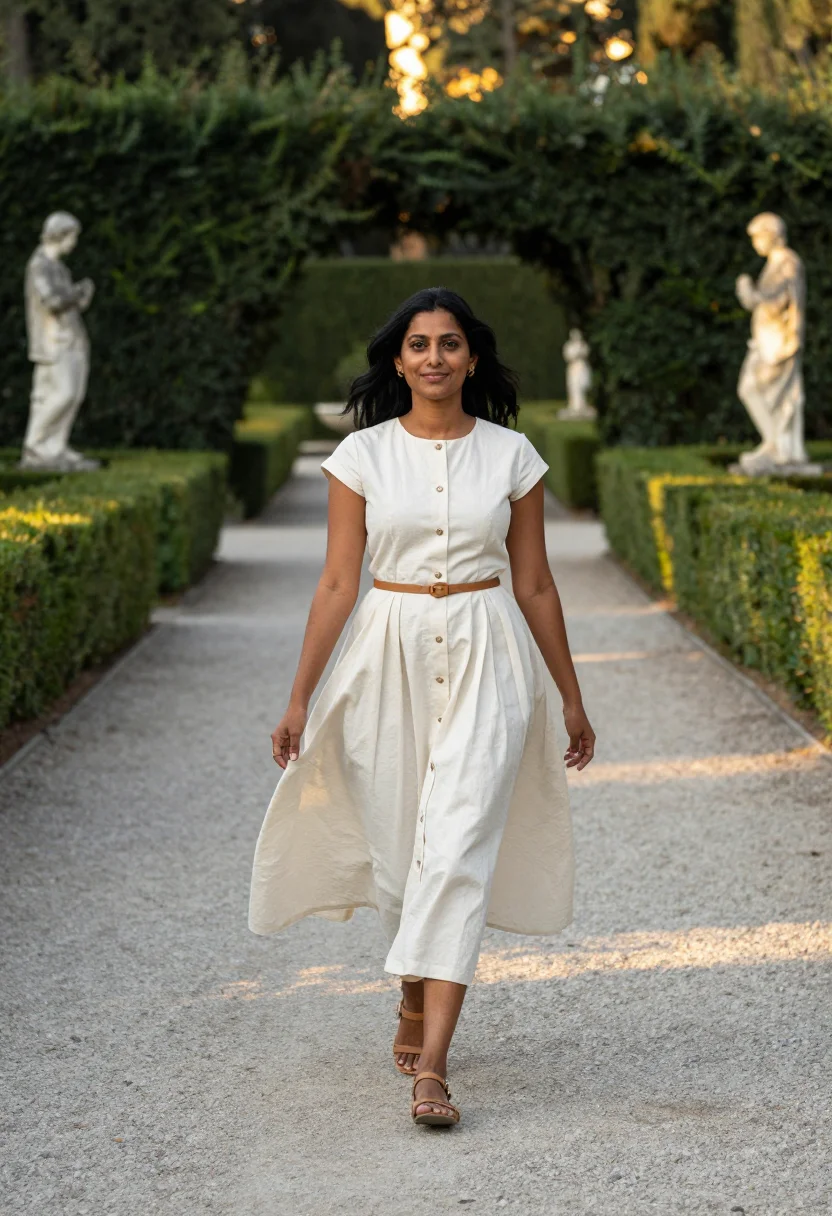
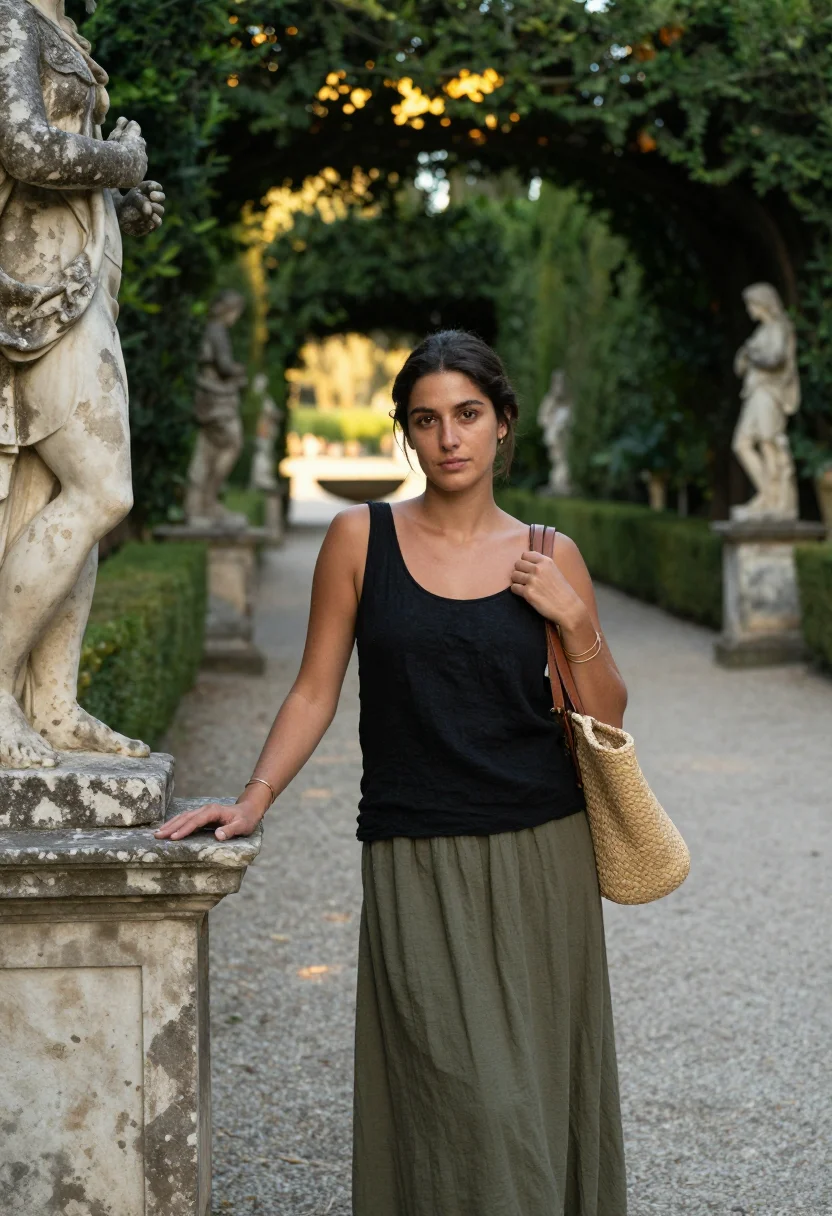
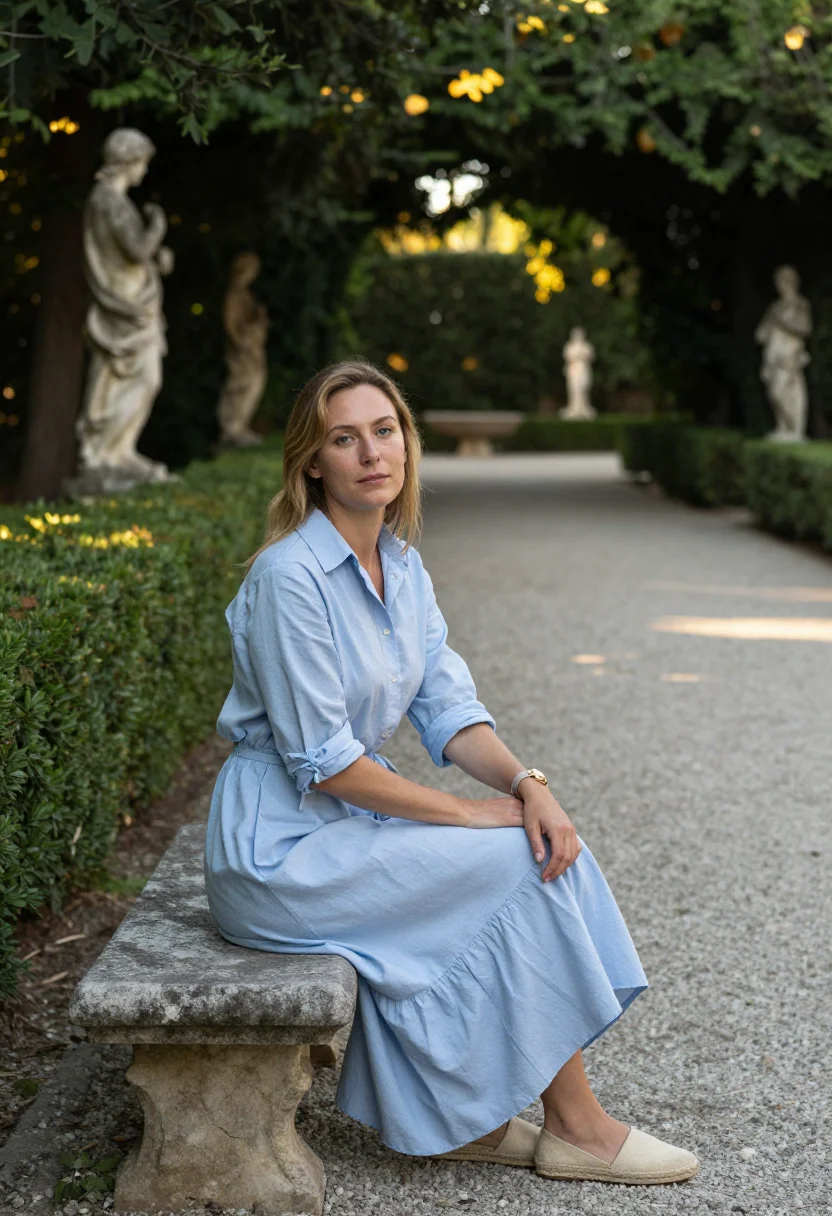
Nine photographs of you, styled on the Ponte Vecchio at dawn, a Duomo terrace, and the Boboli Gardens avenue, in portrait format. The nine vary in crop, expression and light, so there are real choices, not nine identical files.
/florence · lifestyle · 3 scenes
A Florence Photoshoot at the Duomo
no account · ~15s · try it on with one selfie
More renaissance streets
one model wears them all →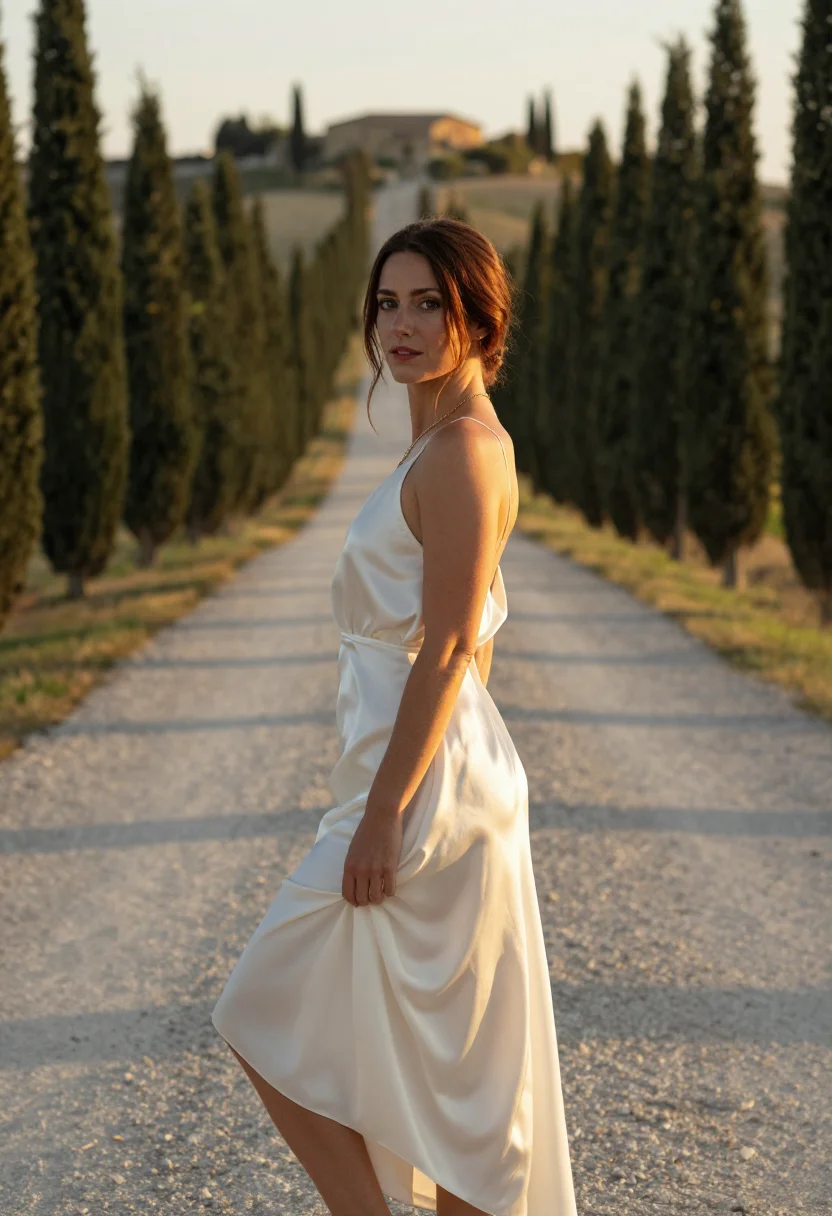
all 9 photos in this pack ↓
How it works
Three steps.
1
Add your photos
Add photos of yourself. We check each one when you add it.
2
We create your model
We create your AI model from your photos. Your photos are ready in a few hours.
3
Every pack, with your face
This pack and every other pack on Narcis can then be made with your face, and single photos too.
The Florence photoshoot register
Florence is a small city that changed how the West painted, built, and thought about beauty, and it still looks the part — terracotta rooftops, a river crossed by the same bridge for seven centuries, and a cathedral dome that was itself an engineering miracle. This pack renders the city as a portrait: composed, warm-toned, the register of a Renaissance painting translated into a real photograph.
The nine portraits move through three defining sights. The Ponte Vecchio at dawn, its shop-lined arches empty of the day's crowds. The Duomo's terrace, Florence's terracotta rooftops spread out below in the famous view most visitors only see from a postcard. And the Boboli Gardens' cypress-lined avenue, formal Italian landscaping stretching away behind you.
Dress leans elevated-classic throughout — tailored, warm-toned, nothing that would look out of place at a gallery opening. The output stays photoreal: a real-looking photograph of you in Florence, not a painted scene, even though the city's own art history is everywhere in the light and the framing.
Honest note: this is an AI-generated portrait styled in Florence, not a photo taken past the actual crowds on the Ponte Vecchio or the queue for the Duomo's dome. Treat it as the quiet version of a city that's rarely quiet in person.
How to photograph yourself for a Florence photoshoot
Better source photos make better portraits.
- Even, soft lightStand near a window with indirect daylight on your face. Avoid overhead bulbs and phone flash.
- Front or three-quarter angleCamera at eye level, facing it or turned slightly to three-quarter.
- Face fully clearHair off the face where possible, no sunglasses.
- A composed, warm expressionThe register here is elegant and unhurried — a settled gaze reads truer against terracotta rooftops than a big grin.
- Plain background is fineThe city replaces your own backdrop. A plain wall behind you just helps the model focus on your face.
Frequently asked questions
- Will it actually look like Florence, and like a real photo?
- Yes on both. The Ponte Vecchio, the Duomo's rooftop view, and the Boboli gardens all come back recognisable, and the output is photoreal — a real-looking photograph of you there, not a painting.
- Which views does it cover?
- Three: the Ponte Vecchio at dawn, a Duomo terrace, and the Boboli Gardens avenue. Nine portraits, three per setting.
- Do I need to have actually visited Florence?
- No. This gives you the empty-bridge, quiet-rooftop version of a city that's genuinely crowded most of the year.
- How is this different from a real Florence trip photo?
- A real photo means dome-climb queues, crowded bridges, and someone else holding the camera. This gives you the same views, whenever you like.
- Who is this pack styled for?
- The sample is styled for women.
- Will the photos look like me?
- Every photo looks like you, well photographed. If one is nearly right, say what to change, in your own words.
- Do I have to write a prompt?
- No. There is nothing to write: you pick a pack, and it is ready in seconds.
- How many photos of myself do I add?
- Between six and twenty, from different days and in different light, with your face clear. We check each one when you add it.
- What happens to the photos I add?
- They are used only to create your model, on our own servers in the European Union. They are not shared and not sold.
When the Florence pack fits
- An elegant profile picture with real Renaissance scenery behind you
- A gift for someone who loves Italian art or history
- A print for a classically-styled home or study
- A keepsake for a Tuscany trip you're planning
- A record of the rooftop view without the dome-climb queue
- A desktop or phone wallpaper with genuine warmth
- A family archive photo alongside an actual visit
- A card or memento for an art-loving friend
About narcis
Most AI photo tools put every pose, job, era, and style in one giant catalog. The photos all look like every other AI photo on the internet — a glaze over a stock face. Narcis goes the other way. One job: photos of you that look like photographs. You add at least 6 photos of yourself, and we create your AI model from them. Your photos are ready in a few hours, and we email you when they are. Then this pack and every other pack on Narcis can be made with your face. Each pack is curated against real references — paintings, photographers, places — and tested on real faces before it goes live. Built and run by one small team, on our own servers.
All images are AI-generated. By using this service, you confirm you are 18+, that any face photo you upload is your own or used with explicit consent. Full Terms