A Fushimi Vermilion Photoshoot at the Thousand Gates
Nine photos of you in one setting
How your model is created from your photos
Every pack on Narcis, made with your face
Nine photographs of you in one setting: one pack of the Narcis catalogue.
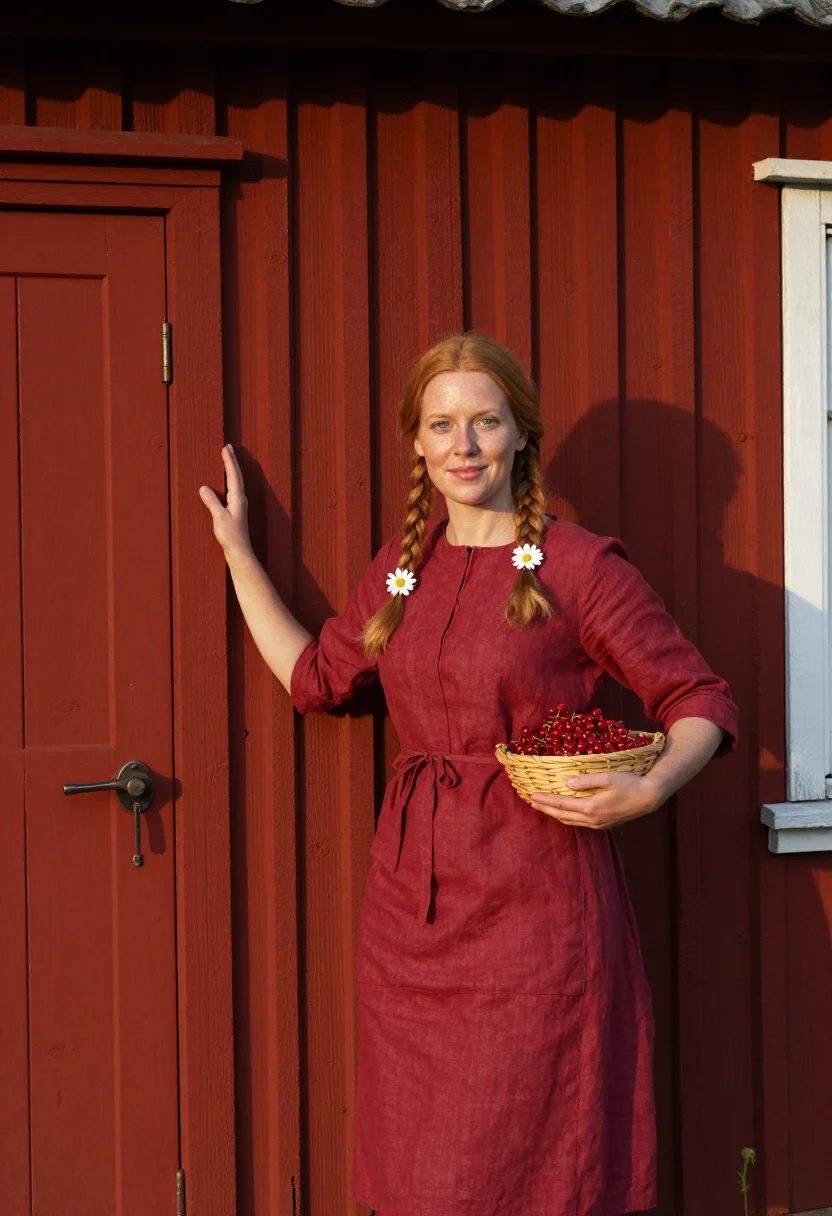
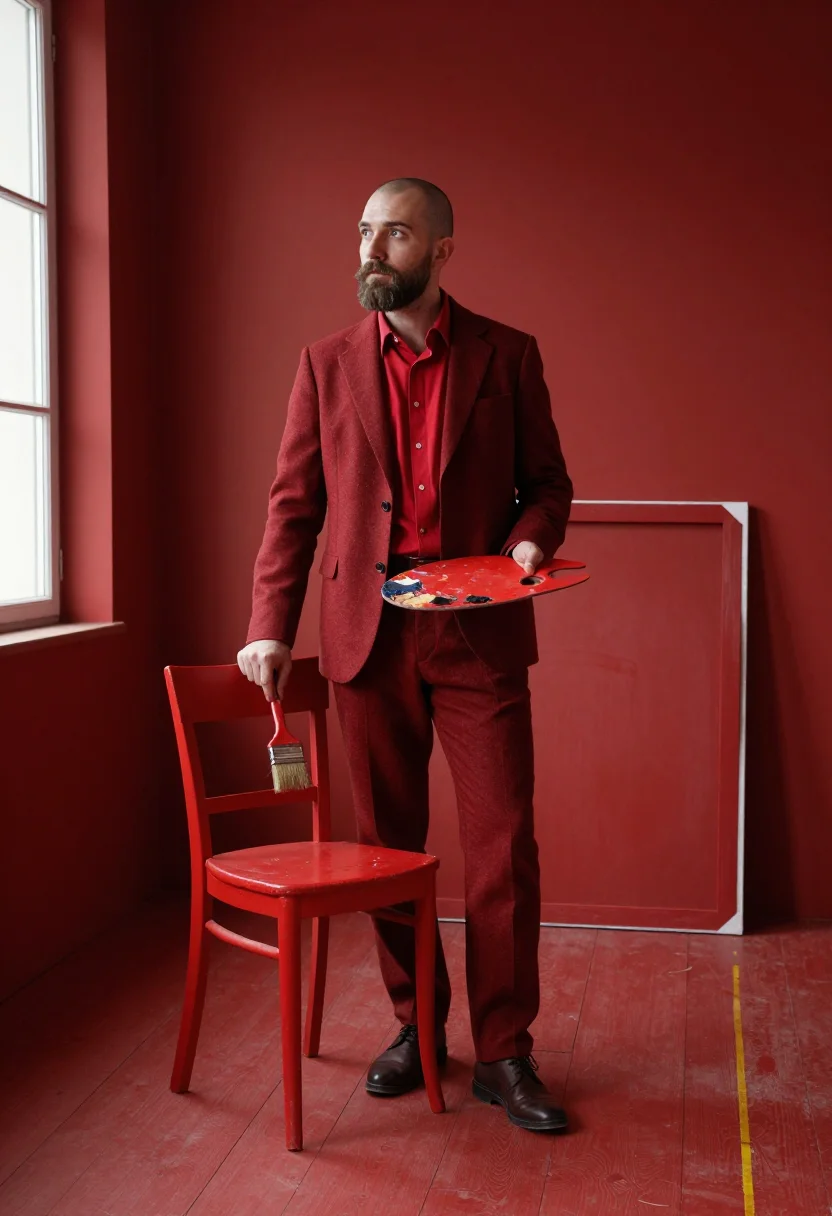
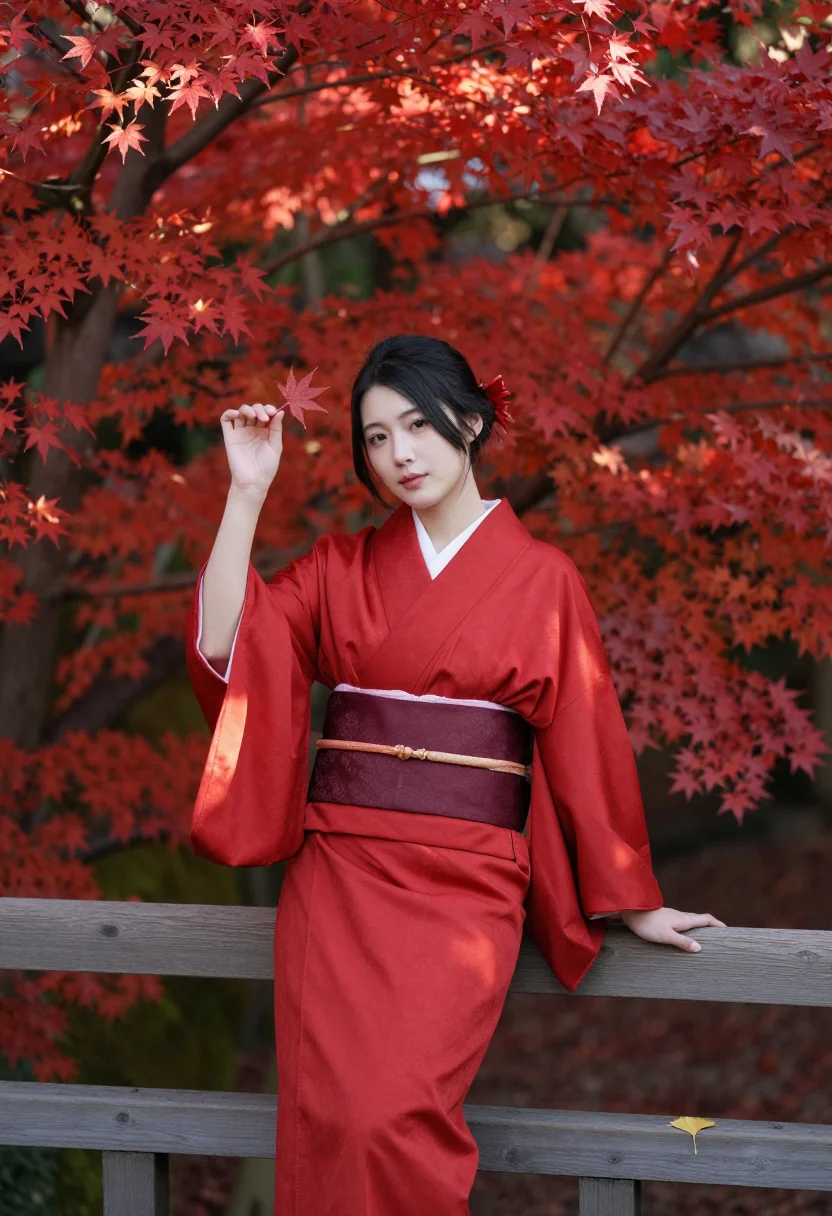
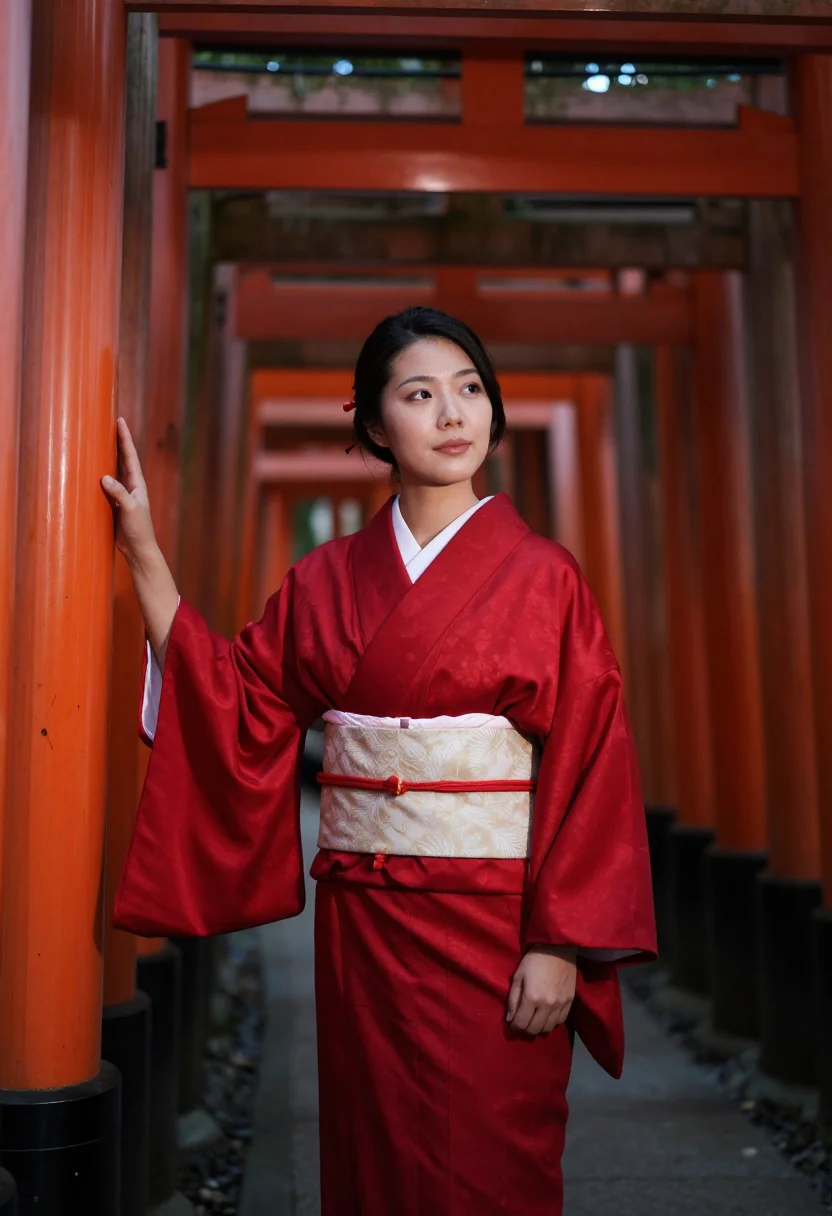
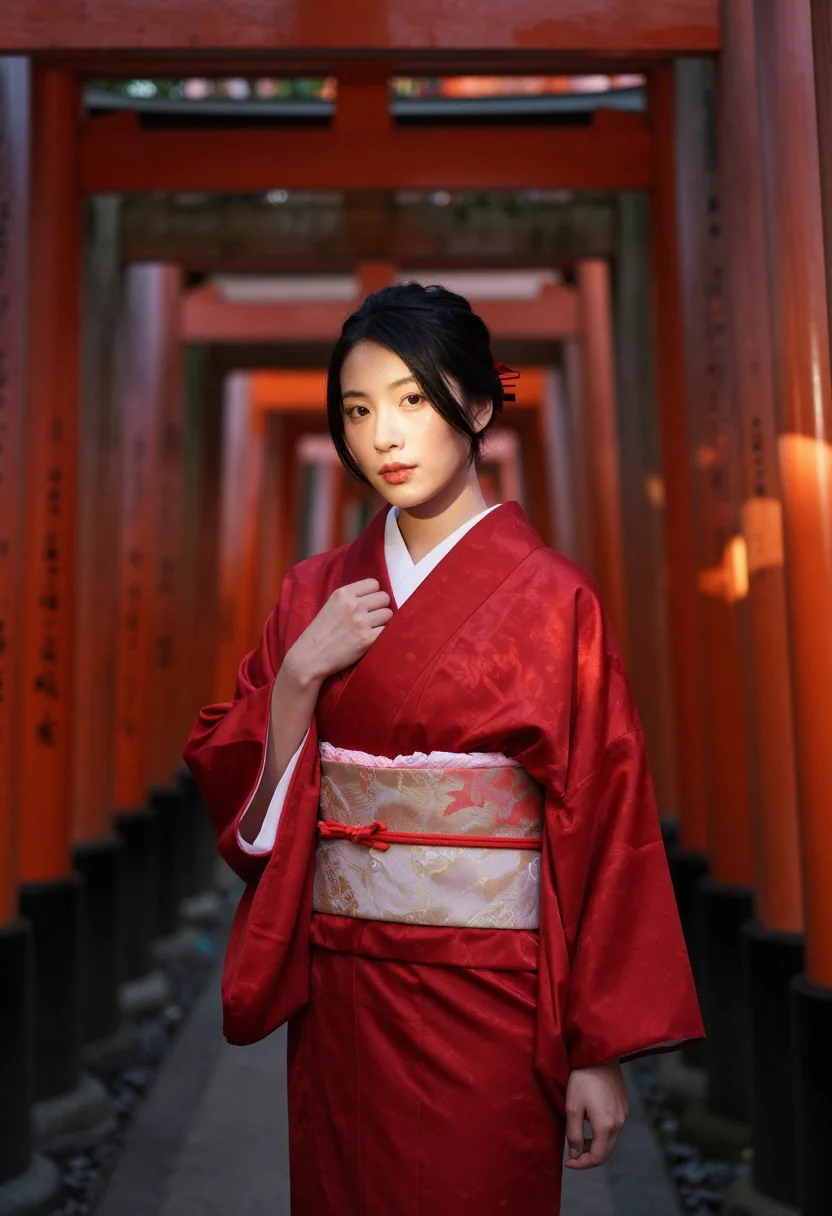
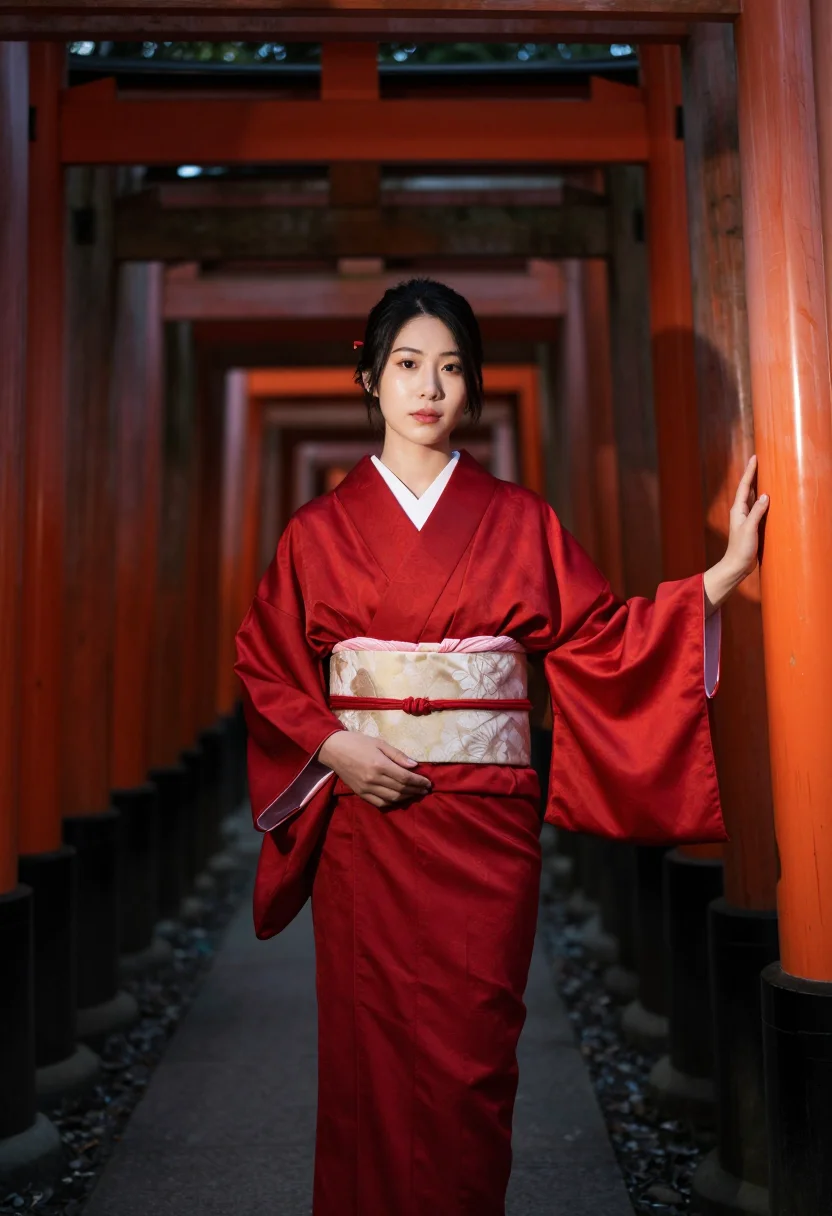
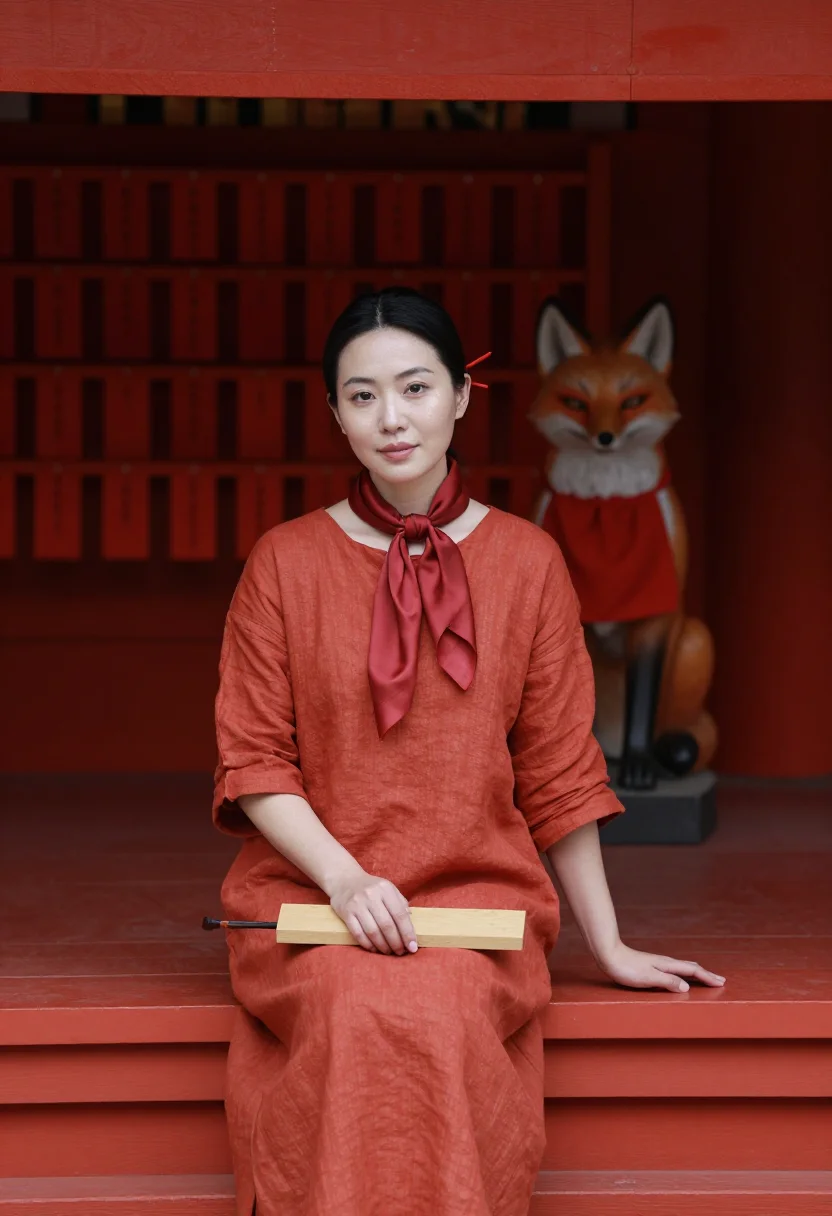
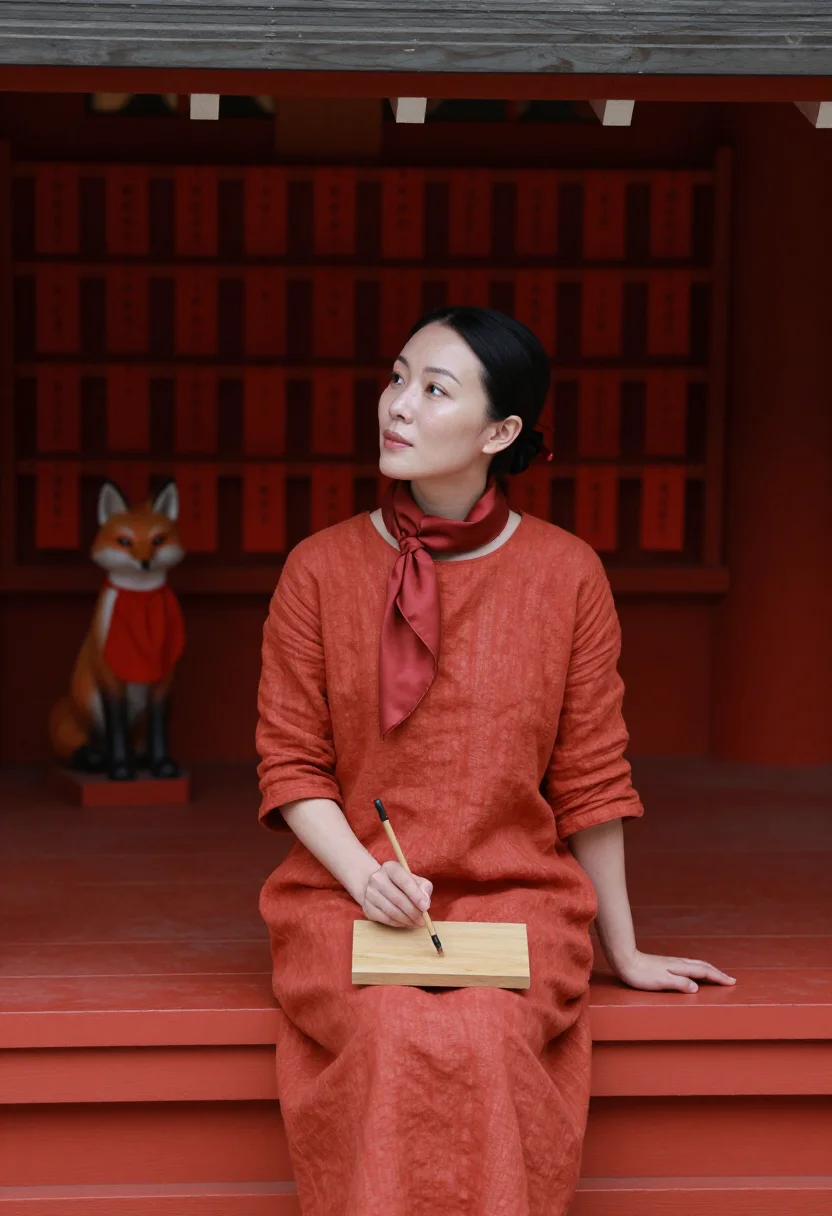
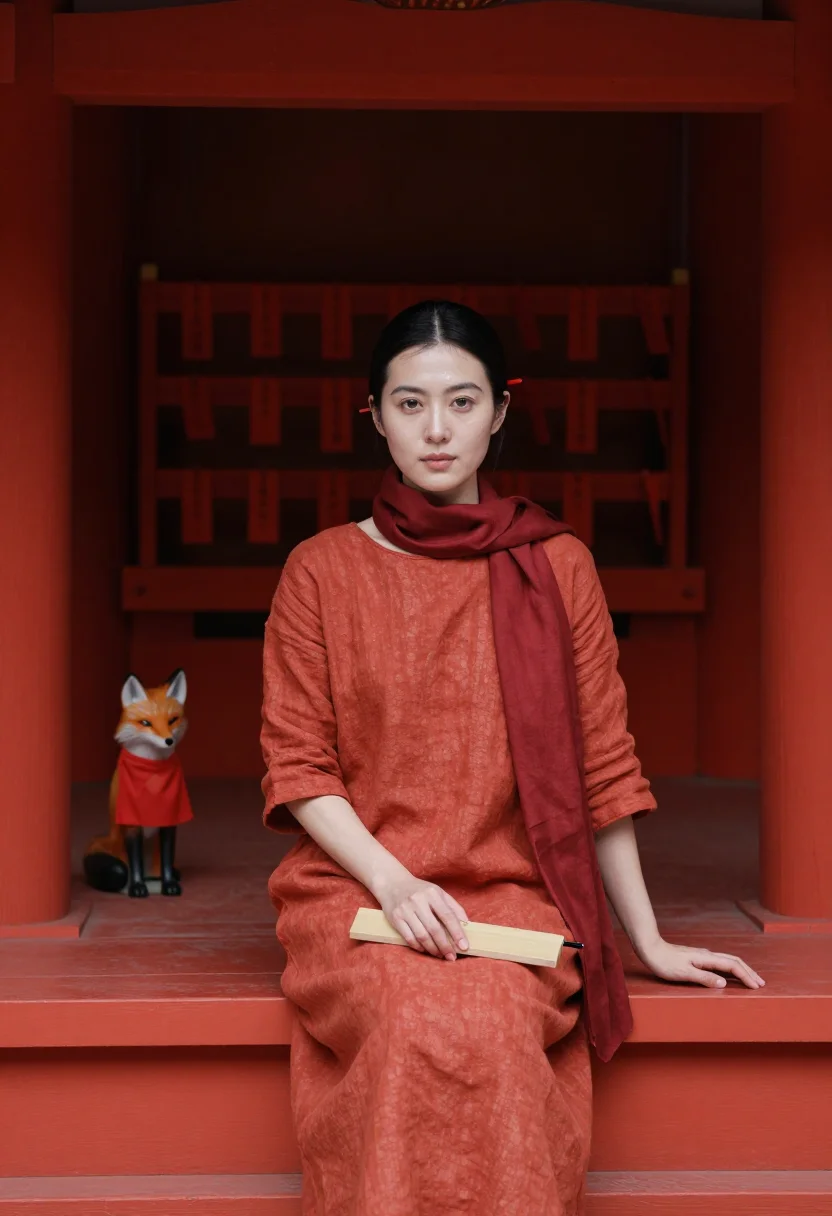
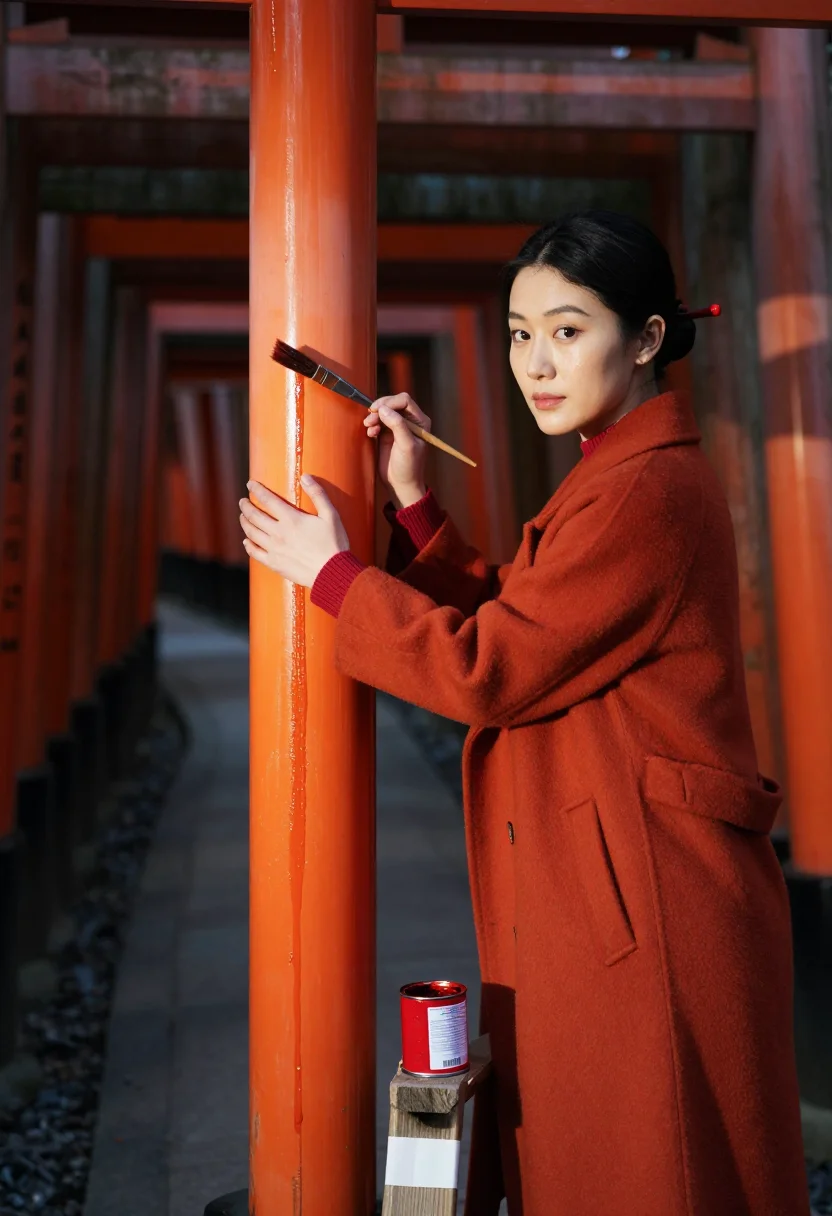
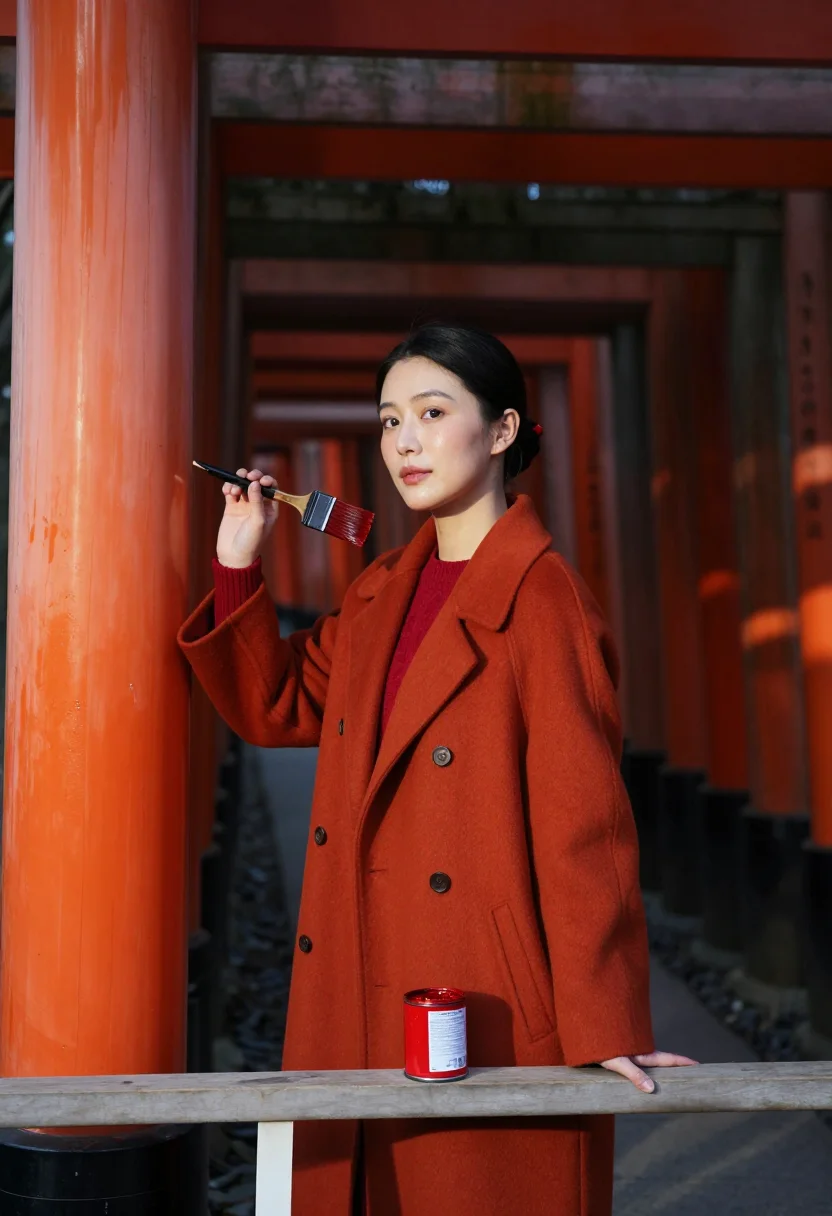
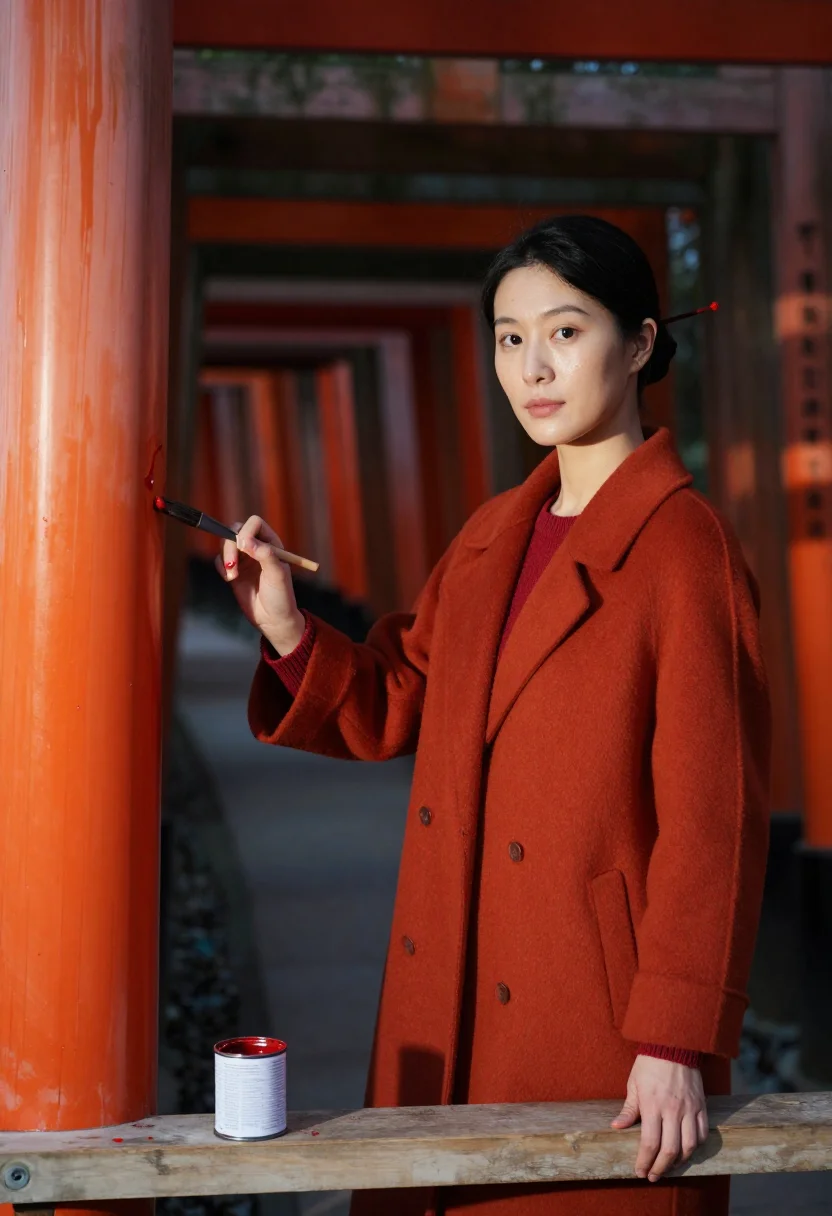
Nine photographs of you, styled after Fushimi Inari Taisha and the ten thousand vermilion torii that climb the mountain behind it. A silk kimono in the torii tunnel, a linen dress at a red-painted sub-shrine step, a wool coat at a post being relacquered — one hue worn tone on tone against the gates' own shu red, in portrait format. The nine vary in crop, expression and light, so there are real choices, not nine identical files.
/fushimi-vermilion · lifestyle · 3 scenes
A Fushimi Vermilion Photoshoot at the Thousand Gates
no account · ~15s · try it on with one selfie
More of the reds
one model wears them all →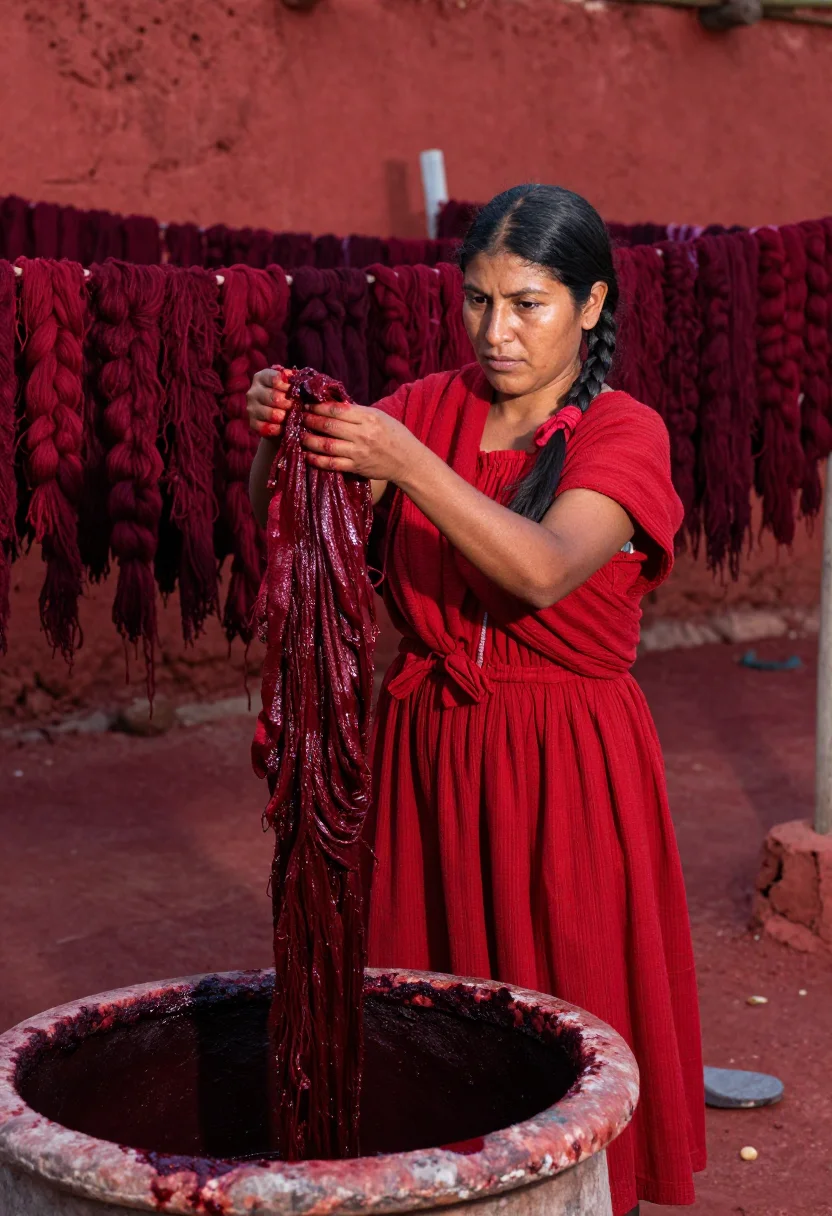
all 9 photos in this pack ↓
How it works
Three steps.
1
Add your photos
Add photos of yourself. We check each one when you add it.
2
We create your model
We create your AI model from your photos. Your photos are ready in a few hours.
3
Every pack, with your face
This pack and every other pack on Narcis can then be made with your face, and single photos too.
The Fushimi vermilion register
Fushimi Inari Taisha is the one place in the world where a single colour is applied by the tens of thousands. Ten thousand torii climb the mountain behind the shrine in tunnels you walk rather than look at, each post donated and inscribed with the donor's name down its back, each repainted in shu — the vermilion the shrine has used for centuries — as the weather takes it. The fox statues wear red bibs, the sub-shrines wear red steps, and the kimono-rental shops on the approach have learned exactly what the mountain wants you wearing. This pack dresses you in the gates' own vermilion and walks you through their tunnel.
Photographically the register is Kyoto shrine editorial in tunnel light: slatted daylight falling between posts, deep shade between the bright bands, and a palette of vermilion, shu red, orange-red and lacquer sheen with a white paper charm as the only accent that is not the colour. The wardrobe is a vermilion silk kimono with a red obi, a vermilion-orange linen dress with a red silk scarf, and a red-orange wool coat over a vermilion knit; hair held in a low knot so the neckline and the collar stay legible against the posts.
Ton sur ton is the whole discipline of a monochrome outfit photoshoot, and it is unforgiving here: when the silk and the post share a hue, only texture, sheen and the direction of the light hold them apart. Three takes make that argument three different ways. In the torii tunnel, the kimono's silk catches the slatted light where the flat lacquer of the posts refuses it. Seated on a red-painted step at a sub-shrine, writing on a wooden ema plaque, linen goes matte against painted wood in soft open shade. On a low ladder with a brush of vermilion lacquer, coat sleeves pushed up at a post being repainted, wet paint reads glossy against dry. Three facets of one register, not one look photographed in three corners.
The output is photoreal — a real-looking photograph of you at a shrine in that colour, not a painting, an illustration or a lifted film still. It is a costume portrait: the kimono, the gates and the lacquer brush are wardrobe and setting, offered as homage to a place that has been photographed with affection for a very long time.
How to photograph yourself for a Fushimi vermilion photoshoot
Better source photos make better portraits.
- Even, soft lightStand near a window with indirect daylight on your face. The pack builds its own tunnel light on top; a flat, well-lit selfie gives it the clearest face to work from.
- Front or three-quarter angleCamera at eye level, facing it or turned slightly. No selfie-stick uplook and no shot from below — the framing here is a standing shrine portrait, and a distorted source fights it.
- Face fully clearHair off the face, no hats, sunglasses or filters in the source photo. A clear, front-facing photo is the best input for an AI portrait; the low knot is built for you.
- Avoid a strong colour castDon't shoot your selfie under a coloured lamp or against a saturated wall. This is a tone on tone outfit in one hue — a neutral source face keeps the vermilion reading as vermilion rather than as sunburn.
- A composed expressionThe register favours a quiet, collected look over a broad grin. A calm expression blends more naturally into the shrine frames.
Frequently asked questions
- Will it actually look like a real photograph?
- Yes. The output is photoreal — a location portrait photograph, not a painting or an illustration — built from the documented details of the register: silk kimono in the torii tunnel, linen at a red-painted sub-shrine step, a wool coat at a post being relacquered.
- Can men use this pack?
- The styling and sample set are built for women — the silk kimono with a red obi, the linen dress, the coat over a knit — so it reads feminine.
- Do I need to have been to Fushimi Inari, or to own a kimono?
- Renting a kimono at the station and finding an unpeopled stretch of the tunnel on the same morning is the hard part of this photograph; that is exactly what the photoshoot supplies.
- Why is the shrine that particular red?
- The colour is shu, the vermilion Fushimi Inari has used for centuries. The pack takes the same hue for the wardrobe, which is what makes the frames read as one colour rather than as a person standing in front of one.
- Can I use this as a profile picture or on a dating app?
- Yes. A single saturated hue reads instantly at thumbnail size, which is exactly what a profile grid rewards. Used honestly, as a stylised AI photoshoot rather than a claim of a real trip to Kyoto, it works well on any profile.
- Can I use it for a print, a card or a gift?
- Personal use like this is fine — a framed print, a card, a keepsake for someone who loves Kyoto. It isn't licensed for commercial resale.
- Will the photos look like me?
- Every photo looks like you, well photographed. If one is nearly right, say what to change, in your own words.
- Do I have to write a prompt?
- No. There is nothing to write: you pick a pack, and it is ready in seconds.
- How many photos of myself do I add?
- Between six and twenty, from different days and in different light, with your face clear. We check each one when you add it.
- What happens to the photos I add?
- They are used only to create your model, on our own servers in the European Union. They are not shared and not sold.
When the Fushimi vermilion pack fits
- For a feed that needs one saturated, unmistakable colour instead of another neutral portrait
- For a profile picture that reads at thumbnail size because it is essentially one hue
- For anyone who has walked the torii tunnel at dawn to get it to themselves
- For a wall print where the vermilion does the decorating
- For a Japan trip you are planning, or one you keep meaning to plan
- For a moodboard or vision board built around a single flooded colour
- For a gift for someone who reveres Kyoto and its shrines
- For a dating profile photo that is striking without reading as costume
- For a phone or desktop wallpaper with real lacquer depth in it
- For a birthday or new-year card that arrives in one colour
- For anyone who owns a red coat and has never had it photographed properly
About narcis
Most AI photo tools put every pose, job, era, and style in one giant catalog. The photos all look like every other AI photo on the internet — a glaze over a stock face. Narcis goes the other way. One job: photos of you that look like photographs. You add at least 6 photos of yourself, and we create your AI model from them. Your photos are ready in a few hours, and we email you when they are. Then this pack and every other pack on Narcis can be made with your face. Each pack is curated against real references — paintings, photographers, places — and tested on real faces before it goes live. Built and run by one small team, on our own servers.
All images are AI-generated. By using this service, you confirm you are 18+, that any face photo you upload is your own or used with explicit consent. Full Terms