AI Graduation Generator — Free Preview First, Your Own Model
See Your Free Preview in Seconds, Before You Pay
Train Your Model Once, Then Nine Graduation Portraits
Studio-Quality Results Without a Studio Visit
Narcis generates a free preview of your graduation from one uploaded photo — in seconds, a quick sketch, close but not you yet. To unlock the full pack, you train your model: 12–20 photos, about and we email you when your model is ready. From then on, every graduation portrait — this pack, every other pack, the portrait studio — renders from your model in about ten seconds.
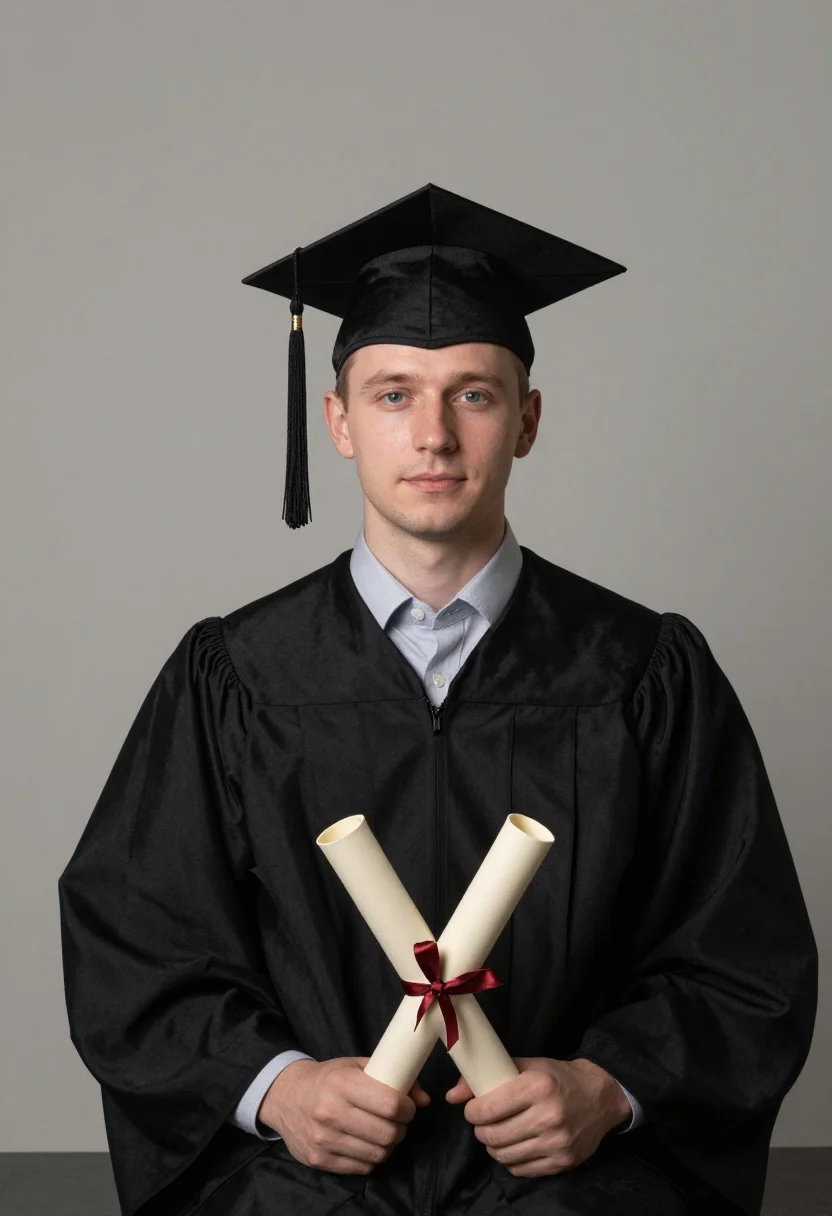
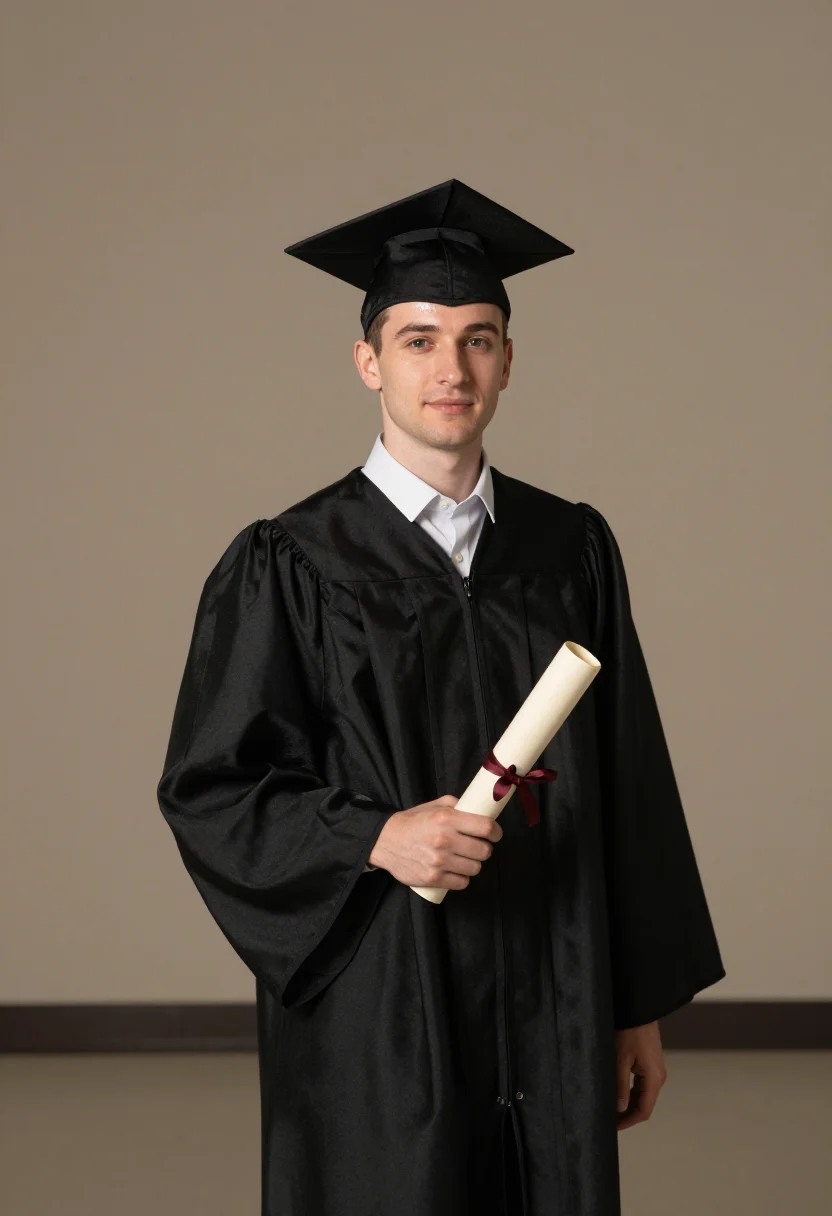
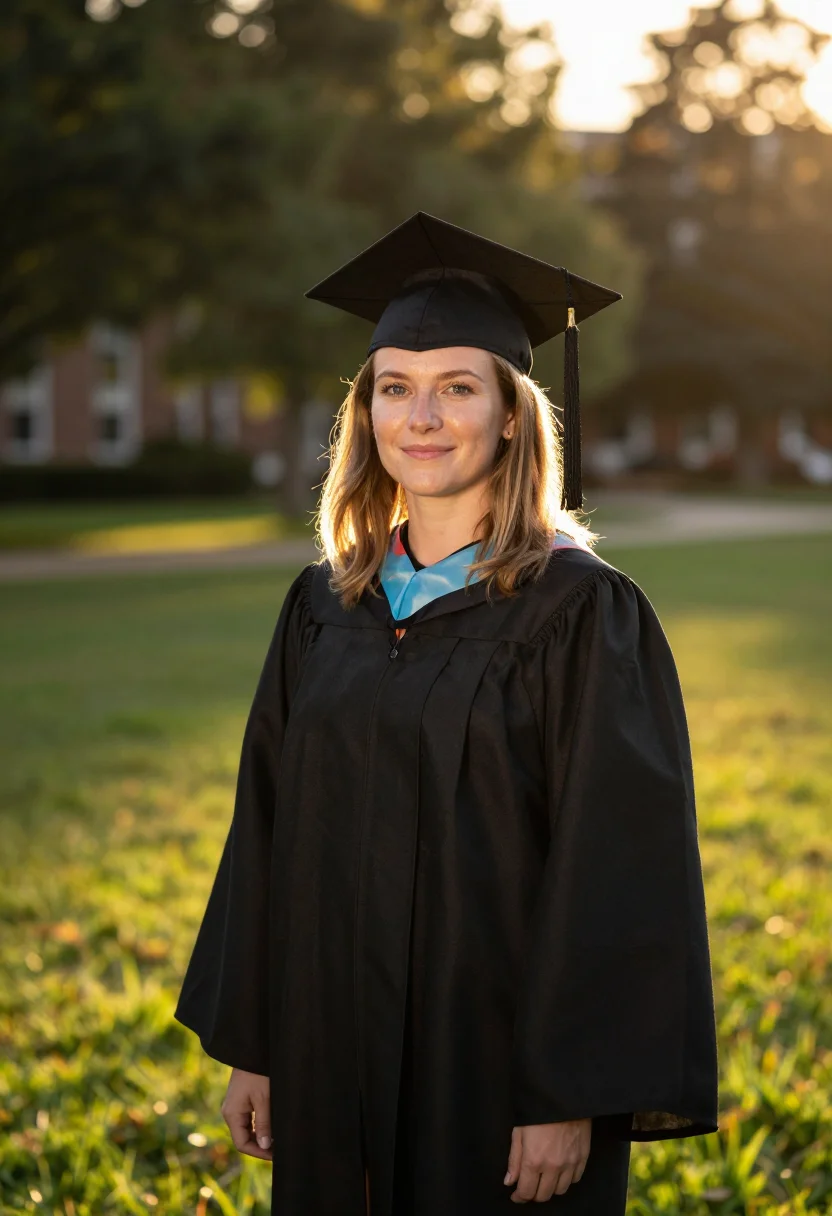
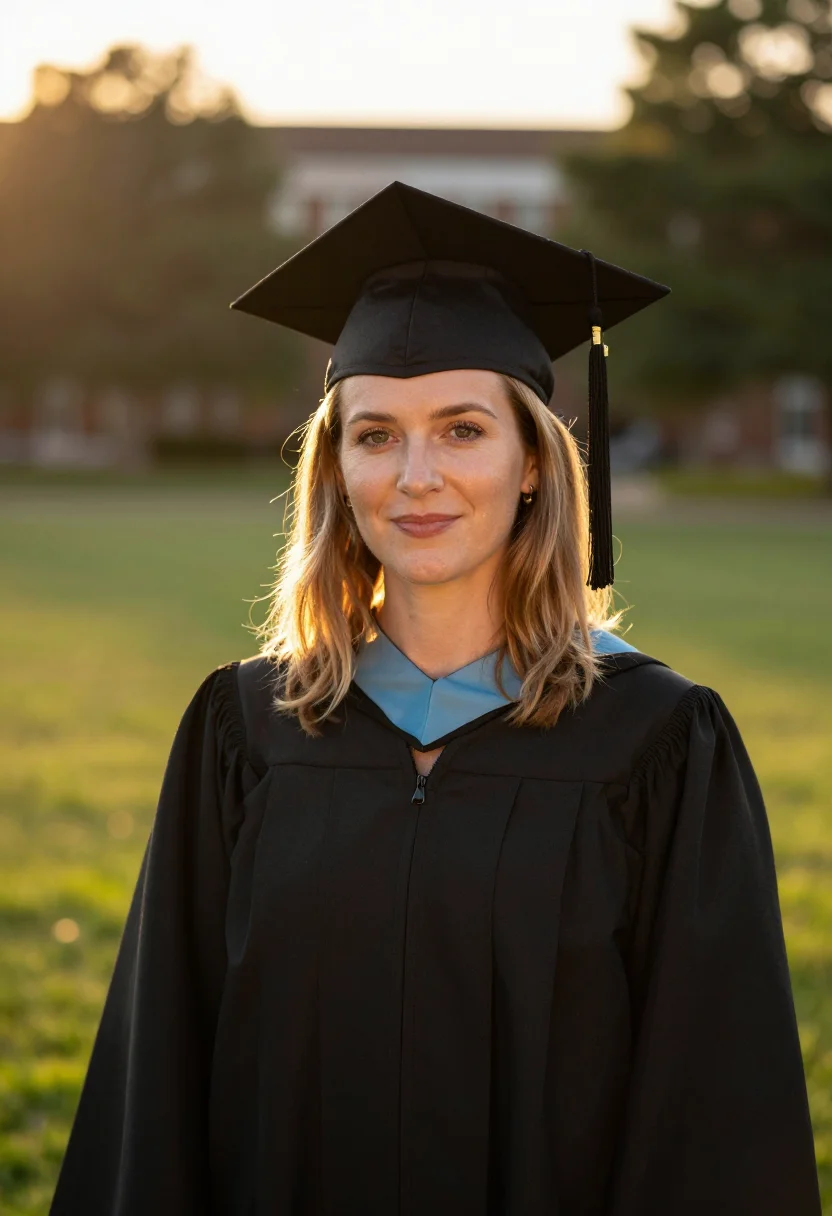
The pack is nine professional graduation rendered in portrait aspect ratio (2:3) — the shape LinkedIn banners, CVs, and print profiles actually use. Each image shows varied crops, expressions, and light angles so you have real choices, not nine identical files.
Your preview photo is processed on European servers; training photos train your model and nothing else. We do not share your photos with third parties.
/graduation · photo · 3 scenes
Graduation Photoshoot
no account · ~15s · the first shot is free
More like this
one model wears them all →
all 9 looks — from one photo ↓
How it works
Three steps. Upload, preview, deliver.
1
Drop a selfie
Your free preview streams in seconds — a quick sketch: close, not you yet.
2
Train your model
Add 12–20 photos of yourself. Your model trains in the background — safe to leave, we email you when your model is ready.
3
Nine Graduation portraits, truly you
Every shot renders from your model in about ten seconds — this pack, every other pack, and the Studio.
The graduation register
The graduation photo is one of the few portraits a person actually keeps — the cap and gown, the rolled diploma, the day the degree is finally in hand. It goes on the announcement card, the LinkedIn header, the family wall, the group chat. This pack puts a graduating university student in that frame and shoots it three ways, so the portrait looks composed rather than snapped over a shoulder in the crowd after the ceremony.
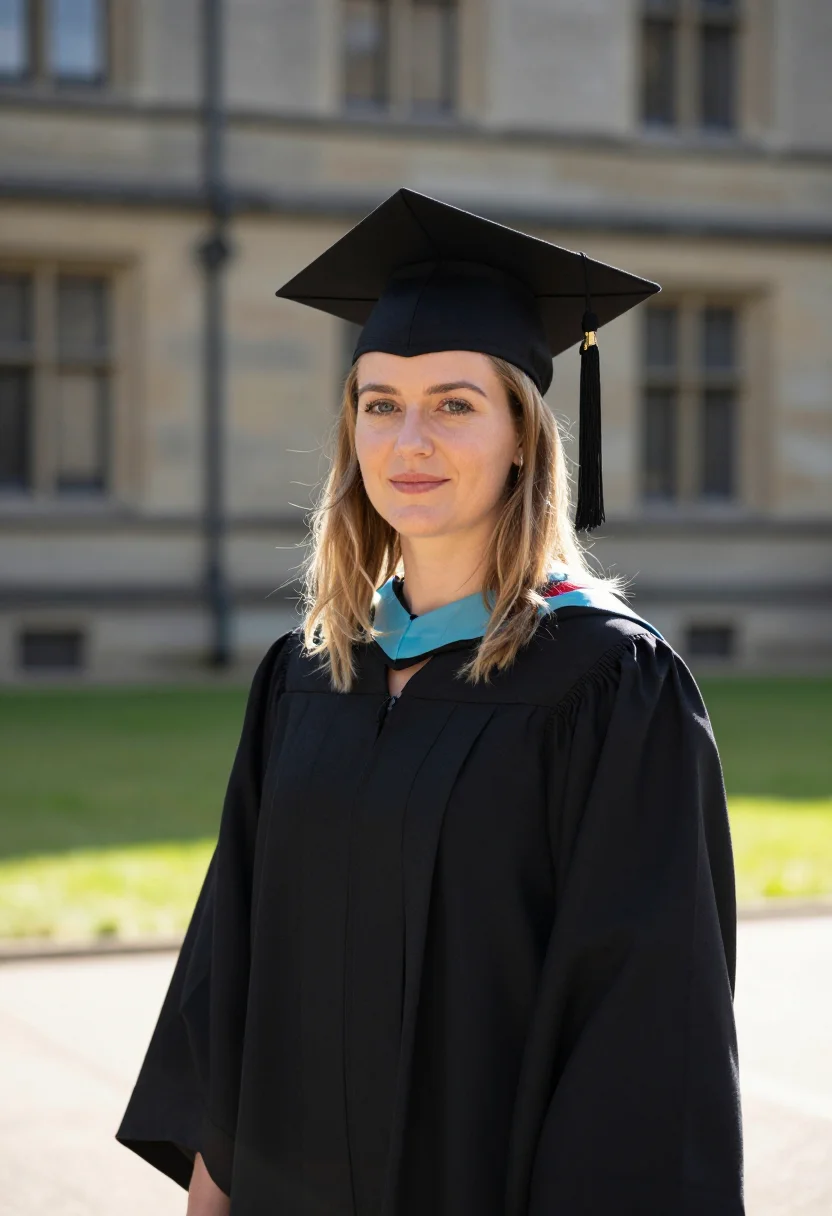
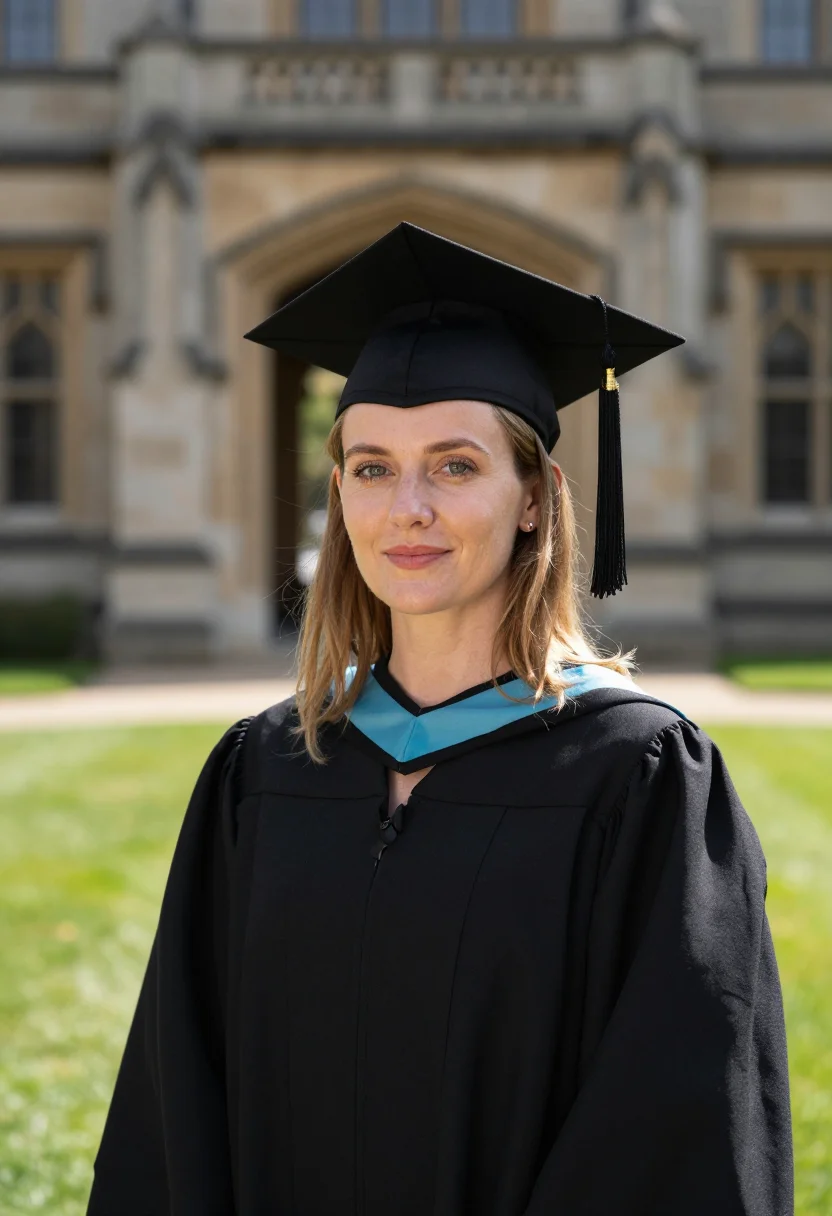
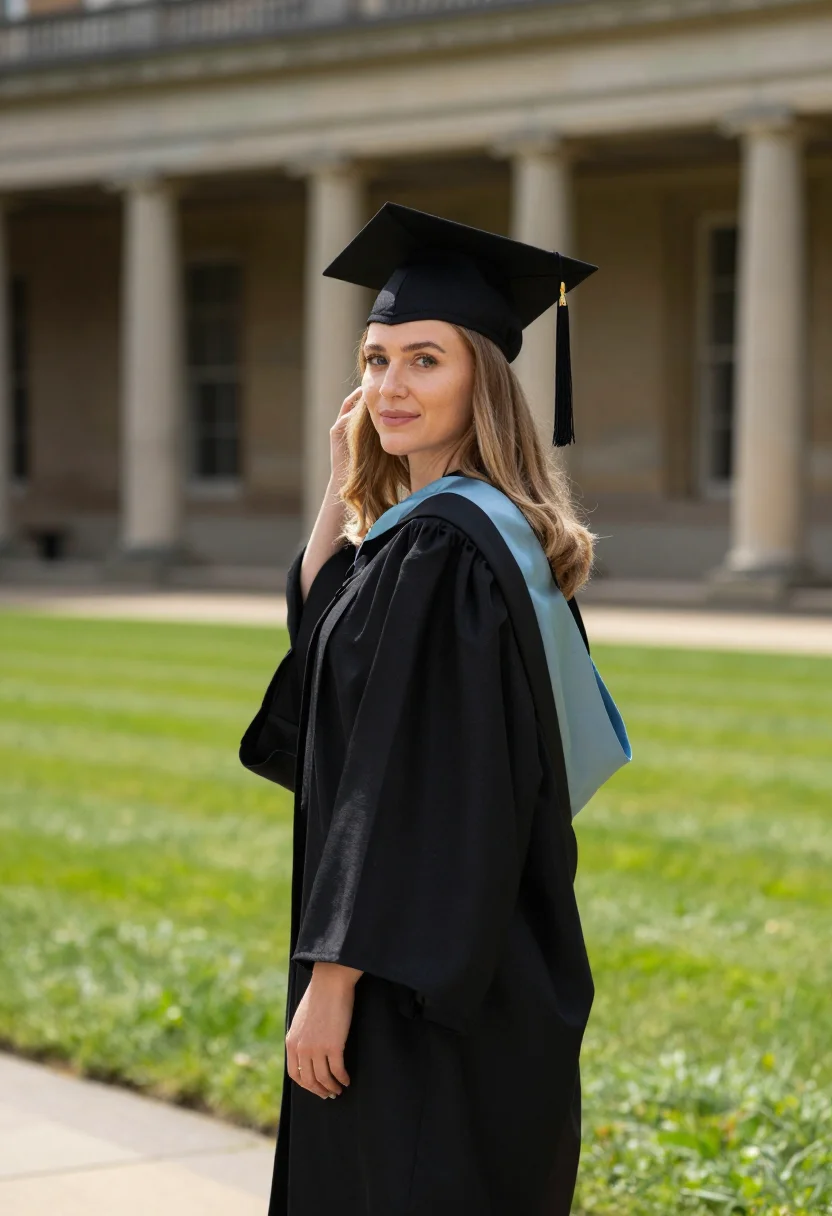
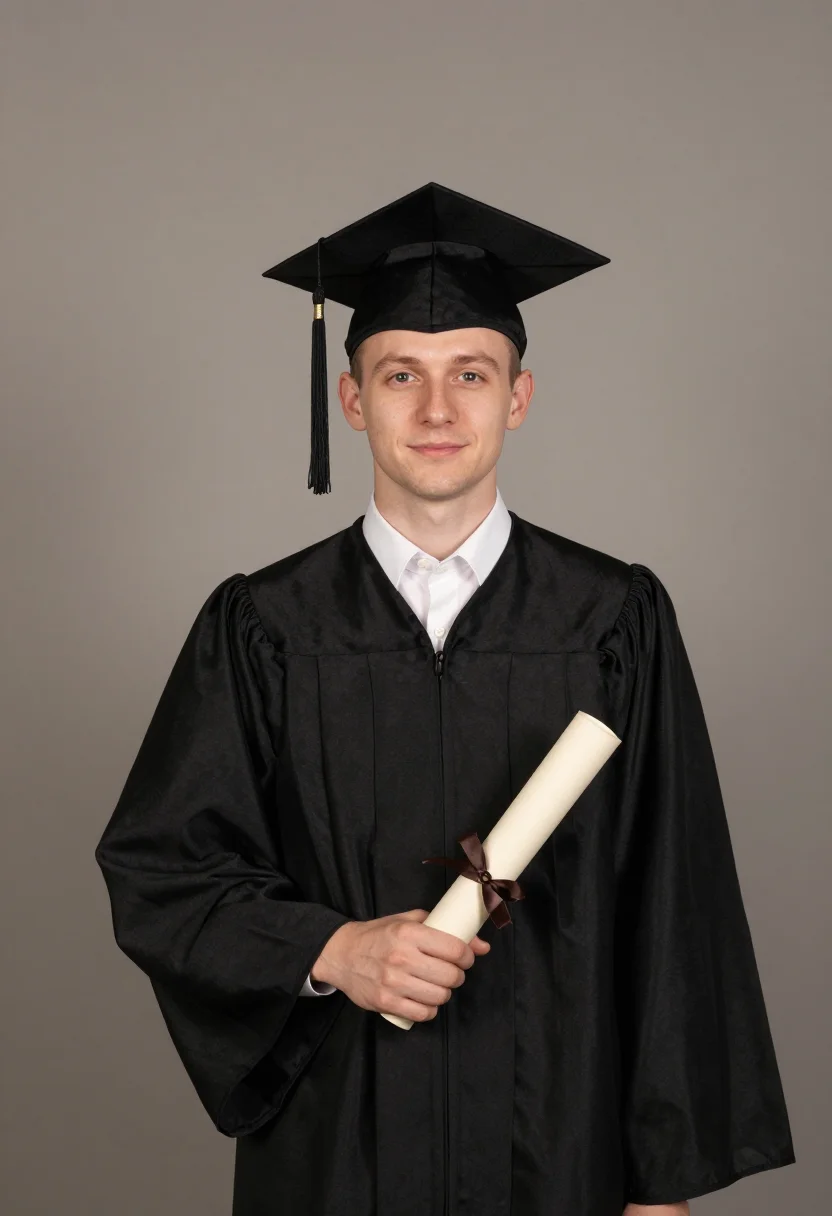
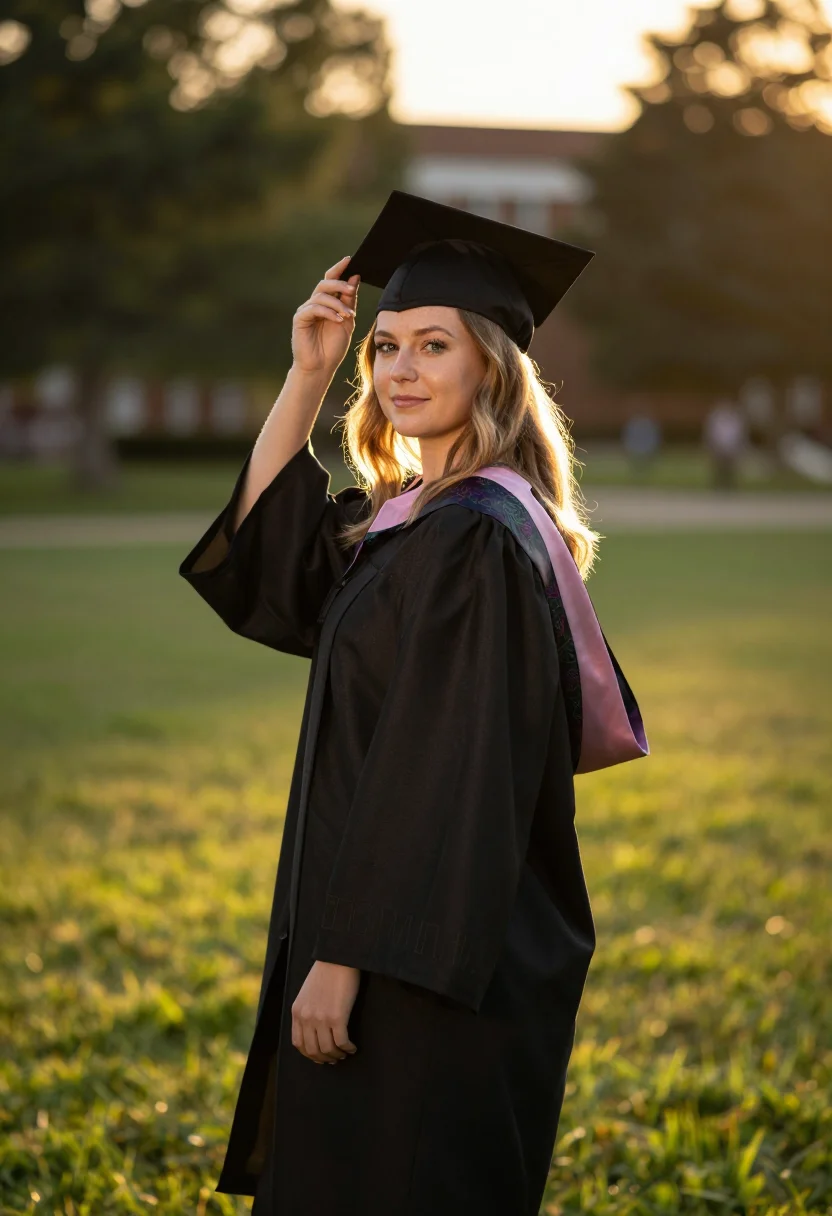
Three looks carry it. The first is the campus ceremony: a black graduation gown and a mortarboard cap with its hanging tassel, a coloured honour stole over the shoulders, set against a university quad and weathered stone building in soft daylight. The second is the diploma portrait: the gown and cap with a rolled diploma tied in ribbon, against a clean mid-tone plastered wall in even, controlled light — the straight, framable headshot. The third is golden hour outdoors: the gown, cap, stole and braided honour cords on a campus lawn at sunset, warm backlight rimming the hair and gown while an open fill keeps the face clear.
Each look is shot three ways — bust to three-quarter length, the angle turning, the light moving from soft quad daylight to even studio-clean to warm golden-hour rim — so the nine read like a real graduation album, not the same frame nine times over. The gown, cap and tassel read identically across every cell. The pack works for any graduate: the gown styling holds whether the face you upload is a man's or a woman's.
These are photographs, not paintings. The output is photoreal — your own face, your features, your skin and hair, in a real cap and gown and lit like a portrait sitting, the tassel and stole legible and the campus soft behind you. It borrows the gown, the light and the grammar of a graduation shoot; it does not turn you into an illustration, a 3D render, or a costume sticker pasted over a selfie. The closer your upload sits to a clear, front-on photo, the sharper the likeness comes back.
How to photograph yourself for graduation portraits
Good input, good portrait. The pack forgives an imperfect photo — the free preview shows you the result in seconds — but five small things sharpen it.
- Soft, even lightFace a window with indirect daylight on you. Skip the overhead bulb and hard noon sun — both flatten the face and fight the soft modelling the pack is built around.
- Front or three-quarter, at eye levelHold the camera level with your eyes. No selfie up-angle, no looking down — the portrait register wants you square to the lens.
- Plain wall behind youLet the pack build the campus quad, the studio wall and the golden-hour lawn. A clean backdrop sends the whole likeness budget to your face.
- Hair off the faceThe cap and tassel sit at the hairline. A visible forehead and jaw let the pack place the mortarboard cleanly instead of guessing where your head ends.
- Skip the heavy filterBeauty filters and aggressive retouching confuse the likeness. A plain, unfiltered photo gives the pack the real you to dress in the cap and gown.
Frequently asked questions
- What's the difference between the free preview and the paid pack?
- The preview is one graduation portrait built from your photo, shown in seconds — a quick sketch, close but not you yet. To unlock the full pack you train your model: 12–20 photos, and we email you when your model is ready. From then on, every portrait — three looks (campus ceremony, diploma portrait, golden-hour lawn), three takes each — renders from your model in about ten seconds.
- Will it actually look like me?
- That's the whole job. Upload one clear, front-facing photo and the pack keeps your face, your features, your skin and hair — then puts them in a real cap and gown and lights them like a portrait shoot. The free preview shows you exactly how close the likeness is before you spend a cent.
- Is this for university and college graduates?
- Yes — the pack renders an adult graduating student in full cap and gown, the convocation and degree-day register. It's built for university and college graduations, the diploma-in-hand portrait you keep for the wall and the announcement.
- Is the gown and cap rendered properly, or is it a generic black robe?
- It's the real graduation register — a black gown, a mortarboard cap with its hanging tassel, an honour stole and braided cords. It borrows the cut and look of academic dress; it doesn't claim to copy one university's exact regalia. What you get reads as a graduate in cap and gown, not a costume.
- How is this different from the official campus photographer or Midjourney?
- The campus photographer shoots a thousand gowns an hour and charges a package for prints that arrive weeks later, lit like everyone else's. Midjourney will paint a convincing graduate on a quad — just not you; it invents the face. The free face-swap apps keep your face but render it plastic, the tassel smeared. This pack does the one job: your real likeness, in a real cap and gown, photoreal, nine ways — about ten seconds a portrait once your model is trained.
- Does it work for men too?
- Yes. The cap and gown read identically whoever wears them; the pack renders the face you upload, man or woman. Upload your photo and the gown styling holds across all nine portraits.
- Can I match my school's colours?
- The honour stole and cords render as an accent colour rather than a specific institution's official palette. The output reads as cap-and-gown graduation dress; it doesn't reproduce one school's exact regalia colours. For most uses — announcements, profiles, prints — that reads right out of the box.
- Do I need several photos, or is one enough?
- One clear, front-facing photo is enough for your free preview — a couple of extra angles nudge that likeness a little closer too. To unlock the full pack, you train your model on 12–20 photos; that's what every portrait afterward renders from.
- My selfie is a bit casual — will that still work?
- Usually, yes. The pack handles an everyday phone photo; the free preview tells you in seconds whether the likeness lands. If it doesn't, it's almost always the light — the prep tips above are the quick fix.
- What happens to the photo I upload?
- Your preview photo is processed on European servers. If you train a model, those 12–20 photos are used to train your model and nothing else — delete your model and they go with it. Never sold, never shared with third parties.
When the graduation pack fits
- A graduation announcement card, ready before the ceremony rush.
- A LinkedIn header or profile photo the day the degree comes through.
- A clean diploma portrait when the campus photographer's line was an hour long.
- A cap-and-gown keepsake for the family who couldn't fly in for convocation.
- A gift for the new graduate — printed, framed, or sent to the group chat.
- Diaspora graduations, picturing the gown for relatives back home.
- A convocation portrait without paying the official photographer's package price.
- A grad-cap photo for Instagram, three ways, to pick the one that lands.
- A print-and-frame portrait for the wall, at a resolution that holds up large.
- Re-shooting the day you missed because the official photos never looked like you.
About narcis
Most AI portrait tools ship every pose, profession, era, and aesthetic in one giant catalog. The output looks like every other AI photo on the internet — a glaze over a stock face. Narcis goes the other way. One tool, one job: turn photos of you into portraits worth keeping. Drop a selfie and your free preview streams in seconds — a quick sketch: close, not you yet. For portraits that are truly you, train your own model on 12 to 20 photos; it trains in the background, and we email you when it is ready. Train once, render everywhere — this pack, every other pack, and the Studio all come out of that one model, about ten seconds a portrait, and it stays yours to retrain or delete. Each pack is hand-curated against actual references — paintings, photographers, registers — and tested on real faces before it ships. See a free preview before you pay, not after. Packs are one-time — no subscription to buy one; Studio, the unlimited composer, is optional at €12/month and every pack includes 30 days of it. No template generator. Built and run by one team, on our own infrastructure.
All images are AI-generated. By using this service, you confirm you are 18+, that any face photo you upload is your own or used with explicit consent. Full Terms