AI Holi Men Generator — Free Preview First, Your Own Model
See Your Free Preview in Seconds, Before You Pay
Train Your Model Once, Then Nine Holi Men Portraits
Studio-Quality Results Without a Studio Visit
Narcis generates a free preview of your holi men from one uploaded photo — in seconds, a quick sketch, close but not you yet. To unlock the full pack, you train your model: 12–20 photos, about and we email you when your model is ready. From then on, every holi men portrait — this pack, every other pack, the portrait studio — renders from your model in about ten seconds.
The pack is nine professional holi men rendered in portrait aspect ratio (2:3) — the shape LinkedIn banners, CVs, and print profiles actually use. Each image shows varied crops, expressions, and light angles so you have real choices, not nine identical files.
Your preview photo is processed on European servers; training photos train your model and nothing else. We do not share your photos with third parties.
/holi-men · photo · 3 scenes
Men's Holi Portraits
no account · ~15s · the first shot is free
More like this
one model wears them all →
all 9 looks — from one photo ↓
How it works
Three steps. Upload, preview, deliver.
1
Drop a selfie
Your free preview streams in seconds — a quick sketch: close, not you yet.
2
Train your model
Add 12–20 photos of yourself. Your model trains in the background — safe to leave, we email you when your model is ready.
3
Nine Holi Men portraits, truly you
Every shot renders from your model in about ten seconds — this pack, every other pack, and the Studio.
The men's Holi register
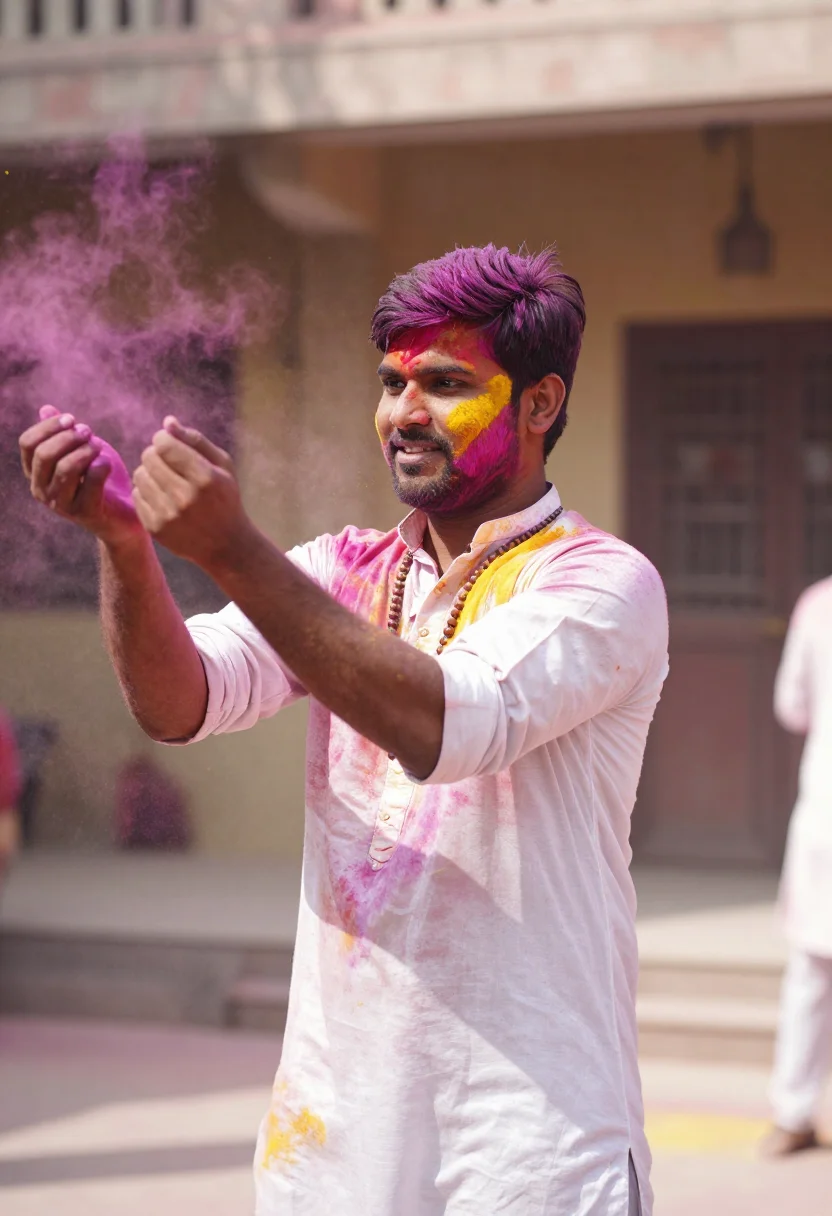
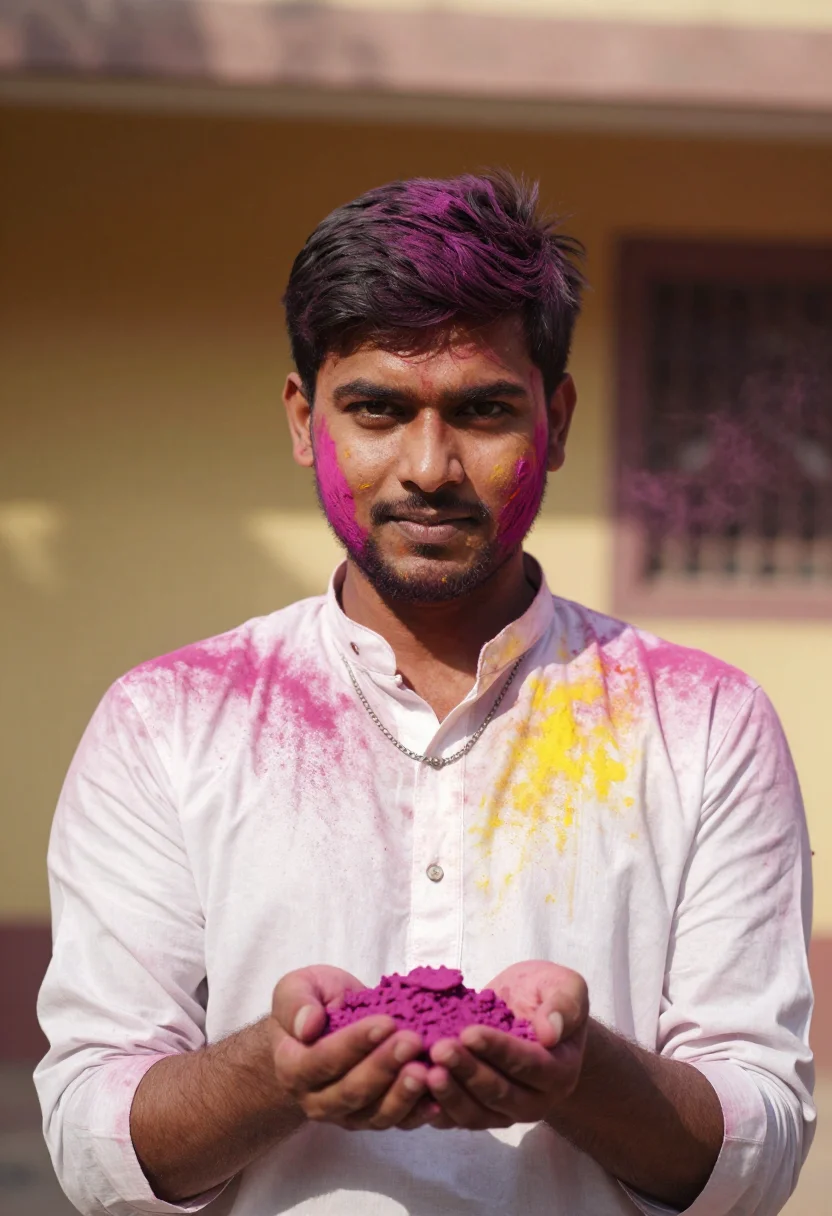
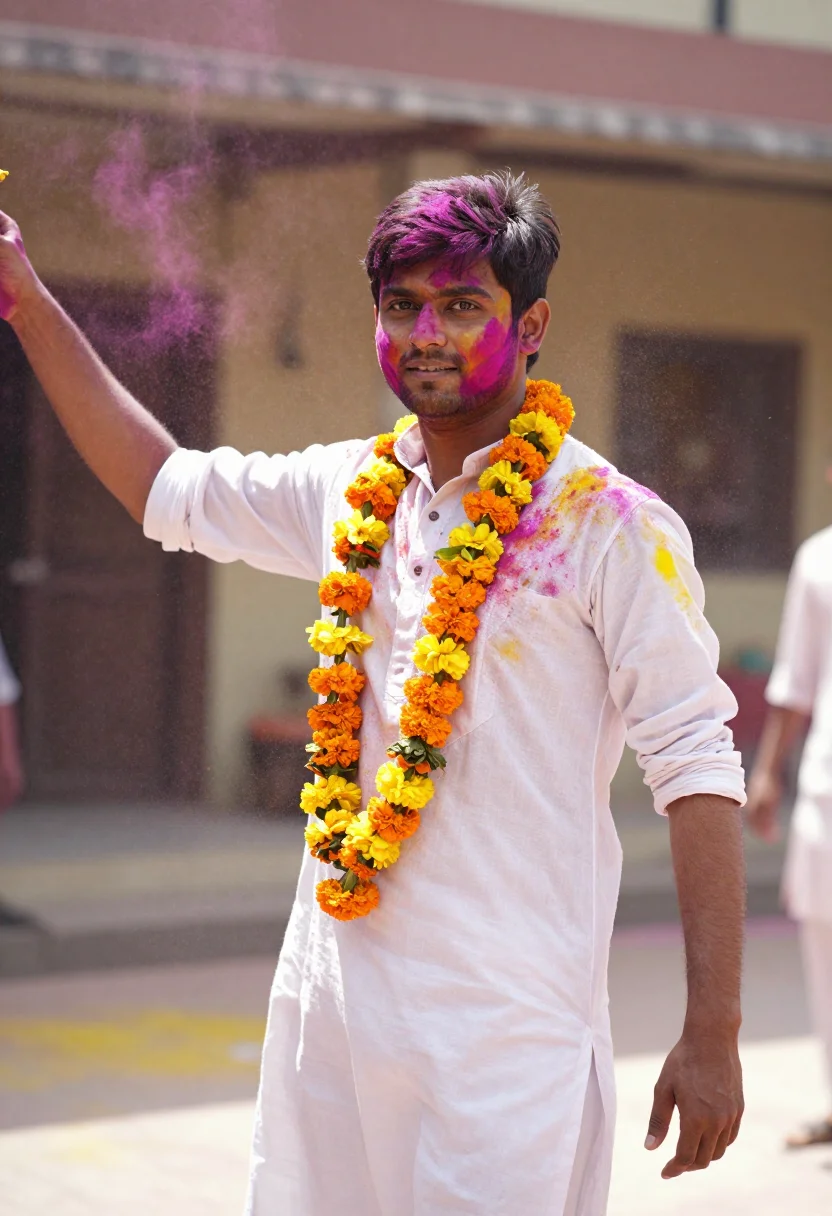
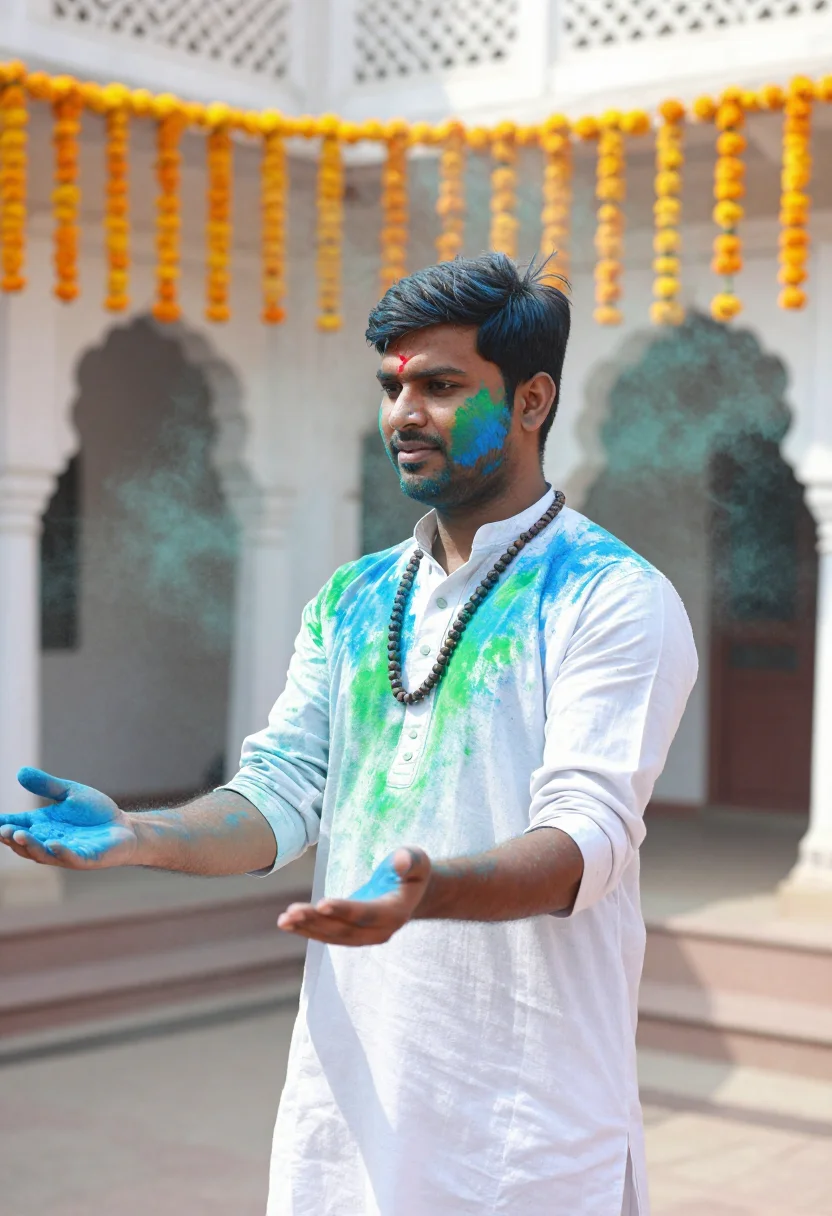
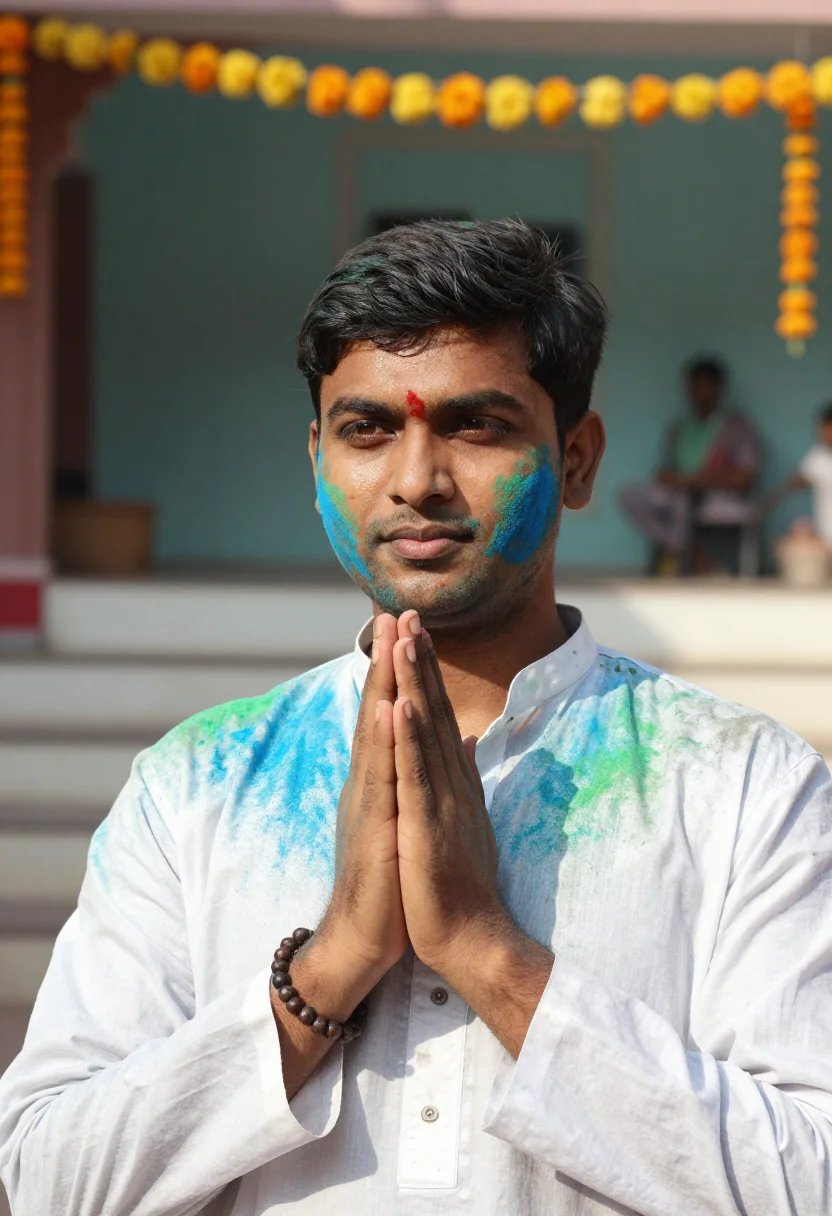
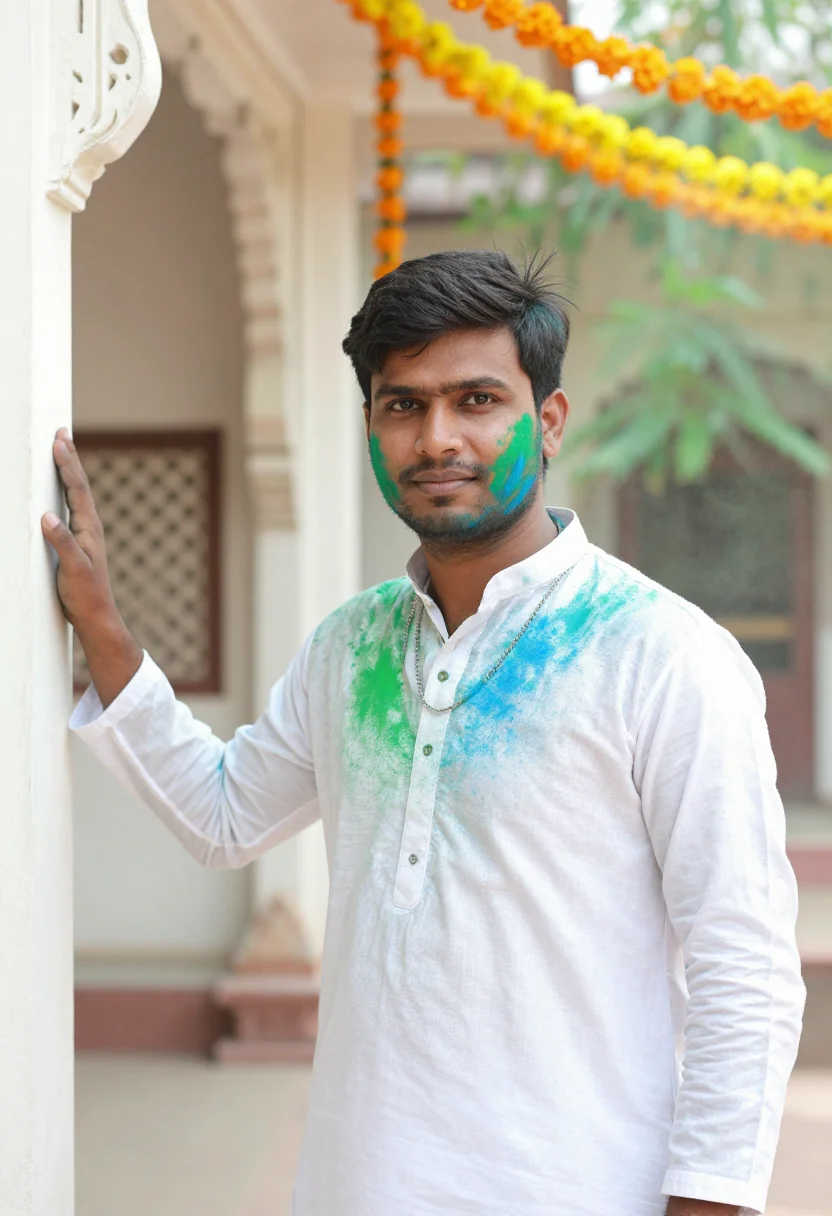
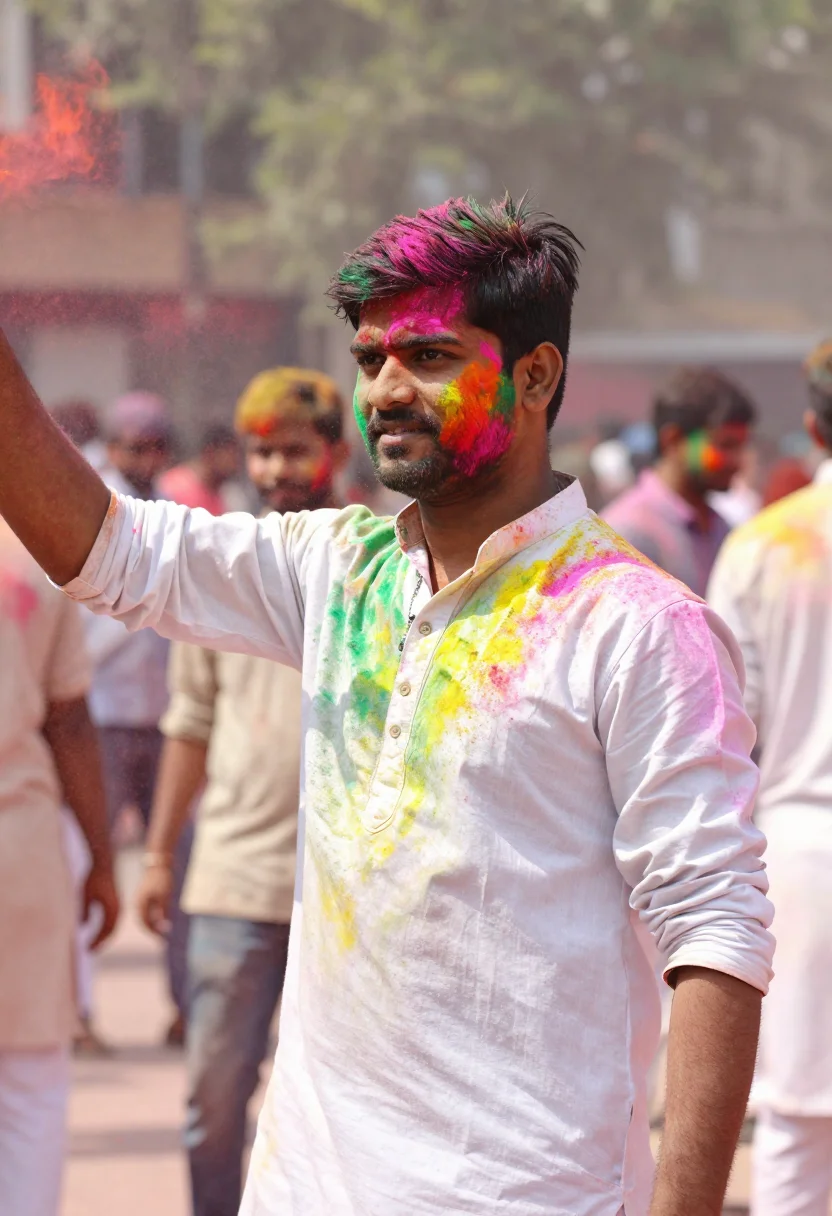
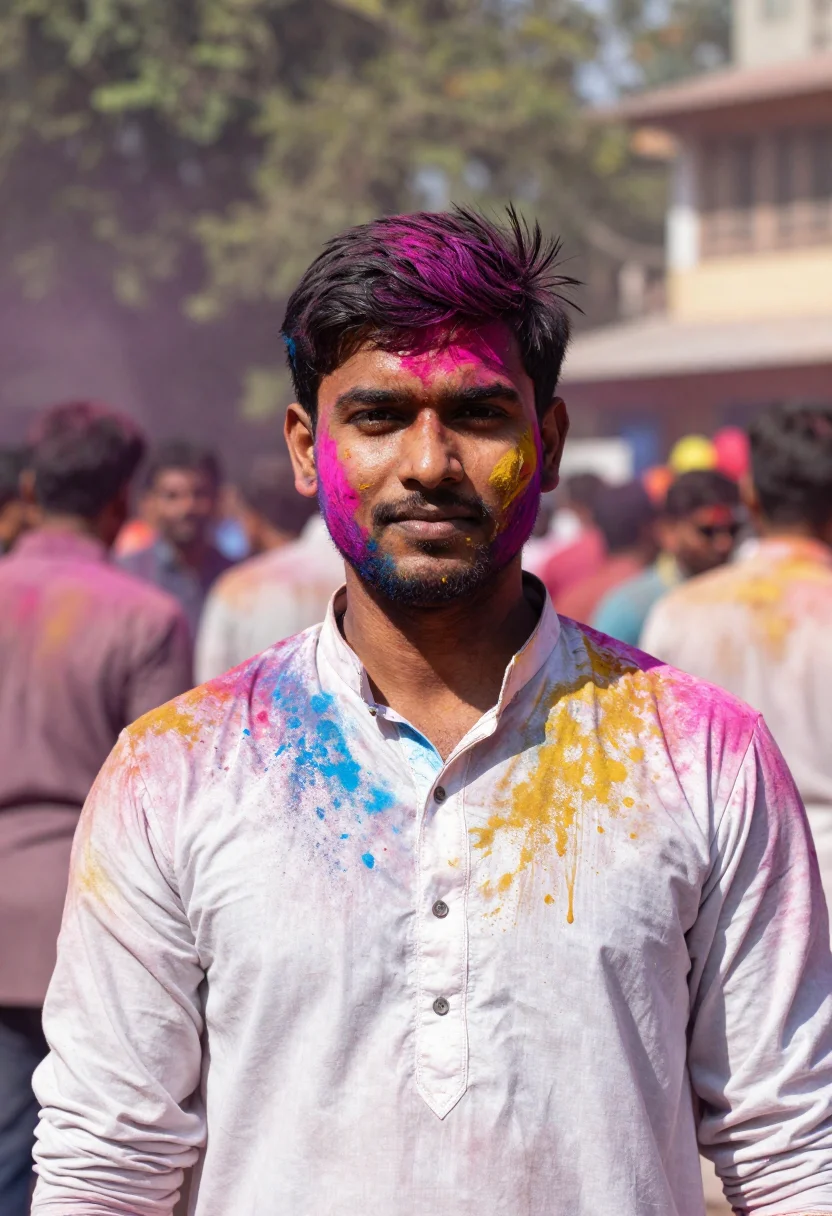
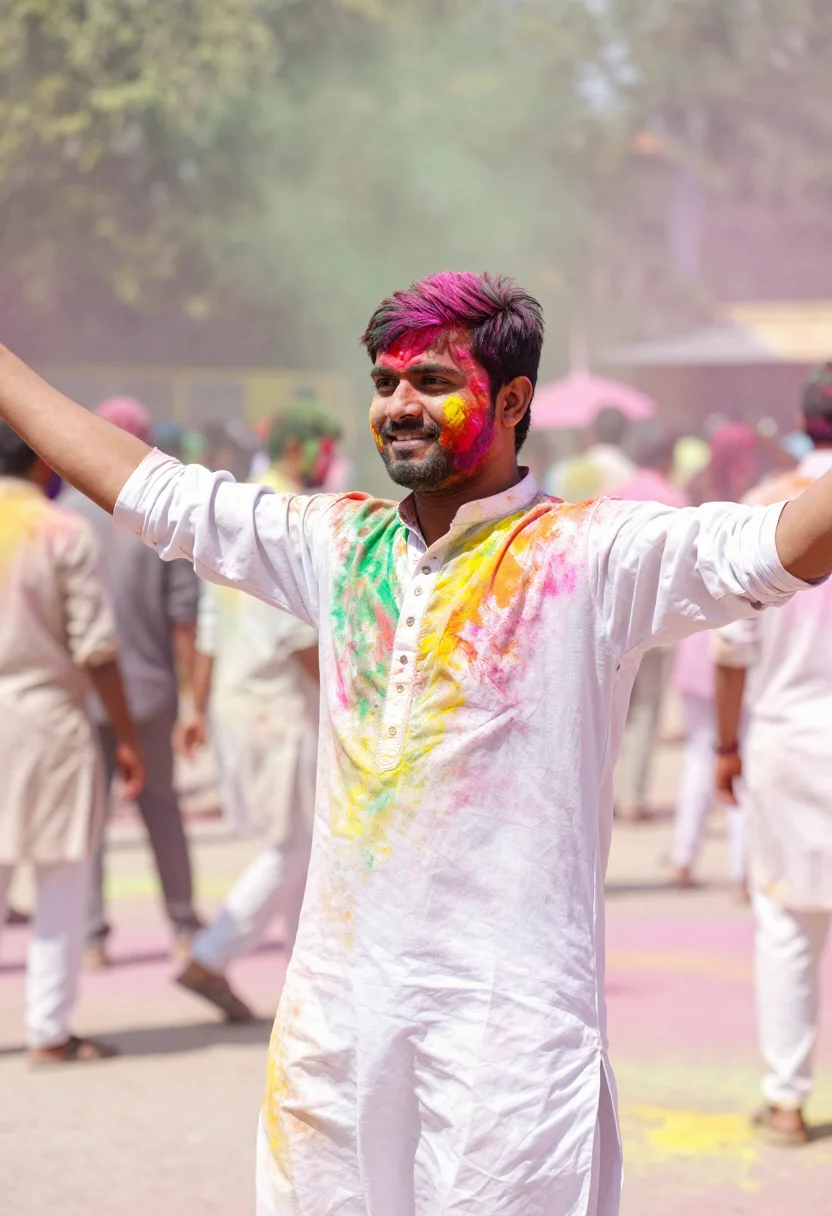
Holi is the one festival where the white kurta is meant to be ruined. This pack puts you in the middle of the colour. Three looks carry it: magenta-and-yellow gulal mid-throw in a powder cloud in a sunlit courtyard; cobalt-and-green powder in a Vrindavan temple courtyard, marigold garlands strung overhead; multicolour gulal in an open festival plaza with celebrants blurred behind you. Each look comes in three takes — different gestures, crops and colour, a rudraksha mala or a marigold garland at the neck — so the nine portraits read like a real Holi morning rather than the same photo nine times.
These are photographs, not paintings. The output is photoreal: your face and your features, caught mid-celebration — broad daylight, the white cotton soft and stained, fine grains of gulal hanging in the air, the garland waxy at your neck. It borrows the motion and colour of a Holi morning; it does not turn you into a cartoon, a costume, or a filter. The powder is kept partial on purpose, so your eyes and features read clearly through it. The closer your upload sits to a clear, front-on photo, the sharper the likeness comes back.
How to photograph yourself for Holi portraits
Good input, good colour. The pack forgives an imperfect photo — the free preview shows you the result in seconds — but four small things sharpen it.
- Soft, even lightFace a window with indirect daylight on you. Skip the overhead bulb and the hard noon sun — both flatten the face and kill the bright, open light the pack is built around.
- Front or three-quarter, at eye levelHold the camera level with your eyes. No selfie up-angle, no looking down — the festive portrait register wants you square to the lens.
- Plain wall behind youLet the pack build the courtyard, the temple and the powder cloud. A clean backdrop means the whole likeness budget goes to your face.
- Match the grooming to the dayClean-shaven, stubble, or full beard — the pack keeps your facial hair, so upload the version of you that will actually be out in the colour.
Frequently asked questions
- What's the difference between the free preview and the paid pack?
- The preview is one Holi portrait built from your photo, shown in seconds — a quick sketch, close but not you yet. To unlock the full pack you train your model: 12–20 photos, and we email you when your model is ready. From then on, every portrait — three looks (magenta-and-yellow throw, Vrindavan blue-and-green, festival-plaza multicolour), three takes each — renders from your model in about ten seconds.
- Will it actually look like me?
- That's the whole job. Upload one clear, front-facing photo and the pack keeps your face, your features, your skin and hair — then puts you in the colour. The free preview shows you exactly how close the likeness is before you spend a cent.
- Will the gulal hide my face?
- No — that's deliberate. The colour sits on the kurta and lightly dusts the skin, but the powder is kept partial so your eyes and features read clearly. You stay recognisable through the colour, not buried under it.
- Is this a real Holi look or a costume filter?
- It's built to read as a Holi morning, not a party costume — real cotton kurta, real grains of gulal hanging in the air, broad daylight in a courtyard. It borrows the motion and colour of the festival; it doesn't paste a cartoon over your selfie. What you get looks like a photo a friend caught of you mid-throw.
- Can I use these for my profile picture and festive messages?
- Yes. The portraits are yours to post, print, and send — your Holi display picture, the festive group chat, the friends who weren't there to see it.
- How is this different from Midjourney or a free AI photo app?
- Midjourney will paint you a vivid man covered in colour — just not you; it invents a face. The free face-swap apps keep your face but render it plastic, the powder smeared into a mess. This pack does one narrow job well: your real likeness, in real colour, photoreal, nine ways.
- Do I need several photos, or is one enough?
- One clear, front-facing photo is enough for your free preview — a couple of extra angles nudge that likeness a little closer too. To unlock the full pack, you train your model on 12–20 photos; that's what every portrait afterward renders from.
- I have a full beard — or none at all. Does that work?
- Either works. The pack preserves your facial hair rather than inventing its own, so a clean-shaven look stays clean-shaven and a full beard stays a full beard.
- What happens to the photo I upload?
- Your preview photo is processed on European servers. If you train a model, those 12–20 photos are used to train your model and nothing else — delete your model and they go with it. Never sold, never shared with third parties.
- What if I only have a casual selfie?
- The free preview tells you in seconds whether the likeness lands. If it doesn't, the prep tips above are the quickest fix — usually it's the lighting. One clear photo beats five blurry ones.
When the Holi pack fits
- A Holi profile picture full of motion — the festive shot without a phone full of powder.
- Festive-season greetings and Holi messages to family and friends.
- The diaspora man who misses the colour back home — Holi from a flat far from the courtyard.
- A high-energy social photo that actually looks like you, not a stranger.
- A gift for the friend or brother who loves the festival and hates posing.
- A festive portrait worth keeping — the once-a-year shot where you let go.
About narcis
Most AI portrait tools ship every pose, profession, era, and aesthetic in one giant catalog. The output looks like every other AI photo on the internet — a glaze over a stock face. Narcis goes the other way. One tool, one job: turn photos of you into portraits worth keeping. Drop a selfie and your free preview streams in seconds — a quick sketch: close, not you yet. For portraits that are truly you, train your own model on 12 to 20 photos; it trains in the background, and we email you when it is ready. Train once, render everywhere — this pack, every other pack, and the Studio all come out of that one model, about ten seconds a portrait, and it stays yours to retrain or delete. Each pack is hand-curated against actual references — paintings, photographers, registers — and tested on real faces before it ships. See a free preview before you pay, not after. Packs are one-time — no subscription to buy one; Studio, the unlimited composer, is optional at €12/month and every pack includes 30 days of it. No template generator. Built and run by one team, on our own infrastructure.
All images are AI-generated. By using this service, you confirm you are 18+, that any face photo you upload is your own or used with explicit consent. Full Terms