A Yousuf Karsh Style Portrait Photoshoot
Nine photos of you in one setting
How your model is created from your photos
Every pack on Narcis, made with your face
Nine photographs of you in one setting: one pack of the Narcis catalogue.
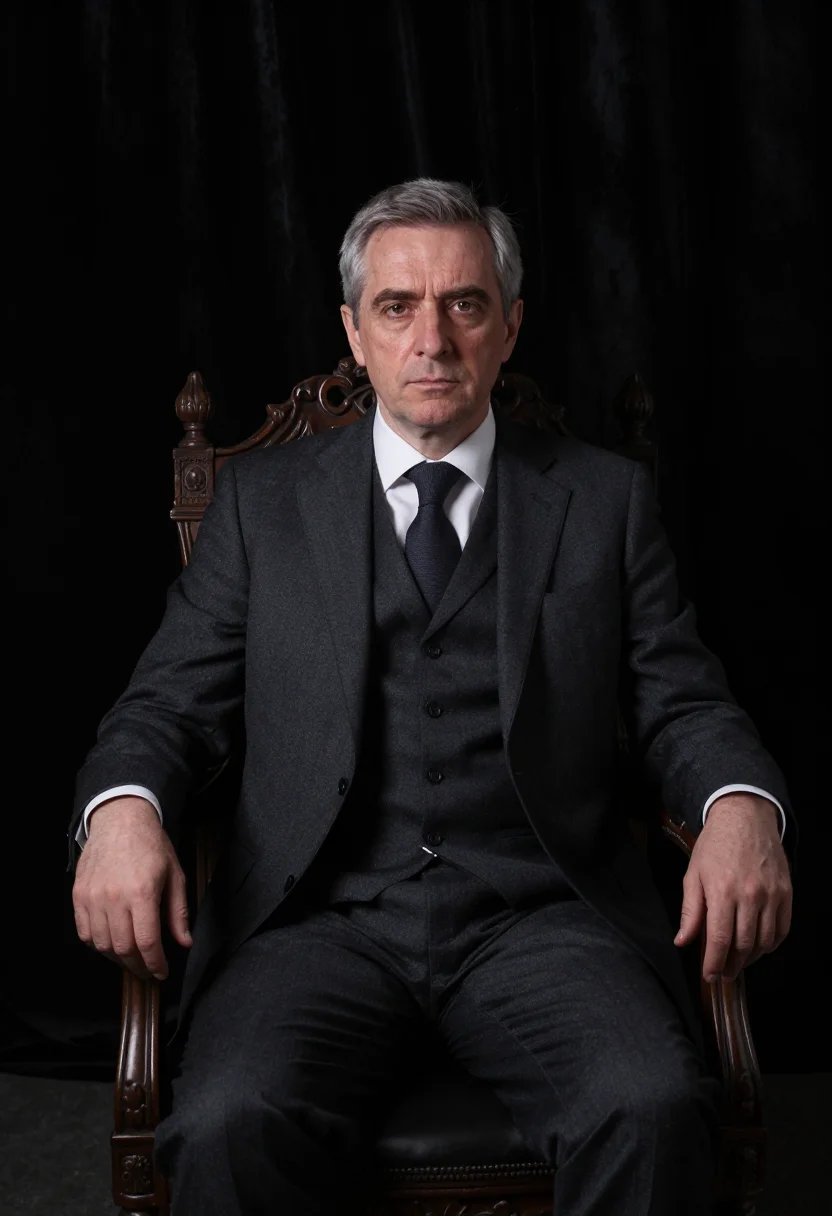
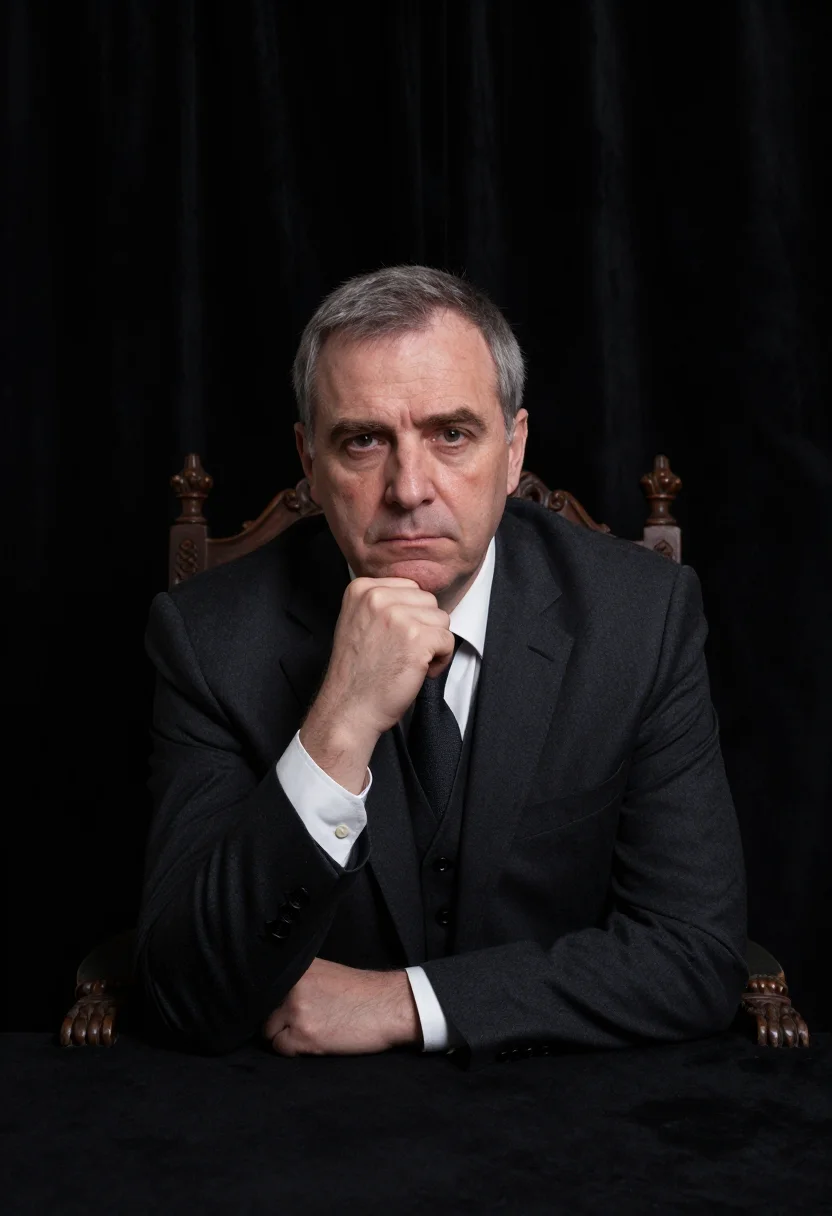
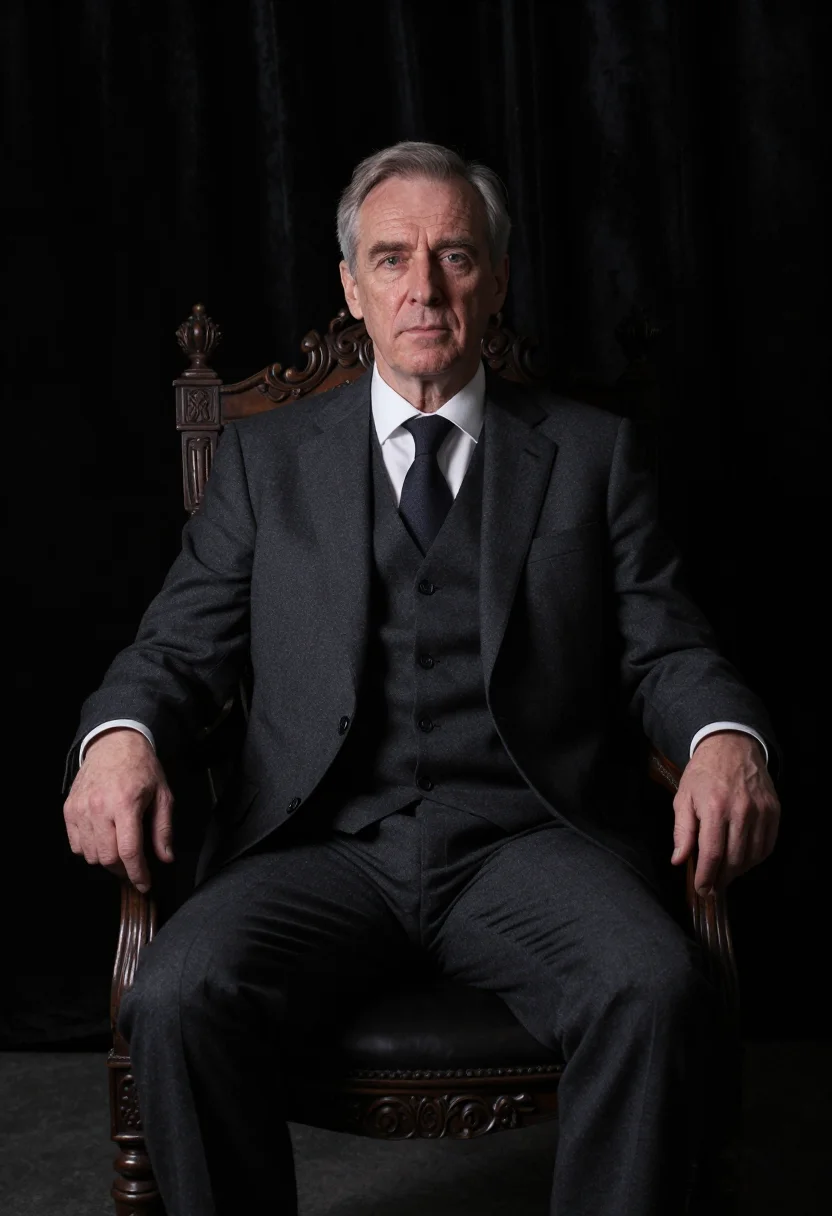
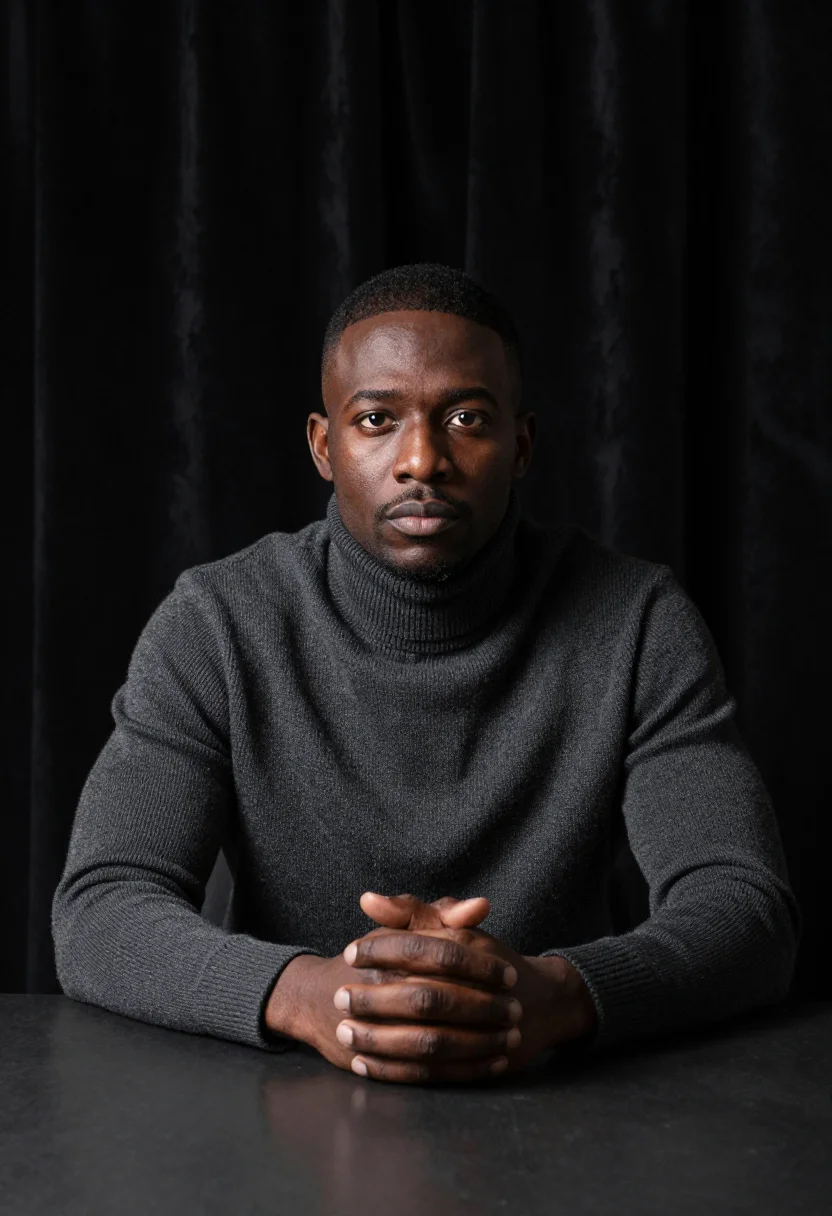
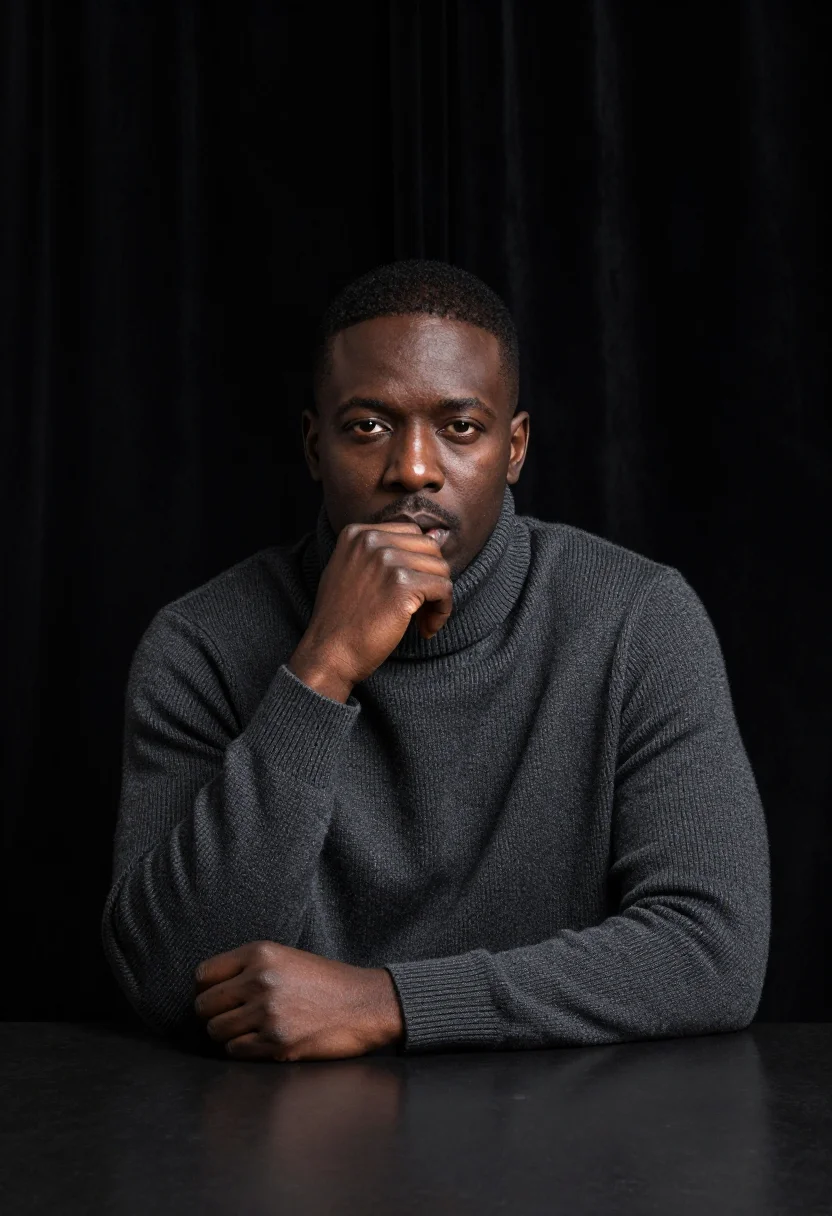
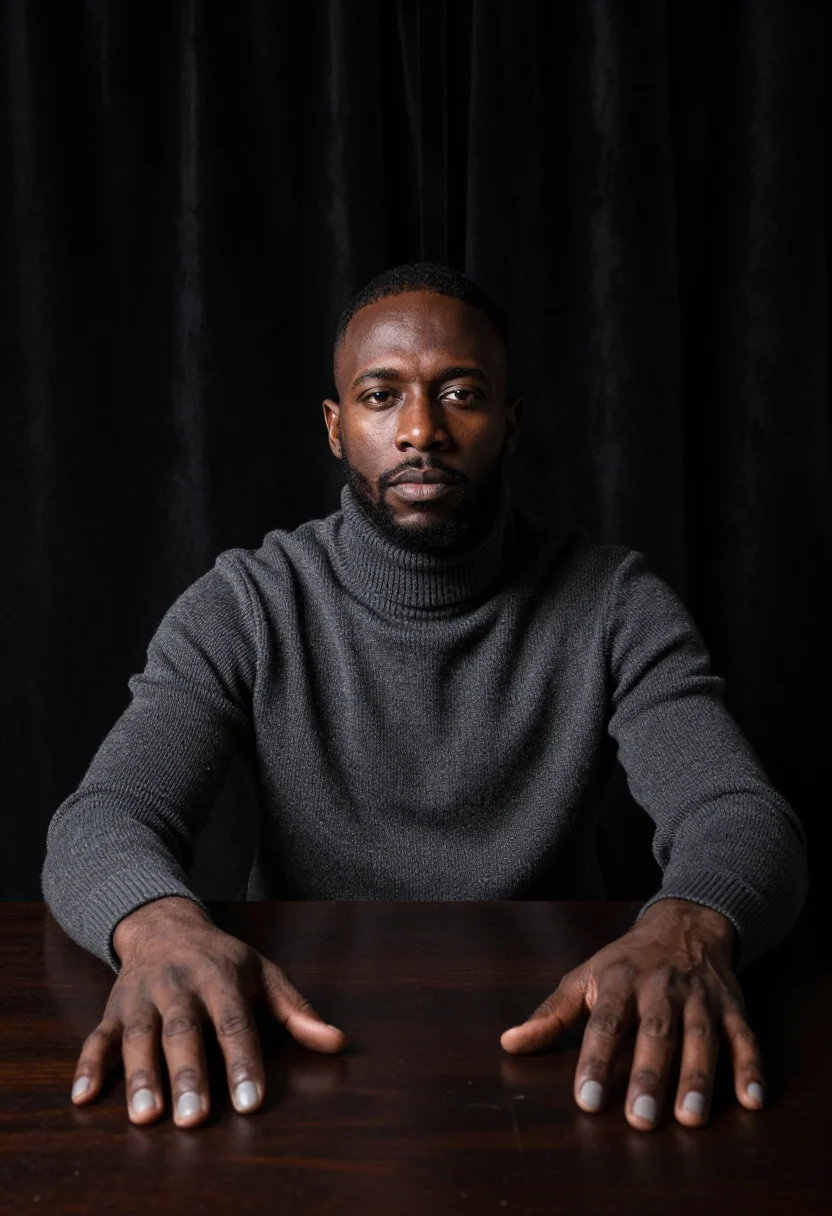
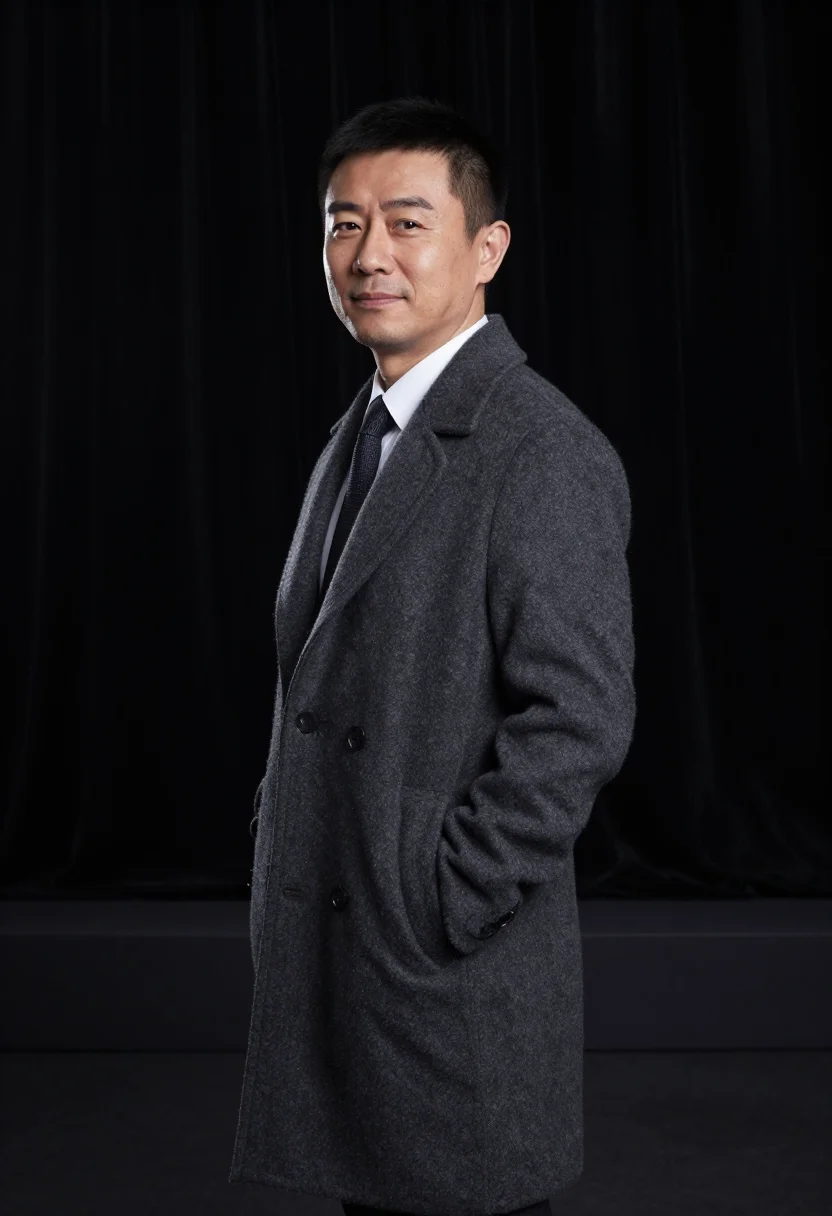
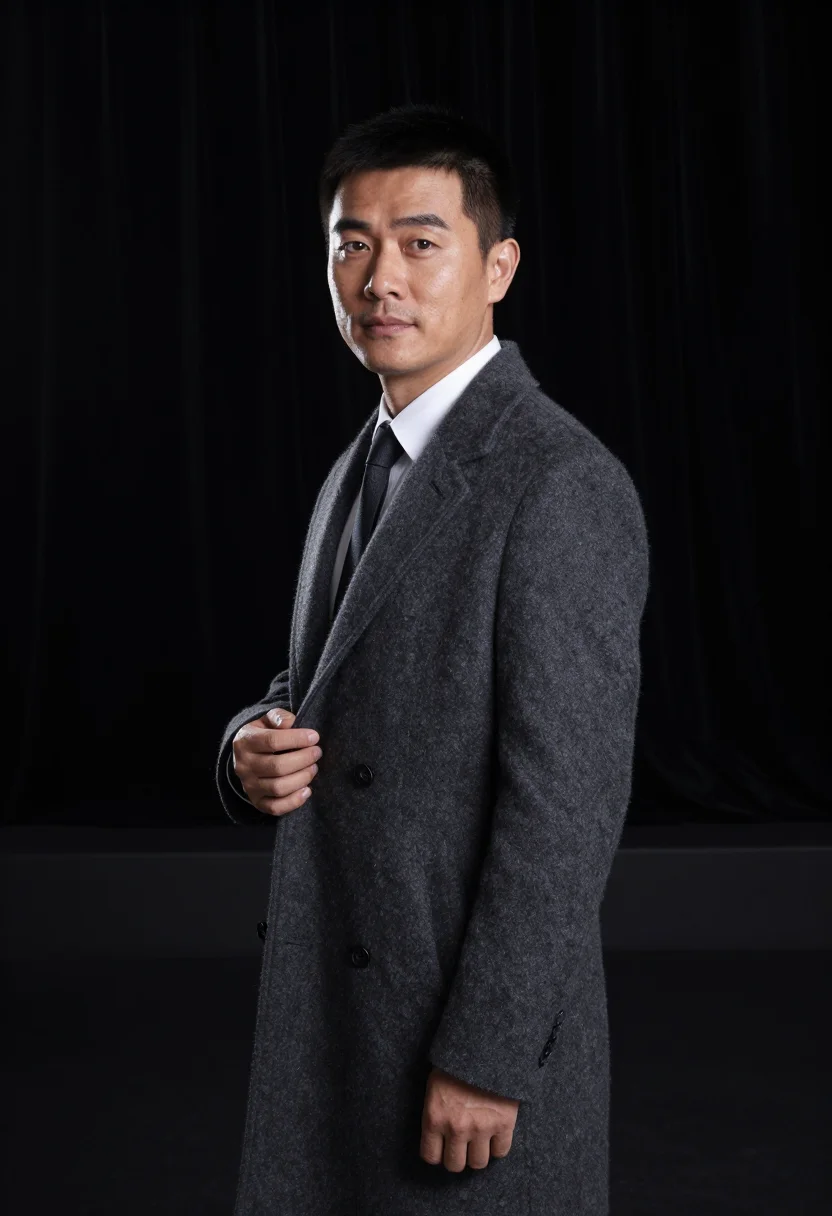
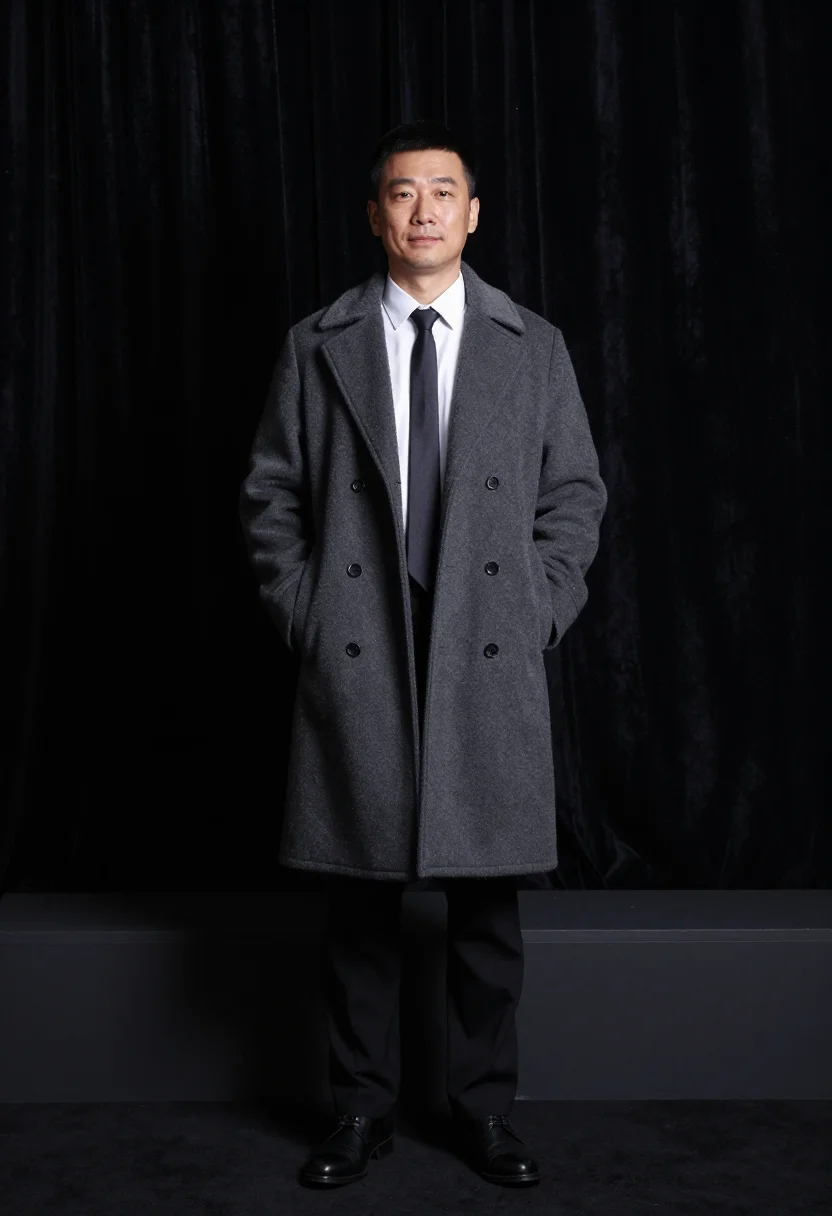
Photoreal black-and-white photographs generated by AI, styled after Yousuf Karsh's Ottawa studio grammar -- a dark three-piece with a white shirt, a roll-neck sweater, a dark coat over shirt and tie, each carved out of black by hard, sculpting studio light. The nine vary in crop, expression and light, so there are real choices, not nine identical files.
/karsh-portrait · photo · 3 scenes
A Yousuf Karsh Style Portrait Photoshoot
no account · ~15s · try it on with one selfie
More of the black-and-white grammars
one model wears them all →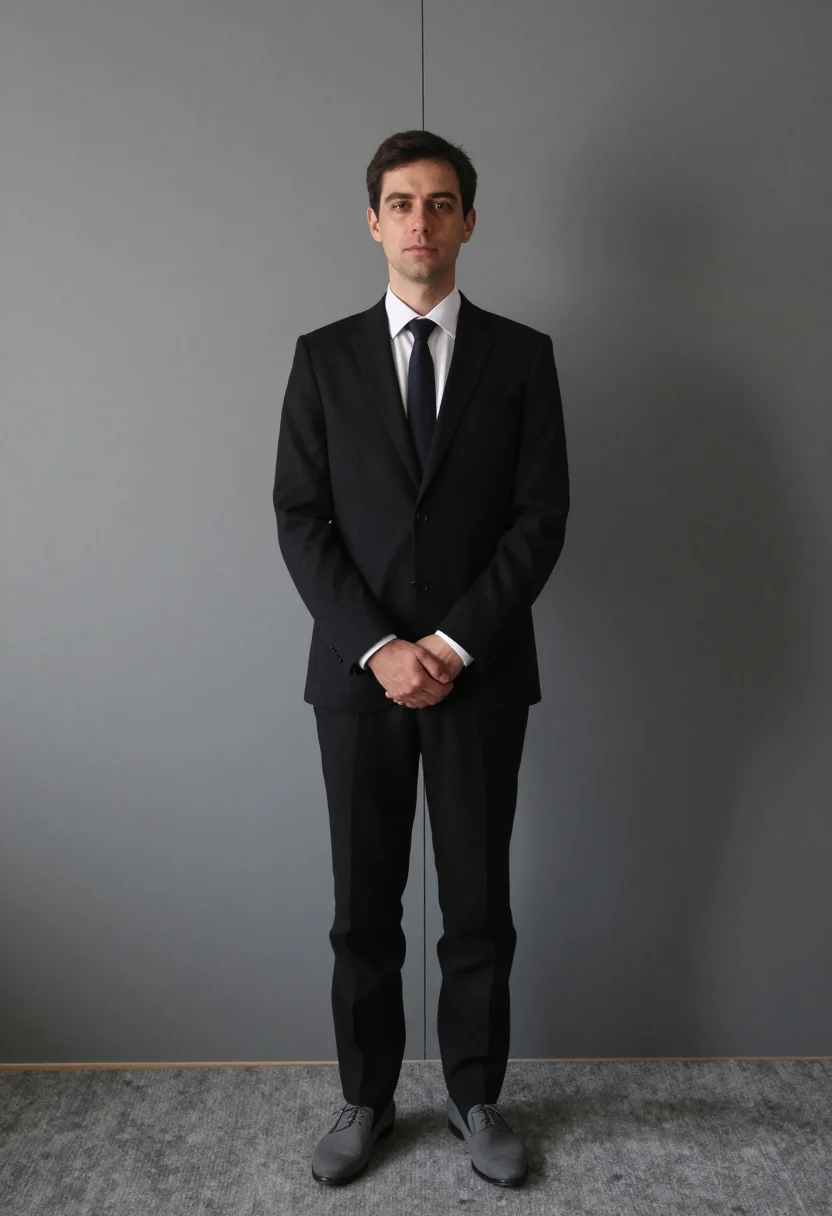
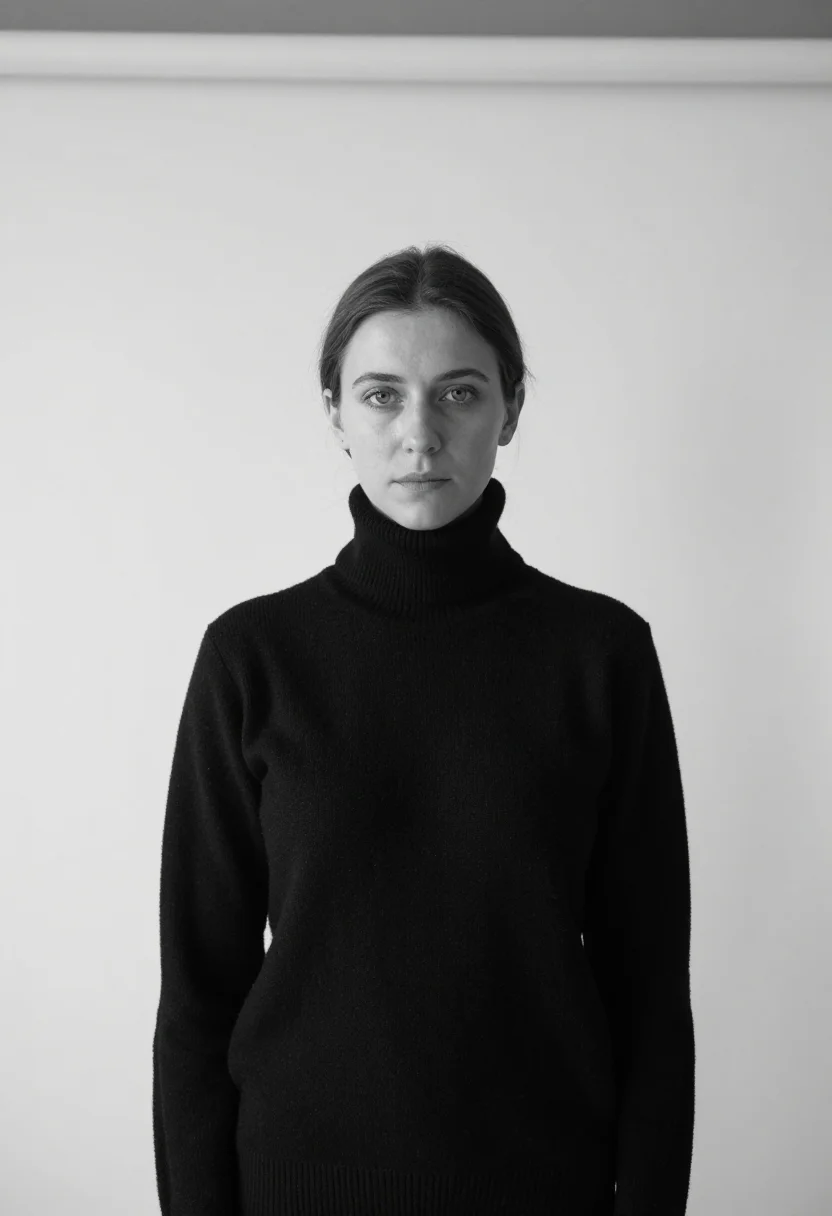
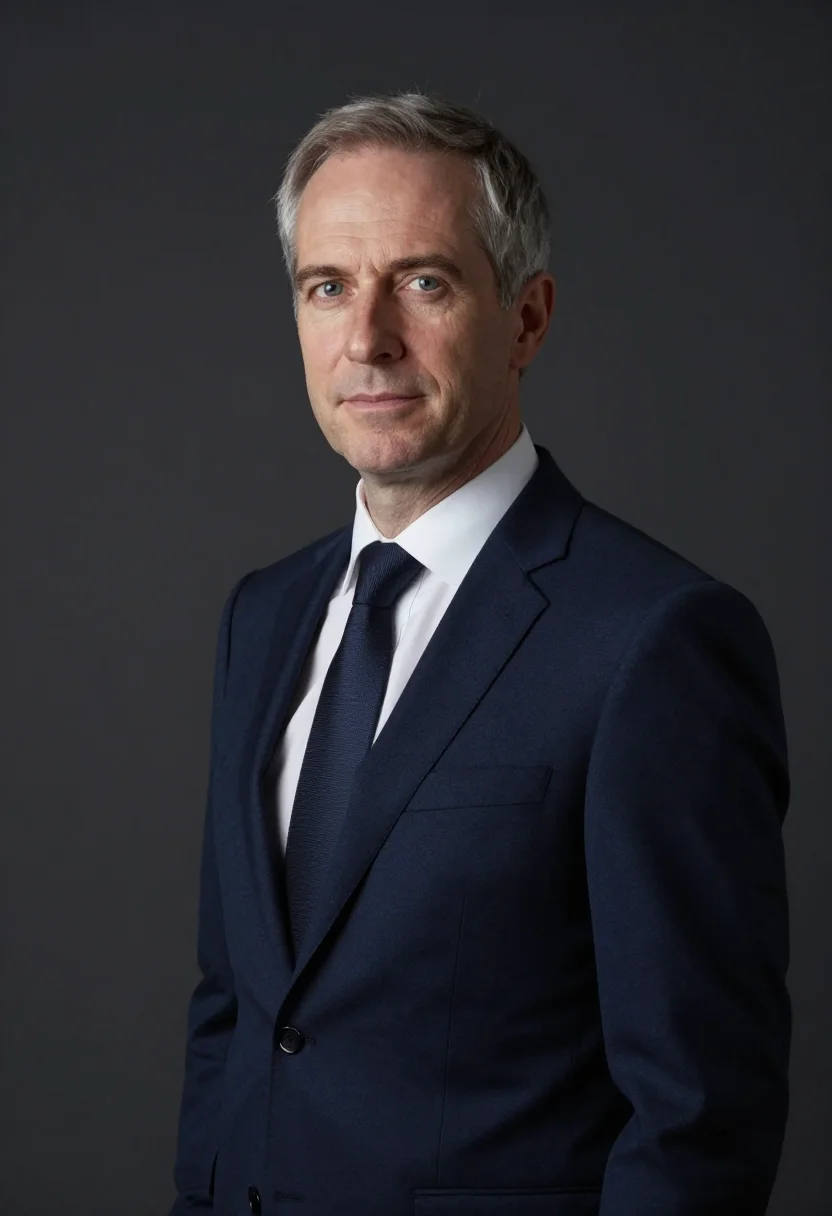
all 9 photos in this pack ↓
How it works
Three steps.
1
Add your photos
Add photos of yourself. We check each one when you add it.
2
We create your model
We create your AI model from your photos. Your photos are ready in a few hours.
3
Every pack, with your face
This pack and every other pack on Narcis can then be made with your face, and single photos too.
The Karsh register
This pack belongs to the house's chambre-noire series: black and white by the photographer's own grammar, no colour anywhere in the frame. The Karsh portrait photoshoot draws on Yousuf Karsh's Ottawa studio -- the lit hand, the lit brow, the black ground -- sitters carved out of darkness by hard lights placed with a sculptor's care.
Photographically the register runs three genuine takes: seated in a heavy chair against black in a dark three-piece with a white shirt, a hard key from high on one side and a second light on the far hand carving brow, cheek, and both hands out of black; leaning forward on both forearms in a roll-neck sweater, the key and a low light setting the sweater's rib in hard relief; standing half-turned against black in a coat over shirt and tie, the key from behind rimming the shoulder and cheekbone while the front stays deep grey. No colour, hard light only -- separation comes from edge against black.
The output is a real photoreal black-and-white photograph, not a painting or an illustration, built for the Karsh studio register rather than pulled from any single Karsh photograph. It's a dramatic black and white portrait.
How to photograph yourself for Karsh portraits
Better source photos make better portraits.
- Even, soft lightStand near a window with indirect daylight on your face. The pack builds its own light on top of your selfie -- a flat, well-lit source photo gives it the clearest face to work from.
- Front or three-quarter angleCamera at eye level, facing it or turned slightly to three-quarter. No selfie-stick uplook, no shot from below.
- Face fully clearHair off the face, no hats, sunglasses, or heavy filters in the source photo. A clear, front-facing photo is the best input for an AI portrait.
- A steady, unsmiling expressionThe Karsh register favors gravity over a big grin -- a steady, level expression in your source photo holds up best under hard, sculpting studio light.
- Plain background is fineDon't worry about your own backdrop -- the pack's settings replace it entirely. A plain wall behind you just helps the model focus on your face.
Frequently asked questions
- Will it actually look like a real photograph?
- Yes. The output is photoreal black-and-white -- a real-looking photograph, not a painting or an illustration -- built from yousuf karsh style portrait at three distinct takes. Seated in the heavy chair, leaning on both forearms, and standing half-turned -- three real takes, not one repeated.
- Is this a real photo of anyone, or of me?
- It's a portrait of you. The pack borrows the Karsh register as a costume and visual reference; every frame is a portrait of you.
- Can women use this pack?
- The styling and sample set are built for men -- the three-piece and roll-neck sweater among them -- so it reads masculine.
- Can I use this as a profile picture or on a dating app?
- Yes -- it's a striking, well-composed portrait that reads well on either. Used honestly, as a stylised AI photoshoot rather than a claim of a real shoot, it works well on any profile.
- Will the photos look like me?
- Every photo looks like you, well photographed. If one is nearly right, say what to change, in your own words.
- Do I have to write a prompt?
- No. There is nothing to write: you pick a pack, and it is ready in seconds.
- How many photos of myself do I add?
- Between six and twenty, from different days and in different light, with your face clear. We check each one when you add it.
- What happens to the photos I add?
- They are used only to create your model, on our own servers in the European Union. They are not shared and not sold.
When the Karsh pack fits
- For a LinkedIn or profile photo chasing a dramatic black and white portrait look with real studio gravity
- For a headshot or author photo with classic studio portrait men energy
- For a wall print or framed portrait in a monumental portrait register
- For a dating profile photo that reads commanding rather than casual
- For a portfolio or press kit built around a rembrandt lighting portrait reference
- For a phone or desktop wallpaper with genuine hard-light contrast
- For a mood board built around classic hollywood portrait style references
- For anyone drawn to a yousuf karsh style portrait without a studio to book
About narcis
Most AI photo tools put every pose, job, era, and style in one giant catalog. The photos all look like every other AI photo on the internet — a glaze over a stock face. Narcis goes the other way. One job: photos of you that look like photographs. You add at least 6 photos of yourself, and we create your AI model from them. Your photos are ready in a few hours, and we email you when they are. Then this pack and every other pack on Narcis can be made with your face. Each pack is curated against real references — paintings, photographers, places — and tested on real faces before it goes live. Built and run by one small team, on our own servers.
All images are AI-generated. By using this service, you confirm you are 18+, that any face photo you upload is your own or used with explicit consent. Full Terms