A Koningsdag Orange Photoshoot — Amsterdam
Nine photos of you in one setting
How your model is created from your photos
Every pack on Narcis, made with your face
Nine photographs of you in one setting: one pack of the Narcis catalogue.
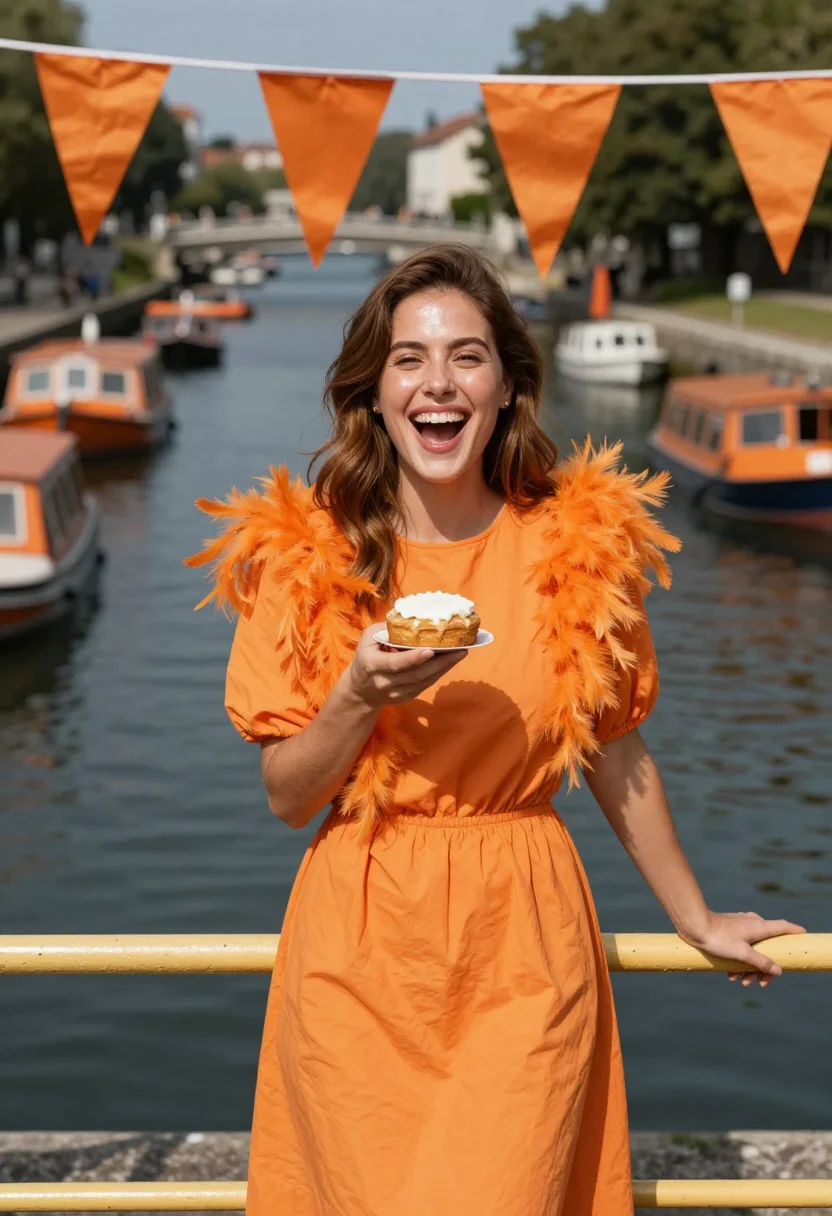
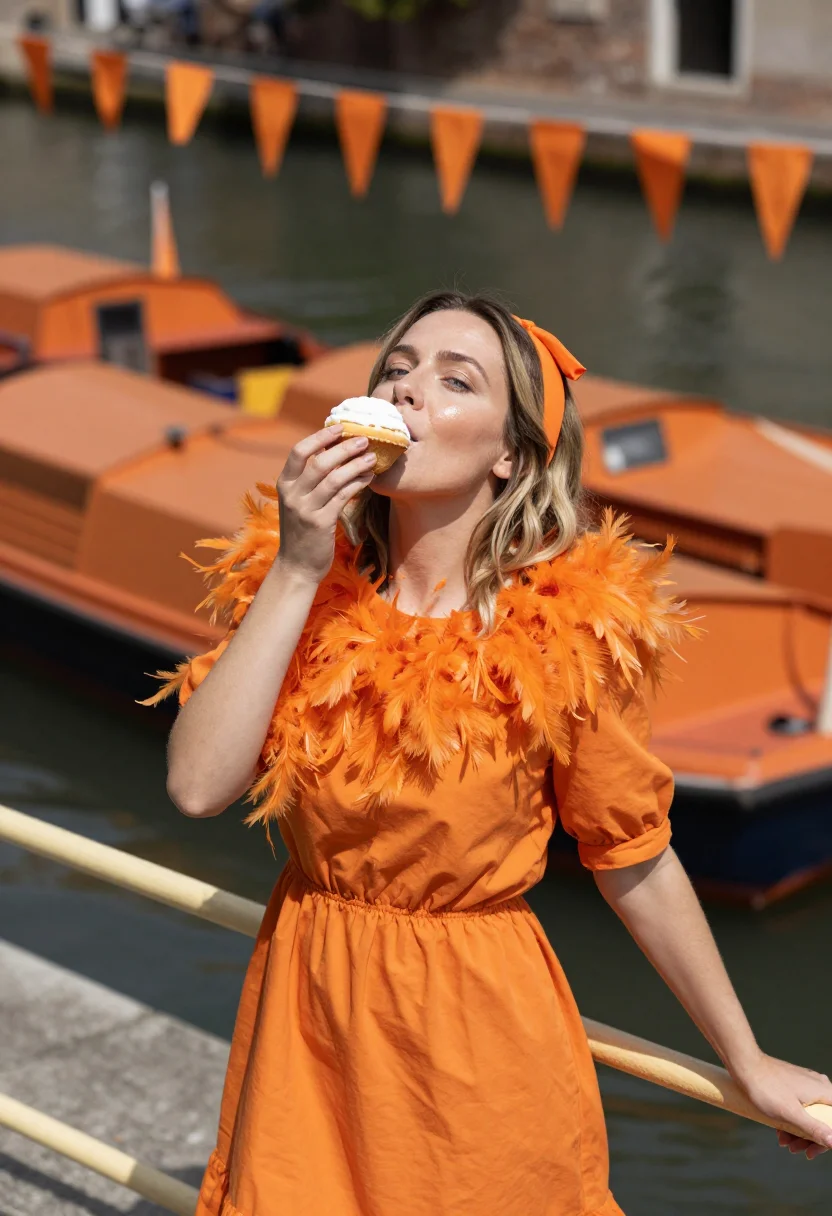
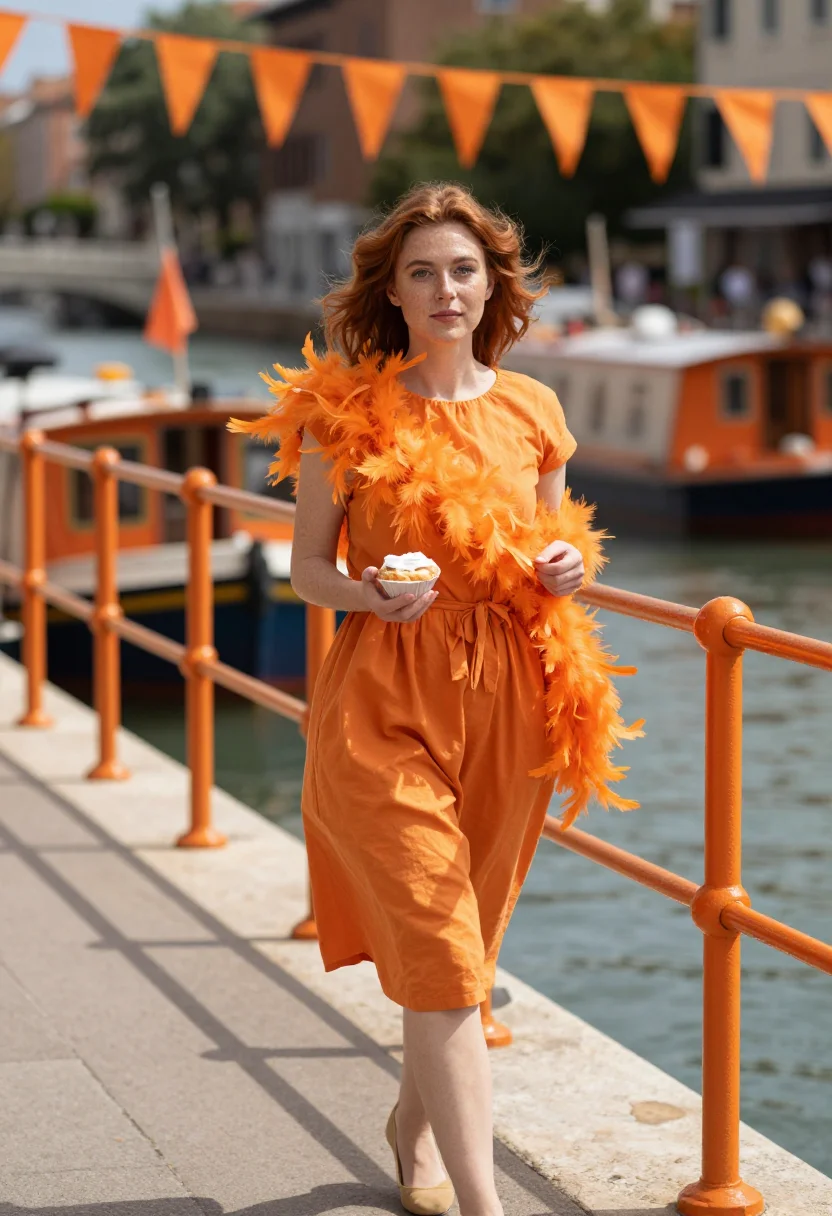
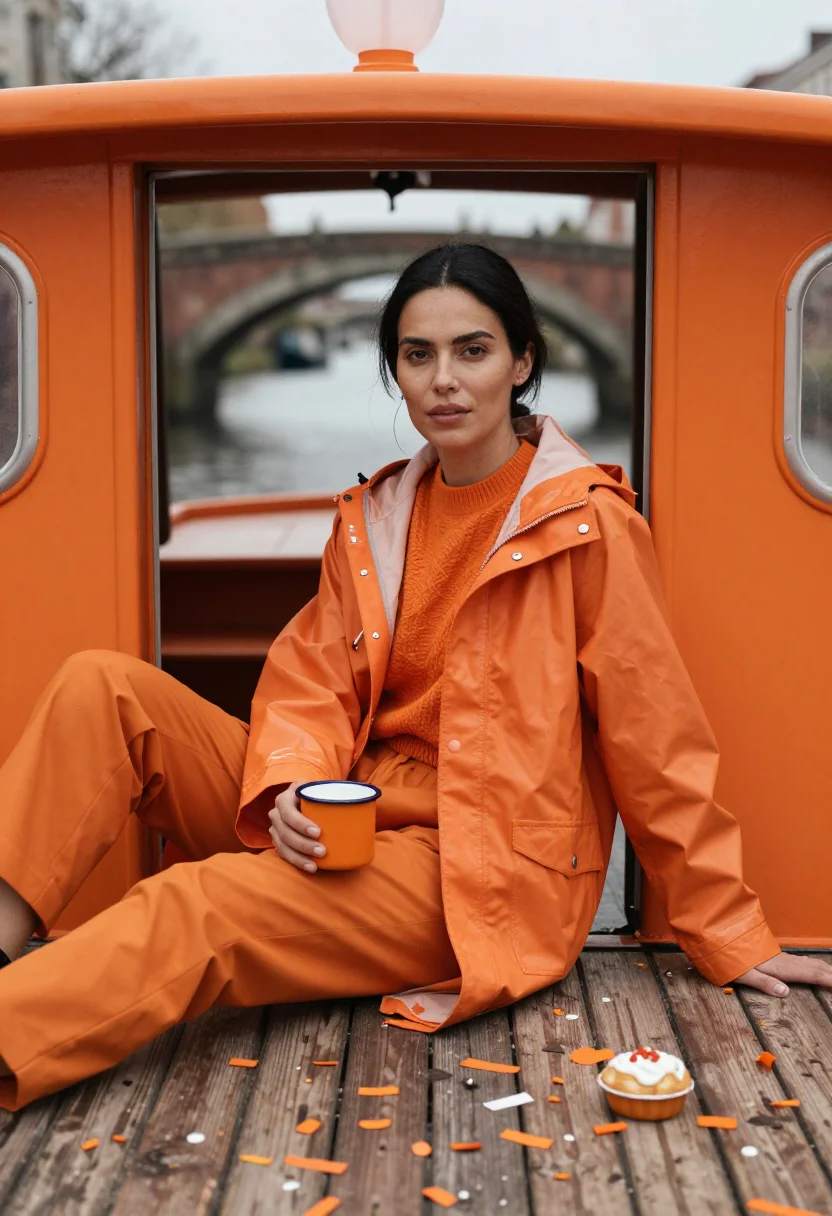
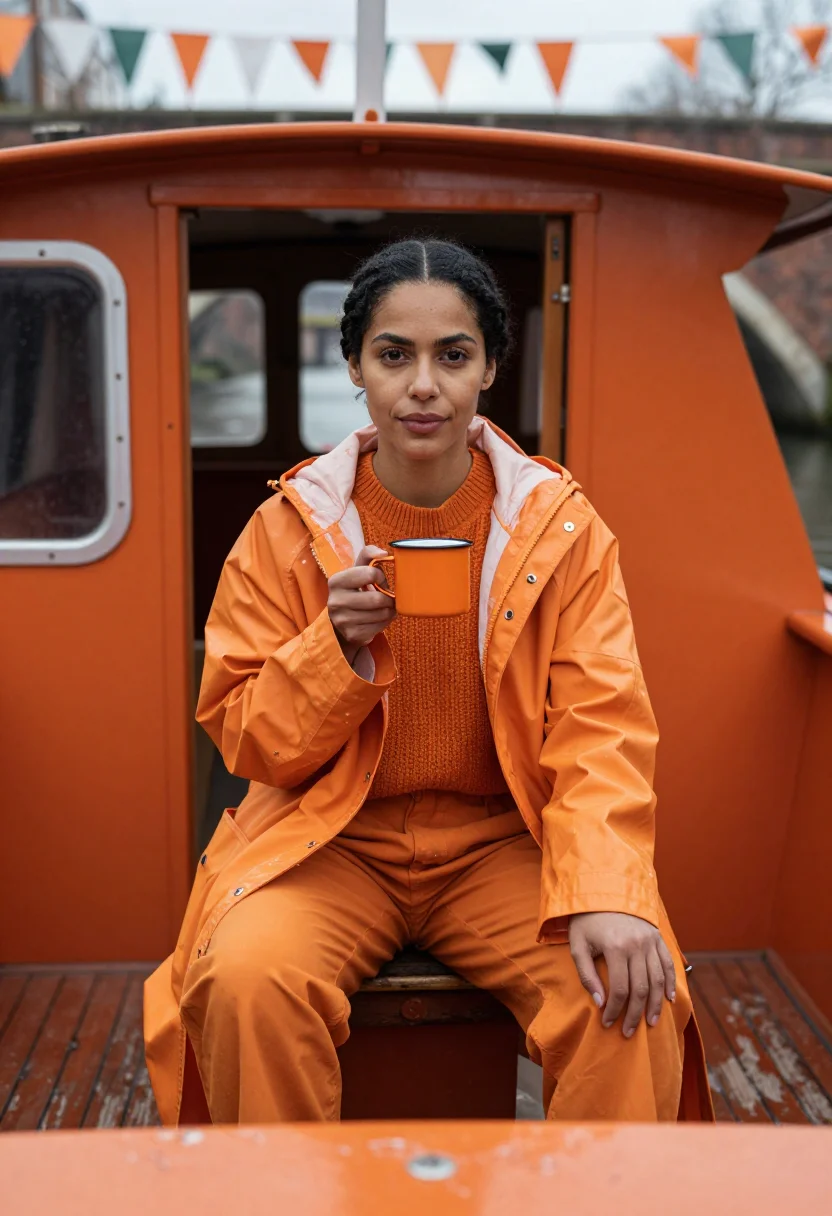
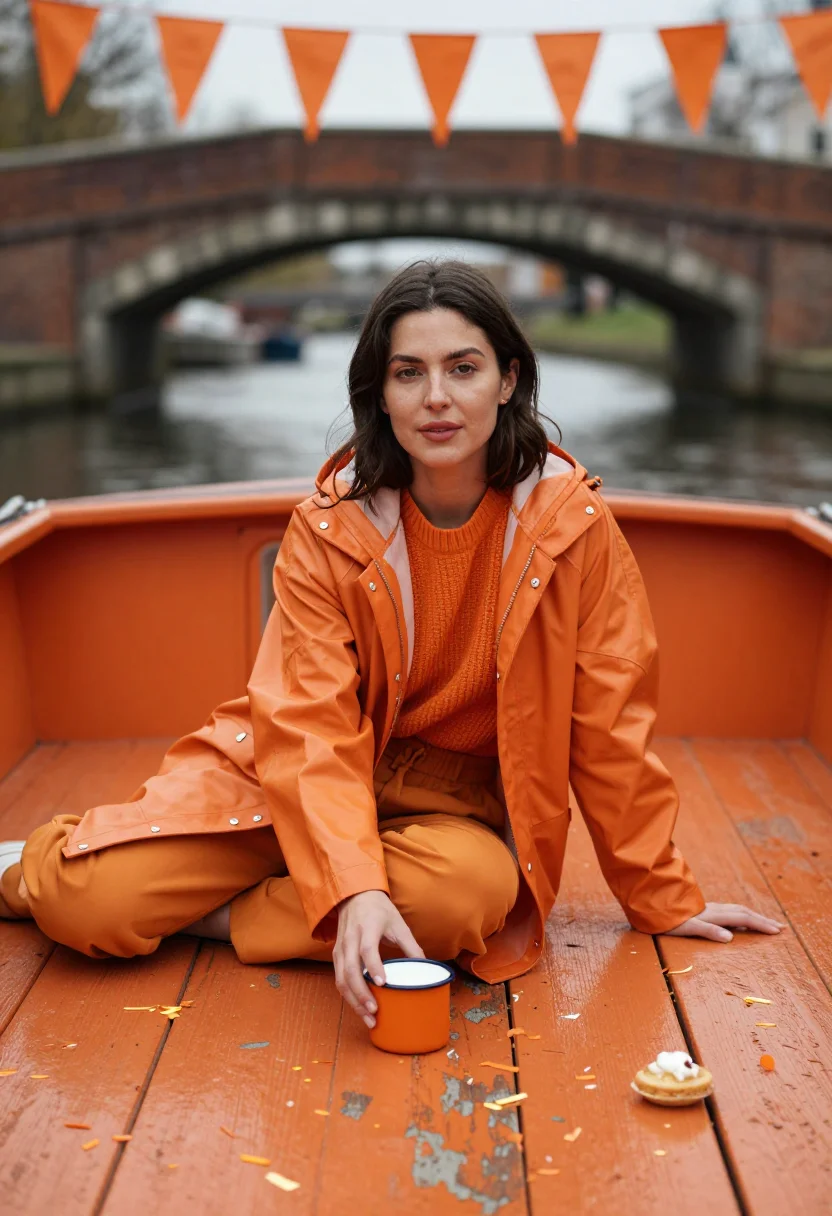
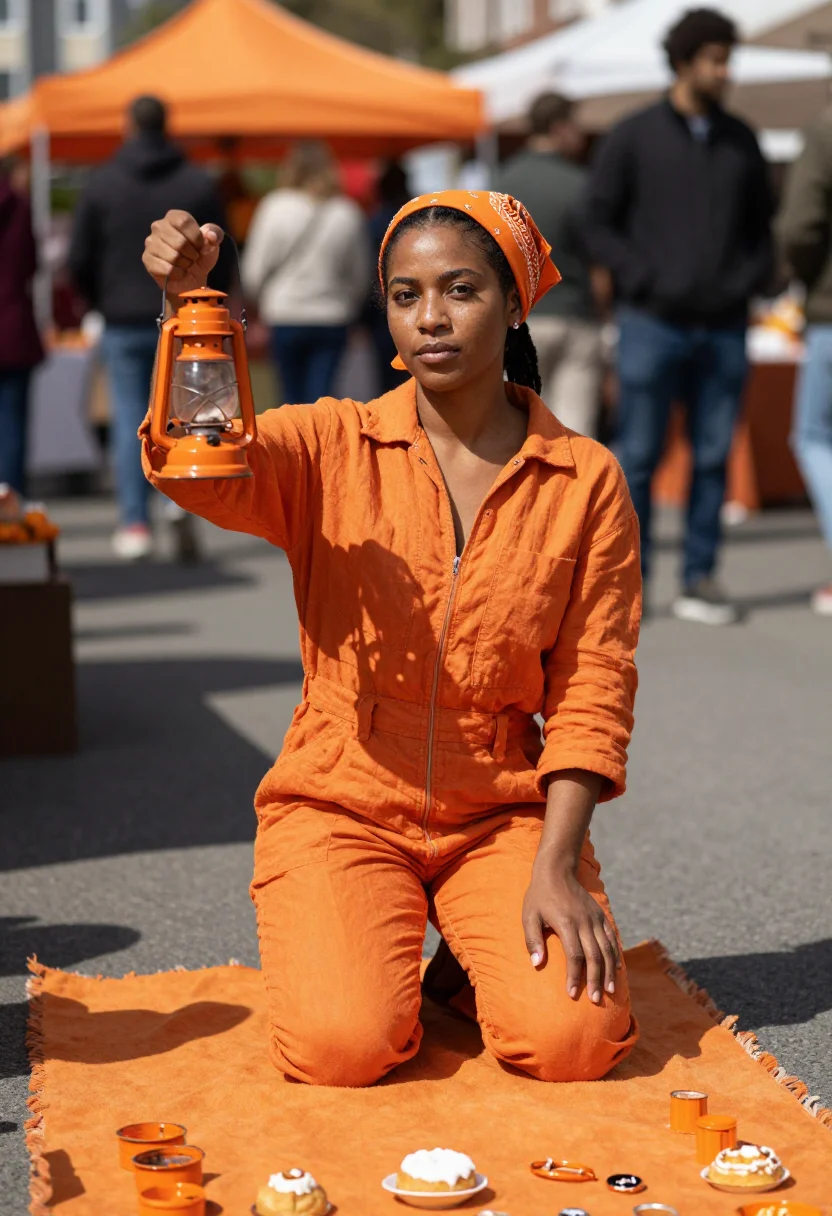
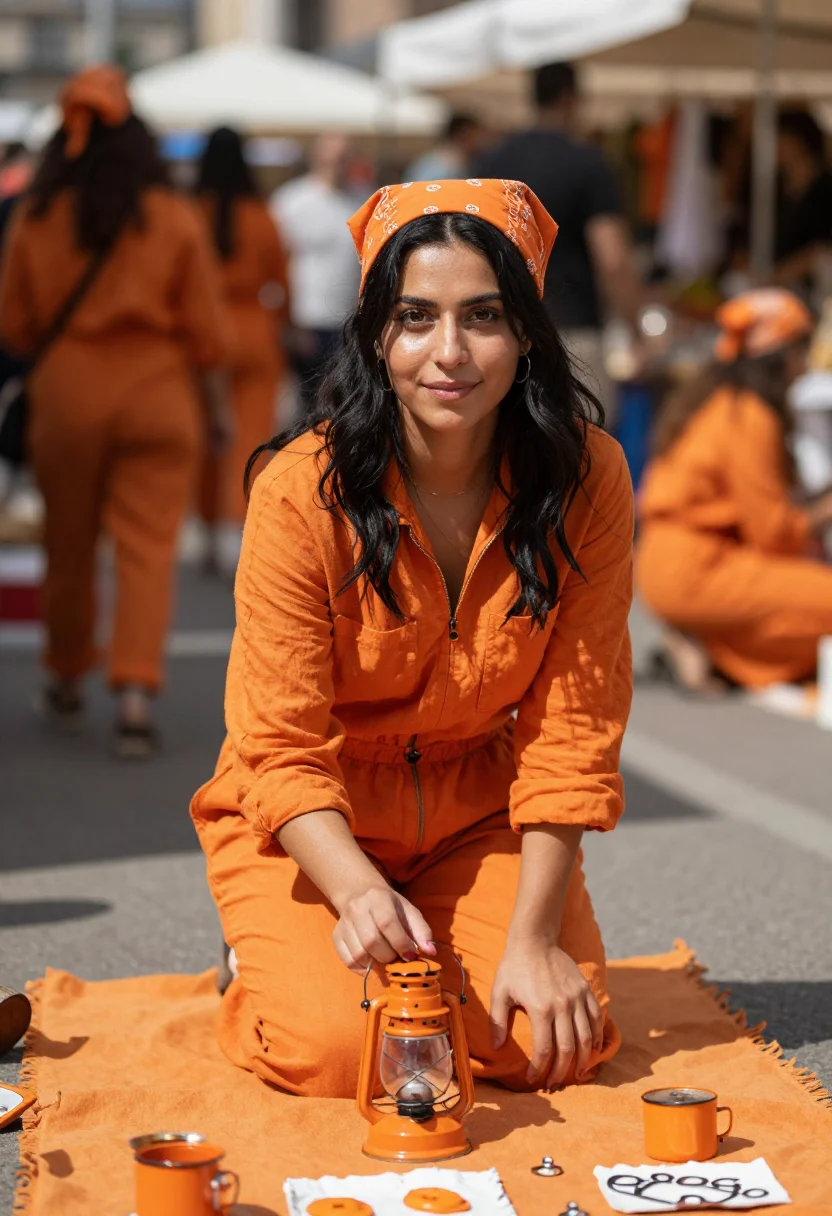
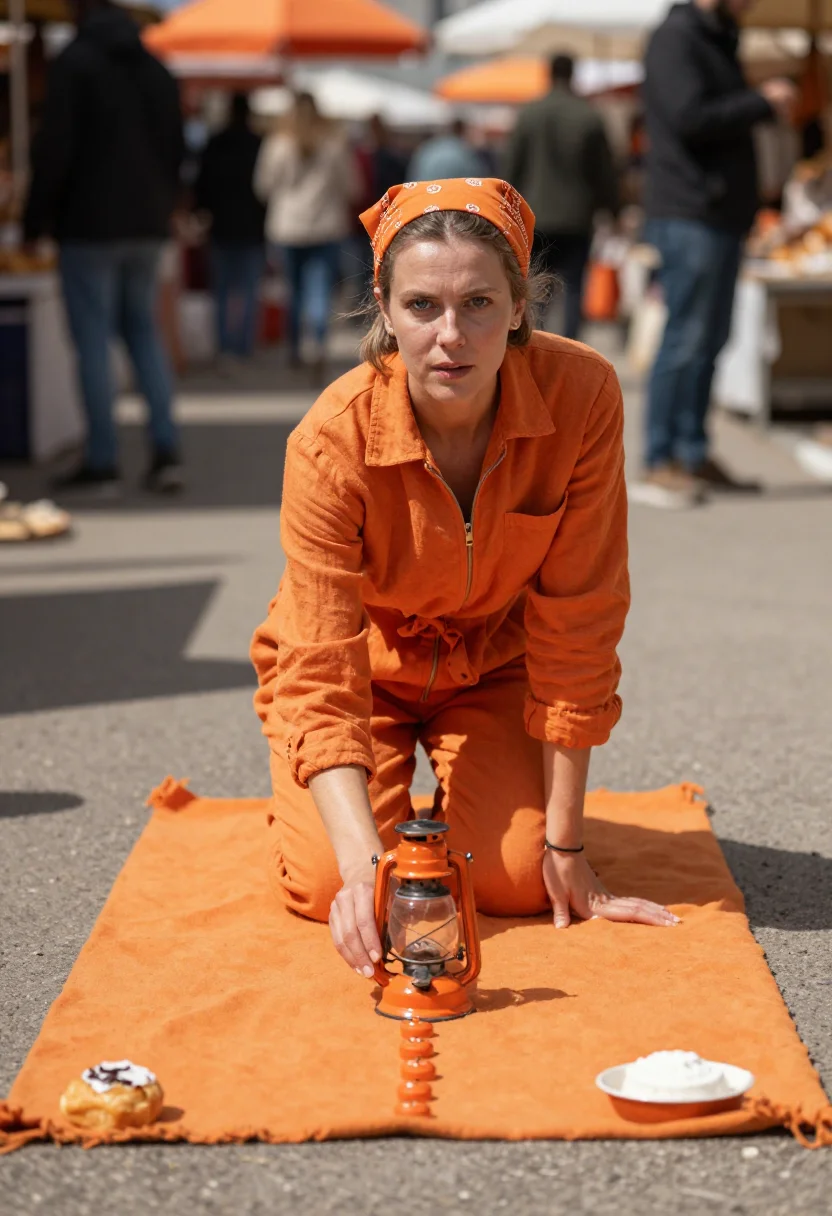
Nine photographs of you, styled in the Koningsdag Orange register — an orange cotton dress and feather boa at a canal railing of orange bunting, an orange raincoat and knit on a boat deck under confetti, an orange linen jumpsuit at the pavement flea market. King's Day and the House of Orange-Nassau's colour are borrowed as reference; no royal figure is depicted, in portrait format. The nine vary in crop, expression and light, so there are real choices, not nine identical files.
/koningsdag-orange · lifestyle · 3 scenes
A Koningsdag Orange Photoshoot — Amsterdam
no account · ~15s · try it on with one selfie
More of the oranges and corals
one model wears them all →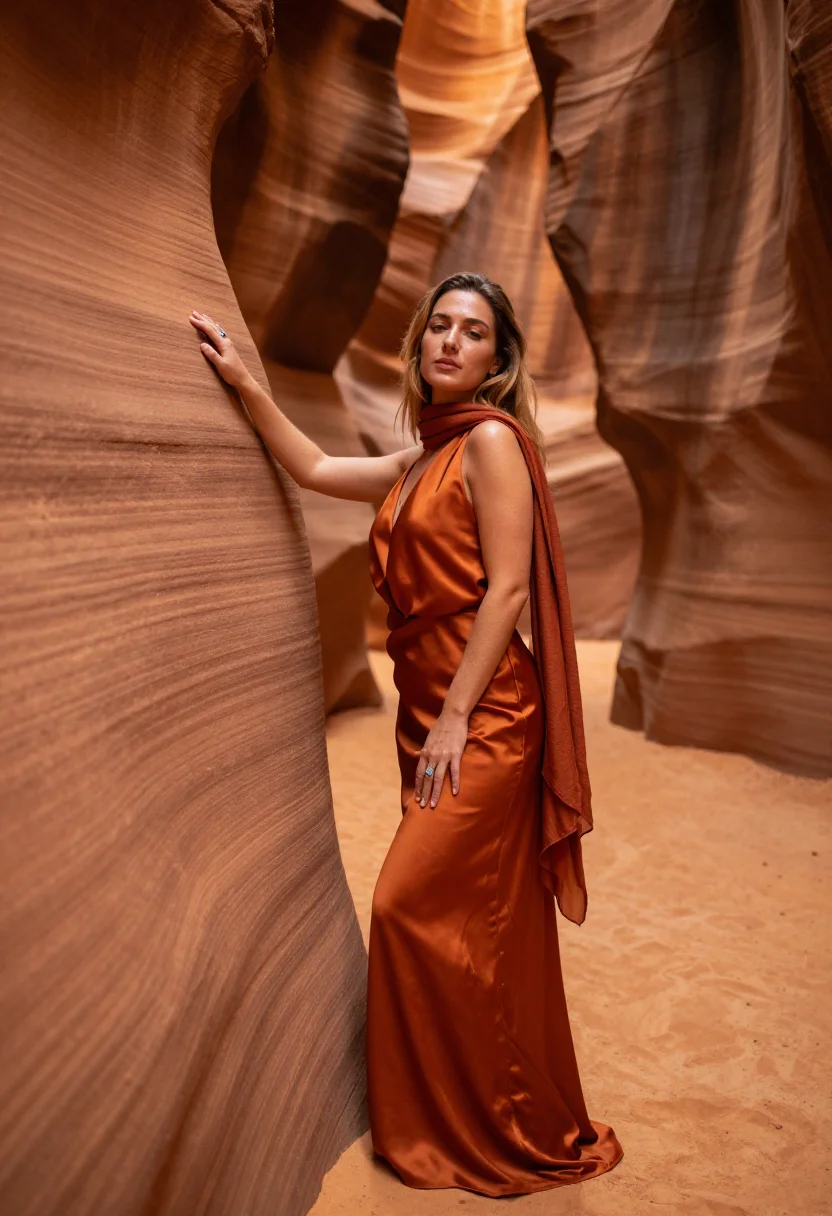
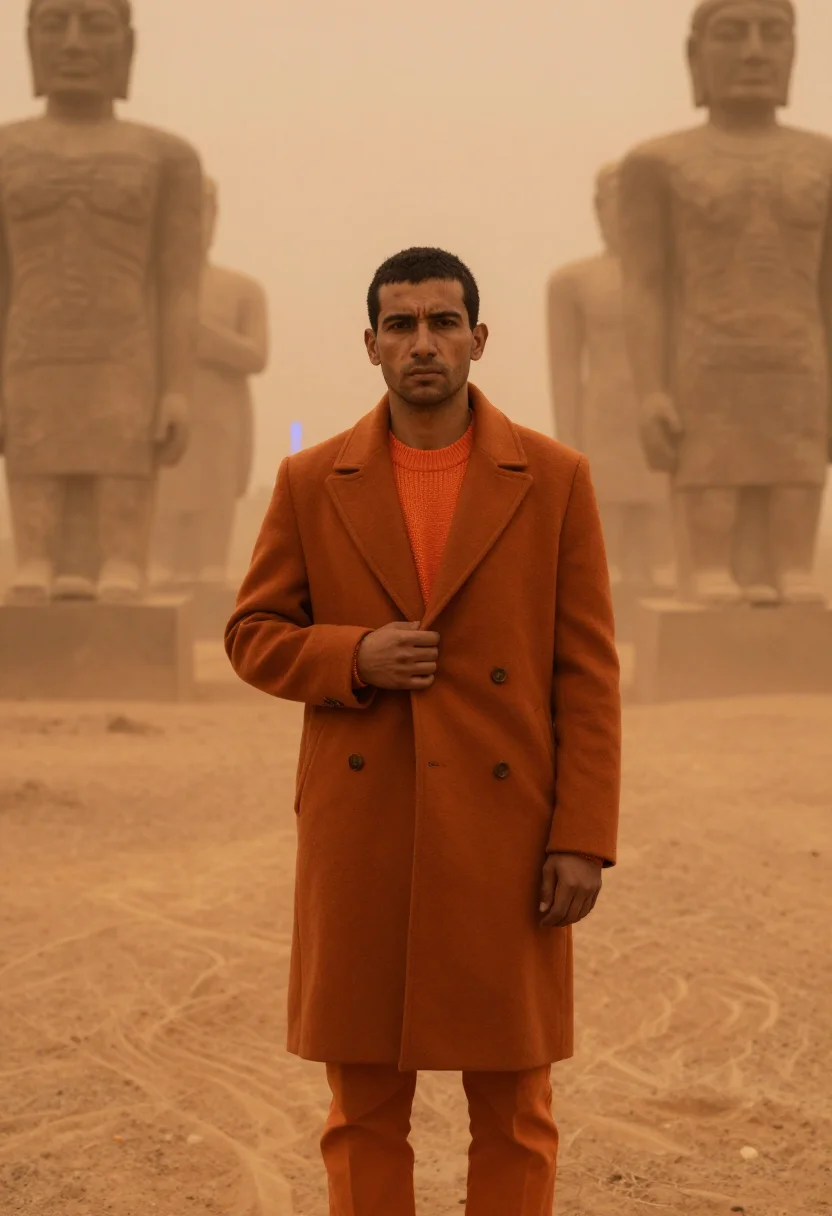
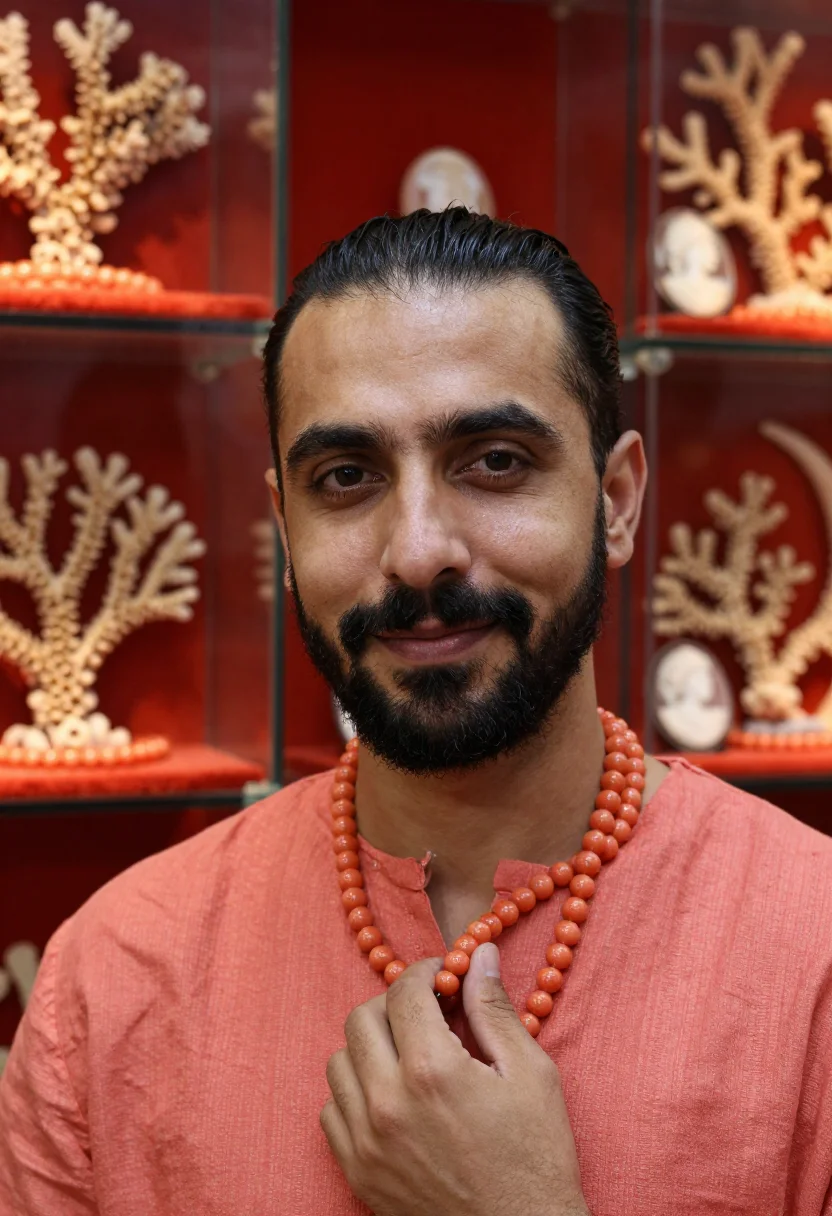
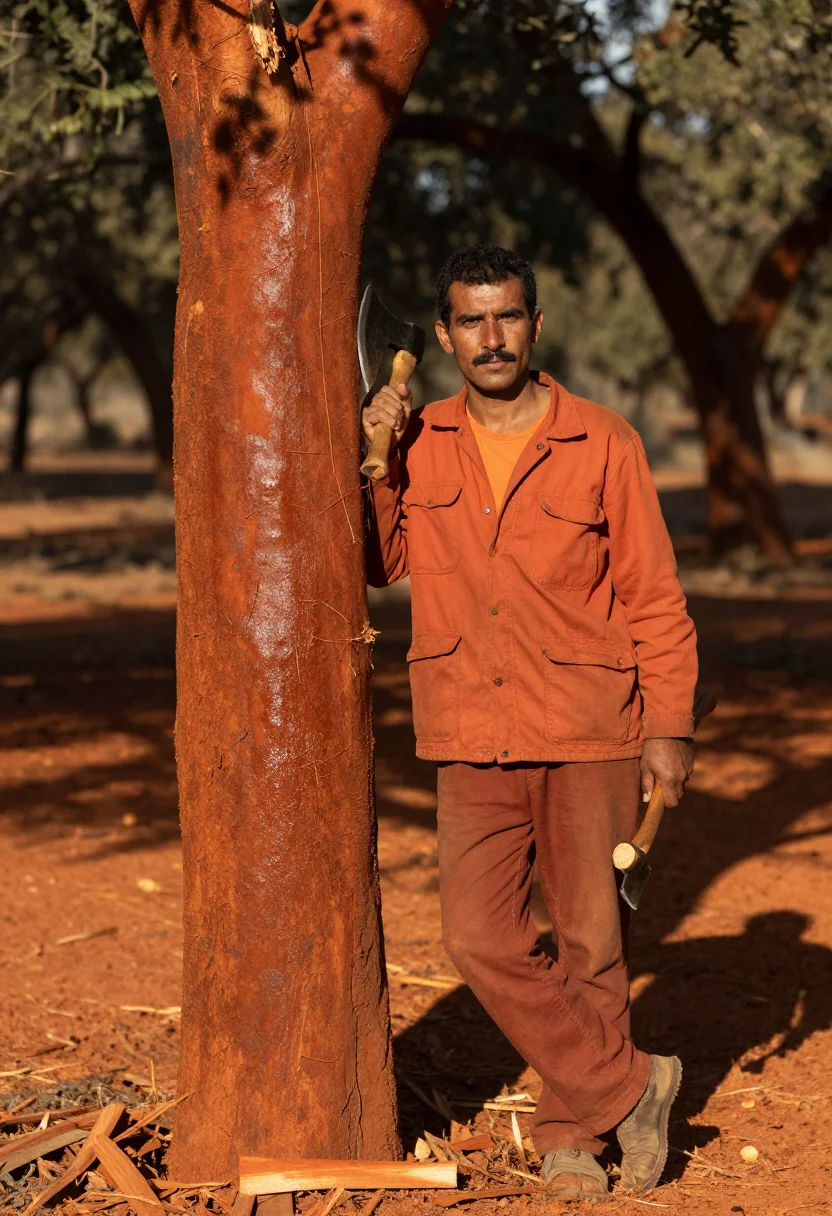
all 9 photos in this pack ↓
How it works
Three steps.
1
Add your photos
Add photos of yourself. We check each one when you add it.
2
We create your model
We create your AI model from your photos. Your photos are ready in a few hours.
3
Every pack, with your face
This pack and every other pack on Narcis can then be made with your face, and single photos too.
The Koningsdag Orange register
Koningsdag — King's Day — falls on the 27th of April, and Amsterdam spends it entirely in orange. The canals jam with orange-flagged boats, a free market spreads across every pavement where anyone may sell anything off a blanket, orange wigs go on, and the tompouce pastry is iced orange for the day. The colour belongs to the House of Orange-Nassau, and for one day a whole city wears it as a single garment. This pack dresses you in that orange and stands you in a city dressed to match.
The wardrobe is Amsterdam street-party editorial in April light — an orange cotton dress with an orange feather boa, an orange raincoat over an orange knit and orange trousers, an orange linen jumpsuit with an orange bandana. Hair loose or tied with an orange ribbon. The palette runs Oranje orange, tangerine and the orange of flags and bunting, with the white icing of a tompouce as the accent that keeps the frame from flattening.
Ton sur ton is the whole discipline: when the coat and the street share one hue, only texture, sheen and the fall of light separate them. Bright April sun at a canal railing lets cotton read against bunting and painted hull. Overcast flat light on a boat deck lets a technical raincoat shine where a knit stays dull and confetti sits on both. Noon on the pavement lets linen, a wool blanket and a small orange lamp each keep their own surface. Three takes carry the pack — the canal railing, the boat deck, the pavement market — and your face is the only thing in frame that isn't orange.
The output is photoreal — a real-looking photograph of you in that crowd, not a painting and not an orange filter over a party picture. The pack borrows the day's colour, wardrobe and city as costume and visual reference; it isn't a documented photograph of a real Koningsdag with you inserted afterwards, and no frame depicts the royal family.
How to photograph yourself for a Koningsdag orange photoshoot
Better source photos make better portraits.
- Even, soft lightStand near a window with indirect daylight on your face. The pack builds its own April canal-side light on top; a flat, well-lit selfie gives it the clearest face to work from.
- Front or three-quarter angleCamera at eye level, facing it or turned slightly. No selfie-stick uplook, no shot from below — the pack's framing is editorial, and a distorted source fights it.
- Face fully clearHair off the face, no hats, sunglasses or filters in the source photo. A clear, front-facing photo is the best input for an AI portrait.
- Avoid a strong colour castDon't shoot your selfie under a coloured lamp or against a saturated wall. This is a monochrome outfit photoshoot in one hue — a neutral source face keeps the orange reading as orange.
- An open expressionThe register is a street party, not a studio — a relaxed, cheerful look in your source photo blends more naturally into the crowd frames.
Frequently asked questions
- Will it actually look like a real photograph?
- Yes. The output is photoreal — a street-party editorial photograph, not a painting or an illustration — built from the documented details of the register: an orange dress and feather boa at a canal railing of bunting, a raincoat and knit on the deck of an orange-painted boat, a jumpsuit kneeling at a pavement flea market.
- What is Koningsdag?
- King's Day, the Dutch national holiday on the 27th of April.
- Why is the colour orange?
- It is the colour of the House of Orange-Nassau, the Dutch royal house, and it has been the national colour worn on royal holidays for centuries. Koningsdag is the day the whole country puts it on at once.
- Can men use this pack?
- The styling and sample set are built for women — an orange dress with a feather boa, a linen jumpsuit among them — so it reads feminine.
- Can I use this as a profile picture or on a dating app?
- Yes. A frame in one saturated hue reads instantly at thumbnail size, which is exactly what a profile grid rewards. Used honestly, as a stylised AI photoshoot rather than a claim of a day you spent in Amsterdam, it works well on any profile.
- Does it work as a gift, an invitation or a wall print?
- It does — the frames are portrait-shaped and hold up printed, and the colour makes an obvious party invitation. It's an easy present for anyone Dutch, or anyone who has done a King's Day and never quite got over it.
- Can I use the results commercially?
- Personal use is covered — profiles, prints, gifts, invitations. The pack isn't licensed for commercial resale.
- Will the photos look like me?
- Every photo looks like you, well photographed. If one is nearly right, say what to change, in your own words.
- Do I have to write a prompt?
- No. There is nothing to write: you pick a pack, and it is ready in seconds.
- How many photos of myself do I add?
- Between six and twenty, from different days and in different light, with your face clear. We check each one when you add it.
- What happens to the photos I add?
- They are used only to create your model, on our own servers in the European Union. They are not shared and not sold.
When the Koningsdag Orange pack fits
- For a feed that needs one saturated, unmistakable colour instead of another neutral portrait
- For a profile picture that reads at thumbnail size because it is essentially one hue
- For anyone Dutch, or anyone who has spent a King's Day on the canals
- For a festival or street-party editorial look without waiting for April
- For a party or birthday invitation with one colour running through it
- For a wall print where the orange does the decorating
- For a moodboard or vision board built around tonal dressing
- For a gift for a friend in Amsterdam or an expat missing the day
- For a dating profile photo that is cheerful without reading as costume
- For a phone or desktop wallpaper with real crowd colour in it
About narcis
Most AI photo tools put every pose, job, era, and style in one giant catalog. The photos all look like every other AI photo on the internet — a glaze over a stock face. Narcis goes the other way. One job: photos of you that look like photographs. You add at least 6 photos of yourself, and we create your AI model from them. Your photos are ready in a few hours, and we email you when they are. Then this pack and every other pack on Narcis can be made with your face. Each pack is curated against real references — paintings, photographers, places — and tested on real faces before it goes live. Built and run by one small team, on our own servers.
All images are AI-generated. By using this service, you confirm you are 18+, that any face photo you upload is your own or used with explicit consent. Full Terms