AI Lancelot Generator — Free Preview, Then Train Your Model
See a Free Preview in Seconds, Before You Commit
Train Your Model Once, Render Lancelot in About Ten Seconds
Studio-Quality Results Without a Studio Visit
Narcis generates a free preview of your lancelot from one uploaded photo. The preview streams in seconds — a quick sketch, close but not you yet. If you like it, train your model once — 12 to 20 photos, we email you when it's ready — and the full pack of nine is €9,99, rendered from your model in about ten seconds a portrait. No signup before the preview, and no waiting for an email until you choose to train.
The pack is nine professional lancelot rendered in portrait aspect ratio (2:3) — the shape LinkedIn banners, CVs, and print profiles actually use. Each image shows varied crops, expressions, and light angles so you have real choices, not nine identical files.
Photos are processed on European servers. We use your photo to generate your headshots; we do not share it with third parties.
/lancelot · photo · 3 scenes
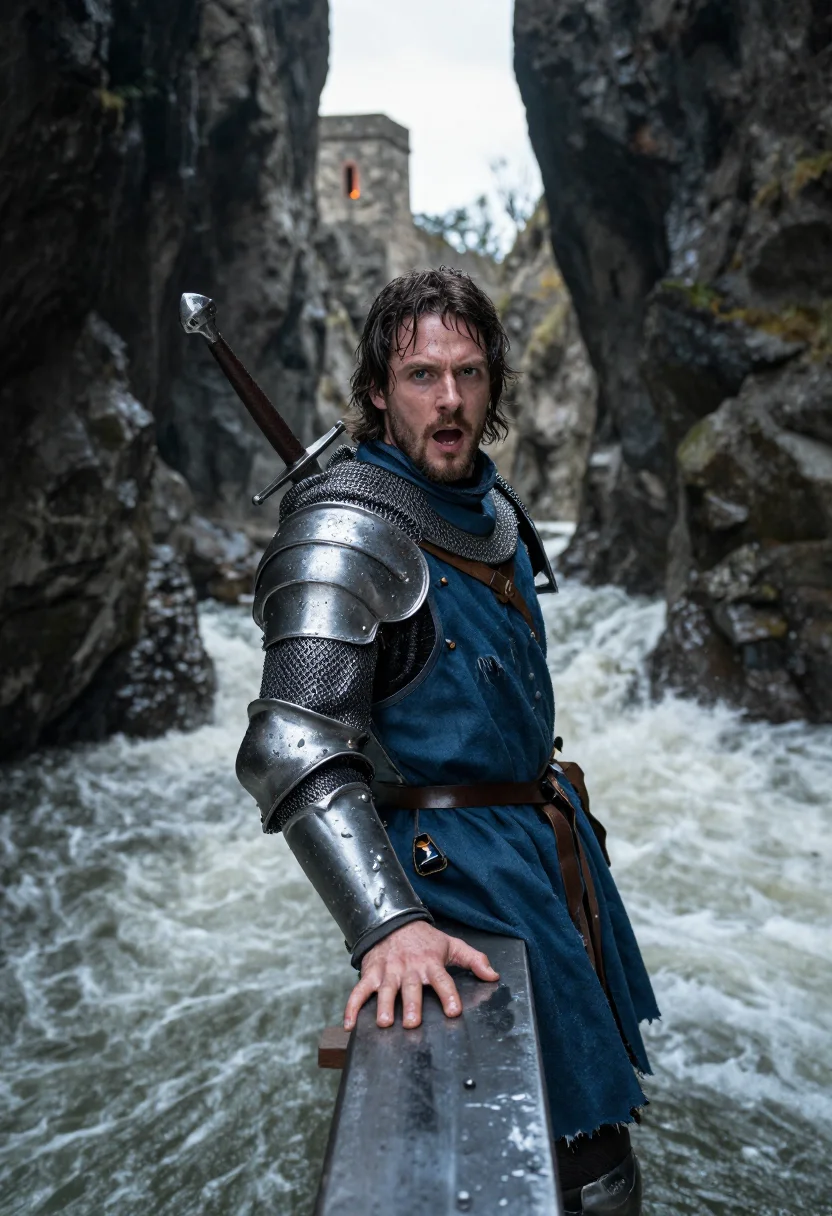
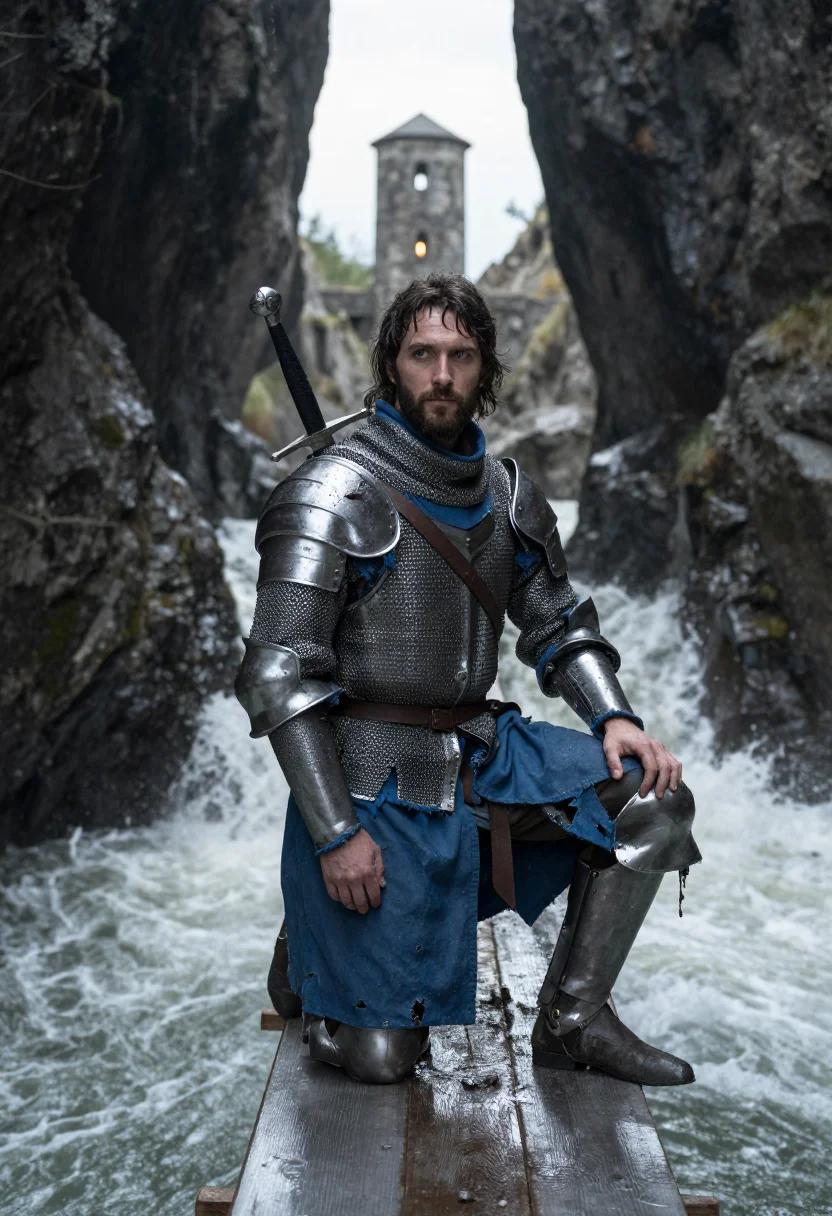
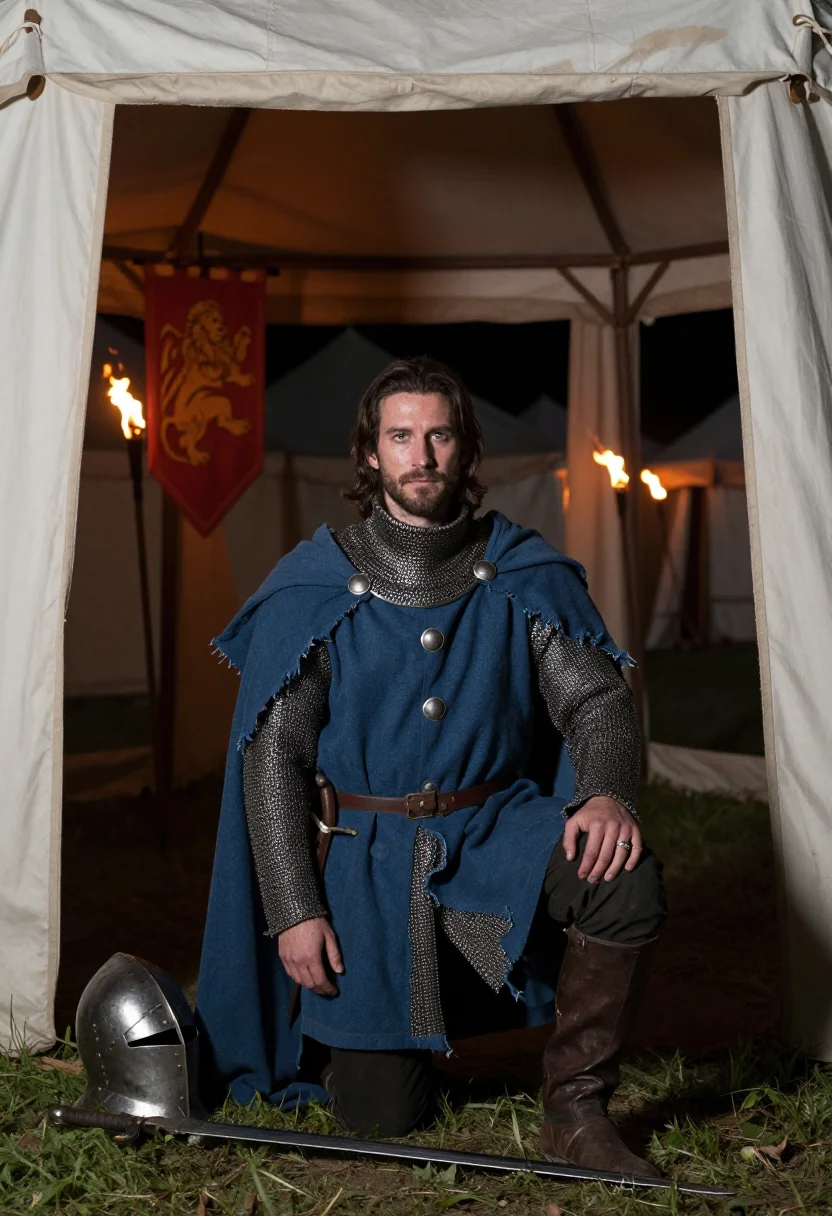
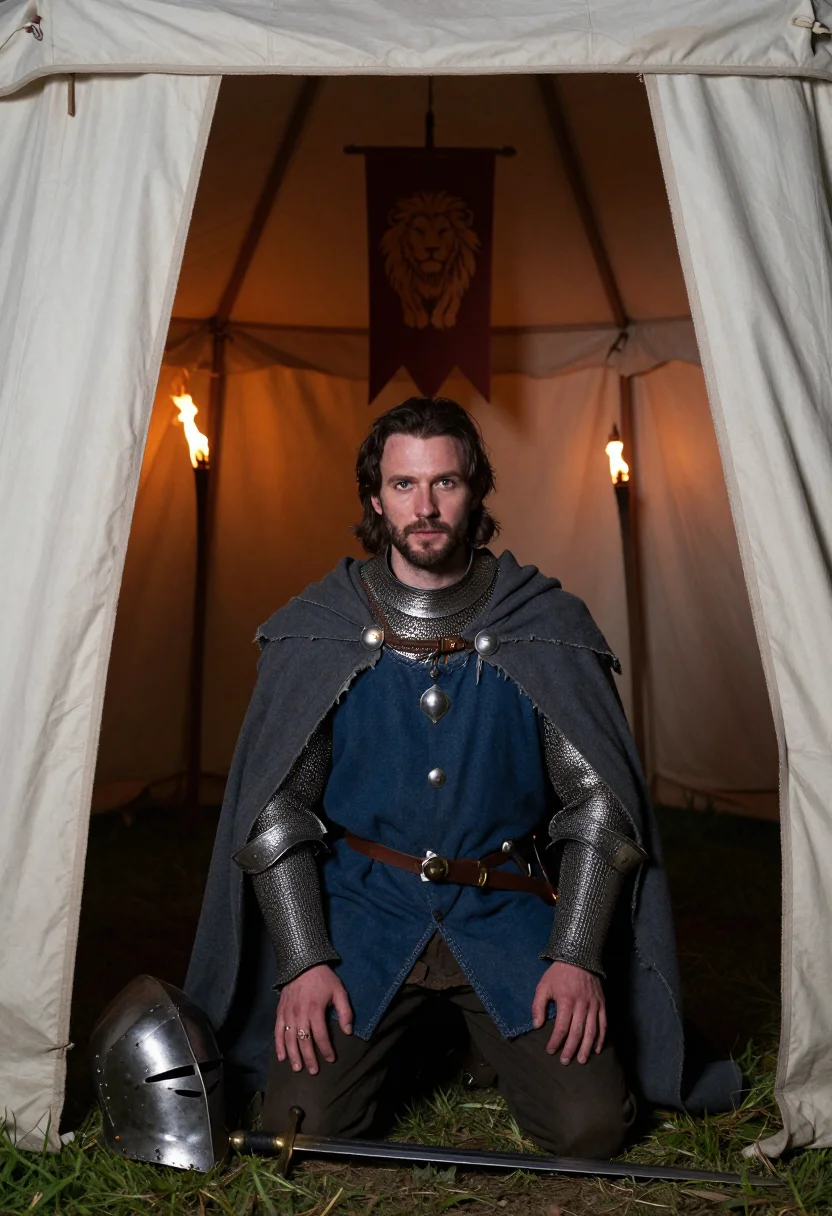
A Lancelot Costume Photoshoot, Cast From One Selfie
no account · ~15s · the first shot is free
The matter of Britain
one model wears them all →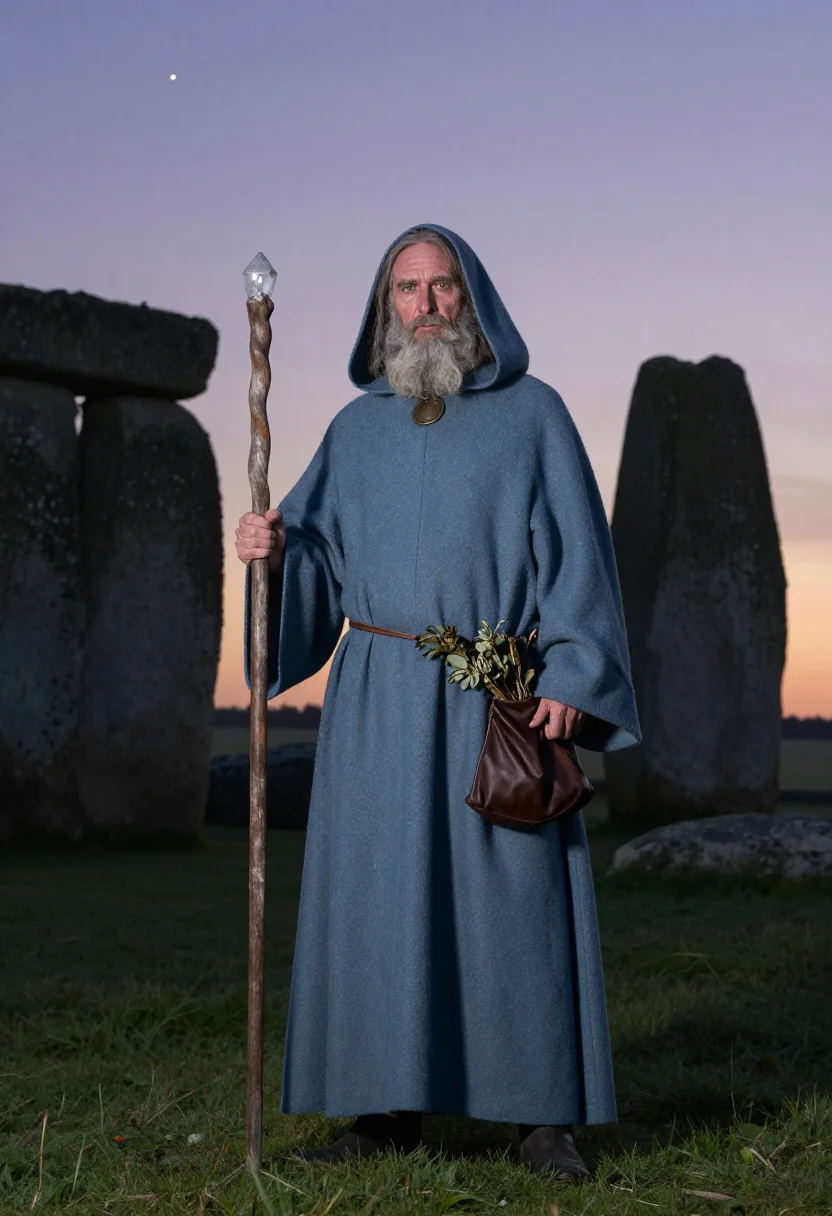
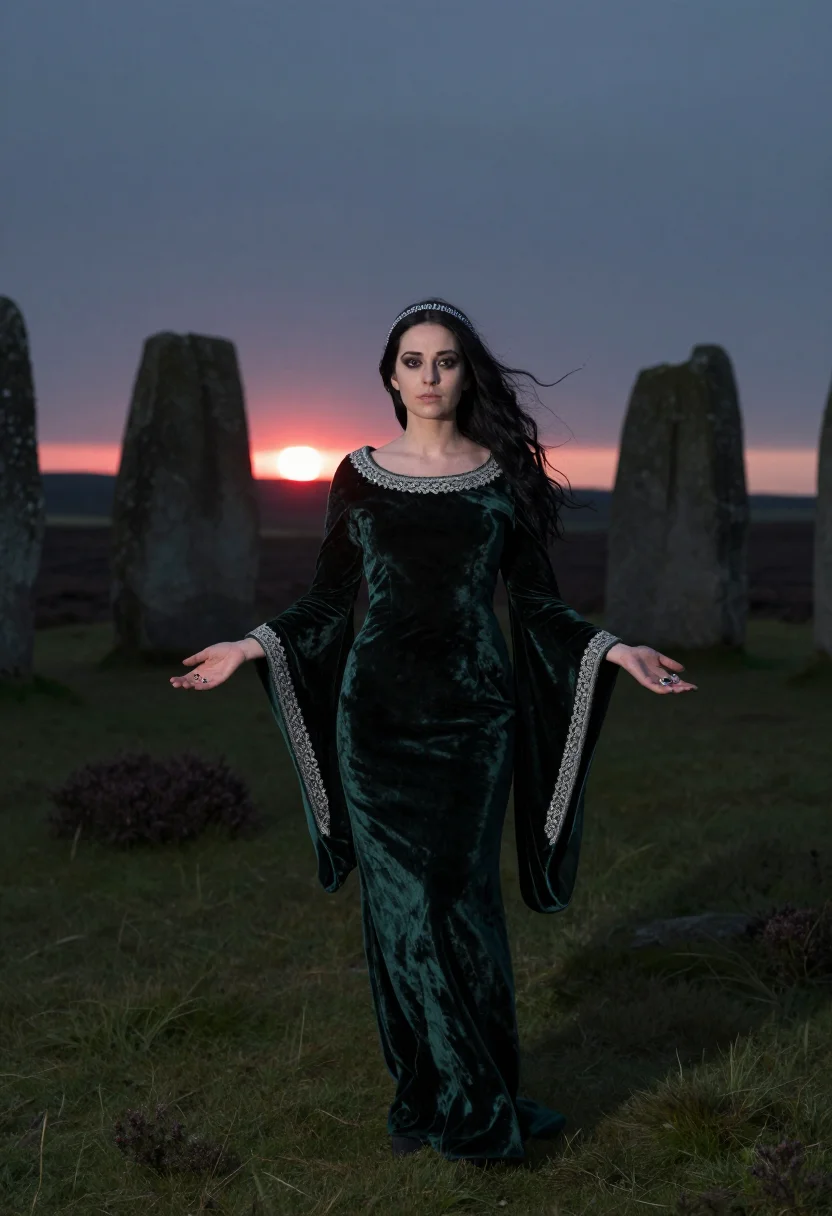
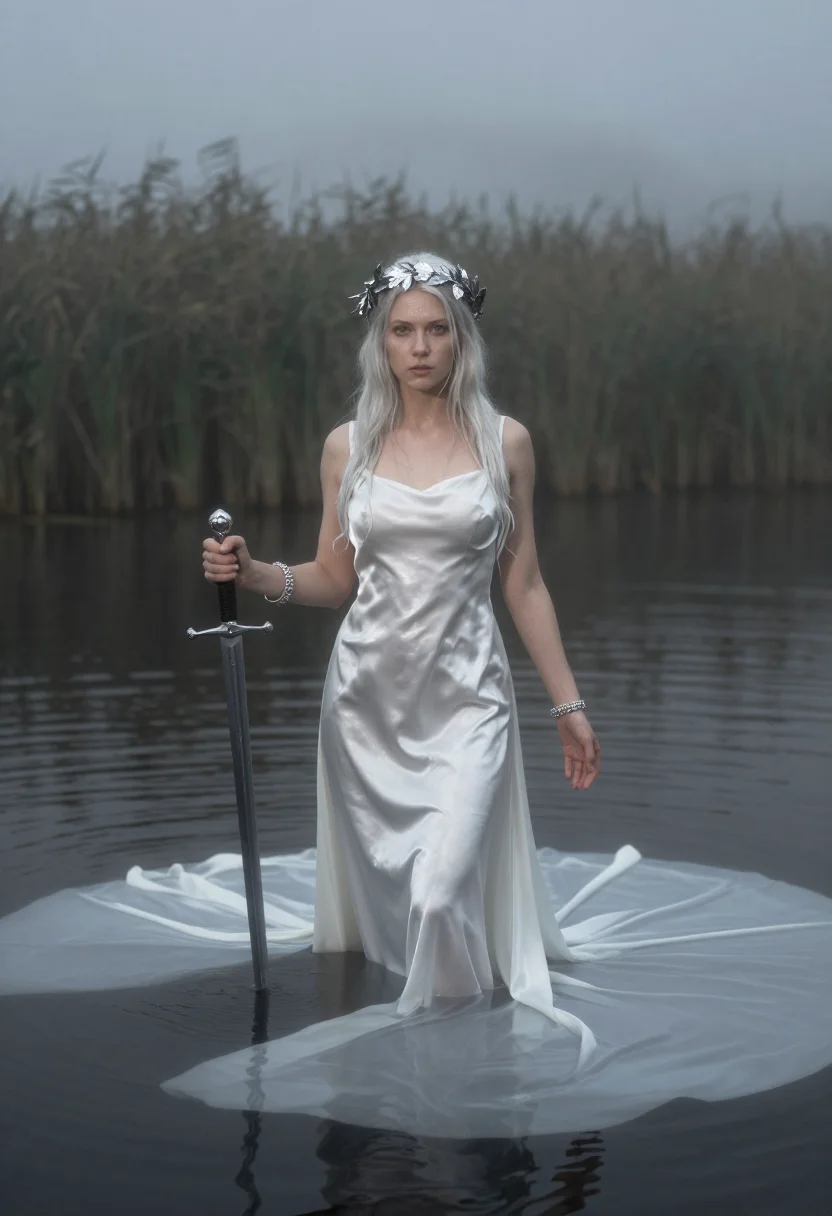
all 9 looks — from one photo ↓
How it works
Three steps. Upload, preview, deliver.
1
Upload 1 to 5 selfies
One is enough for the free preview. More angles sharpen the likeness.
2
See a free preview
A quick sketch of your likeness streams in seconds — close, not you yet, before you pay.
3
Train your model, then unlock 9
€9,99 one-time. Train your model once — 12 to 20 photos, we email you when it's ready — and all nine render in about ten seconds each. Every future pack and Studio portrait render the same way, no repeat training.
The Lancelot register
Lancelot is Camelot's contradiction made flesh: the greatest knight the Round Table ever produced, and the one whose love for the queen eventually pulled the fellowship apart. This pack holds both halves — prowess on the rampart walk, guilt at the tent flap — rather than flattening him into a generic sword-and-shield knight.
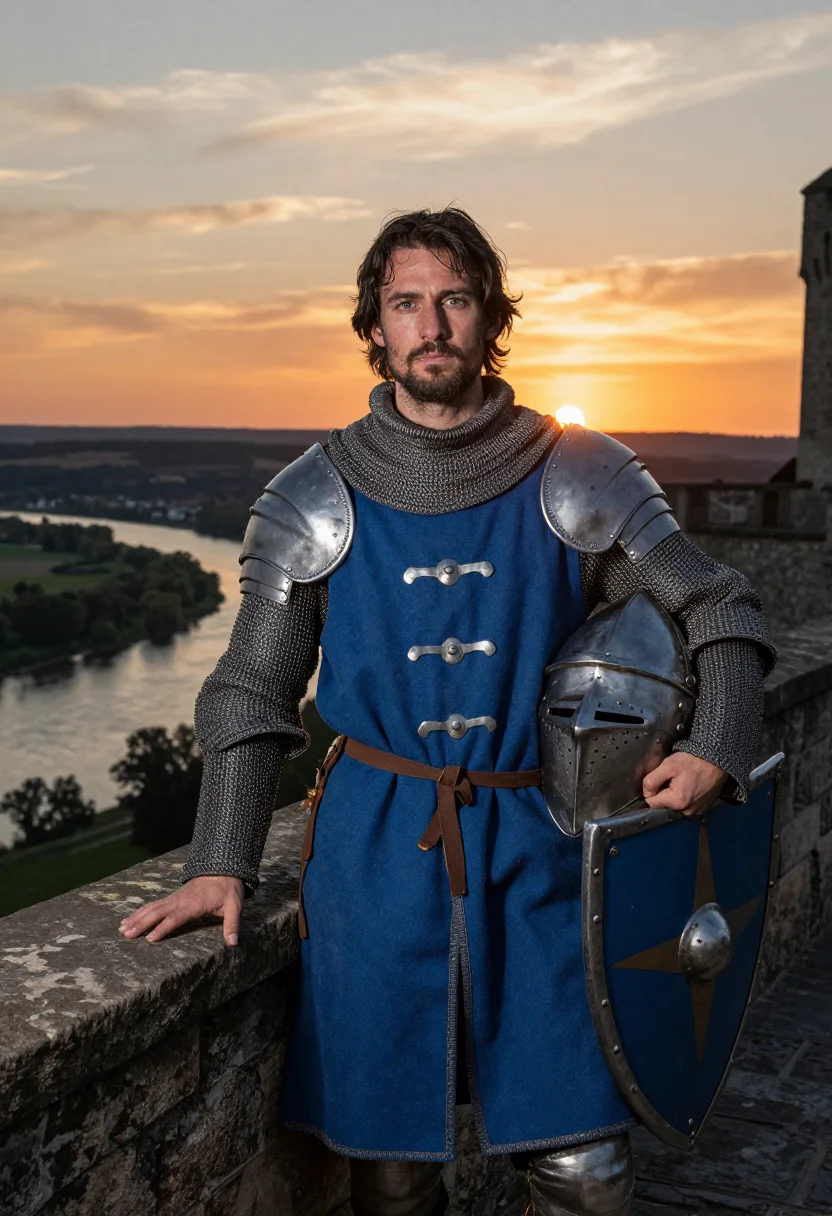
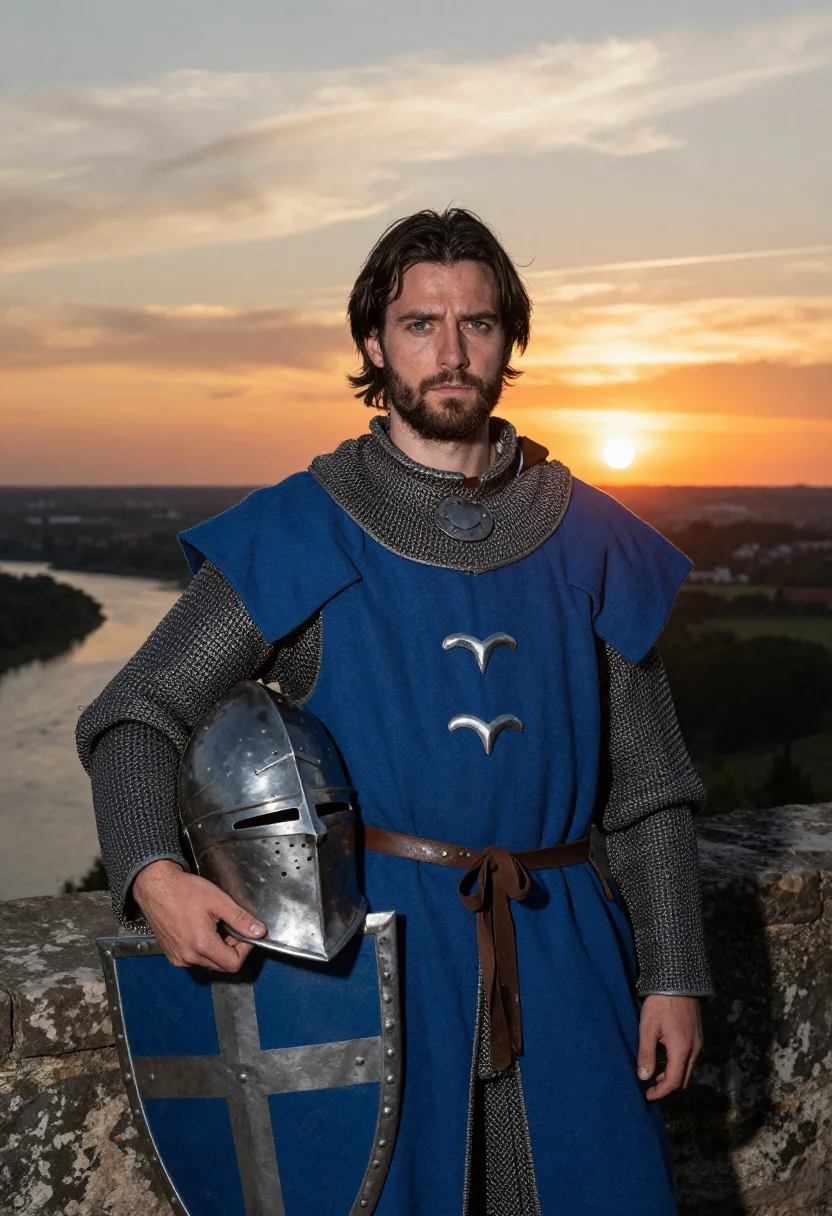
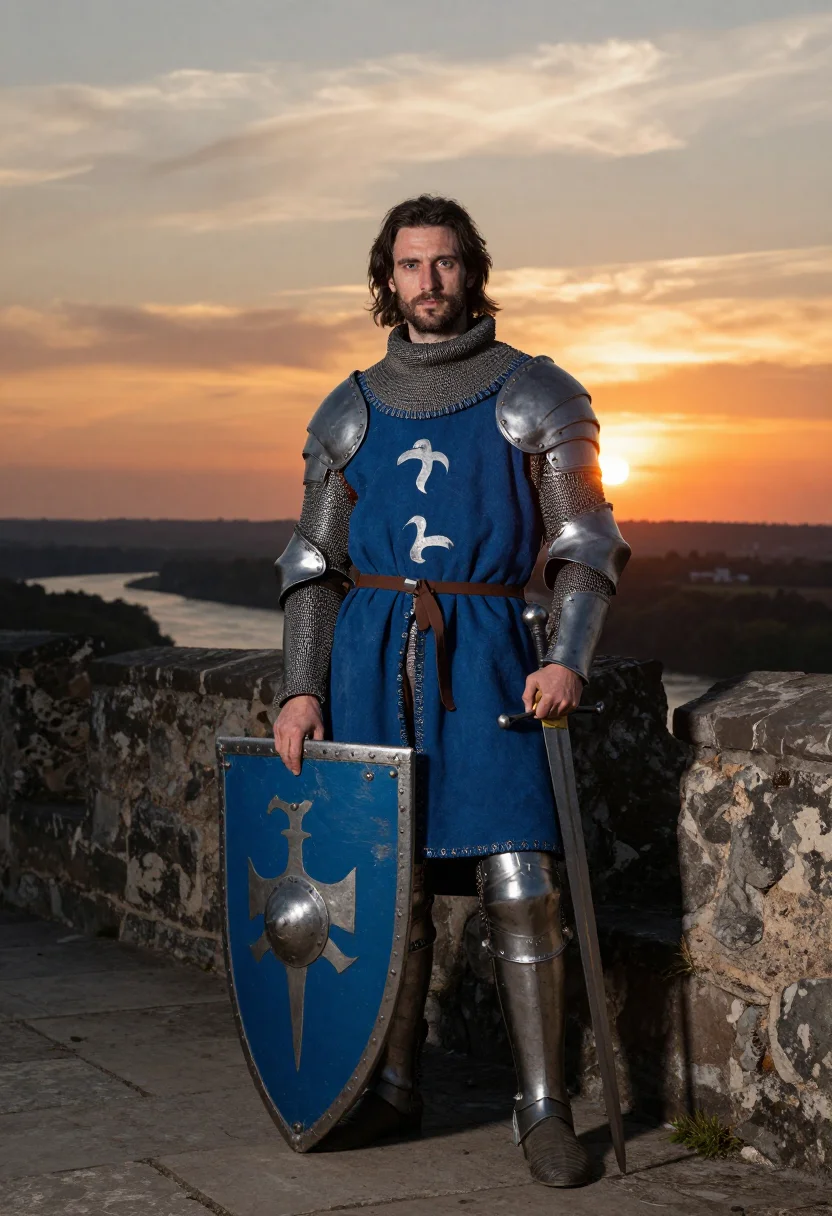
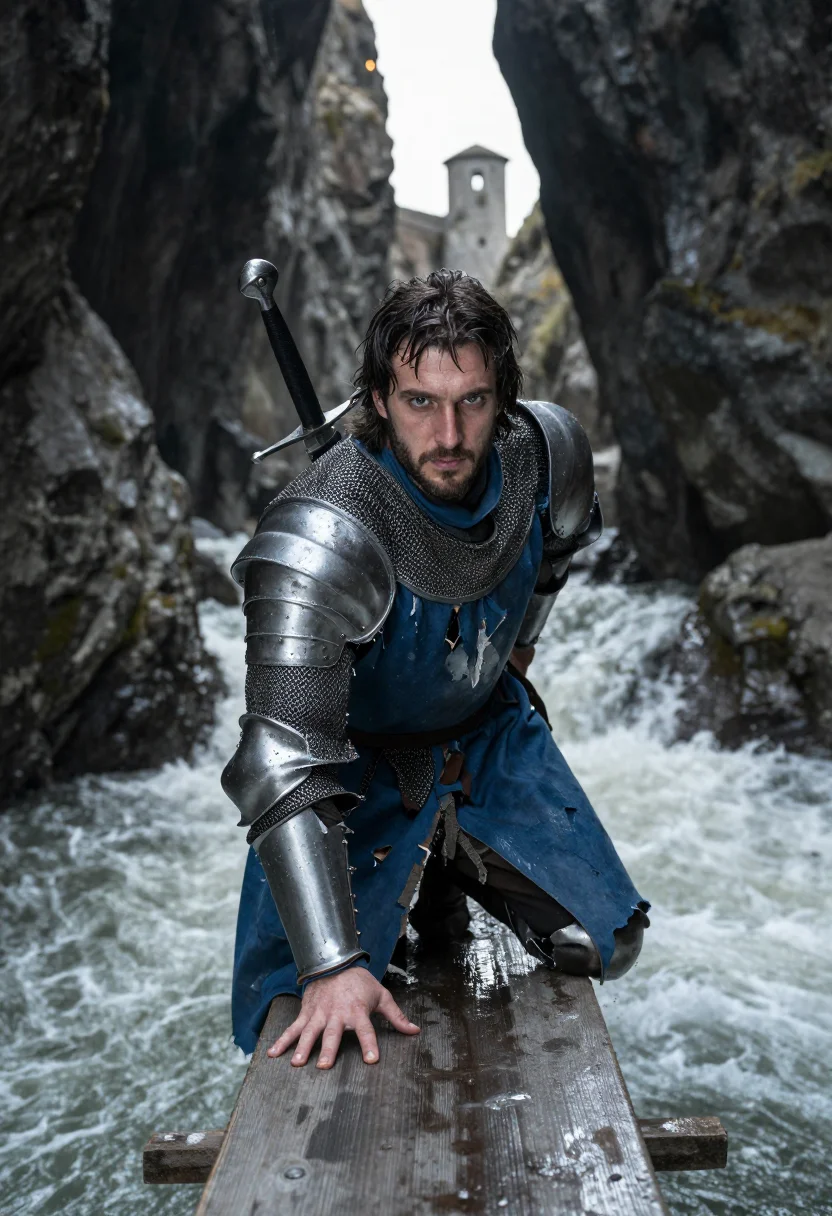
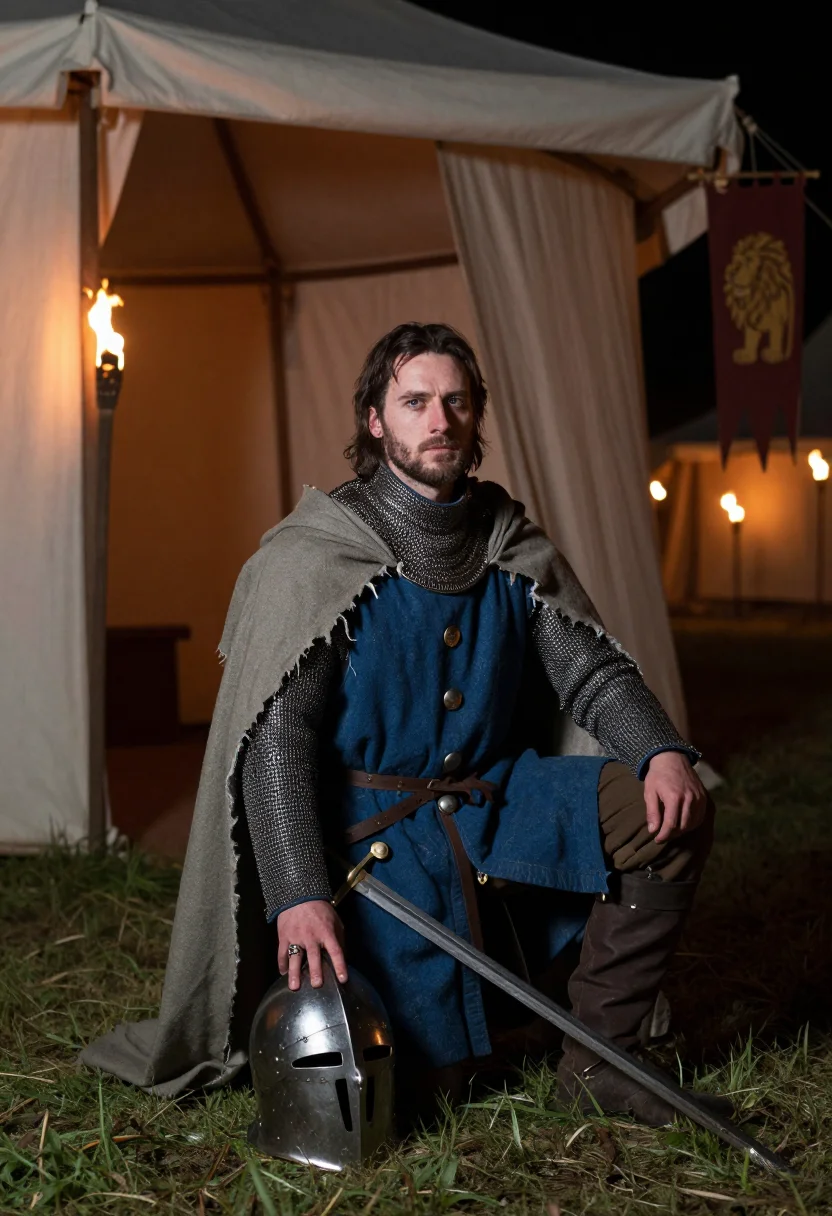
Three situations carry the arc. On Joyous Gard's rampart walk at sunset, helm under the arm, shield leaning, wind in the surcoat — a knight at rest, looking out over what he's won. Crossing the sword bridge on hands and knees over a black torrent, teeth set, surcoat torn by the blade's edge — the ordeal that proved his devotion. Kneeling at the queen's tent by torchlight, torn cloak, head lifted as a lady's hand reaches into frame — the cost of it, made visible.
The register is built on mail hauberk under a blue surcoat with three silver bends, a great helm carried rather than worn, a shield of the same arms, a long sword — the palette running blue, silver, torchlight, river grey. Every garment detail is period-plausible rather than costume-shop plastic: real weight in the mail, real wear in the torn cloak.
What the pack renders is a photograph: a photoreal AI portrait of you styled as Lancelot, not a painting and not a live-action reenactment. Nobody is claiming you actually crossed a sword bridge — this is a portrait built around the legend's most charged images, with your own face carrying them.
How to photograph yourself for Lancelot portraits
Better source photos make better portraits. The pack works with an ordinary phone selfie — the free preview tells you in seconds — but a few things sharpen the likeness before the mail and surcoat go on.
- Even, soft lightStand near a window with indirect daylight on your face. Avoid overhead bulbs and phone flash — both flatten the face and are the usual reason an AI portrait misses your likeness.
- Front or three-quarter angleCamera at eye level, facing it or turned slightly to three-quarter. No selfie-stick uplook, no shot from below.
- Face fully clearHair off the forehead, no sunglasses or hats. A clear, front-facing photo is the best photo for an AI portrait — it gives the model the most of you to work with.
- A composed, steady expressionLancelot's register carries weight, not a grin — a level gaze reads better against mail and torchlight than a big smile.
- Plain background is fineDon't worry about your own backdrop — the rampart, the bridge and the tent replace it. A plain wall behind you just helps the model focus on your face.
Frequently asked questions
- Will it actually look like Lancelot, and like a real photo?
- Yes on both. The blue-and-silver surcoat, the mail hauberk, Joyous Gard's ramparts and the sword bridge's black torrent come back detailed and unmistakable, and the output is photoreal — a real-looking photograph of you as Lancelot, not a painting or a cartoon.
- Is this an actual medieval reenactment, or a costume portrait?
- It's a styled AI portrait, honestly. Nobody rented armor and crossed a real sword bridge — this composites your face into Lancelot's world with photographic realism. Post it as the fantasy portrait it is.
- Which Lancelot scenes does it cover?
- Three that carry his story: the rampart walk at Joyous Gard, the sword bridge crossed on hands and knees, and the kneeling scene at the queen's tent by torchlight. Nine portraits, three per scene.
- How is this different from renting a knight costume or hiring a cosplay photographer?
- A real armor rental and studio shoot means sourcing mail, a surcoat, and a location that reads as Camelot — expensive and slow. This gives you the same knight, from a selfie, in about a minute.
- Can I use it as a profile picture or dating app photo?
- Yes for a profile picture — it's a striking, character-driven shot. For dating, it reads as a costume portrait rather than a candid, so use it where that context is clear or welcome.
- Is this pack built for men or women?
- Lancelot is a male figure, so the sample and armor styling are built for men. A women's Arthurian pack in this series is Morgan le Fay or the Lady of the Lake.
- Does it look like me — I don't want a generic knight?
- It's built to. Whichever face you upload drives the output, so the nine come back looking like you in mail and surcoat, not a stock actor.
- How is this different from Midjourney or Lensa?
- Text-to-image tools generate a knight who matches a description; avatar apps hand back stylised images that read plainly AI. This pack anchors every render to your uploaded face and keeps it photoreal, so the output is you, consistent across all nine.
- What if I only have an ordinary phone selfie?
- One clear selfie is enough to start. The free preview shows the likeness in seconds — if it's off, the prep tips above are the fastest fix, usually lighting.
- What happens to the photo I upload?
- Your preview photo is processed on European servers. If you train your model, those photos train only your model and are deleted the moment you delete your model. Nothing is sold or shared with third parties.
When the Lancelot pack fits
- For an Instagram or social feed built around Arthurian legend and medieval fantasy
- For a profile picture with a knight's composed, weighted bearing
- For a D&D or tabletop character portrait when your paladin needs a face
- For a renaissance faire keepsake without renting a costume for the weekend
- For a gift to someone who's read every Camelot retelling there is
- For a phone or desktop wallpaper you actually enjoy looking at
- For a print or framed portrait for a fantasy-literature reading corner
- For a costume-party reference shot before committing to the real outfit
- For a book club or history-of-legend discussion group icon
- For anyone who's always wanted to see themselves as the best knight in the world
About narcis
Most AI portrait tools ship every pose, profession, era, and aesthetic in one giant catalog. The output looks like every other AI photo on the internet — a glaze over a stock face. Narcis goes the other way. One tool, one job: turn photos of you into portraits worth keeping. Drop a selfie and your free preview streams in seconds — a quick sketch: close, not you yet. For portraits that are truly you, train your own model on 12 to 20 photos; it trains in the background, and we email you when it is ready. Train once, render everywhere — this pack, every other pack, and the Studio all come out of that one model, about ten seconds a portrait, and it stays yours to retrain or delete. Each pack is hand-curated against actual references — paintings, photographers, registers — and tested on real faces before it ships. See a free preview before you pay, not after. Packs are one-time — no subscription to buy one; Studio, the unlimited composer, is optional at €12/month and every pack includes 30 days of it. No template generator. Built and run by one team, on our own infrastructure.
All images are AI-generated. By using this service, you confirm you are 18+, that any face photo you upload is your own or used with explicit consent. Full Terms