AI LinkedIn Headshot Generator — Nine Photos From Your Own Model
See Your Free Preview in Seconds, Before You Pay
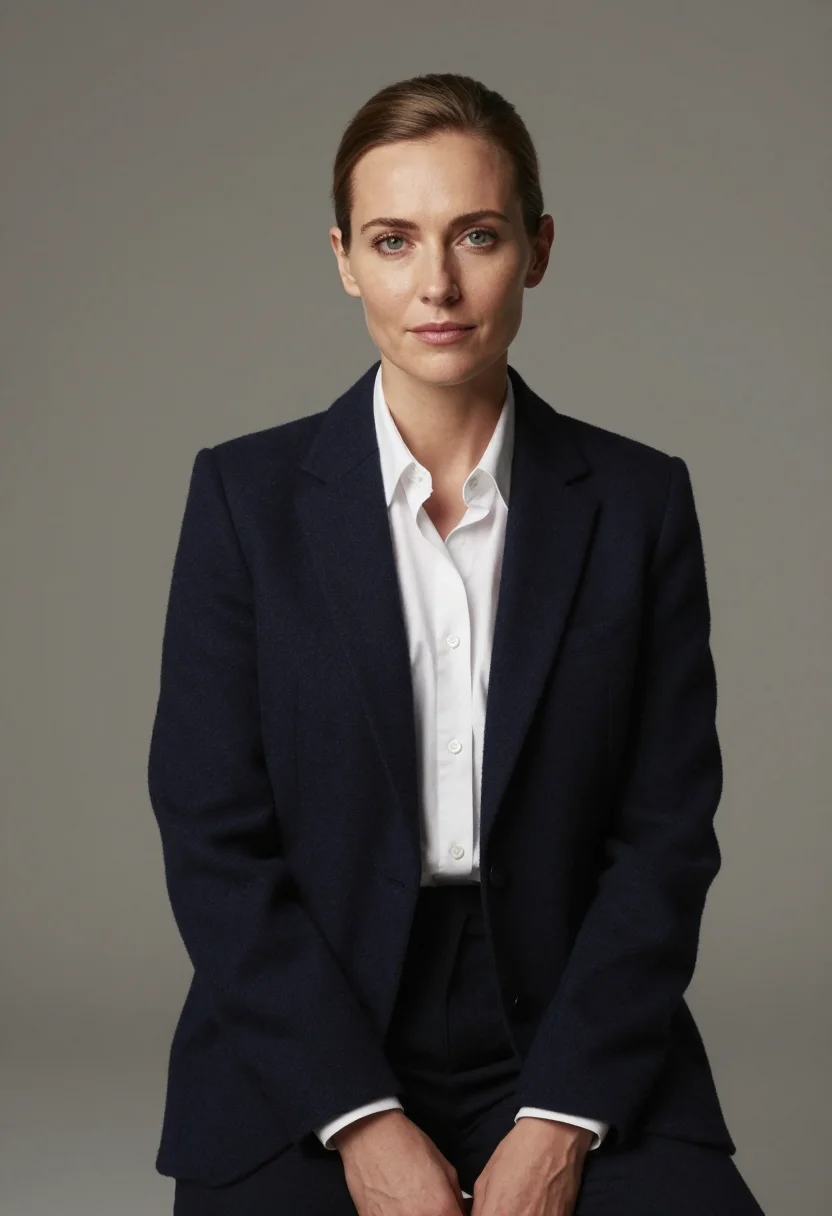
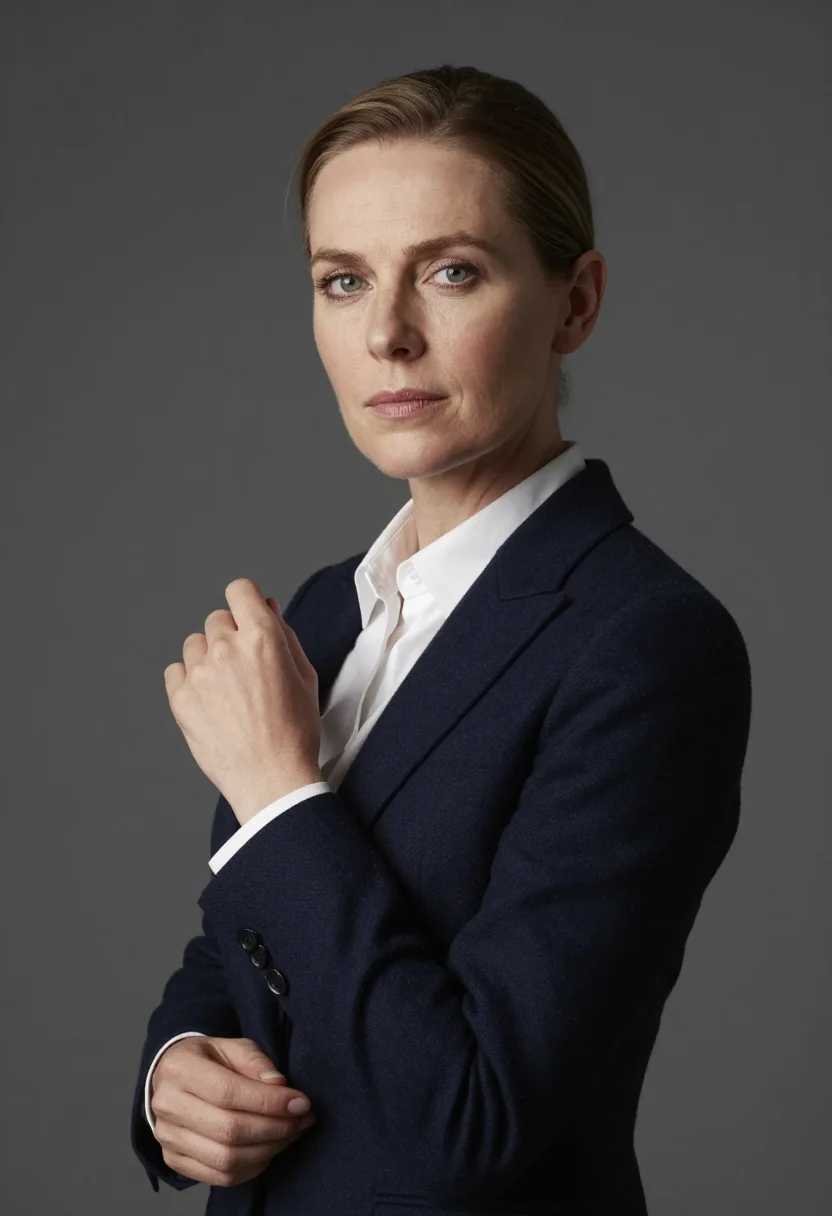
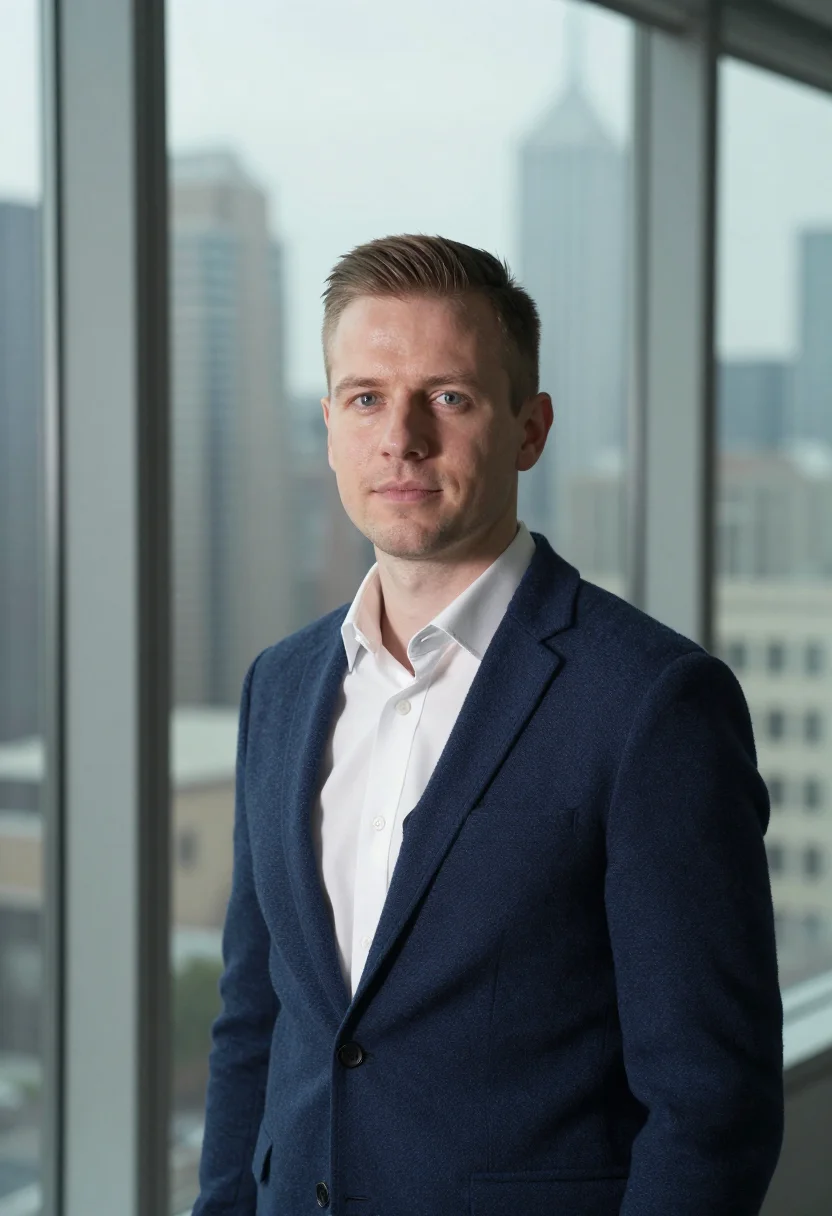
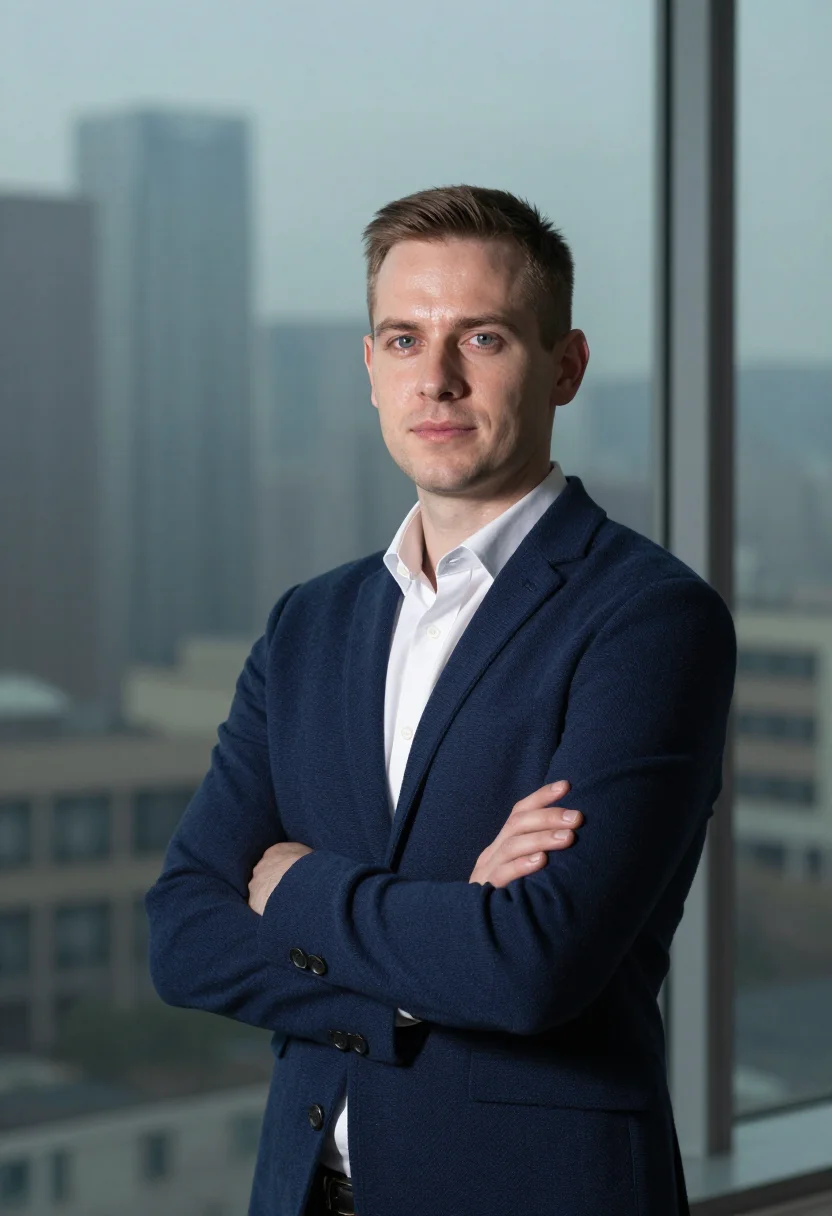
Nine LinkedIn Headshots from Your Trained Model
Studio-Quality Results Without a Studio Visit
Narcis generates a free preview of your LinkedIn headshot from one uploaded photo. The preview streams in about seconds — a quick sketch, close but not you yet. If you like it, you train your model on 12–20 photos of yourself; training runs in the background, and we email you when it is ready. From then on, the full pack of nine headshots — €9.99 — and every other pack and the portrait studio all render from that one model.
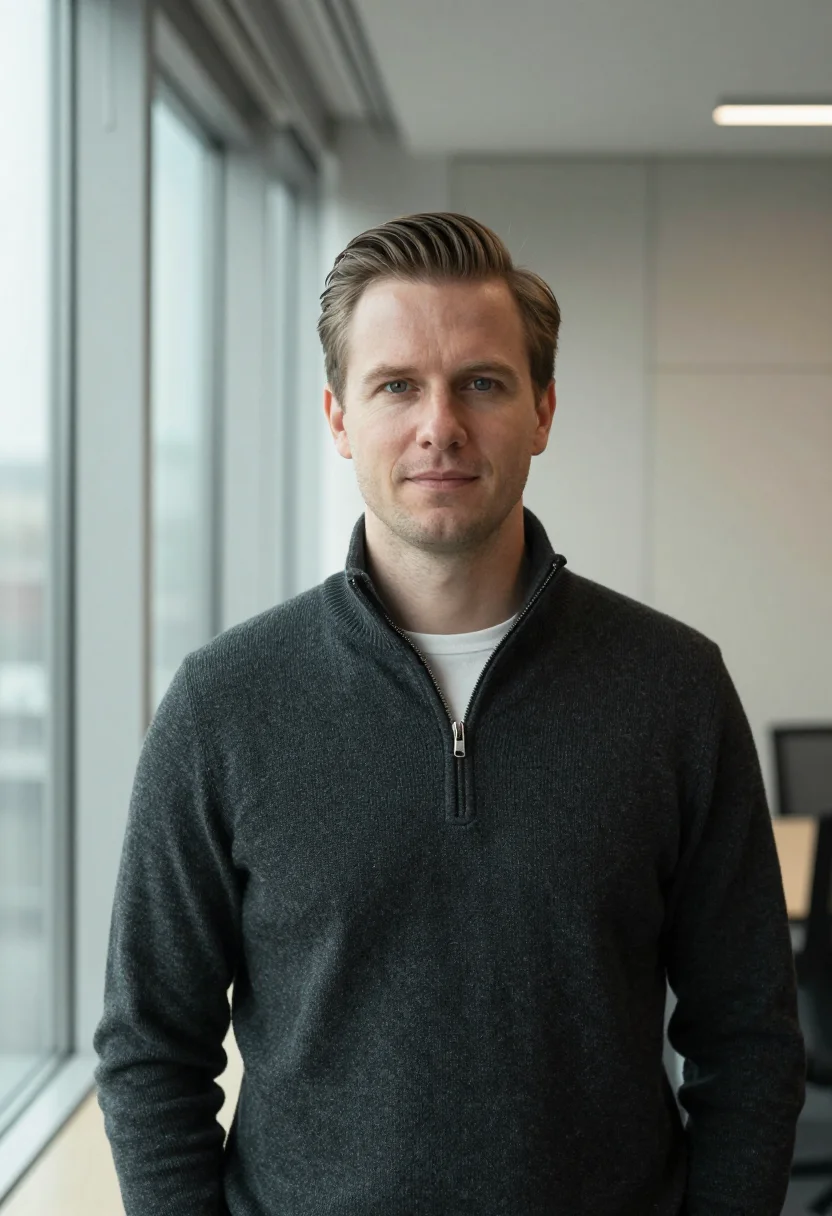
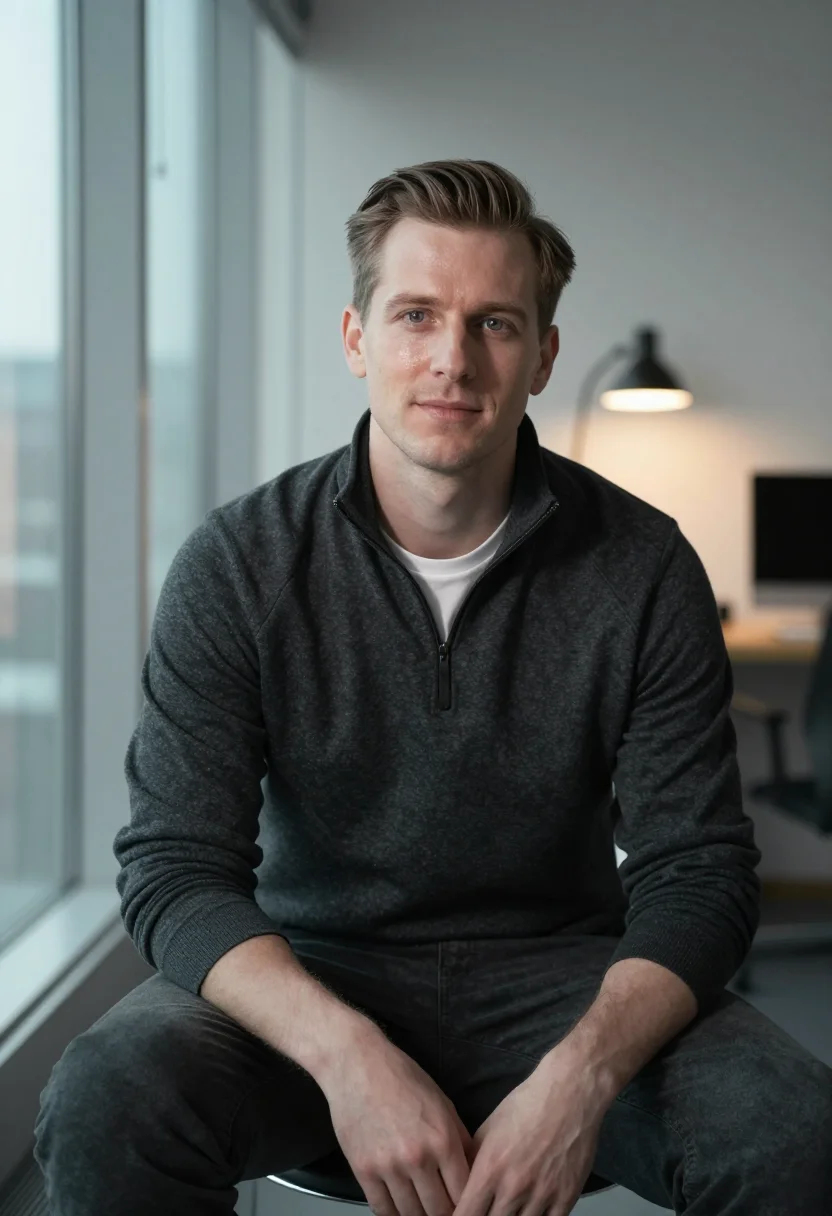
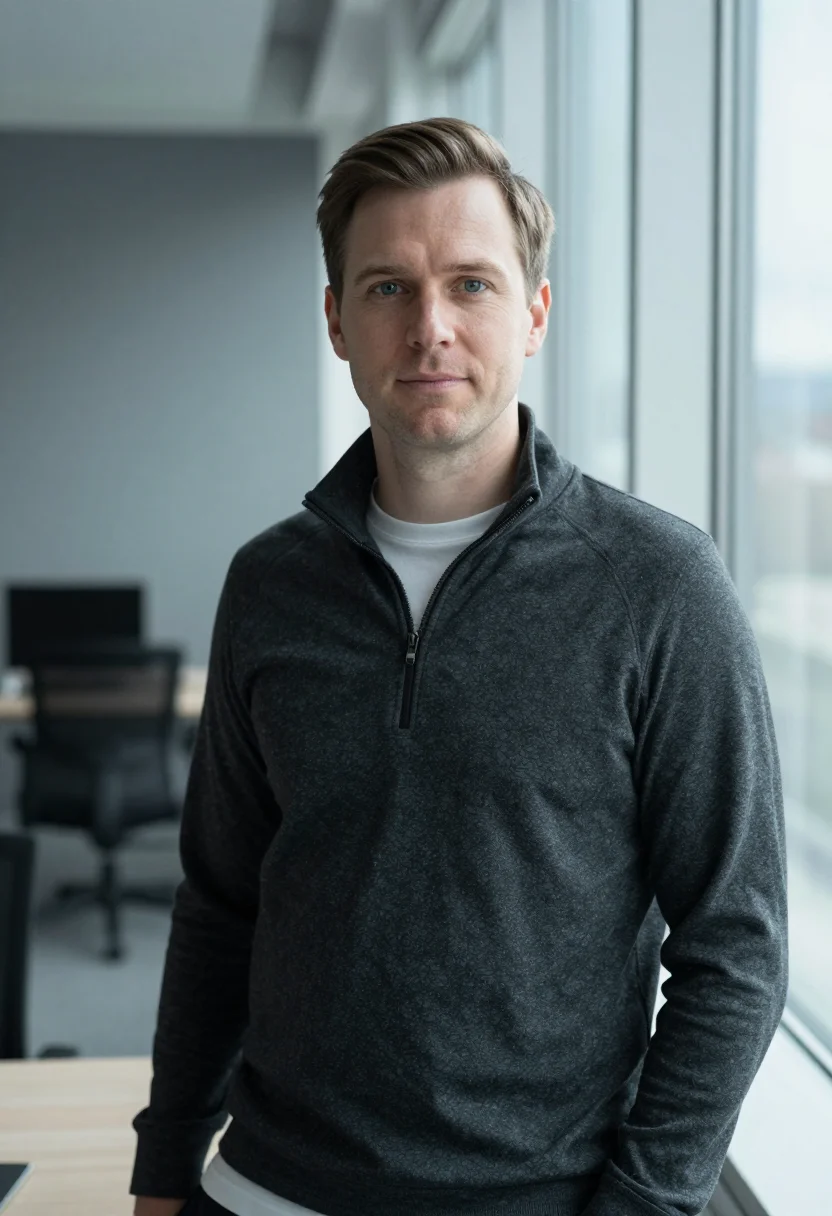
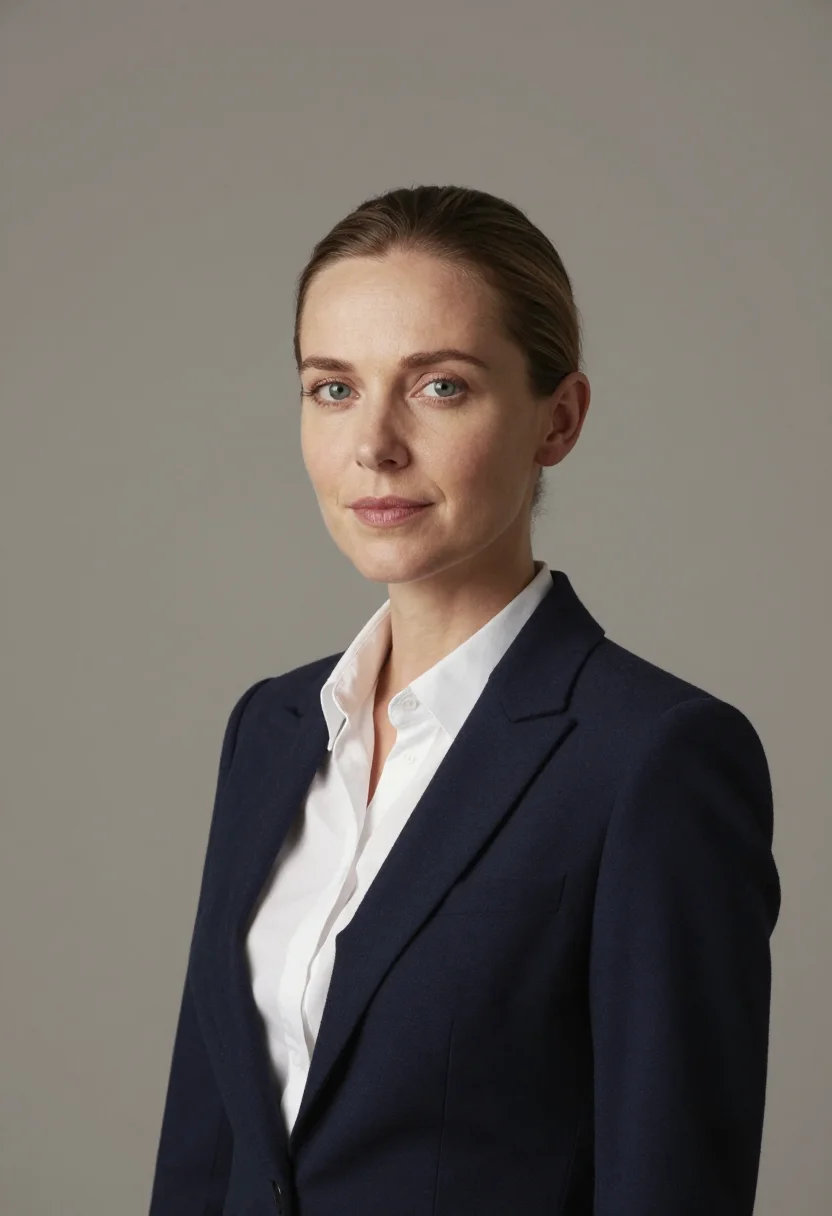
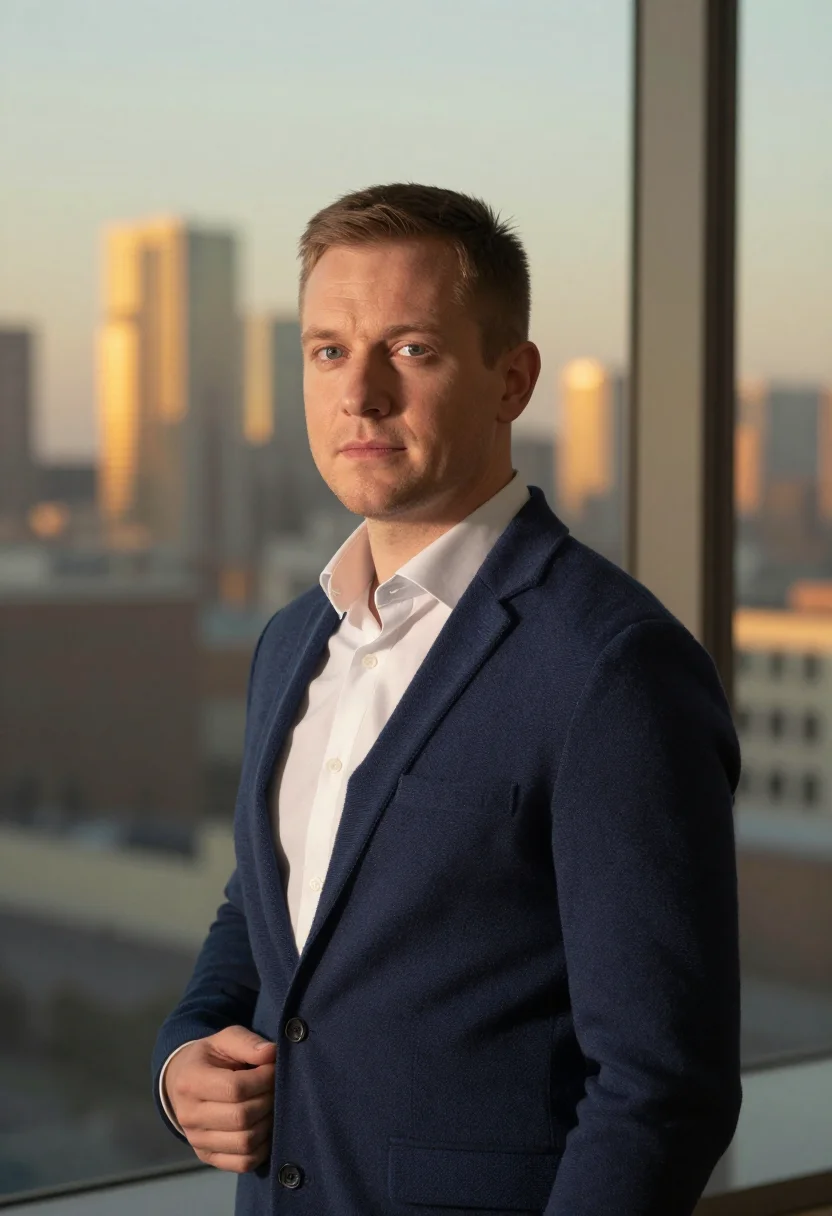
The pack is nine professional LinkedIn headshots rendered in portrait aspect ratio (2:3) — the shape LinkedIn banners, CVs, and print profiles actually use. Each headshot shows you in business attire against a neutral studio background with consistent studio lighting, varied across crops, expressions, and light angles so you have real choices, not nine identical files.
Professionals use Narcis when they need a polished LinkedIn photo without the cost and logistics of a photo shoot — job seekers updating a profile, founders preparing investor decks, recruiters building personal brands, and anyone whose current headshot is five years old. Photos are processed on European servers.
/linkedin-headshots · professional · 3 scenes
Nine headshots from your own model.
More like this
one model wears them all →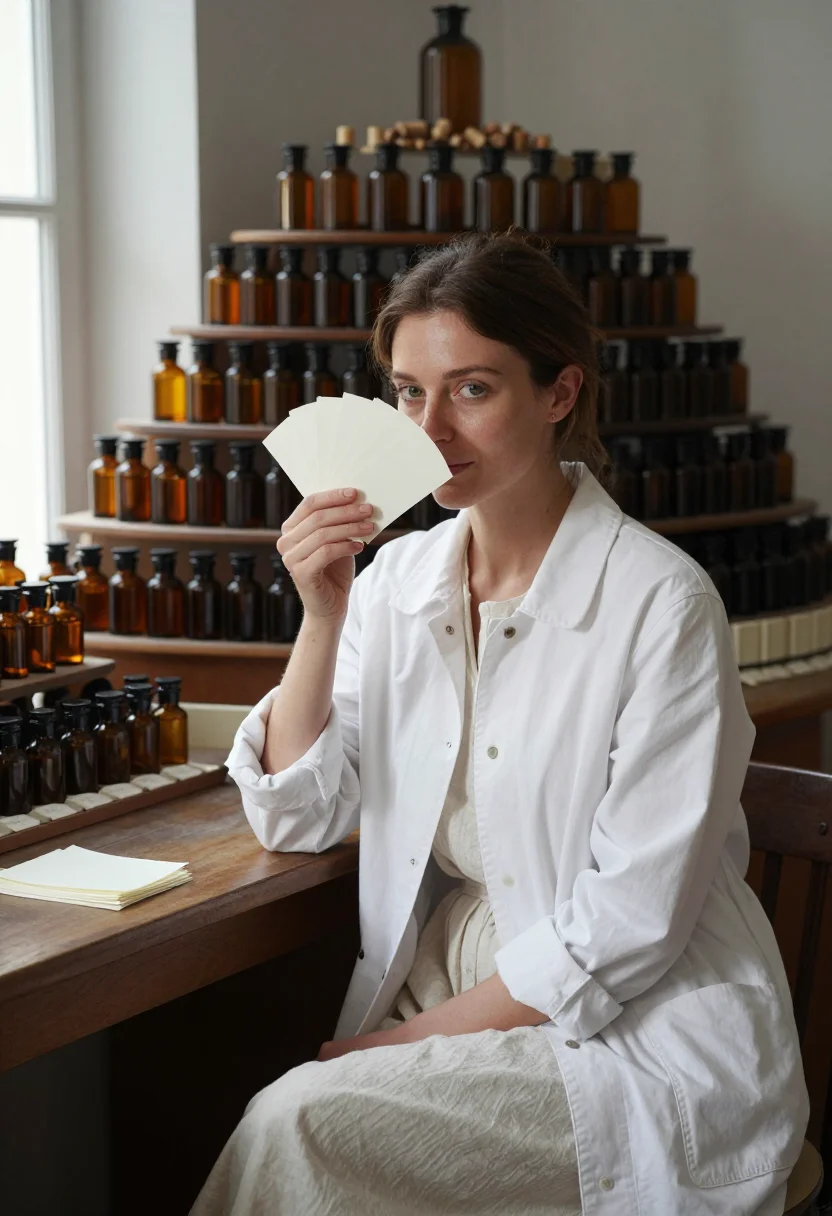
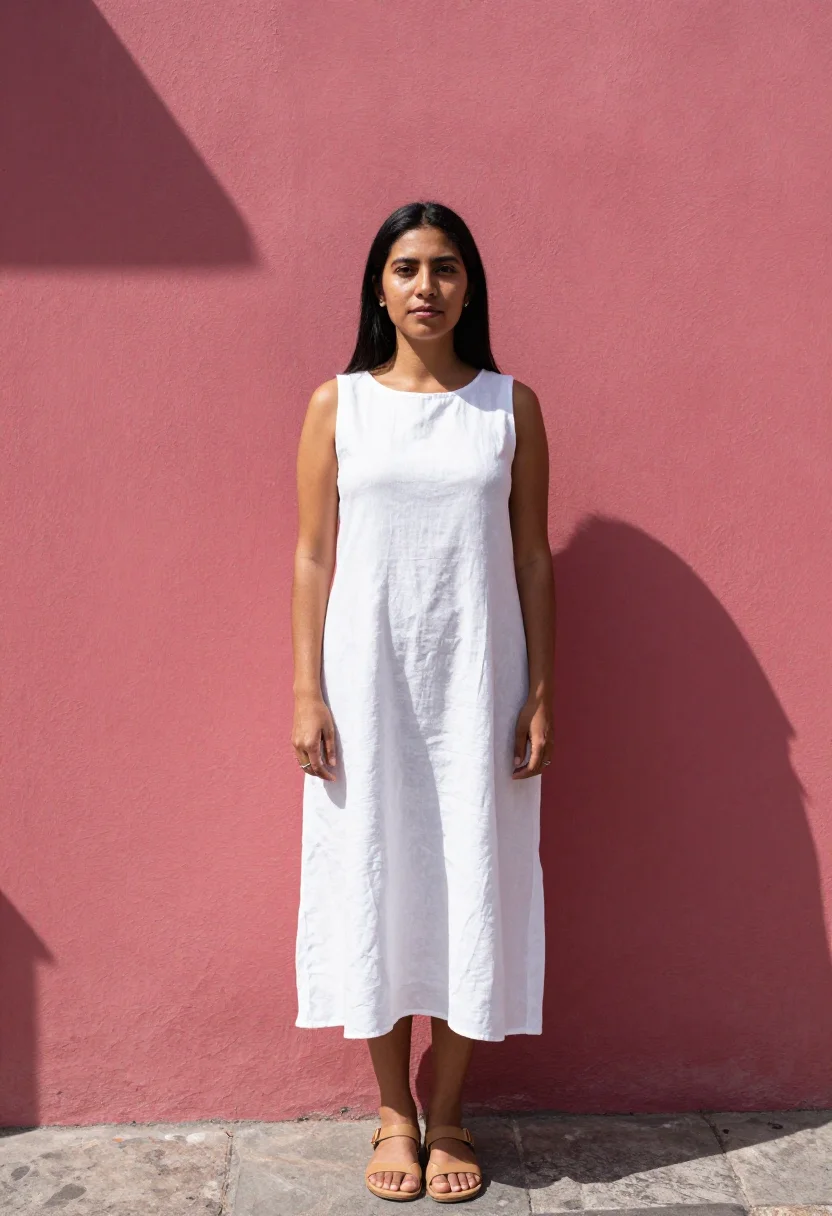
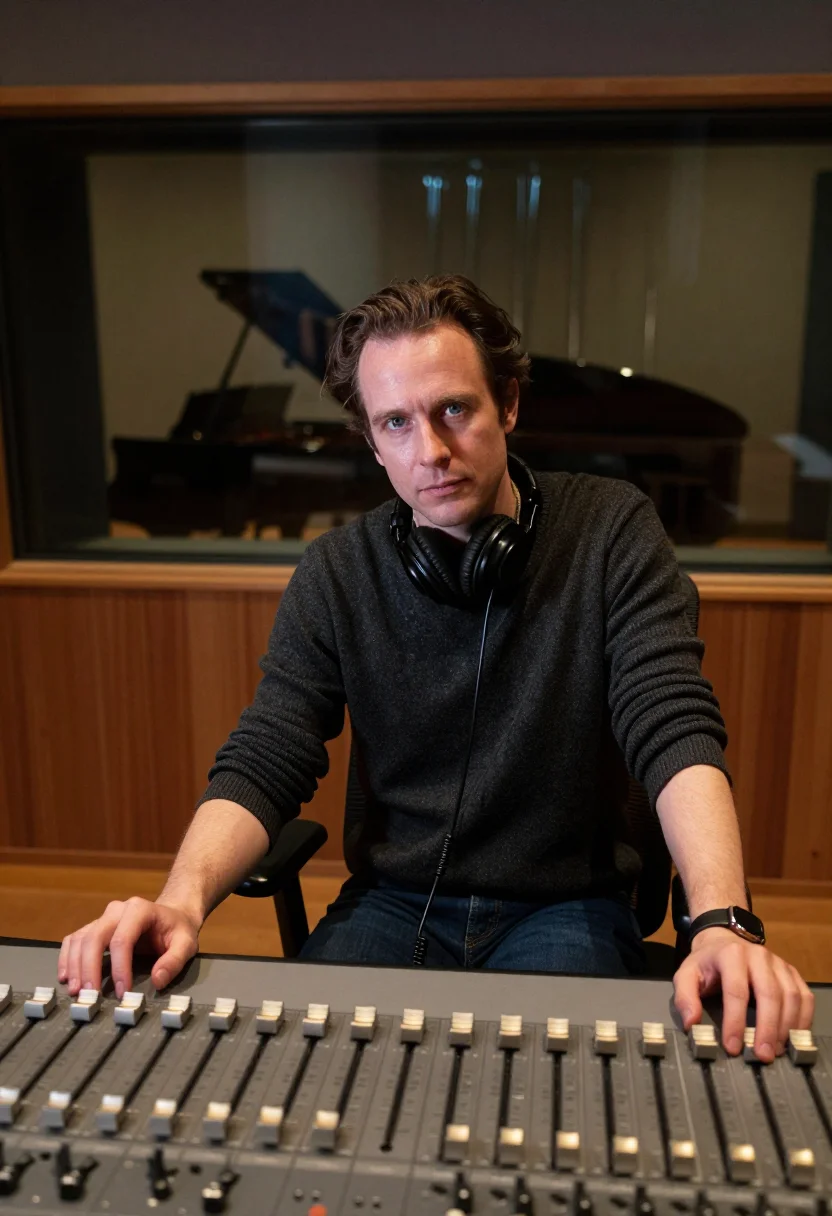
all 9 looks — from one photo ↓
How it works
Three steps. Upload, preview, deliver.
1
Drop a selfie
Your free preview streams in seconds — a quick sketch: close, not you yet.
2
Train your model
Add 12–20 photos of yourself. Your model trains in the background — safe to leave, we email you when it's ready.
3
Nine portraits, truly you
Every shot renders from your model in about ten seconds — this pack, every other pack, and the Studio.
The professional headshot register
A LinkedIn headshot does one job: it makes the person who clicks your profile believe, before reading a word, that you are worth reading. That is not about being attractive. It is about the visual register the photo carries — the light, the posture, the attire, the way the background anchors or competes with the face. A good professional headshot has been deliberately staged. A bad one has not.
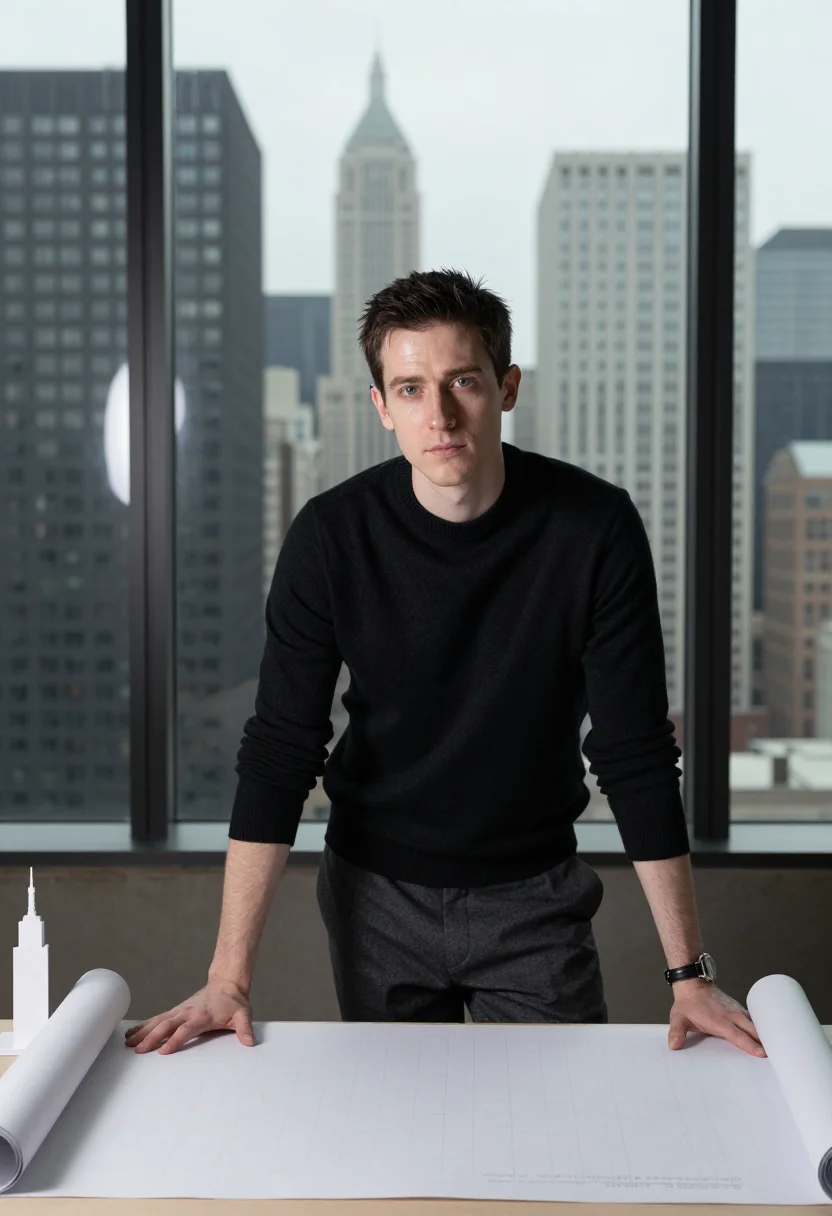
The LinkedIn pack works across three registers chosen to cover the main professional contexts. Smart casual — tailored knit, soft window light from the left, modern office blurred behind — reads cleanly in creative fields, product roles, and any context where "suit and tie" would be overclaiming. Editorial — business casual, soft directional light, neutral office backdrop — is the all-purpose register: formal enough for corporate, approachable enough for anything else. Urban skyline — same smart-casual attire, city view bokeh behind — signals scale and ambition without requiring either.
All three registers shoot in the same optical grammar: 85mm equivalent focal length, Kodak Portra 400 film emulation, fine grain. That grammar produces the characteristic headshot quality: shallow depth of field that separates the face cleanly from whatever is behind it, film grain that reads as texture rather than synthetic smoothness, warm tones that sit well against skin. The output is a photograph of you, not an illustration of one.
What distinguishes a professional AI headshot from a casual AI portrait is not the technology — it is the staging choices that go into the prompt. Attire matters: a tailored merino knit reads different from a hoodie, and both read different from a suit. Light placement matters: window light from one side creates the modeling that gives a face dimension; overhead bulbs flatten it. Backdrop matters: a softly defocused office environment reads as context; a blank white backdrop reads as a passport photo. Every element in this pack is a deliberate staging choice, not a default. The result is a headshot that looks like it cost a professional shoot because it was designed like one.
How to photograph yourself for an AI LinkedIn headshot
The free preview works from one photo. Better source photos produce a better trained model. The free preview shows you in seconds whether the likeness is going to land.
- Use even, indirect natural lightStand beside a window, facing it or at a 45-degree angle. Avoid overhead bulbs, phone flash, and direct sunlight — all flatten the face or introduce harsh shadows that compete with the pack staging.
- Shoot front-facing at eye levelNo selfie-stick uplook. No overhead angle. Camera at eye level, slightly below if anything. The pack frames you in a half-length composition — an extreme angle will fight that framing.
- Use a plain, non-distracting backgroundA white wall, a soft-coloured wall, or a featureless indoor background. The AI replaces the backdrop with the pack register; a busy background makes it harder to isolate the face cleanly.
- Wear something close to what you would wear professionallyThe pack stages you in smart-casual or business-casual attire. Starting from similar clothing in your source photo — a collared shirt, a neutral knit — helps the result read as consistent rather than transplanted.
- Upload 2 to 5 photos if you have themOne is enough for the free preview. More varied angles — front, three-quarter, different lighting — sharpen the preview likeness, and matter even more when you train your model on 12–20 photos.
Frequently asked questions
- What does the output actually look like — is it photorealistic or does it look AI-generated?
- Photorealistic. The output is a photograph of you — not illustrated, not cartoonish, not obviously synthetic. The pack stages you in professional business attire with studio lighting: smart-casual knit in a window-lit office, editorial business casual on a neutral backdrop, or smart casual with a city-skyline bokeh behind you. The free preview tells you in seconds whether the likeness is going to land on your face — a quick sketch, close but not you yet — before you commit to training a model.
- What's the difference between the free preview and the paid pack?
- The preview is one headshot from your photo, shown live in seconds so you can judge the likeness before you commit to anything. The paid pack is nine headshots — not of your photo, of you — across three registers: smart-casual, editorial, urban-skyline, three portraits each. Getting there means training your model on 12–20 photos, and we email you the moment it is ready.
- Can I use these as my LinkedIn profile photo?
- Yes — that is the primary use case, and it doubles as an AI profile picture anywhere else you need one. LinkedIn crops profile photos to a circle at small sizes; the pack delivers portrait-ratio (2:3) images so you have real headroom to crop. The three registers give you a smart-casual option for creative fields, an editorial option for corporate roles, and a skyline-backdrop option when you want to signal ambition.
- Can I use them on my CV, resume, or professional profile outside LinkedIn?
- Yes. The output is portrait-ratio and full-resolution — the shape that looks right on a printed CV, an email signature, a company about page, or a directory listing. No watermark, no logo.
- Can I use this headshot for a dating app like Tinder, Hinge, or Bumble?
- Honest answer: the LinkedIn register reads professional rather than approachable-social, so it is not the strongest choice for a dating profile. It will work better than a bad selfie, but the styling is deliberately formal. If dating-app performance is the goal, a pack with a warmer, more casual register would serve you better.
- How is this different from HeadshotPro, Aragon, or photoai?
- Same family of tools, different shape. HeadshotPro and Aragon train a model per shoot — you pay first, upload, wait, and that model serves one delivery. Narcis shows you a free preview in seconds before you commit anything, then trains your model once — 12–20 photos — and that one model renders this pack, every other pack, and the portrait studio. It stays yours: retrain it, delete it, render from it again without paying for another training.
- How is this different from running a "professional headshot" prompt through Stable Diffusion or Midjourney?
- Text-to-image tools like Stable Diffusion and Midjourney generate a person that looks like your description, not a portrait of you. The LinkedIn pack uses your uploaded photo to anchor the identity — the output is you, in a professional register, not a generated stranger in a suit.
- What if I only have a selfie or a casual phone photo?
- One good selfie is enough for the free preview, shown in seconds — if the likeness is off, the prep tips above are the fastest fix. Even lighting and a front-facing angle matter more than camera quality. When you train your model, 12–20 varied, well-lit photos sharpen the result far more than one alone.
- Can I use the headshots for a press release, company bio, or team page?
- Yes. The editorial and skyline registers in particular read well at the scale of a company website or a press-release photo. The output is full-resolution with no watermark. The commercial-use terms allow professional use without restriction.
- Is this a good fit for an executive, CEO, or founder headshot?
- Yes. The editorial register (neutral office background, polished business casual) and the skyline register (city view bokeh) are both appropriate for an executive or founder profile. If your context is specifically a pitch deck or VC press, the Founder Pitch Deck and Investor VC Partner packs have registers designed around those surfaces.
- Can I use these for a professional headshot for a lawyer, doctor, financial advisor, or other licensed profession?
- Yes — the pack works for any profession that uses a professional portrait. The editorial register reads cleanest in conservative professional fields: dark neutral attire, clean background, composed expression. For healthcare, law, or finance, the smart-casual register may read too casual; the editorial register is the right choice.
- What happens to the photo I upload?
- Your preview photo is processed on European servers. If you train a model, those photos are used to train your model and nothing else — delete your model and they go with it. We do not share your photos with third parties.
- Can I use the output commercially?
- Yes. The output is yours. You may use it for professional purposes — LinkedIn, company websites, press materials, CVs. See the terms for the full scope.
When the LinkedIn headshot pack fits
- For a LinkedIn profile photo that reads as professional without booking a photographer
- For a CV or resume headshot in the correct portrait-ratio format
- For an email signature photo that does not look like a cropped party photo
- For an executive, CEO, or founder headshot for a company about page
- For a team page portrait that is consistent with your colleagues' headshots
- For a professional headshot for a lawyer, doctor, financial advisor, architect, or dentist profile
- For an about-page photo on a personal website or portfolio
- For a real estate agent or financial planner professional profile photo
- For a conference badge or speaker bio photo
- For a press release or media-kit photo accompanying a company announcement
- For updating a headshot that is more than two years old without scheduling a studio session
- For a professional profile photo on a recruiter, legal, or healthcare directory listing
About narcis
Most AI portrait tools ship every pose, profession, era, and aesthetic in one giant catalog. The output looks like every other AI photo on the internet — a glaze over a stock face. Narcis goes the other way. One tool, one job: turn photos of you into portraits worth keeping. Drop a selfie and your free preview streams in seconds — a quick sketch: close, not you yet. For portraits that are truly you, train your own model on 12 to 20 photos; it trains in the background, and we email you when it is ready. Train once, render everywhere — this pack, every other pack, and the Studio all come out of that one model, about ten seconds a portrait, and it stays yours to retrain or delete. Each pack is hand-curated against actual references — paintings, photographers, registers — and tested on real faces before it ships. See a free preview before you pay, not after. Packs are one-time — no subscription to buy one; Studio, the unlimited composer, is optional at €12/month and every pack includes 30 days of it. No template generator. Built and run by one team, on our own infrastructure.
All images are AI-generated. By using this service, you confirm you are 18+, that any face photo you upload is your own or used with explicit consent. Full Terms