A London Photoshoot, Square Mile Style
Nine photos of you in one setting
How your model is created from your photos
Every pack on Narcis, made with your face
Nine photographs of you in one setting: one pack of the Narcis catalogue.
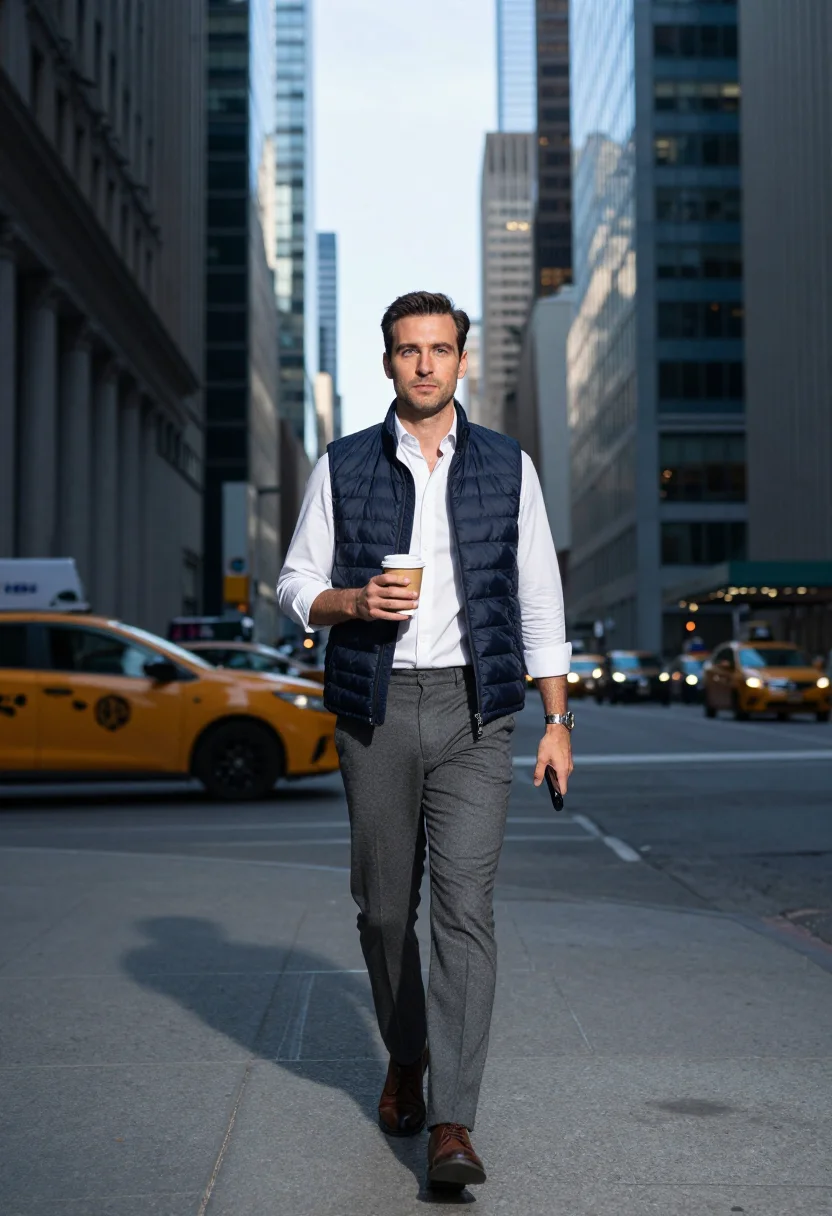
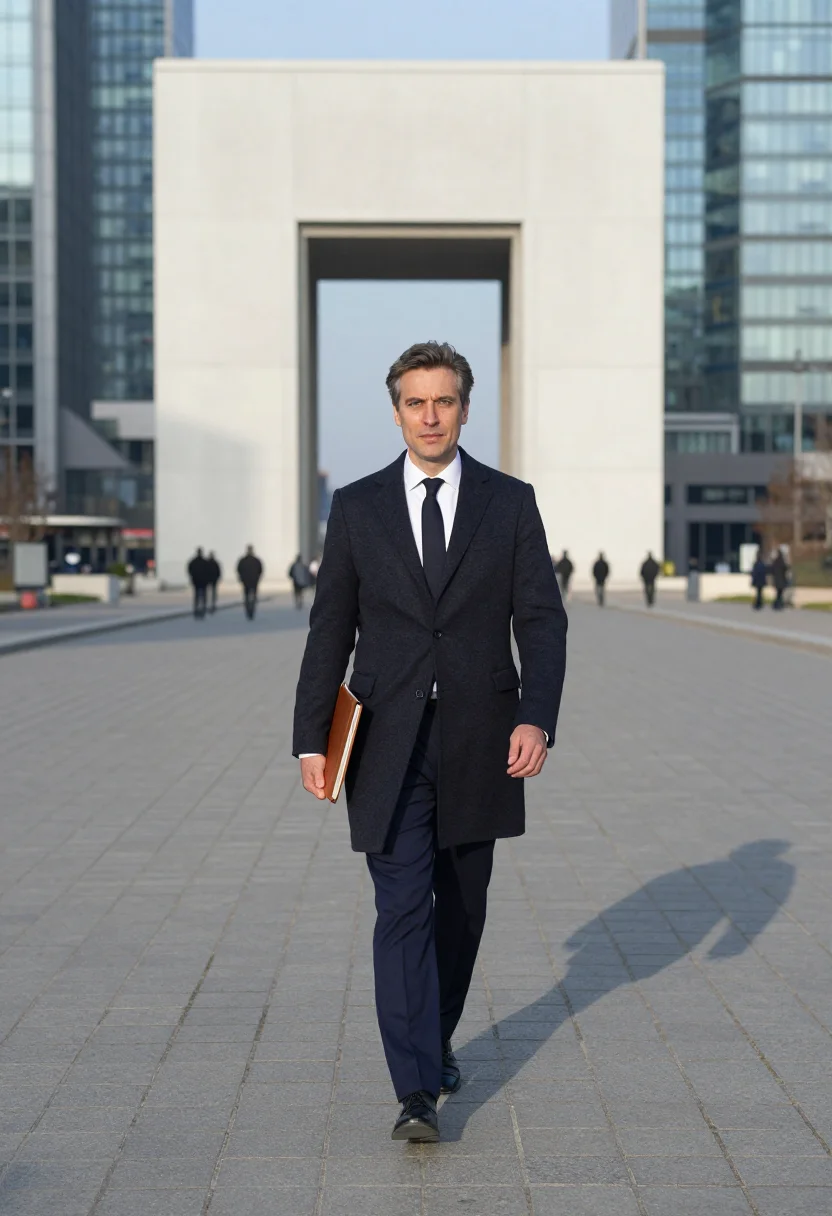
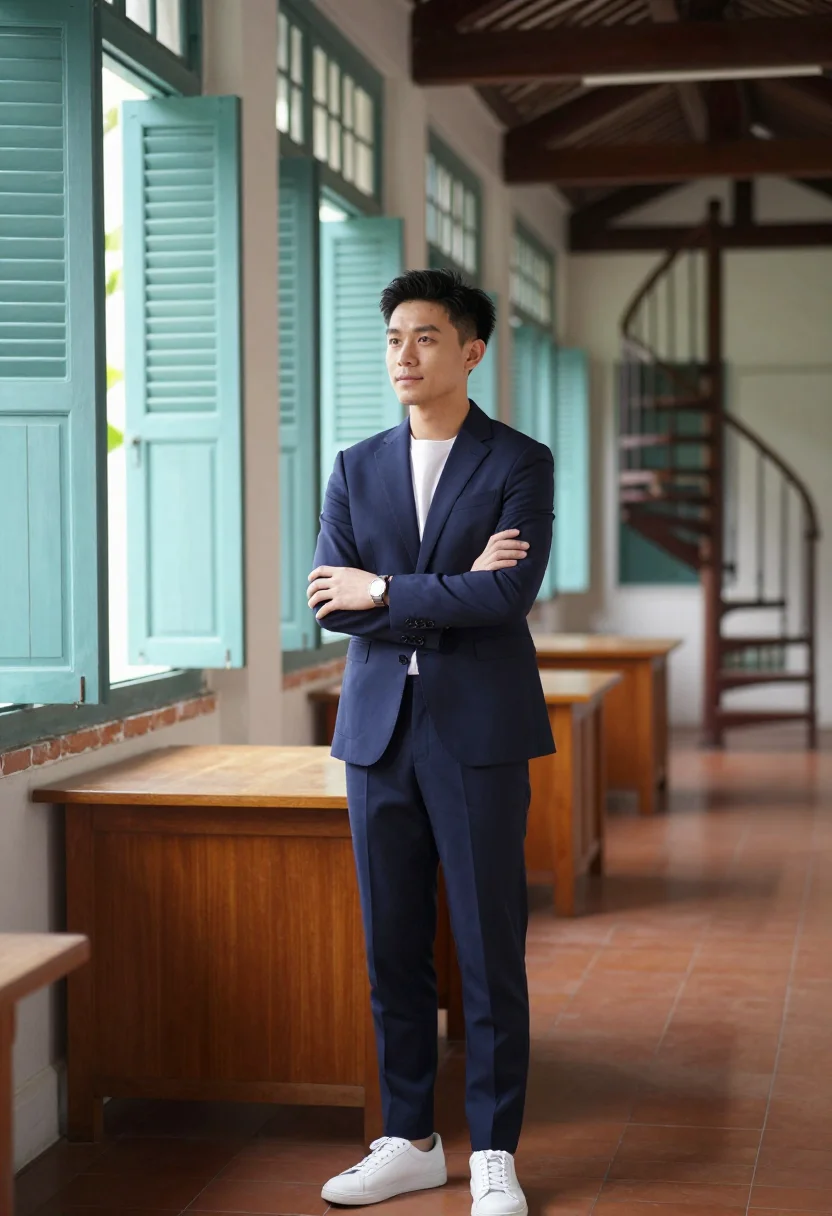
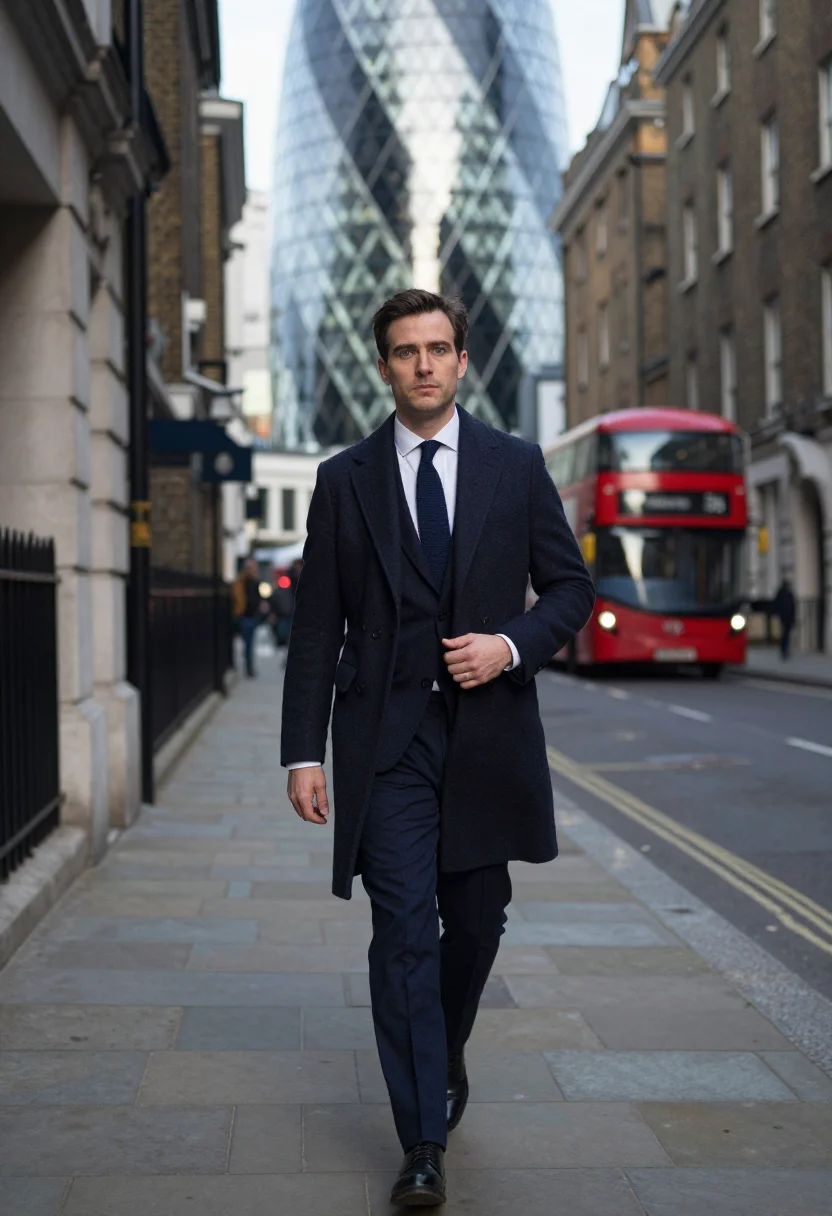
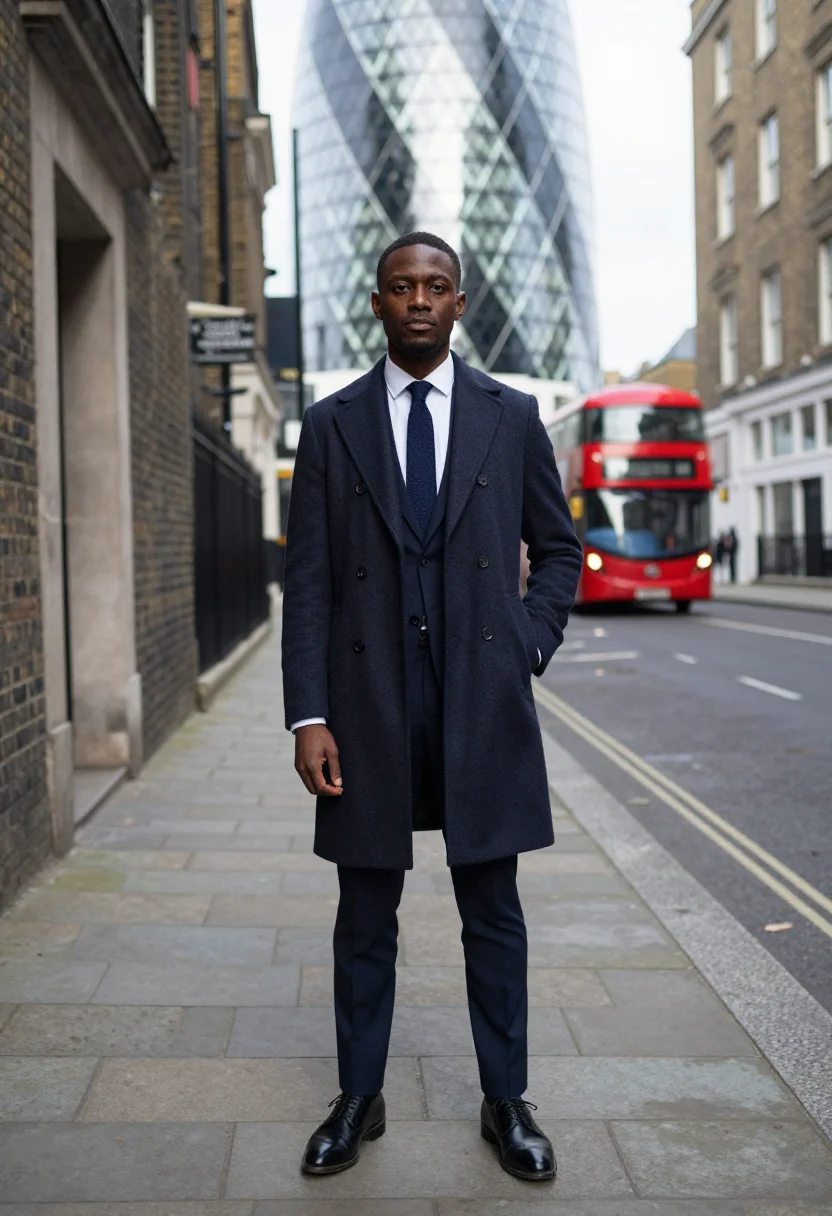
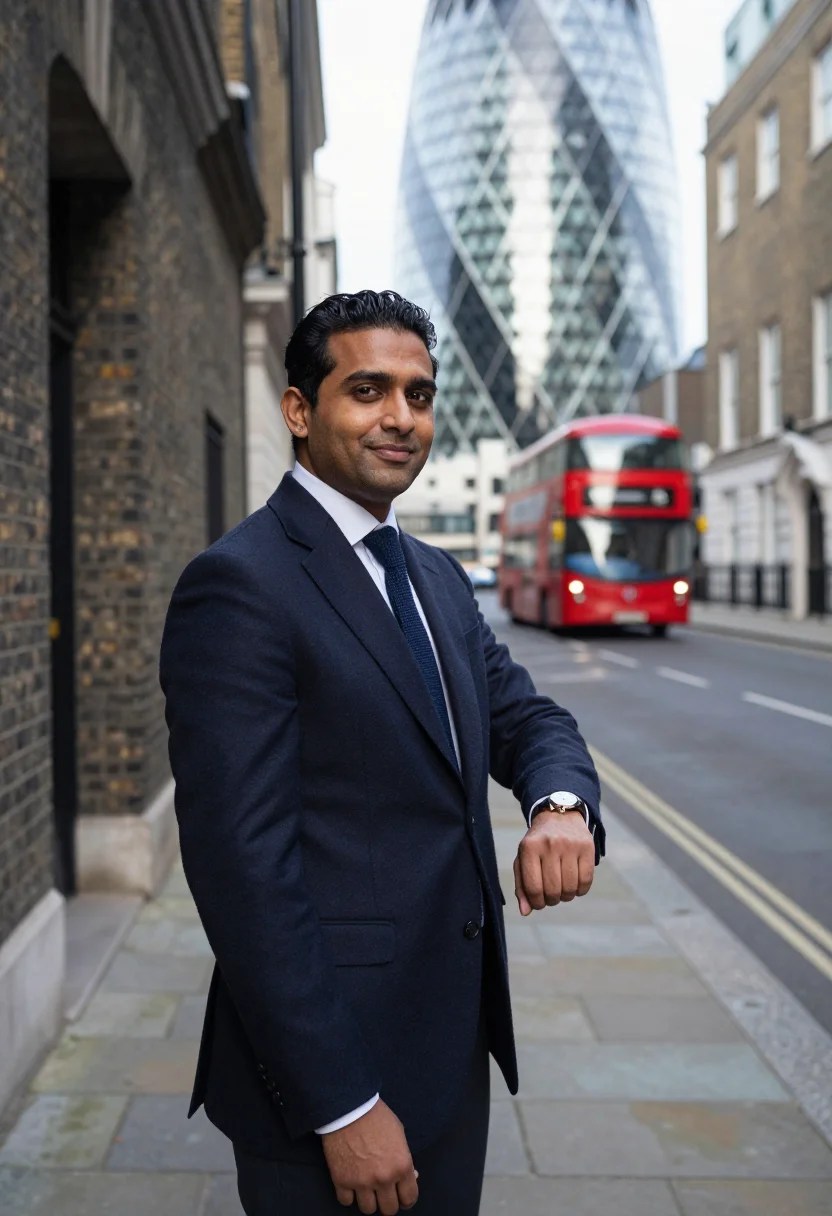
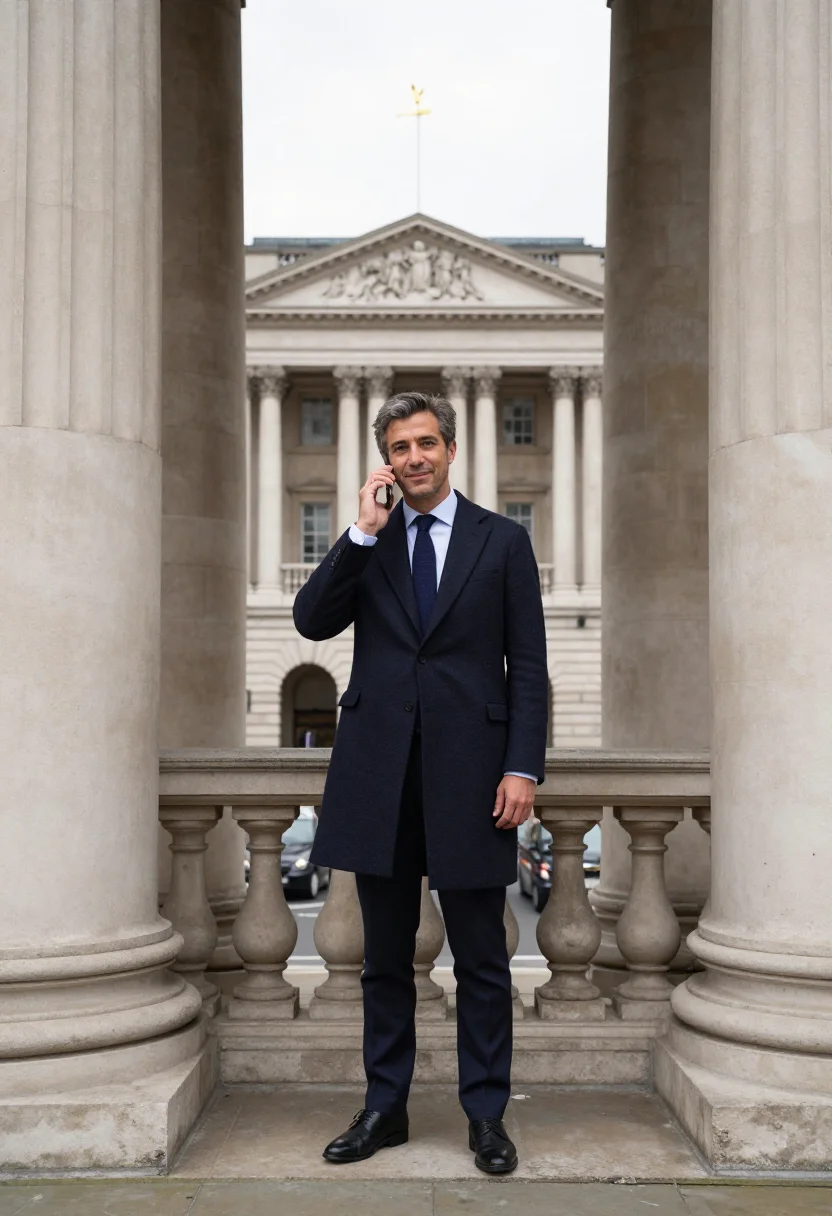
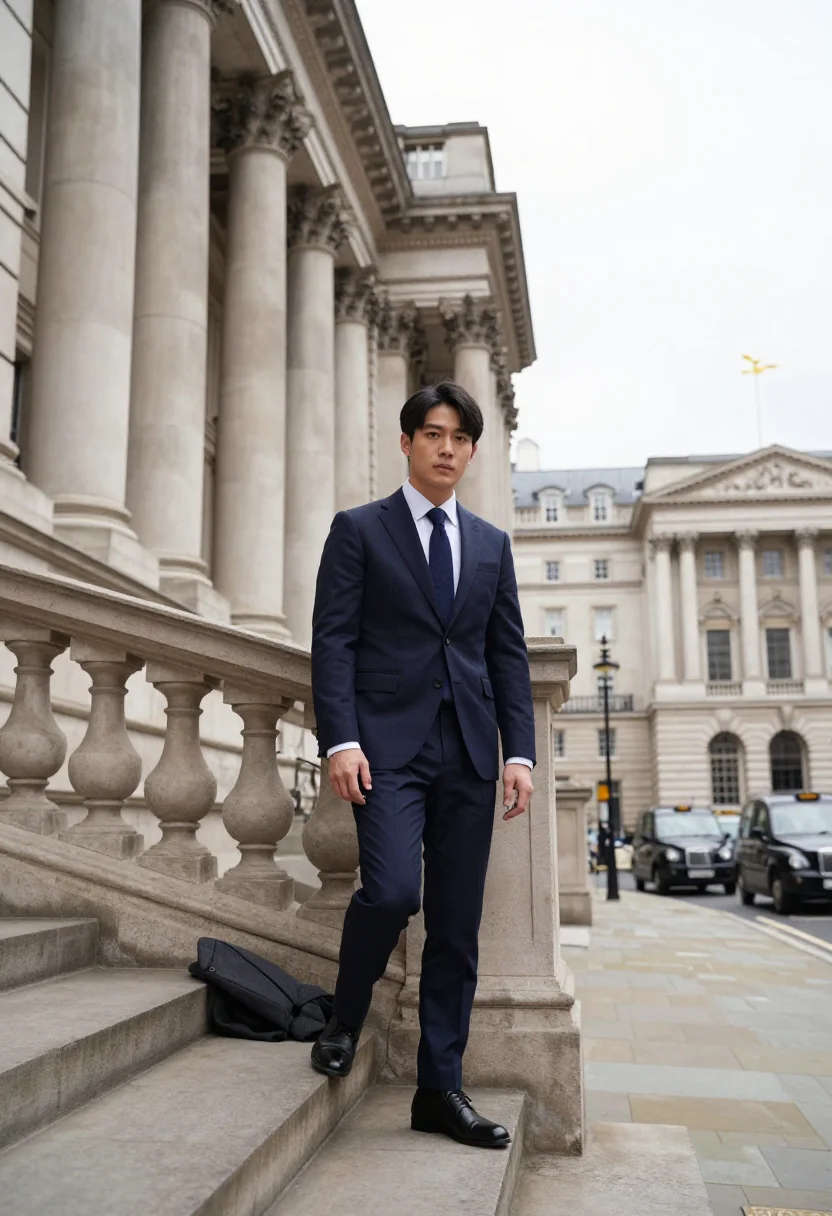
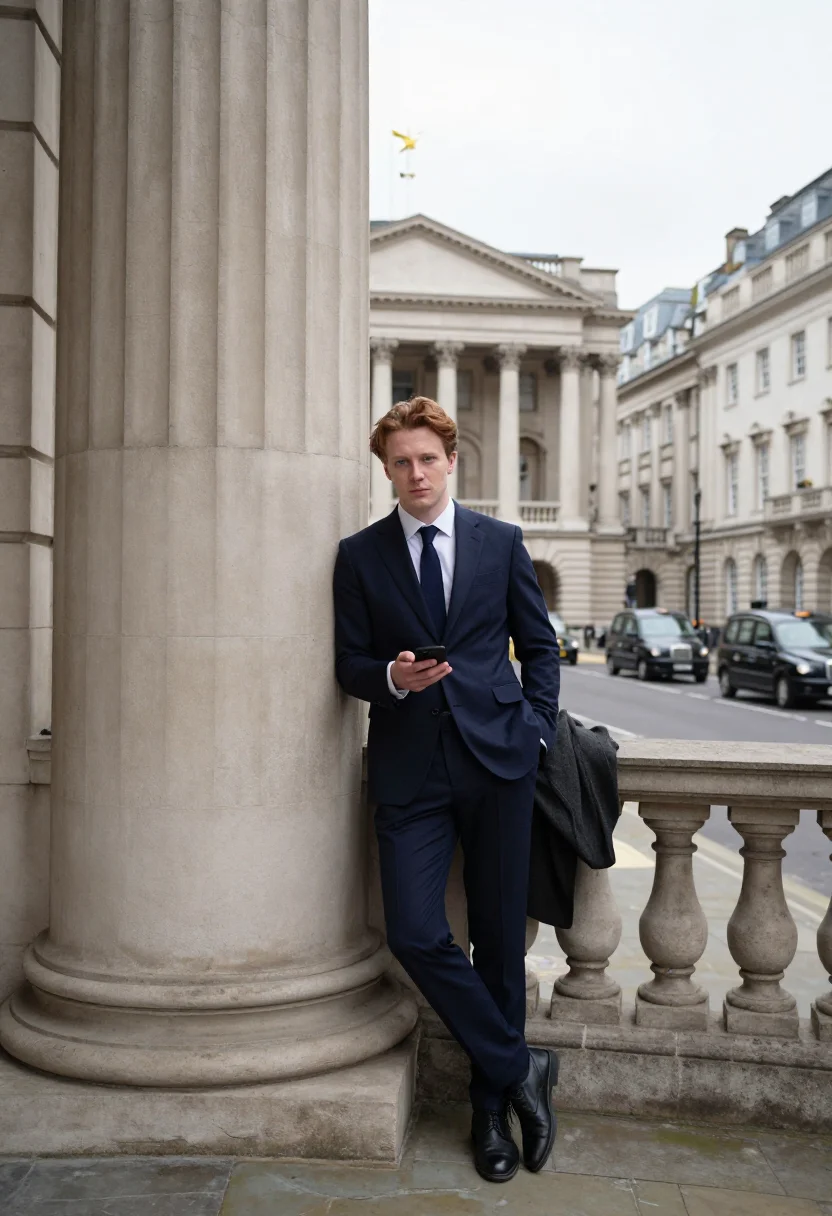
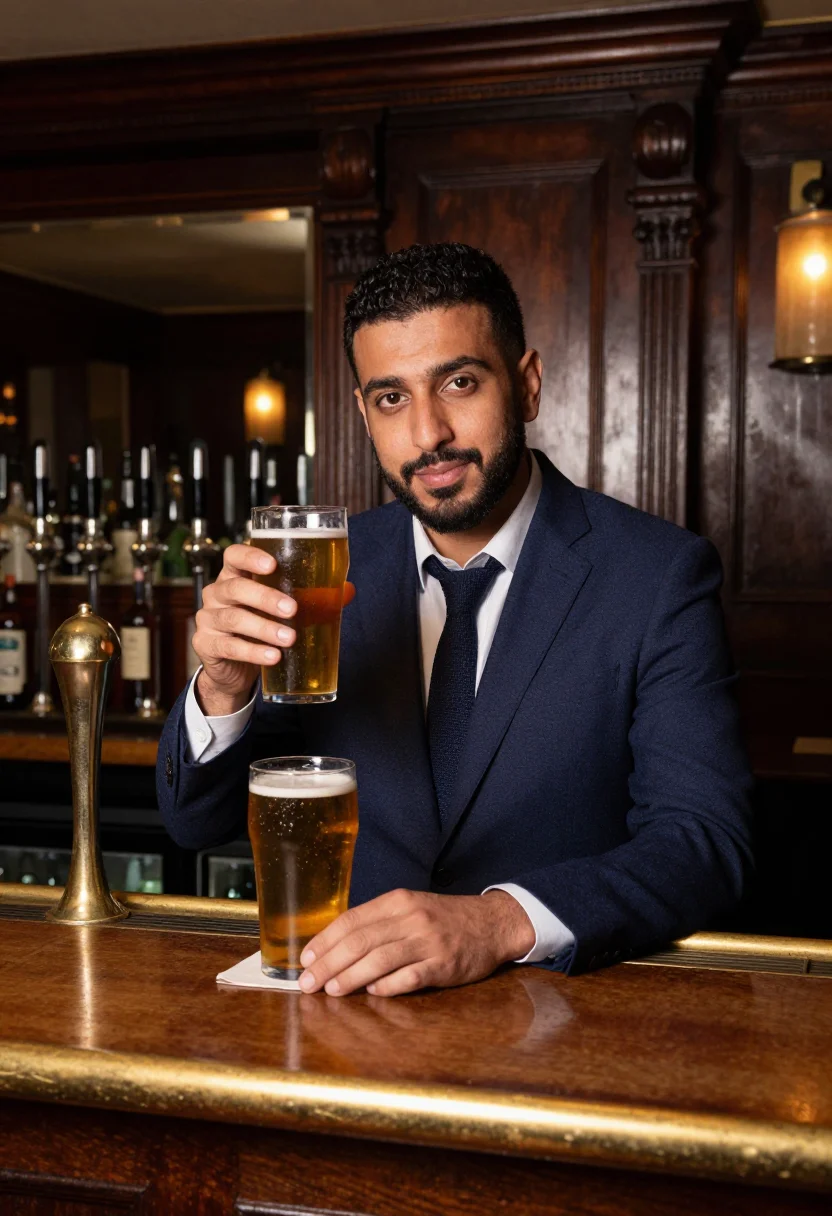
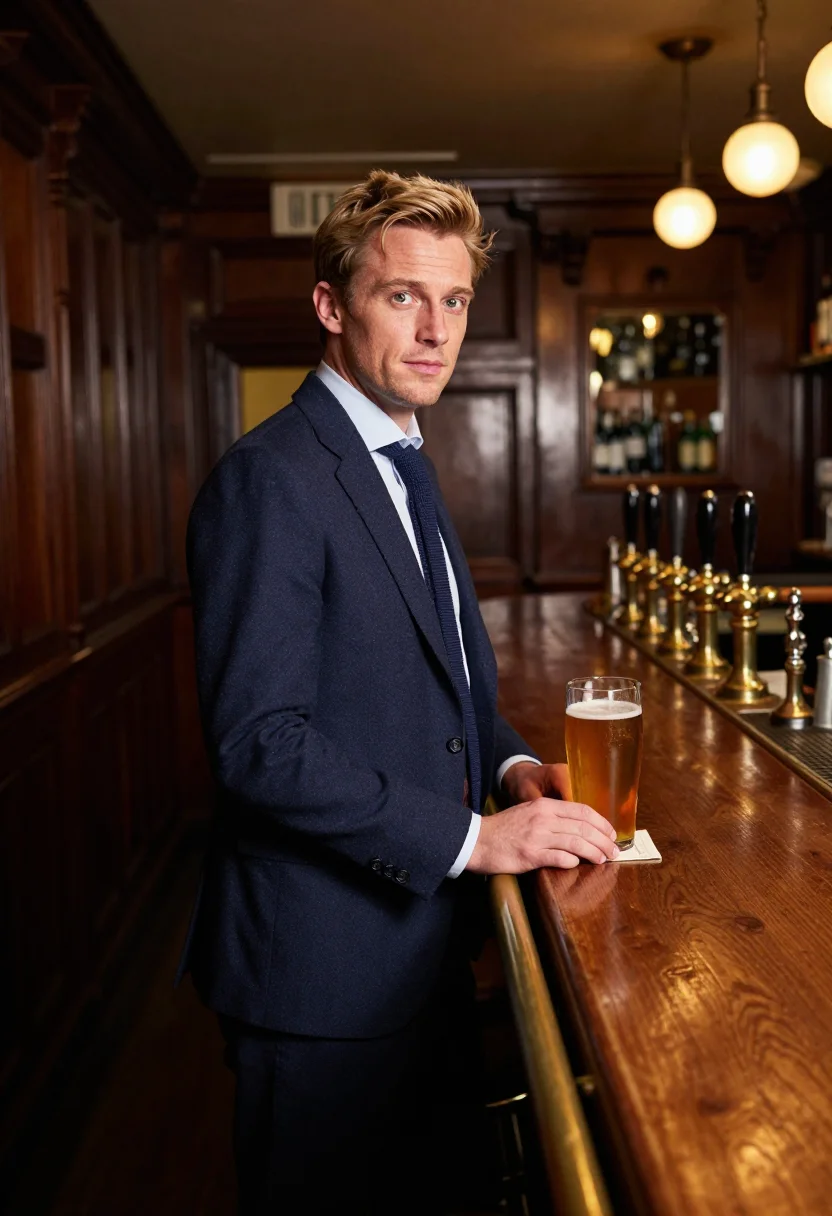
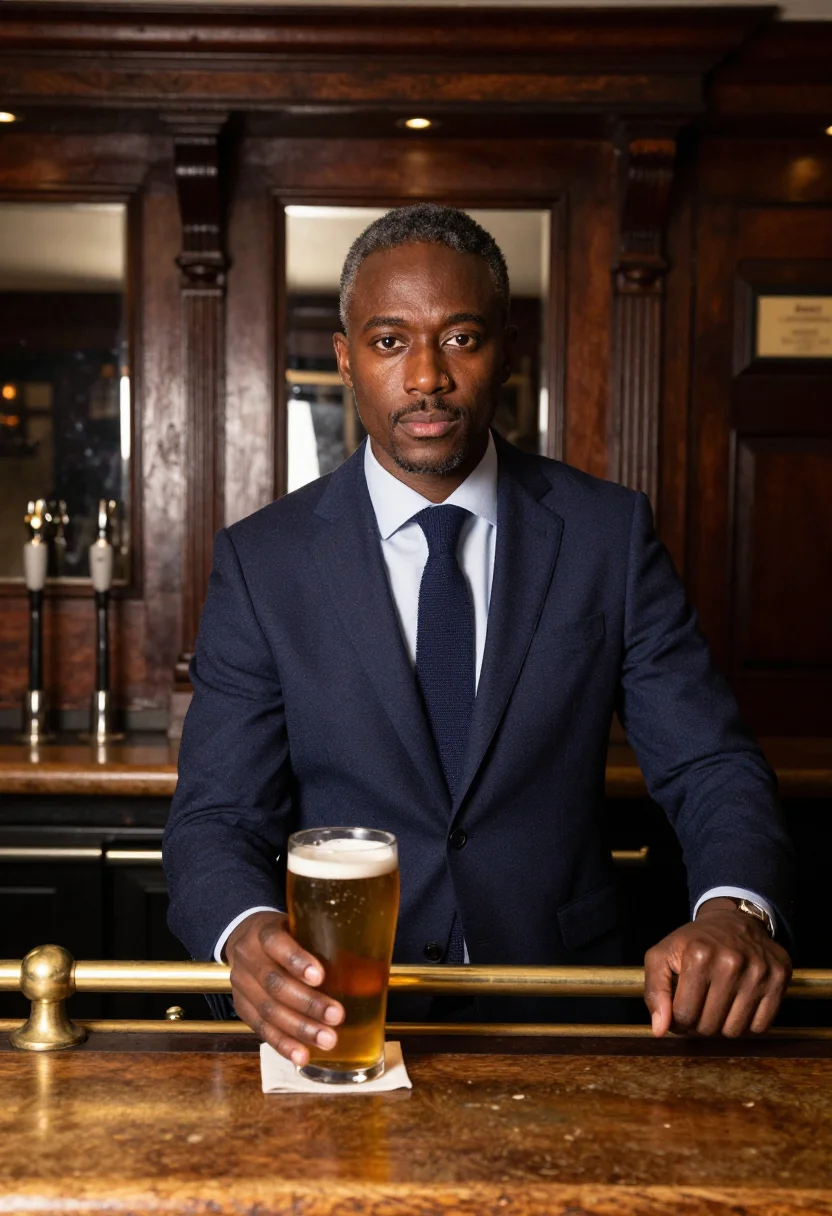
Nine photographs of you, styled in a City of London lane under the Gherkin, on the Royal Exchange steps, and at an oak-panelled pub, for LinkedIn, corporate, and gift use. The nine vary in crop, expression and light, so there are real choices, not nine identical files.
/london-fintech · professional · 3 scenes
A London Photoshoot, Square Mile Style
6–20 photos of yourself · we email you when your model is ready
Money in motion
one model wears them all →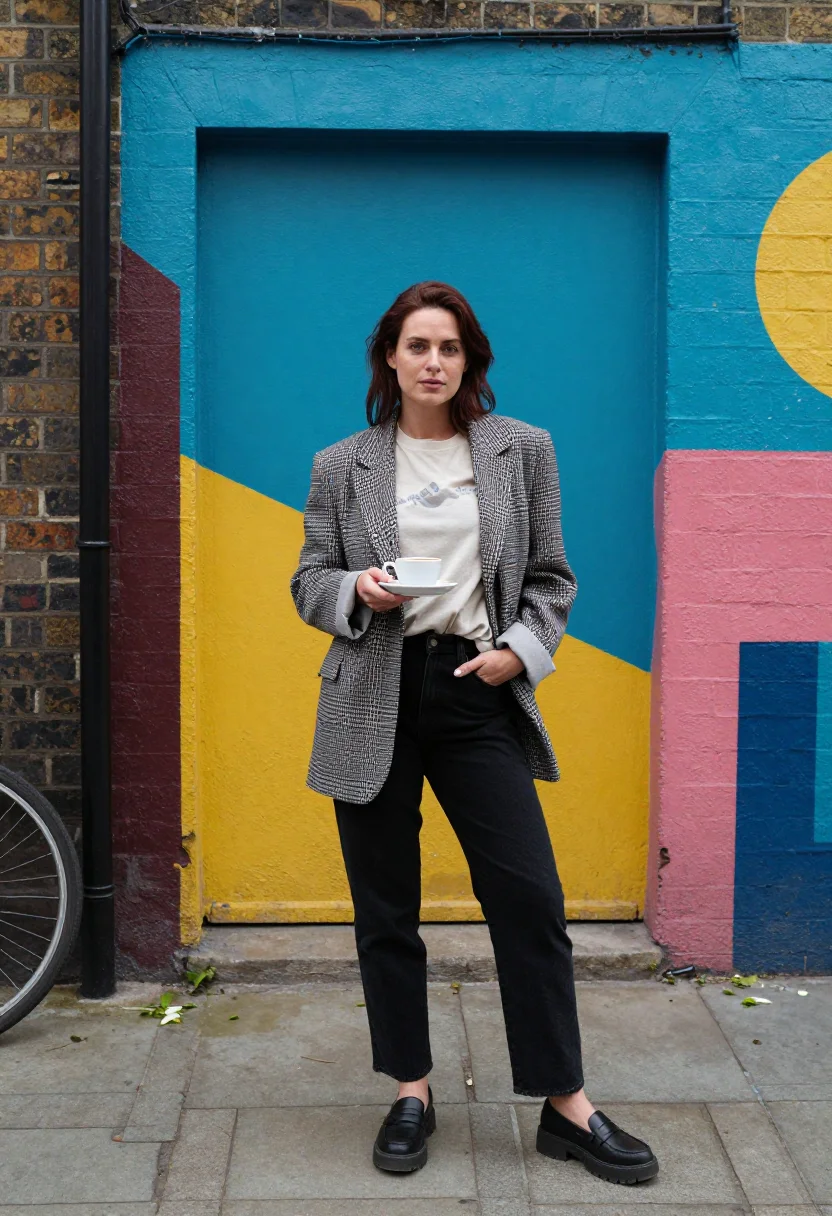
all 9 photos in this pack ↓
How it works
Three steps.
1
Add your photos
Add photos of yourself. We check each one when you add it.
2
We create your model
We create your AI model from your photos. Your photos are ready in a few hours.
3
Every pack, with your face
This pack and every other pack on Narcis can then be made with your face, and single photos too.
The City of London photoshoot register
The Square Mile runs on navy tailoring and a dry sense of timing: the Gherkin and Leadenhall's glass leaning over Roman street lines, the Royal Exchange's columned steps above Bank junction, the oak-panelled pub where the day actually ends. This pack renders that register — navy suits, a topcoat by season, no gimmicks — in glass silver, portland stone, oak brown and ale gold.
The set moves through the City's own working day: an early walk down a narrow lane as the Gherkin's diagonal lattice fills the sky, a stand between the Royal Exchange's great columns mid-call, and a pint at an oak bar with the tie loosened exactly one inch. Three real City rituals, not a rented backdrop.
What the pack renders is a photograph — photoreal, a real-looking portrait of you in the Square Mile, not a painting or an illustration. Honest note: this is a portrait of you composited into the City, not a photo taken there; it works as a LinkedIn photo or a portrait you're proud of, and claiming it as an actual workday is a different use.
The wardrobe stays exact throughout — sharp navy suits, a topcoat when the season calls for it, a full pint at the close — the City's own uniform, worn without a single loosened detail out of place until the ale gold hits.
How to photograph yourself for a London photoshoot
Better source photos make better portraits.
- Even, soft lightStand near a window with indirect daylight on your face. Avoid overhead bulbs and phone flash — both flatten the face and are the usual reason an AI portrait misses your likeness.
- Front or three-quarter angleCamera at eye level, facing it or turned slightly to three-quarter. No selfie-stick uplook, no shot from below.
- Face fully clearNo sunglasses, hair off the forehead. A clear, front-facing photo is the best photo for an AI portrait — it gives the model the most of you to work with.
- A composed, quick expressionThe City register is dry and private, not a big grin — a half-smile or a level, assured look reads truer against the glass and stone.
- Plain background is fineDon't worry about your own backdrop — the Square Mile replaces it. A plain wall behind you just helps the model focus on your face.
Frequently asked questions
- Will it actually look like the City of London, and like a real photo?
- Yes on both. The Gherkin's lattice, the Royal Exchange's columns, and an oak-panelled pub come back detailed and recognizable, and the output is photoreal: a real-looking photograph of you in the Square Mile, not a painting or a cartoon.
- Is it honest to use this as my LinkedIn photo?
- Yes — it's a genuine portrait of you, styled for the City's register. LinkedIn photos are expected to be flattering and current, not a documentary record of where you sat that day.
- Which London spots does it cover?
- The three that define the Square Mile's fintech register: a City lane under the Gherkin, the Royal Exchange steps at Bank, and an oak-panelled pub after the close. Nine portraits, three per spot.
- How is this different from booking a real London photographer?
- A real City shoot means a location permit near Bank junction and a photographer's day rate. This gives you the same lane, the same steps, the same pub, for a fraction of the cost, whenever you like.
- Can I use it for corporate profiles or press bios?
- Yes — the navy tailoring and composed bearing read as a professional headshot, not a casual snapshot, which is exactly what corporate profiles and press kits need.
- Can women use this pack?
- The sample and styling are built for men, so it reads masculine throughout. A women's version of this register lives in the companion consulting and finance packs.
- Will the photos look like me?
- Every photo looks like you, well photographed. If one is nearly right, say what to change, in your own words.
- Do I have to write a prompt?
- No. There is nothing to write: you pick a pack, and it is ready in seconds.
- How many photos of myself do I add?
- Between six and twenty, from different days and in different light, with your face clear. We check each one when you add it.
- What happens to the photos I add?
- They are used only to create your model, on our own servers in the European Union. They are not shared and not sold.
When the London fintech pack fits
- For a LinkedIn photo that reads City of London, not generic corporate stock
- For a press kit or speaker bio photo for a fintech founder or executive
- For a profile picture with the Square Mile's composed, dry confidence in it
- For a portrait gift — a promotion, a new job in the City, a milestone
- For a phone or desktop wallpaper you actually enjoy looking at
- For a print or framed portrait, the City shoot without the day rate
- For anyone relocating to London for finance who wants the arrival photo
- For a dating profile with an aspirational, well-dressed City shot
- For a fintech company's team page or investor deck founder photo
- For anyone who's tried to shoot the Royal Exchange steps without the crowd at Bank
About narcis
Most AI photo tools put every pose, job, era, and style in one giant catalog. The photos all look like every other AI photo on the internet — a glaze over a stock face. Narcis goes the other way. One job: photos of you that look like photographs. You add at least 6 photos of yourself, and we create your AI model from them. Your photos are ready in a few hours, and we email you when they are. Then this pack and every other pack on Narcis can be made with your face. Each pack is curated against real references — paintings, photographers, places — and tested on real faces before it goes live. Built and run by one small team, on our own servers.
All images are AI-generated. By using this service, you confirm you are 18+, that any face photo you upload is your own or used with explicit consent. Full Terms