Marunouchi Navy
Nine photos of you in one setting
How your model is created from your photos
Every pack on Narcis, made with your face
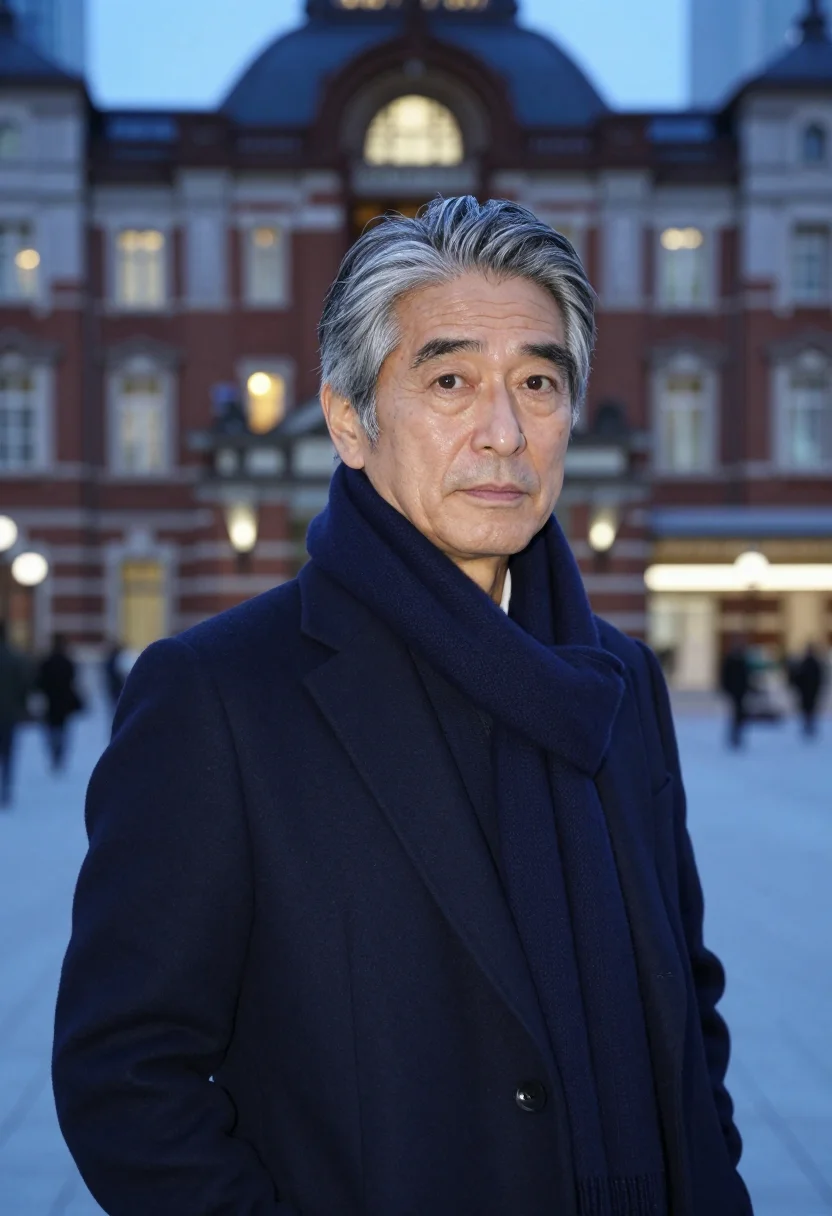
Nine photographs of you in one setting: one pack of the Narcis catalogue.
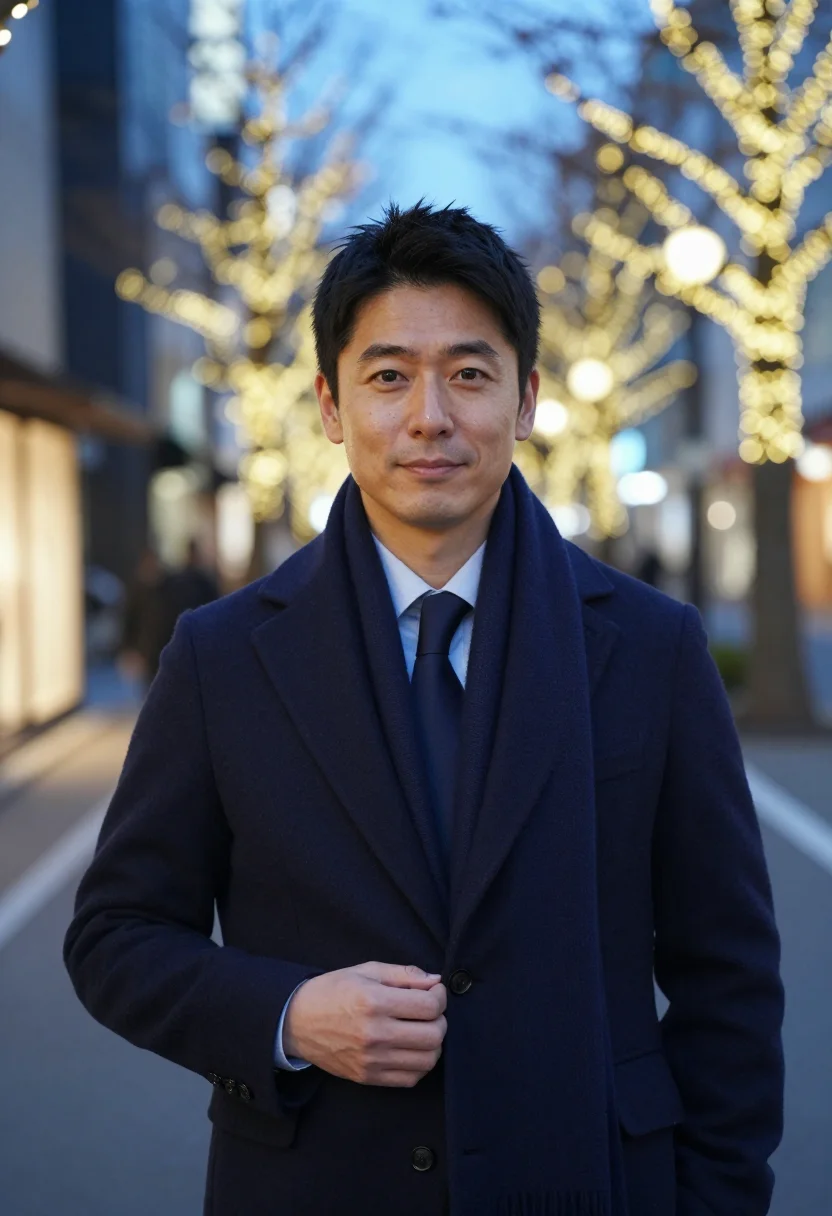
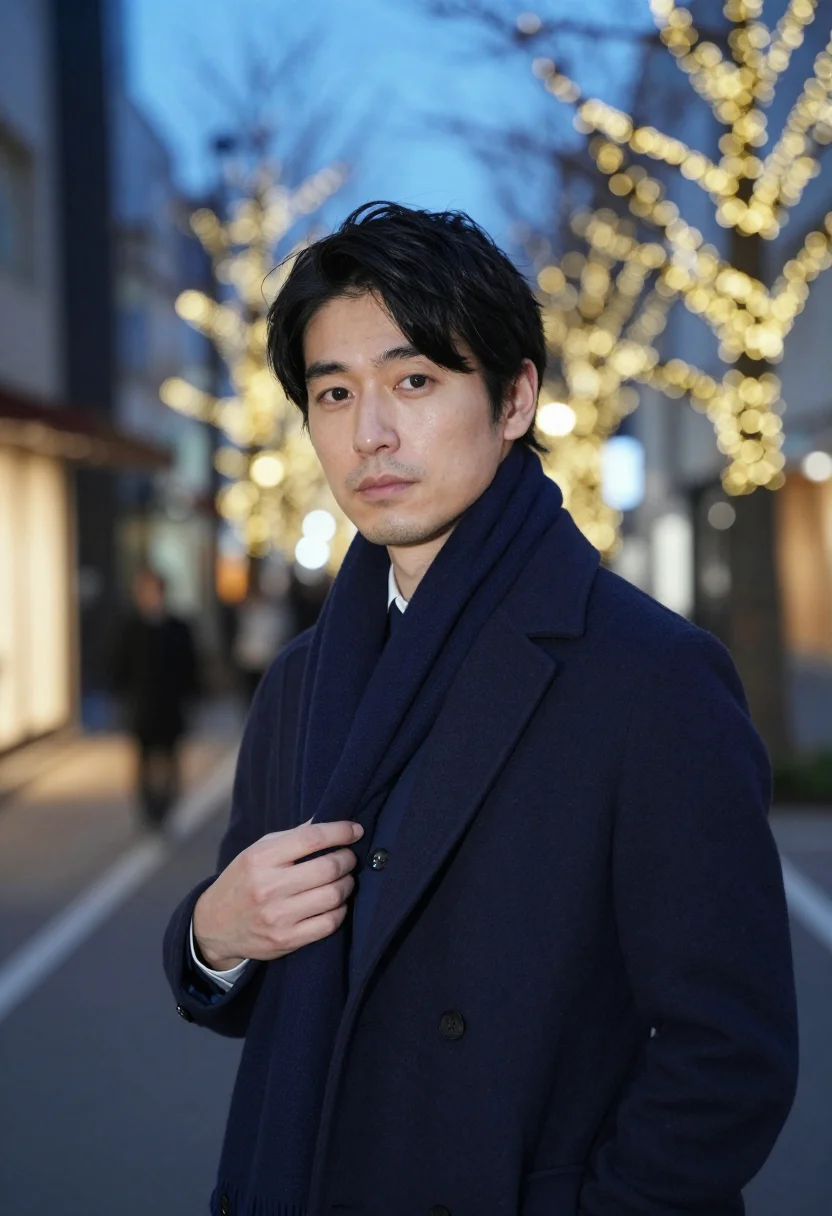
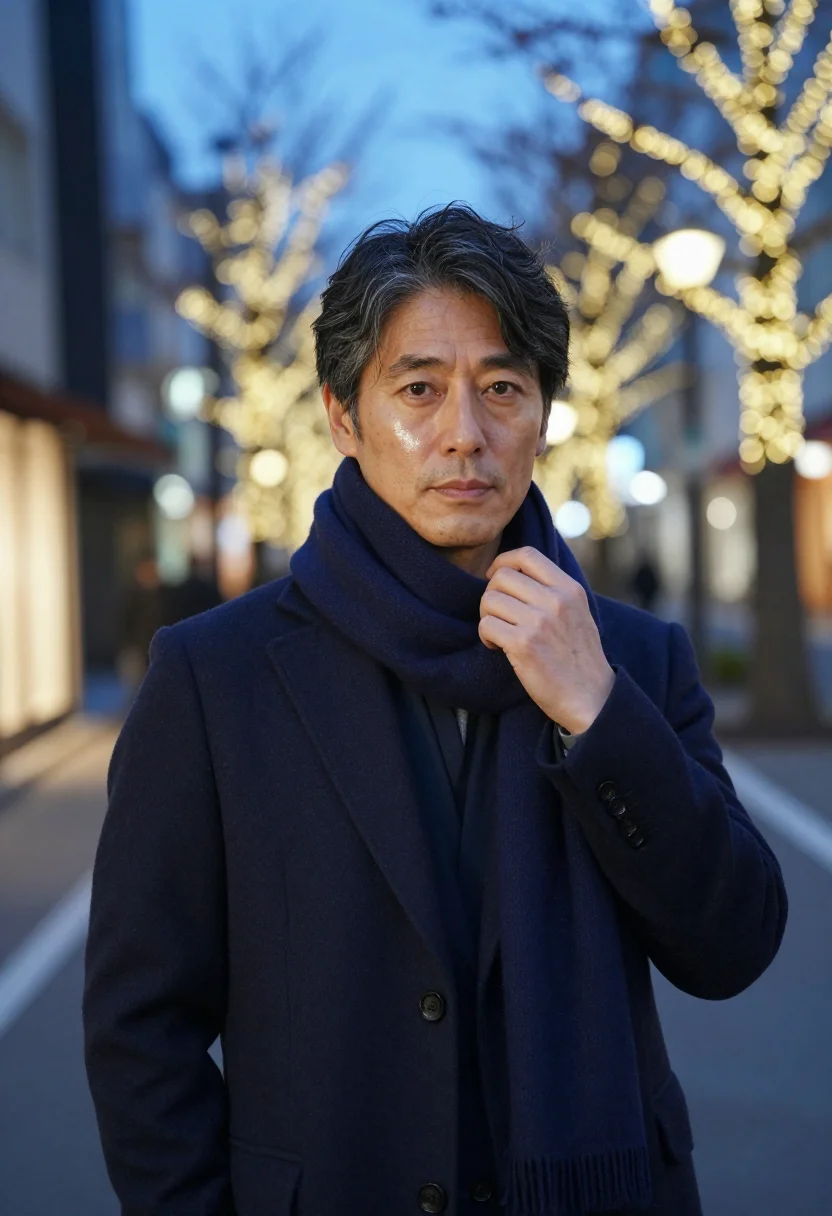
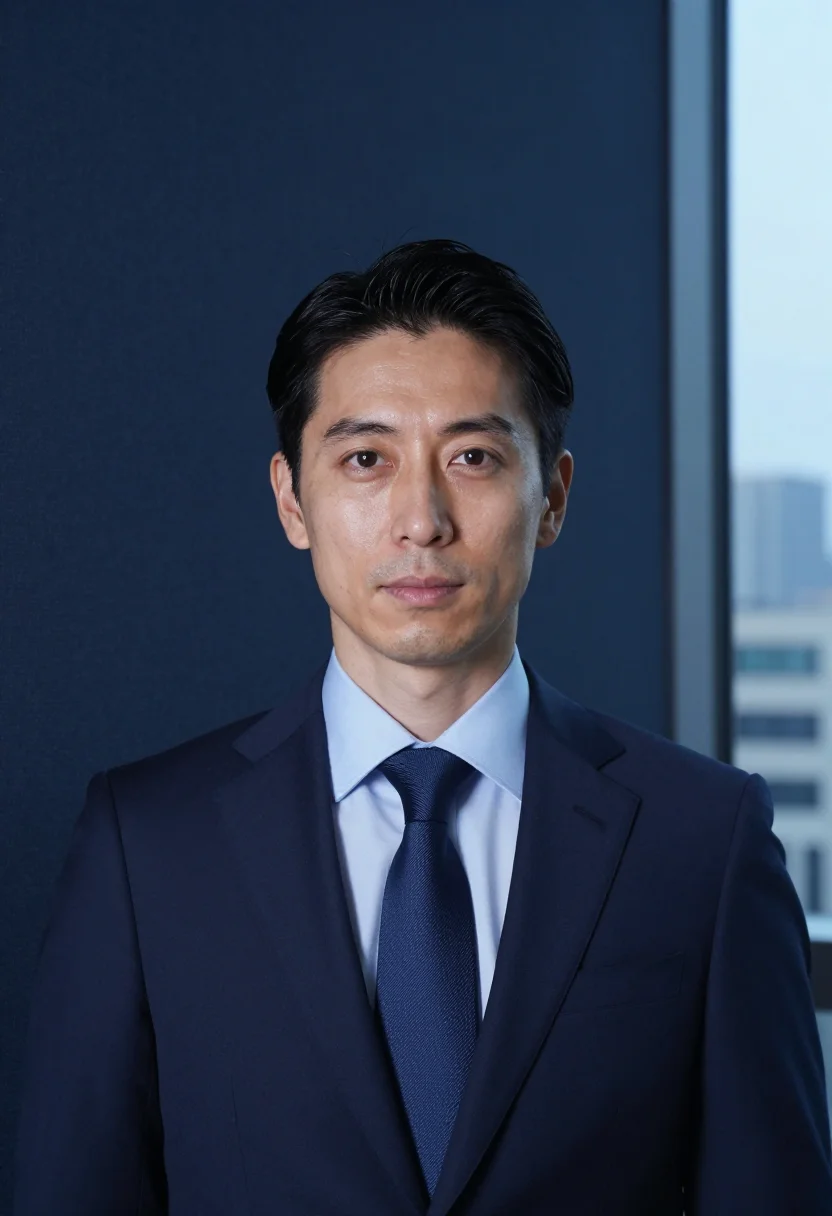
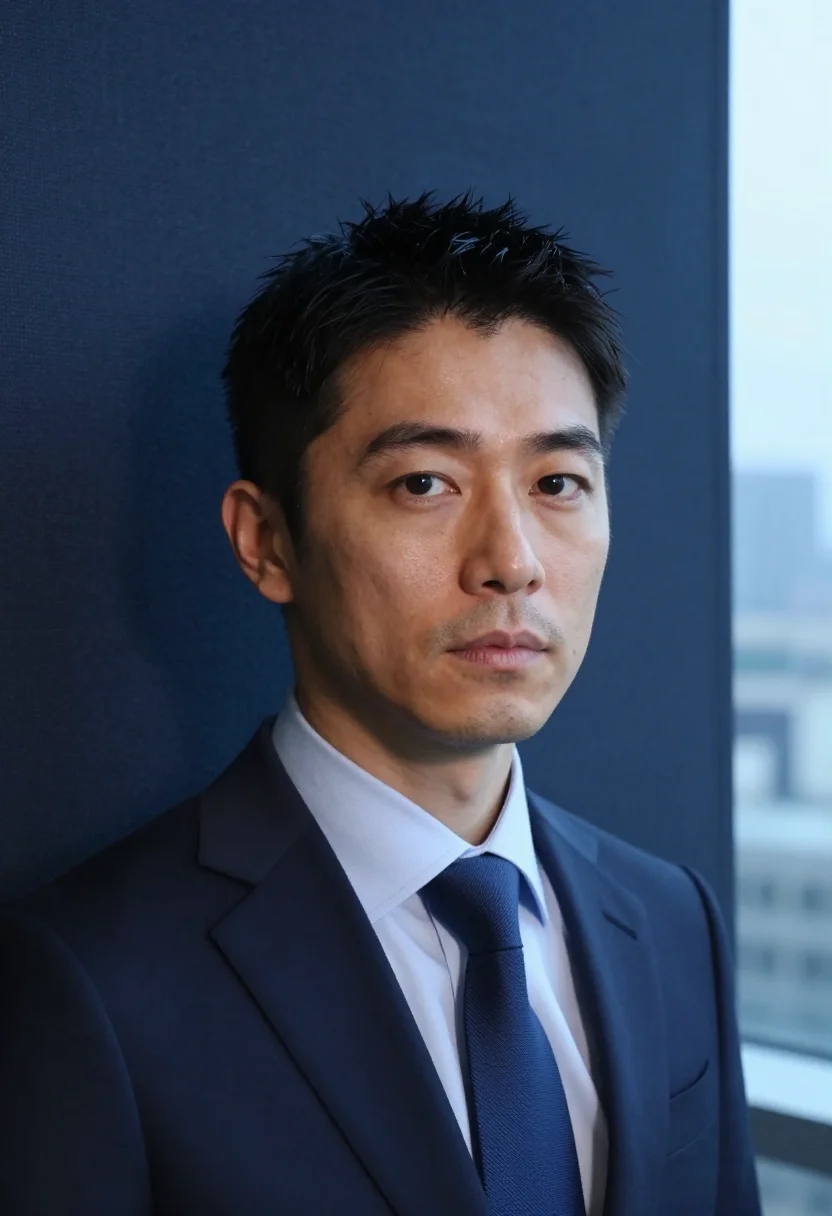
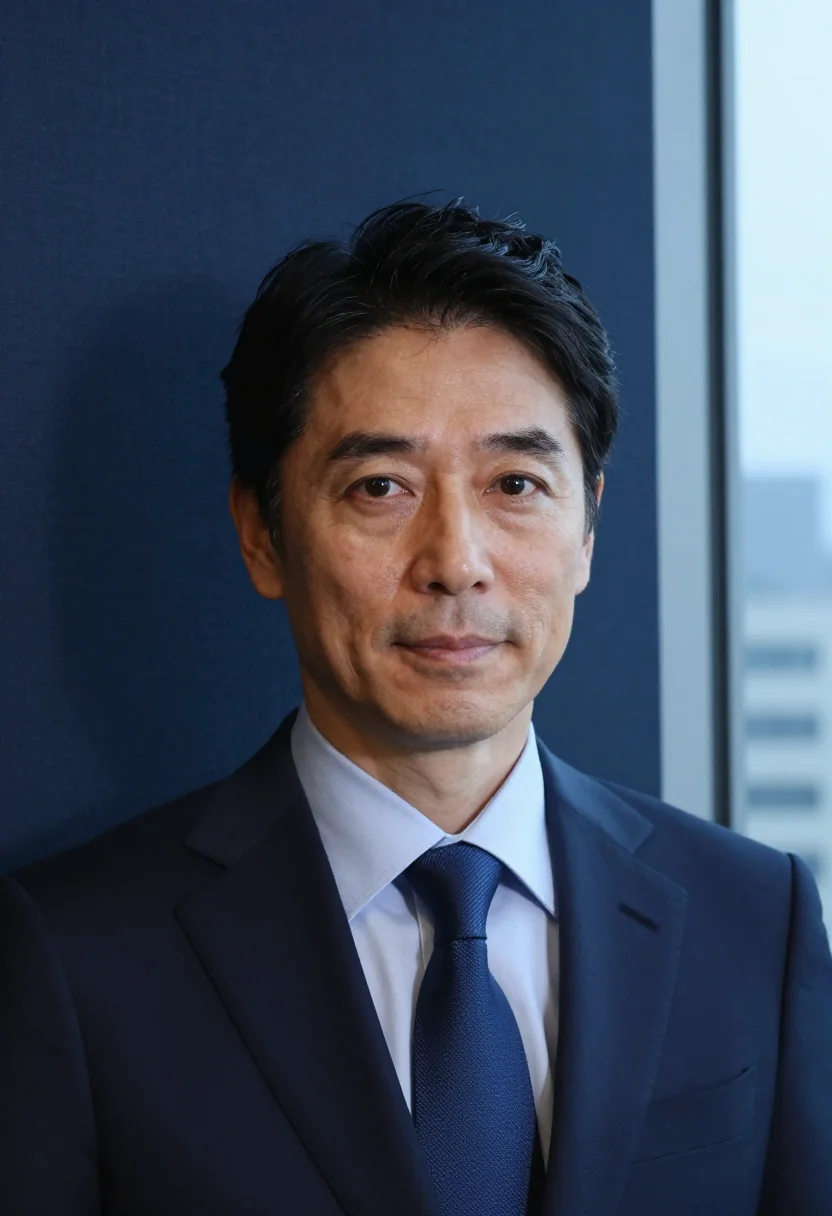
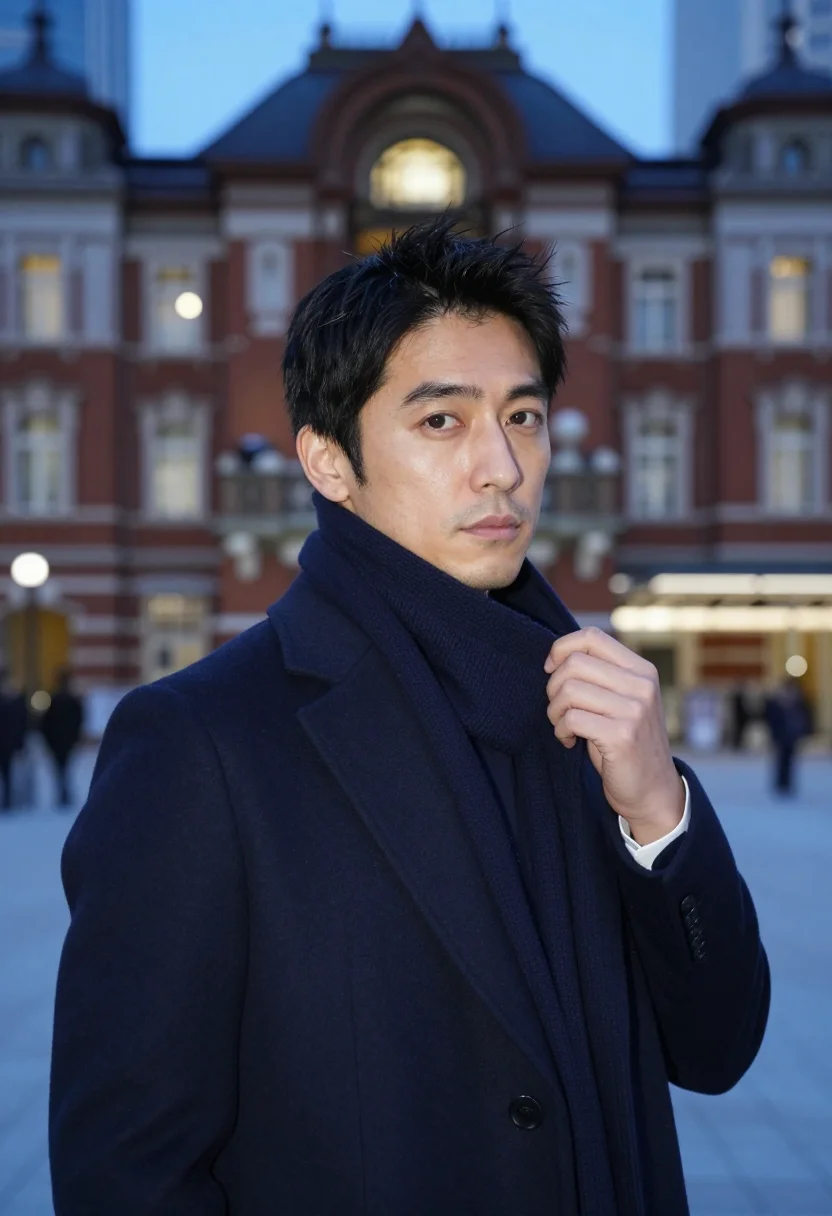
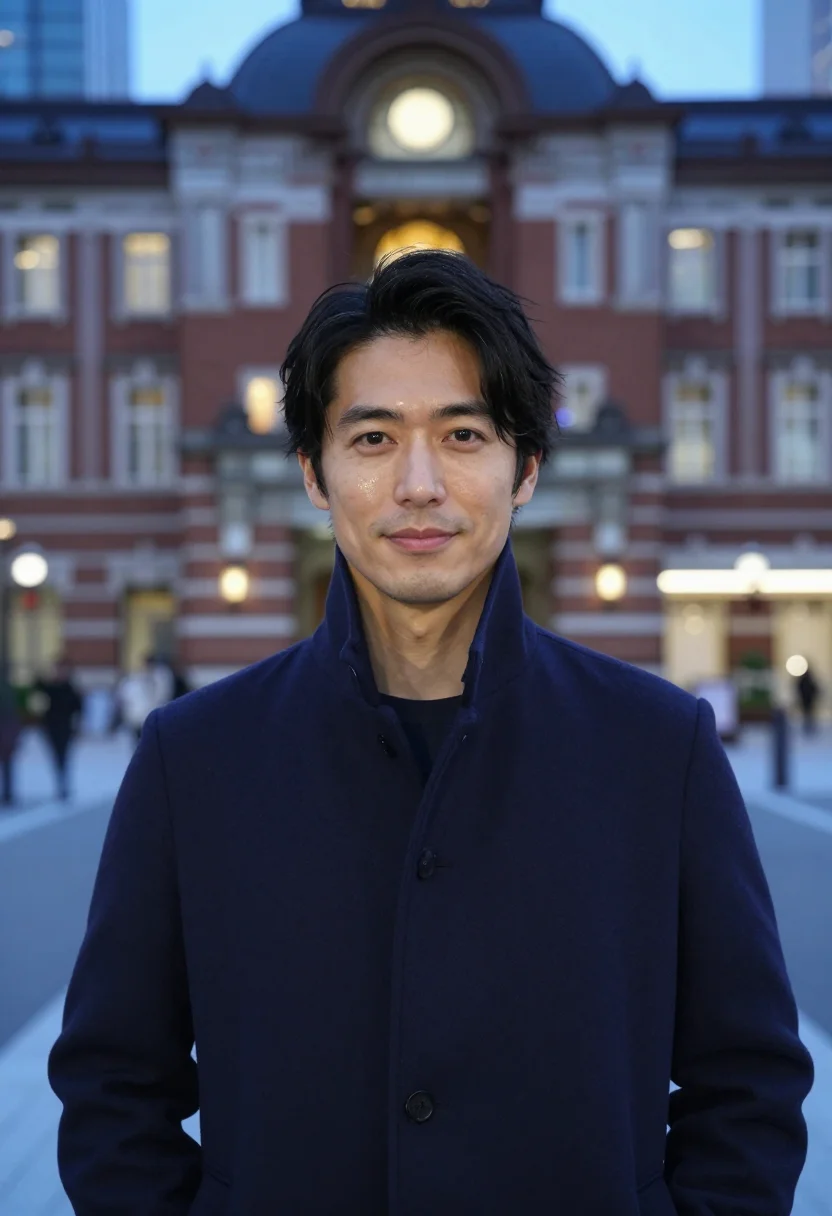
A navy overcoat outfit men wear across Tokyo Station at blue hour — the executive headshot men need, precise as the district, with a haze of champagne light behind. Nine photographs of you, in portrait format. The nine vary in crop, expression and light, so there are real choices, not nine identical files.
/marunouchi-navy · professional · 3 scenes
Marunouchi Navy
6–20 photos of yourself · we email you when your model is ready
More of the Asian winter
one model wears them all →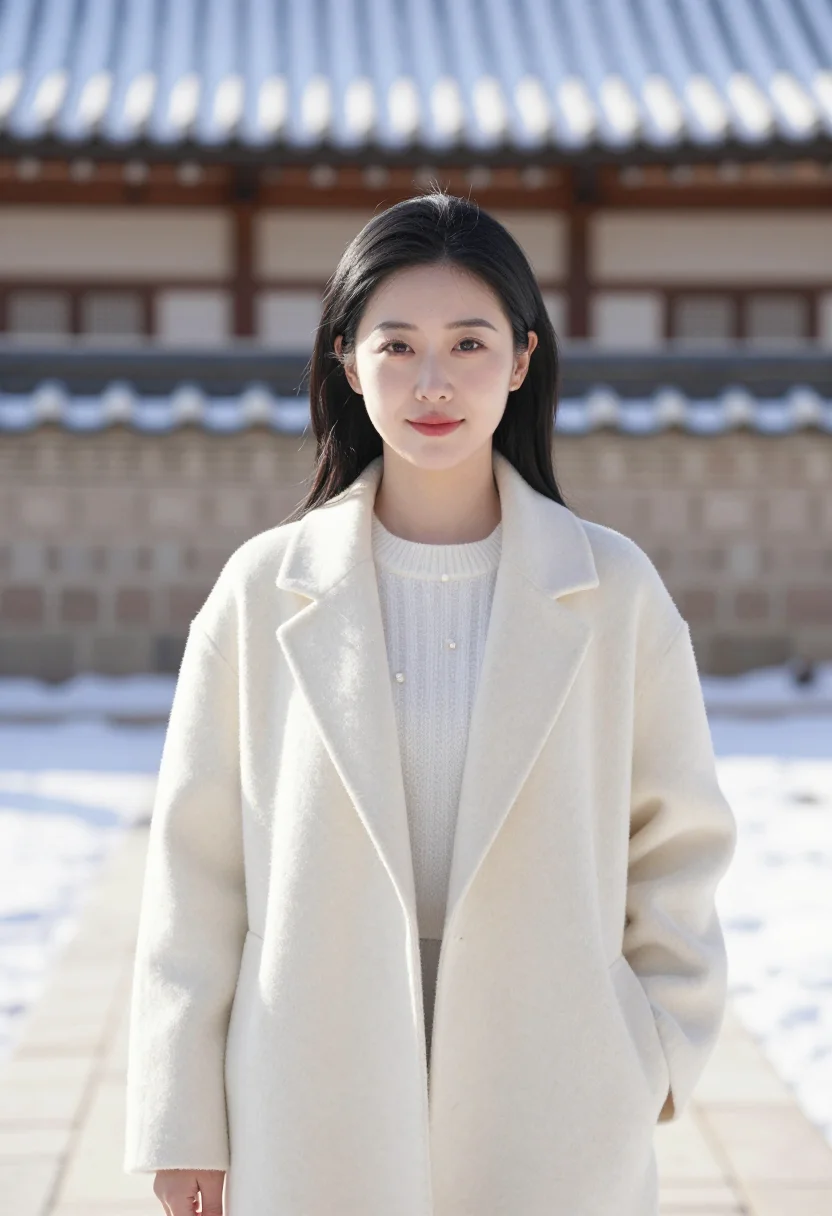
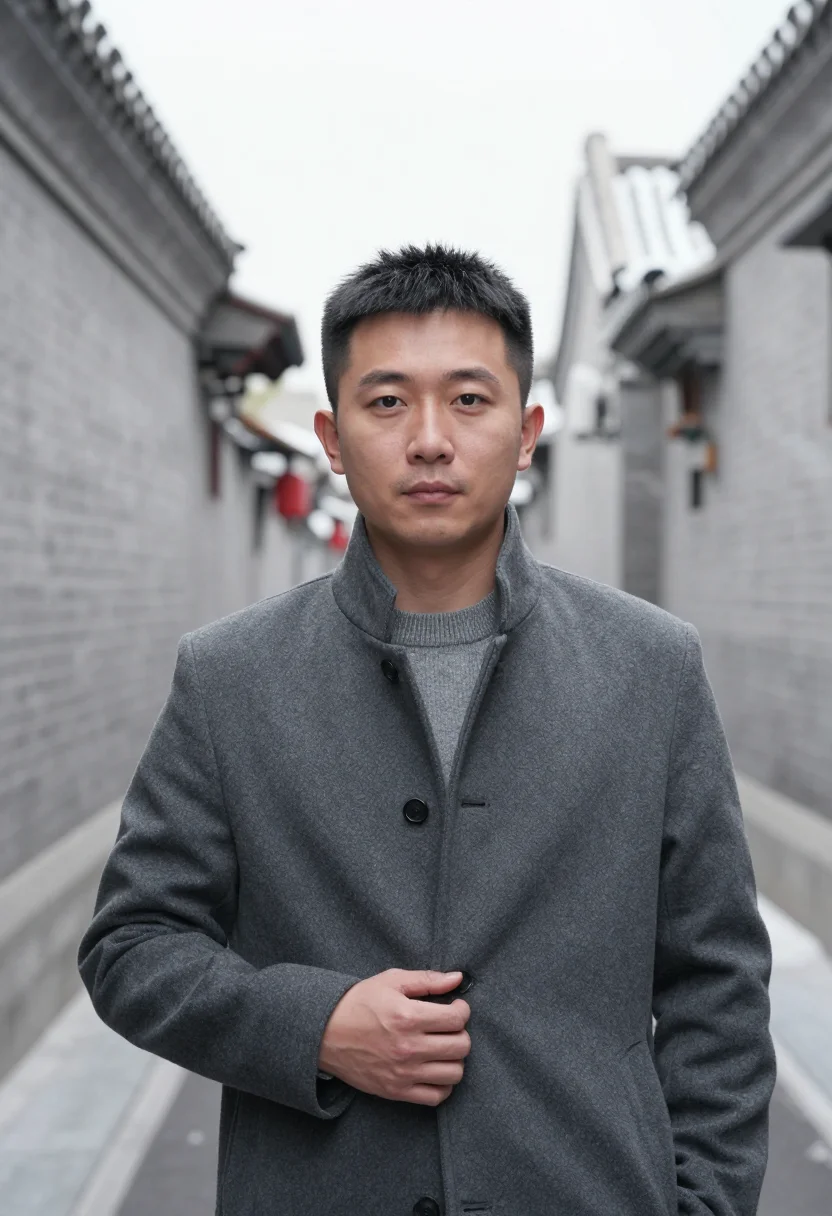
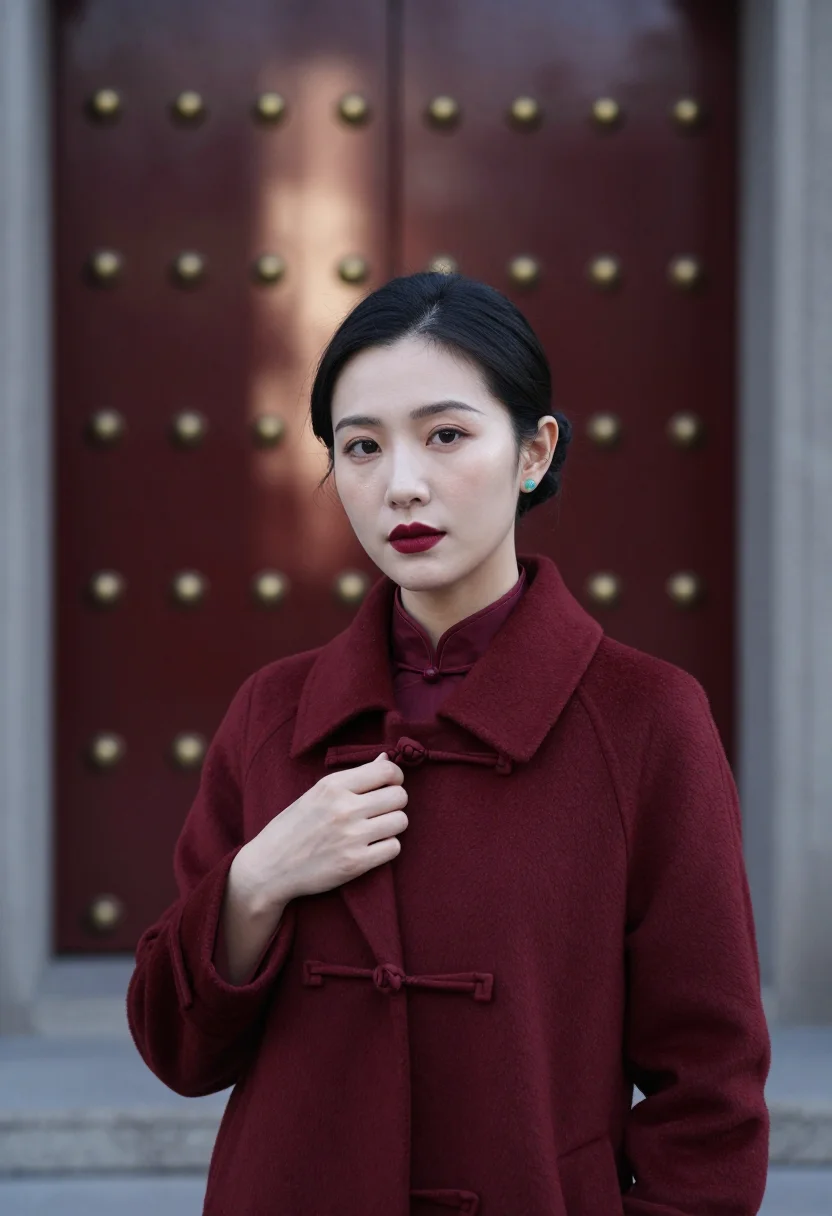
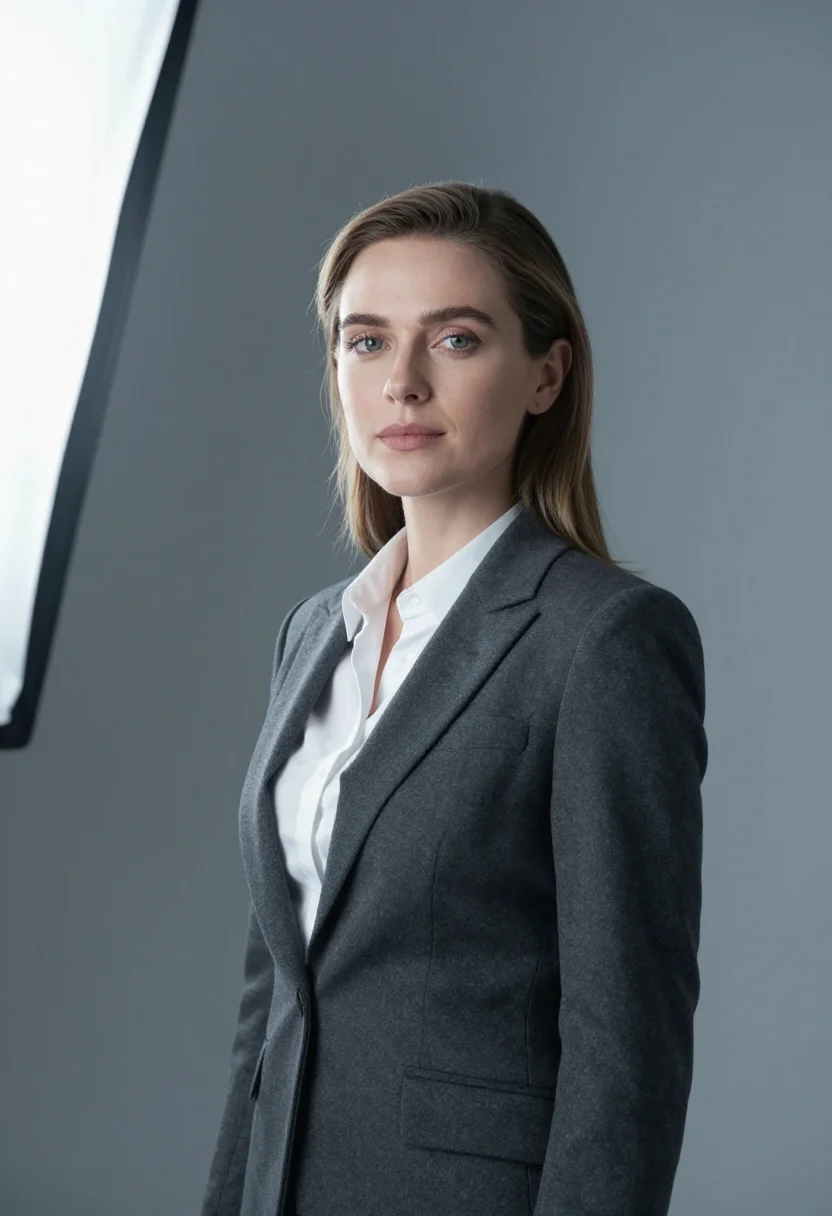
all 9 photos in this pack ↓
How it works
Three steps.
1
Add your photos
Add photos of yourself. We check each one when you add it.
2
We create your model
We create your AI model from your photos. Your photos are ready in a few hours.
3
Every pack, with your face
This pack and every other pack on Narcis can then be made with your face, and single photos too.
The Marunouchi Navy register
Marunouchi Navy draws on December in Tokyo's business district — brick gone navy at blue hour, Naka-dori's trees wound in champagne light — and reads it as the Japanese executive portrait at its most seasonal.
The register is a navy wool chesterfield over a navy suit, a navy tie on a pale blue shirt — ton sur ton dressing (a tone on tone outfit): navy on navy, with a haze of champagne-gold light behind as the one departure from the hue.
Three looks carry the pack — chest-up on Naka-dori with the lit trees dissolved into bokeh, a tight headshot against a navy fabric wall, and chest-up before the station's brick gone blue in the dusk — framing that never drops below the ribs throughout.
The output is photoreal: a real-looking photograph of you in that world. It's a portrait, not a filter over a stock scene.
This register comes up under a few names — also searched as “tokyo winter photoshoot”, “corporate headshot men winter”, and “navy chesterfield coat” — and the pack answers all of them the same way: the real place, the real light, one hue throughout.
How to photograph yourself for Marunouchi Navy portraits
Better source photos make better portraits. This is the best photo for AI portrait input, whatever pack you pick.
- Even, soft lightStand near a window with indirect daylight on your face. The pack builds the blue-hour brick and the champagne-light bokeh on top — a flat, well-lit selfie gives it the clearest face to start from.
- Front or three-quarter angleEye level, facing the lens or turned slightly. No selfie-stick uplook, no shot from below.
- Face fully clearHair off the forehead, no hats, sunglasses, or heavy filters — a clean, front-facing photo is the best input for an AI portrait.
- A composed expressionThe Marunouchi register favors a courteous, exact look. A calm, steady look in your source photo blends more naturally into a chest-up or headshot crop.
- Plain background is fineDon't worry about your own backdrop — the pack's three looks replace it entirely. A plain wall behind you just helps the model focus on your face.
Frequently asked questions
- Will it actually look like a real photograph?
- Yes. The output is photoreal — a real-looking Marunouchi Navy photograph, not a filter or an illustration. It's, not a stock model dropped into the scene.
- Can women use this pack?
- The styling — a navy chesterfield over a navy suit — is built for men, so it reads masculine. Seoul Winter Ivory carries this pack's sibling on the women's side.
- Can I use it for a corporate bio or LinkedIn?
- Yes — the navy register reads precise and current for a corporate bio page, LinkedIn, or an annual report.
- Will the photos look like me?
- Every photo looks like you, well photographed. If one is nearly right, say what to change, in your own words.
- Do I have to write a prompt?
- No. There is nothing to write: you pick a pack, and it is ready in seconds.
- How many photos of myself do I add?
- Between six and twenty, from different days and in different light, with your face clear. We check each one when you add it.
- What happens to the photos I add?
- They are used only to create your model, on our own servers in the European Union. They are not shared and not sold.
When Marunouchi Navy fits
- A corporate bio or leadership-page photo
- A LinkedIn profile photo with an executive register
- An annual report or investor-materials headshot
- A press profile photo for a business announcement
- A speaker bio for a business or trade panel
- A personal website hero photo
- An email signature photo with real polish
- A year-end or New Year business card update
About narcis
Most AI photo tools put every pose, job, era, and style in one giant catalog. The photos all look like every other AI photo on the internet — a glaze over a stock face. Narcis goes the other way. One job: photos of you that look like photographs. You add at least 6 photos of yourself, and we create your AI model from them. Your photos are ready in a few hours, and we email you when they are. Then this pack and every other pack on Narcis can be made with your face. Each pack is curated against real references — paintings, photographers, places — and tested on real faces before it goes live. Built and run by one small team, on our own servers.
All images are AI-generated. By using this service, you confirm you are 18+, that any face photo you upload is your own or used with explicit consent. Full Terms