A Ming Dynasty Official Hanfu Photoshoot
Nine photos of you in one setting
How your model is created from your photos
Every pack on Narcis, made with your face
Nine photographs of you in one setting: one pack of the Narcis catalogue.
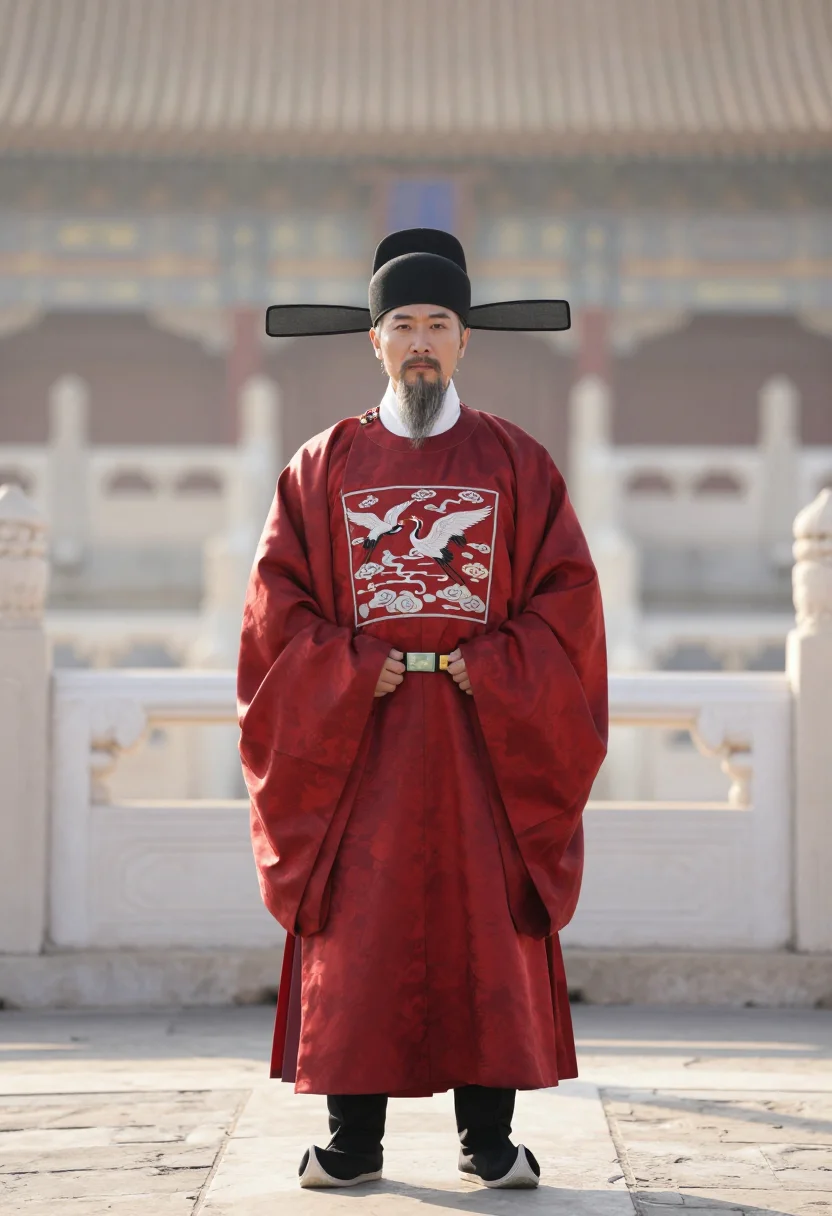
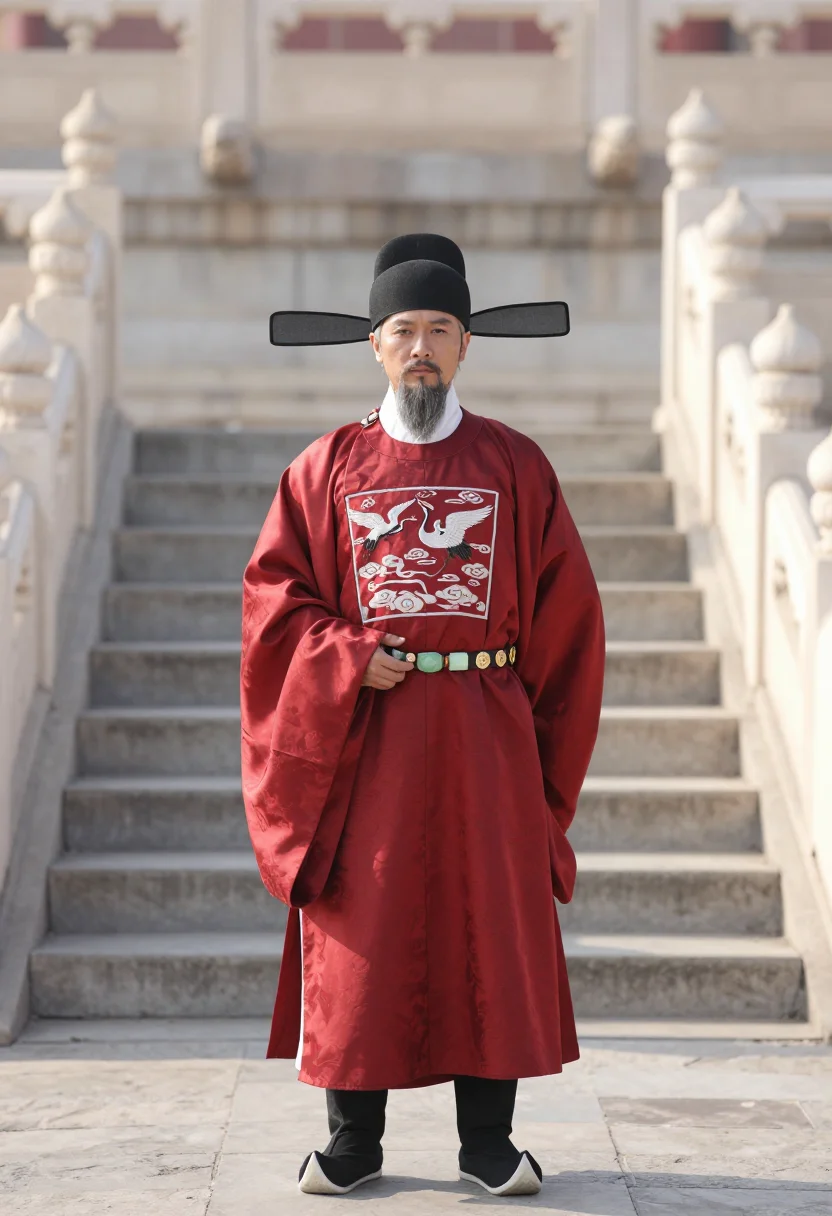
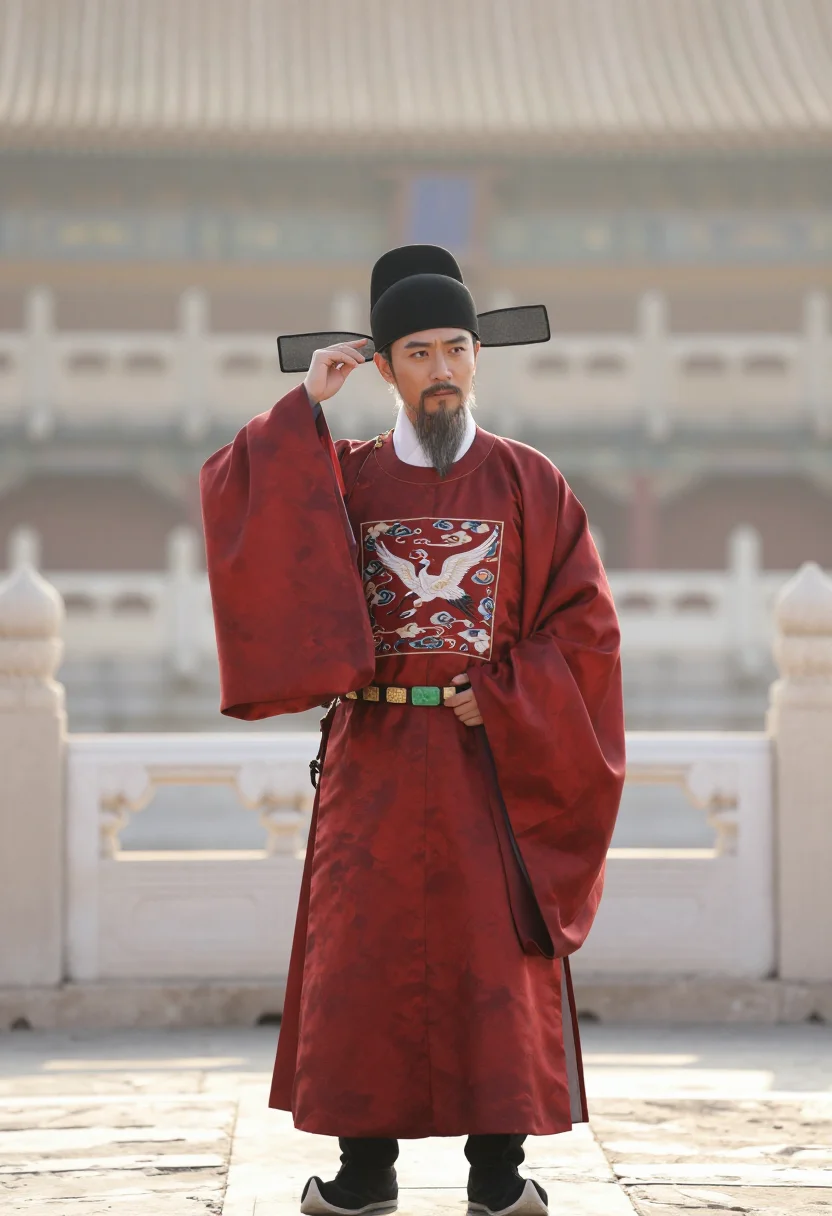
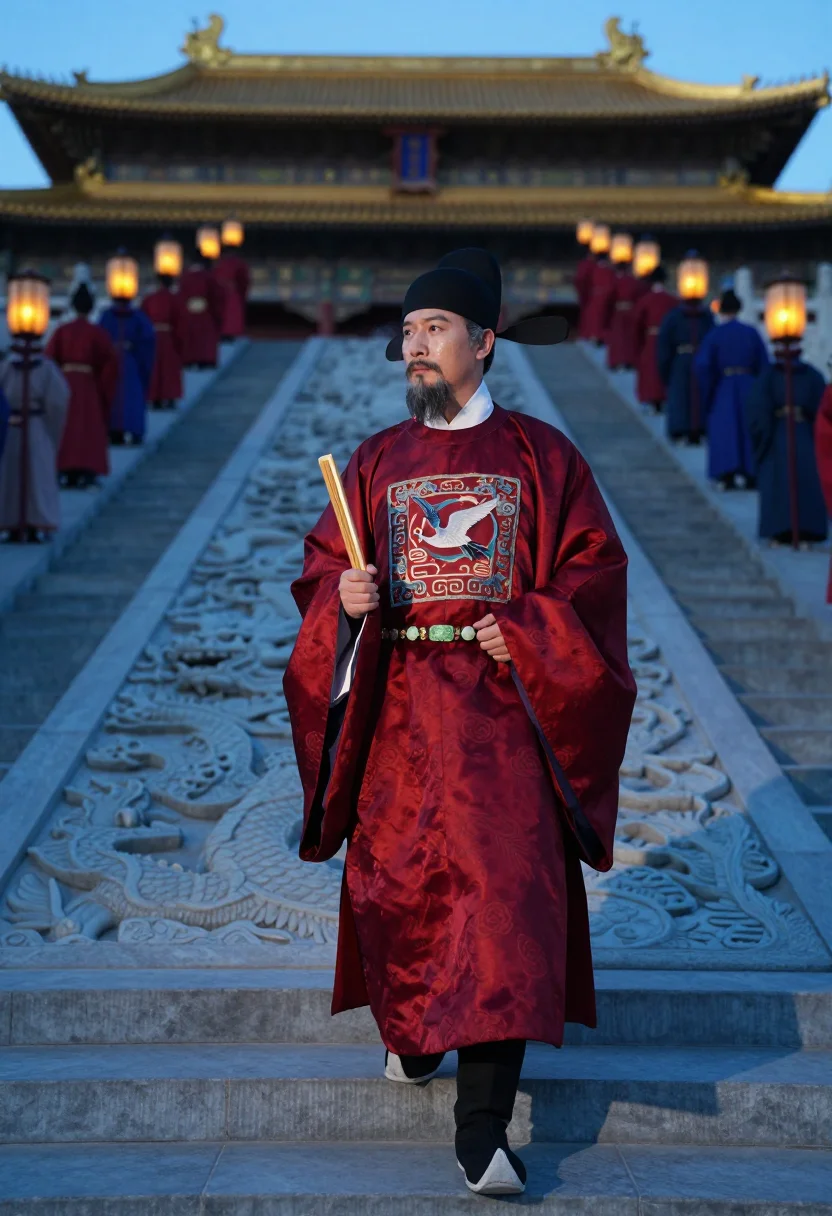
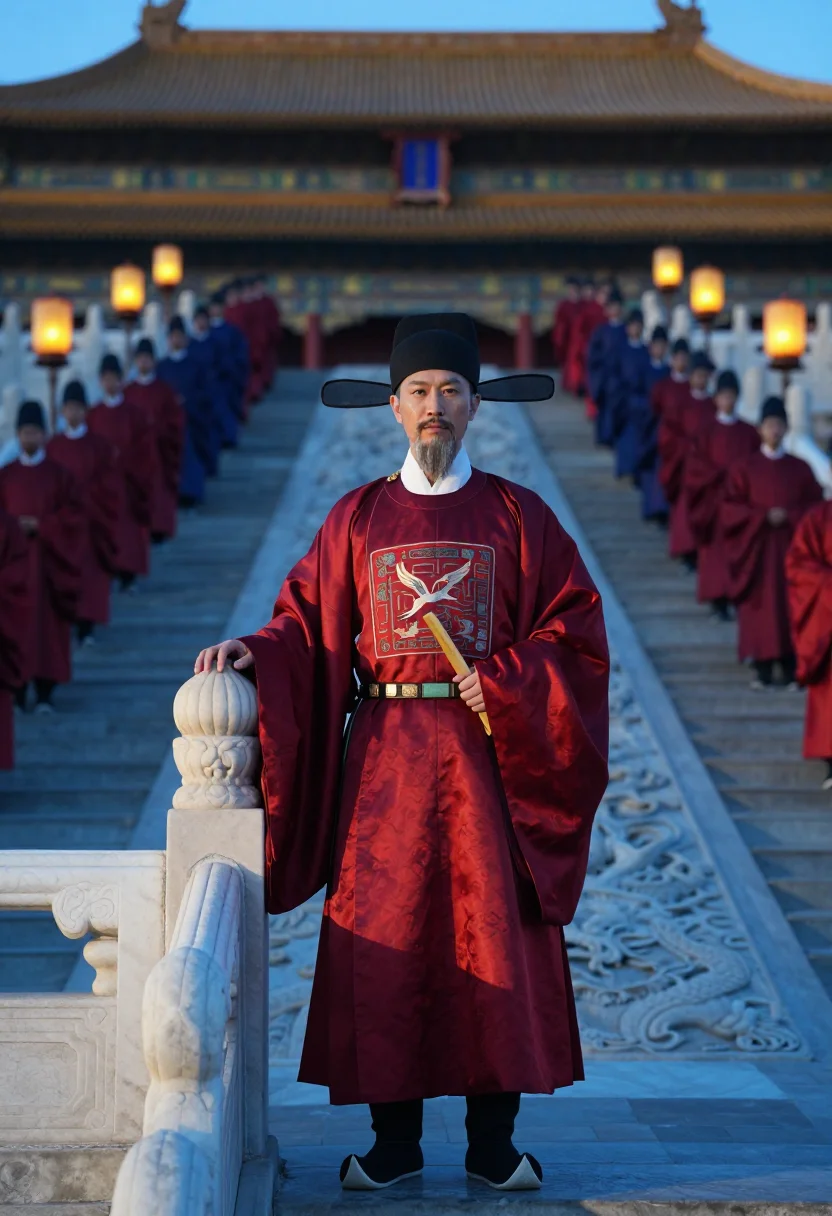
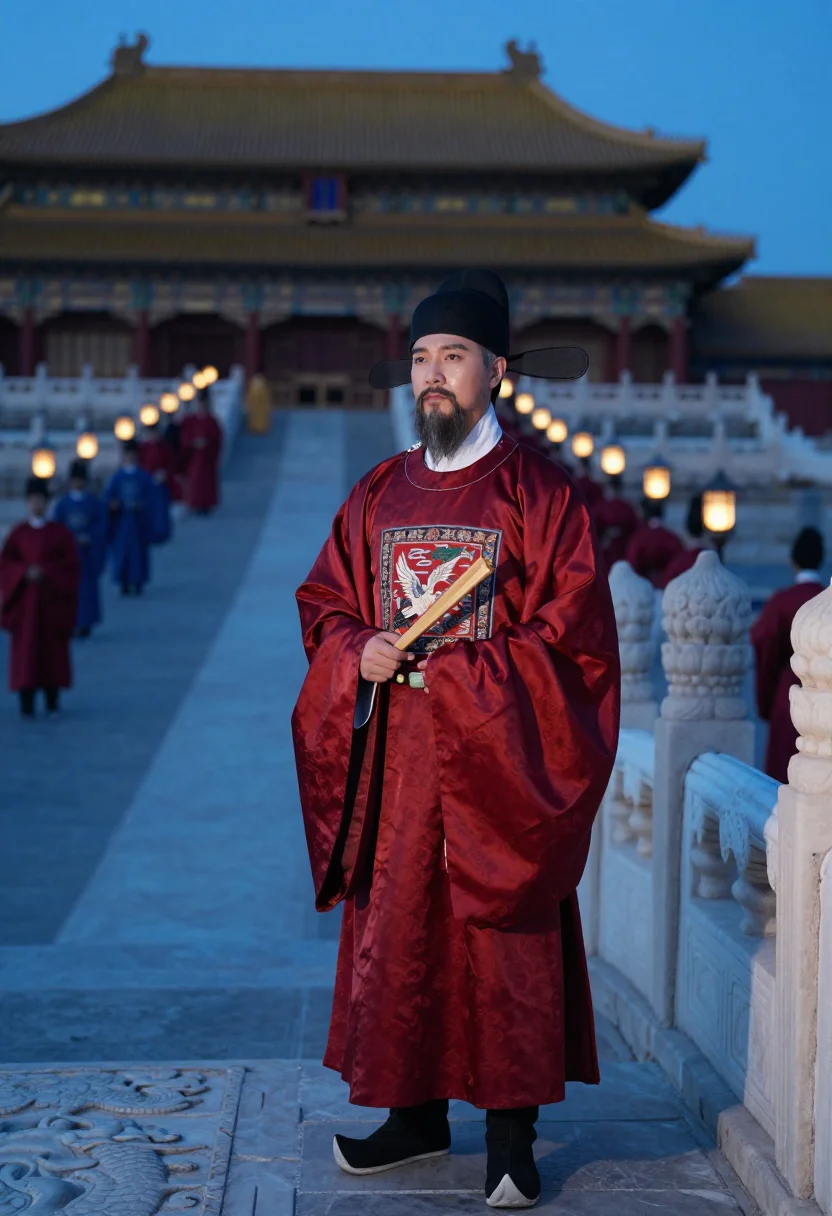
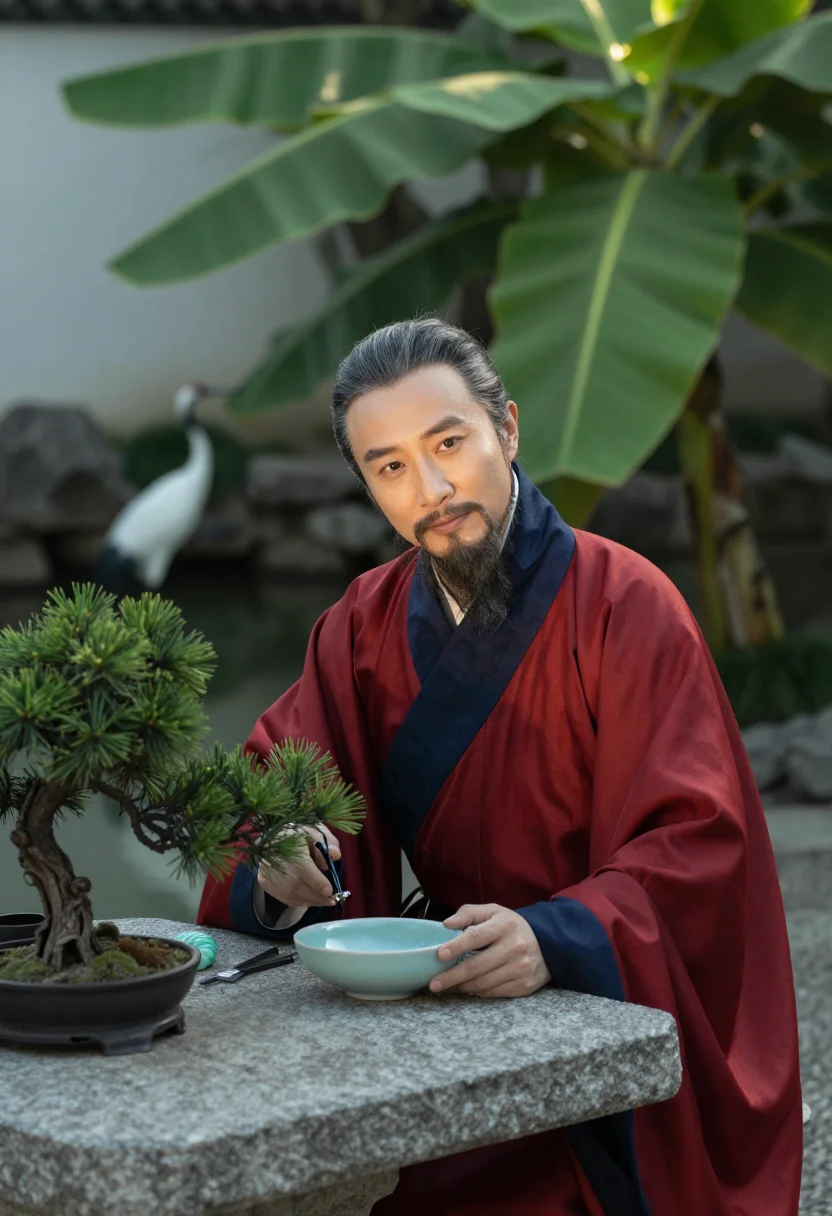
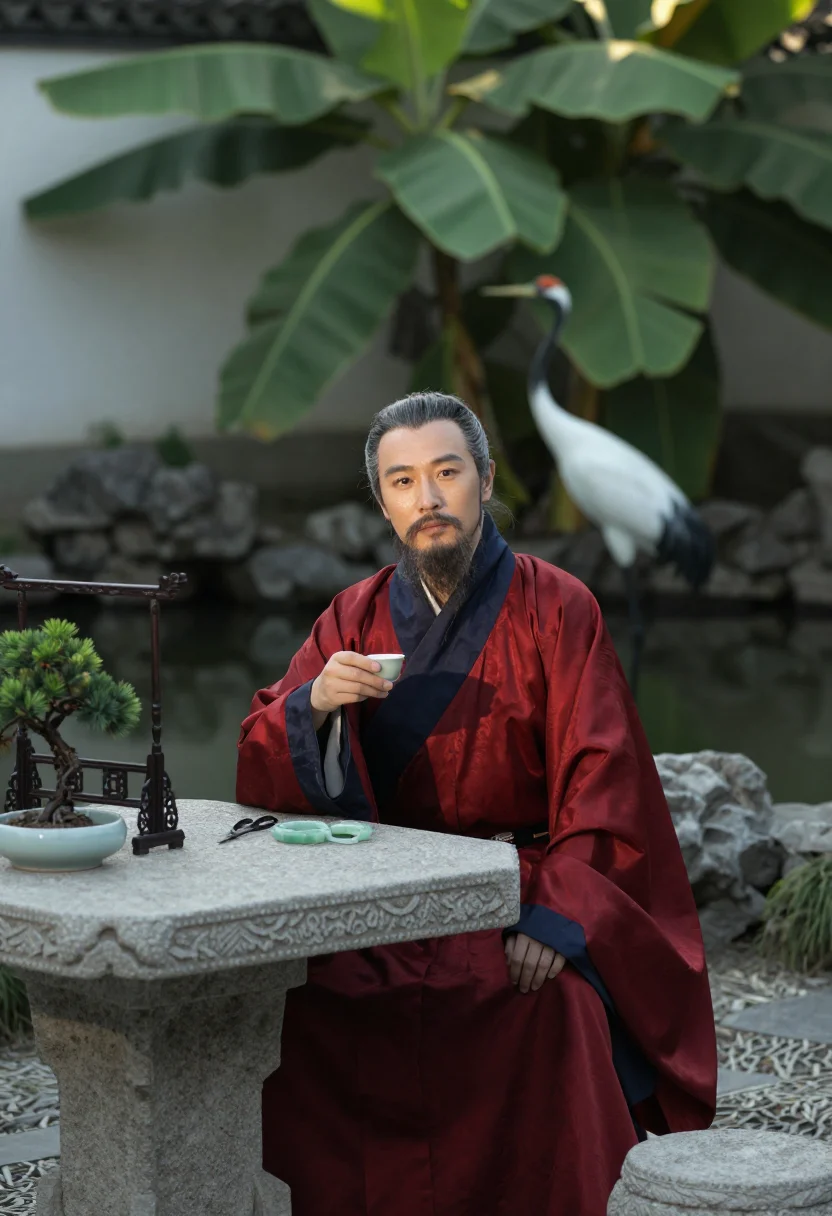
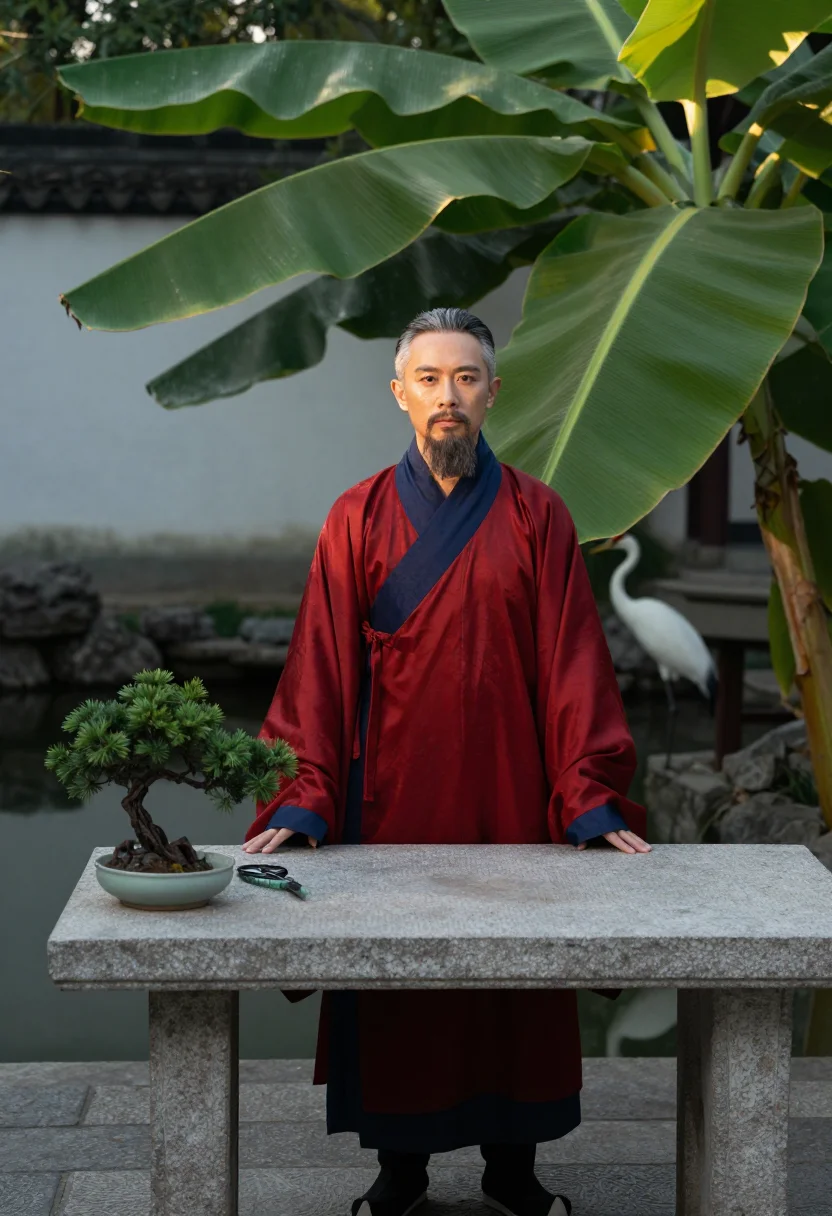
Nine photographs of you, styled in Ming-dynasty official dress, a scarlet round-collar robe with a crane buzi rank badge and wushamao hat, set on a palace terrace, along a dawn audience ramp, and in a private garden study, in portrait format. The nine vary in crop, expression and light, so there are real choices, not nine identical files.
/ming-mandarin · photo · 3 scenes
A Ming Dynasty Official Hanfu Photoshoot
6–20 photos of yourself · we email you when your model is ready
More men of rank
one model wears them all →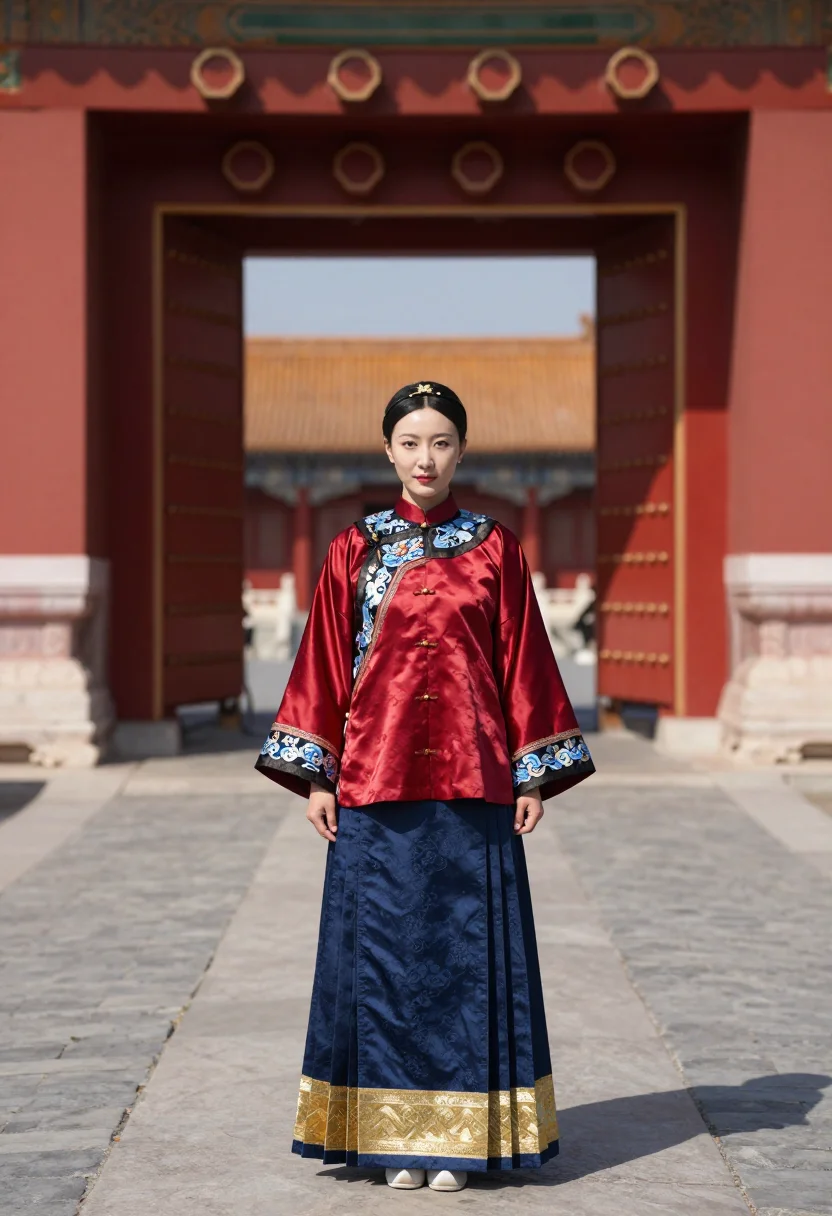
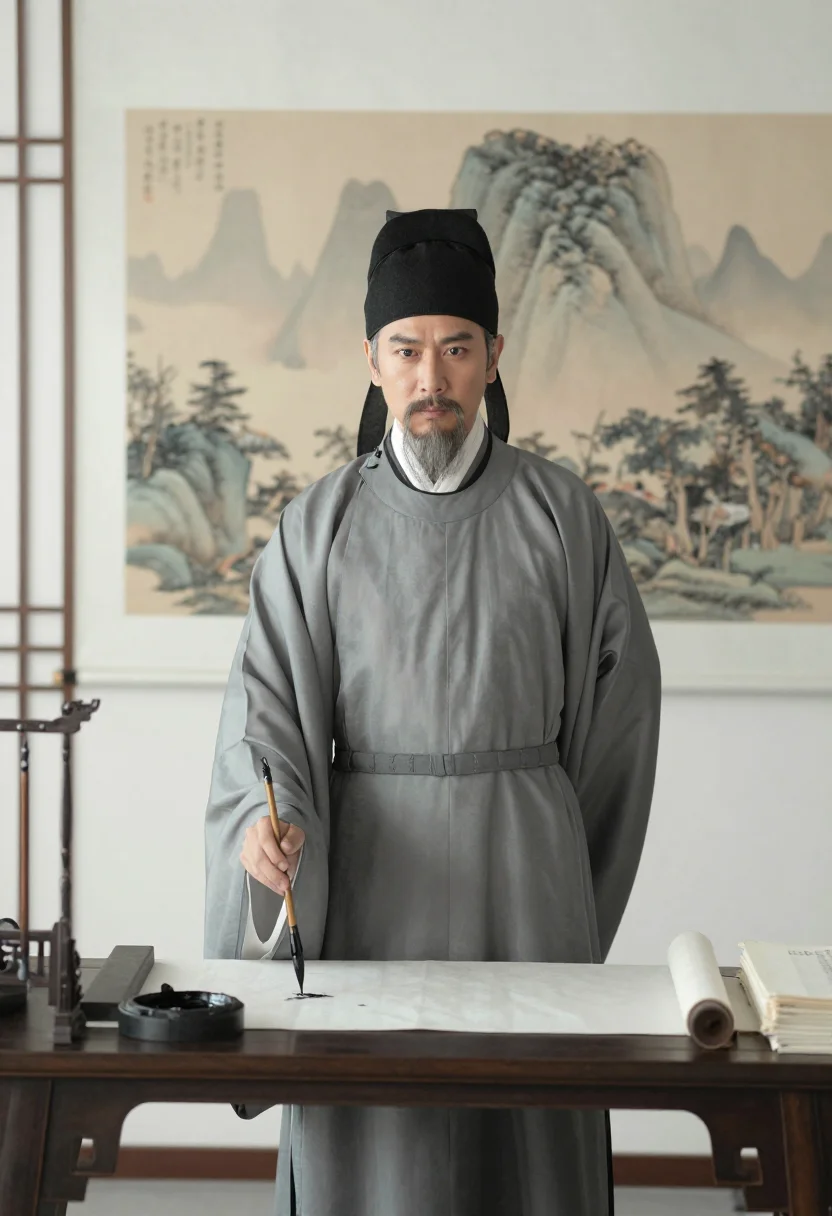
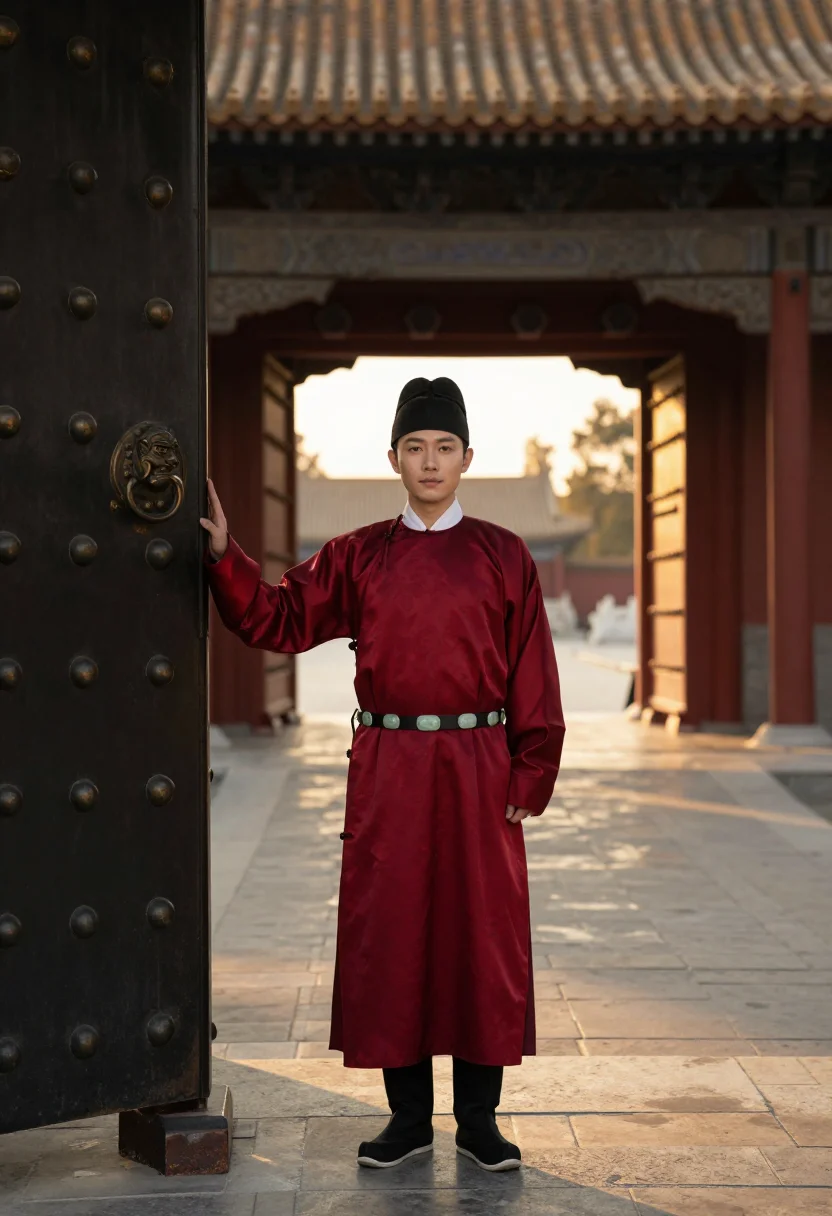
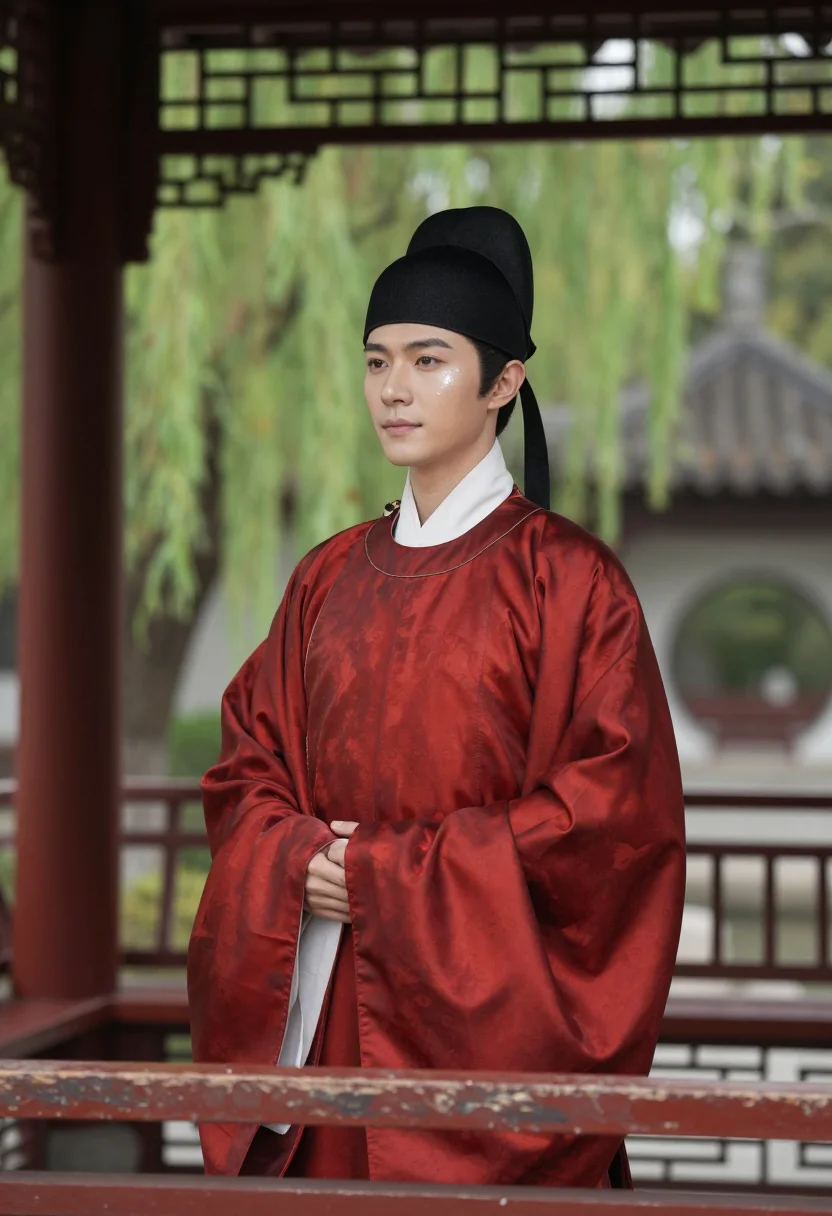
all 9 photos in this pack ↓
How it works
Three steps.
1
Add your photos
Add photos of yourself. We check each one when you add it.
2
We create your model
We create your AI model from your photos. Your photos are ready in a few hours.
3
Every pack, with your face
This pack and every other pack on Narcis can then be made with your face, and single photos too.
The Ming official's register
The Ming official's world runs on the scarlet round-collar robe with a buzi rank badge of embroidered cranes square on the chest, a black wushamao hat with straight wings, a jade-clasped belt standing off the waist. The nine ranks read at a glance from fifty paces — formal geometry carried with individual presence, the man outranking the uniform.
The pack moves through three settings built on that formality: a state-portrait pose alive and lit like a photograph, crane badge centered, white marble terraces stepping up behind; a dawn audience approach up a dragon-carved spirit way, breath visible in the blue pre-sunrise cold; a private garden study, the wushamao set aside and a real crane stalking the pond behind.
What comes back is a photoreal portrait — a real-looking photograph of you in Ming official dress, not a painting or an illustration. The reference is Ming court portraiture; the output is a photograph, formal geometry made flesh.
How to photograph yourself for a Ming dynasty official photoshoot
Better source photos make better portraits.
- Even, soft lightStand near a window with indirect daylight on your face. Avoid overhead bulbs and phone flash — both flatten the face and are the usual reason an AI portrait misses your likeness.
- Front or three-quarter angleCamera at eye level, facing it or turned slightly to three-quarter. No selfie-stick uplook, no shot from below.
- Face fully clearHair off the forehead, no hat in the source photo — the pack adds the wushamao hat itself.
- A still, dignified expressionThe Ming state-portrait register is frontal and composed — a level, unhurried gaze reads truer than a casual smile.
- Plain background is fineDon't worry about your own backdrop — the palace terrace replaces it. A plain wall behind you helps the model focus on your face.
Frequently asked questions
- Will it actually look like a Ming dynasty official, and like a real photo?
- Yes on both. The crane buzi rank badge, the wushamao hat, the jade-clasped belt come back detailed, and the output is photoreal — a real-looking photograph of you, not a painting or a cartoon.
- Is the rank badge system historically real?
- Yes — the nine-rank buzi system (birds for civil officials, animals for military) is one of the best-documented parts of Ming court dress; the pack uses the crane, the highest civil rank, drawn from that real system rather than an invented emblem.
- Which scenes does it cover?
- Three: a formal state-portrait pose on the palace terrace, a dawn audience approach up the marble spirit way, and a private garden study with the hat set aside.
- How is this different from renting a real Ming official costume?
- A real Ming-official shoot means sourcing an accurate scarlet robe and crane badge, a wushamao hat, and a palace-scale location. This gives you the same robe, the same badge, the same marble terraces.
- Can women use this pack?
- The samples and the robe's cut are built for a man's silhouette, so this pack reads masculine. The companion ming-mamianqun pack covers the Ming woman's horse-face skirt for women.
- Will the photos look like me?
- Every photo looks like you, well photographed. If one is nearly right, say what to change, in your own words.
- Do I have to write a prompt?
- No. There is nothing to write: you pick a pack, and it is ready in seconds.
- How many photos of myself do I add?
- Between six and twenty, from different days and in different light, with your face clear. We check each one when you add it.
- What happens to the photos I add?
- They are used only to create your model, on our own servers in the European Union. They are not shared and not sold.
When the Ming official pack fits
- For a social feed post that carries genuine Ming court iconography
- For a profile picture with formal, dignified authority in it
- For a portrait gift for a friend who loves Chinese imperial history
- For a phone or desktop wallpaper built around the crane rank badge
- For a print or framed portrait in Ming state-portrait style
- For hanfu community shares — a documented buzi rank badge, not an invented emblem
- For a dating profile photo with historical, commanding presence, kept honest about what it is
- For anyone drawn to Ming court dress who doesn't own or want to rent the robe
About narcis
Most AI photo tools put every pose, job, era, and style in one giant catalog. The photos all look like every other AI photo on the internet — a glaze over a stock face. Narcis goes the other way. One job: photos of you that look like photographs. You add at least 6 photos of yourself, and we create your AI model from them. Your photos are ready in a few hours, and we email you when they are. Then this pack and every other pack on Narcis can be made with your face. Each pack is curated against real references — paintings, photographers, places — and tested on real faces before it goes live. Built and run by one small team, on our own servers.
All images are AI-generated. By using this service, you confirm you are 18+, that any face photo you upload is your own or used with explicit consent. Full Terms