AI Montreal Mile End Designer Mustard Generator — Free Preview, Then Train Your Model
See a Free Preview in Seconds, Before You Commit
Train Your Model Once, Render Montreal Mile End Designer Mustard in About Ten Seconds
Studio-Quality Results Without a Studio Visit
Narcis generates a free preview of your montreal mile end designer mustard from one uploaded photo. The preview streams in seconds — a quick sketch, close but not you yet. If you like it, train your model once — 12 to 20 photos, we email you when it's ready — and the full pack of nine is €9,99, rendered from your model in about ten seconds a portrait. No signup before the preview, and no waiting for an email until you choose to train.
The pack is nine professional montreal mile end designer mustard rendered in portrait aspect ratio (2:3) — the shape LinkedIn banners, CVs, and print profiles actually use. Each image shows varied crops, expressions, and light angles so you have real choices, not nine identical files.
Photos are processed on European servers. We use your photo to generate your headshots; we do not share it with third parties.
/montreal-mile-end-designer-mustard · professional · 3 scenes
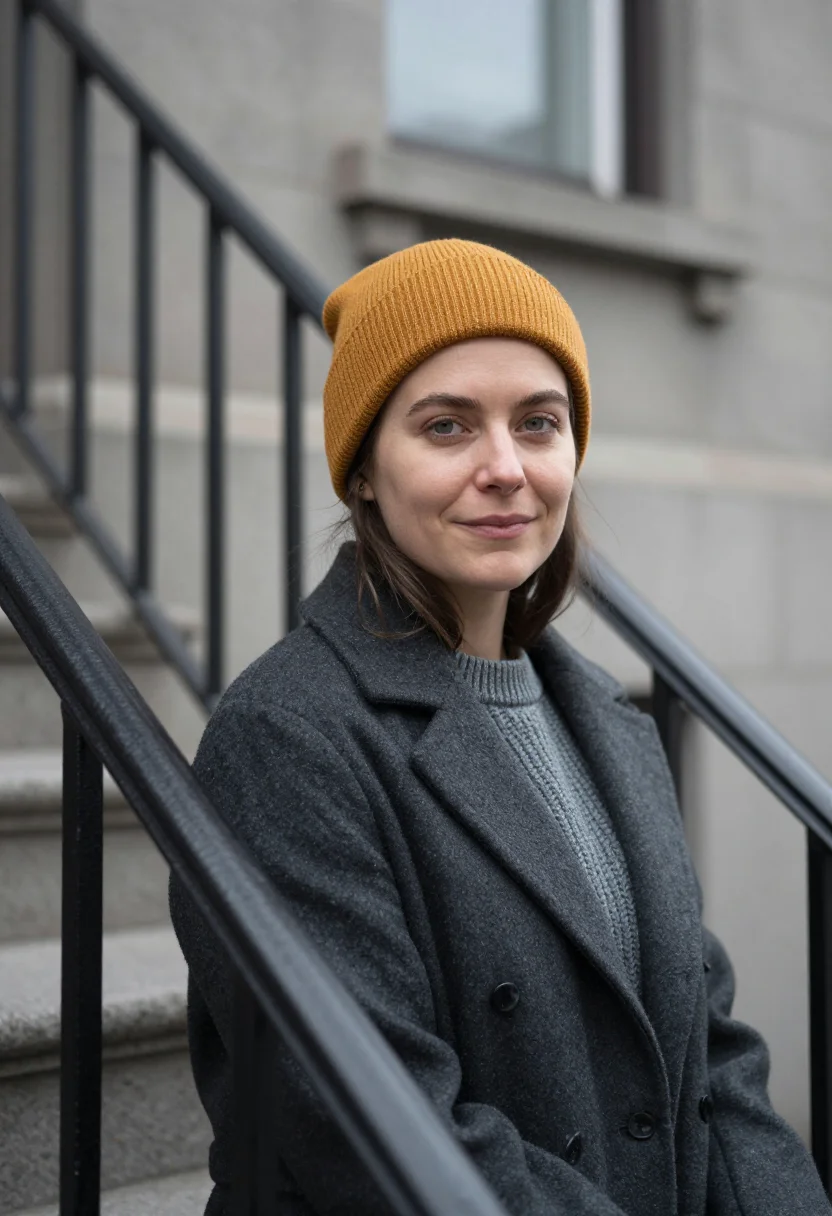
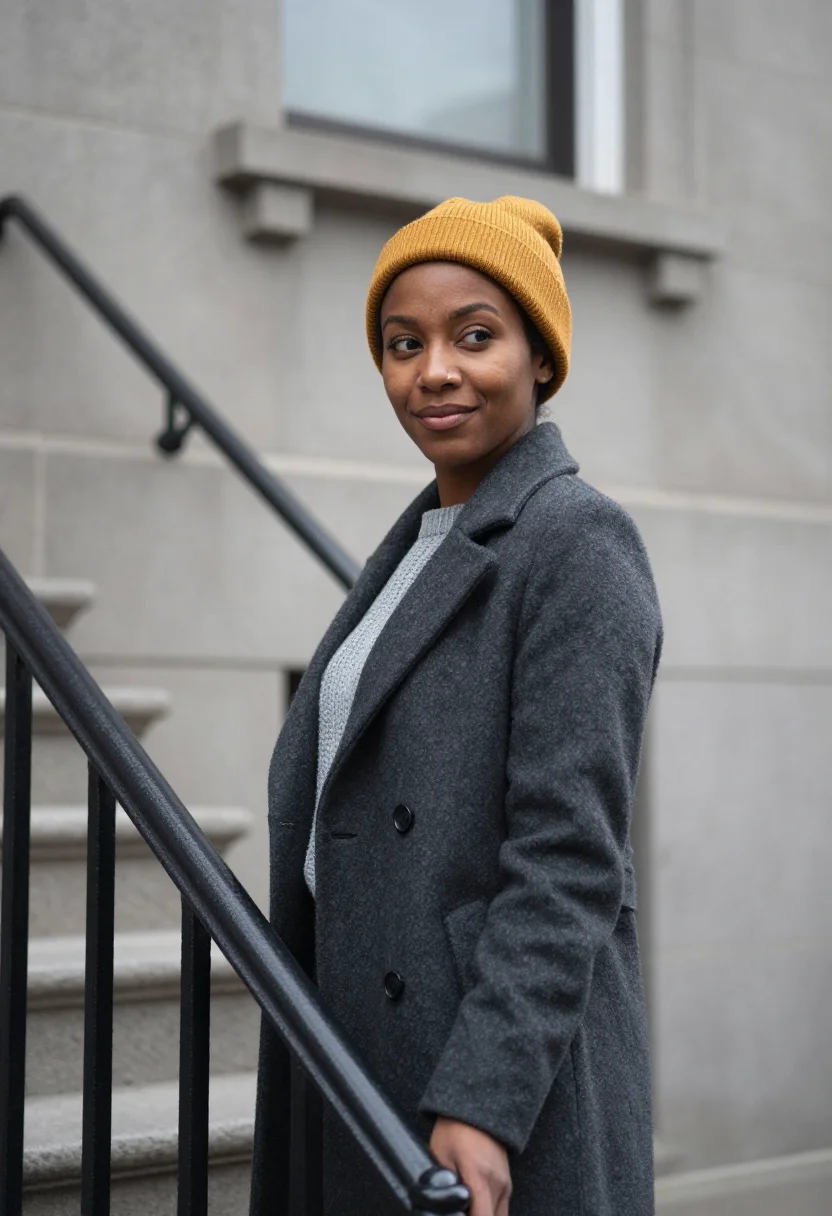
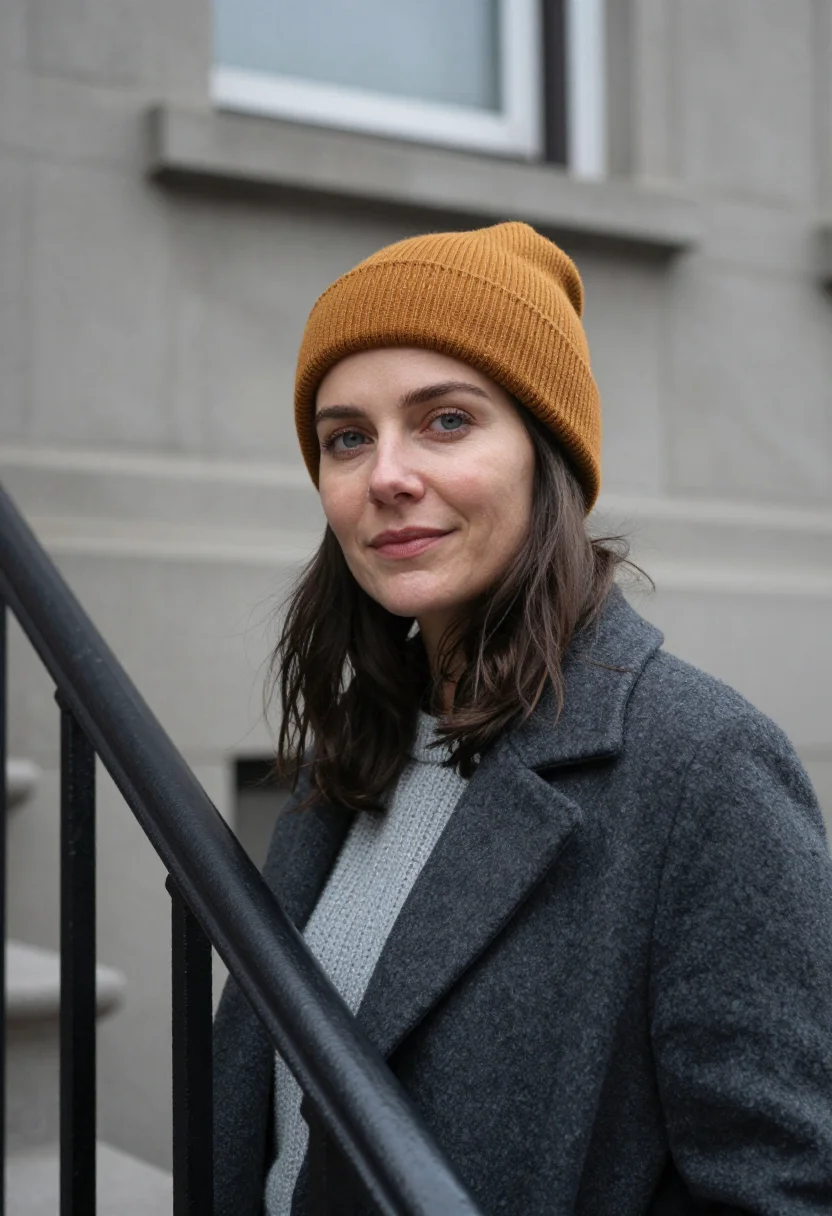
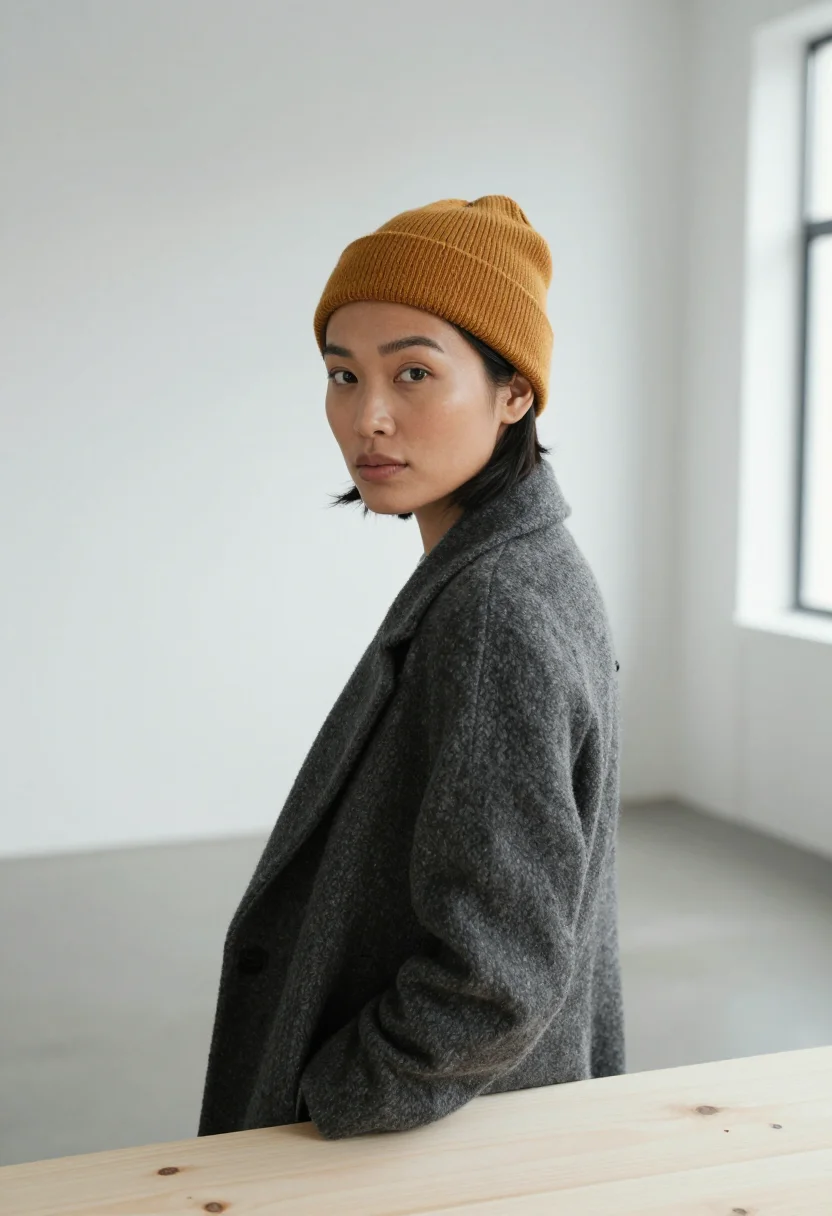
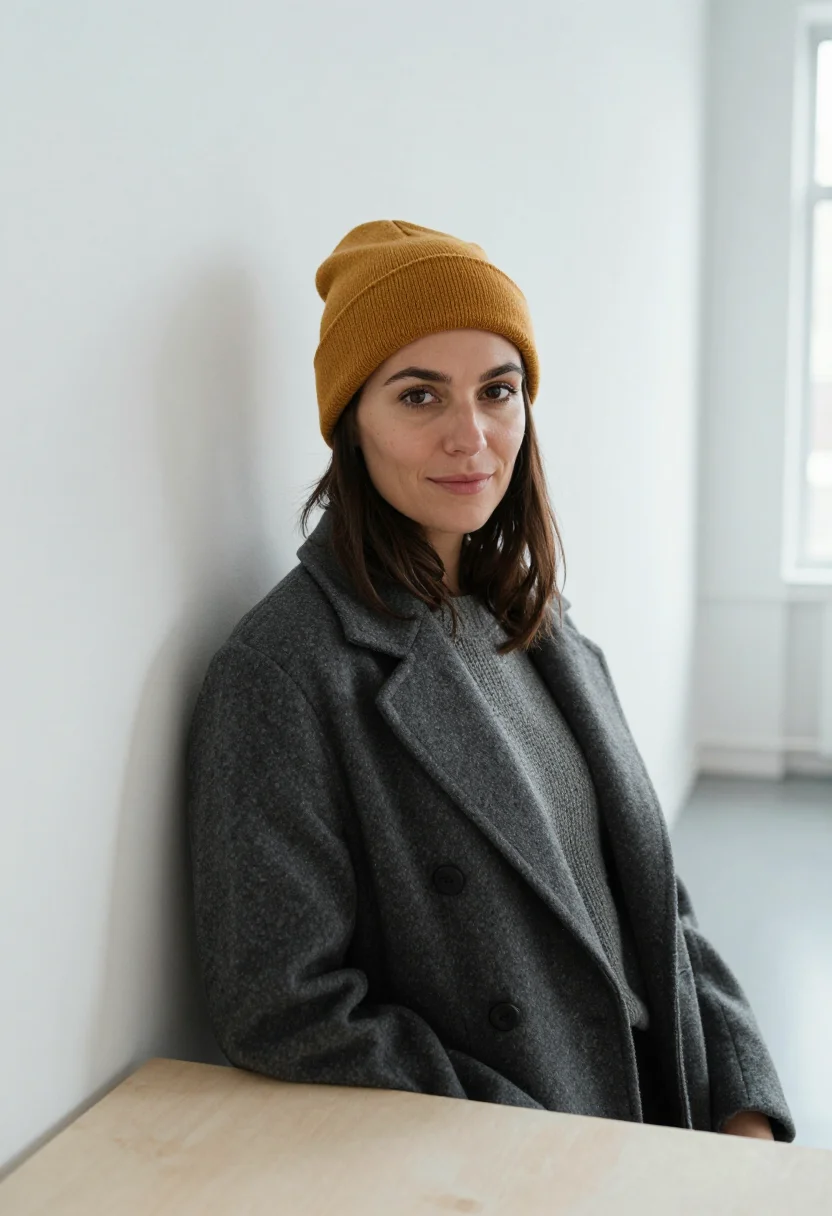
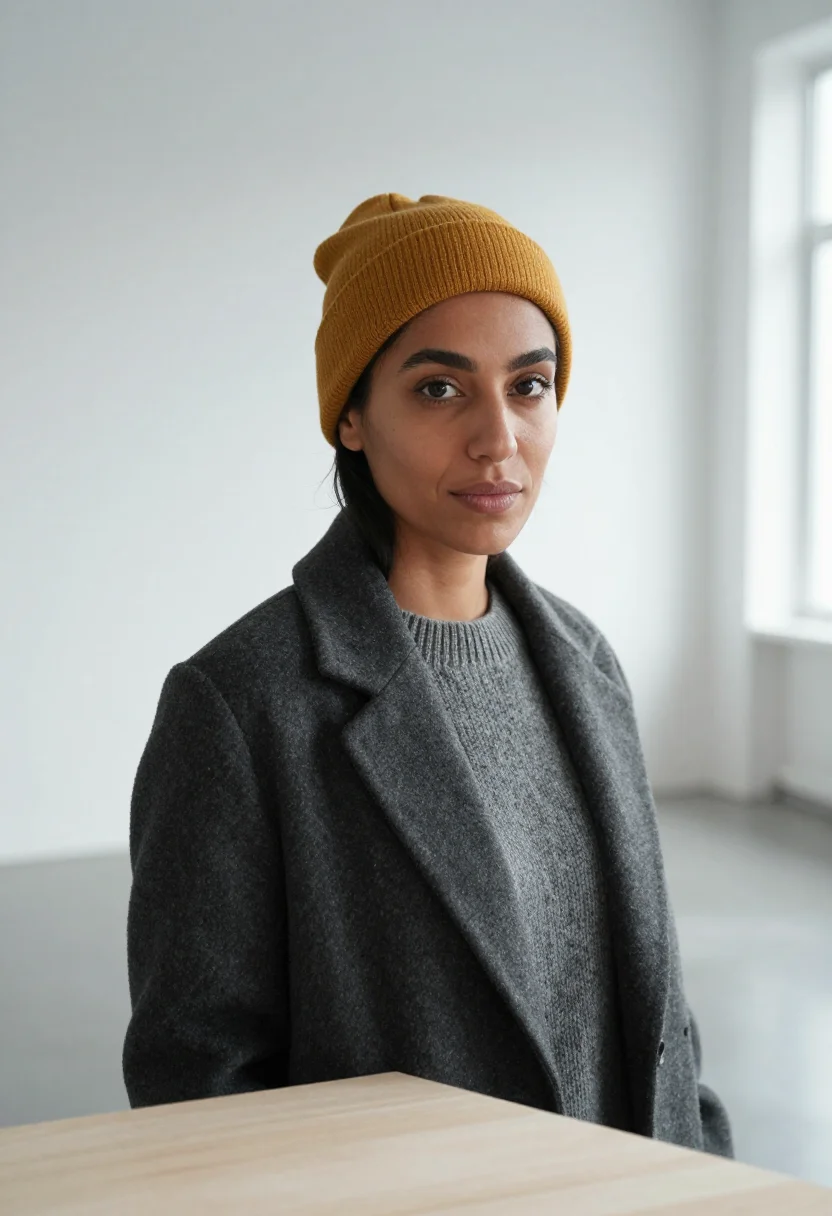
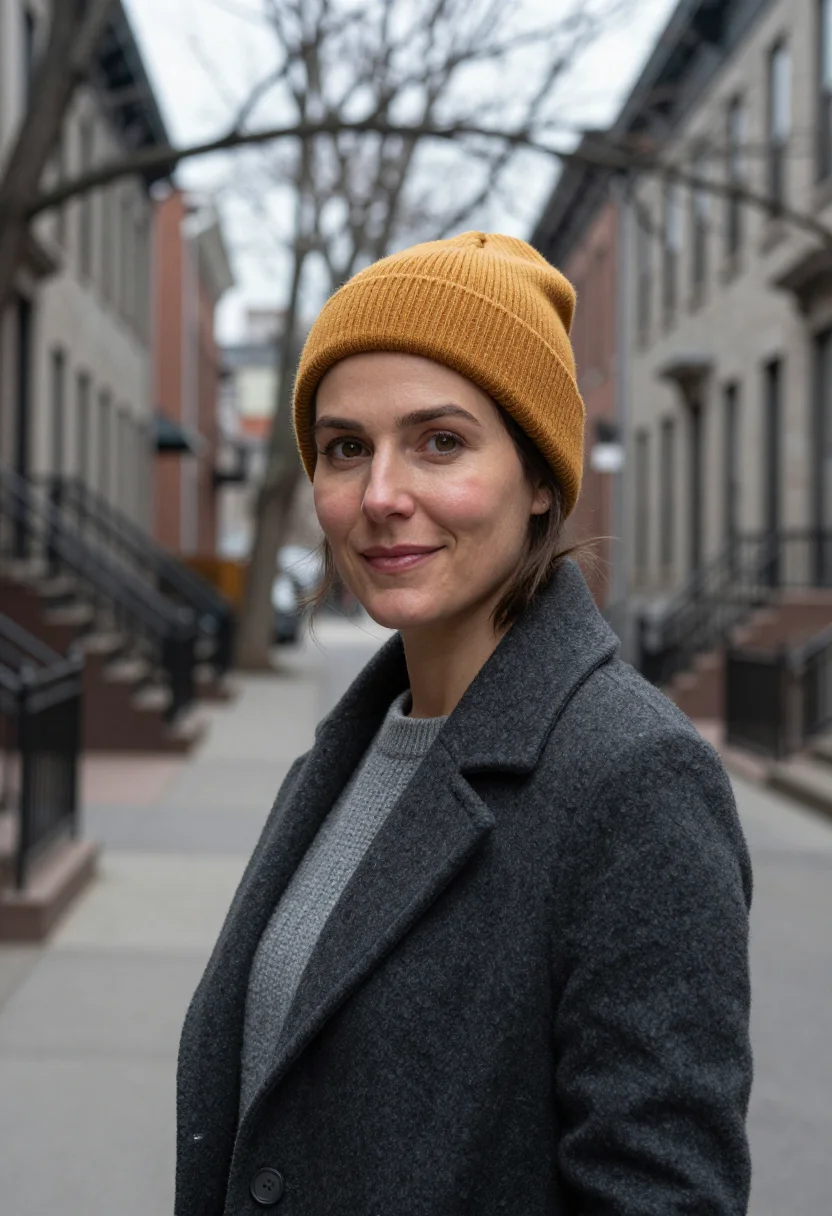
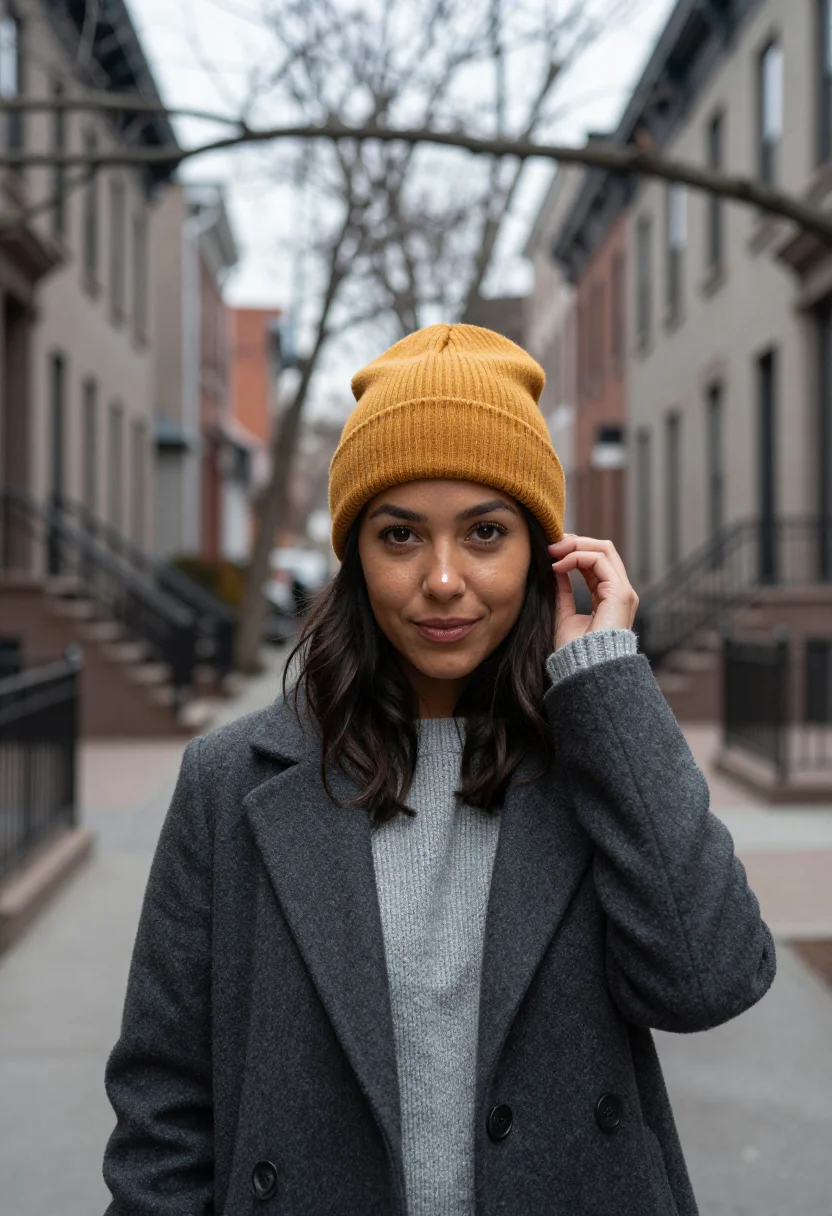
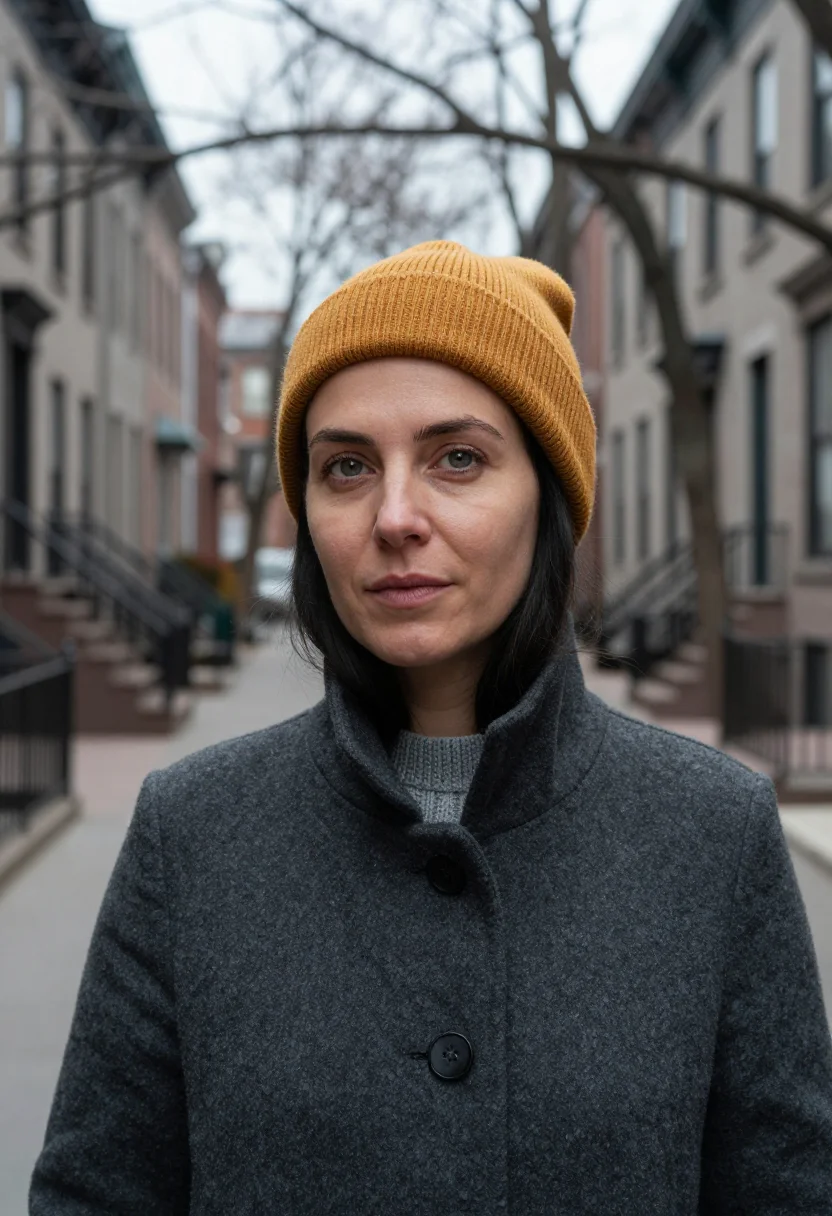
Graphic Designer Headshot — The Mile End Designer, One Mustard Beanie
More of the American fall
one model wears them all →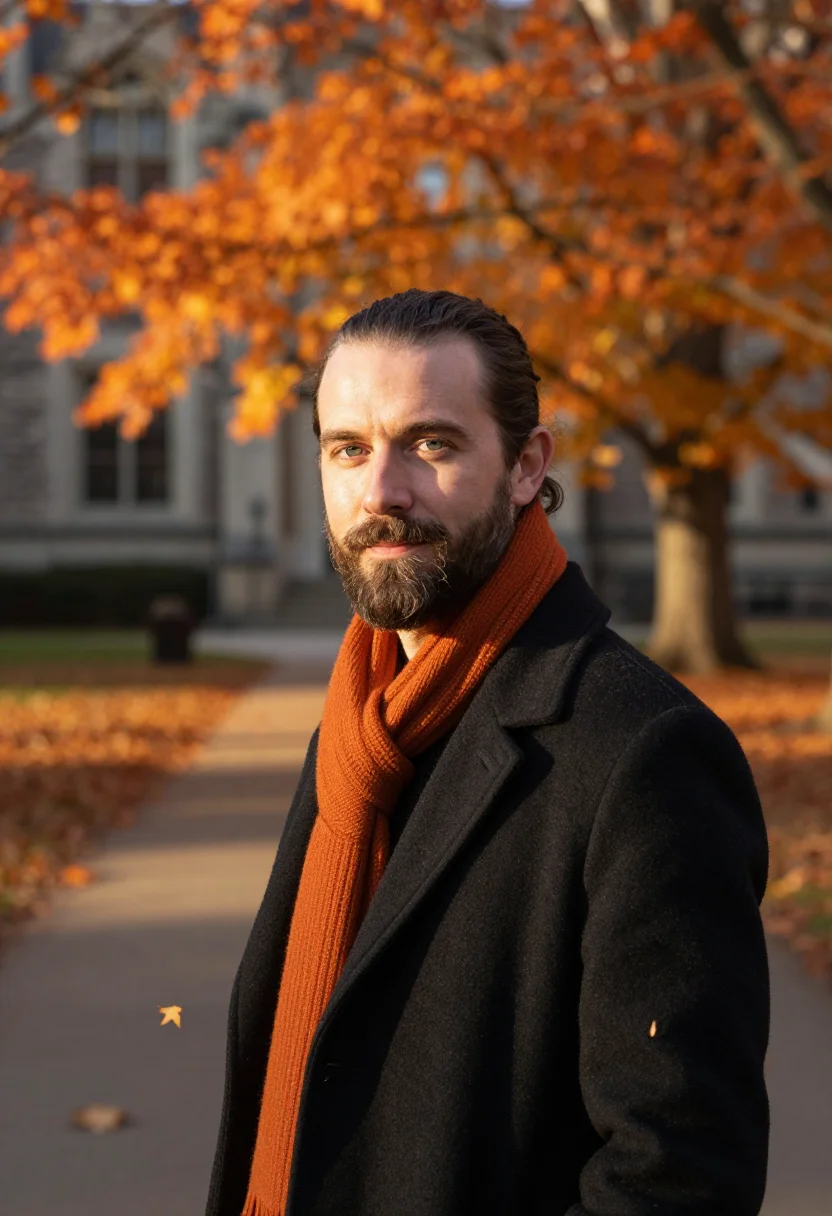
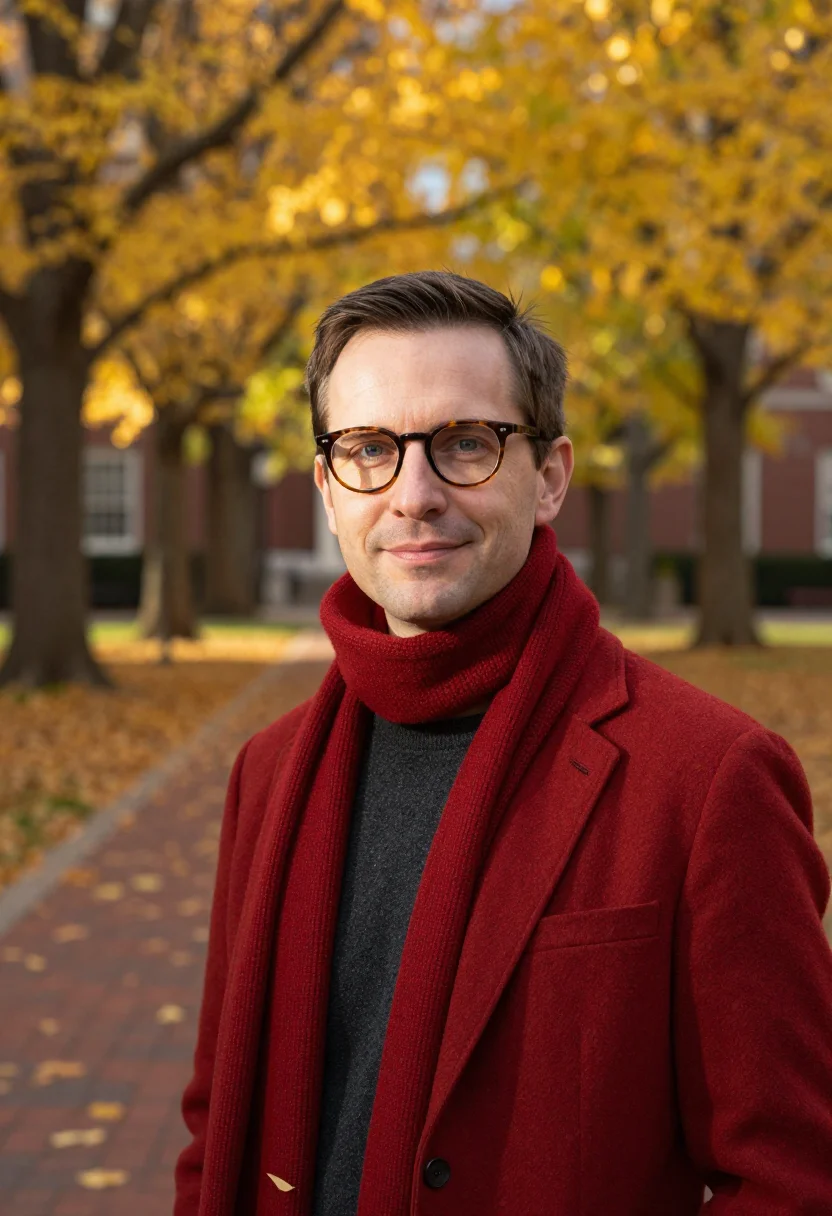
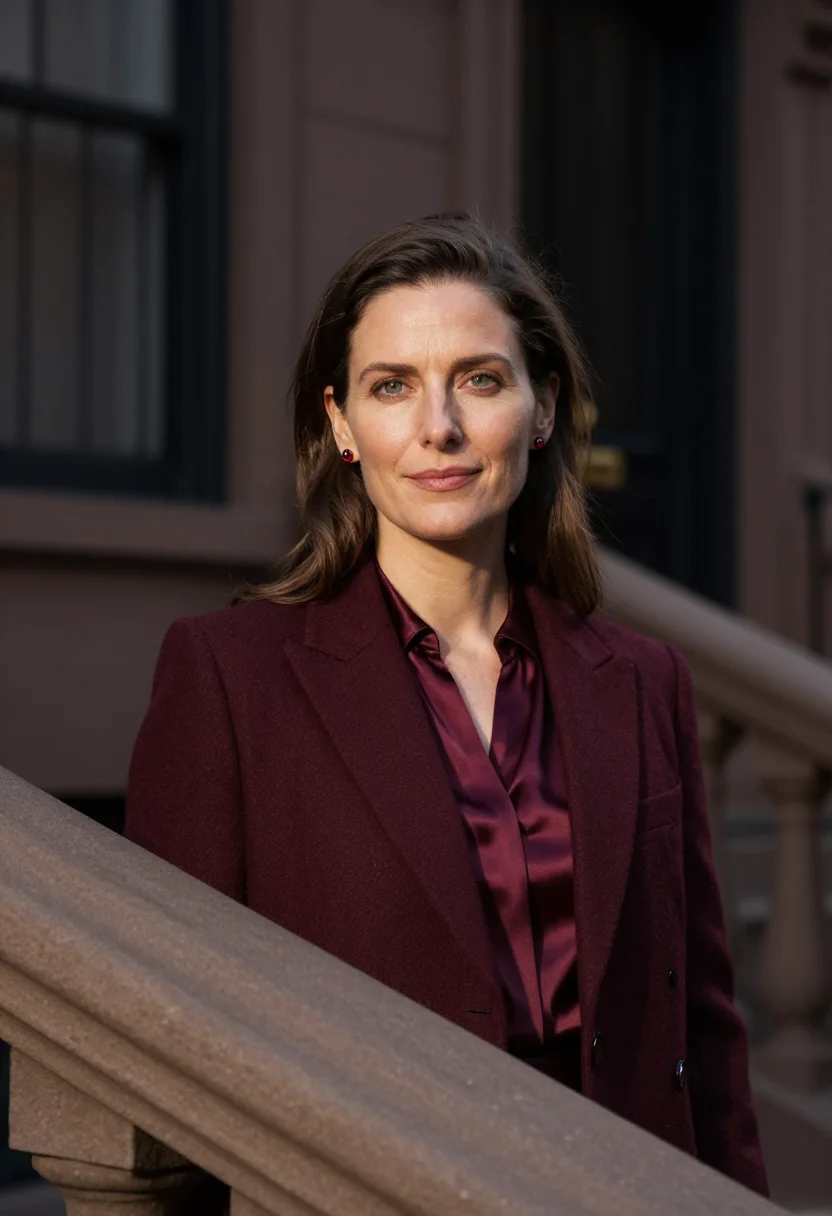
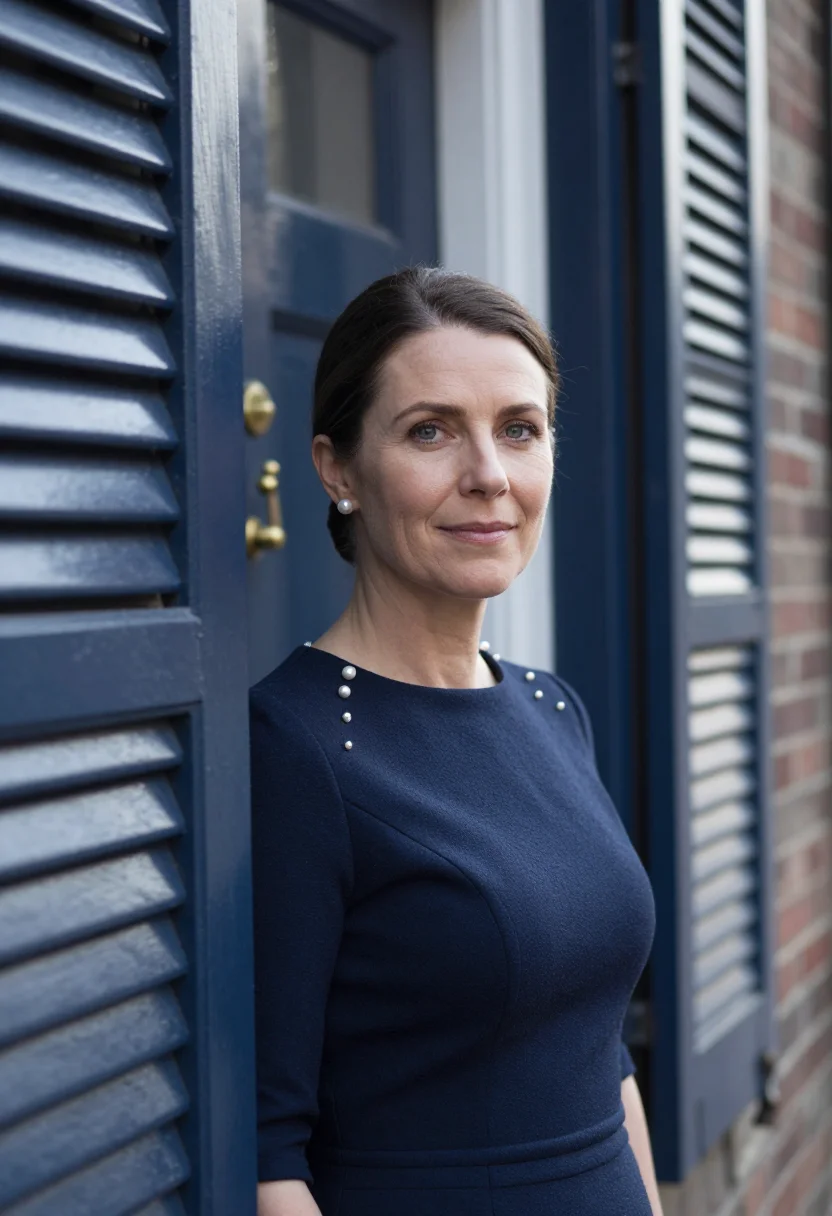
all 9 looks — from one photo ↓
How it works
Three steps. Upload, preview, deliver.
1
Upload 1 to 5 selfies
One is enough for the free preview. More angles sharpen the likeness.
2
See a free preview
A quick sketch of your likeness streams in seconds — close, not you yet, before you pay.
3
Train your model, then unlock 9
€9,99 one-time. Train your model once — 12 to 20 photos, we email you when it's ready — and all nine render in about ten seconds each. Every future pack and Studio portrait render the same way, no repeat training.
The Mile End Designer, One Mustard Beanie register
The Mile End Designer, One Mustard Beanie borrows Mile End in November: grey stone, grey sky, black iron stairs, a white studio with grey concrete. It is the designer's portrait for the studio site, a November city held to values so a single colour can be hers.
Photographically the license is the accent: the ground held to values -- grey stone, black iron, white plaster, concrete -- and one mustard wool beanie, the only hue, worn once with no echo. A charcoal coat over a grey knit carries the neutrals. Three settings carry the pack -- chest-up on the iron stair before grey stone in flat light, a headshot in the white studio with concrete blurred behind, and chest-up on the grey street among bare trees. It is an autumn outfit photoshoot built as a studio portrait.
The output is photoreal: a real-looking photograph of you in a black iron stair, a white concrete studio and a grey street of bare trees, built from your own uploaded face -- not a painting, not a generic backdrop filter. Filed as an autumn professional headshot women, it is framed chest-up and headshot throughout, so the place is read in the blur behind the shoulders and the face carries the frame.
How to photograph yourself for The Mile End Designer, One Mustard Beanie portraits
Better source photos make better portraits. The pack works with an ordinary phone selfie -- the free preview tells you in seconds -- but a few things sharpen the likeness before the wardrobe and the light go on top.
- Even, soft lightStand near a window with indirect daylight on your face. The pack builds its own light on top -- a flat, well-lit selfie gives it the clearest face to work from.
- Front or three-quarter angleCamera at eye level, facing it or turned slightly to three-quarter. No selfie-stick uplook, no shot from below.
- Face fully clearHair off the face, no hats, sunglasses, or heavy filters in the source photo. A clear, front-facing photo is the best input for an AI headshot.
- A composed expressionThis register favors a relaxed, knowing look, the expression of a designer who has already made the version you are about to see -- a calm, natural look in your source photo blends more naturally into the chest-up and headshot frames.
- Plain background is fineDon't worry about your own backdrop -- the pack's three settings replace it entirely. A plain wall behind you just helps the model focus on your face.
Frequently asked questions
- What's the difference between the free preview and the full pack?
- The free preview is one photo from your uploaded face, shown live in seconds so you can judge the likeness before you commit. The full pack is nine photos across the same three settings -- different crops, expressions, and light.
- Will it actually look like a professional headshot, not an AI filter?
- Yes. The output is photoreal -- a real-looking photograph of you in the The Mile End Designer, One Mustard Beanie register, chest-up and headshot framing throughout, not a painting or an obvious filter pass. It is built from your own uploaded face; the wardrobe and setting are the costume, you are the sitter.
- What happens to the photo I upload?
- Your photo is processed on European servers to generate your preview and, if you continue, your full pack. It is not sold or shared with third parties.
- Can I use one photo or do I need several?
- One clear, front-facing phone photo is usually enough. More angles improve likeness slightly -- the free preview tells you whether one photo is sufficient before you commit.
- Is this pack built for men or women?
- Filed under autumn professional headshot women, the wardrobe and world here are built for women -- the cut, the palette and the setting are cast for that frame. A version for the other side isn't shipped in this pack.
- What if my source photo isn't great?
- One clear phone selfie is usually enough. The free preview shows you the likeness in seconds -- if it's off, even, soft light on your face is the fastest fix.
- Is it only for graphic designers?
- It is cast for a designer's studio portrait, but the grey ground and one mustard accent suit illustrators, art directors, photographers and any creative who wants a portrait with a point of view.
- Can I use this as a fall LinkedIn photo?
- Yes -- that is one of its uses. The chest-up and headshot framing, the muted autumn palette and the professional cut read as a considered fall LinkedIn photo, and the same nine frames cover a team page, a bio and a press kit.
- How is this different from a generic AI headshot filter?
- Most generic filters default to one flat studio backdrop. This pack is built around a specific register -- The Mile End Designer, One Mustard Beanie's own world, wardrobe and light -- across three genuinely different settings, not one backdrop repeated.
- Do I need the actual wardrobe in real life?
- No -- the pack builds the wardrobe and the setting around your uploaded face. You don't need any of it in your closet; that's what the photoshoot supplies.
When The Mile End Designer, One Mustard Beanie fits
- A design studio's team or about page
- A LinkedIn profile for a graphic designer, art director or creative lead
- A portfolio site or Behance-style bio
- A talk, workshop or festival speaker page
- A freelance pitch deck or client proposal
- A fall LinkedIn photo refresh that reads considered rather than casual
- A press kit, speaker page or email signature photo with autumn warmth in it
- A gift for a colleague or friend who needs a fresh headshot
About narcis
Most AI portrait tools ship every pose, profession, era, and aesthetic in one giant catalog. The output looks like every other AI photo on the internet — a glaze over a stock face. Narcis goes the other way. One tool, one job: turn photos of you into portraits worth keeping. Drop a selfie and your free preview streams in seconds — a quick sketch: close, not you yet. For portraits that are truly you, train your own model on 12 to 20 photos; it trains in the background, and we email you when it is ready. Train once, render everywhere — this pack, every other pack, and the Studio all come out of that one model, about ten seconds a portrait, and it stays yours to retrain or delete. Each pack is hand-curated against actual references — paintings, photographers, registers — and tested on real faces before it ships. See a free preview before you pay, not after. Packs are one-time — no subscription to buy one; Studio, the unlimited composer, is optional at €12/month and every pack includes 30 days of it. No template generator. Built and run by one team, on our own infrastructure.
All images are AI-generated. By using this service, you confirm you are 18+, that any face photo you upload is your own or used with explicit consent. Full Terms