Navy Backdrop Headshot
Nine photos of you in one setting
How your model is created from your photos
Every pack on Narcis, made with your face
Nine photographs of you in one setting: one pack of the Narcis catalogue.
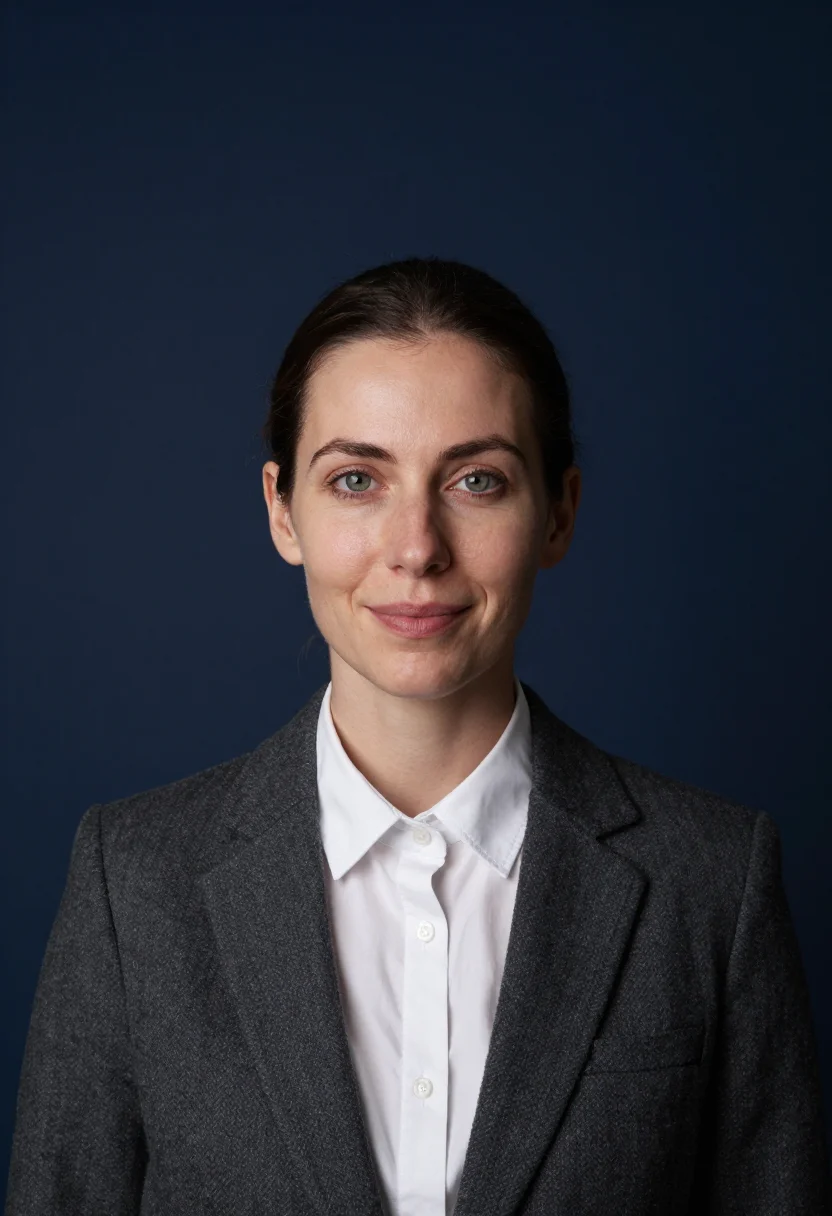
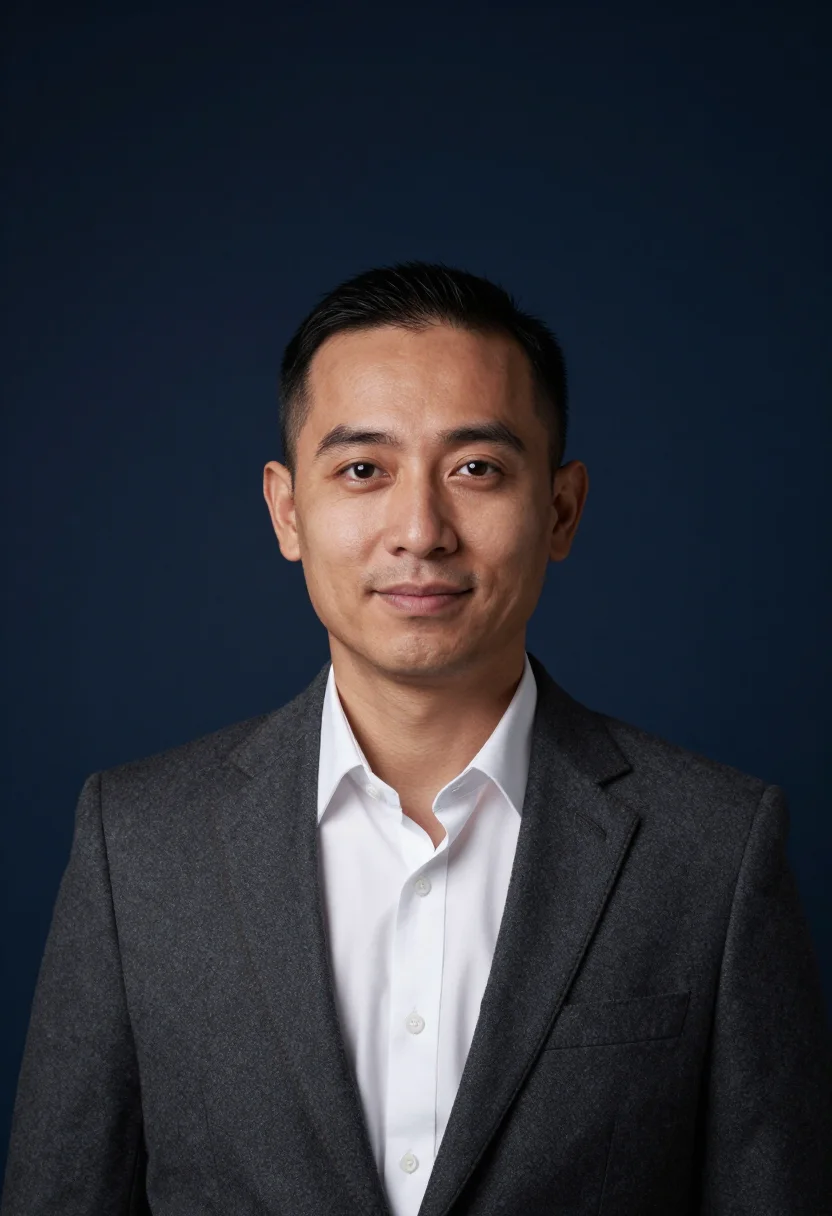
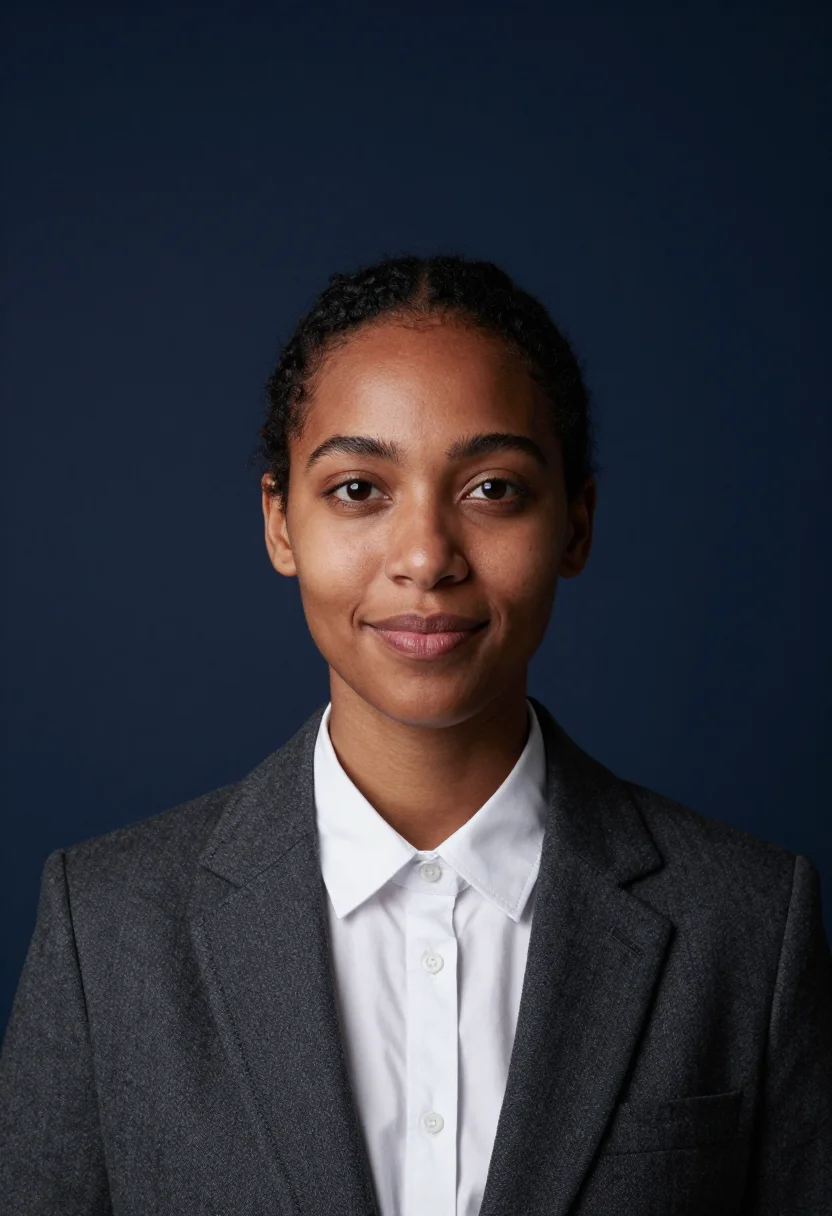
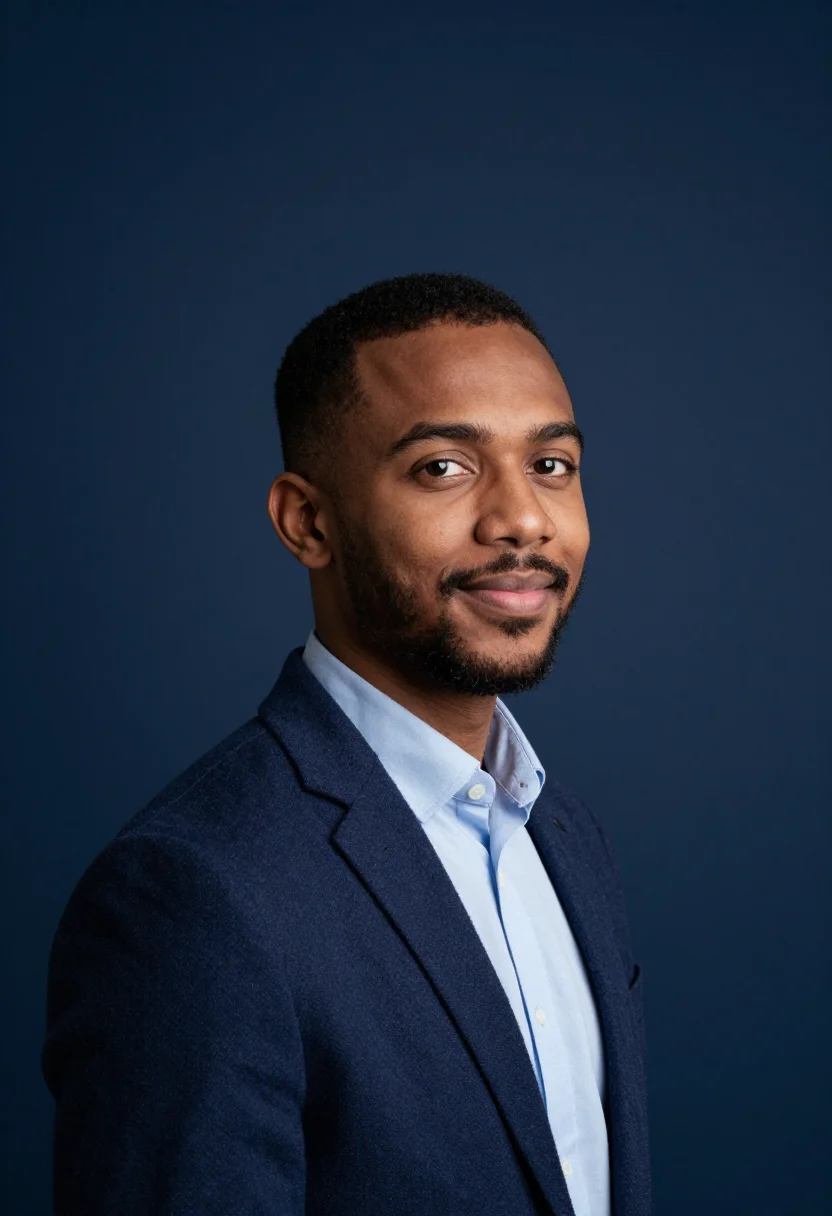
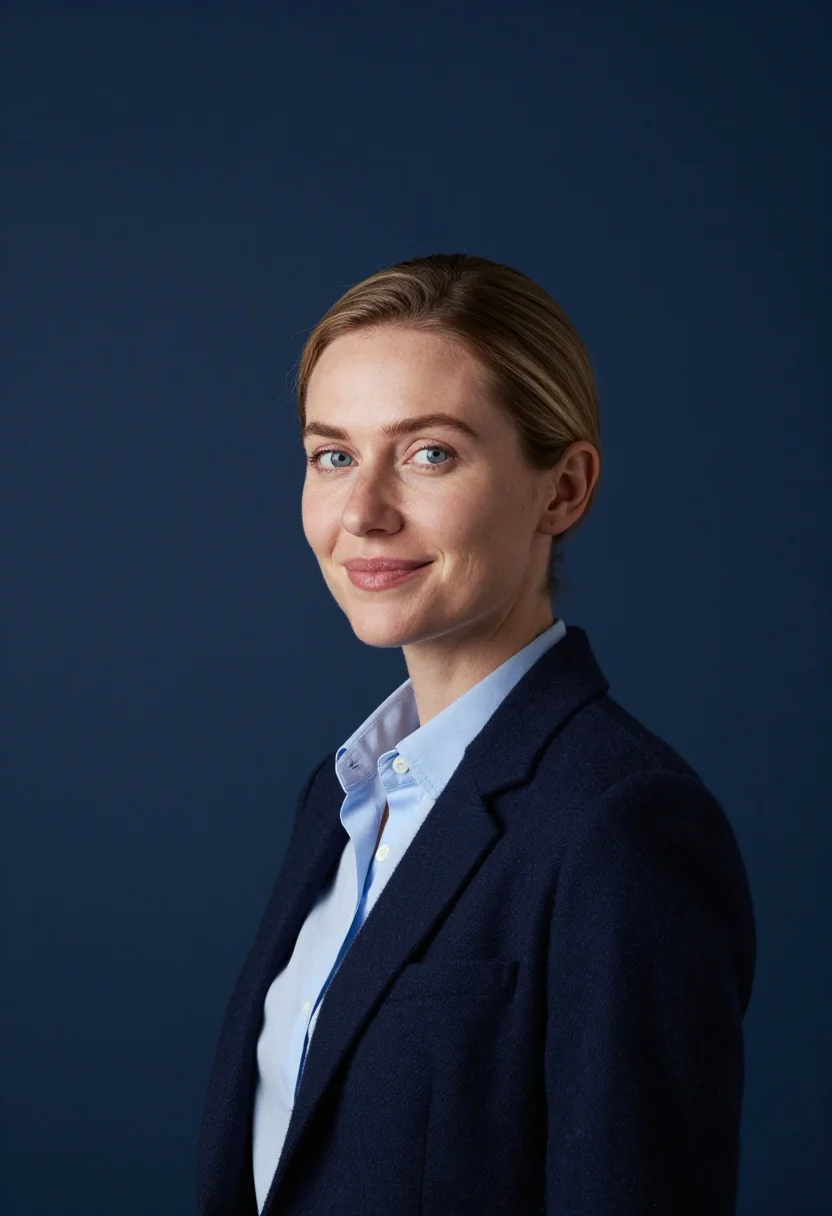
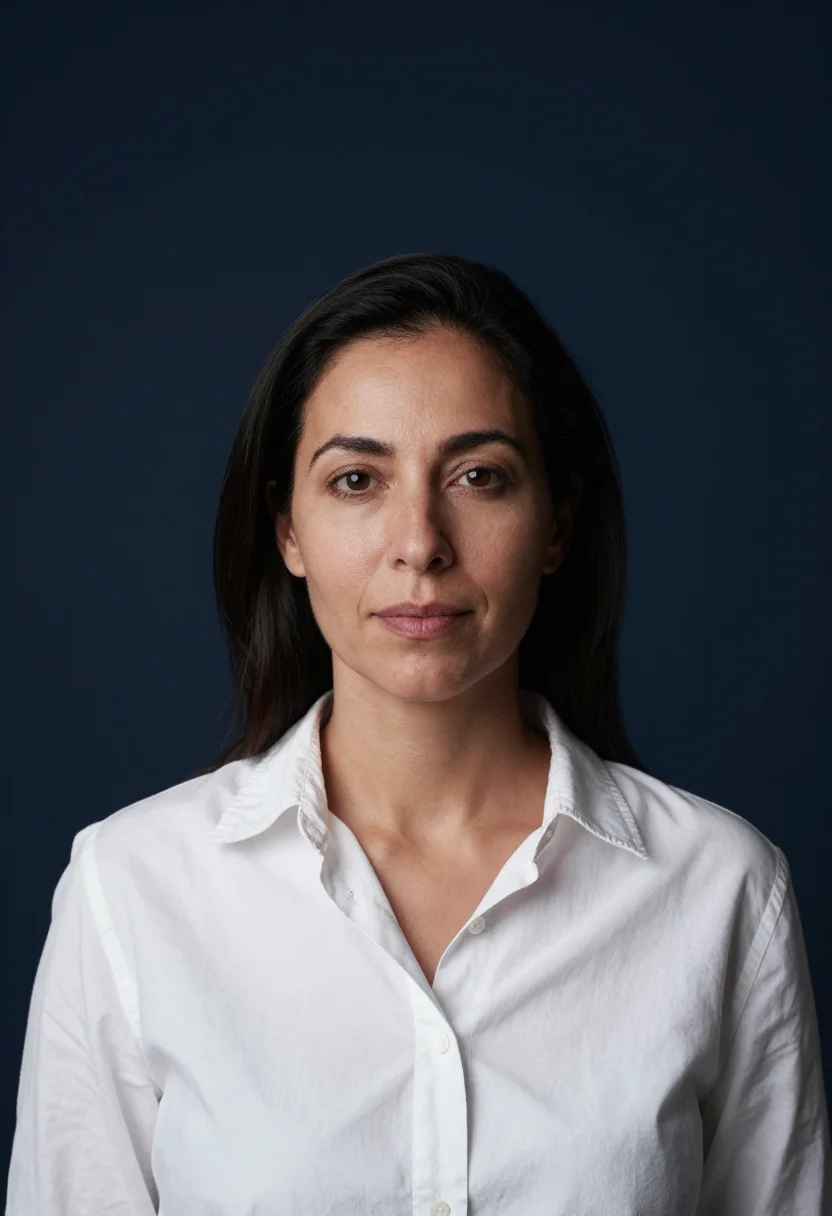
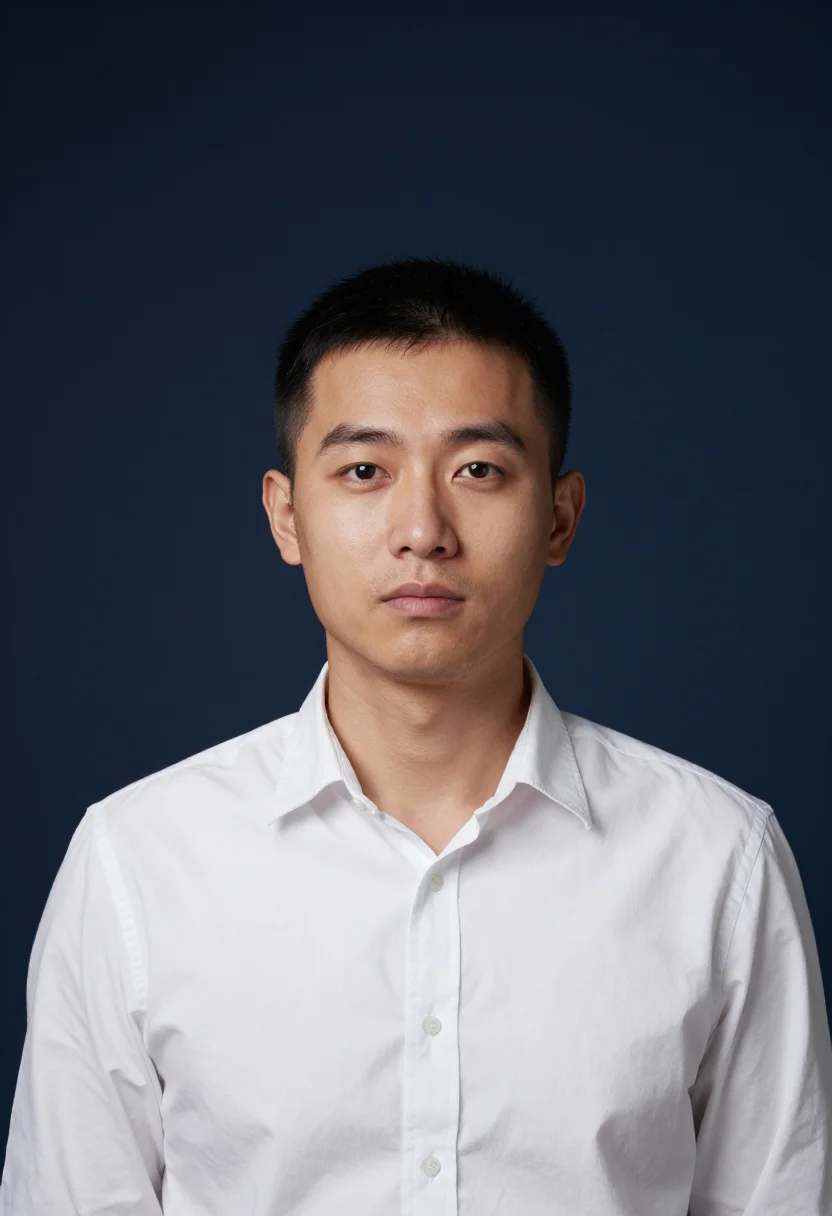
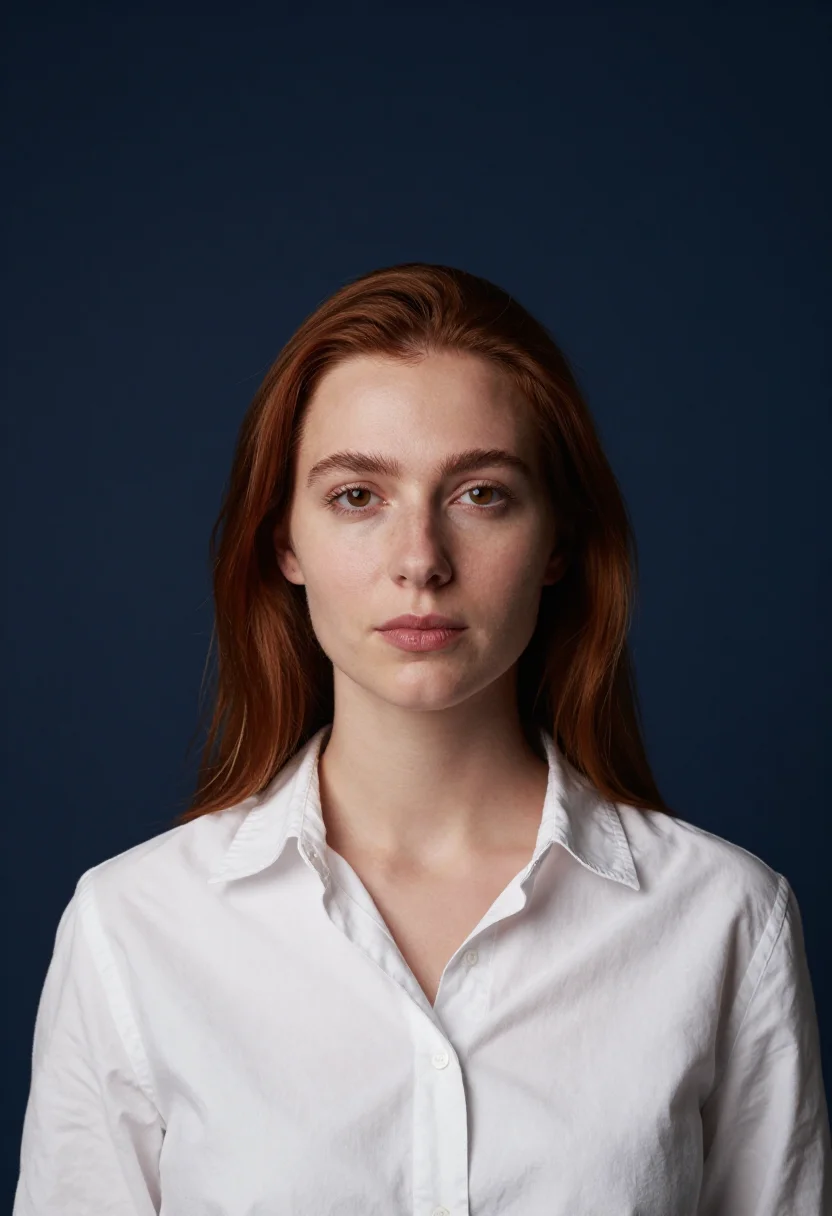
Nine photographs of you, styled against a deep navy studio backdrop — a charcoal suit, a navy blazer, or a white shirt under a clean key light. The nine vary in crop, expression and light, so there are real choices, not nine identical files.
/navy-backdrop-headshot · professional · 3 scenes
Navy Backdrop Headshot
More headshots by the way they are lit
one model wears them all →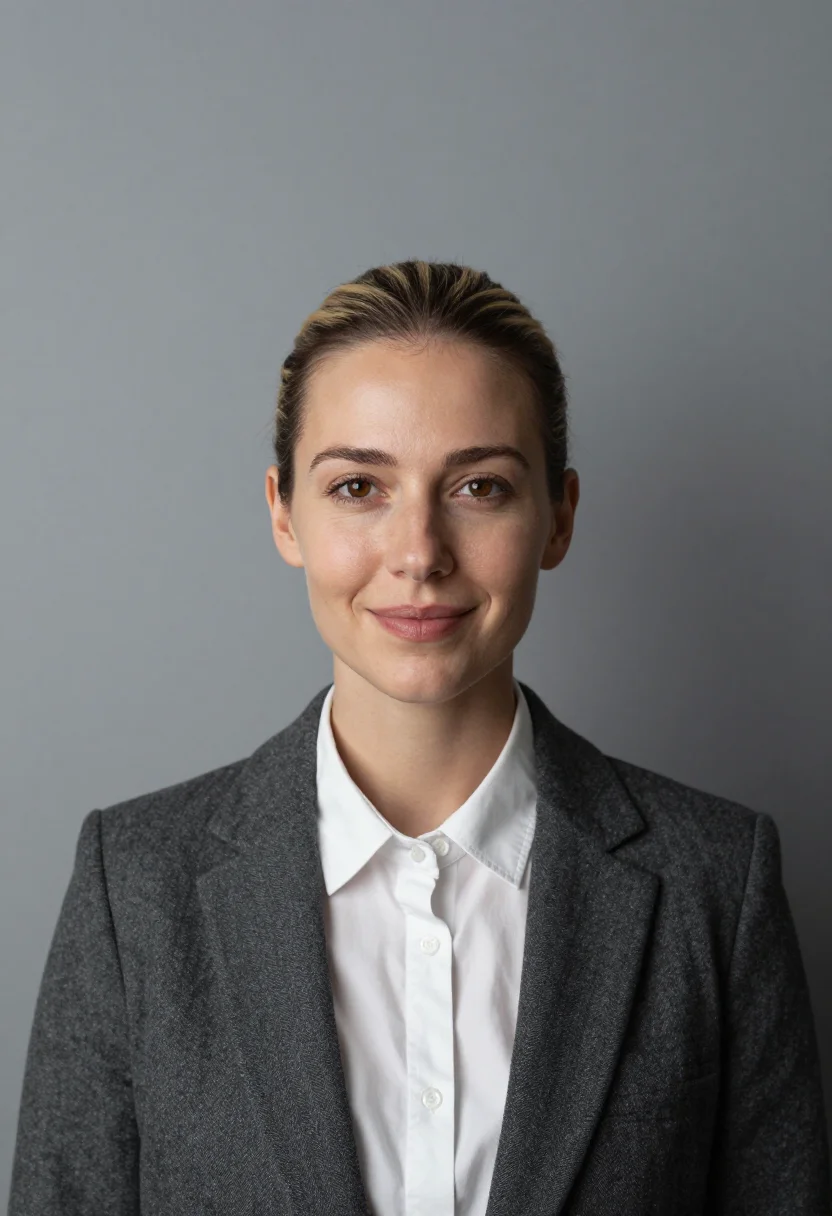
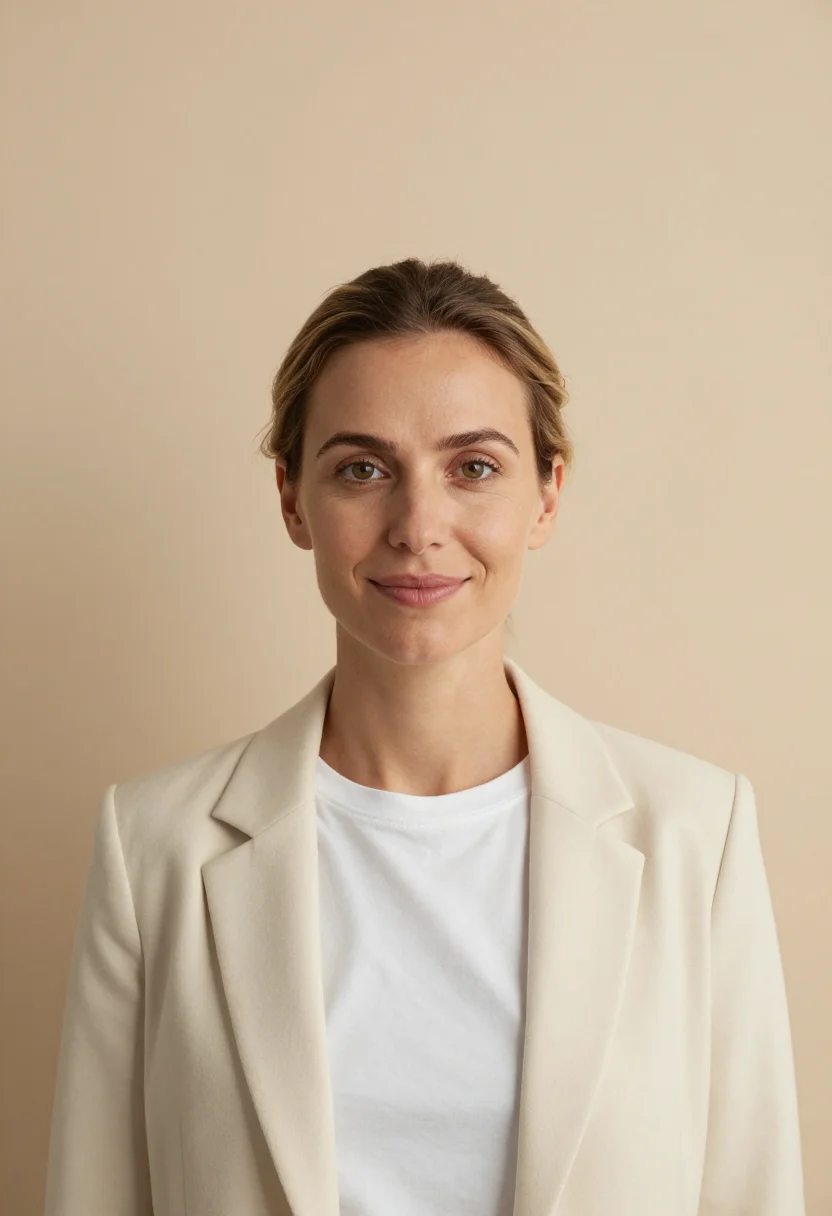
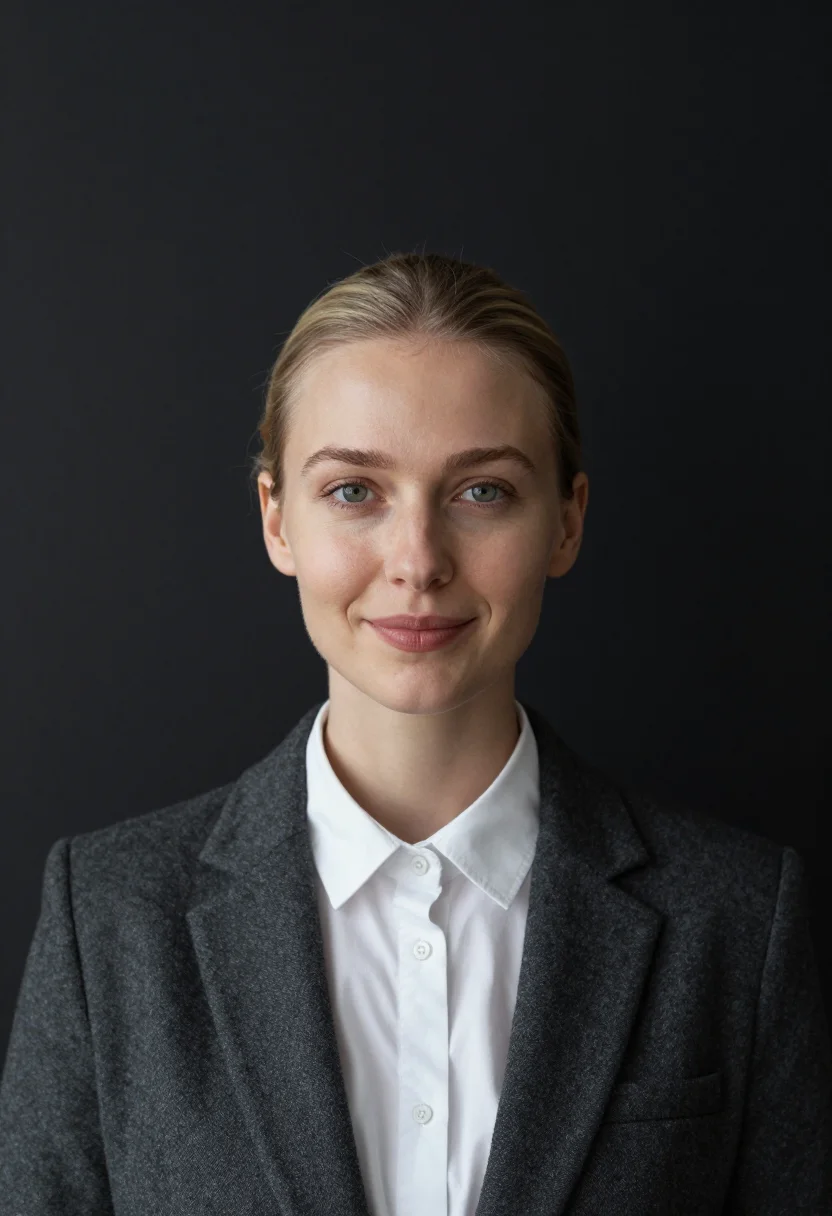
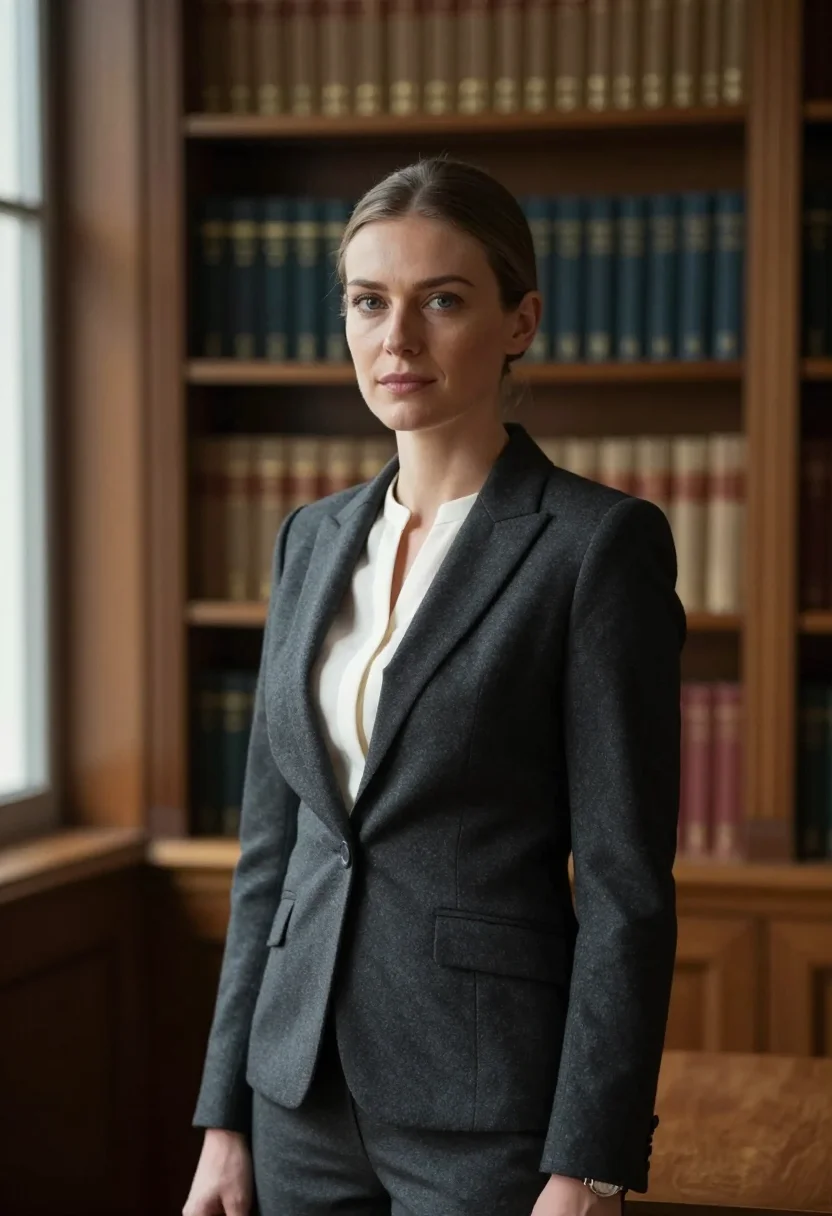
all 9 photos in this pack ↓

How it works
Three steps.
1
Add your photos
Add photos of yourself. We check each one when you add it.
2
We create your model
We create your AI model from your photos. Your photos are ready in a few hours.
3
Every pack, with your face
This pack and every other pack on Narcis can then be made with your face, and single photos too.
The Navy Backdrop Headshot register
This pack draws on the navy backdrop: a deep blue paper with a soft gradient, a clean key — the lawyer's and the banker's studio colour, the one that reads trust in a thumbnail.
Photographically the register is a charcoal suit over a white shirt, a navy blazer over a pale blue shirt, or a white blouse or shirt — hair neat, palette of navy gradient, white collar, and skin.
Three takes carry the pack: framed head-and-shoulders against a navy gradient, in the charcoal suit and white shirt, squared to the lens; turned three-quarter with the chin back, in the navy blazer over the pale shirt, the blazer nearly merging with the ground; and framed slightly wider with the shoulders relaxed, in the white shirt.
The output is photoreal — a real-looking photograph of you in that setting, not a painting or a filter laid over a studio shot. It's a headshot; it isn't a depiction of anyone else, and it doesn't claim to be.
How to photograph yourself for a navy backdrop headshot
Better source photos make better portraits.
- Even, soft lightAny soft, even indoor light works for your source photo — the pack builds the studio key and navy gradient backdrop on top.
- Front or three-quarter angleEye level, facing the lens or turned slightly. No selfie-stick uplook, no shot from below.
- Face fully clearHair off the forehead, no sunglasses or heavy filters — a clean, front-facing photo is the best input for an AI headshot.
- A composed expressionAn assured, level look fits this register — navy reads trust and authority, not casual.
- Plain background is fineDon't worry about your own backdrop — the pack's three settings replace it entirely. A plain wall behind you just helps the model focus on your face.
Frequently asked questions
- Will it actually look like a real photograph?
- Yes. The output is photoreal — a real-looking navy backdrop headshot photograph, not a filter or an illustration. A deep navy studio gradient with a clean key — the LinkedIn-blue register recruiters and clients recognise instantly.
- Which looks does the pack cover?
- Three, all on the same navy: framed in a charcoal suit, turned three-quarter in a navy blazer nearly merging with the backdrop, and wider in a white shirt.
- Can I use it for LinkedIn or a company bio?
- Yes — the navy studio register is the standard for law, finance, and corporate LinkedIn photos.
- Who is this pack for?
- Lawyers, bankers, and anyone whose profile photo needs to read trust and authority on sight.
- Will the photos look like me?
- Every photo looks like you, well photographed. If one is nearly right, say what to change, in your own words.
- Do I have to write a prompt?
- No. There is nothing to write: you pick a pack, and it is ready in seconds.
- How many photos of myself do I add?
- Between six and twenty, from different days and in different light, with your face clear. We check each one when you add it.
- What happens to the photos I add?
- They are used only to create your model, on our own servers in the European Union. They are not shared and not sold.
When the Navy Backdrop Headshot pack fits
- A LinkedIn photo for a lawyer, banker, or finance professional
- A law firm or finance company bio page photo
- A speaker bio photo for a corporate or industry event
- A press kit photo for an executive
- A team page photo with a consistent corporate register
- A recruiter or board profile photo
- A framed portrait for an office
- A dating profile photo with genuine polish
About narcis
Most AI photo tools put every pose, job, era, and style in one giant catalog. The photos all look like every other AI photo on the internet — a glaze over a stock face. Narcis goes the other way. One job: photos of you that look like photographs. You add at least 6 photos of yourself, and we create your AI model from them. Your photos are ready in a few hours, and we email you when they are. Then this pack and every other pack on Narcis can be made with your face. Each pack is curated against real references — paintings, photographers, places — and tested on real faces before it goes live. Built and run by one small team, on our own servers.
All images are AI-generated. By using this service, you confirm you are 18+, that any face photo you upload is your own or used with explicit consent. Full Terms