A Pongal Photoshoot, Harvest Gold At Sunrise
Nine photos of you in one setting
How your model is created from your photos
Every pack on Narcis, made with your face
Nine photographs of you in one setting: one pack of the Narcis catalogue.
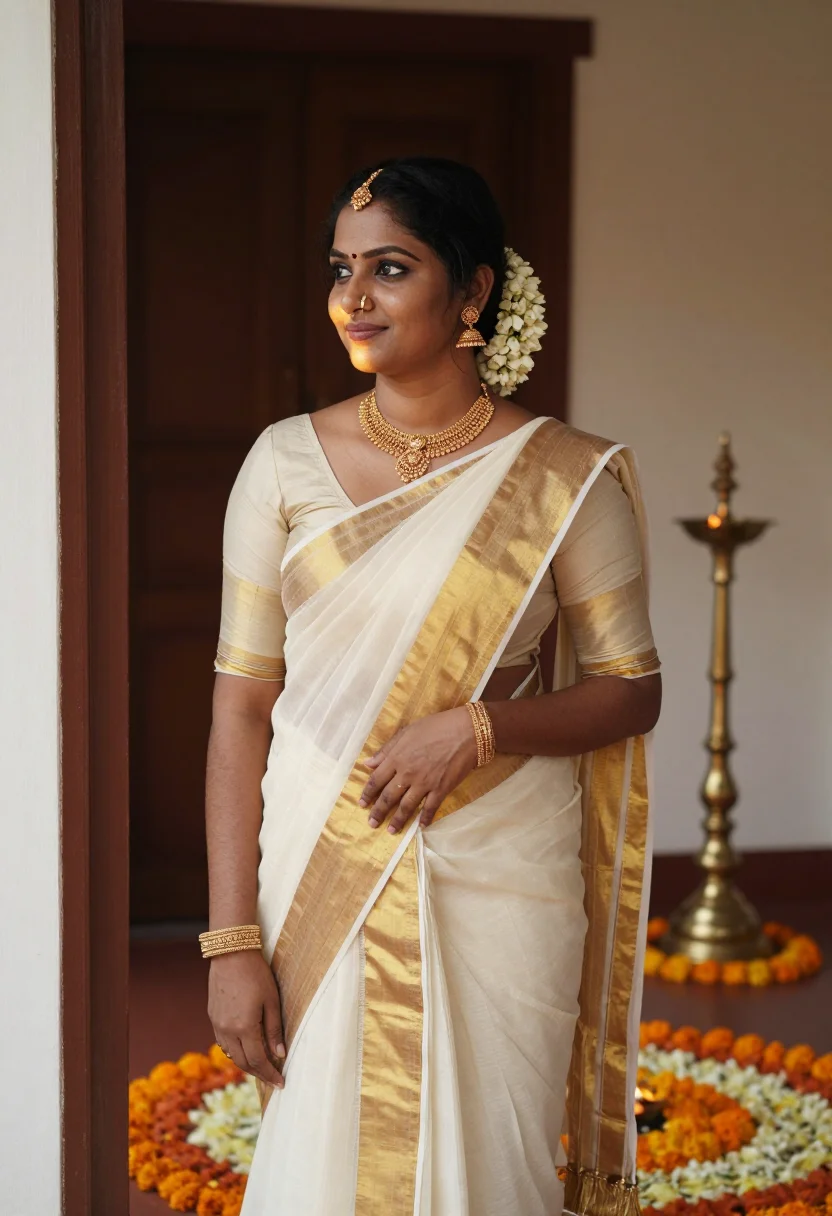
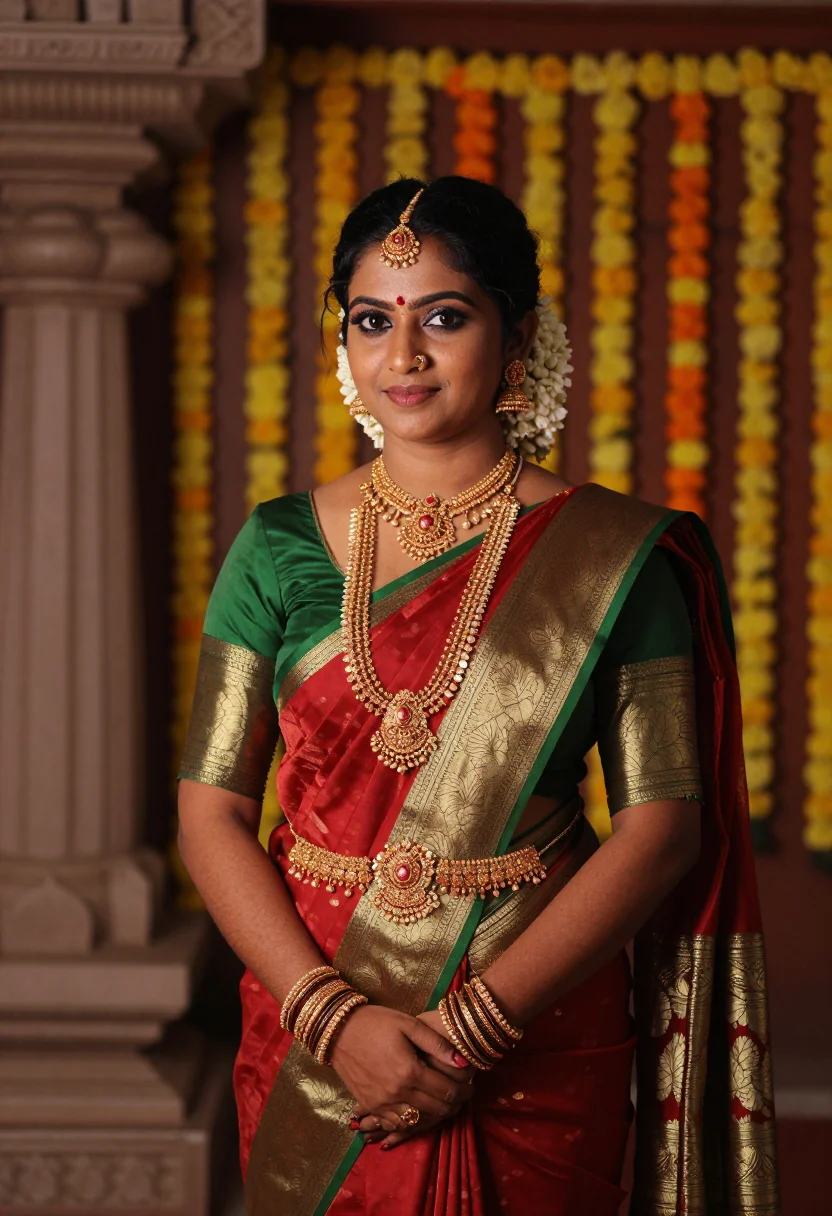
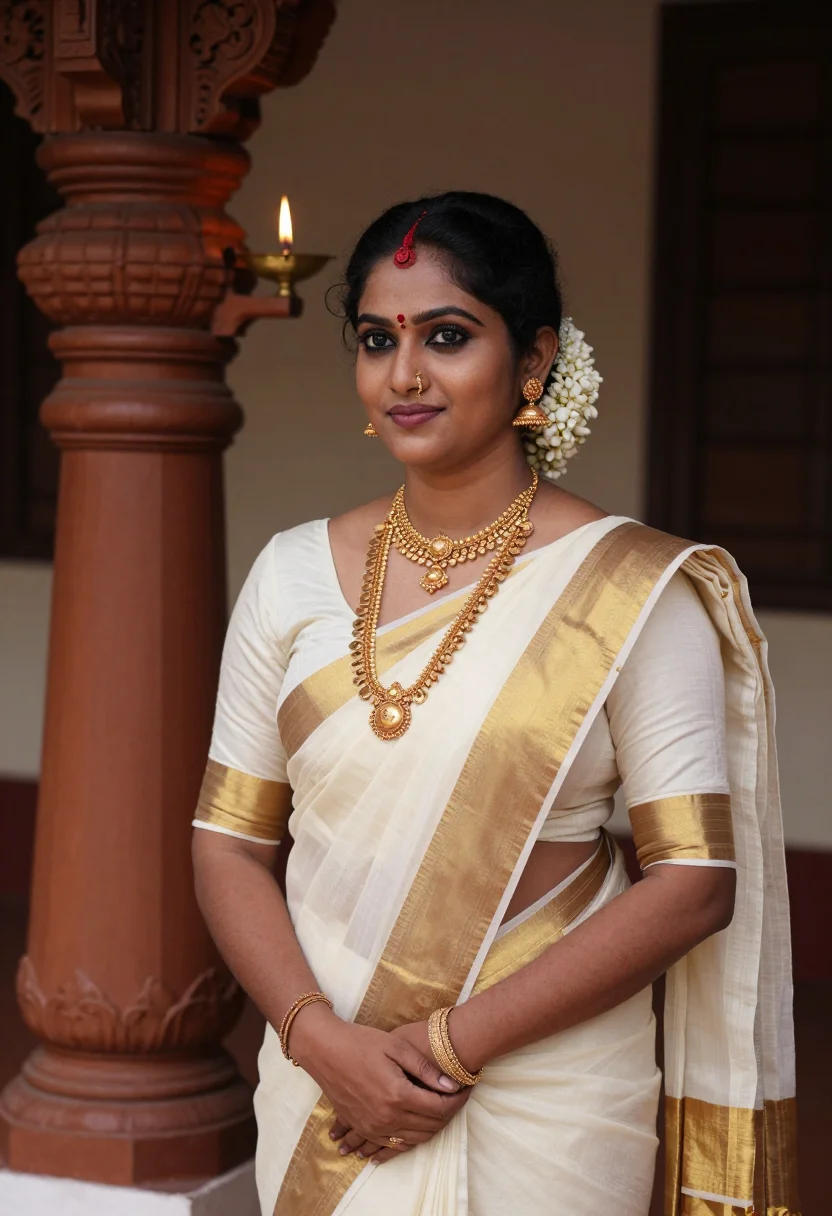
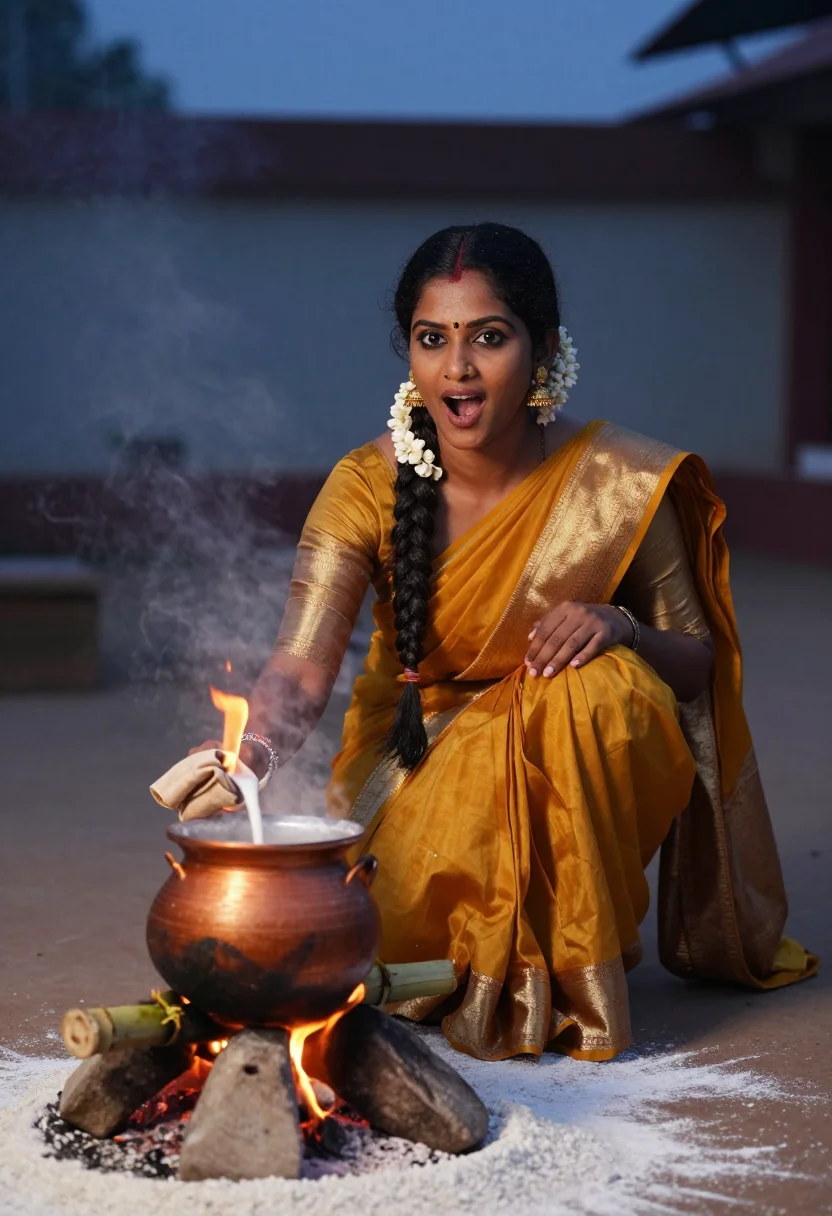
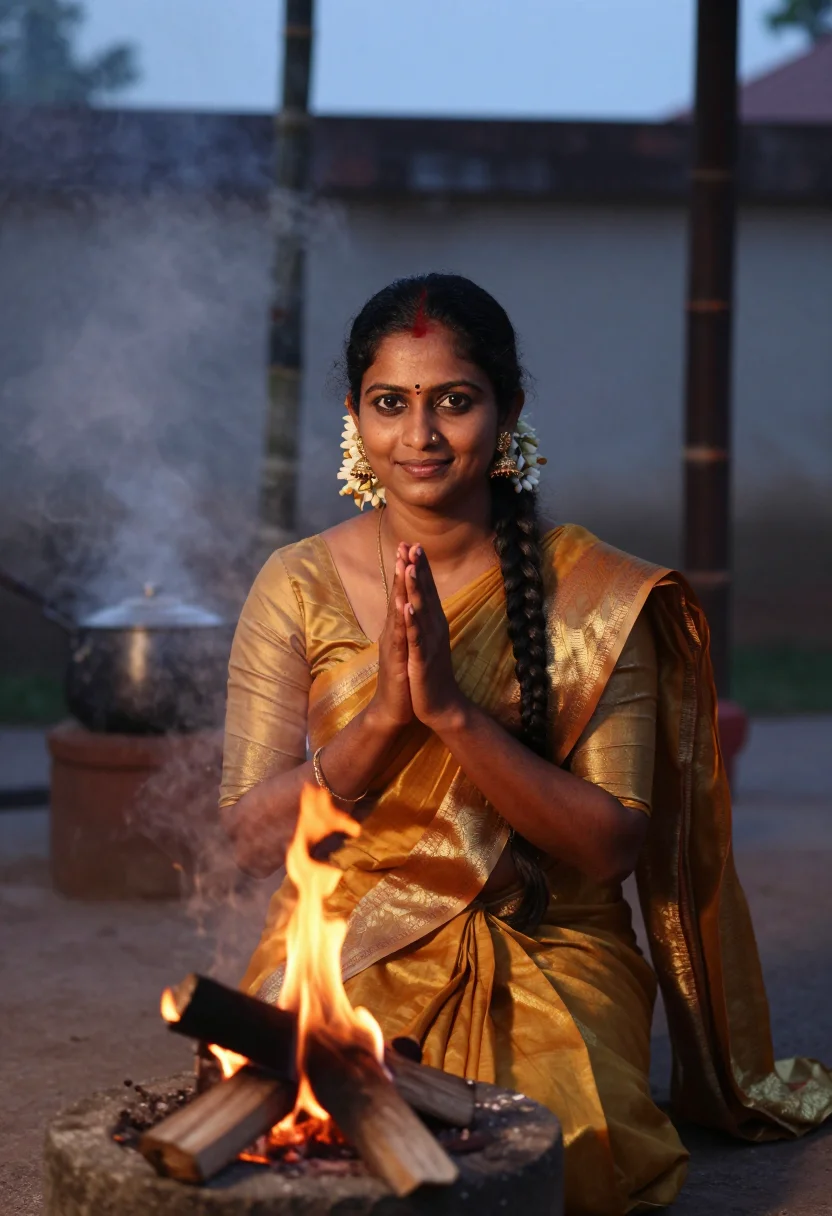
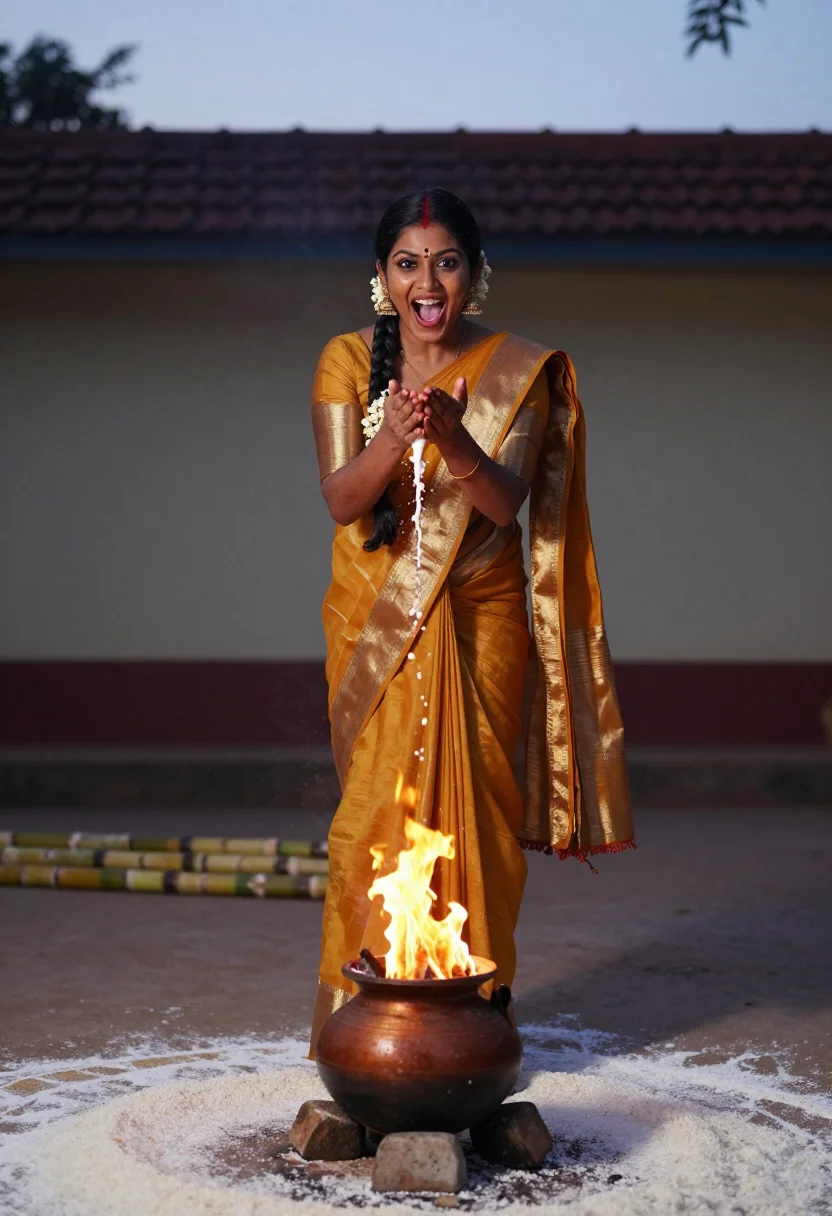
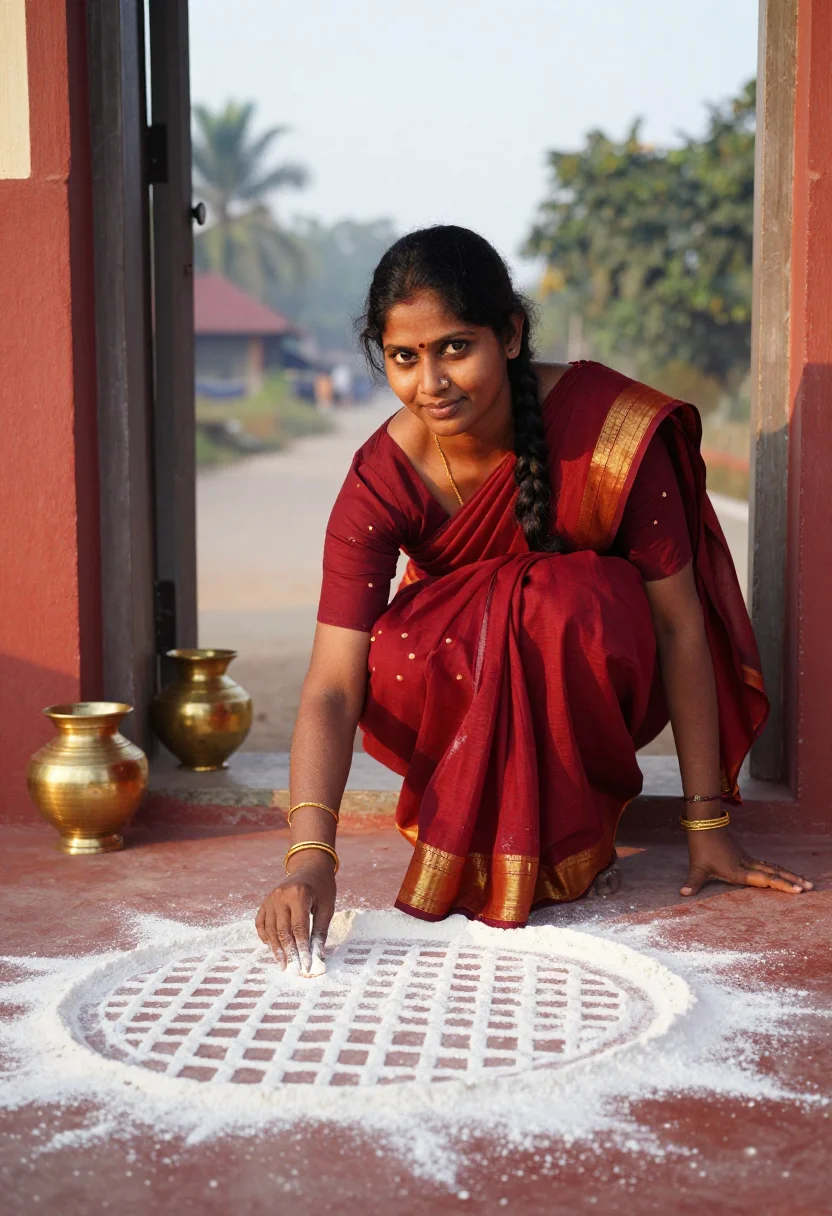
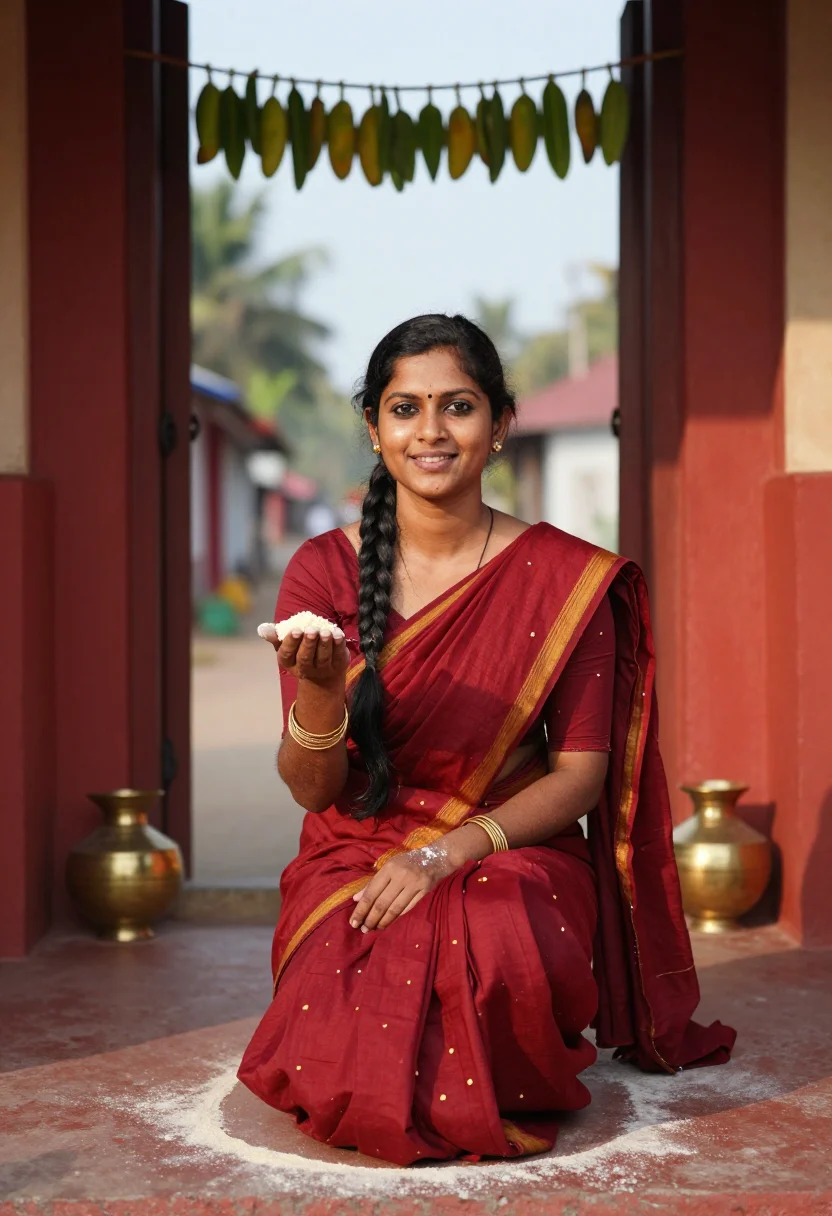
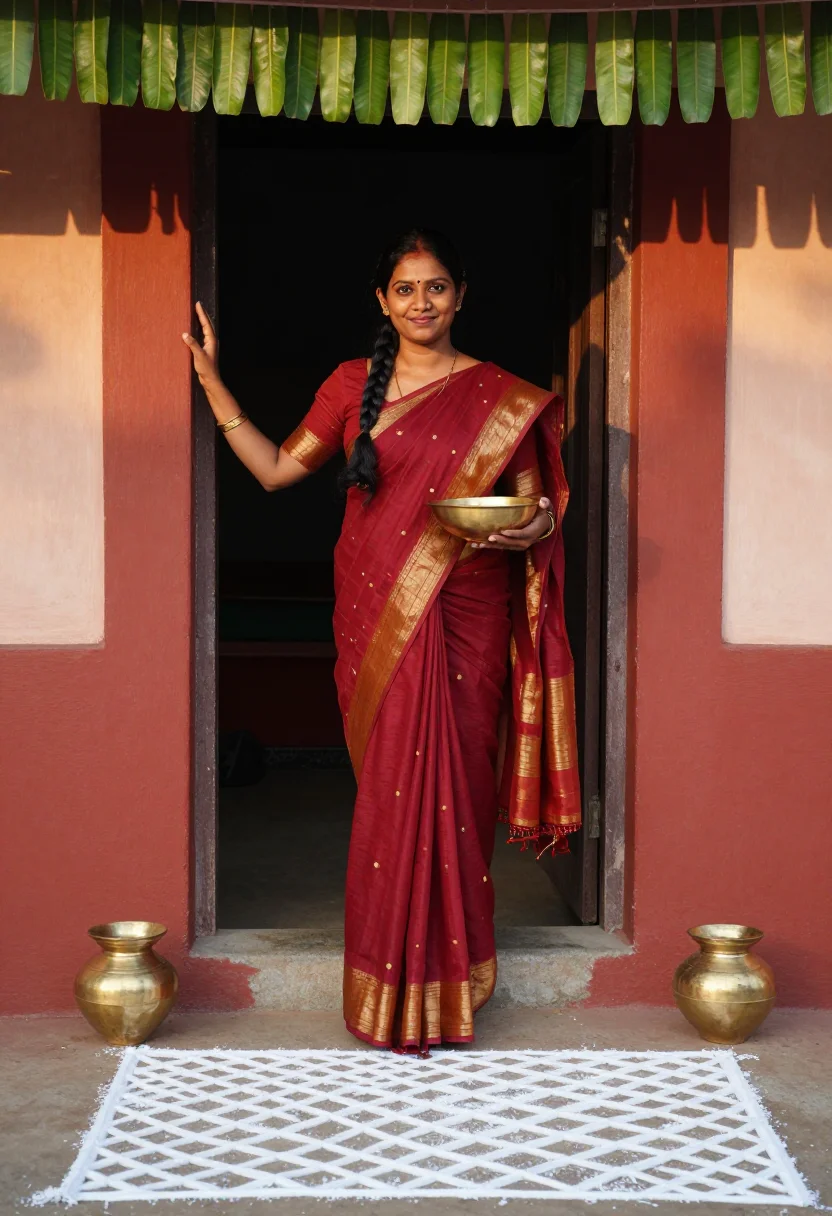
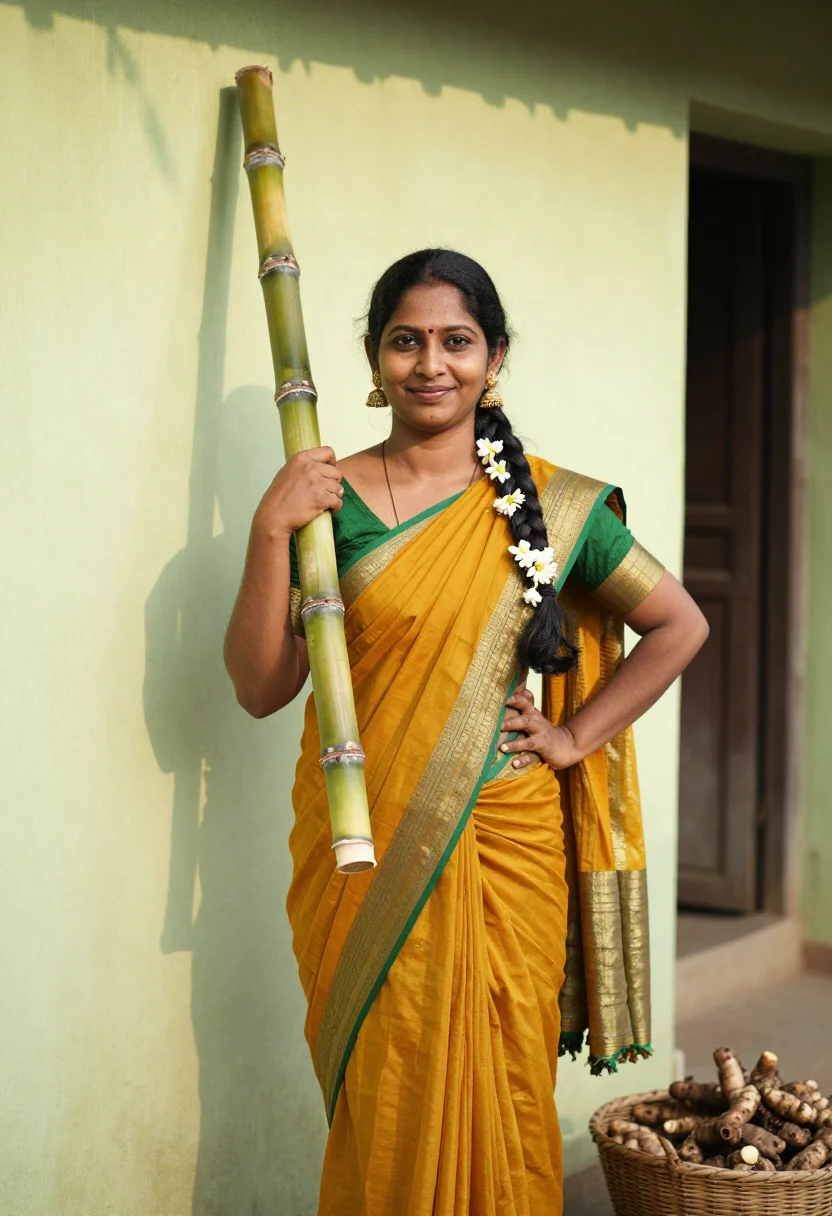
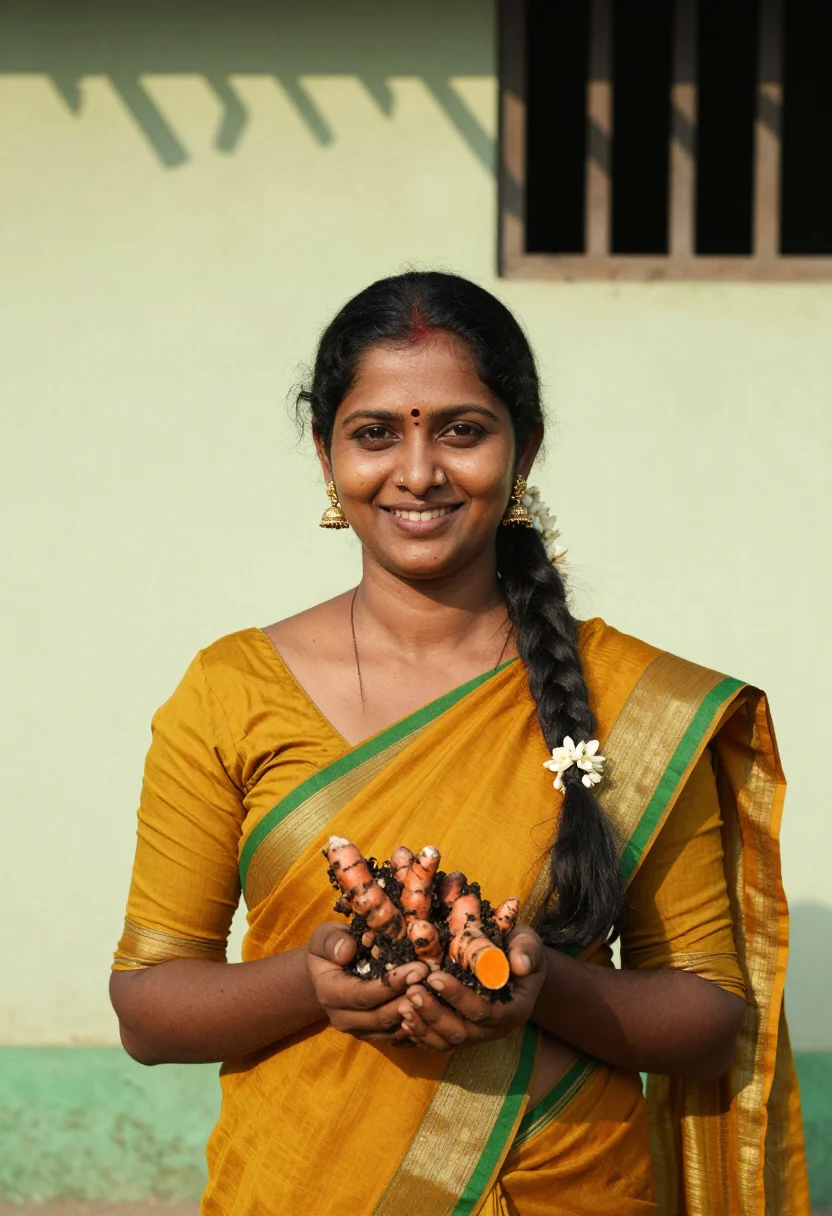
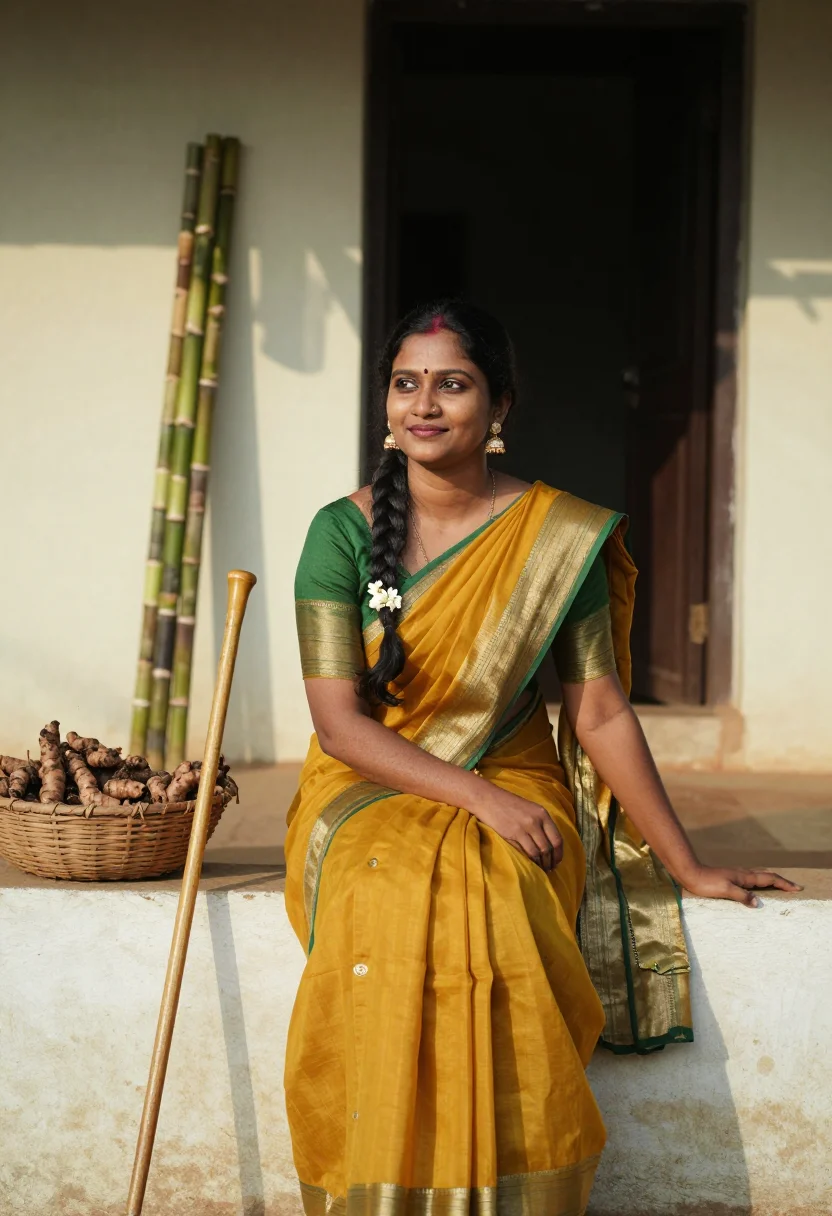
Nine photographs of you, styled at the overflowing rice pot at dawn, a kolam threshold, and a sugarcane-and-turmeric harvest scene, in traditional Tamil festive dress, for devotional and remembrance use, in portrait format. The nine vary in crop, expression and light, so there are real choices, not nine identical files.
/pongal · photo · 3 scenes
A Pongal Photoshoot, Harvest Gold At Sunrise
no account · ~15s · try it on with one selfie
More festival light
one model wears them all →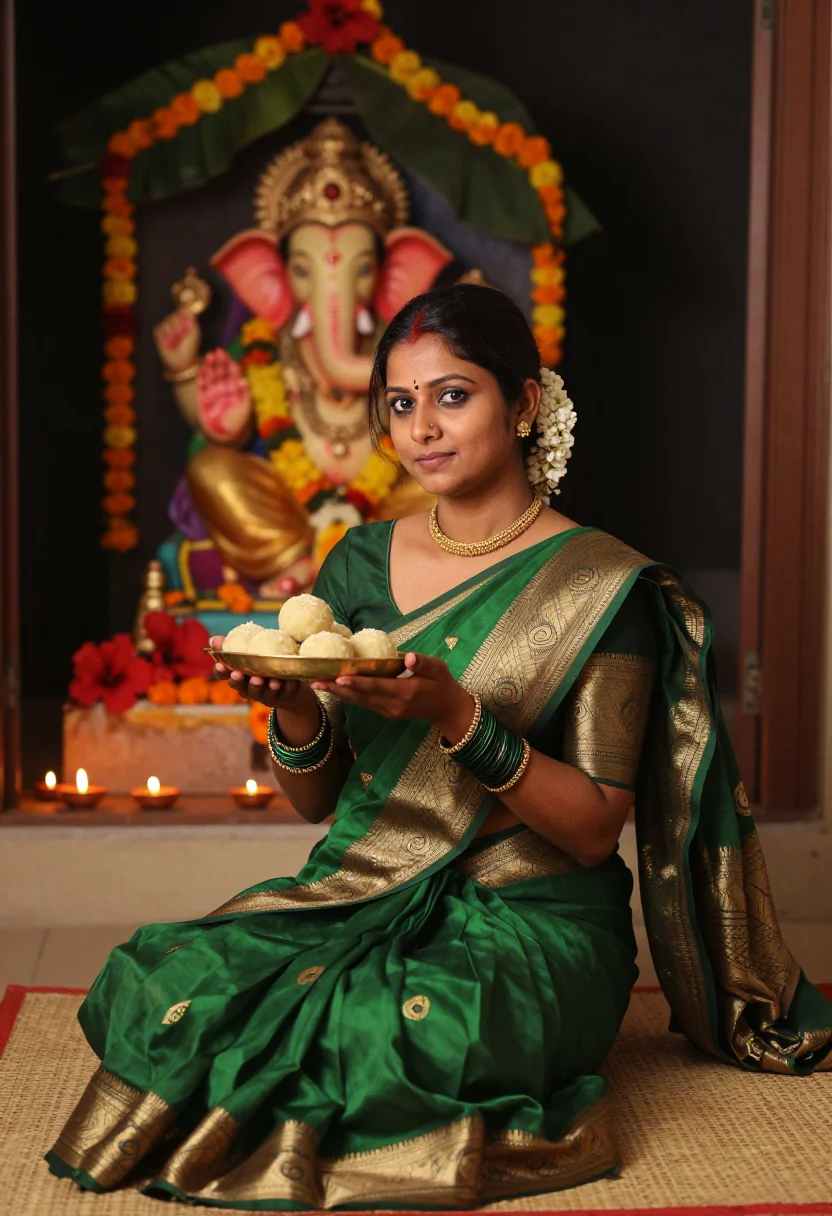
all 9 photos in this pack ↓
How it works
Three steps.
1
Add your photos
Add photos of yourself. We check each one when you add it.
2
We create your model
We create your AI model from your photos. Your photos are ready in a few hours.
3
Every pack, with your face
This pack and every other pack on Narcis can then be made with your face, and single photos too.
The Pongal photoshoot register
Pongal is Tamil Nadu's harvest festival, and its own image is the moment the rice boils over the clay pot at dawn — Pongal-o-Pongal. This pack builds a devotional-festive keepsake around that specific morning: the overflowing pot, the kolam at the threshold, the sugarcane and turmeric of the harvest itself, not a generic 'Indian festival' backdrop.
The nine portraits move through three moments of the day. The overflowing pot at dawn, rice boiling over a clay vessel in early sunrise light, a courtyard setting. The kolam threshold, a rice-flour pattern freshly drawn at a doorway in soft morning light. And the sugarcane and turmeric harvest, warm daylight over a golden field or a decorated harvest arrangement.
Dress is traditional Tamil festive attire throughout — a silk saree in gold, yellow, or deep red, jasmine in the hair, gold jewelry, a bindi. What the pack borrows is the pot, the kolam, and the harvest light; what it renders is a photograph — photoreal, a real-looking portrait of you at Pongal, not a painting and not a cartoon.
Honest note: this is a devotional portrait of you, generated by AI and styled for Pongal — not a photo taken at an actual celebration. Treat it as a keepsake of the harvest festival or a remembrance for someone far from home this Pongal, not as a record of a morning that didn't happen.
How to photograph yourself for a Pongal photoshoot
Better source photos make better portraits.
- Even, soft lightStand near a window with indirect daylight on your face. Avoid overhead bulbs and phone flash — both flatten the face and are the usual reason an AI portrait misses your likeness.
- Front or three-quarter angleCamera at eye level, facing it or turned slightly to three-quarter. No selfie-stick uplook, no shot from below.
- Face fully clearHair off the face where possible, no sunglasses. A clear, front-facing photo gives the model the most of you to work with.
- A calm, composed expressionThe register here is reverent and festive — a soft, settled gaze reads truer against the dawn pot and the kolam than a stiff passport face.
- Plain background is fineDon't worry about your own backdrop — the pot, the kolam, and the harvest replace it. A plain wall behind you just helps the model focus on your face.
Frequently asked questions
- Will it actually look like Pongal, and like a real photo?
- Yes on both. The overflowing pot, the fresh kolam, and the harvest gold come back unmistakable in every frame, and the output is photoreal: a real-looking photograph of you at Pongal, not a painting or a cartoon. The three settings are the pot at dawn, the kolam threshold, and the sugarcane and turmeric harvest.
- Is this a respectful devotional portrait, or a generic festival costume?
- That is the intent behind every choice. The overflowing pot and the kolam are Pongal's own imagery, not a stand-in for a generic Indian festival, and the dress is genuine Tamil festive attire. This is a devotional portrait, generated by AI — not a photo from an actual celebration — built to be treated as a keepsake, not a record of a morning that didn't happen.
- Which Pongal settings does it cover?
- The three that carry the festival's own morning: the rice overflowing the pot at dawn, a kolam freshly drawn at the threshold, and the sugarcane and turmeric of the harvest. Nine portraits, three per setting.
- Do I need to have actually celebrated Pongal at home this year to use this?
- No. Many people use this as a keepsake for a festival they missed while traveling or living abroad, or as a gift for a parent or grandparent who celebrates Pongal every year. It stands on its own as a devotional portrait either way.
- How is this different from a real family photo on Pongal morning?
- A real photo means being home at dawn with the pot on the fire and someone else holding the camera. This gives you the same harvest-morning frame, for a fraction of the cost, whenever you like — especially useful for the diaspora, far from the kolam this year.
- Can men use this pack?
- The sample is styled for women in traditional Tamil festive dress.
- Will the photos look like me?
- Every photo looks like you, well photographed. If one is nearly right, say what to change, in your own words.
- Do I have to write a prompt?
- No. There is nothing to write: you pick a pack, and it is ready in seconds.
- How many photos of myself do I add?
- Between six and twenty, from different days and in different light, with your face clear. We check each one when you add it.
- What happens to the photos I add?
- They are used only to create your model, on our own servers in the European Union. They are not shared and not sold.
When the Pongal pack fits
- For a Pongal greeting for the family WhatsApp group or Instagram
- For a remembrance gift for a parent or grandparent devotee
- For a keepsake of a harvest festival celebrated far from home this year
- For a printed portrait for a home altar or family room
- For a spiritually meaningful profile picture, kept modest
- For a diaspora celebration image, picturing the pot and the kolam from abroad
- For a family archive alongside photos of an actual celebration
- For a card or memento marking the harvest
About narcis
Most AI photo tools put every pose, job, era, and style in one giant catalog. The photos all look like every other AI photo on the internet — a glaze over a stock face. Narcis goes the other way. One job: photos of you that look like photographs. You add at least 6 photos of yourself, and we create your AI model from them. Your photos are ready in a few hours, and we email you when they are. Then this pack and every other pack on Narcis can be made with your face. Each pack is curated against real references — paintings, photographers, places — and tested on real faces before it goes live. Built and run by one small team, on our own servers.
All images are AI-generated. By using this service, you confirm you are 18+, that any face photo you upload is your own or used with explicit consent. Full Terms