A Qatar Photoshoot Across Doha's Bay
Nine photos of you in one setting
How your model is created from your photos
Every pack on Narcis, made with your face
Nine photographs of you in one setting: one pack of the Narcis catalogue.
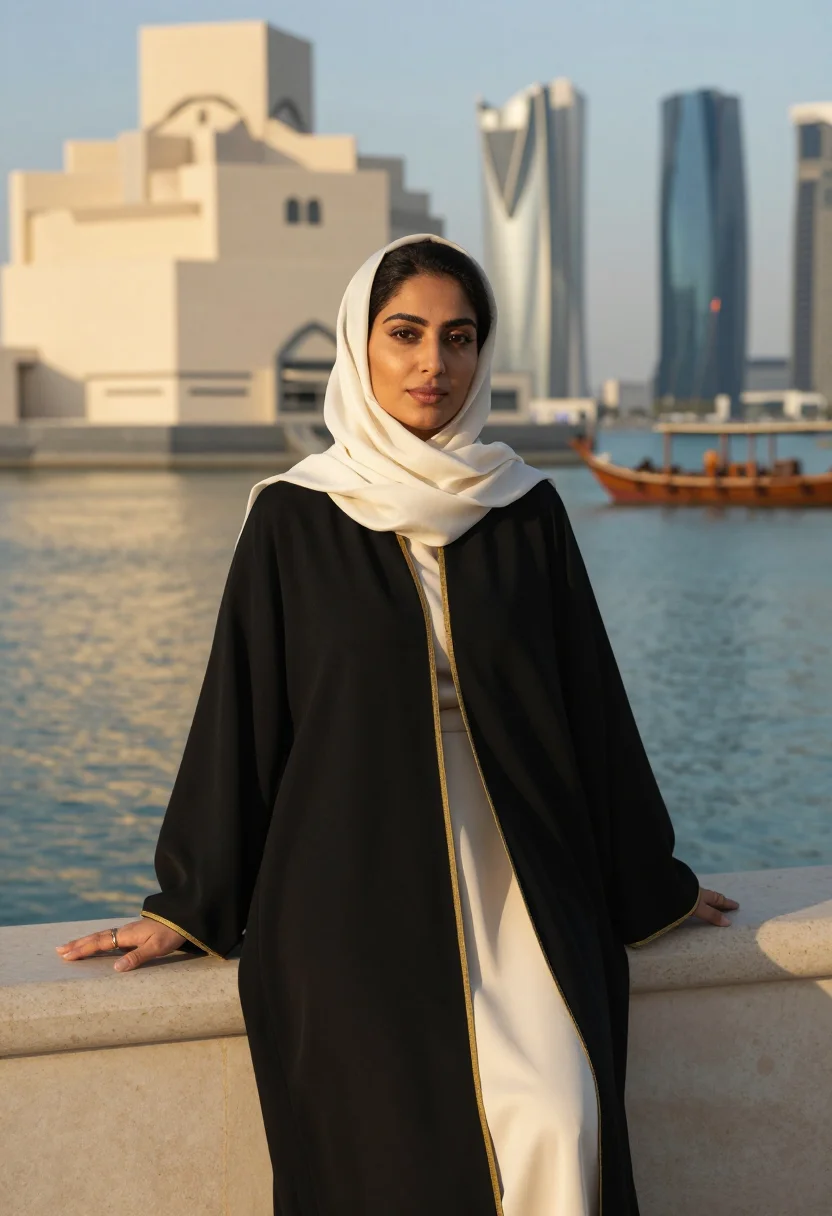
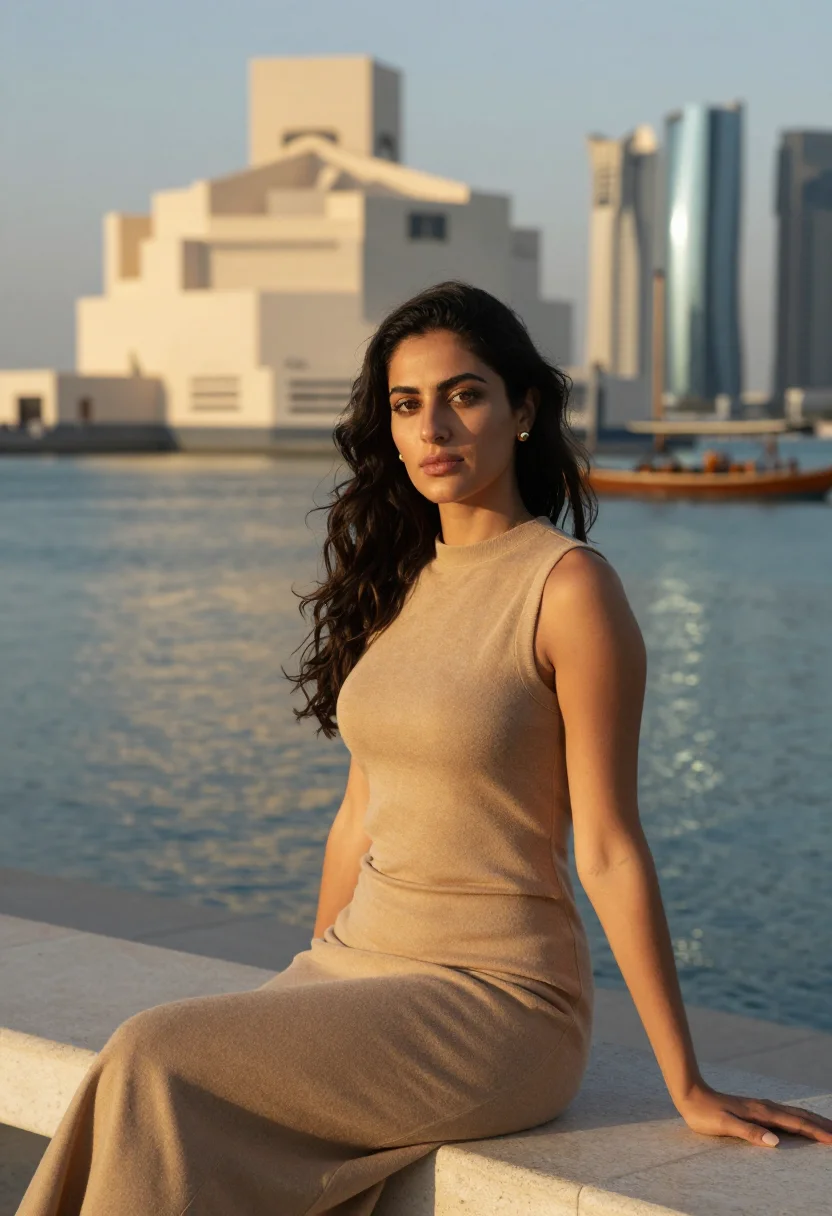
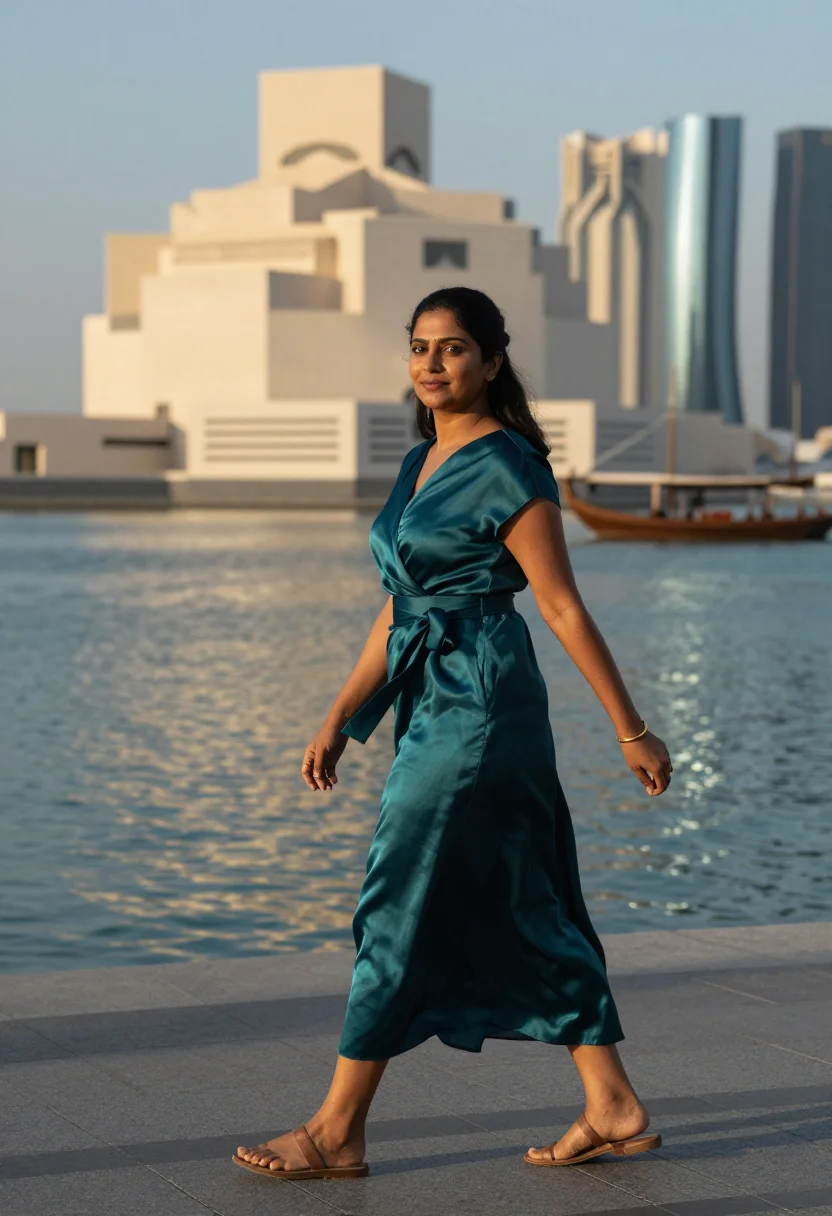
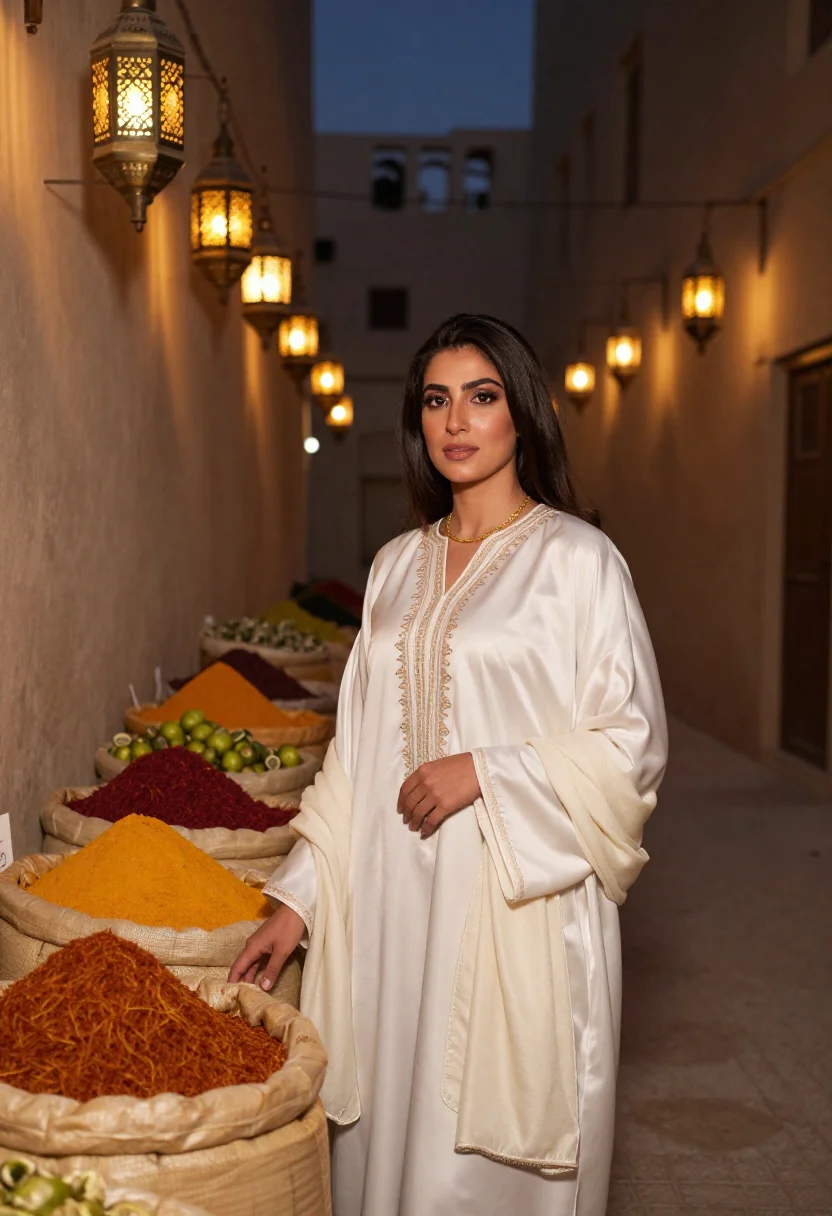
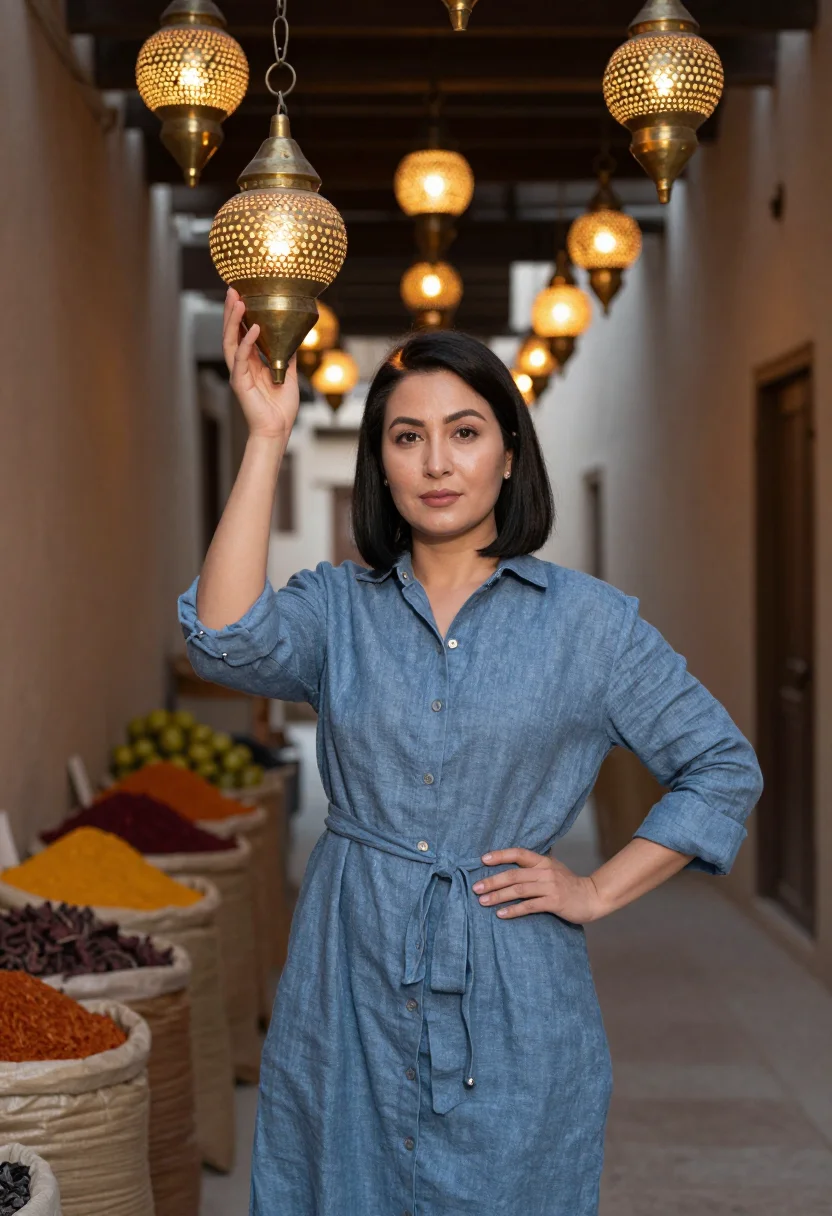
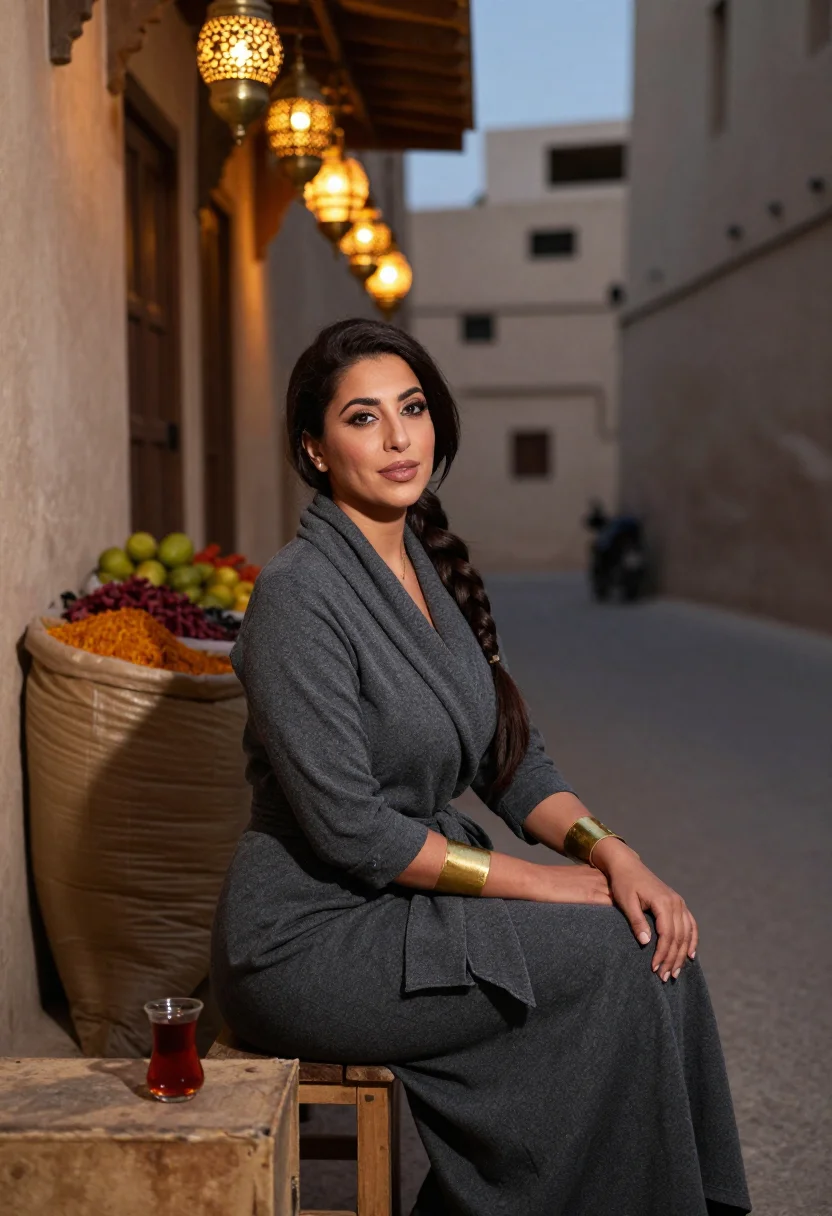
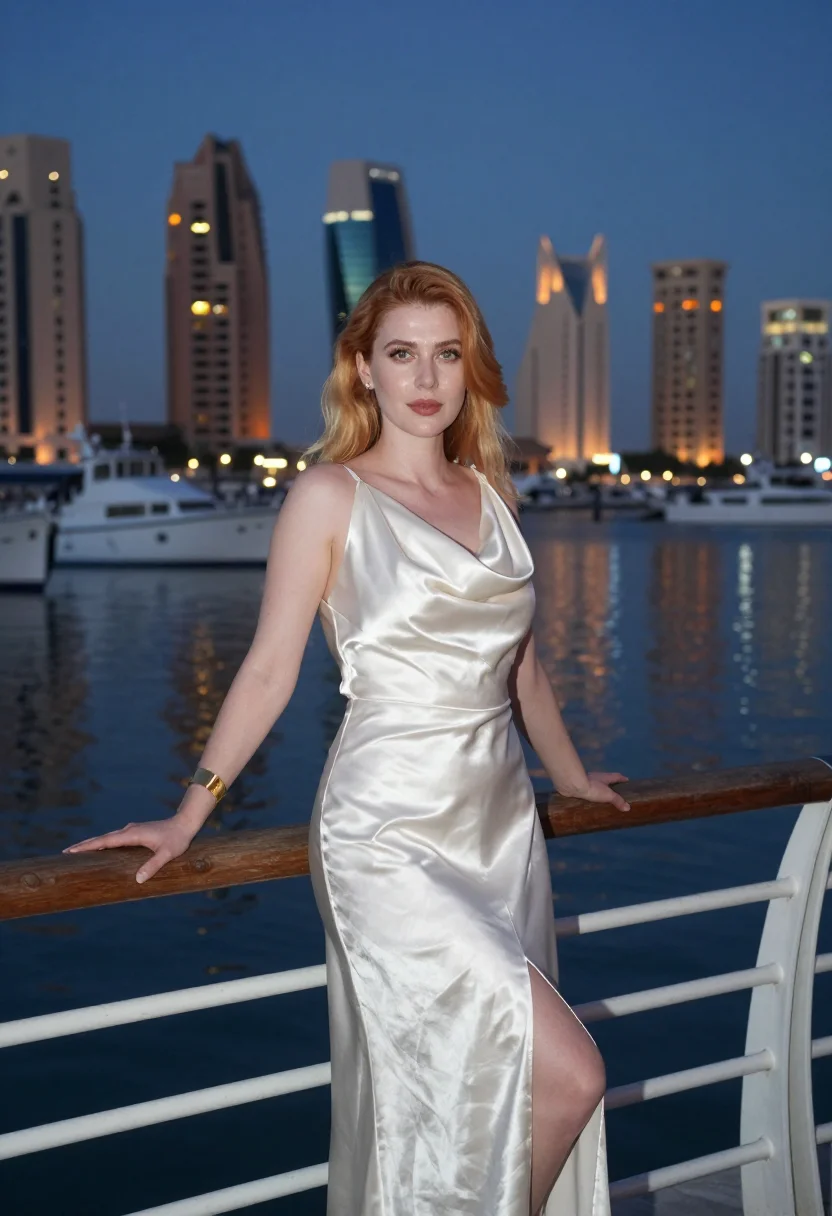
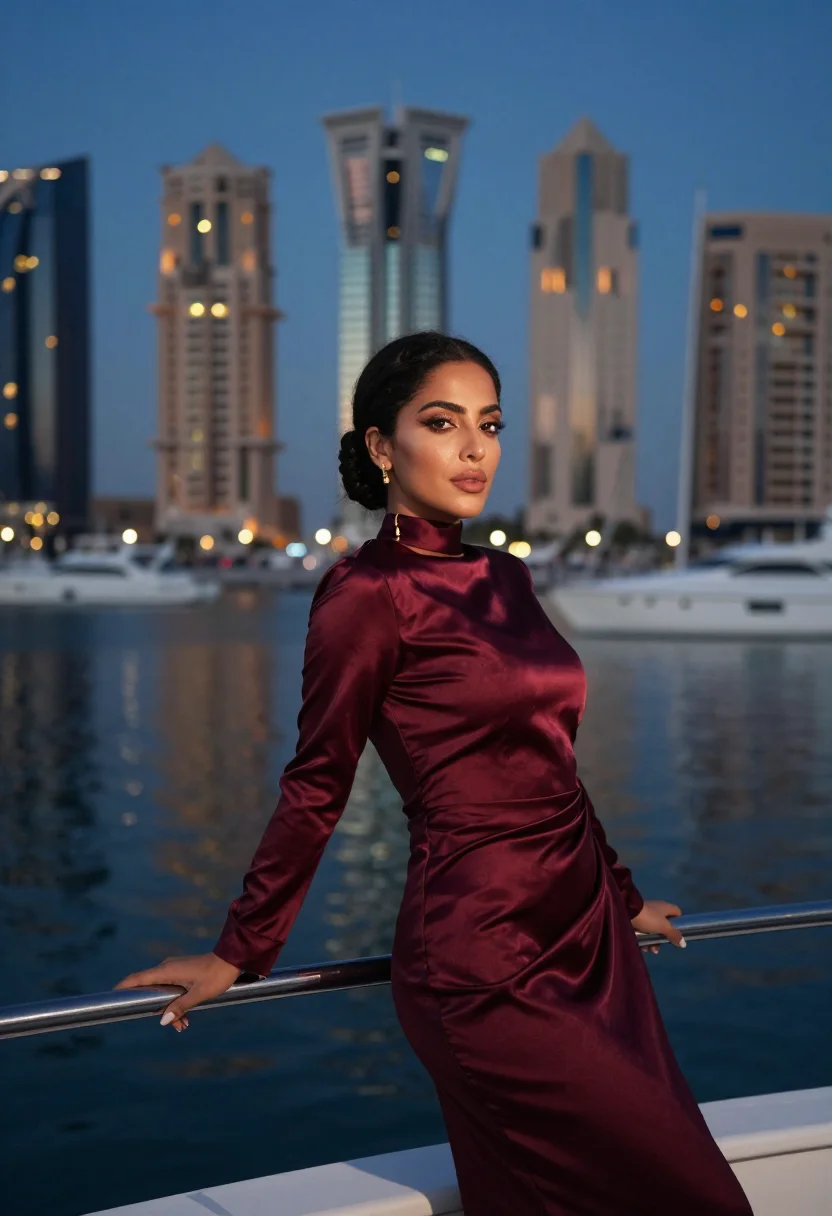
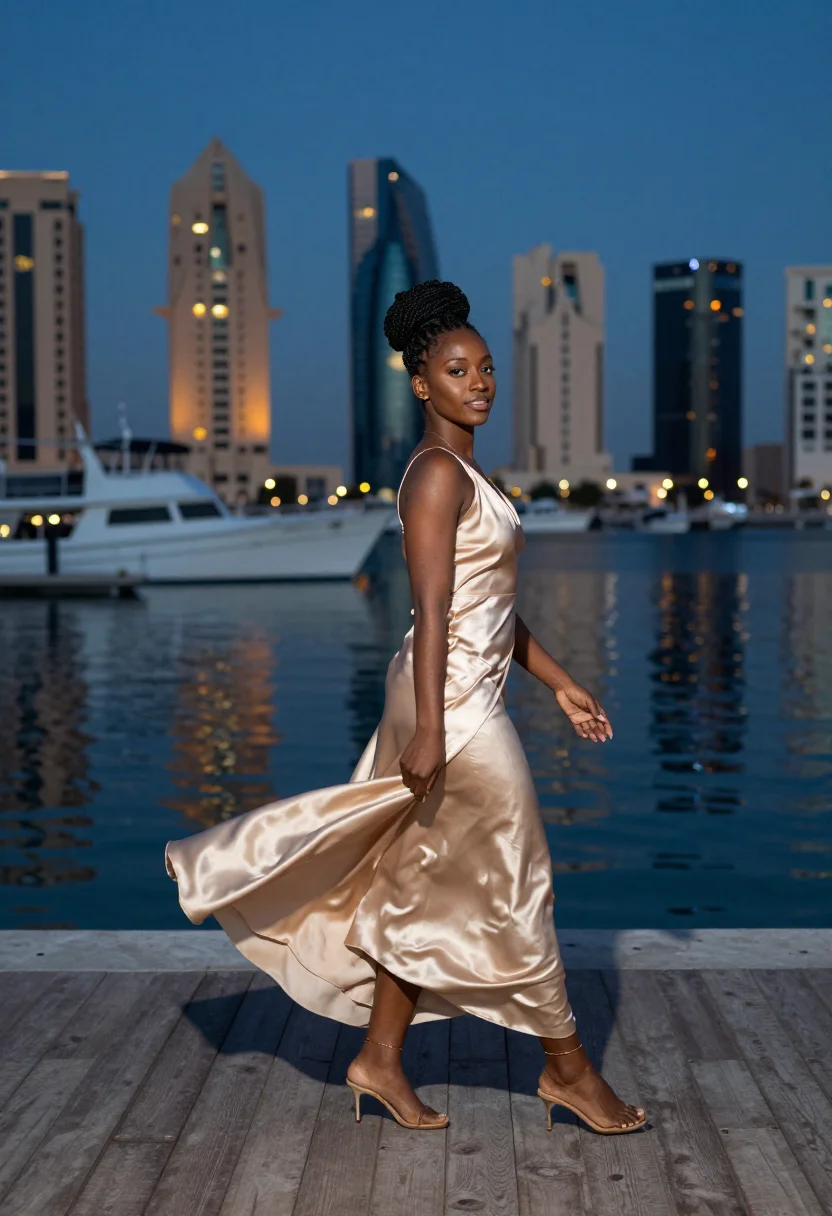
Nine photographs of you, styled across the bay from the Museum of Islamic Art, in Souq Waqif's lantern alleys, and at The Pearl marina at dusk, in modest, polished dress, in portrait format. The nine vary in crop, expression and light, so there are real choices, not nine identical files.
/qatar · lifestyle · 3 scenes
A Qatar Photoshoot Across Doha's Bay
no account · ~15s · try it on with one selfie
More gulf luxe
one model wears them all →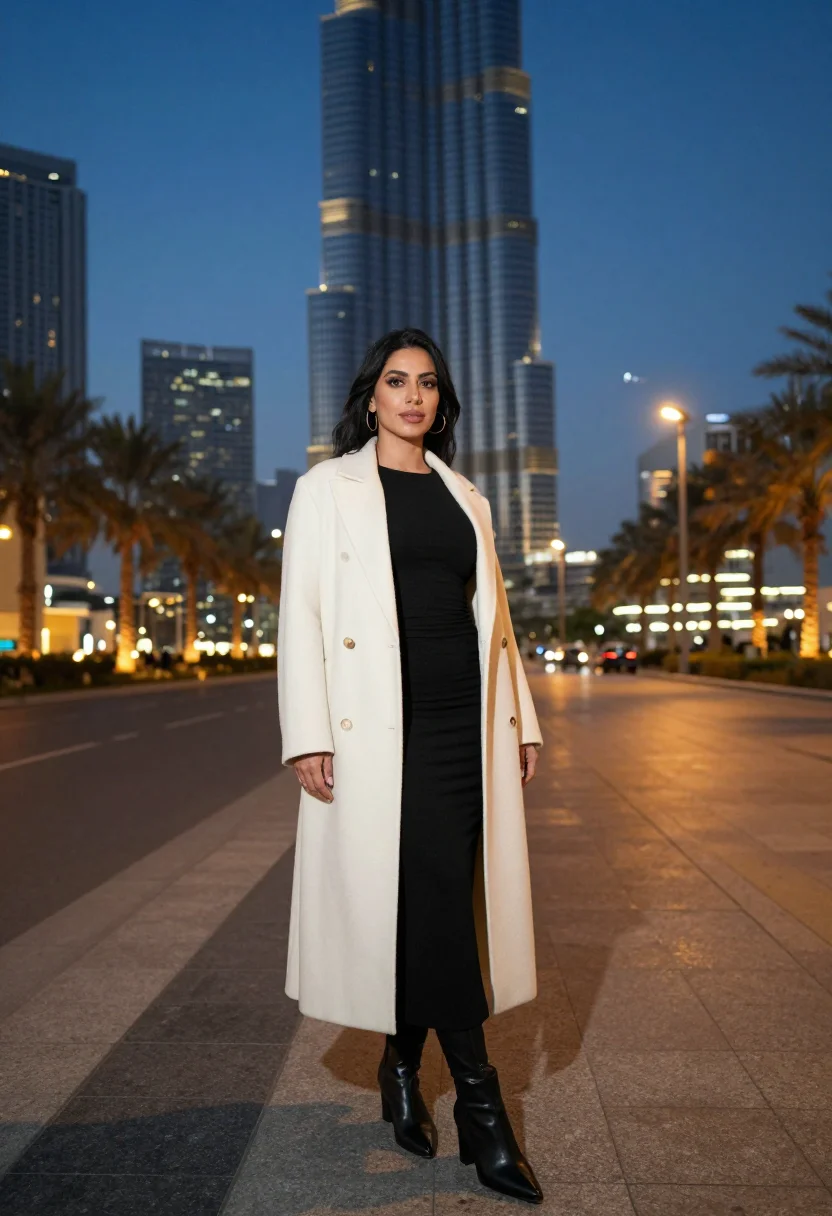
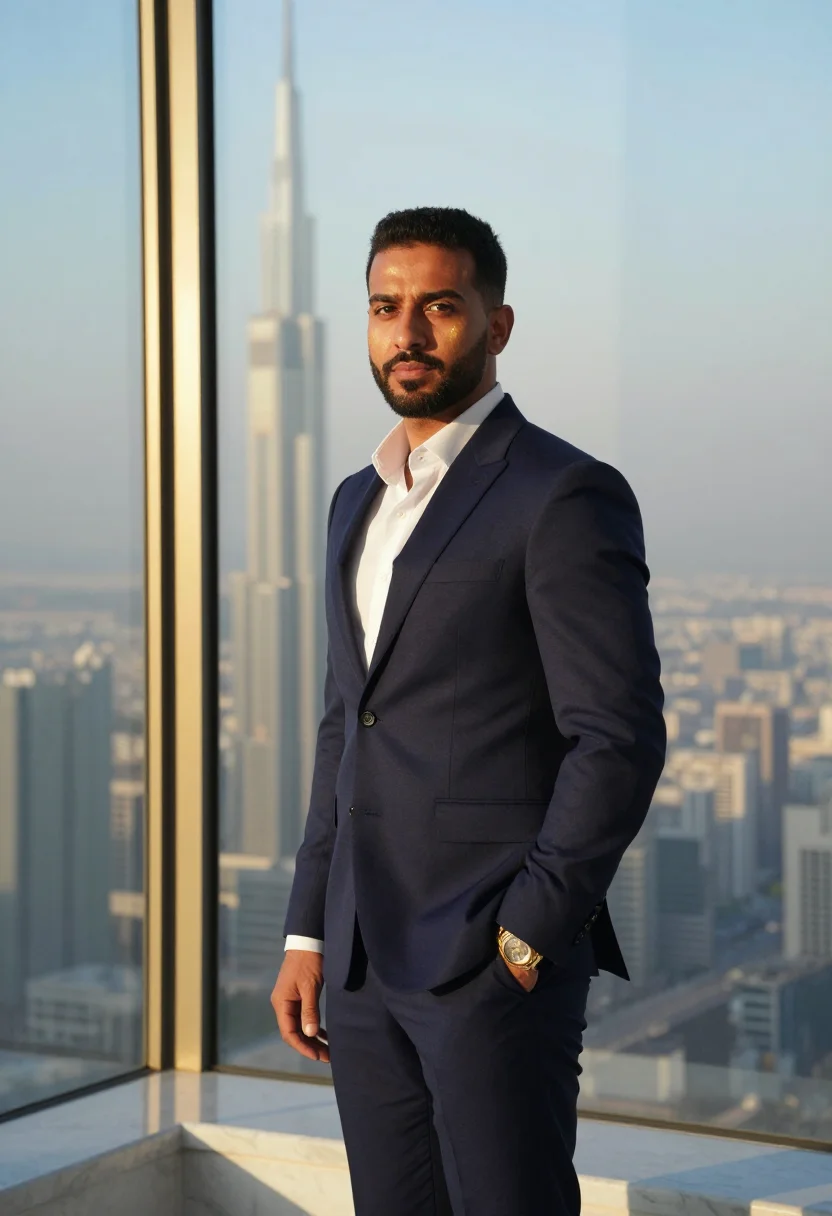
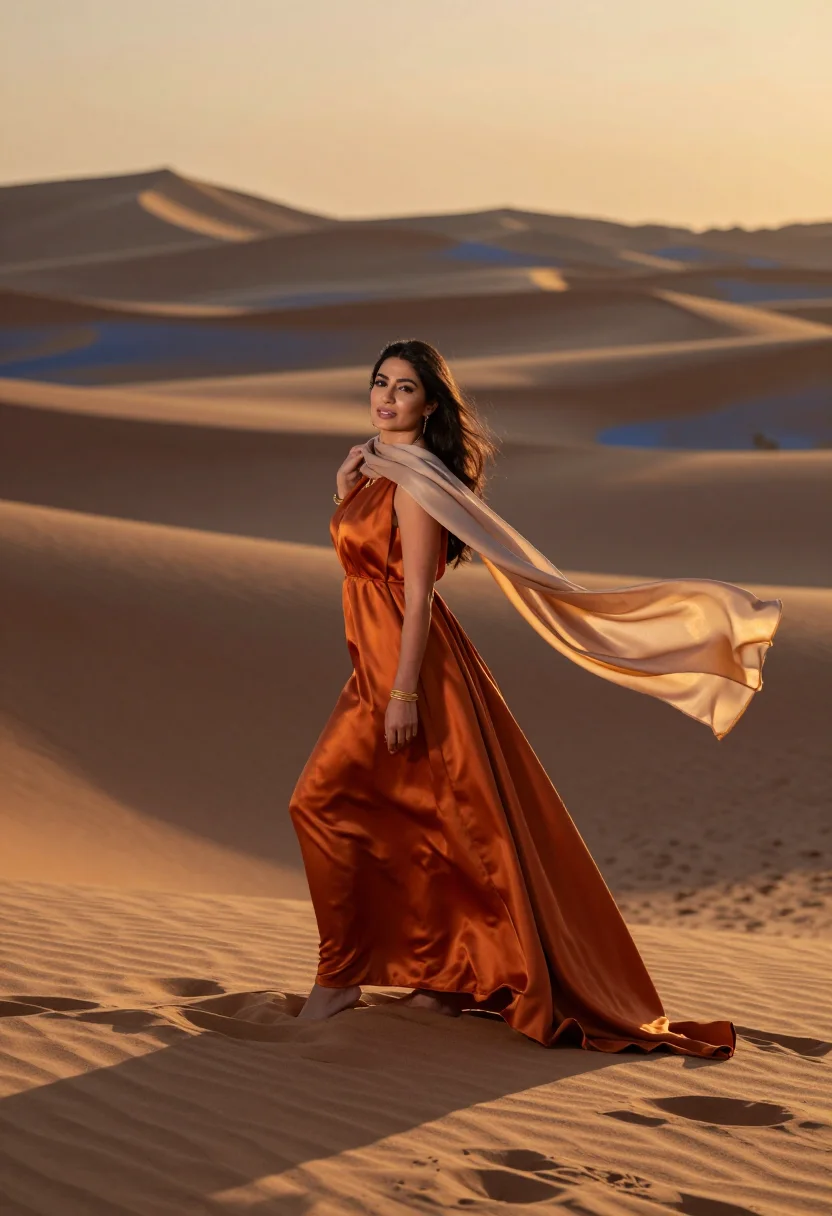
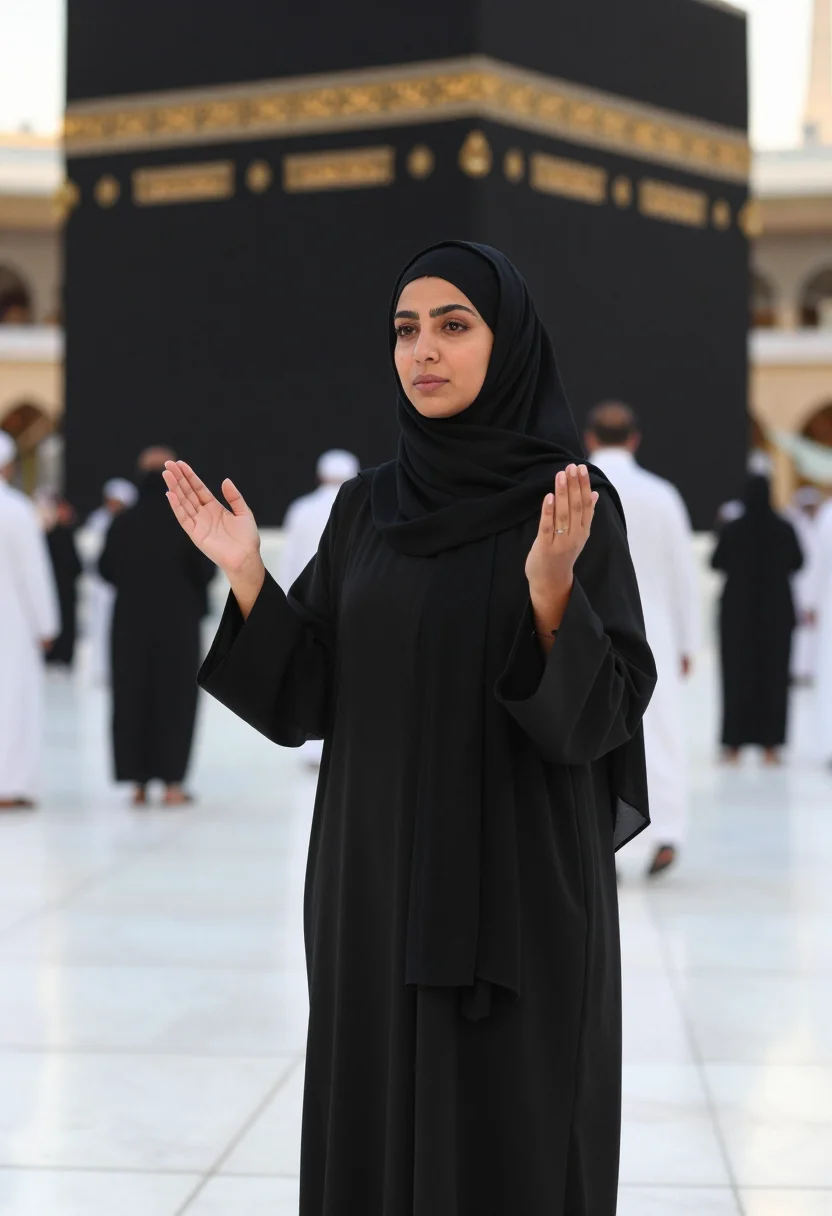
all 9 photos in this pack ↓
How it works
Three steps.
1
Add your photos
Add photos of yourself. We check each one when you add it.
2
We create your model
We create your AI model from your photos. Your photos are ready in a few hours.
3
Every pack, with your face
This pack and every other pack on Narcis can then be made with your face, and single photos too.
The Qatar photoshoot register
Doha's skyline is one of the fastest-built in the world, and the city still holds its older register close alongside it — a limestone museum by I.M. Pei, a centuries-old souq, and a man-made island marina, all within a few kilometres of each other. This pack renders that contrast as a portrait: polished, contemporary, the register of a city that moved from pearl-diving village to global skyline inside one lifetime.
The nine portraits move through three defining sights. The Museum of Islamic Art, its geometric limestone form framed across the bay against the Doha skyline. Souq Waqif, the restored old market's lantern-lit alleys and traditional facades after dark. And The Pearl, the artificial island's marina at dusk, yachts and waterfront towers catching the last light.
Dress leans polished-modest throughout — tailored, elegant, covering the shoulders and knees in the souq scenes in keeping with local custom. The output stays photoreal: a real-looking photograph of you in Doha, not an illustration, the skyline's specific glass-and-gold light carried into every frame.
Honest note: this is an AI-generated portrait styled in Doha, not a photo taken on an actual Gulf trip. Treat it as the city's skyline and souq at their best hour, delivered without the flight.
How to photograph yourself for a Qatar photoshoot
Better source photos make better portraits.
- Even, soft lightStand near a window with indirect daylight on your face. Avoid overhead bulbs and phone flash.
- Front or three-quarter angleCamera at eye level, facing it or turned slightly to three-quarter.
- Face fully clearHair off the face where possible, no sunglasses.
- A composed, confident expressionThis register is polished and contemporary — a settled, assured gaze reads truer against skyline glass than a candid grin.
- Plain background is fineThe city replaces your own backdrop. A plain wall behind you just helps the model focus on your face.
Frequently asked questions
- Will it actually look like Doha, and like a real photo?
- Yes on both. The Museum of Islamic Art, Souq Waqif, and The Pearl's marina all come back recognisable, and the output is photoreal — a real-looking photograph of you there, not an illustration.
- Which views does it cover?
- Three: the Museum of Islamic Art across the bay, Souq Waqif's lantern alleys, and The Pearl marina at dusk. Nine portraits, three per setting.
- Do I need to have actually visited Qatar?
- No. This gives you the skyline and souq whenever you like, without booking the flight.
- How is this different from a real Doha trip photo?
- A real photo means the flight, the heat, and someone else holding the camera. This gives you the same skyline and lantern light, whenever you like.
- Who is this pack styled for?
- The sample is styled for women, in modest, polished dress throughout.
- Will the photos look like me?
- Every photo looks like you, well photographed. If one is nearly right, say what to change, in your own words.
- Do I have to write a prompt?
- No. There is nothing to write: you pick a pack, and it is ready in seconds.
- How many photos of myself do I add?
- Between six and twenty, from different days and in different light, with your face clear. We check each one when you add it.
- What happens to the photos I add?
- They are used only to create your model, on our own servers in the European Union. They are not shared and not sold.
When the Qatar pack fits
- A polished profile picture with a real Gulf skyline behind you
- A gift for someone who loves Doha or Gulf architecture
- A print for a contemporary or Middle Eastern-styled home
- A keepsake for a Qatar trip you're planning
- A business or LinkedIn-adjacent portrait with real skyline scale
- A desktop or phone wallpaper with genuine skyline glow
- A family archive photo alongside an actual visit
- A card or memento for a Gulf-region-loving friend
About narcis
Most AI photo tools put every pose, job, era, and style in one giant catalog. The photos all look like every other AI photo on the internet — a glaze over a stock face. Narcis goes the other way. One job: photos of you that look like photographs. You add at least 6 photos of yourself, and we create your AI model from them. Your photos are ready in a few hours, and we email you when they are. Then this pack and every other pack on Narcis can be made with your face. Each pack is curated against real references — paintings, photographers, places — and tested on real faces before it goes live. Built and run by one small team, on our own servers.
All images are AI-generated. By using this service, you confirm you are 18+, that any face photo you upload is your own or used with explicit consent. Full Terms