AI Seattle 1992 Generator — Free Preview, Then Train Your Model
See a Free Preview in Seconds, Before You Commit
Train Your Model Once, Render Seattle 1992 in About Ten Seconds
Studio-Quality Results Without a Studio Visit
Narcis generates a free preview of your seattle 1992 from one uploaded photo. The preview streams in seconds — a quick sketch, close but not you yet. If you like it, train your model once — 12 to 20 photos, we email you when it's ready — and the full pack of nine is €9,99, rendered from your model in about ten seconds a portrait. No signup before the preview, and no waiting for an email until you choose to train.
The pack is nine professional seattle 1992 rendered in portrait aspect ratio (2:3) — the shape LinkedIn banners, CVs, and print profiles actually use. Each image shows varied crops, expressions, and light angles so you have real choices, not nine identical files.
Photos are processed on European servers. We use your photo to generate your headshots; we do not share it with third parties.
/seattle-1992 · lifestyle · 3 scenes
A Seattle 1992 Photoshoot, Straight From the Crocodile Cafe
no account · ~15s · the first shot is free
The maisons, continued
one model wears them all →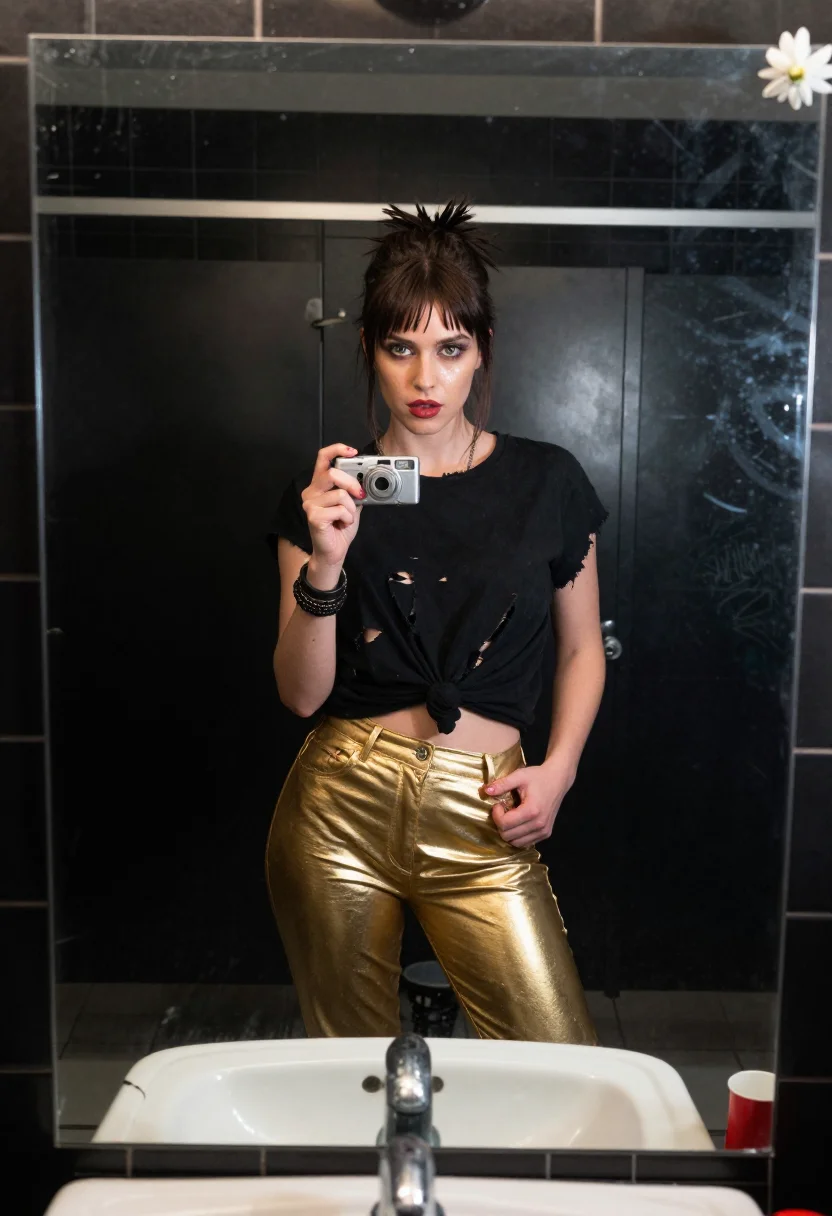
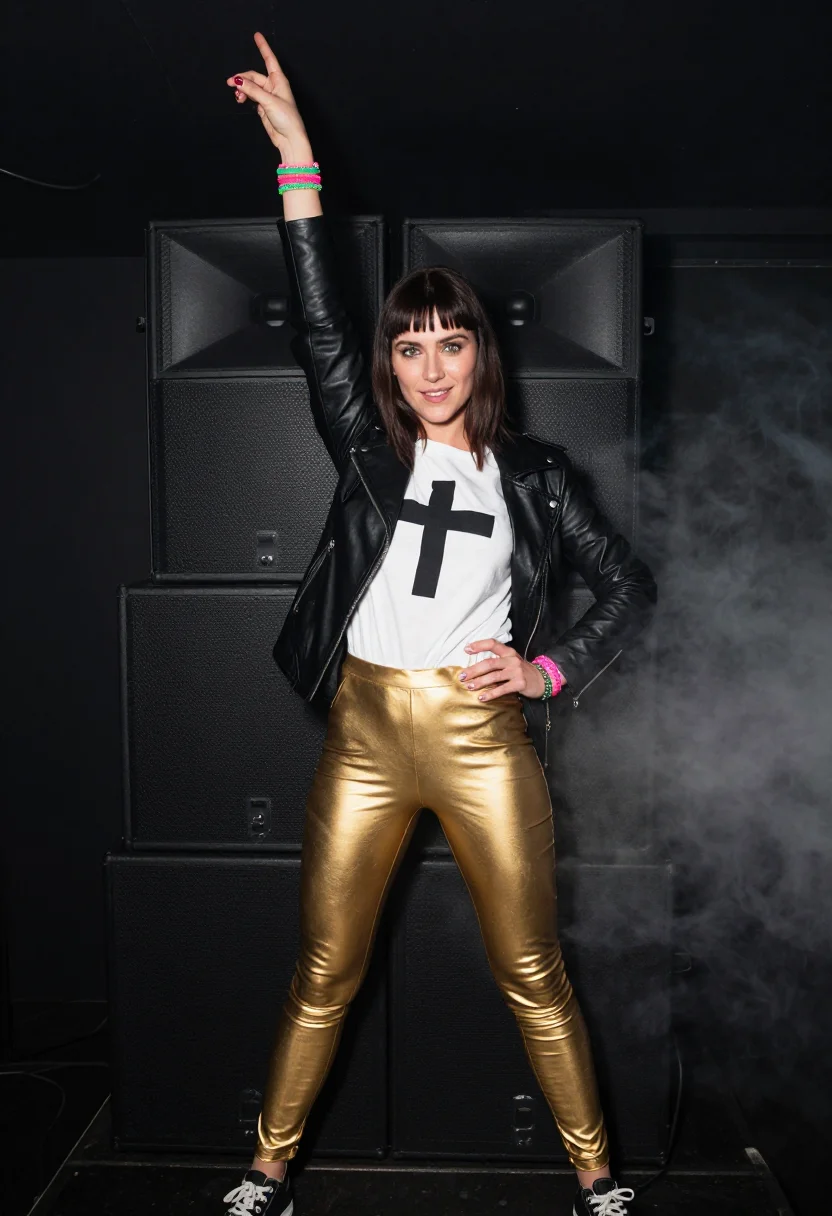
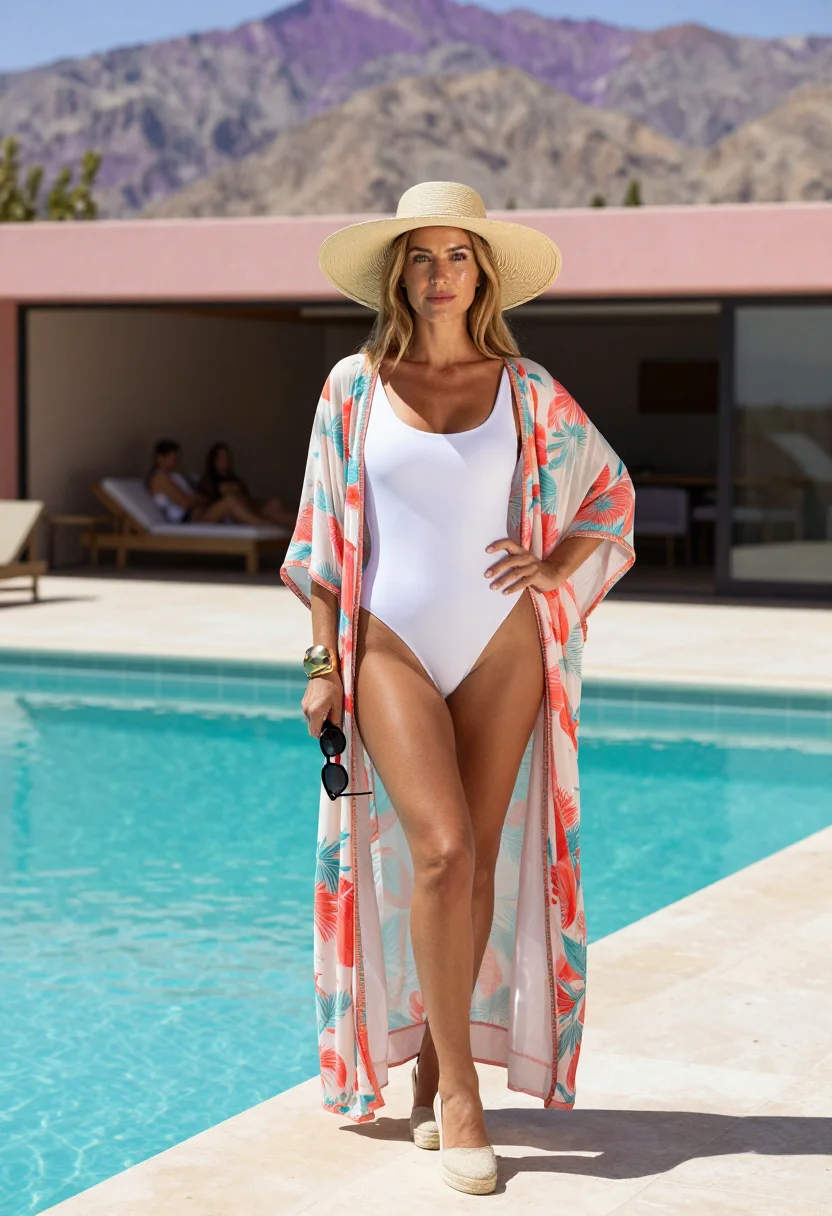
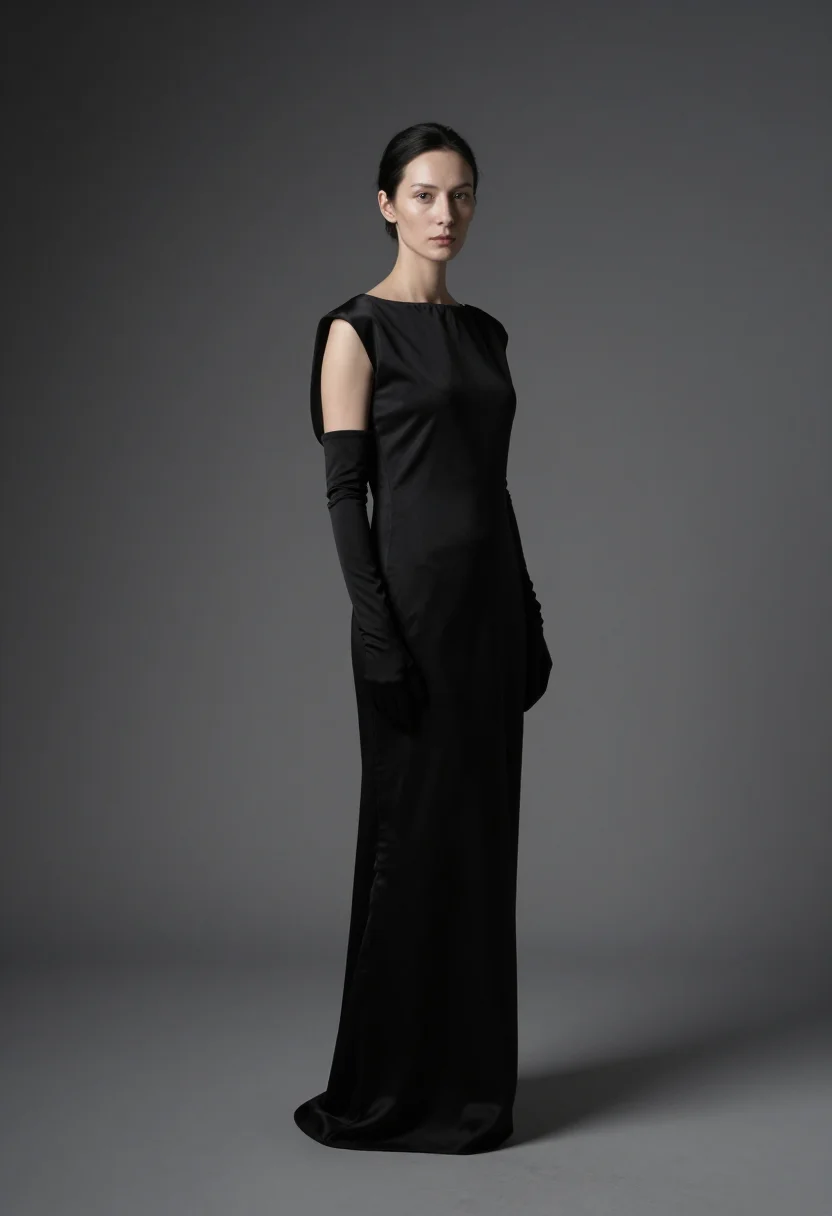
all 9 looks — from one photo ↓
How it works
Three steps. Upload, preview, deliver.
1
Upload 1 to 5 selfies
One is enough for the free preview. More angles sharpen the likeness.
2
See a free preview
A quick sketch of your likeness streams in seconds — close, not you yet, before you pay.
3
Train your model, then unlock 9
€9,99 one-time. Train your model once — 12 to 20 photos, we email you when it's ready — and all nine render in about ten seconds each. Every future pack and Studio portrait render the same way, no repeat training.
The Seattle 1992 register
Grunge wasn't invented on a runway — it started in Aberdeen basements and Sub Pop's tiny roster, in a scene too broke and too wet to care about styling. Flannel got worn over thermals because it was actually cold, Doc Martens because they lasted, and the whole look got documented almost by accident by club photographers whose flash-blown, sweat-and-grain style defined how the era looks to us now. This pack works that source register — the scene itself, not fashion's later, tidier borrowing of it.
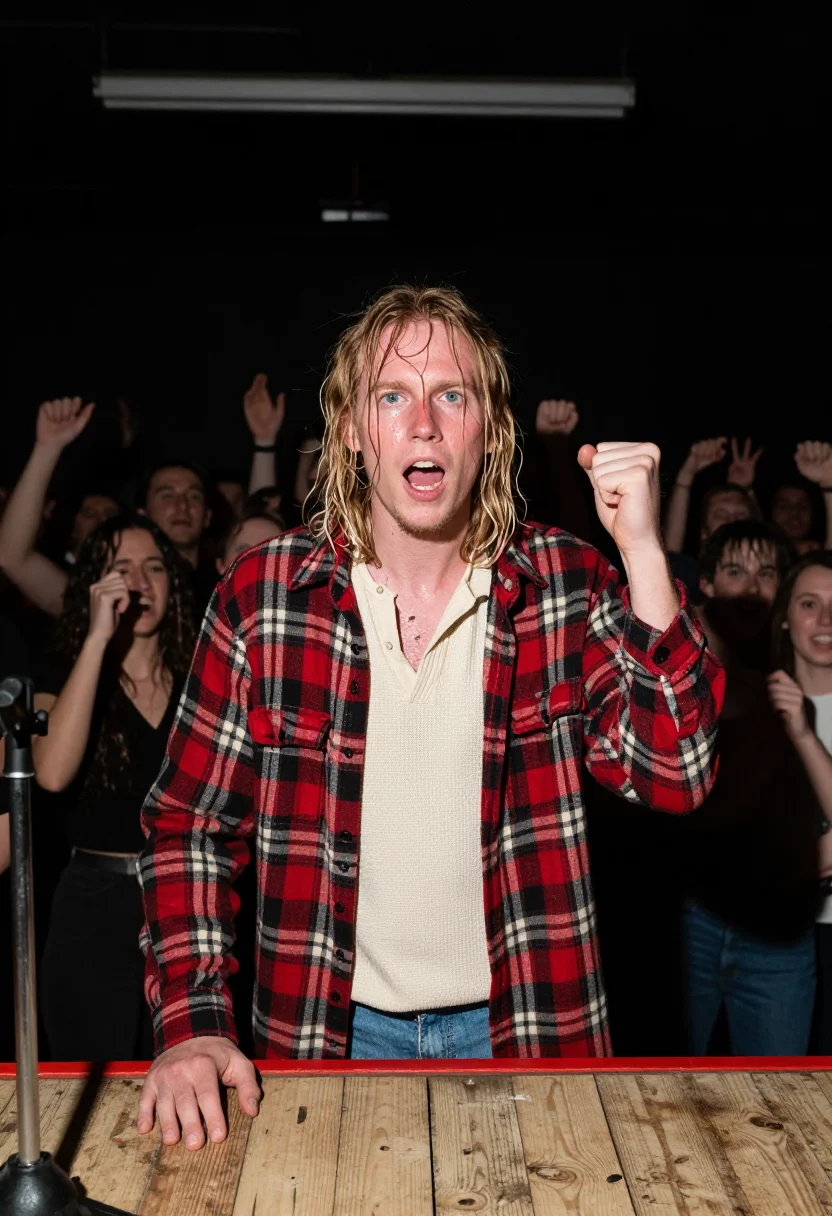
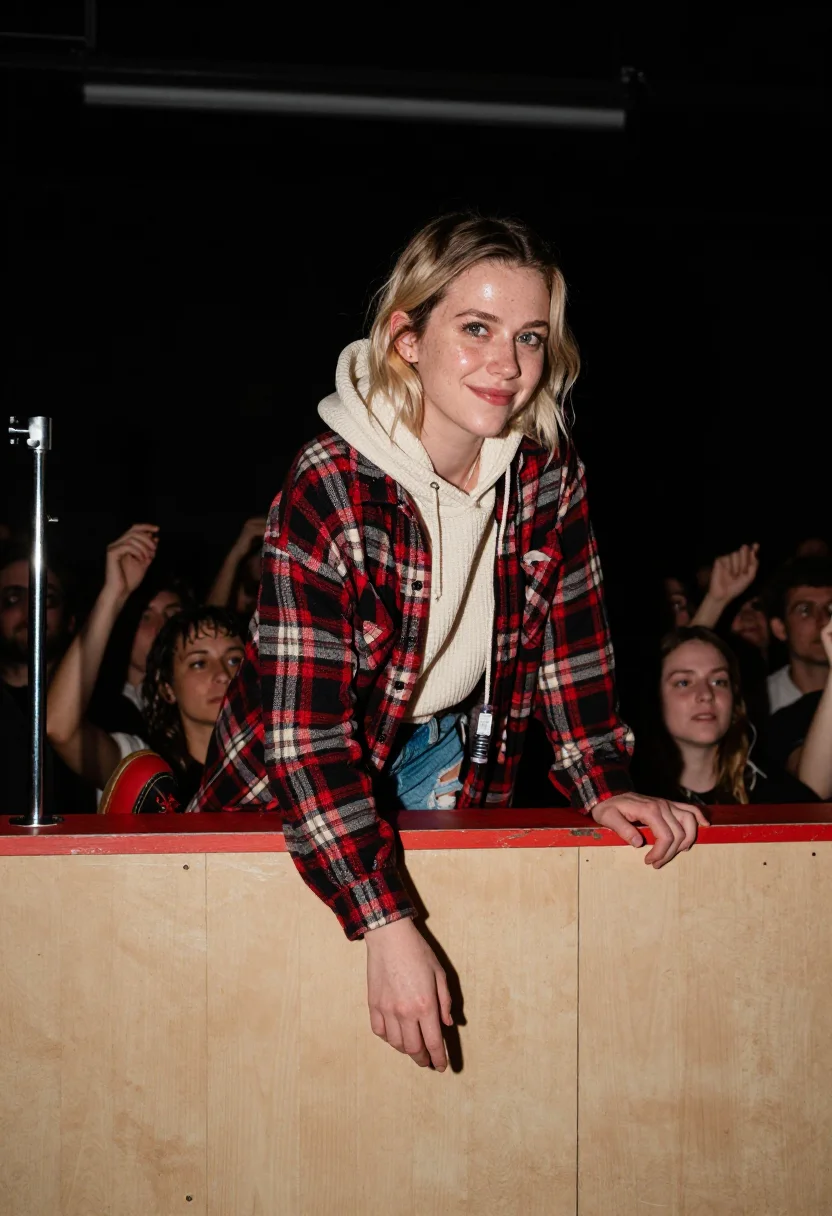
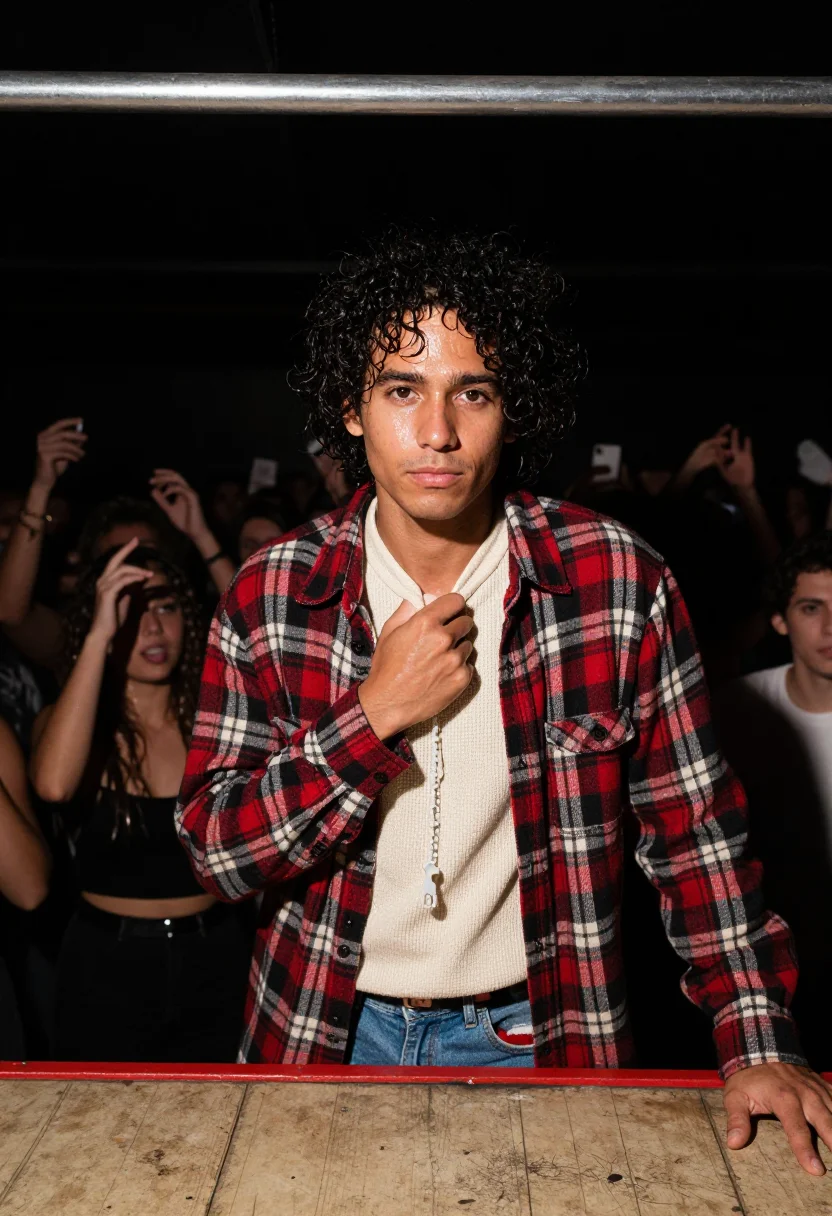
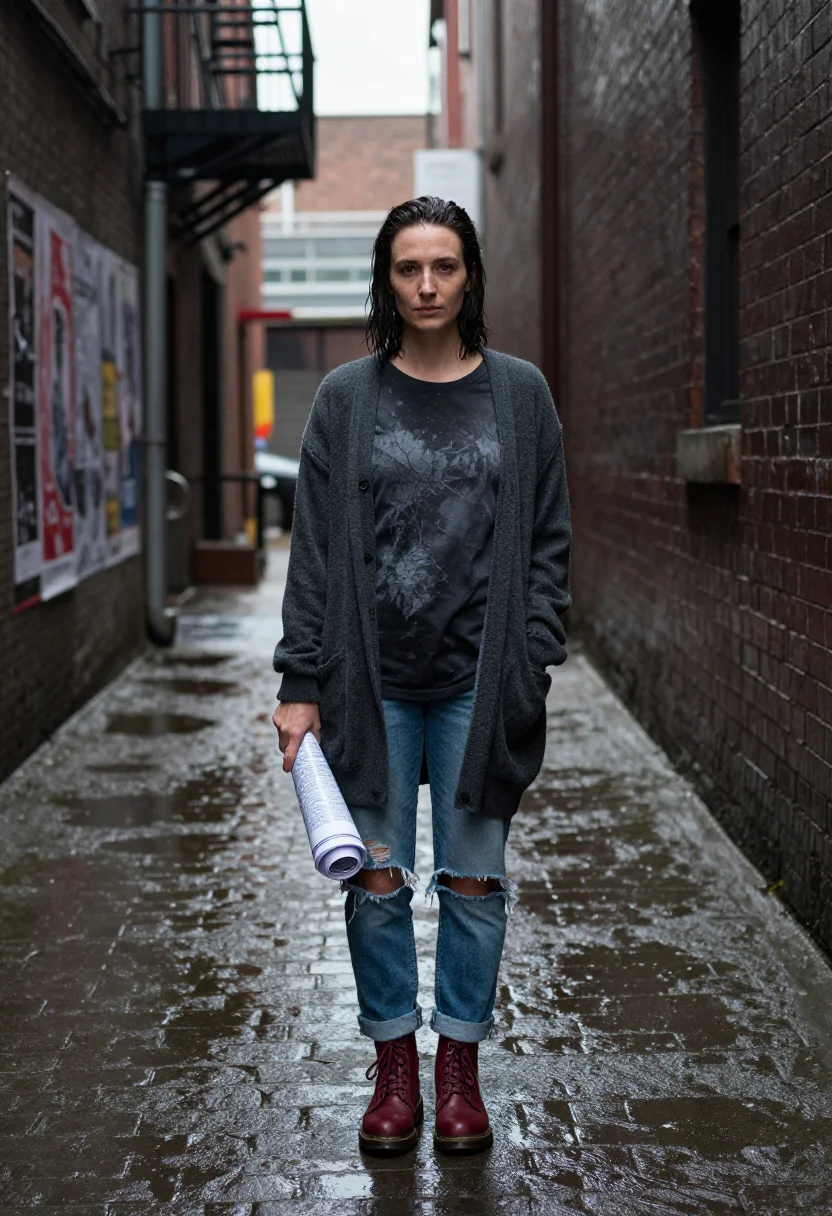
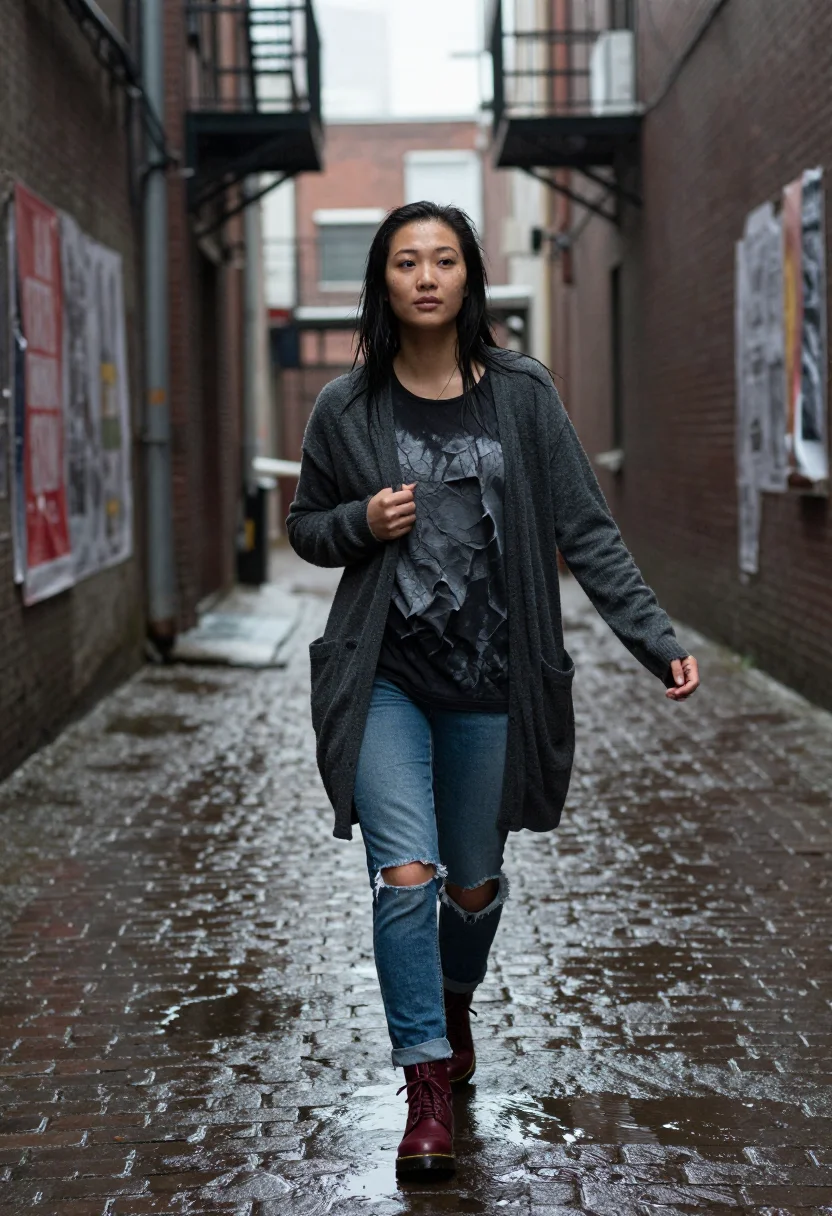
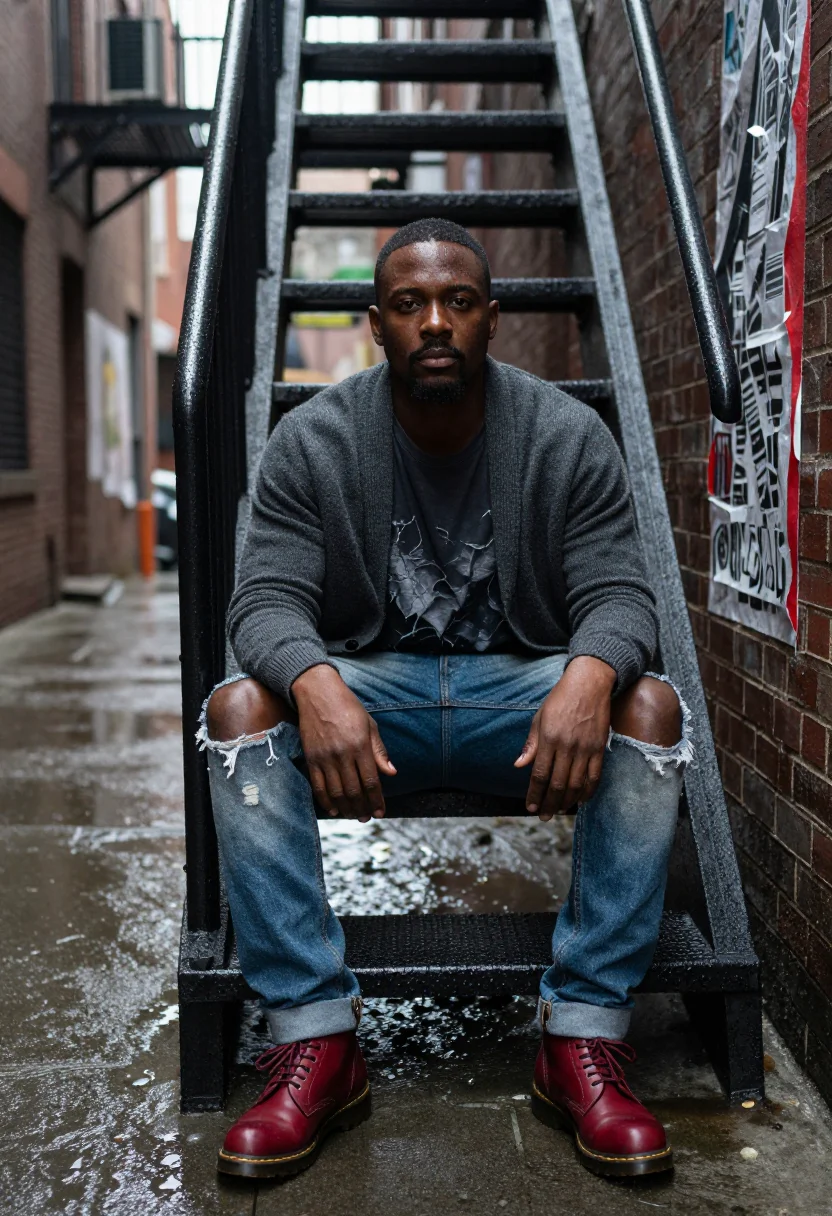
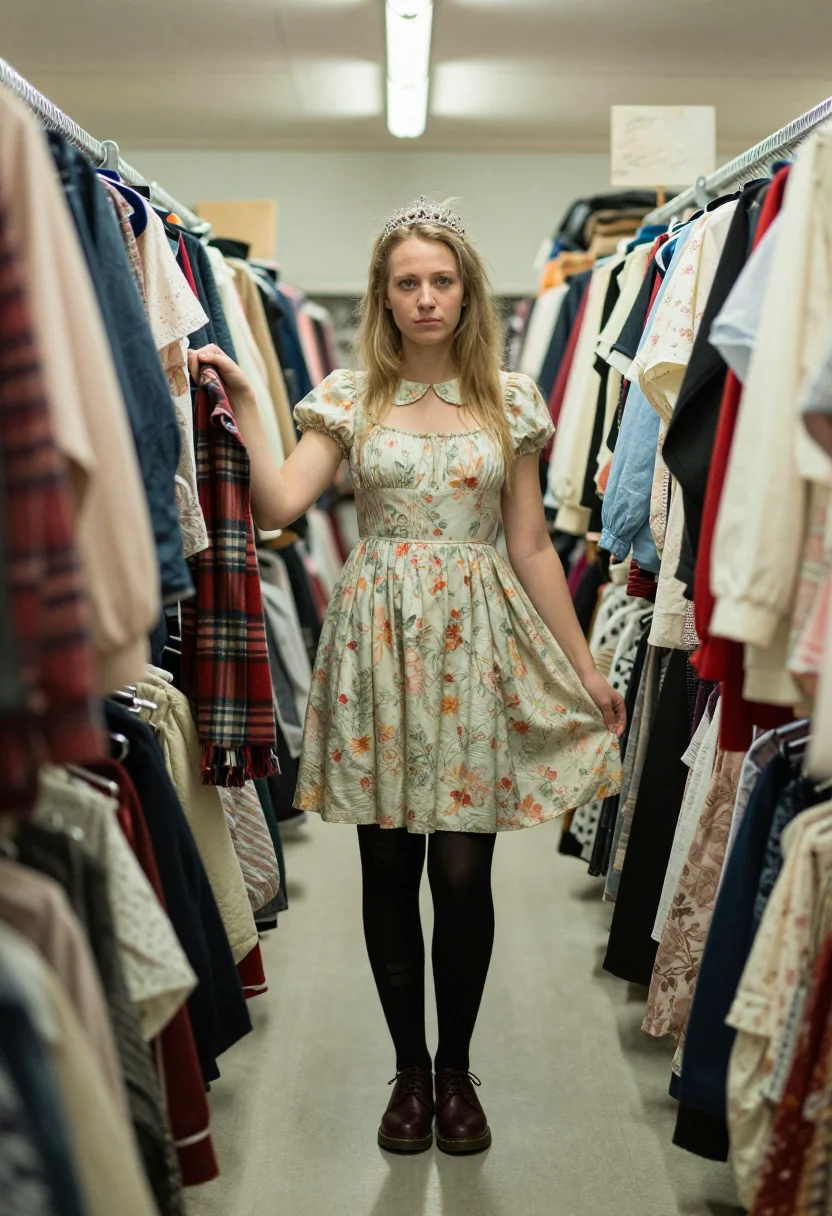
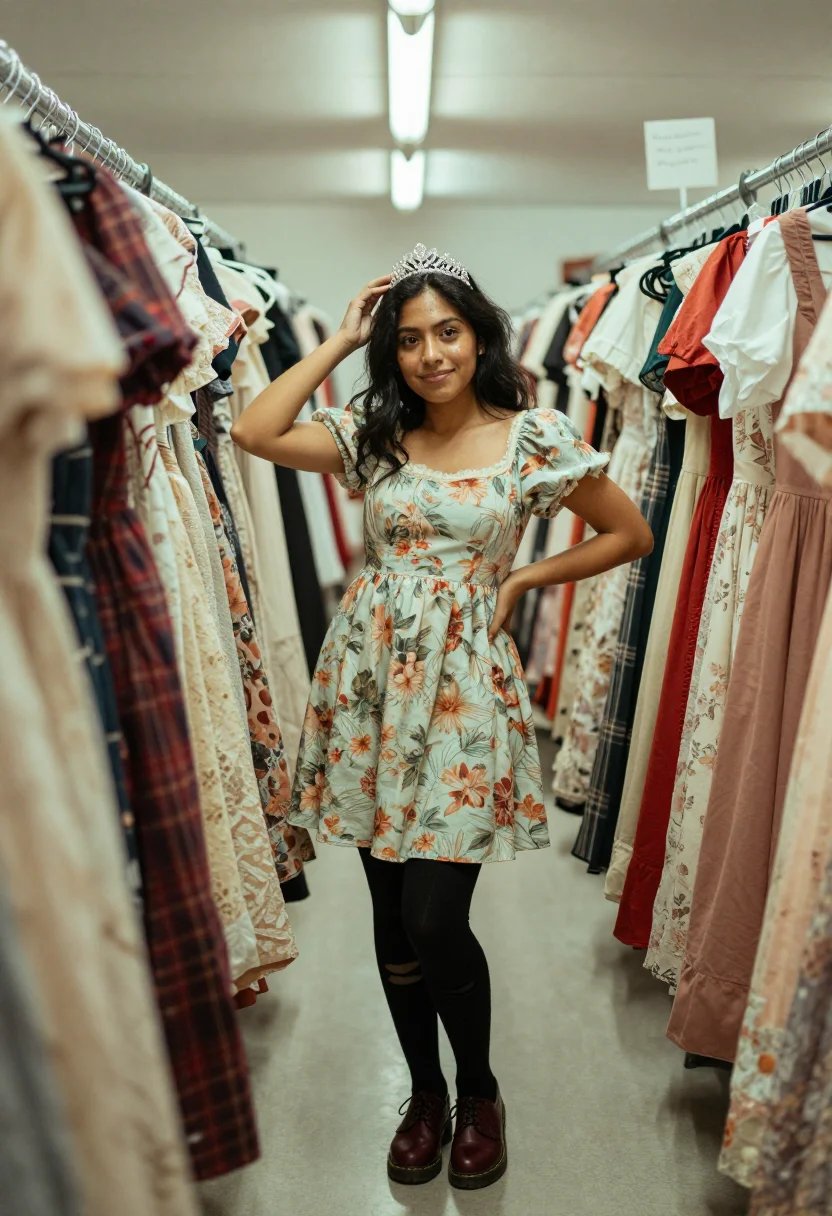
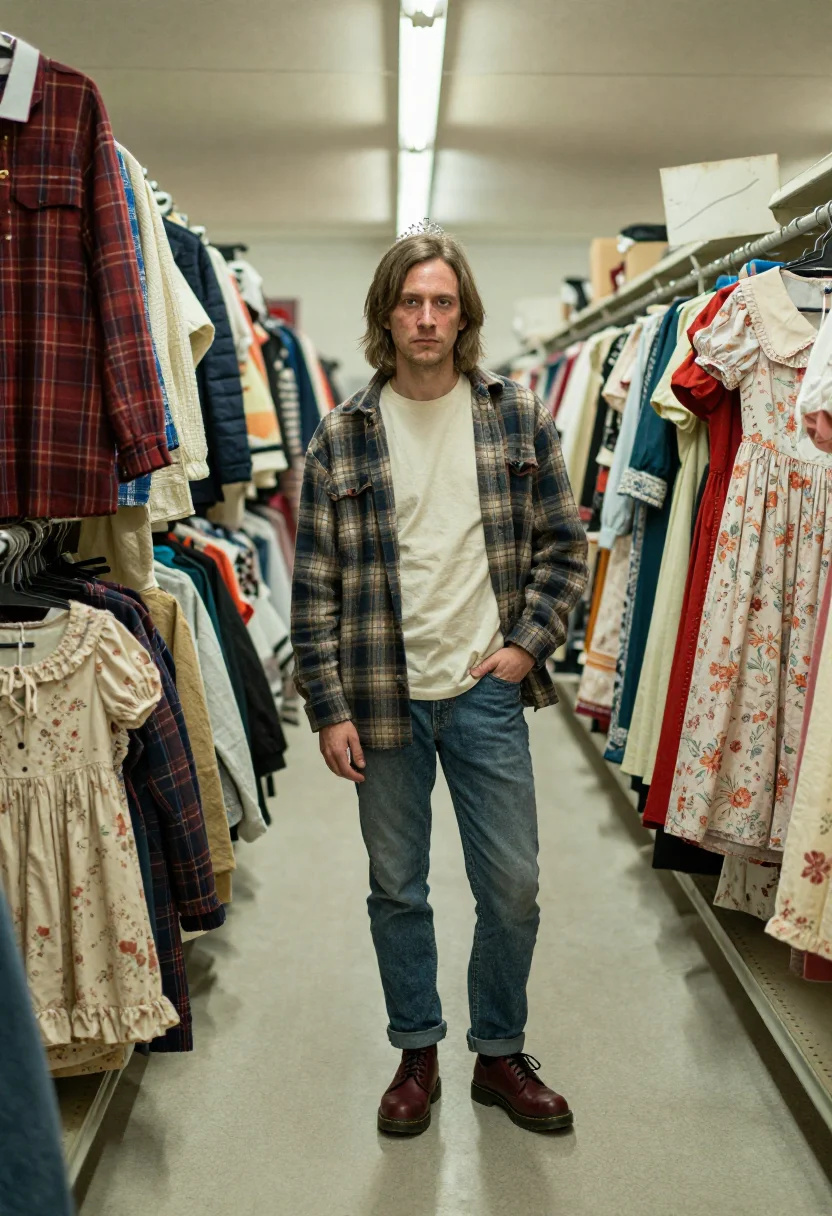
It's built as a true mixed grid: an oversized plaid flannel over a thermal or band tee, ripped jeans, Doc Martens, a cardigan — the same uniform whoever's wearing it, because the flannel genuinely was genderless the first time around. A babydoll dress with tights and a tiara pushed into messy hair covers the scene's other half, the riot-grrrl-adjacent look that ran alongside the flannel, not instead of it.
The frames move from front row at a small club stage — flash-blown black-and-white, sweat and hair in the face, a mic stand at the frame edge — to a rain-slick alley behind a venue with a fire escape and old show posters, to a thrift-store aisle stacked with the exact flannel and dresses the whole look was actually built from secondhand.
Every frame renders photoreal — a real-looking photograph of you in the scene, carrying the same on-camera flash and grain that made those club photos look the way they do, not an illustration or a fashion sketch of the era.
How to photograph yourself for a Seattle 1992 grunge photoshoot
Better source photos make better portraits. The pack works with an ordinary phone selfie — the free preview tells you in seconds — but a few things sharpen the likeness so the grunge shot really looks like you.
- Even, soft lightStand near a window with indirect daylight on your face. Avoid overhead bulbs and phone flash — both flatten the face and are the usual reason an AI portrait misses your likeness.
- Front or three-quarter angleCamera at eye level, facing it or turned slightly to three-quarter. No selfie-stick uplook, no shot from below.
- Face fully clearHair off the face, no sunglasses or hats. A clear, front-facing photo is the best photo for an AI portrait — it gives the model the most of you to work with.
- An unbothered, undone expressionThe register is scrappy, not glamorous — a flat, unposed look reads closer to an actual 1992 club photo than a studio smile.
- Plain background is fineDon't worry about your own backdrop — the club, alley, and thrift store settings replace it. A plain wall behind you just helps the model focus on your face.
Frequently asked questions
- Will it actually look like the 1992 Seattle scene, and like a real photo?
- Yes on both. The flannel over a thermal, the front-row flash, the rain-slick alley come back detailed and specific to the scene, and the output is photoreal: a real-looking photograph of you in it, not a painting or a cartoon.
- Does this depict any real band or real musician from the scene?
- No — this is a genuine portrait of you generated in that scene's visual register, not a depiction of any real band, venue staff, or specific historical event. It borrows the look and the photography style, not anyone's likeness but your own.
- How is this different from your Marc Jacobs Grunge pack?
- This pack is the actual Seattle scene — club shows, rain, thrift stores, the source material. The Marc Jacobs Grunge pack is the 1992 runway that copied it — the same flannel and slip-dress vocabulary, but staged, lit, and walked for a fashion week audience. Different register, same decade.
- Does this pack work for men, women, or both?
- Both — it's a true mixed grid. The flannel-over-thermal, ripped-jeans, Doc Martens uniform was genuinely genderless in the scene itself, so this one works for anyone who uploads a selfie.
- How is this different from Midjourney or Lensa?
- Text-to-image tools generate a generic person in flannel who matches a description; avatar apps hand back stylised images that read plainly AI. This pack anchors every render to your uploaded face and keeps it photoreal, so the nine frames come back looking like you.
- What if I only have an ordinary phone selfie?
- One clear selfie is enough to start. The free preview shows the likeness in seconds — if it's off, the prep tips above are the fastest fix, usually lighting.
- What happens to the photo I upload?
- Your preview photo is processed on European servers. If you train your model, those photos train only your model and are deleted the moment you delete your model. Nothing is sold or shared with third parties.
- Can I use it for a band, zine, or music project?
- Yes — it's a genuinely useful visual identity for anything drawing on 90s alternative rock aesthetics, from a band's press photo to a zine cover.
- Can I use it as a profile picture or a Halloween costume reference?
- Both work well — it's a distinctive, era-accurate shot, and the flannel-and-Doc-Martens combination is a solid costume reference on its own.
- Does it look like me, not a generic model in flannel?
- It's built to. Whichever face you upload drives the output, so the nine frames come back looking like you front row and in the alley, not a stranger in the look.
When the Seattle 1992 pack fits
- For an Instagram or social feed that wants a genuinely gritty, era-accurate moment
- For a profile picture with real scrappy, unbothered energy
- For a band, zine, or music project's visual identity
- For a Halloween costume or 90s theme party reference, styled from the actual scene
- For a portrait gift for anyone who grew up on 90s alternative rock
- For a phone or desktop wallpaper that doesn't look like everyone else's AI photo
- For a print or framed portrait built around a specific, well-documented music scene
- For a music blog or fanzine author photo with real point of view
- For friends recreating a group photoshoot together, one selfie each, any gender
- For anyone who's tried to recreate the flannel-over-thermal look and wants to see it on themselves first
About narcis
Most AI portrait tools ship every pose, profession, era, and aesthetic in one giant catalog. The output looks like every other AI photo on the internet — a glaze over a stock face. Narcis goes the other way. One tool, one job: turn photos of you into portraits worth keeping. Drop a selfie and your free preview streams in seconds — a quick sketch: close, not you yet. For portraits that are truly you, train your own model on 12 to 20 photos; it trains in the background, and we email you when it is ready. Train once, render everywhere — this pack, every other pack, and the Studio all come out of that one model, about ten seconds a portrait, and it stays yours to retrain or delete. Each pack is hand-curated against actual references — paintings, photographers, registers — and tested on real faces before it ships. See a free preview before you pay, not after. Packs are one-time — no subscription to buy one; Studio, the unlimited composer, is optional at €12/month and every pack includes 30 days of it. No template generator. Built and run by one team, on our own infrastructure.
All images are AI-generated. By using this service, you confirm you are 18+, that any face photo you upload is your own or used with explicit consent. Full Terms