AI Sentier Ios Dev Zinc Generator — Free Preview, Then Train Your Model
See a Free Preview in Seconds, Before You Commit
Train Your Model Once, Render Sentier Ios Dev Zinc in About Ten Seconds
Studio-Quality Results Without a Studio Visit
Narcis generates a free preview of your sentier ios dev zinc from one uploaded photo. The preview streams in seconds — a quick sketch, close but not you yet. If you like it, train your model once — 12 to 20 photos, we email you when it's ready — and the full pack of nine is €9,99, rendered from your model in about ten seconds a portrait. No signup before the preview, and no waiting for an email until you choose to train.
The pack is nine professional sentier ios dev zinc rendered in portrait aspect ratio (2:3) — the shape LinkedIn banners, CVs, and print profiles actually use. Each image shows varied crops, expressions, and light angles so you have real choices, not nine identical files.
Photos are processed on European servers. We use your photo to generate your headshots; we do not share it with third parties.
/sentier-ios-dev-zinc · professional · 3 scenes
iOS Developer Headshot — The Sentier in Zinc
More of tech across Europe
one model wears them all →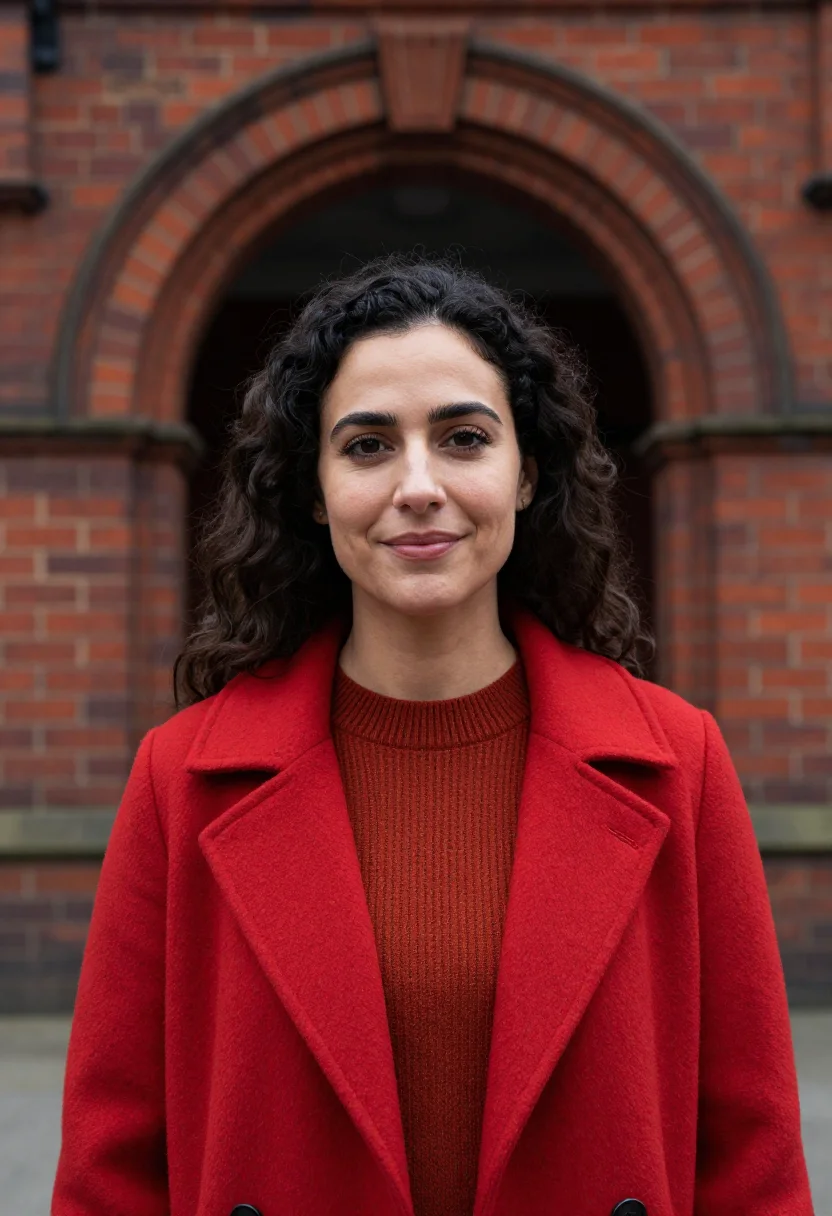
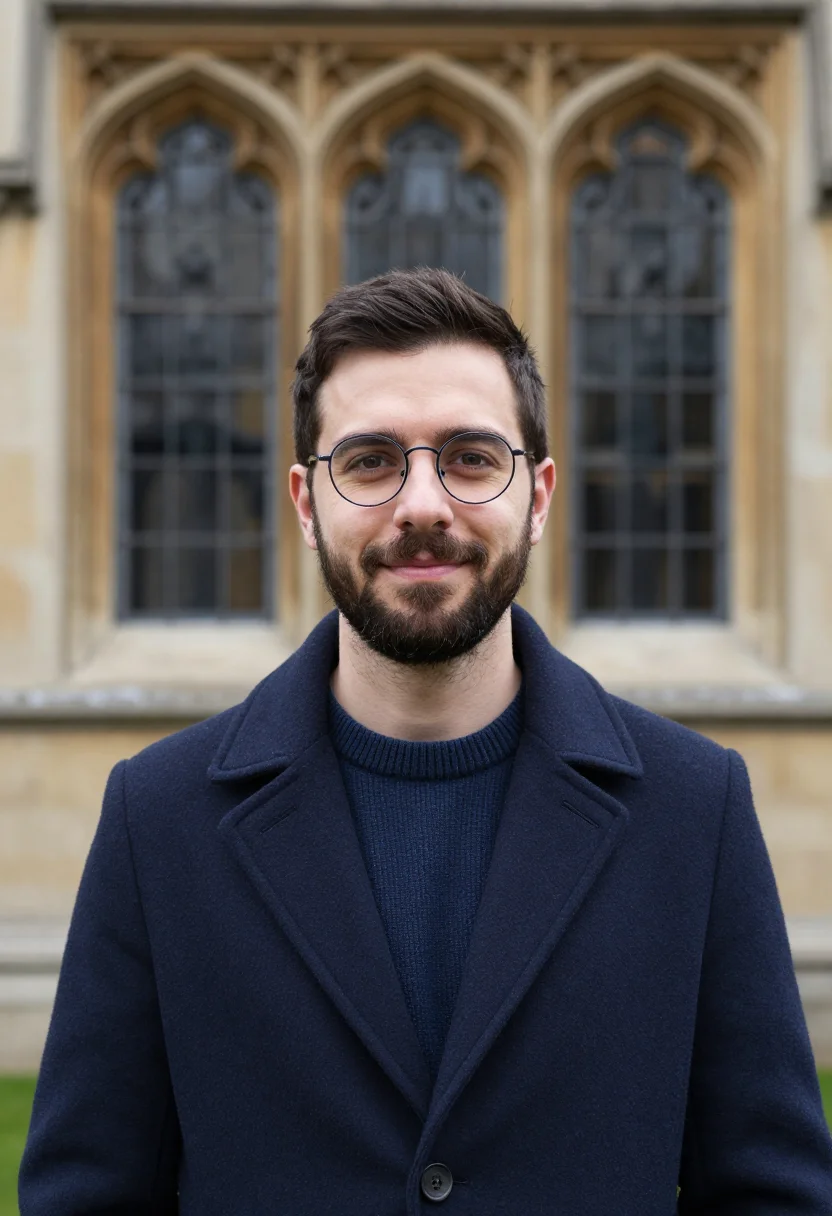
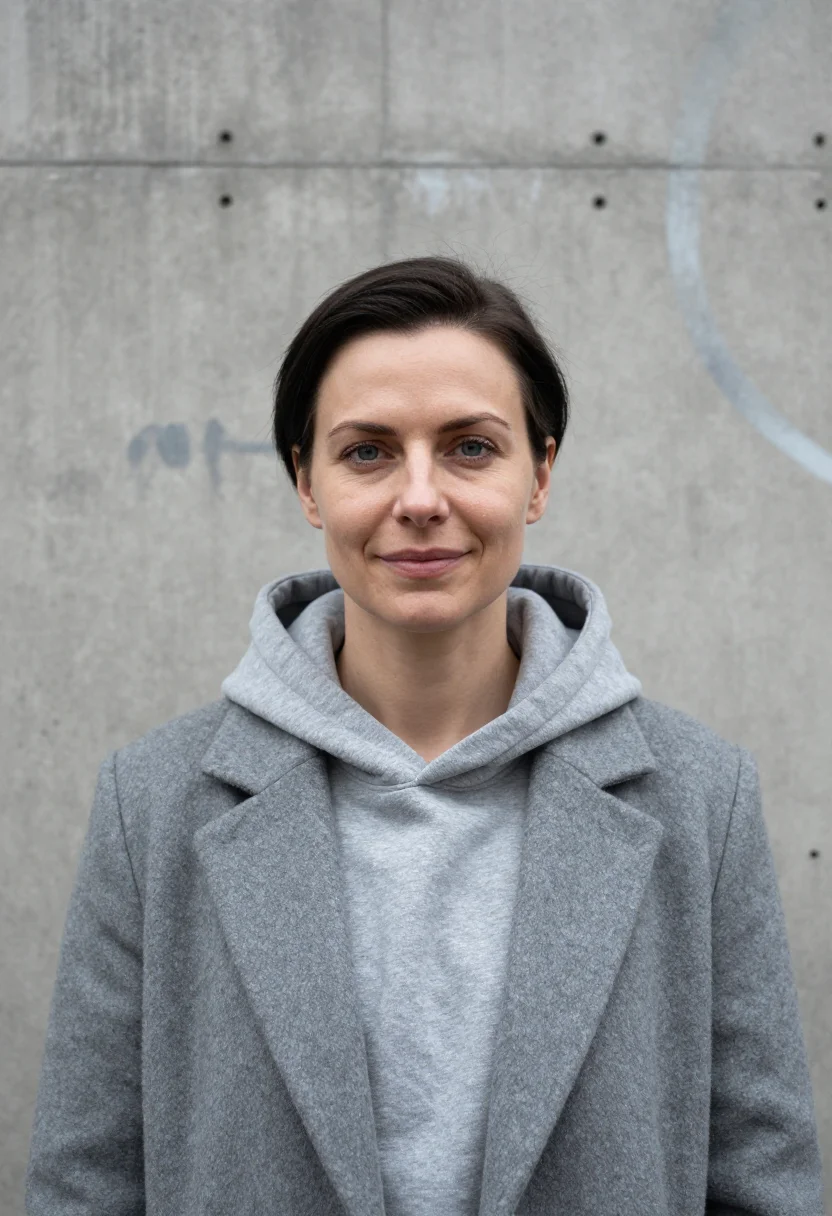
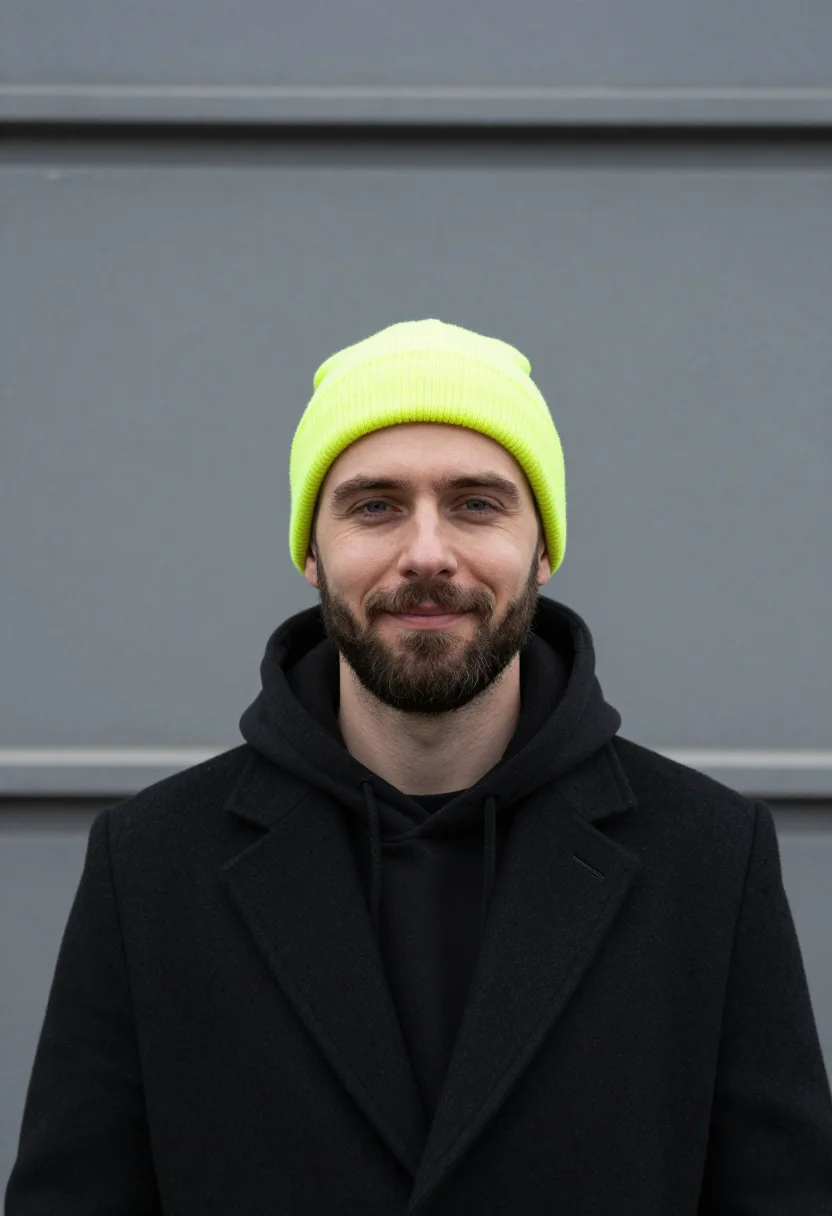
all 9 looks — from one photo ↓
How it works
Three steps. Upload, preview, deliver.
1
Upload 1 to 5 selfies
One is enough for the free preview. More angles sharpen the likeness.
2
See a free preview
A quick sketch of your likeness streams in seconds — close, not you yet, before you pay.
3
Train your model, then unlock 9
€9,99 one-time. Train your model once — 12 to 20 photos, we email you when it's ready — and all nine render in about ten seconds each. Every future pack and Studio portrait render the same way, no repeat training.
The Sentier in Zinc register
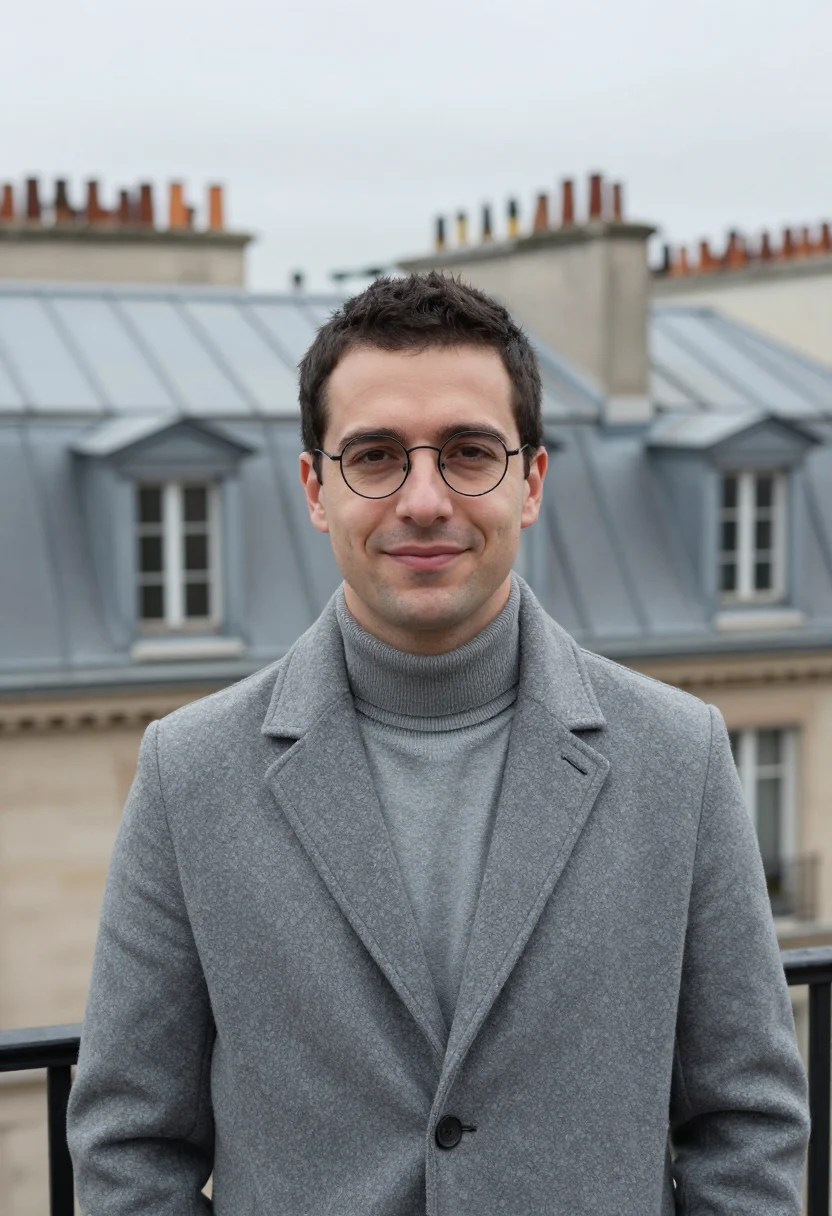
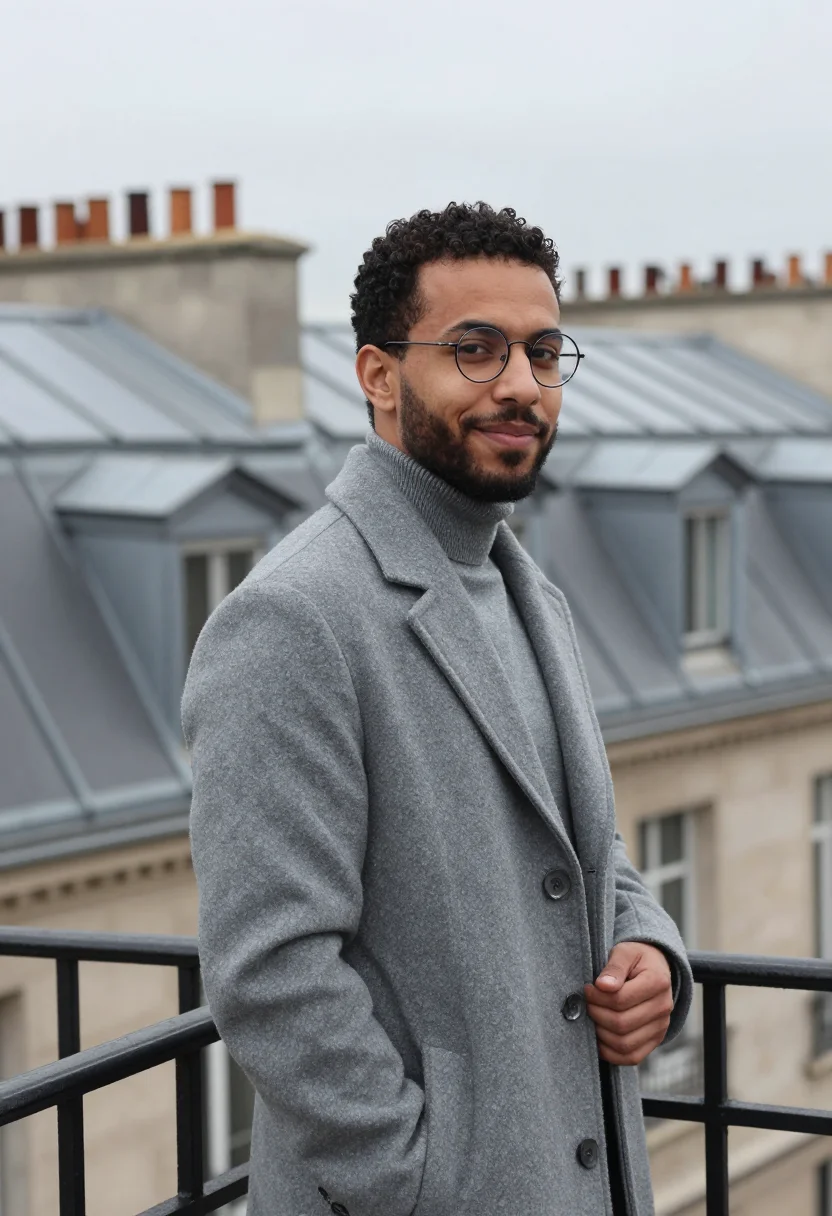
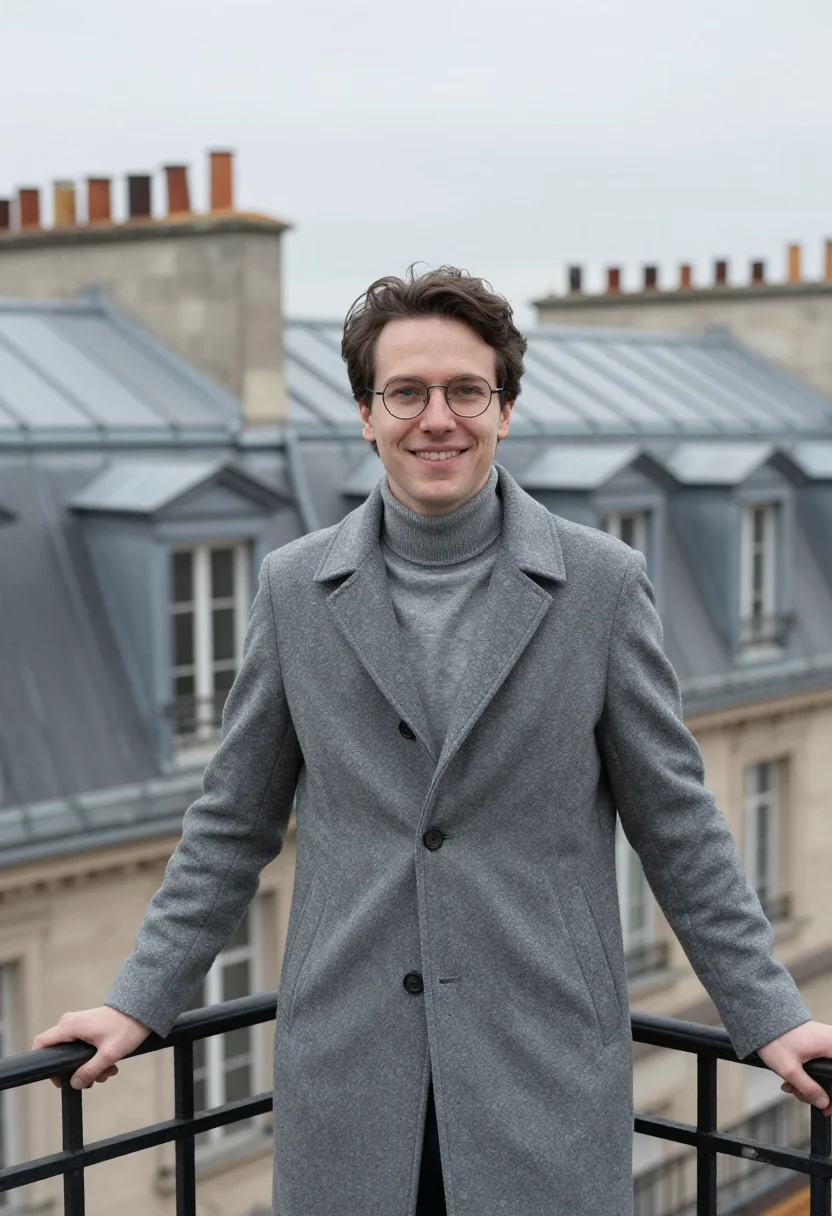
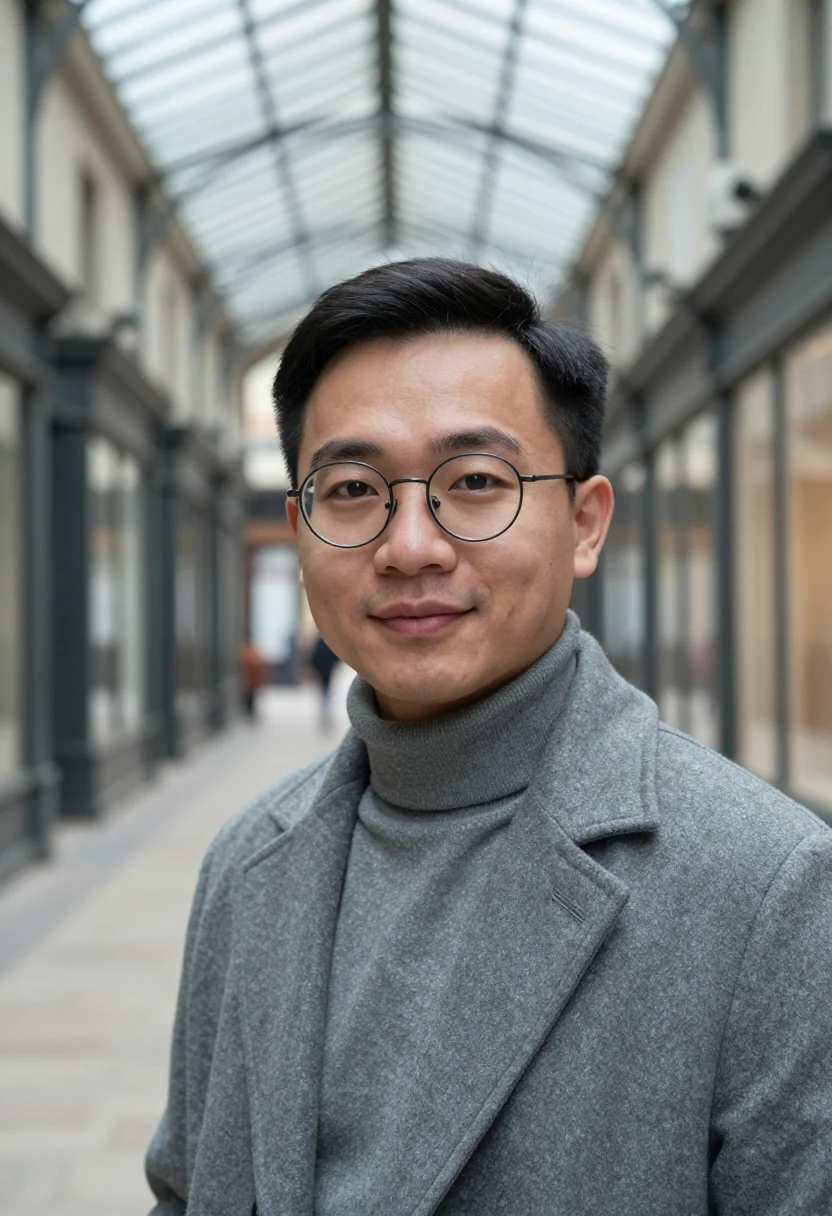
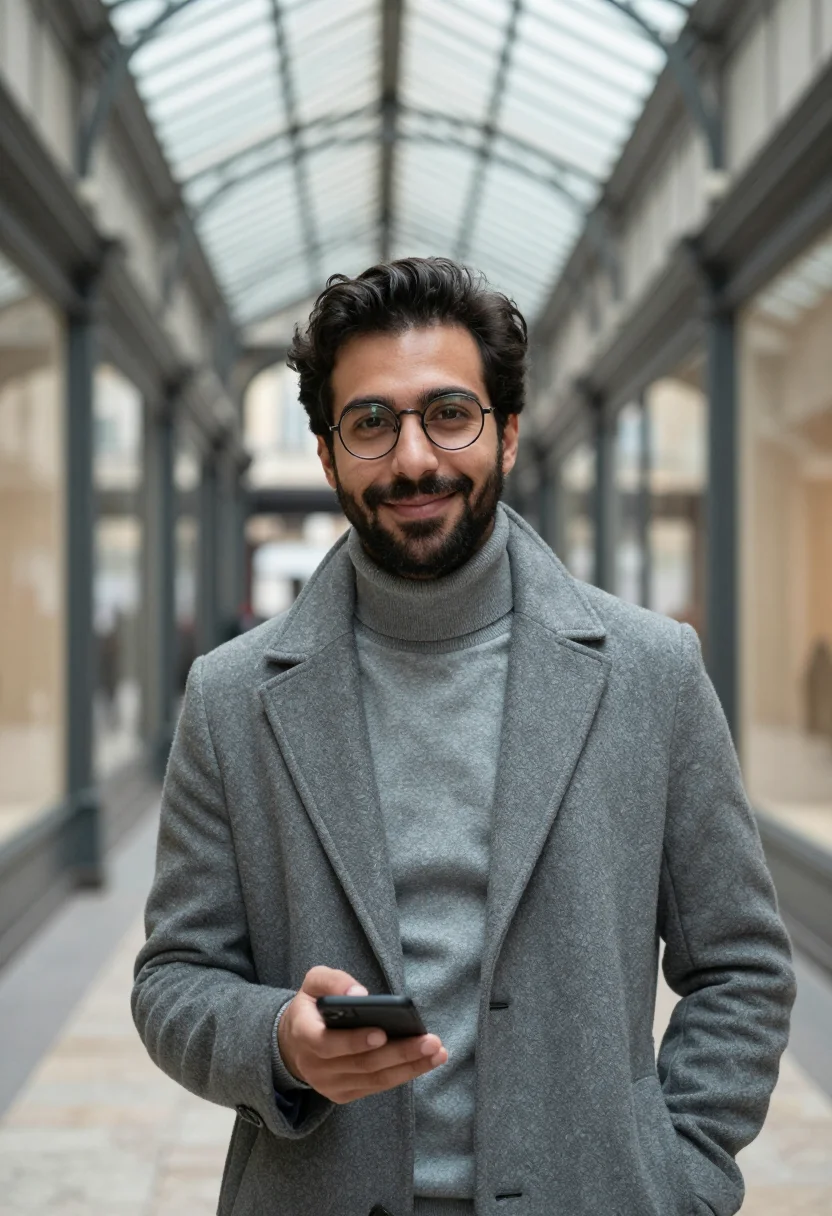
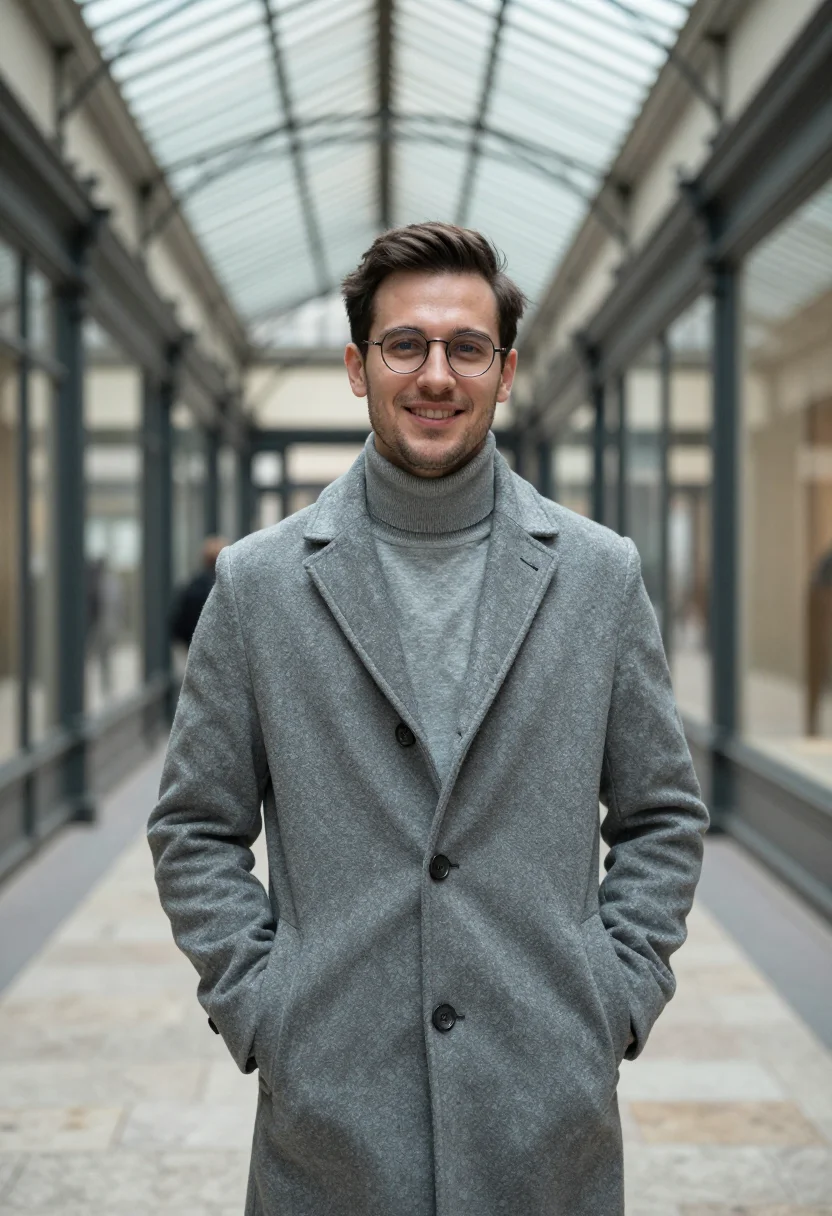
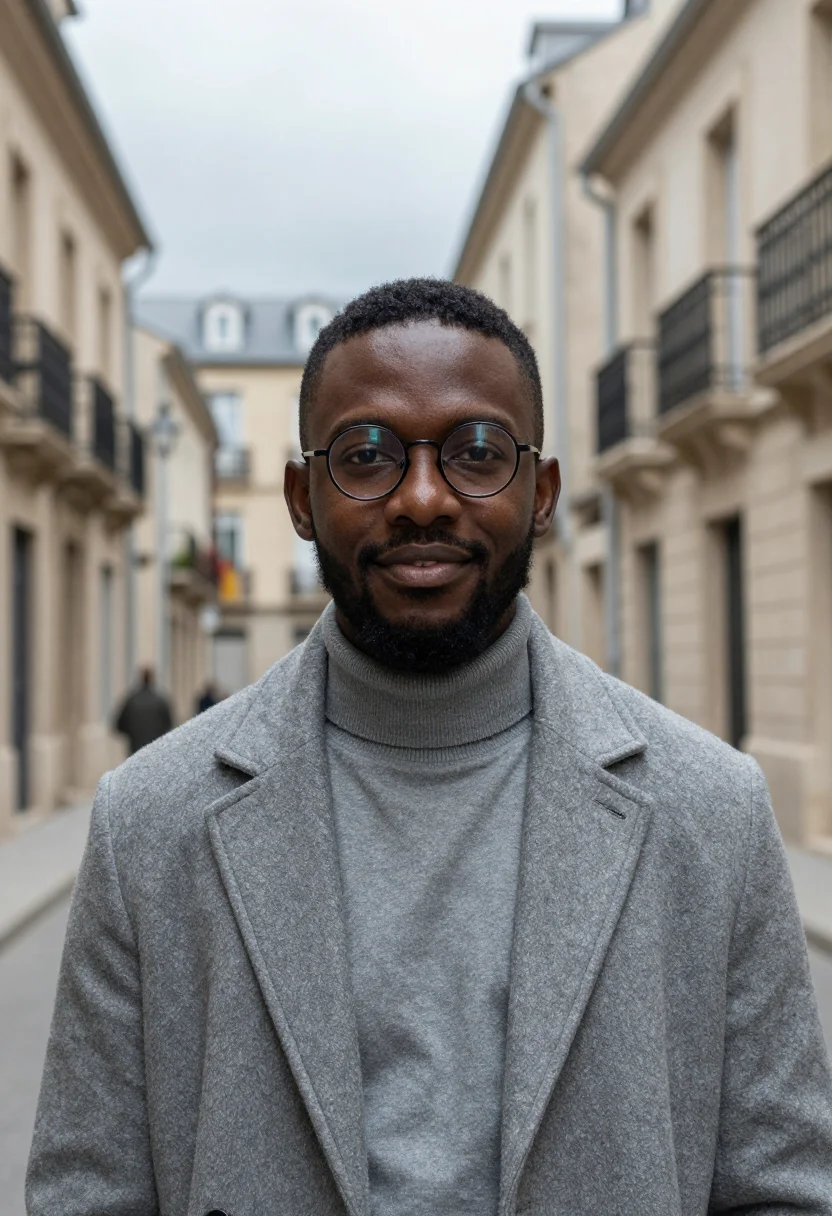
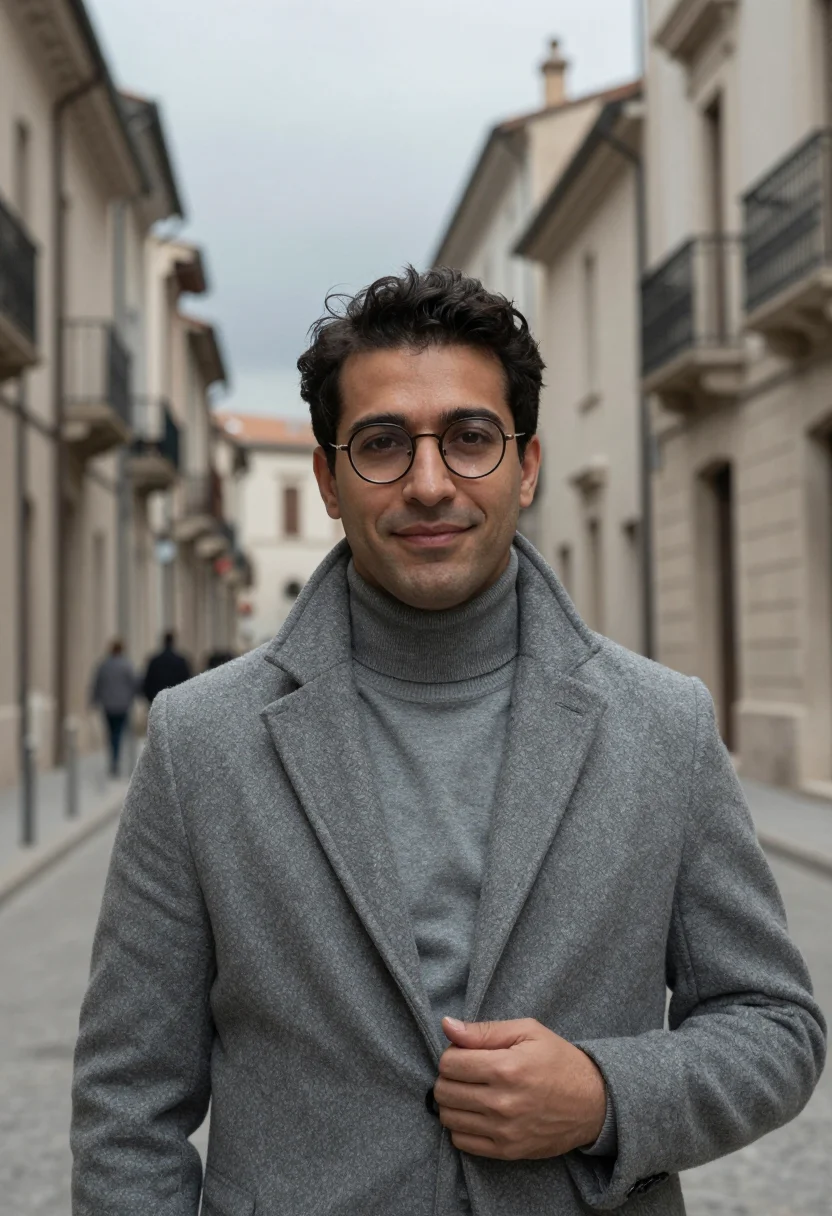
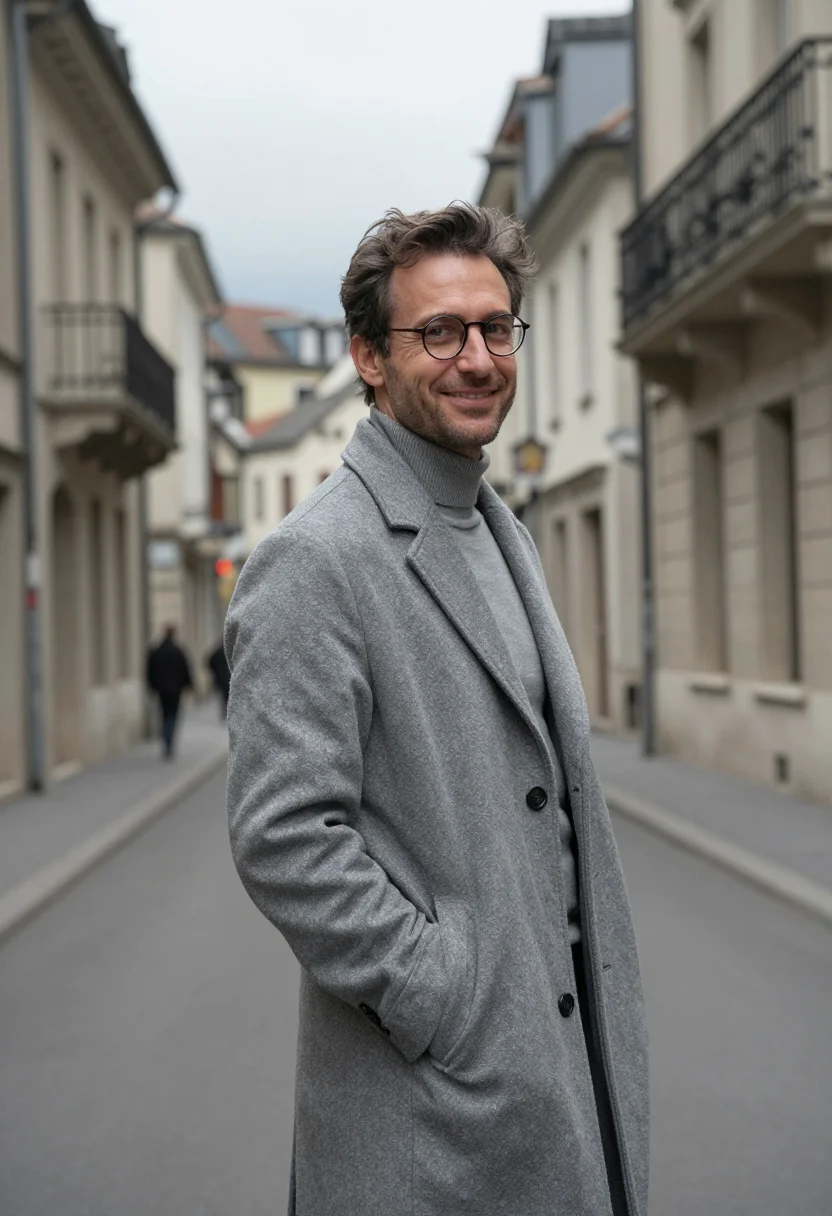
Paris's Sentier in December is a city of zinc: the roofs, the low sky, the passages' glass roofs going the same grey. This iOS developer headshot pack takes that metal as its material — a coat the same zinc as the rooftops behind it, built for the portrait a studio actually puts on its own site.
Zinc roof, zinc sky, zinc wool: the license is Paris's own roof colour worn as a coat, the limestone the only pale note left standing. Technically this is a camaïeu — wool, rolled metal and sky separated only by specular highlight and the fall of flat light, his round glasses and face the one departure from zinc.
Three looks carry the pack: at a rooftop rail with the zinc roofs spread out behind him in flat light, in a covered passage with its glass roof grey overhead, and a half-length walk down the street where the roofs recede into the distance. The zinc-grey wool overcoat, grey rollneck, grey trousers and round glasses hold constant.
The output is photoreal: a real-looking photograph of you, generated from your own uploaded face, not a painting or a filter over a stock image. It's an iOS developer headshot built for Paris's own tech register — a developer headshot men in the field can put on a studio page without a shoot.
How to photograph yourself for an iOS developer headshot in zinc
A single clear phone photo is enough to begin — the free preview shows the likeness in seconds. A few things sharpen the result before the zinc-grey wool goes on.
- Flat daylight near a windowParis in December runs low and grey — a source photo taken in soft window light matches this register better than direct sun or an overhead lamp.
- Eye level, glasses onIf you wear glasses, keep them on and free of glare in your source photo so the pack can carry them through into every frame.
- Front or three-quarter, no uplookHold the camera level or turned slightly, never below your face — an uplook distorts the jaw the pack has to build from.
- A calm, considered expressionThis register favours a quiet, focused look over a wide grin — the studio-page energy, not a party photo.
- Any backdrop worksThe three Sentier settings replace your own background entirely, so a cluttered room behind you in your source photo costs nothing.
Frequently asked questions
- What's the difference between the free preview and the full pack?
- The preview renders one photo in the zinc coat from your uploaded face in seconds. The full pack is nine iOS developer headshot photos across the three Sentier looks.
- Is this really built for an app studio's team page?
- Yes — the register is composed and current, the kind of portrait a small studio actually puts next to its App Store credits.
- How is The Sentier in Zinc different from a generic AI headshot tool?
- Generic tools drop you into a stock studio wash. This pack is built from Paris's own zinc rooftops and December light, so it reads as a location portrait, not a green-screen composite.
- Can women use this pack?
- The styling — zinc-grey overcoat, round glasses — is built for men, so it reads masculine. Porta Nuova, elsewhere in this series, uses a related grey-green register built for women.
- What if my source photo isn't great?
- One clear phone selfie is usually enough — the free preview shows the likeness in seconds. Flat, soft light is the single biggest fix.
- What happens to the photo I upload?
- It's processed on European servers to build your preview and, if you continue, your full pack. It isn't sold or shared with third parties.
- Does this work for a conference talk photo too?
- Yes — the same nine frames suit a conference speaker photo or a personal site as well as a studio credits page.
- Do I need to have actually worked in Paris?
- No. The pack builds the Sentier's own zinc roofs and December light around your uploaded face regardless of where you actually work.
- Is this a real photograph of a real Paris rooftop?
- The zinc roofs and the passage are drawn from a real Paris quarter, but the photograph itself is generated, not shot on site.
- Can I use it on a dating profile instead?
- It reads as a composed, quietly stylish portrait, so it works there too — though the register is built for a studio page first.
When The Sentier in Zinc fits
- A studio credits page headshot for an iOS developer
- A LinkedIn profile photo that reads current for the Paris tech scene
- An App Store or portfolio profile photo with real character
- A conference speaker bio photo with a distinct Paris backdrop
- A press photo for a developer quoted after a launch
- A personal site headshot without a studio bill
- A recruiter-facing profile photo for iOS and mobile roles
- A remote team's directory photo when a photographer isn't practical
- A relocation or visa-adjacent professional photo (check your issuing authority's own rules first)
- A keepsake portrait in Paris's own zinc grey, without the flight
About narcis
Most AI portrait tools ship every pose, profession, era, and aesthetic in one giant catalog. The output looks like every other AI photo on the internet — a glaze over a stock face. Narcis goes the other way. One tool, one job: turn photos of you into portraits worth keeping. Drop a selfie and your free preview streams in seconds — a quick sketch: close, not you yet. For portraits that are truly you, train your own model on 12 to 20 photos; it trains in the background, and we email you when it is ready. Train once, render everywhere — this pack, every other pack, and the Studio all come out of that one model, about ten seconds a portrait, and it stays yours to retrain or delete. Each pack is hand-curated against actual references — paintings, photographers, registers — and tested on real faces before it ships. See a free preview before you pay, not after. Packs are one-time — no subscription to buy one; Studio, the unlimited composer, is optional at €12/month and every pack includes 30 days of it. No template generator. Built and run by one team, on our own infrastructure.
All images are AI-generated. By using this service, you confirm you are 18+, that any face photo you upload is your own or used with explicit consent. Full Terms