A Statue of Liberty Photoshoot, No Flight Required
Nine photos of you in one setting
How your model is created from your photos
Every pack on Narcis, made with your face
Nine photographs of you in one setting: one pack of the Narcis catalogue.
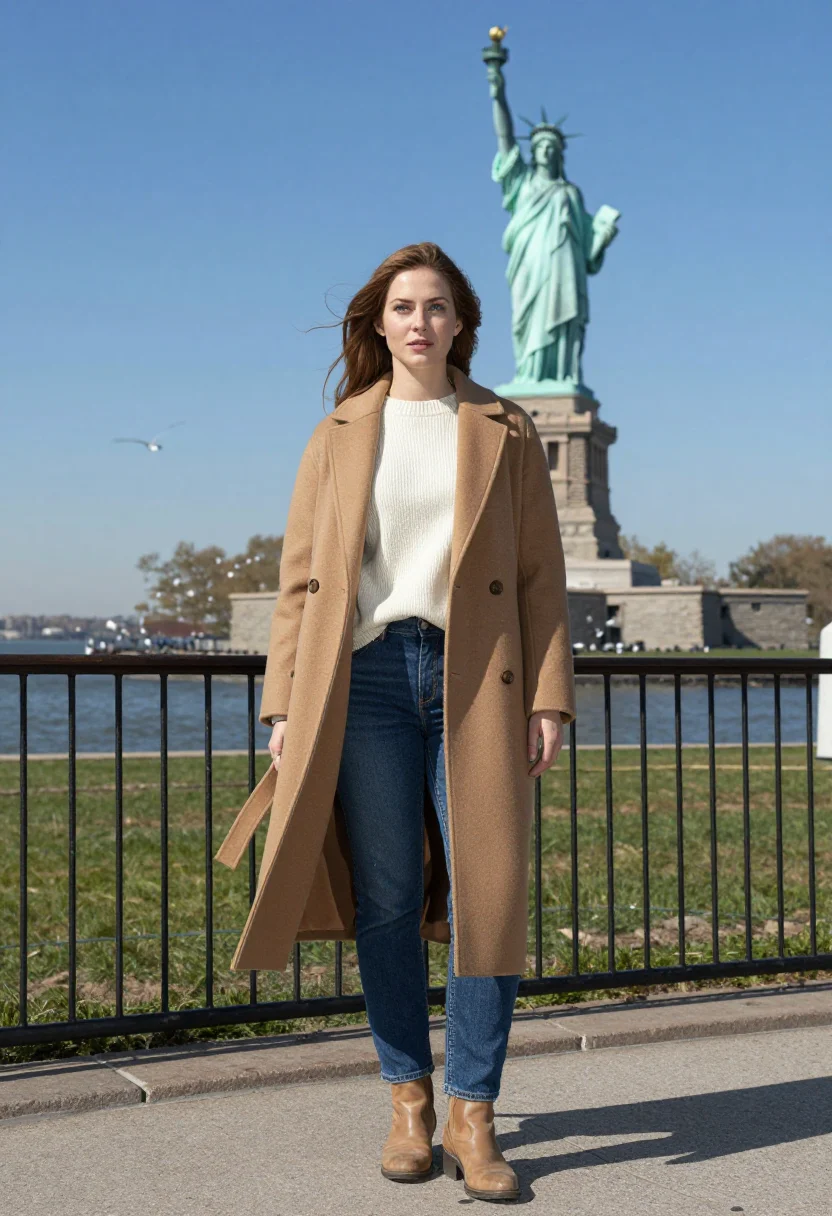
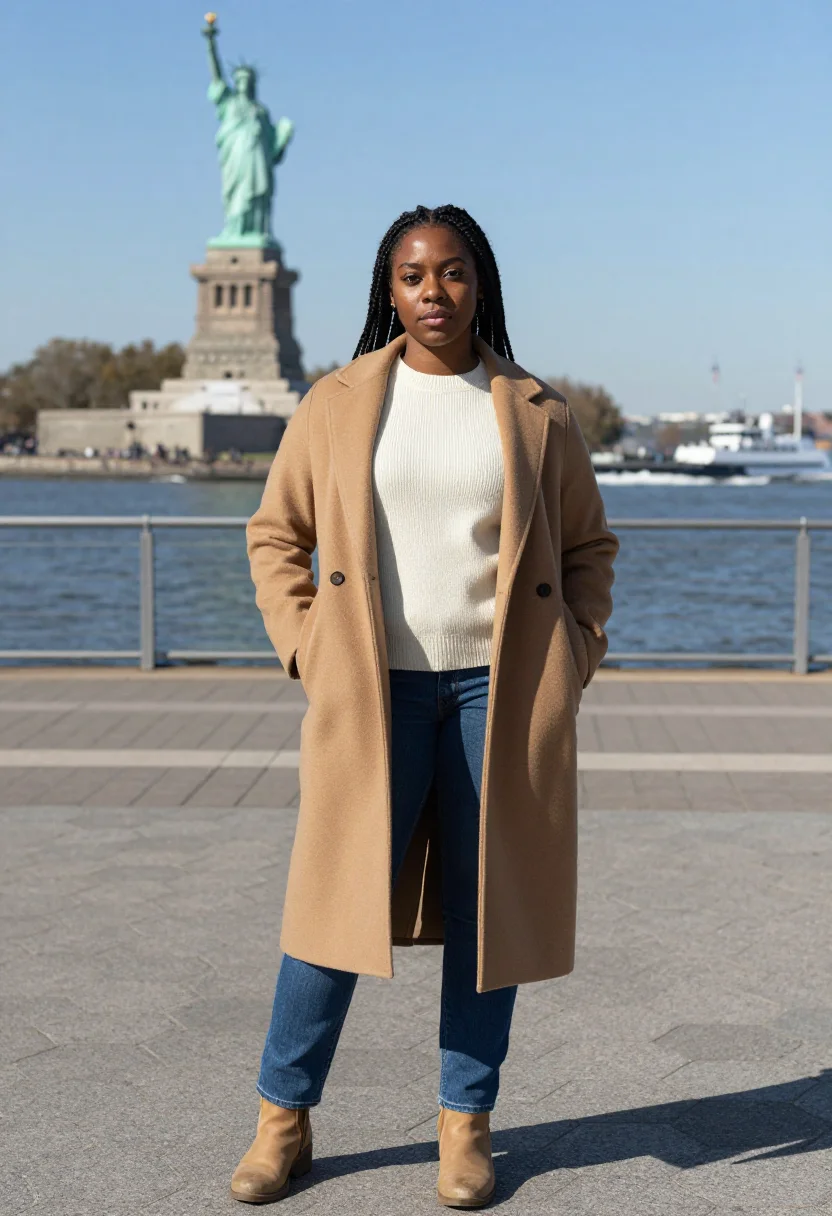
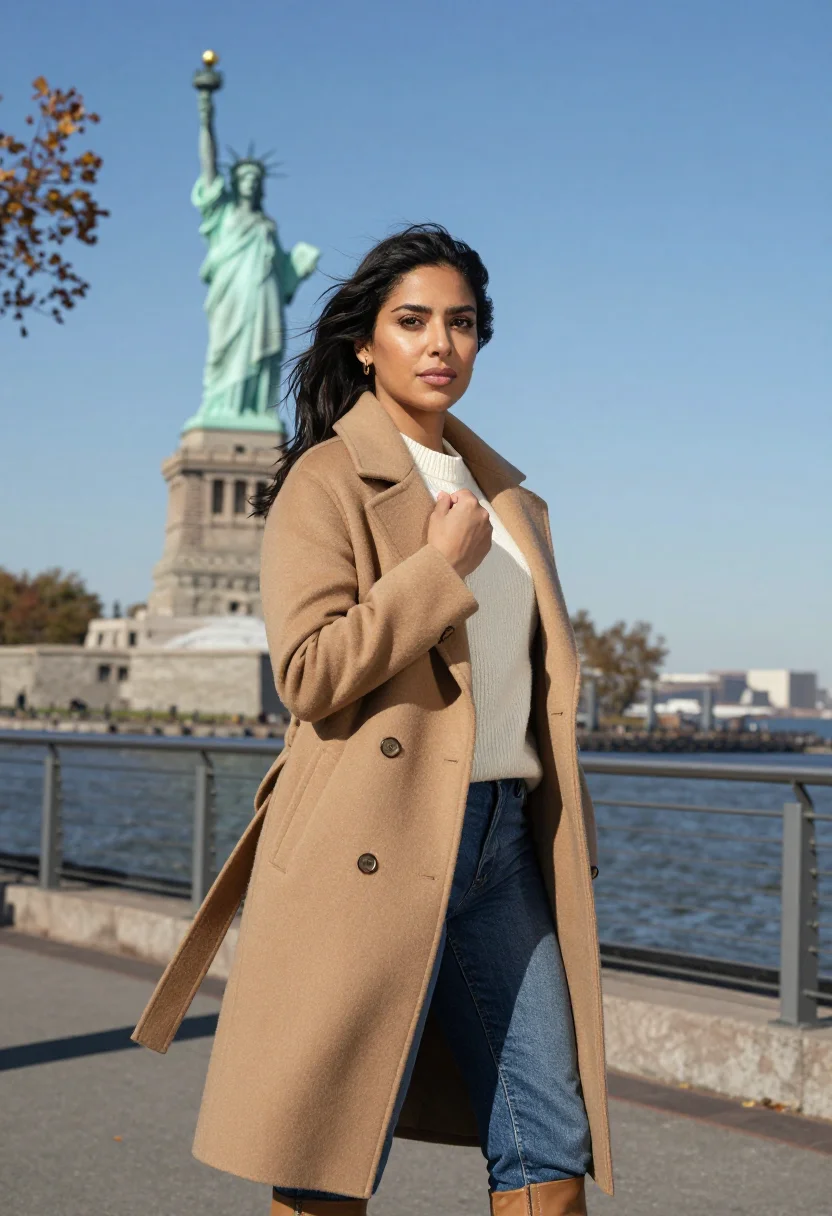
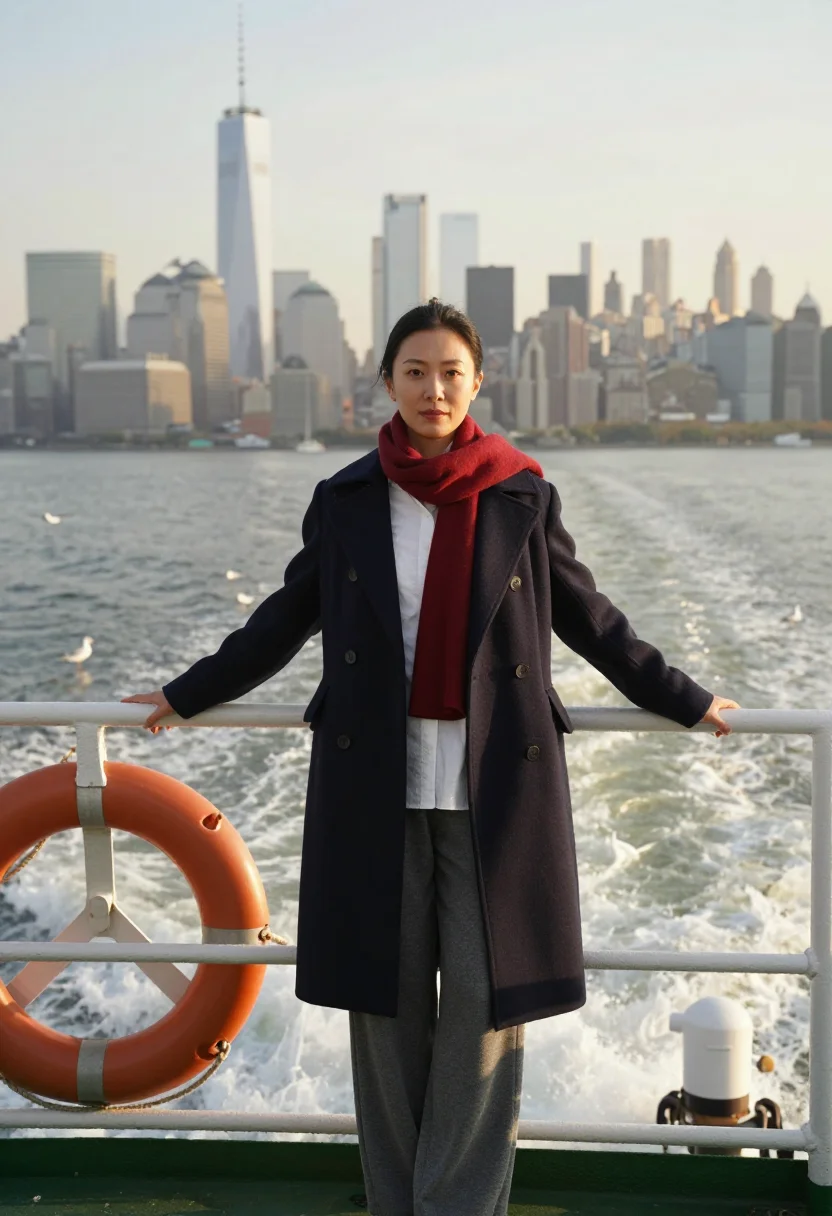
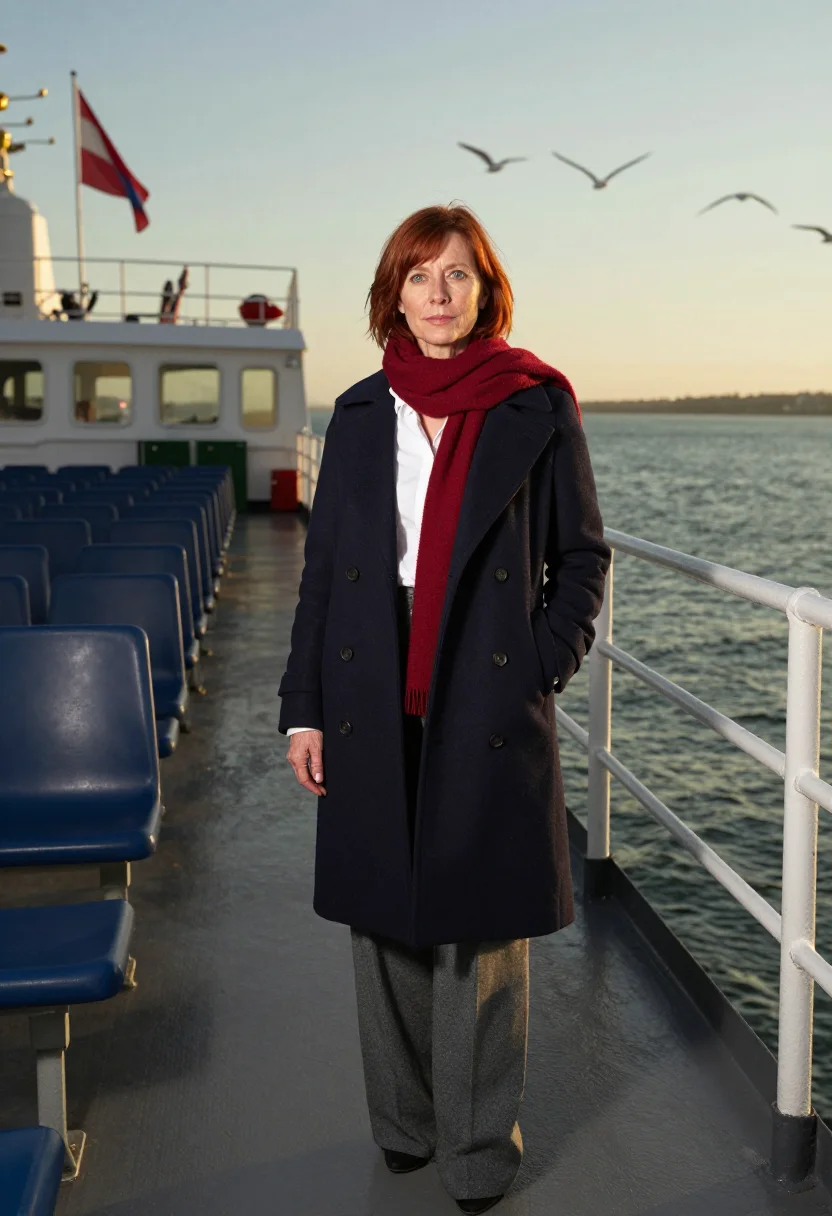
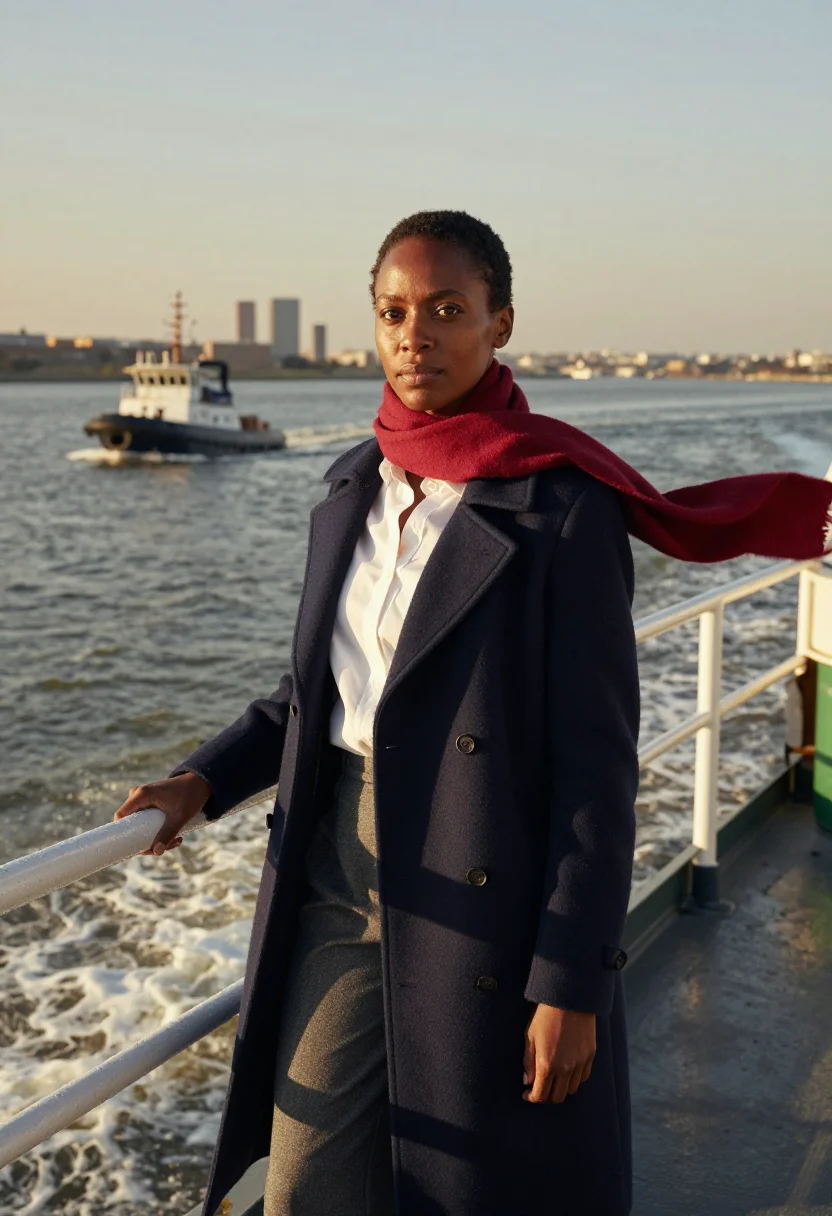
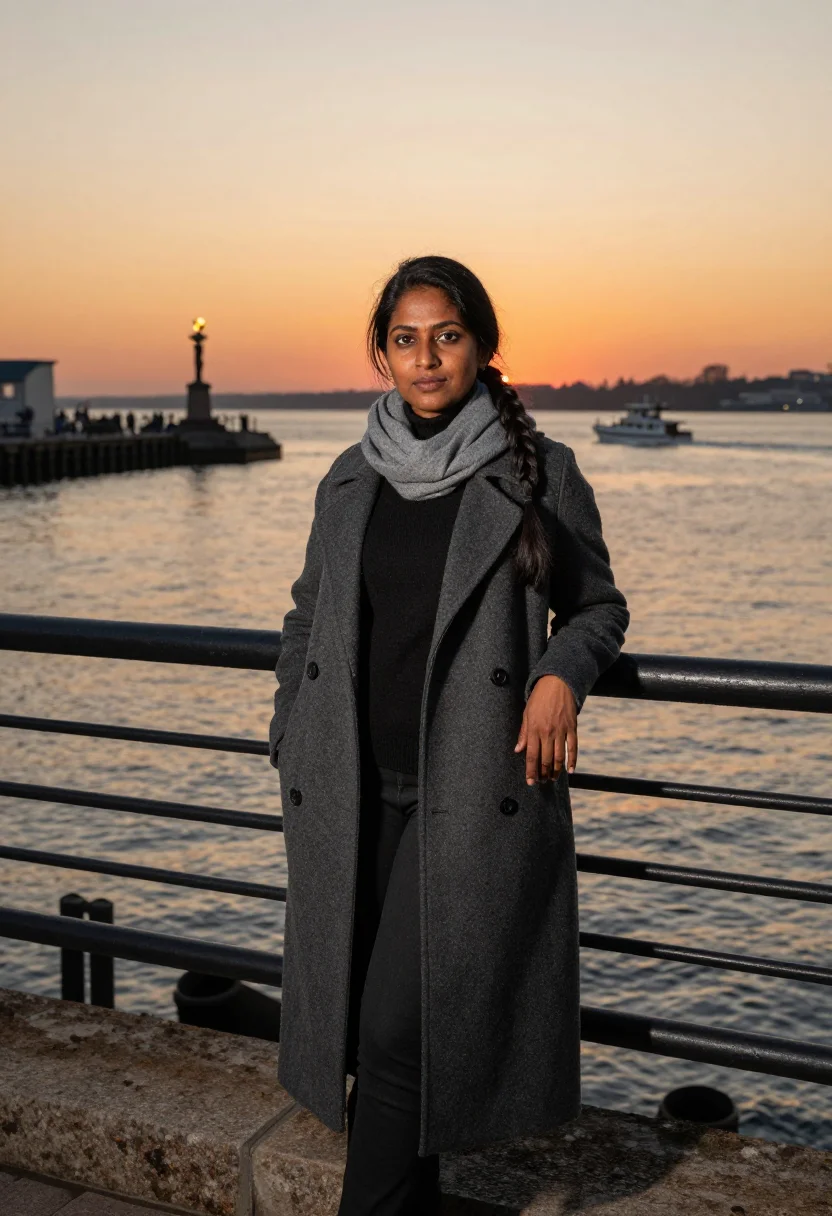
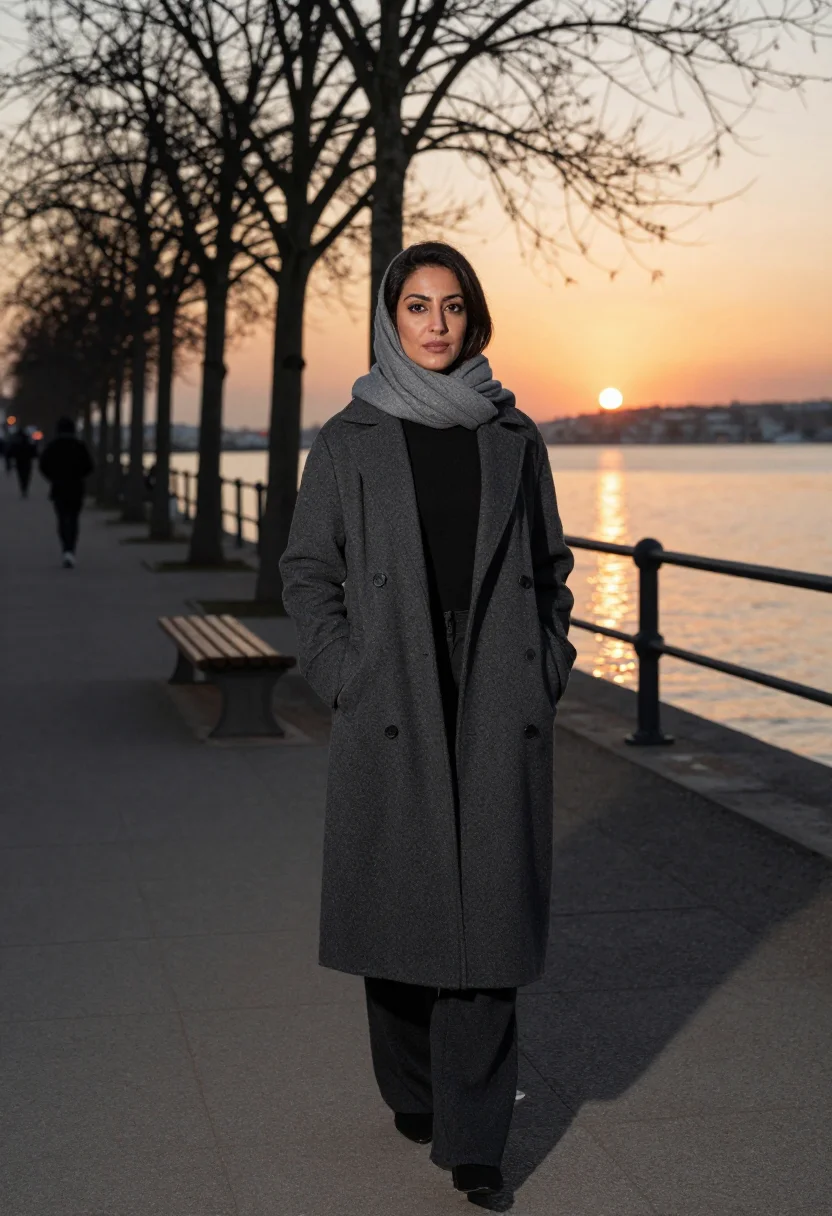
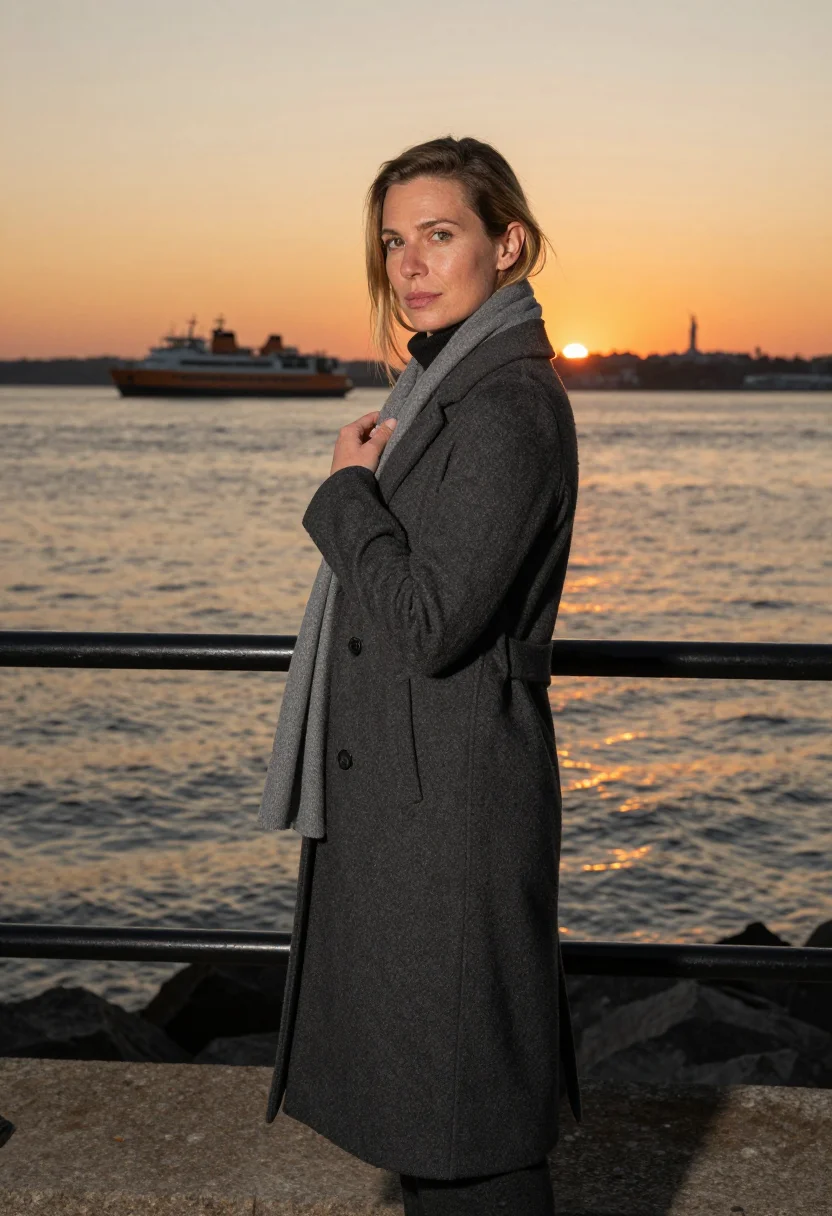
Nine photographs of you, styled at Liberty Island's promenade, a Manhattan-skyline ferry deck, and Ellis Island's Great Hall, for travel, social, and gift use, in portrait format. The nine vary in crop, expression and light, so there are real choices, not nine identical files.
/statue-of-liberty · lifestyle · 3 scenes
A Statue of Liberty Photoshoot, No Flight Required
no account · ~15s · try it on with one selfie
More like this
one model wears them all →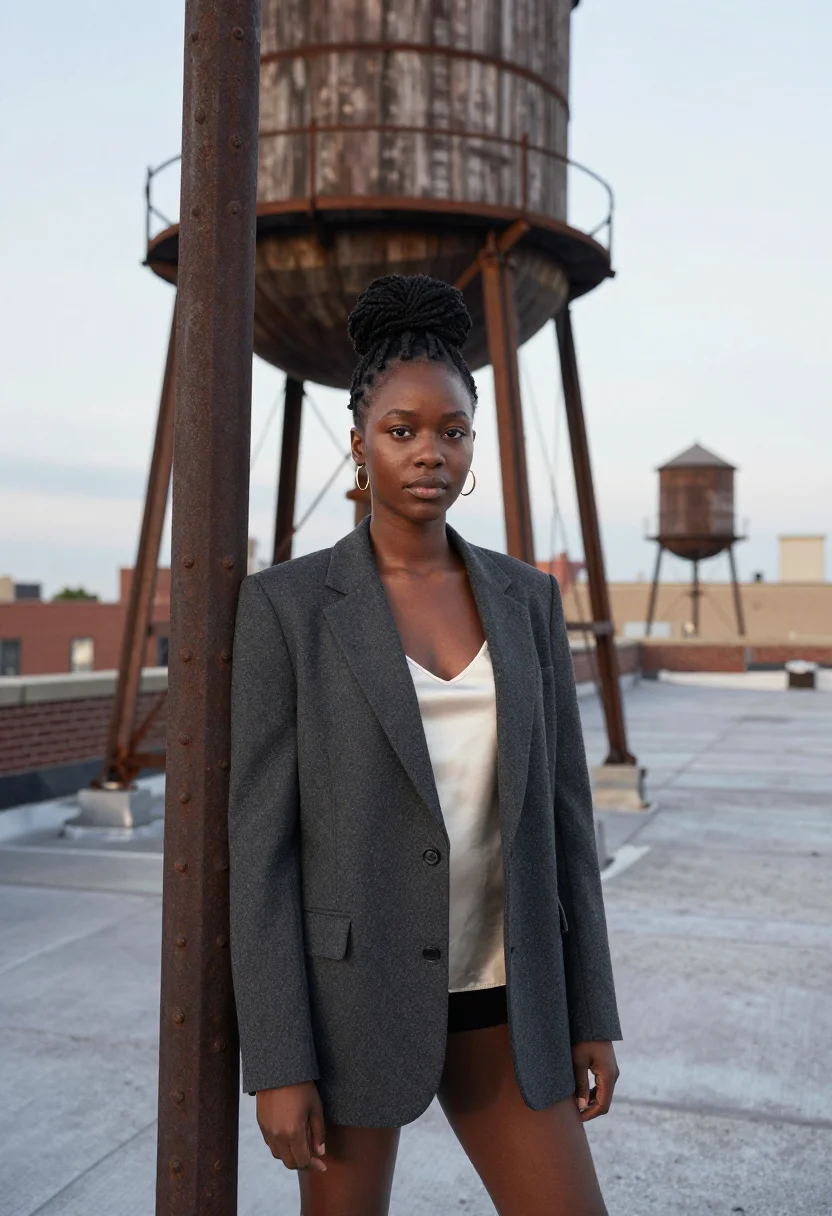
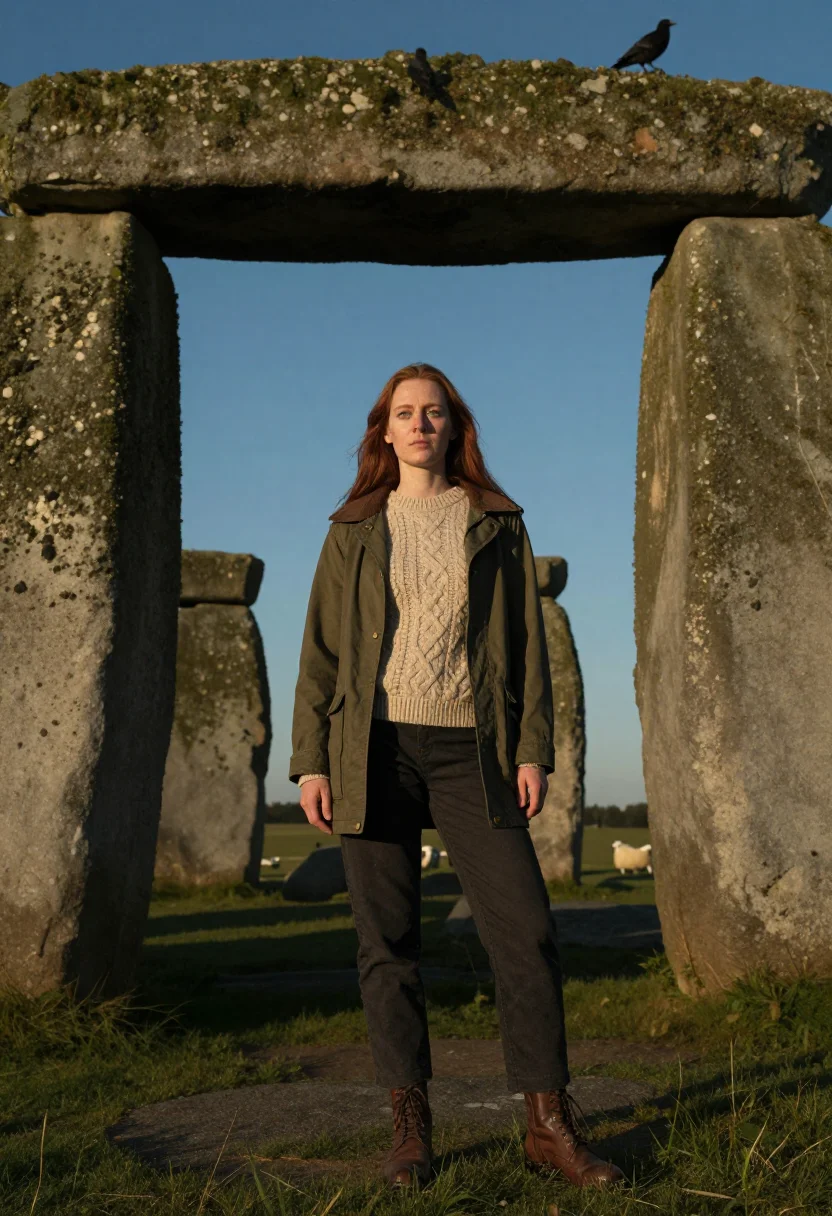
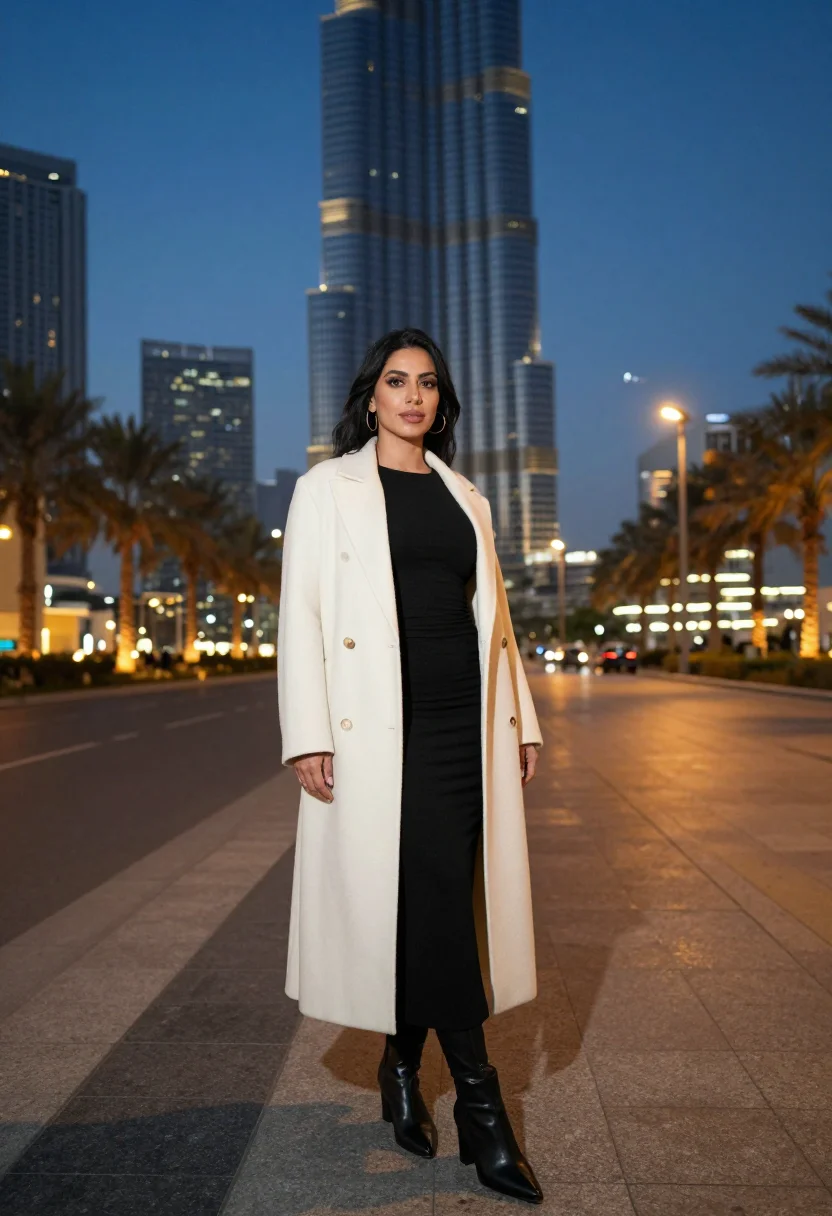
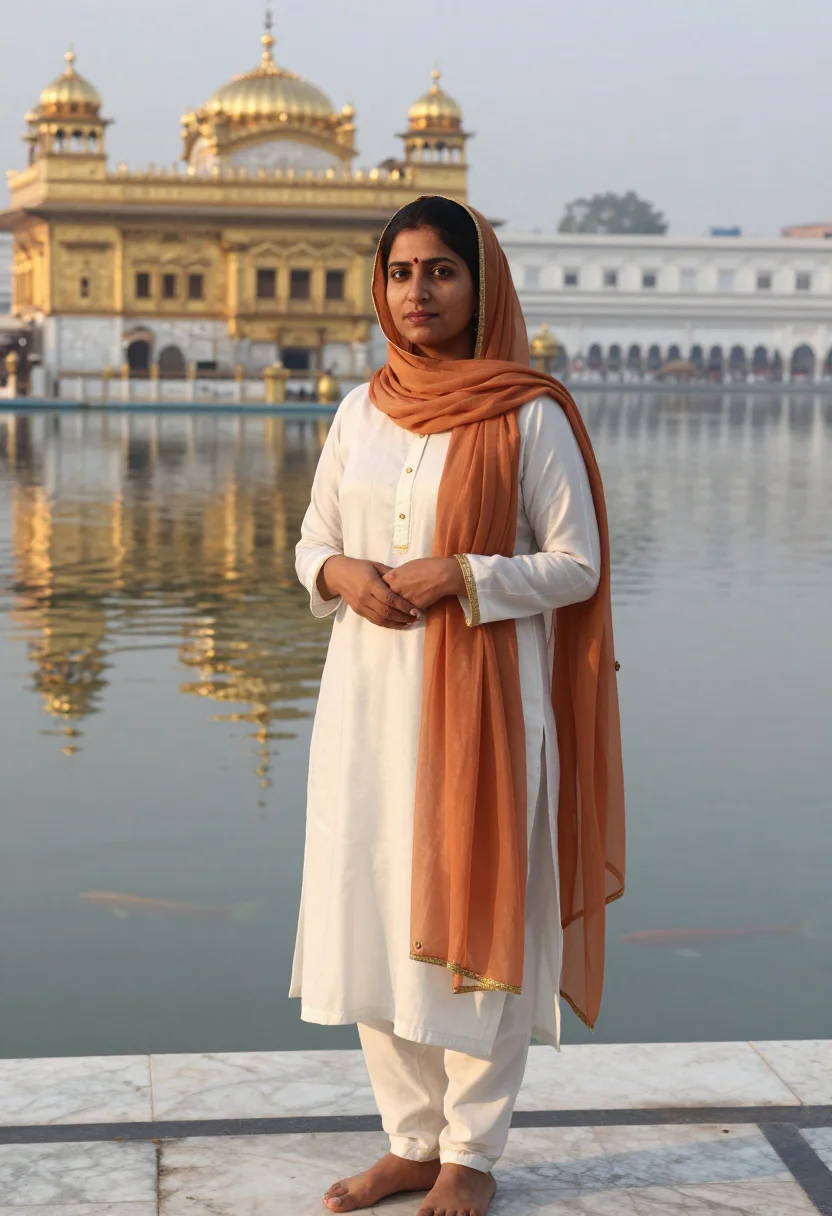
all 9 photos in this pack ↓
How it works
Three steps.
1
Add your photos
Add photos of yourself. We check each one when you add it.
2
We create your model
We create your AI model from your photos. Your photos are ready in a few hours.
3
Every pack, with your face
This pack and every other pack on Narcis can then be made with your face, and single photos too.
The Statue of Liberty photoshoot register
Everyone who dreams of New York pictures the same harbor: the torch lifted against open sky, the ferry deck with Manhattan's towers stacked behind, the whole city arriving before you even land. This pack gives you that harbor without the flight, the ferry line, or the hotel priced for peak season — the would-be traveller's pack, made before you ever book, or instead of a city trip that isn't happening this year. The honest hook: you get the New York pictures without the flight, and that inversion is the whole appeal.
The nine portraits move through three of the harbor's defining views. Liberty Island's promenade, the statue rising close behind you against a wide harbor sky. A ferry deck crossing the bay, wind in the hair, Manhattan's skyline sharp on the water behind. And Ellis Island's Great Hall, the vaulted ceiling and tall windows behind you, the immigrant-gateway history quietly present in the frame.
Wardrobe stays elevated and neutral — a tailored trench coat, clean knitwear, understated jewelry — dressed the way a real New York harbor trip looks, never costume. What the pack borrows is the harbor light, the torch, the skyline; what it renders is a photograph — photoreal, a real-looking portrait of you in New York, not a painting and not a cartoon.
The sample is styled for women, and range is built in — the buyer sees herself across the nine, with South-Asian, European, Black, East-Asian and Latina looks in the set. Honest note: this is a genuine portrait of you placed in New York harbor, not a photo you physically took there — post it as a dream shot, a vision-board image, or just a beautiful portrait, and it delivers; pass it off as a real trip and someone who has actually ridden that ferry will eventually clock it.
How to photograph yourself for a Statue of Liberty photoshoot
Better source photos make better portraits.
- Even, soft lightStand near a window with indirect daylight on your face. Avoid overhead bulbs and phone flash — both flatten the face and are the usual reason an AI portrait misses your likeness.
- Front or three-quarter angleCamera at eye level, facing it or turned slightly to three-quarter. No selfie-stick uplook, no shot from below.
- Face fully clearHair and sunglasses off the face. A clear, front-facing photo is the best photo for an AI portrait — it gives the model the most of you to work with.
- A relaxed, unforced expressionThe look is a travel one — a soft smile or an easy gaze reads better against the harbor and skyline frames than a stiff passport face.
- Plain background is fineDon't worry about your own backdrop — New York replaces it. A plain wall behind you just helps the model focus on your face.
Frequently asked questions
- Will it actually look like the Statue of Liberty, and like a real photo?
- Yes on both. The torch, the harbor light, and Manhattan's skyline come back unmistakable in every frame, and the output is photoreal: a real-looking photograph of you in New York, not a painting or a cartoon. The three settings are Liberty Island, the ferry deck, and Ellis Island's Great Hall.
- Is it honest to post this as if I actually went to New York?
- The honest answer: this is a genuine portrait of you, styled in New York harbor — not a photo you physically took there. Post it as a dream shot, a vision board, or simply a beautiful portrait and it's completely fair game. If you try to pass it off as a real trip, someone who has ridden that ferry will eventually notice. We'd keep it playful — the pack is at its best as the picture of the trip you wish you were on.
- Which New York harbor spots does it cover?
- The three that define a Statue of Liberty visit: Liberty Island's promenade with the statue rising behind you, a ferry deck with the Manhattan skyline on the water, and Ellis Island's Great Hall. Nine portraits, three per spot.
- How is this different from booking a real New York photographer?
- A harbor shoot means flights, a Manhattan hotel, a ferry ticket, and a photographer's day rate. This gives you the same three iconic views, for a fraction of the cost, whenever you like. If you're actually going to New York, hire the photographer; if you want the pictures now, this is the fast way to them.
- Can I use it as a profile picture or on a dating app?
- Yes for a profile picture — it's a warm, well-lit, aspirational shot. For dating, use it honestly: it reads as a lovely travel portrait, so it works as long as you're not implying it's last month's trip. An authentic, good photo of you beats a mystery every time.
- Can men use this pack?
- The sample and styling are built for women — a tailored trench, clean knitwear, understated jewelry — so the register reads feminine.
- Will the photos look like me?
- Every photo looks like you, well photographed. If one is nearly right, say what to change, in your own words.
- Do I have to write a prompt?
- No. There is nothing to write: you pick a pack, and it is ready in seconds.
- How many photos of myself do I add?
- Between six and twenty, from different days and in different light, with your face clear. We check each one when you add it.
- What happens to the photos I add?
- They are used only to create your model, on our own servers in the European Union. They are not shared and not sold.
When the Statue of Liberty pack fits
- For an Instagram or social feed that has always wanted the New York harbor shot
- For a profile picture with a bit of American wanderlust in it
- For a travel-dream or vision-board image of the trip you're saving for
- For a portrait gift — a birthday, an anniversary, or someone who loves New York
- For a phone or desktop wallpaper you actually enjoy looking at
- For a print or framed portrait, the trip photo without the trip
- For the traveller who can't make it to New York this year but still wants the picture
- For a save-the-date, invitation, or New York-themed card portrait
- For a dating profile with an aspirational, well-lit travel shot — kept honest
- For anyone who has priced a Manhattan hotel and needs a plan B
About narcis
Most AI photo tools put every pose, job, era, and style in one giant catalog. The photos all look like every other AI photo on the internet — a glaze over a stock face. Narcis goes the other way. One job: photos of you that look like photographs. You add at least 6 photos of yourself, and we create your AI model from them. Your photos are ready in a few hours, and we email you when they are. Then this pack and every other pack on Narcis can be made with your face. Each pack is curated against real references — paintings, photographers, places — and tested on real faces before it goes live. Built and run by one small team, on our own servers.
All images are AI-generated. By using this service, you confirm you are 18+, that any face photo you upload is your own or used with explicit consent. Full Terms