AI Takeda Shingen Generator — Free Preview, Then Train Your Model
See a Free Preview in Seconds, Before You Commit
Train Your Model Once, Render Takeda Shingen in About Ten Seconds
Studio-Quality Results Without a Studio Visit
Narcis generates a free preview of your takeda shingen from one uploaded photo. The preview streams in seconds — a quick sketch, close but not you yet. If you like it, train your model once — 12 to 20 photos, we email you when it's ready — and the full pack of nine is €9,99, rendered from your model in about ten seconds a portrait. No signup before the preview, and no waiting for an email until you choose to train.
The pack is nine professional takeda shingen rendered in portrait aspect ratio (2:3) — the shape LinkedIn banners, CVs, and print profiles actually use. Each image shows varied crops, expressions, and light angles so you have real choices, not nine identical files.
Photos are processed on European servers. We use your photo to generate your headshots; we do not share it with third parties.
/takeda-shingen · photo · 3 scenes
A Takeda Shingen Photoshoot, the Tiger of Kai
no account · ~15s · the first shot is free
The way of the sword
one model wears them all →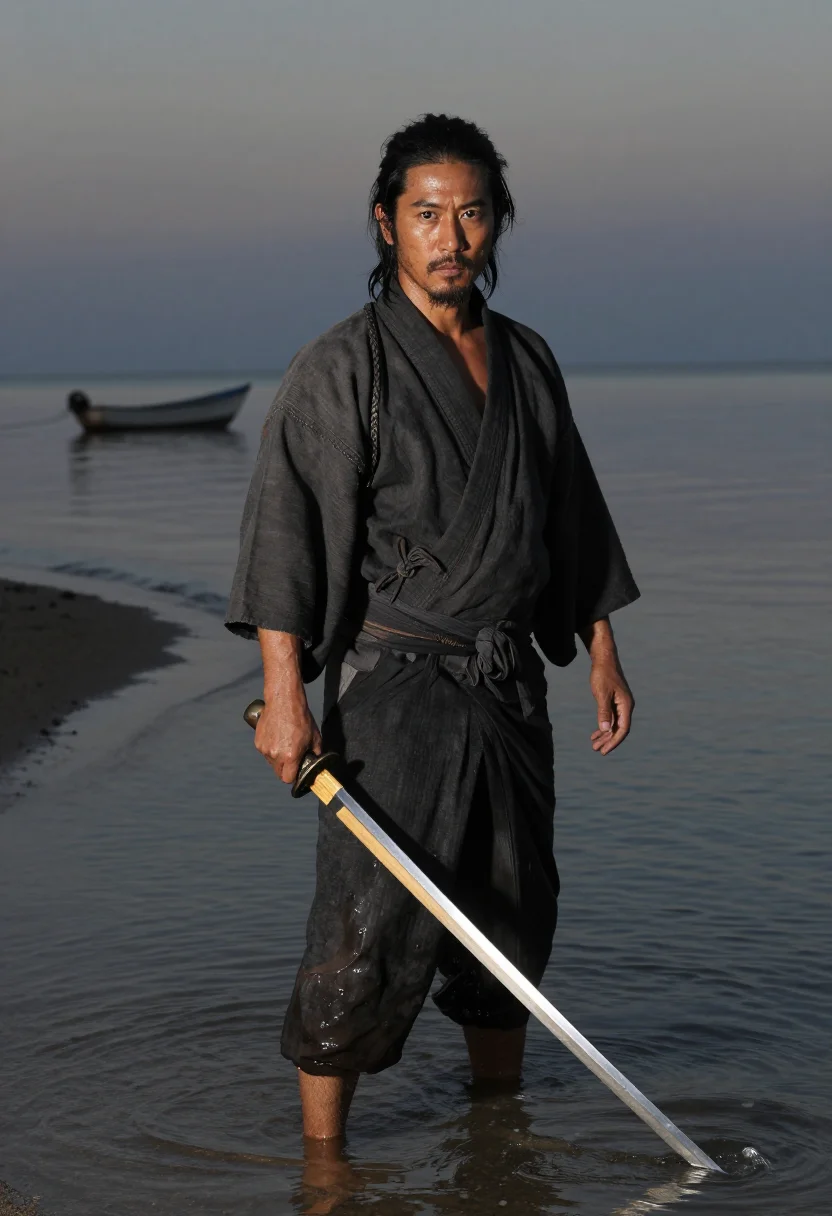
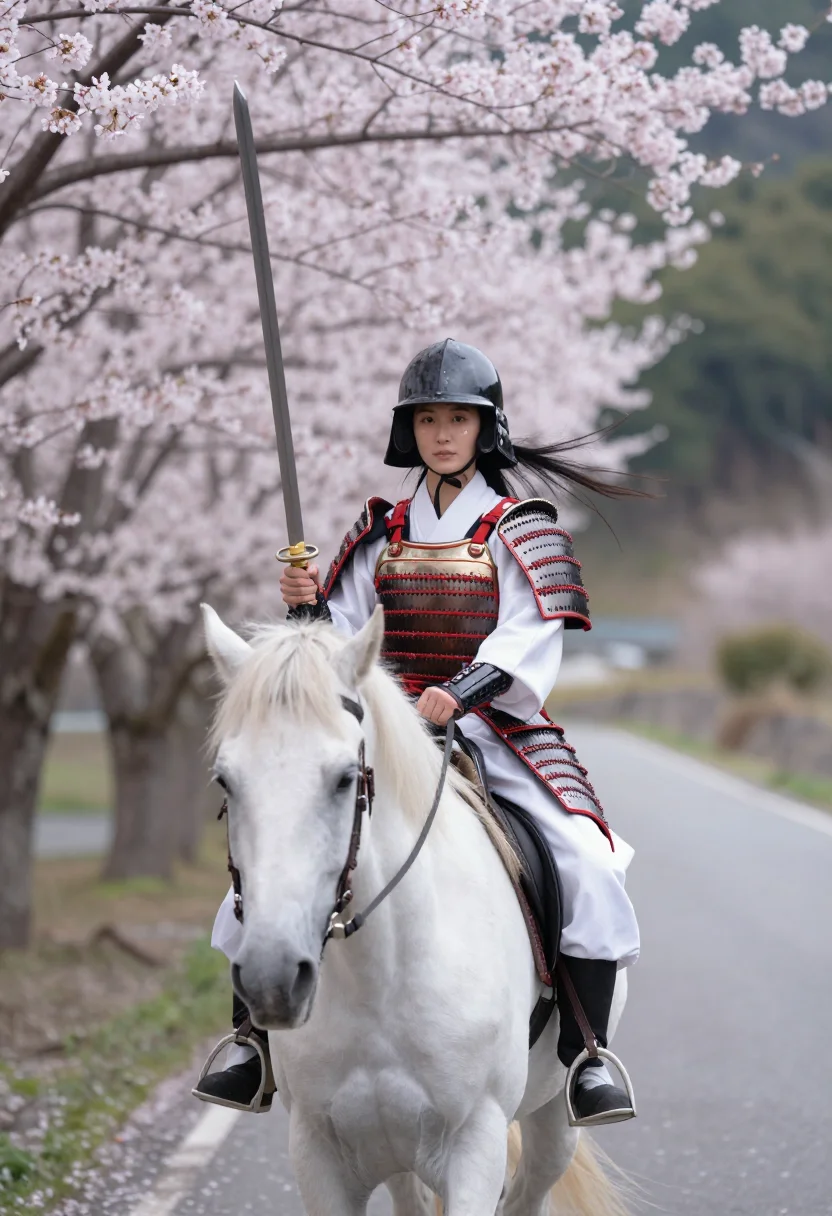
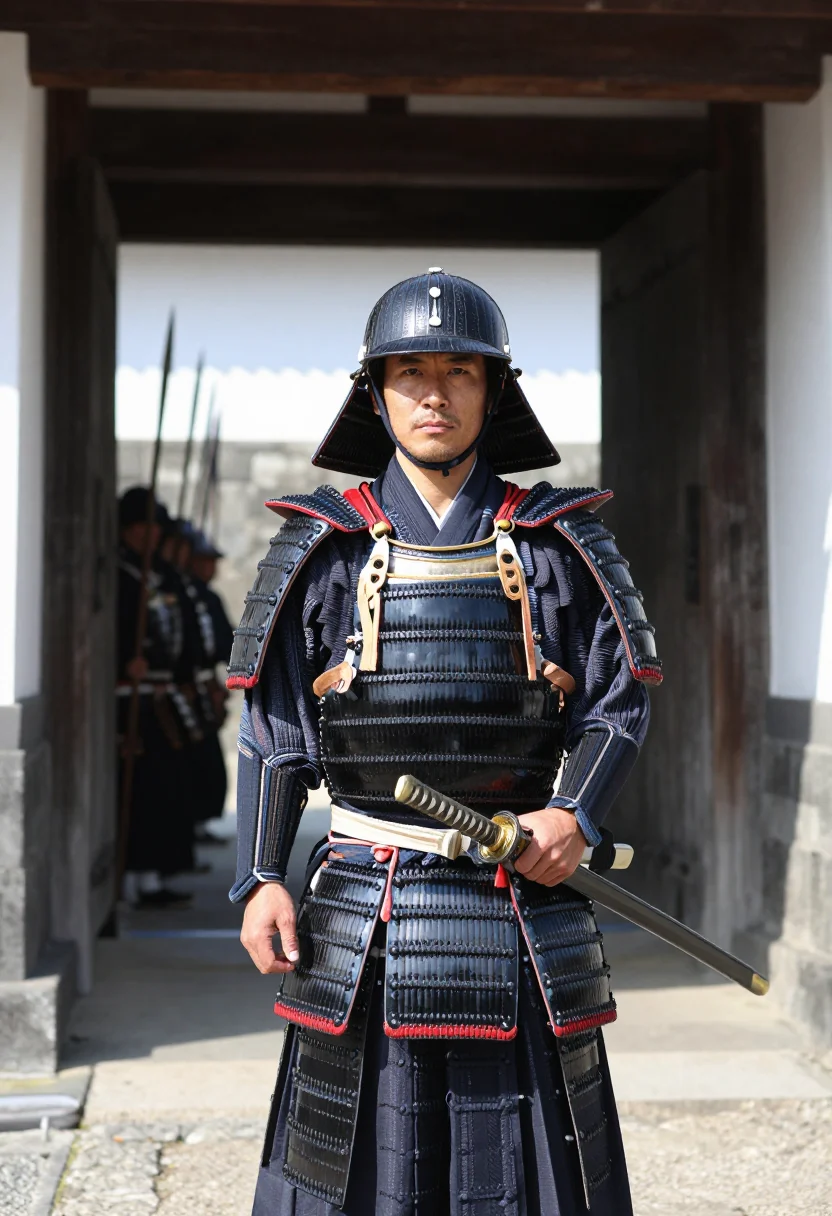
all 9 looks — from one photo ↓
How it works
Three steps. Upload, preview, deliver.
1
Upload 1 to 5 selfies
One is enough for the free preview. More angles sharpen the likeness.
2
See a free preview
A quick sketch of your likeness streams in seconds — close, not you yet, before you pay.
3
Train your model, then unlock 9
€9,99 one-time. Train your model once — 12 to 20 photos, we email you when it's ready — and all nine render in about ten seconds each. Every future pack and Studio portrait render the same way, no repeat training.
The Takeda Shingen register
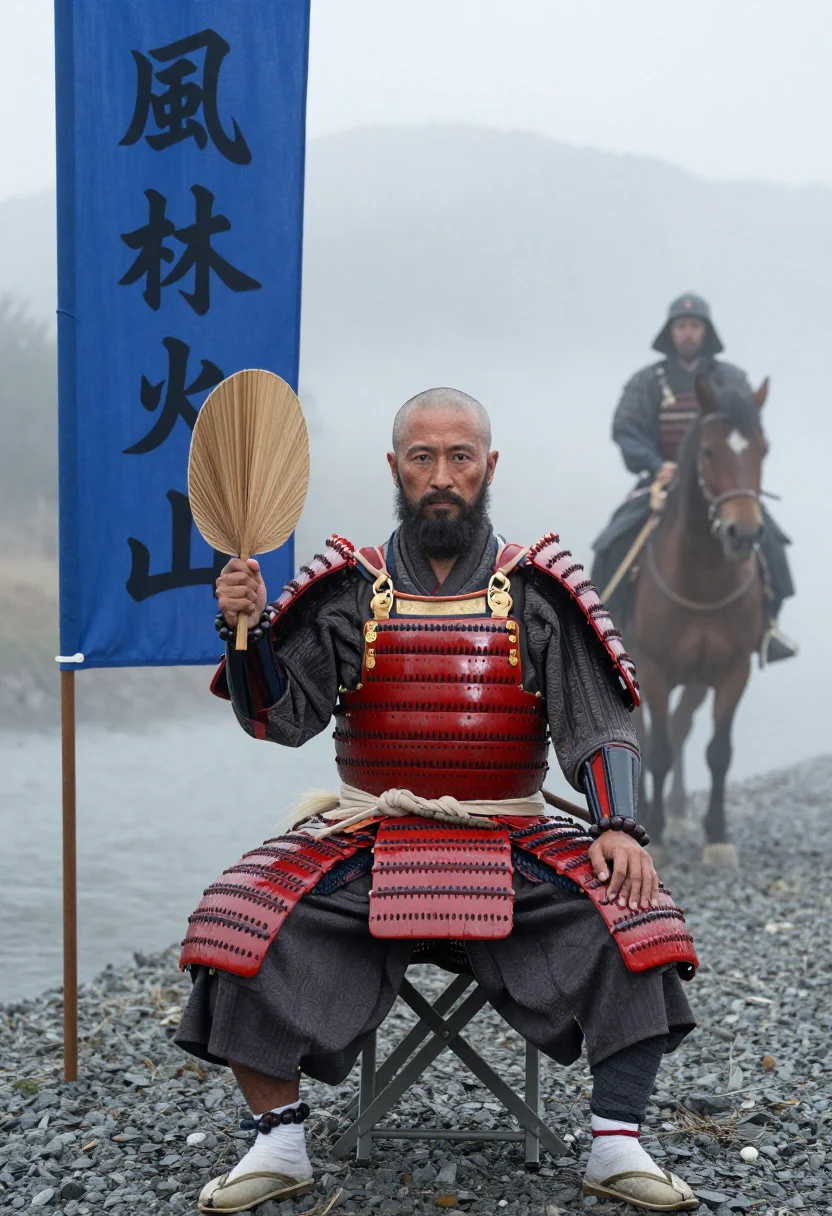
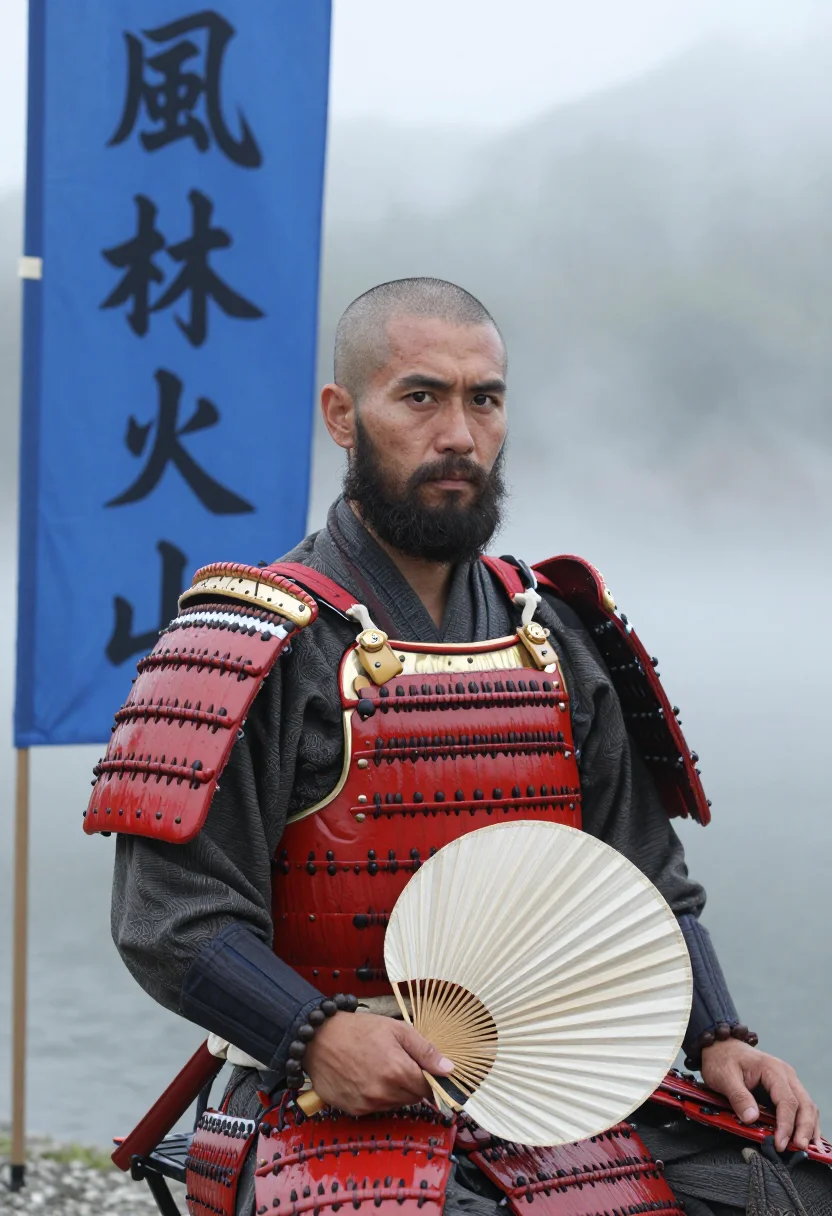
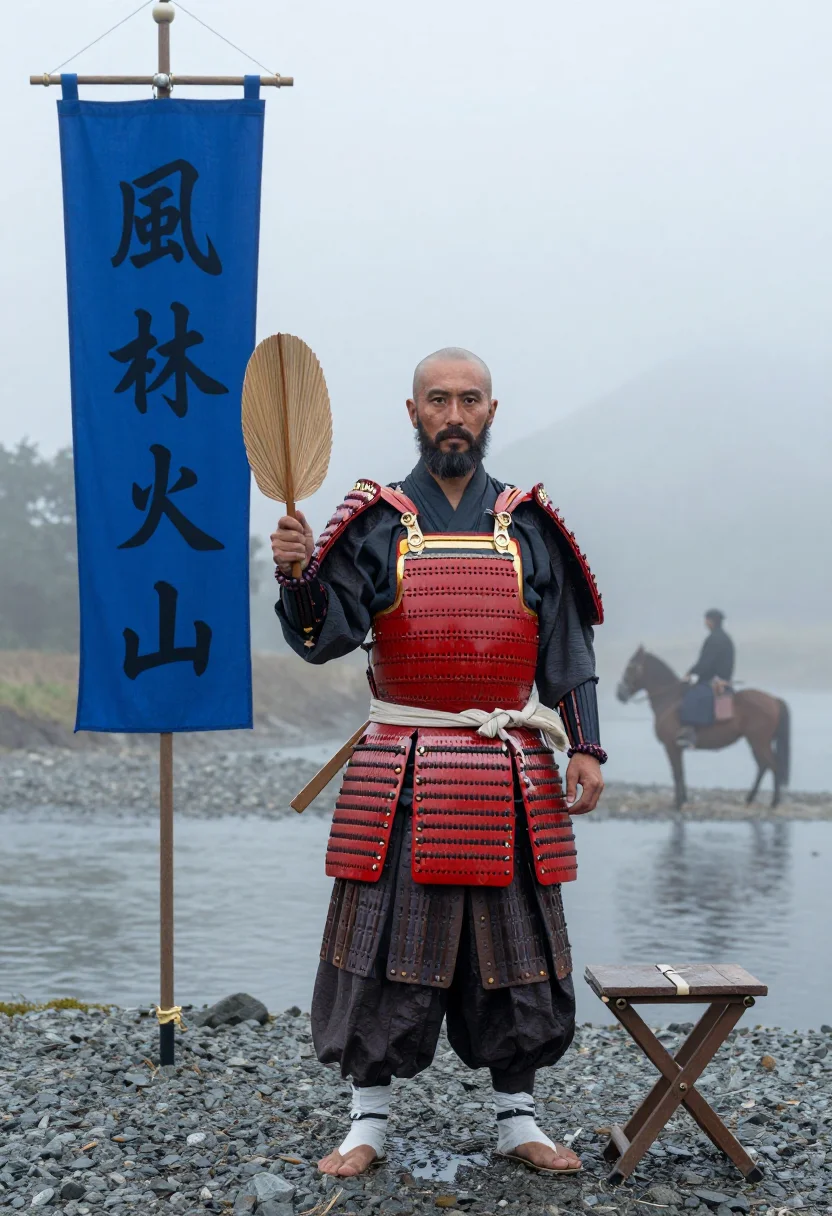
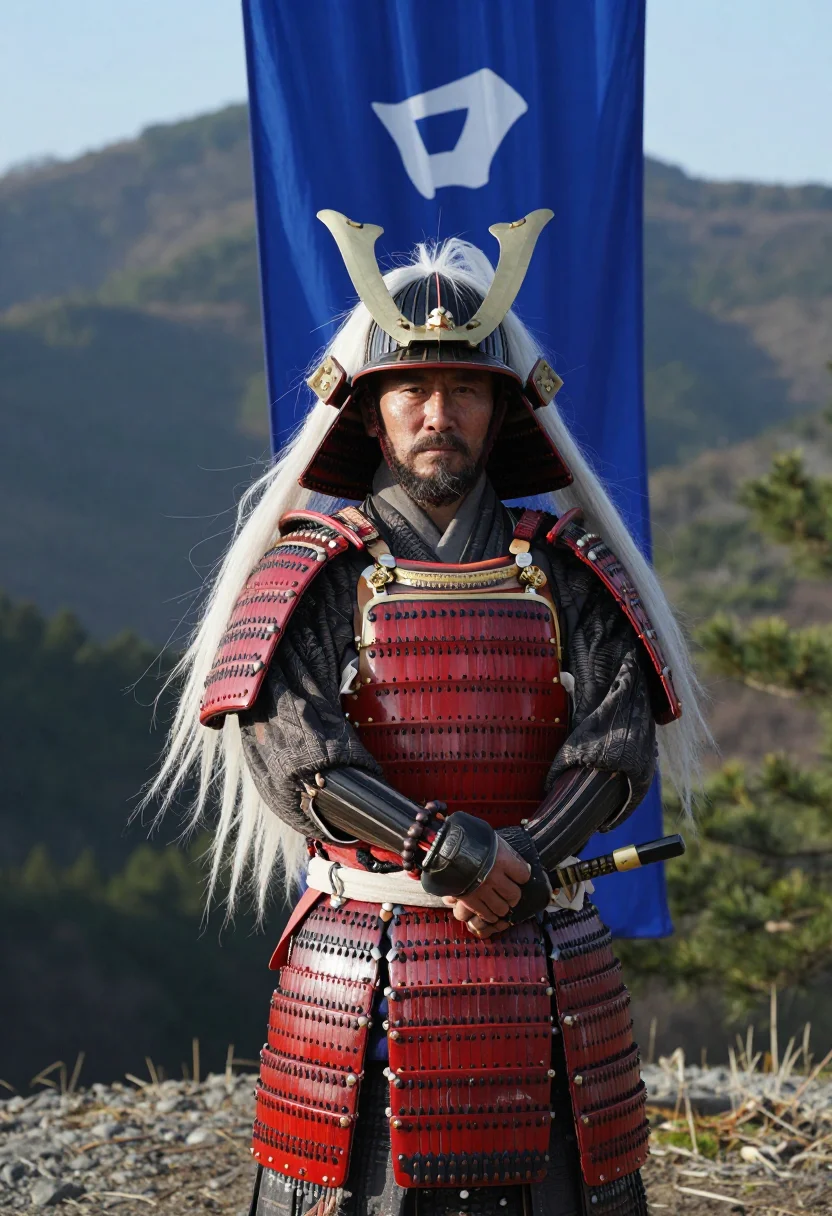
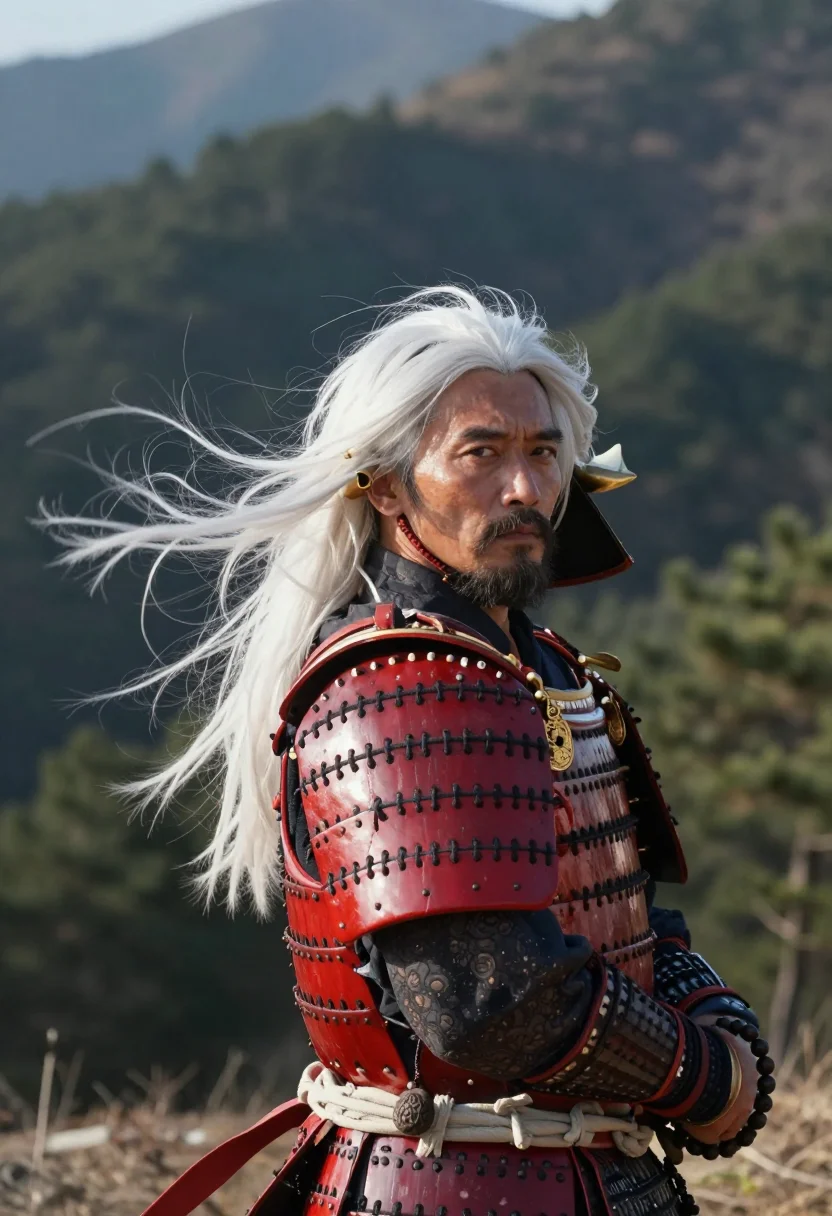
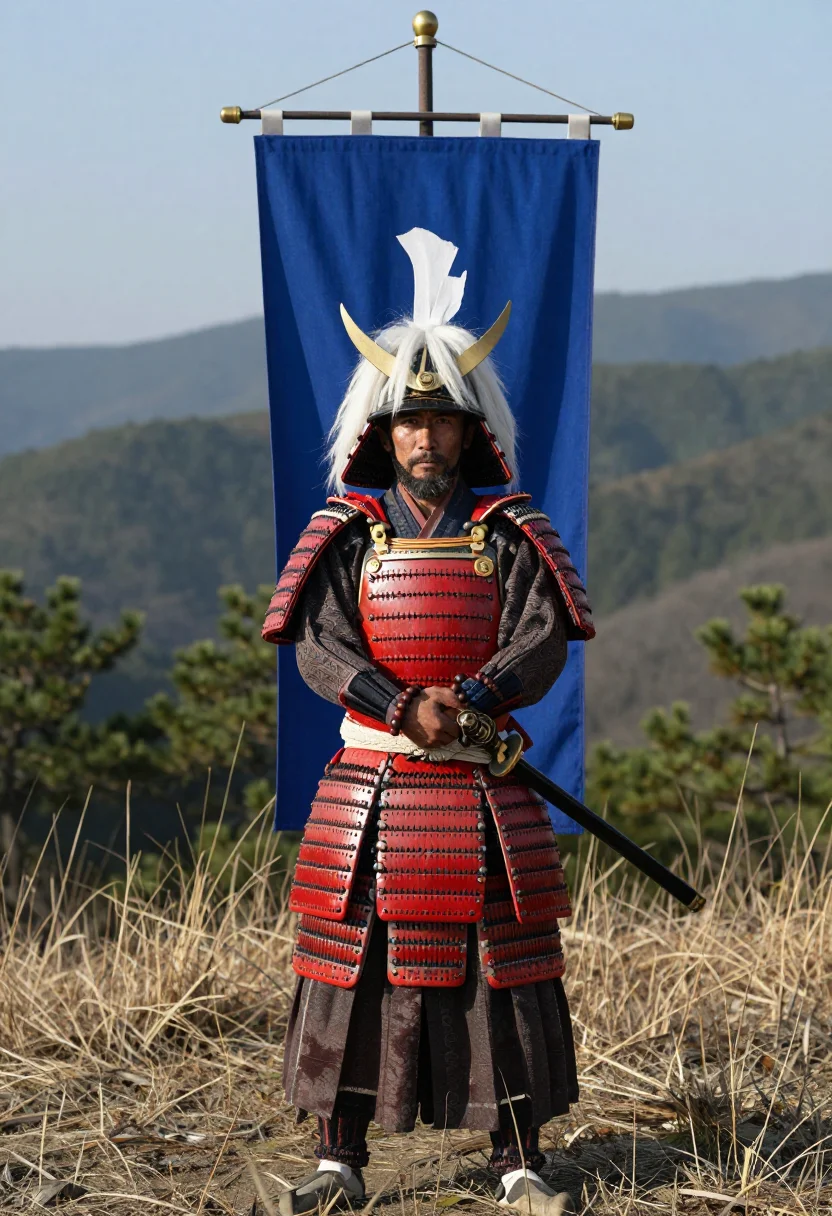
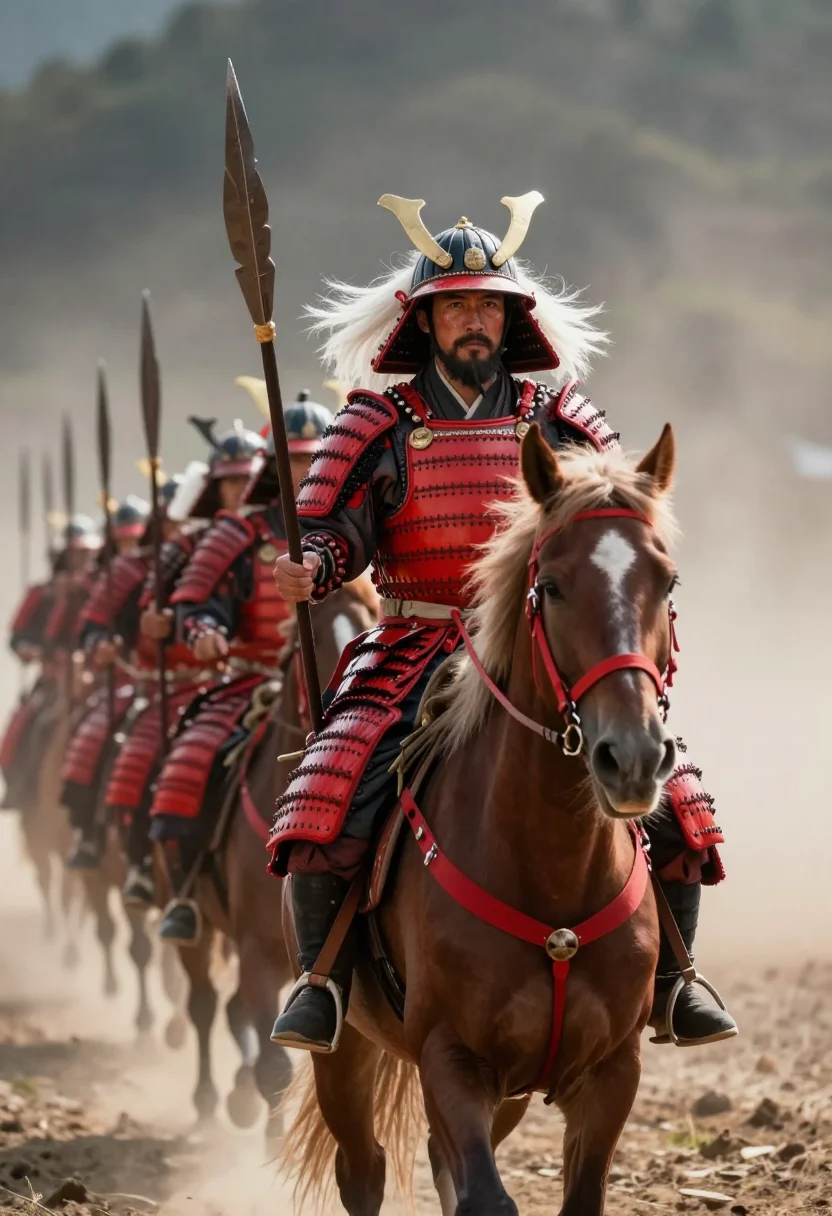
Takeda Shingen commanded the finest cavalry in Sengoku Japan under a banner reading wind, forest, fire, mountain, and fought his rival Uesugi Kenshin to a bloody standstill five times at Kawanakajima. This pack's cavalry-general costume follows that record — a shaved or close-cropped head with a monk's touch, full beard, red-lacquered lamellar armor, a helmet crowned in long white horsehair and gilded horns, a Buddhist rosary at the wrist, and an iron war fan always close to hand.
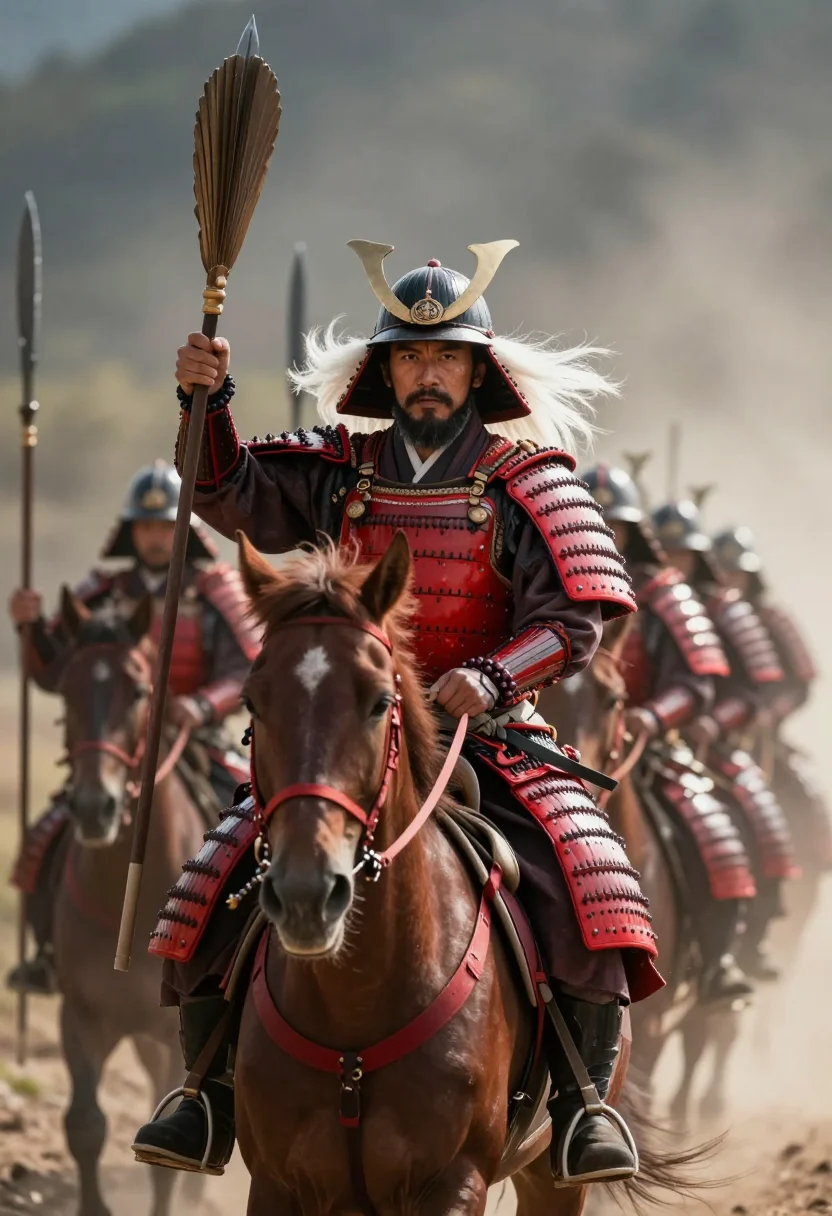
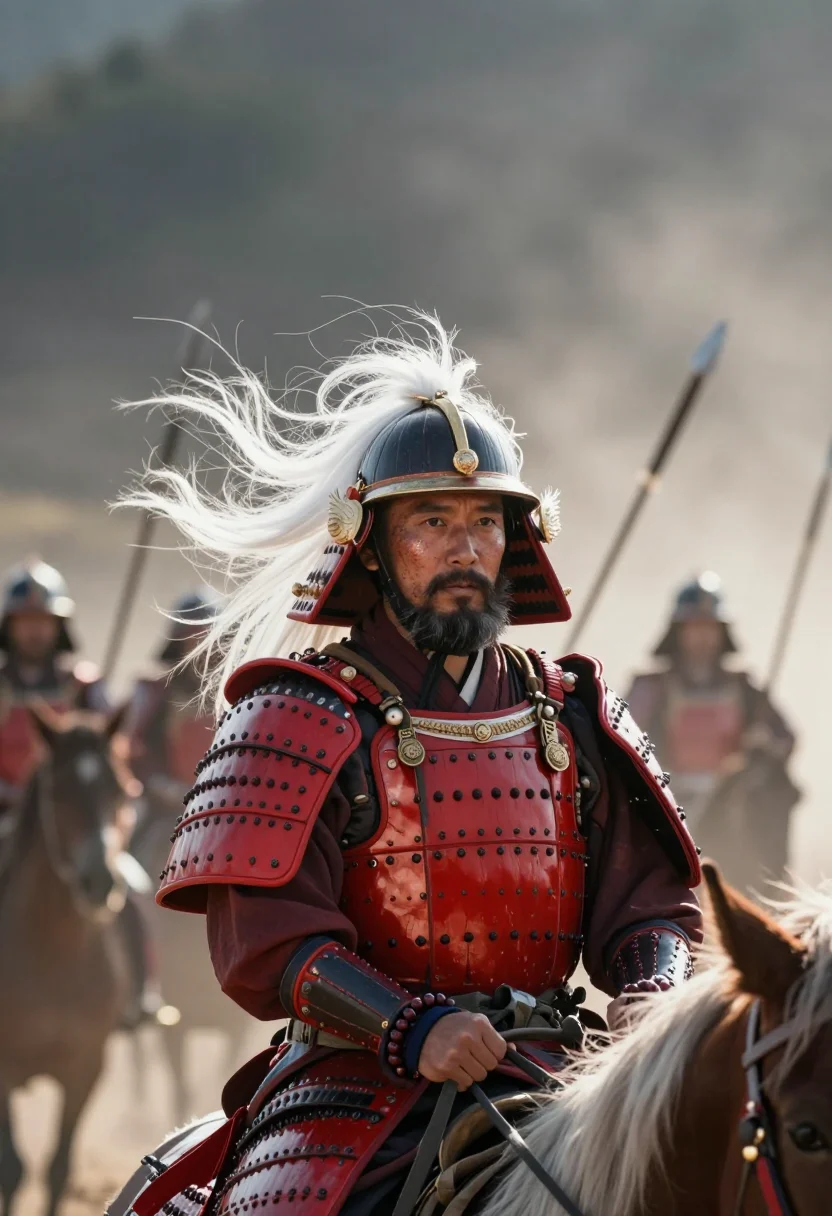
Three situations move through Shingen's own battlefield. At Kawanakajima, seated on a camp stool in river fog with the war fan raised to parry, the Furinkazan banner planted beside him and a mounted rider looming out of the mist at the frame's edge, wet gravel underfoot — the closest single combat came to being staged in the Sengoku wars. Standing before the great banner on a hillside above a valley of pine, the horned helmet on and arms folded, wind pulling the white horsehair sideways, he appears in the quieter register of a general surveying his own province. And at the head of a line of red-armored horsemen in the instant before the gallop, lances lowered, dust rising, mouth open in the order — the charge that made the Takeda cavalry feared across Japan.
Every one of these is a photoreal portrait — a photograph of your own face, not a painting or an anime illustration, even though the horned helmet and Furinkazan banner are iconography familiar from samurai film and manga. The armor lacing, the river fog, the dust of the charge are all rendered with photographic detail.
Honest note: this is a costume photoshoot, your likeness styled as the historical general — not a reproduction of any real portrait, scroll, or artifact from the Sengoku period.
How to photograph yourself for a Takeda Shingen photoshoot
Better source photos make better portraits. The pack works with imperfect inputs, but a few things help the AI portrait input land cleanly.
- Even, soft lightStand near a window with indirect daylight on your face. Avoid harsh overhead light or direct sun, which flattens the detail the horned helmet and red armor need to read against.
- Front or three-quarter angleShoot at eye level. Skip the selfie-stick uplook — the best photo for AI portrait work is a plain, direct one.
- Plain backgroundA cluttered backdrop competes with the river fog, the mountain valley, and the cavalry line the pack renders behind you. Keep the source photo simple.
- Steady, commanding expressionA composed, focused look transfers best onto a cavalry general's bearing. Save the wide grin for another pack — this register rewards intensity.
- One clear, recent photoA single sharp, well-lit photo of your face is enough. The free preview shows you the fit in seconds before you commit to the full pack.
Frequently asked questions
- What does the Takeda Shingen pack actually look like?
- Photoreal portraits — your face rendered as a photograph in red-lacquered armor under the horned, white-horsehair helmet. It is not a painting or an anime illustration; the output is a styled photograph.
- Can I use this as a profile picture?
- Yes. The horned helmet portrait especially reads as a bold, distinctive profile picture, even at thumbnail size.
- Is this good for a dating profile?
- It's a strong conversation-starting photo — pair it with an ordinary photo too, so people also see what you actually look like.
- Can I use it as a gift?
- Yes — a samurai general costume photoshoot is a specific, memorable gift for anyone into Japanese history, samurai film, or Sengoku-era games; you only need one selfie of the recipient.
- Can I use it as a cosplay reference?
- It works well for planning a Takeda Shingen cosplay — the helmet's horns and horsehair, the armor lacing, and the war fan are rendered in enough detail to build a costume from.
- How is this different from Midjourney or a generic AI image generator?
- A text-to-image tool like Midjourney generates a generic face from a prompt. This pack starts from your actual selfie — the nine portraits are recognizably you, styled as Takeda Shingen, not a stranger in armor.
- How is this different from a real costume photographer or armor rental?
- A real Sengoku-armor session means booking a studio, sourcing a period-accurate horned helmet, and a fitting. This pack gets you a comparable set of portraits from one selfie, with no travel or rental required.
- Does this pack work for women?
- The Takeda Shingen register is built around a male general's build, beard, and armor, so the pack is tuned for male faces. Other samurai packs in the collection suit female faces better.
- What if my photo isn't great quality?
- The pack is built to work with ordinary phone photos, not studio shots. The free preview shows you the result in seconds, so you can judge the fit before committing.
- What happens to the photo I upload?
- Your photo is processed on European servers, used only to generate your preview and pack, and is not shared with third parties.
- Can I print one of the portraits?
- Yes — the portraits render at a resolution suited to framing or a poster-sized print.
- Why Takeda Shingen specifically, and not a generic samurai costume?
- A generic samurai costume gives you an unnamed figure in armor. This pack is built around Shingen's own record — the Furinkazan banner, Kawanakajima's fog, the horned helmet — so the portraits carry a specific historical register instead of a costume-shop version of "samurai."
When the Takeda Shingen pack fits
- A profile picture with an instantly recognizable silhouette, for social platforms or gaming handles.
- A gift for someone into Japanese history, samurai cinema, or Sengoku-era strategy games.
- A cosplay reference for planning a Takeda Shingen costume before building it.
- A framed or printed portrait for a room built around Japanese art and history.
- A dramatic addition to a personal gallery of historical costume portraits.
- A conversation-starting dating-profile photo alongside your regular pictures.
- A fan gift for someone who follows the Tiger of Kai or Kawanakajima's history.
- A striking avatar for a history, strategy-gaming, or samurai-fandom community.
- A keepsake portrait for anyone drawn to the red-armor-and-horned-helmet aesthetic without booking a costume shoot.
- A distinctive image for a blog or newsletter about Japanese history or military strategy.
About narcis
Most AI portrait tools ship every pose, profession, era, and aesthetic in one giant catalog. The output looks like every other AI photo on the internet — a glaze over a stock face. Narcis goes the other way. One tool, one job: turn photos of you into portraits worth keeping. Drop a selfie and your free preview streams in seconds — a quick sketch: close, not you yet. For portraits that are truly you, train your own model on 12 to 20 photos; it trains in the background, and we email you when it is ready. Train once, render everywhere — this pack, every other pack, and the Studio all come out of that one model, about ten seconds a portrait, and it stays yours to retrain or delete. Each pack is hand-curated against actual references — paintings, photographers, registers — and tested on real faces before it ships. See a free preview before you pay, not after. Packs are one-time — no subscription to buy one; Studio, the unlimited composer, is optional at €12/month and every pack includes 30 days of it. No template generator. Built and run by one team, on our own infrastructure.
All images are AI-generated. By using this service, you confirm you are 18+, that any face photo you upload is your own or used with explicit consent. Full Terms