AI Tet Hanoi Peach Blossom Generator — Free Preview, Then Train Your Model
See a Free Preview in Seconds, Before You Commit
Train Your Model Once, Render Tet Hanoi Peach Blossom in About Ten Seconds
Studio-Quality Results Without a Studio Visit
Narcis generates a free preview of your tet hanoi peach blossom from one uploaded photo. The preview streams in seconds — a quick sketch, close but not you yet. If you like it, train your model once — 12 to 20 photos, we email you when it's ready — and the full pack of nine is €9,99, rendered from your model in about ten seconds a portrait. No signup before the preview, and no waiting for an email until you choose to train.
The pack is nine professional tet hanoi peach blossom rendered in portrait aspect ratio (2:3) — the shape LinkedIn banners, CVs, and print profiles actually use. Each image shows varied crops, expressions, and light angles so you have real choices, not nine identical files.
Photos are processed on European servers. We use your photo to generate your headshots; we do not share it with third parties.
/tet-hanoi-peach-blossom · photo · 3 scenes
A Tet Hanoi Photoshoot
no account · ~15s · the first shot is free
More of the season's events
one model wears them all →


all 9 looks — from one photo ↓
How it works
Three steps. Upload, preview, deliver.
1
Upload 1 to 5 selfies
One is enough for the free preview. More angles sharpen the likeness.
2
See a free preview
A quick sketch of your likeness streams in seconds — close, not you yet, before you pay.
3
Train your model, then unlock 9
€9,99 one-time. Train your model once — 12 to 20 photos, we email you when it's ready — and all nine render in about ten seconds each. Every future pack and Studio portrait render the same way, no repeat training.
The Tet register
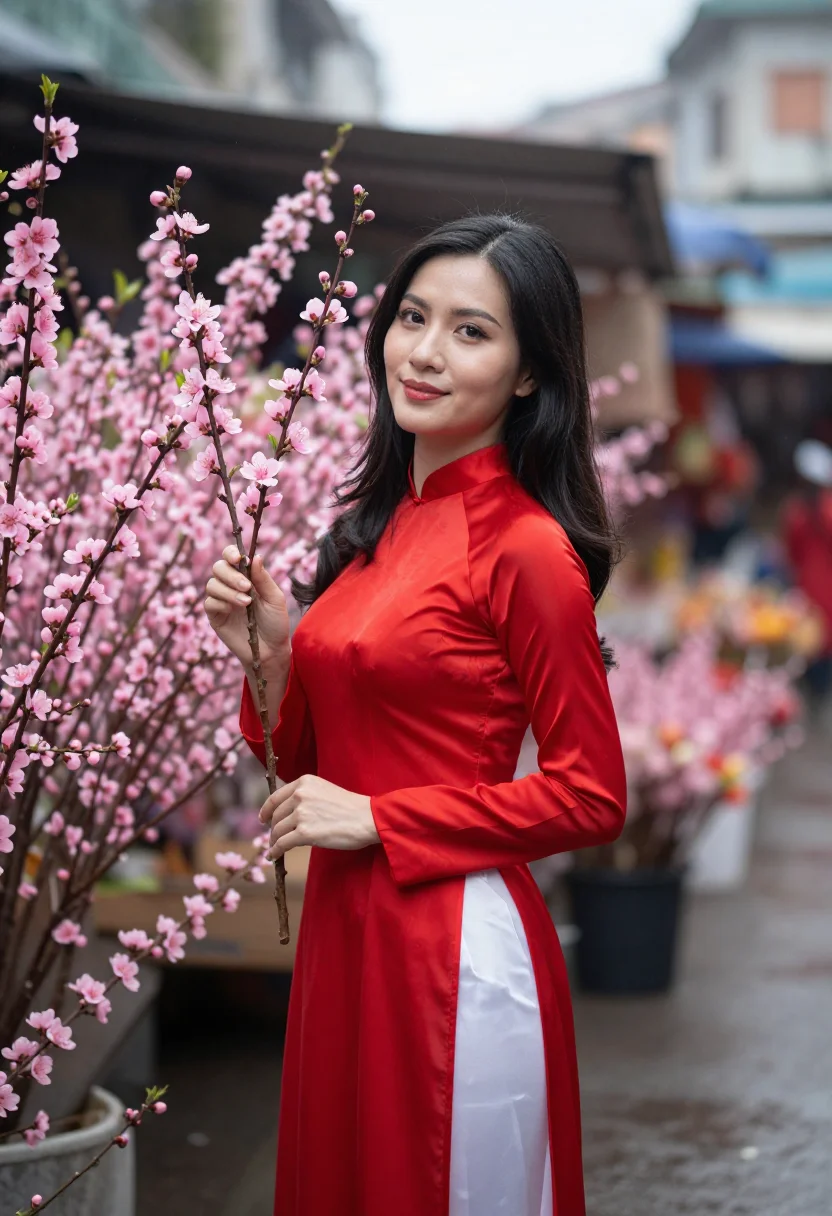
This pack's Hanoi photoshoot is set in the week before Tet, February: peach blossom branches at the flower market, red lanterns and red envelopes, the drizzle grey. The license is the new year's own pair -- peach-blossom pink and Tet red -- worn together.
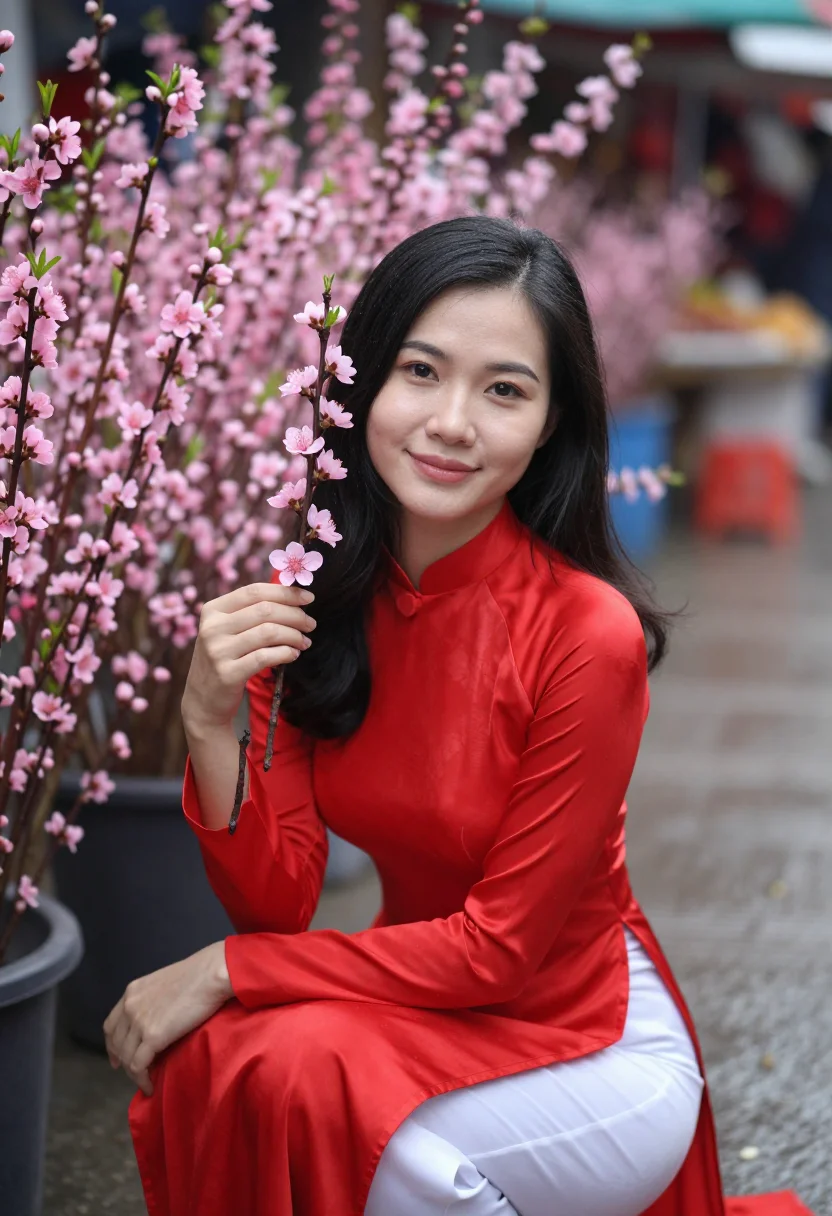
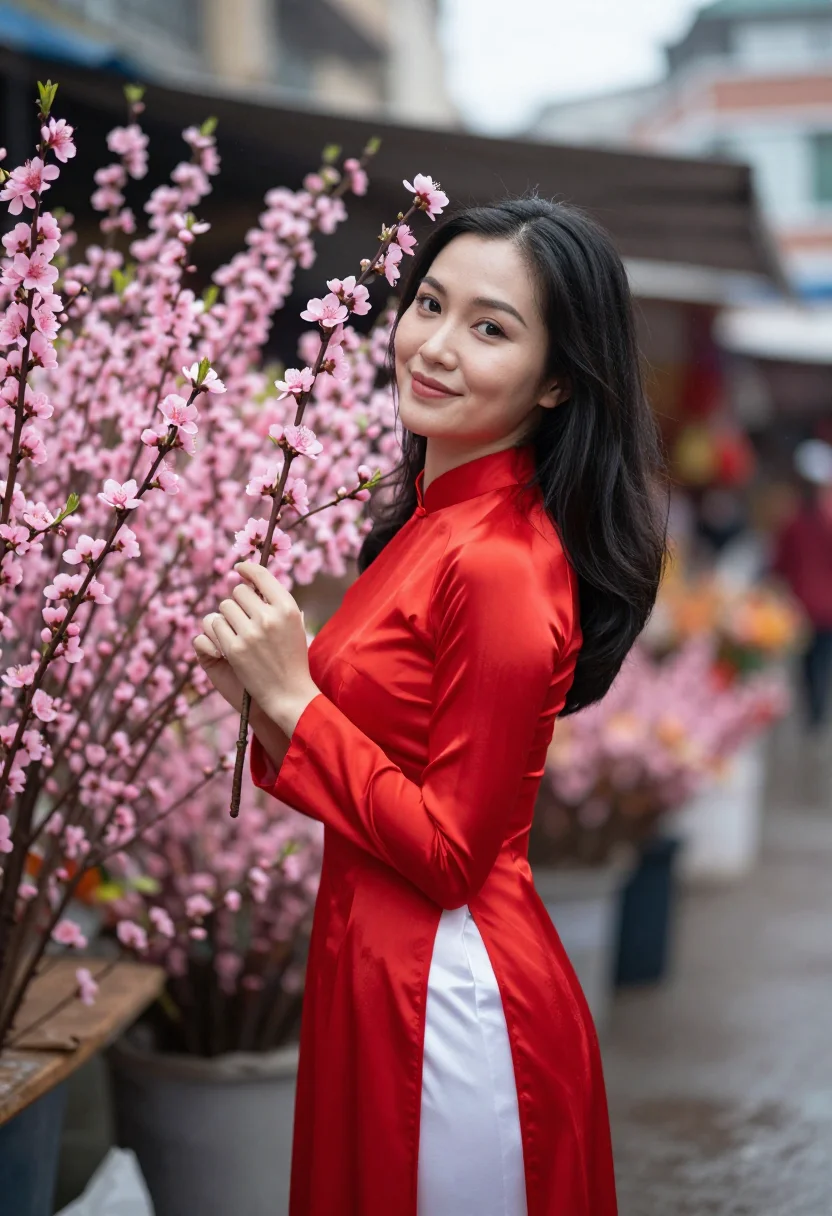
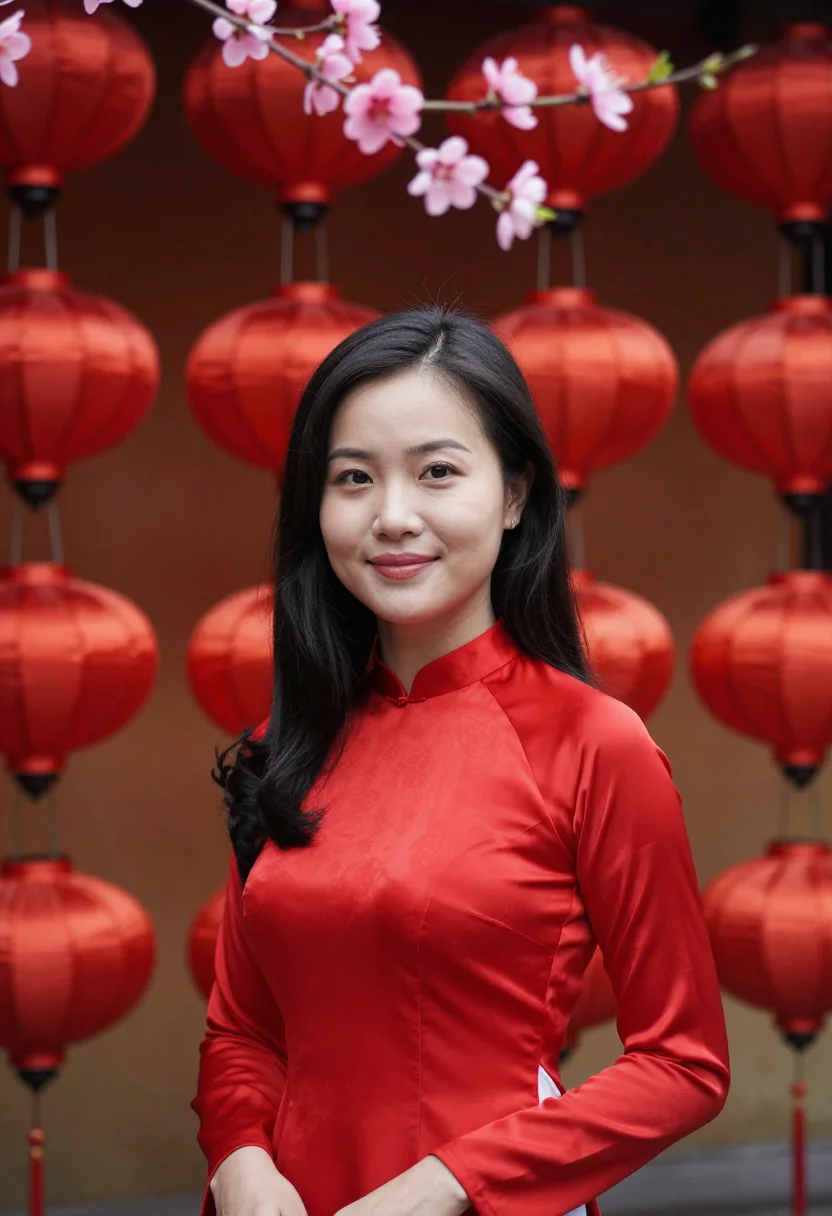
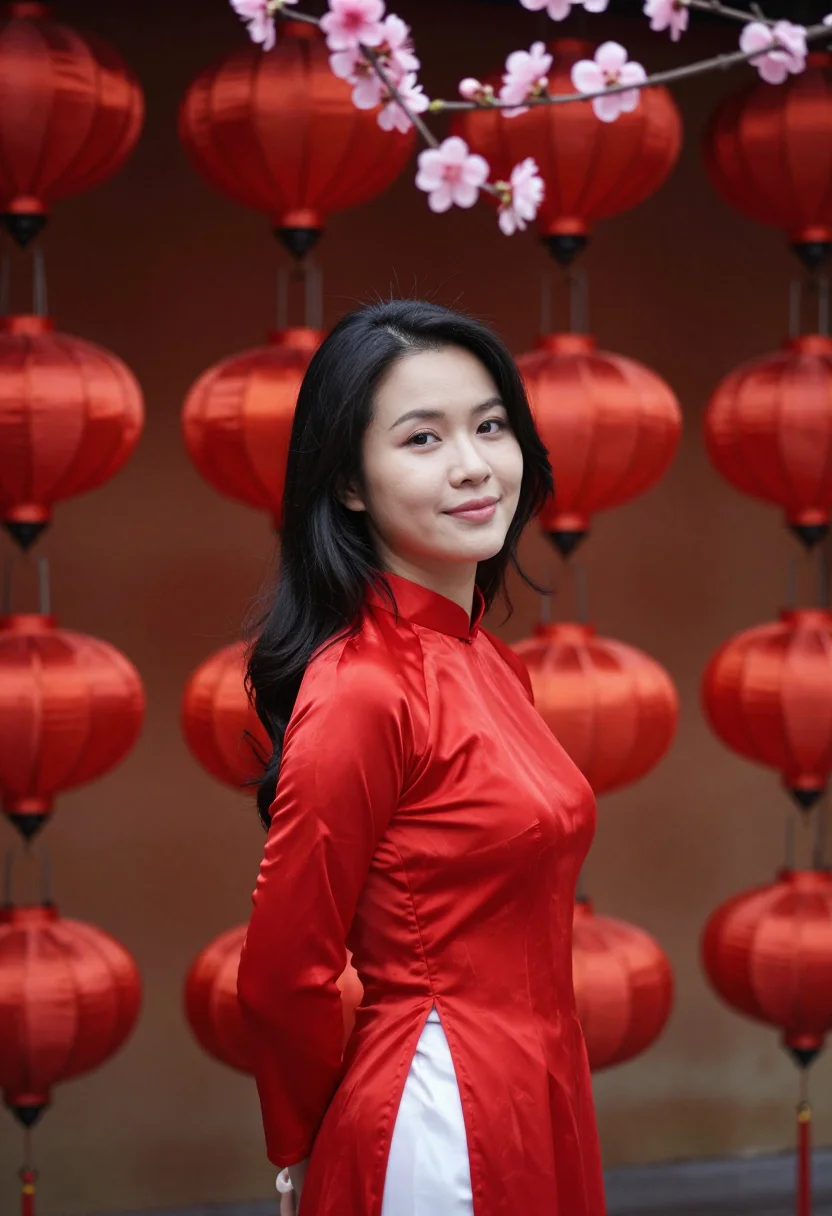
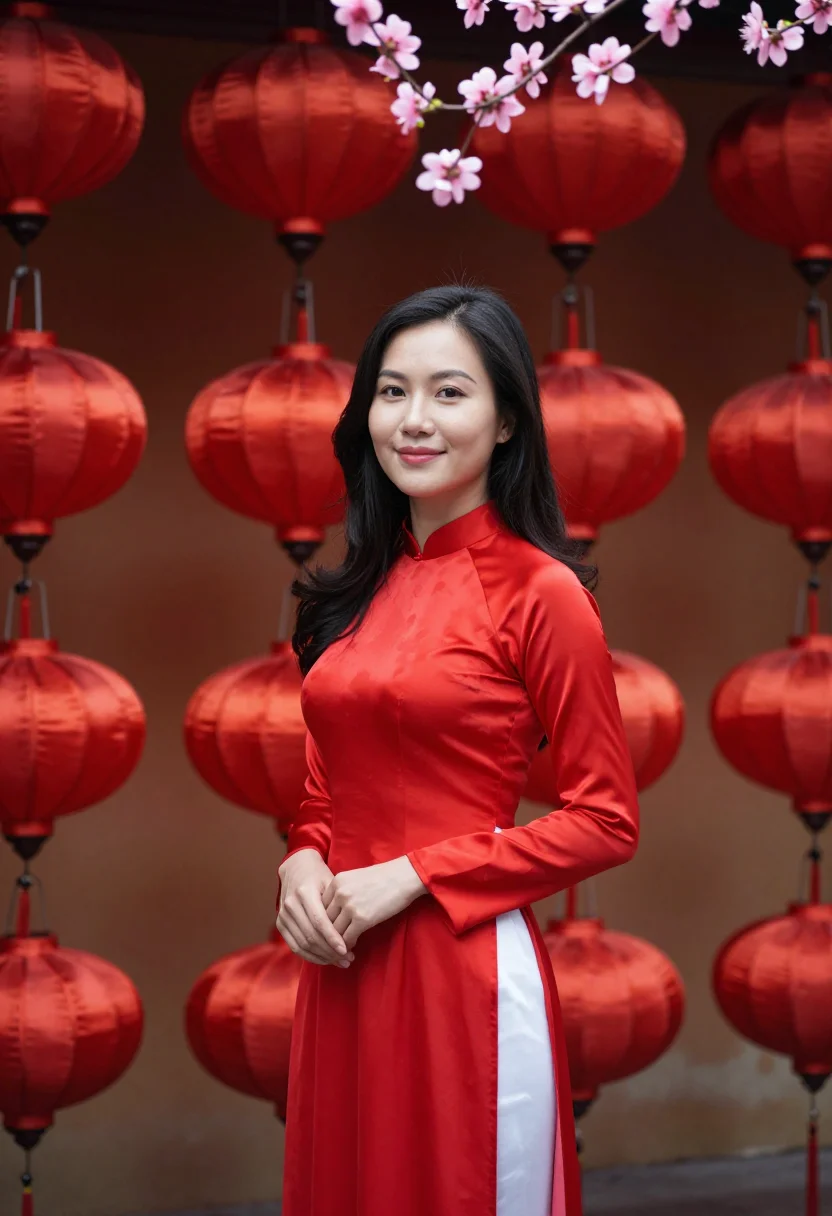
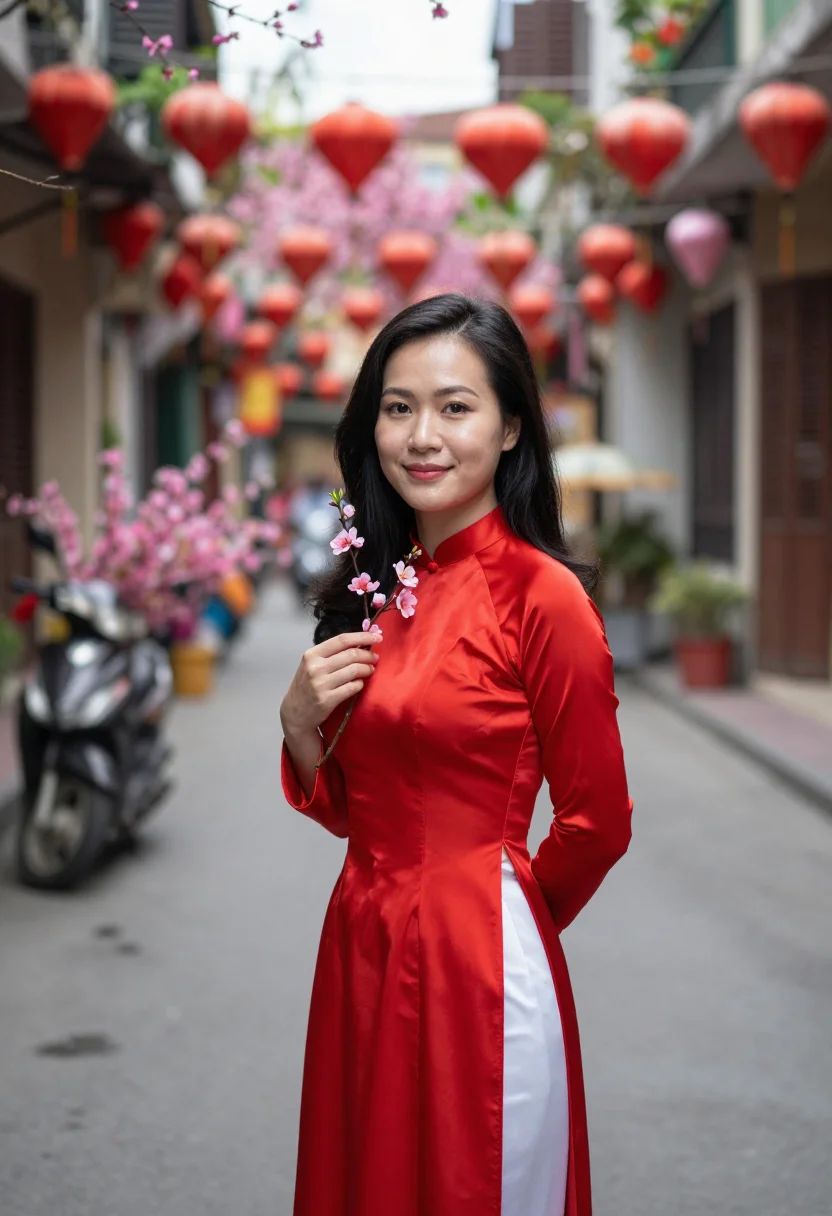
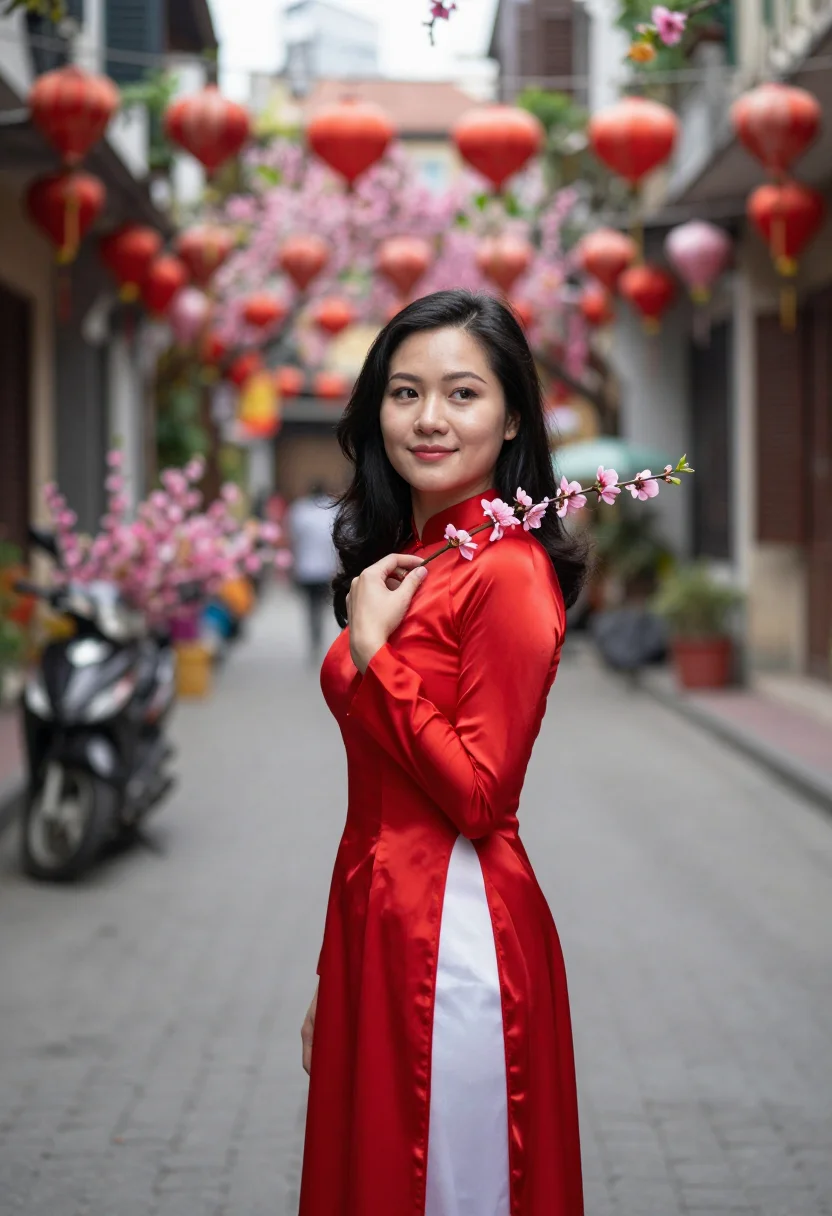
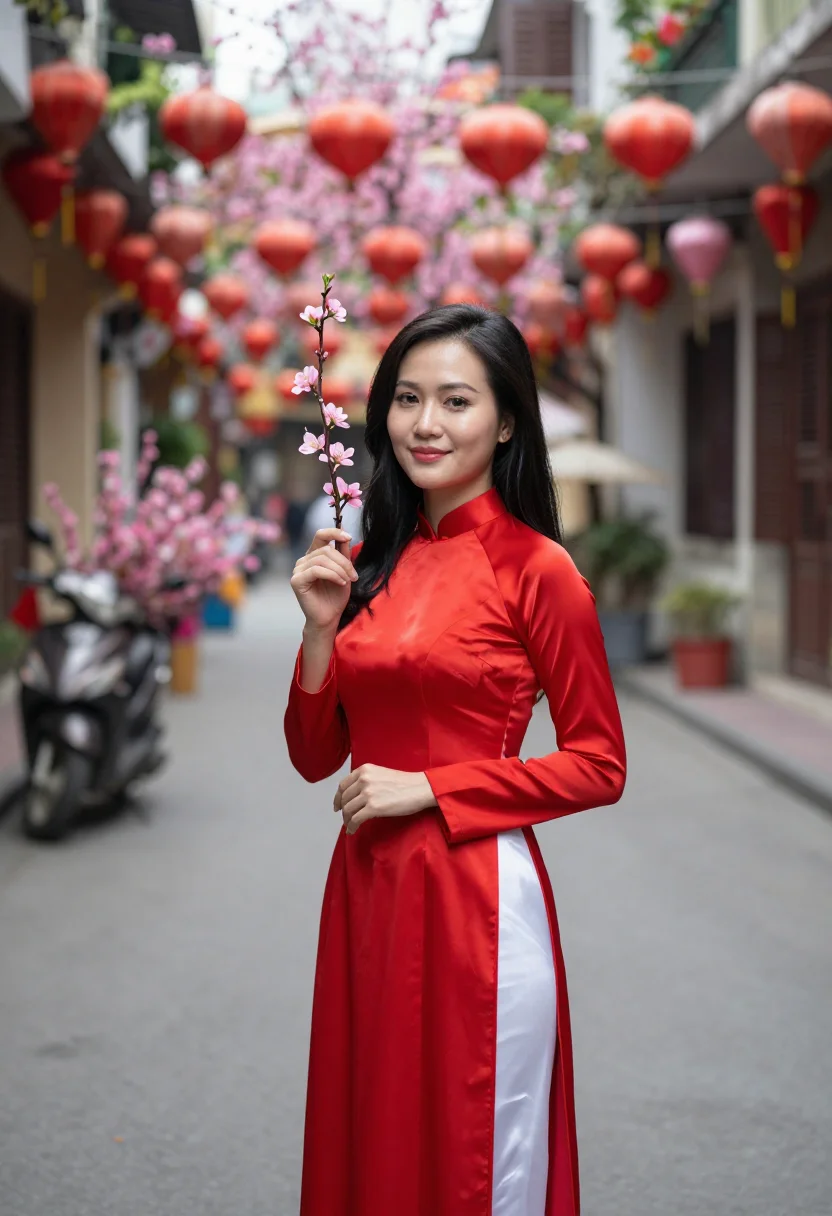
The wardrobe is a red silk ao dai over white trousers, hair long and straight, a peach-blossom branch held at the shoulder as the frame's attribute. Peach pink and lacquer red sit at matched clarity; white is a value, not a third hue.
Three takes carry the pack: among the blossom branches at the market, soft grey light, the red sharp; against a red lantern wall with one pink branch entering the frame; and half-length in the old quarter's street, the blossom and red receding.
The output is photoreal -- a real-looking photograph of you in Hanoi, not an illustration. It's a costume portrait built from your own uploaded face; the ao dai and the blossom are the license, not a claim about a real Tet celebration.
How to photograph yourself for a Tet Hanoi photoshoot
Better source photos make better portraits. The pack works with an ordinary phone selfie -- the free preview tells you in seconds -- but a few things sharpen the likeness before the ao dai goes on top.
- Even, soft lightStand near a window with indirect daylight on your face. The pack builds the scene's own light on top of it -- a flat, well-lit selfie gives it the clearest face to work from.
- Front or three-quarter angleCamera at eye level, facing it or turned slightly to three-quarter. No selfie-stick uplook, no shot from below.
- Face fully clearHair off the face, no hats, sunglasses, or heavy filters in the source photo. A clear, front-facing photo is the best input for an AI photoshoot.
- A composed expressionThe Tet register favours a level, warm look over a big grin -- a calm expression in your source photo blends more naturally into the market's soft grey light.
- Plain background is fineDon't worry about your own backdrop -- the pack's three settings replace it entirely. A plain wall behind you just helps the model focus on your face.
Frequently asked questions
- Will it actually look like a real photograph?
- Yes. The output is photoreal -- a real-looking photograph of you in Hanoi's own new year, not an illustration -- built around the season's own pair: peach-blossom pink and lacquer red.
- Is this a real photo of a specific woman, or of me?
- It's a portrait of you. The pack borrows the world's documented look and setting as a reference and a costume; every frame is generated from your own uploaded face.
- What's the difference between the free preview and the full pack?
- The free preview is one photo from your uploaded face, shown live in seconds so you can judge the likeness before you commit. The full pack is nine photos across the flower market's blossom branches, a red lantern wall, and the old quarter's street -- different crops, expressions, and light.
- How is this different from a generic Lunar New Year photo filter?
- Most generic filters add red lanterns to any photo. This pack pairs the exact colours of Hanoi's own Tet market -- the blossom's pink against the ao dai's red -- so it reads as a real week before Tet, not a generic new year filter.
- Can men use this pack?
- The styling and sample set are built for women -- the ao dai among them -- so it reads feminine. A men's version isn't shipped in this pack.
- What if my source photo isn't great?
- One clear phone selfie is usually enough. The free preview shows you the likeness in seconds -- if it's off, the prep tips above are the fastest fix, and lighting is the most common culprit.
- Can I use this as a profile picture or on a dating app?
- Yes -- it's a striking, well-composed profile photo that reads well on a dating app or anywhere else. Used honestly, as a stylised AI photoshoot rather than a claim of a real Tet celebration, it works well on any profile.
- What happens to the photo I upload?
- Your photo is processed on European servers to generate your preview and, if you continue, your full pack. It is not sold or shared with third parties.
When the Tet Hanoi pack fits
- For a Vietnamese new year outfit preview before an actual Tet celebration
- For a Lunar New Year social post with a real market's own palette
- For a profile picture with a warm, festive pink-and-red mood
- For a wall print or framed portrait in peach blossom and lacquer red
- For a gift for anyone who loves Tet or Hanoi's old quarter
- For a phone or desktop wallpaper with a soft, seasonal palette
- For a vision board built around a Vietnam trip
- For anyone who wants one photo in the new year's own two colours
About narcis
Most AI portrait tools ship every pose, profession, era, and aesthetic in one giant catalog. The output looks like every other AI photo on the internet — a glaze over a stock face. Narcis goes the other way. One tool, one job: turn photos of you into portraits worth keeping. Drop a selfie and your free preview streams in seconds — a quick sketch: close, not you yet. For portraits that are truly you, train your own model on 12 to 20 photos; it trains in the background, and we email you when it is ready. Train once, render everywhere — this pack, every other pack, and the Studio all come out of that one model, about ten seconds a portrait, and it stays yours to retrain or delete. Each pack is hand-curated against actual references — paintings, photographers, registers — and tested on real faces before it ships. See a free preview before you pay, not after. Packs are one-time — no subscription to buy one; Studio, the unlimited composer, is optional at €12/month and every pack includes 30 days of it. No template generator. Built and run by one team, on our own infrastructure.
All images are AI-generated. By using this service, you confirm you are 18+, that any face photo you upload is your own or used with explicit consent. Full Terms