A Times Square Photoshoot in Neon
Nine photos of you in one setting
How your model is created from your photos
Every pack on Narcis, made with your face
Nine photographs of you in one setting: one pack of the Narcis catalogue.
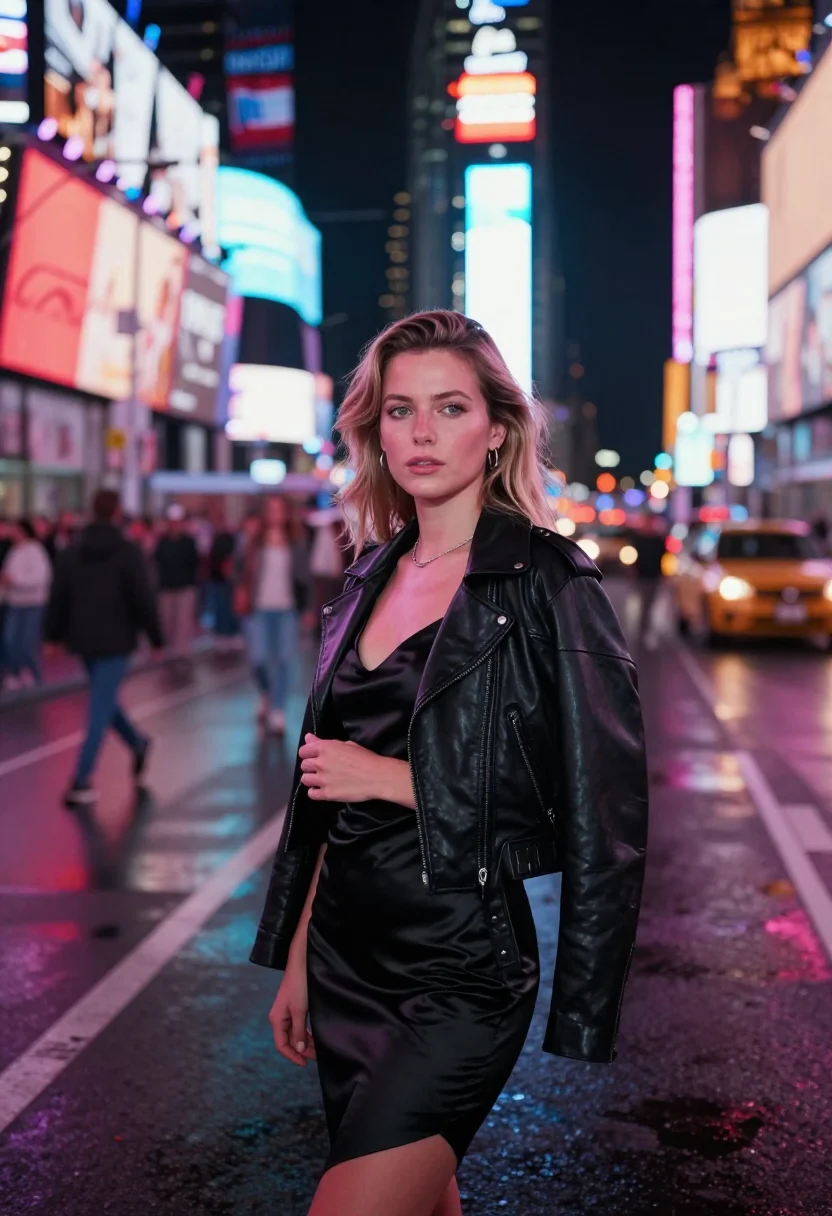
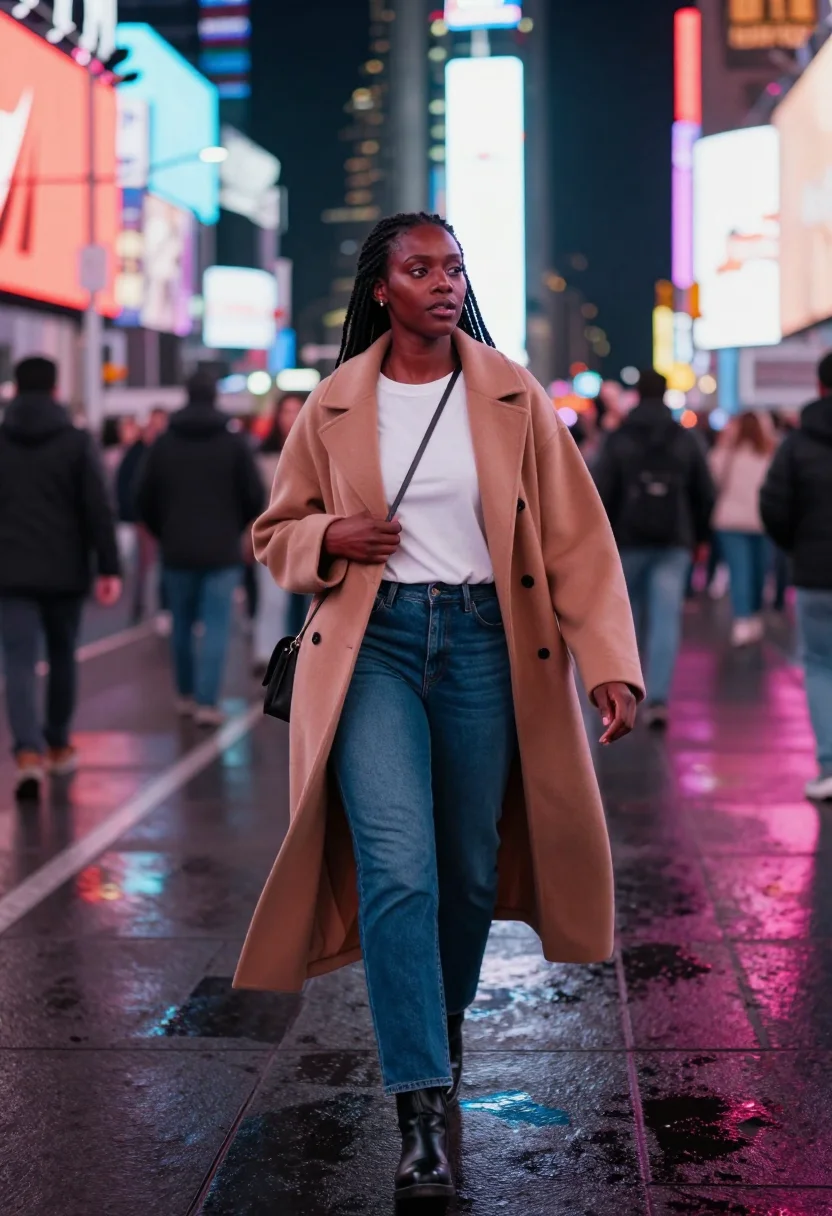
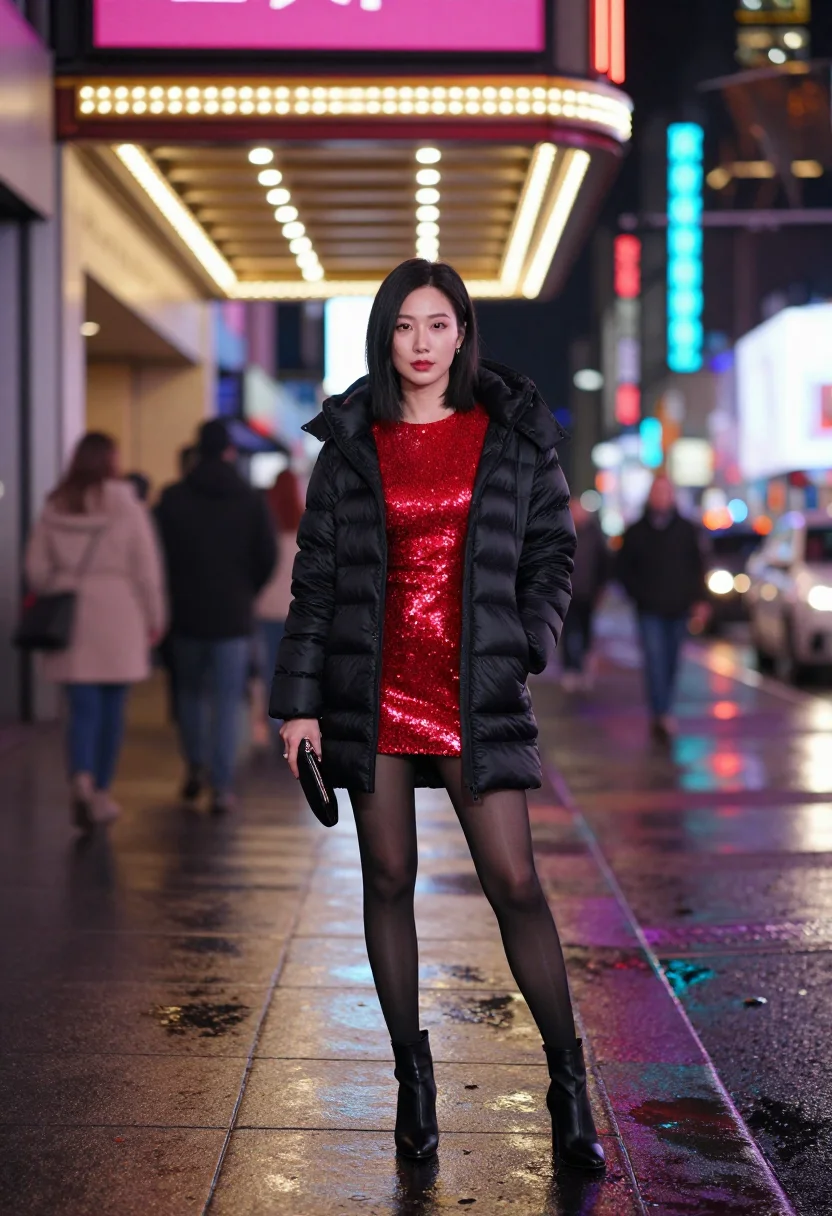
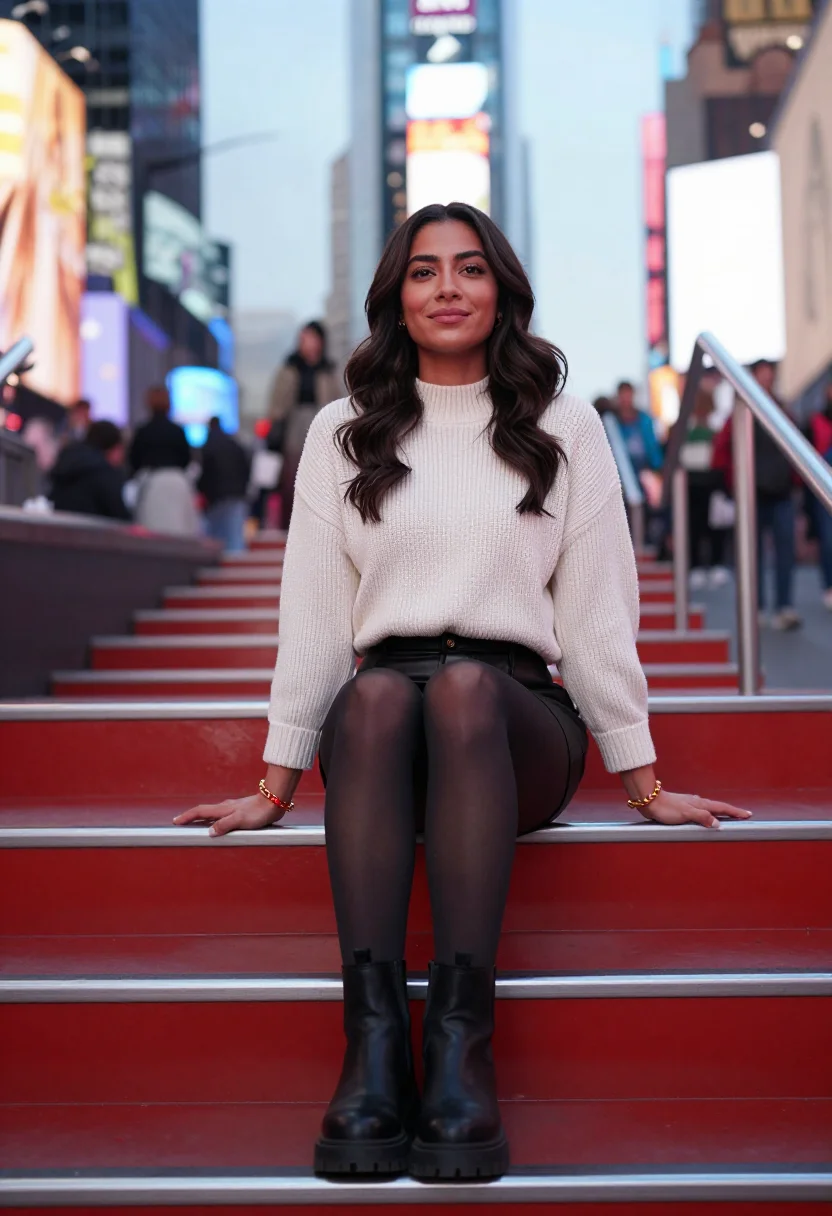
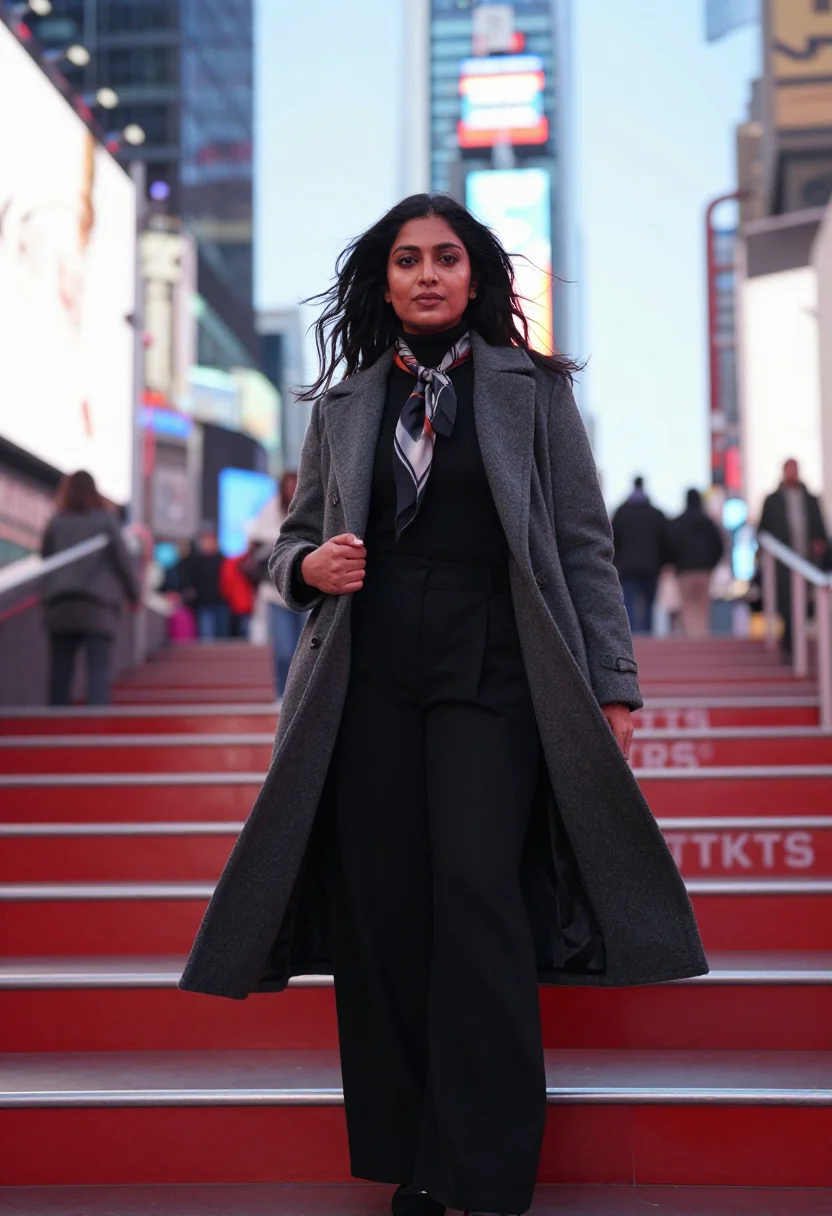
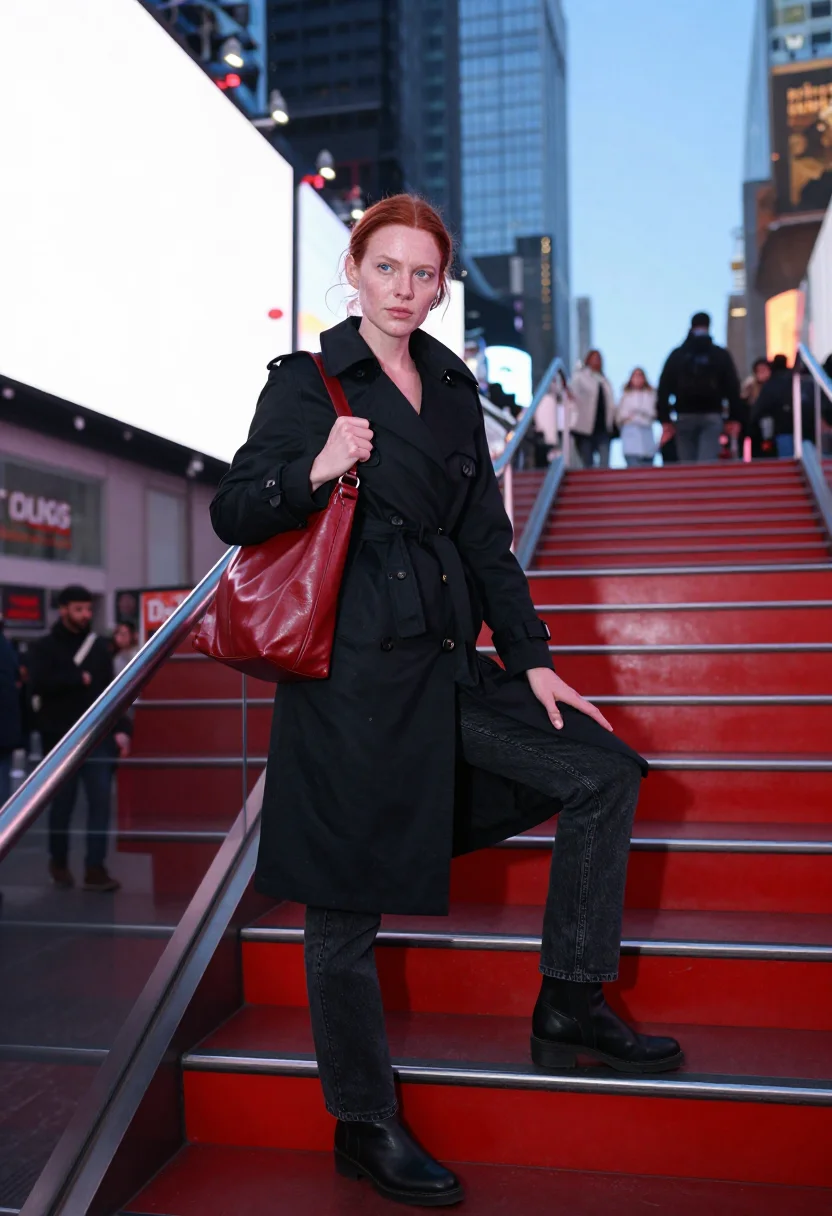
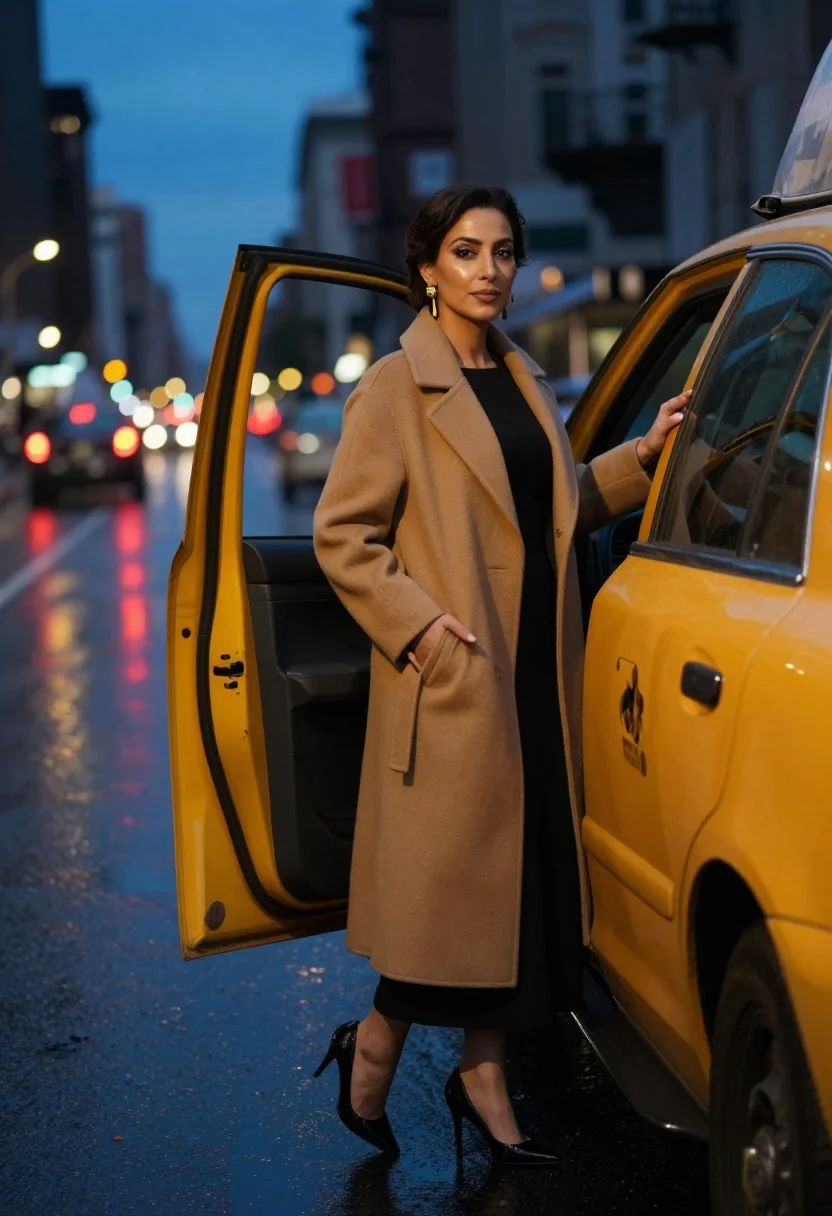
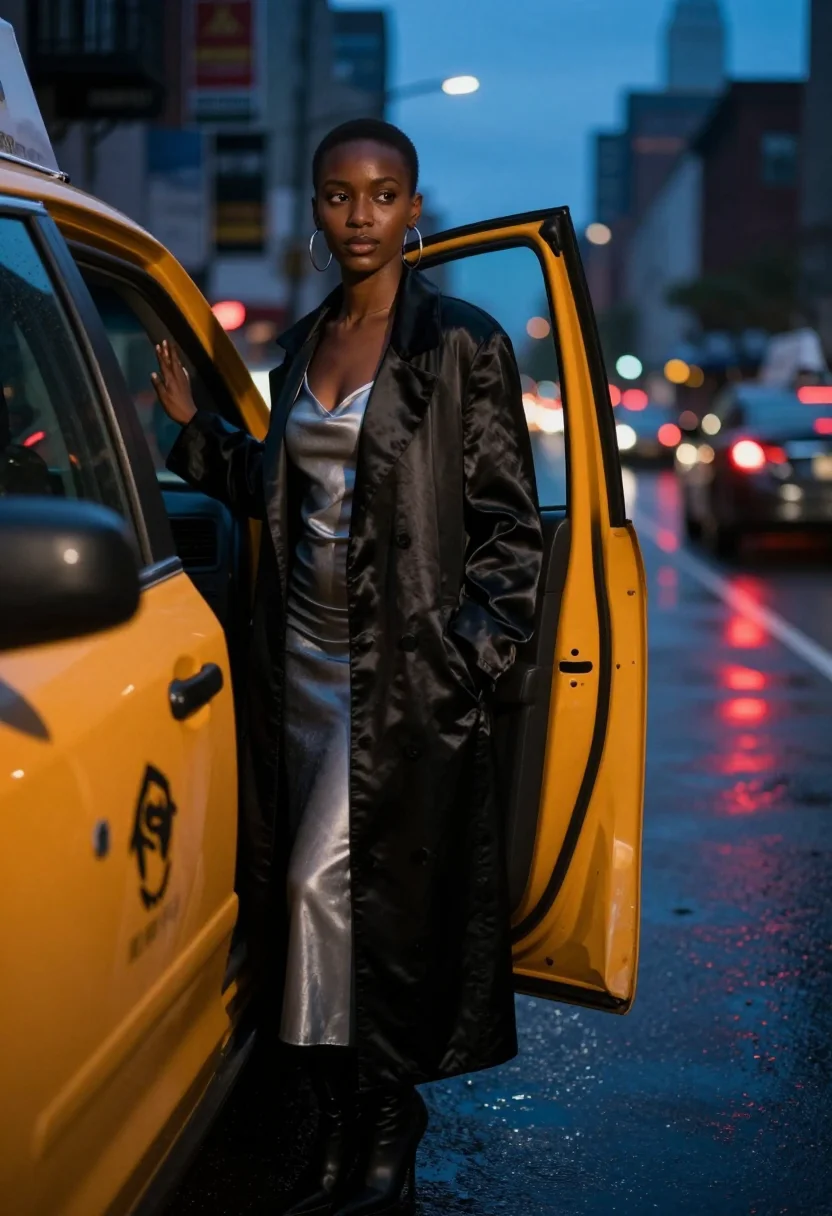
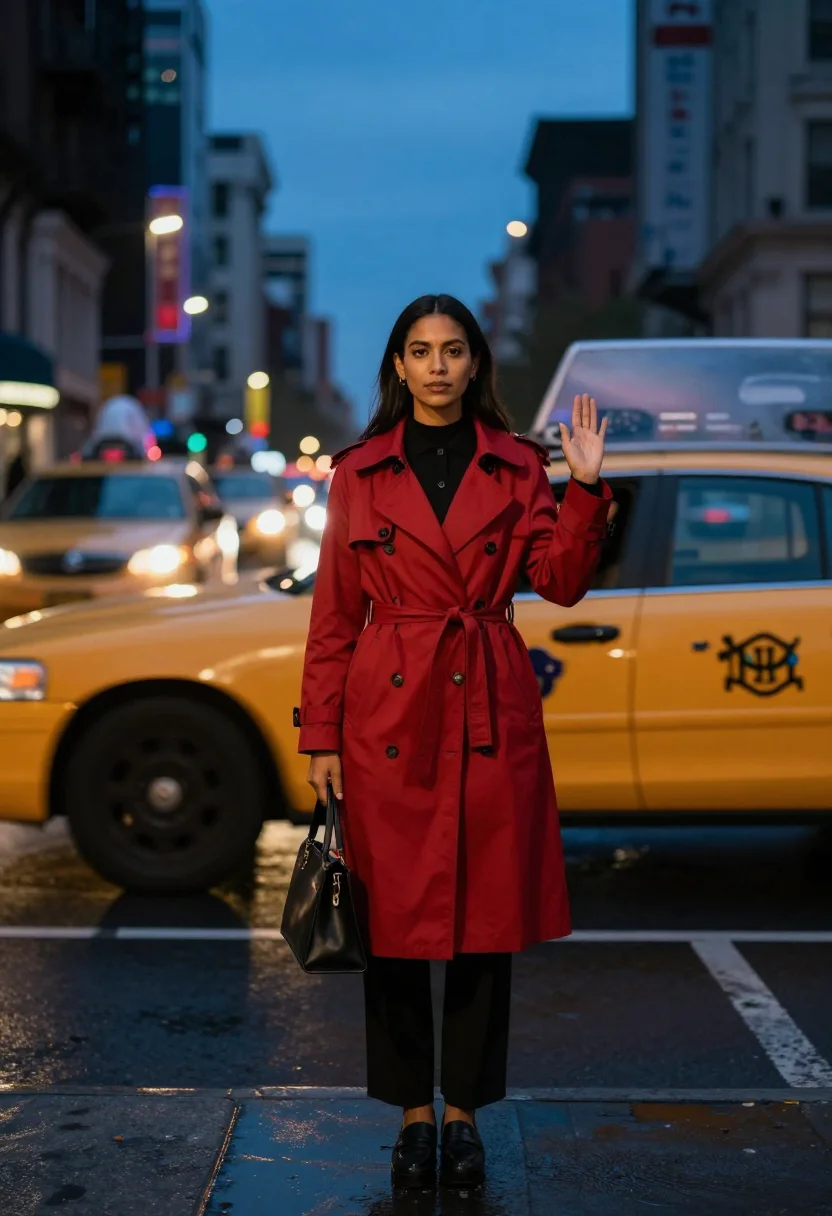
Nine photographs of you, styled in the neon canyon at night, on the red TKTS steps, and during a yellow-cab blue hour, in portrait format. The nine vary in crop, expression and light, so there are real choices, not nine identical files.
/times-square · lifestyle · 3 scenes
A Times Square Photoshoot in Neon
no account · ~15s · try it on with one selfie
More neon city
one model wears them all →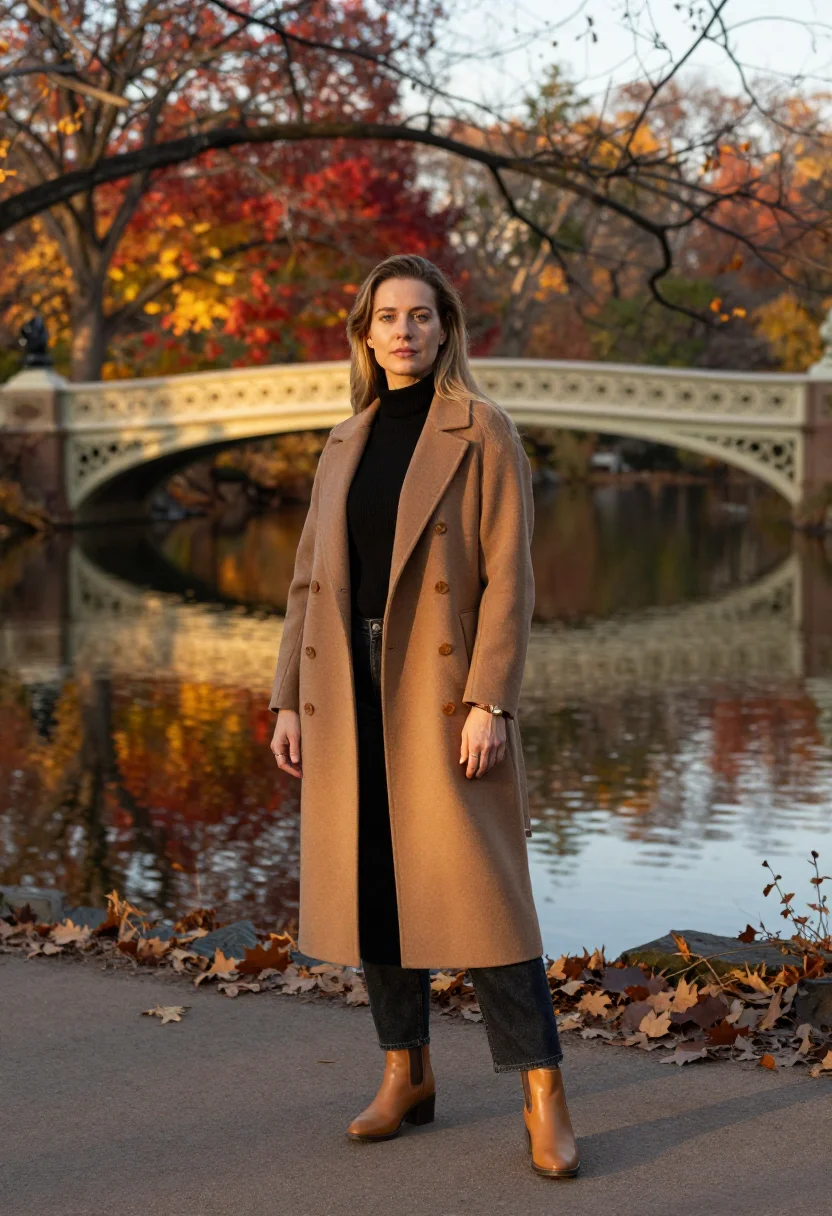
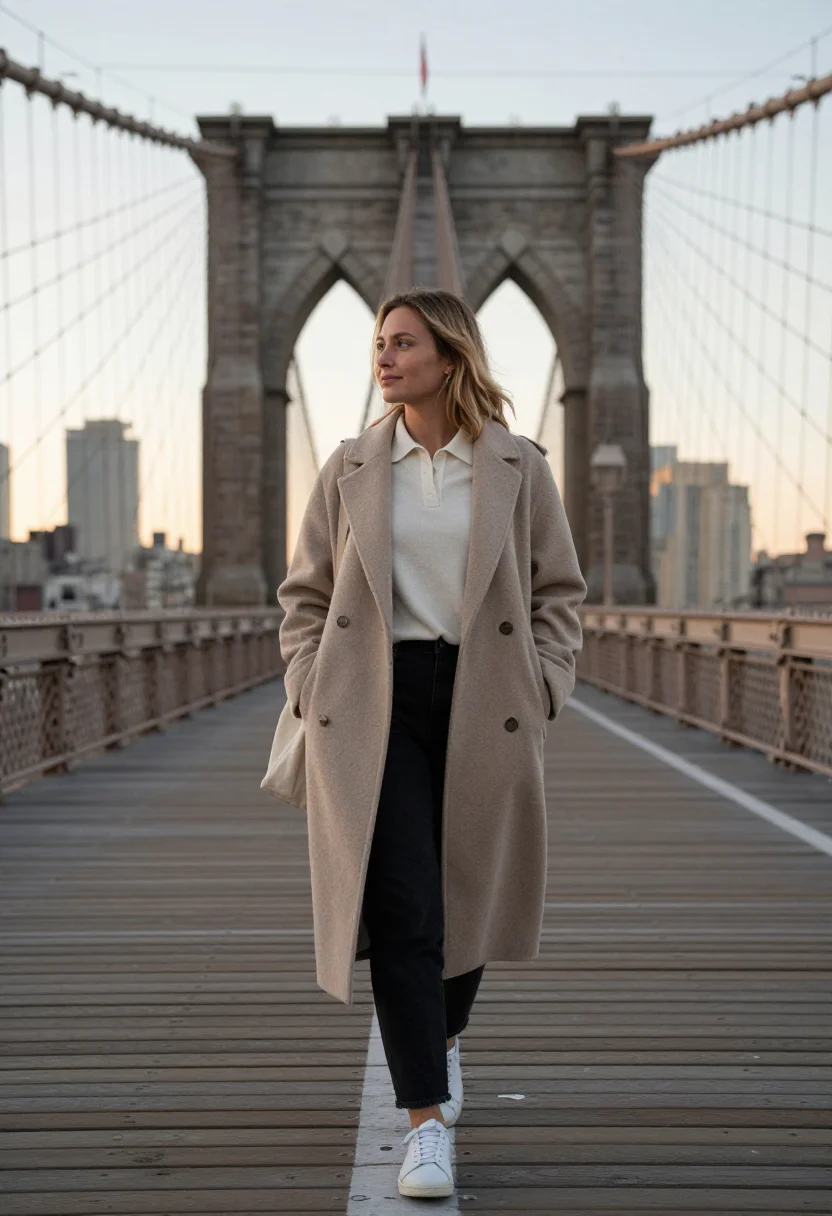
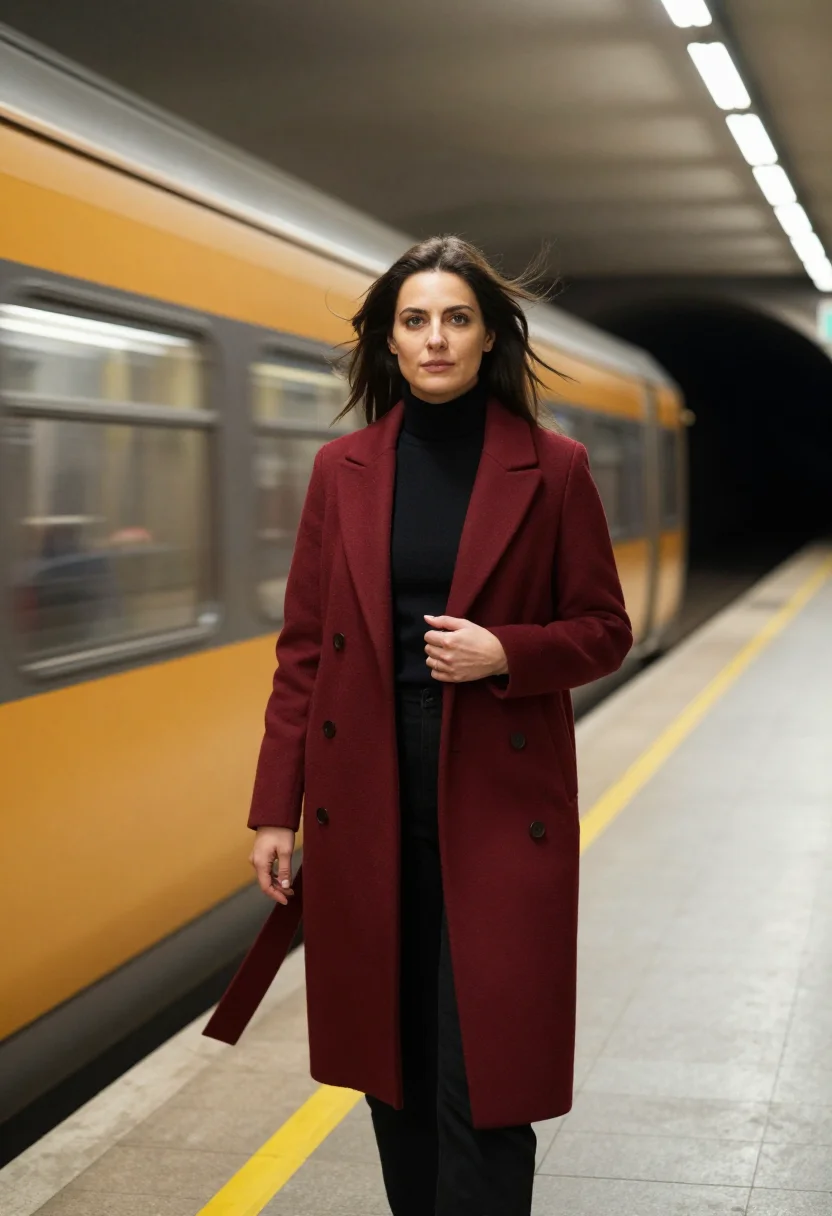
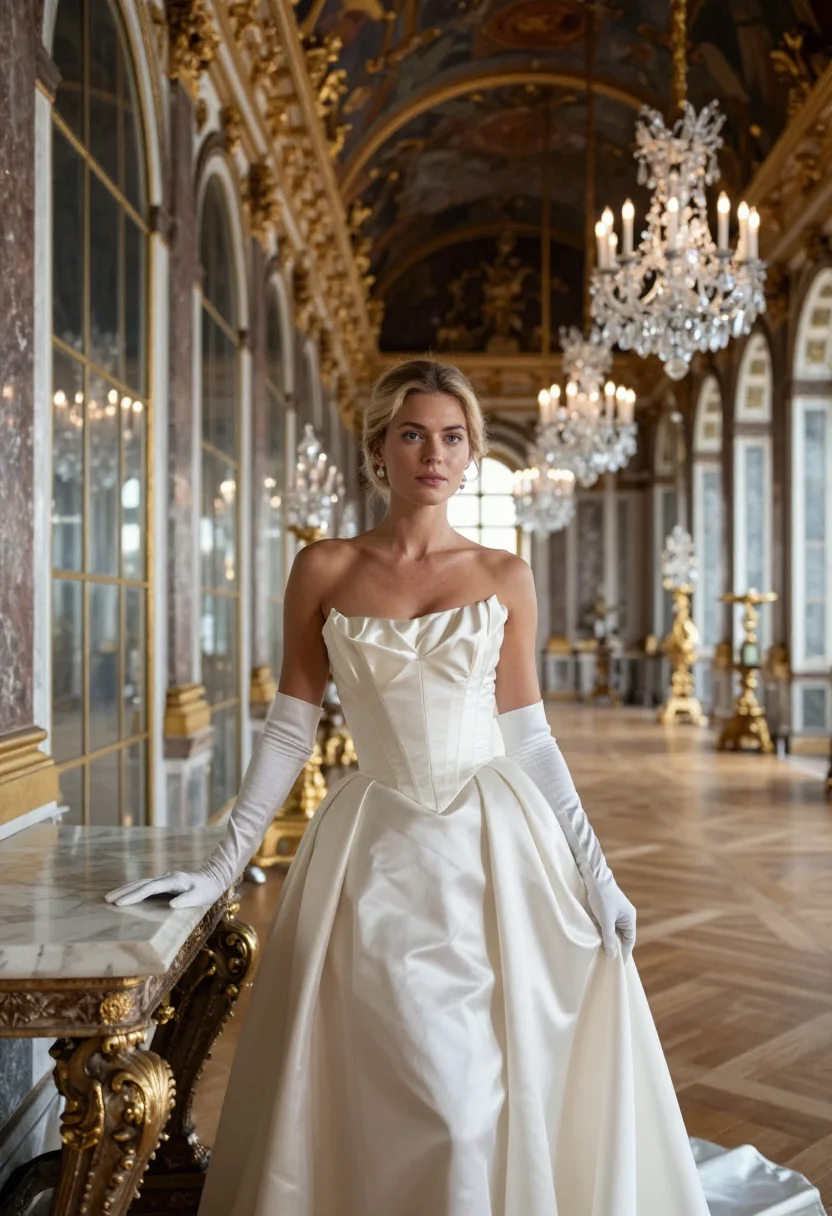
all 9 photos in this pack ↓
How it works
Three steps.
1
Add your photos
Add photos of yourself. We check each one when you add it.
2
We create your model
We create your AI model from your photos. Your photos are ready in a few hours.
3
Every pack, with your face
This pack and every other pack on Narcis can then be made with your face, and single photos too.
The Times Square photoshoot register
Times Square is the loudest square mile in New York, lit bright enough at night that the city banned dark storefronts here decades ago — every surface is a billboard, every corner a photo op, and the whole intersection reads as pure electric energy. This pack renders that energy as a portrait: bold, high-contrast, the register of someone owning the frame rather than getting lost in the crowd.
The nine portraits move through three defining moments. The neon canyon itself at night, screens and signage stacked floor to sky in every direction. The red TKTS steps, the sloped glass staircase that's become the square's unofficial photo landmark. And a yellow-cab blue hour, the specific dusk light where the city's cabs and the neon both glow at once.
Dress leans bold-city throughout — statement pieces, saturated color, nothing that gets lost against the signage. The output stays photoreal: a real-looking photograph of you in Times Square, not an illustration, the neon color cast and the specific electric contrast carried faithfully into every frame.
Honest note: this is an AI-generated portrait styled in Times Square, not a photo taken through the actual foot traffic and street performers — the square rarely photographs this clean in person. Treat it as the postcard version of the block, not a record of navigating it.
How to photograph yourself for a Times Square photoshoot
Better source photos make better portraits.
- Even, soft lightStand near a window with indirect daylight on your face. Avoid overhead bulbs and phone flash.
- Front or three-quarter angleCamera at eye level, facing it or turned slightly to three-quarter.
- Face fully clearHair off the face where possible, no sunglasses.
- A bold, confident expressionThis register is high-energy, not candid — a direct, assured gaze reads truer against neon than a soft smile.
- Plain background is fineThe square replaces your own backdrop. A plain wall behind you just helps the model focus on your face.
Frequently asked questions
- Will it actually look like Times Square, and like a real photo?
- Yes on both. The neon canyon, the TKTS steps, and the yellow-cab blue hour all come back recognisable, and the output is photoreal — a real-looking photograph of you there, not an illustration.
- Which views does it cover?
- Three: the neon canyon at night, the red TKTS steps, and a yellow-cab blue hour. Nine portraits, three per setting.
- Do I need to have actually visited Times Square?
- No. This gives you the clean, uncrowded version of a block that's genuinely packed with tourists and street performers most hours.
- How is this different from a real Times Square trip photo?
- A real photo means dodging foot traffic, character mascots, and everyone else's phone in frame. This gives you the same neon energy, with nobody else in the shot.
- Who is this pack styled for?
- The sample is styled for women.
- Will the photos look like me?
- Every photo looks like you, well photographed. If one is nearly right, say what to change, in your own words.
- Do I have to write a prompt?
- No. There is nothing to write: you pick a pack, and it is ready in seconds.
- How many photos of myself do I add?
- Between six and twenty, from different days and in different light, with your face clear. We check each one when you add it.
- What happens to the photos I add?
- They are used only to create your model, on our own servers in the European Union. They are not shared and not sold.
When the Times Square pack fits
- A bold, high-energy profile picture with real NYC neon behind you
- A gift for someone who loves New York City nightlife
- A print for a city-loft or nightlife-styled space
- A keepsake for a New York trip you're planning
- A milestone-birthday or celebration portrait with genuine drama
- A desktop or phone wallpaper with real neon energy
- A family archive photo alongside an actual visit
- A card or memento for a New York-loving friend
About narcis
Most AI photo tools put every pose, job, era, and style in one giant catalog. The photos all look like every other AI photo on the internet — a glaze over a stock face. Narcis goes the other way. One job: photos of you that look like photographs. You add at least 6 photos of yourself, and we create your AI model from them. Your photos are ready in a few hours, and we email you when they are. Then this pack and every other pack on Narcis can be made with your face. Each pack is curated against real references — paintings, photographers, places — and tested on real faces before it goes live. Built and run by one small team, on our own servers.
All images are AI-generated. By using this service, you confirm you are 18+, that any face photo you upload is your own or used with explicit consent. Full Terms