A Werewolf Photoshoot
Nine photos of you in one setting
How your model is created from your photos
Every pack on Narcis, made with your face
Nine photographs of you in one setting: one pack of the Narcis catalogue.
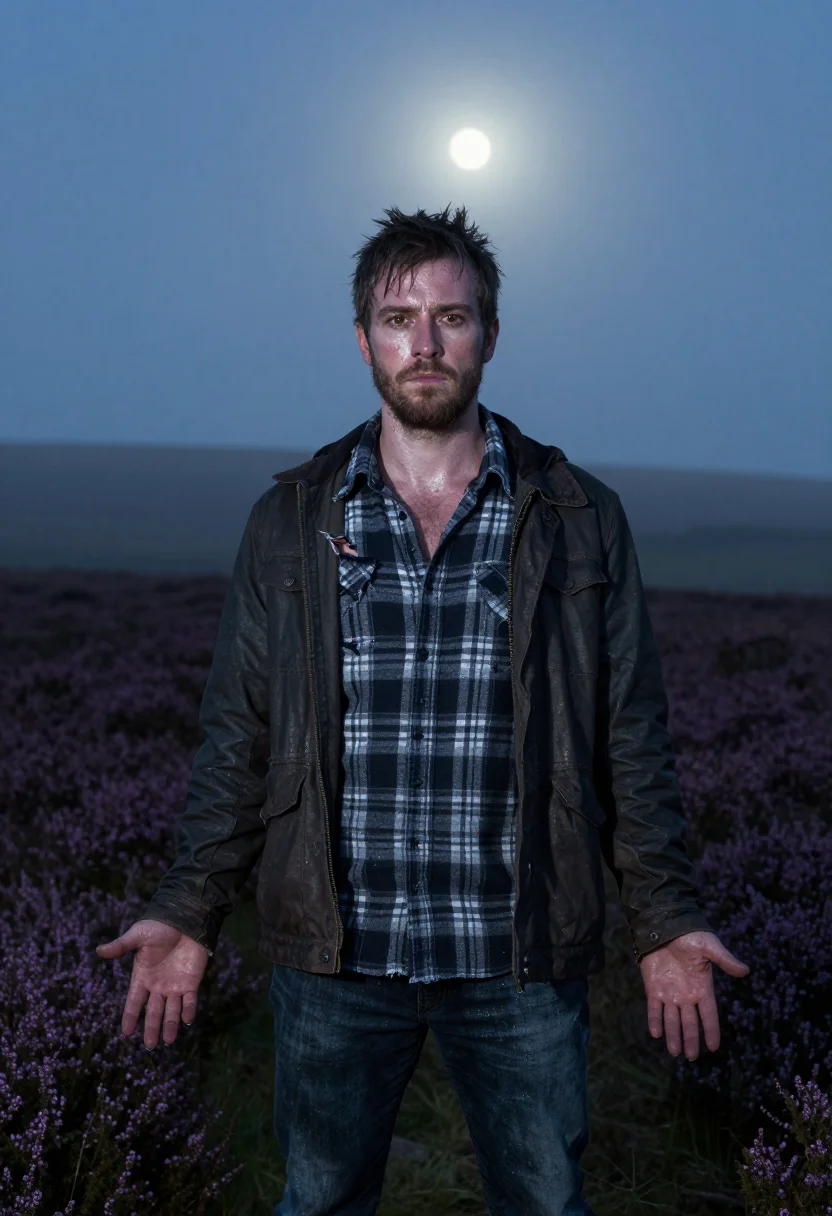
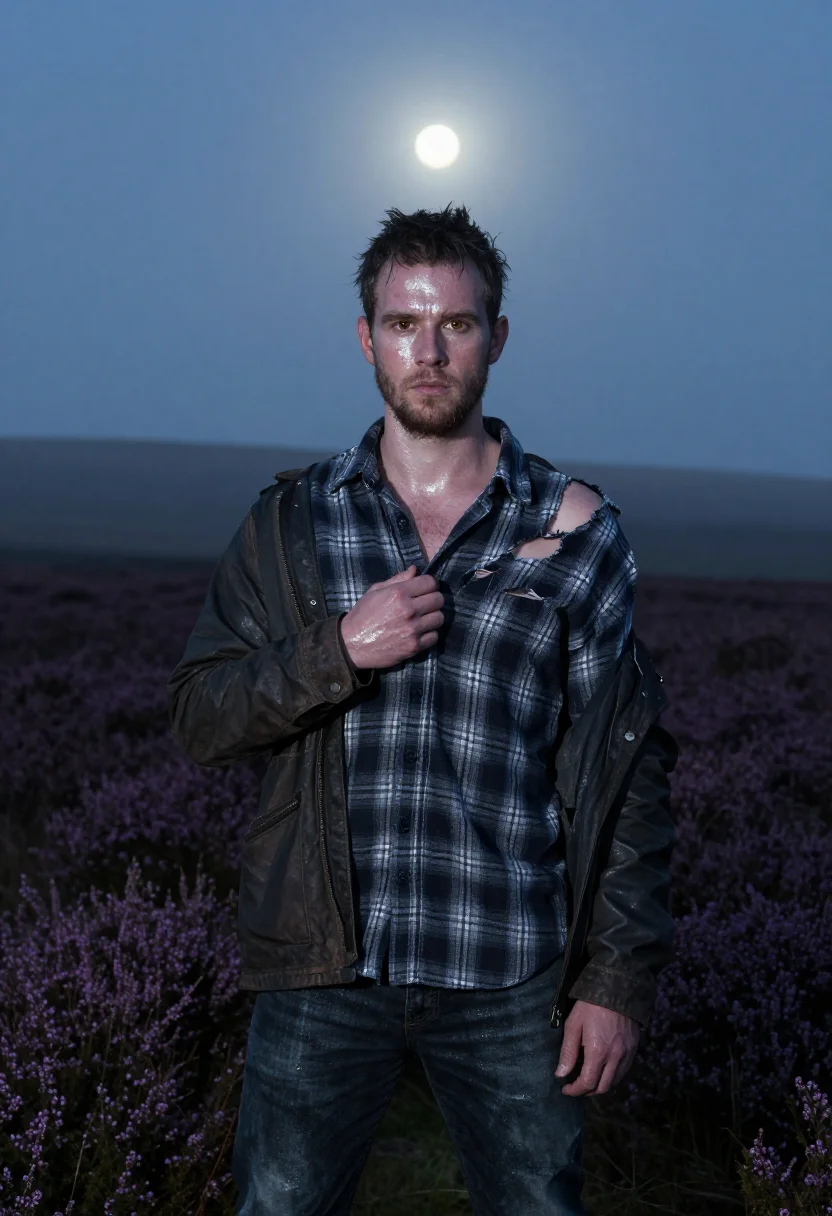
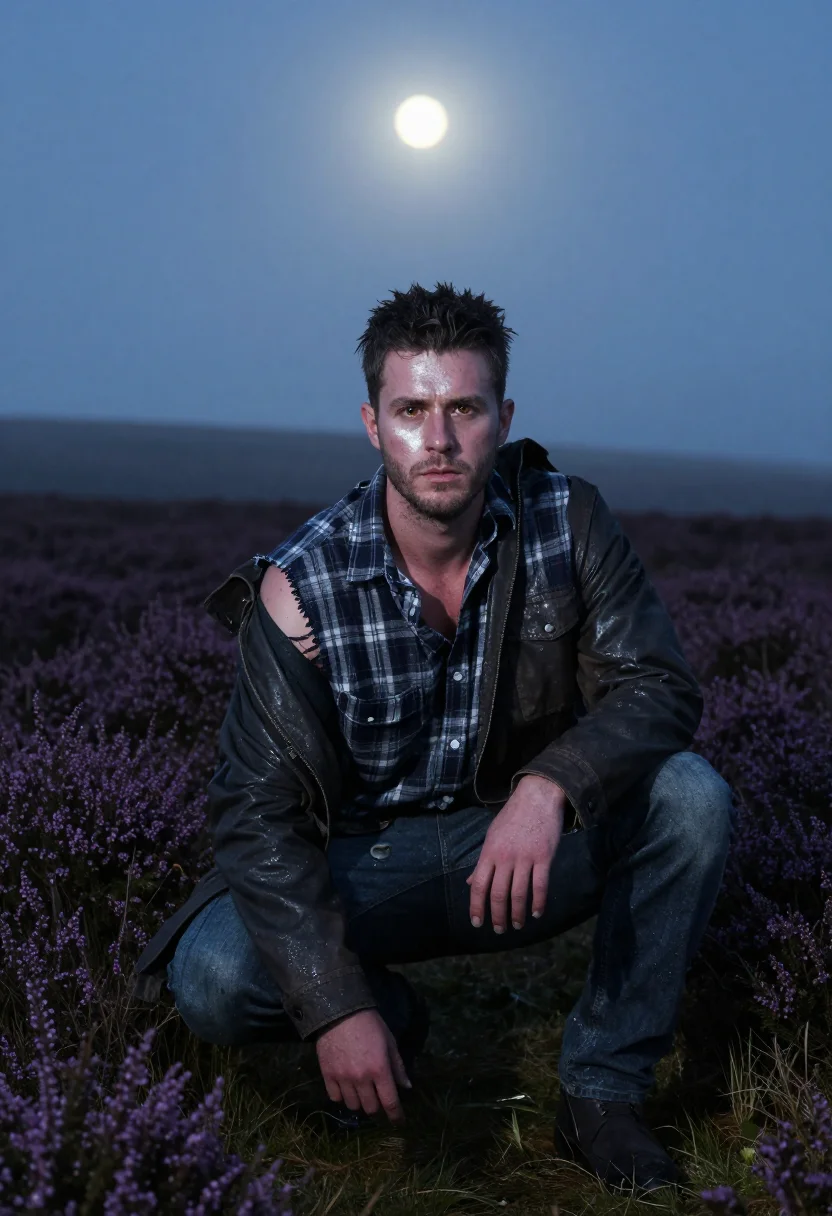
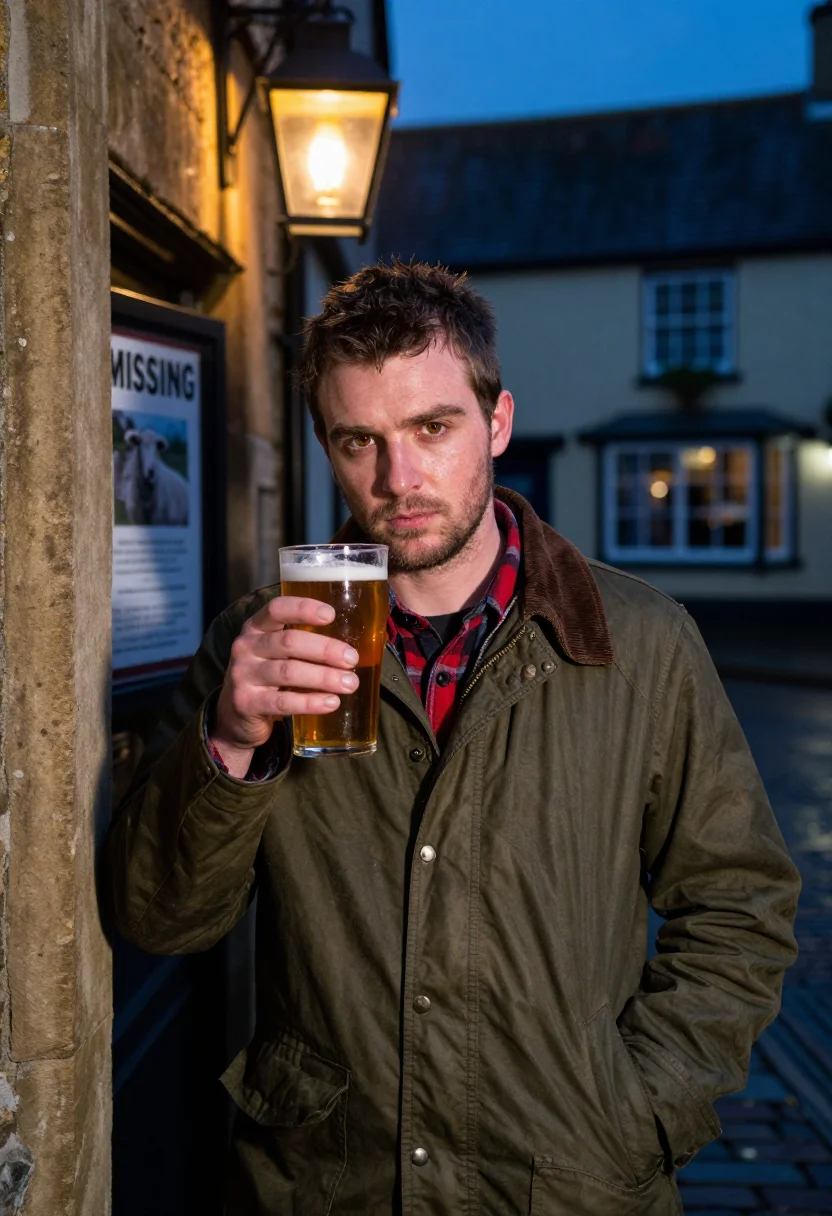
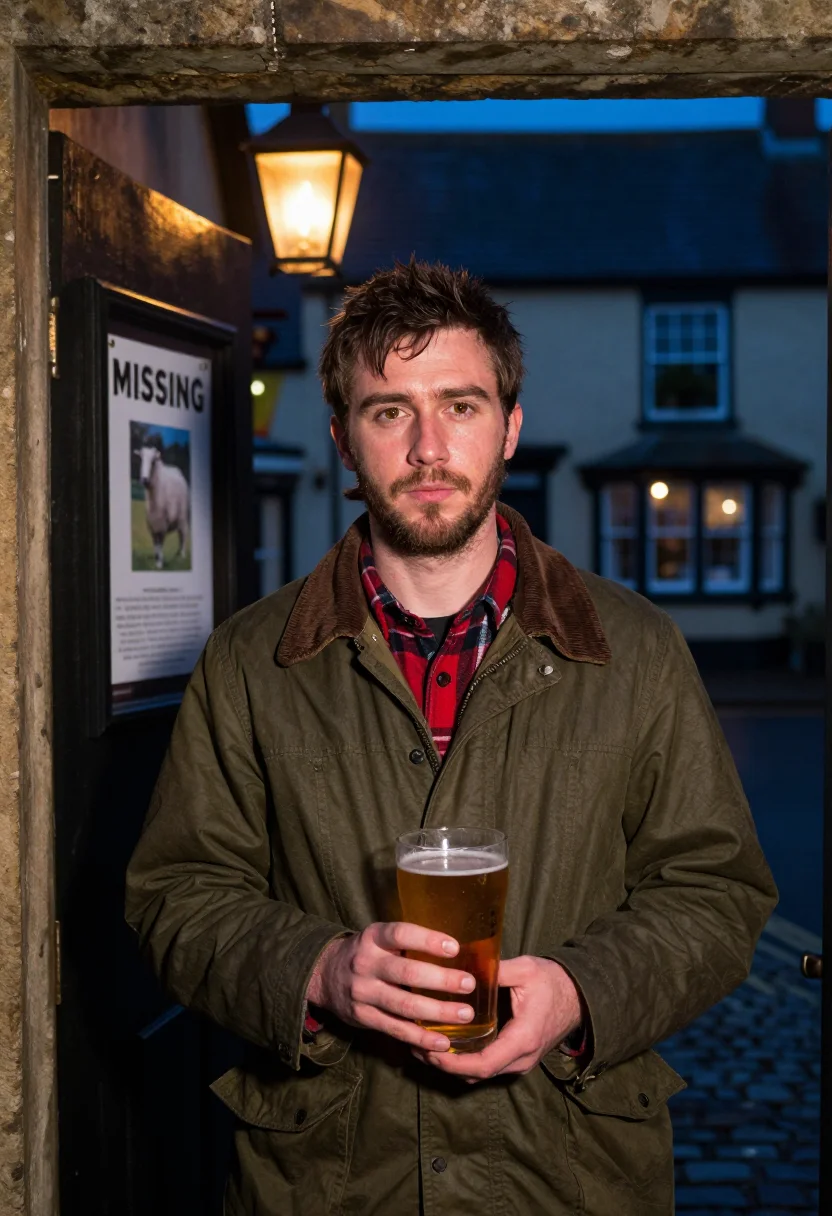
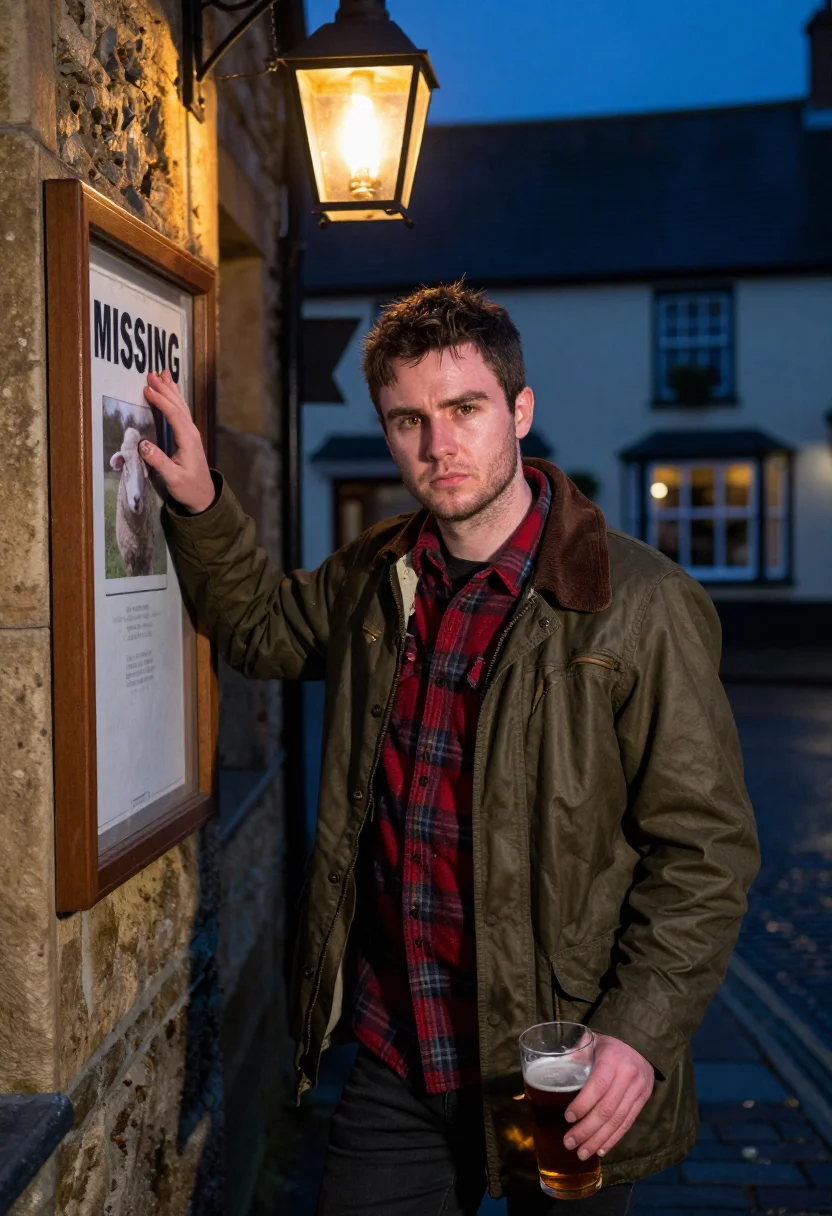
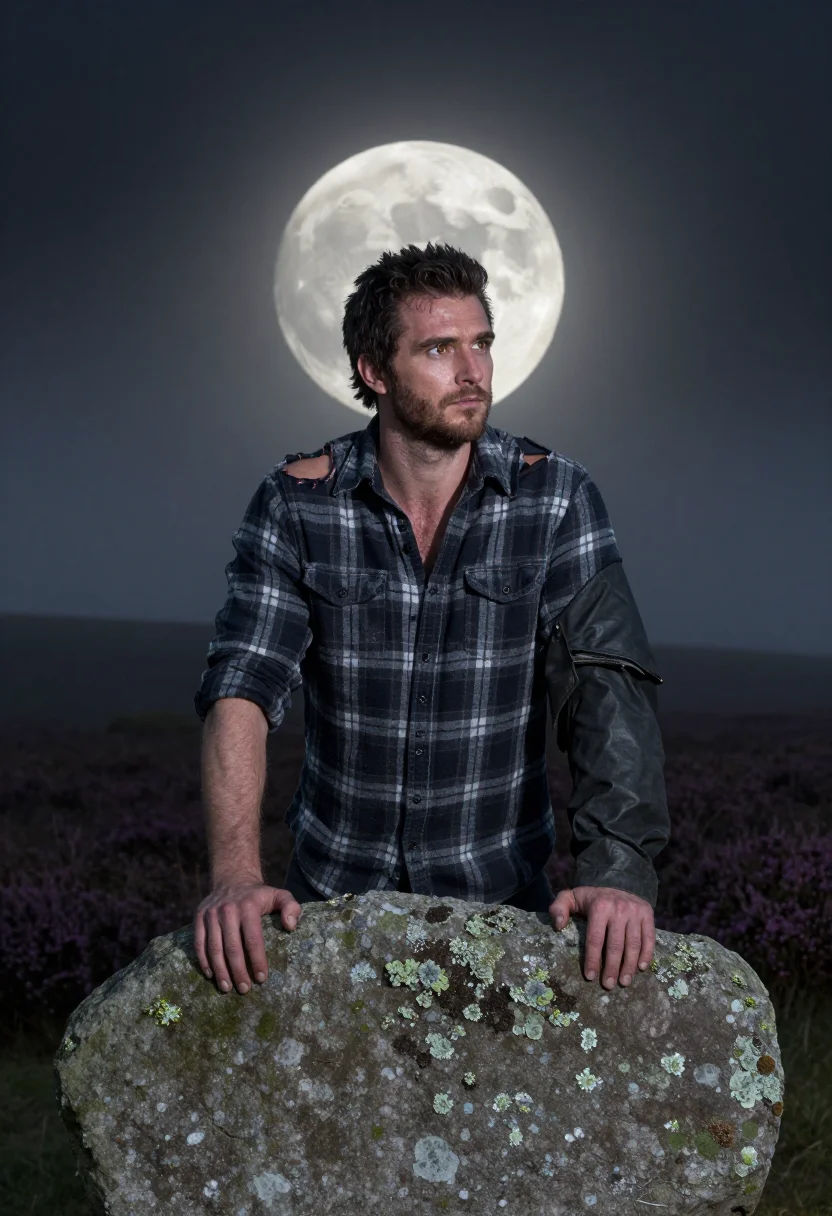
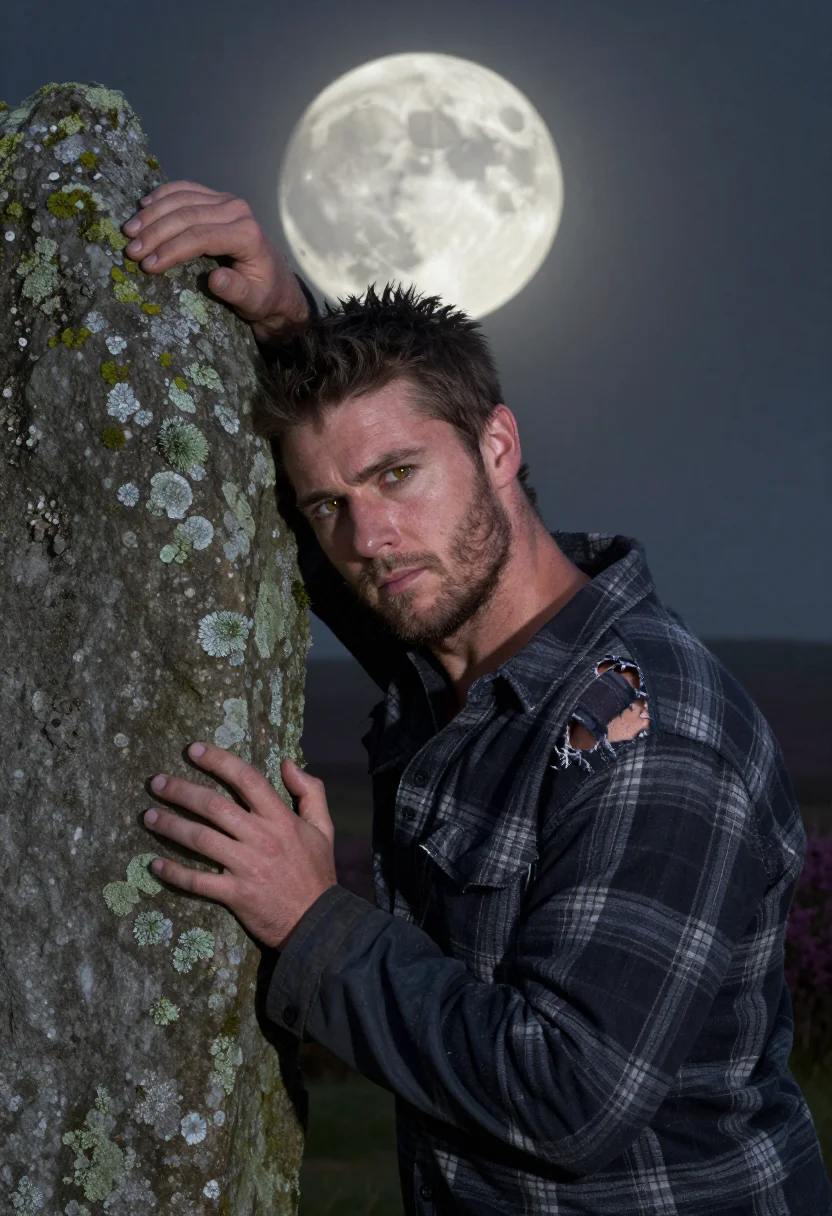
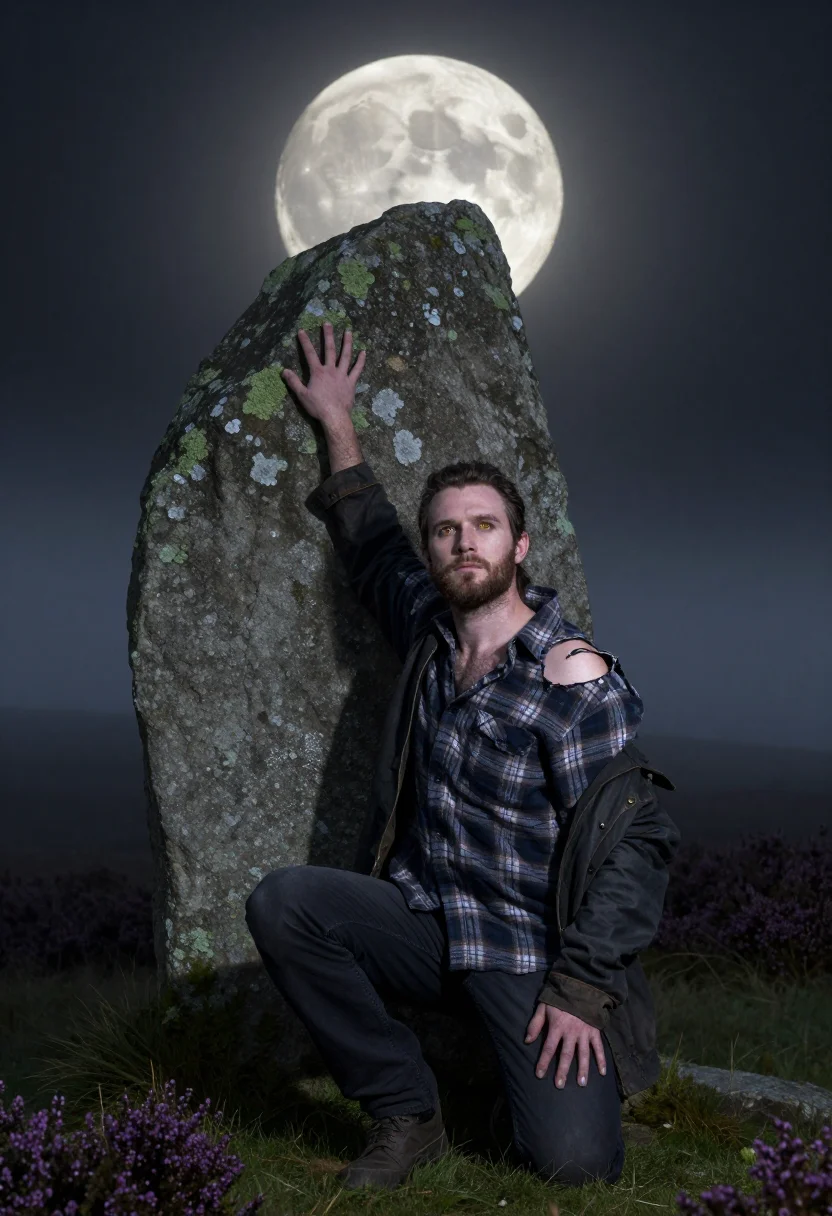
Nine photographs of you, styled as a werewolf costume portrait mid-transformation — amber eyes and first claws on the moor at moonrise, at a village pub's lantern-lit doorway, and against a standing stone under a huge moon, in portrait format. The nine vary in crop, expression and light, so there are real choices, not nine identical files.
/werewolf-moor · lifestyle · 3 scenes
A Werewolf Photoshoot
no account · ~15s · try it on with one selfie
More of the October night
one model wears them all →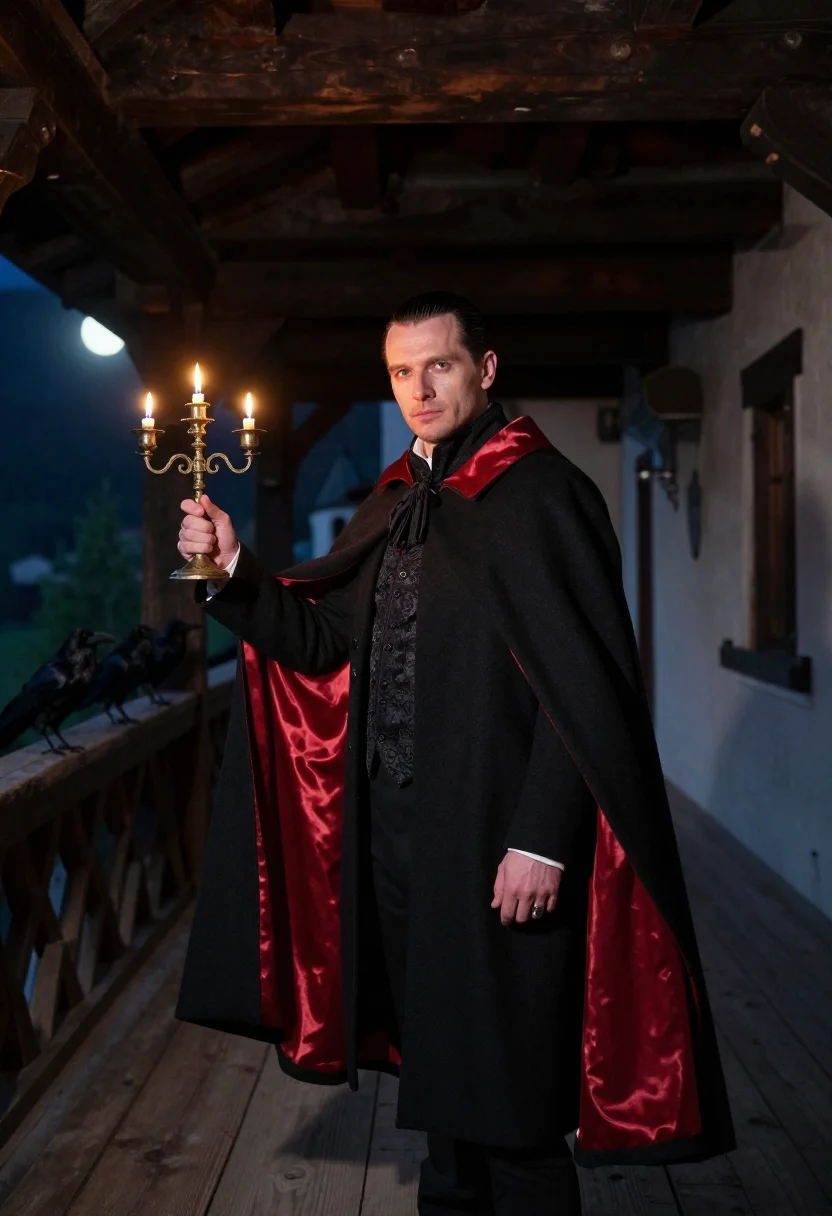
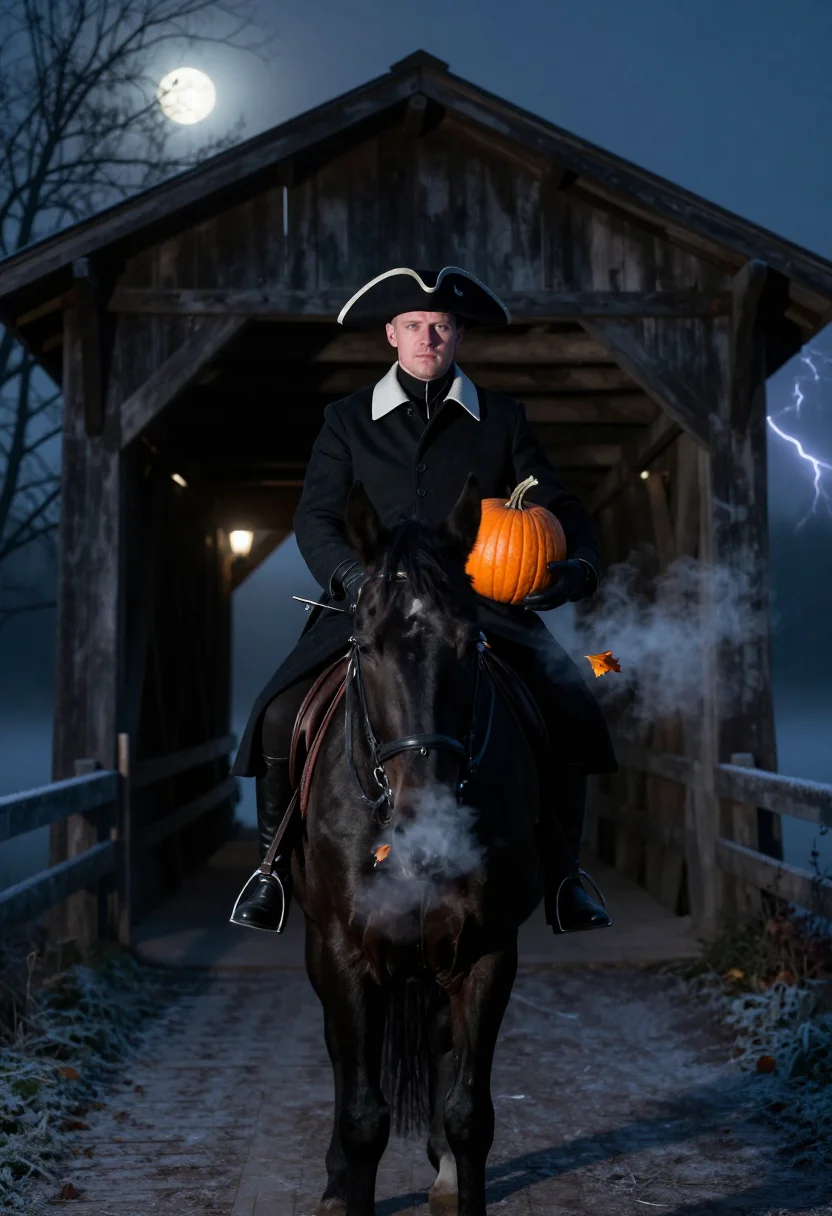
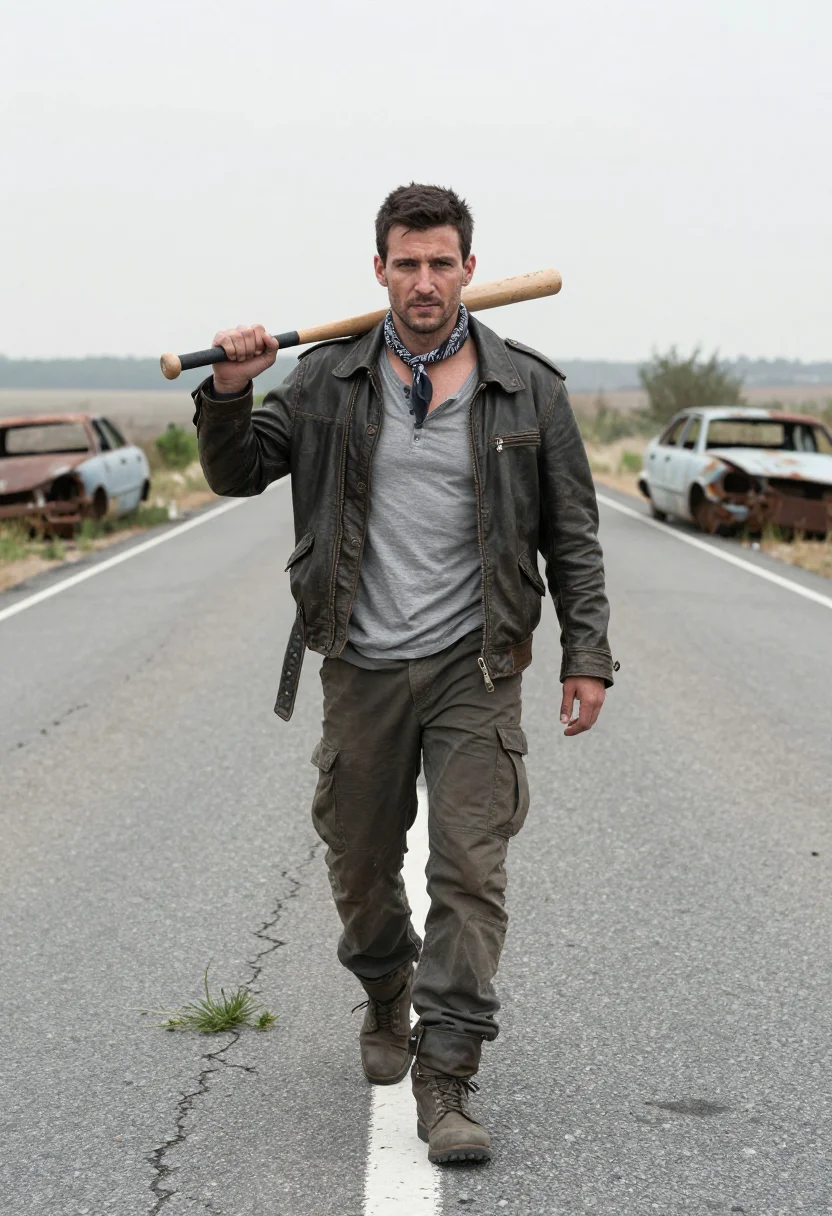
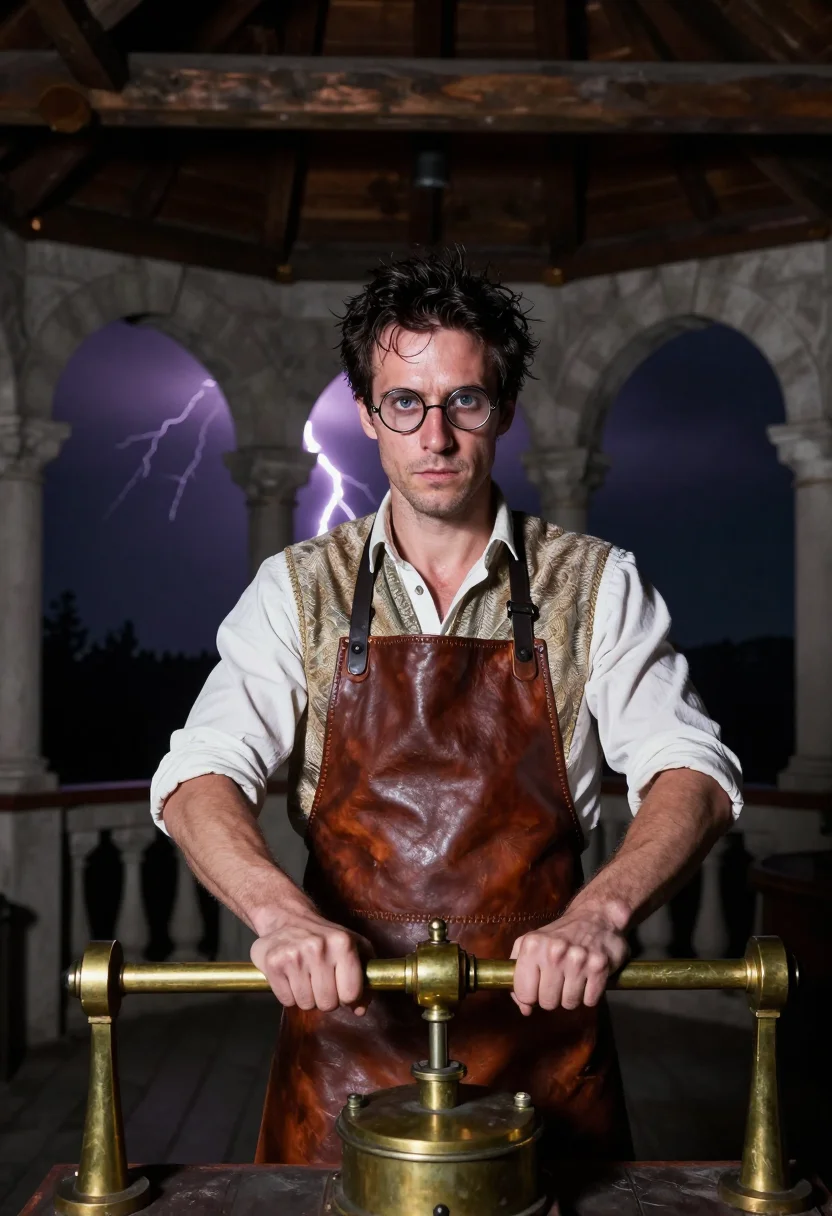
all 9 photos in this pack ↓
How it works
Three steps.
1
Add your photos
Add photos of yourself. We check each one when you add it.
2
We create your model
We create your AI model from your photos. Your photos are ready in a few hours.
3
Every pack, with your face
This pack and every other pack on Narcis can then be made with your face, and single photos too.
The Moor at Full Moon register
This pack is built on the first minute of transformation, not the full beast — the Yorkshire moor under a rising moon, a village pub's lantern, a standing stone at the heather's edge. The register borrows from British folk horror rather than the costume-shop werewolf: amber eyes just changed, the first claws at the fingertips, torn flannel and a waxed jacket instead of a rubber muzzle. It's a werewolf costume photoshoot built around restraint — the head stays human enough to still read as a portrait.
Three takes carry the pack: on the moor at moonrise, the flannel torn at the shoulder, eyes already amber, fog to the shins in the heather; the village pub's doorway under a hanging lantern, a missing-sheep poster on the board behind, sideburns and jacket collar in shadow; and half-turned against a standing stone with the moon huge behind, spine arched, hands clawed on cold rock. Photographically that's a cold blue moonrise key, a warm lantern practical, and a hard moon backlight in turn — the palette runs moor heather, pub amber, and moon silver.
The output is photoreal — a real-looking photograph of you on the moor, not a painting, an illustration, or practical makeup shot on film. It's a costume portrait: the amber eyes and first claws are digital effects layered onto your likeness, not a claim that any transformation actually happened. Nobody else's face or performance is depicted — this is you, styled for one night.
How to photograph yourself for a werewolf photoshoot
Better source photos make sharper werewolf costume portraits.
- Even, soft lightStand near a window with indirect daylight on your face. The pack builds its own moonlit or lantern key on top of that — a flat, well-lit selfie gives it the clearest face to change.
- Front or three-quarter angleCamera at eye level, facing it or turned slightly to three-quarter. No selfie-stick uplook — the moor and standing-stone takes read best from a level gaze.
- Face fully clearHair off the face, no hats or sunglasses in the source photo. The amber-eye and claw effects need a clean, front-facing photo to land convincingly.
- A level, warning stareA steady, slightly narrowed expression reads better in the werewolf makeup register than a big grin — it's the look the transformation takes hold of.
- Plain background is fineDon't worry about your own backdrop — the pack's three settings replace it entirely. A plain wall behind you just helps the model focus on your face.
Frequently asked questions
- Will it actually look like a real photograph?
- Yes. The output is photoreal — a real-looking photograph, not a painting, an illustration, or a rubber-suit costume photo — built around amber eyes, the first claws, and torn flannel across three real Yorkshire-moor settings.
- Is there any gore or full transformation shown?
- No. This pack stays in the first minute of transformation — amber eyes and the first claws — not a full beast or any gore. The head stays human enough to still read as a portrait of you.
- Is this pack built for men or women?
- The wardrobe and styling — torn flannel, waxed jacket, sideburns — are built for men, so it reads masculine.
- Can I use this as a Halloween costume reference or profile picture?
- Yes — it's a striking, well-composed portrait that works well as either. Used honestly, as a stylised AI photoshoot rather than a claim of a real transformation, it reads well on any profile or as a costume mood board.
- Can I print this or give it as a gift?
- Personal use like this is fine — a framed print, a Halloween invitation, a keepsake for a horror-obsessed friend. It isn't licensed for commercial resale.
- Do I need real werewolf makeup or contact lenses for this to work?
- You don't need any of it in real life; that's what the photoshoot supplies.
- Will the photos look like me?
- Every photo looks like you, well photographed. If one is nearly right, say what to change, in your own words.
- Do I have to write a prompt?
- No. There is nothing to write: you pick a pack, and it is ready in seconds.
- How many photos of myself do I add?
- Between six and twenty, from different days and in different light, with your face clear. We check each one when you add it.
- What happens to the photos I add?
- They are used only to create your model, on our own servers in the European Union. They are not shared and not sold.
When the werewolf photoshoot fits
- For a Halloween social post that reads like a real transformation, not a filter
- For a profile picture with amber-eyed, gothic-horror energy
- For a wall print or framed portrait in a British folk-horror register
- For a gift for anyone who reveres werewolf and full-moon horror
- For a themed Halloween party invitation or photoshoot teaser
- For a dating profile photo that reads striking without reading costume-store
- For a phone or desktop wallpaper with real moor and moonlight color in it
- For a horror-movie-night group theme, one portrait per guest
- For a keepsake print for a horror or folk-tale obsessed friend
- For anyone chasing a full moon photoshoot with real makeup-effects energy
About narcis
Most AI photo tools put every pose, job, era, and style in one giant catalog. The photos all look like every other AI photo on the internet — a glaze over a stock face. Narcis goes the other way. One job: photos of you that look like photographs. You add at least 6 photos of yourself, and we create your AI model from them. Your photos are ready in a few hours, and we email you when they are. Then this pack and every other pack on Narcis can be made with your face. Each pack is curated against real references — paintings, photographers, places — and tested on real faces before it goes live. Built and run by one small team, on our own servers.
All images are AI-generated. By using this service, you confirm you are 18+, that any face photo you upload is your own or used with explicit consent. Full Terms