Terno Yucateco: A Yucatan Traditional Dress Portrait
Nine photos of you in one setting
How your model is created from your photos
Every pack on Narcis, made with your face
Nine photographs of you in one setting: one pack of the Narcis catalogue.
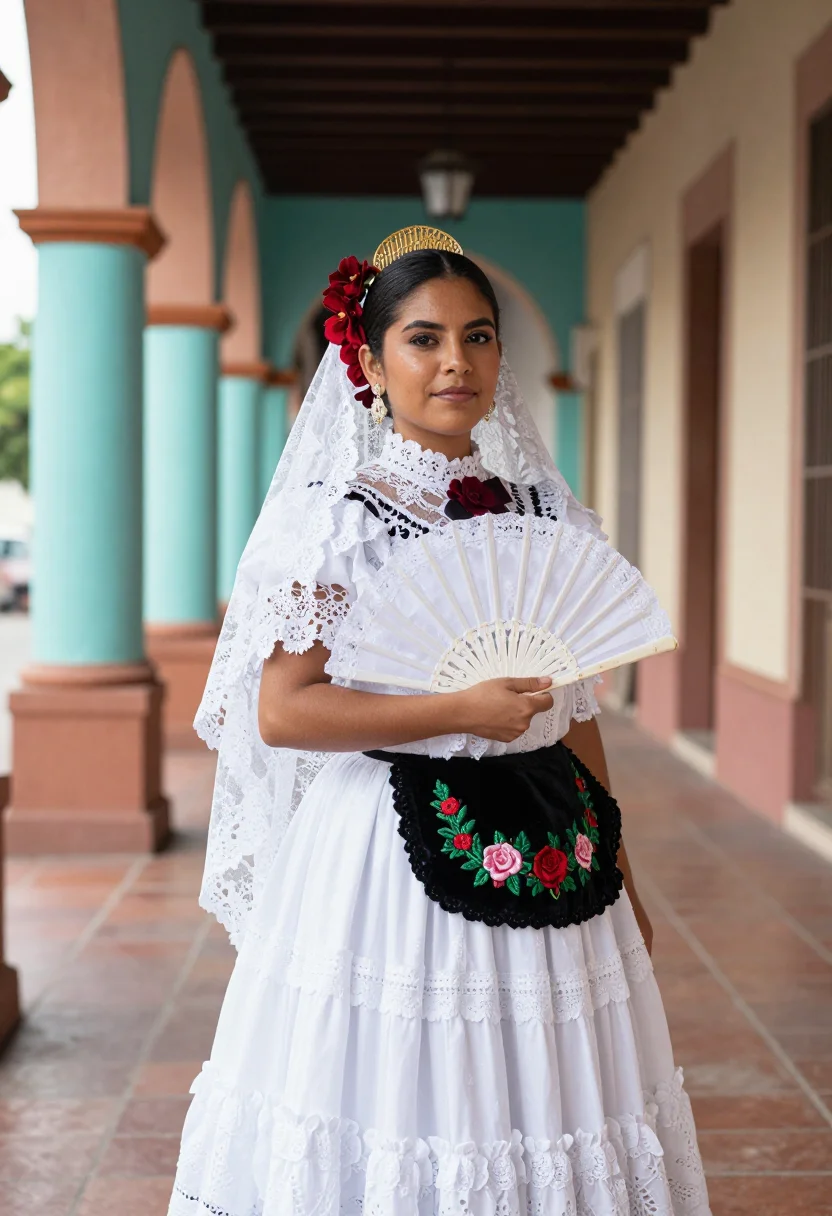
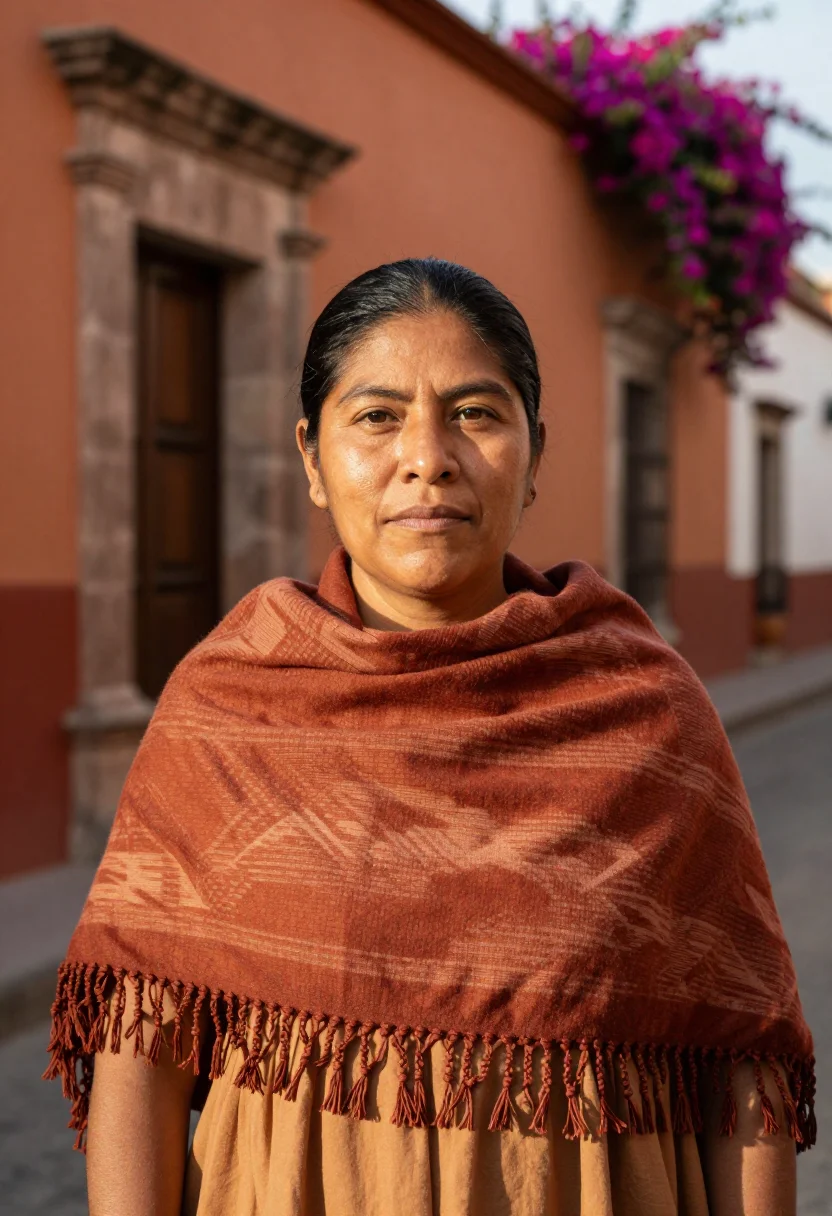
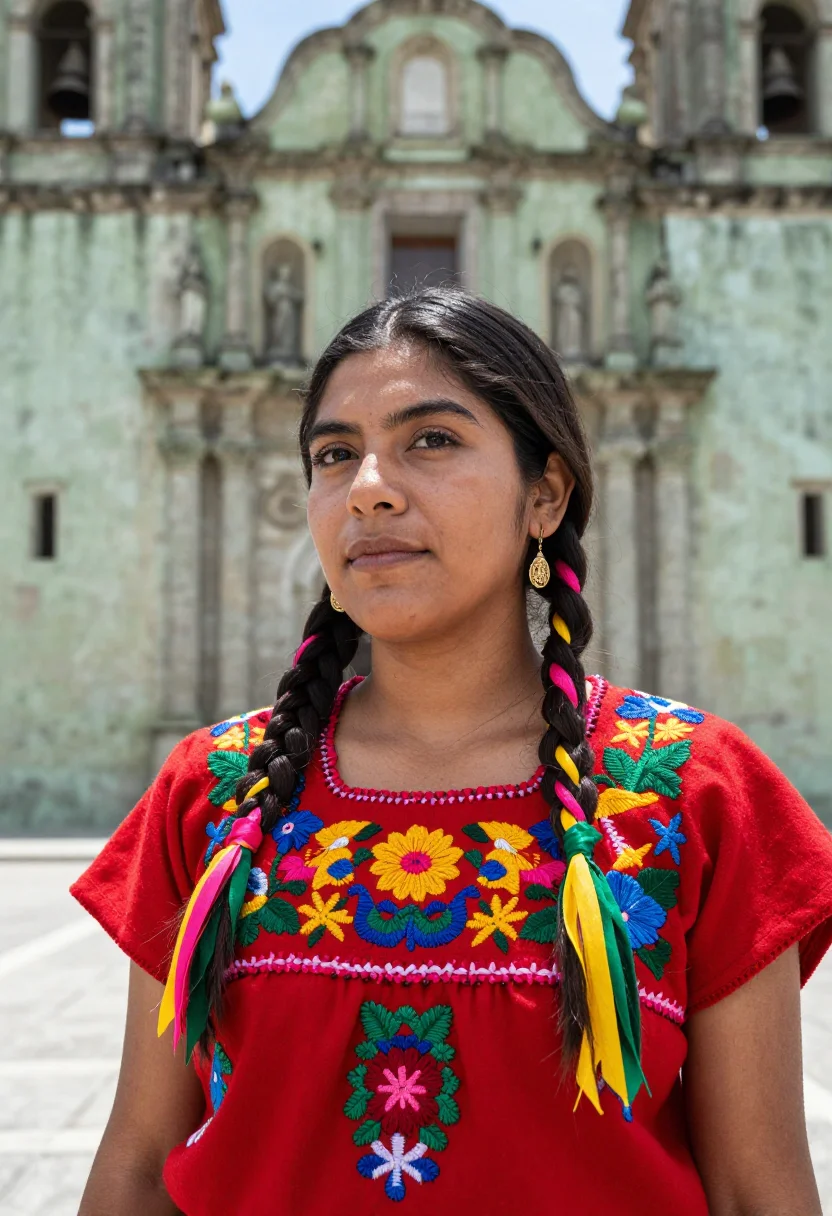
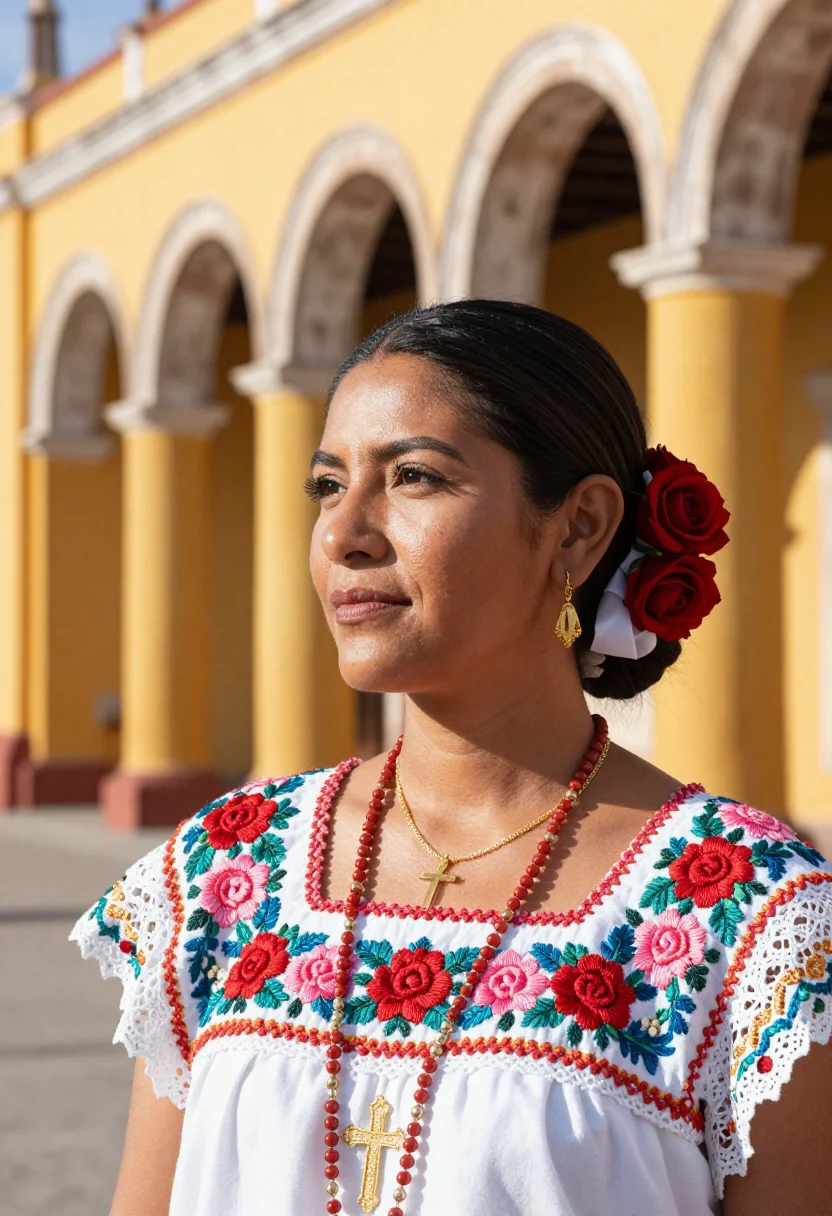
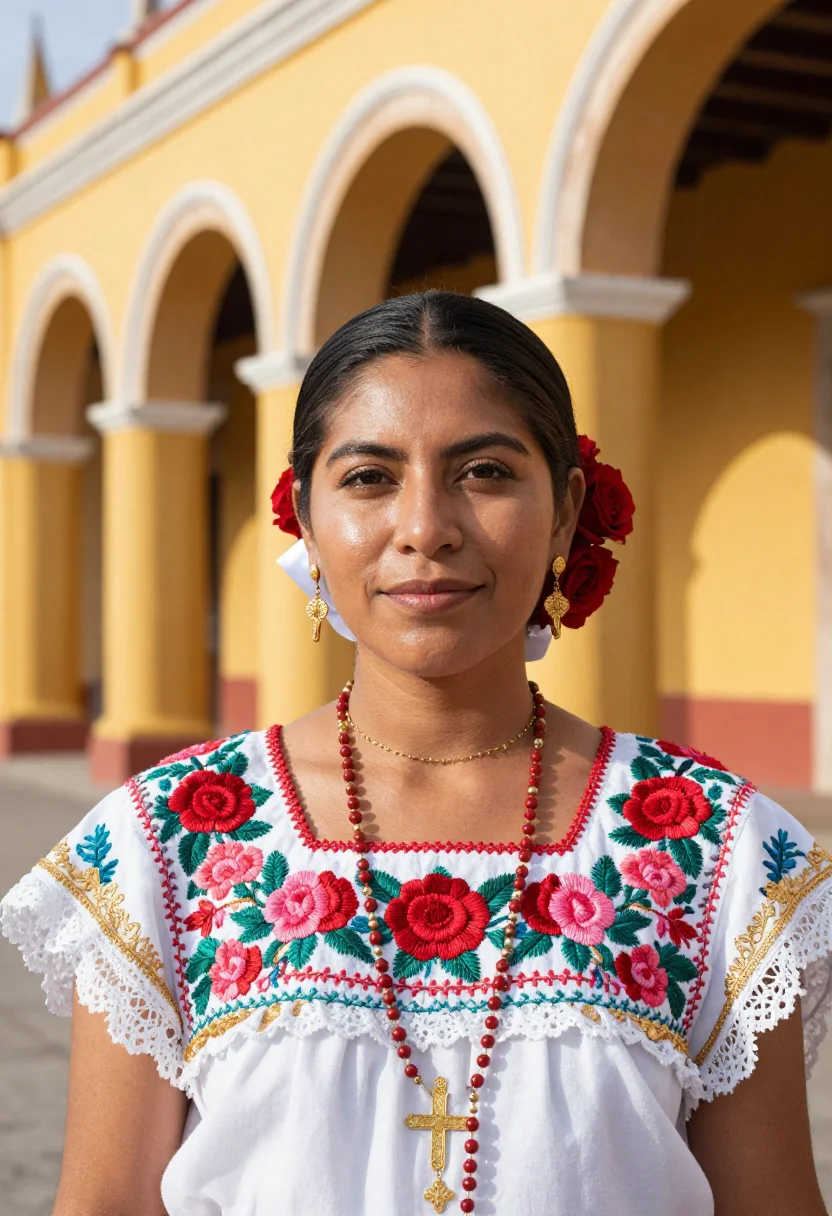
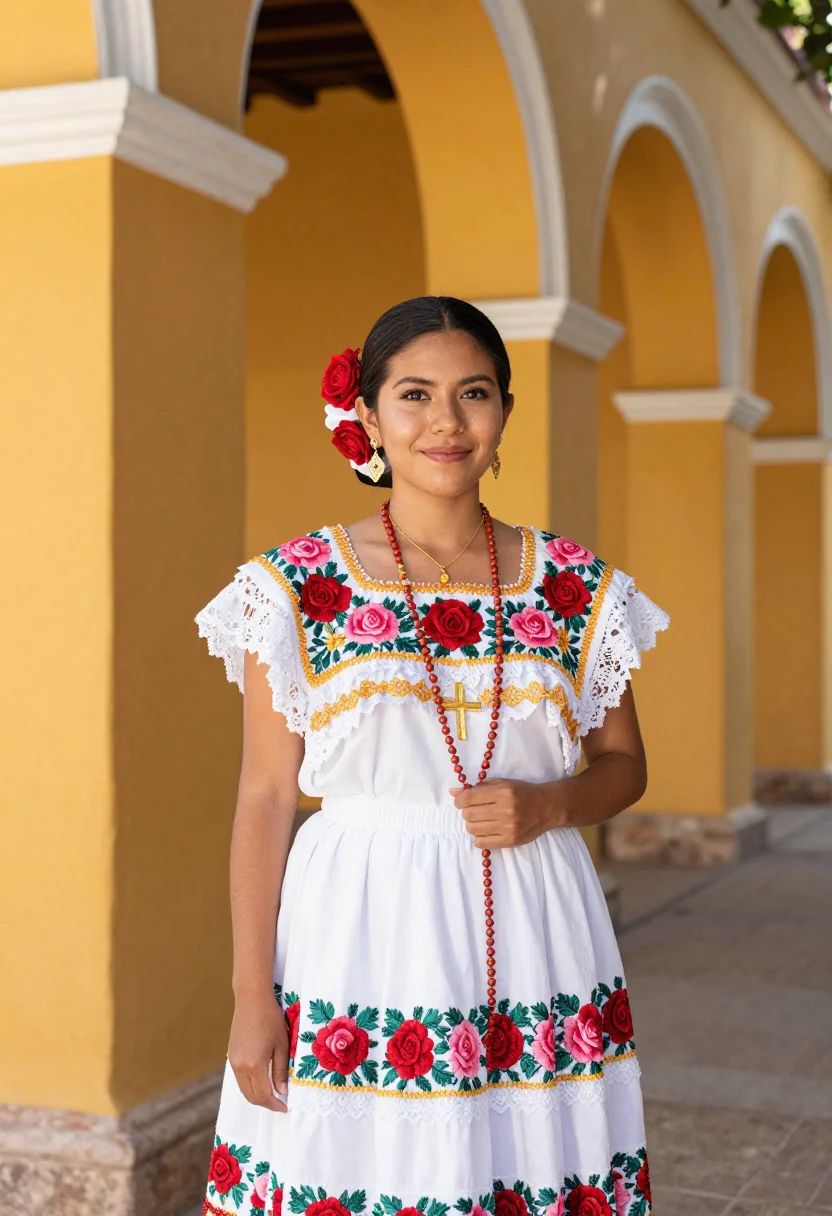
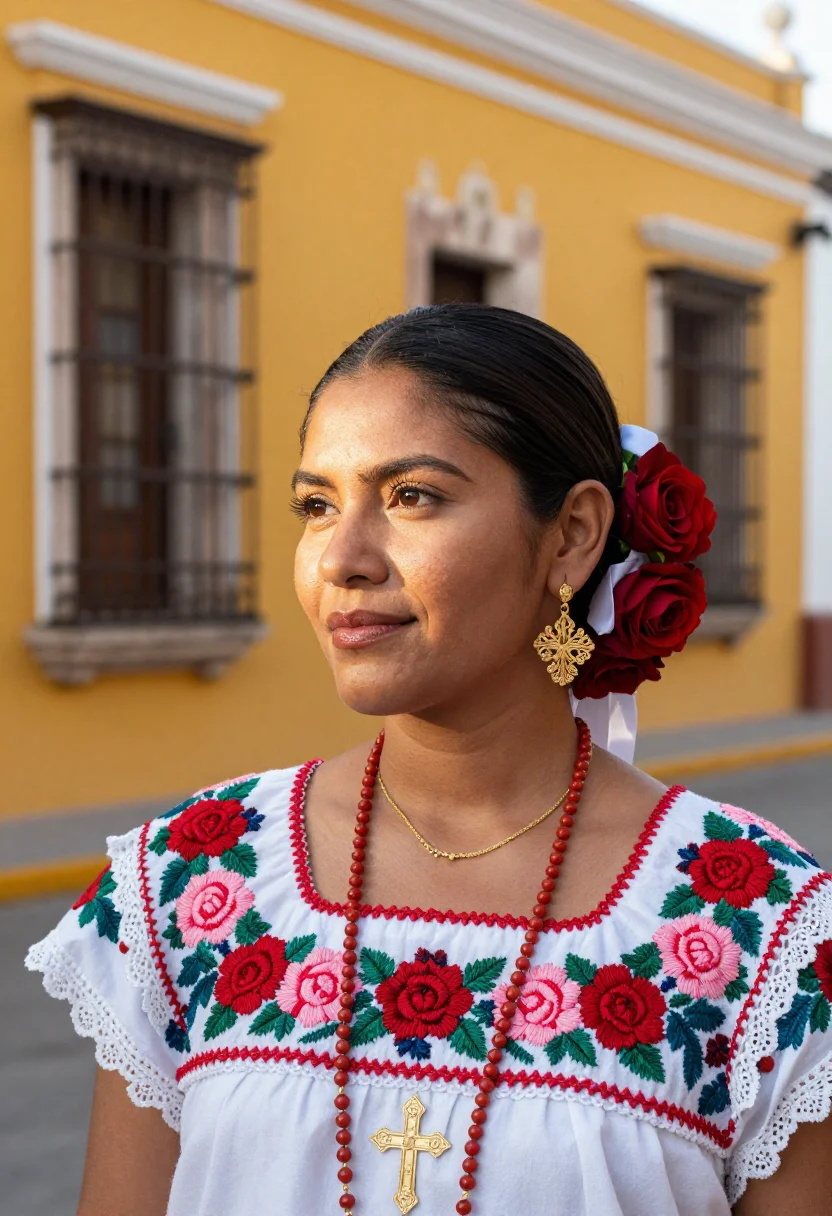
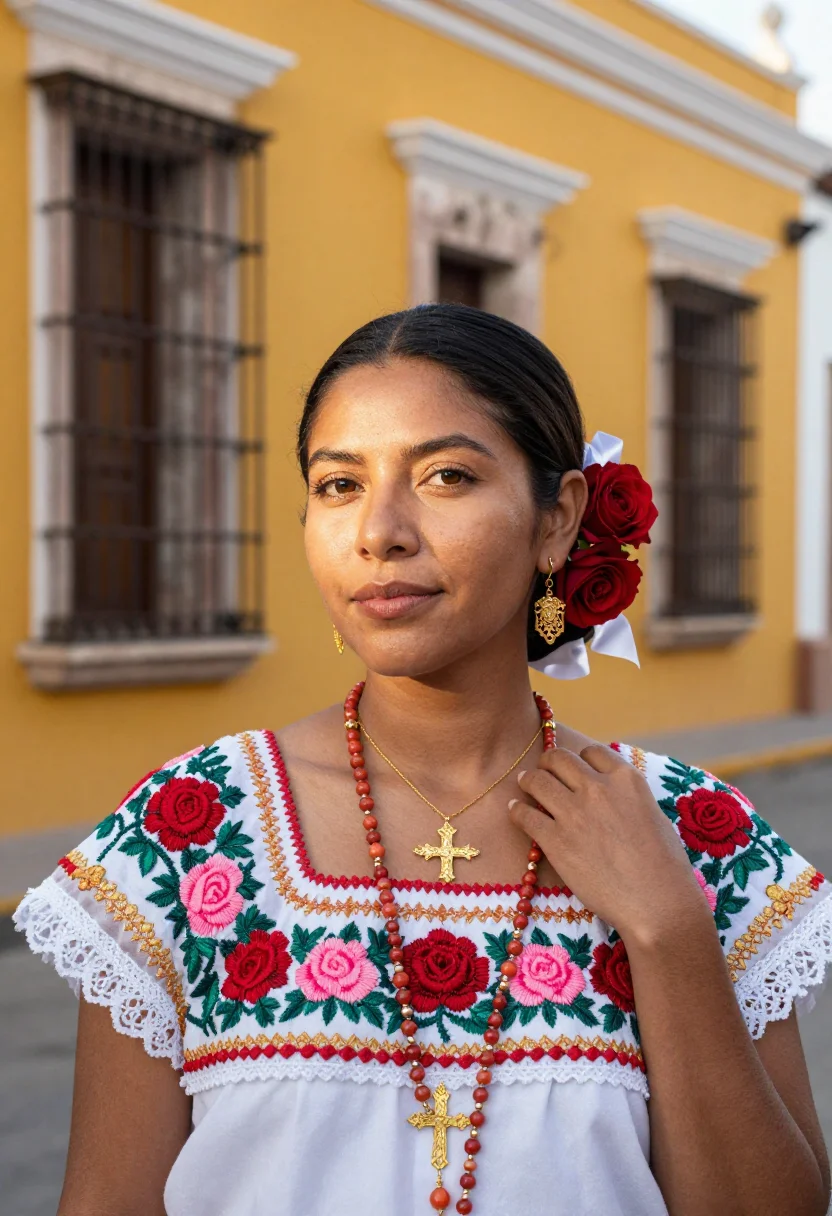
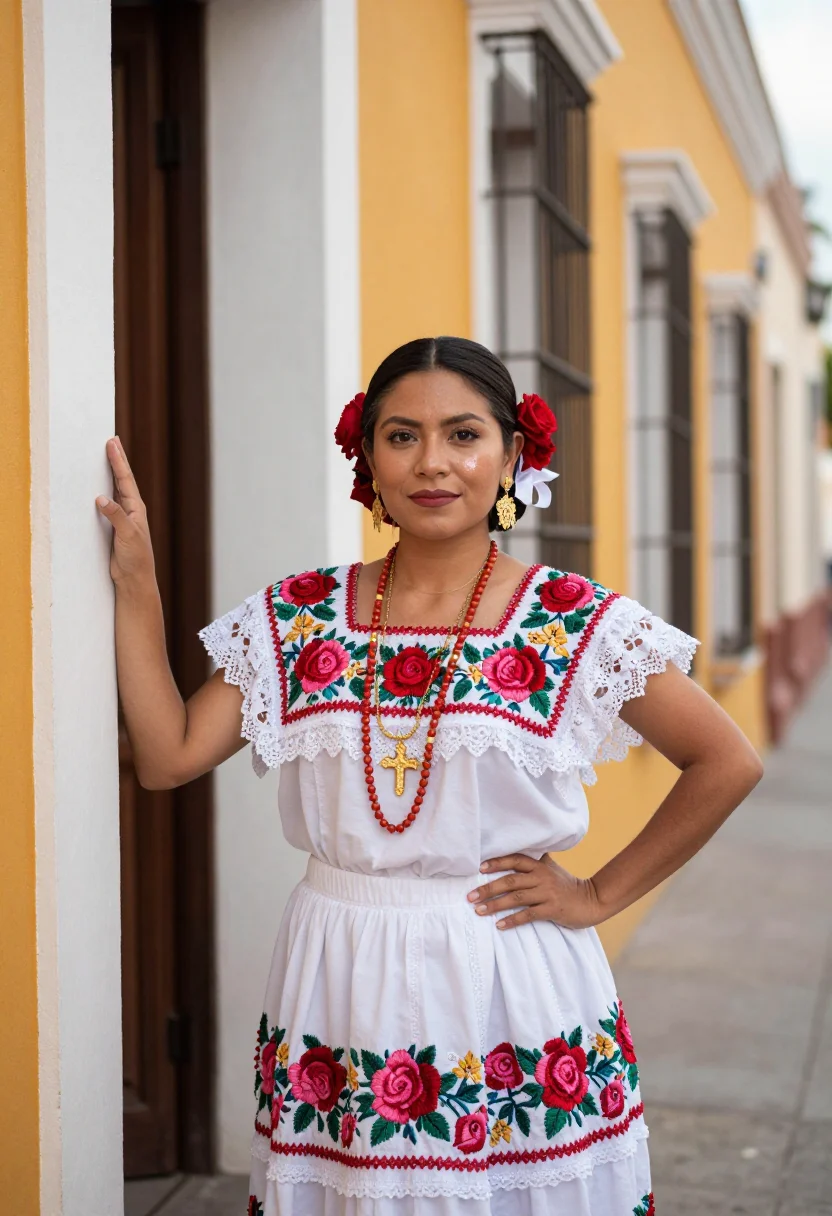
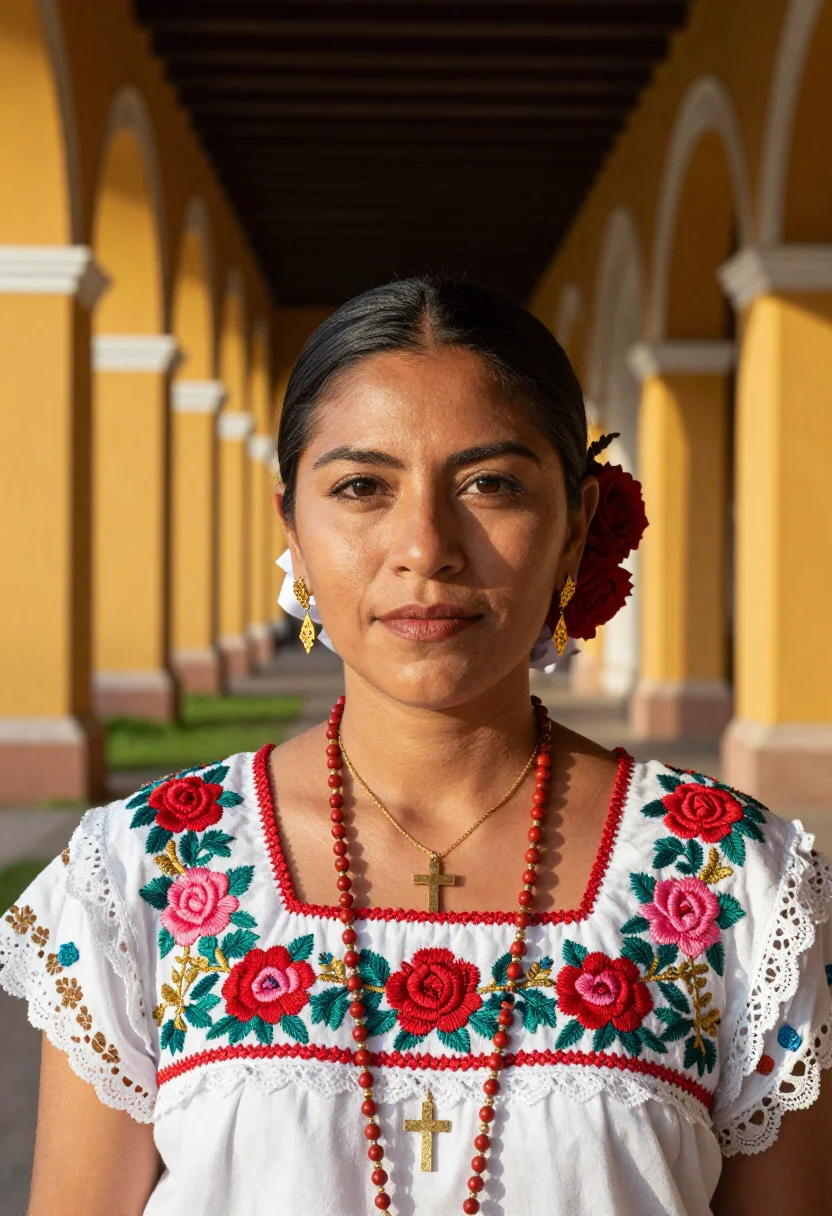
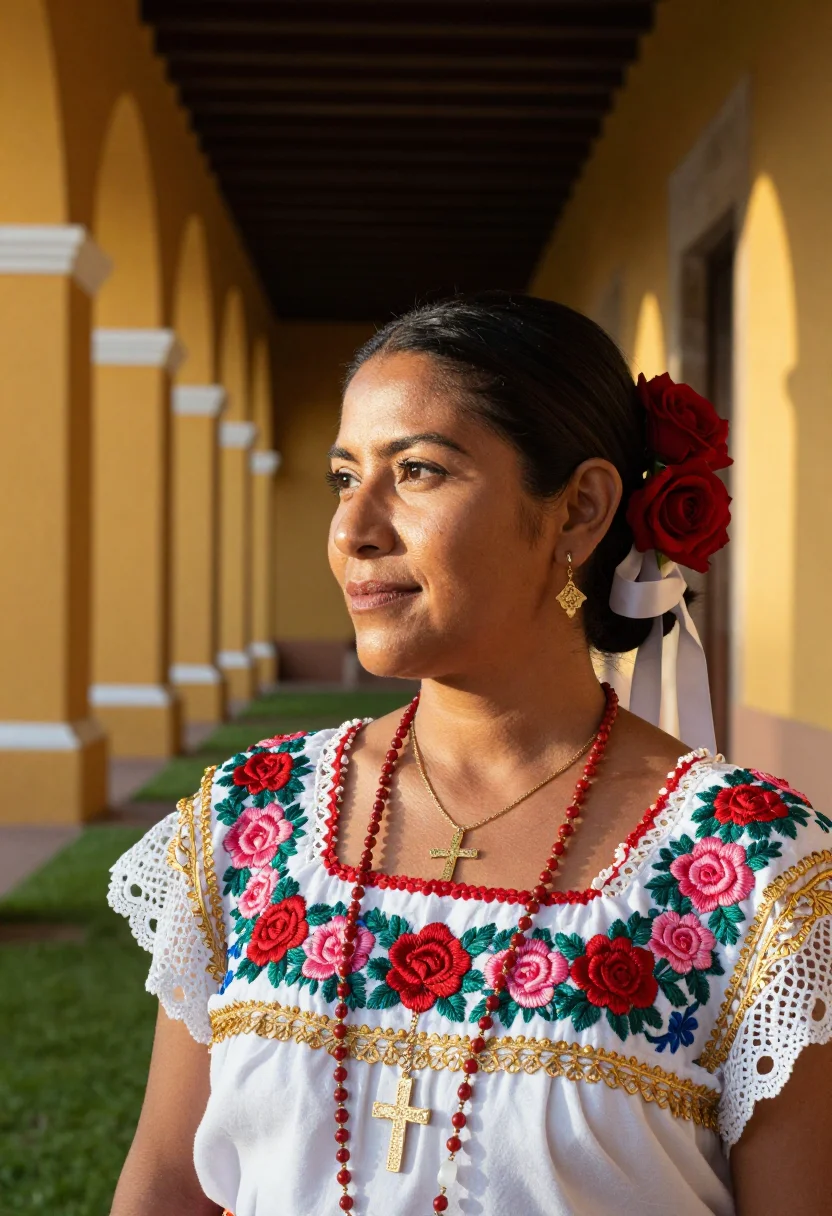
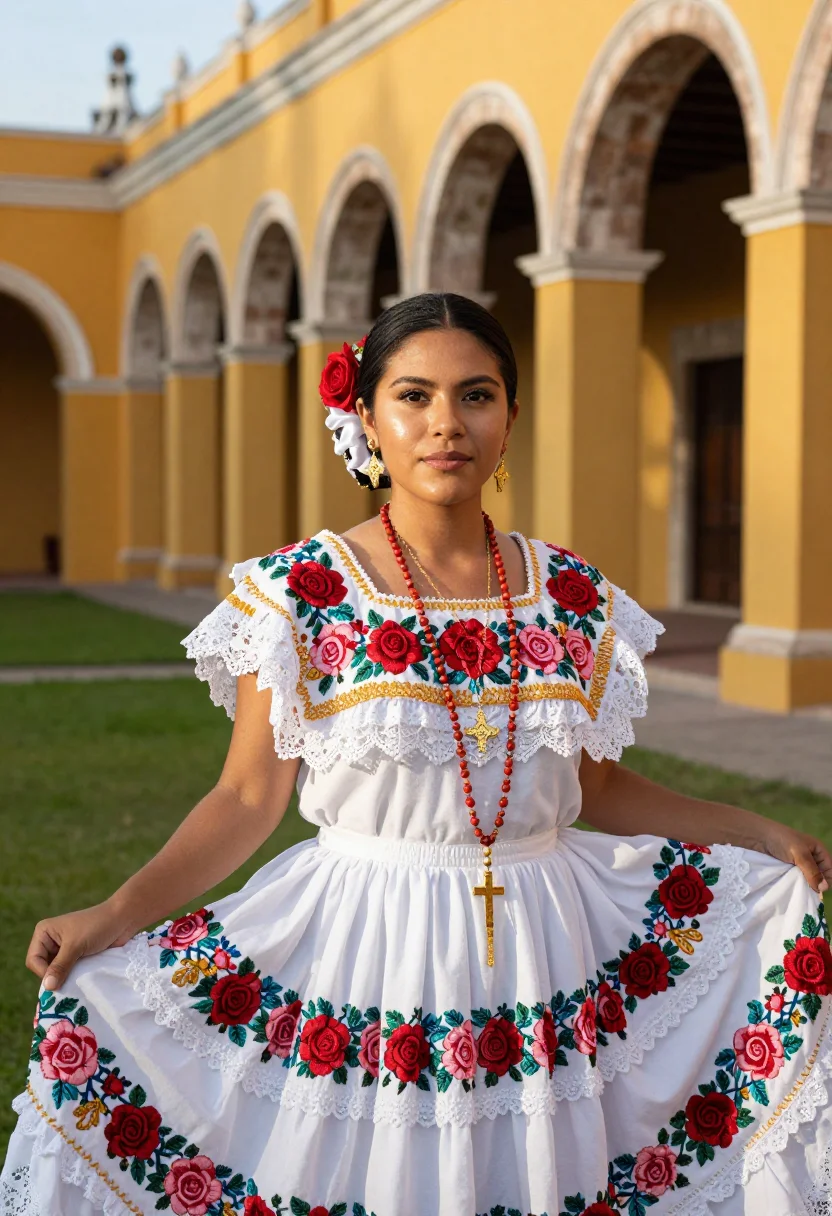
Nine photographs of you in a yucatan terno izamal setting, in portrait format. The nine vary in crop, expression and light, so there are real choices, not nine identical files.
/yucatan-terno-izamal · photo · 3 scenes
Terno Yucateco: A Yucatan Traditional Dress Portrait
6–20 photos of yourself · we email you when your model is ready
More of Mexico
one model wears them all →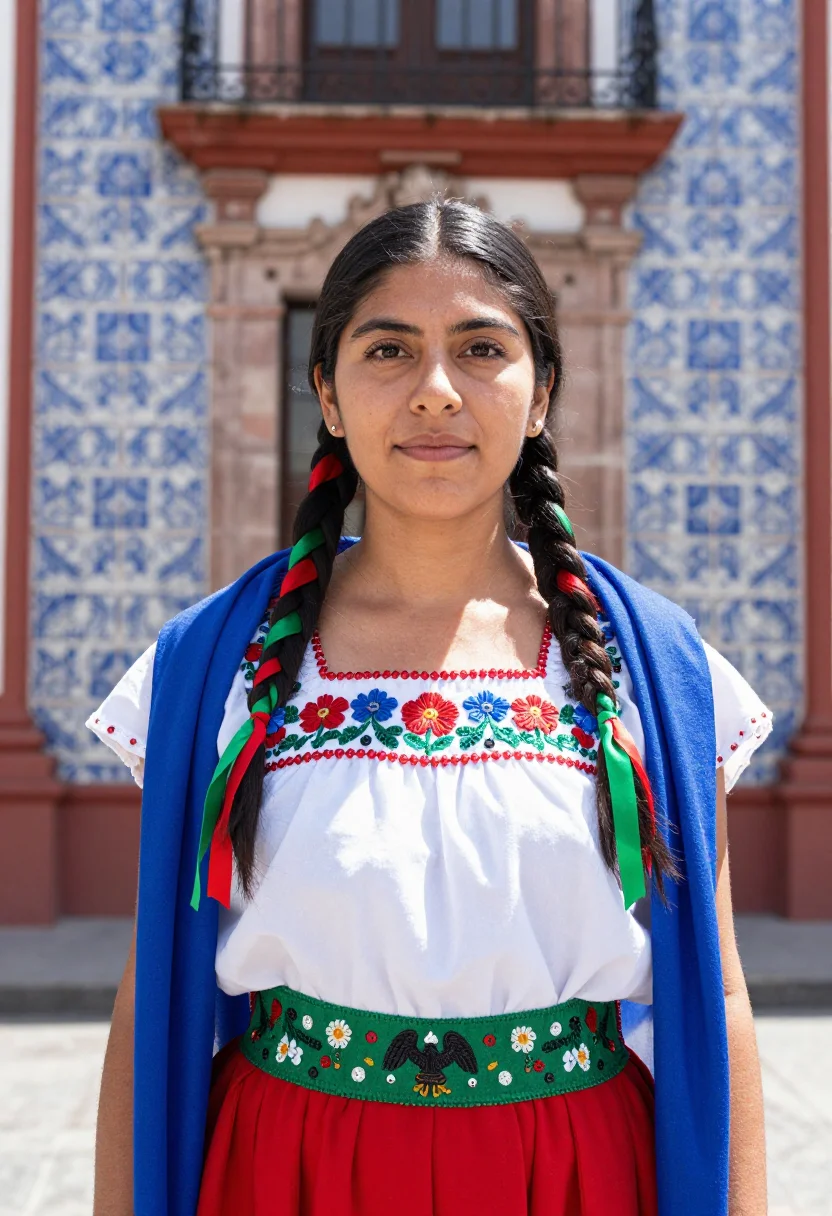
all 9 photos in this pack ↓
How it works
Three steps.
1
Add your photos
Add photos of yourself. We check each one when you add it.
2
We create your model
We create your AI model from your photos. Your photos are ready in a few hours.
3
Every pack, with your face
This pack and every other pack on Narcis can then be made with your face, and single photos too.
The Terno register
Izamal is the yellow city of Yucatan, where every wall and arch is painted egg-yolk yellow around the great Franciscan convent. The terno is the gala dress of the region: a white hipil with a deep square neckline, a fustan underskirt, a lace hem, and cross-stitched flowers in bright colours. Gold rosary beads and filigree complete it. The picture takes that white, that yellow arcade and the bright light of the Yucatan noon.
The palette is the yellow city against a white dress. Izamal's yellow carries the largest share, and the terno's white stands out against it. The embroidered roses at neck and hem and the gold filigree are the accents, placed where the eye should rest. Frames move from the convent's yellow arcade with the square neckline in view, to the close detail of the embroidery and the filigree necklace, then to the half-length view in the atrium with the arches receding behind.
What comes out is photographic: nine photos of you in the terno, three in each of three settings, with the yellow arches and the convent behind you. It is a terno yucateco portrait made to look like a photograph, not a painting.
How to photograph yourself for a Terno portrait
Better source pictures make better portraits. An ordinary phone picture is enough, and a few habits sharpen the likeness.
- Even, soft lightStand near a window with daylight on your face. Avoid overhead bulbs and phone flash, which flatten a face.
- Front or three-quarter angleCamera at eye level, facing it or turned slightly. No shot from below, no stretched arm.
- Face fully clearHair off the face, no sunglasses and no filters. A clear, front-facing picture is the best starting point.
- A natural expressionA relaxed, genuine smile or a calm look carries over best. Avoid a stiff pose.
- A plain background is fineDo not worry about your own backdrop. The pack replaces it entirely.
Frequently asked questions
- Will they look like real photographs?
- Yes. Each frame is photoreal: a photograph-style picture of you in the look of a yellow colonial town, not a painting or a cartoon.
- Who is this pack for?
- The wardrobe is cut for women, so the pack reads that way. Other packs on Narcis suit other looks.
- Can I use it for a gala or wedding-guest profile?
- Yes. The nine photos suit a gala invitation, a cultural profile or a heritage portrait, and each one is a complete look.
- Can I use one picture or do I need several?
- One clear, front-facing picture of your face is enough. More angles improve likeness slightly.
- How is this different from a generic AI portrait app?
- A generic app gives one look from a plain template. This pack gives nine photos in three settings, in one gala dress and one town, built to match each other.
- What if my picture is not very good?
- The pack still works with an ordinary picture. Follow the tips above for light and angle, and a sharp, clearly lit face gives a closer likeness.
- Can I use the pictures commercially?
- The terms page sets out what you may do with the pictures, including commercial use.
- Are the people in the pictures real?
- The composed figure is AI-generated and depicts no real person. A face appears in the frames only when you cast your own by choice. You must be 18 or over to use the service.
- Will the photos look like me?
- Every photo looks like you, well photographed. If one is nearly right, say what to change, in your own words.
- Do I have to write a prompt?
- No. There is nothing to write: you pick a pack, and it is ready in seconds.
- How many photos of myself do I add?
- Between six and twenty, from different days and in different light, with your face clear. We check each one when you add it.
- What happens to the photos I add?
- They are used only to create your model, on our own servers in the European Union. They are not shared and not sold.
When this pack fits
- A yucatan traditional dress portrait for a cultural profile or a heritage post
- A hipil yucatan look for a gala or a family celebration
- An Izamal photoshoot look under yellow arches
- A bright half-length portrait for a personal website
- A gift portrait for someone who loves Mexican heritage dress
- A mestiza dress portrait for a themed party
- A framed print of white embroidery against yellow walls
About narcis
Most AI photo tools put every pose, job, era, and style in one giant catalog. The photos all look like every other AI photo on the internet — a glaze over a stock face. Narcis goes the other way. One job: photos of you that look like photographs. You add at least 6 photos of yourself, and we create your AI model from them. Your photos are ready in a few hours, and we email you when they are. Then this pack and every other pack on Narcis can be made with your face. Each pack is curated against real references — paintings, photographers, places — and tested on real faces before it goes live. Built and run by one small team, on our own servers.
All images are AI-generated. By using this service, you confirm you are 18+, that any face photo you upload is your own or used with explicit consent. Full Terms