Boston Seaport Photoshoot
Nine photos of you in one setting
How your model is created from your photos
Every pack on Narcis, made with your face
Nine photographs of you in one setting: one pack of the Narcis catalogue.
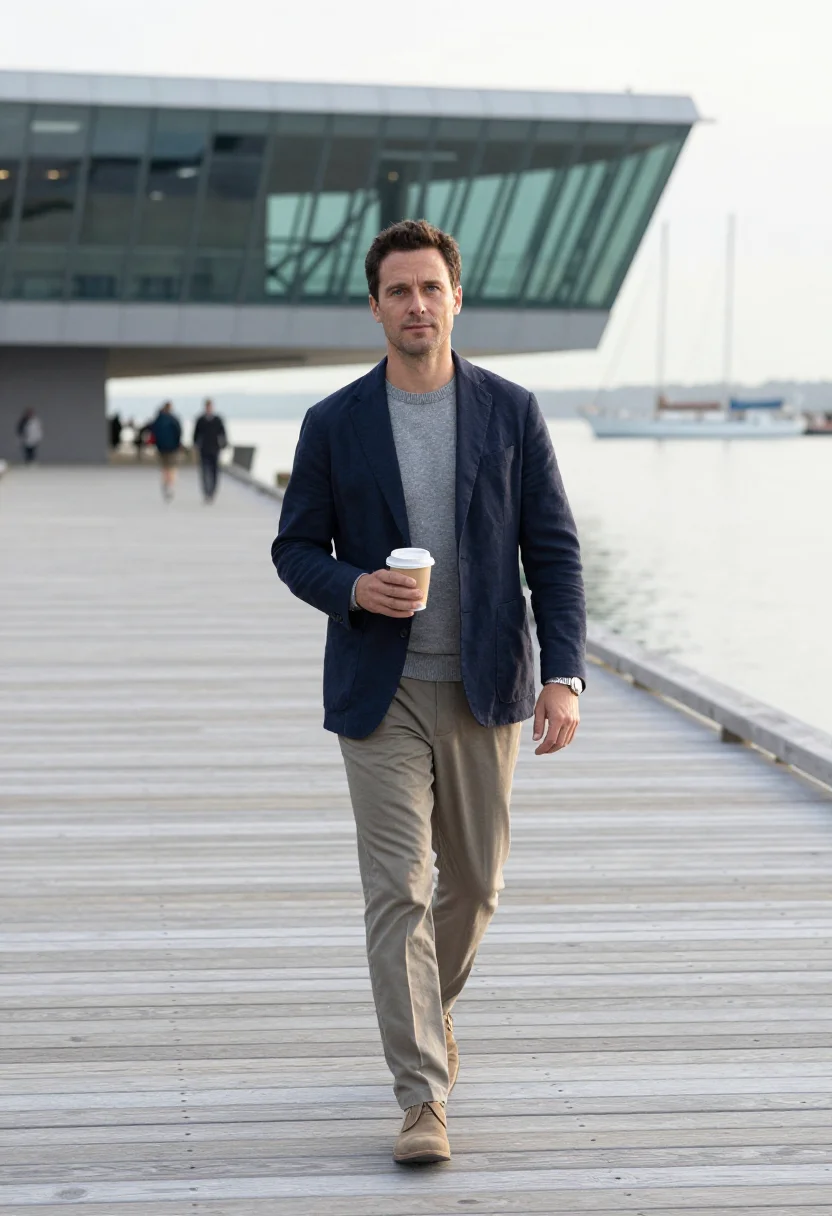
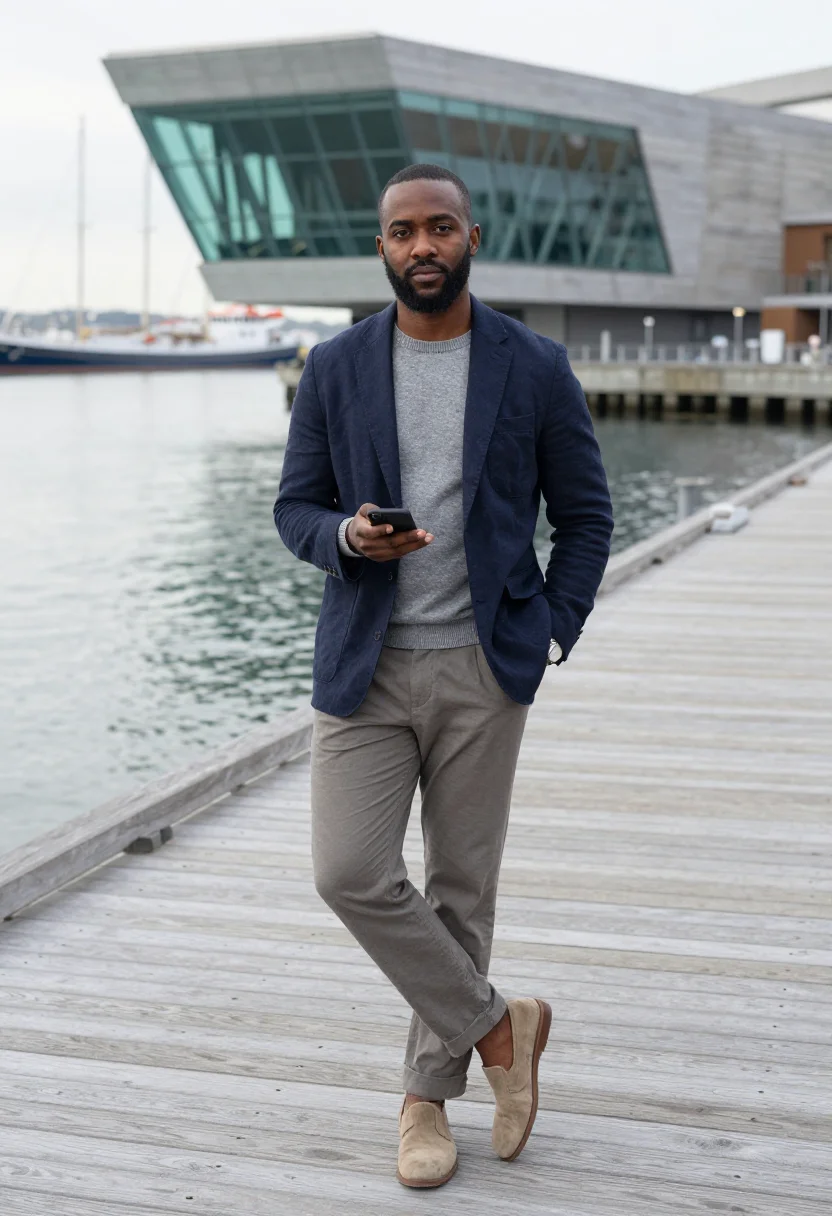
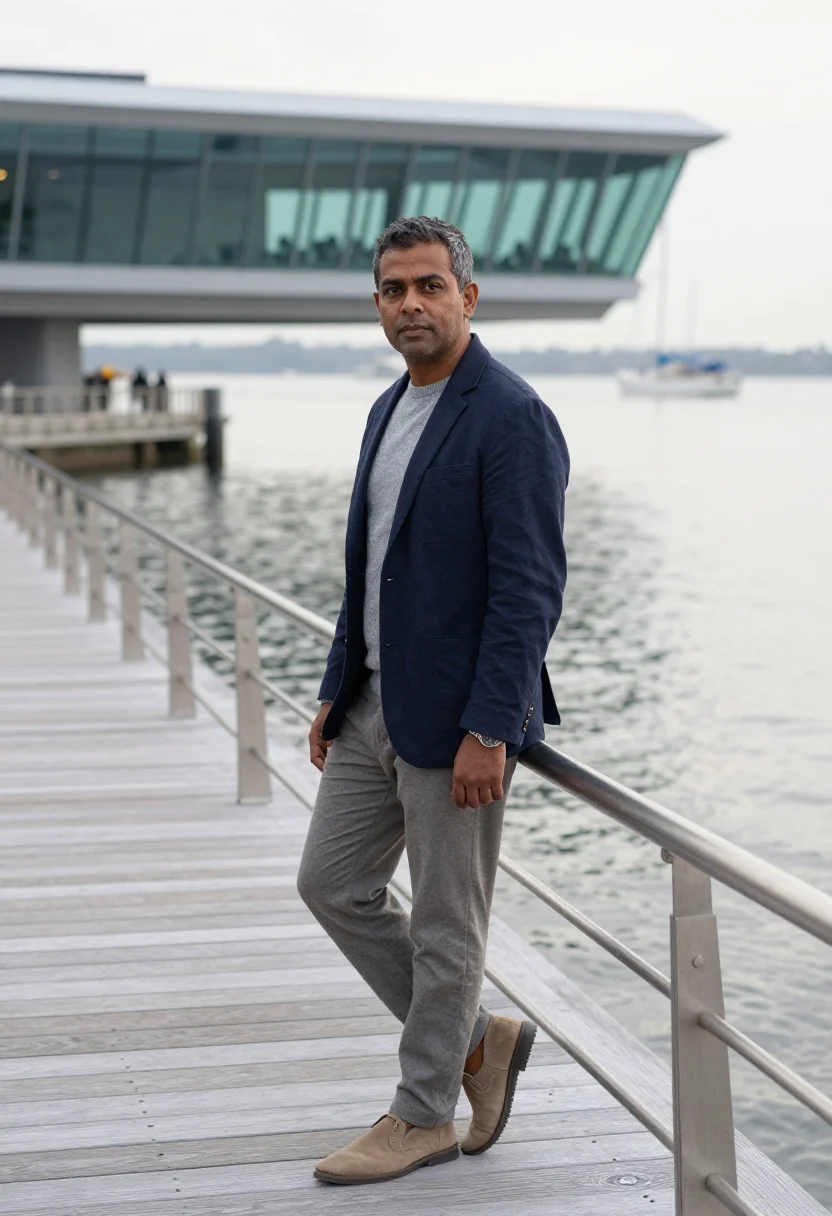
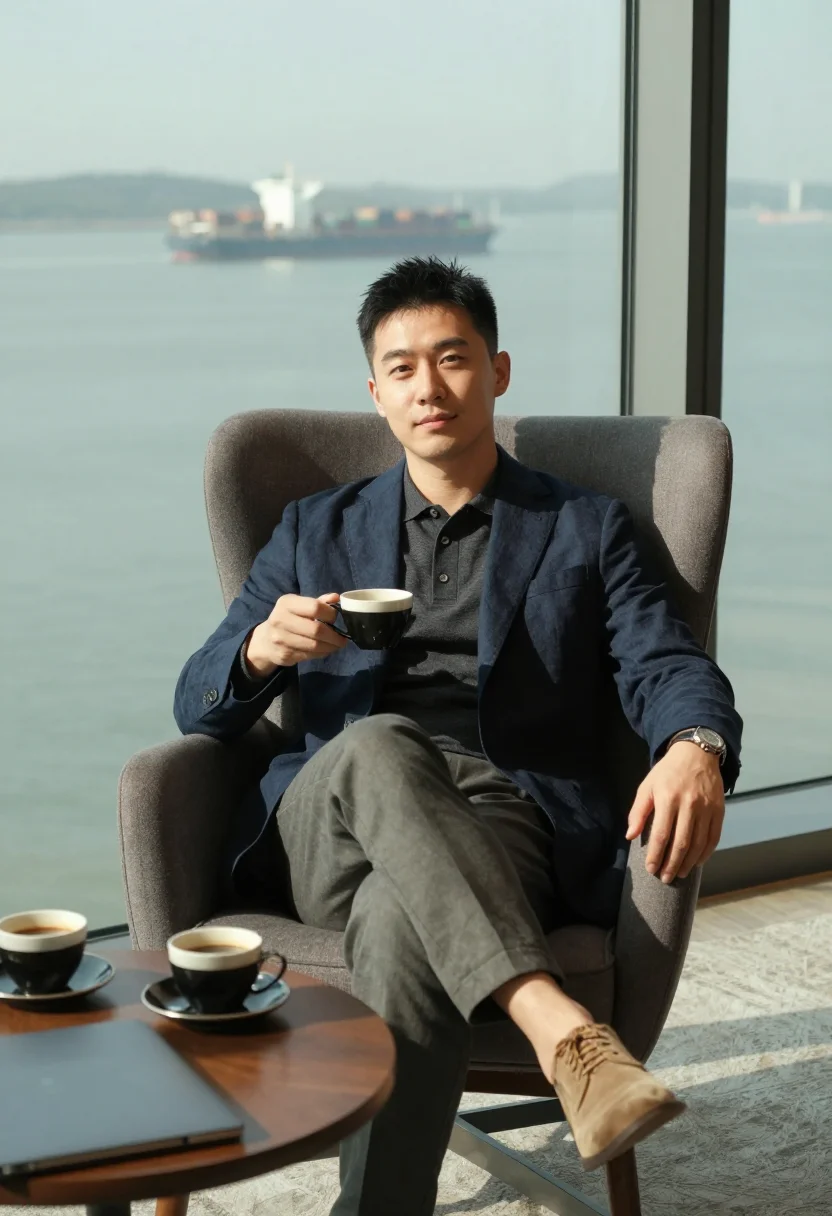
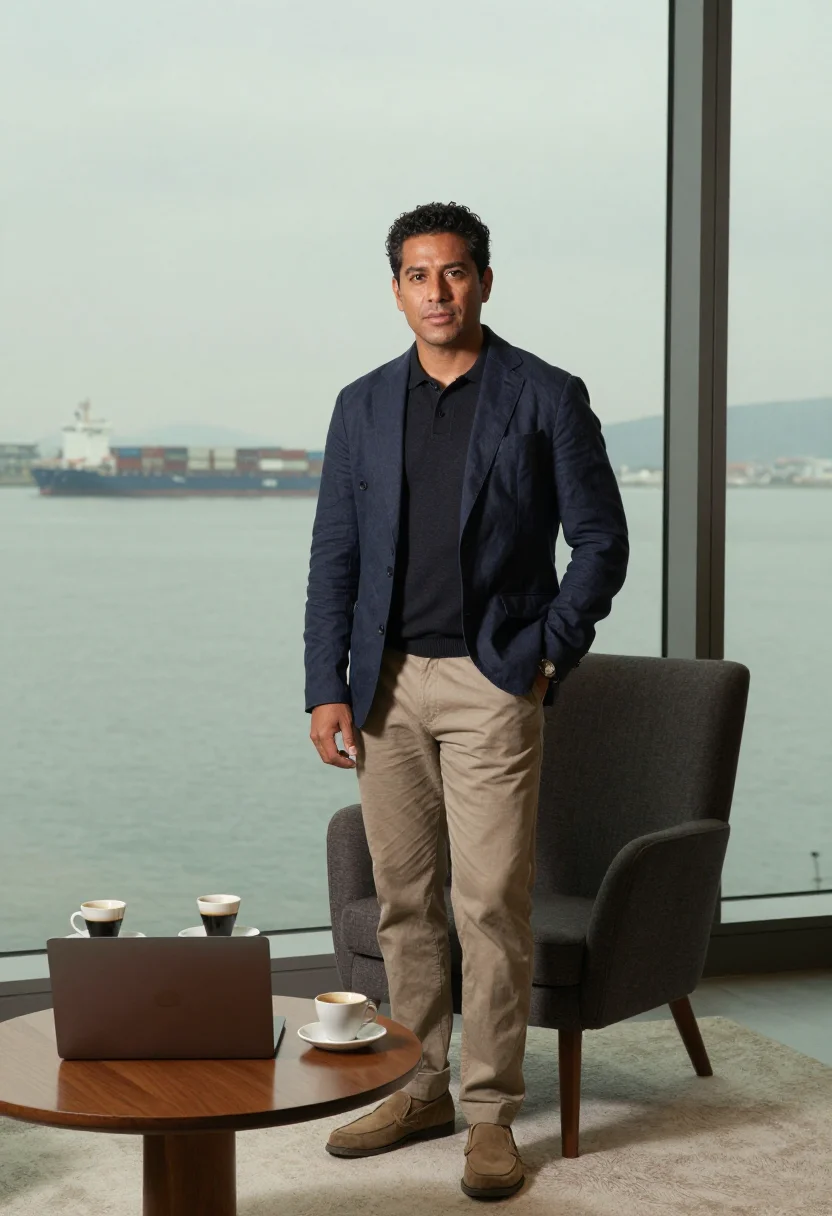
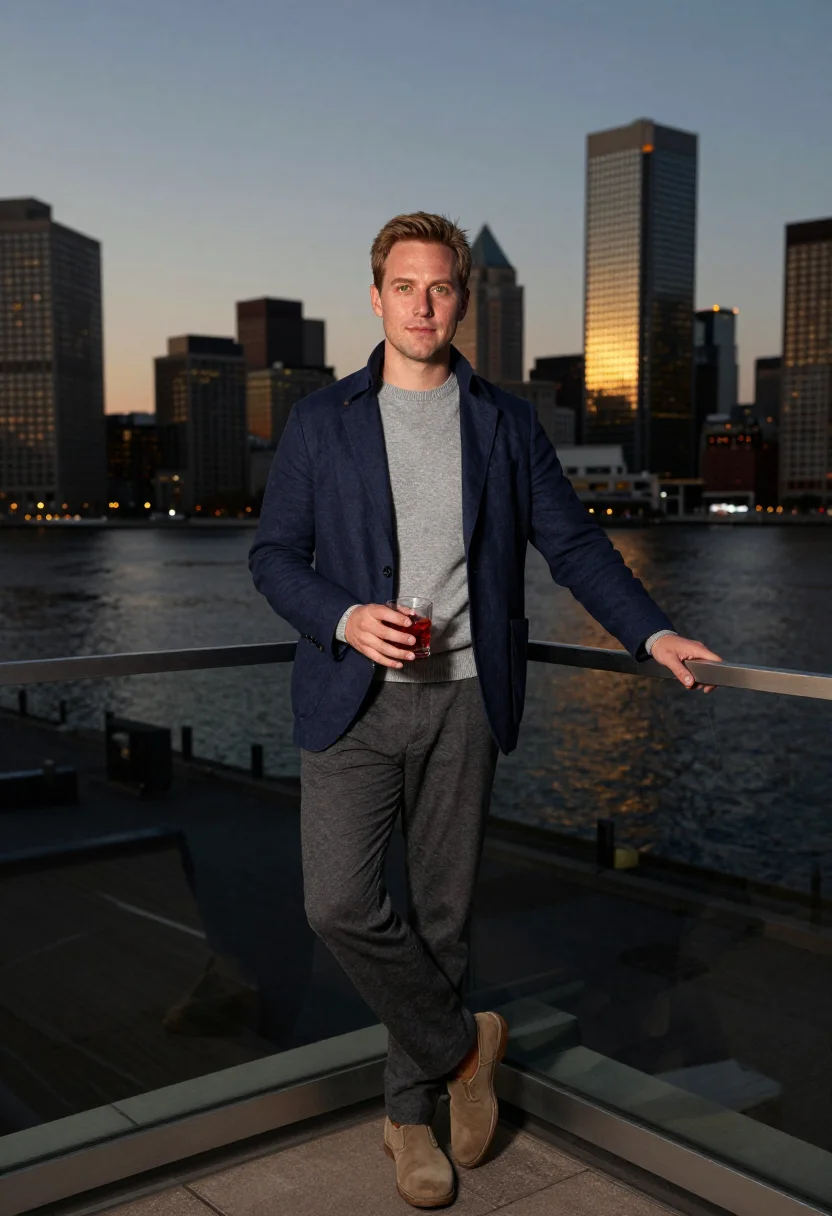
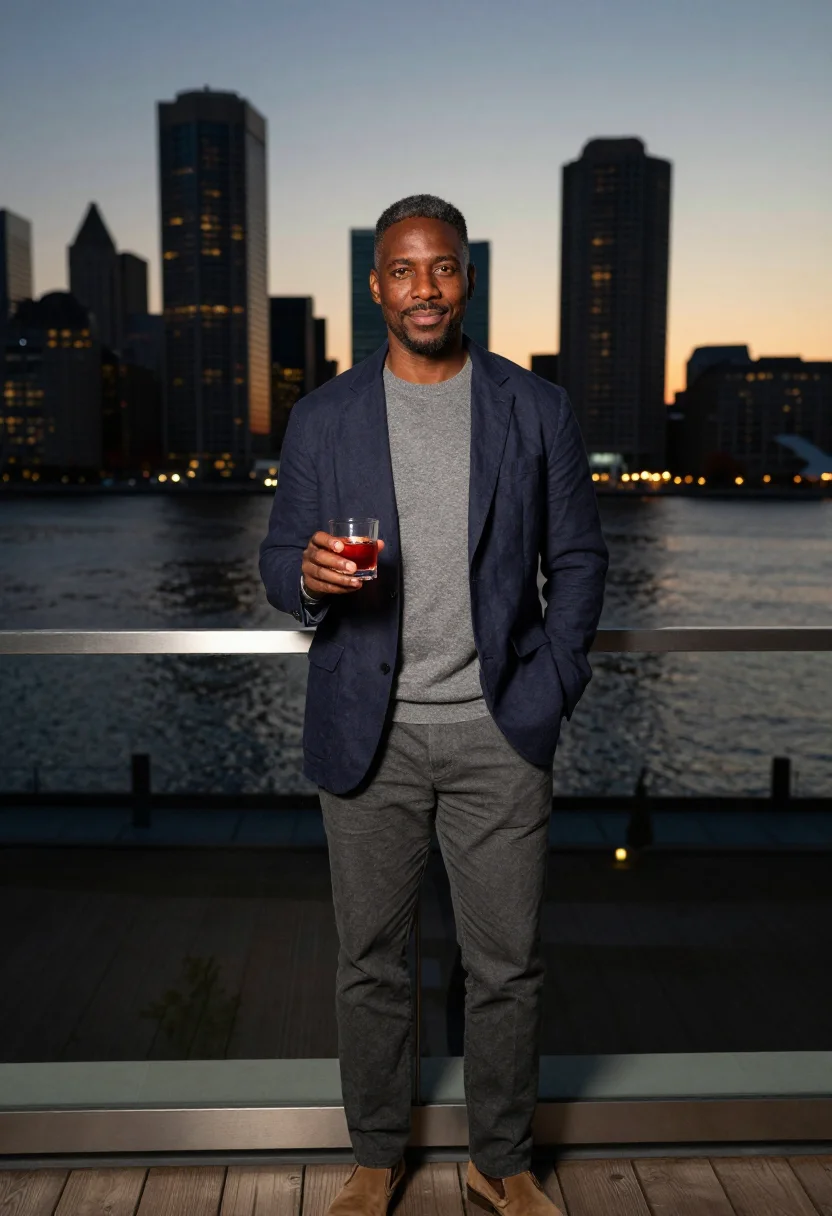
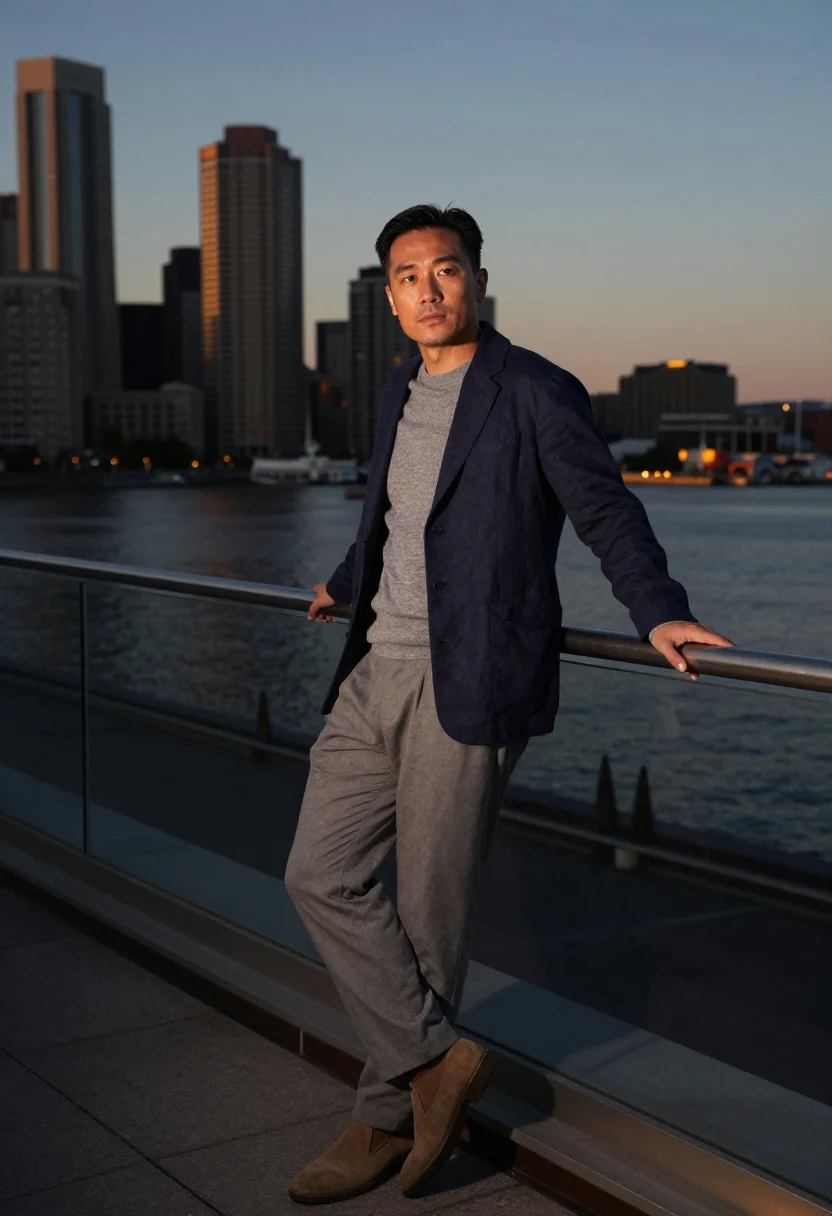
The Harborwalk's timber boardwalk with the ICA's cantilever hanging over the water or a rooftop rail at dusk with the harbor turning black-gold — a venture capital photoshoot in Boston's newest-money register. Nine photographs of you, in portrait format. The nine vary in crop, expression and light, so there are real choices, not nine identical files.
/boston-seaport · professional · 3 scenes
Boston Seaport Photoshoot
6–20 photos of yourself · we email you when your model is ready
Money in motion
one model wears them all →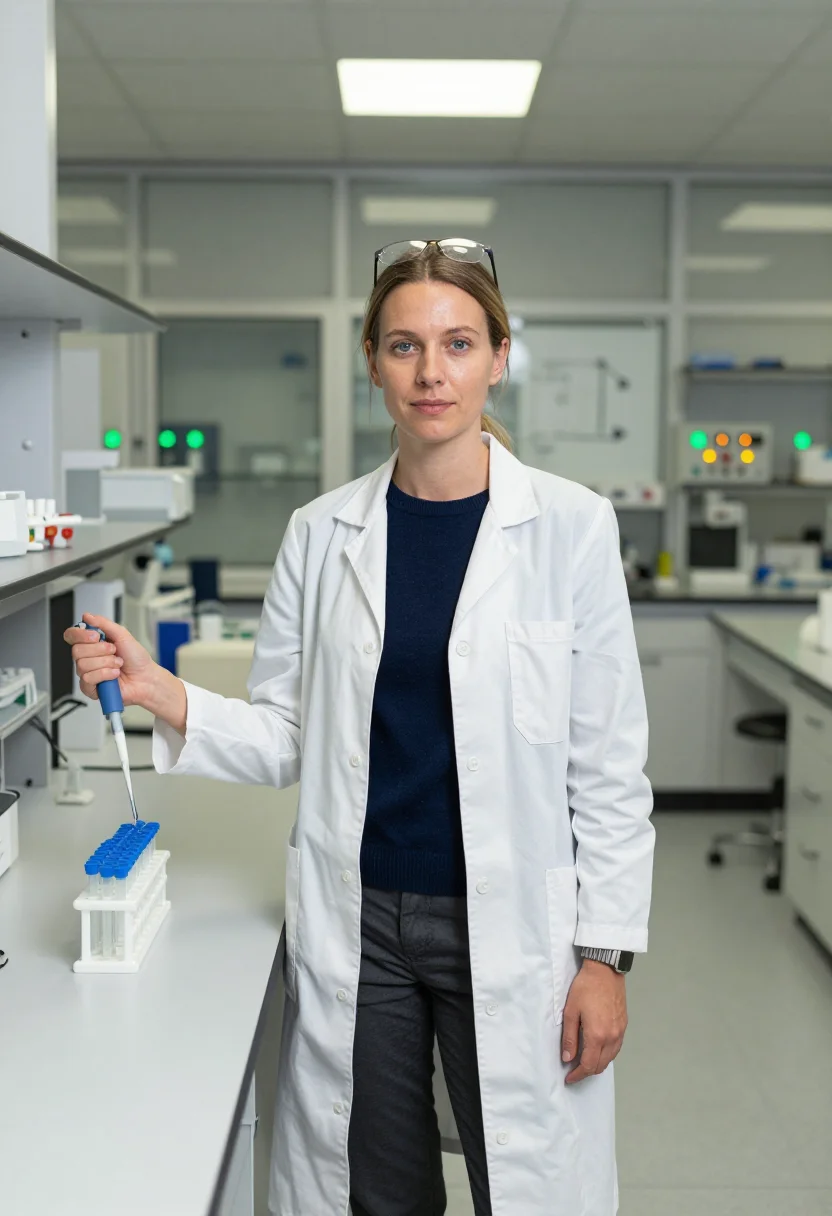
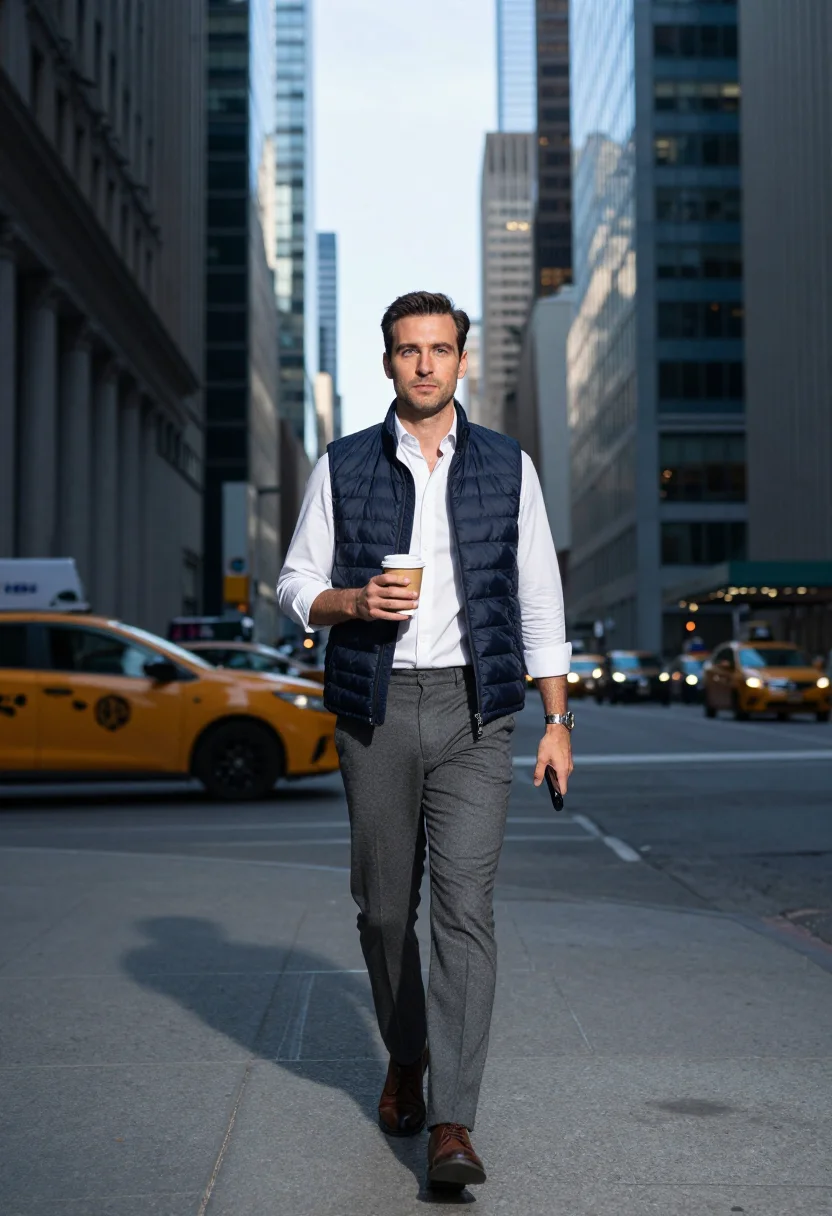
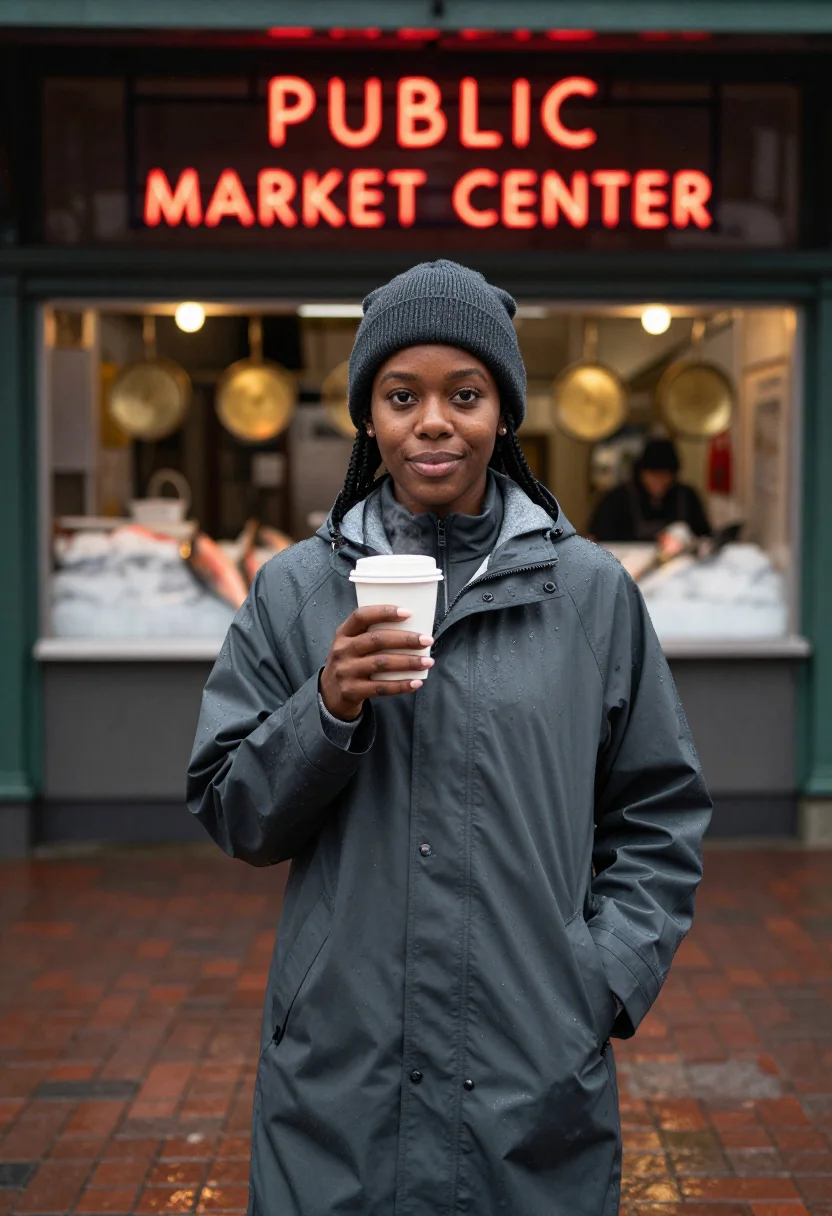
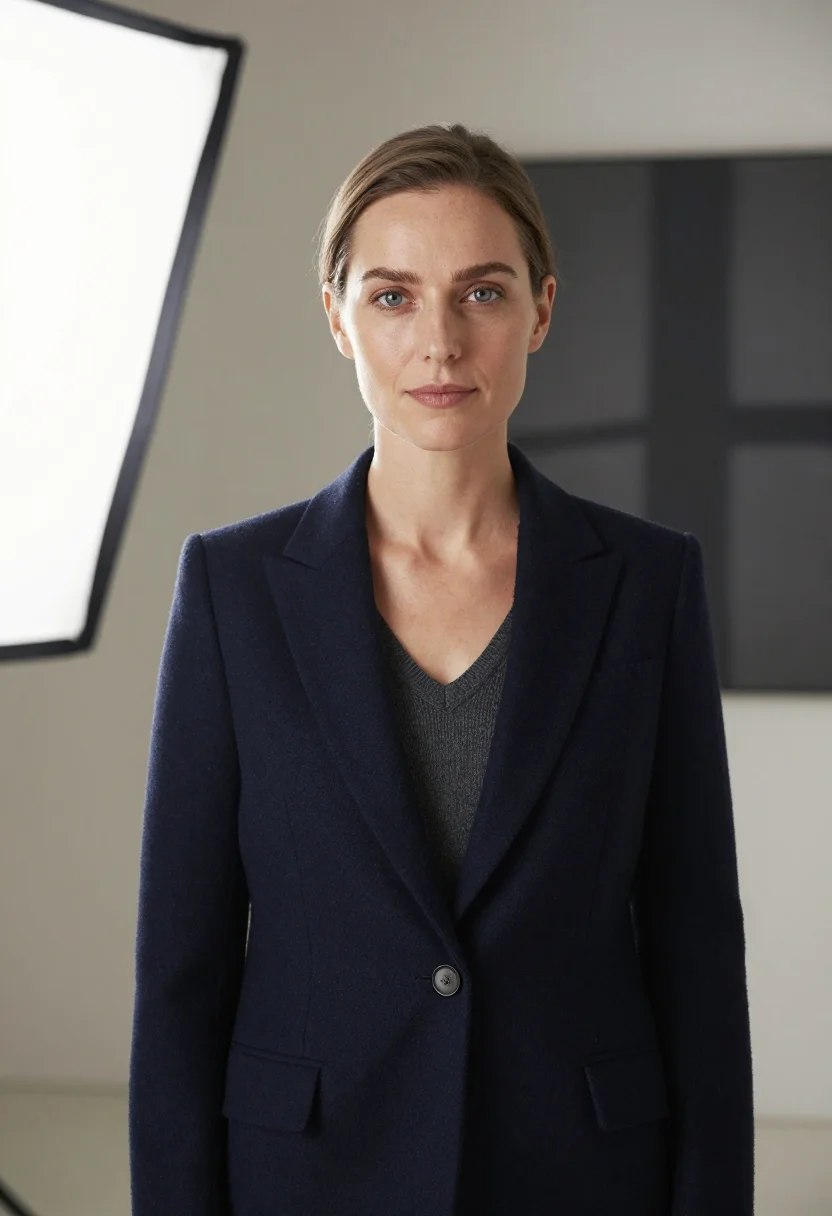
all 9 photos in this pack ↓
How it works
Three steps.
1
Add your photos
Add photos of yourself. We check each one when you add it.
2
We create your model
We create your AI model from your photos. Your photos are ready in a few hours.
3
Every pack, with your face
This pack and every other pack on Narcis can then be made with your face, and single photos too.
The Seaport venture-capital register
The Seaport is Boston's newest money on its newest ground — harbor-glass towers where the VCs moved, the ICA's cantilever hanging over the water, the Harborwalk's planks and masts. This pack keeps it coastal and composed: soft tailoring, unstructured blazers, knit polos, a palette of harbor slate, glass green, plank grey and brass evening light.
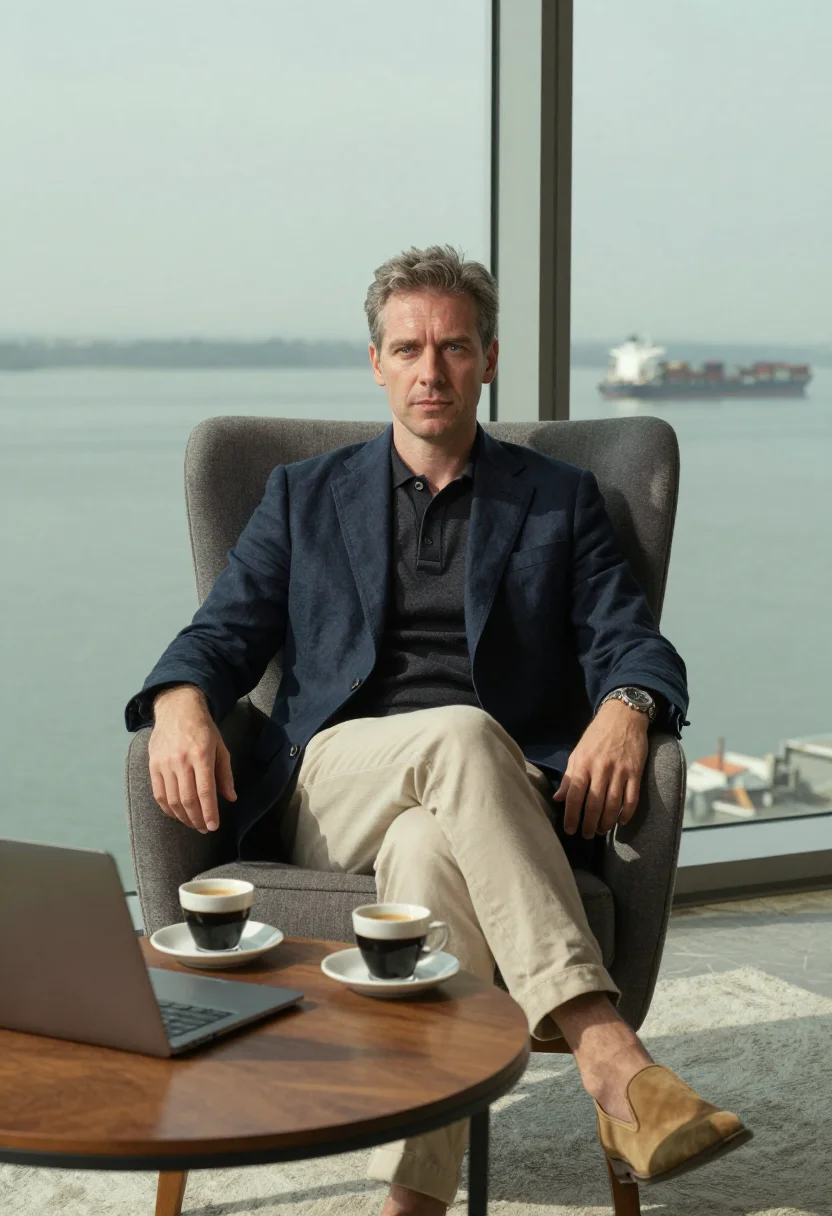
Three situations carry the sequence. The Harborwalk at morning, walking the broad timber boardwalk with the ICA's great cantilevered box hanging over the water, masts and a moored schooner crossing the middle distance. A glass tower lounge at midday, seated in a wing chair at a low table set with two espressos, the harbor filling the window wall behind in green-grey planes. A rooftop rail at dusk, standing with a drink as the harbor's water turns black-gold under the last light, downtown's towers glowing across the channel.
The output is photoreal — your face, your features, your likeness, lit the way a Boston photographer would light an investor for a firm profile. It borrows the Seaport's own harbor light and architecture; it doesn't paste a generic office behind a stock face.
How to photograph yourself for a Boston Seaport photoshoot
Better source photos make better portraits.
- Even, soft lightFace a window with indirect daylight. Skip overhead bulbs and phone flash — both flatten the face.
- Front or three-quarter, eye levelHold the camera level with your eyes. No selfie up-angle.
- Face fully clearHair off the forehead, no sunglasses. A clear front-facing photo is the best input for a professional AI photoshoot.
- Smart-casual in your source photo helps, but isn't requiredAn open-collar knit in your selfie nudges the tailoring likeness closer, though the pack dresses you regardless.
- An unhurried, listening expressionA composed, attentive look reads better in this register than a stiff corporate stare — the day priced and closed, not rushed.
Frequently asked questions
- Is this really shot in the Seaport, or a generic office backdrop?
- Honest answer: it's a portrait of you styled in Boston's own Seaport register — the Harborwalk, a glass tower lounge, a harbor rooftop at dusk — not a claim that you were physically there. It works well as a professional headshot; presenting it as an actual site visit is a different use.
- Can I use this as my LinkedIn photo?
- Yes — that's the intended use. It's a photoreal, professionally lit portrait, sharp enough for a LinkedIn profile, a firm bio, or a company directory photo.
- How does this compare to booking a real photographer at the Seaport?
- A studio session means scheduling, a rooftop-access request for the dusk shot, and one outfit per hour. This gives you the Harborwalk, the tower lounge and the rooftop, in minutes.
- Can I use the portraits commercially?
- Personal and professional self-promotion use — LinkedIn, a firm bio, a personal website — is fine. Not for resale or for representing someone else as you.
- Will the photos look like me?
- Every photo looks like you, well photographed. If one is nearly right, say what to change, in your own words.
- Do I have to write a prompt?
- No. There is nothing to write: you pick a pack, and it is ready in seconds.
- How many photos of myself do I add?
- Between six and twenty, from different days and in different light, with your face clear. We check each one when you add it.
- What happens to the photos I add?
- They are used only to create your model, on our own servers in the European Union. They are not shared and not sold.
When the Boston Seaport pack fits
- A LinkedIn photo that reads like Boston's own venture-capital world, not a stock office.
- A firm or fund bio photo when there's no time for a studio booking.
- A personal-branding shot for investors and consultants based in Boston.
- A Harborwalk portrait for someone who loves the ICA's cantilever but can't shoot there.
- A gift for a colleague or mentor who never sits for a proper portrait.
- A before-a-big-meeting photo update when the current LinkedIn picture is years old.
- A harbor-rooftop-at-dusk portrait for someone who loves that skyline view.
- A keepsake portrait for someone building a career in Boston's Seaport district.
About narcis
Most AI photo tools put every pose, job, era, and style in one giant catalog. The photos all look like every other AI photo on the internet — a glaze over a stock face. Narcis goes the other way. One job: photos of you that look like photographs. You add at least 6 photos of yourself, and we create your AI model from them. Your photos are ready in a few hours, and we email you when they are. Then this pack and every other pack on Narcis can be made with your face. Each pack is curated against real references — paintings, photographers, places — and tested on real faces before it goes live. Built and run by one small team, on our own servers.
All images are AI-generated. By using this service, you confirm you are 18+, that any face photo you upload is your own or used with explicit consent. Full Terms