Boston Cambridge Photoshoot
Nine photos of you in one setting
How your model is created from your photos
Every pack on Narcis, made with your face
Nine photographs of you in one setting: one pack of the Narcis catalogue.
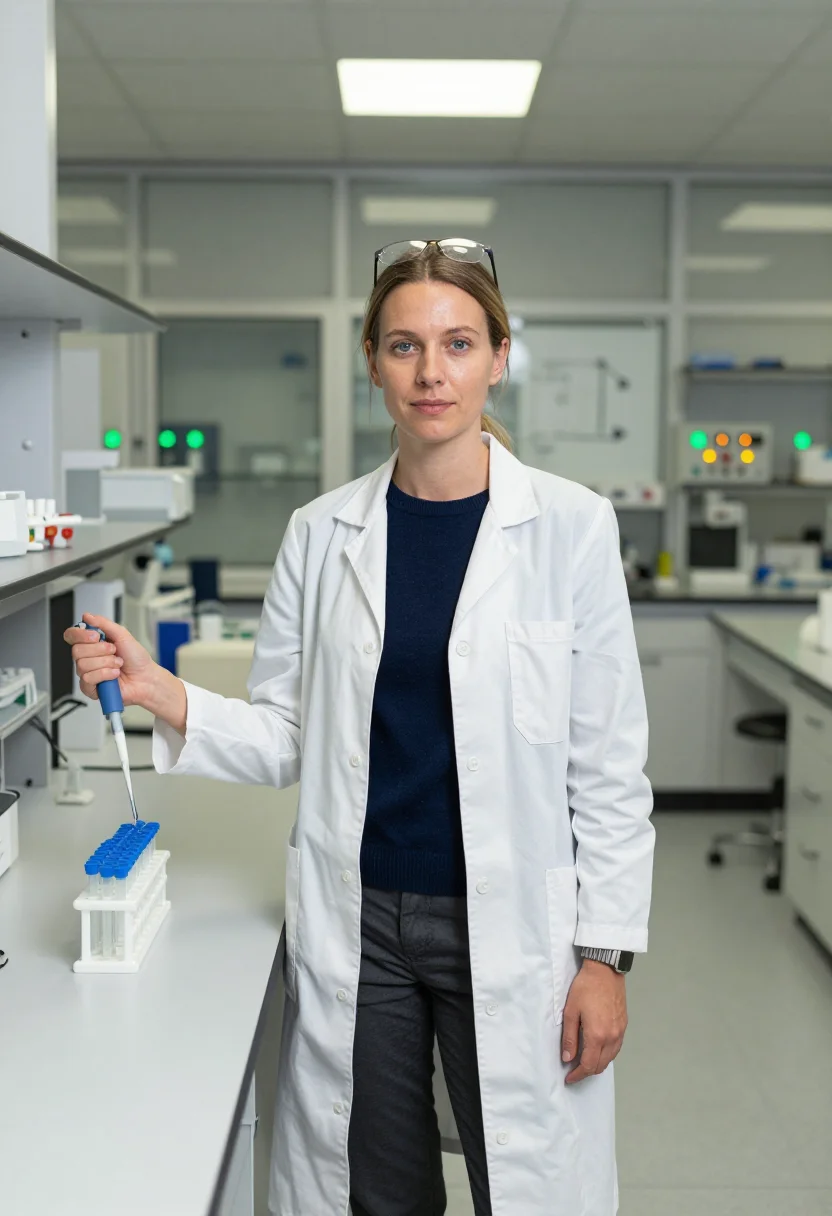
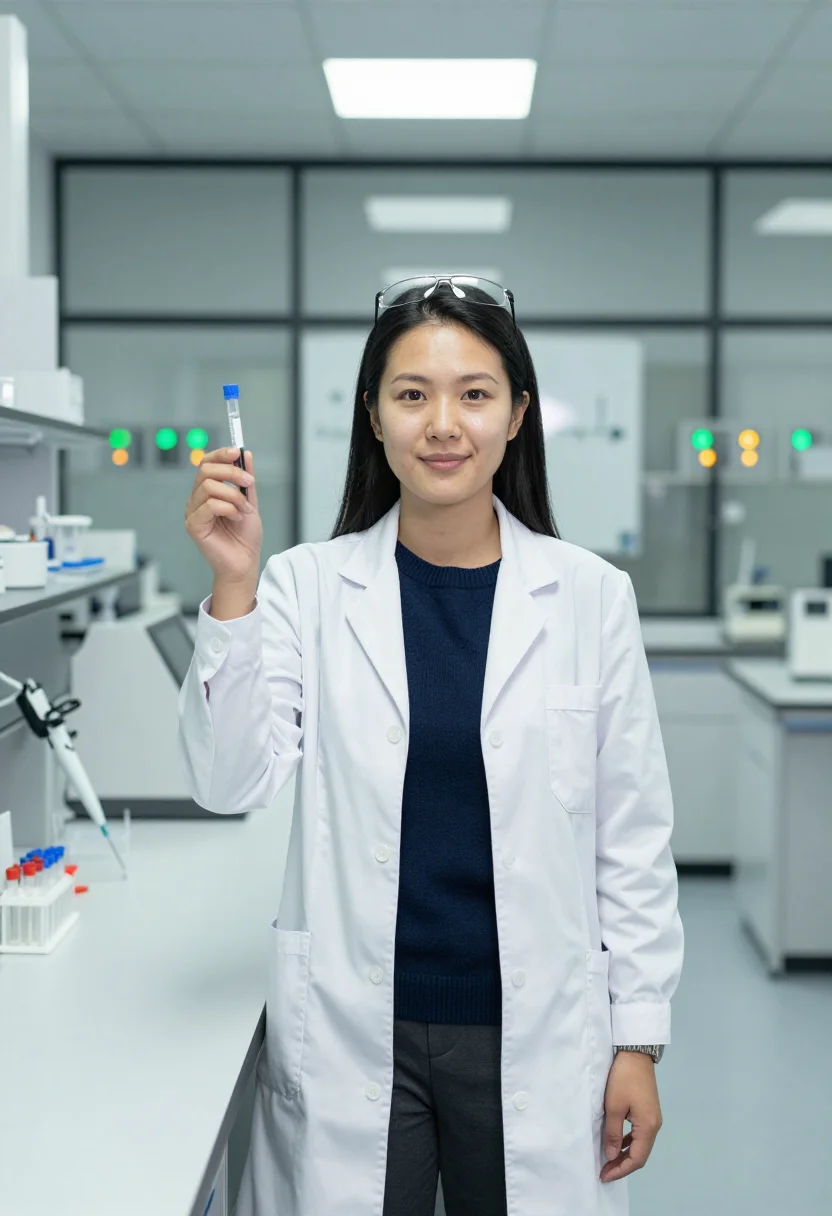
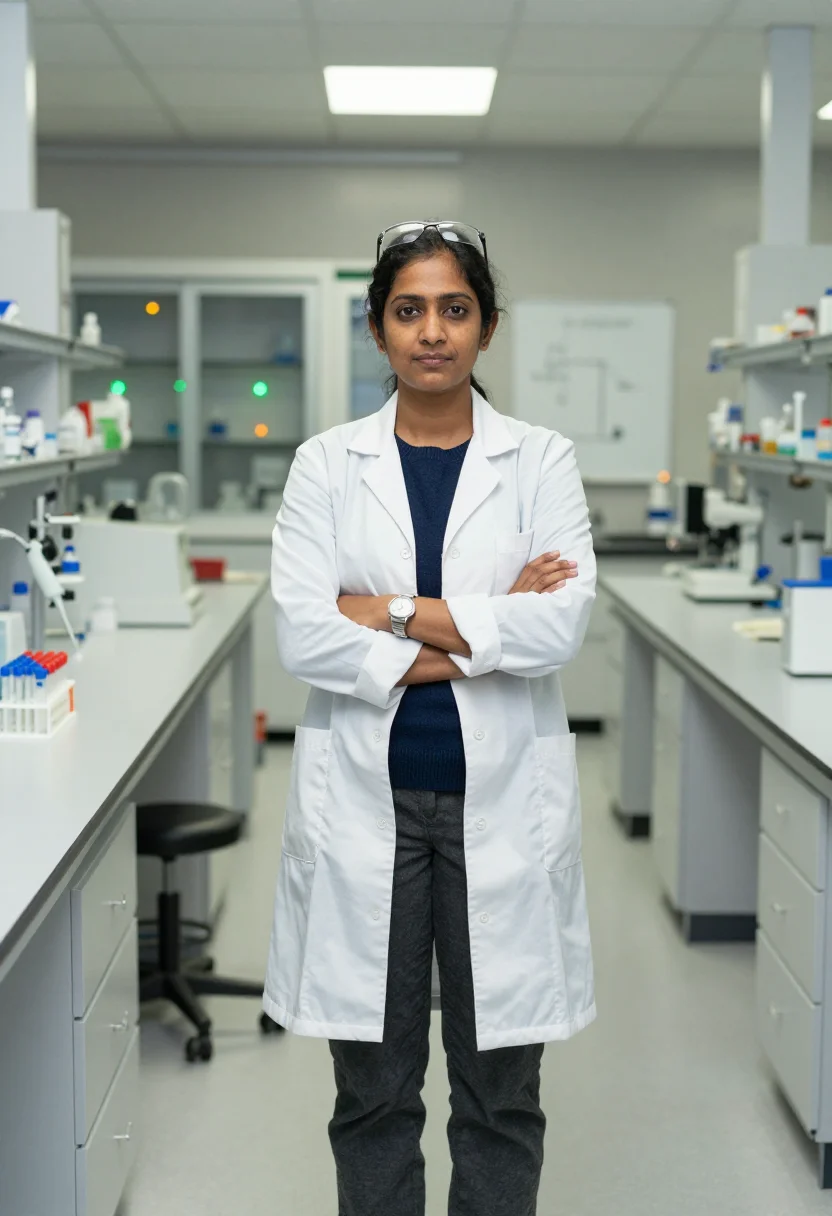
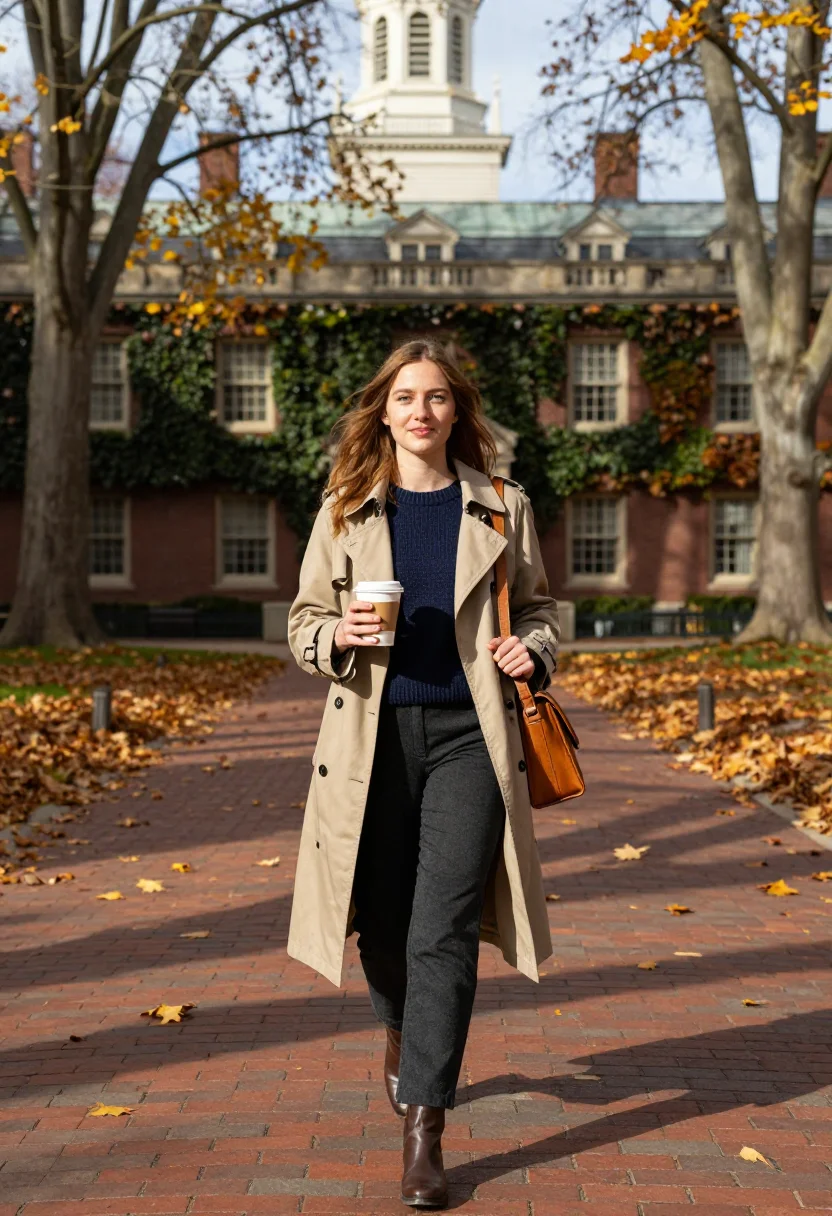
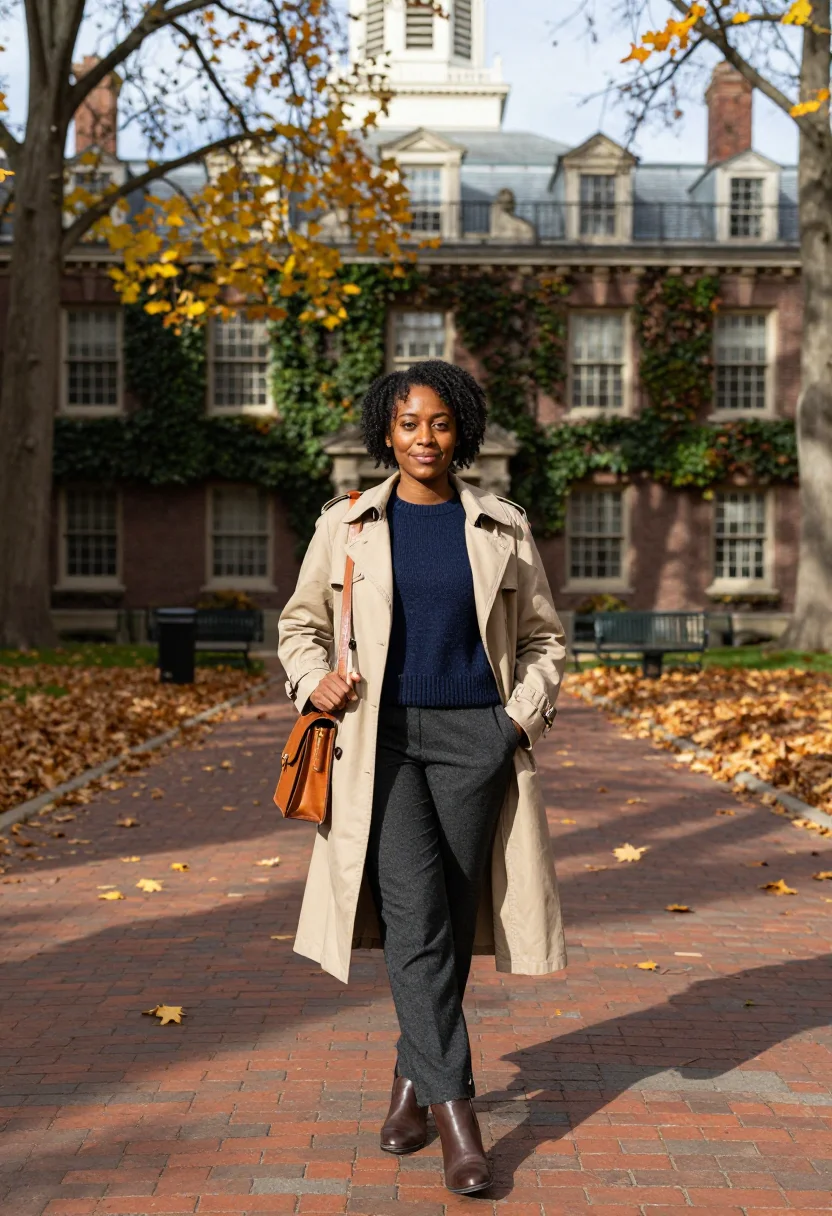
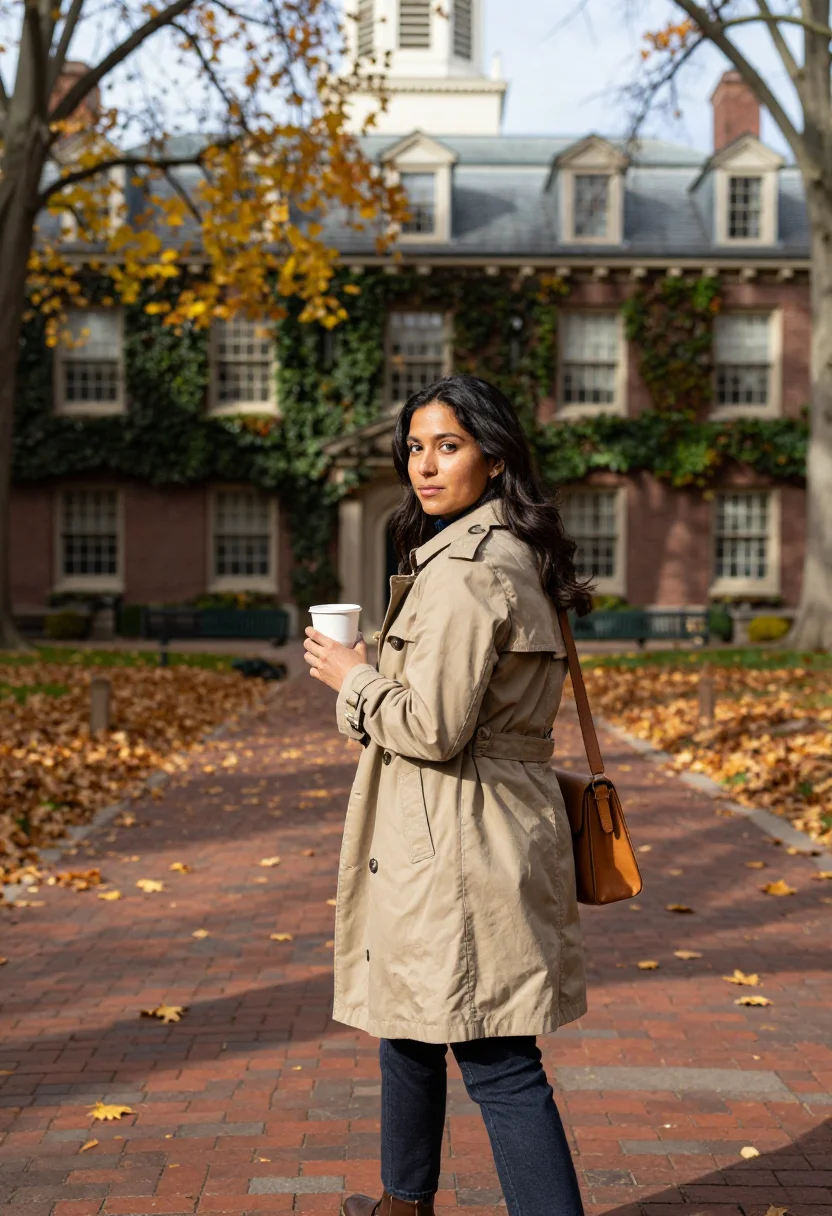
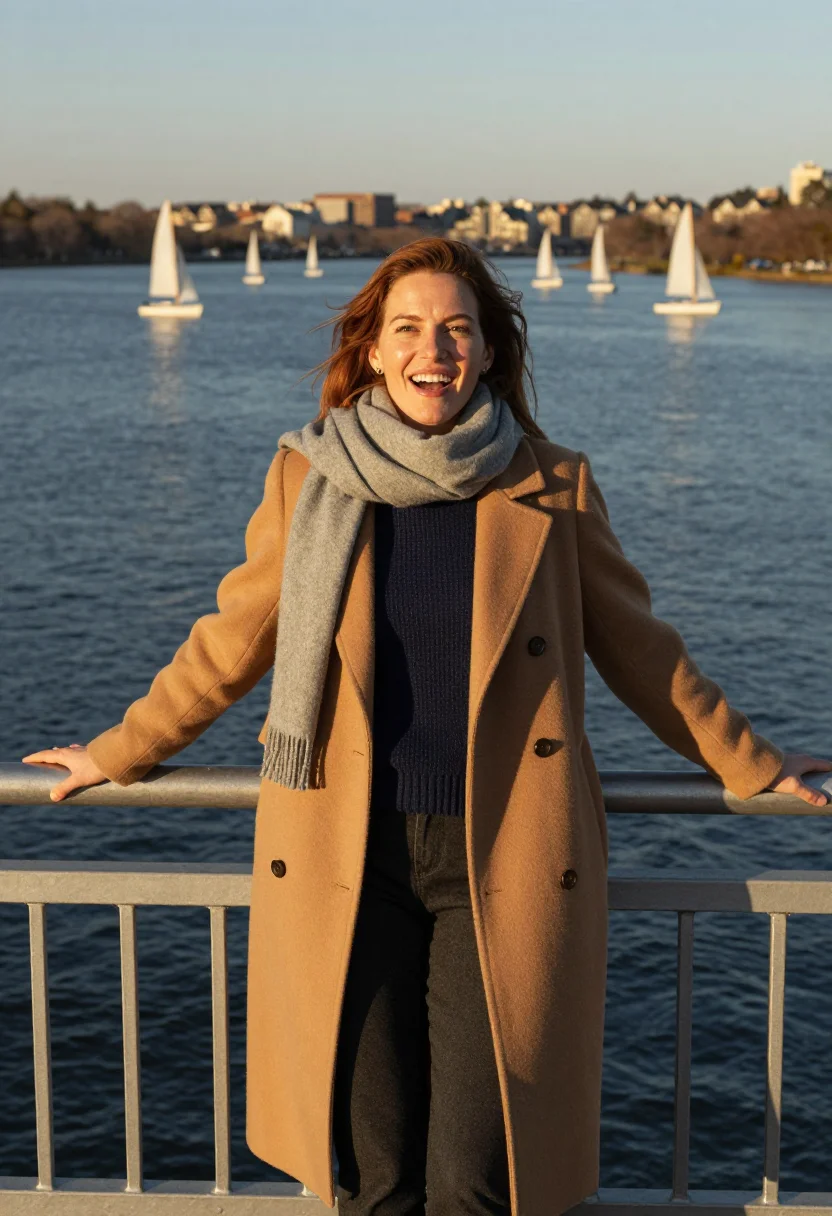
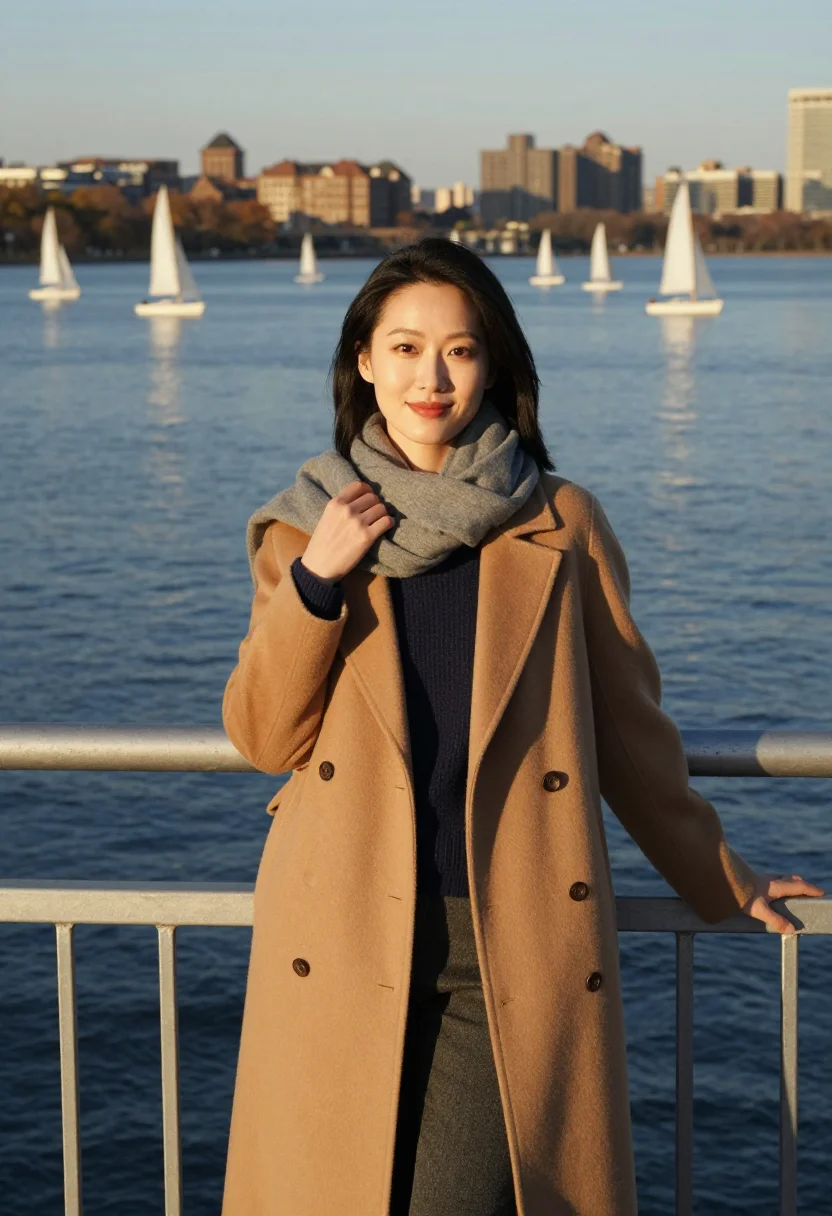
A Kendall Square lab bench or a Harvard courtyard in autumn light — a biotech photoshoot in Cambridge's own precise, warm register. Nine photographs of you, in portrait format. The nine vary in crop, expression and light, so there are real choices, not nine identical files.
/boston-cambridge · professional · 3 scenes
Boston Cambridge Photoshoot
6–20 photos of yourself · we email you when your model is ready
Lab coats and river light
one model wears them all →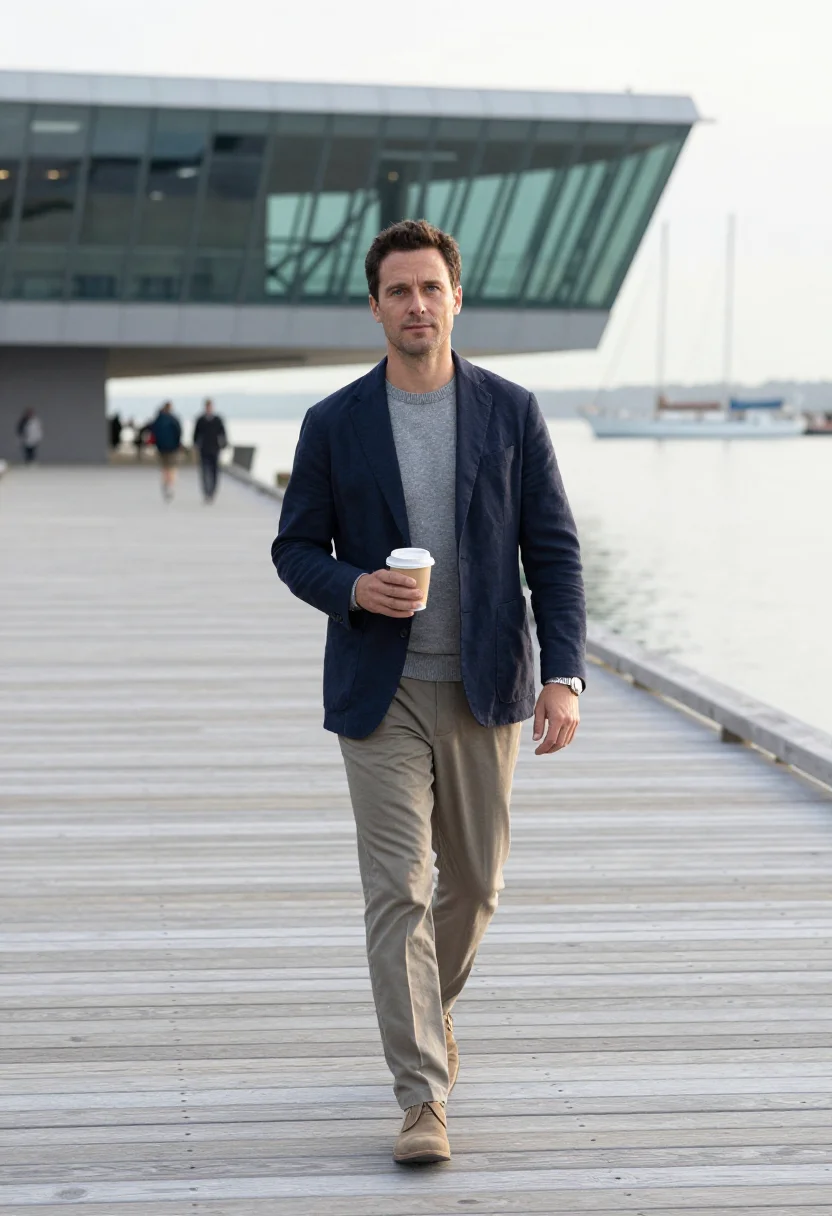
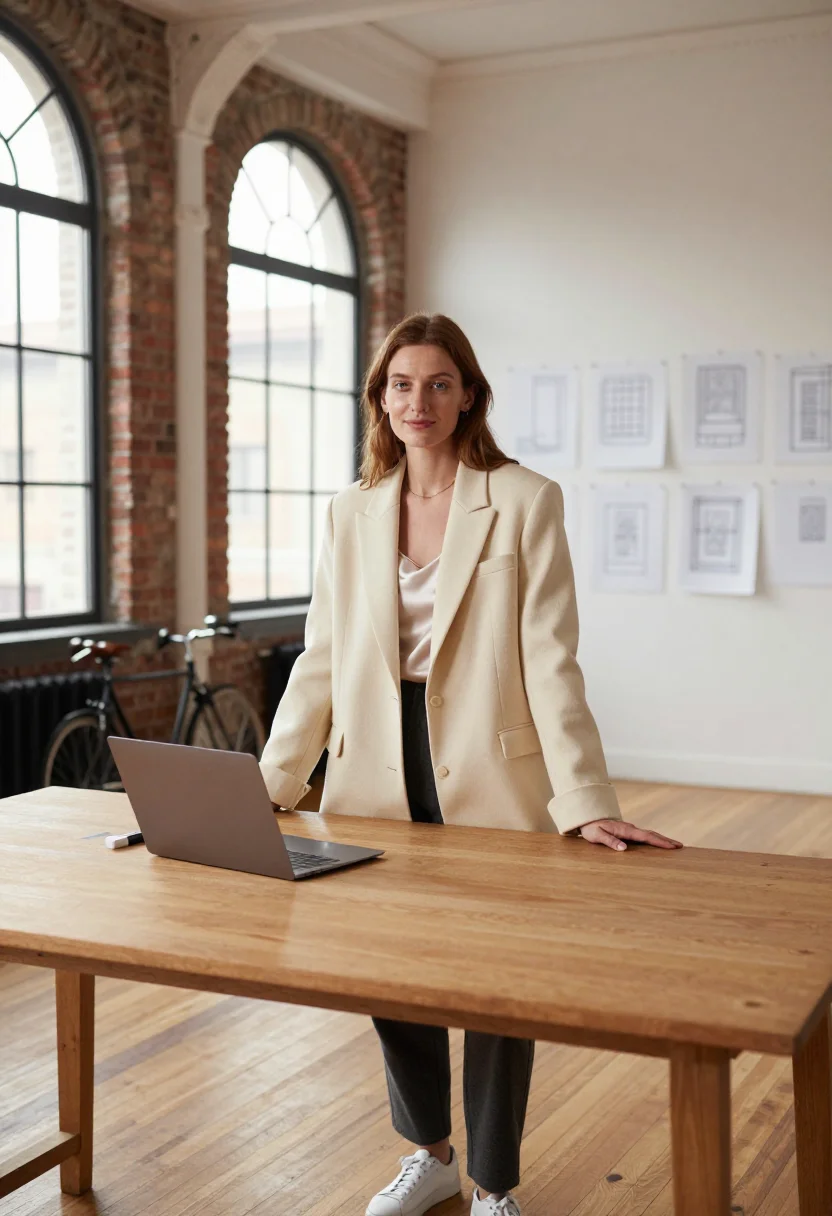
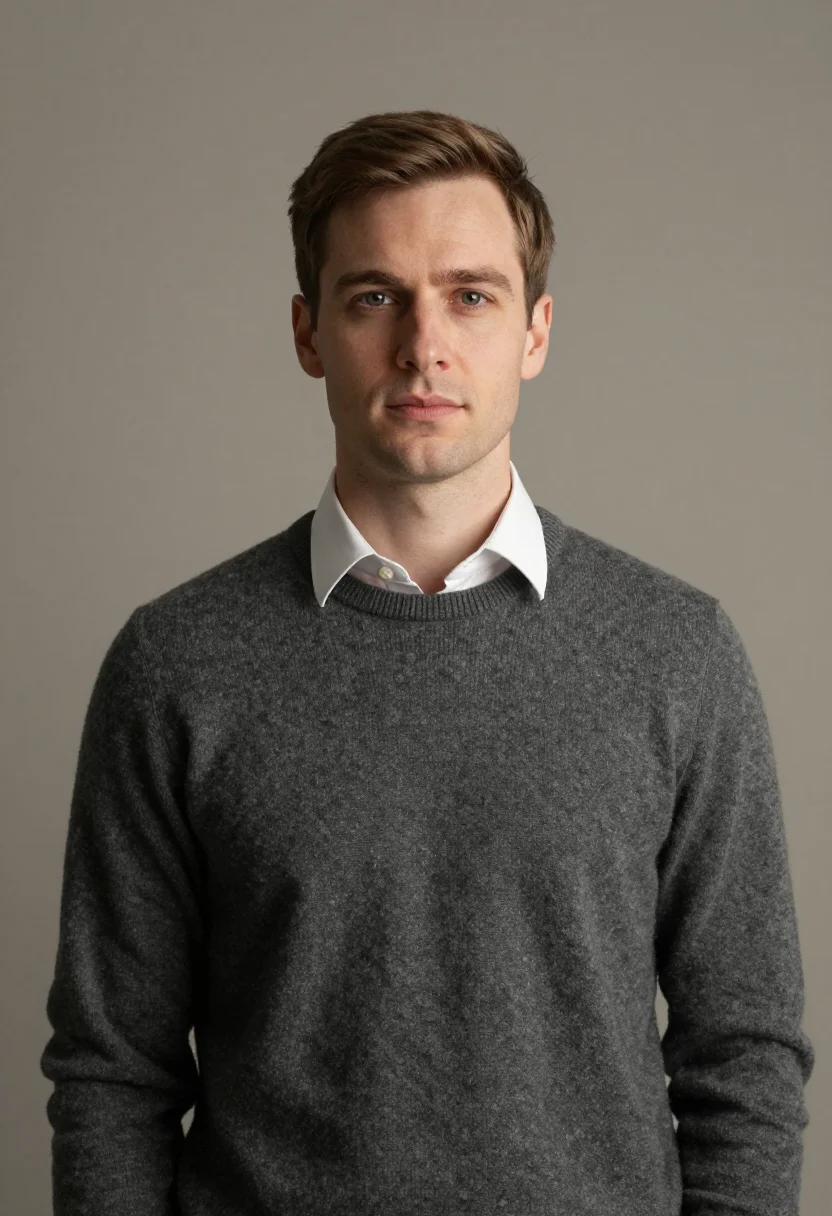
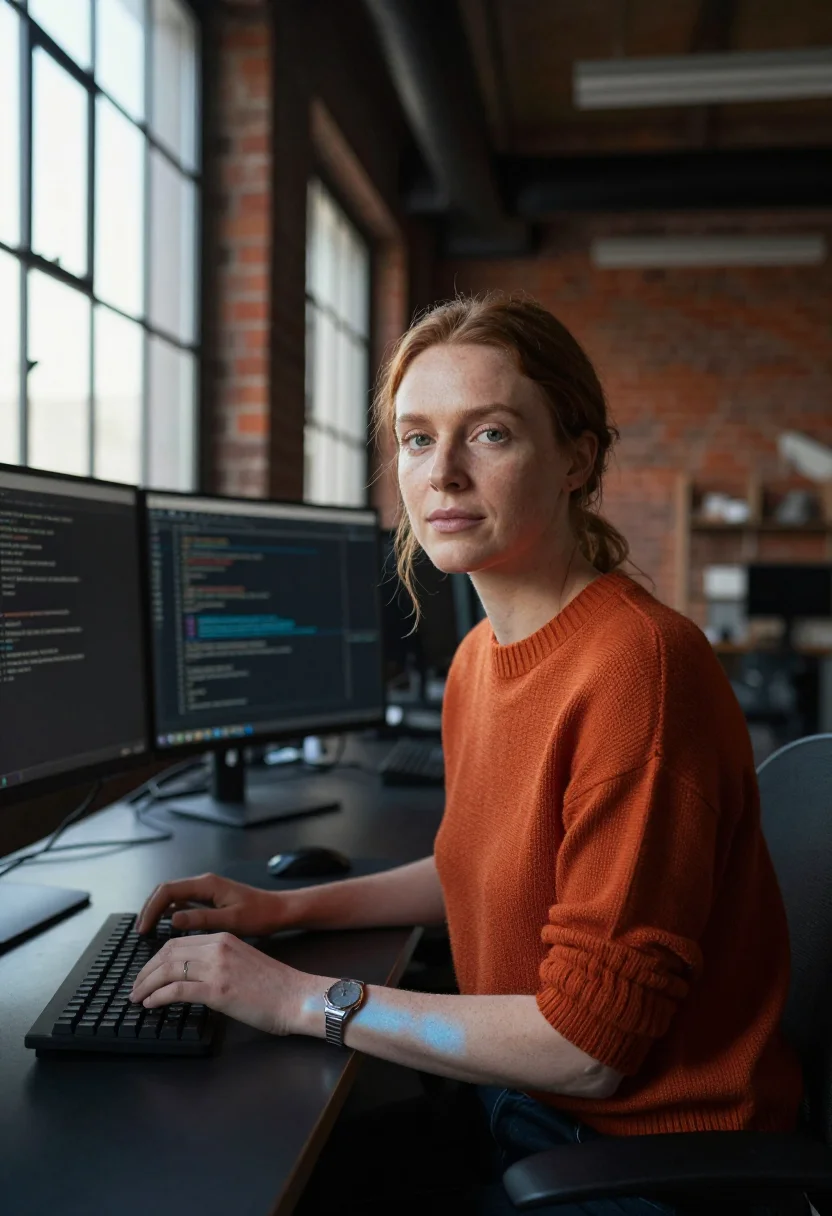
all 9 photos in this pack ↓
How it works
Three steps.
1
Add your photos
Add photos of yourself. We check each one when you add it.
2
We create your model
We create your AI model from your photos. Your photos are ready in a few hours.
3
Every pack, with your face
This pack and every other pack on Narcis can then be made with your face, and single photos too.
The Cambridge life-science register
Kendall Square and the red-brick mile hold the densest square mile of life science on earth — the one tech field at gender parity, not by default. This pack keeps a precise, warm register: lab-adjacent tailoring, knits, a white coat in one frame, wool by the river, a palette of brick red, lab white, ivy green and river blue.
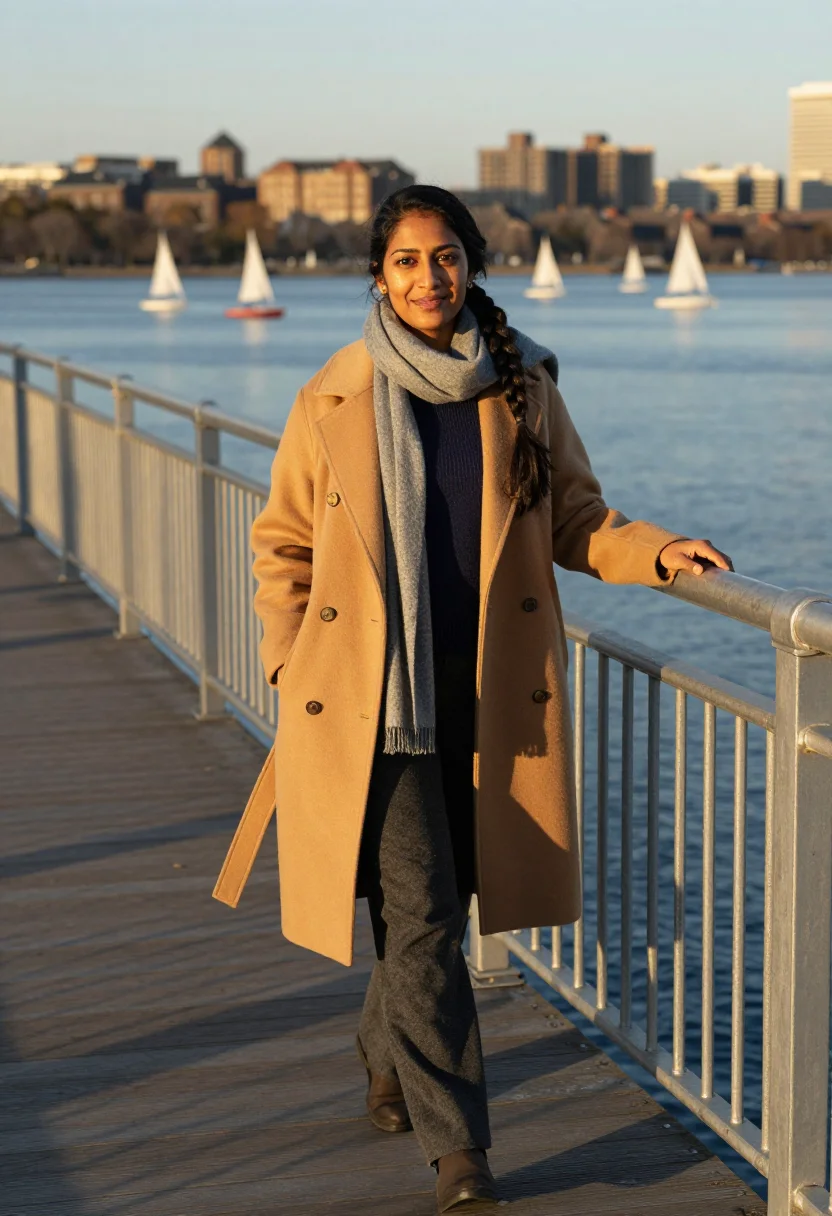
Three situations carry the sequence. A Kendall lab at morning, standing at a bench in a white coat open over a navy knit, holding a pipette over a rack of tubes, glass-walled lab bays receding behind in clean bright lines. A Harvard courtyard at midday, walking a brick path between ivy-covered halls, sycamore leaves drifting the path's edge, old multipane windows stacking behind. The Charles River esplanade at golden hour, leaning on a footbridge rail as a fleet of small sailboats heels white against the Back Bay skyline.
The output is photoreal — your face, your features, your likeness, lit the way a Boston photographer would light a researcher for a lab or company profile. It borrows Cambridge's own architecture and light; it doesn't paste a generic lab behind a stock face.
How to photograph yourself for a Boston Cambridge photoshoot
Better source photos make better portraits.
- Even, soft lightFace a window with indirect daylight. Skip overhead bulbs and phone flash — both flatten the face.
- Front or three-quarter, eye levelHold the camera level with your eyes. No selfie up-angle.
- Face fully clearHair off the forehead, no sunglasses. A clear front-facing photo is the best input for a professional AI photoshoot.
- Plain background is fineDon't worry about your own backdrop — the lab and the courtyard replace it. A plain wall behind you helps the model focus on your face.
- A focused, absorbed expressionA calm, expert look on the sample or the page reads better than a big grin in this register — expertise photographed, not performed.
Frequently asked questions
- Is this really shot in Cambridge, or a generic lab backdrop?
- Honest answer: it's a portrait of you styled in Cambridge's own life-science register — a Kendall lab bench, a Harvard courtyard, the Charles esplanade — not a claim that you were physically there. It works well as a professional headshot; presenting it as an actual site visit is a different use.
- Can I use this as my LinkedIn photo?
- Yes — that's the intended use. It's a photoreal, professionally lit portrait, sharp enough for a LinkedIn profile, a lab bio, or a company directory photo.
- How does this compare to booking a real photographer in Cambridge?
- A lab-bench shoot means biosafety scheduling and access clearance. This gives you the lab, the courtyard and the esplanade, in minutes.
- Can I use the portraits commercially?
- Personal and professional self-promotion use — LinkedIn, a lab or company bio, a personal website — is fine. Not for resale or for representing someone else as you.
- Will the photos look like me?
- Every photo looks like you, well photographed. If one is nearly right, say what to change, in your own words.
- Do I have to write a prompt?
- No. There is nothing to write: you pick a pack, and it is ready in seconds.
- How many photos of myself do I add?
- Between six and twenty, from different days and in different light, with your face clear. We check each one when you add it.
- What happens to the photos I add?
- They are used only to create your model, on our own servers in the European Union. They are not shared and not sold.
When the Boston Cambridge pack fits
- A LinkedIn photo that reads like Kendall Square's own life-science world, not a stock office.
- A lab or company bio photo for a biotech researcher or founder.
- A personal-branding shot for scientists and consultants based in Cambridge or Boston.
- A Harvard courtyard portrait for alumni or faculty who love that autumn light.
- A gift for a colleague who never sits for a proper portrait.
- A before-a-big-meeting photo update when the current headshot is years old.
- A Charles River esplanade portrait for someone who loves that view but can't catch the right hour.
- A keepsake portrait for someone building a career in Cambridge's red-brick research mile.
About narcis
Most AI photo tools put every pose, job, era, and style in one giant catalog. The photos all look like every other AI photo on the internet — a glaze over a stock face. Narcis goes the other way. One job: photos of you that look like photographs. You add at least 6 photos of yourself, and we create your AI model from them. Your photos are ready in a few hours, and we email you when they are. Then this pack and every other pack on Narcis can be made with your face. Each pack is curated against real references — paintings, photographers, places — and tested on real faces before it goes live. Built and run by one small team, on our own servers.
All images are AI-generated. By using this service, you confirm you are 18+, that any face photo you upload is your own or used with explicit consent. Full Terms