A Dai Traditional Dress Photoshoot, No Flight Required
Nine photos of you in one setting
How your model is created from your photos
Every pack on Narcis, made with your face
Nine photographs of you in one setting: one pack of the Narcis catalogue.
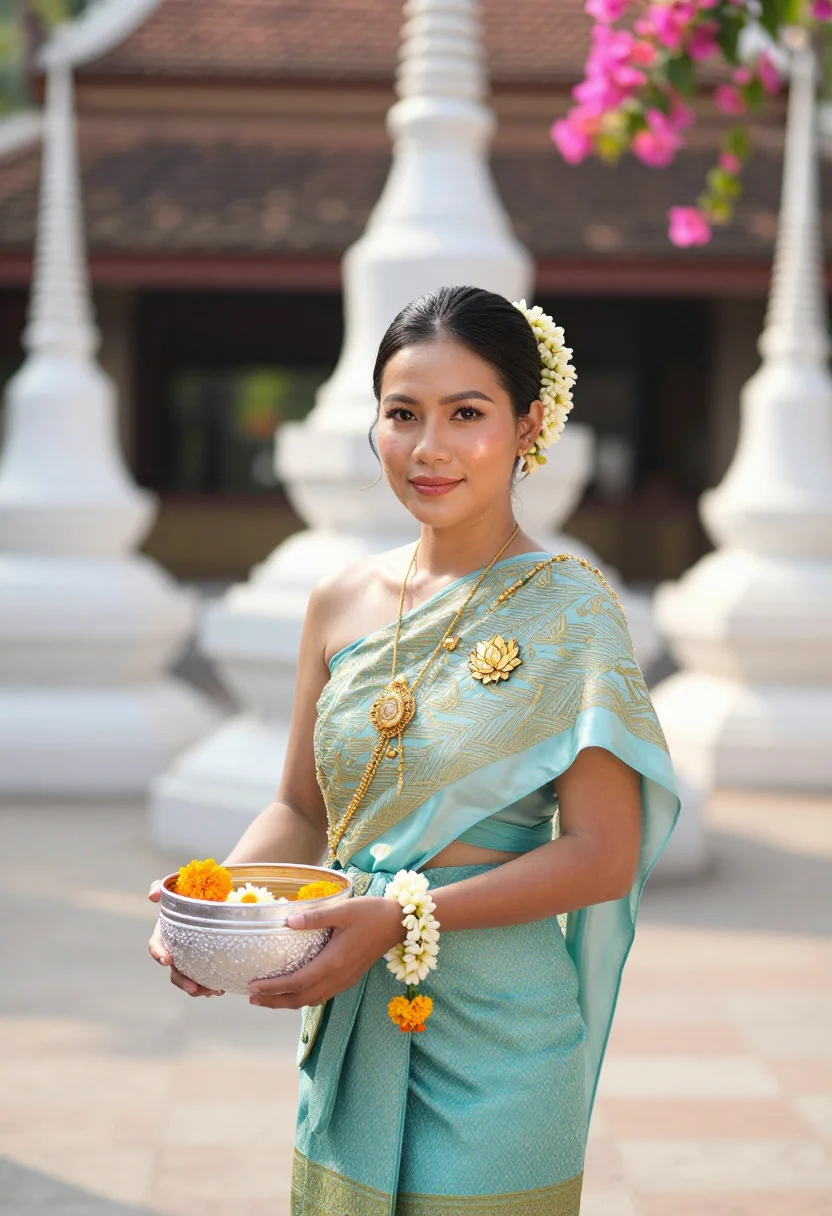
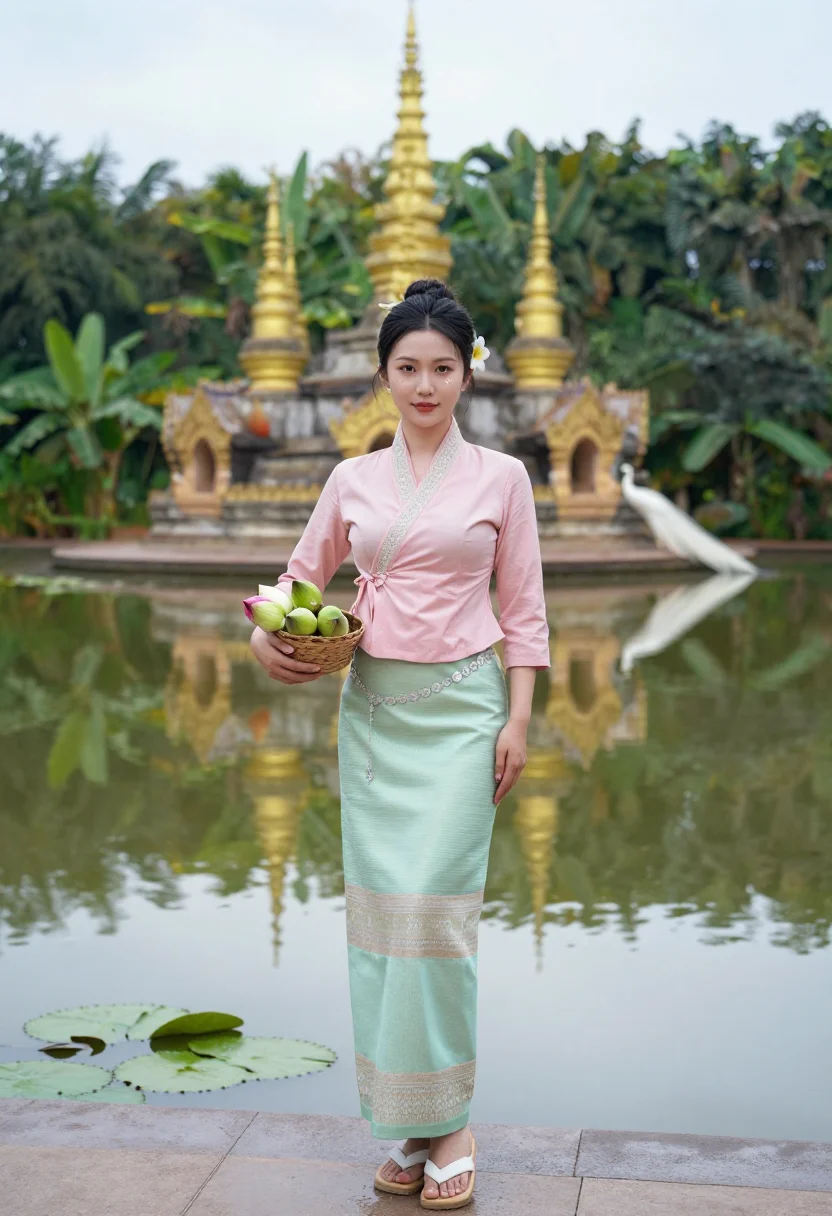
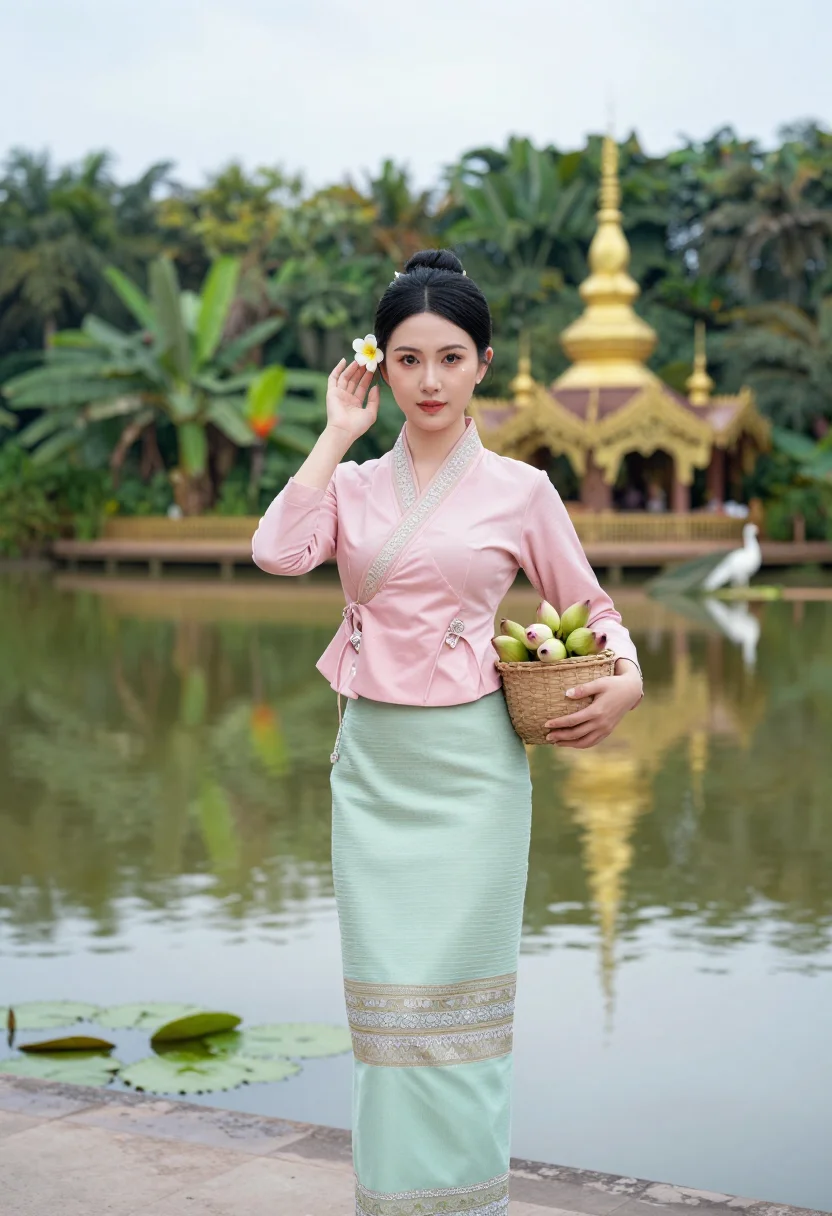
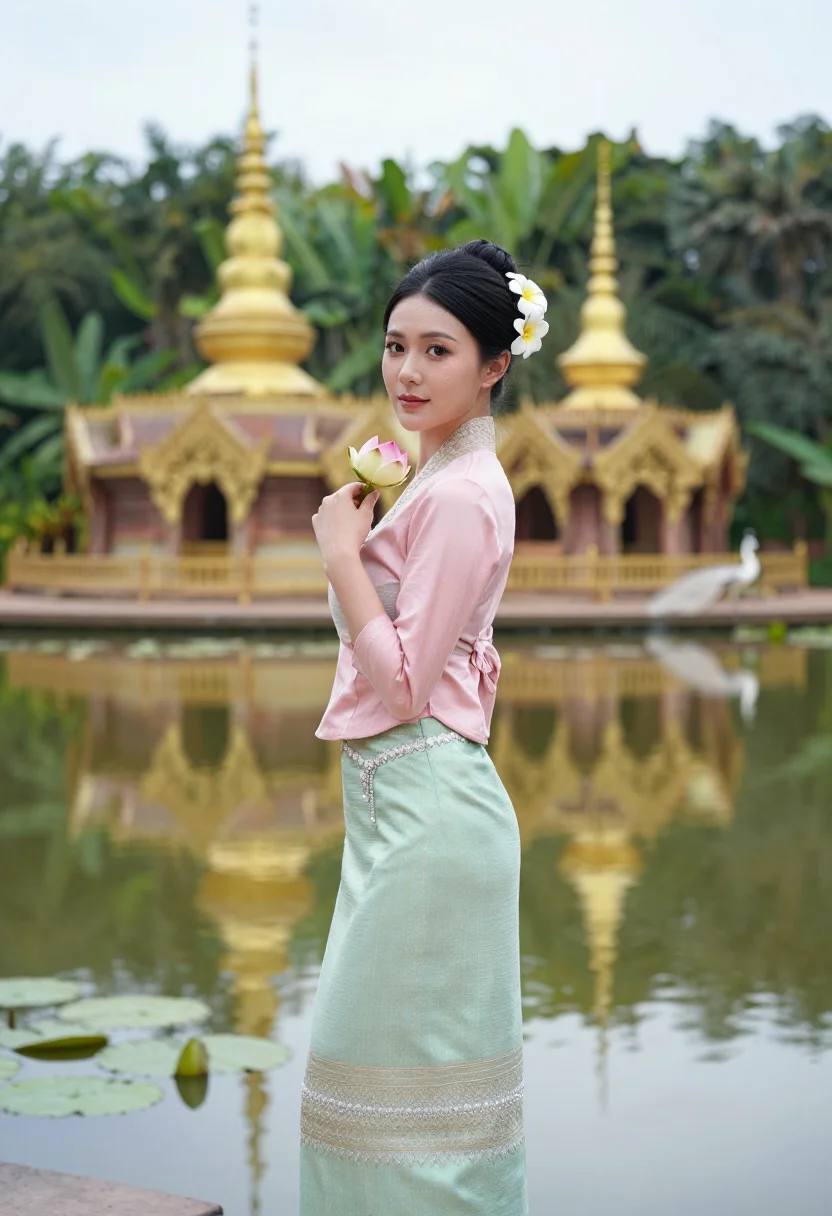
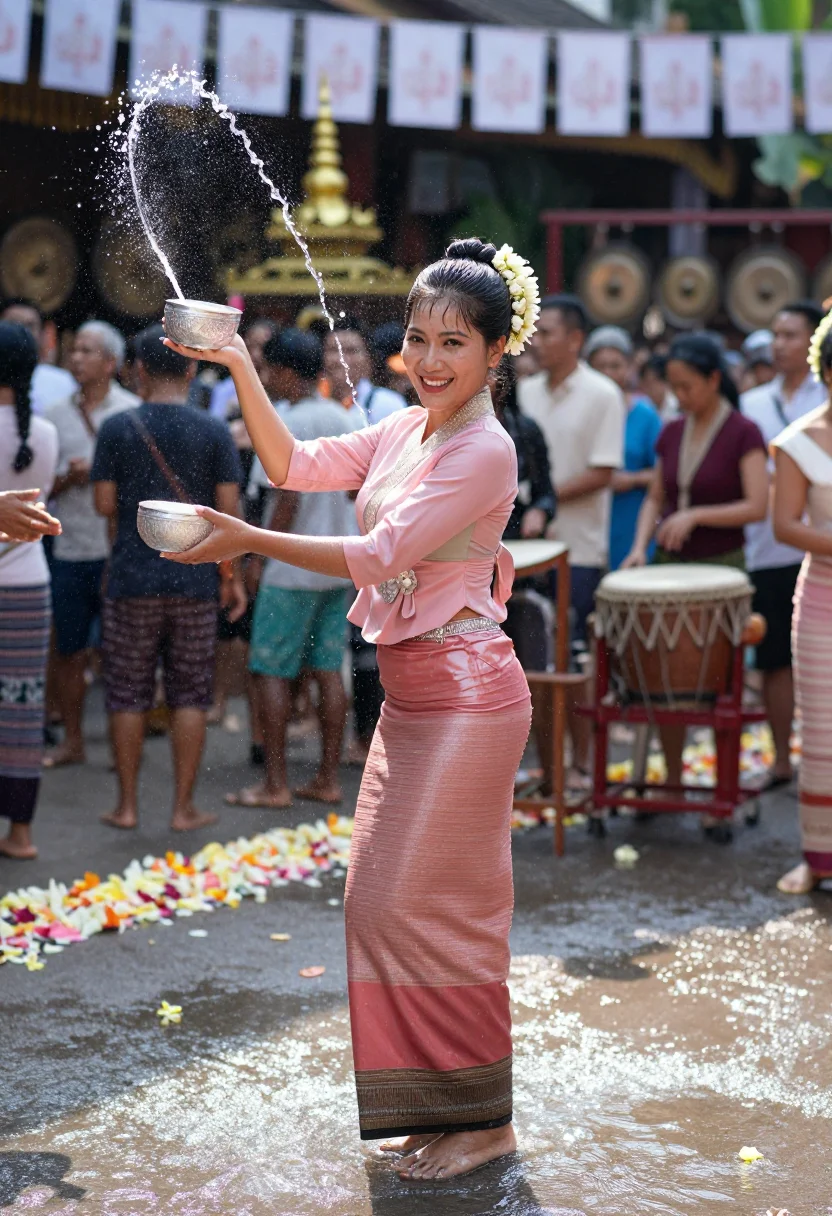
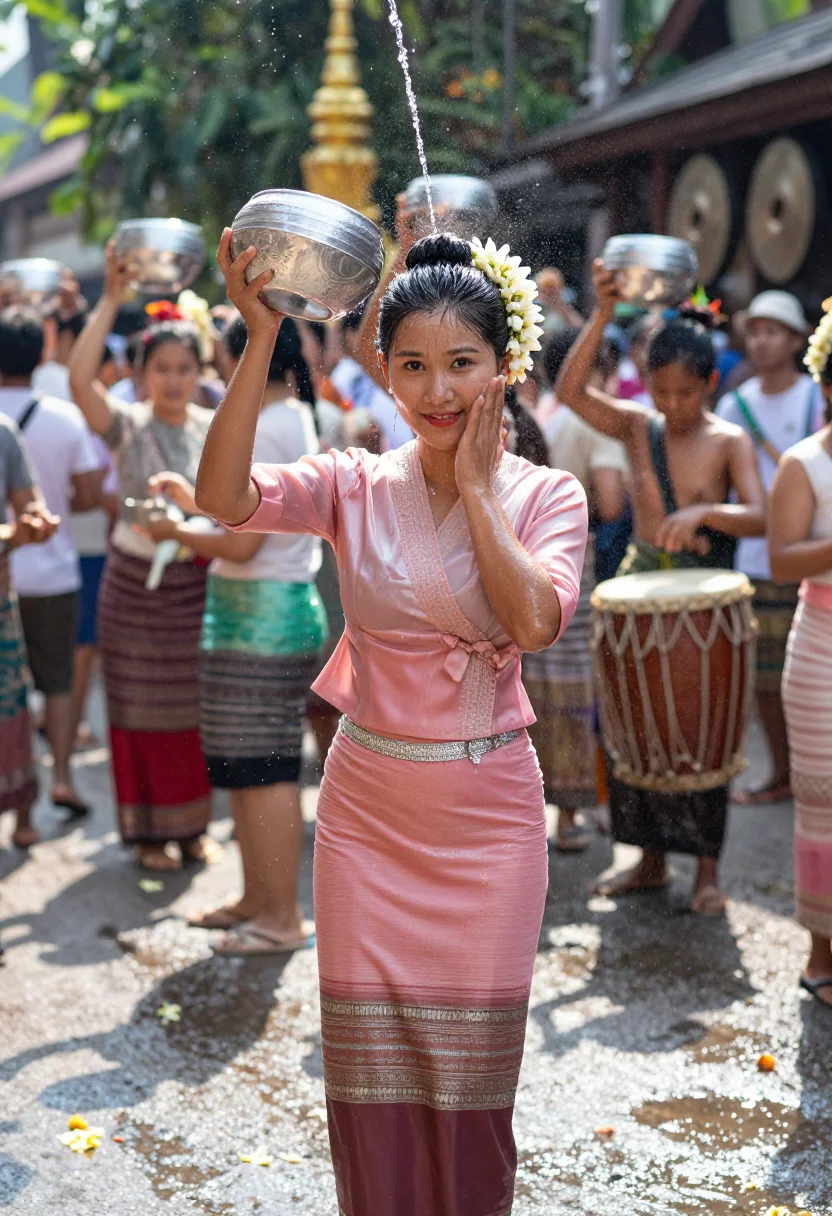
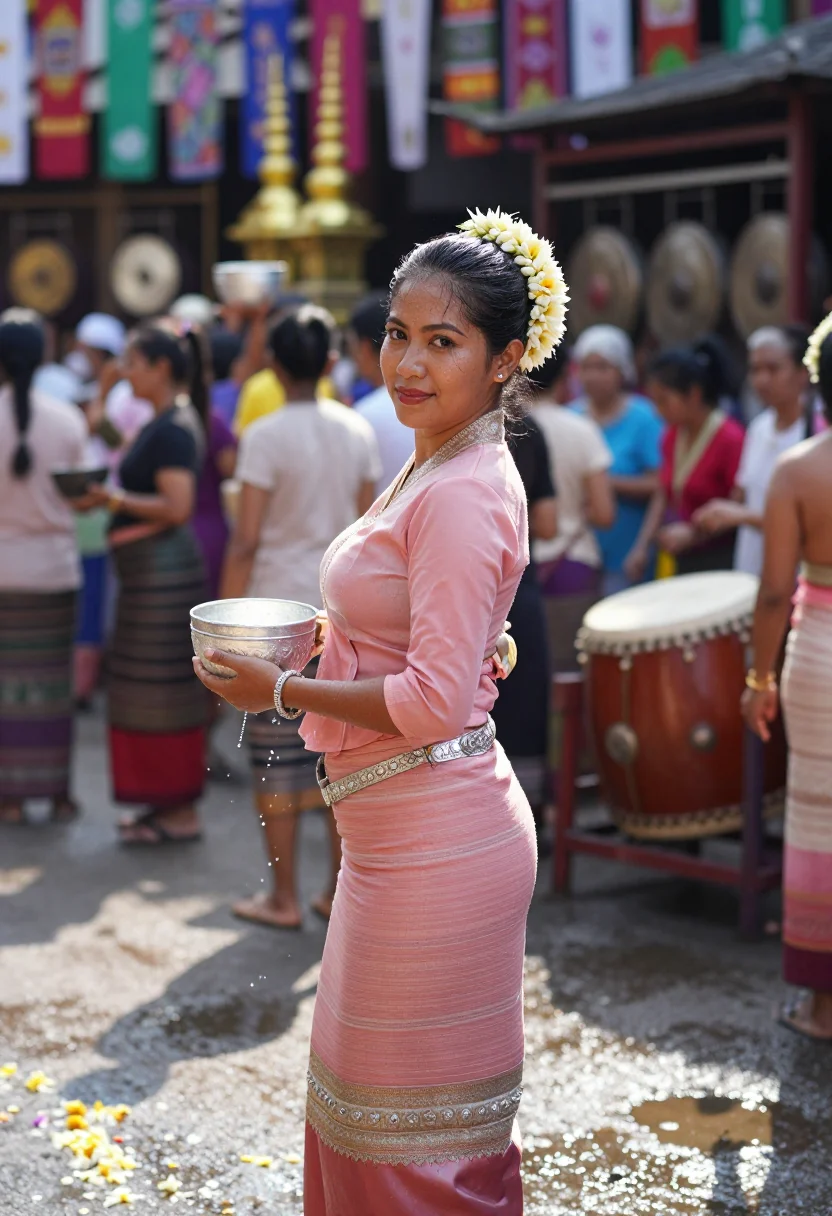
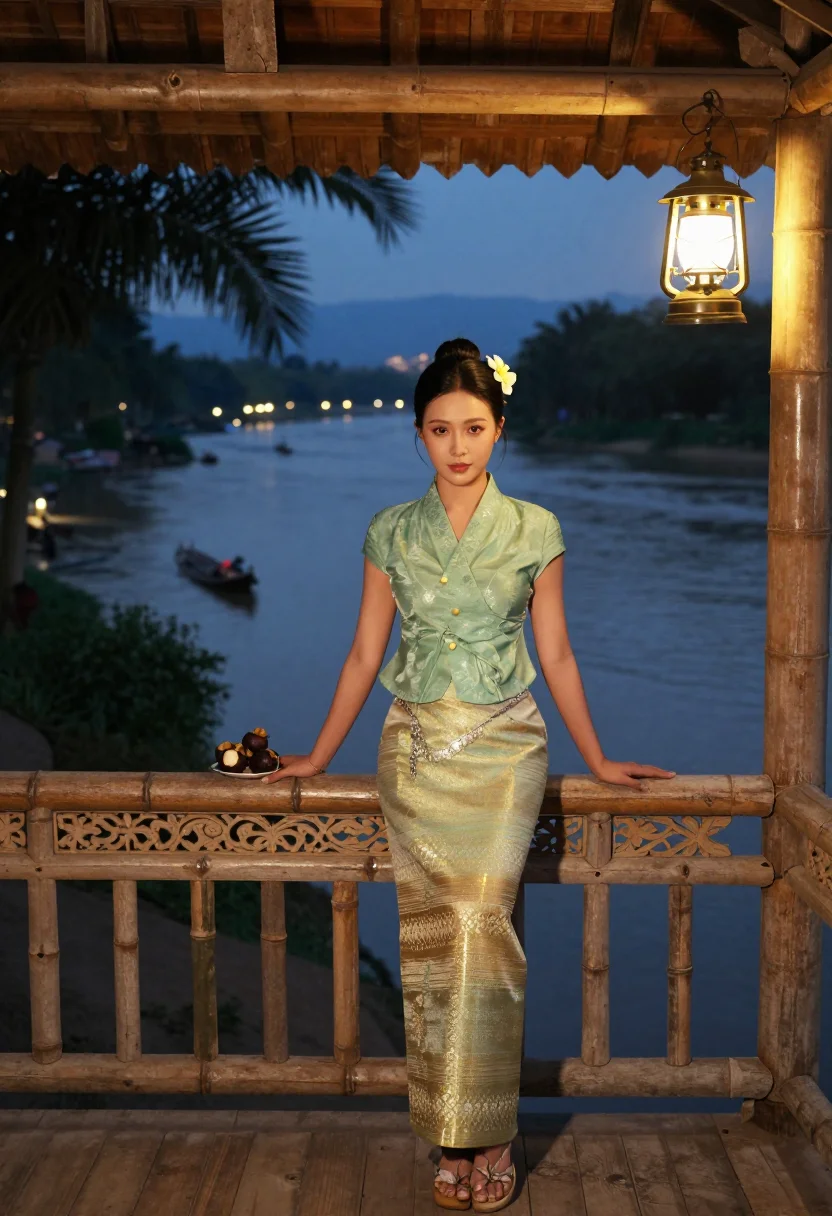
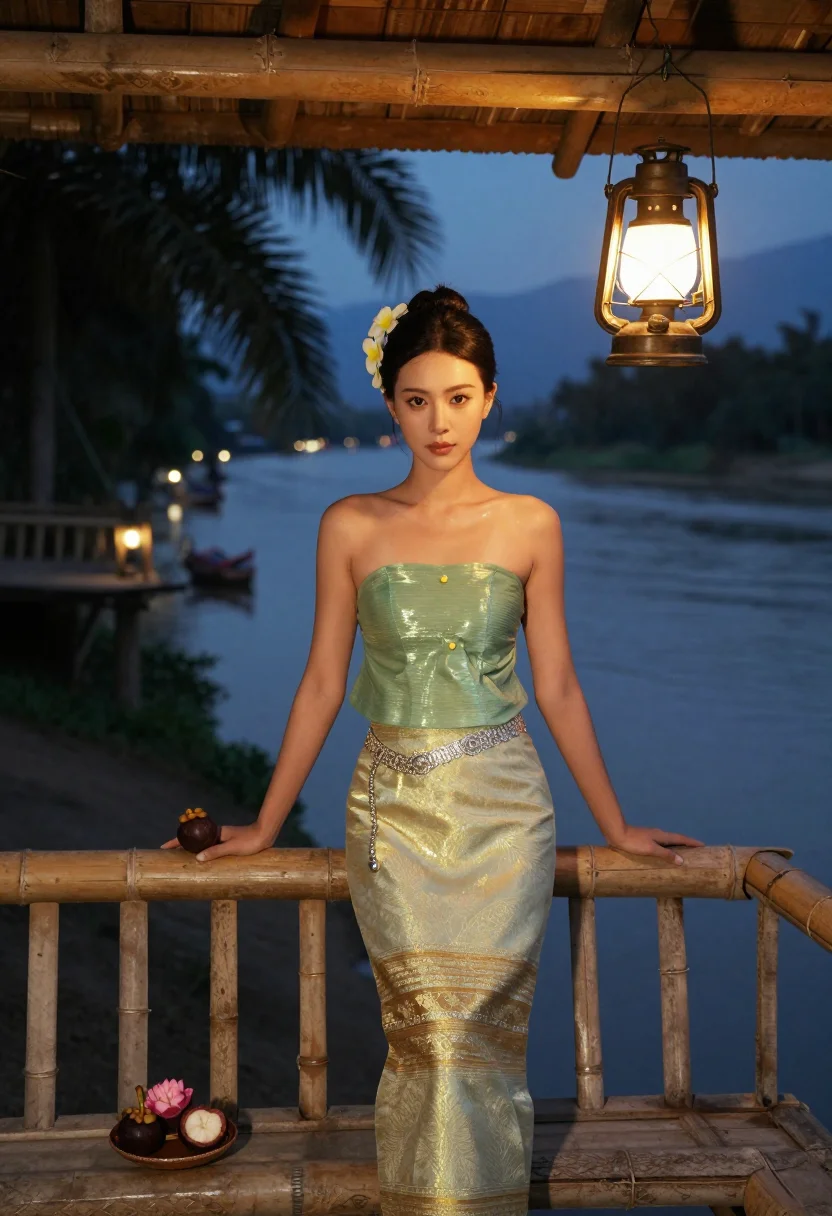
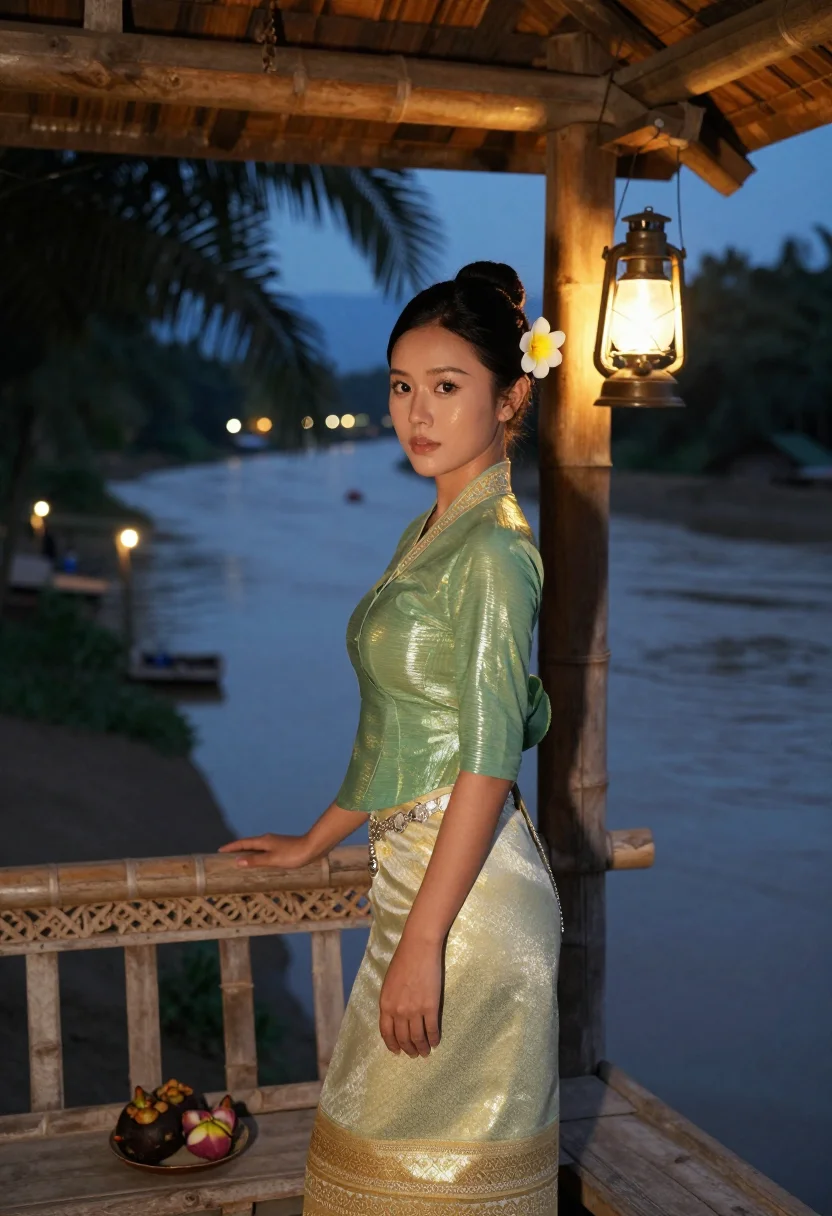
Nine photographs of you, styled in a watered-silk sarong at a temple pond, mid-splash at the Water-Splashing Festival, and on a bamboo veranda over the Lancang river, for heritage, social, and gift use, in portrait format. The nine vary in crop, expression and light, so there are real choices, not nine identical files.
/dai-sarong · photo · 3 scenes
A Dai Traditional Dress Photoshoot, No Flight Required
6–20 photos of yourself · we email you when your model is ready
More tropical grace
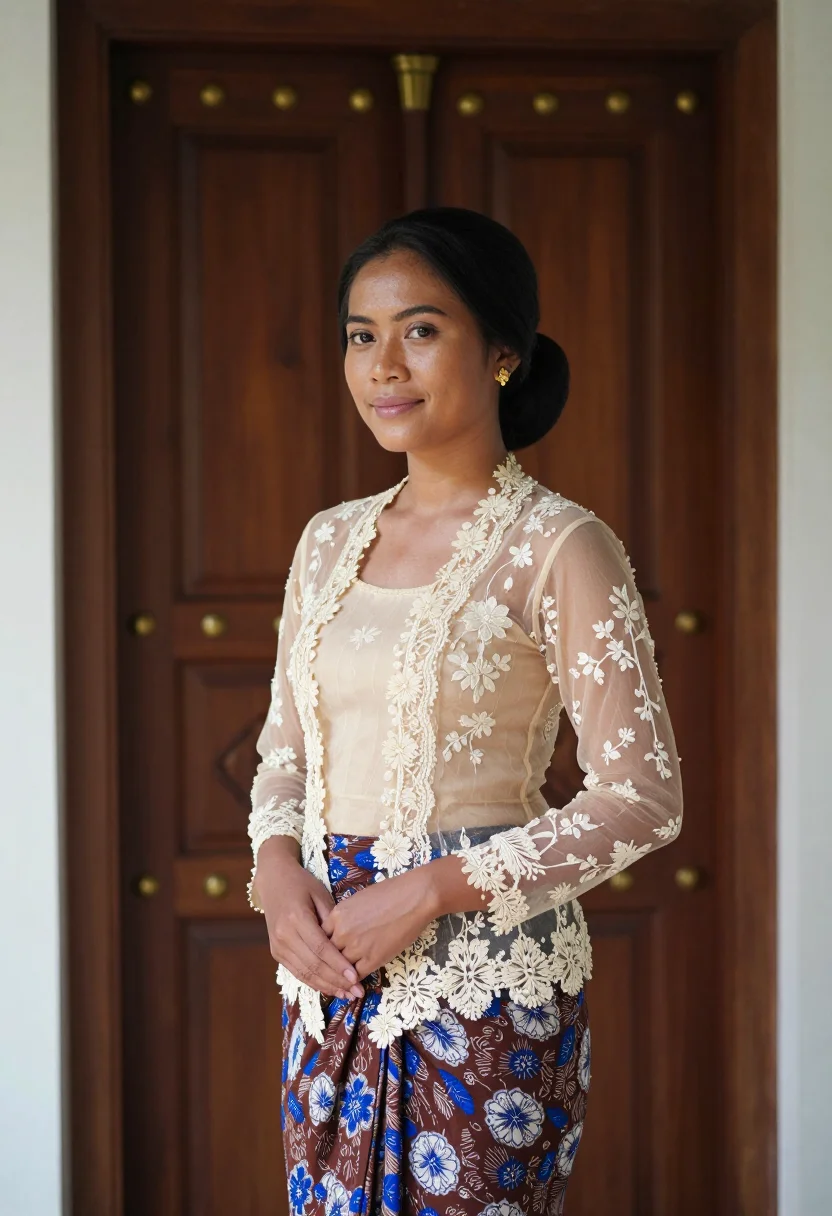
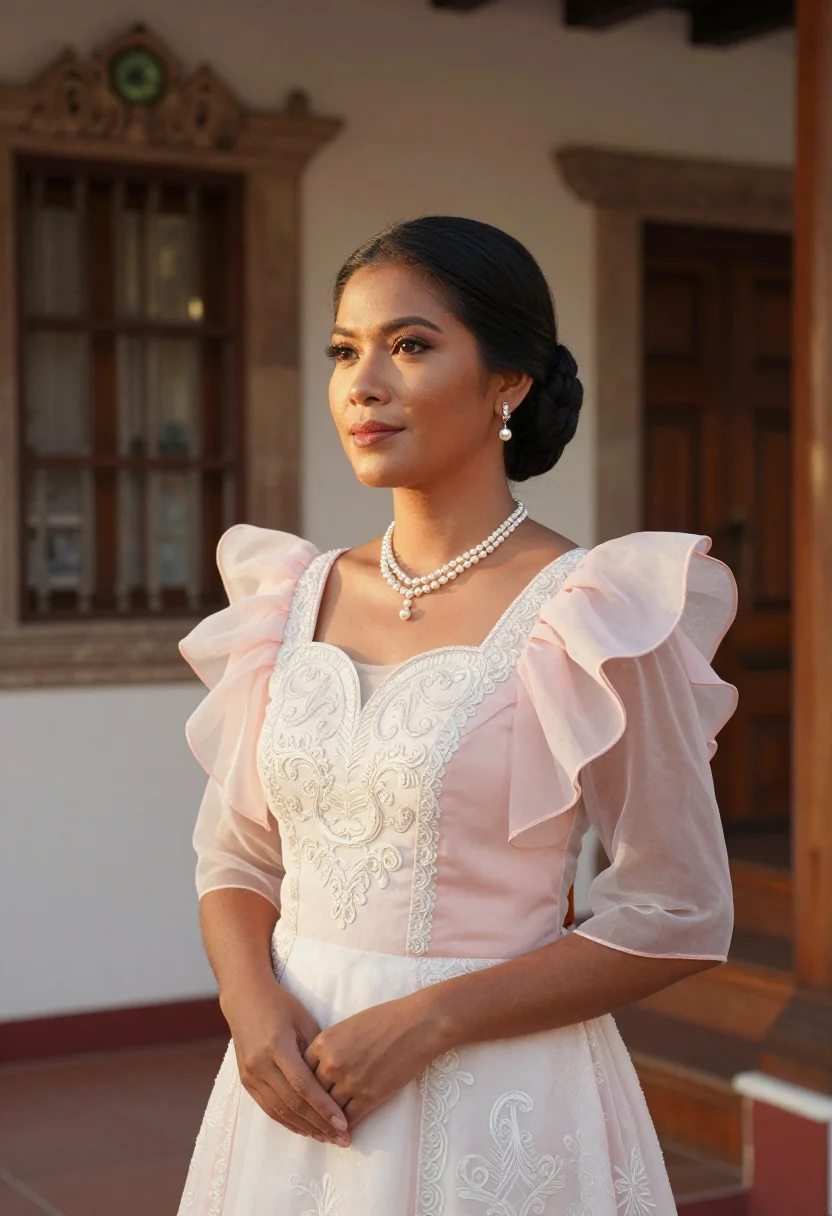
one model wears them all →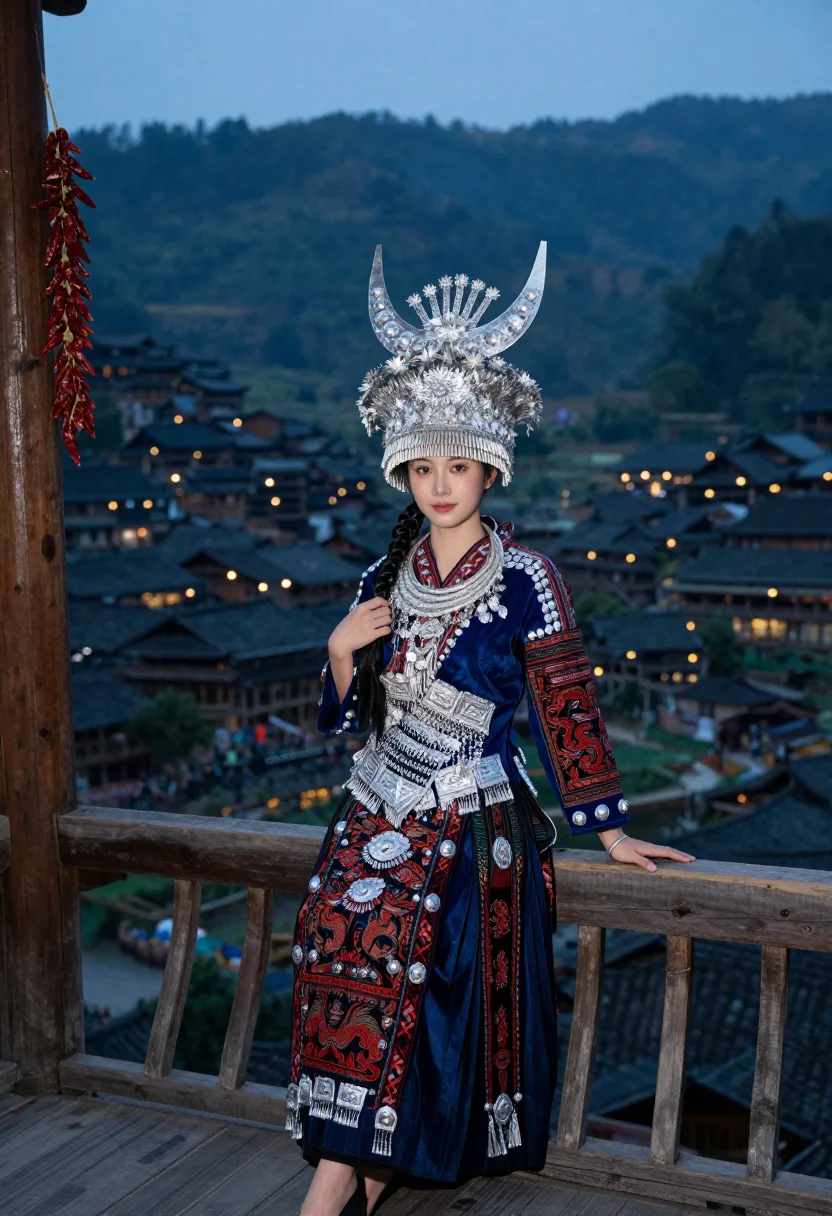
all 9 photos in this pack ↓
How it works
Three steps.
1
Add your photos
Add photos of yourself. We check each one when you add it.
2
We create your model
We create your AI model from your photos. Your photos are ready in a few hours.
3
Every pack, with your face
This pack and every other pack on Narcis can then be made with your face, and single photos too.
The Dai sarong register
Dai dress in Xishuangbanna is tropical grace — the slim tube skirt in watered silk, a fitted pastel blouse, a silver belt low on the hips, frangipani in the hair, golden stupas above the palms.
Three situations move through the culture's own occasions: at a temple pond in the morning, jade-green silk and a silver belt against a golden stupa doubled in still water, a white peacock dragging its train along the balustrade; mid-laugh at the Water-Splashing Festival, a silver bowl of water swung in a bright arc, rose-pink sarong soaked at the hem; on a bamboo house veranda at dusk, gold-threaded sarong catching lamplight above the Lancang river.
The slim silhouette is the signature — palettes stay lotus pink, jade and gold, and water, palms and stupa gold recur throughout. What the pack renders is a photograph: photoreal, a real-looking portrait of you in the sarong, not a painting or an illustration.
Range is built into the sample set so the buyer sees herself in the frame. Honest note: this is a portrait of you composited into Xishuangbanna, not a photo taken there — it holds up as a dream shot, a heritage portrait, or a portrait you love; claiming it as an actual trip is a different use.
How to photograph yourself for a Dai traditional dress photoshoot
Better source photos make better portraits.
- Even, soft lightStand near a window with indirect daylight on your face. Avoid overhead bulbs and phone flash — both flatten the face and are the usual reason an AI portrait misses your likeness.
- Front or three-quarter angleCamera at eye level, facing it or turned slightly to three-quarter. No selfie-stick uplook, no shot from below.
- Face fully clearHair and sunglasses off the face. A clear, front-facing photo is the best photo for an AI portrait — it gives the model the most of you to work with.
- An upright, unhurried expressionThe register is upright carriage and tropical warmth — a soft, poised look reads better than a stiff studio pose.
- Plain background is fineDon't worry about your own backdrop — Xishuangbanna replaces it. A plain wall behind you just helps the model focus on your face.
Frequently asked questions
- Will it actually look like Dai dress, and like a real photo?
- Yes on both. The watered-silk sarong, the golden stupa, and the Water-Splashing Festival come back detailed and unmistakable, and the output is photoreal: a real-looking photograph of you in the sarong, not a painting or a cartoon.
- Is this an accurate depiction of Dai dress?
- The pack is built around the real Dai silhouette — the slim tube skirt in watered silk, the fitted blouse, the low silver belt, frangipani in the hair — the culture's own emblem, not a generic 'tropical' costume.
- Which scenes does it cover?
- The three that carry the register: a temple pond by a golden stupa, the Water-Splashing Festival, and a bamboo veranda at dusk. Nine portraits, three per scene.
- How is this different from a real Xishuangbanna trip?
- A real Dai shoot means a flight, sourcing an authentic sarong locally, and timing your visit to the April festival. This gives you the same stupa, the same festival splash, the same veranda, for a fraction of the cost, whenever you like.
- Can men use this pack?
- The sample and styling are built for women — the slim sarong and fitted blouse — so it reads feminine.
- Will the photos look like me?
- Every photo looks like you, well photographed. If one is nearly right, say what to change, in your own words.
- Do I have to write a prompt?
- No. There is nothing to write: you pick a pack, and it is ready in seconds.
- How many photos of myself do I add?
- Between six and twenty, from different days and in different light, with your face clear. We check each one when you add it.
- What happens to the photos I add?
- They are used only to create your model, on our own servers in the European Union. They are not shared and not sold.
When the Dai sarong pack fits
- For an Instagram or social feed that wants the golden-stupa temple-pond shot
- For a profile picture with jade silk and tropical light in it
- For a heritage or ancestry portrait honoring Dai or Yunnan roots
- For a portrait gift — a birthday, an anniversary, or a family heirloom-style photo
- For a phone or desktop wallpaper you actually enjoy looking at
- For a print or framed portrait, a heritage shot without the trip
- For a textile, dance, or Southeast Asia-travel blog author photo
- For a dating profile with a bright, well-lit cultural portrait — kept honest
- For anyone who's tried to catch the Water-Splashing Festival and missed the April dates
About narcis
Most AI photo tools put every pose, job, era, and style in one giant catalog. The photos all look like every other AI photo on the internet — a glaze over a stock face. Narcis goes the other way. One job: photos of you that look like photographs. You add at least 6 photos of yourself, and we create your AI model from them. Your photos are ready in a few hours, and we email you when they are. Then this pack and every other pack on Narcis can be made with your face. Each pack is curated against real references — paintings, photographers, places — and tested on real faces before it goes live. Built and run by one small team, on our own servers.
All images are AI-generated. By using this service, you confirm you are 18+, that any face photo you upload is your own or used with explicit consent. Full Terms