Professor Headshot — The Don in Brown Tweed
Nine photos of you in one setting
How your model is created from your photos
Every pack on Narcis, made with your face
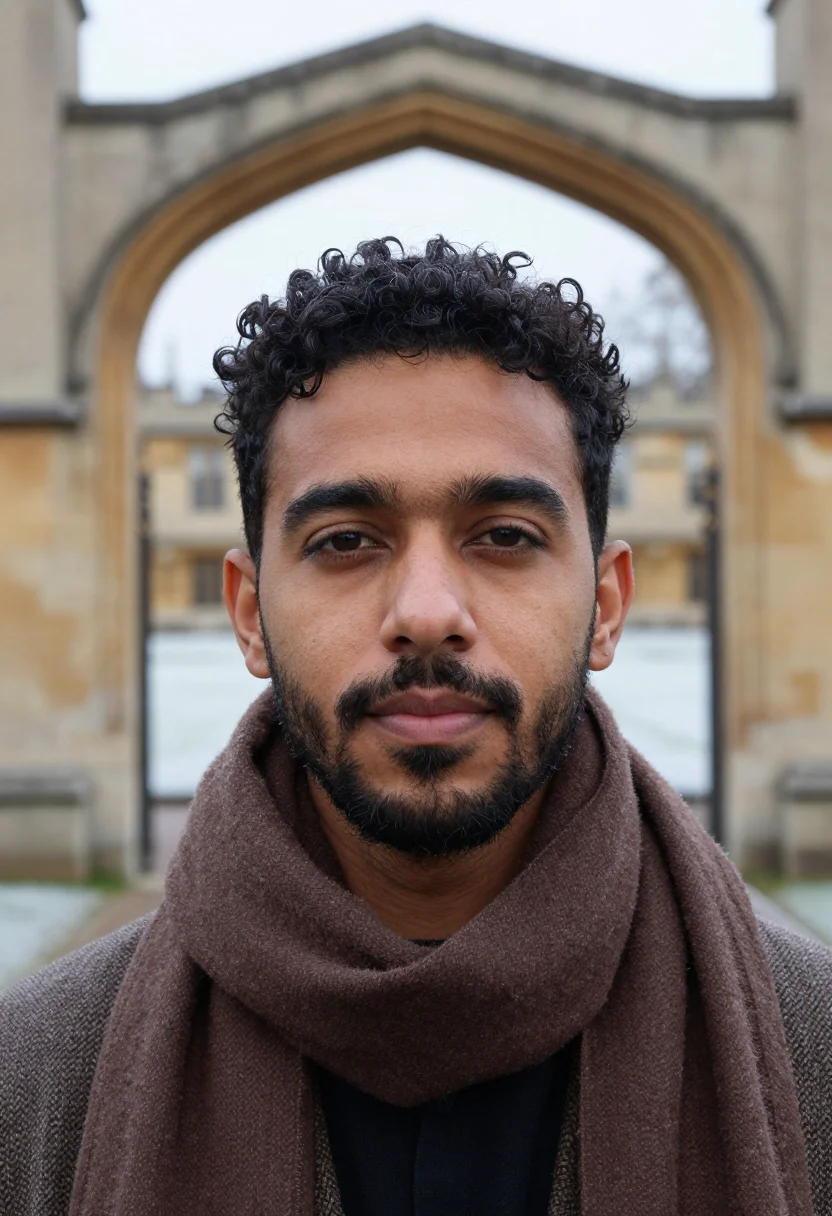
Nine photographs of you in one setting: one pack of the Narcis catalogue.
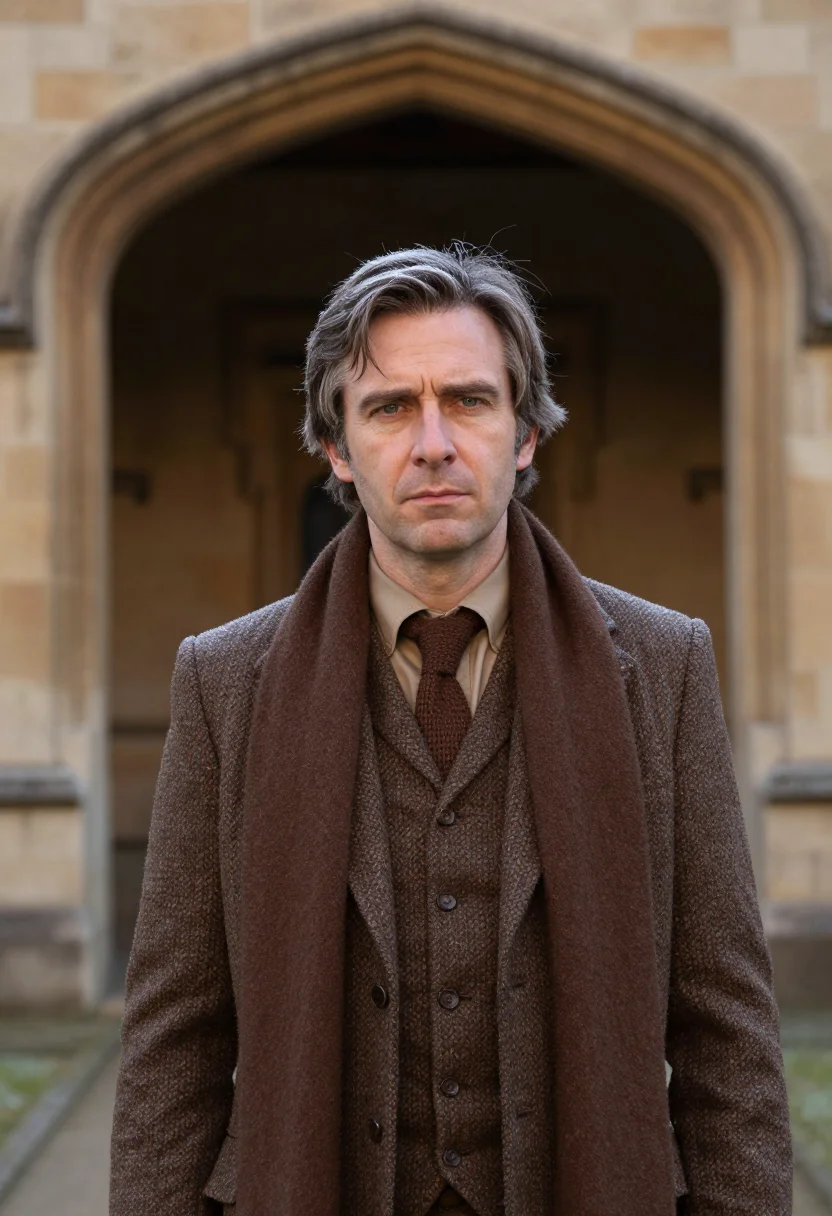
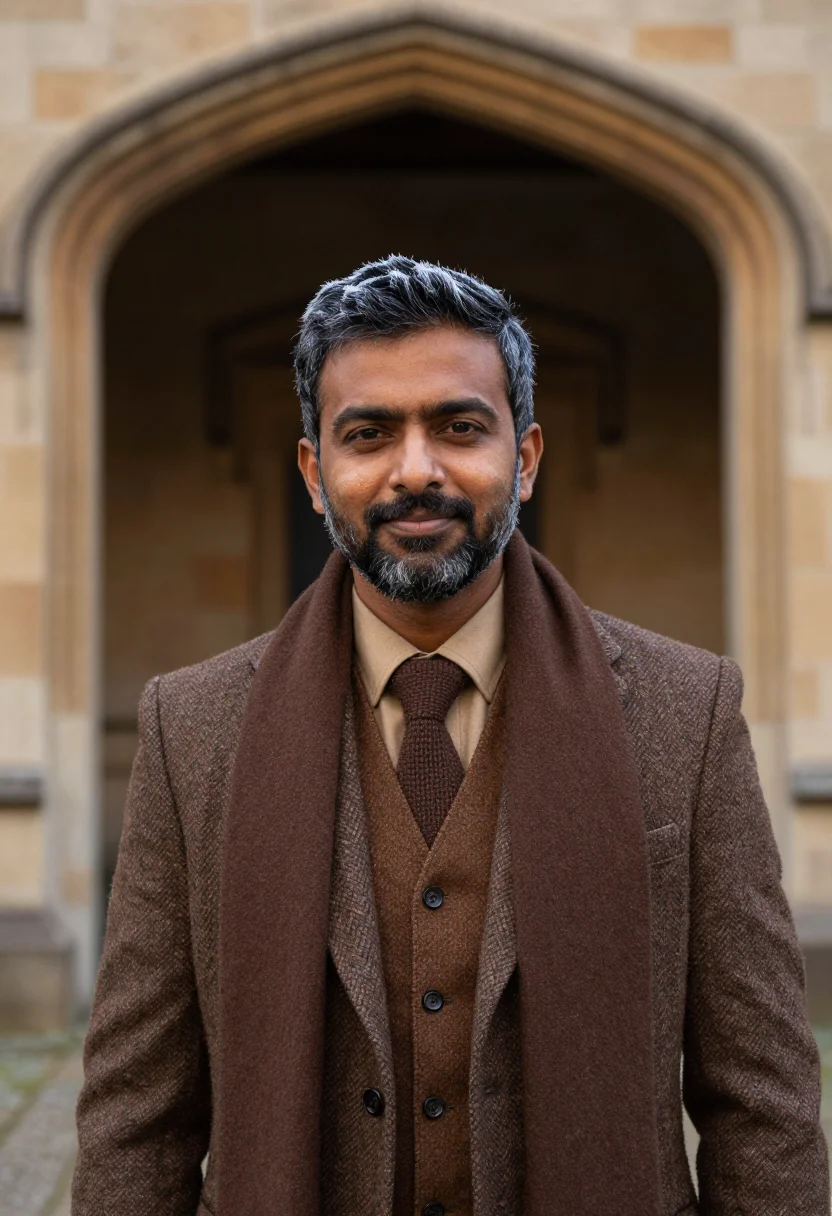
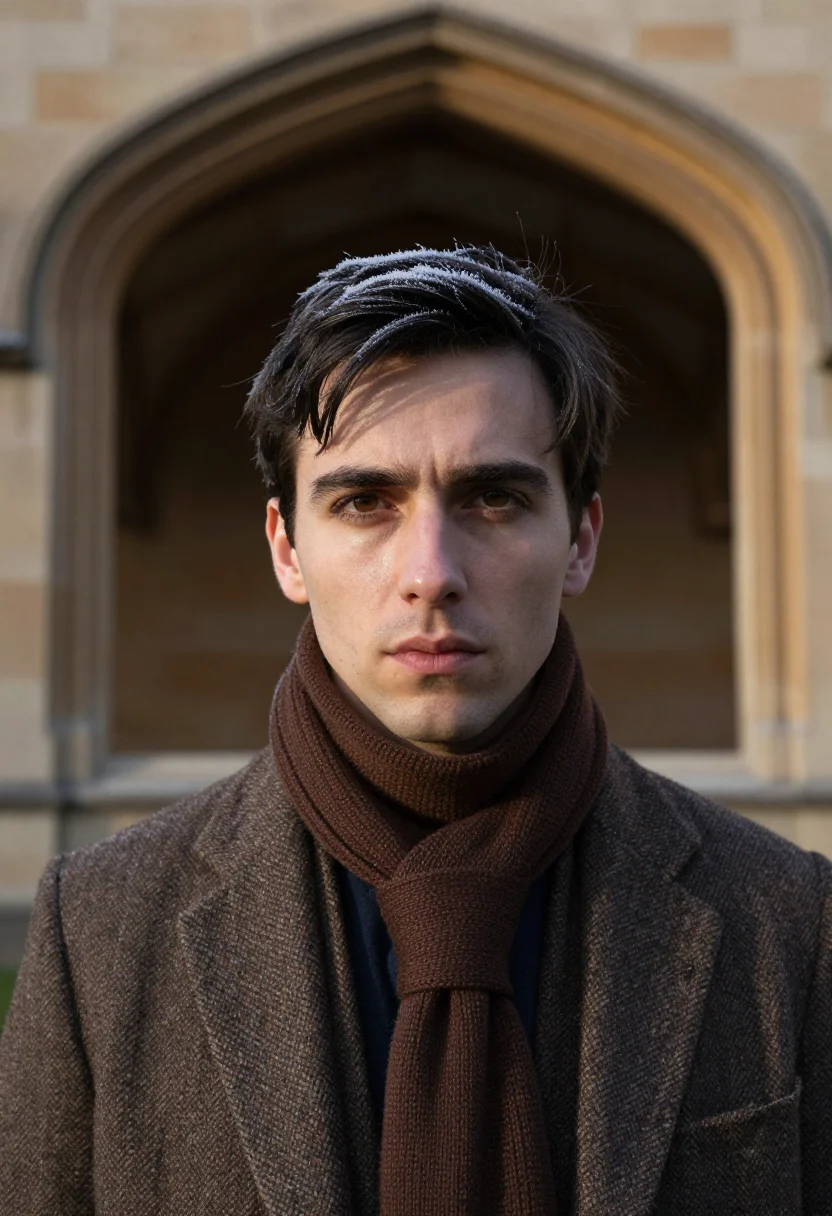
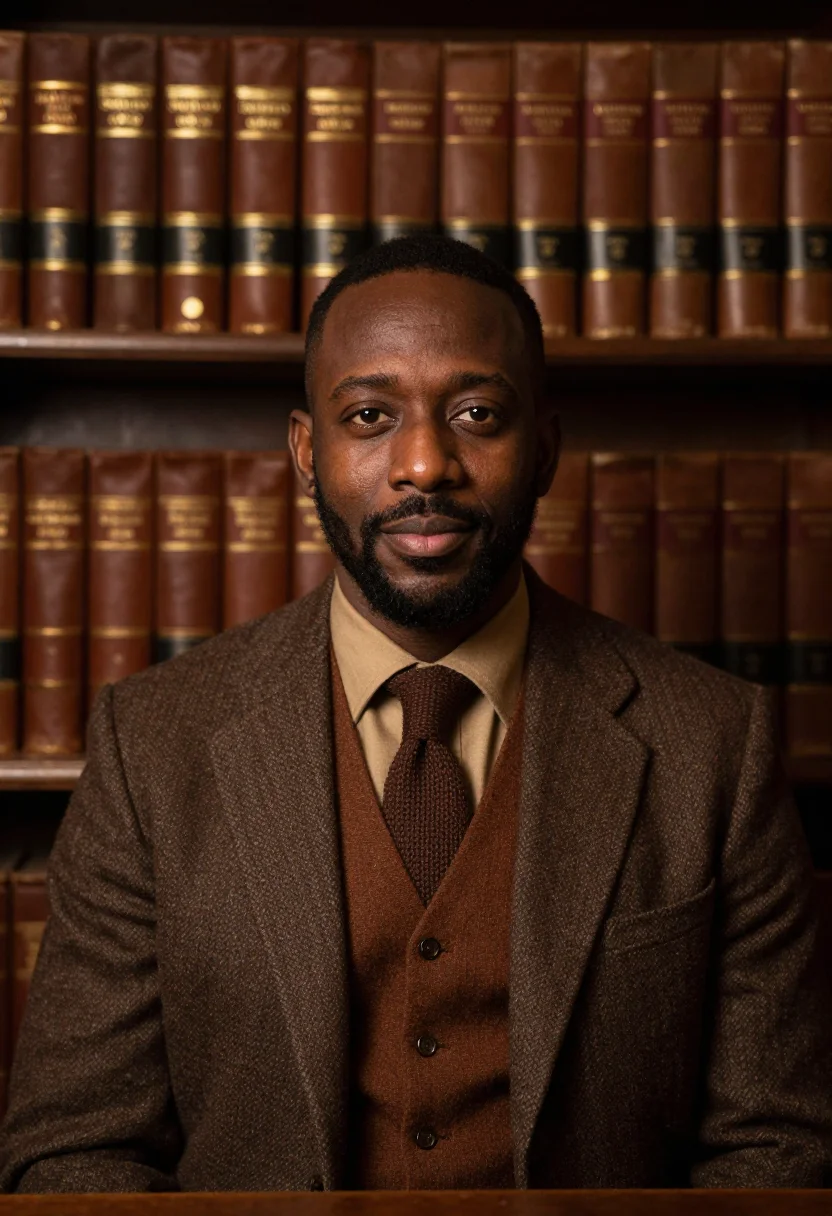
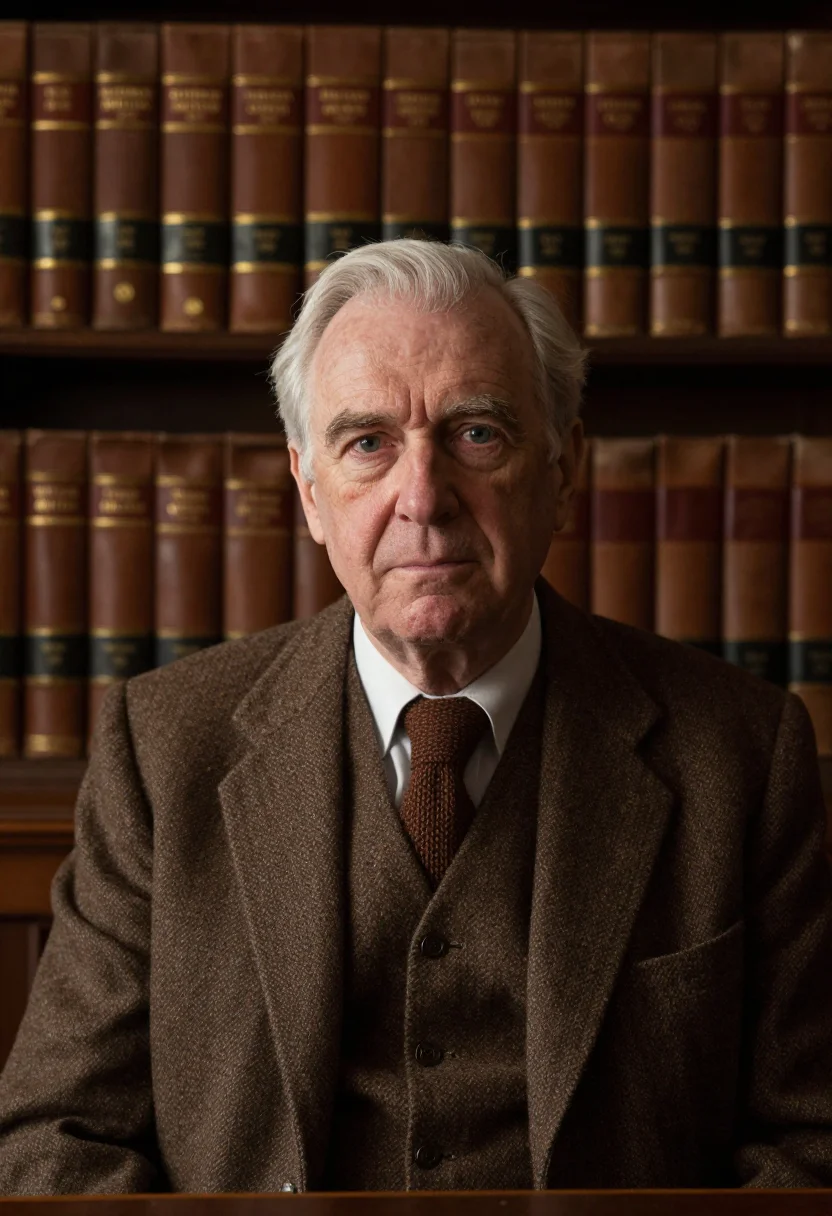
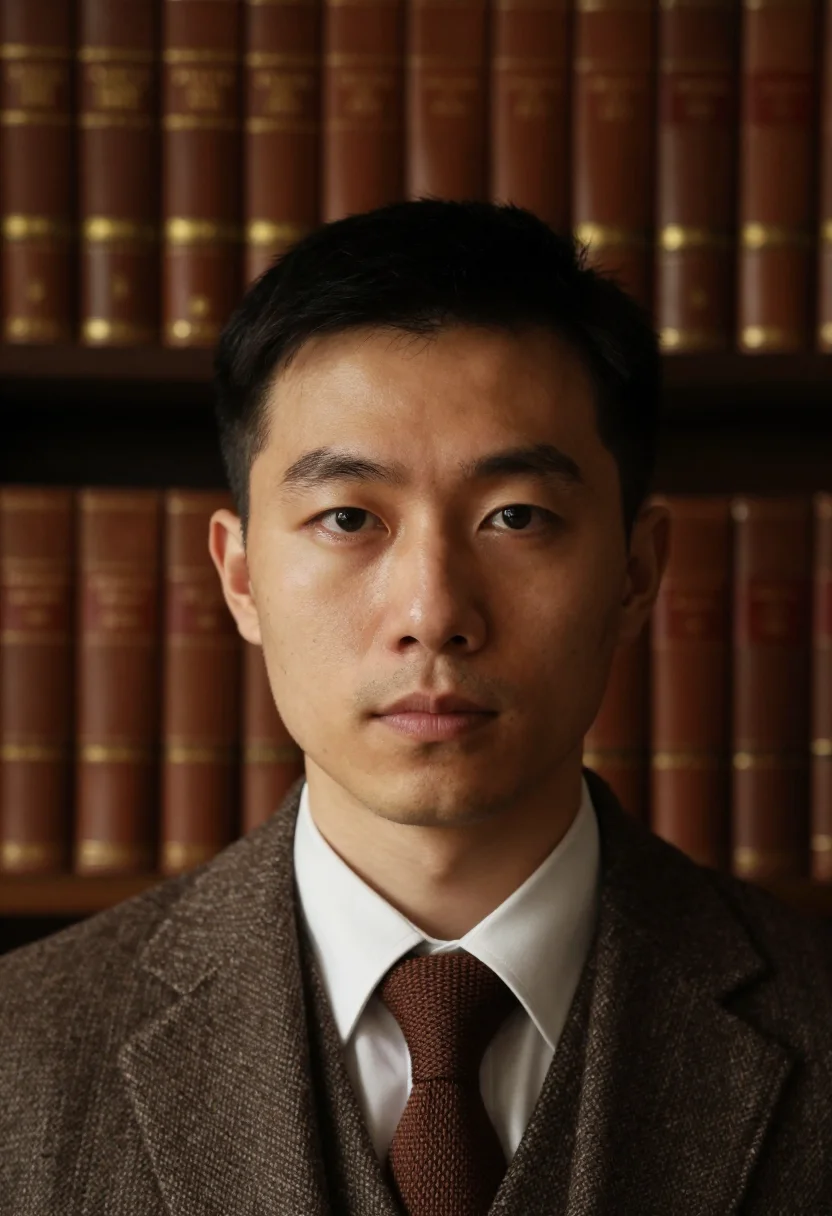
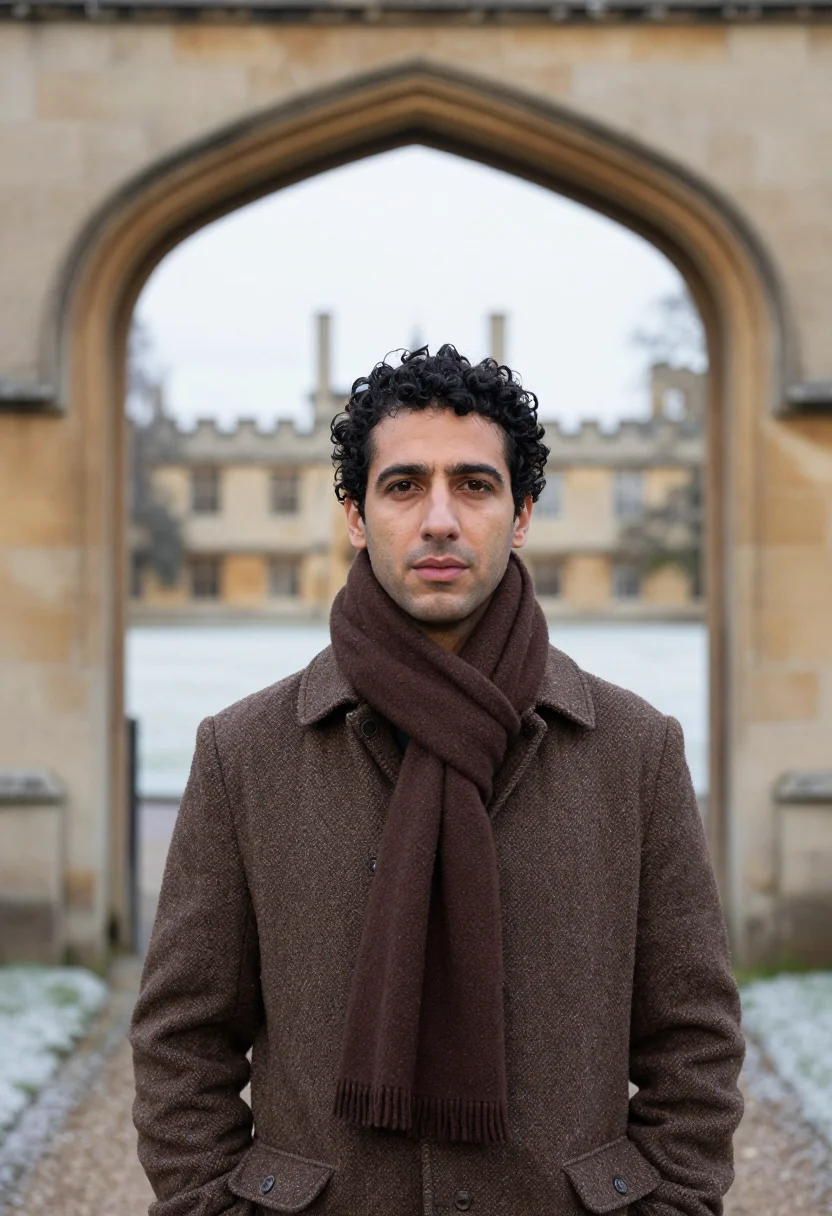
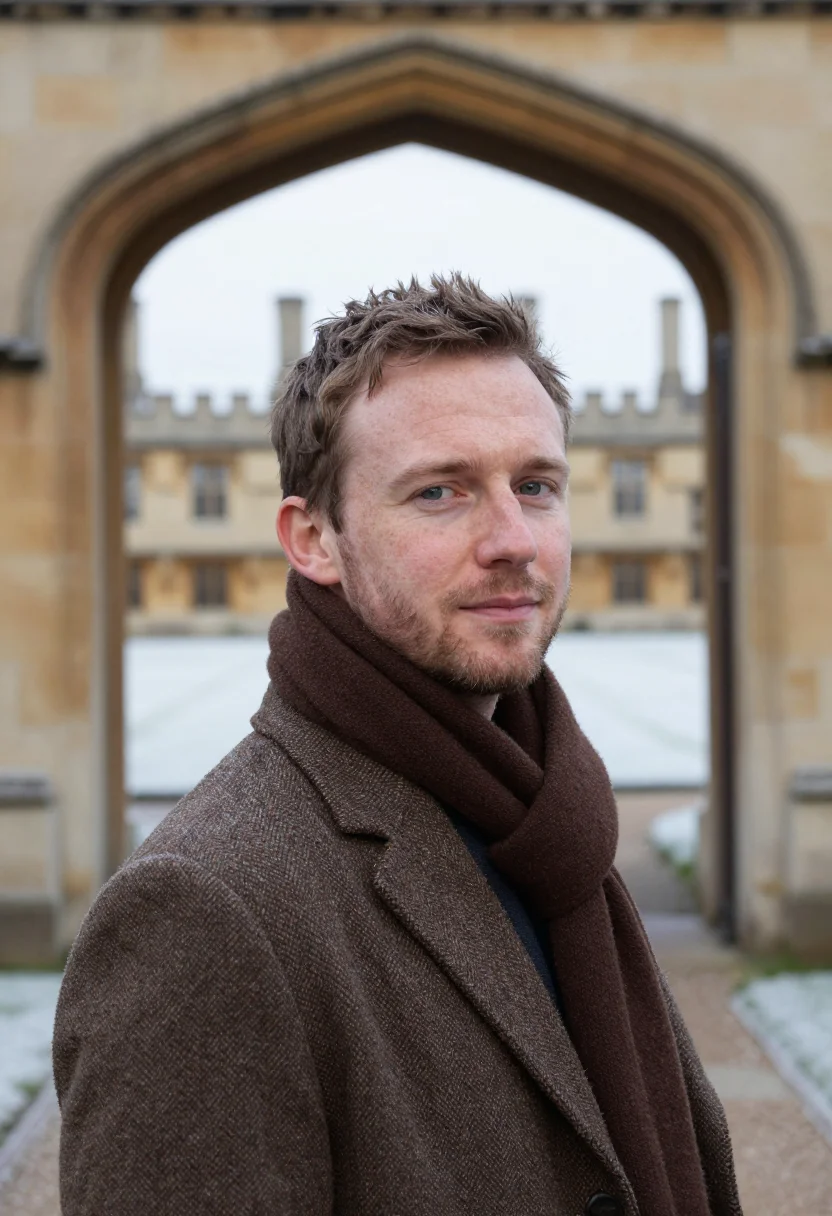
Nine photographs of you, styled in the The Don in Brown Tweed register -- a brown Harris tweed jacket and knitted tie against an Oxford quadrangle in a hard winter frost, in portrait format. The nine vary in crop, expression and light, so there are real choices, not nine identical files.
/don-tweed-brown · professional · 3 scenes
Professor Headshot — The Don in Brown Tweed
6–20 photos of yourself · we email you when your model is ready
More of the professions in winter cloth
one model wears them all →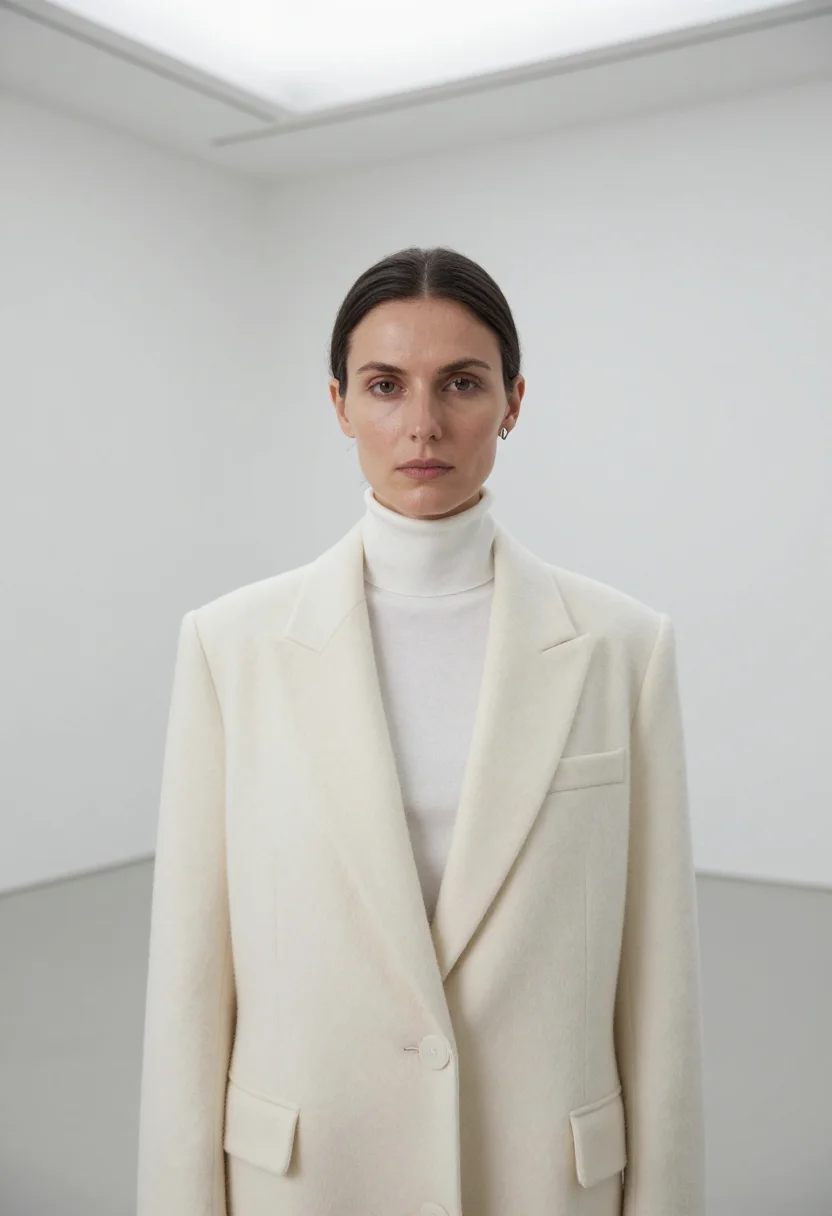
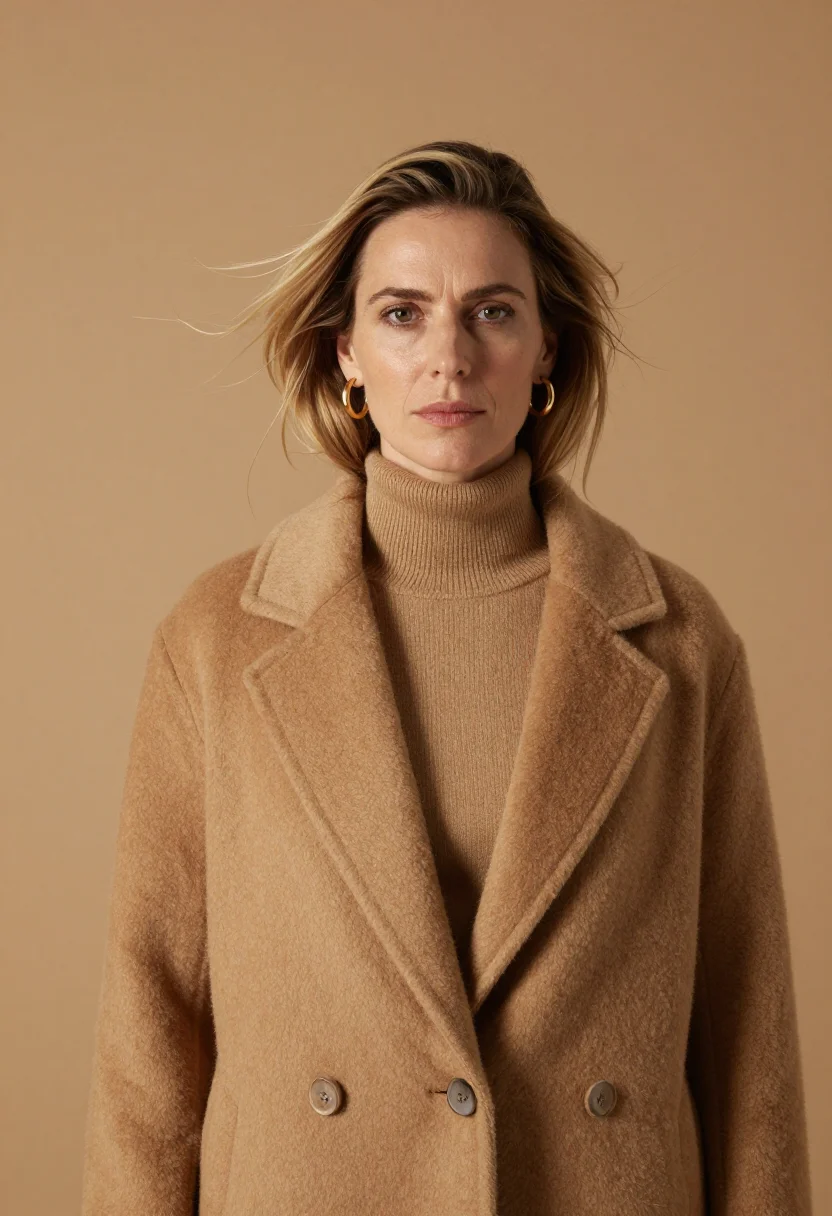
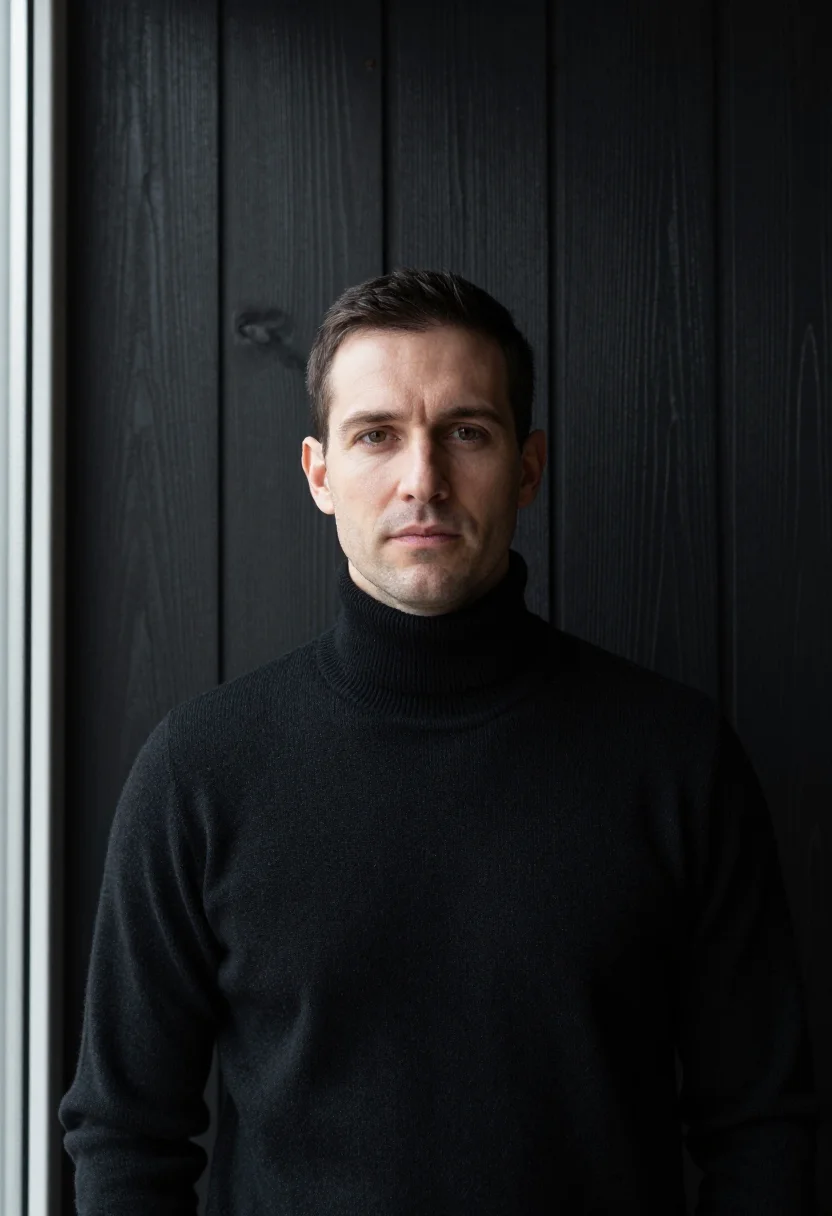
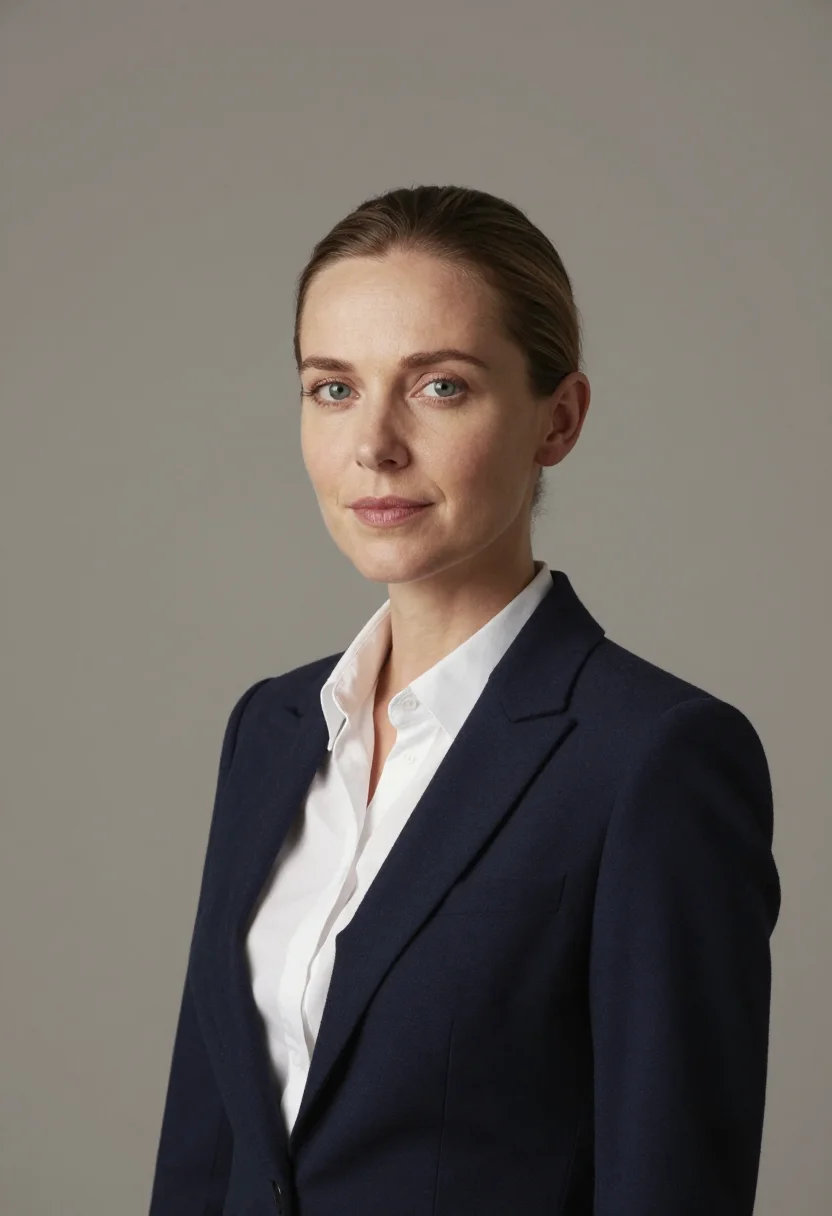
all 9 photos in this pack ↓
How it works
Three steps.
1
Add your photos
Add photos of yourself. We check each one when you add it.
2
We create your model
We create your AI model from your photos. Your photos are ready in a few hours.
3
Every pack, with your face
This pack and every other pack on Narcis can then be made with your face, and single photos too.
The The Don in Brown Tweed register
The Don in Brown Tweed draws on an Oxford quadrangle in a hard frost: honey stone gone brown in the low light, the lawn white, the tutor crossing to hall in a brown Harris tweed older than his students. The academic's portrait with none of the robes.
Photographically the license is ton sur ton: five browns woven into one, the tweed's flecks the only pattern in the frame. Three settings carry the pack -- a stone cloister, a wall of leather-bound spines, the quad's gateway -- chest-up and headshot throughout.
The output is photoreal: a real-looking photograph of you in Oxford brown tweed, of you -- not a painting, not a generic academic filter.
How to photograph yourself for The Don in Brown Tweed portraits
Better source photos make better portraits.
- Even, soft lightStand near a window with indirect daylight on your face. The pack builds its own frost-light Oxford light on top -- a flat, well-lit selfie gives it the clearest face to work from.
- Front or three-quarter angleCamera at eye level, facing it or turned slightly to three-quarter -- the Oxford register favours a level, slightly wry gaze. No selfie-stick uplook, no shot from below.
- Face fully clearHair off the face, no hats, sunglasses, or heavy filters in the source photo. A clear, front-facing photo is the best input for an AI headshot.
- A composed expressionThis register favors a level, professional look over a big grin -- a calm expression in your source photo blends more naturally into the chest-up and headshot frames.
- Plain background is fineDon't worry about your own backdrop -- the pack's three settings replace it entirely. A plain wall behind you just helps the model focus on your face.
Frequently asked questions
- Will it actually look like a professional headshot, not an AI filter?
- Yes. The output is photoreal -- a real-looking photograph of you in the The Don in Brown Tweed register, chest-up and headshot framing throughout, not a painting or an obvious filter pass. It's you; the wardrobe and setting are the costume, you are the sitter.
- Is this pack built for men or women?
- The wardrobe and world here are built for men -- the palette, the cut, and the three settings are cast for that frame. The house's sibling pack, The Gallerist in Winter White, carries the same winter register for the other side.
- Can I use this for LinkedIn or my company's page?
- Yes -- that's the pack's own use case. The three stone-cloister, book-lined-wall, and quad-gateway settings read as a genuine executive portrait for LinkedIn, a company team page, a speaker bio, or a press kit, not a holiday snapshot dressed up.
- Can I use the photos commercially, on a company website or in print?
- Personal professional use like this is fine -- a LinkedIn profile, a company team page, a speaker bio, a press kit, a printed business card. It isn't licensed for resale of the images themselves.
- Do I need the actual the don in brown tweed wardrobe in real life?
- You don't need any of it in your closet; that's what the photoshoot supplies.
- Will the photos look like me?
- Every photo looks like you, well photographed. If one is nearly right, say what to change, in your own words.
- Do I have to write a prompt?
- No. There is nothing to write: you pick a pack, and it is ready in seconds.
- How many photos of myself do I add?
- Between six and twenty, from different days and in different light, with your face clear. We check each one when you add it.
- What happens to the photos I add?
- They are used only to create your model, on our own servers in the European Union. They are not shared and not sold.
When The Don in Brown Tweed fits
- A LinkedIn profile photo for a professor, tutor, or researcher
- A university department's own faculty page
- An author photo for a book jacket or press kit
- A speaker bio for an academic conference
- Personal branding built around scholarly warmth
- A profile photo for a tenure or fellowship announcement
- A gift for someone who just made professor or fellow
- An email signature photo with real Oxford frost light in it
- A recruiter-facing profile for academia
About narcis
Most AI photo tools put every pose, job, era, and style in one giant catalog. The photos all look like every other AI photo on the internet — a glaze over a stock face. Narcis goes the other way. One job: photos of you that look like photographs. You add at least 6 photos of yourself, and we create your AI model from them. Your photos are ready in a few hours, and we email you when they are. Then this pack and every other pack on Narcis can be made with your face. Each pack is curated against real references — paintings, photographers, places — and tested on real faces before it goes live. Built and run by one small team, on our own servers.
All images are AI-generated. By using this service, you confirm you are 18+, that any face photo you upload is your own or used with explicit consent. Full Terms