AI Startup Founder Headshot
Nine photos of you in one setting
How your model is created from your photos
Every pack on Narcis, made with your face
Nine photographs of you in one setting: one pack of the Narcis catalogue.
A founder portrait generated by AI, intended for team slides, press releases, and pitch decks. Three registers — industrial loft, modern office, startup whiteboard — nine portraits per pack. The nine vary in crop, expression and light, so there are real choices, not nine identical files.
/founder-pitch-deck · professional · 3 scenes
AI Startup Founder Headshot
6–20 photos of yourself · we email you when your model is ready
More like this
one model wears them all →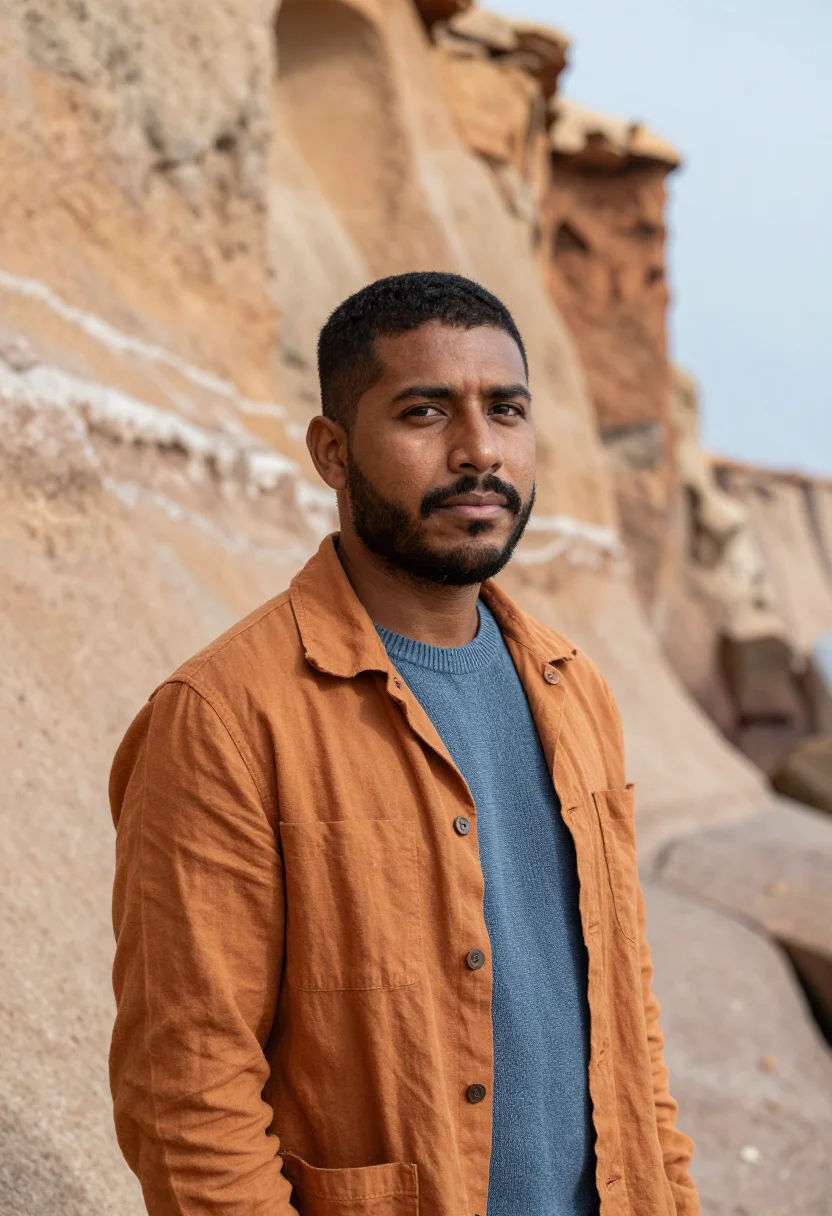
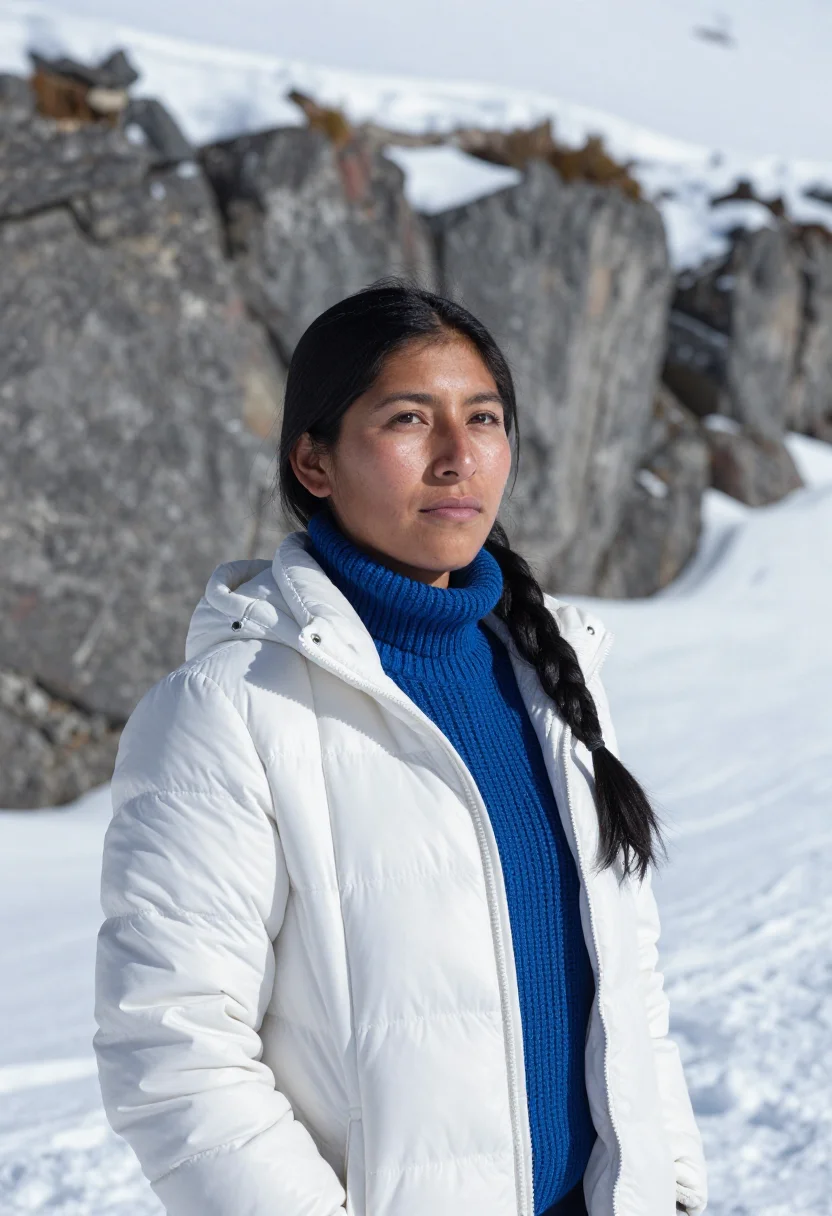
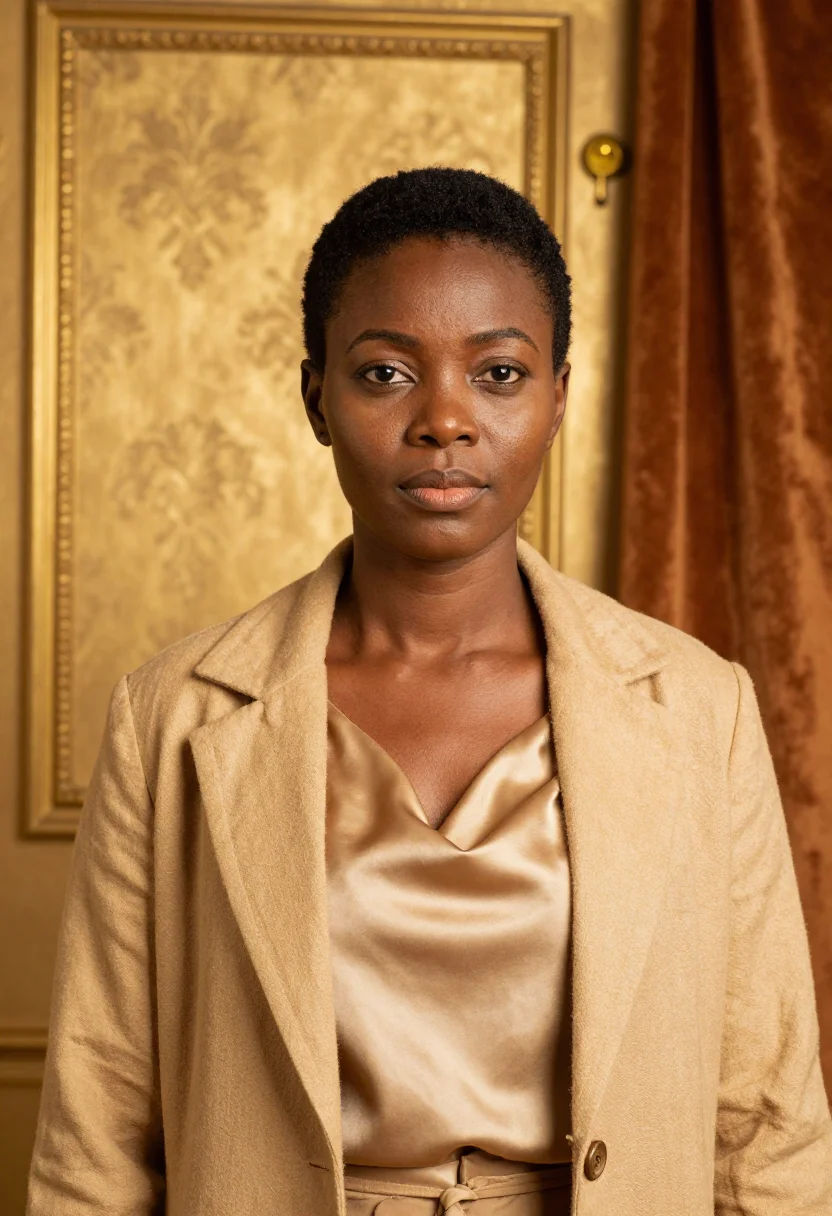
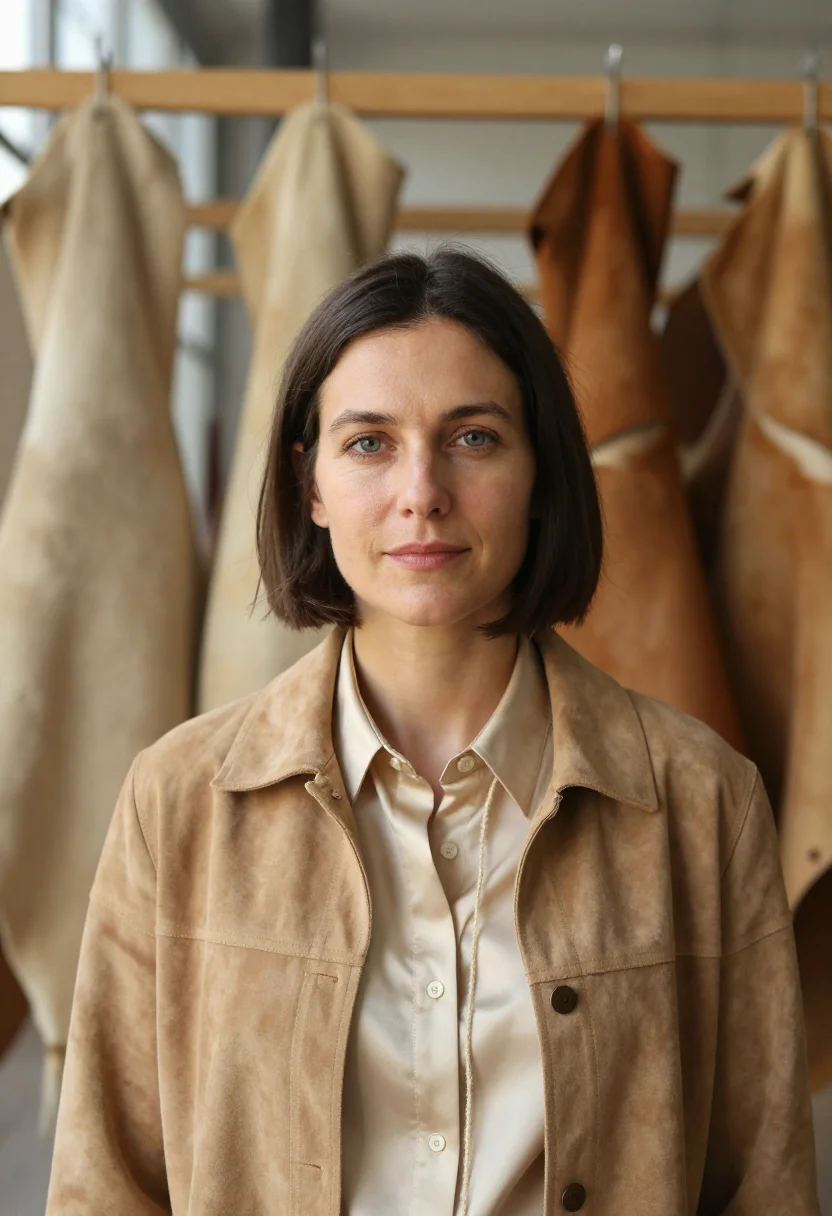
all 9 photos in this pack ↓


How it works
Three steps.
1
Add your photos
Add photos of yourself. We check each one when you add it.
2
We create your model
We create your AI model from your photos. Your photos are ready in a few hours.
3
Every pack, with your face
This pack and every other pack on Narcis can then be made with your face, and single photos too.
The founder portrait register
Founder portraits carry a different weight than corporate headshots. The startup founder portrait is doing two things at once: it needs to read as a serious person running a serious company, and it needs to signal something about what kind of company it is — the visual vocabulary of startup culture is different from the visual vocabulary of law firms or investment banks, and mixing them up reads wrong to anyone who has spent time in the ecosystem.
The pack works across three registers that cover the main founder-portrait surfaces. The team-slide register — rolled-sleeve oxford button-down in pale blue, industrial loft with exposed red-brick wall and black steel beams, large factory windows providing diffused daylight — captures the hands-on, building-something posture that reads well on a startup team page. The press-release register — well-tailored navy blazer over white cotton tee, modern office with floor-to-ceiling windows and pale concrete walls, soft daylight from camera-left, forward-leaning posture — is the magazine-cover version: composed, serious, but not stiff. The pitch-deck register — oatmeal merino crewneck over a white tee collar, startup office with whiteboard and pale-wood furniture — is the direct-to-investor register: approachable, smart, and clearly mid-build.
What separates a founder portrait from a generic professional headshot is not the attire. It is the backdrop and the posture. A corporate headshot puts you in front of a seamless or a blurred corporate lobby; a founder portrait puts you in front of the evidence of work — the brick wall, the windows, the whiteboard. These are not decorative choices. They carry information about the kind of person you are and the kind of company you are building. The pack renders all three in a photograph of you, staged and lit the way editorial startup photography is staged when it is done intentionally.
How to photograph yourself for an AI founder headshot
Better source inputs produce sharper founder portraits.
- Use soft, directional natural lightStand near a window, indirect daylight on your face from one side. Avoid overhead room lighting and phone flash — both compete with the directional lighting in the press-release and team-slide registers.
- Shoot at eye level, front-facing or three-quarterCamera at eye level. Front-facing or slight three-quarter turn — the pack uses half-length framing. Avoid extreme angles or selfie-stick uplooks; they fight the portrait composition.
- Use a plain, unfussy backgroundA plain wall or empty indoor background. The AI replaces the backdrop with the pack register; a cluttered background makes it harder to isolate your face and figure cleanly.
- Wear something close to what you would wear as a founderA button-down, a clean knit, or a blazer. Starting from similar attire in your source photo — rather than a heavy overcoat or a t-shirt with graphics — makes the AI portrait read as more consistent with the pack register.
- Upload 2 to 5 photos if you have themOne is enough. Multiple varied angles — front, slight turn, different lighting — strengthen the likeness.
Frequently asked questions
- What does the output actually look like — is it photorealistic?
- Photorealistic. The output is a photograph of you in a startup founder context — not illustrated, not cartoonish, not obviously AI-generated. Three registers: team slide (rolled-sleeve oxford in an industrial loft with red-brick wall and factory windows), press release (navy blazer in a modern office with floor-to-ceiling windows), and pitch deck (oatmeal merino crewneck near a startup whiteboard).
- What is this pack specifically built for?
- Pitch deck team slides, startup press releases, founder profile pages, and magazine features. Investors reading a deck form an impression of the founding team before reading the business model. The same is true for a journalist writing about a funding round. These three registers are designed for those surfaces — not for a generic LinkedIn update, though they work there too.
- Can I use these for my startup's team page or about page?
- Yes. The team-slide register in particular is designed for exactly that surface. Full-resolution, portrait-ratio, no watermark. The three registers give you variety so the team page does not look like nine copies of the same photo.
- Can I use these portraits on LinkedIn or for a press release?
- Yes. The press-release register — navy blazer, modern office, soft daylight from camera-left, magazine-cover framing — is built for that surface. It reads at the scale of a TechCrunch feature or a Crunchbase profile as well as on LinkedIn.
- How is this different from the LinkedIn headshot pack?
- The LinkedIn pack targets an all-purpose professional headshot: neutral backdrops, business-casual attire, works everywhere. The founder pack targets the startup editorial register specifically: loft space and brick wall for the team slide, floor-to-ceiling windows for the press release, a whiteboard backdrop for the pitch deck. If you need one headshot for everything, use the LinkedIn pack. If you are building press and investor materials, the founder pack fits that context better.
- Is this pack suitable for a CEO, COO, or other C-suite executive headshot?
- Yes. The press-release register reads appropriately at the C-suite level — navy blazer, modern office, composed forward-leaning posture. If the primary context is a board portrait or a finance press feature rather than a startup announcement, the Investor VC Partner pack has a slightly more senior register.
- Can I use these for a board portrait or investor conference bio?
- They will work, but the Investor VC Partner pack is a closer fit — it uses a darker, more senior register (walnut-panel library, abstract-art office, skyline view). The founder pack reads as energetic and forward-leaning; the investor pack reads as measured and established.
- Can I use the output commercially?
- Yes. The output is yours. You may use it for press releases, investor decks, company websites, and media materials without restriction. See the terms for the full scope.
- Will the photos look like me?
- Every photo looks like you, well photographed. If one is nearly right, say what to change, in your own words.
- Do I have to write a prompt?
- No. There is nothing to write: you pick a pack, and it is ready in seconds.
- How many photos of myself do I add?
- Between six and twenty, from different days and in different light, with your face clear. We check each one when you add it.
- What happens to the photos I add?
- They are used only to create your model, on our own servers in the European Union. They are not shared and not sold.
When the founder headshot pack fits
- For a pitch deck team slide that introduces the founding team to investors
- For a startup press release or media kit headshot accompanying a funding announcement
- For a startup team page or about page founder portrait
- For a founder LinkedIn profile update following a funding round or company launch
- For a CEO or CTO profile photo on a company investor relations page
- For a magazine or tech-press feature headshot (TechCrunch, Forbes, Wired)
- For a Crunchbase or AngelList founder profile photo
- For a startup conference speaker bio paired with a talk announcement
- For a founder bio on a company blog or newsletter masthead
- For a product hunt launch banner featuring the founder's face
- For updating a founder headshot that predates the current stage of the company
- For a startup accelerator or incubator directory profile photo
About narcis
Most AI photo tools put every pose, job, era, and style in one giant catalog. The photos all look like every other AI photo on the internet — a glaze over a stock face. Narcis goes the other way. One job: photos of you that look like photographs. You add at least 6 photos of yourself, and we create your AI model from them. Your photos are ready in a few hours, and we email you when they are. Then this pack and every other pack on Narcis can be made with your face. Each pack is curated against real references — paintings, photographers, places — and tested on real faces before it goes live. Built and run by one small team, on our own servers.
All images are AI-generated. By using this service, you confirm you are 18+, that any face photo you upload is your own or used with explicit consent. Full Terms