AI Phd Candidate Generator — Nine Photos From Your Own Model
See Your Free Preview in Seconds, Before You Pay
Nine Phd Candidate from Your Trained Model
Studio-Quality Results Without a Studio Visit
Narcis generates a free preview of your phd candidate from one uploaded photo. The preview streams in seconds — a quick sketch, close but not you yet. If you like it, you train your model on 12–20 photos of yourself; training runs in the background, and we email you when it is ready. From then on, the full pack of nine — €9,99 — and every other pack and the portrait studio all render from that one model.
The pack is nine professional phd candidate rendered in portrait aspect ratio (2:3) — the shape LinkedIn banners, CVs, and print profiles actually use. Each image shows varied crops, expressions, and light angles so you have real choices, not nine identical files.
Preview photos are processed on European servers. Training photos train only your model — delete your model and they go with it. We do not share your photos with third parties.
/phd-candidate · professional · 3 scenes
AI PhD Headshot for Academic Profiles
More like this
one model wears them all →
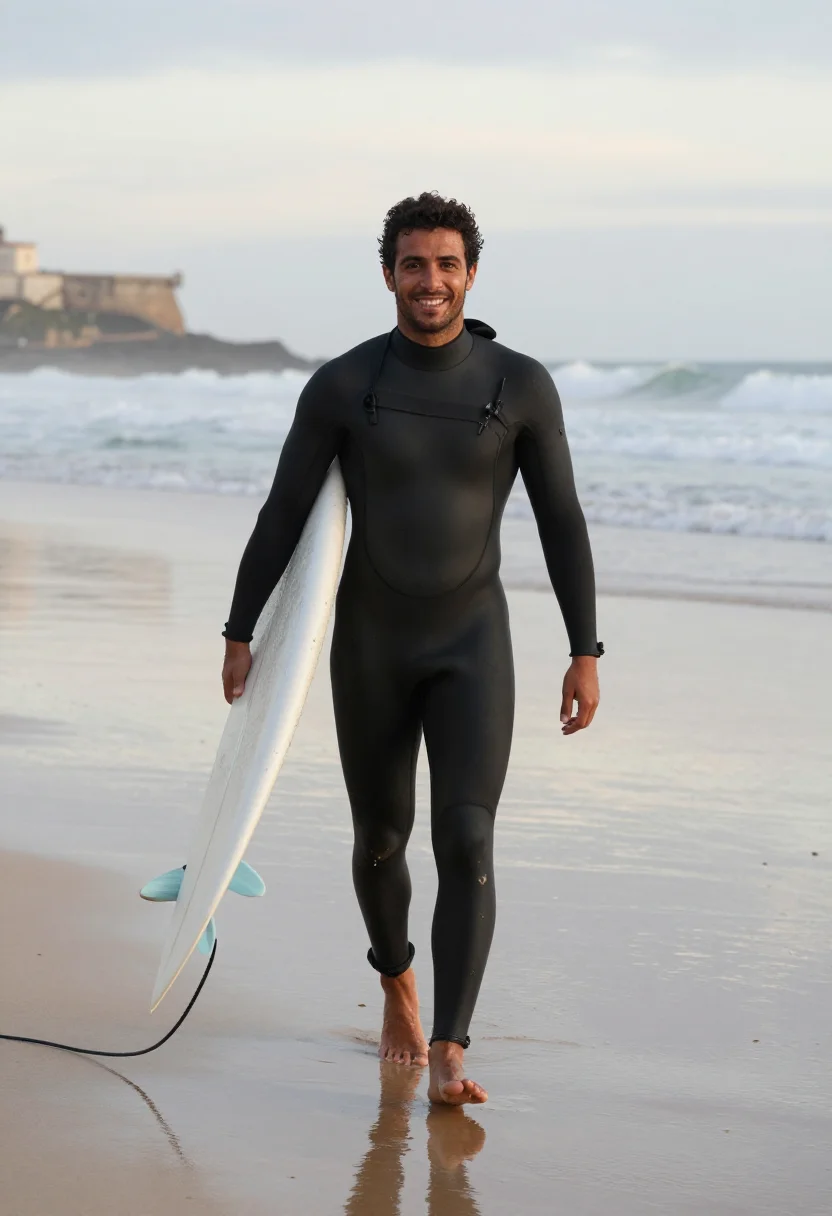
all 9 looks — from one photo ↓
How it works
Three steps. Upload, preview, deliver.
1
Drop a selfie
Your free preview streams in seconds — a quick sketch: close, not you yet.
2
Train your model
Add 12–20 photos of yourself. Your model trains in the background — safe to leave, we email you when it's ready.
3
Nine portraits, truly you
Every shot renders from your model in about ten seconds — this pack, every other pack, and the Studio. €9,99 one-time.
The early-career academic register
A first academic profile photo does a specific job. It goes on a department directory next to professors who have had thirty years to look the part, on a job-market application read by a search committee in an afternoon, on the bio slide of a dissertation defense. It has to read as a serious early-career scholar without borrowing gravity the career has not earned yet. That is a narrower target than a generic professional headshot, and a generic AI headshot tool — blank background, business suit, tech-executive register — misses it by aiming at the wrong room.
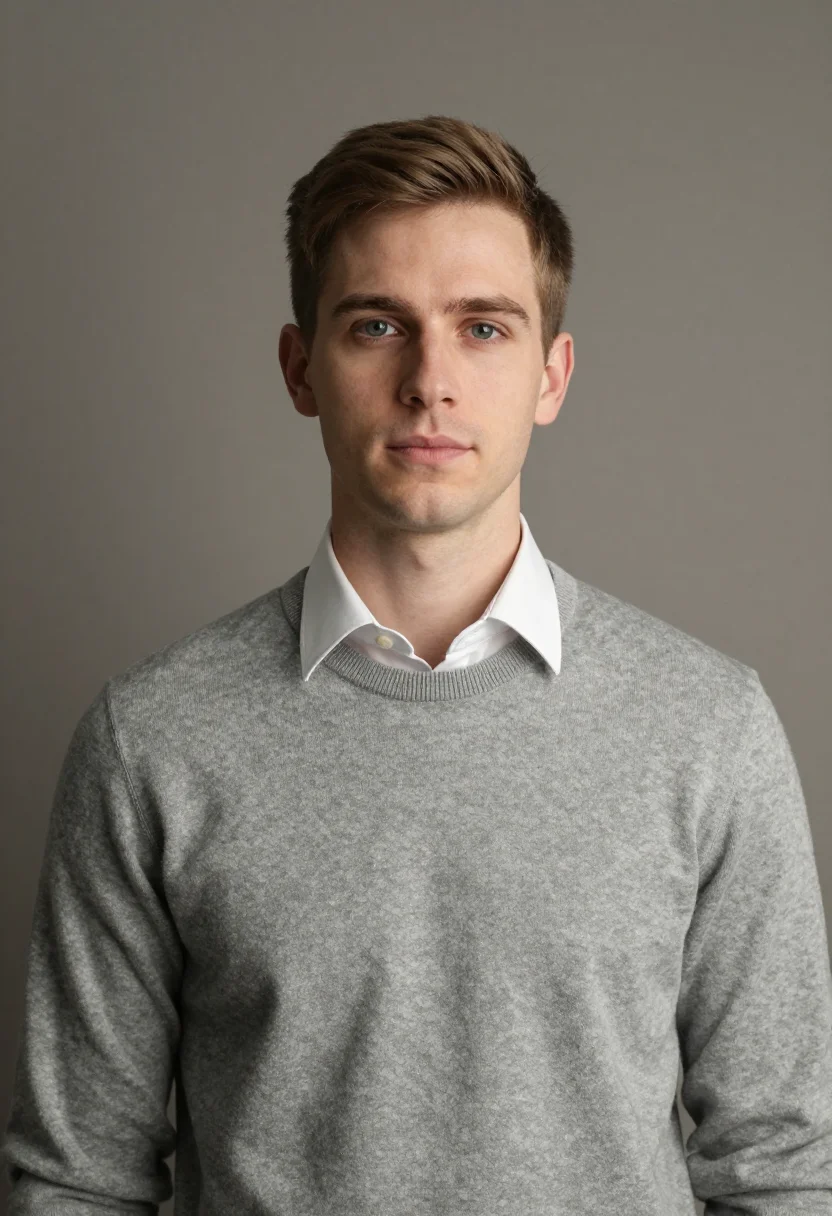
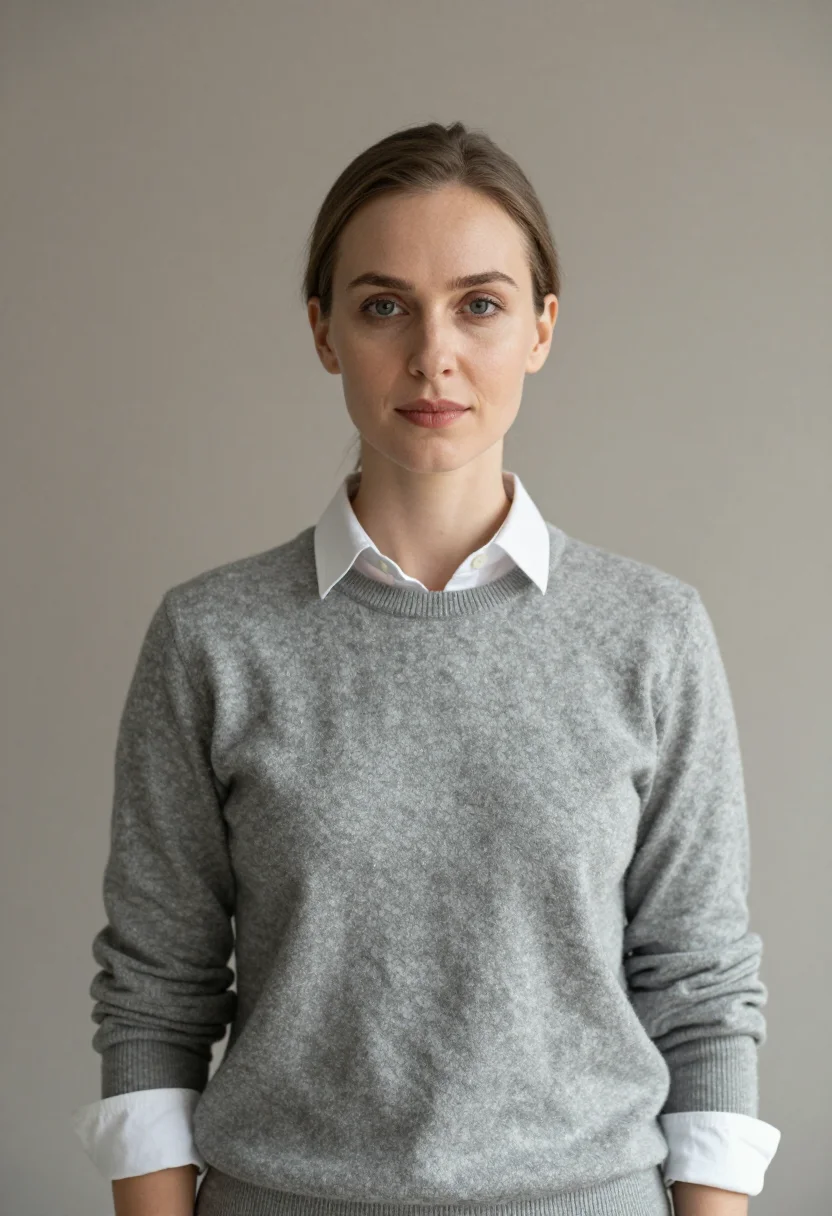
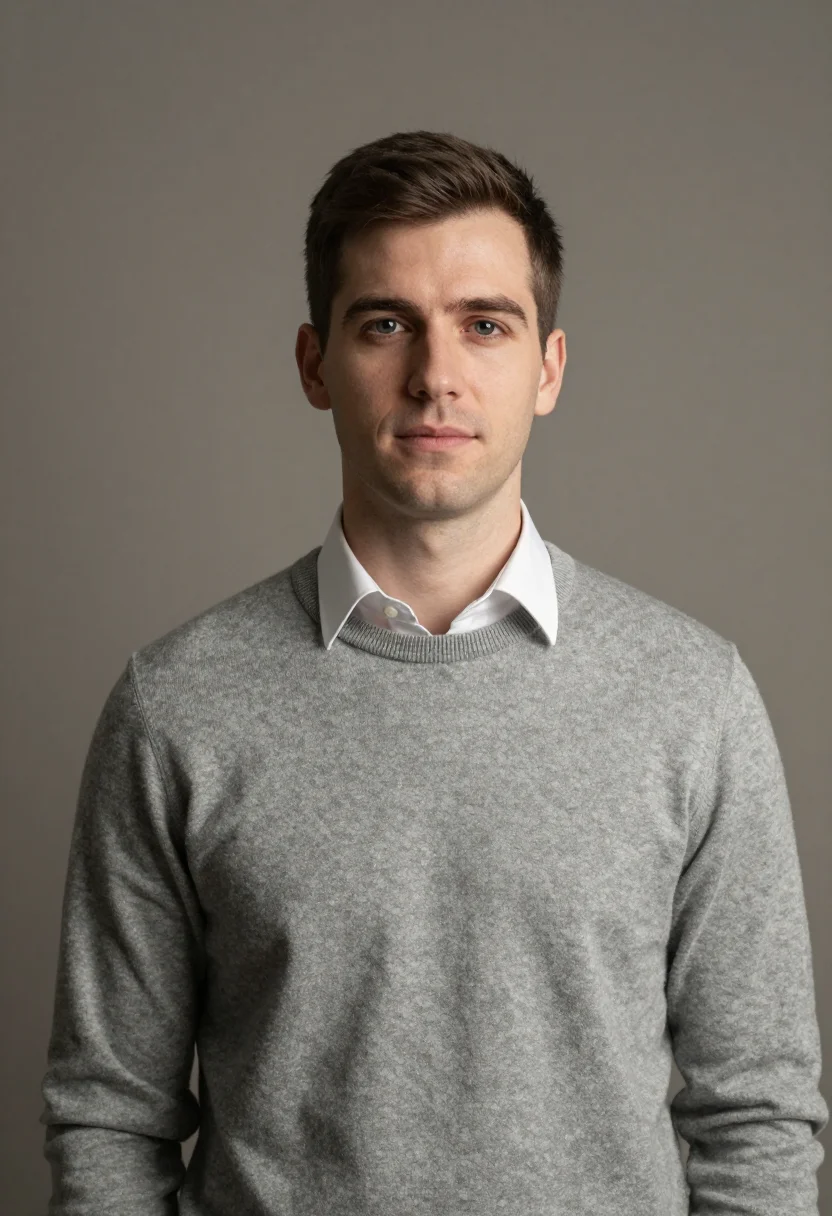
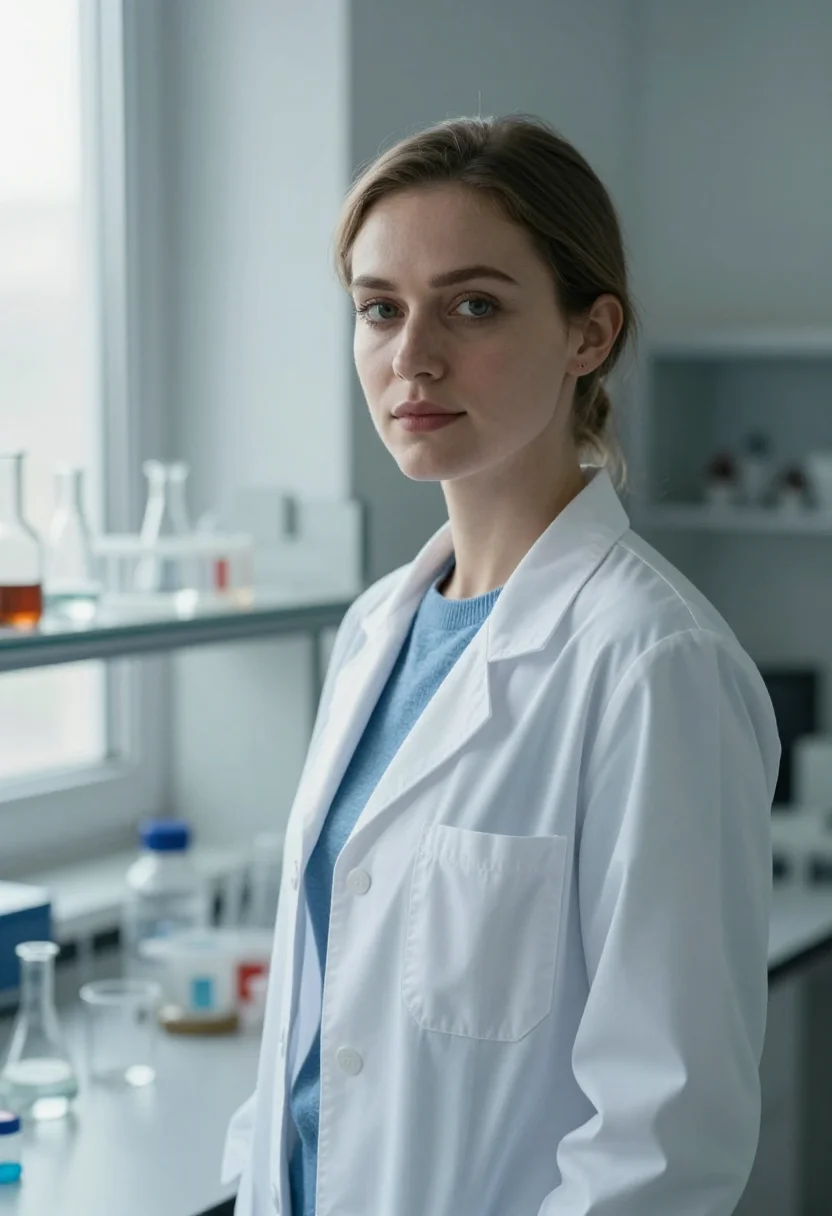
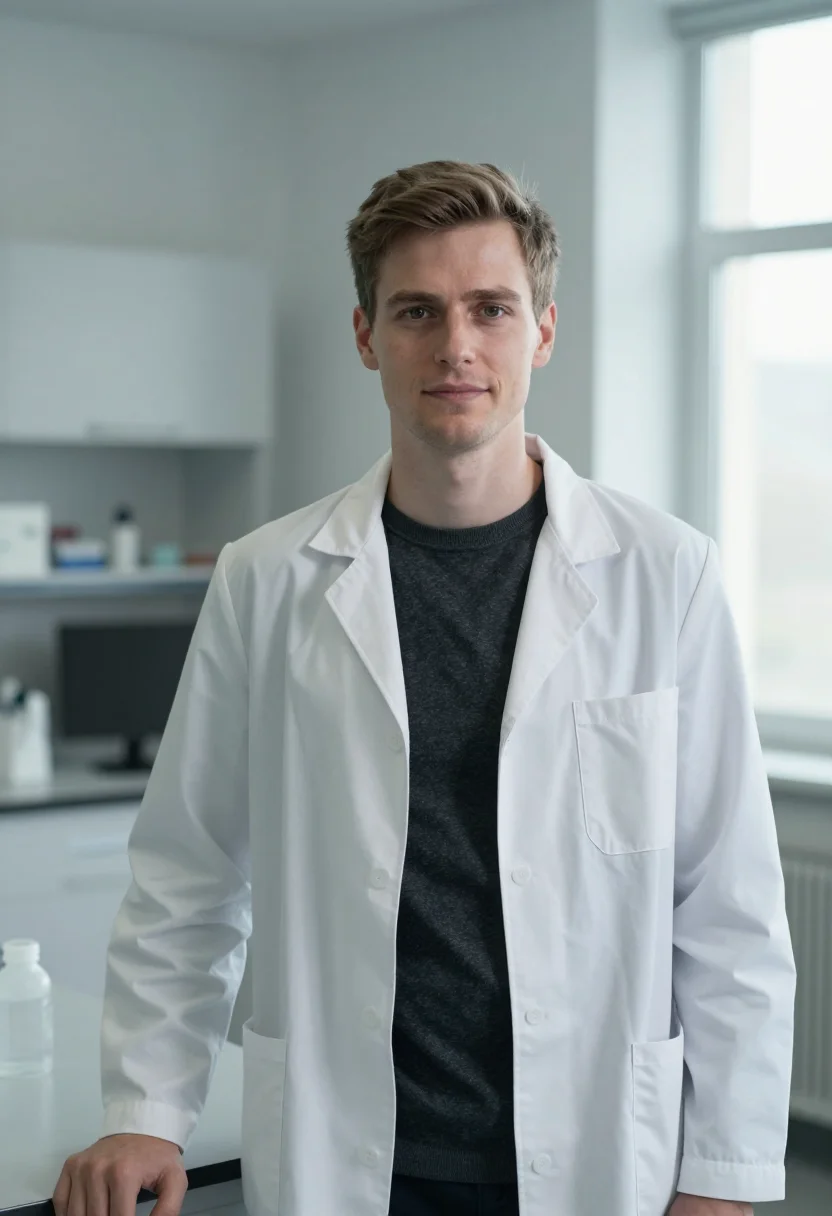
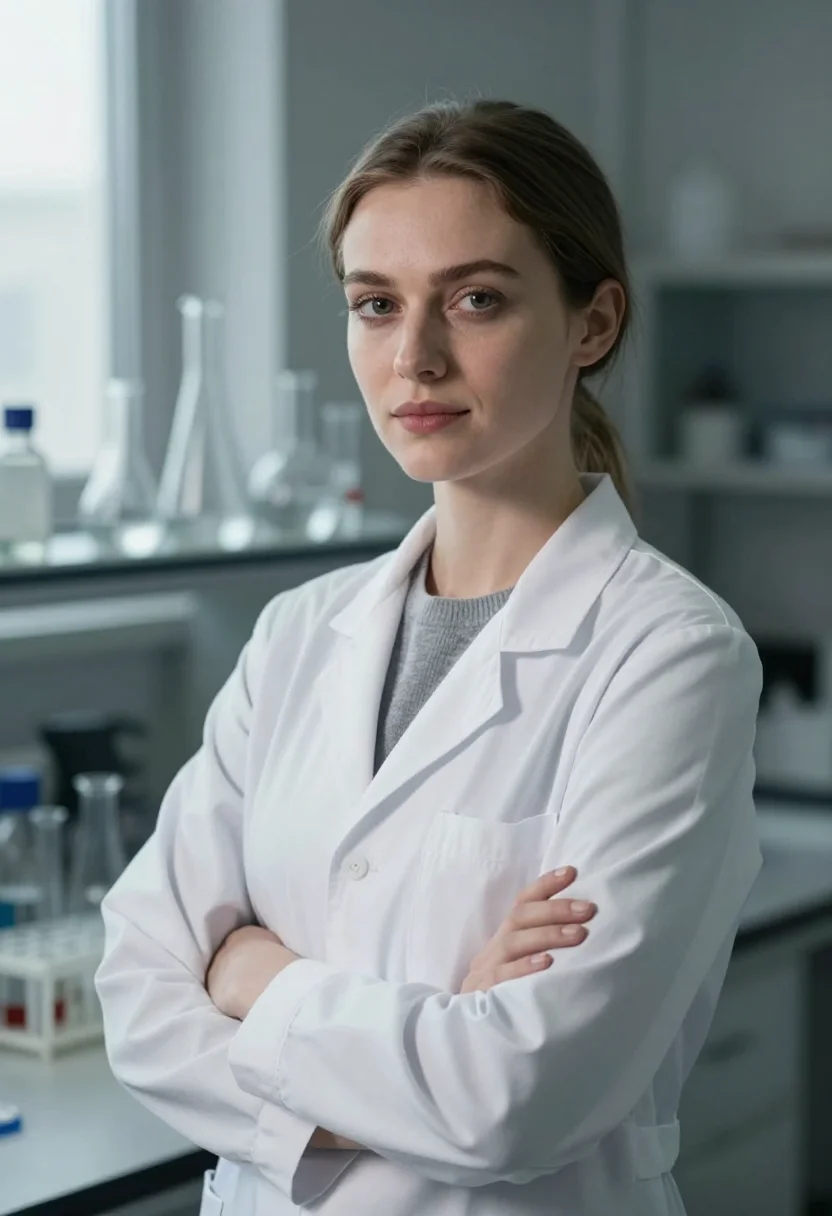
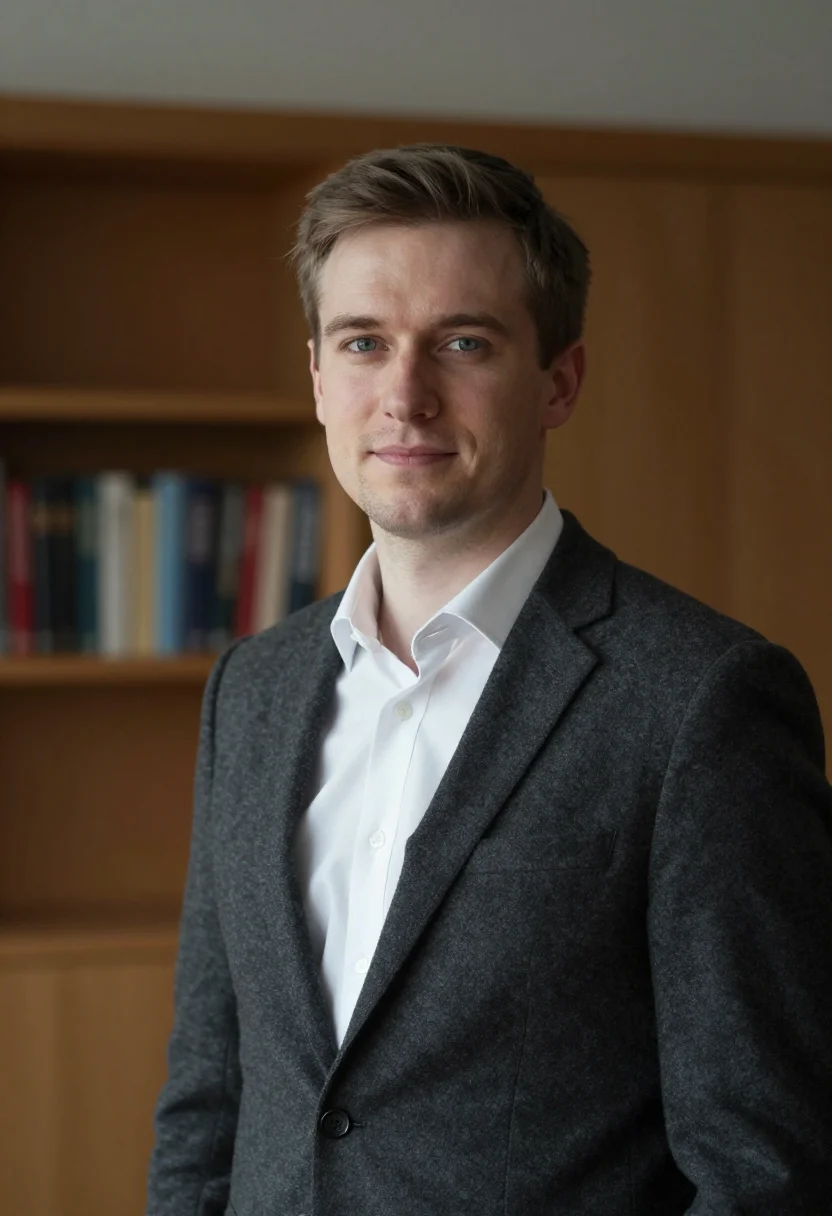
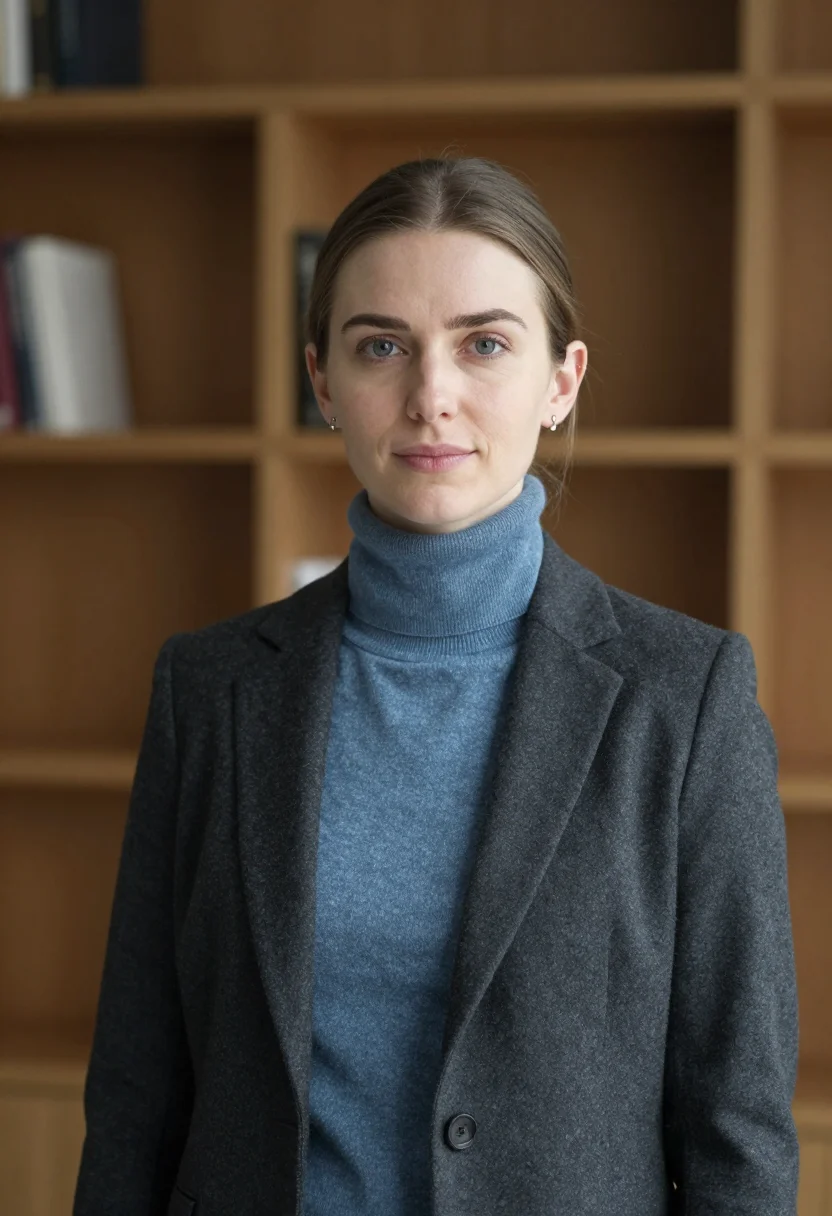
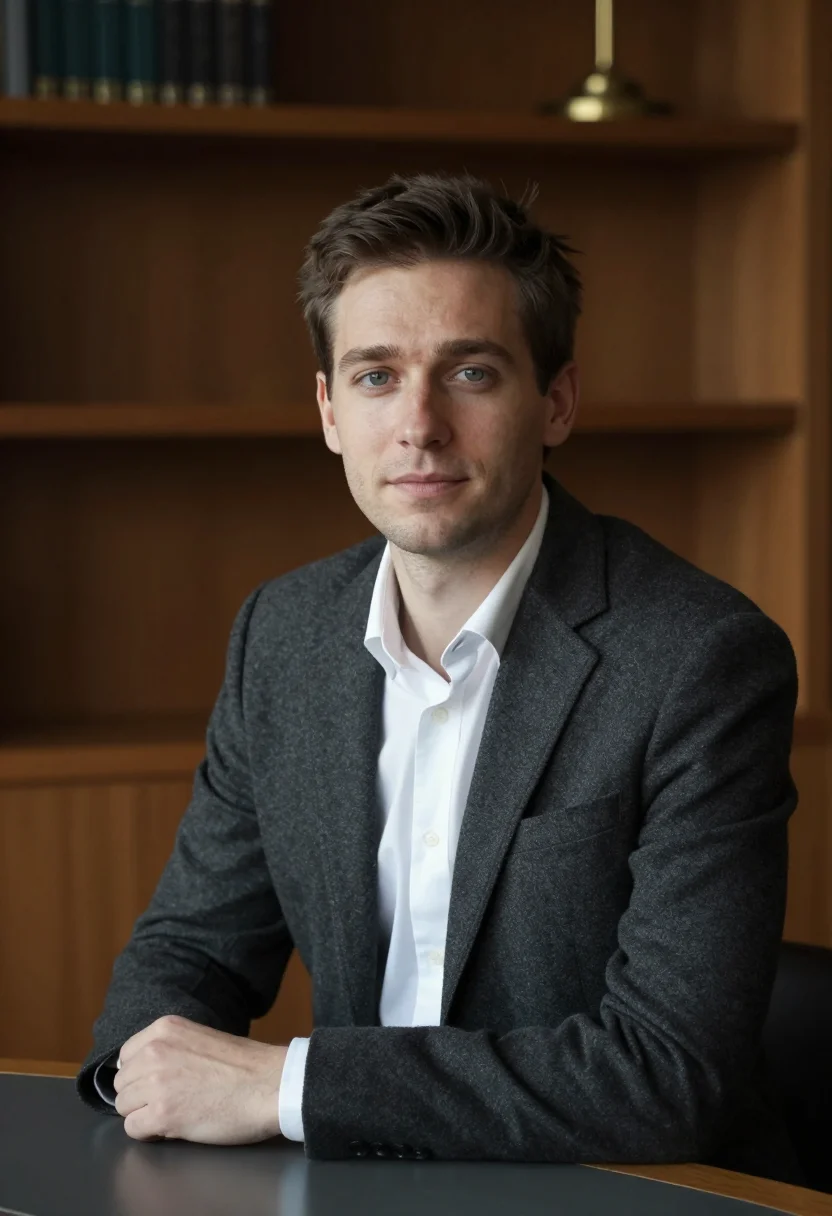
This pack renders three registers drawn from how early-career researchers are actually photographed. The department-directory register is clean and frontal on a neutral warm-gray ground, built for the small square crop a directory grid uses. The lab register places you in a white coat against a softly defocused research bench — the photo that says working scientist rather than office worker. The job-market register is the most composed: a charcoal blazer over an open collar in a wood-paneled interior, the portrait a hiring committee expects to see. Photoreal rendering from your own trained model — nine photographs of you, not illustrations, once training completes.
How to photograph yourself for a PhD-candidate headshot
Better source photos make better portraits. The pack works with imperfect inputs — the free preview tells you in seconds — but a few things help.
- Soft, even light on your faceStand near a window with indirect daylight from the side. Overhead lab or office fluorescents cast hard shadows; face the window rather than sitting with it behind you.
- Front or three-quarter angle, eye levelHold the camera at eye height. No selfie-stick uplook, no overhead angle — both distort the proportions a search committee reads first.
- A plain or simple backgroundA blank wall or a quiet bookshelf works. The AI uses your face as the anchor and replaces the background with the pack's registers; a busy backdrop with other people makes the face-isolation step harder.
- Composed, direct expressionLook at the lens with a calm, considered expression — the way you would look at a colleague across a desk. Not a grin, not formal stiffness.
- One clear photo is enoughTwo or three from slightly different angles sharpen the likeness. Avoid large glasses reflections and strong upward angles.
Frequently asked questions
- What's the difference between the free preview and the paid pack?
- The preview is one photo generated from your uploaded face, shown live in seconds so you can judge the likeness before you commit to anything. The paid pack is nine photos across three registers — department directory, research lab, and academic job market — in different crops, poses, and light angles, once your model is trained — 12–20 photos, and we email you when your model is ready. €9,99, about ten seconds a portrait.
- Is the output photorealistic or illustrated?
- Photorealistic. The output is a photograph of you, staged in an academic environment: a neutral directory backdrop, a research lab with a white coat and defocused bench, or a wood-paneled interior with a blazer. No painterly effects, no illustration. It looks like what a portrait photographer would produce on location at your institution.
- Will it work for an ORCID, ResearchGate, or Google Scholar profile photo?
- Yes. All three display a small square or circular portrait. The department-directory register is built for exactly that crop — frontal, even-lit, no background distraction — so it reads clearly at the tiny sizes those platforms use.
- Is this suitable for the academic job market?
- Yes — that is what the job-market register is for. A charcoal blazer over an open collar in a wood-paneled interior reads as a serious early-career candidate to a search committee, without overdressing into a corporate or executive register that would look out of place in an academic file.
- I'm a grad student, not faculty yet. Won't a faculty headshot look wrong for me?
- That's exactly why this pack is separate from the Faculty Academic pack. The wardrobe is lighter, the builds read younger, and the registers — directory, lab, job market — match where you actually are. It reads as established-enough for a profile page without pretending to a position you don't hold yet. If you already hold a faculty appointment, the Faculty Academic pack is the better fit.
- How is this different from a generic AI headshot or LinkedIn portrait generator?
- Generic AI headshot tools aim at the corporate market — blank studio background, business suit, the photo that reads as a consultant or tech hire. This pack uses the visual register that reads as academic and early-career: the lab coat, the wood-paneled interior, the directory backdrop. The output belongs on a department page, not a consulting firm's website.
- Does it work for both men and women?
- Yes. The registers are gender-neutral in framing and wardrobe. The free preview shows you the likeness on your own face in seconds, before you commit to anything.
- What happens to the photo I upload?
- Your preview photo is processed on European servers. Training photos train only your model — delete your model and they go with it.
When the PhD-candidate pack fits
- For a university department directory or graduate-student listing photo
- For an academic job-market application, teaching portfolio, or research statement headshot
- For an ORCID, ResearchGate, Google Scholar, or Academia.edu profile photo at the start of a publication record
- For a dissertation or thesis defense bio slide
- For a lab or research-group team page as a new member
- For a conference name badge, poster session, or first-talk speaker bio
- For a first professional headshot a PhD student or research assistant can use on LinkedIn without it reading corporate
- For a fellowship, grant, or scholarship application that requests a headshot
About narcis
Most AI portrait tools ship every pose, profession, era, and aesthetic in one giant catalog. The output looks like every other AI photo on the internet — a glaze over a stock face. Narcis goes the other way. One tool, one job: turn photos of you into portraits worth keeping. Drop a selfie and your free preview streams in seconds — a quick sketch: close, not you yet. For portraits that are truly you, train your own model on 12 to 20 photos; it trains in the background, and we email you when it is ready. Train once, render everywhere — this pack, every other pack, and the Studio all come out of that one model, about ten seconds a portrait, and it stays yours to retrain or delete. Each pack is hand-curated against actual references — paintings, photographers, registers — and tested on real faces before it ships. See a free preview before you pay, not after. Packs are one-time — no subscription to buy one; Studio, the unlimited composer, is optional at €12/month and every pack includes 30 days of it. No template generator. Built and run by one team, on our own infrastructure.
All images are AI-generated. By using this service, you confirm you are 18+, that any face photo you upload is your own or used with explicit consent. Full Terms