AI Gioconda Generator — Free Preview, Then Train Your Model
See a Free Preview in Seconds, Before You Commit
Train Your Model Once, Render Gioconda in About Ten Seconds
Studio-Quality Results Without a Studio Visit
Narcis generates a free preview of your gioconda from one uploaded photo. The preview streams in seconds — a quick sketch, close but not you yet. If you like it, train your model once — 12 to 20 photos, we email you when it's ready — and the full pack of nine is €9,99, rendered from your model in about ten seconds a portrait. No signup before the preview, and no waiting for an email until you choose to train.
The pack is nine professional gioconda rendered in portrait aspect ratio (2:3) — the shape LinkedIn banners, CVs, and print profiles actually use. Each image shows varied crops, expressions, and light angles so you have real choices, not nine identical files.
Photos are processed on European servers. We use your photo to generate your headshots; we do not share it with third parties.
/gioconda · photo · 3 scenes
A Mona Lisa Photoshoot, Made of You
no account · ~15s · the first shot is free
The republics and the Medici
one model wears them all →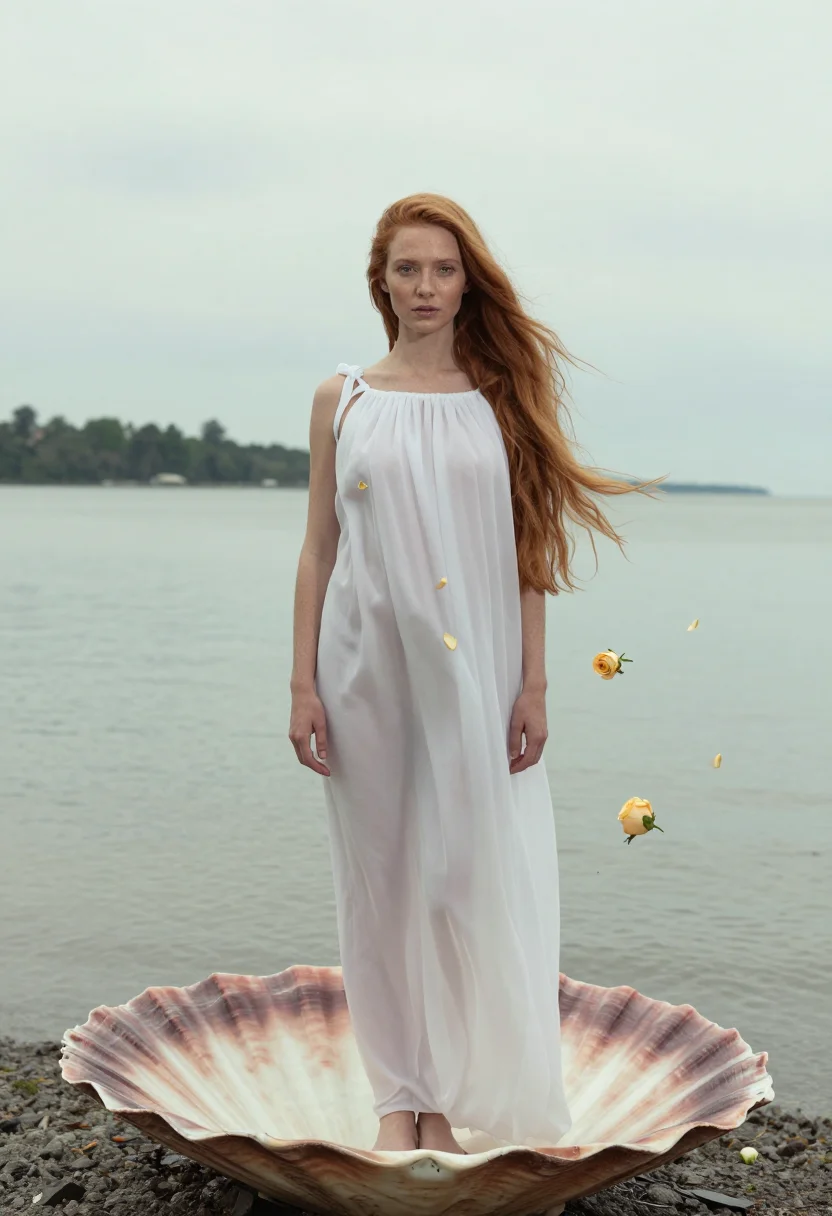
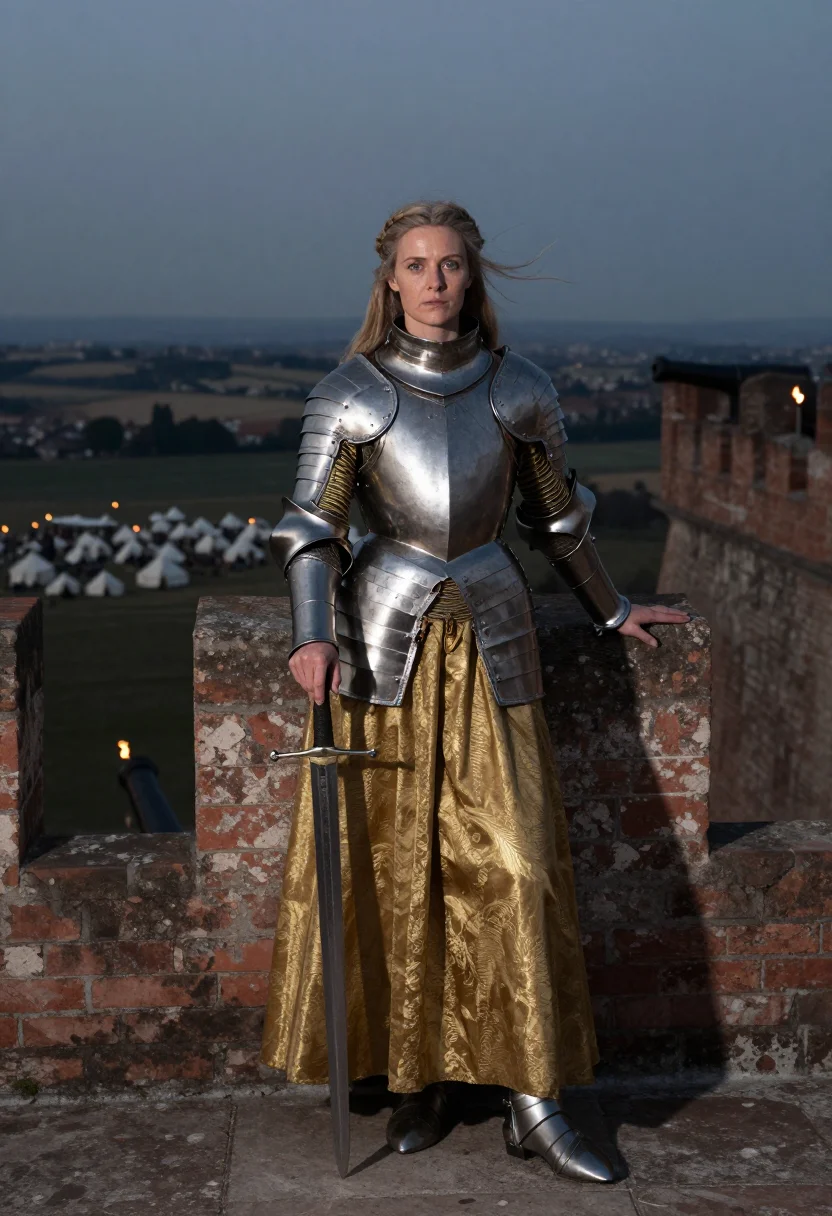
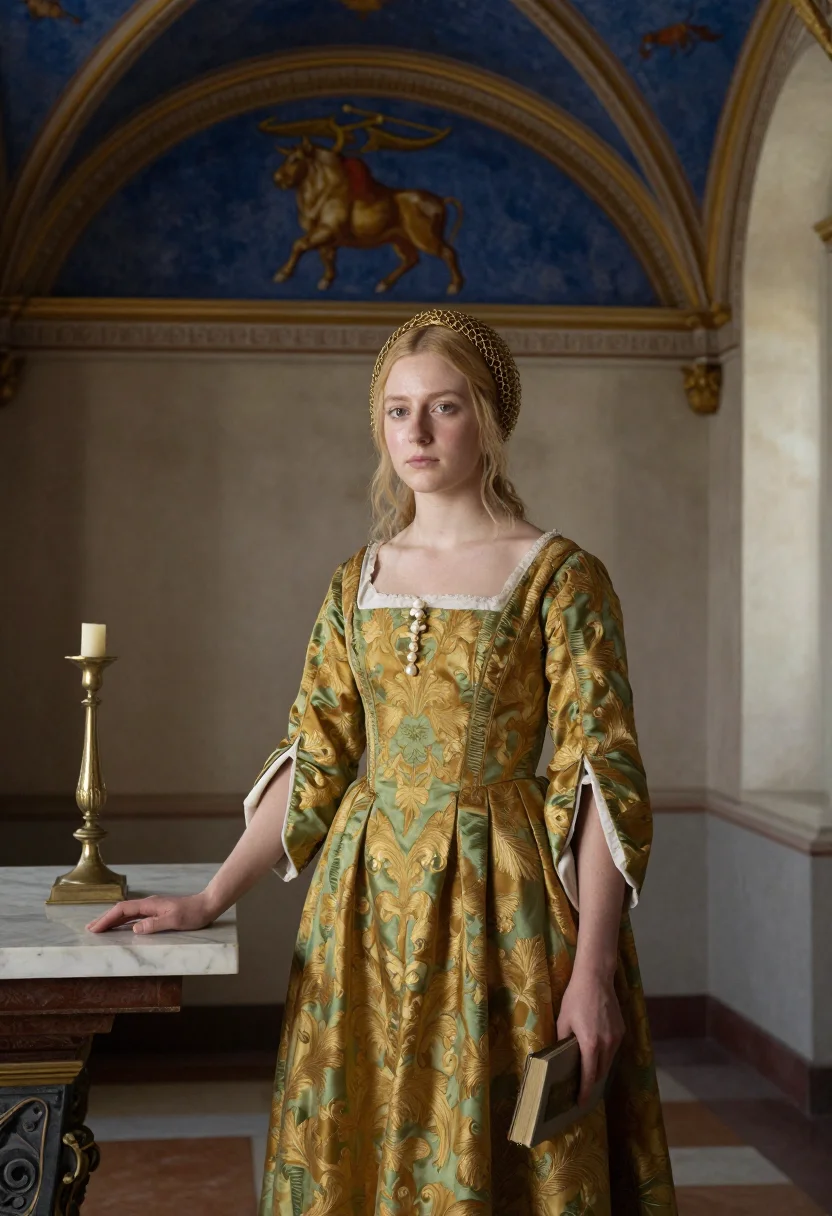
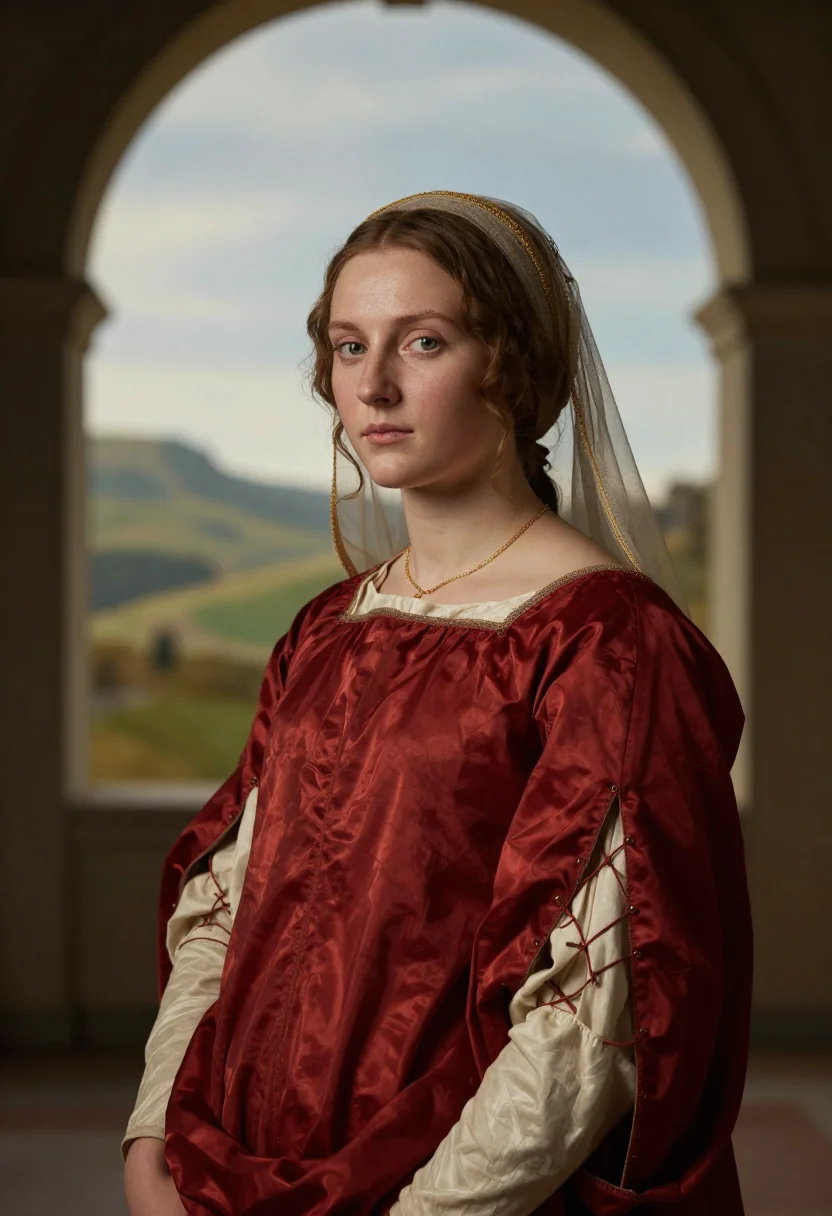
all 9 looks — from one photo ↓
How it works
Three steps. Upload, preview, deliver.
1
Upload 1 to 5 selfies
One is enough for the free preview. More angles sharpen the likeness.
2
See a free preview
A quick sketch of your likeness streams in seconds — close, not you yet, before you pay.
3
Train your model, then unlock 9
€9,99 one-time. Train your model once — 12 to 20 photos, we email you when it's ready — and all nine render in about ten seconds each. Every future pack and Studio portrait render the same way, no repeat training.
The Gioconda register
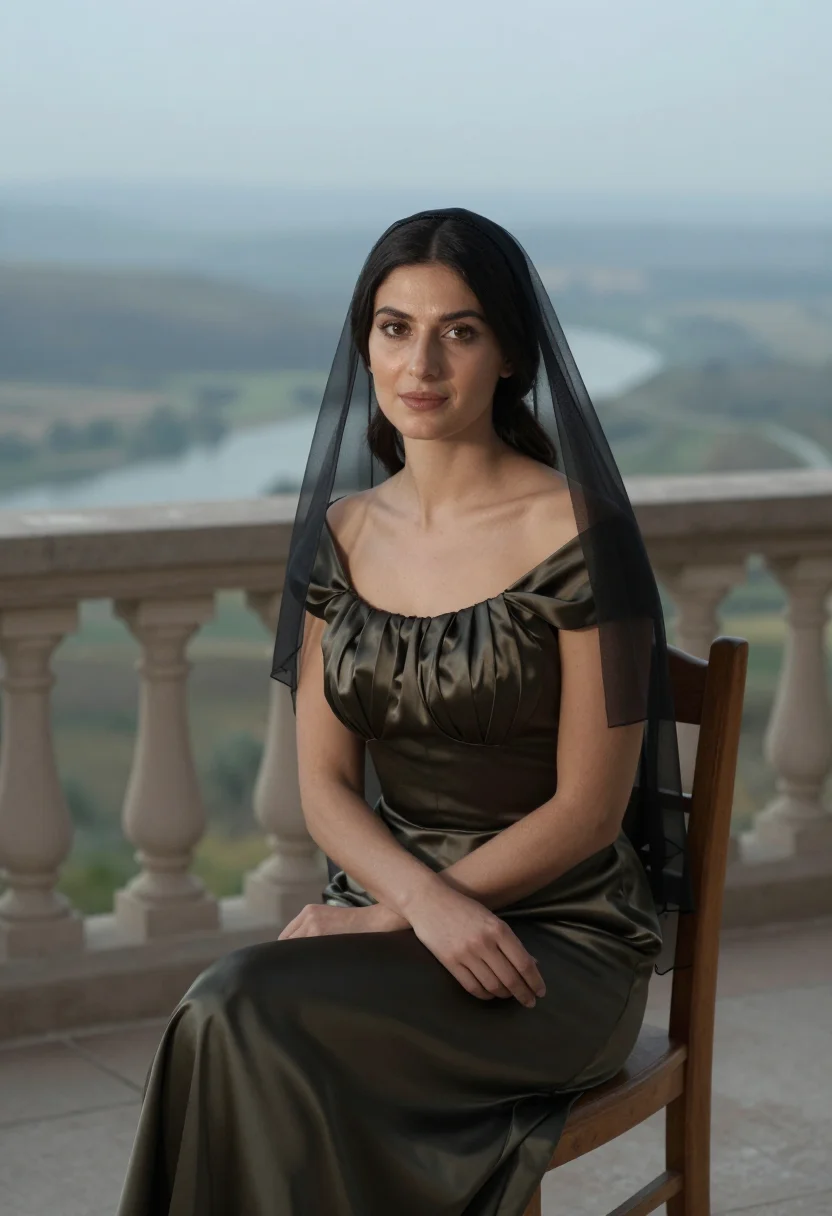
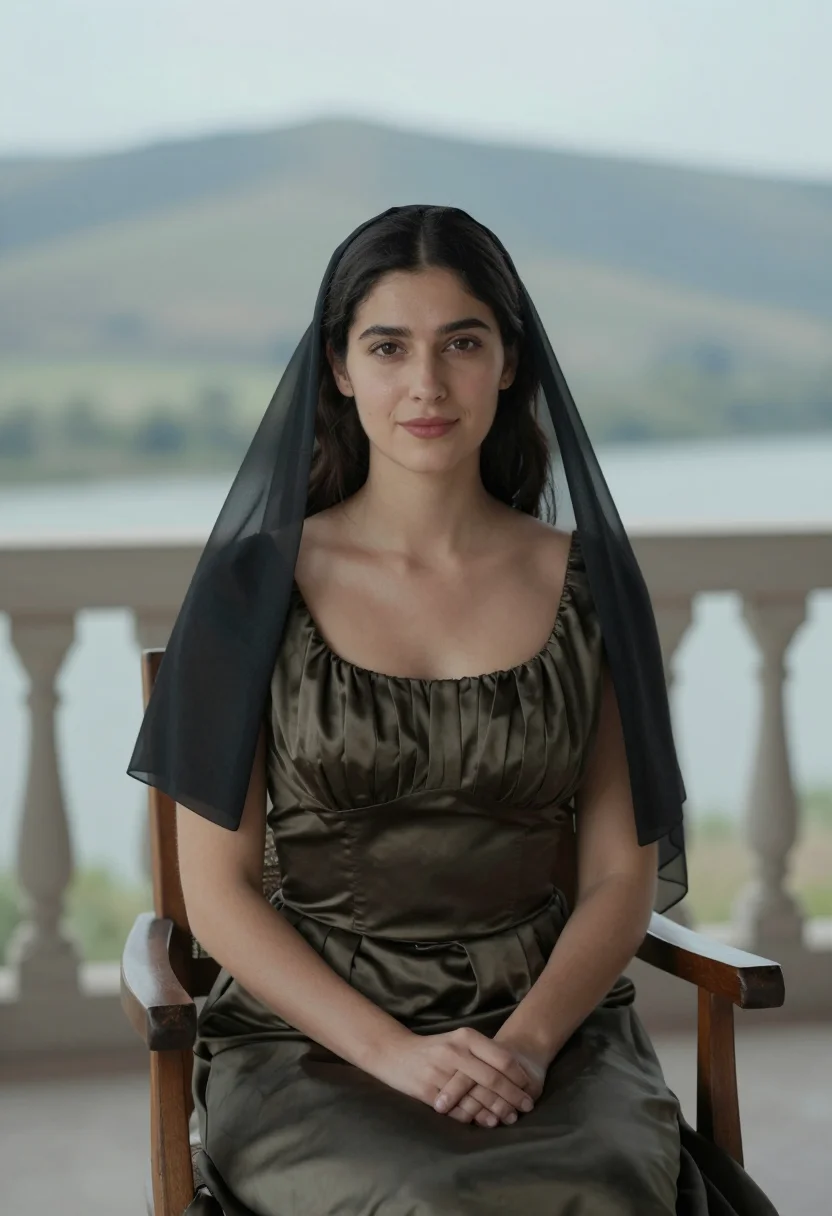
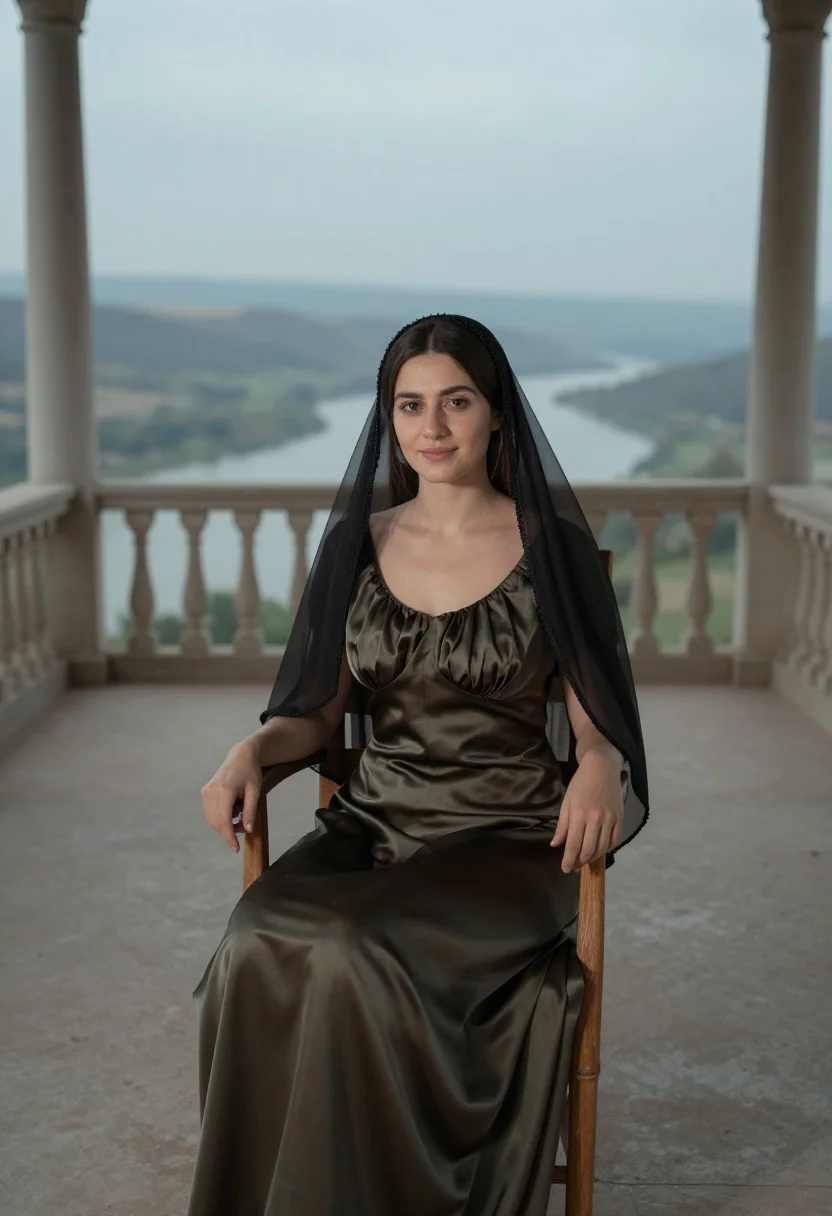
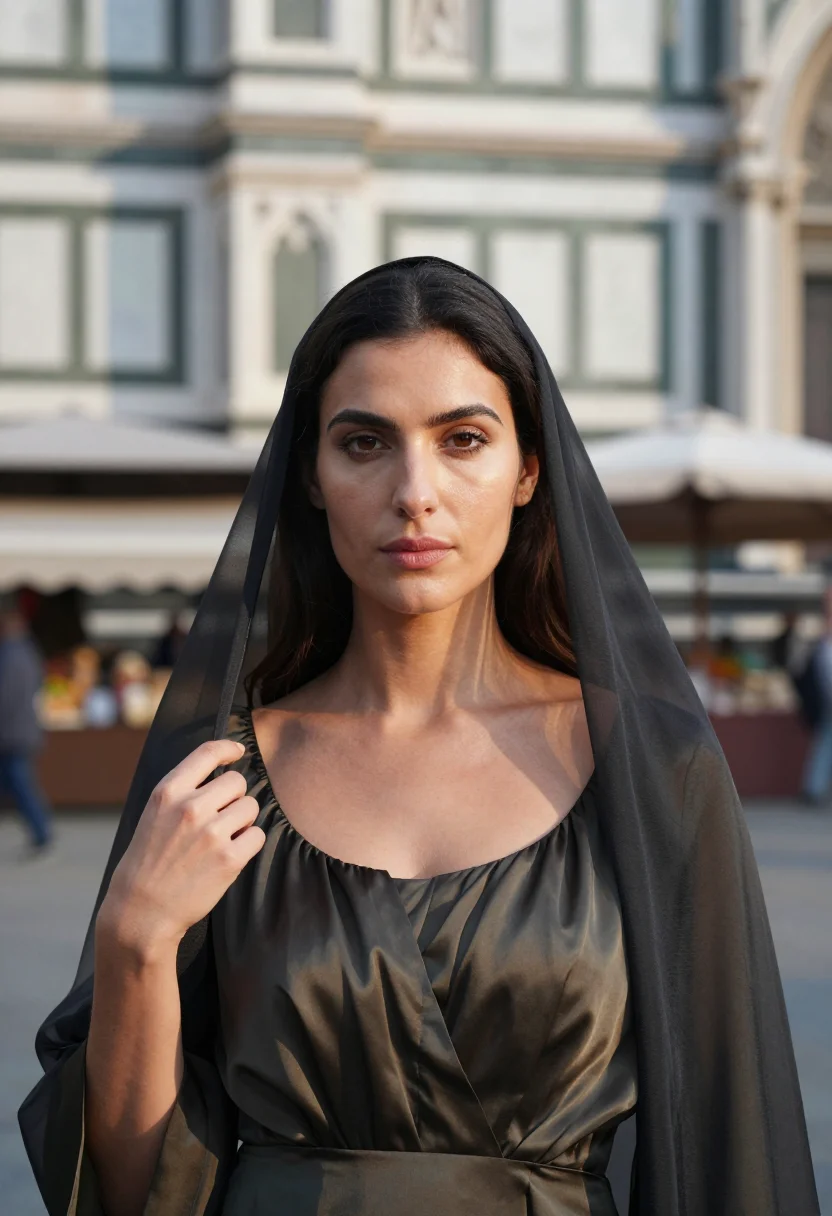
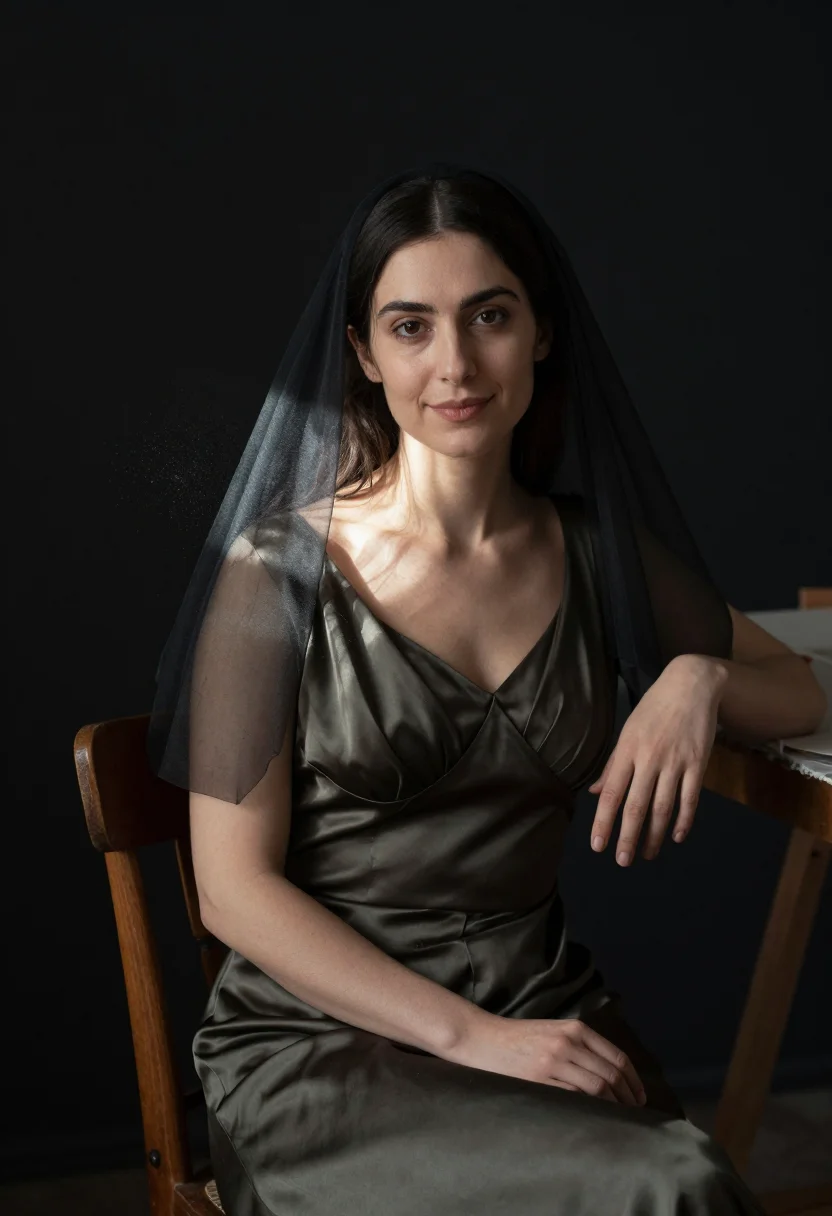
Lisa del Giocondo was a Florentine silk merchant's wife, and the portrait Leonardo painted of her over several unhurried years became, almost by accident, the most recognized pose in the history of art: three-quarter turned, hands folded on the chair arm, a faint and famous half-smile. This pack gives that pose back to you — not the pigment, the moment. You sit where she sat: the loggia balustrade, the hazy blue-grey hills receding behind, the sheer black veil and dark silk gown of a wealthy Florentine woman rather than a Madonna's finery.
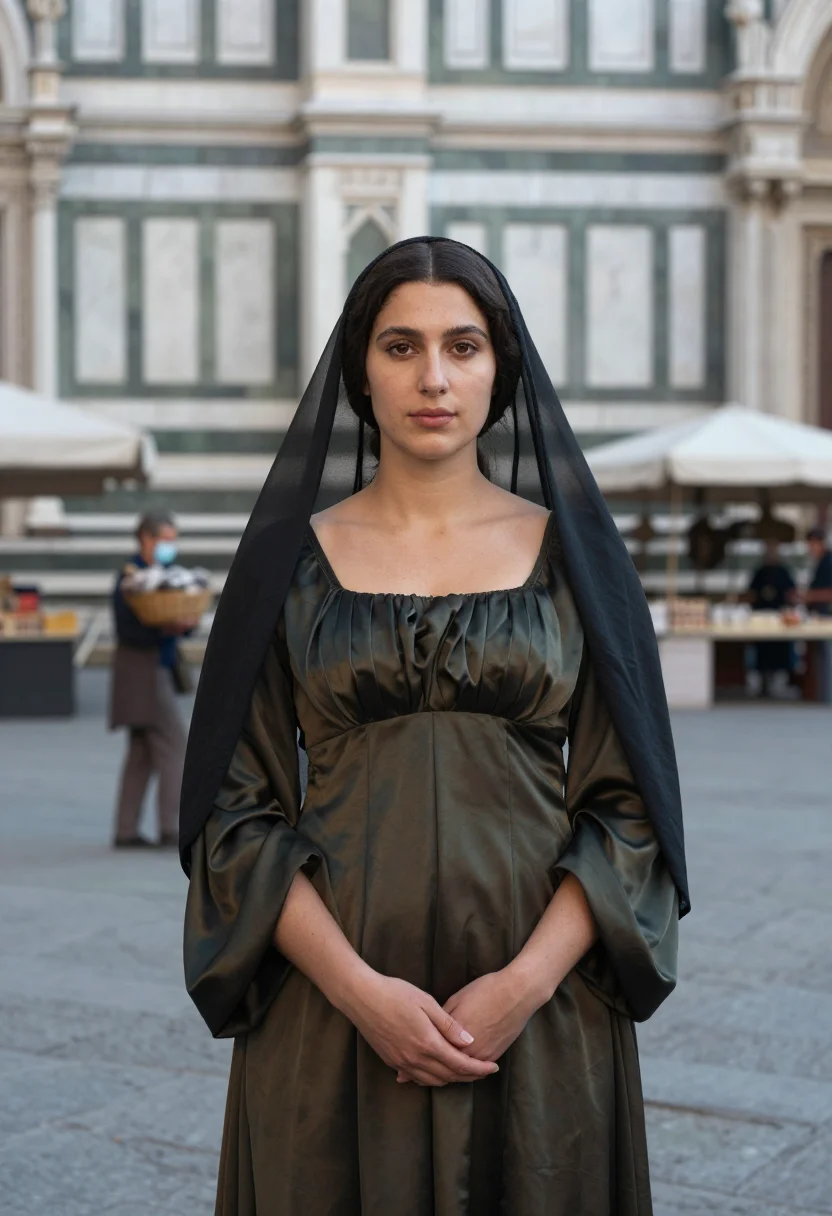
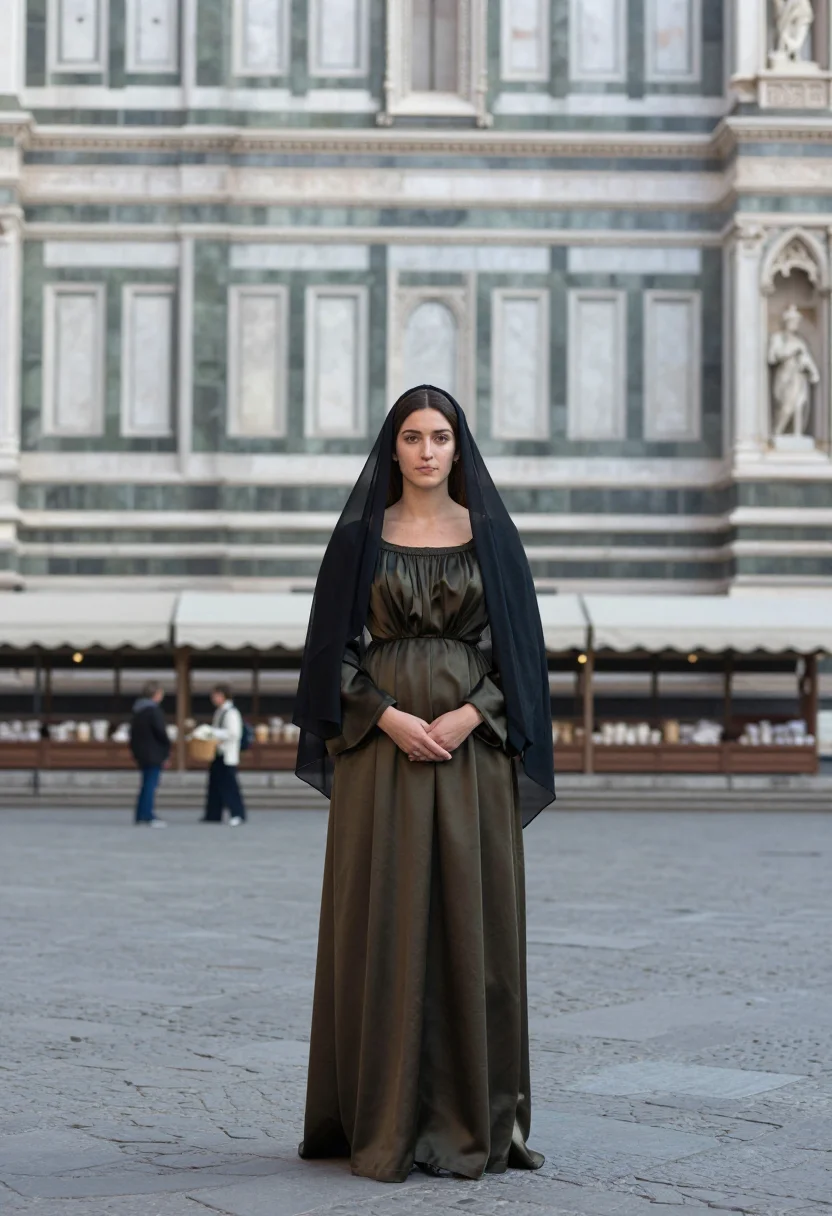
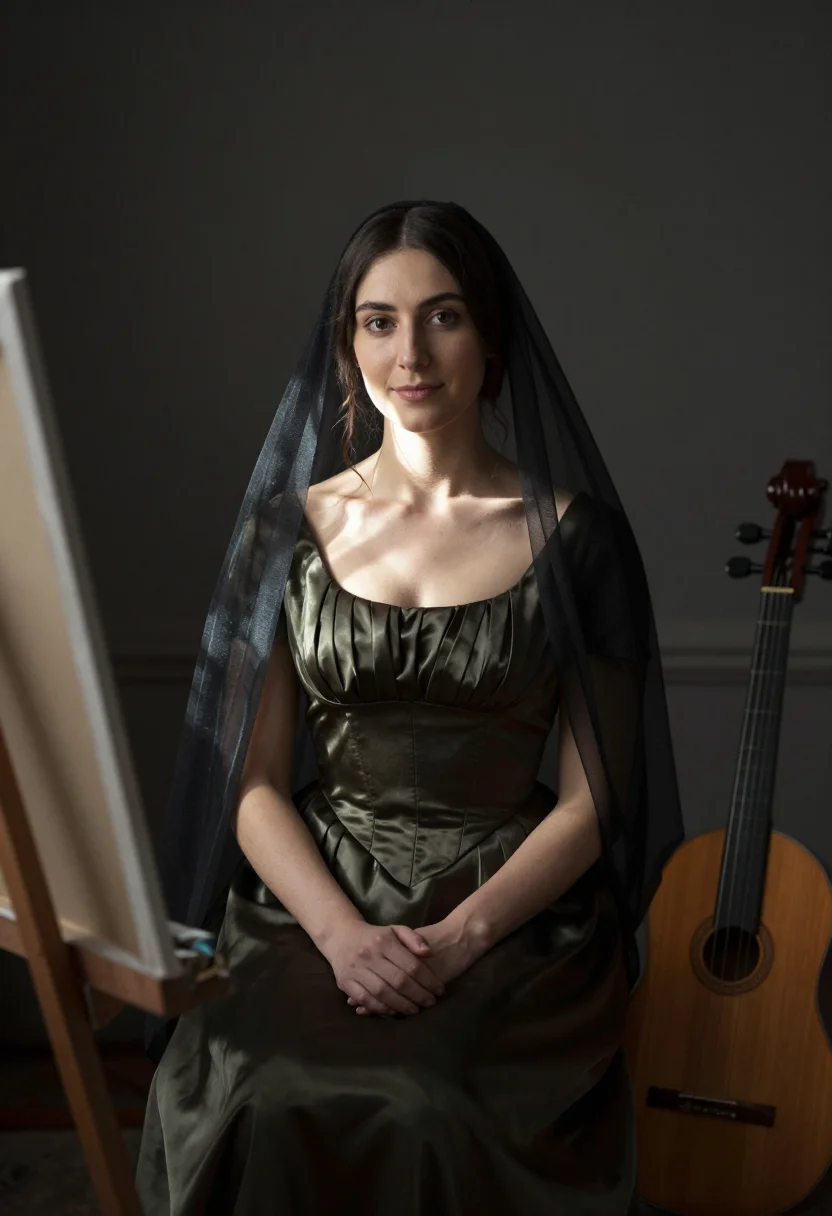
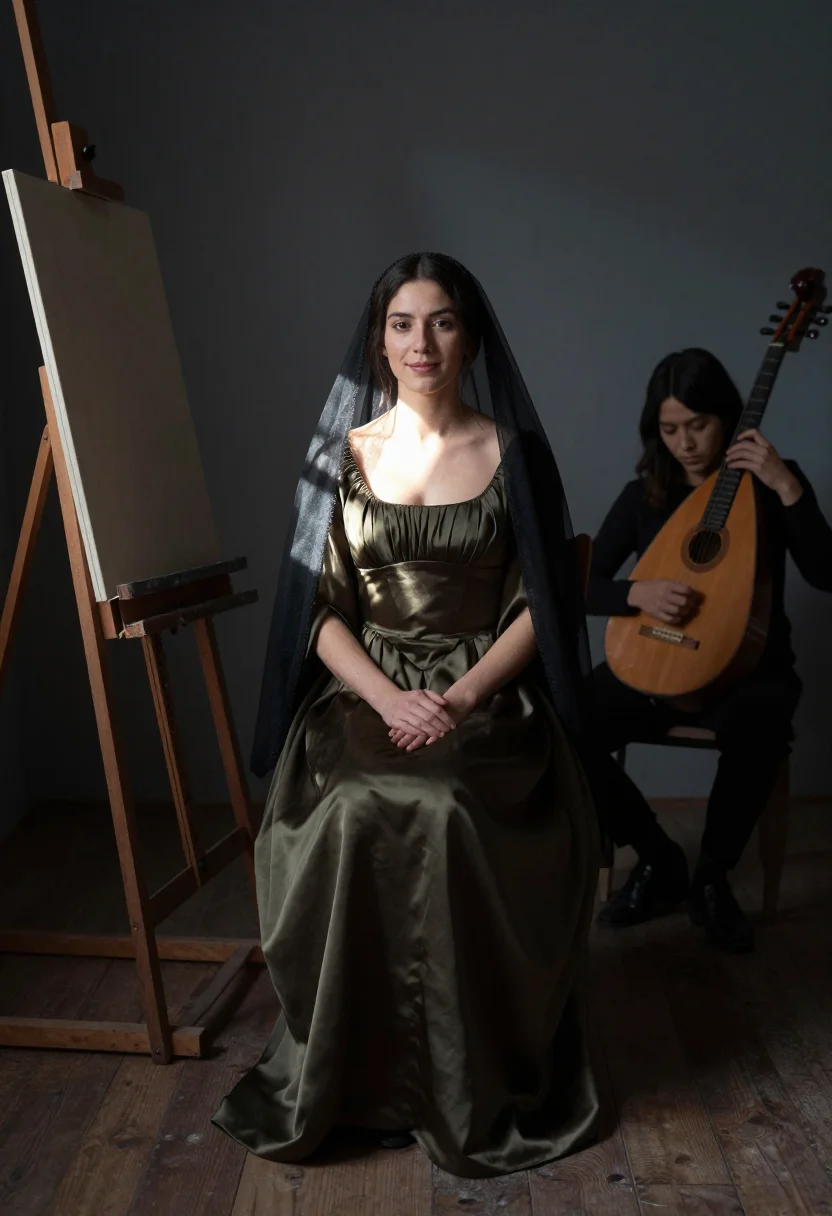
Two further scenes carry the same world forward: outside the marble facade of Santa Maria Novella with a Florentine market behind, a basket of silk carried by a maid; and inside the atelier itself, a musician playing to keep the sitter's expression soft, an easel edge and a lute at the frame's border, dust visible in a shaft of window light.
Every frame renders photographically. This is the honest and important distinction: the output is a real-looking photograph of you, lit and posed like the world's most famous painting, not a painting itself. Leonardo's own sfumato — the smoke-soft blending of his brush — is not reproduced as texture; what you get is a photoreal renaissance portrait photoshoot that borrows the composition, the light, and the dress, and renders them as a photograph a camera could plausibly have taken.
Honest note: nobody is claiming this is Leonardo's actual sitter, and the pack does not attempt to imitate oil-on-poplar brushwork. It's a portrait of you, in her pose, in her world — a mona lisa photoshoot for people who want the fame of that image with their own face in it.
How to photograph yourself for a Mona Lisa portrait
Better source photos make better portraits. The pack works with an ordinary phone selfie — the free preview tells you in seconds — but a few things sharpen the likeness.
- Even, soft lightStand near a window with indirect daylight on your face. Avoid overhead bulbs and flash — both flatten the face and are the usual reason an AI portrait misses your likeness.
- Front or three-quarter angleThe pose is a three-quarter turn toward the viewer, so a source photo taken from the front or a slight angle gives the model the clearest starting point.
- Face fully clearHair off the face, no sunglasses. A clear, front-facing photo is the best photo for an AI portrait — it gives the model the most of you to work with.
- A relaxed, natural expressionYou don't need to hold the famous half-smile yourself — the pack renders that — but a calm, relaxed expression in your source photo is the best AI portrait input for this pose.
- Plain background is fineDon't worry about your own backdrop — the loggia replaces it. A plain wall behind you just helps the model focus on your face.
Frequently asked questions
- Is this the actual Mona Lisa, painted, or a real photo of me?
- It's a real photo of you. The pack borrows the pose, the loggia, and the sfumato-hazy hills Leonardo painted, but renders them as a photoreal photograph — not a painting, and not brushwork texture over your face.
- Can I use this as a gift?
- Yes — it's a natural gift for anyone who loves art history, especially someone who's stood in front of the real painting in the Louvre.
- Can I use it for Halloween or a costume party?
- Yes. The pose and dress are instantly recognizable, which makes it one of the most legible costume photos you can hand someone at a glance.
- How is this different from Midjourney or Lensa?
- A text prompt generates a generic woman in the pose who happens to match a description; avatar apps hand back stylised, plainly-AI faces. This pack anchors every frame to your uploaded face and keeps the result photoreal, so all nine images read as you.
- Is this pack built for men too?
- The pose and dress here are built for women — the veil, the silk gown, the sitter's role. A men's version isn't shipped yet.
- What if my selfie isn't great?
- One clear, front-facing photo is enough to start. The free preview shows the likeness in seconds; if it's off, better lighting is almost always the fix.
- What happens to the photo I upload?
- Your photo is processed on European servers. If you train a model, those photos train only your model and are deleted the moment you delete it. Nothing is sold or shared with third parties.
- Can I use it as a profile picture or dating photo?
- Yes — it's a poised, instantly recognizable portrait that reads well as either, as long as you're not passing it off as a candid.
- Does this claim to be the real Lisa Gherardini, Leonardo's actual sitter?
- No. Nobody in these images is a documented historical person — it's your face, in her world and her pose.
- Which scenes does it cover?
- Three: the famous loggia pose, the exterior of Santa Maria Novella with a Florentine market behind, and the painter's atelier. Nine portraits, three per scene.
When the Gioconda pack fits
- For a social feed profile that wants the world's most recognized pose
- For a profile picture with instantly recognizable poise
- For a gift to an art lover or an art history student
- For a Halloween or costume-party photo everyone will recognize immediately
- For a vision-board or creative self-portrait
- For a phone or desktop wallpaper you actually enjoy looking at
- For a print or framed portrait in an art-loving home
- For an author or academic headshot with an art-history wink
- For a dating profile with a conversation-starting portrait
- For a classroom or presentation reference on Renaissance portraiture
About narcis
Most AI portrait tools ship every pose, profession, era, and aesthetic in one giant catalog. The output looks like every other AI photo on the internet — a glaze over a stock face. Narcis goes the other way. One tool, one job: turn photos of you into portraits worth keeping. Drop a selfie and your free preview streams in seconds — a quick sketch: close, not you yet. For portraits that are truly you, train your own model on 12 to 20 photos; it trains in the background, and we email you when it is ready. Train once, render everywhere — this pack, every other pack, and the Studio all come out of that one model, about ten seconds a portrait, and it stays yours to retrain or delete. Each pack is hand-curated against actual references — paintings, photographers, registers — and tested on real faces before it ships. See a free preview before you pay, not after. Packs are one-time — no subscription to buy one; Studio, the unlimited composer, is optional at €12/month and every pack includes 30 days of it. No template generator. Built and run by one team, on our own infrastructure.
All images are AI-generated. By using this service, you confirm you are 18+, that any face photo you upload is your own or used with explicit consent. Full Terms