AI Jewel Thief Generator — Free Preview, Then Train Your Model
See a Free Preview in Seconds, Before You Commit
Train Your Model Once, Render Jewel Thief in About Ten Seconds
Studio-Quality Results Without a Studio Visit
Narcis generates a free preview of your jewel thief from one uploaded photo. The preview streams in seconds — a quick sketch, close but not you yet. If you like it, train your model once — 12 to 20 photos, we email you when it's ready — and the full pack of nine is €4,99, rendered from your model in about ten seconds a portrait. No signup before the preview, and no waiting for an email until you choose to train.
The pack is nine professional jewel thief rendered in portrait aspect ratio (2:3) — the shape LinkedIn banners, CVs, and print profiles actually use. Each image shows varied crops, expressions, and light angles so you have real choices, not nine identical files.
Photos are processed on European servers. We use your photo to generate your headshots; we do not share it with third parties.
/jewel-thief · lifestyle · 3 scenes
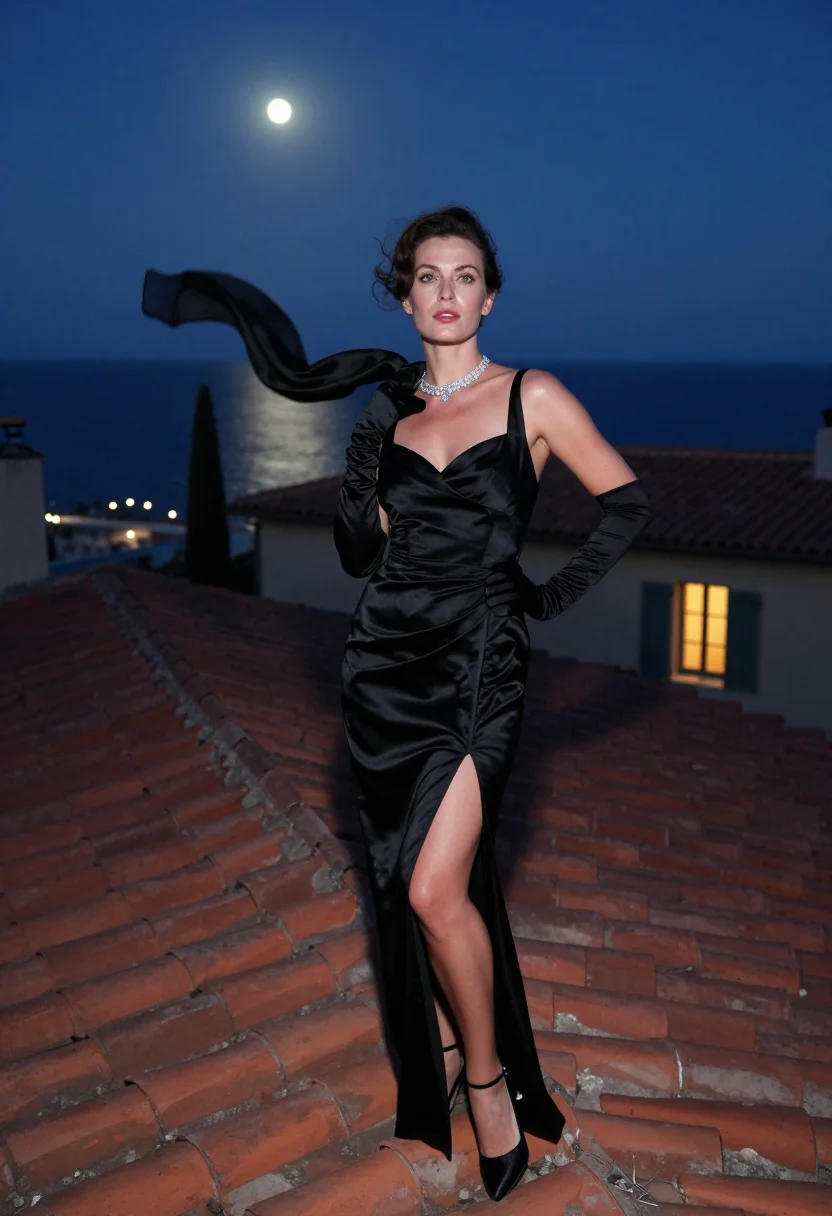
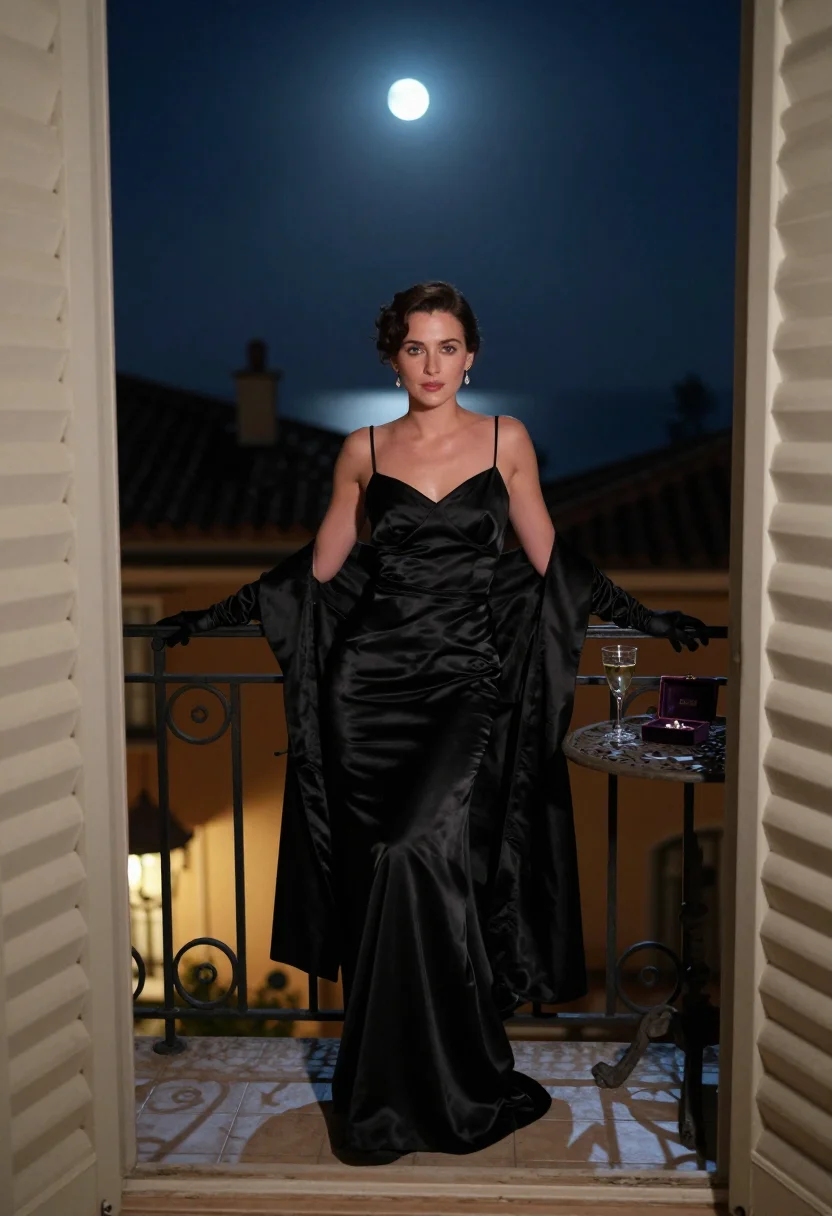
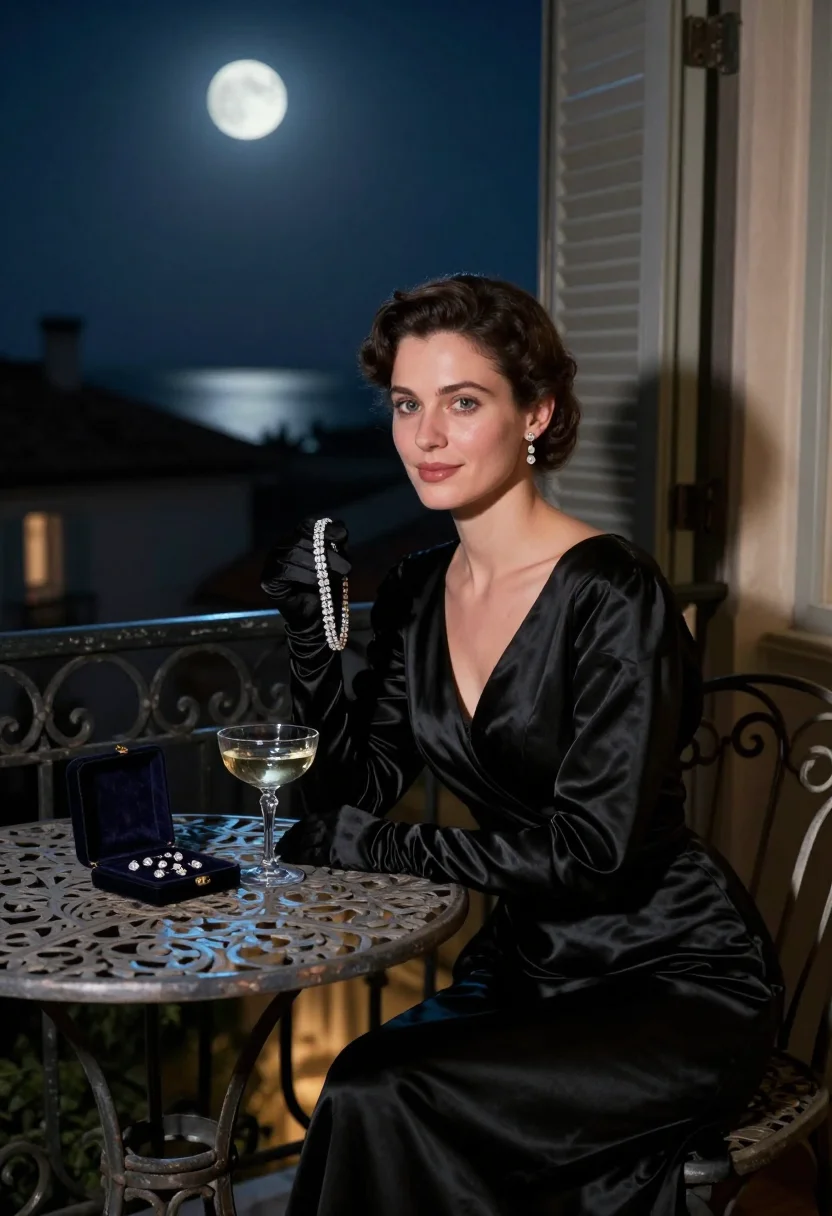
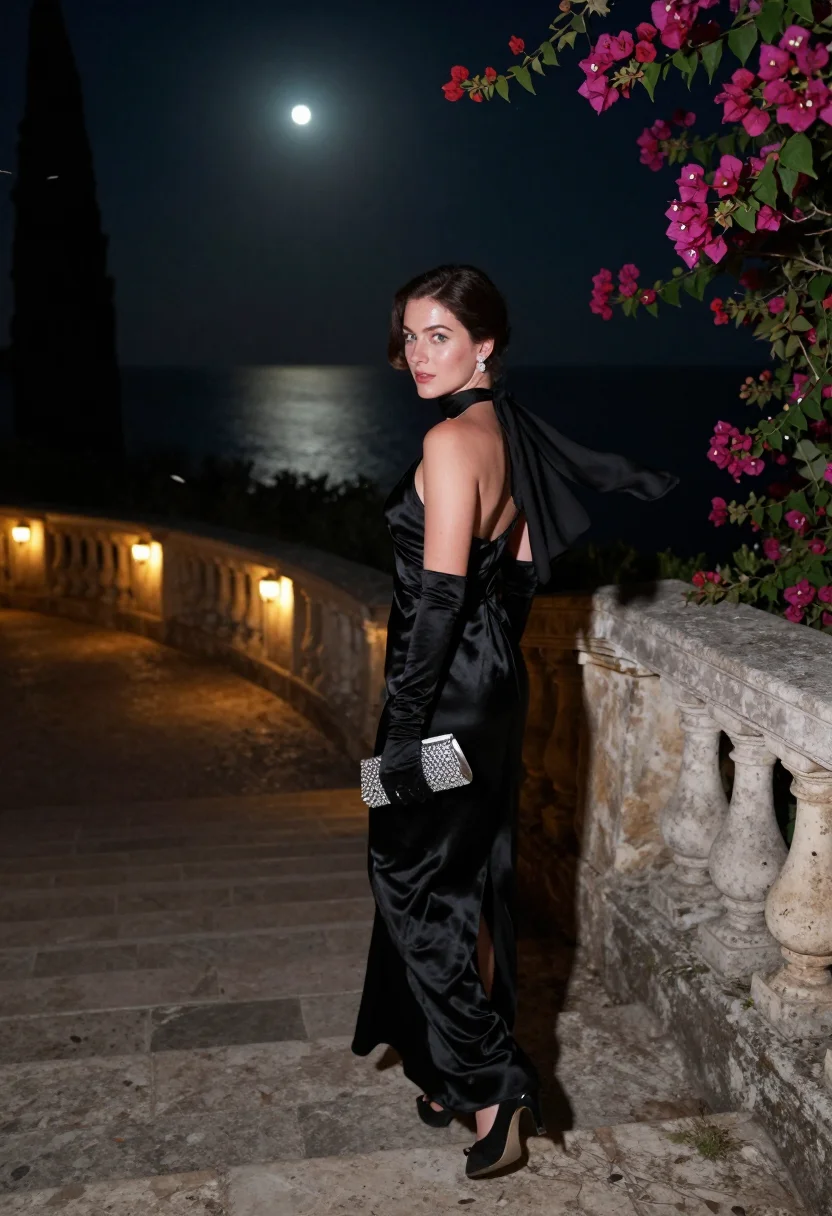
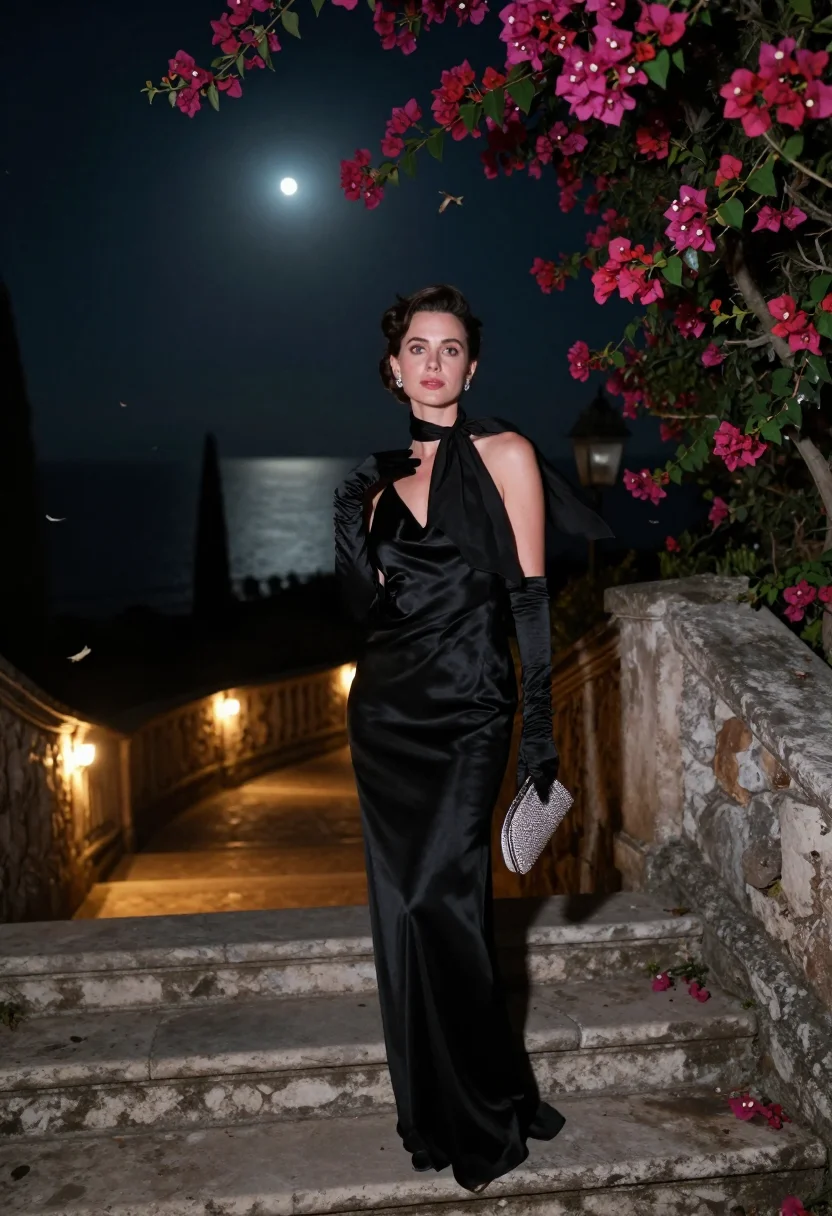
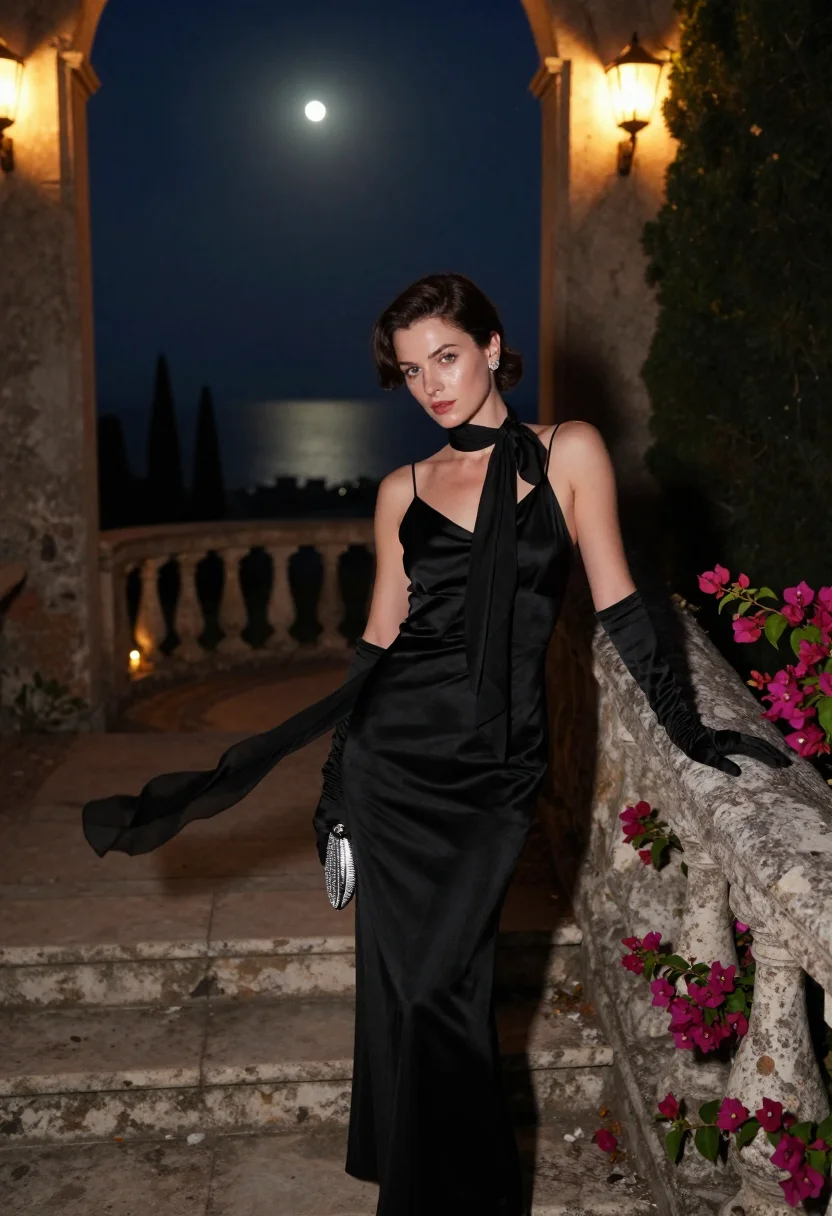
Riviera Glamour Portraits, Black Silk After Midnight
no account · ~15s · the first shot is free
More after-hours glamour
one model wears them all →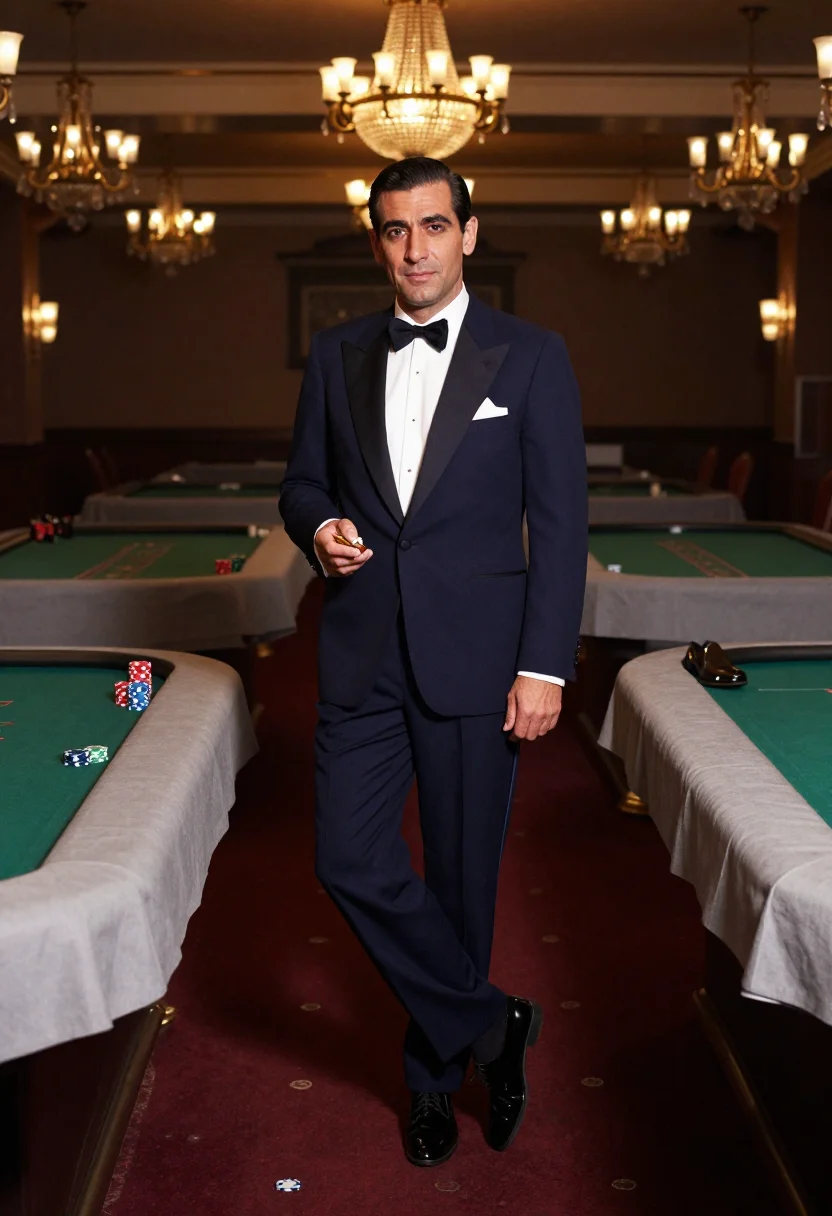
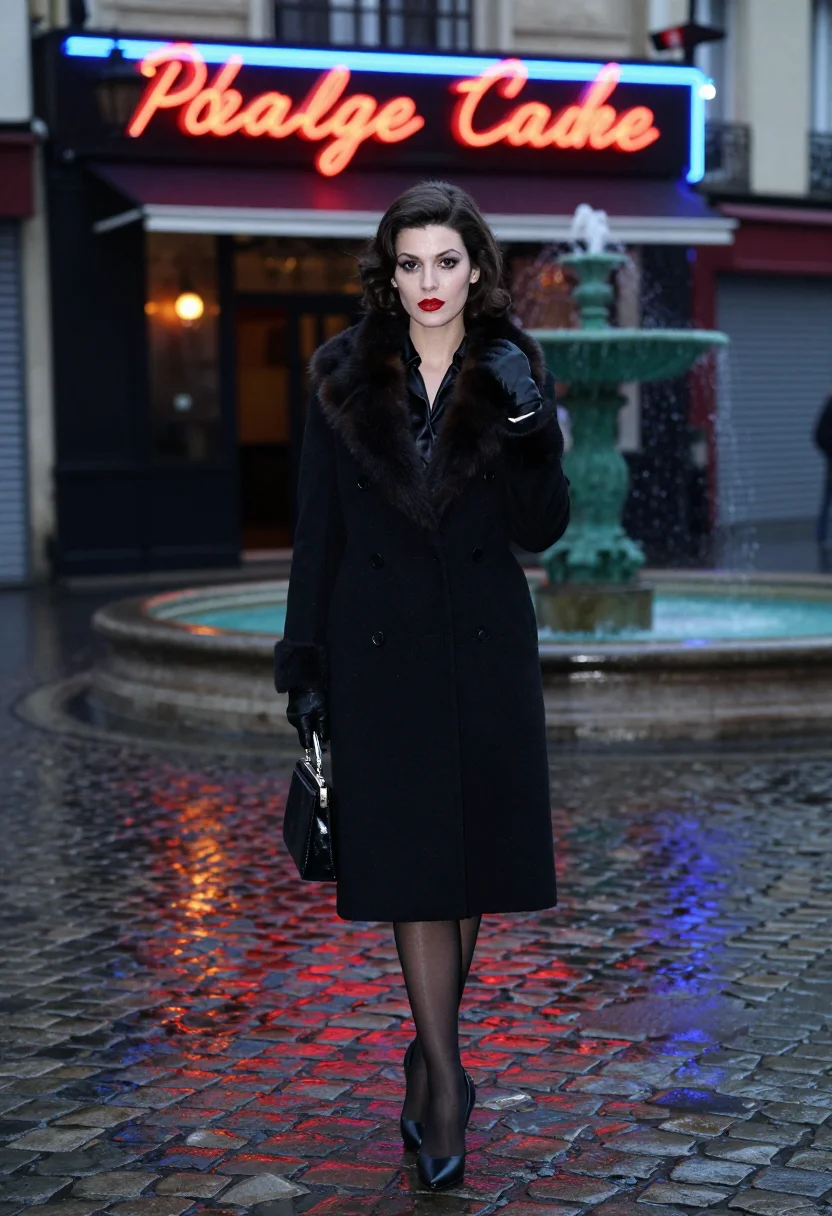
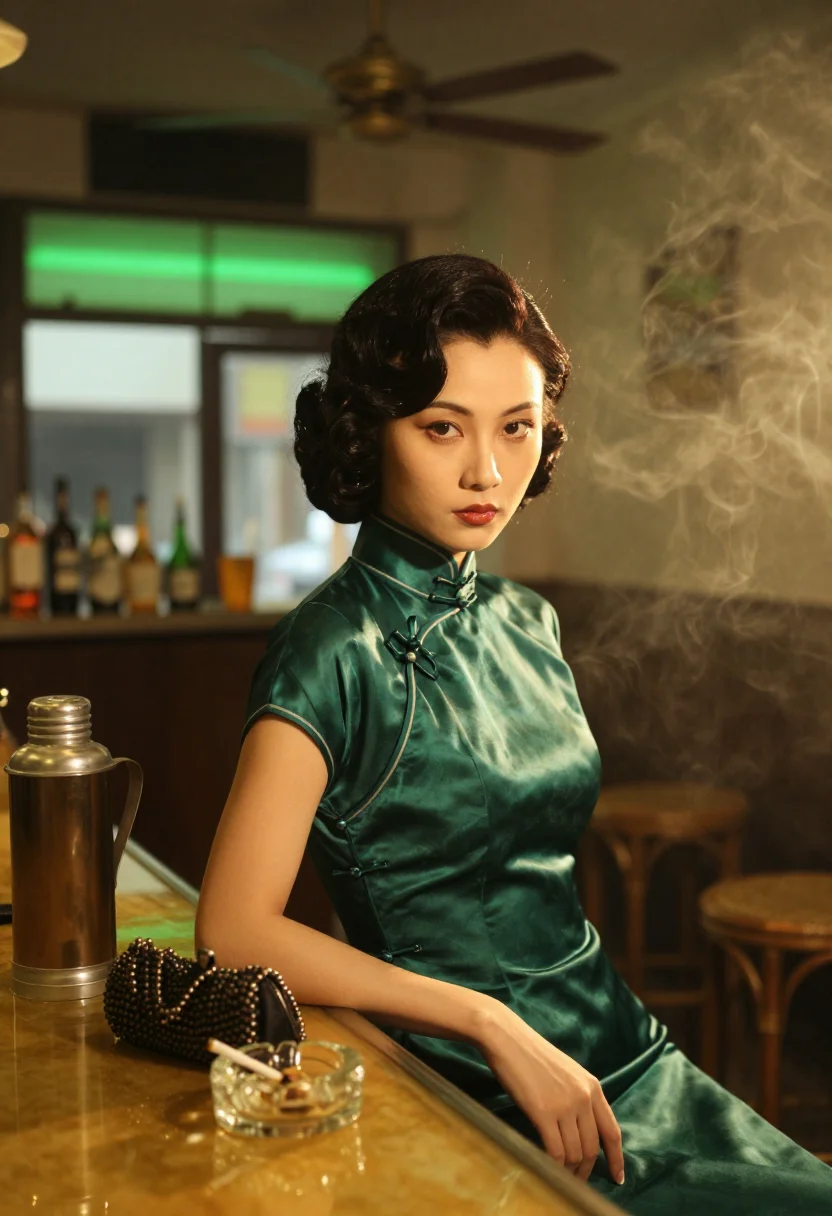
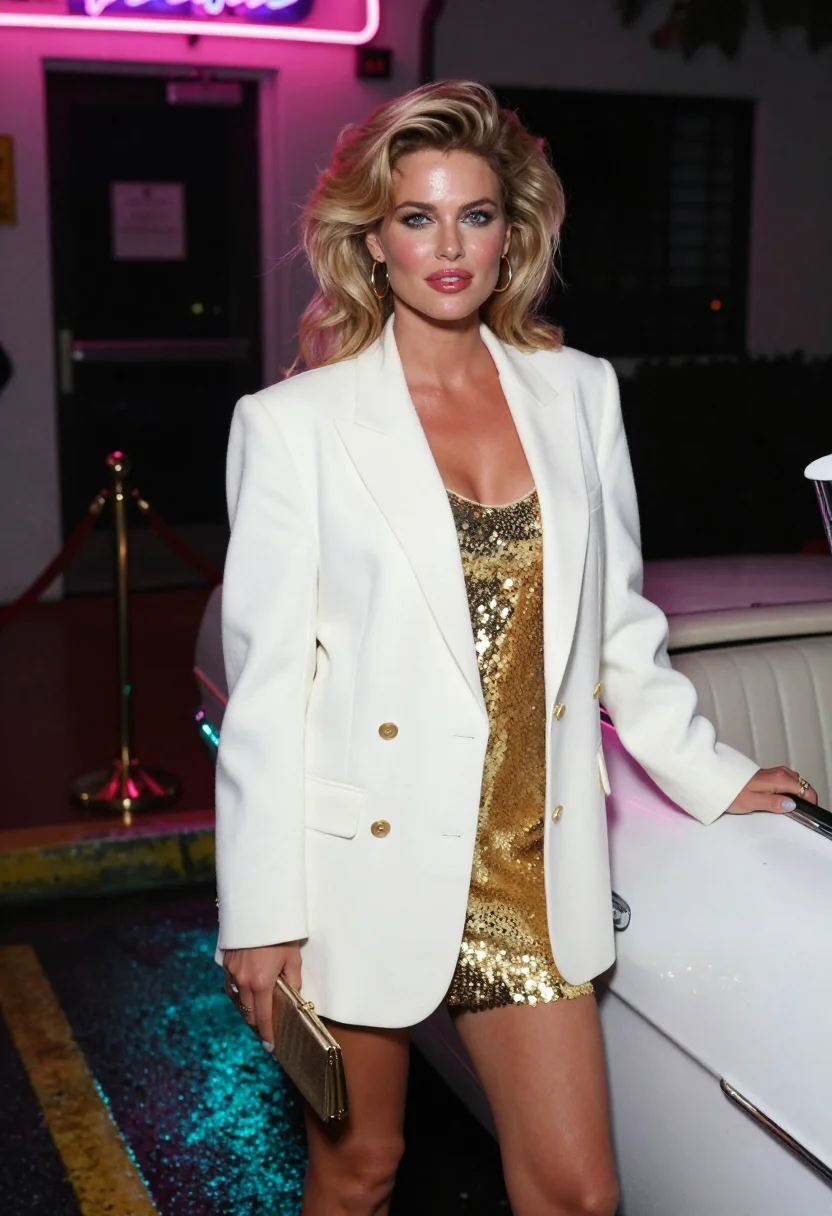
all 9 looks — from one photo ↓
How it works
Three steps. Upload, preview, deliver.
1
Upload 1 to 5 selfies
One is enough for the free preview. More angles sharpen the likeness.
2
See a free preview
A quick sketch of your likeness streams in seconds — close, not you yet, before you pay.
3
Train your model, then unlock 9
€4,99 one-time. Train your model once — 12 to 20 photos, we email you when it's ready — and all nine render in about ten seconds each. Every future pack and Studio portrait render the same way, no repeat training.
The Riviera night register
The Côte d'Azur at the turn of the sixties is one of cinema's most photographed places, and its best version is the one shot at night. Villa rooftops of terracotta pantiles stepping down to a black sea, cypresses, wrought-iron balconies, shutters closed against the moon. A gala runs late in a hotel below and headlights climb the corniche. This is the thriller-glamour register: diamonds are insured, safes sit behind bedroom mirrors, and a woman in a gown on a roof at two in the morning is only ever a guest who wanted some air.
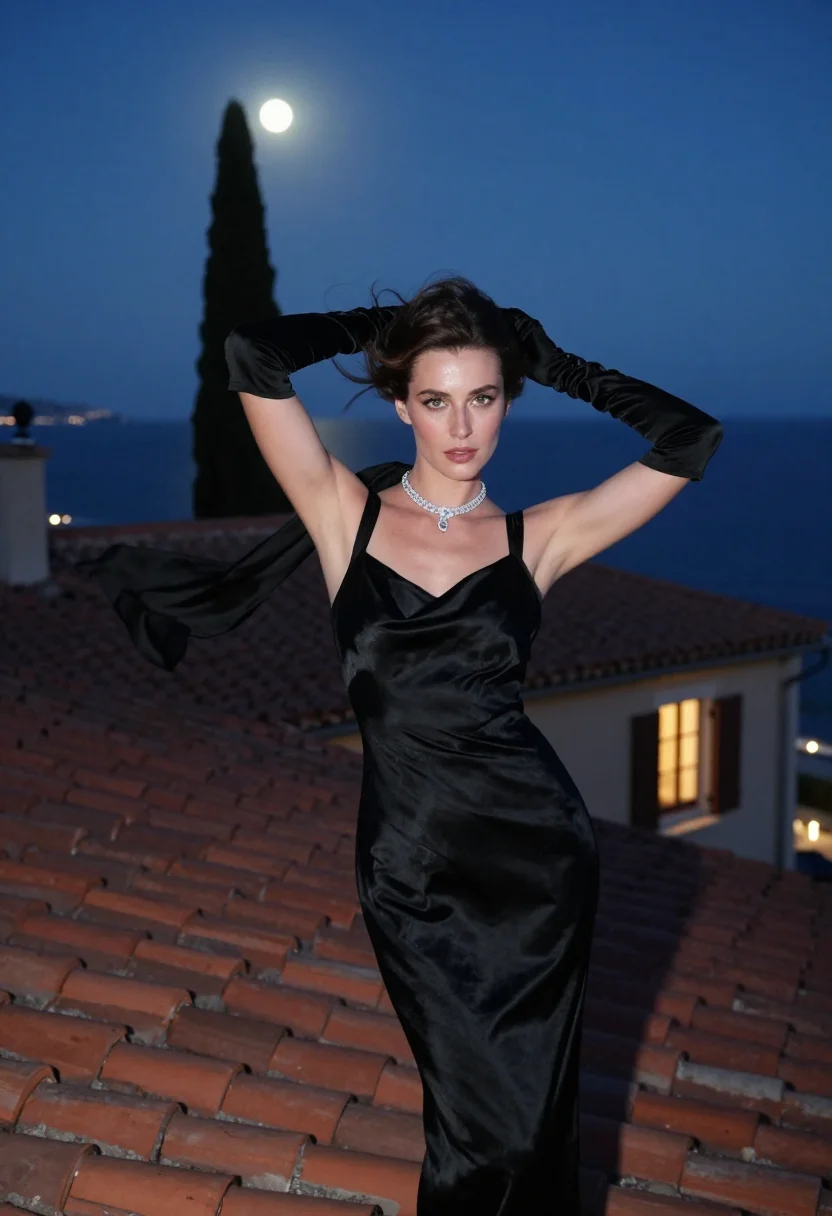
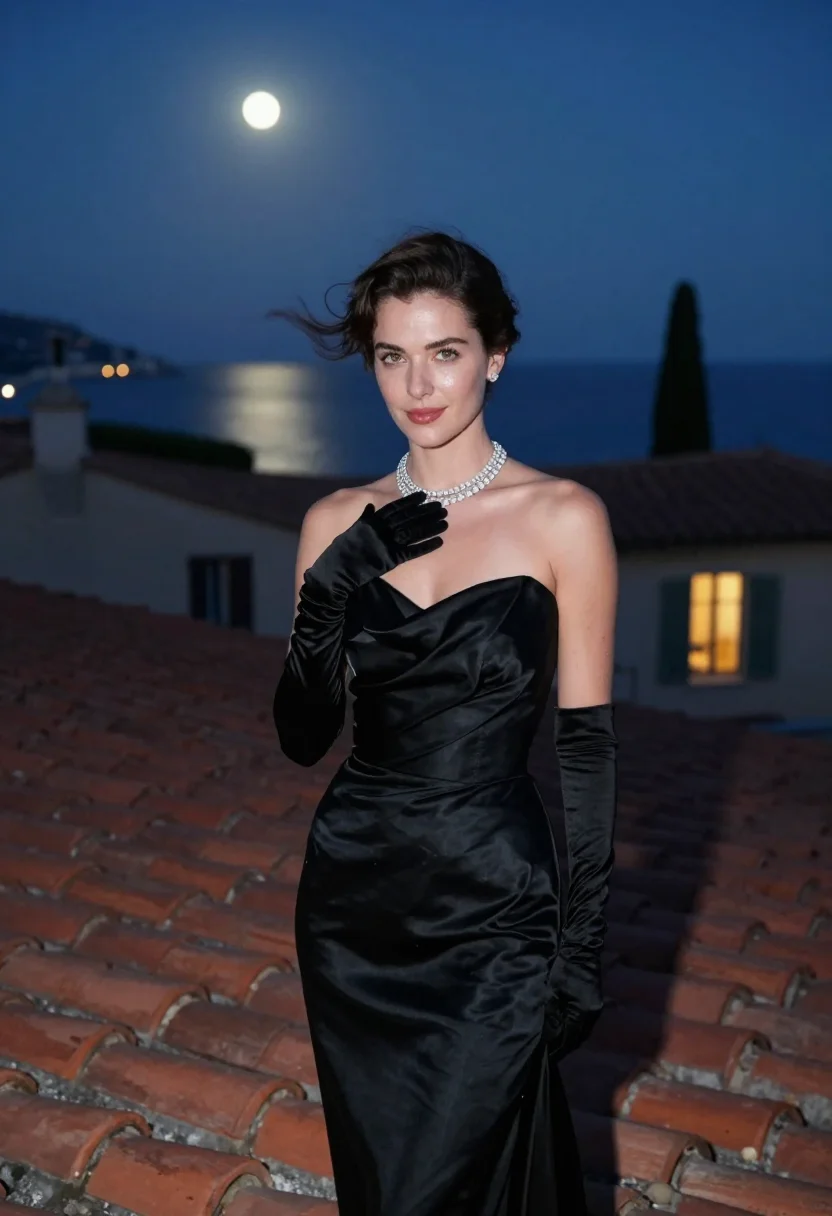
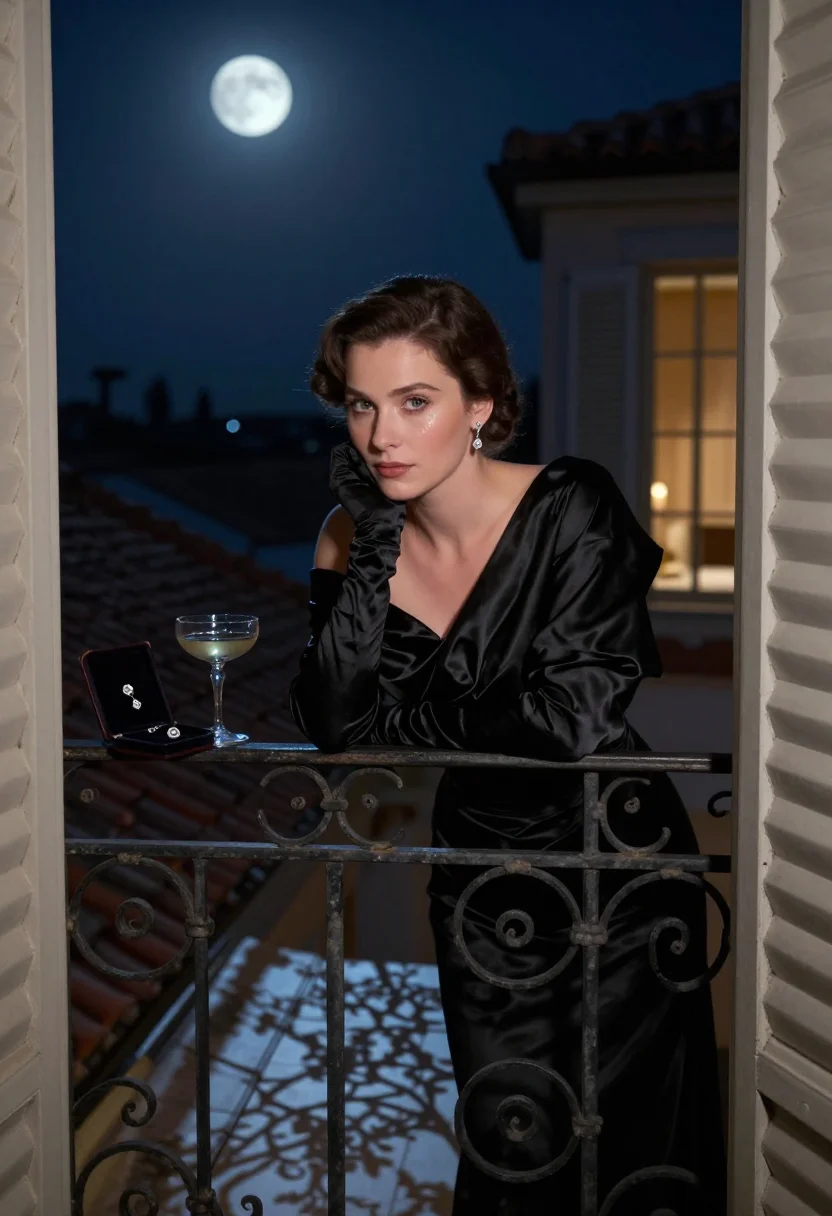
Three situations carry the world. A villa rooftop after midnight in a black silk column gown with a thigh slit, elbow-length satin gloves, a diamond rivière at the throat and a chiffon scarf lifting in the sea wind. A moonlit balcony off the bedroom, the same gown under a black satin opera coat worn off one shoulder, diamond drops, an open velvet jewel case and a champagne coupe on the iron table. Then the villa's exterior stone stair at three in the morning, scarf knotted at the throat, small clutch in hand, bougainvillea over the wall and the corniche lights curving below.
Photographically it is a study in two lights. Silver moonlight does the modelling — cool, directional, hard-edged on satin — while warm window glow and stair sconces sit underneath as the only heat in the frame. That contrast is what makes black silk photograph as silk rather than as a black shape, and what makes cut stones read as cold. Framing runs three-quarter and full-length so the gown's line survives; the palette holds to black, silver, terracotta and a single blue-black sea.
The result is a photograph, not a painting or an illustration, and not a cosplay shot of a model in a rented gown. These are photoreal AI portraits of you on that rooftop, in that gown, with your own face in every one of the nine frames.
How to photograph yourself for a Riviera glamour photoshoot
Better source photos make better portraits. The pack works from an ordinary phone selfie — the free preview tells you in seconds — but a few things sharpen the likeness so the moonlit frames really look like you.
- Even, soft lightStand near a window with indirect daylight on your face. Overhead bulbs and phone flash flatten features, and that is the usual reason an AI portrait misses a likeness.
- Front or three-quarter angleCamera at eye level, facing it or turned slightly — three-quarter suits this register best. No selfie-stick uplook, no shot from below.
- Face and neckline clearHair back off the face and jaw, sunglasses off. A clear front-facing photo is the best photo for an AI portrait, and the throat matters here because the diamonds sit there.
- A composed, unhurried expressionThe register is poise with a secret in it. A calm, level gaze reads far better under moonlight than a broad smile.
- Plain background is fineDo not worry about your own room — the villa replaces it. A plain wall simply helps the model concentrate on your face.
Frequently asked questions
- What do the nine photos actually look like?
- Nine photoreal portraits across three situations: a villa rooftop after midnight in a black silk column gown with satin gloves and a diamond rivière, a moonlit balcony with a satin opera coat over one shoulder and an open jewel case, and an exterior stone stair at 3am with the corniche lights curving below. Cool moonlight against warm window glow, 1960 styling throughout.
- Is this a specific film, or a real person?
- Neither. It is a genre register — Riviera thriller glamour of about 1960, built from gown, hour and light — not a scene from any film, not a depiction of any real individual or character, and not affiliated with any studio. Every image is AI-generated from the face you upload.
- Does it look like me, or a model in a gown?
- It is built to look like you. Whichever face you upload drives every render, so all nine come back as you on the rooftop and the balcony, consistent across the set.
- Can men use this pack?
- The sample and styling are built for women — the silk column gown, the satin gloves, the diamond rivière — so it reads feminine throughout. A men's or mixed version of this pack is not shipped yet.
- How is this different from Midjourney or Lensa?
- Text-to-image tools give you an elegant woman in a black gown who is not you. Avatar apps hand back stylised images that read plainly synthetic. This pack anchors every frame to your uploaded face and keeps the output photographic, so the nine are one recognisable person: you.
- Will black silk actually photograph as silk?
- That is the technical problem the pack is built around. Directional moonlight on satin is what separates fabric from a black shape, which is why the gown is lit from the side and the warm sconces sit behind rather than in front.
- What if my selfie is bad — poor light, phone camera, old photo?
- One clear selfie is enough to start, and the free preview shows the likeness in seconds. If it comes back soft, the prep tips above are the fastest fix, and it is almost always lighting rather than the camera.
- Can I use it as a profile picture or on a dating app?
- Yes. It is an elegant, well-lit profile picture, and on a dating app it works as long as you carry it as a styled portrait rather than as last summer in Antibes.
- Can I use it as a gala or black-tie outfit reference?
- That is a good use of it. If you have an event coming and you are deciding between silhouettes, seeing a column gown with gloves and a rivière on your own face settles the question faster than a shop mirror.
- Can I use it for a party invite or a costume?
- Yes — for a black-tie night, a casino evening or a vintage-glamour Halloween, the nine frames work as an invite image and as a styling reference for the gown, the gloves and the hair.
- What happens to the photo I upload?
- Your preview photo is processed on European servers. If you train your model, those photos train only your model and are deleted the moment you delete it. Nothing is sold or shared with third parties.
When the Riviera night pack fits
- For a profile picture with genuine poise rather than another cropped party photo
- For a social post in a vintage Hollywood glamour register
- For a gala, black-tie or vintage-glamour party invite image
- For a Halloween or themed costume you want to visualise on yourself first
- For anyone who has always wanted the black-gown-and-diamonds portrait
- For a gown or silhouette reference before an event you are dressing for
- For a birthday or anniversary gift for someone who loves old cinema
- For a phone or desktop wallpaper in moonlight and terracotta
- For a print or framed portrait with a 1960s photographic finish
- For an author photo, album cover or press image with elegance and mystery
- For a dating profile that wants one striking evening frame — kept honest
About narcis
Most AI portrait tools ship every pose, profession, era, and aesthetic in one giant catalog. The output looks like every other AI photo on the internet — a glaze over a stock face. Narcis goes the other way. One tool, one job: turn photos of you into portraits worth keeping. Drop a selfie and your free preview streams in seconds — a quick sketch: close, not you yet. For portraits that are truly you, train your own model on 12 to 20 photos; it trains in the background, and we email you when it is ready. Train once, render everywhere — this pack, every other pack, and the Studio all come out of that one model, about ten seconds a portrait, and it stays yours to retrain or delete. Each pack is hand-curated against actual references — paintings, photographers, registers — and tested on real faces before it ships. See a free preview before you pay, not after. Packs are one-time — no subscription to buy one; Studio, the unlimited composer, is optional at €12/month and every pack includes 30 days of it. No template generator. Built and run by one team, on our own infrastructure.
All images are AI-generated. By using this service, you confirm you are 18+, that any face photo you upload is your own or used with explicit consent. Full Terms