EUR in January: A Travertine Photoshoot
Nine photos of you in one setting
How your model is created from your photos
Every pack on Narcis, made with your face
Nine photographs of you in one setting: one pack of the Narcis catalogue.
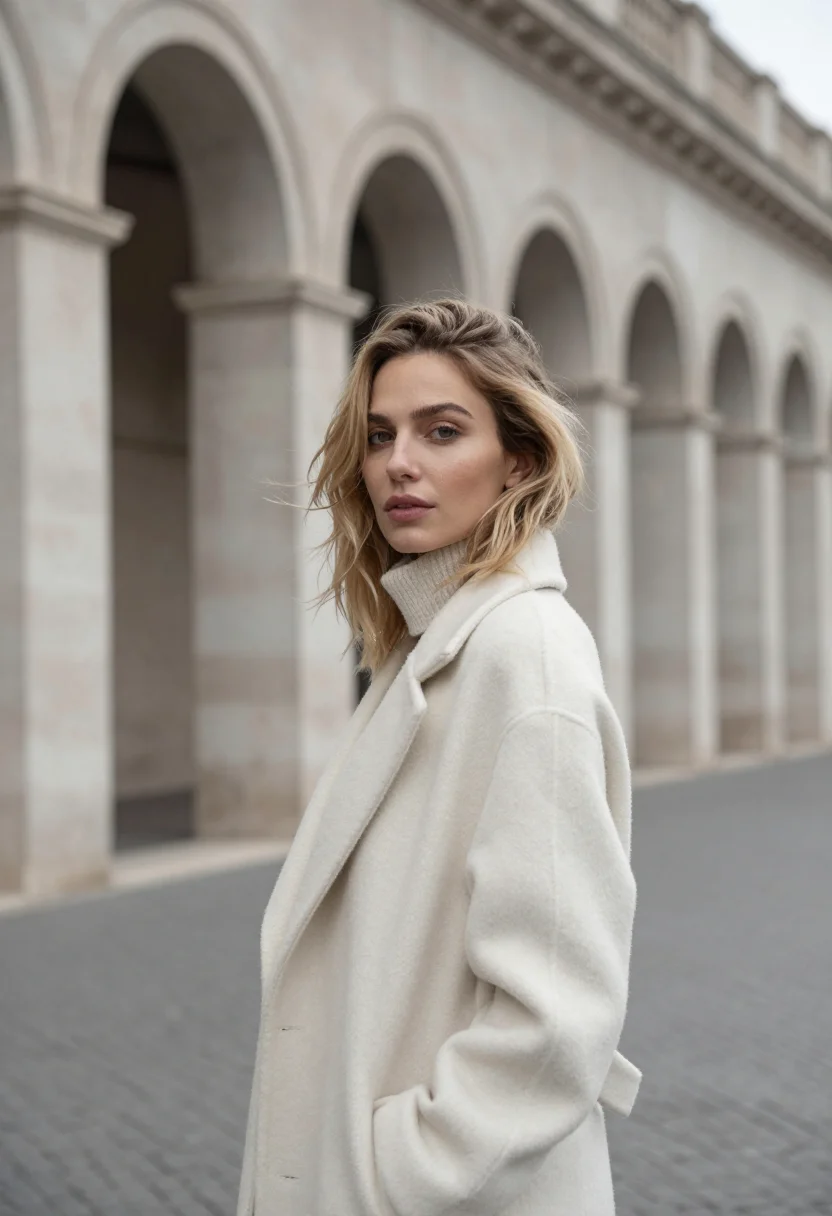
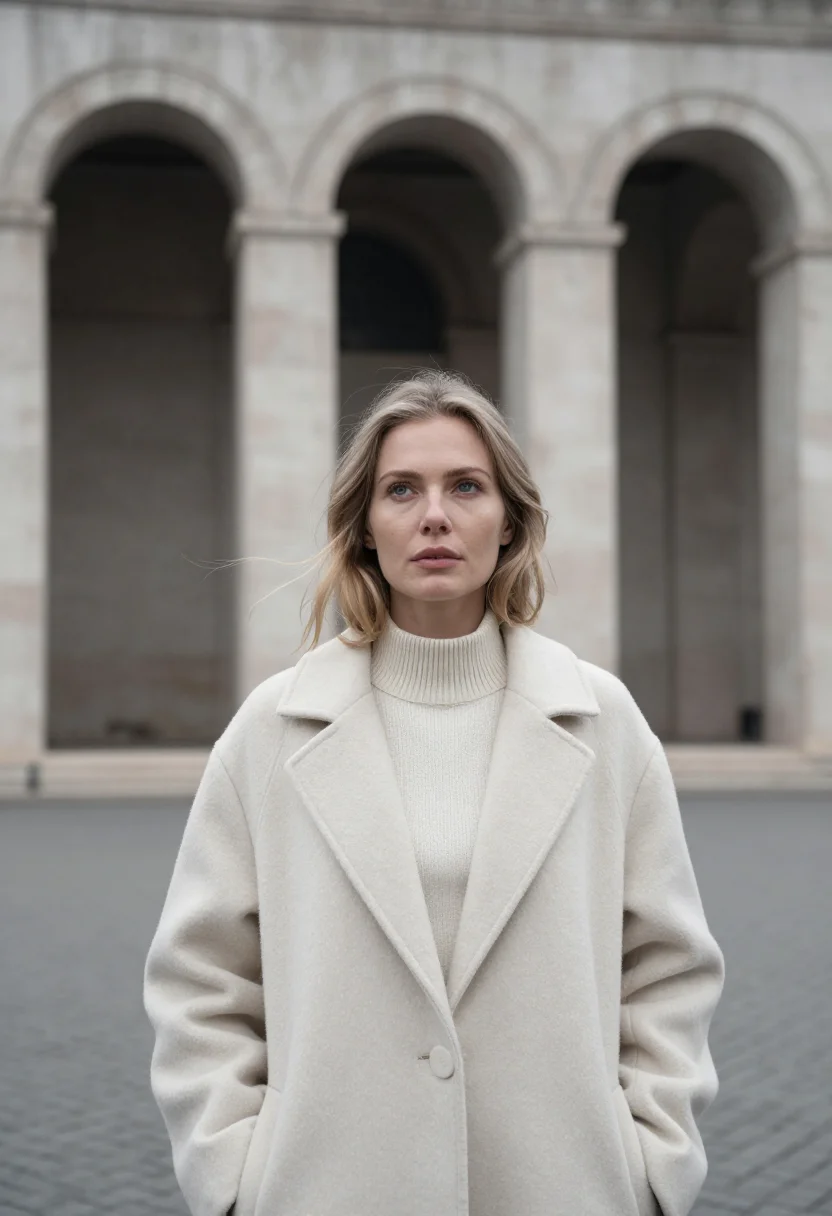
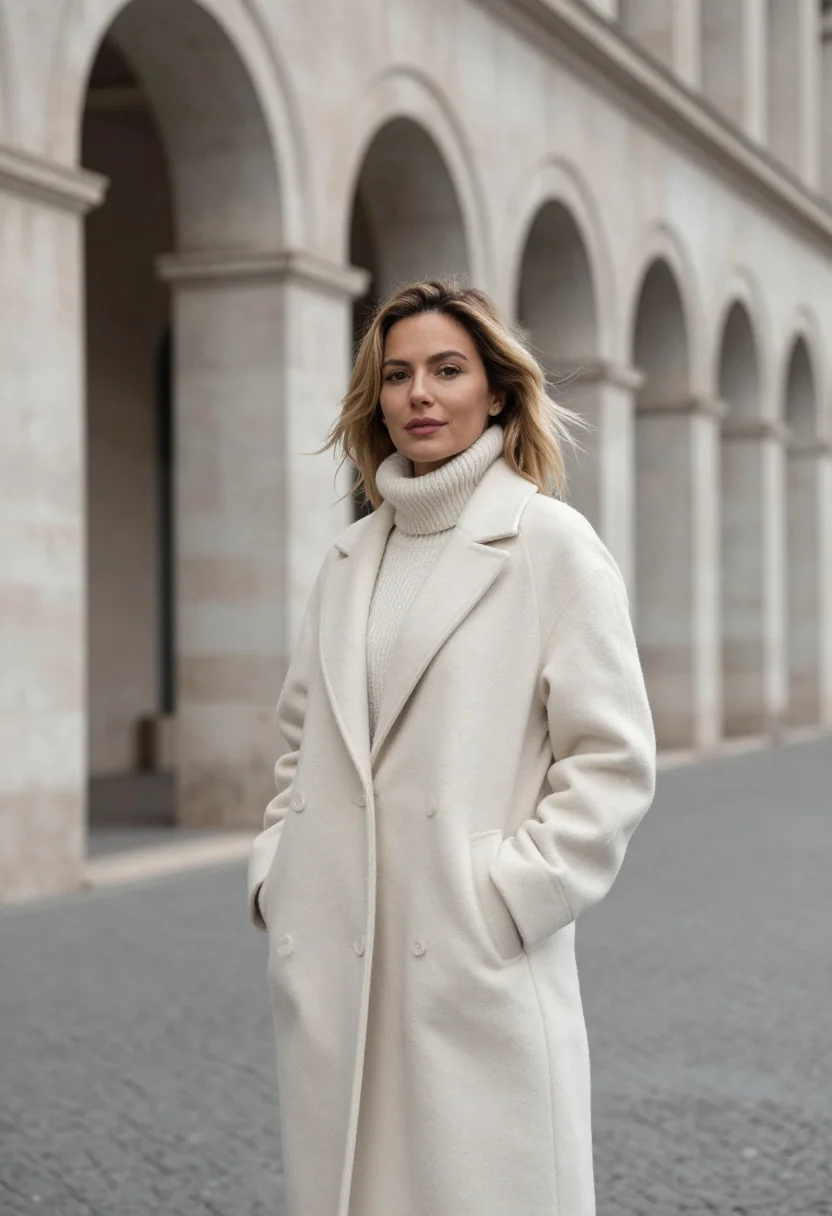
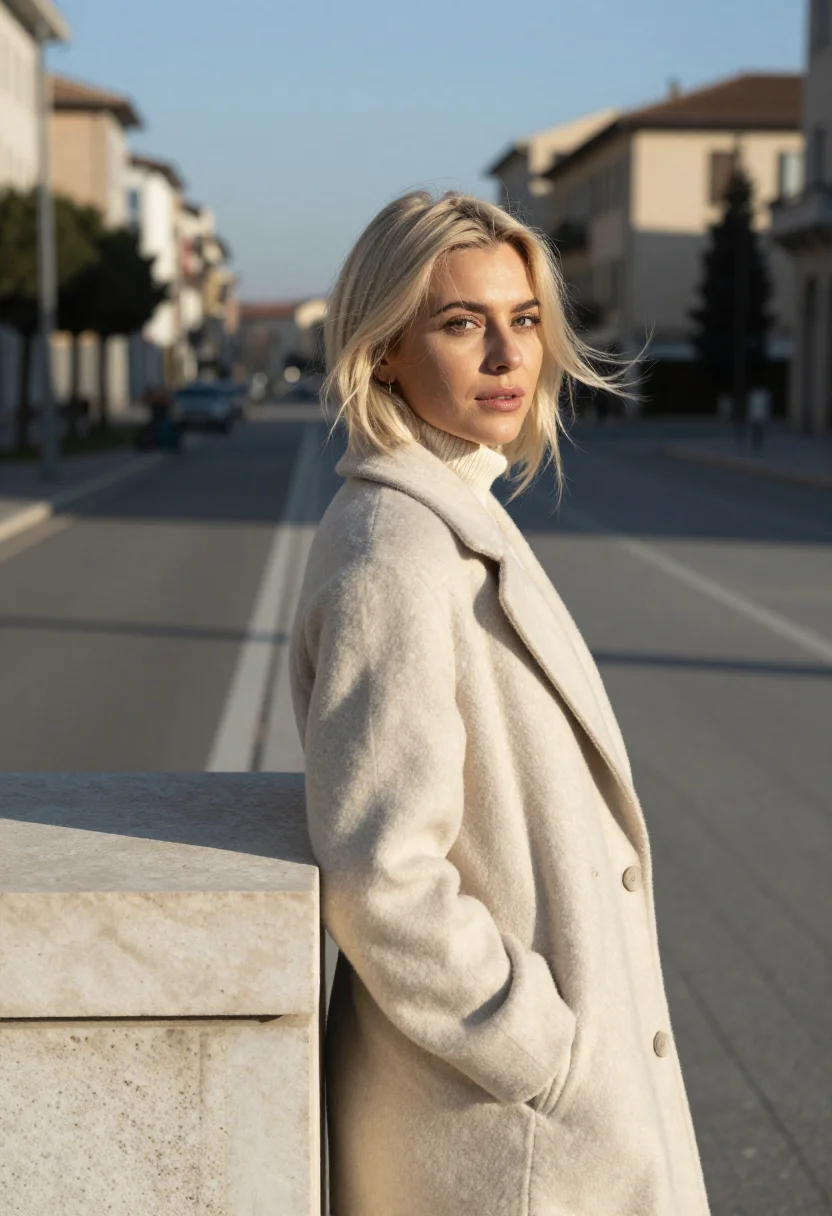
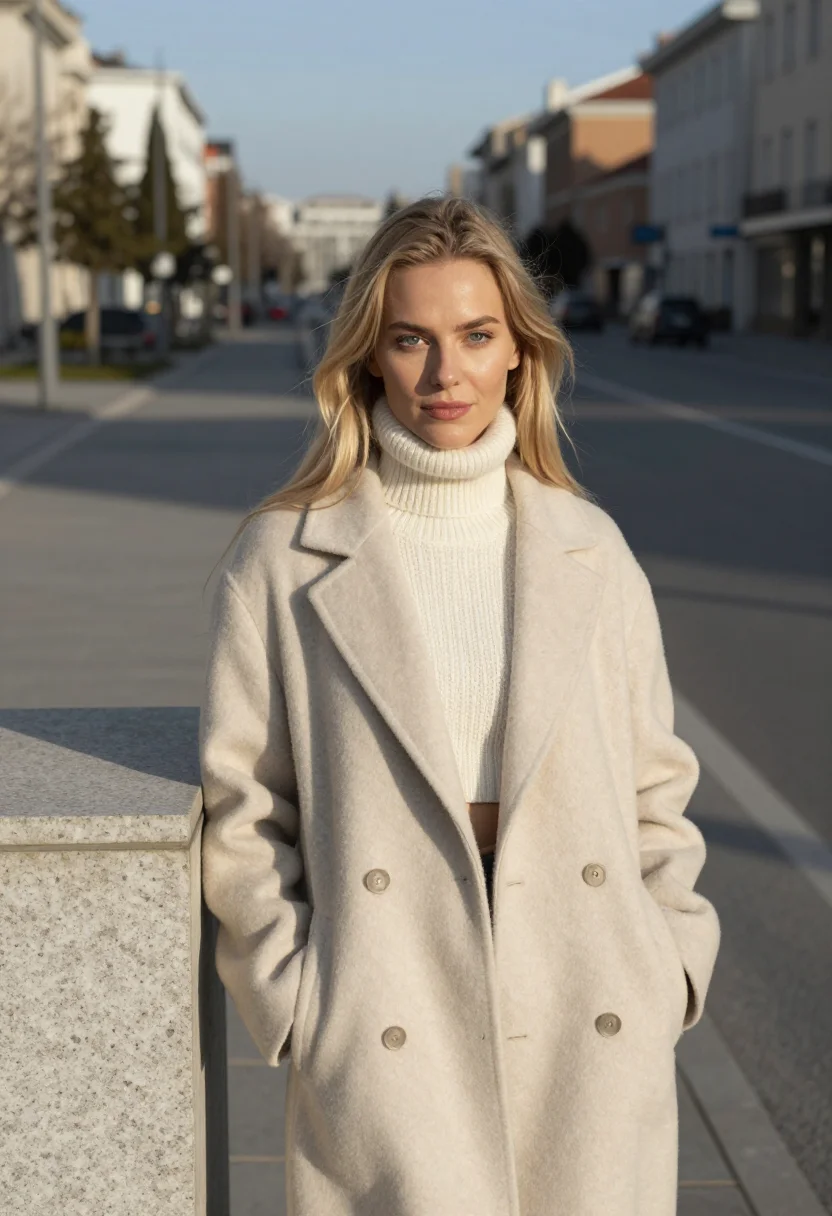
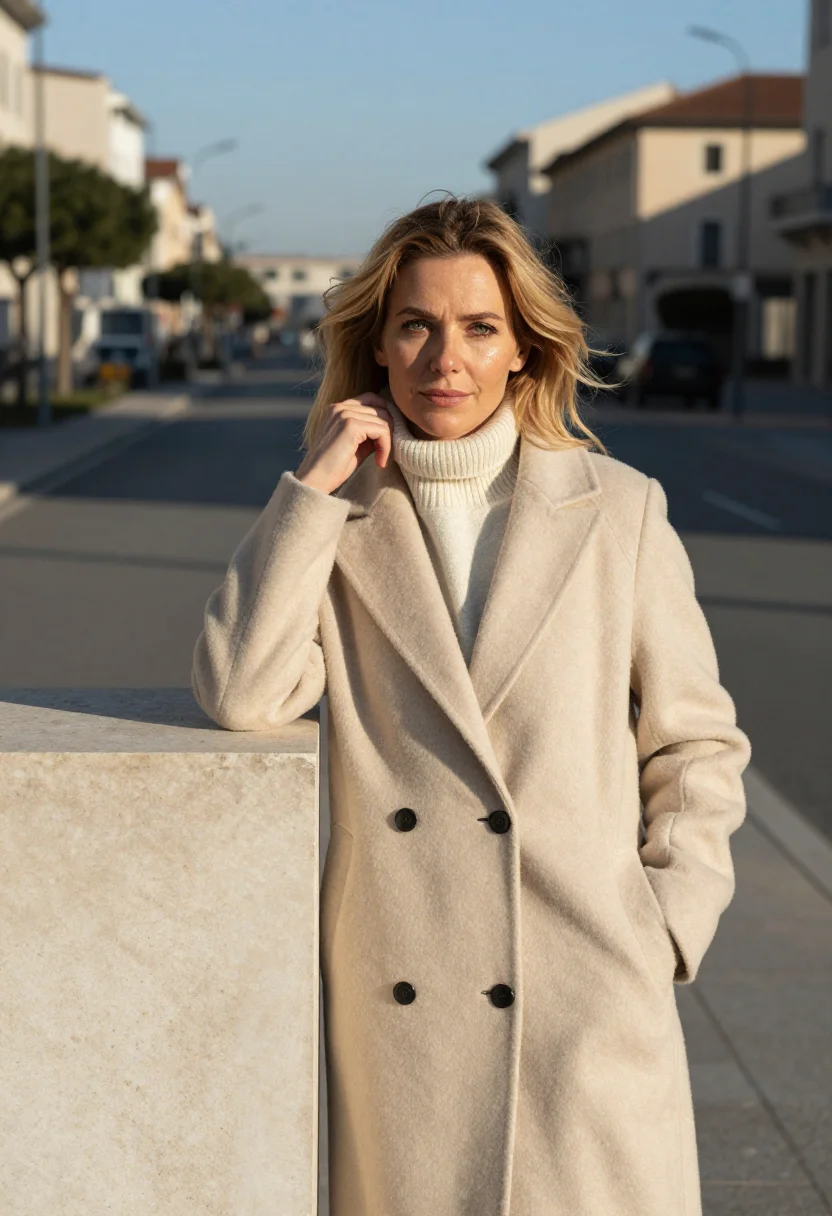
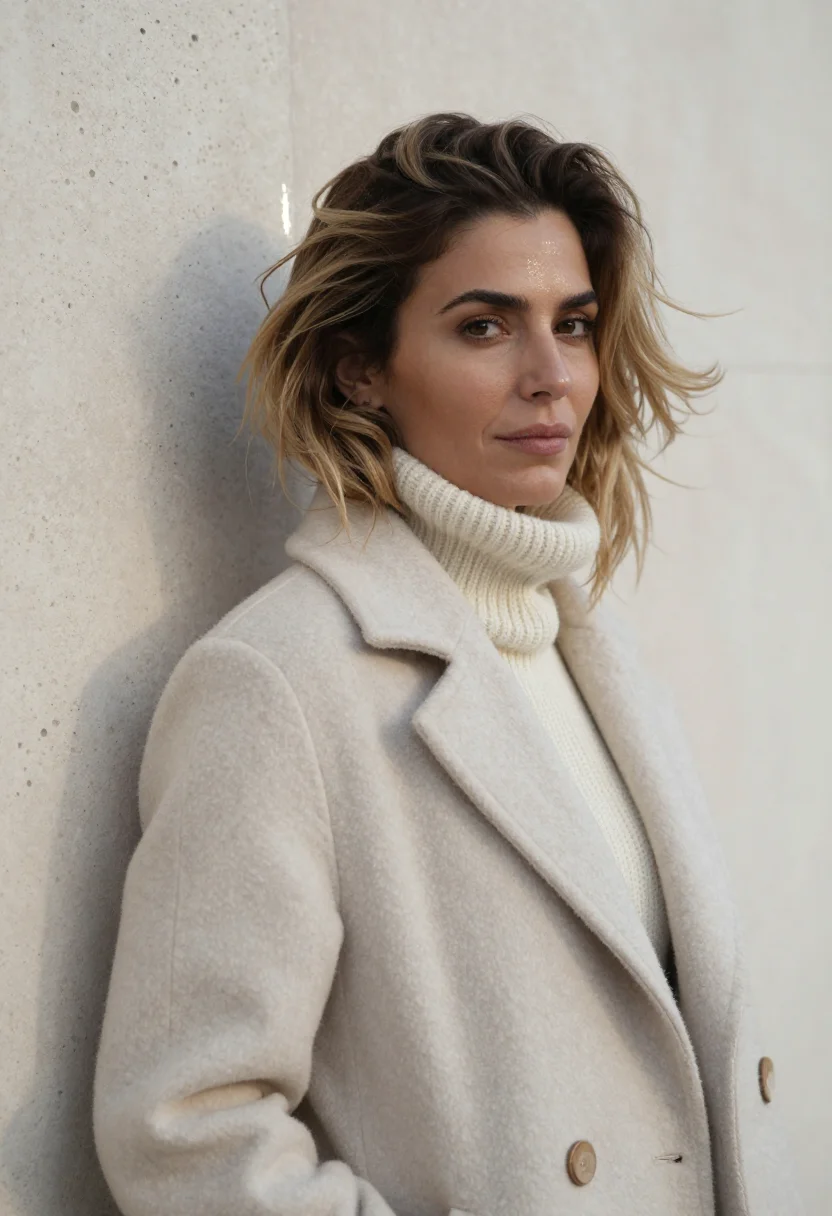
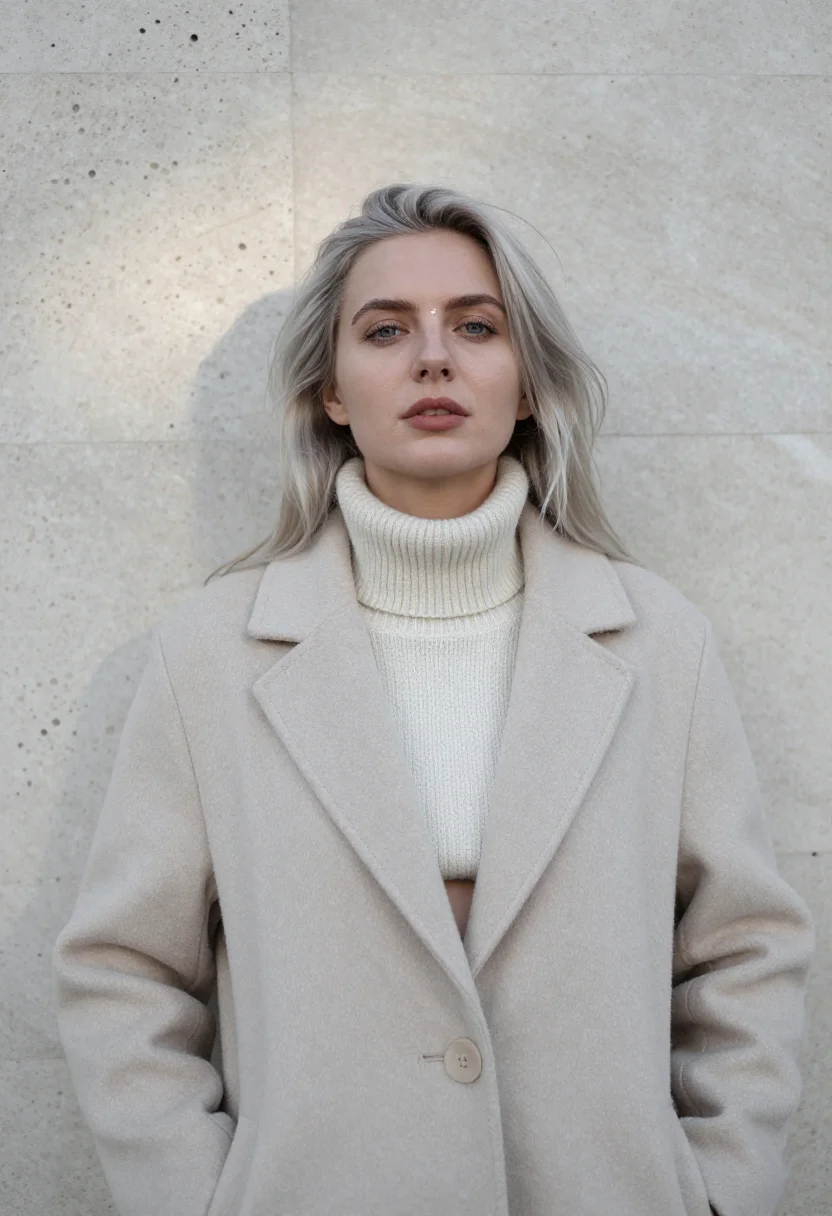
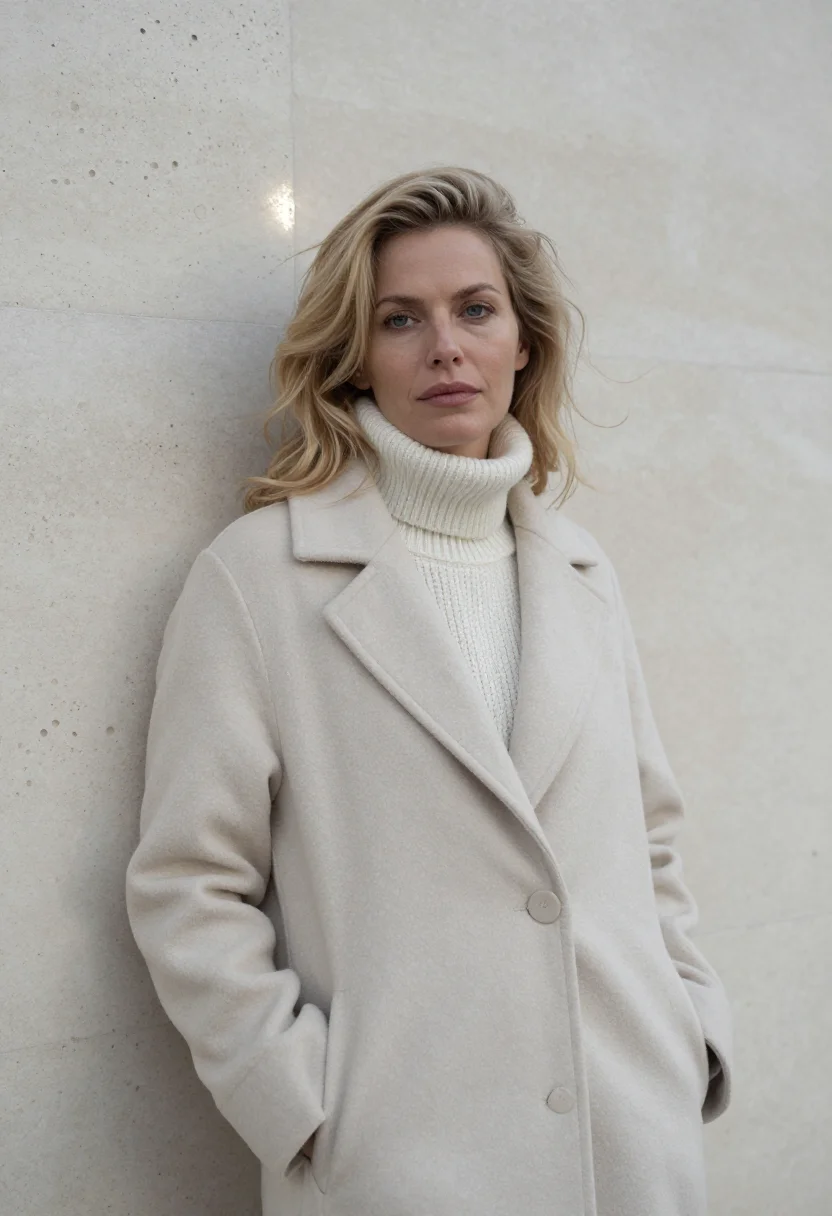
Nine photographs of you, styled as monica vitti eur rome january travertine, in portrait aspect ratio, in portrait format. The nine vary in crop, expression and light, so there are real choices, not nine identical files.
/monica-vitti-eur-rome-january-travertine · photo · 3 scenes
EUR in January: A Travertine Photoshoot
6–20 photos of yourself · we email you when your model is ready
More of the winter-city portrait
one model wears them all →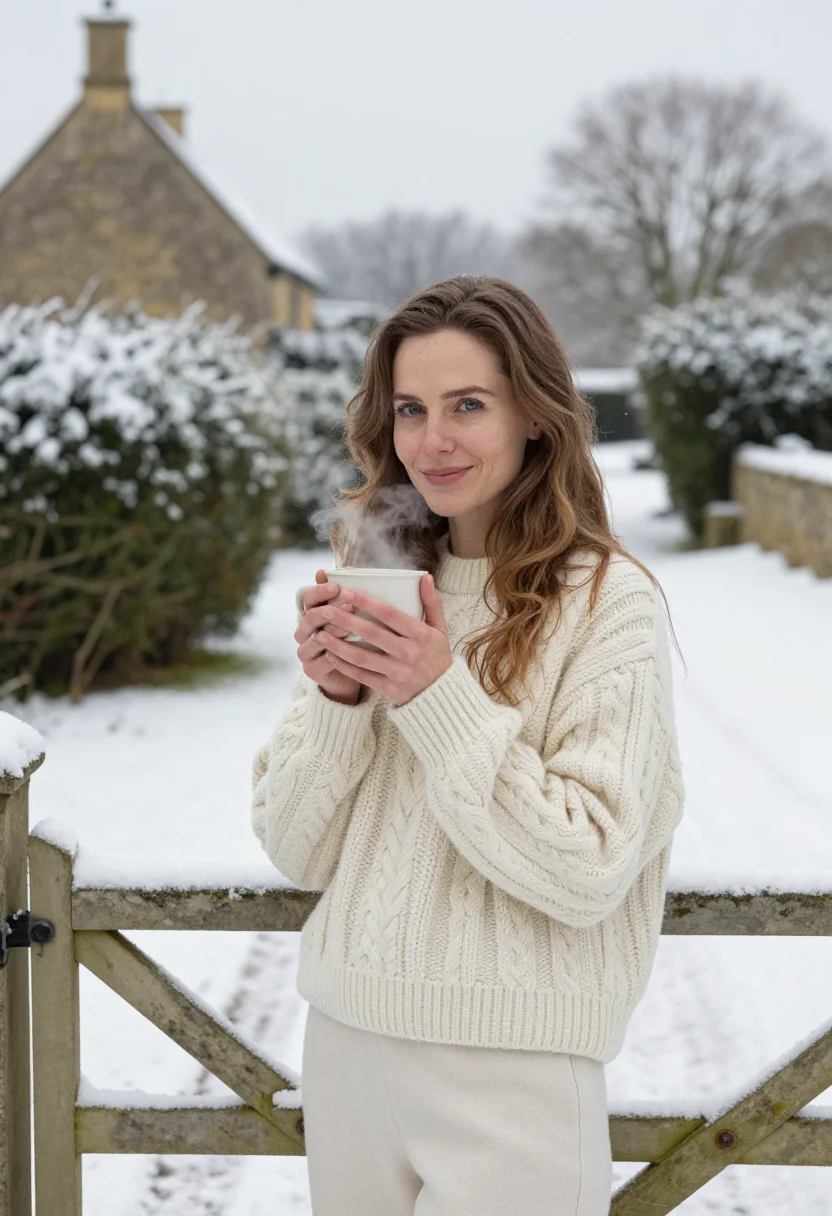
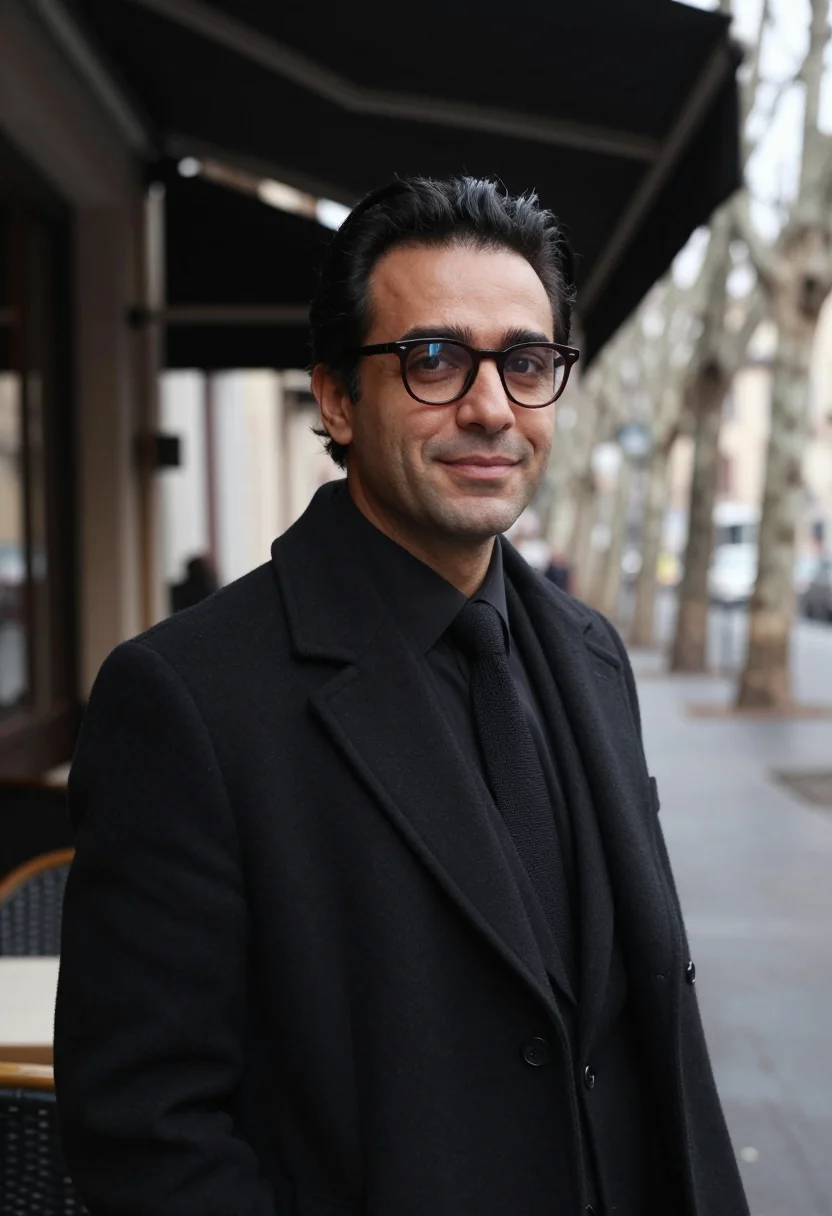
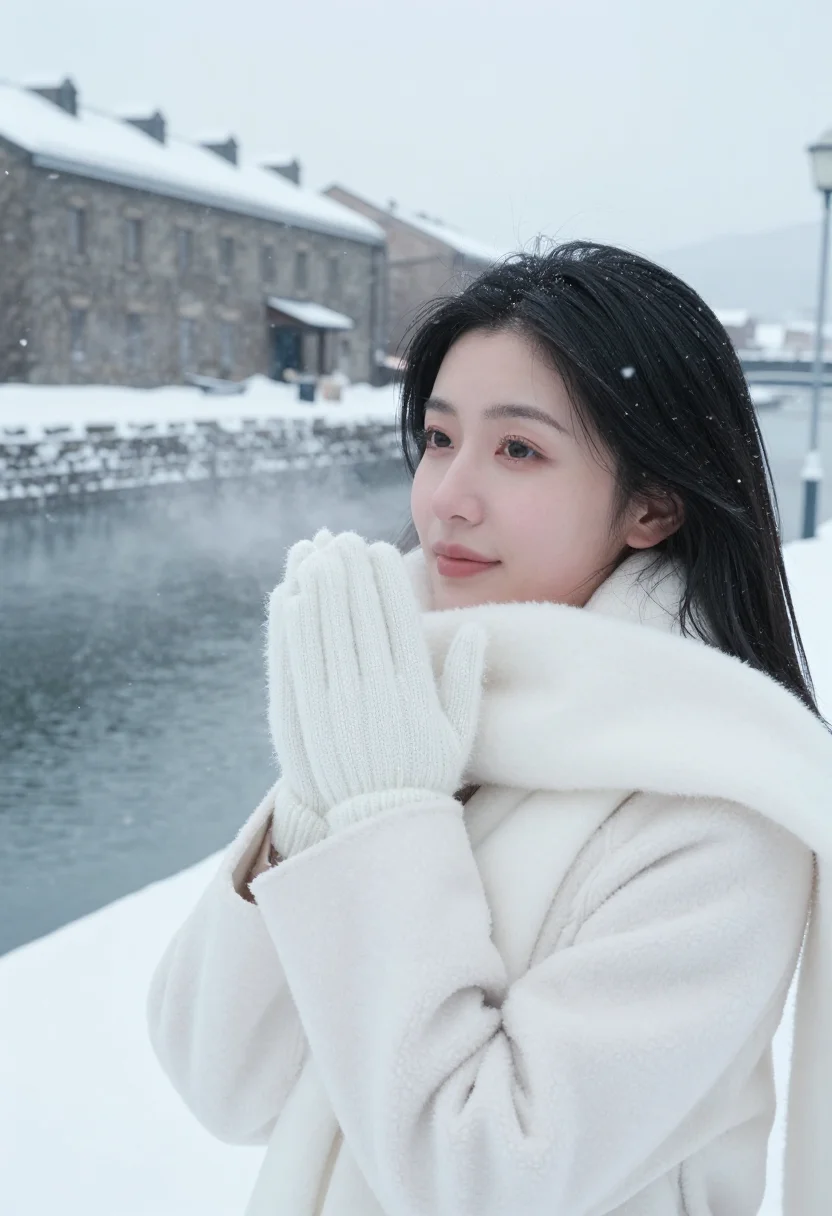
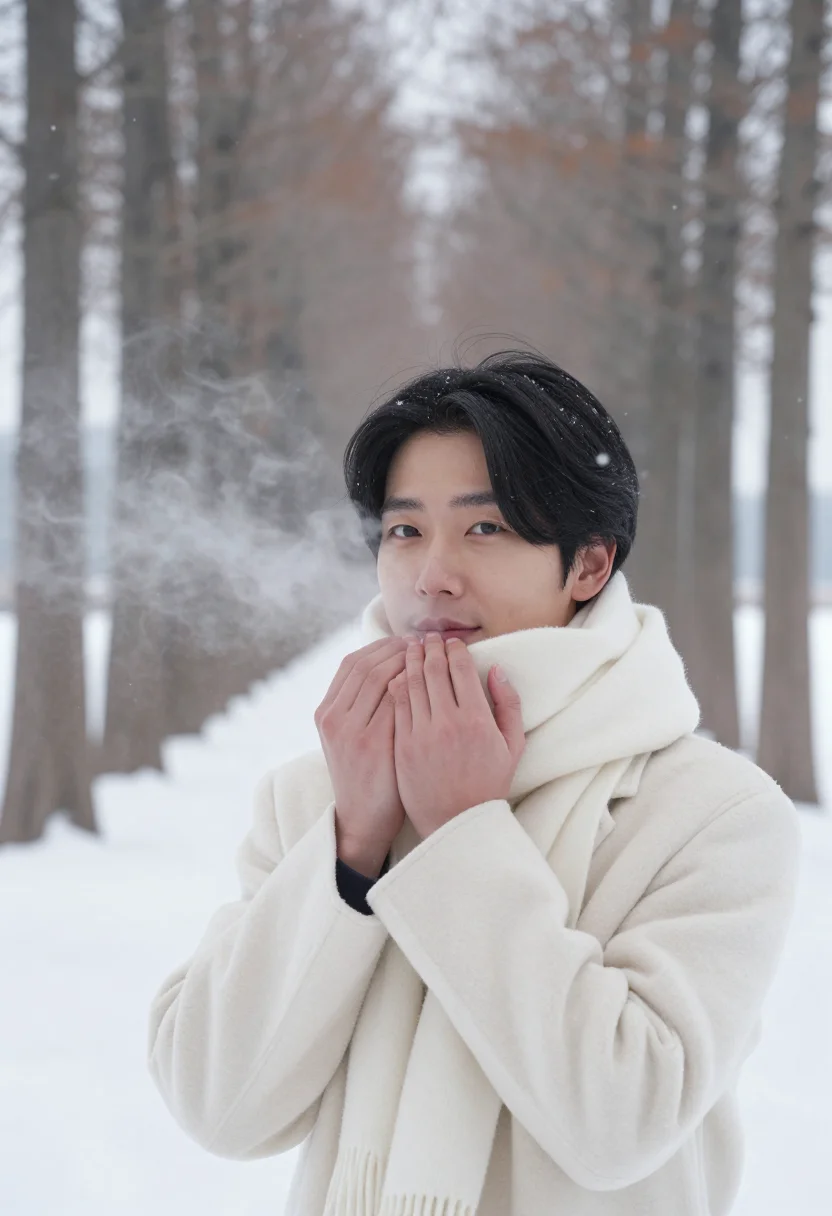
all 9 photos in this pack ↓
How it works
Three steps.
1
Add your photos
Add photos of yourself. We check each one when you add it.
2
We create your model
We create your AI model from your photos. Your photos are ready in a few hours.
3
Every pack, with your face
This pack and every other pack on Narcis can then be made with your face, and single photos too.
The EUR register
EUR in January belongs to the register Michelangelo Antonioni built around Monica Vitti — the travertine arches of the square colosseum, avenues empty at midday, a pale light that turns the whole district into one plane. This pack draws on that district and that presence, the eclipse of an afternoon Antonioni filmed in L'Eclisse, as a place and a mood: the blonde as the one moving element in a still, stone city.
The technique is camaïeu — one travertine carried through the arches and a pale stone-coloured coat, so garment and ground share a single value. Separation comes from texture alone: the stone's pores against the wool's weave, a glance away as the one gesture, and loose blonde hair as the one note of movement the palette allows.
Three settings carry it: under the arches, rows receding in every direction, the coat and the stone at one value and the hair the only movement; on the empty avenue beside a travertine plinth, light low along the axis, glancing away; and half-length at a travertine wall, the stone's pores close, collar up.
The result is a photoreal portrait — a photograph, not a painting or an illustration. It borrows the EUR district and its travertine register as a costume and place reference; it is not a photograph of Monica Vitti or any film character, and it doesn't claim to be. The face in every frame is yours.
How to photograph yourself for an EUR travertine photoshoot
Better source photos make better portraits.
- Even, soft lightStand near a window with indirect daylight on your face. The pack builds its own pale, flat midday light on top — a well-lit selfie gives it the clearest face to start from.
- Front or three-quarter angleCamera at eye level, facing it or turned slightly to three-quarter. No selfie-stick uplook, no shot from below.
- Face fully clearHair off the face, no hats, no sunglasses, no filters in the source photo. A clear, front-facing photo is the best input for an AI portrait.
- A composed expressionThe EUR register favors a still, distant look over a big grin — a calm expression in your source photo carries best into the travertine frames.
- Plain background is fineDon't worry about your own backdrop — the pack's three settings replace it entirely. A plain wall behind you just helps the model focus on your face.
Frequently asked questions
- Will it actually look like a real photograph?
- Yes. The output is photoreal — a real photograph, not a painting or an illustration — built around travertine arches, a pale stone coat, and empty Roman avenues, all.
- Is this a real photo of Monica Vitti, or of me?
- It's a portrait of you. The pack borrows the EUR district's travertine register that Antonioni filmed around Monica Vitti — the arches, the pale coat, the empty avenues — as a costume and place reference; it doesn't depict Vitti or any film character, and every frame is a portrait of you.
- Is this pack built for women?
- Yes — the coat, the styling, and the sample set are cut for a woman's wardrobe.
- Can I use it for a dating profile, a gift, or a print?
- Yes — a dating profile photo is exactly what this pack is built for, and it works just as well as a print or a gift. It isn't licensed for commercial resale.
- Do I need a real pale stone coat for this to work?
- You don't need the coat or the arches in real life; that's what the photoshoot supplies.
- Does the travertine register only work in January, or does it hold year-round?
- The register — travertine arches, pale stone coat — isn't tied to a calendar date; January in the world here just names the pale light and the empty avenues.
- Will the travertine arches look real, or obviously generated?
- The pack is built for photoreal output — the stone's pores, the coat's weave, and the flat midday light are rendered to read as an actual photograph.
- Will the photos look like me?
- Every photo looks like you, well photographed. If one is nearly right, say what to change, in your own words.
- Do I have to write a prompt?
- No. There is nothing to write: you pick a pack, and it is ready in seconds.
- How many photos of myself do I add?
- Between six and twenty, from different days and in different light, with your face clear. We check each one when you add it.
- What happens to the photos I add?
- They are used only to create your model, on our own servers in the European Union. They are not shared and not sold.
When the EUR pack fits
- A dating app's main profile photo
- A second or third dating app photo for variety
- An Instagram post for the season
- A wall print for a stone-toned room
- A gift for a partner
- A phone wallpaper
- A vision board anchor image
- A keepsake from a Roman winter you didn't actually spend there
- A profile photo refresh without a new wardrobe
- An editorial-style portrait for a personal site
About narcis
Most AI photo tools put every pose, job, era, and style in one giant catalog. The photos all look like every other AI photo on the internet — a glaze over a stock face. Narcis goes the other way. One job: photos of you that look like photographs. You add at least 6 photos of yourself, and we create your AI model from them. Your photos are ready in a few hours, and we email you when they are. Then this pack and every other pack on Narcis can be made with your face. Each pack is curated against real references — paintings, photographers, places — and tested on real faces before it goes live. Built and run by one small team, on our own servers.
All images are AI-generated. By using this service, you confirm you are 18+, that any face photo you upload is your own or used with explicit consent. Full Terms