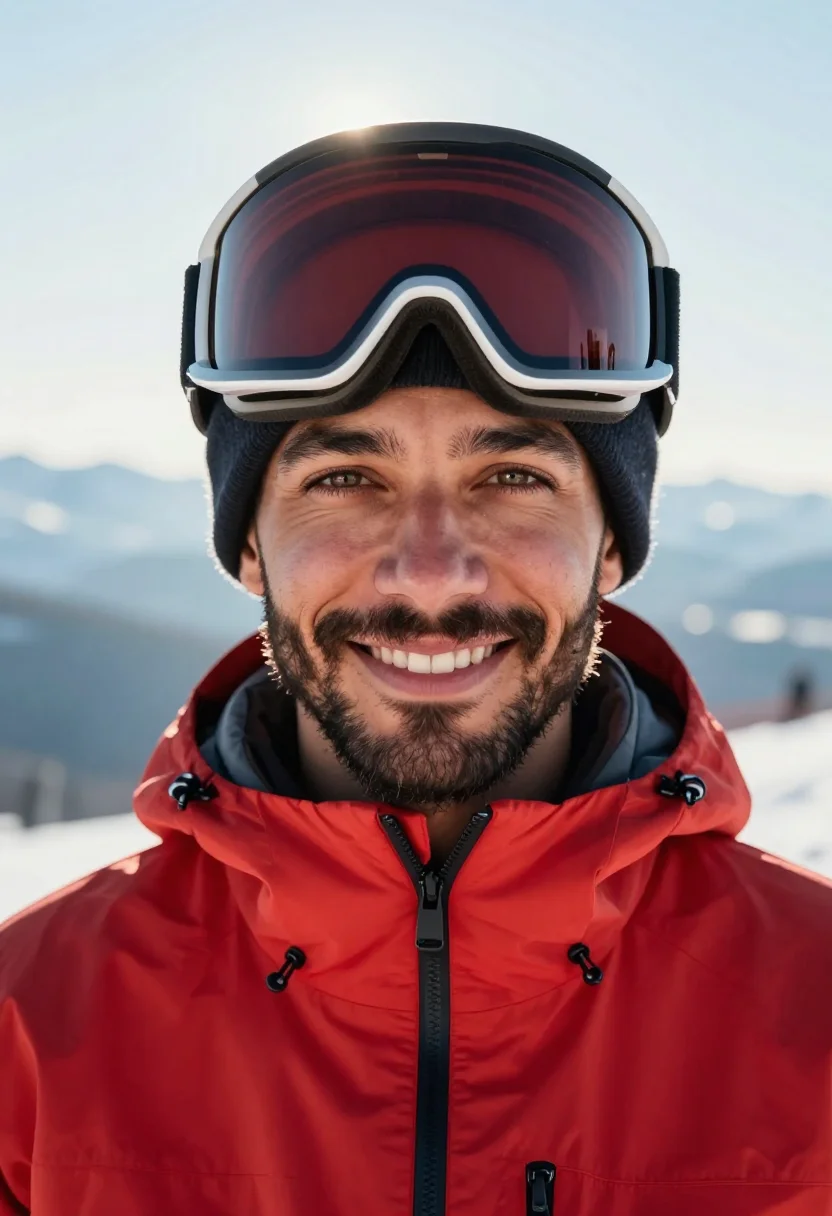
Ski Instructor Portrait, Red Monochrome Outfit
Nine photos of you in one setting
How your model is created from your photos
Every pack on Narcis, made with your face
Nine photographs of you in one setting: one pack of the Narcis catalogue.
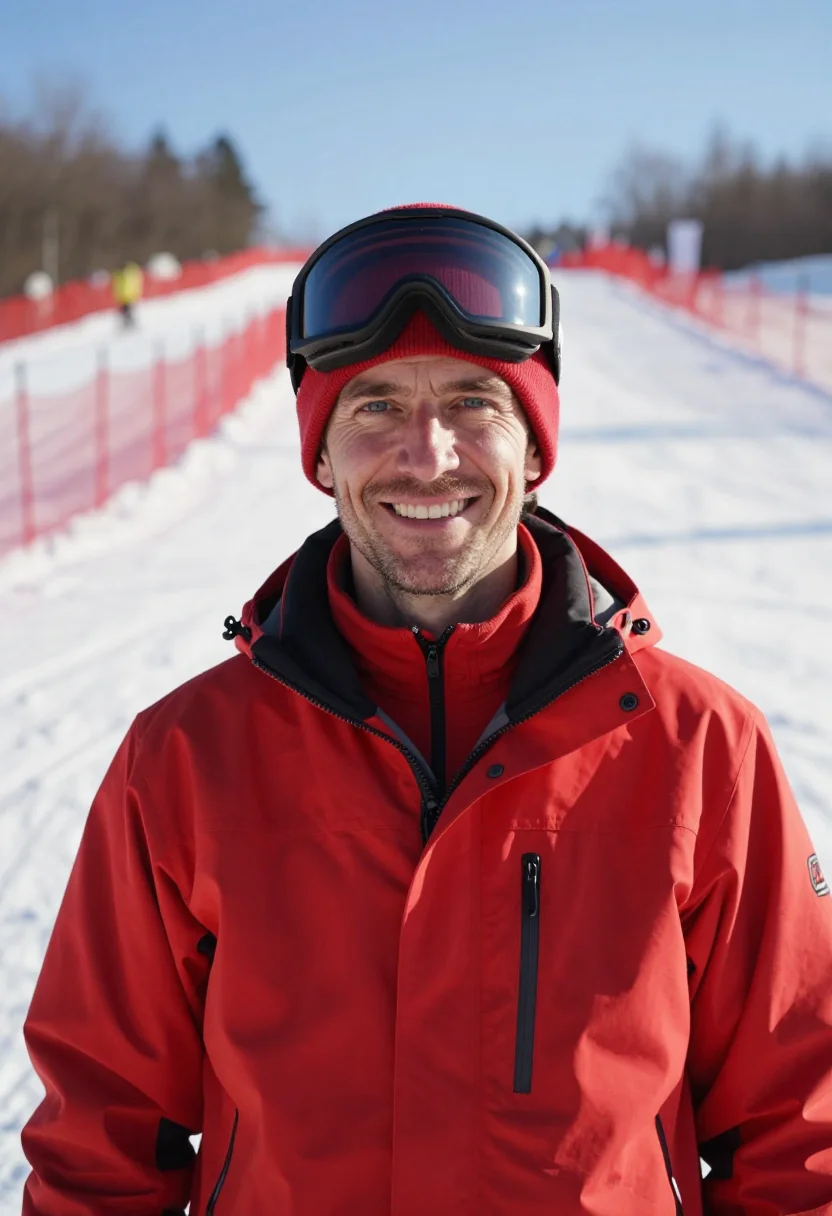
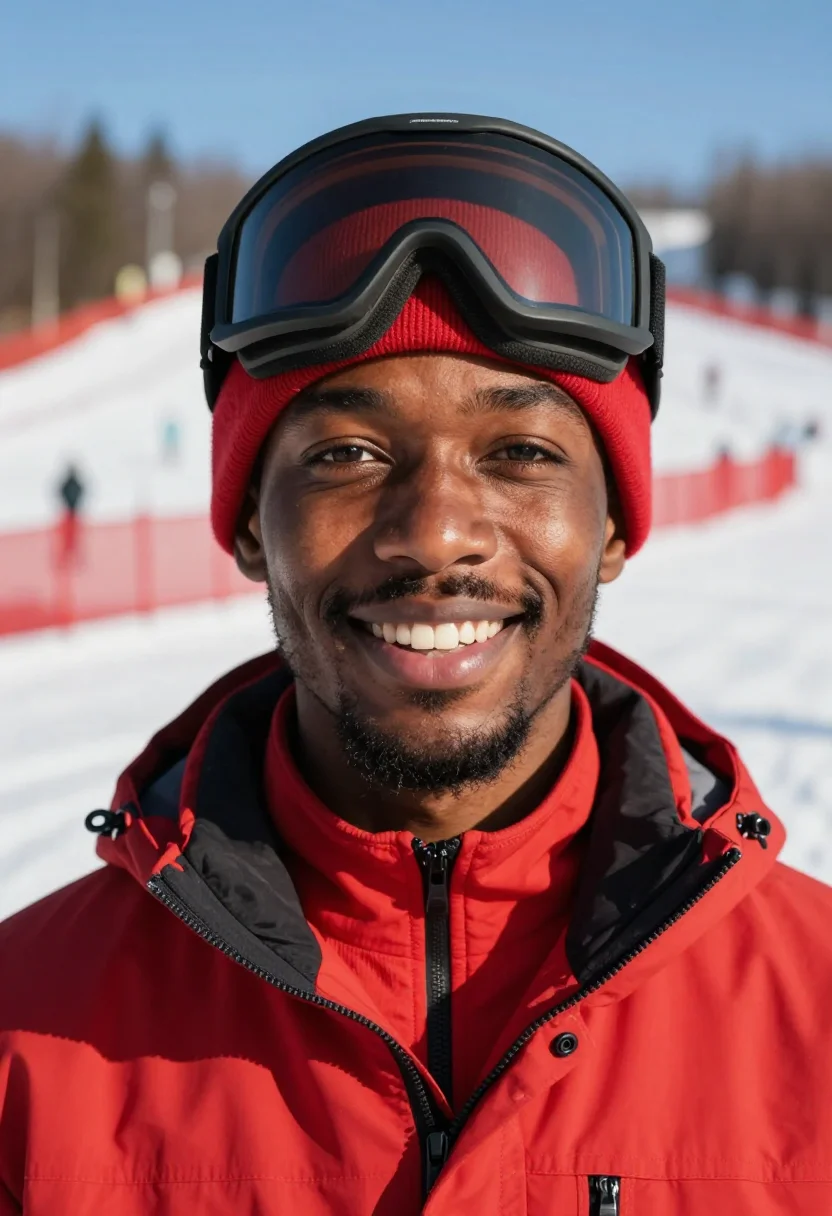
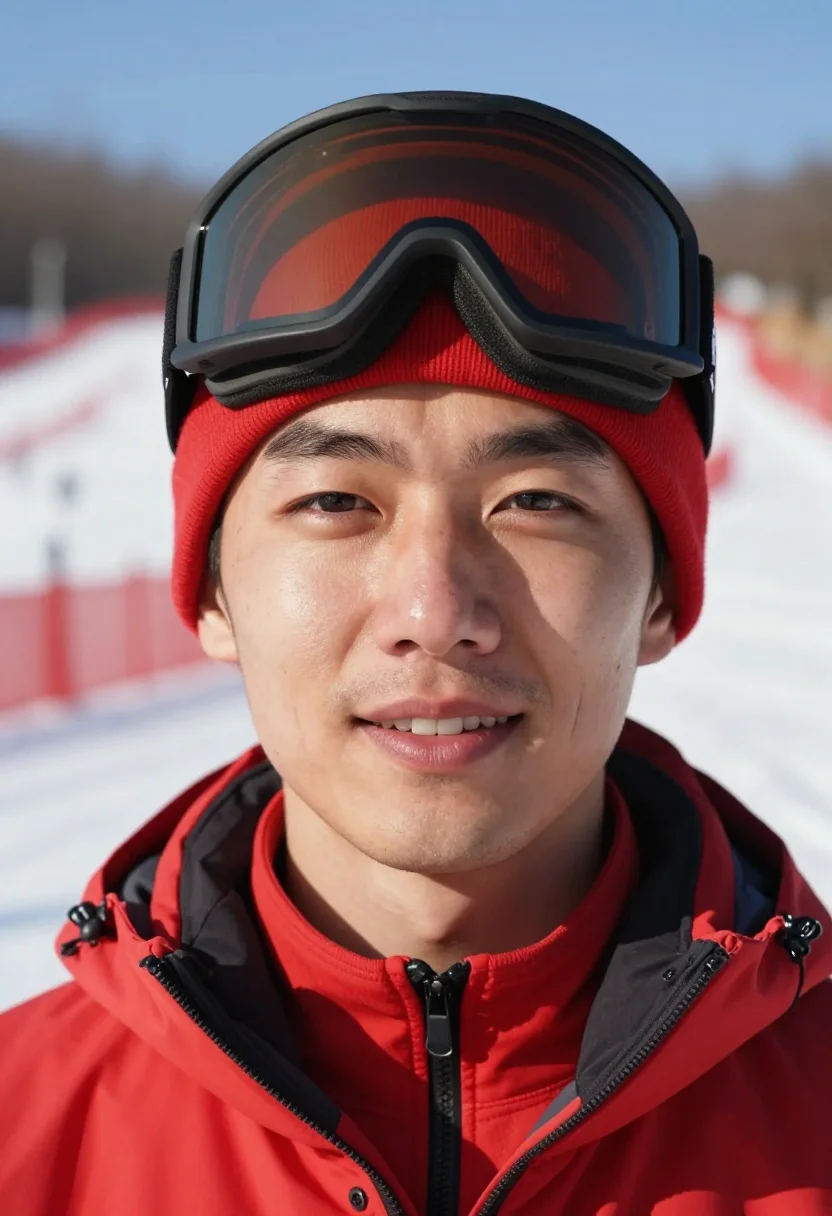
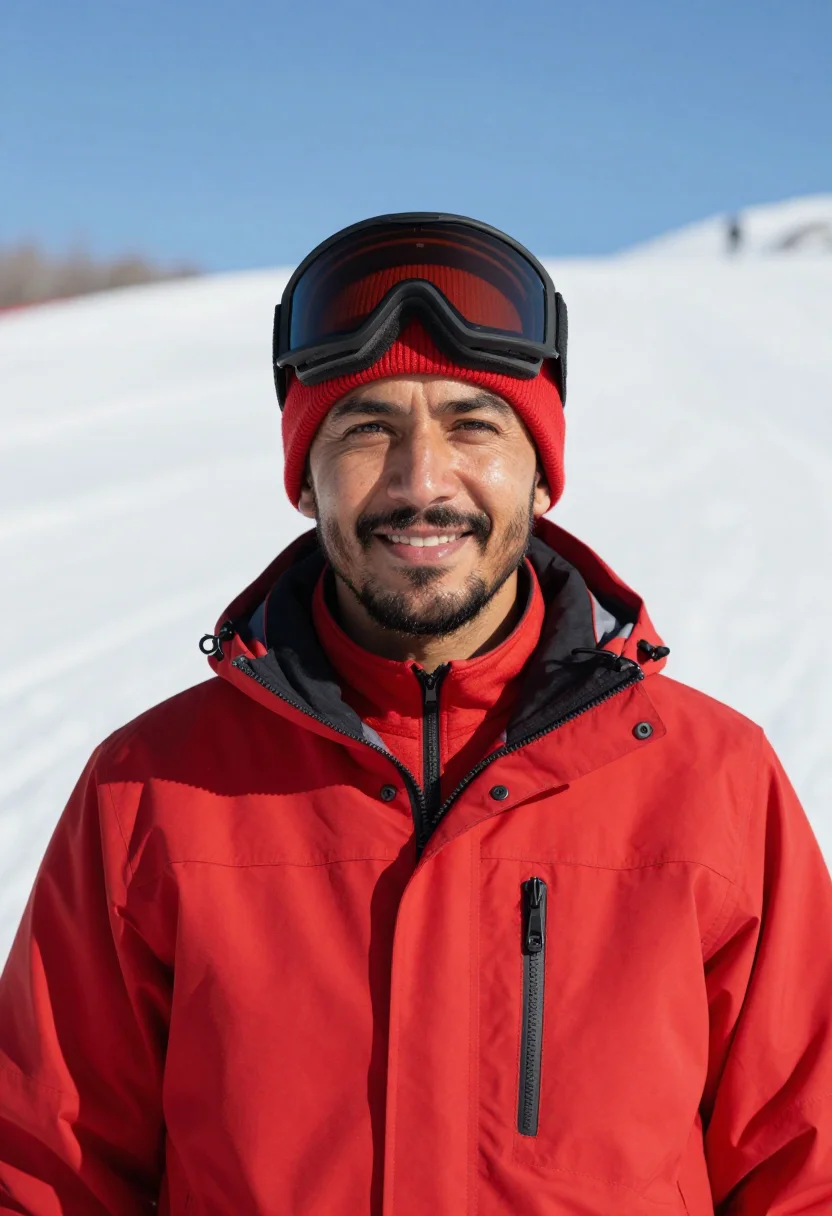
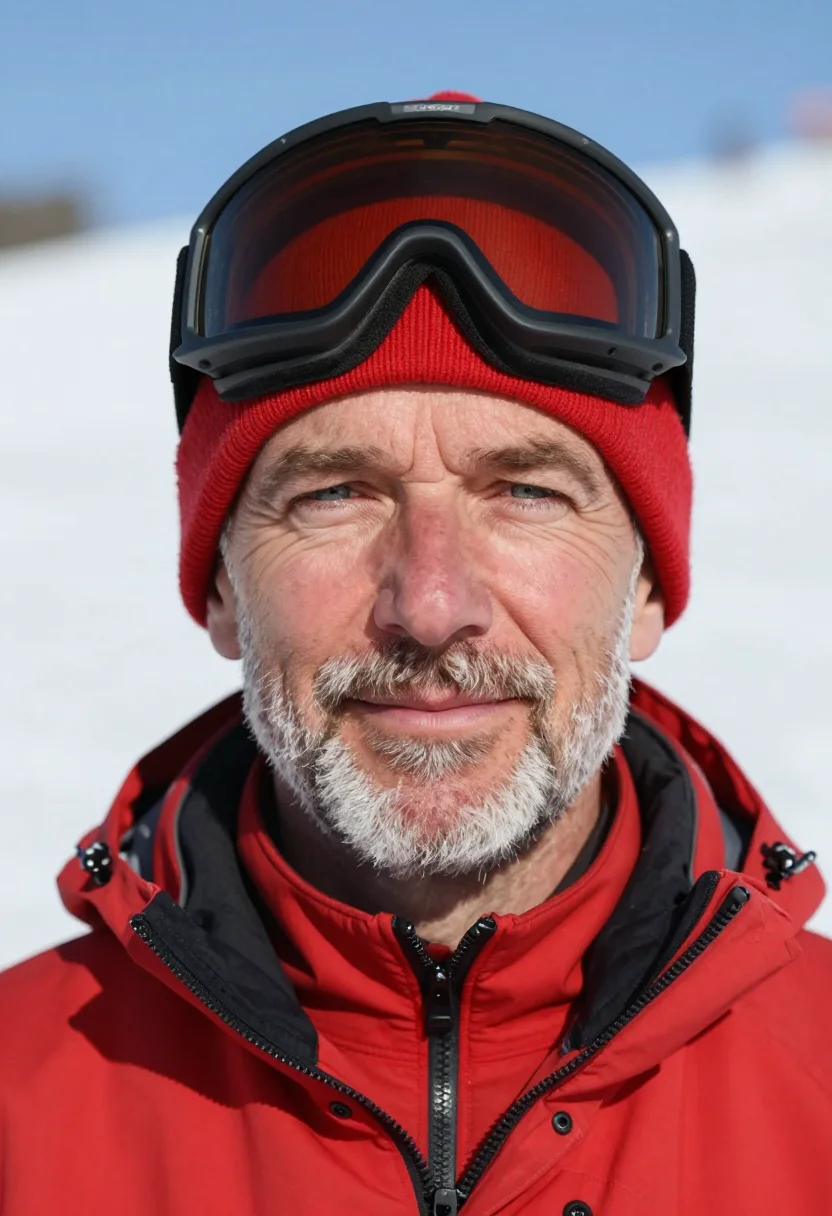
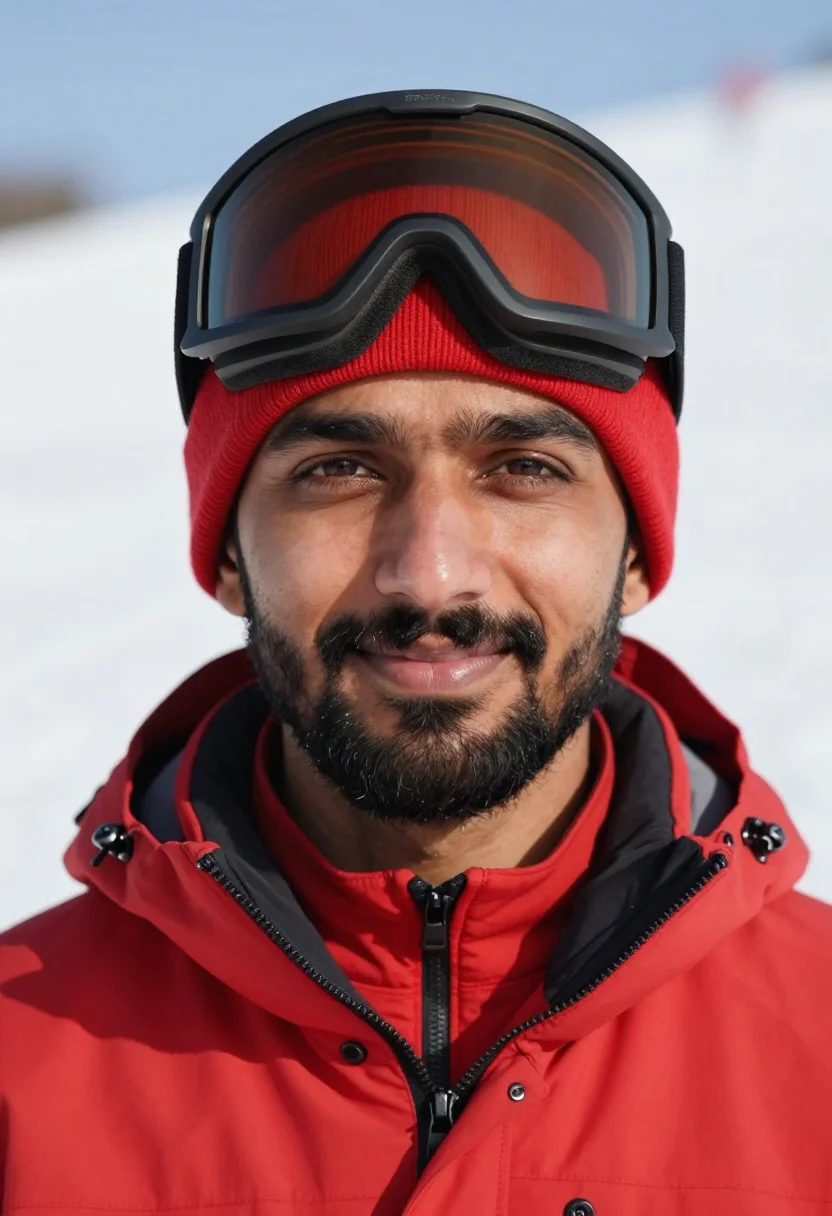
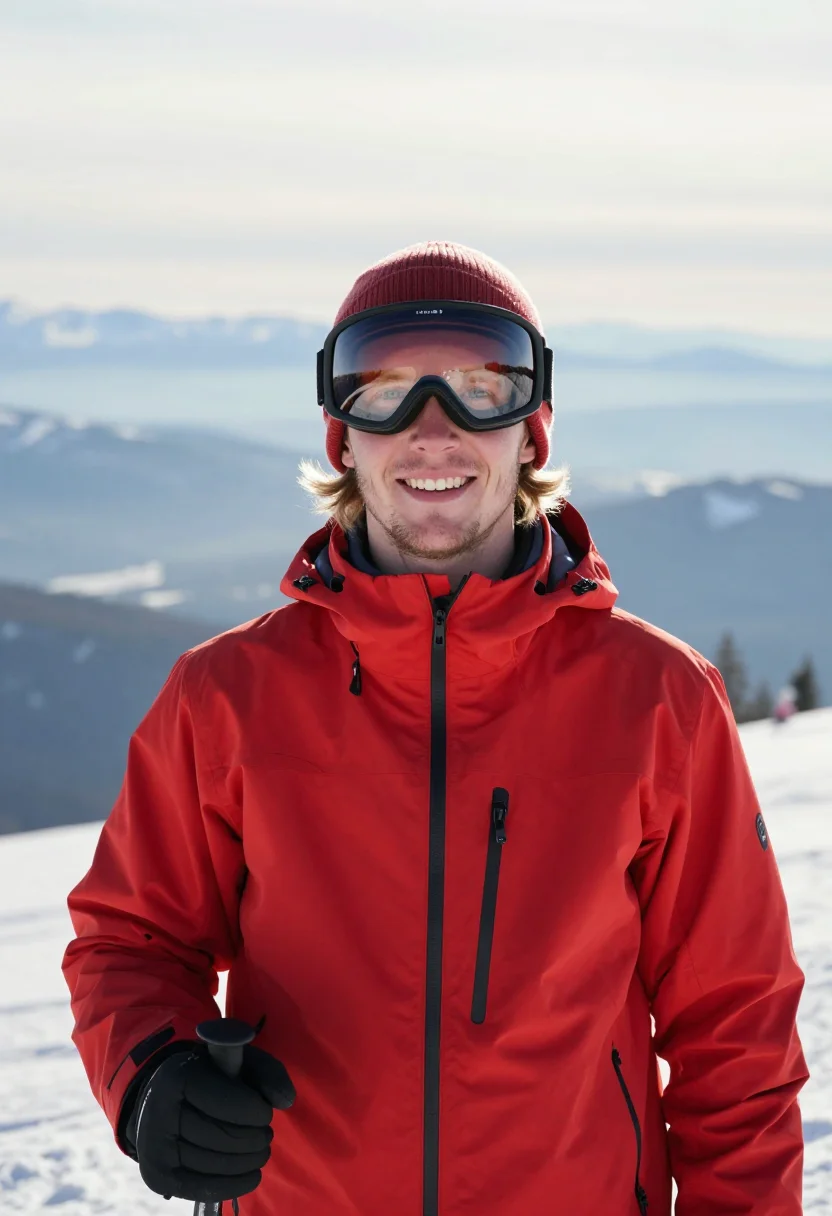
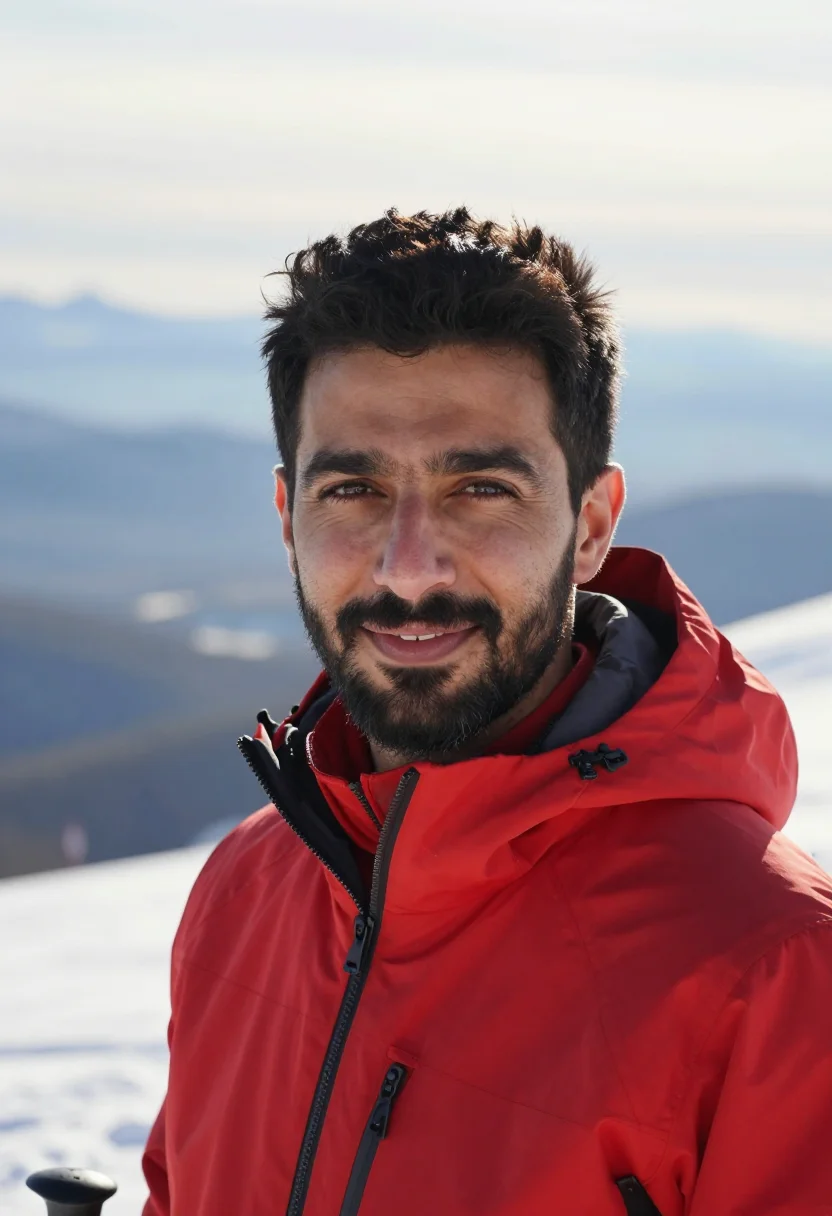
Nine photographs of you, styled in The Ski Instructor in Red register -- a red ski-school jacket against a hard snow-sun slope, in portrait format. The nine vary in crop, expression and light, so there are real choices, not nine identical files.
/ski-instructor-red · professional · 3 scenes
Ski Instructor Portrait, Red Monochrome Outfit
6–20 photos of yourself · we email you when your model is ready
More of those who look after you
one model wears them all →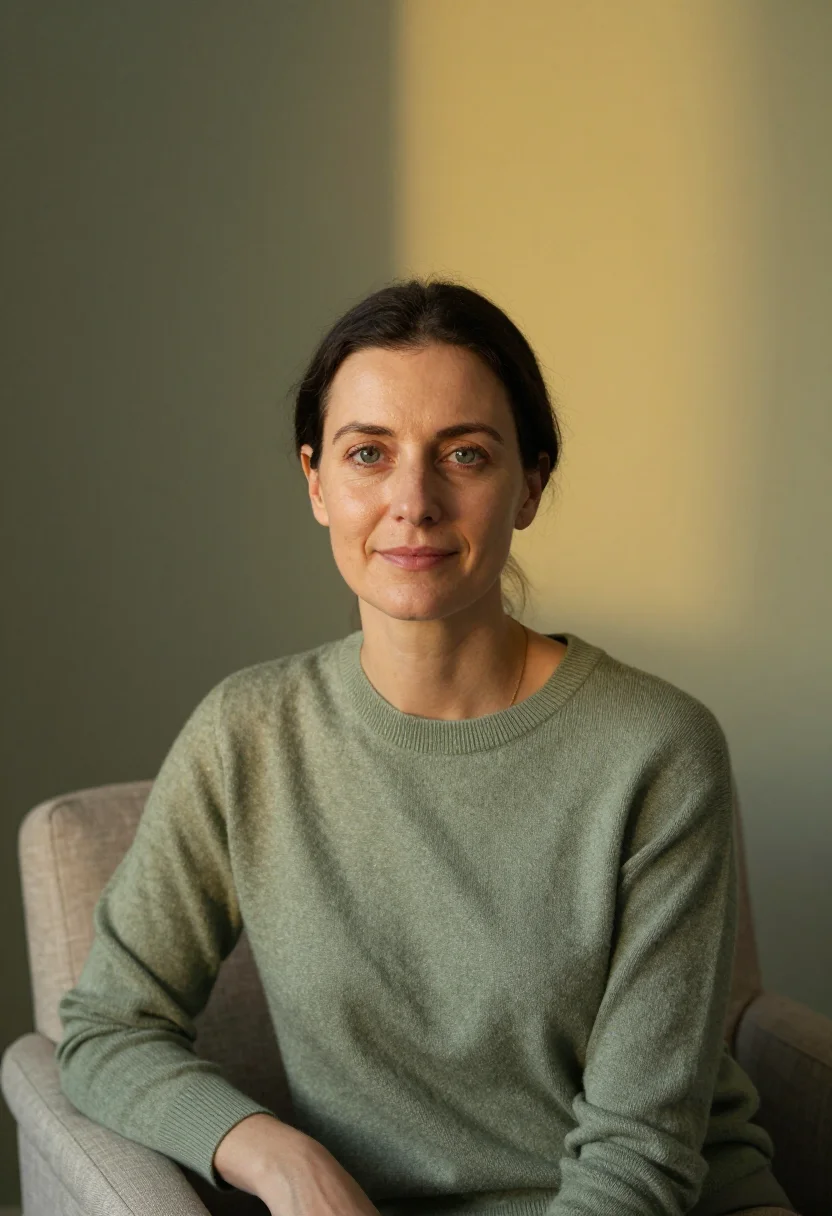
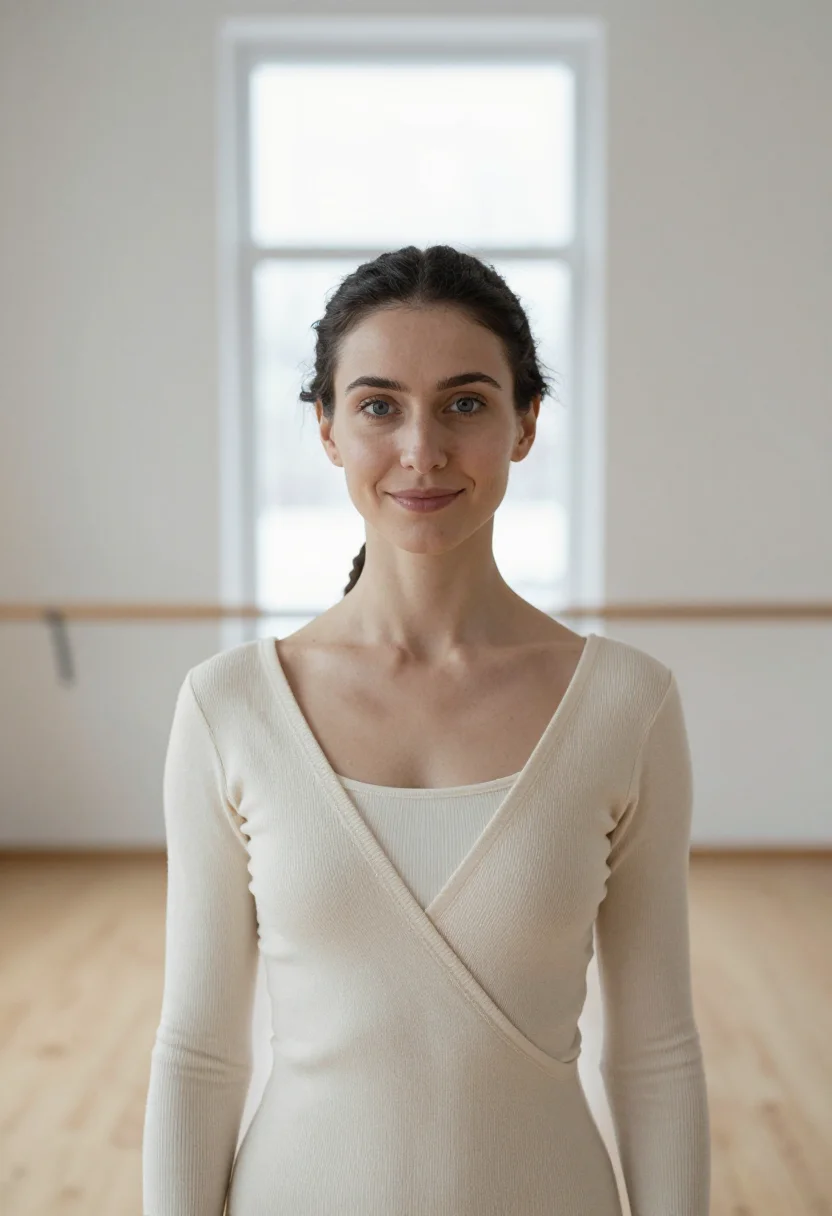
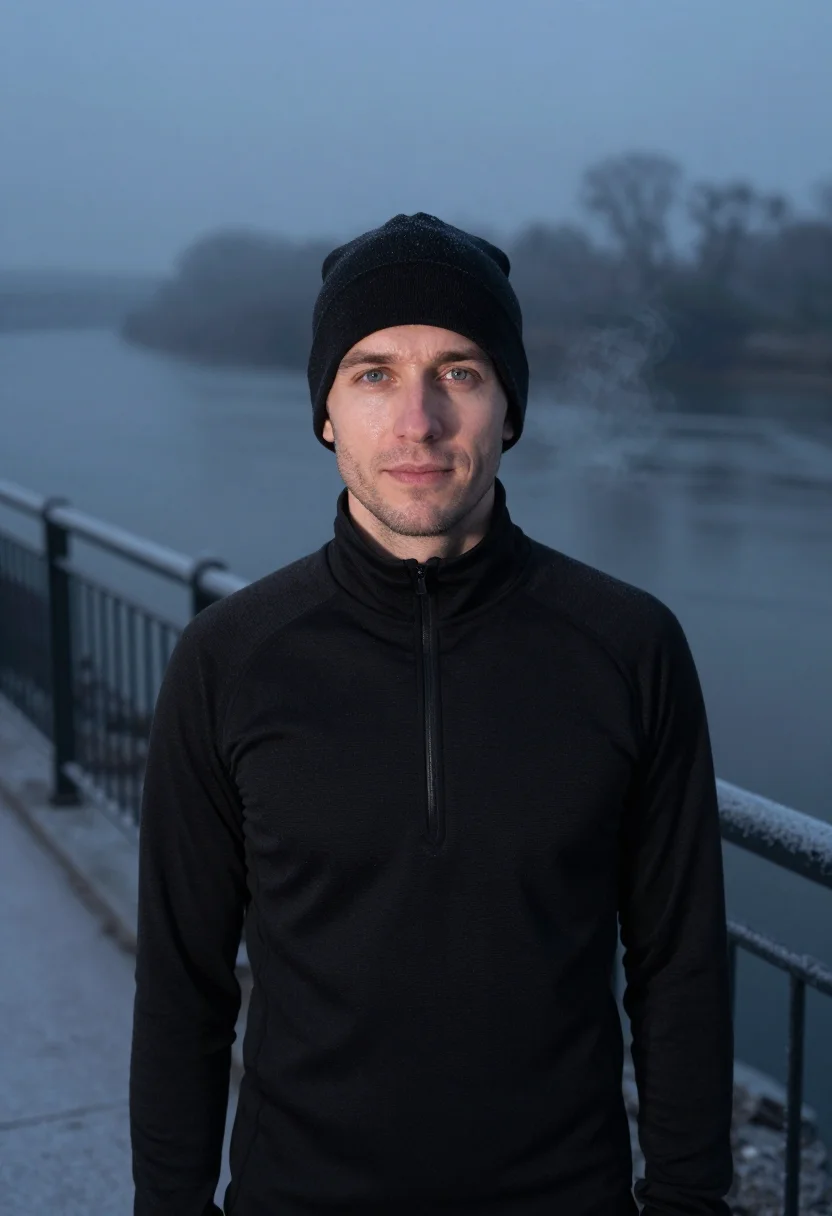
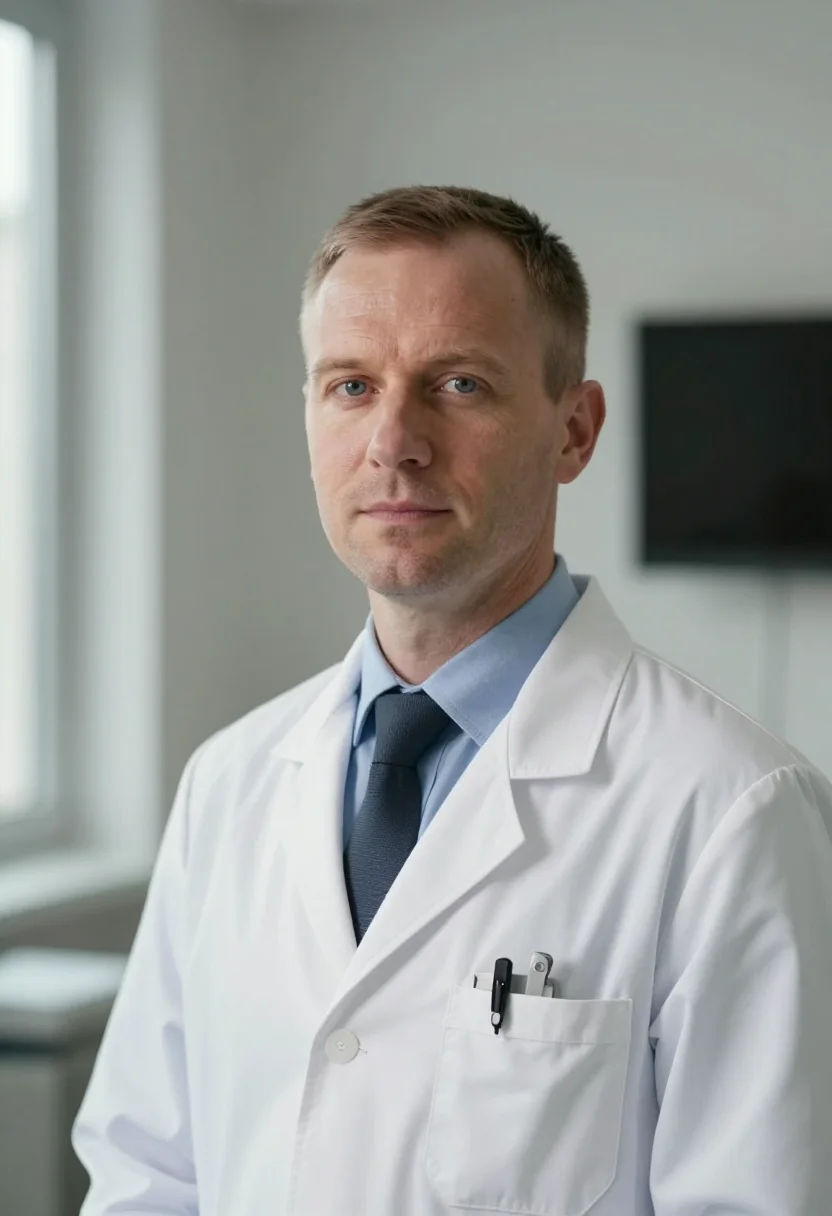
all 9 photos in this pack ↓
How it works
Three steps.
1
Add your photos
Add photos of yourself. We check each one when you add it.
2
We create your model
We create your AI model from your photos. Your photos are ready in a few hours.
3
Every pack, with your face
This pack and every other pack on Narcis can then be made with your face, and single photos too.
The The Ski Instructor in Red register
The Ski Instructor in Red draws on the ski school's meeting point at nine -- a line of red jackets against white, the uniform every resort child remembers. It's the instructor-page portrait.
Photographically the license is the uniform as the portrait: one red, a tan line from the goggles, a grin. Three settings carry the pack -- a meeting-point chest-up with red banners and white slope behind, a tight headshot with goggles pushed up, and a piste-edge frame with the valley hazy below -- chest-up and headshot throughout.
The output is photoreal: a real-looking photograph of you in a red ski-school jacket, of you -- not a painting, not a generic filter.
Whichever name finds it -- instructor headshot and tone on tone outfit -- the register is the same: one hue, head to toe.
How to photograph yourself for The Ski Instructor in Red portraits
Better source photos make better portraits.
- Even, soft lightStand near a window with indirect daylight on your face. The pack builds its own studio or location light on top -- a flat, well-lit selfie gives it the clearest face to work from.
- Front or three-quarter angleCamera at eye level, facing it or turned slightly to three-quarter. No selfie-stick uplook, no shot from below.
- Face fully clearHair off the face, no hats, sunglasses, or heavy filters in the source photo. A clear, front-facing photo is the best input for an AI portrait.
- A composed expressionThis register favours a big, easy grin over a stiff studio look -- a genuine expression in your source photo blends more naturally into the hard snow-sun frames.
- Plain background is fineDon't worry about your own backdrop -- the pack's three settings replace it entirely. A plain wall behind you just helps the model focus on your face.
Frequently asked questions
- Will it actually look like a real photograph, not an AI filter?
- Yes. The output is photoreal -- a real-looking photograph of you in a red ski-school jacket, hard snow-sun light and goggle tan, chest-up and headshot framing throughout. It's, not a painting or an obvious filter pass.
- Is this pack built for men or women?
- This register runs on the male frame -- the resort's ski-school icon is styled here. The house's related pack, The Trainer in Frost Black, carries a matching winter-season register for the same frame in black.
- Can I use this for my resort's instructor page or LinkedIn?
- Yes -- that's the pack's own use case. The meeting-point chest-up, the goggles-up headshot, and the piste-edge frame all read as a genuine instructor portrait for a resort page, LinkedIn, or a booking listing.
- Can I use the photos commercially, on a company website or in print?
- Personal professional use like this is fine -- a resort website, a LinkedIn profile, a printed staff brochure. It isn't licensed for resale of the images themselves.
- Do I need the red ski-school jacket in real life?
- You don't need any of it in your closet; that's what the photoshoot supplies.
- Will the photos look like me?
- Every photo looks like you, well photographed. If one is nearly right, say what to change, in your own words.
- Do I have to write a prompt?
- No. There is nothing to write: you pick a pack, and it is ready in seconds.
- How many photos of myself do I add?
- Between six and twenty, from different days and in different light, with your face clear. We check each one when you add it.
- What happens to the photos I add?
- They are used only to create your model, on our own servers in the European Union. They are not shared and not sold.
When The Ski Instructor in Red fits
- An instructor-page portrait for a ski school or resort
- A LinkedIn profile photo for a seasonal or resort role
- A press or media-kit portrait for a resort feature
- A staff noticeboard or brochure photo
- Personal branding for a ski or snowboard instructor
- A booking-page or lesson-listing photo
- An email signature photo with real snow light in it
- A gift for a colleague marking a season
- A profile photo for a new-season or certification announcement
About narcis
Most AI photo tools put every pose, job, era, and style in one giant catalog. The photos all look like every other AI photo on the internet — a glaze over a stock face. Narcis goes the other way. One job: photos of you that look like photographs. You add at least 6 photos of yourself, and we create your AI model from them. Your photos are ready in a few hours, and we email you when they are. Then this pack and every other pack on Narcis can be made with your face. Each pack is curated against real references — paintings, photographers, places — and tested on real faces before it goes live. Built and run by one small team, on our own servers.
All images are AI-generated. By using this service, you confirm you are 18+, that any face photo you upload is your own or used with explicit consent. Full Terms