White Background Headshot
Nine photos of you in one setting
How your model is created from your photos
Every pack on Narcis, made with your face
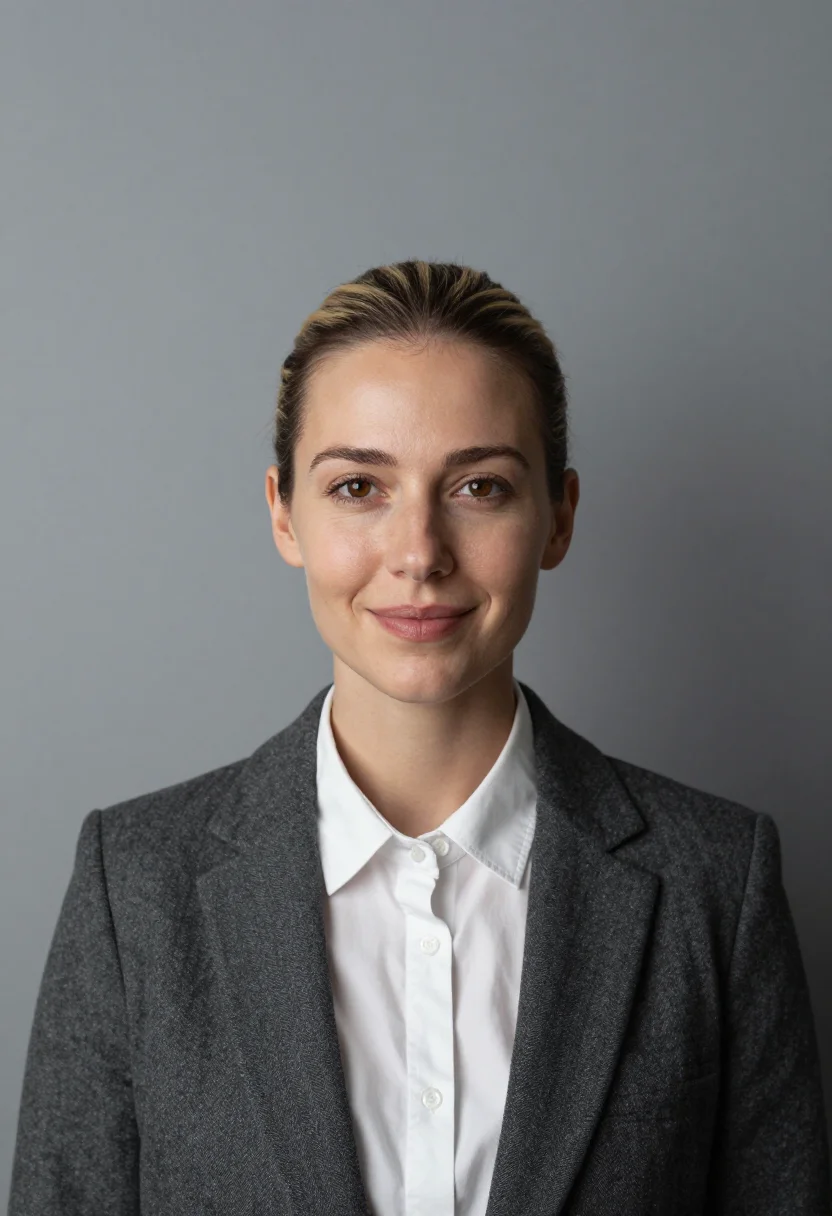
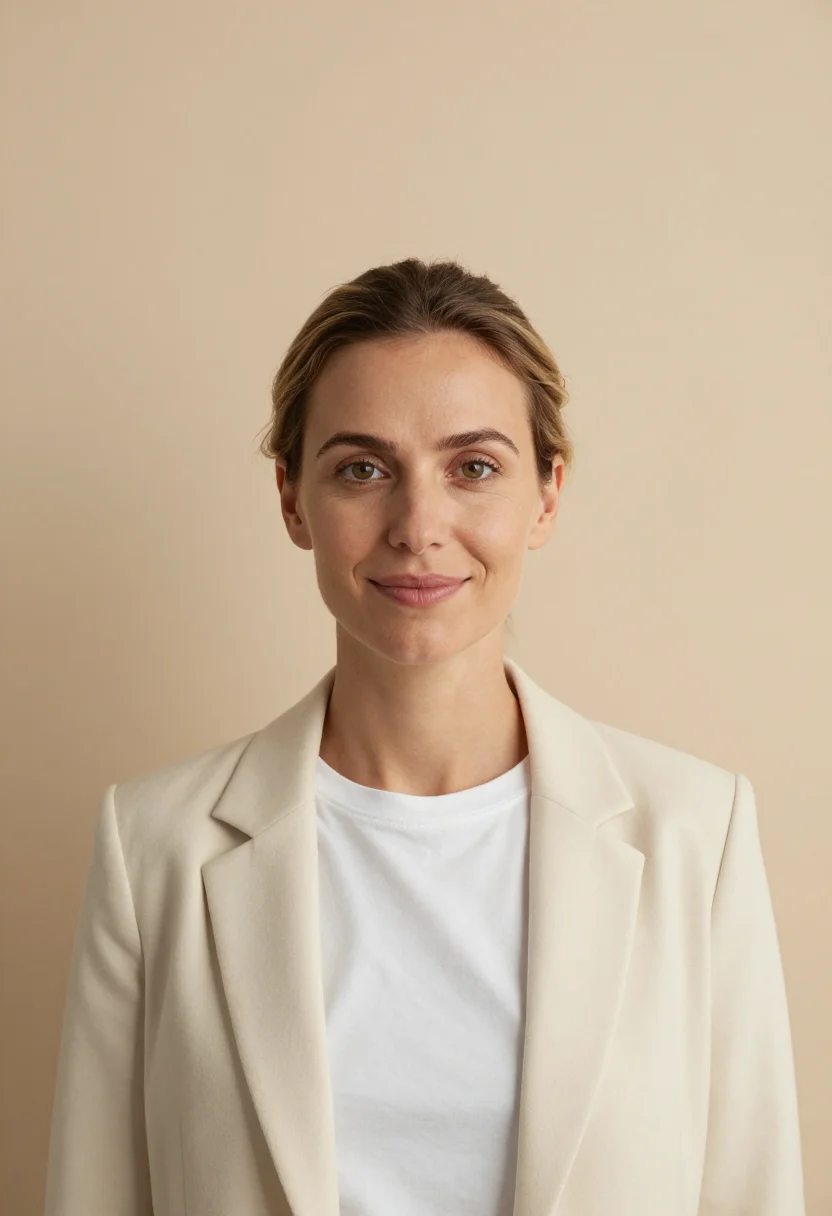
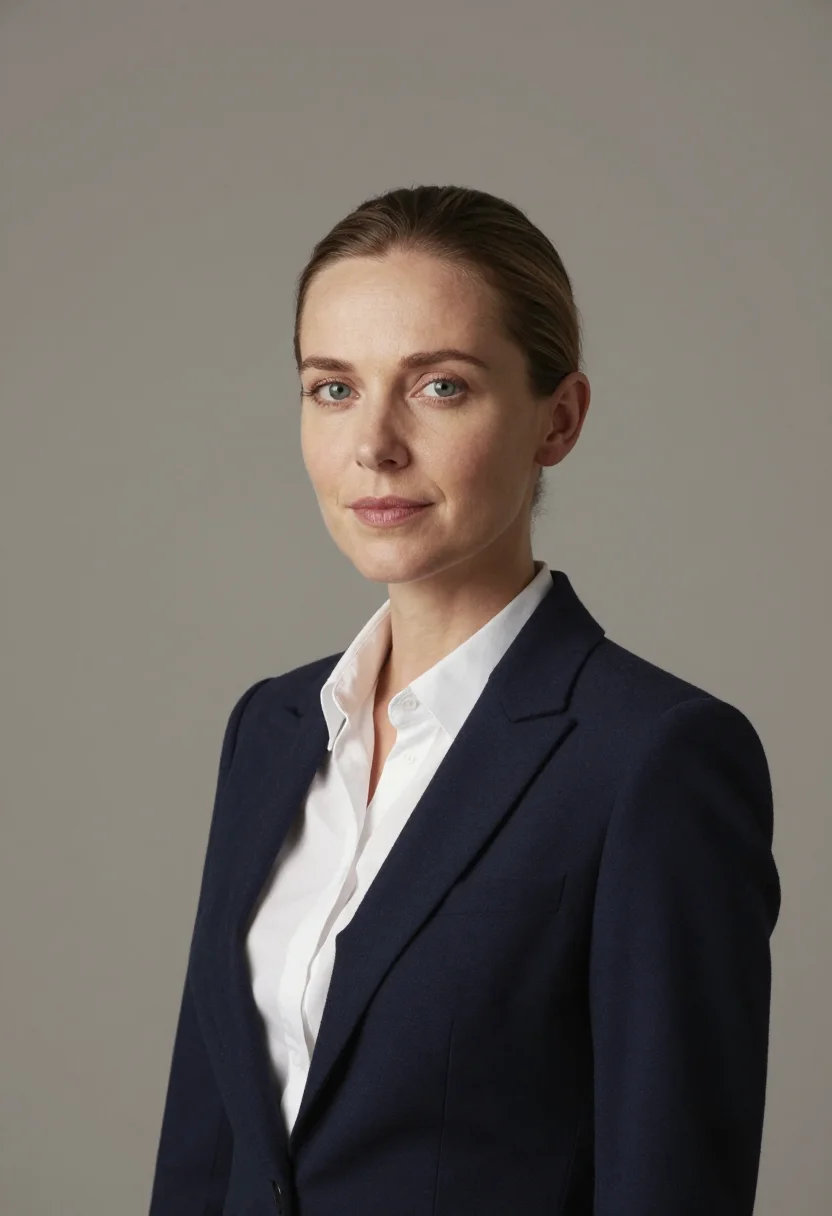
Nine photographs of you in one setting: one pack of the Narcis catalogue.
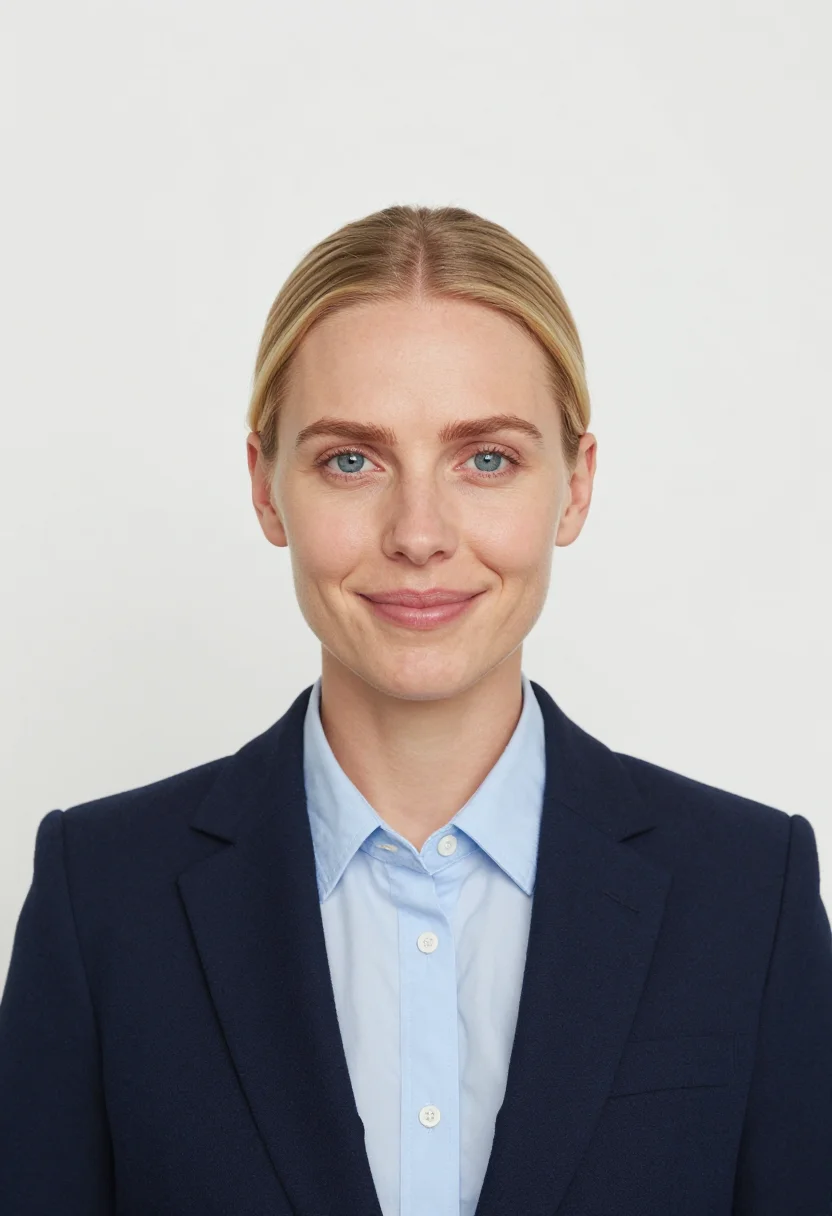
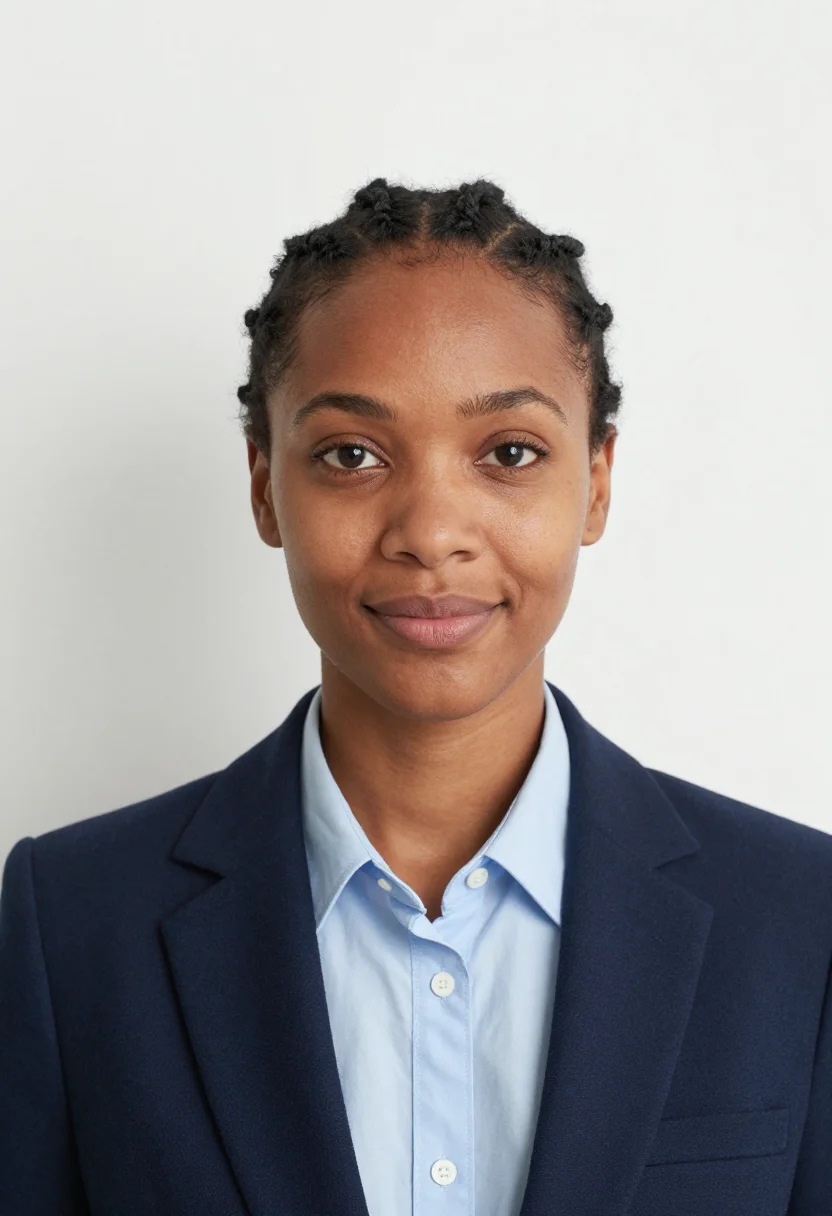
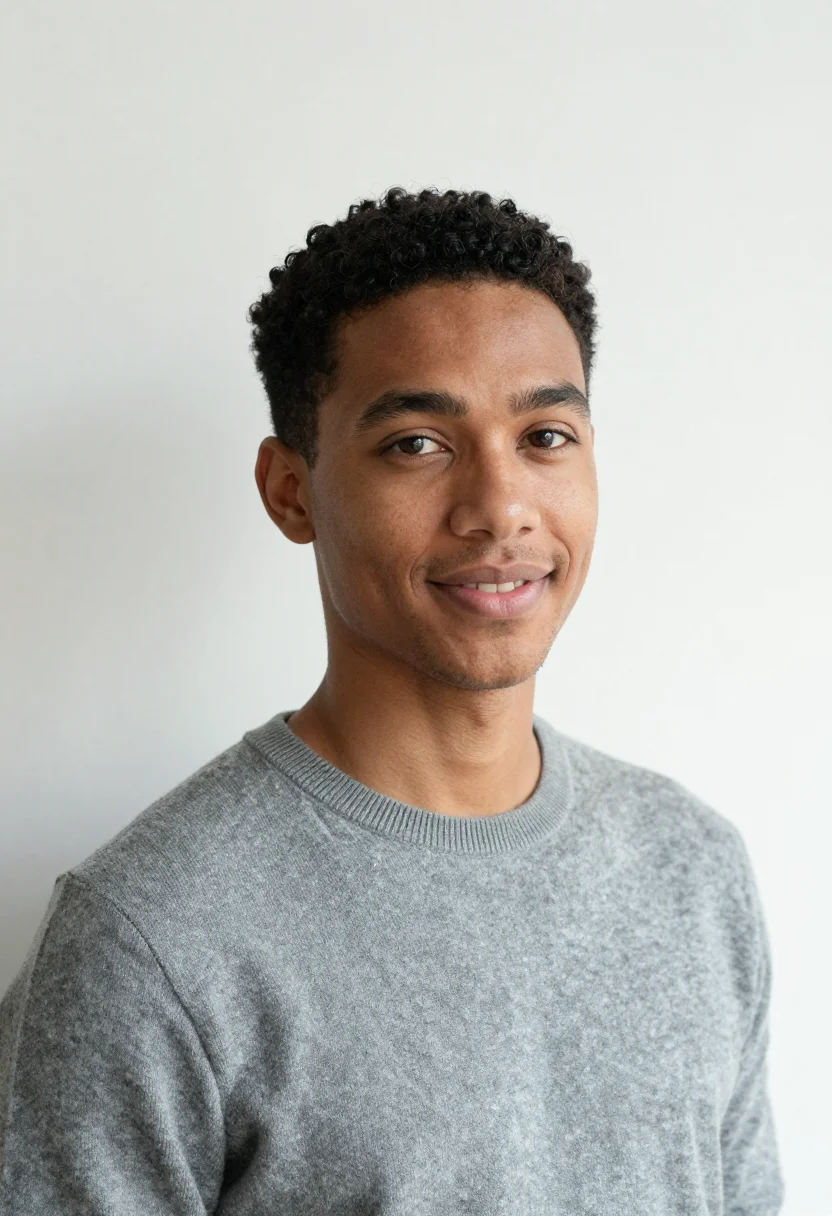
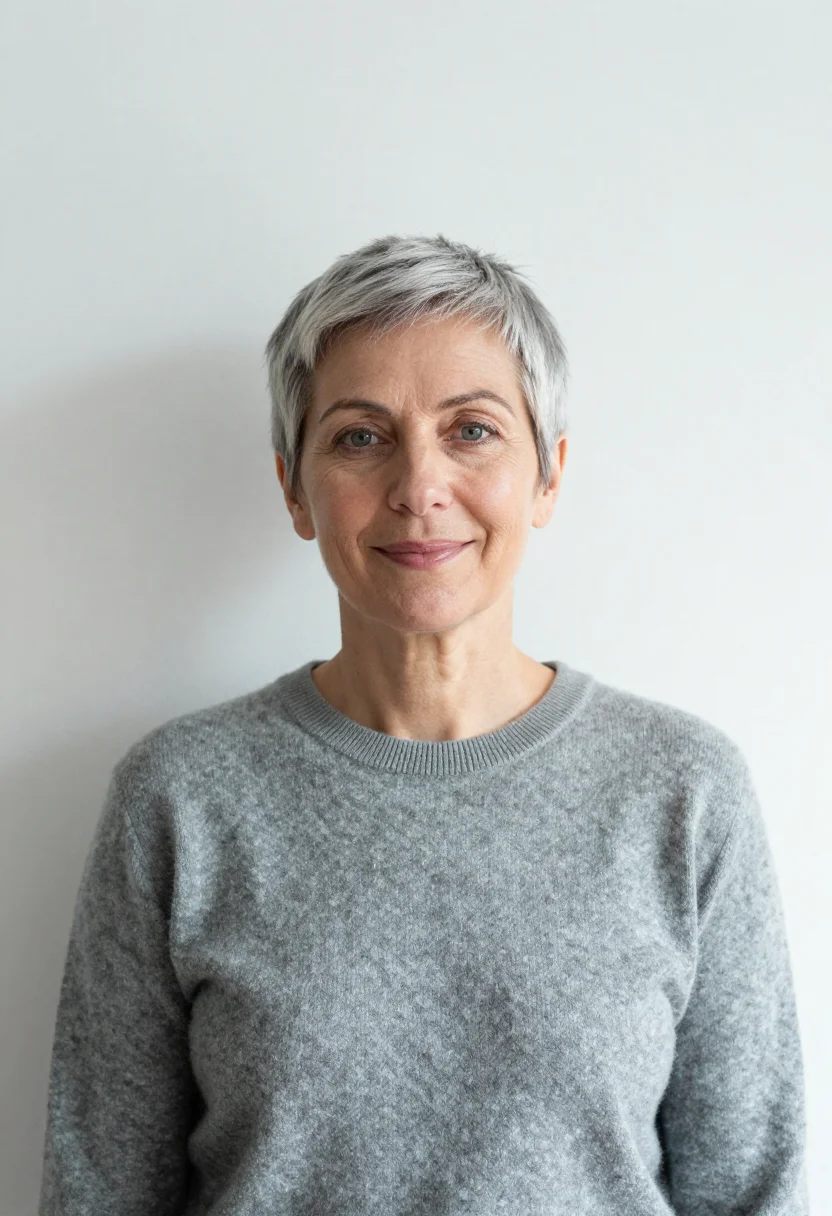
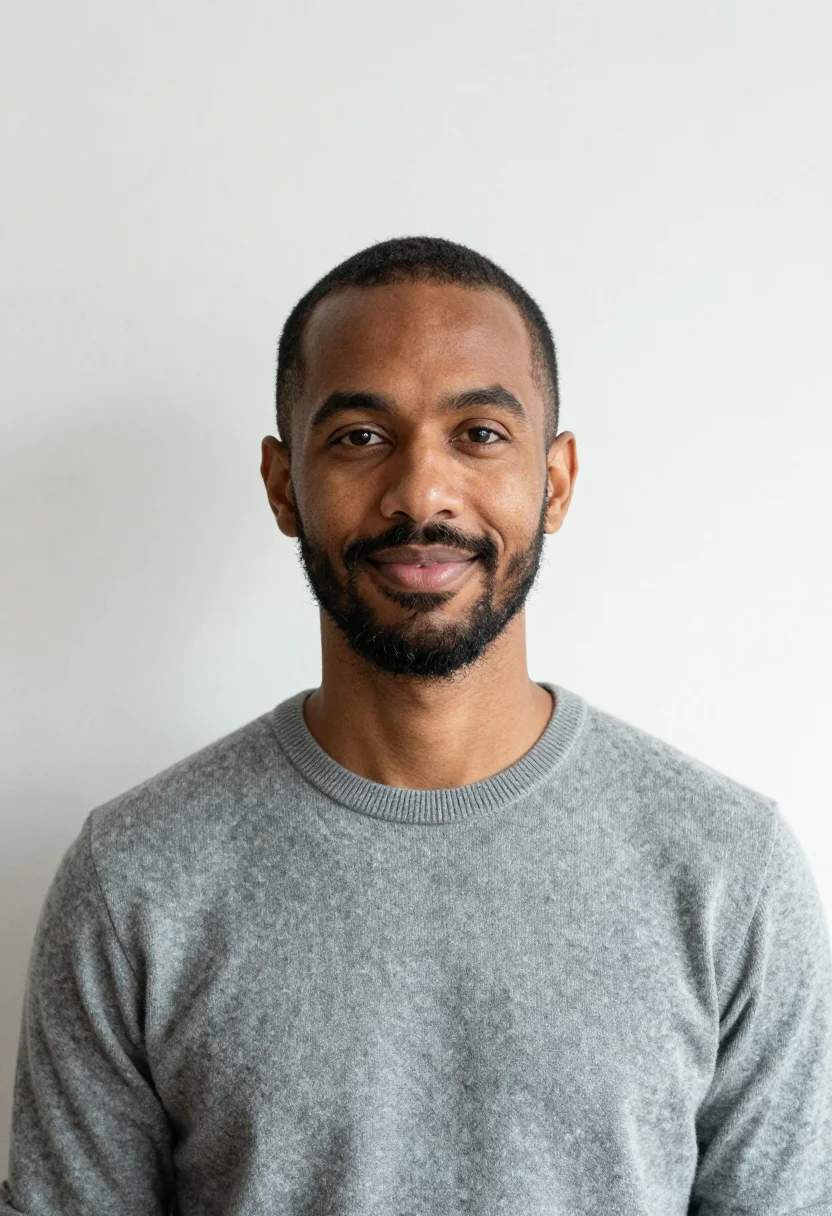
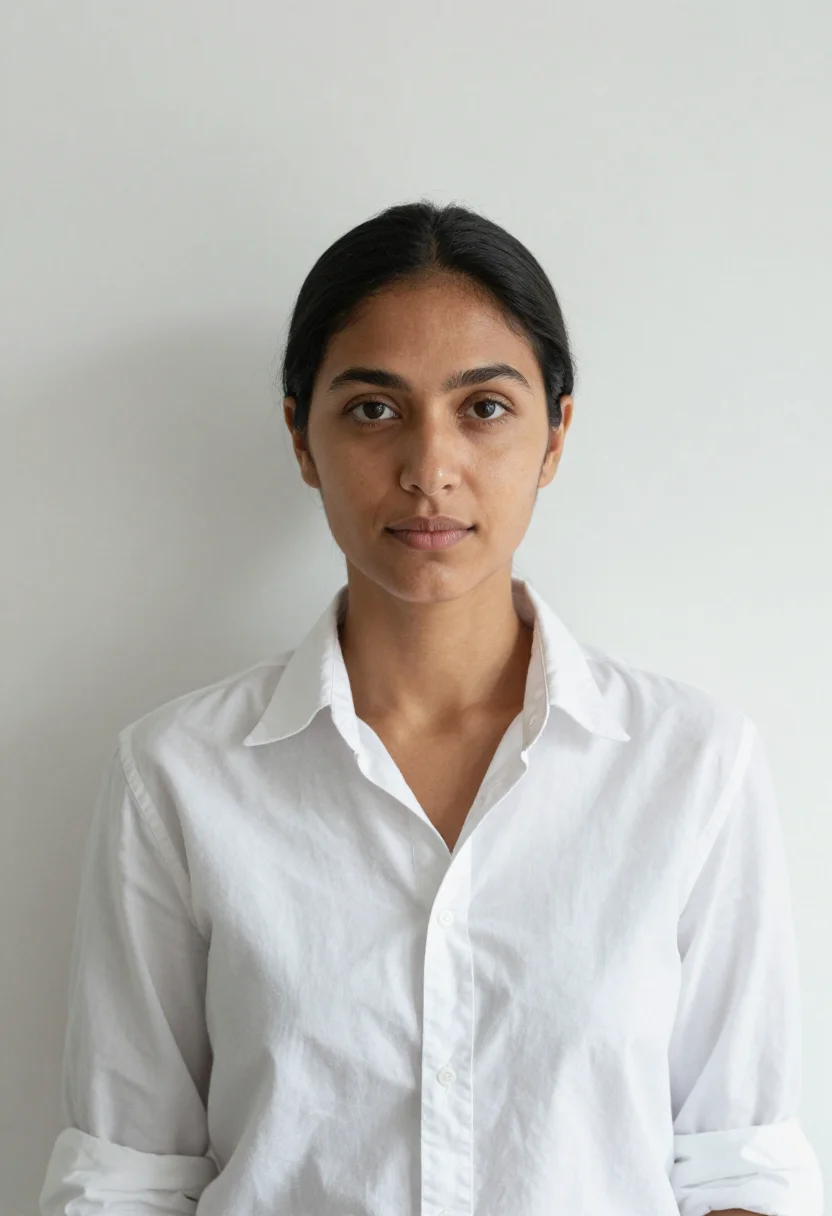
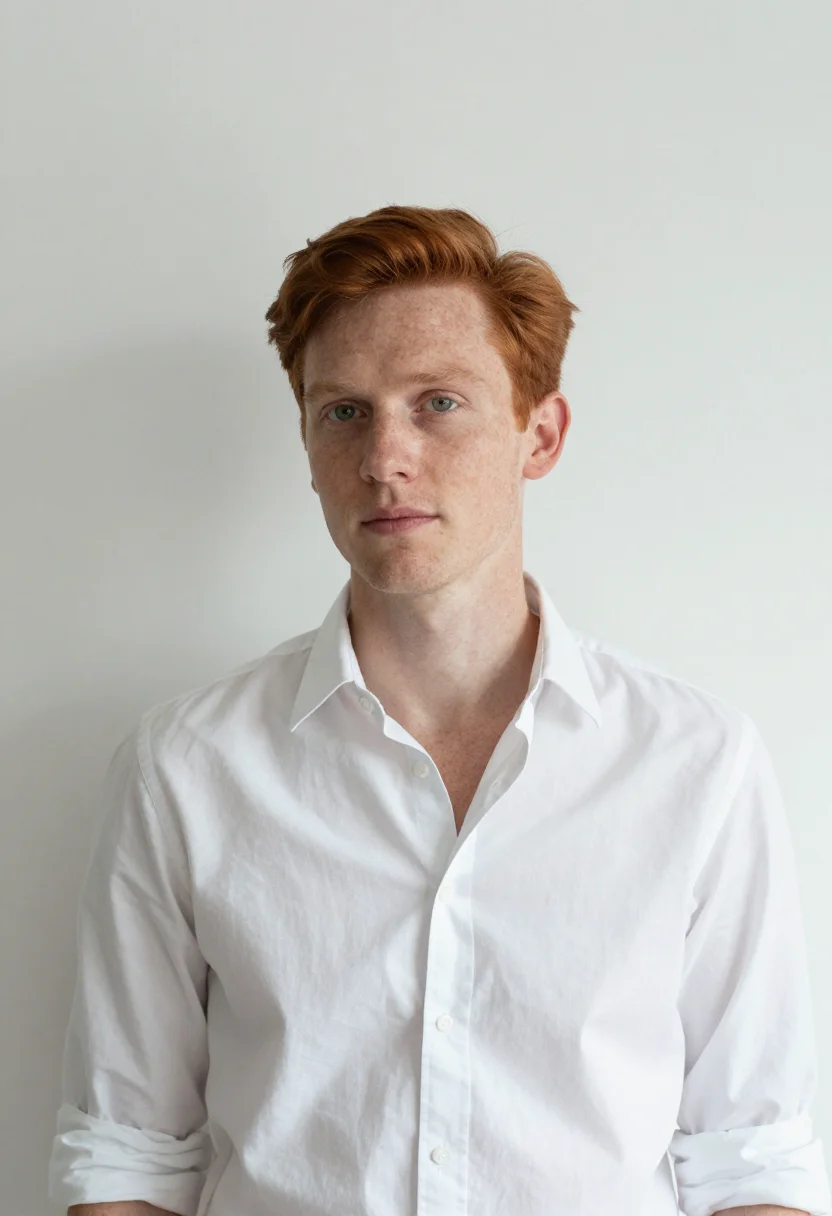
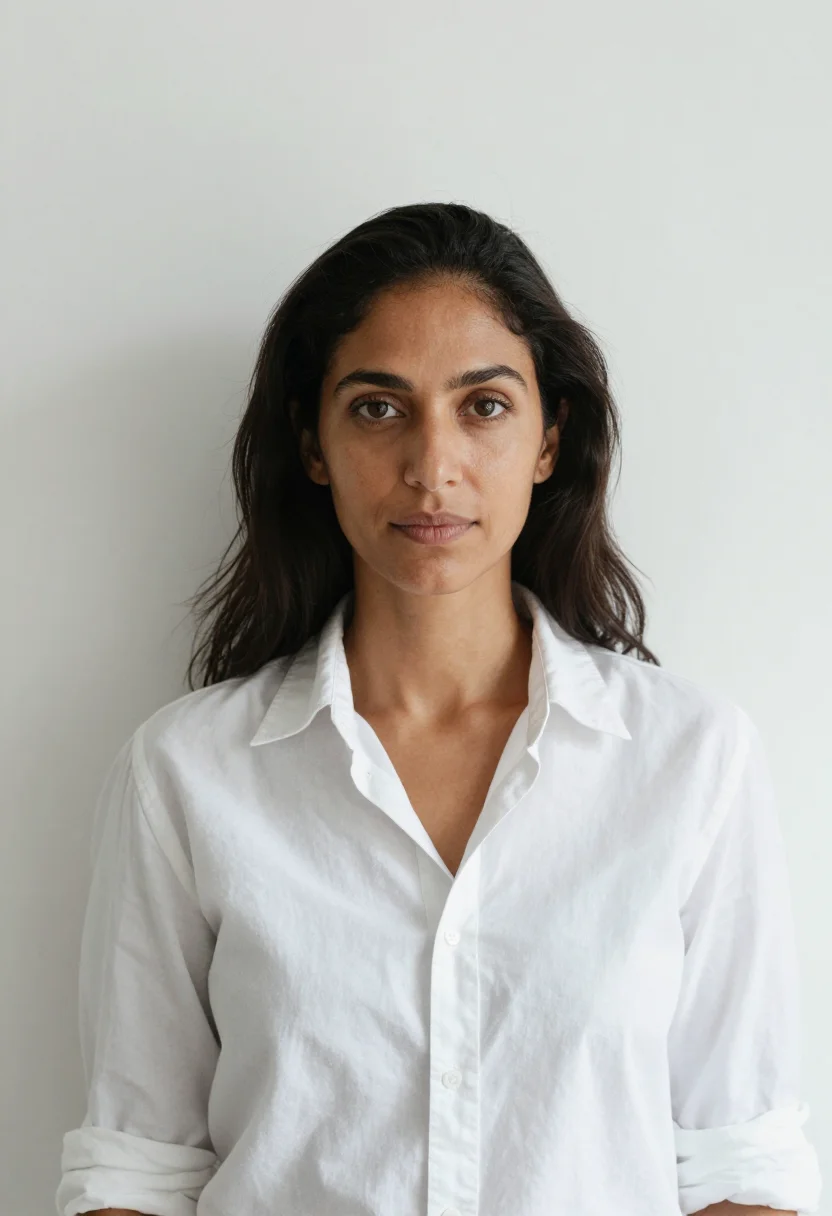
Photoreal headshots generated by AI on a pure white studio backdrop, lit bright and even so it cuts out clean — the professional headshot white background style used for LinkedIn, corporate directories, and resumes. The nine vary in crop, expression and light, so there are real choices, not nine identical files.
/white-backdrop-headshot · professional · 3 scenes
White Background Headshot
More headshots by the way they are lit
one model wears them all →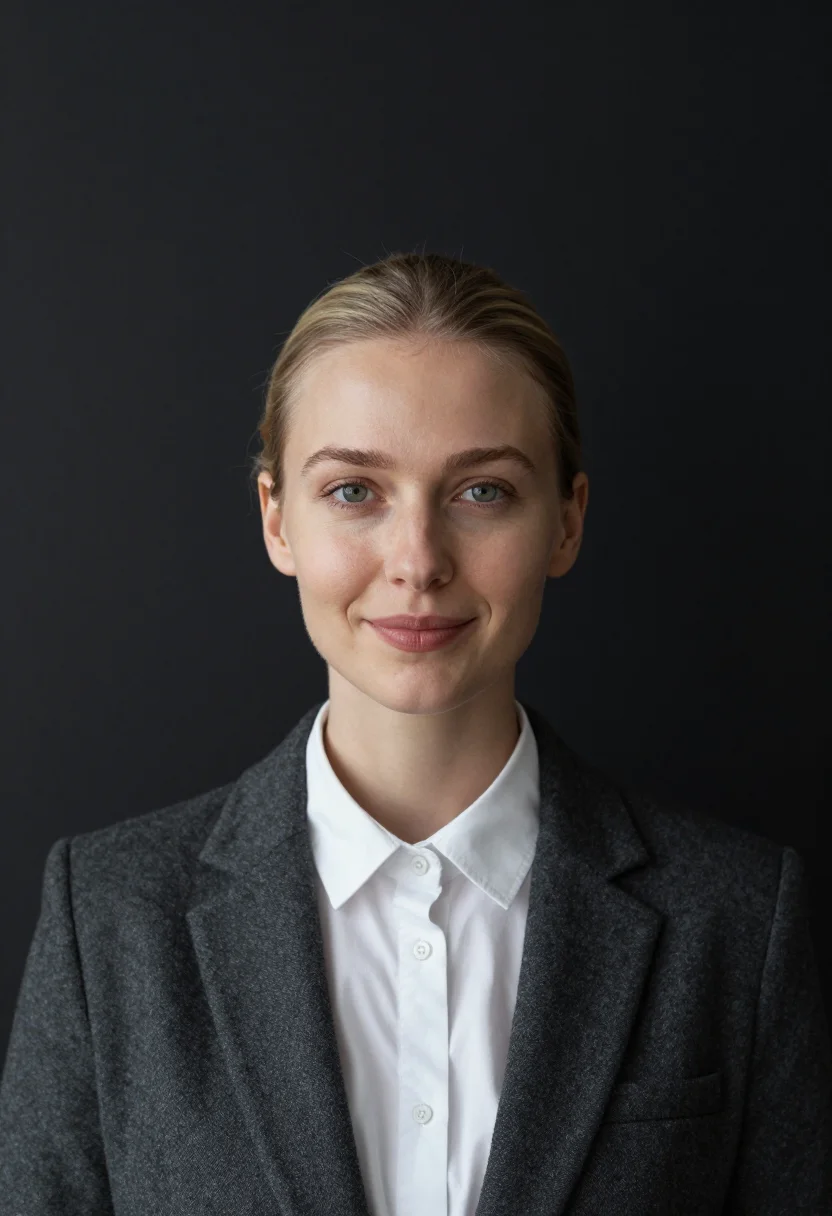
all 9 photos in this pack ↓

How it works
Three steps.
1
Add your photos
Add photos of yourself. We check each one when you add it.
2
We create your model
We create your AI model from your photos. Your photos are ready in a few hours.
3
Every pack, with your face
This pack and every other pack on Narcis can then be made with your face, and single photos too.
The white background headshot register
The white background headshot is the corporate directory default — the style built to cut out clean on a website, sit inside a circular profile frame, or print on a badge without a stray shadow anywhere behind it. It's the professional headshot white background convention most companies actually specify when they ask staff for 'a proper headshot.'
This pack builds that exact look. The backdrop is pure white paper, lit two stops brighter than the subject so it reads as seamless white rather than grey — a soft key from front-centre carries the face, with a touch of side fill so nothing goes flat. It's the same setup a studio uses when the brief is 'clean white headshot, no drama.'
Three takes carry it: squared to the lens in a navy blazer for the classic corporate frame, turned three-quarter in a grey knit so the wardrobe reads clean against the white, and framed slightly wider in an open-collar white shirt where shirt and backdrop nearly merge and only the face and hands hold the frame. Same clean white headshot lighting, three real ways to sit for one.
White earns its place as the default for a reason the other backdrops in this series don't share: a true white background is the only one that disappears entirely behind a circular crop or a badge template, because there's no gradient or edge for the crop to fight. That's a real technical difference from the grey seamless and black backdrop packs — both photograph beautifully but always keep a hint of their own presence. White is the choice when the photo has to work inside someone else's layout, not stand on its own: a directory grid, a badge, a template built around no particular background.
The output is photoreal — a genuine studio-style photograph, not a filter or an illustration. It's built to be indistinguishable from an actual white-backdrop studio sitting for the purpose you're using it for: a LinkedIn photo, a company directory, a resume.
How to photograph yourself for a white background headshot
Better source photos make better headshots.
- Even, soft light on your faceStand near a window with indirect daylight or under a soft overhead light. The pack builds the bright white studio lighting on top of a clean, evenly lit source photo.
- Front or three-quarter angleLook straight at the camera or turn slightly to three-quarter, at eye level, with no uplook or downward angle.
- A plain background behind youIt doesn't need to be white — the pack replaces it entirely. A plain wall just helps it isolate your face cleanly.
- Professional or smart-casual dressA collared shirt, blazer, or knit gets you closest to the final look, since the pack layers studio wardrobe over your source photo.
- A direct, composed gazeLook at the lens with a relaxed, professional expression. The white background headshot register reads best composed rather than caught mid-laugh.
Frequently asked questions
- Does this actually look like a real studio headshot?
- Yes. The output is photoreal — a real-looking photograph on pure white with real studio lighting, not a filter or an illustration. It's you and built to be indistinguishable from an actual studio sitting for the purpose you're using it for.
- Is this good for LinkedIn?
- It's the exact style LinkedIn's own corporate-directory convention favors — clean white background, no distraction, nothing behind you to explain.
- Can I use it for a company team page?
- Yes — every generated headshot shares the same white backdrop and lighting, so a whole team using this pack ends up with a consistent, matching set of profile photos.
- Is this suitable for a resume or a passport-style photo?
- The pure white, evenly lit look is close to the passport-photo convention as well as the standard professional resume photo — it's a natural fit for both.
- Does this work for both men and women?
- Yes — this pack is built for both. The wardrobe and lighting work the same regardless of who's in frame; the white backdrop style is the world, not a gendered look.
- Can I use these on a company website or resume?
- Yes — a company website, a resume, a LinkedIn profile, a portfolio — that's exactly what the pack is for.
- Will the photos look like me?
- Every photo looks like you, well photographed. If one is nearly right, say what to change, in your own words.
- Do I have to write a prompt?
- No. There is nothing to write: you pick a pack, and it is ready in seconds.
- How many photos of myself do I add?
- Between six and twenty, from different days and in different light, with your face clear. We check each one when you add it.
- What happens to the photos I add?
- They are used only to create your model, on our own servers in the European Union. They are not shared and not sold.
When the white background headshot fits
- A LinkedIn profile photo built for a corporate directory look
- A resume or CV photo for a professional application
- A company website team page photo
- A general corporate directory or staff listing photo
- A speaker bio or conference programme photo
- A freelancer's portfolio or 'about me' page photo
- A real estate agent's listing and profile photo
- A consultant's or coach's website photo
- A conference badge or event registration photo
About narcis
Most AI photo tools put every pose, job, era, and style in one giant catalog. The photos all look like every other AI photo on the internet — a glaze over a stock face. Narcis goes the other way. One job: photos of you that look like photographs. You add at least 6 photos of yourself, and we create your AI model from them. Your photos are ready in a few hours, and we email you when they are. Then this pack and every other pack on Narcis can be made with your face. Each pack is curated against real references — paintings, photographers, places — and tested on real faces before it goes live. Built and run by one small team, on our own servers.
All images are AI-generated. By using this service, you confirm you are 18+, that any face photo you upload is your own or used with explicit consent. Full Terms