Professional Headshots for Women in Tech
Nine photos of you in one setting
How your model is created from your photos
Every pack on Narcis, made with your face
Nine photographs of you in one setting: one pack of the Narcis catalogue.
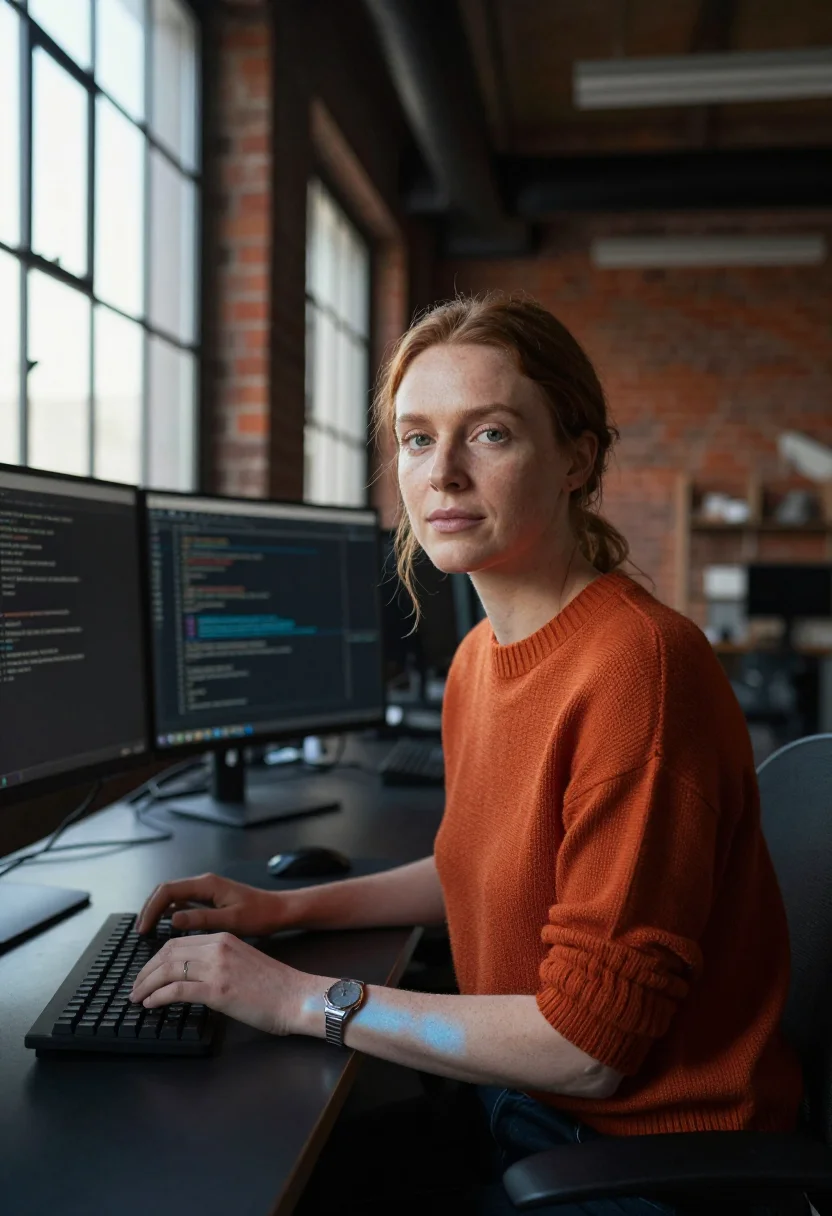
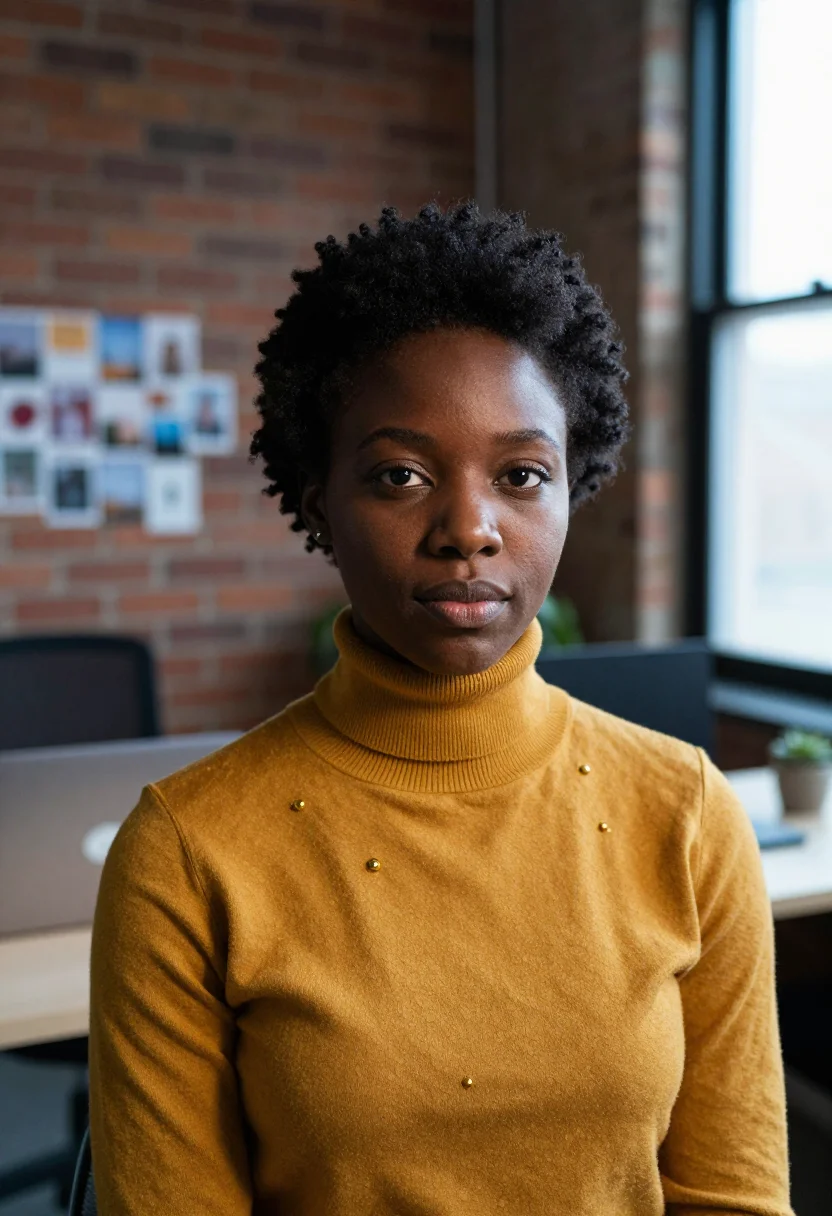
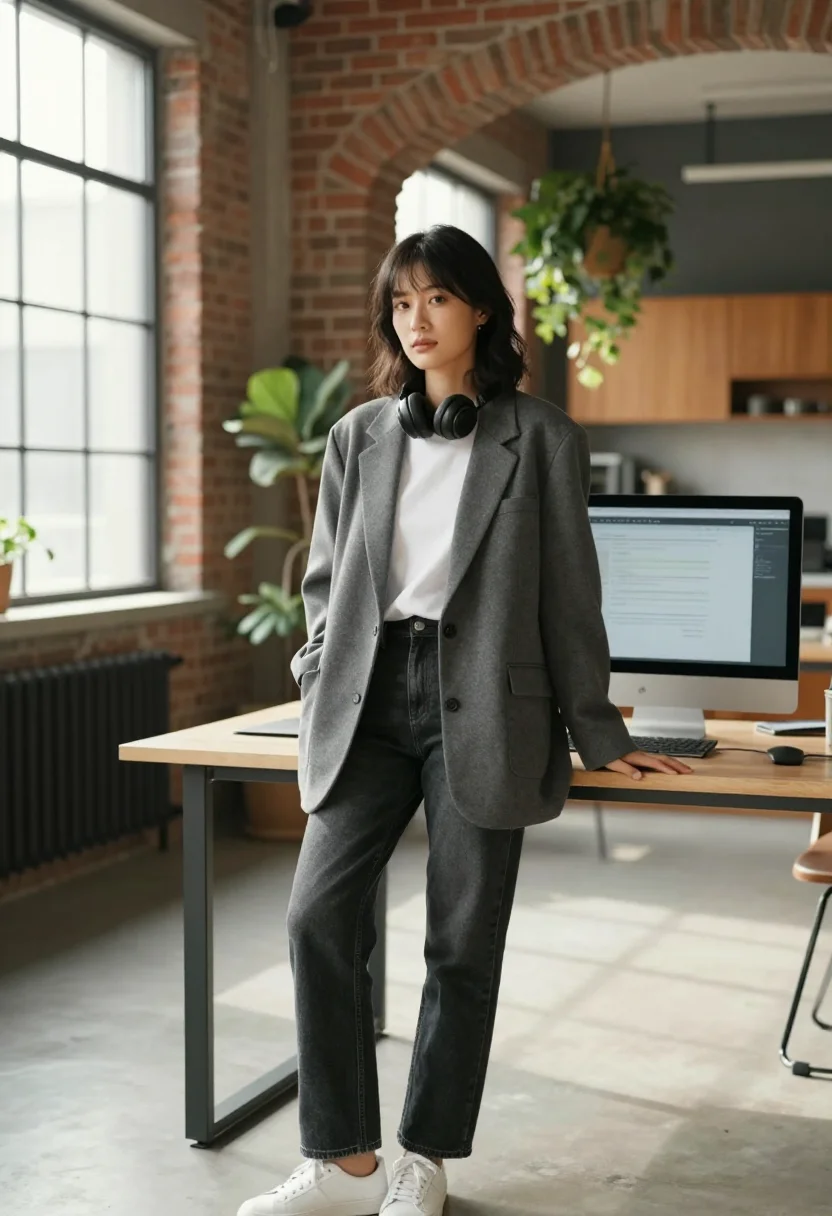
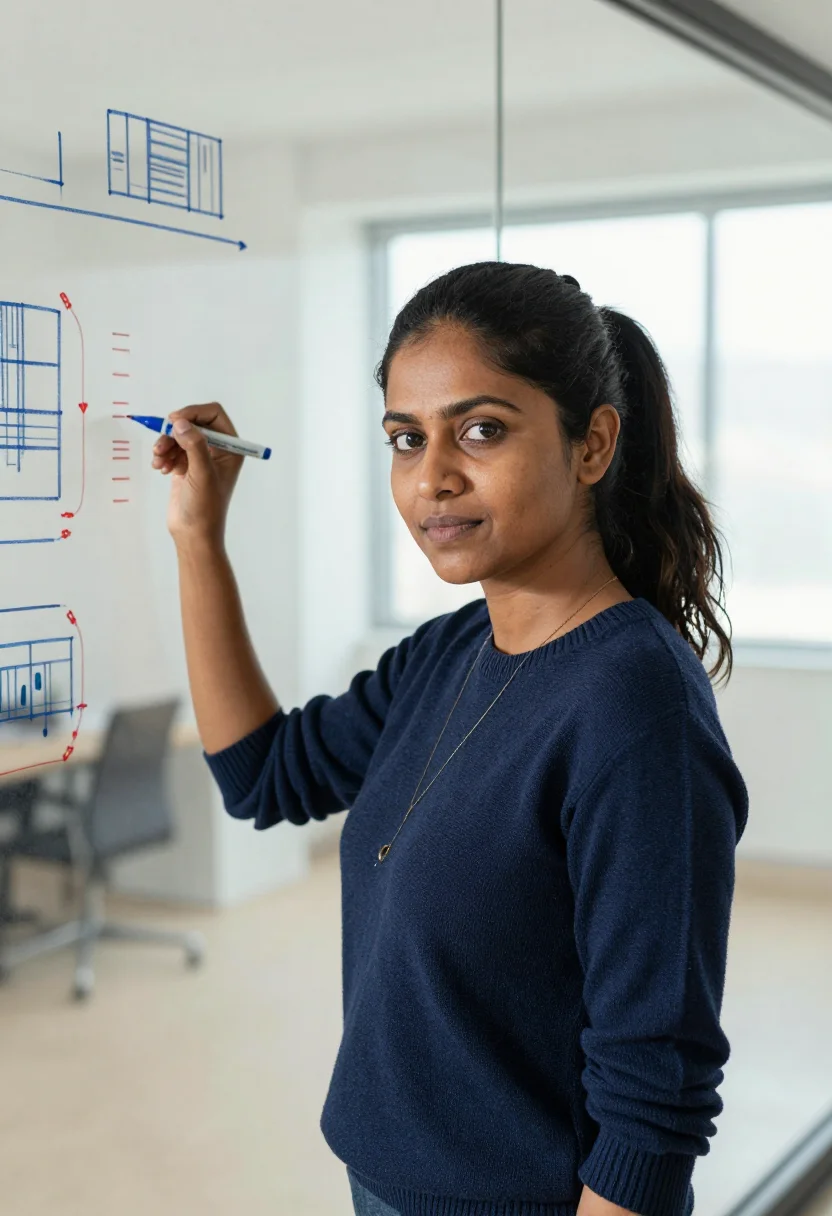
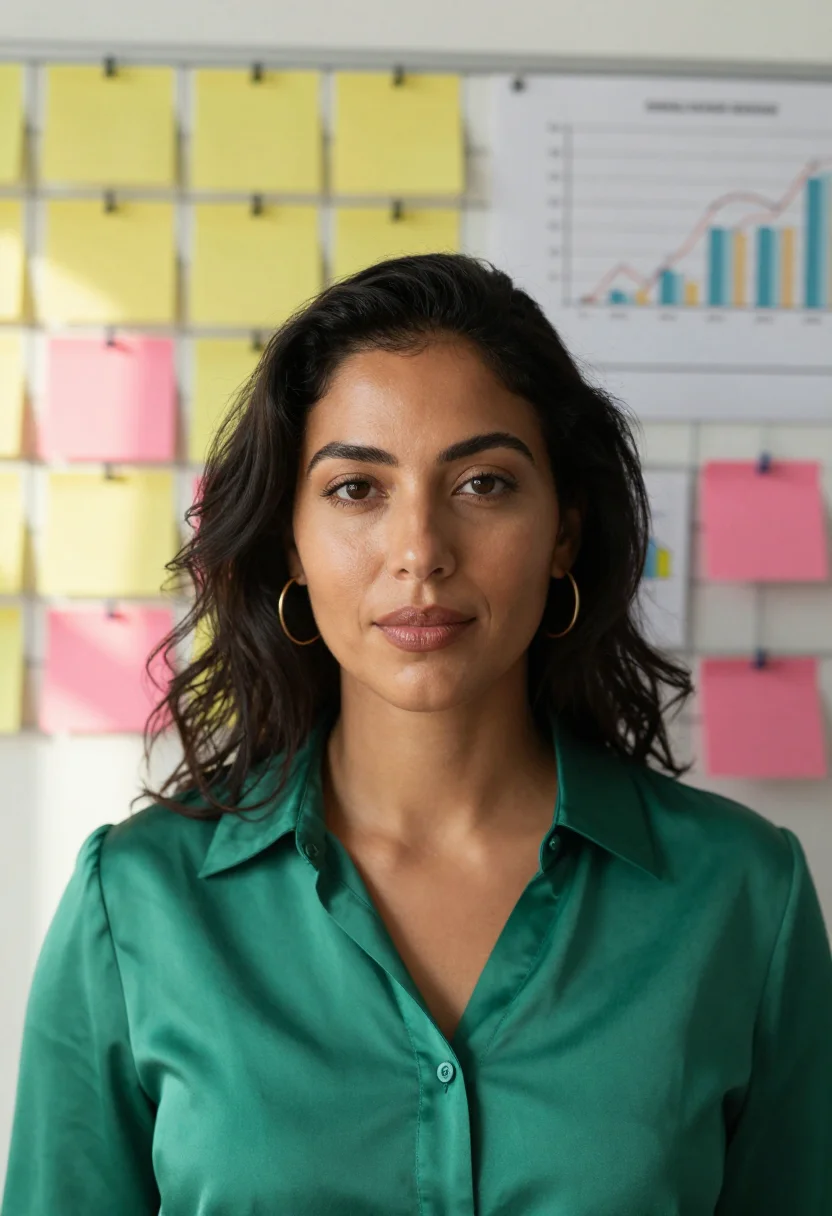
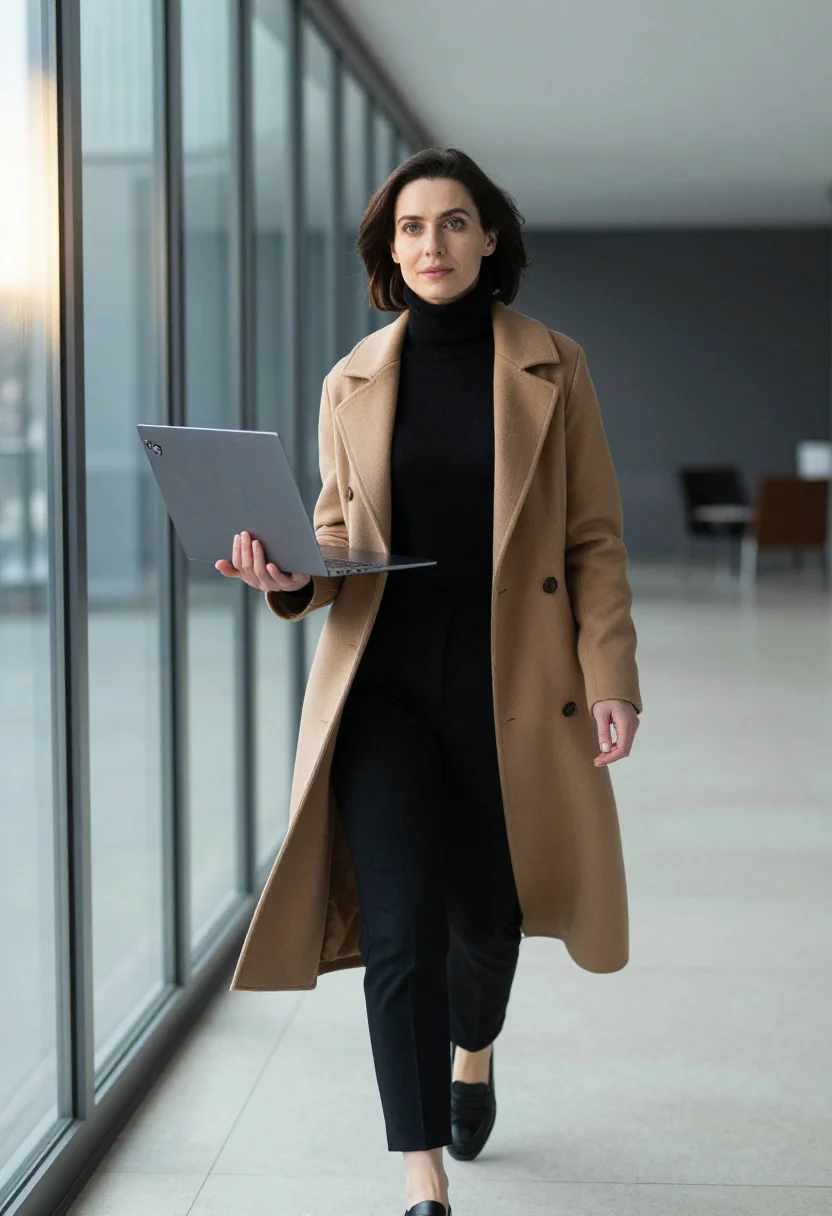
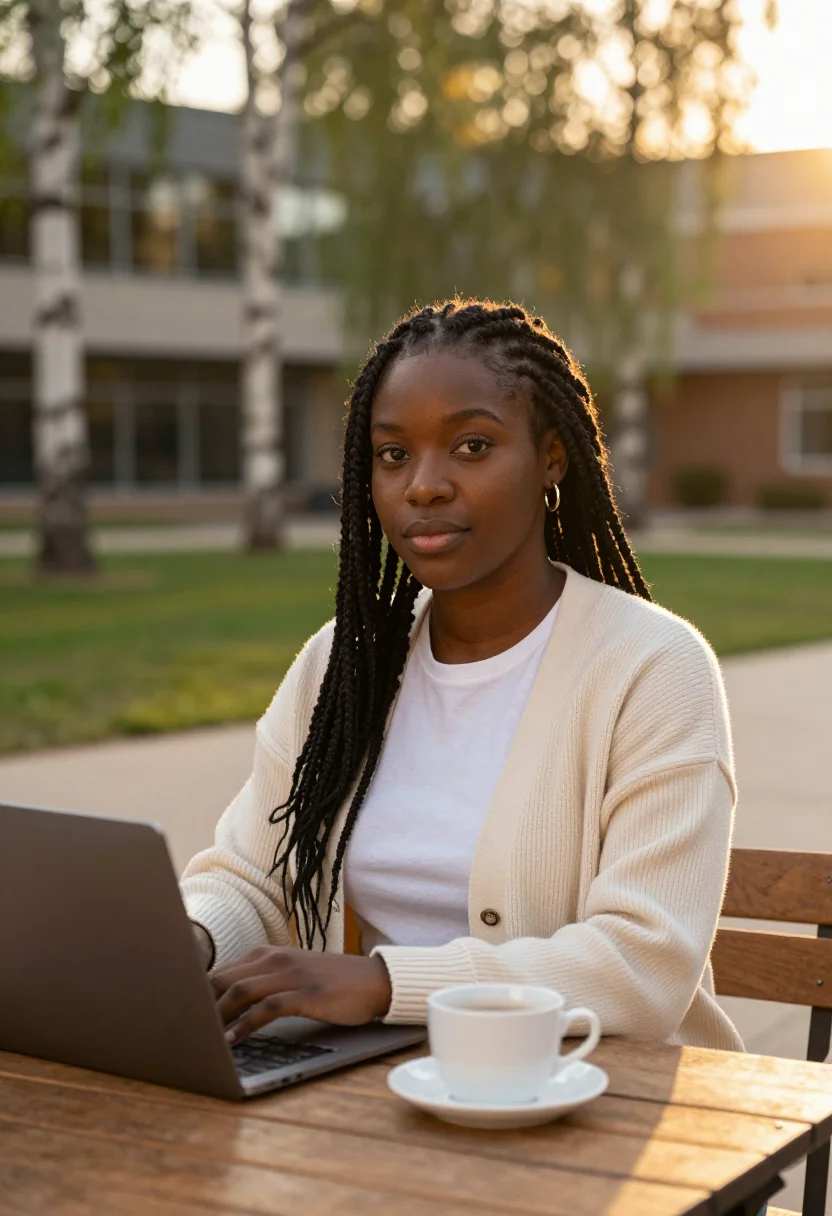
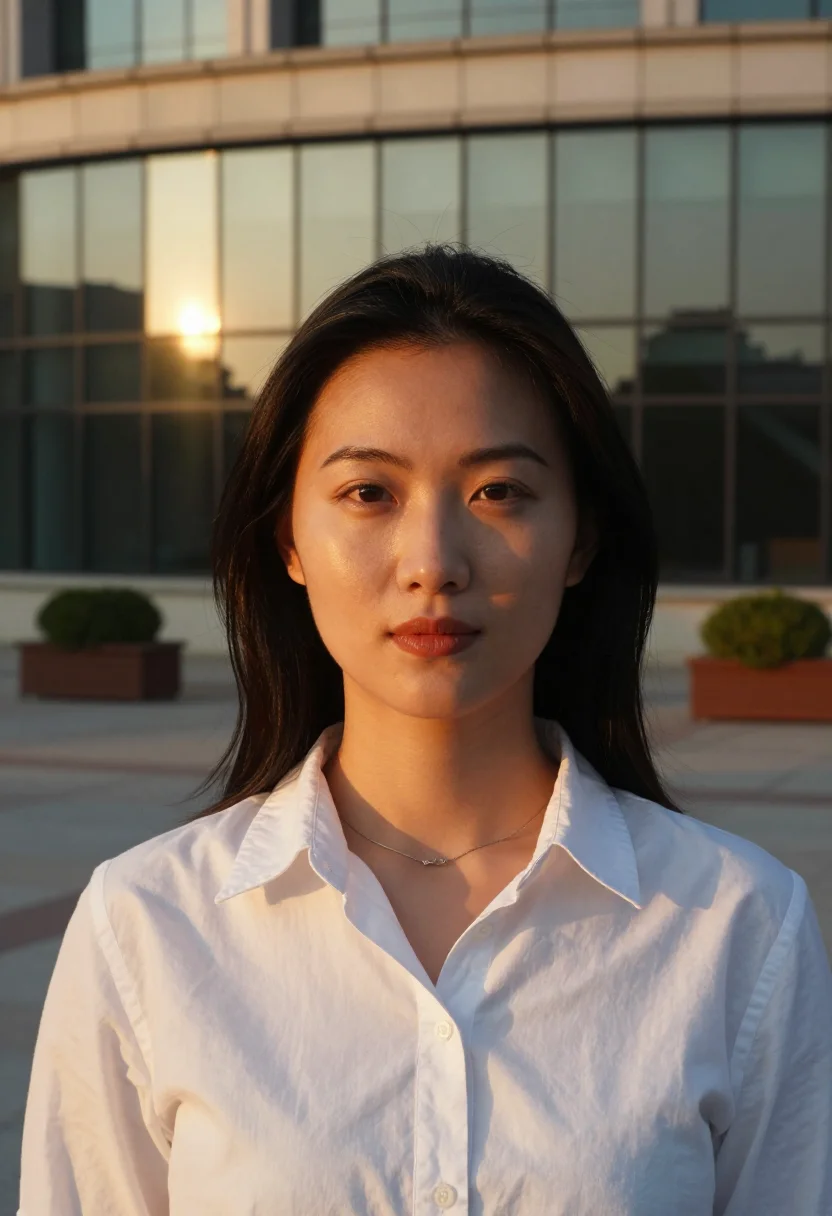
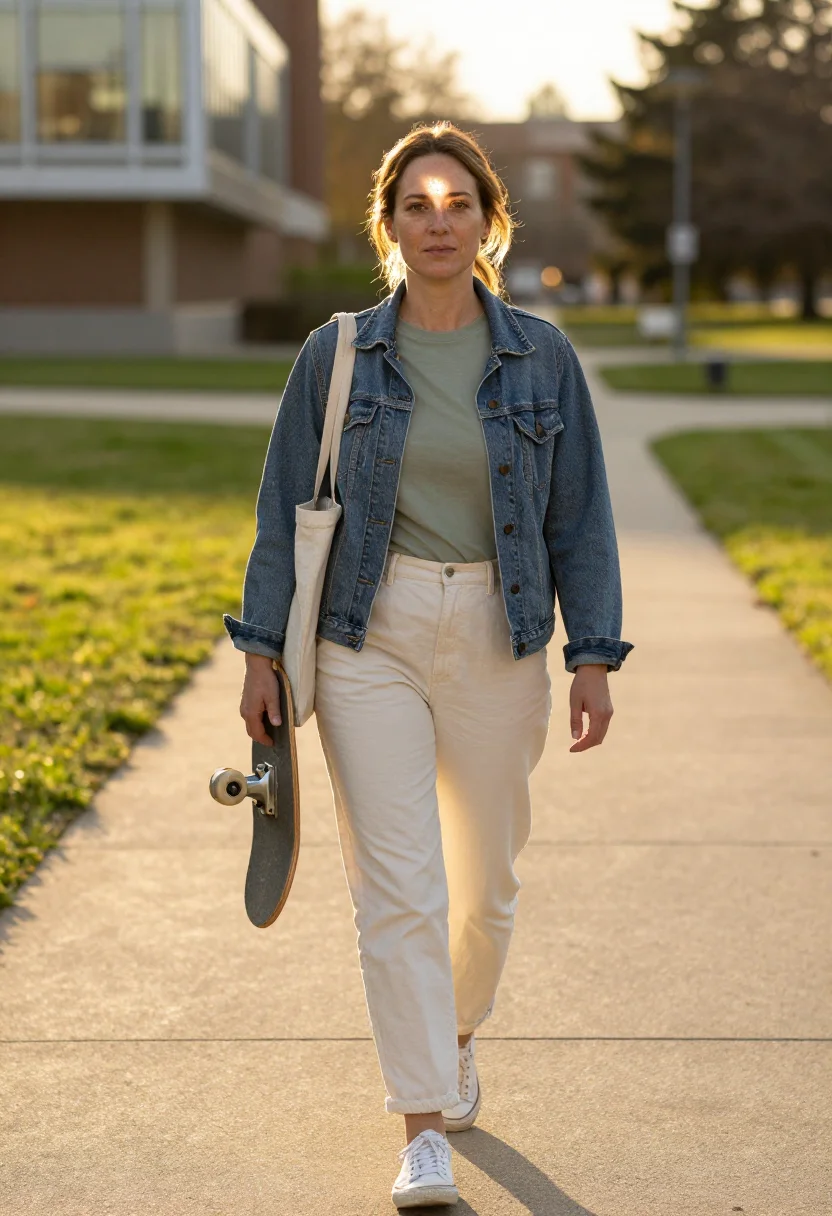
Shot where you actually ship — the brick-loft engineering floor, the glass wall mid system-design, the campus at golden hour — a professional headshot and profile picture that finally looks like your job. Nine photographs of you, in portrait format. The nine vary in crop, expression and light, so there are real choices, not nine identical files.
/women-in-tech · professional · 3 scenes
Professional Headshots for Women in Tech
More like this
one model wears them all →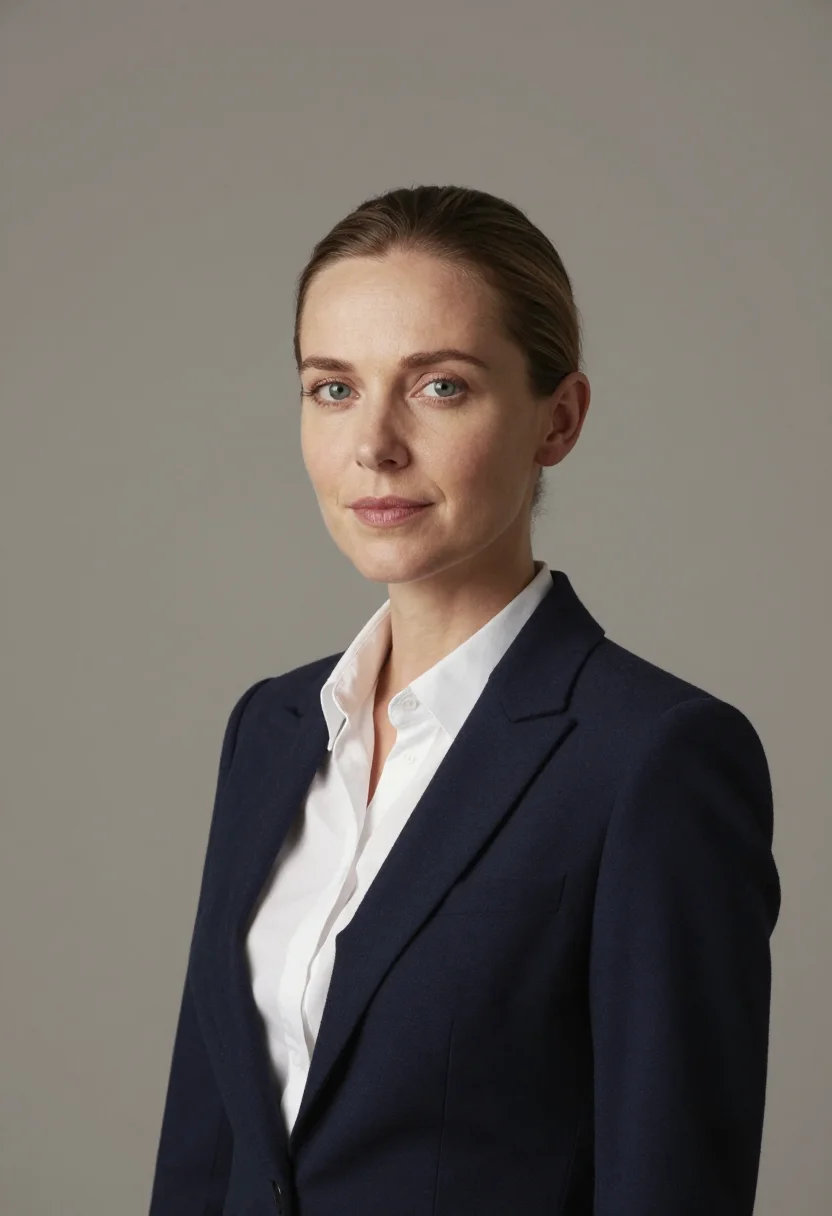
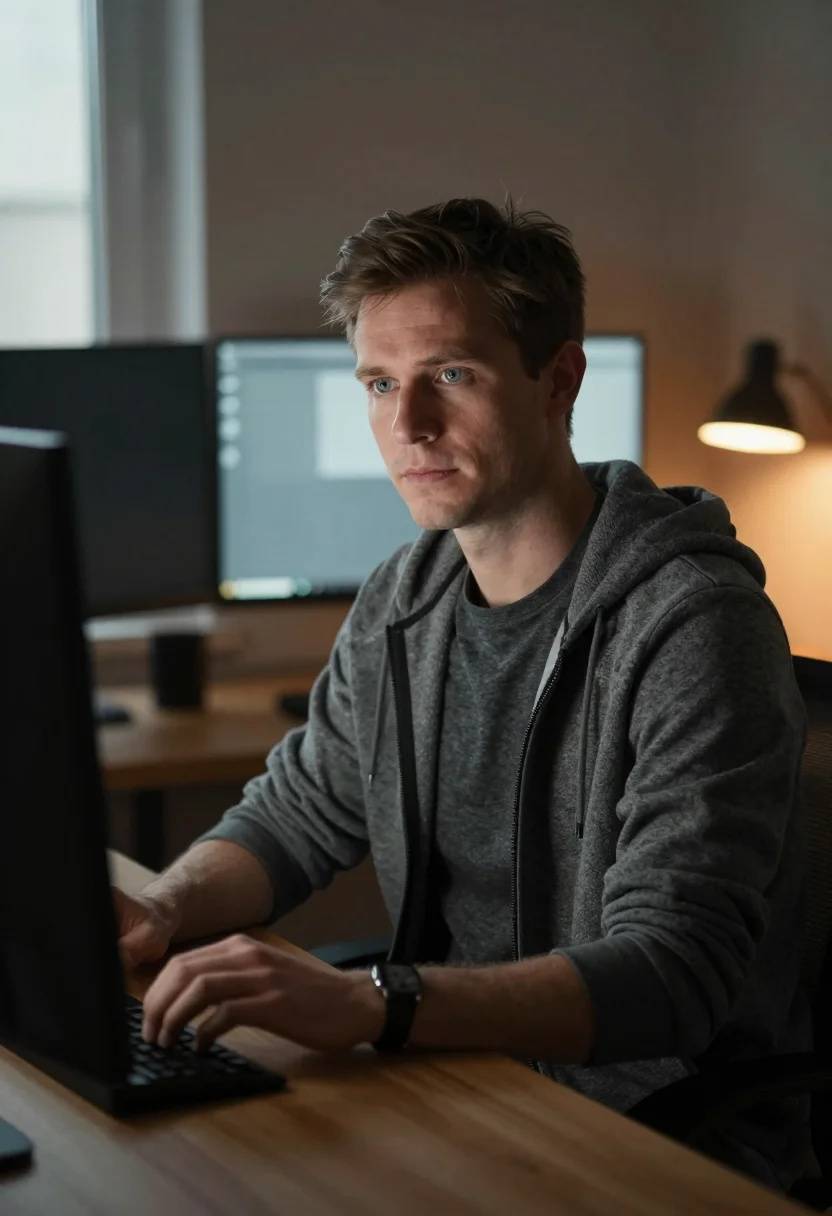
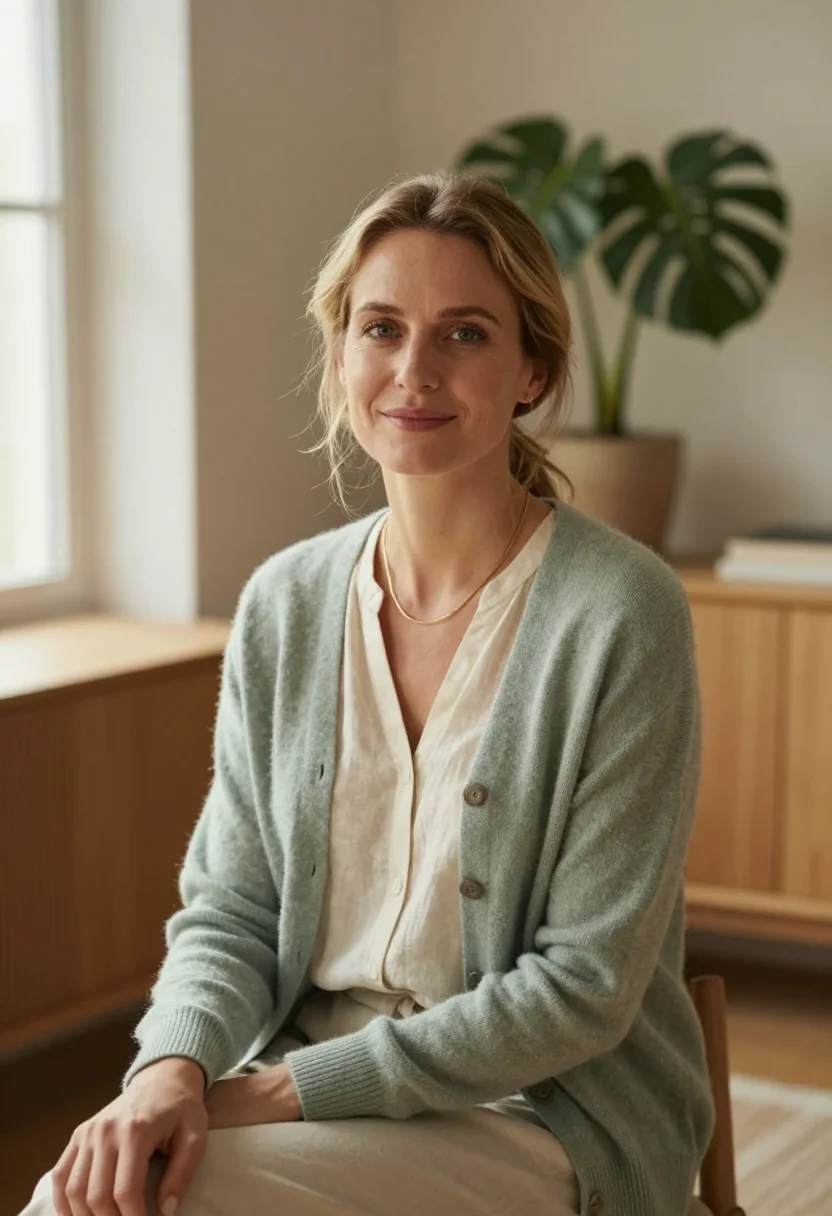
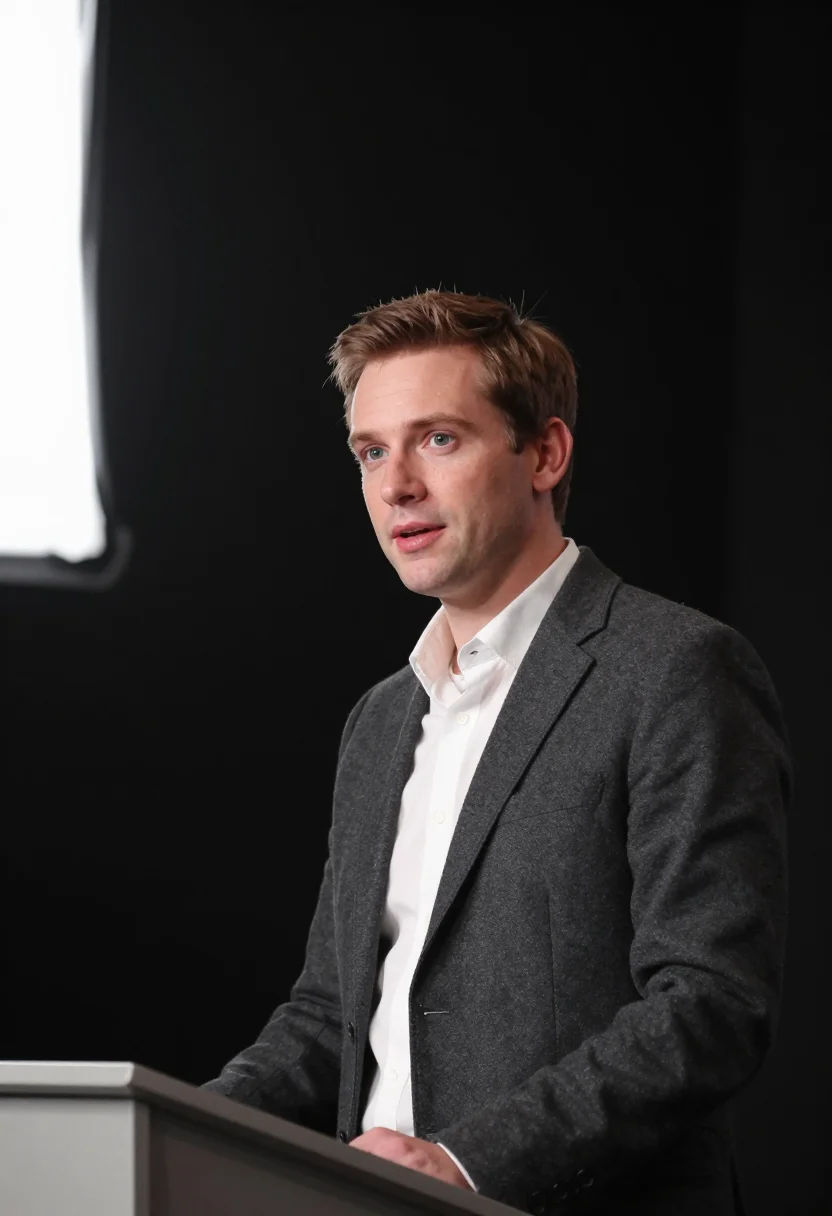
all 9 photos in this pack ↓
How it works
Three steps.
1
Add your photos
Add photos of yourself. We check each one when you add it.
2
We create your model
We create your AI model from your photos. Your photos are ready in a few hours.
3
Every pack, with your face
This pack and every other pack on Narcis can then be made with your face, and single photos too.
The women-in-tech register
You build things, and your headshot should look like it. This pack stages you in the working life you actually have, not the beige boardroom every stock headshot defaults to. The brick-loft engineering floor with its exposed brick, black ductwork and rows of desks; the cool glow of monitors running blurred, unreadable code; the tall steel-framed industrial windows pouring in daylight. It's the Western engineering register — loft, glass, campus — rendered as the room you'd recognise, because a portrait taken where you work says more than one taken nowhere.
The nine portraits move through three looks. The brick-loft workstation — a dual-monitor desk, a mechanical keyboard, a sticker-covered laptop lid — for the portrait that reads at home in the code. The glass wall mid system-design — a marker raised, an architecture diagram in blue and red dry-marker, the whole 'I run this session' register — for the one that reads senior and technical, not decorative. And the campus courtyard or terrace at golden hour — birch trees, a curved glass facade going molten in the sunset — for the warm, human one that still says engineer.
The wardrobe is the real thing: a fine-knit sweater with the sleeves pushed up, a mustard turtleneck, an oversized blazer over a white tee with sneakers and headphones round the neck, a camel overcoat over a black turtleneck. What the pack borrows is the staging, the light and the styling. What it renders is a photograph — photoreal, not a painting, not an avatar. Every face stays clear to the lens, composed for a professional read, so the same nine serve a LinkedIn photo, a GitHub or conference profile picture, and a team-page portrait.
This is a women's pack, and range is built in — the sample runs across every complexion in the same confident register, so whoever you are, one of the nine reads as you. If what you want instead is a straight formal headshot on a neutral studio wall — the kind that sits on a corporate team grid alongside the whole leadership — the Corporate Headshots pack covers that ground, including its own women's register. This pack is the one for the engineer who wants her actual working world in the frame.
How to photograph yourself for a women-in-tech headshot
Better source photos make better portraits.
- Even, soft lightStand near a window with indirect daylight on your face. Avoid overhead office lights and phone flash — both flatten the face and are the usual reason an AI headshot misses your likeness.
- Front or three-quarter angleCamera at eye level, facing it or turned slightly to three-quarter. No shot from below, no laptop-webcam angle.
- Face fully clearHair and glasses off the face. A clear, front-facing photo is the best photo for an AI headshot — it gives the model the most of you to lock onto.
- Dress toward the registerThe pack renders a smart-casual tech register — a knit, a turtleneck, a blazer over a tee. A source photo in that direction sharpens the result, though it isn't required.
- Plain wall behind youA plain background keeps the focus on your face rather than on unpicking a busy room.
Frequently asked questions
- Will the result look like a real photo, or like an obvious AI headshot?
- A real photo. The output is photoreal — a photograph of you on an engineering floor, at a glass wall, or on a campus terrace, not a painting or a stylised avatar. The setting and styling are staged; your face is yours and the render reads as a camera shot.
- How is this different from the Corporate Headshots pack?
- Register, and who it's for. Corporate Headshots is the formal, institutional one — tailored suiting on a neutral studio wall, a glass office, an executive floor — built to sit on a corporate team grid alongside the whole leadership, and it serves women directly in that formal register. This pack is the tech-identity one: the brick-loft floor, the system-design glass wall, the campus at golden hour, in smart-casual engineering wear. Pick Corporate Headshots when the photo has to read formal-institutional; pick this when you want your actual working world in the frame.
- Will it read senior, or will it look junior and decorative?
- It's staged to read senior. The middle look puts you at the glass wall running a system-design session, marker in hand — the register of the person leading the design review, not sitting in on it. That's a deliberate answer to the stock-photo problem where women in tech get shot as background rather than authority.
- Can I use it as my LinkedIn and GitHub profile picture?
- Yes — that's the core use. You get portrait and square crops from the same nine, so one purchase covers your LinkedIn photo, your GitHub or conference profile picture, a Slack avatar, and a team-page portrait.
- Is this a women-only pack? Can men use it?
- The sample and styling are built for women in tech, so the register reads that way. If you want the same working-world register in a men's or mixed styling, the general professional packs cover that ground; this one is deliberately hers.
- Can I use these commercially?
- Yes. The output is yours — a company website, a conference bio, press materials, a personal site. See the terms for the full scope.
- Will the photos look like me?
- Every photo looks like you, well photographed. If one is nearly right, say what to change, in your own words.
- Do I have to write a prompt?
- No. There is nothing to write: you pick a pack, and it is ready in seconds.
- How many photos of myself do I add?
- Between six and twenty, from different days and in different light, with your face clear. We check each one when you add it.
- What happens to the photos I add?
- They are used only to create your model, on our own servers in the European Union. They are not shared and not sold.
When the Women in Tech pack fits
- For a LinkedIn profile picture that reads senior and technical, not decorative
- For a company team page or engineering-org 'about' grid
- For a GitHub, GitLab, or Stack Overflow profile picture
- For a conference or meetup speaker bio and its slide
- For a personal site, portfolio, or dev blog author photo
- For an X, Bluesky, or Mastodon avatar that matches your work
- For a Slack, email, and internal-directory portrait
- For a press or media kit when you're quoted or interviewed
- For a job application, promotion packet, or mentorship profile
- For any woman in tech who is tired of a headshot that looks like it belongs to a different job
About narcis
Most AI photo tools put every pose, job, era, and style in one giant catalog. The photos all look like every other AI photo on the internet — a glaze over a stock face. Narcis goes the other way. One job: photos of you that look like photographs. You add at least 6 photos of yourself, and we create your AI model from them. Your photos are ready in a few hours, and we email you when they are. Then this pack and every other pack on Narcis can be made with your face. Each pack is curated against real references — paintings, photographers, places — and tested on real faces before it goes live. Built and run by one small team, on our own servers.
All images are AI-generated. By using this service, you confirm you are 18+, that any face photo you upload is your own or used with explicit consent. Full Terms