GitHub Profile Picture Generator — Free Preview First, Your Own Model
See Your Free GitHub Profile Picture Preview in Seconds
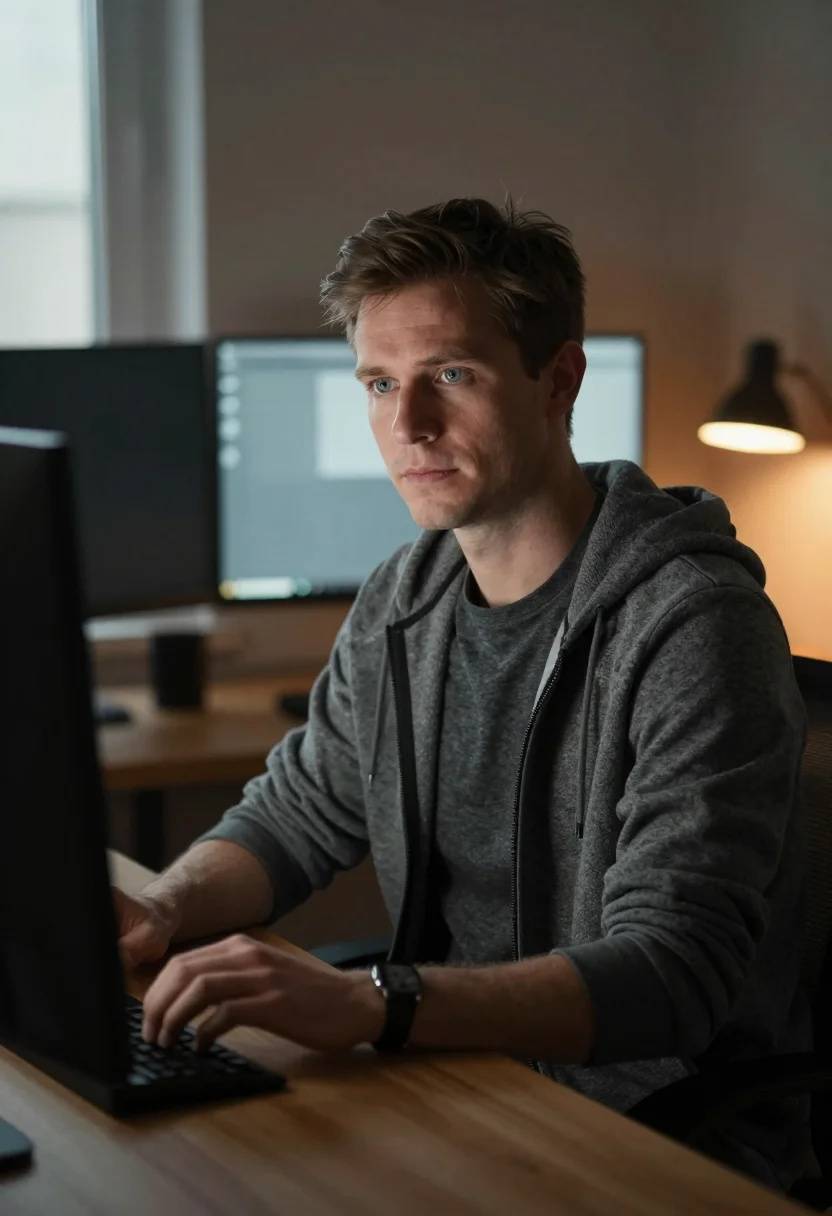
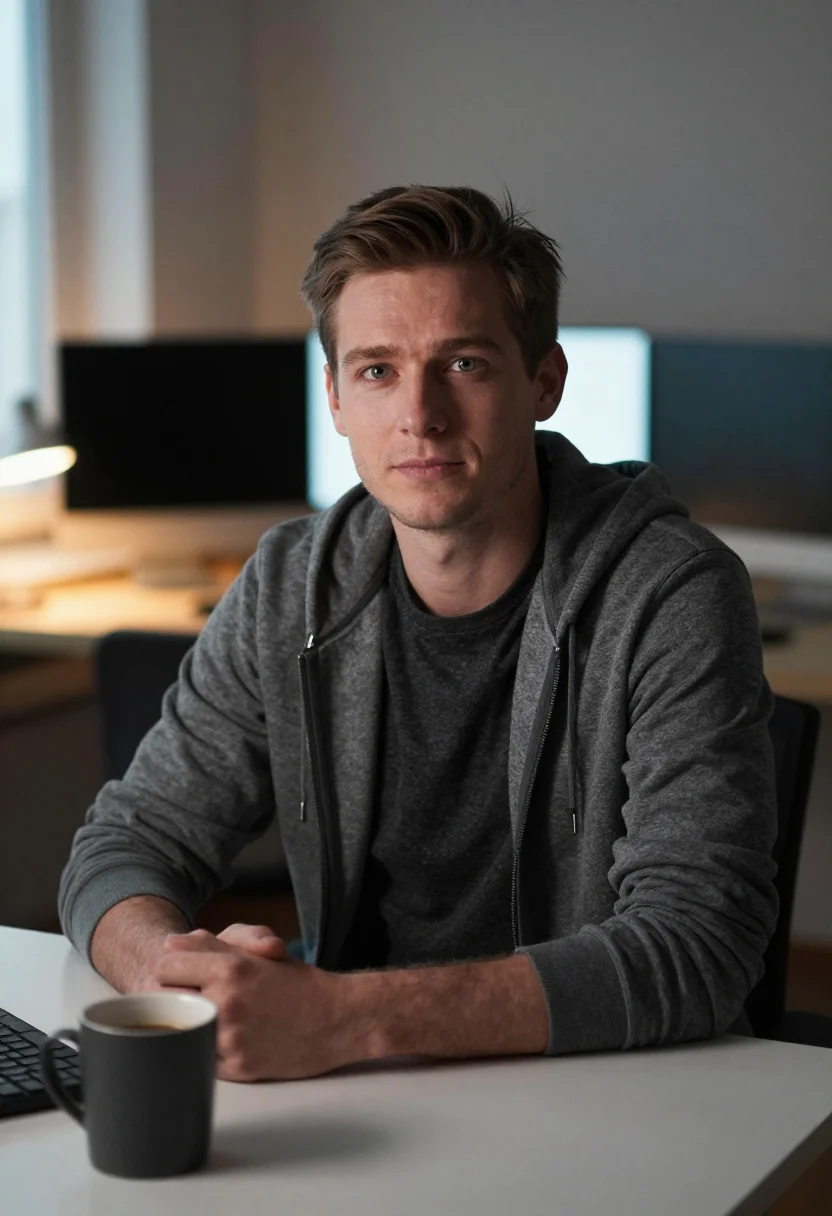
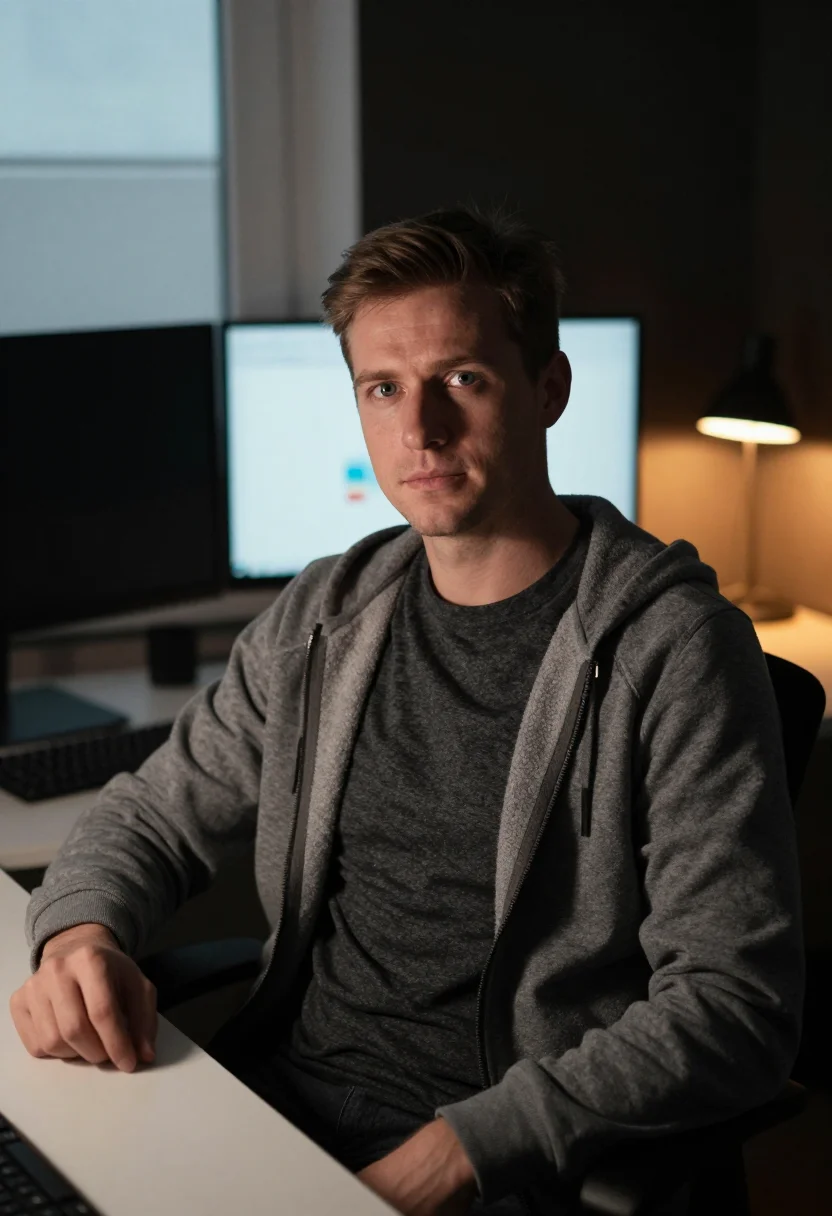
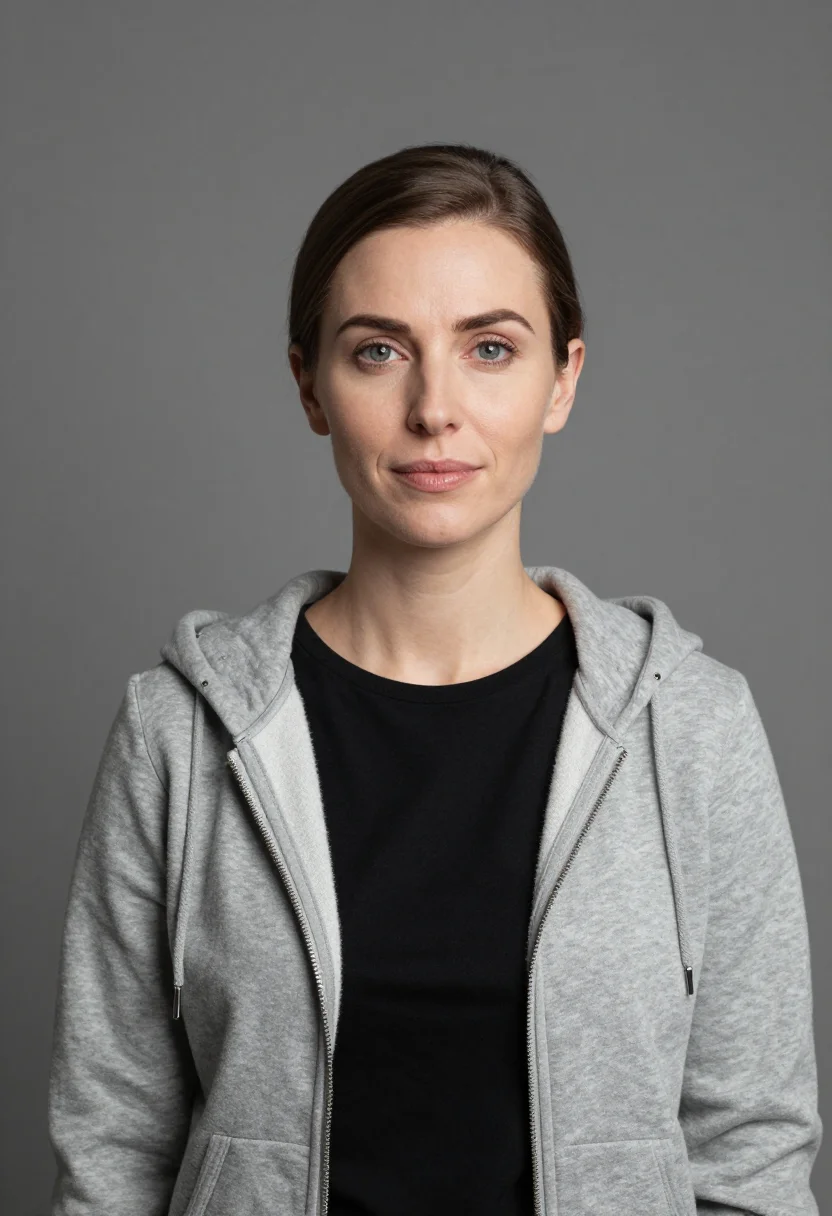
Nine Developer Profile Pictures — README, Conference Badge, Outdoor
A Real Photo, Not a Cartoon Avatar — Without a Studio Visit
Narcis generates a free preview of your GitHub profile picture from one uploaded photo — a real photograph, not a cartoon avatar or an identicon, in seconds, a quick sketch, close but not you yet. To unlock the full pack, you train your model: 12–20 photos, and we email you when it's ready. From then on, every developer portrait — this pack, every other pack, the portrait studio — renders from your model in about ten seconds.
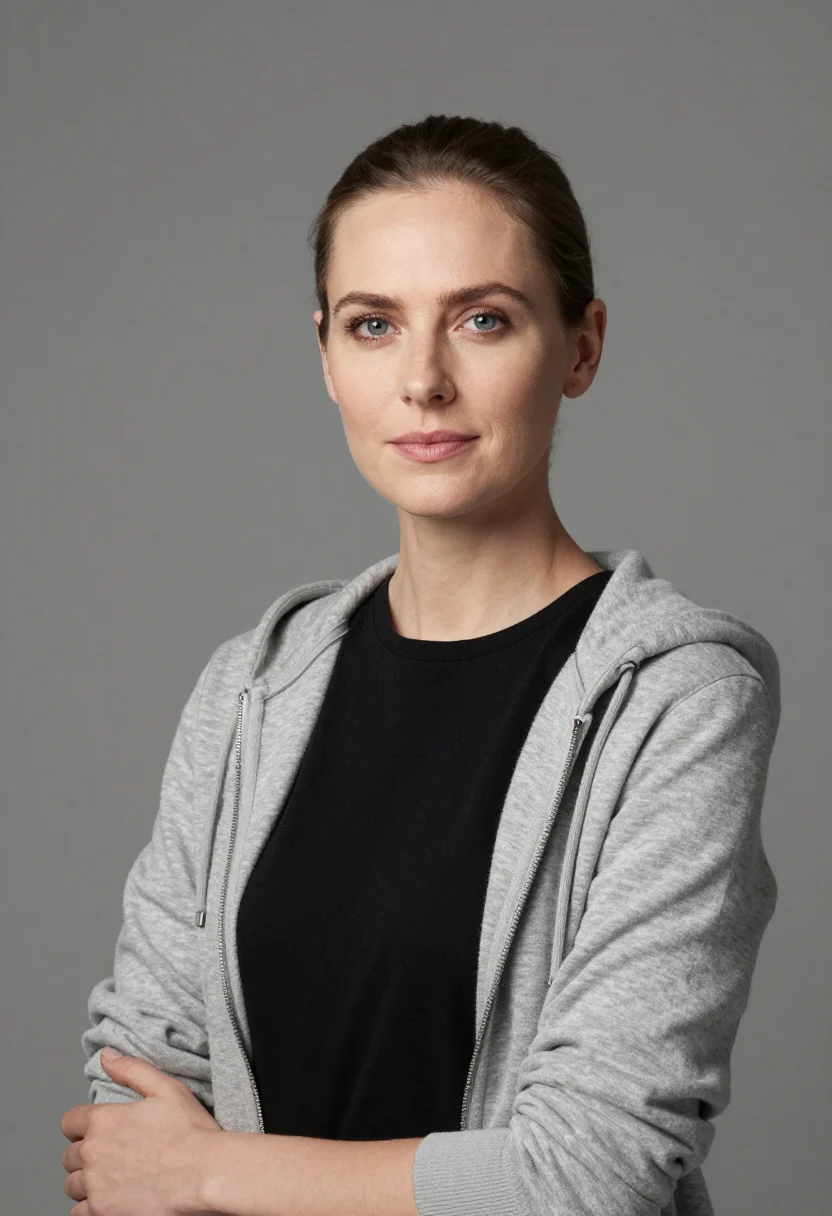
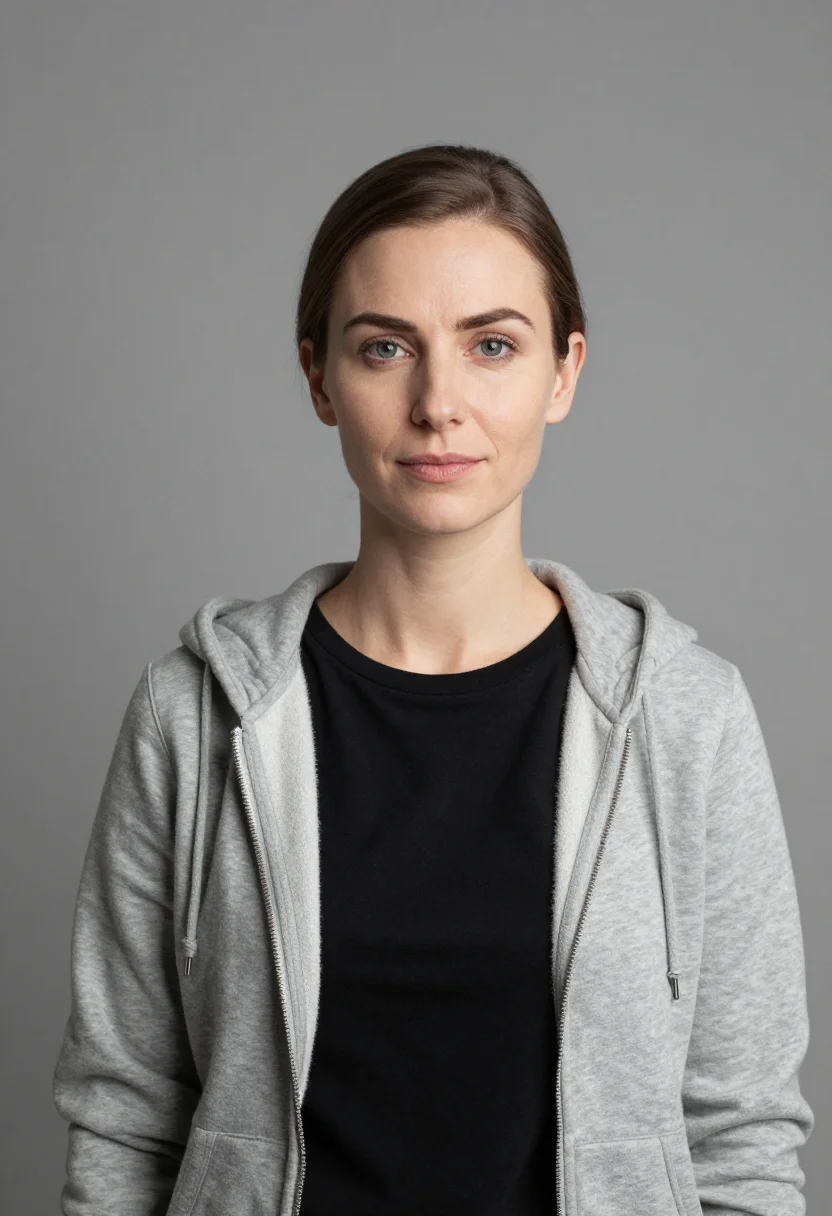
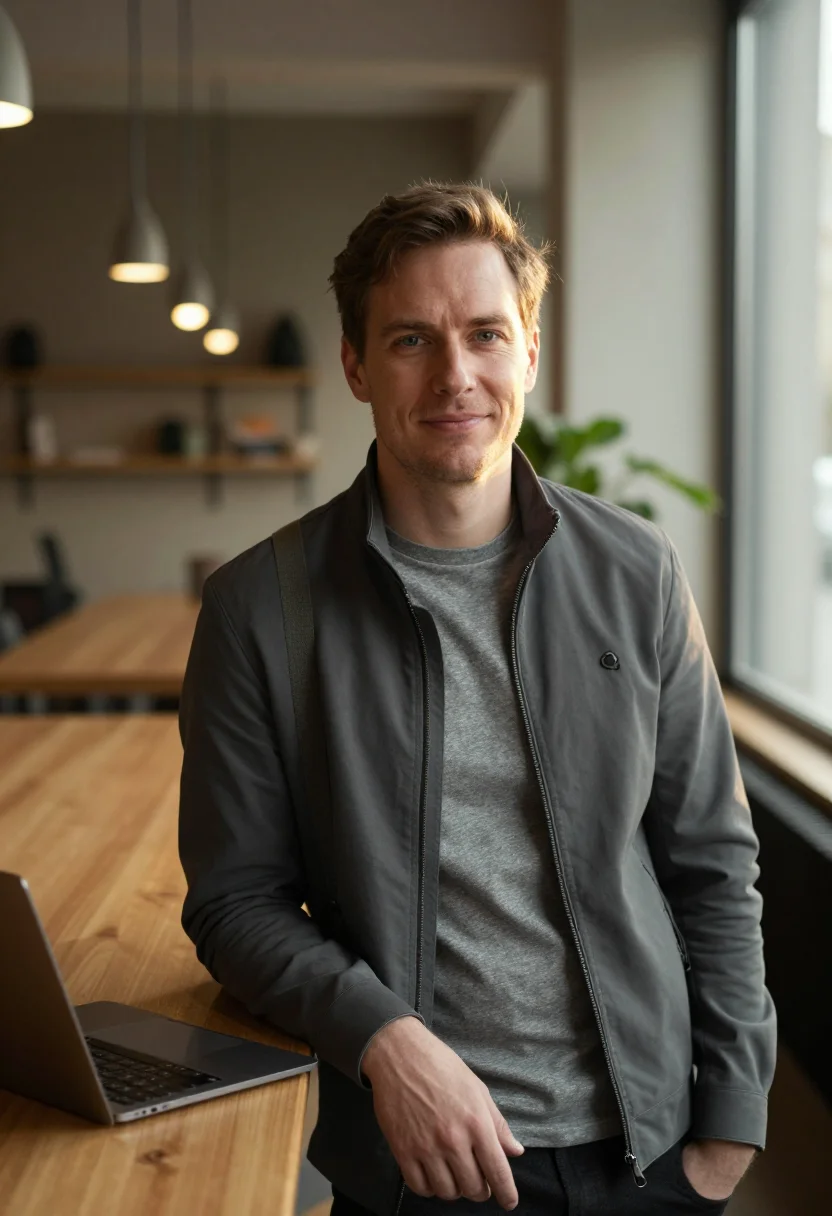
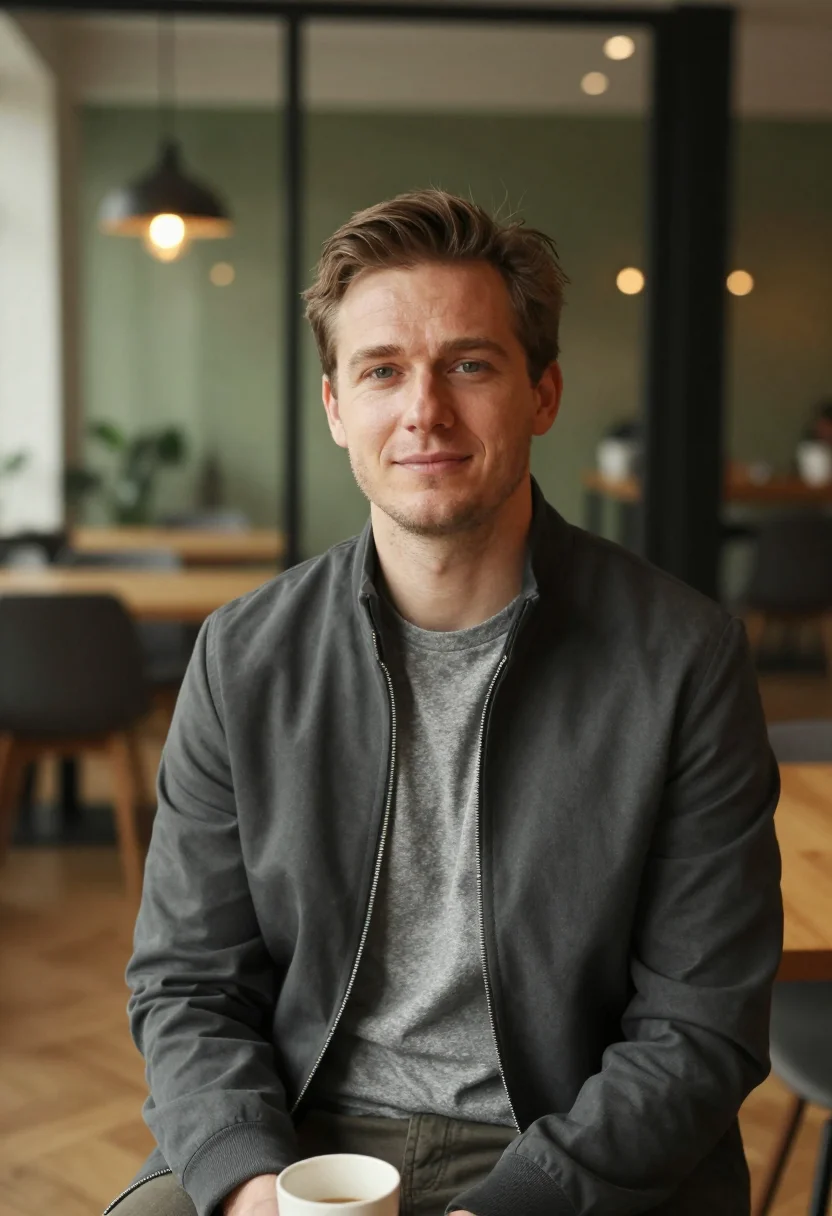
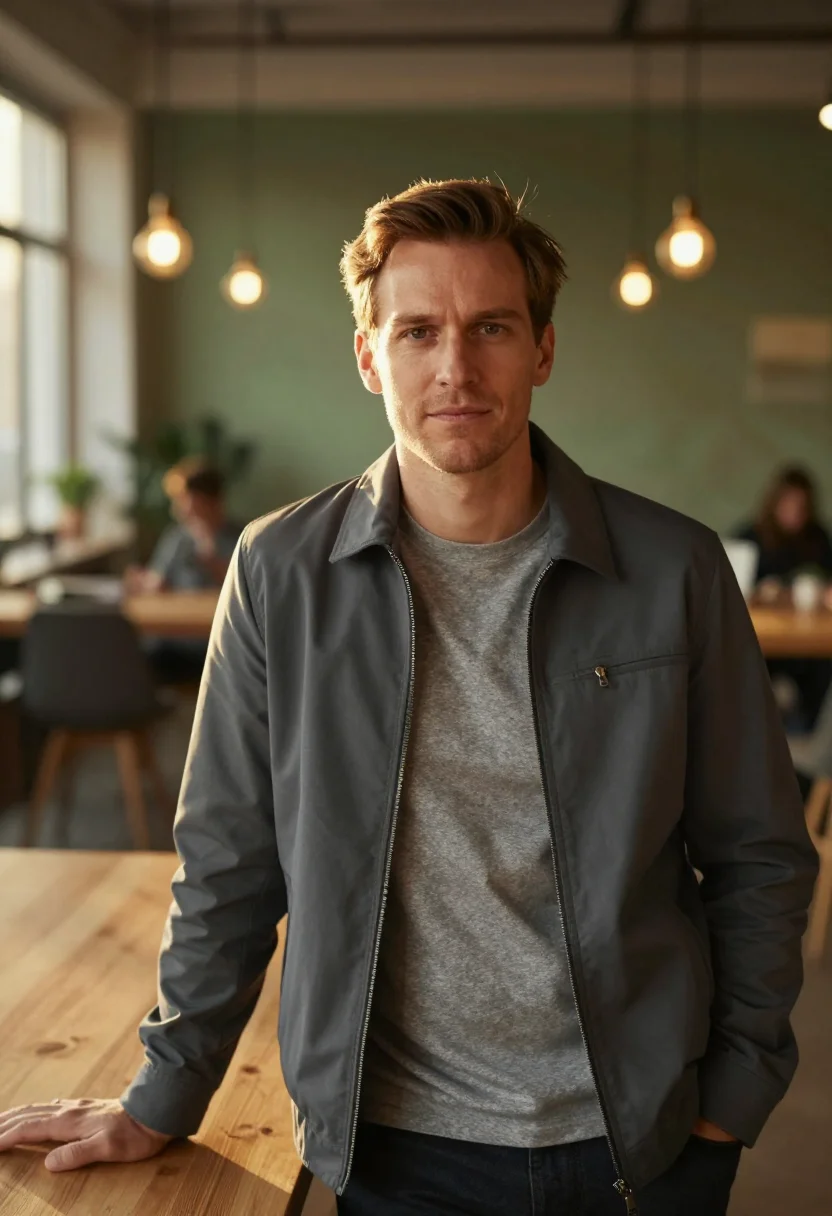
The pack delivers nine developer portraits in three registers — README hero (heather t-shirt under fleece hoodie at home-office workspace), conference badge (heather flannel button-down on mid-gray seamless), outdoor (charcoal technical zip-jacket in urban courtyard). Each register holds three portraits.
People use this pack for GitHub README hero images, tech conference badges, dev-blog mastheads, and developer LinkedIn profiles. Photos are processed on European servers.
/github-developer · professional · 3 scenes
A GitHub profile picture that is actually you
More like this
one model wears them all →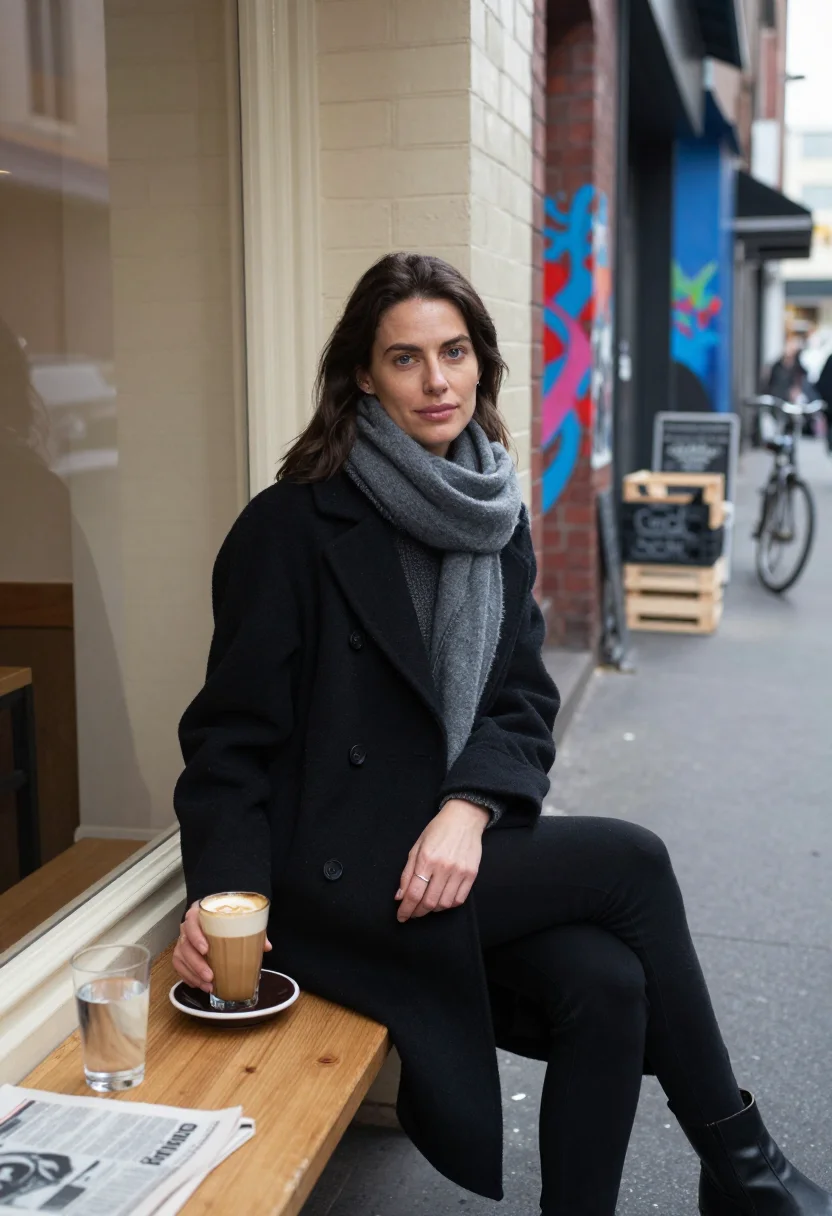
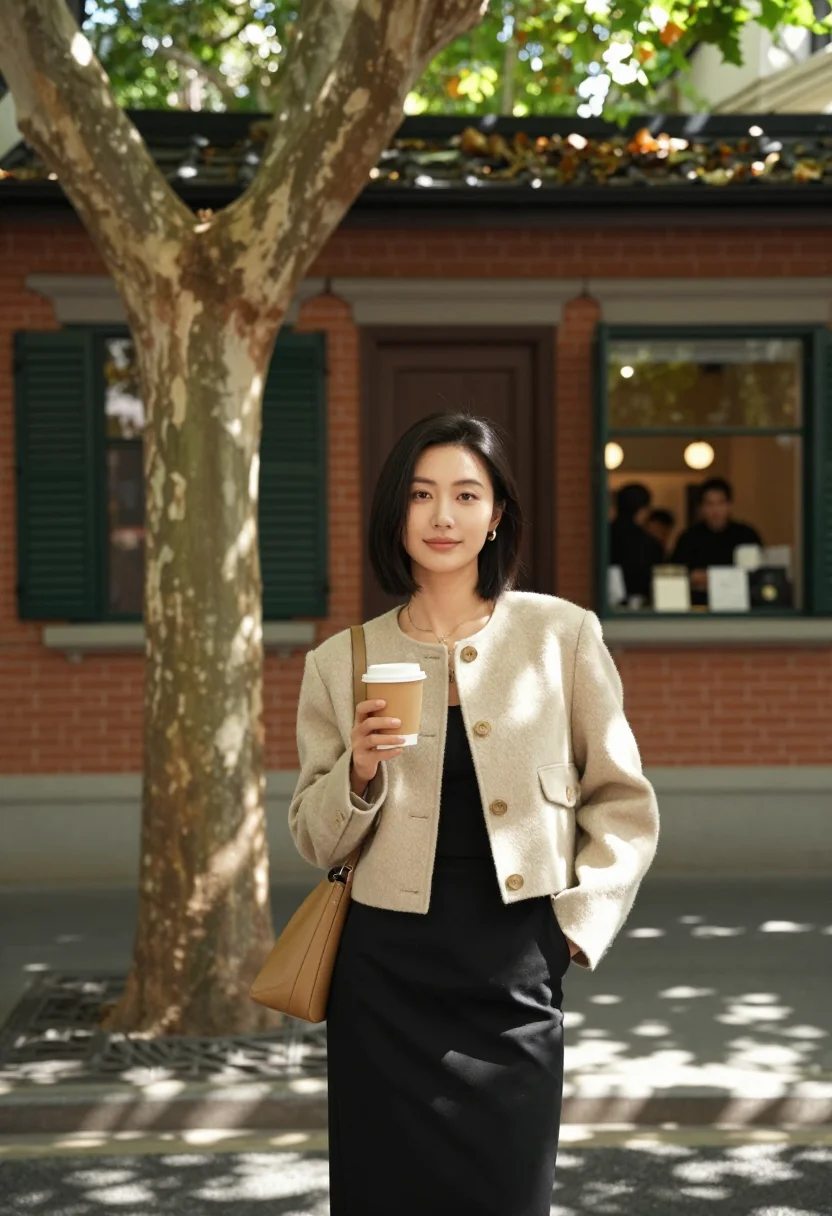
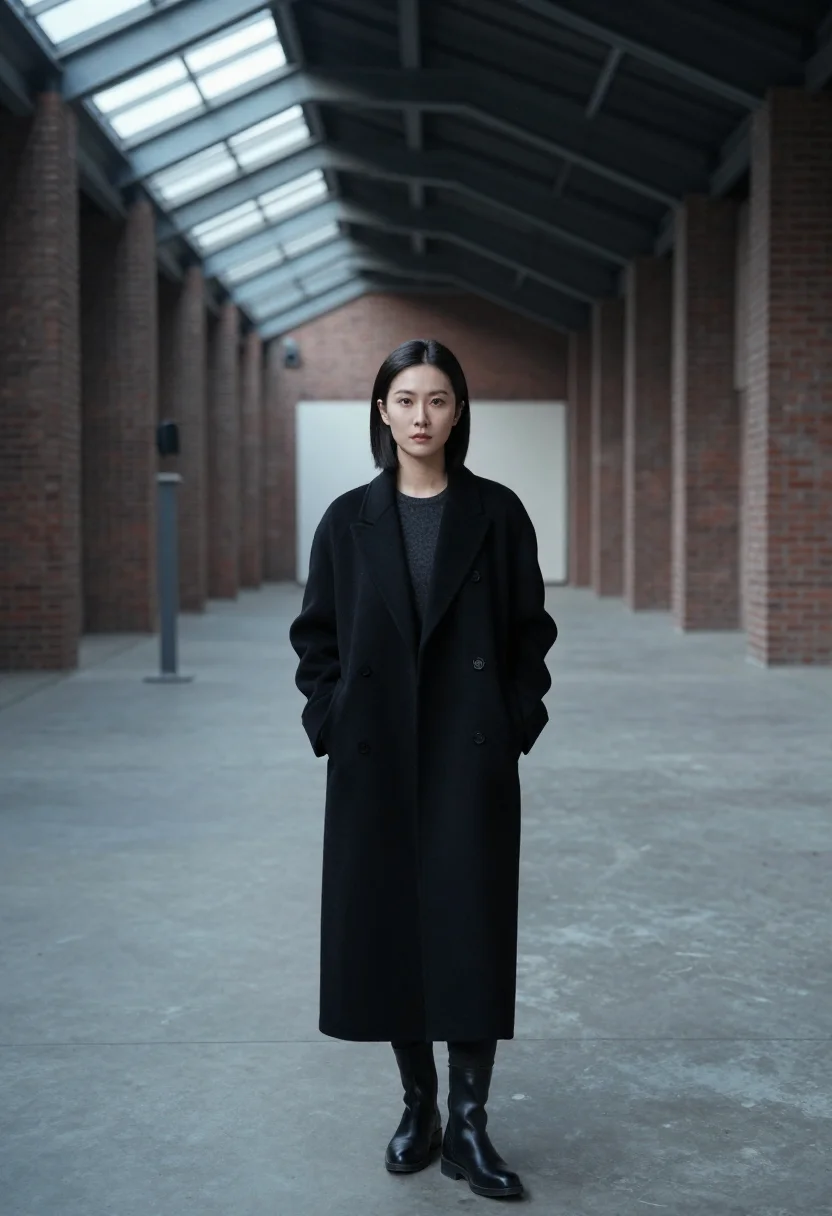
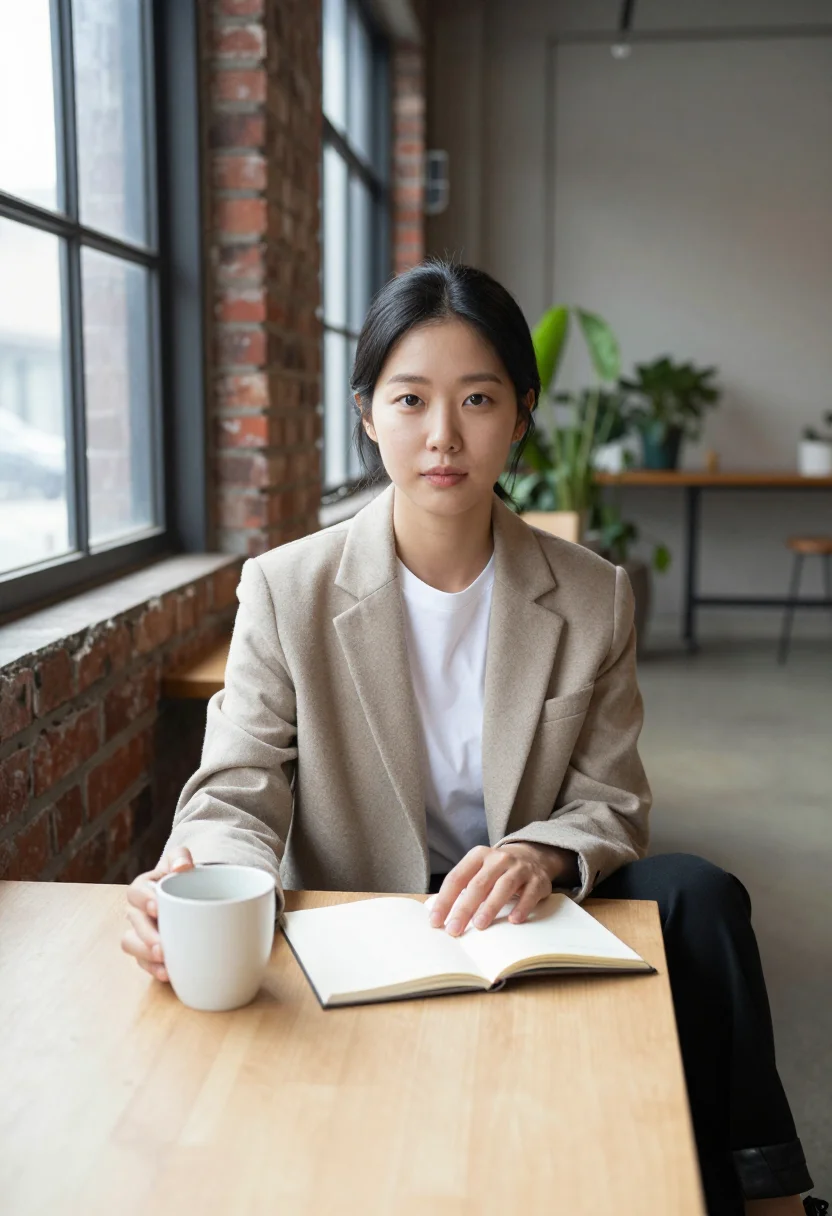
all 9 looks — from one photo ↓
How it works
Three steps. Upload, preview, deliver.
1
Drop a selfie
Your free preview streams in seconds — a quick sketch: close, not you yet.
2
Train your model
Add 12–20 photos of yourself. Your model trains in the background — safe to leave, we email you when your model is ready.
3
Nine developer portraits, truly you
Every shot renders from your model in about ten seconds — this pack, every other pack, and the Studio.
The developer portrait register
A developer profile picture does something subtle that a corporate headshot does not: it communicates context. A GitHub avatar, a conference badge, a dev.to author portrait — these are seen by people who will look at the photo and make a fast inference about who they are dealing with. A cartoon avatar or an identicon says nothing; a real photograph in the wrong register — a suit, a blank studio backdrop, the composition of a real estate headshot — reads as out of place. The right register reads as native.
The three registers in this pack are drawn from how software developers actually present in the contexts where they need headshots. The README register puts you at a desk: a heather t-shirt under an unzipped fleece hoodie, a mechanical keyboard and dual monitors softly defocused behind, a warm desk lamp to the side, a close half-length framing with a focused, engaged expression. It is the photo you would take if a good photographer came to your home office. The conference badge register moves to a neutral studio: a dark heather flannel button-down with one button open at the collar, a lanyard glimpsed at the chest, a mid-gray seamless backdrop, balanced studio lighting, head-and-shoulders with shoulders squared and an approachable confident gaze. Clean, prints well at badge size, reads as prepared without reading as corporate. The outdoor register takes you outside: a charcoal technical zip-jacket over a heather t-shirt, an urban courtyard or shaded park path with dappled afternoon light softly defocused behind, a relaxed natural expression turned into the light. The photo that reads as "I go outside sometimes."
What all three registers share is the same visual language: no ties, no blank corporate-neutral backdrop for its own sake, no forced smile. The wardrobe is practical and considered — the clothes a developer actually wears when they care about how they look. The light is real or studio-controlled, never harsh. The expression is engaged rather than performed.
The output is photorealistic. Nine photographs of you, staged in three developer-appropriate registers, rendered from your own model in about ten seconds each.
How to photograph yourself for a developer headshot
The pack delivers a free preview in seconds. These choices in your source photo give the AI the best input to work with.
- Soft window light, camera at eye levelNatural light from a window to one side is ideal. Avoid your webcam's built-in light or overhead office lighting — they create flat, unflattering results. Position the camera at eye level, not angled up from a laptop.
- A simple backgroundA plain wall or your desk setup softly out of focus works well. The AI anchors on your face and replaces the background with the pack's environments. A background with other people in it makes face isolation harder.
- Natural, engaged expressionLook at the lens with a relaxed, forward expression — not a posed smile, not a flat stare. The developer portrait register reads as engaged and approachable. Think about how you look when you are explaining something you find interesting.
- Head and shoulders in frameThe pack renders close half-length and head-and-shoulders crops. A photo that fills the frame with your face and upper body gives the AI more resolution than a distant full-body shot.
- Upload more than one photo if you have themOne photo is enough for your free preview. Two or three from slightly different angles — front, slight three-quarter — sharpen that result a little more. To unlock the full pack, you train your model separately on 12–20 photos.
Frequently asked questions
- What does the output actually look like — photorealistic or stylized?
- Photorealistic. The output is a photograph of you, staged in developer-appropriate environments: a home-office workspace with a mechanical keyboard and warm desk lamp behind, a mid-gray seamless studio backdrop, or an urban courtyard with dappled afternoon light. There are no filters, illustrations, or heavy stylistic treatments. The result looks like a photo a friend with a good camera took of you in a real place.
- Can I use these as my GitHub profile picture or avatar?
- Yes — that is the whole point of the pack. Most "GitHub avatar" tools hand you a cartoon, an identicon, a bitmoji, or the default coloured-block GitHub gives every new account. This is the opposite: a real photograph of you, the kind a contributor wants to see attached to a pull request. GitHub crops the avatar to a small circle, so the pack's close half-length framing and forward-facing engagement read clearly at that size. The home-office context (mechanical keyboard, dual monitors softly defocused behind) signals developer without reading as self-conscious about it.
- Will it work for a conference badge, hackathon lanyard, or tech event credential?
- Yes. The conference badge register — dark heather flannel button-down, mid-gray seamless backdrop, head-and-shoulders with squared shoulders and approachable gaze — is specifically staged for the tight square crops that badge printing services use. It reads clean at small print sizes.
- Can I use it for my LinkedIn photo, portfolio site, or dev.to author portrait?
- Yes. All three surfaces are a good fit for the outdoor register or the conference badge register. The outdoor register — charcoal technical zip-jacket in an urban courtyard, dappled afternoon light — reads as approachable and contemporary rather than corporate. On LinkedIn it signals "works in tech" without signaling "investment banking." On portfolio sites and dev.to it reads as a real person, not a stock photo.
- I want a more formal professional headshot, not a developer-specific one. Is this the right pack?
- Honest answer: this pack is calibrated for the developer register — fleece hoodie, flannel button-down, technical zip-jacket; home office, urban courtyard. If you need a neutral studio headshot for a corporate role, legal firm, or any context where business-formal is expected, look at the LinkedIn Headshots pack instead. That pack uses neutral backgrounds and business-casual wardrobe.
- How is this different from running my photo through Midjourney or Stable Diffusion with a "developer headshot" prompt?
- Text-to-image tools produce whatever the model associates with the prompt, which varies unpredictably between runs and often looks AI-generated at a glance. This pack uses three specific curated registers as the visual target — the output is consistent across all nine portraits and tuned to where developer headshots actually appear: GitHub READMEs, conference badges, portfolio sites. Your face is the anchor; the staging is consistent.
- How does this compare to photoai, headshotpro, or secta?
- Those services are built for generic professional headshots — the neutral-studio, business-casual, LinkedIn-optimised register. They work well for that context. This pack is specifically curated for the developer visual register: environments and wardrobe that read as "I write software," not "I sell software." If you want a corporate headshot, those services serve that. If you want a headshot that feels native to the developer context, this pack does.
- Does it work for open-source maintainers, solo founders, or indie developers?
- Yes — those are the primary users. The home-office register in particular reads well for open-source maintainers and indie developers: it communicates "this is a real person who works in a real setup" rather than a corporate-produced headshot. It scales from a solo developer's personal GitHub to a small startup team page.
- What if I only have a casual selfie or a blurry webcam screenshot?
- The free preview shows you the likeness in seconds. If it looks off, soft window light and a cleaner background are the fastest fixes. One good phone photo near a window beats five webcam screenshots. To unlock the full pack, you'll train your model on 12–20 photos.
- Is the output safe to use commercially, on my portfolio site, or in press coverage?
- Yes. The output is yours. Portfolio sites, press coverage, and open-source project pages are all permitted uses under the terms. See the terms for the full scope.
- What happens to the photo I upload?
- Your photo is processed on European servers. We use it to generate your preview and, if you buy, your pack of nine. We do not share it with third parties.
When the developer headshot pack fits
- For a real GitHub profile picture, developer pfp, or README hero image — a dev avatar that is a photo, not a cartoon
- For a tech conference badge, hackathon credential, or developer event lanyard photo
- For a LinkedIn profile photo that reads as "works in tech" rather than "works in banking"
- For a portfolio site or personal developer website "About" photo
- For a dev.to, Hashnode, or technical blog author portrait
- For an open-source project maintainer page or organization profile
- For a speaker bio at a developer conference, webinar, or technical meetup
- For a startup team page as a solo founder or early-team member
- For a product hunt maker profile or indie developer platform bio
- For a technical newsletter or developer community author portrait
- For a podcast guest bio or YouTube channel profile picture in a technical context
- As a replacement for a cropped conference photo or blurry webcam screenshot currently serving as a professional headshot
About narcis
Most AI portrait tools ship every pose, profession, era, and aesthetic in one giant catalog. The output looks like every other AI photo on the internet — a glaze over a stock face. Narcis goes the other way. One tool, one job: turn photos of you into portraits worth keeping. Drop a selfie and your free preview streams in seconds — a quick sketch: close, not you yet. For portraits that are truly you, train your own model on 12 to 20 photos; it trains in the background, and we email you when it is ready. Train once, render everywhere — this pack, every other pack, and the Studio all come out of that one model, about ten seconds a portrait, and it stays yours to retrain or delete. Each pack is hand-curated against actual references — paintings, photographers, registers — and tested on real faces before it ships. See a free preview before you pay, not after. Packs are one-time — no subscription to buy one; Studio, the unlimited composer, is optional at €12/month and every pack includes 30 days of it. No template generator. Built and run by one team, on our own infrastructure.
All images are AI-generated. By using this service, you confirm you are 18+, that any face photo you upload is your own or used with explicit consent. Full Terms