AI Conference Speaker Headshot Generator — Nine Photos, From Your Own Model
See a Free Speaker Headshot Preview in Seconds
Nine Portraits — Announcement, Panel, Keynote
Editorial Conference Photography Without a Studio Visit
Narcis generates a free preview of your conference speaker headshot from one uploaded photo, in seconds. Train your model — 12 to 20 photos — and the full pack of nine, plus every other pack and the portrait studio, renders from it at about ten seconds a portrait. We email you the moment it is ready.
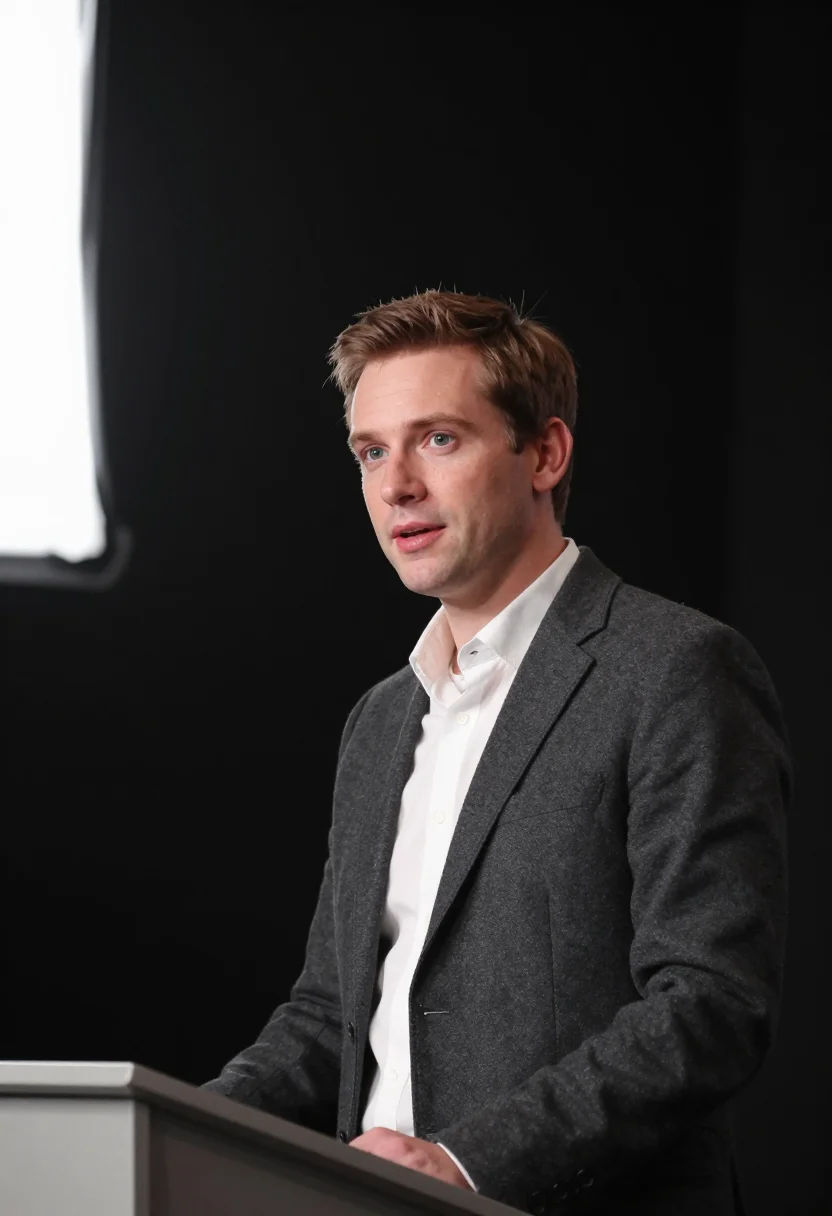
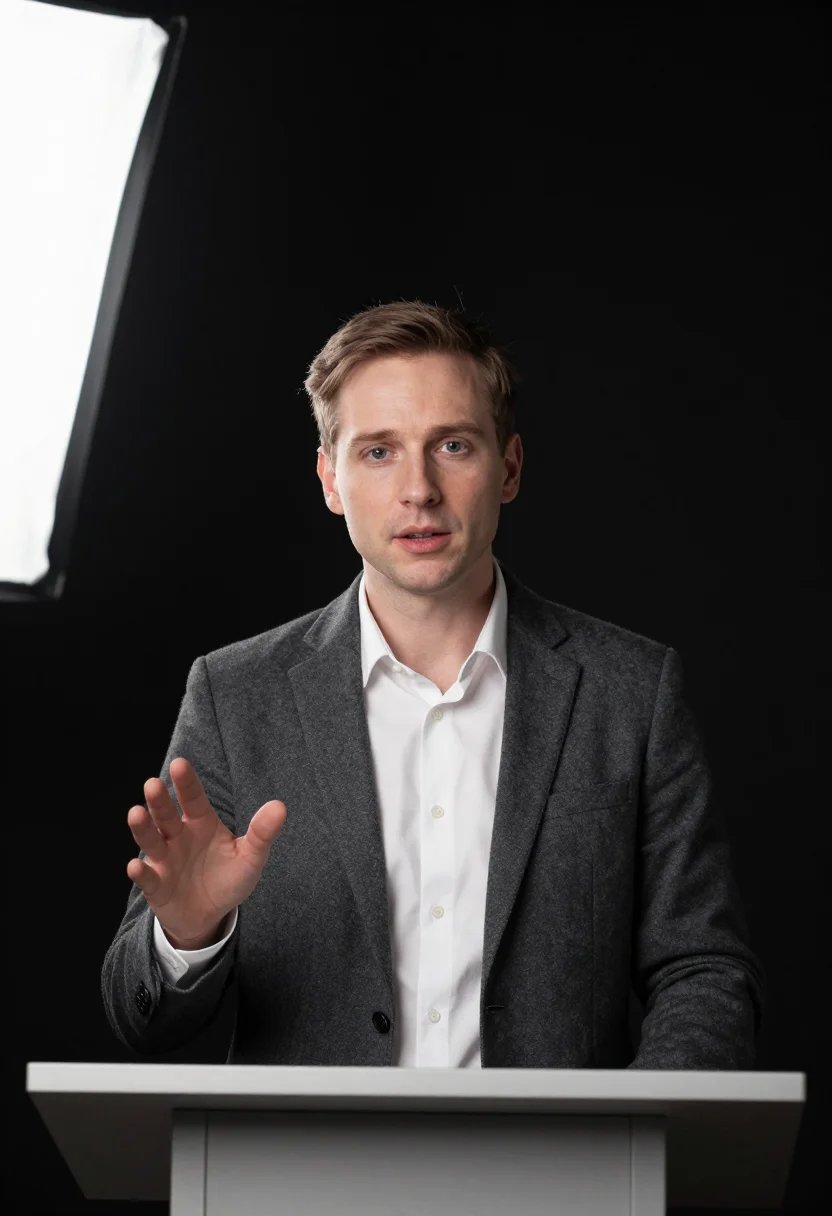
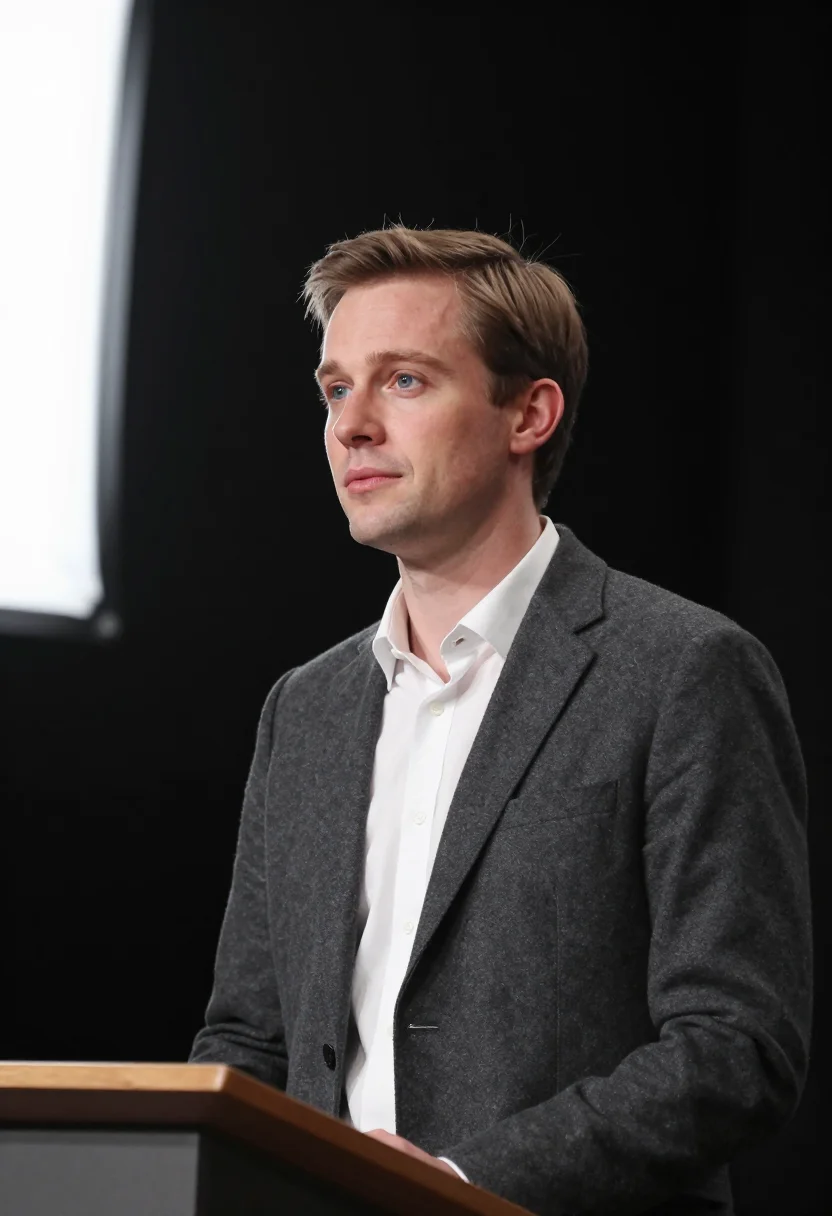
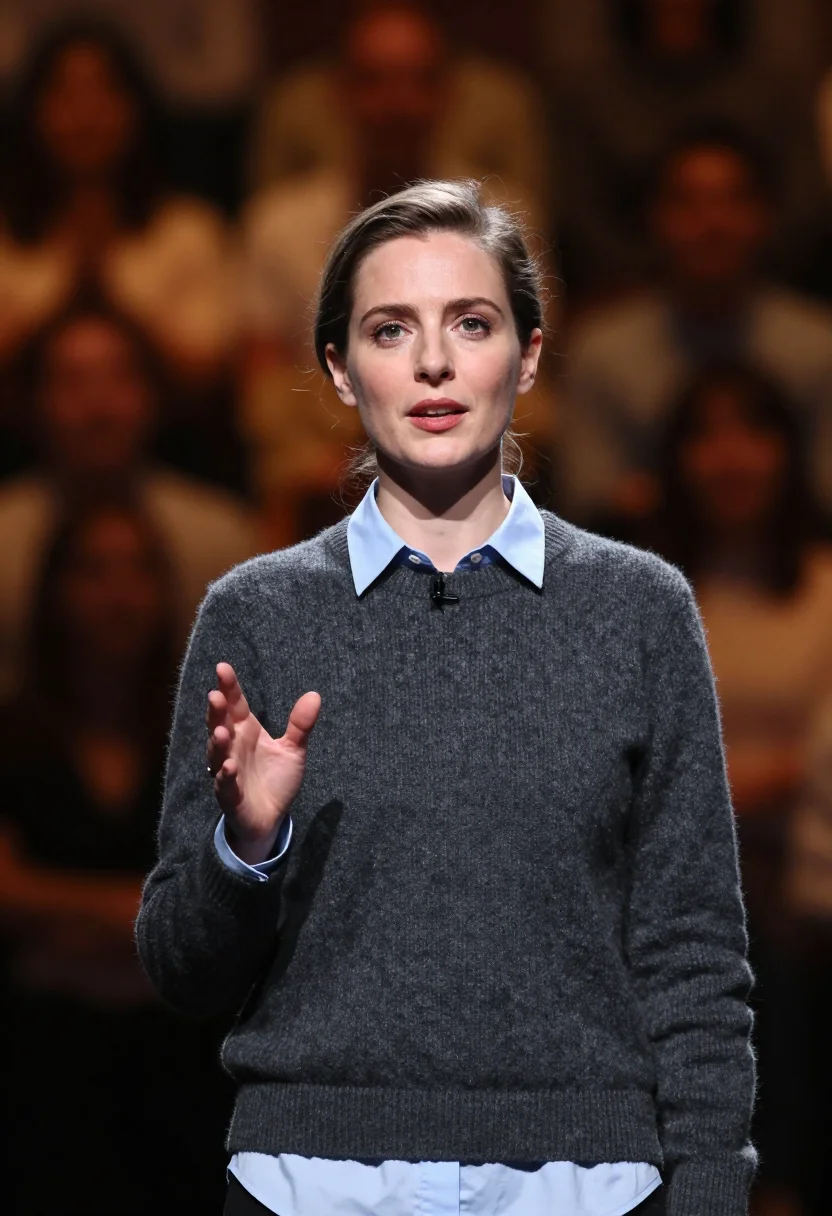
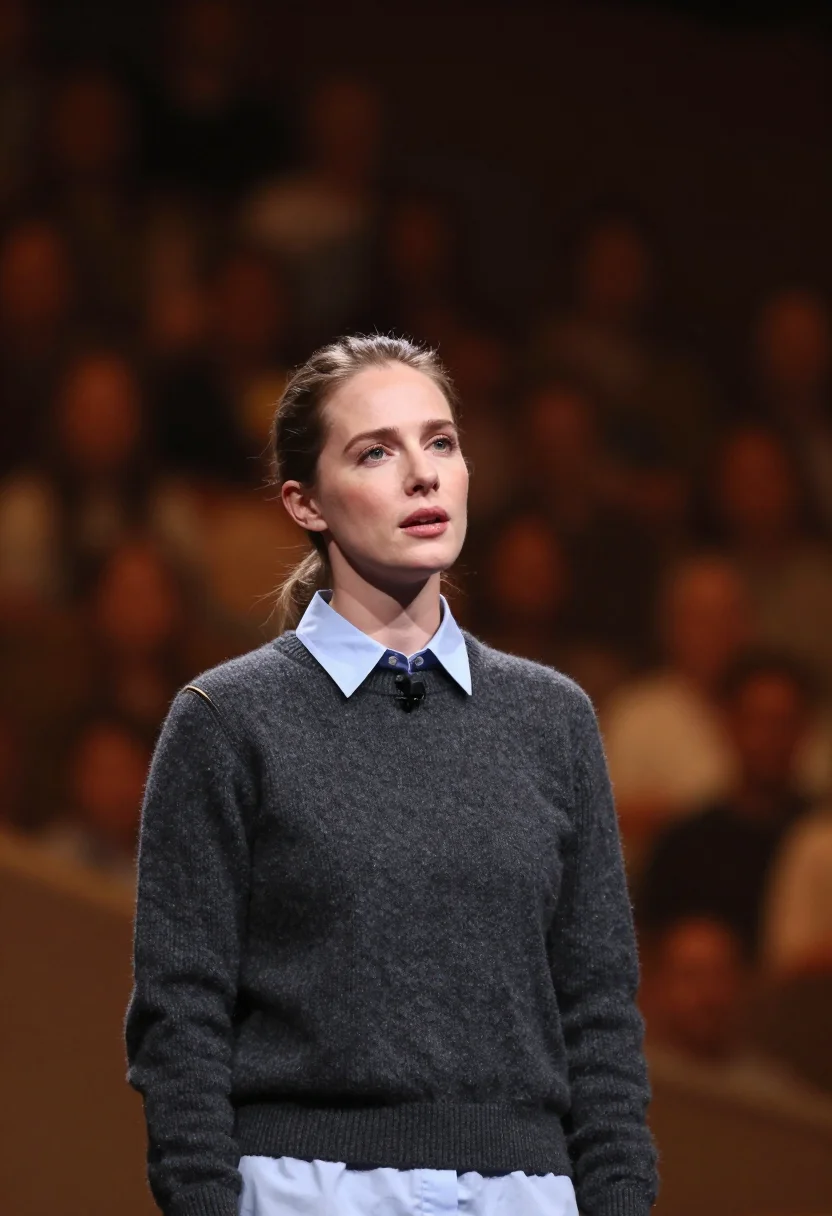
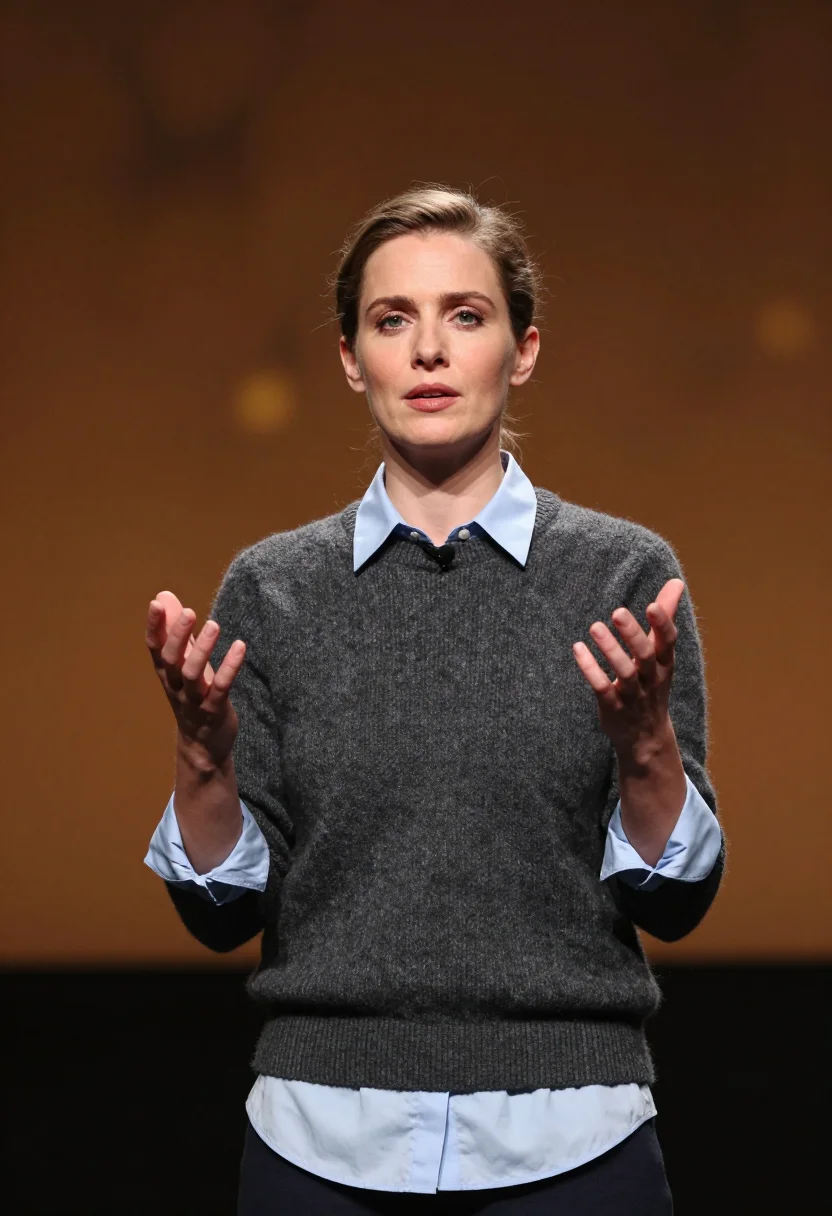
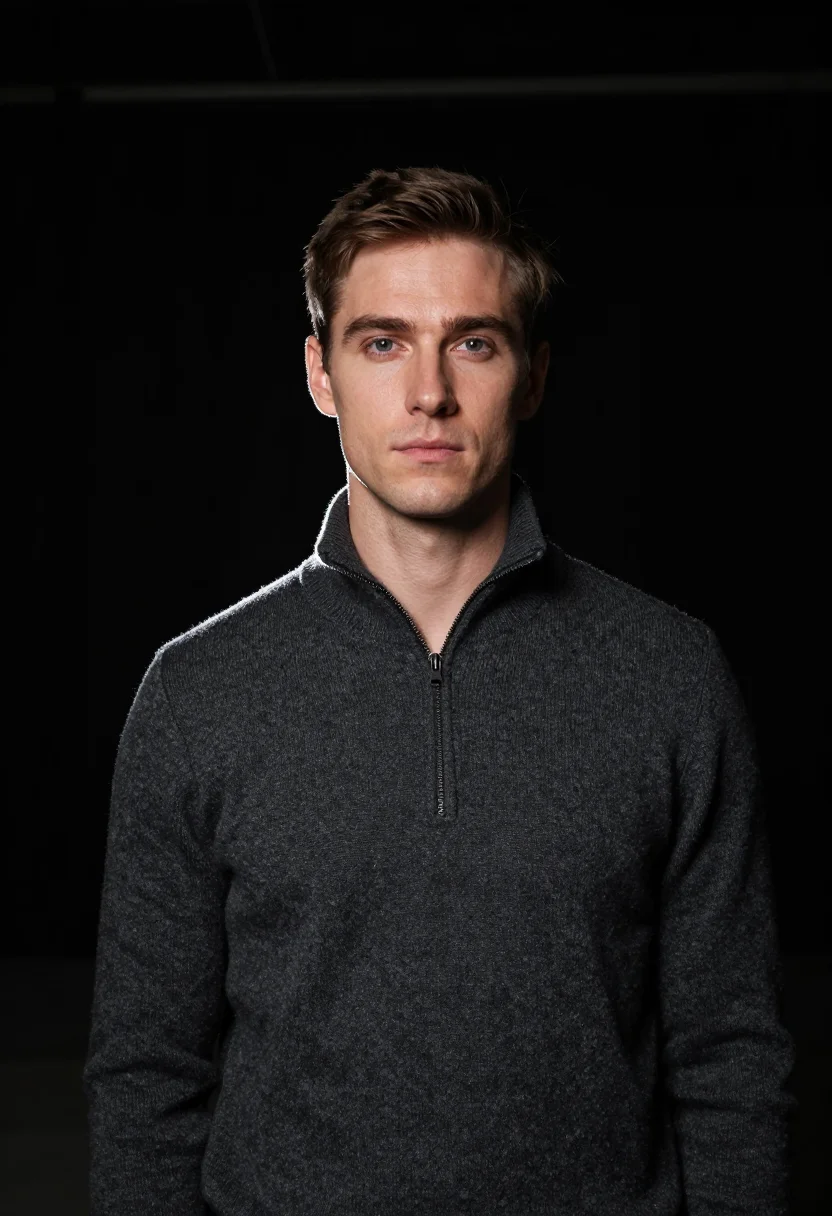
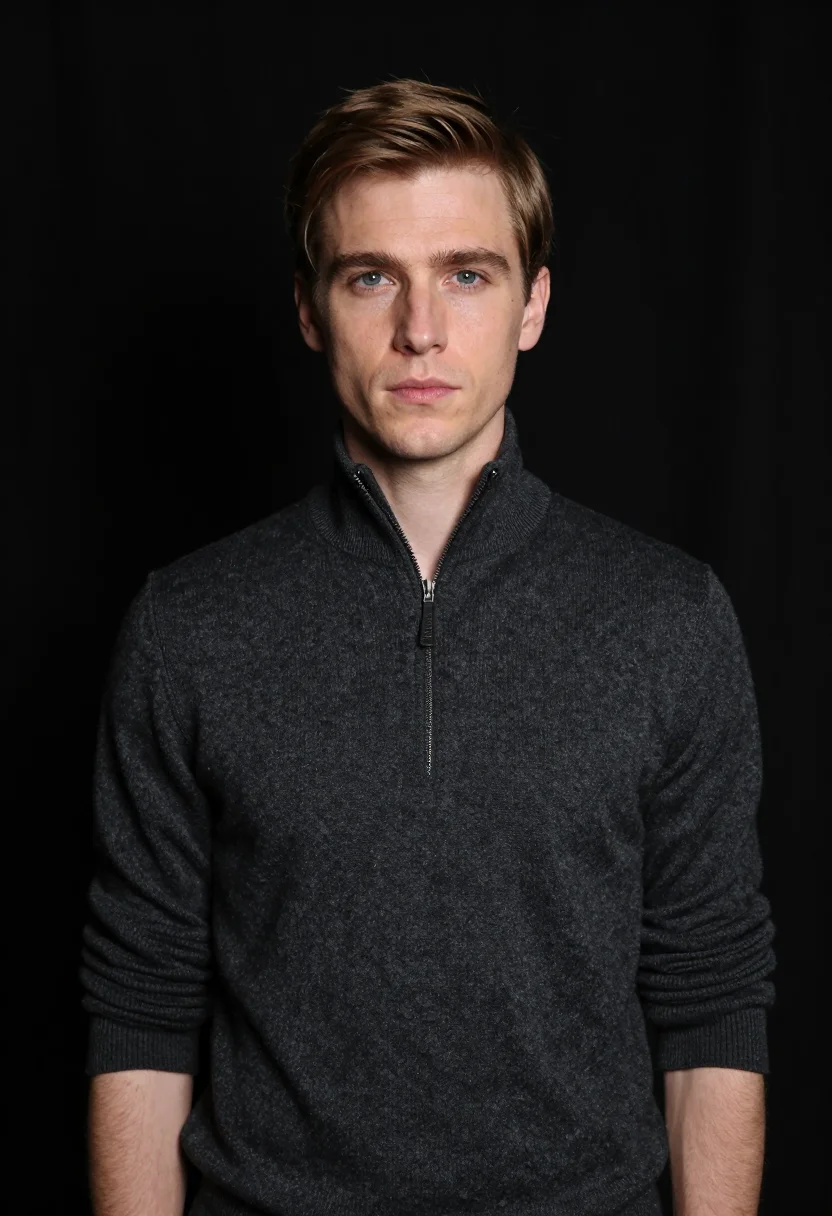
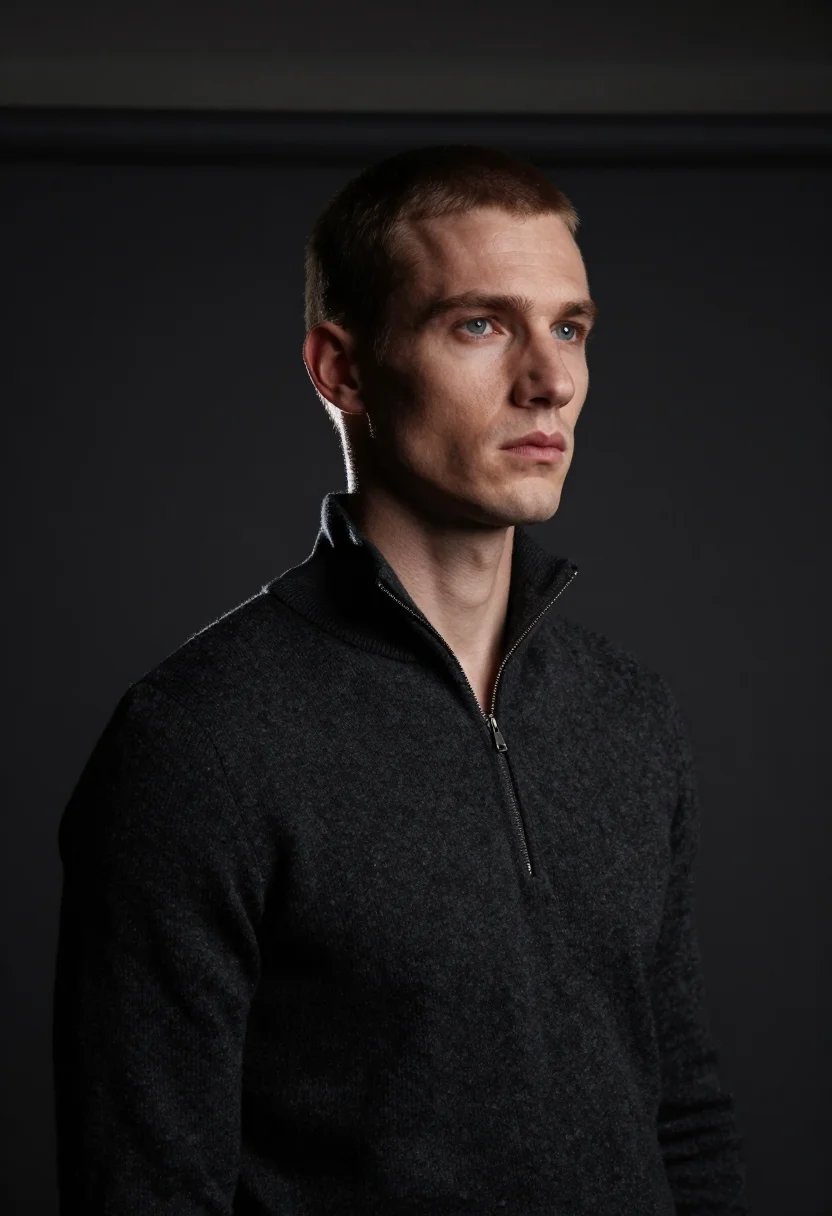
The pack delivers nine editorial speaker portraits in three registers — talk announcement (navy blazer, dark gray cyclorama, headline space above), conference panel (charcoal merino crewneck, slate seamless), tech keynote (charcoal zip-neck, near-black backdrop, single rim-light). Each register holds three portraits.
People use this pack for conference website talk slots, social-share announcement graphics, panel banners, and keynote video stills. Photos are processed on European servers.
/conference-speaker · professional · 3 scenes
AI Conference Speaker Headshot
More like this
one model wears them all →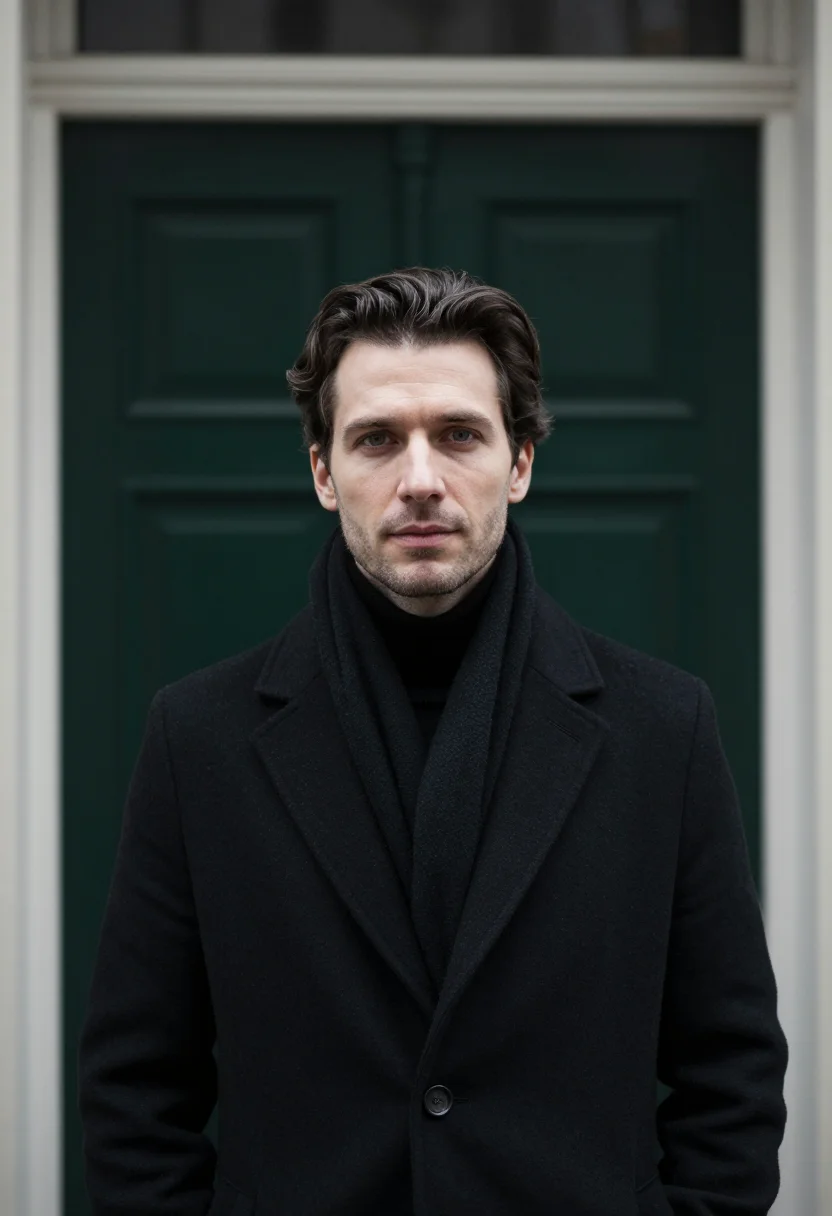
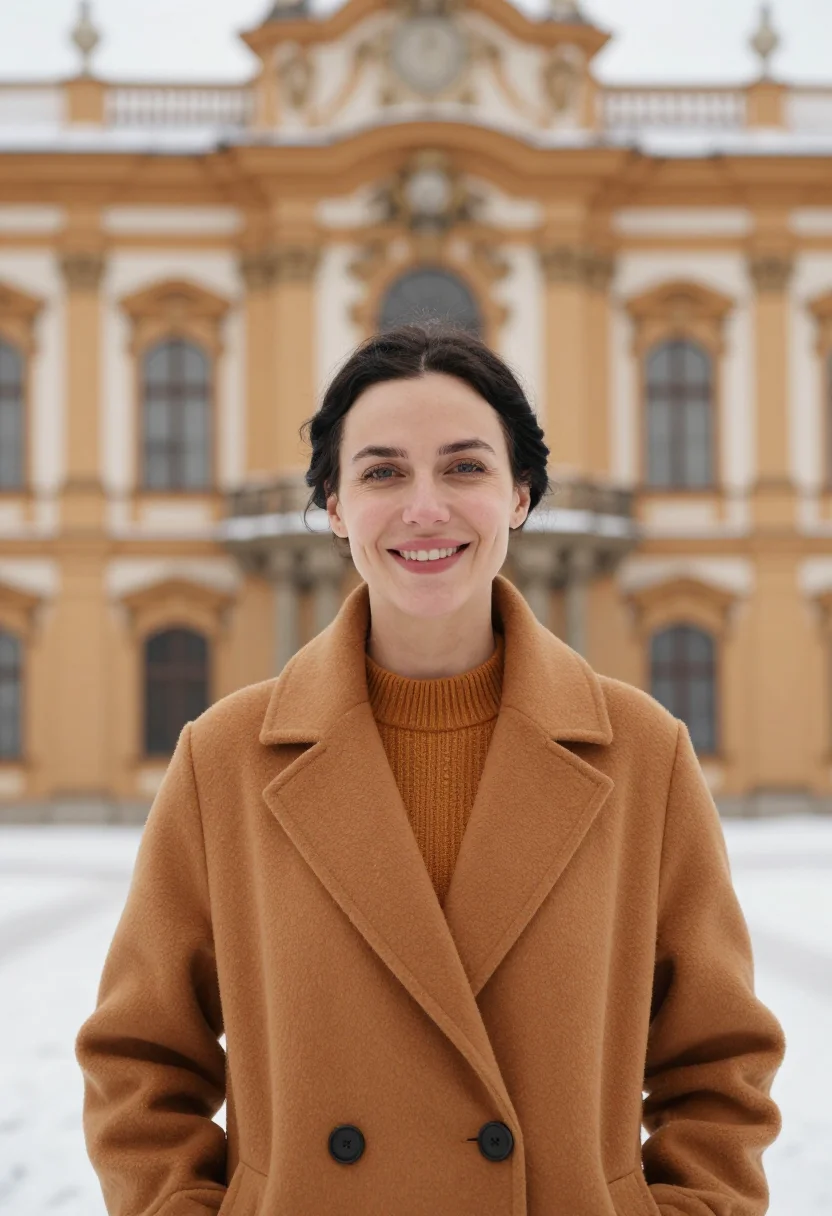
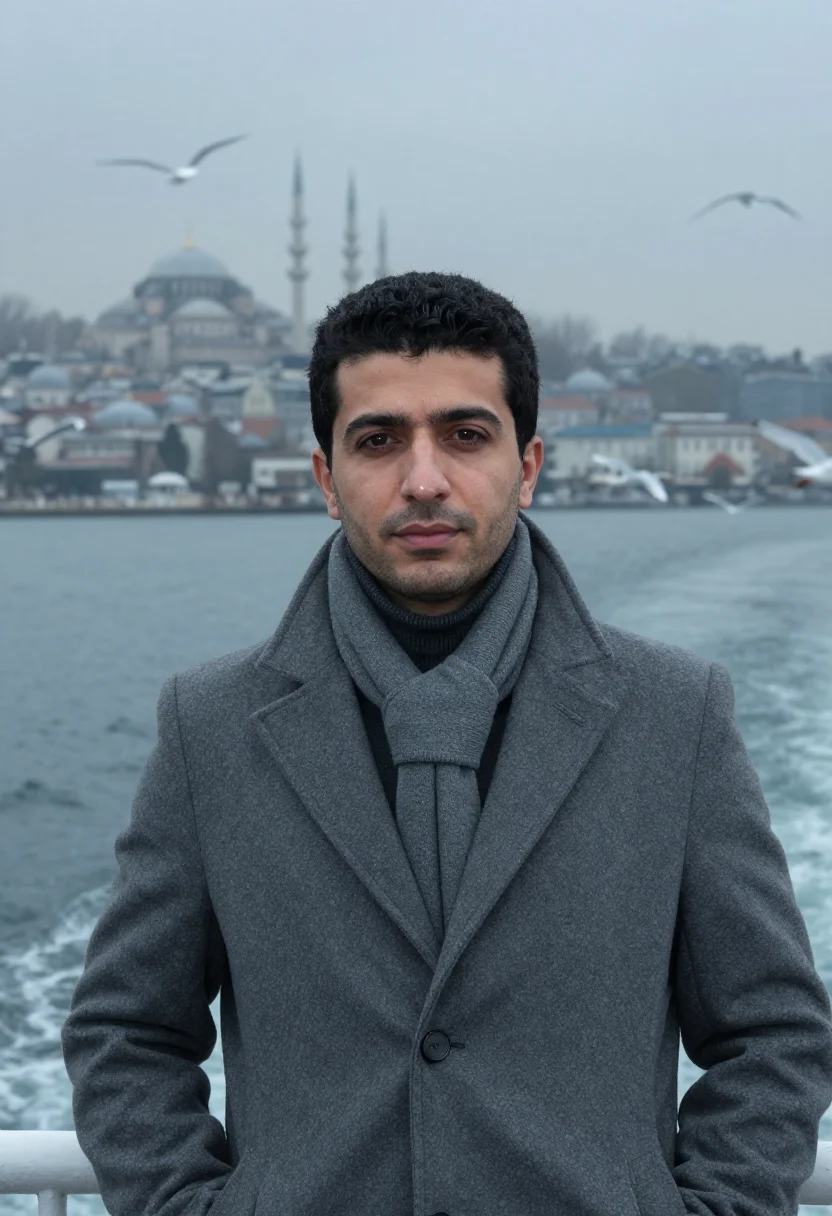
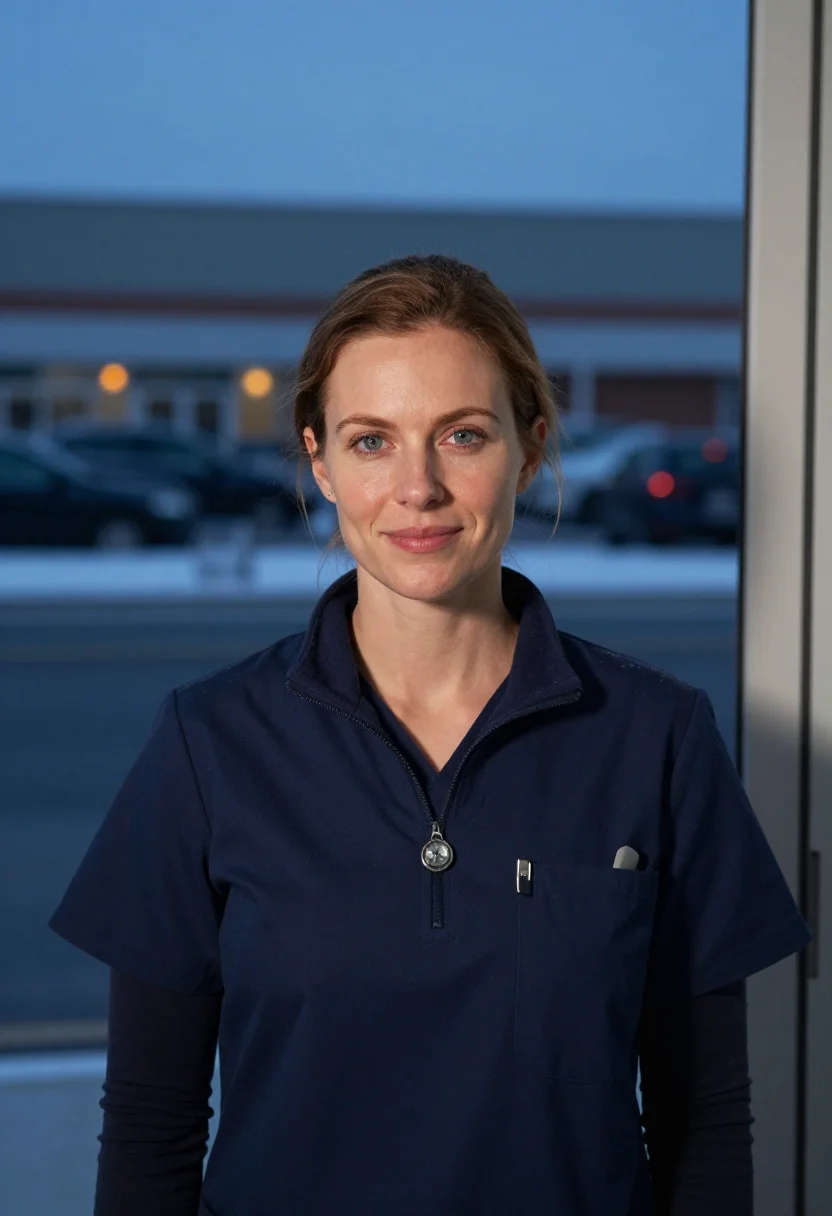
all 9 looks — from one photo ↓
How it works
Three steps. Upload, preview, deliver.
1
Upload 1 to 5 selfies
One is enough. More angles sharpen the likeness.
2
See a free preview
One sample shot in seconds, so you know the likeness works before you pay.
3
Buy and train your model
€9,99 one-time. Buy it, add 12–20 photos to train your model — and we email you the moment your model is ready — your nine are waiting when you come back. After that, every portrait — this pack, every other pack, the Studio — renders in about ten seconds.
The conference speaker register
Conference photography has its own visual grammar, and it is not the same as a standard professional headshot. A speaker portrait needs to do something specific: it needs to land on a dark conference website, inside a programme grid with five other speakers, and immediately read as the person who will hold a room. That is a different ask from "looks professional on LinkedIn." The LinkedIn headshot is all-purpose. The conference speaker portrait is designed for a specific stage.
The pack works across three registers that cover the main conference-photography contexts. The announcement register — navy blazer, dark gray cyclorama, waist-up framing with deliberate negative space above — is built for event design teams: the space above the figure is there to receive a conference title, a talk name, or a date. That is not an accident of composition; it is a deliberate staging choice that makes this portrait usable as a graphic asset, not just a photo. The panel register — charcoal merino crewneck over pale-blue shirt, slate seamless backdrop, soft balanced studio lighting — is the approachable speaker version: direct, squared-up, the portrait that reads well on a conference website speaker page or a LinkedIn bio next to a talk announcement. The keynote register — charcoal zip-neck, near-black backdrop, single rim-light grazing the shoulder from camera-left — is the authority portrait: a keynote speaker photo in the literal sense. Low-key, tonal, premium technology brand register. The kind of headshot that appears next to a CES or TED talk slot.
What all three share is deliberate compositional discipline. Half-length frontal framing, shoulders squared, gaze composed and measured. Not smiling, not performing — present. Conference audiences form an impression of a speaker before they hear a word; the portrait is where that impression is made or not. The pack outputs a photograph of you staged in that register — not a generic speaker silhouette, not an illustration, not a composite. Your face, lit and framed the way conference photography is lit and framed when it is done on purpose.
How to photograph yourself for an AI conference speaker portrait
One front-facing photo is enough. Better source photos produce sharper speaker portraits. The free preview shows you the likeness in seconds.
- Soft, even light from one sidePosition yourself beside a window with indirect daylight — light from one side, gentle shadow on the other. Avoid overhead room lighting and phone flash; both flatten the face and fight the rim-light staging in the keynote register.
- Front-facing at eye level, shoulders squaredCamera at eye level or just below. Shoulders facing the lens, not turned away. The pack uses a half-length frontal framing — an angled or overhead source photo will fight that composition.
- Dark or neutral plain backgroundA plain dark wall or a neutral non-patterned background helps the AI isolate your face cleanly against the pack's cyclorama or seamless. A cluttered background makes the separation harder.
- Wear something close to speaker attireA collared shirt, a clean knit, or a blazer. The pack stages you in dark professional attire; starting from similar clothing in your source photo makes the AI portrait read as more consistent.
- A composed, non-smiling expressionMeasured and present — the way you look on stage before you start talking. Not a neutral blankness, but not a staged smile either. This expression matches the register better than a LinkedIn-profile grin.
Frequently asked questions
- What does the output actually look like — is it photorealistic?
- Photorealistic. The output is a photograph of you in a conference speaker context — not illustrated, not obviously AI-generated. Three registers: the announcement register (navy blazer, dark cyclorama, waist-up framing with negative space above for text overlay), the panel register (charcoal merino crewneck over pale-blue shirt, slate seamless, balanced studio light), and the keynote register (charcoal zip-neck, near-black backdrop, single rim-light grazing the shoulder). The free preview streams in seconds so you can verify the likeness before paying.
- What is this pack specifically built for?
- Talk-announcement graphics, conference website speaker slots, panel-slate banners, keynote slides, and event programs. The announcement register includes deliberate negative space above the figure so event designers can drop a conference title or talk name over it. The other two registers read well at standard headshot contexts: programme pages, LinkedIn speaker bios, social-media announcements.
- Can I use these portraits on LinkedIn, my website speaker page, or a speaker bureau profile?
- Yes — that is the primary secondary use. The three registers give you variety: keynote for the authoritative bio, panel for the approachable speaker-page version, announcement for the social-share graphic when a talk goes live. They are full-resolution with no watermark.
- How does this differ from a standard LinkedIn headshot pack?
- The LinkedIn pack is optimised for a professional profile — neutral backdrops, business-casual attire, all-purpose use. The conference speaker pack is optimised for editorial-conference surfaces: negative space for headline overlay, darker and more dramatic backdrops (near-black, slate), and wardrobe choices that read as "I am about to stand on a stage." If you need both, start with the LinkedIn pack; the conference pack is a supplement for people actively on the speaking circuit.
- What if I speak at tech conferences specifically — is the register right for that?
- The pack was designed with tech conferences as the primary context. The charcoal merino zip-neck and crewneck registers are the dominant speaker wardrobe in that world. The navy blazer announcement register sits at the boundary between tech and business conference. If you speak at investment or finance conferences specifically, the Investor VC Partner pack has a sharper boardroom register.
- How is this different from HeadshotPro, Aragon, or using Midjourney with a "speaker" prompt?
- HeadshotPro and Aragon train a model per shoot — you pay first, upload, wait, and that model serves one delivery. Midjourney generates a speaker-looking person — not you. Narcis shows you a free preview in seconds before you commit anything, then trains your model once — 12–20 photos — and that one model renders this announcement register, every other pack, and the portrait studio, at about ten seconds a portrait. It stays yours: retrain it, delete it, render from it again without paying for another training.
- Can I use the announcement-register portrait directly in a conference promotional graphic?
- Yes. The announcement register is framed waist-up with deliberate negative space above the figure specifically to support headline text overlay. Event design teams use this as a drop-in for speaker announcement graphics without requiring a separate Photoshop session.
- What if I only have a casual selfie to start with?
- One front-facing photo is enough to start. The free preview shows you the likeness in seconds. If the result is off, the prep tips above are the fastest fix — even lighting and a neutral background matter more than camera quality. Multiple well-lit angles sharpen the likeness if you have them.
- Does the pack work for women? For speakers of any background?
- Yes. The prompts do not hard-code gender; the pack adapts to your face. The wardrobe in all three registers — merino crewneck, navy blazer, charcoal zip-neck — reads as contemporary speaker attire across genders. The AI renders the attire as it fits the person in your photo.
- Can I use these for a podcast cover, YouTube channel art, or video thumbnail?
- Yes. The keynote and announcement registers in particular work well for video thumbnail art, podcast cover art, or YouTube banner images — the dark backdrops and clean compositions read at small sizes and at scale.
- What happens to the photo I upload?
- Your preview photo is processed on European servers. If you train your model, those 12–20 photos are used only to train it — nothing else — and are deleted the moment you delete your model. Nothing is sold or shared with third parties.
- Can I use the output commercially?
- Yes. The output is yours. You may use it for professional and commercial purposes — conference programmes, event promotional materials, speaker bureau profiles, social media. See the terms for the full scope.
When the conference speaker pack fits
- For a conference website speaker bio portrait and programme listing photo
- For talk-announcement social graphics where the portrait needs headline-overlay space
- For a LinkedIn post announcing an upcoming conference talk or panel
- For a tech keynote speaker bio in a conference app or printed programme
- For a podcast cover or YouTube channel art with a professional speaker register
- For a speaker bureau profile page portrait
- For a panel discussion bio photo on a moderator or panelist page
- For event-promotional banners using speaker portraits on a dark background
- For updating a speaker headshot that reads as too casual for a conference context
- For a TEDx, industry summit, or corporate event speaker portrait
- For a video thumbnail or webinar announcement graphic with an editorial speaker look
- For a press release or media quote accompanying a conference announcement
About narcis
Most AI portrait tools ship every pose, profession, era, and aesthetic in one giant catalog. The output looks like every other AI photo on the internet — a glaze over a stock face. Narcis goes the other way. One tool, one job: turn photos of you into portraits worth keeping. Drop a selfie and your free preview streams in seconds — a quick sketch: close, not you yet. For portraits that are truly you, train your own model on 12 to 20 photos; it trains in the background, and we email you when it is ready. Train once, render everywhere — this pack, every other pack, and the Studio all come out of that one model, about ten seconds a portrait, and it stays yours to retrain or delete. Each pack is hand-curated against actual references — paintings, photographers, registers — and tested on real faces before it ships. See a free preview before you pay, not after. Packs are one-time — no subscription to buy one; Studio, the unlimited composer, is optional at €12/month and every pack includes 30 days of it. No template generator. Built and run by one team, on our own infrastructure.
All images are AI-generated. By using this service, you confirm you are 18+, that any face photo you upload is your own or used with explicit consent. Full Terms