AI Indie Hacker Generator — Free Preview First, Your Own Model
See Your Free Preview in Seconds, Before You Pay
Train Your Model Once, Then Nine Indie Hacker Portraits
Studio-Quality Results Without a Studio Visit
Narcis generates a free preview of your indie hacker from one uploaded photo — in seconds, a quick sketch, close but not you yet. To unlock the full pack, you train your model: 12–20 photos, about and we email you when your model is ready. From then on, every indie hacker portrait — this pack, every other pack, the portrait studio — renders from your model in about ten seconds.
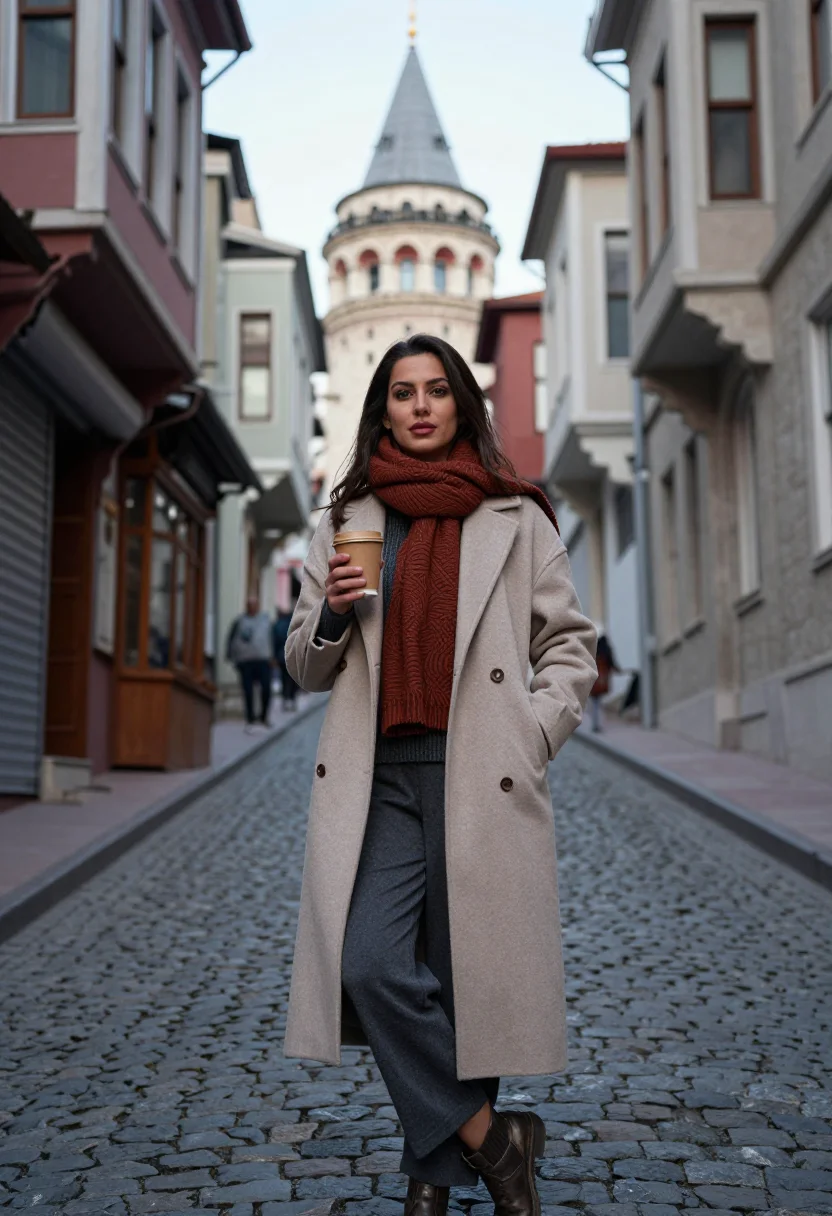
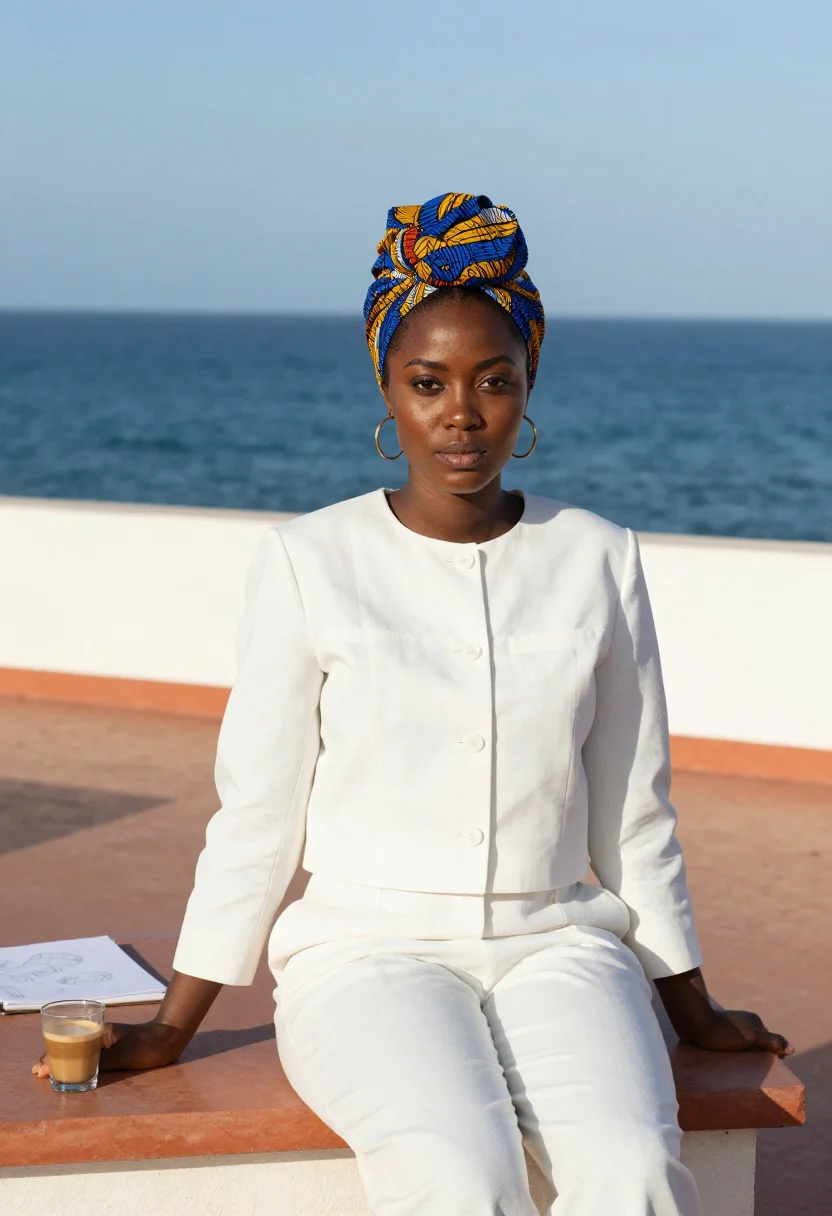
The pack is nine professional indie hacker rendered in portrait aspect ratio (2:3) — the shape LinkedIn banners, CVs, and print profiles actually use. Each image shows varied crops, expressions, and light angles so you have real choices, not nine identical files.
Your preview photo is processed on European servers; training photos train your model and nothing else. We do not share your photos with third parties.
/indie-hacker · professional · 3 scenes
A profile picture for the person behind the product
More like this
one model wears them all →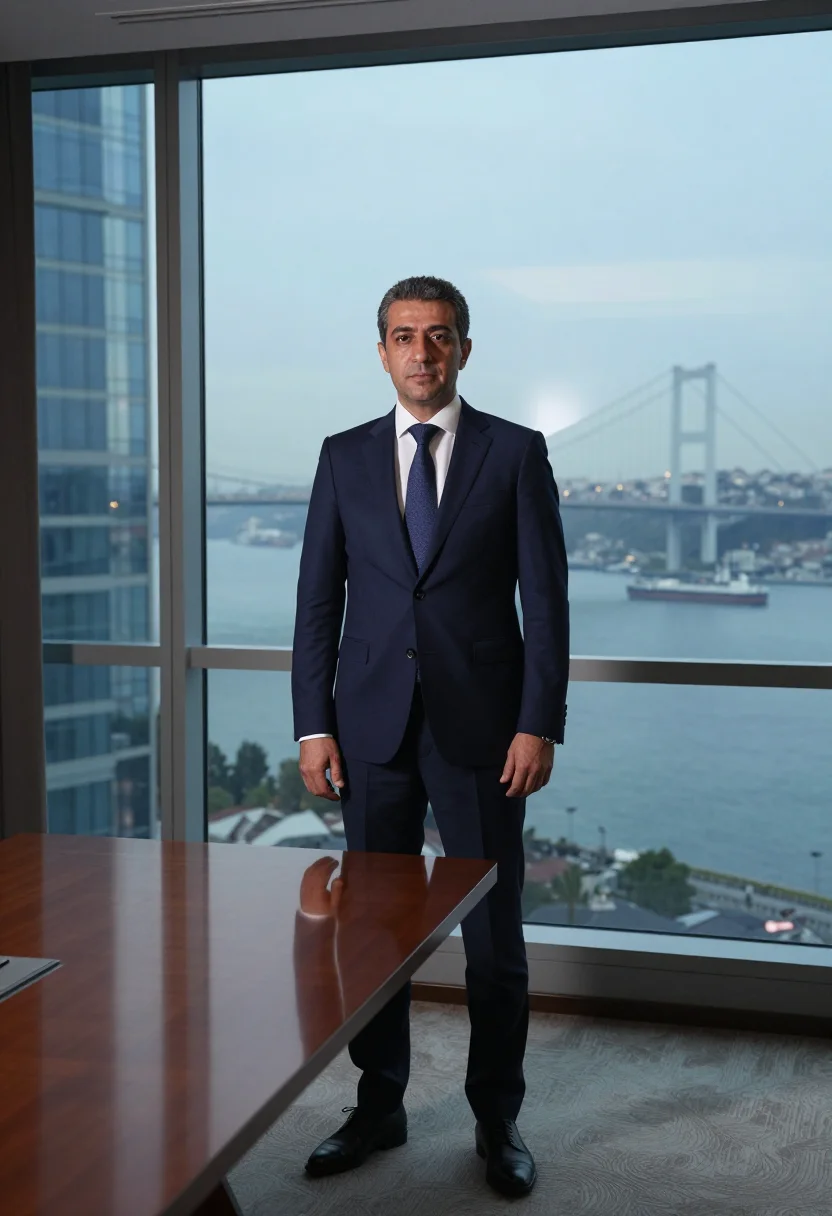
all 9 looks — from one photo ↓
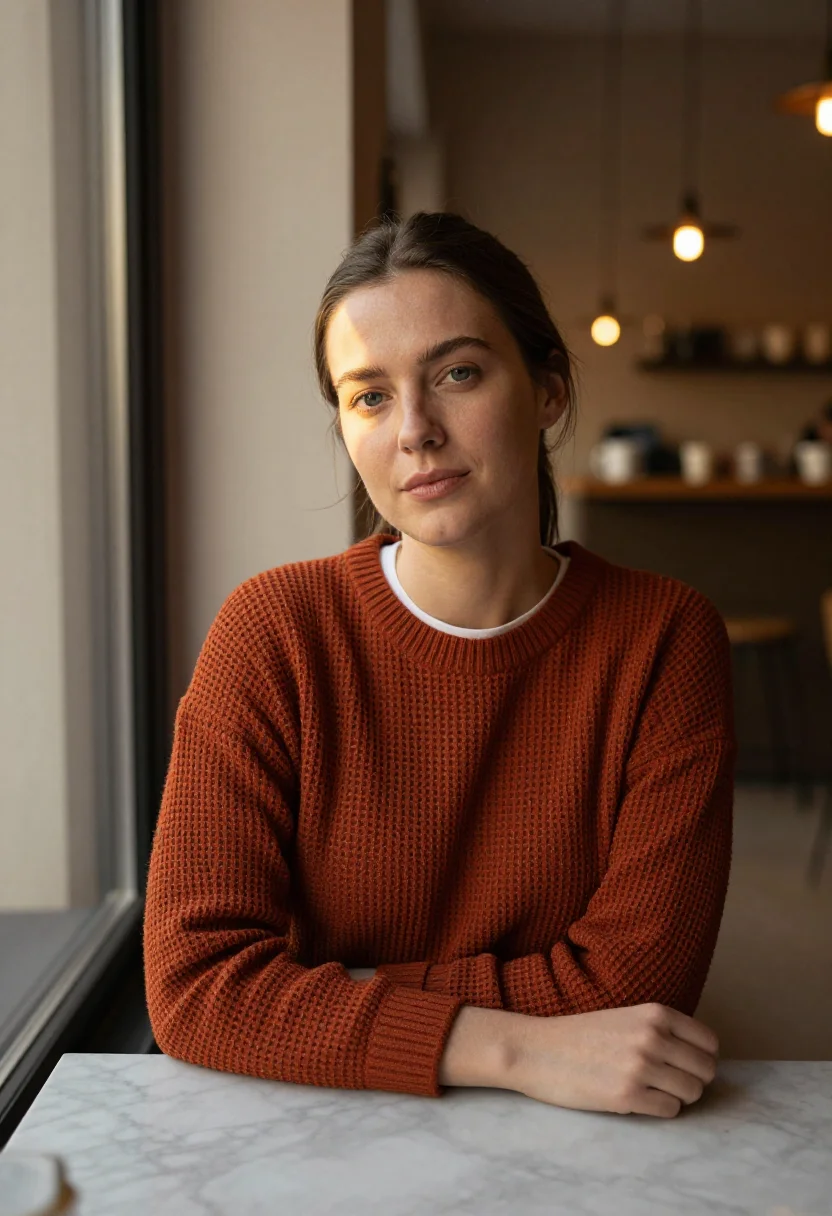
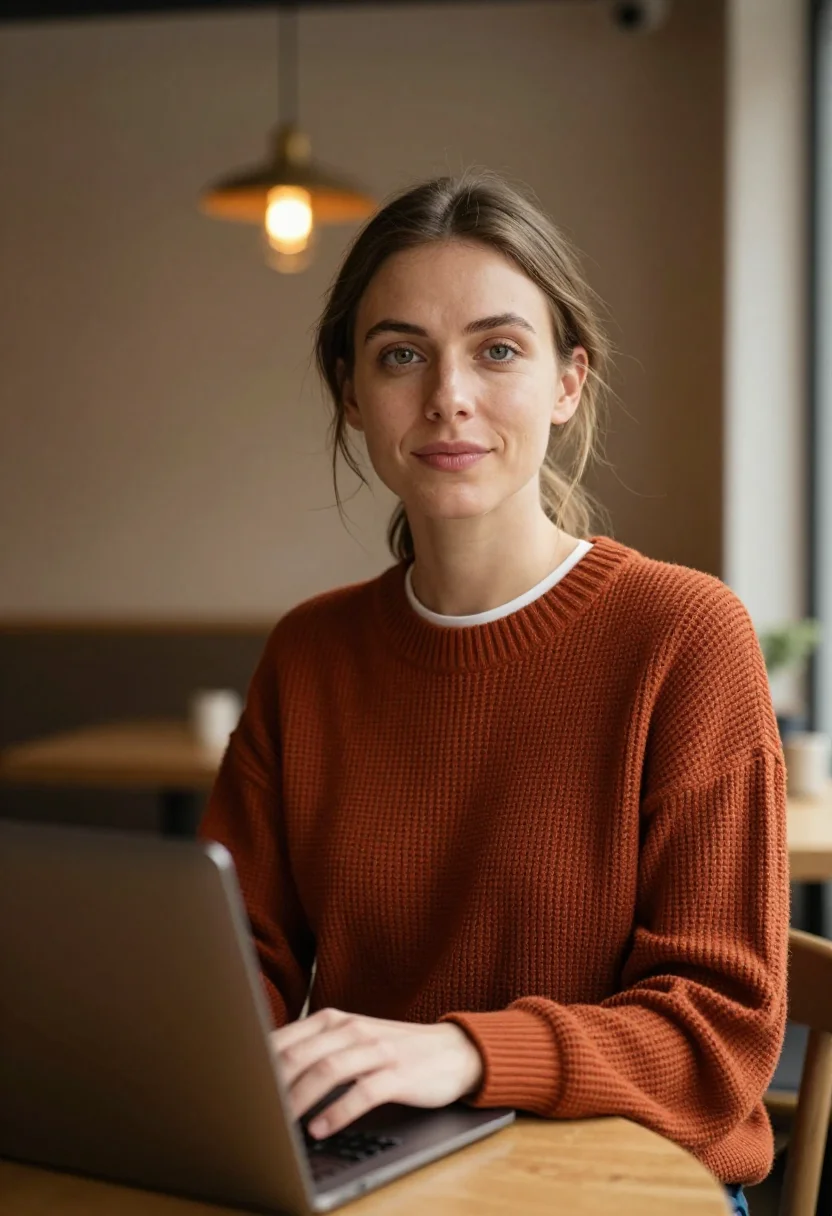
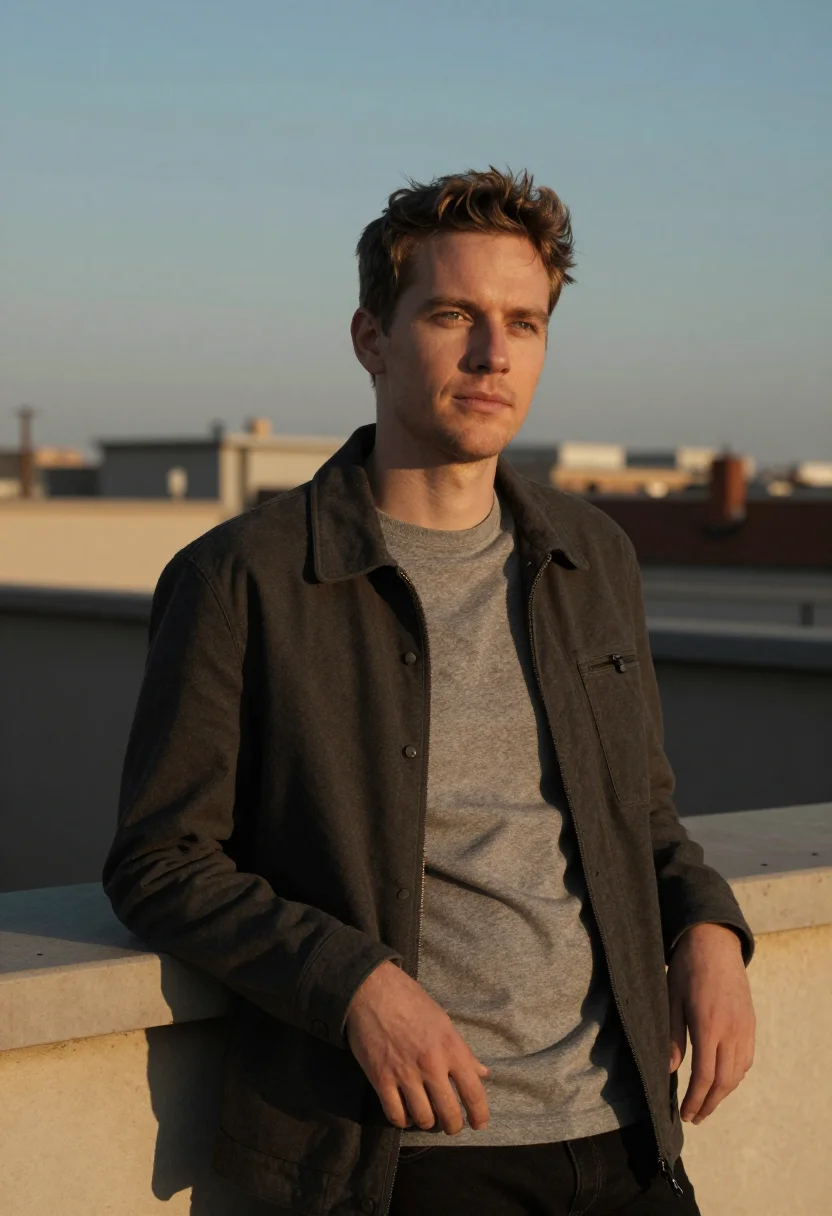
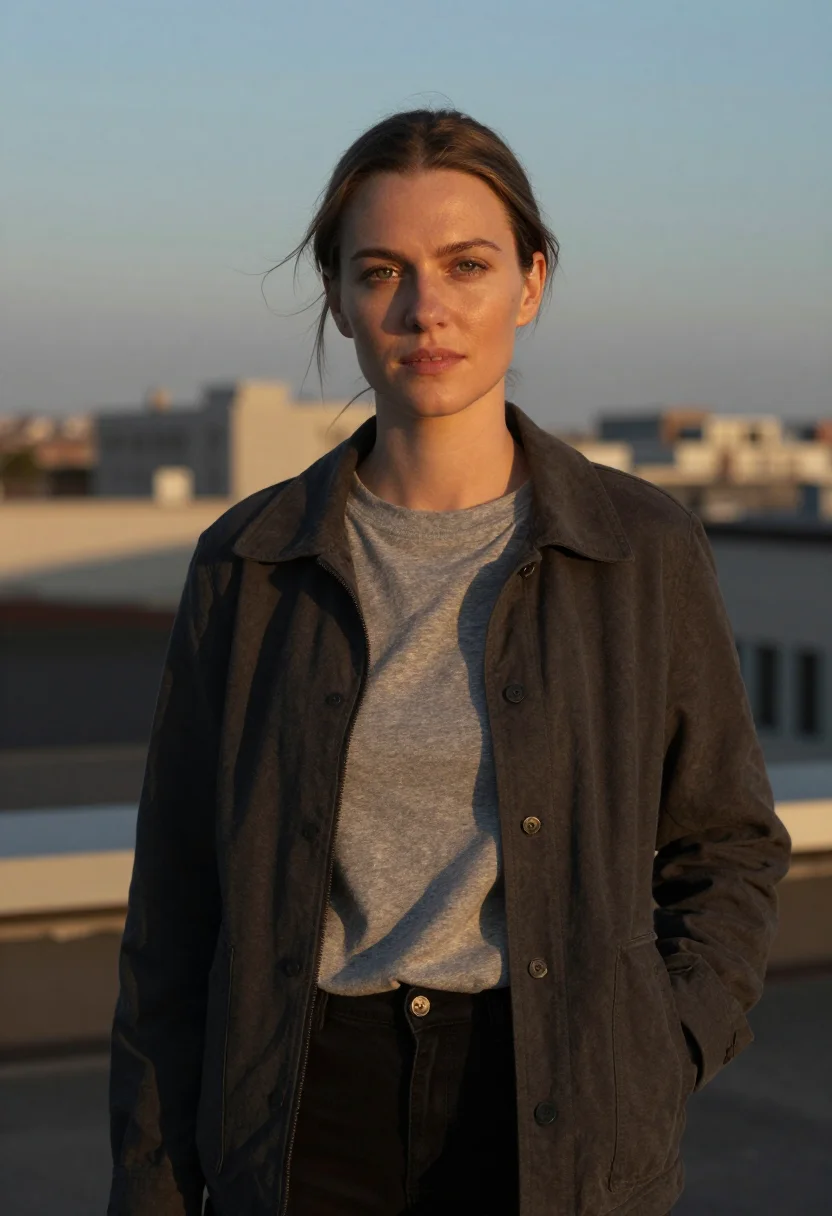
How it works
Three steps. Upload, preview, deliver.
1
Drop a selfie
Your free preview streams in seconds — a quick sketch: close, not you yet.
2
Train your model
Add 12–20 photos of yourself. Your model trains in the background — safe to leave, we email you when your model is ready.
3
Nine Indie Hacker portraits, truly you
Every shot renders from your model in about ten seconds — this pack, every other pack, and the Studio.
The indie-hacker register
An indie hacker's profile picture does a specific job. It sits next to a build-in-public thread, a Product Hunt launch, a personal site that ships something real. The people looking at it are deciding, fast, whether you're a real person who builds things or a faceless landing page. A cartoon avatar says nothing; a stiff corporate headshot says the opposite of what a bootstrapper wants to say. The right register reads as someone in the middle of making something — present, capable, unpretentious.
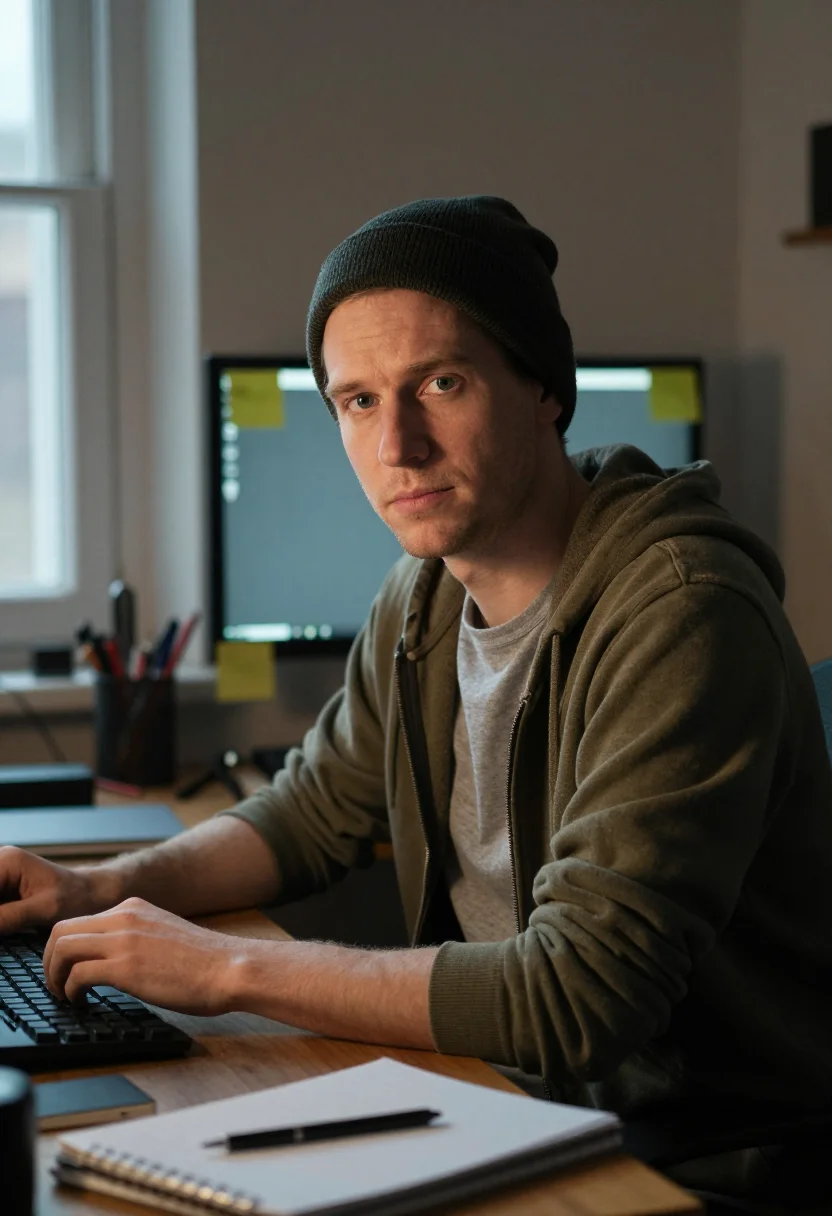
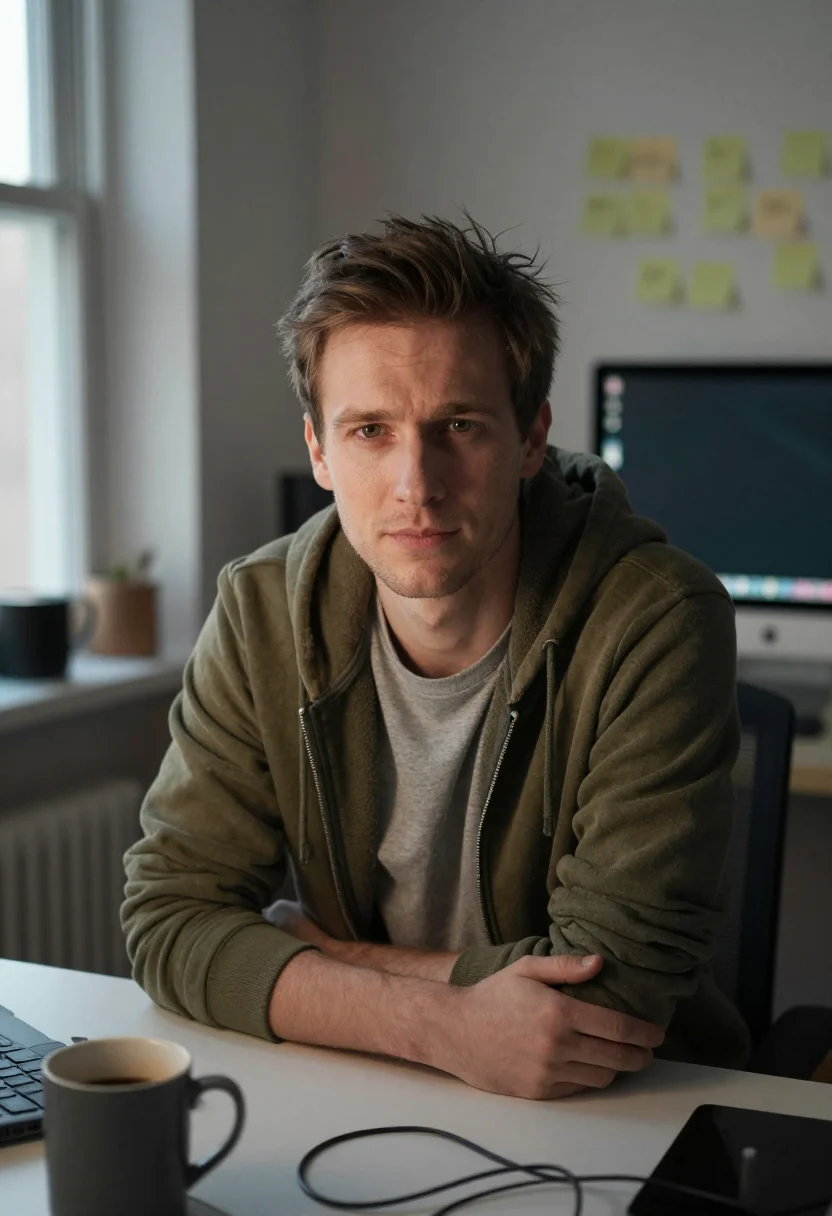
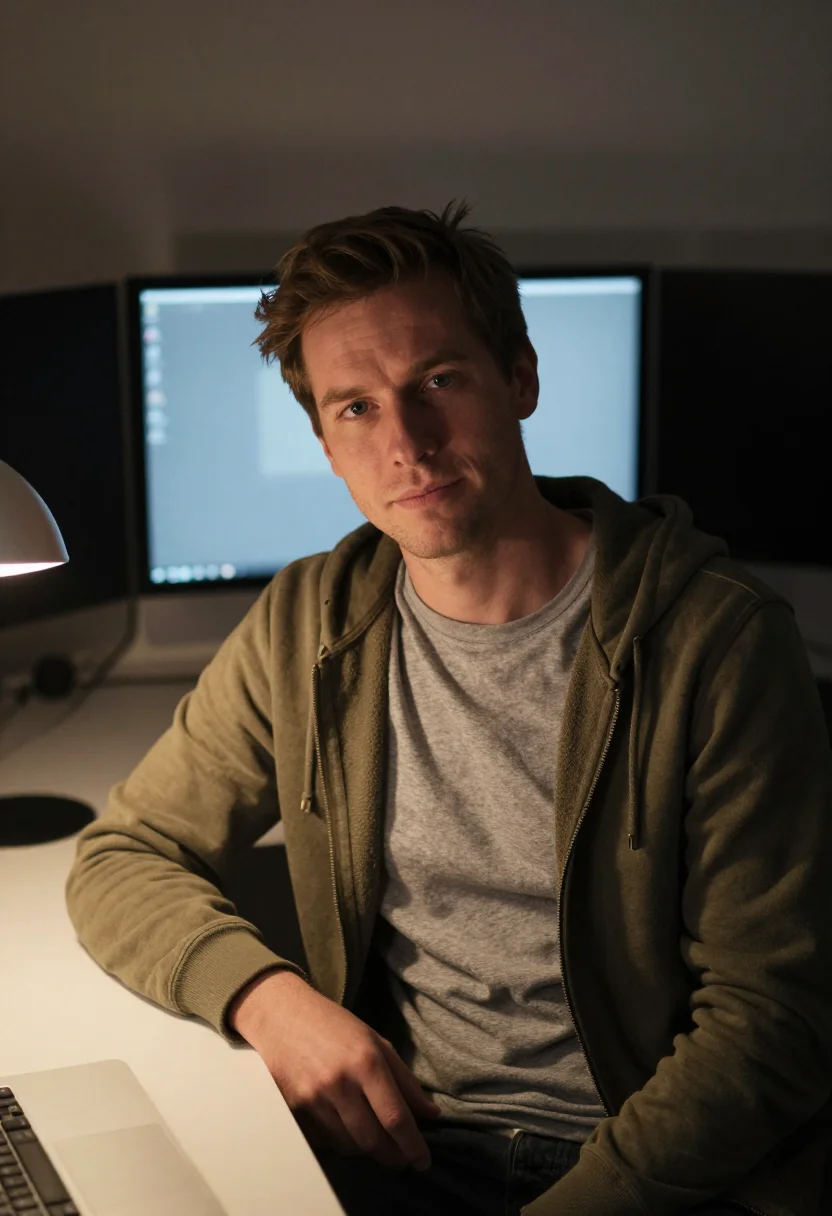
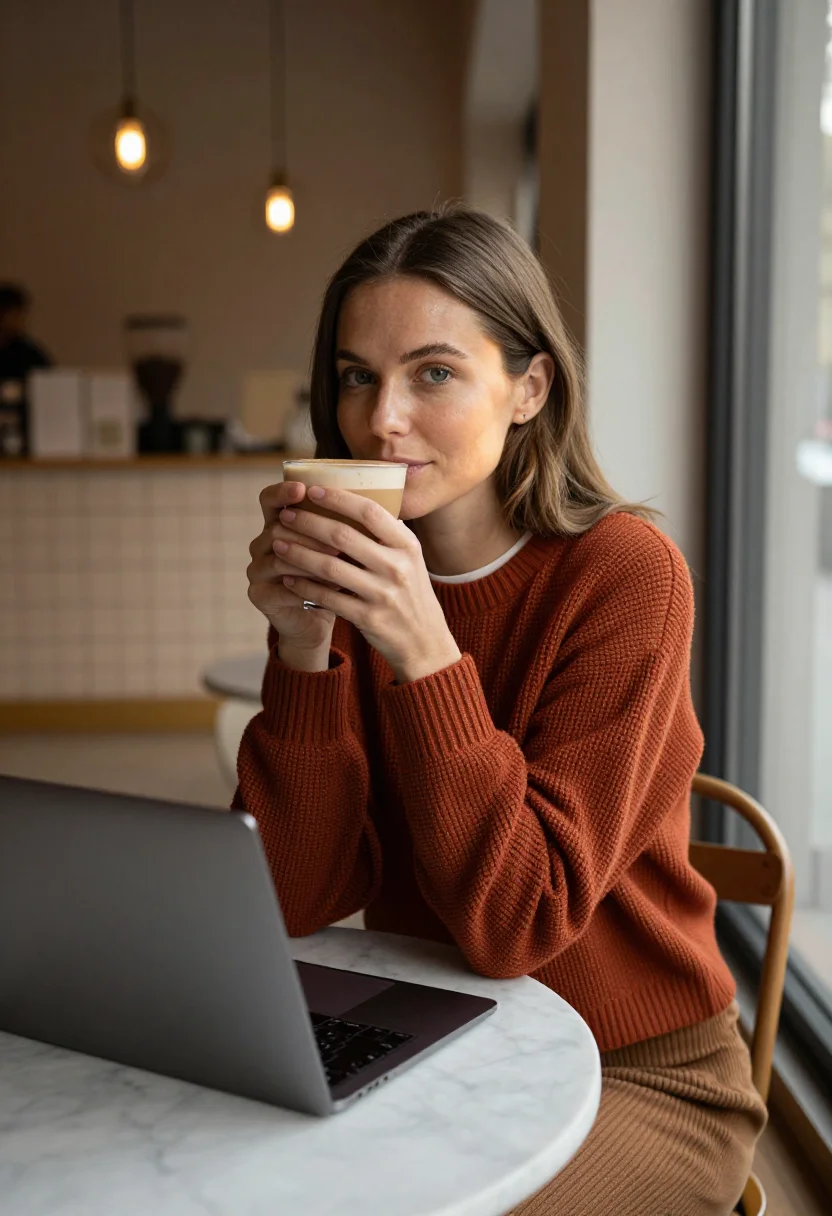
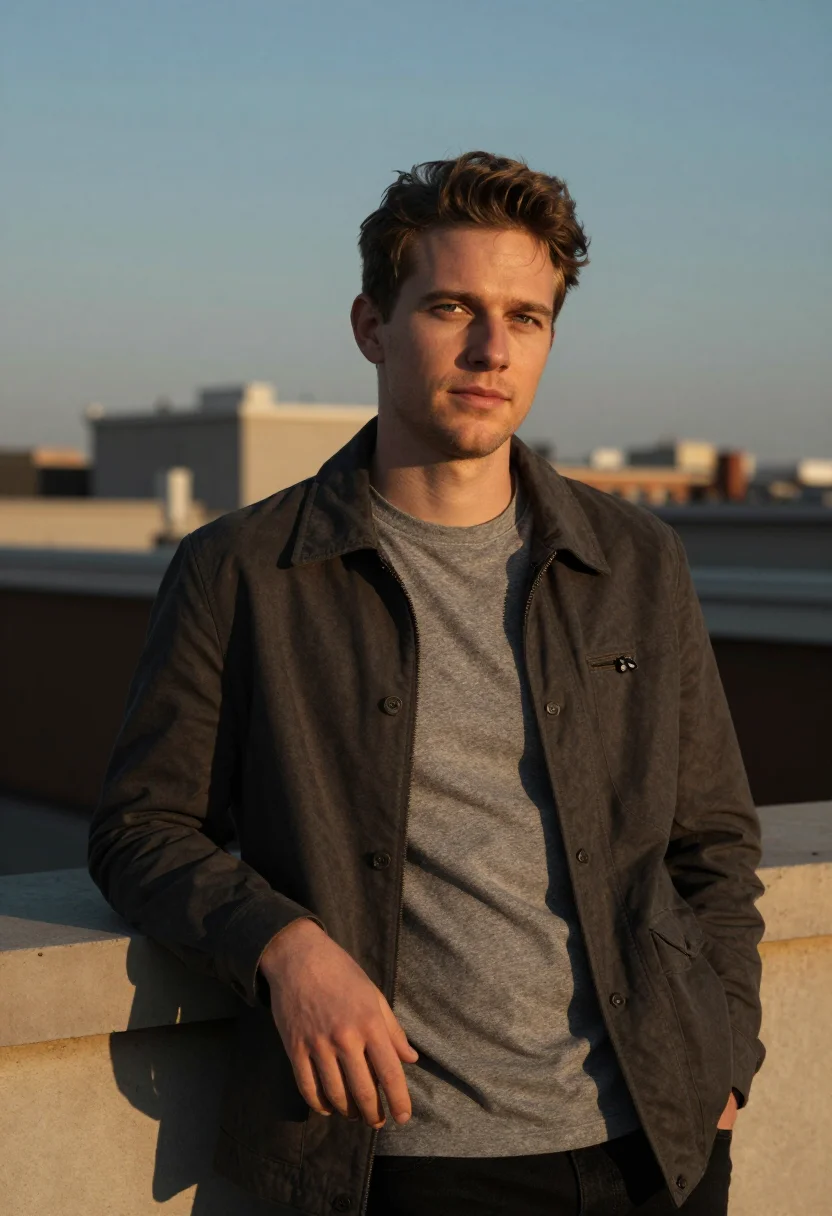
The output is a photograph of you, not an illustration and not a filter. Three registers cover where a maker's profile picture actually appears. The home workshop is the core: a lived-in desk, a defocused monitor glow, sticky-notes and tangled cables softly behind, a worn zip hoodie — the photo that says 'this is where the work happens', the one for an X profile or a build-in-public masthead. The cafe corner moves you out of the house: warm window light, a closed laptop, pendant bokeh behind — approachable and contemporary, the photo for a Product Hunt maker page or a founder bio. The rooftop at golden hour is the aspirational one: a field jacket, a defocused city skyline, warm low sun — the photo for a launch announcement or a personal-site hero.
Photographically this means half-length and close framing, soft directional light with a warm key, a catchlight in each eye and a sheen on the cheekbone so the skin reads alive, and a background graded a shade off the subject so the figure lifts by tone. The wardrobe is real — a hoodie, a waffle knit, a field jacket — the clothes a maker actually wears, not a costume. Where a corporate headshot performs polish, this register performs presence.
If you want a formal professional headshot — suit, neutral studio, the LinkedIn-optimised register — the LinkedIn Headshots pack is the better fit. If you want a casual GitHub avatar for a contributor profile, the GitHub Profile Picture pack covers that. This pack is the maker's own register: the photo that reads as the person behind the product.
How to photograph yourself for an indie-hacker profile picture
Better source photos make better portraits. The pack works with imperfect inputs — the free preview tells you in seconds — but a few things help.
- Soft window light, camera at eye levelIndirect daylight from a window to one side is ideal. Avoid your webcam's built-in light and overhead bulbs — both flatten the face. Hold the camera at eye level, not angled up from a laptop.
- Front or three-quarter angleFace the lens straight on or turn a quarter toward it. No selfie-stick uplook, no overhead. The pack renders close and half-length crops, so fill the frame with your face and upper body.
- Plain backgroundA plain wall or your softly out-of-focus desk works. The AI anchors on your face and replaces the background with the pack's workshop, cafe, and rooftop settings. A background with other people in it makes the face harder to isolate.
- A relaxed, present expressionLook at the lens with an easy, natural expression — not a posed smile, not a flat stare. Think about how you look when you're talking about a project you're excited to ship.
- Wear what you actually wearThe register is a hoodie, a knit, a field jacket — not a suit. A source photo already in that casual register sharpens the result. Upload two or three photos from slightly different angles if you have them.
Frequently asked questions
- What's the difference between the free preview and the paid pack?
- The preview is one photo generated from your uploaded face, shown in seconds — a quick sketch, close but not you yet. To unlock the full pack you train your model: 12–20 photos, and we email you when your model is ready. From then on, every photo — home workshop, cafe corner, rooftop golden hour — renders from your model in about ten seconds.
- Is the output photorealistic or AI-looking?
- Photorealistic. The output is a photograph of you, staged in maker-appropriate settings — a lived-in home workshop, a warm cafe corner, a rooftop at golden hour. No filters, no illustration, no heavy stylistic treatment. It reads like a photo a friend with a good camera took of you in a real place.
- Can I use this as my X (Twitter) or Product Hunt profile picture?
- Yes — that's the primary use. The register is built for build-in-public and maker contexts: a real photo that reads as present and capable rather than corporate. The close framing reads clearly at the small circular crop X and most platforms use.
- How is this different from a generic AI profile picture generator?
- Most AI profile picture generators give you a single generic register, or a stylised avatar that looks AI-made at a glance. This pack is calibrated for the indie-hacker register specifically: real wardrobe, lived-in maker settings, an unpretentious present expression. Your face stays the anchor; the staging is tuned for where a maker's photo actually appears.
- I want a formal professional headshot, not a casual maker photo. Is this the right pack?
- Honest answer: not quite. This pack is deliberately casual — hoodie, knit, field jacket; workshop, cafe, rooftop. If you need a formal headshot in business attire for a corporate or investor context, the LinkedIn Headshots pack uses that register. If you want a clean tech-professional headshot, the Software Engineer Headshot pack sits between the two.
- Does it work for solopreneurs, bootstrappers, and indie developers specifically?
- Yes — those are the primary users. The home-workshop register in particular reads well for solo builders: it communicates 'a real person in a real setup' rather than a corporate-produced headshot. It scales from a one-person project to a small bootstrapped team page.
- How is this different from running my photo through Midjourney or Stable Diffusion with an 'indie hacker' prompt?
- Text-to-image tools produce whatever the model associates with the words, which varies unpredictably between runs and often looks AI-generated. This pack uses three specific curated registers as the visual target — the output is consistent across all nine photos and tuned to where a maker's photo appears: X, Product Hunt, personal sites. Your face stays the anchor.
- Can I use one photo or do I need several?
- One clear, front-facing photo is enough for your free preview, and it tells you in seconds whether the likeness lands. To unlock the full pack, you train your model on 12–20 photos — that's what every portrait afterward renders from.
- Is the output safe to use commercially — on a launch, a product site, in press?
- Yes. The output is yours. Launch pages, product sites, press coverage, and maker profiles are all permitted uses. See the terms for the full scope.
- What happens to the photo I upload?
- Your preview photo is processed on European servers. If you train a model, those 12–20 photos are used to train your model and nothing else — delete your model and they go with it. Never sold, never shared with third parties.
When the indie-hacker pack fits
- An X (Twitter) profile picture for build-in-public posting — a photo that reads as a real maker, not a logo.
- A Product Hunt maker profile, indie-platform bio, or solopreneur directory listing.
- A personal site or landing-page 'About' photo for a solo founder or bootstrapper.
- A GitHub or dev-platform avatar where you want a real photo with a maker's register rather than a corporate one.
- A launch announcement, newsletter masthead, or build-in-public thread header where the photo carries the personal brand.
- A podcast-guest or indie-community bio where 'real person who ships' beats 'polished corporate headshot'.
- A replacement for a cartoon avatar, identicon, or cropped group photo currently standing in for your face.
About narcis
Most AI portrait tools ship every pose, profession, era, and aesthetic in one giant catalog. The output looks like every other AI photo on the internet — a glaze over a stock face. Narcis goes the other way. One tool, one job: turn photos of you into portraits worth keeping. Drop a selfie and your free preview streams in seconds — a quick sketch: close, not you yet. For portraits that are truly you, train your own model on 12 to 20 photos; it trains in the background, and we email you when it is ready. Train once, render everywhere — this pack, every other pack, and the Studio all come out of that one model, about ten seconds a portrait, and it stays yours to retrain or delete. Each pack is hand-curated against actual references — paintings, photographers, registers — and tested on real faces before it ships. See a free preview before you pay, not after. Packs are one-time — no subscription to buy one; Studio, the unlimited composer, is optional at €12/month and every pack includes 30 days of it. No template generator. Built and run by one team, on our own infrastructure.
All images are AI-generated. By using this service, you confirm you are 18+, that any face photo you upload is your own or used with explicit consent. Full Terms